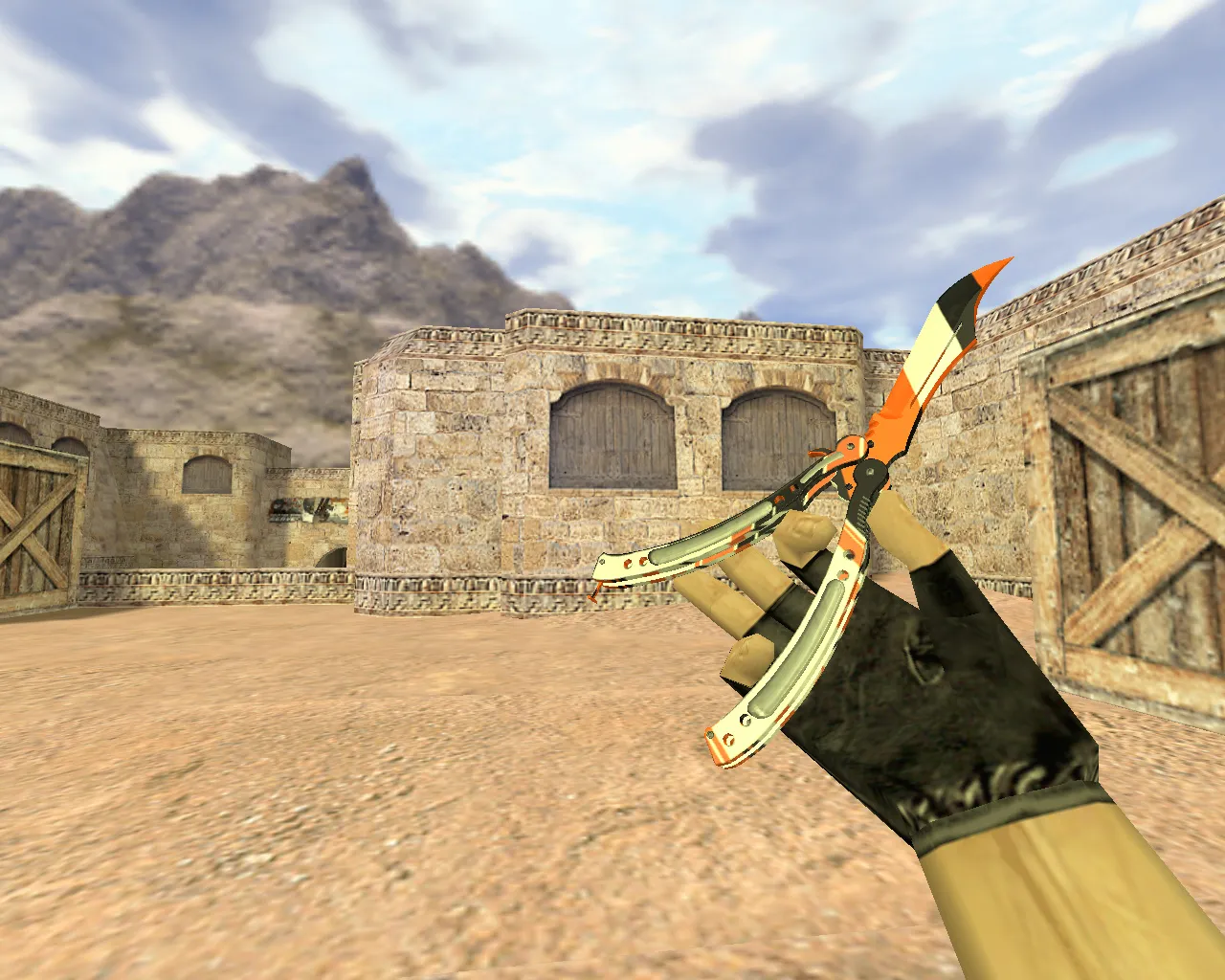
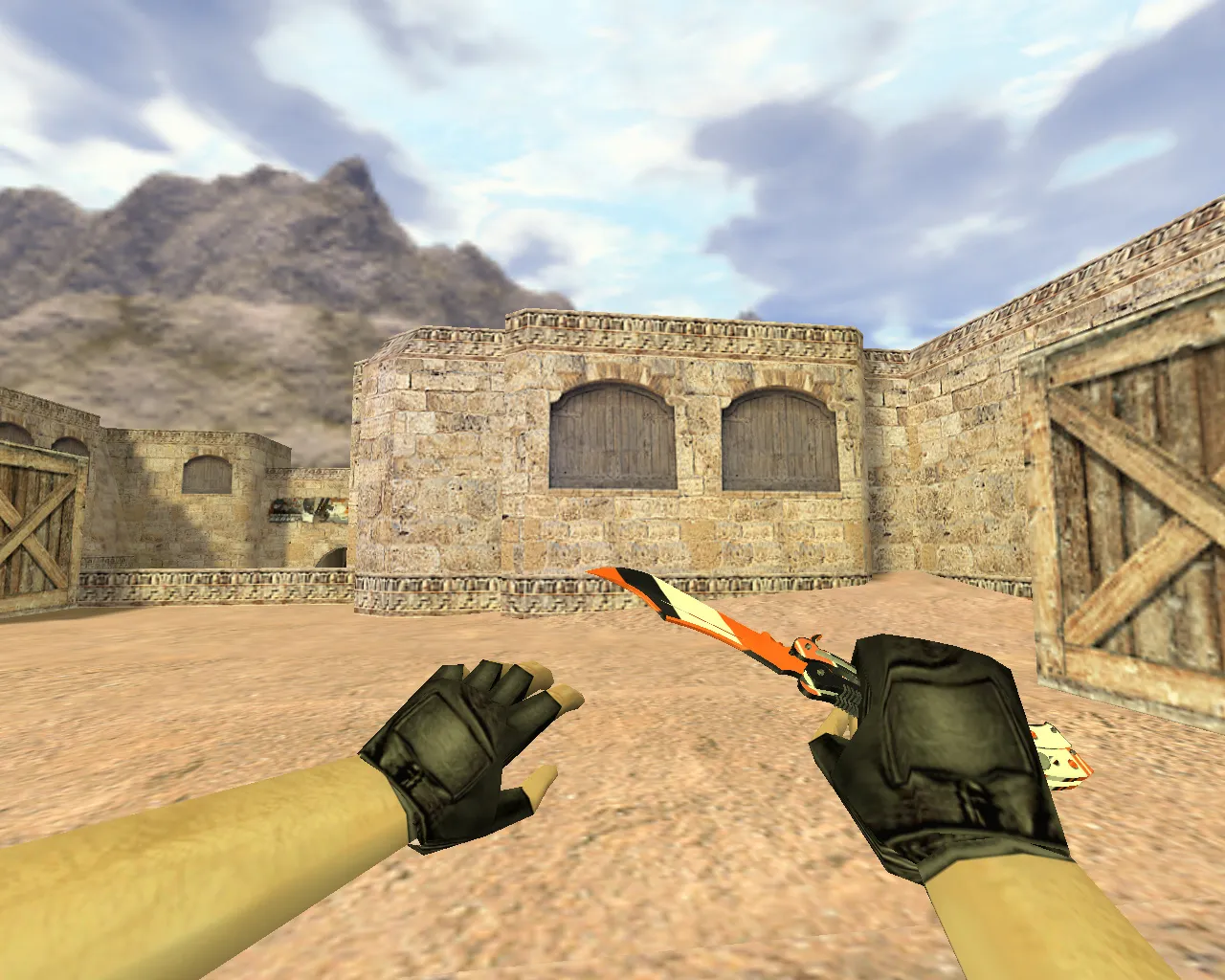
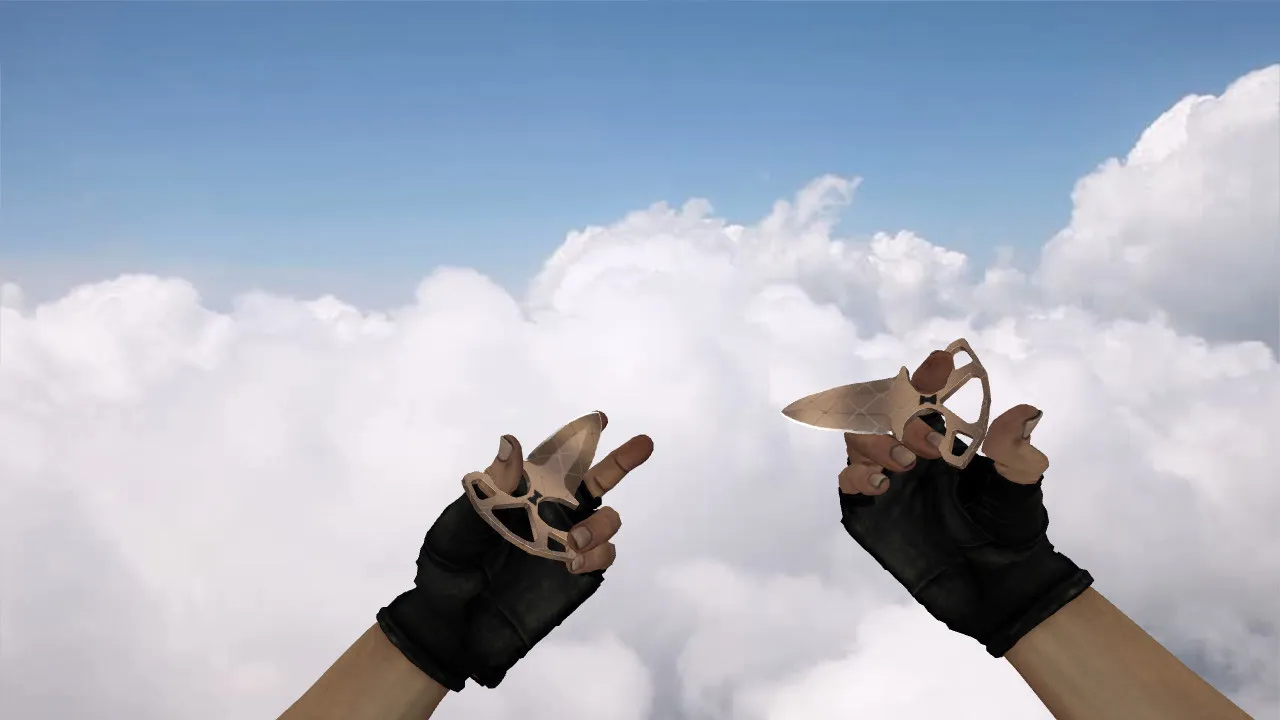
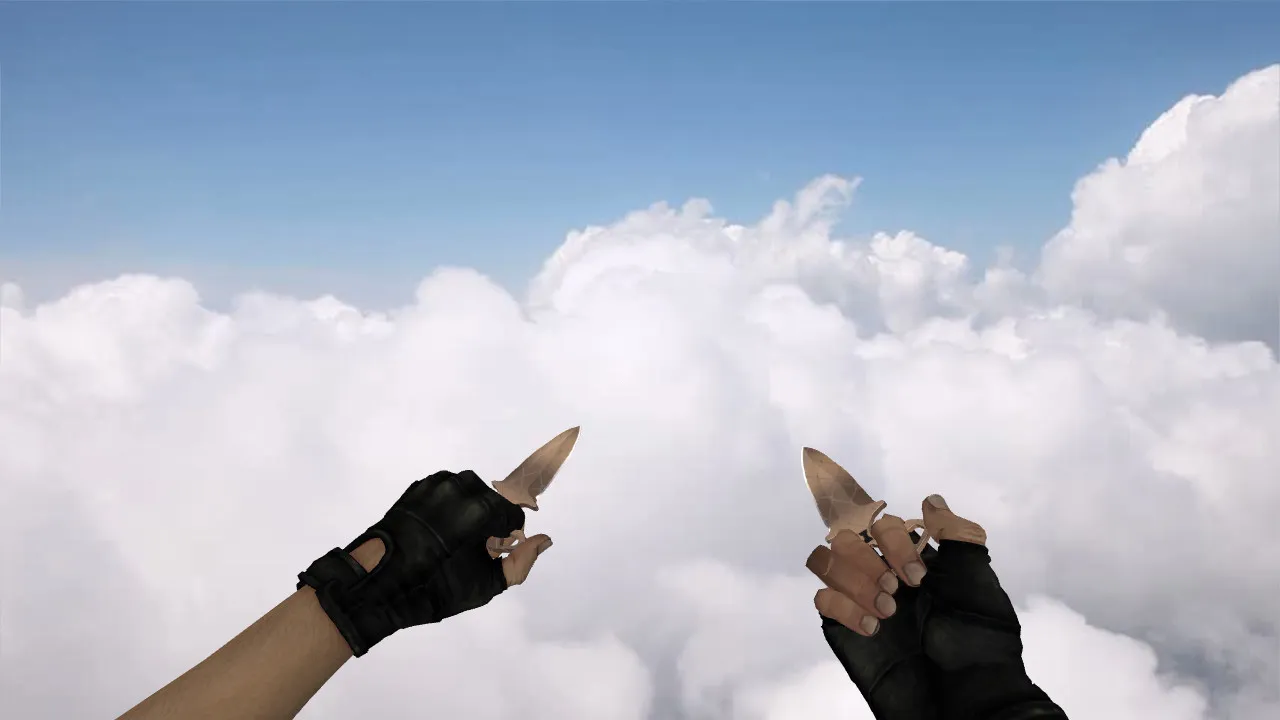
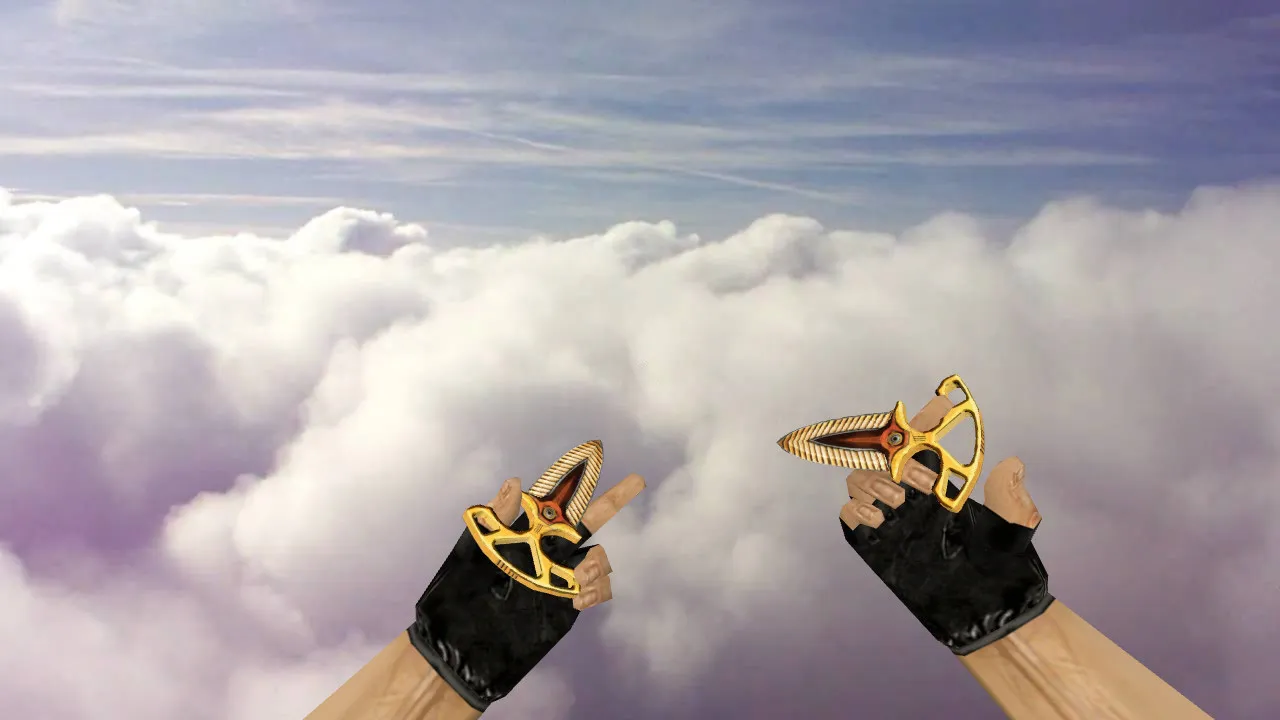
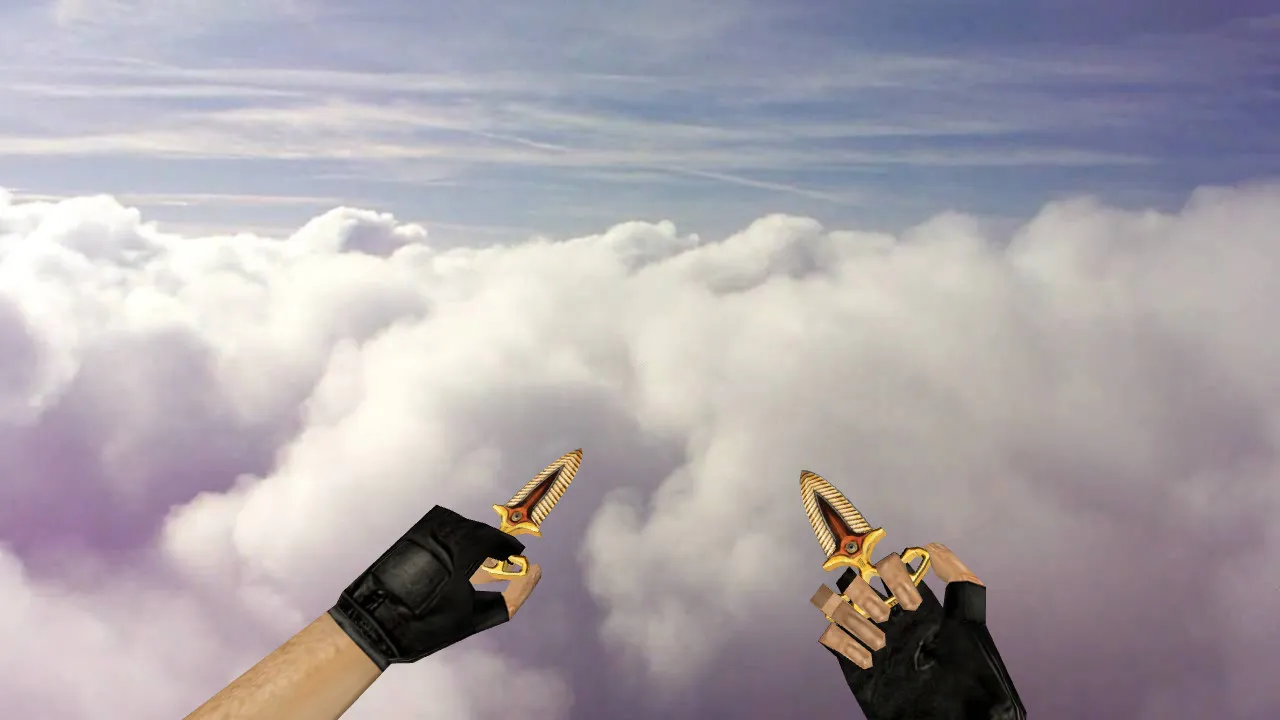
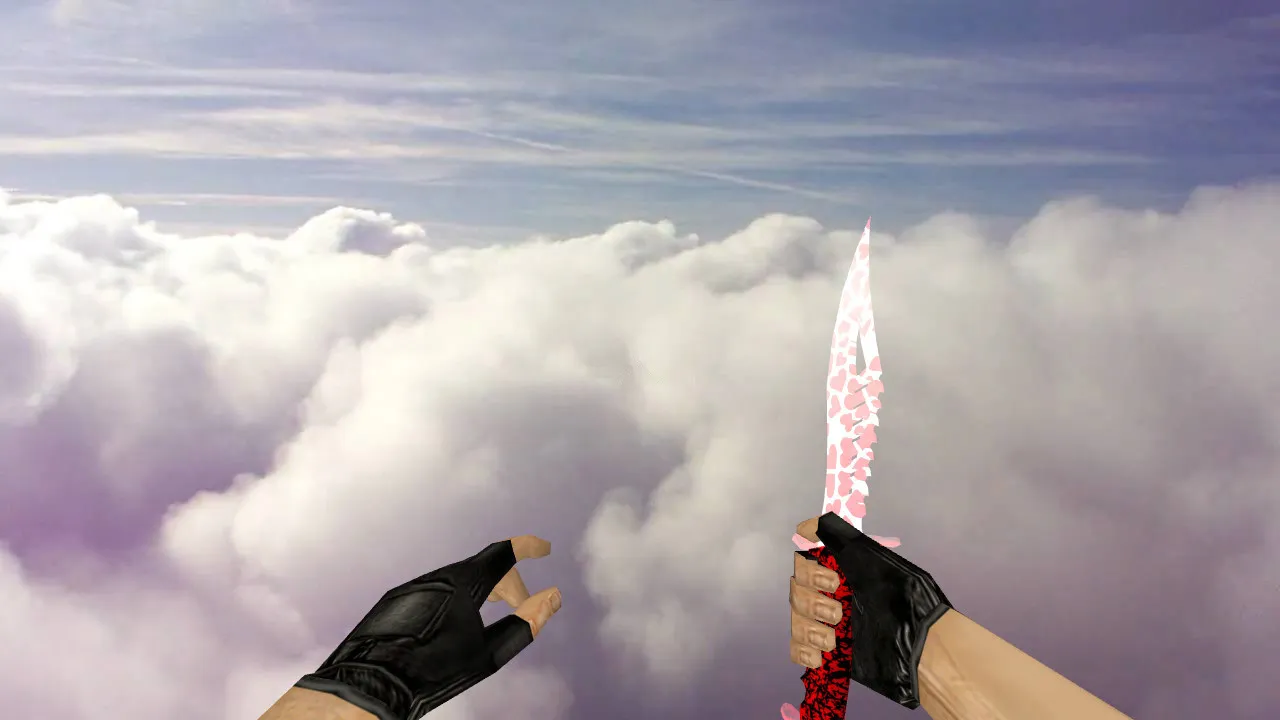
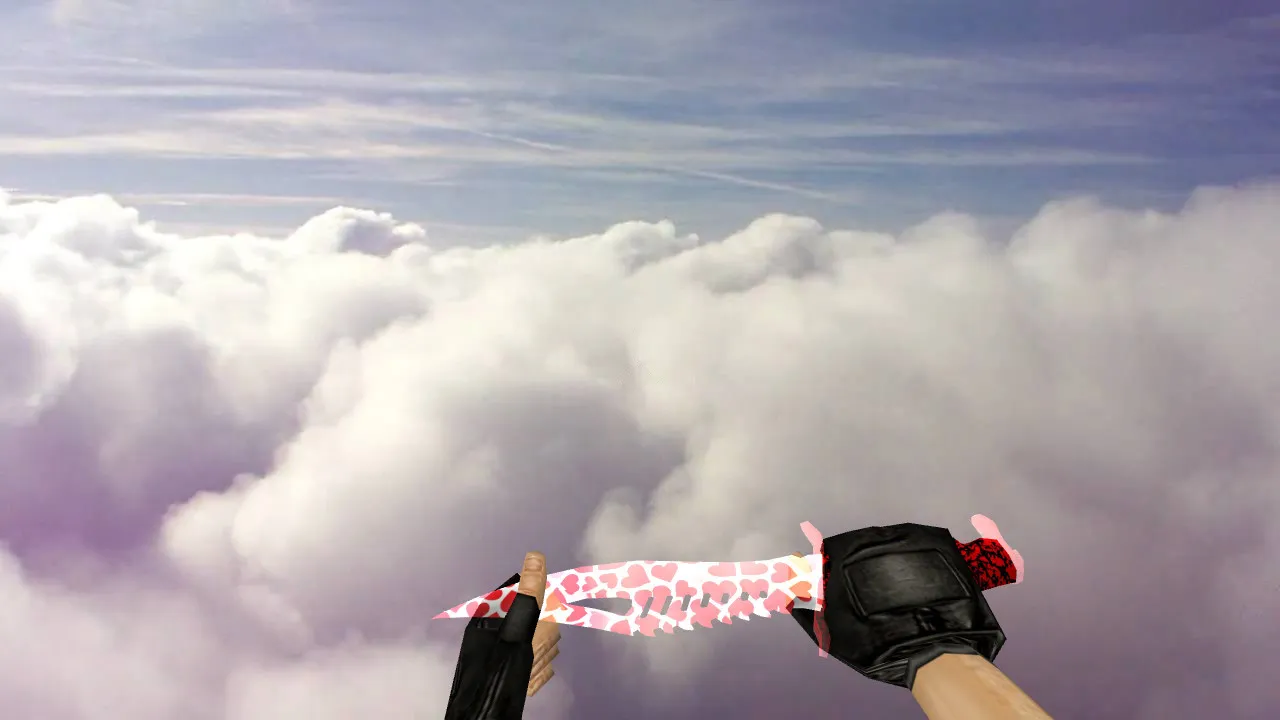
Nomad Knife Case Hardened Blue Gem v_ p_ w_ Model for CS 1.6: Sounds, Inspect Animation, Textures & Setup
Description
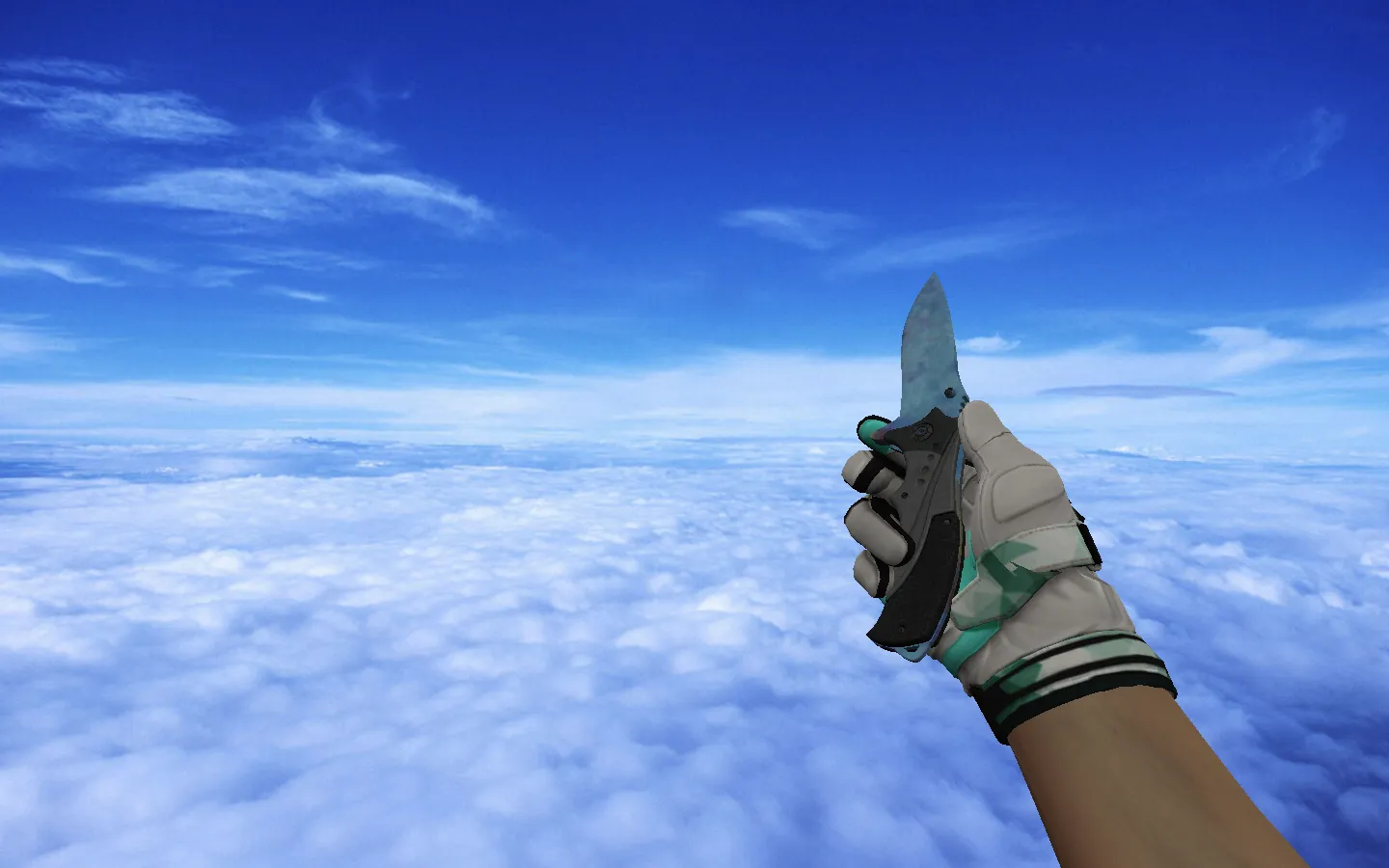
Nomad Knife Case Hardened Blue Gem for CS 1.6
This Nomad Knife configuration introduces a Case Hardened Blue Gem aesthetic to Counter-Strike 1.6, crafted for excellent visibility during combat and between rounds. It suits both dedicated servers and solo play, focusing on reliable builds free of auto-connect features or extra scripts that might introduce problems.
Installation depends on linking the v_, p_, and w_ models correctly. The v_ model manages the first-person perspective, keeping the blade crisp in your view. The p_ model hooks into player animations for third-person moments, such as leaning or reloading. The w_ model guarantees the world representation renders properly for other players, preventing glitches in legacy builds. Incorrect names or absent components can break the display, so confirm your file structure aligns with your client, particularly on Build 4554 or 8610.
Resource files are essential for fluid operation. Packages contain swap sounds for weapon switching and blade impacts, plus inspect animations that rotate the knife smoothly without frame loss or texture tearing. Textures remain distinct in smoke and dim lighting-critical for CS 1.6's dynamic round lighting. Blue gem patterns stand out against dark maps like de_dust2's tunnels, helping quick target acquisition without taxing FPS via high polygon counts.
What This Model Delivers
- Unique Blue Gem Skin: Case Hardened pattern in vibrant blue shades for a premium Nomad appearance.
- Full v_/p_/w_ Integration: Flawless display across every view, zero clipping or invisibility bugs.
- Custom Sounds and Inspect: Blade draws and spins behave like default weapons, using clean audio assets.
- High-Res Textures: 512x512 maps stop blurring at distance, preserving edge sharpness.
- Dark Area Visibility: ESL-style contrast keeps the knife prominent in shadows, no washout effect.
- Low Polycount Optimization: Under 1000 polygons for high-FPS performance during heated rounds.
Hitbox alignment remains faithful to vanilla, so swings and stabs register precisely without offset exploits. This preserves fair play on protected servers running MasterServer checks.
Safe Installation Guide
Place files into standard weapon model directories: cstrike/models/v_knife_nomad/ for the viewmodel, p_ for player, w_ for world. Back up originals first for a quick rollback. Avoid suspicious archives-use verified packs clear of viruses, slow-hacks, or ad injectors. No external plugins required; simply replace contents, verify naming, and test compatibility with Steam or Non-Steam clients.
For users running multiple builds, keep a clean config.cfg in a separate folder. This isolates changes and identifies conflicts rapidly. After installing, launch training mode: inspect the knife, switch weapons, and check returns. If models disappear or textures flicker, examine file paths or mod clashes-common in custom sprite or wad configurations.
Extend testing to bot matches with .nav files active. Ensure animations loop without hitches during knife fights, and sounds don't overlap with footsteps or gunfire.
Pre-Server Checks
- Open weapon menu-knife selects without delay.
- Run inspect: animation plays fluidly, no jerky rotations.
- Verify v_ first-person and w_ world views for consistency.
- Test in map shadows; textures should retain blue gem clarity.
- Avoid auto-connect scripts or third-party binds that alter input.
- Scan for FPS drops-target steady 100+ in lit and dark zones.
Once verified, the Nomad Knife Case Hardened Blue Gem integrates completely. It adds visual flair while keeping gameplay dependable across rounds. Compatible with clean configs, it upgrades knife play without risks. Install for an edge in CS 1.6 lobbies, focusing on precise model rendering and sound fidelity.
Install in three steps
-
1
Download the archive. Use the button on the right, or the Yandex.Disk mirror if the main server is slow.
-
2
Extract it into the game folder. Use 7-Zip or WinRAR. A path without non-Latin characters works best.
-
3
Launch the game. If something doesn't work, mark it below - that is how we know the file needs an update.
Did it work for you?
No sign-up needed. You can pick more than one.