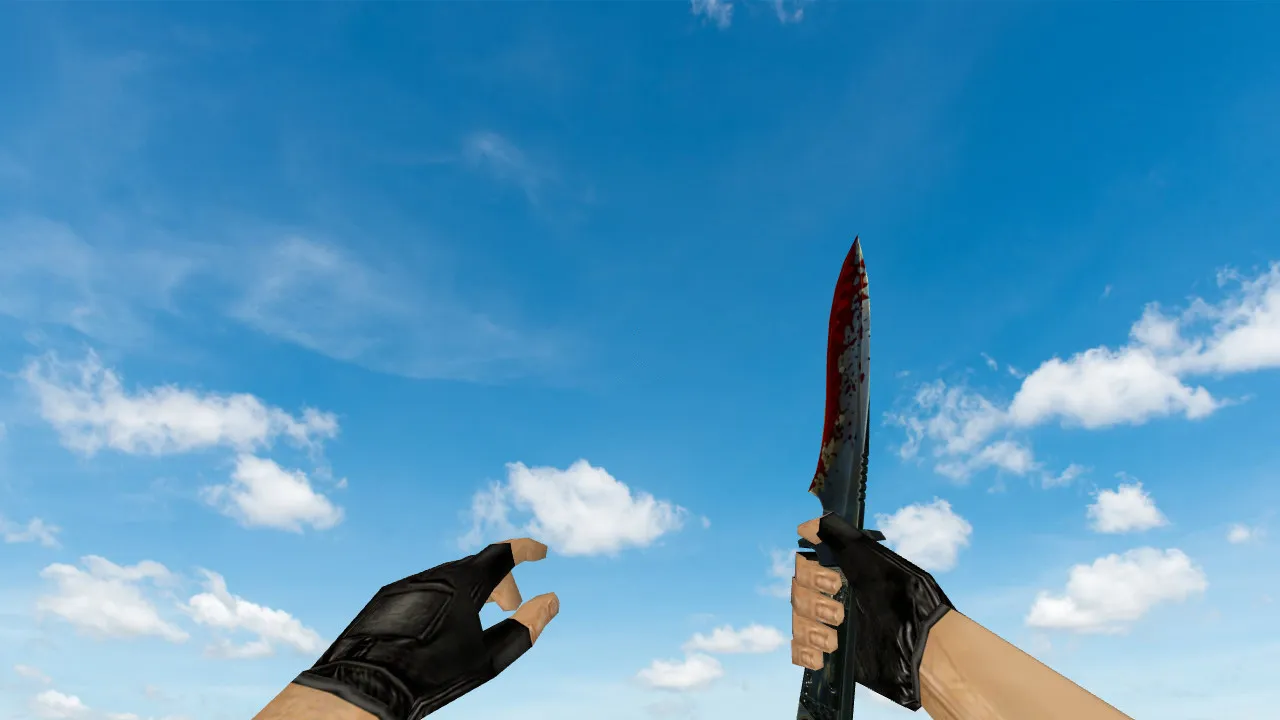
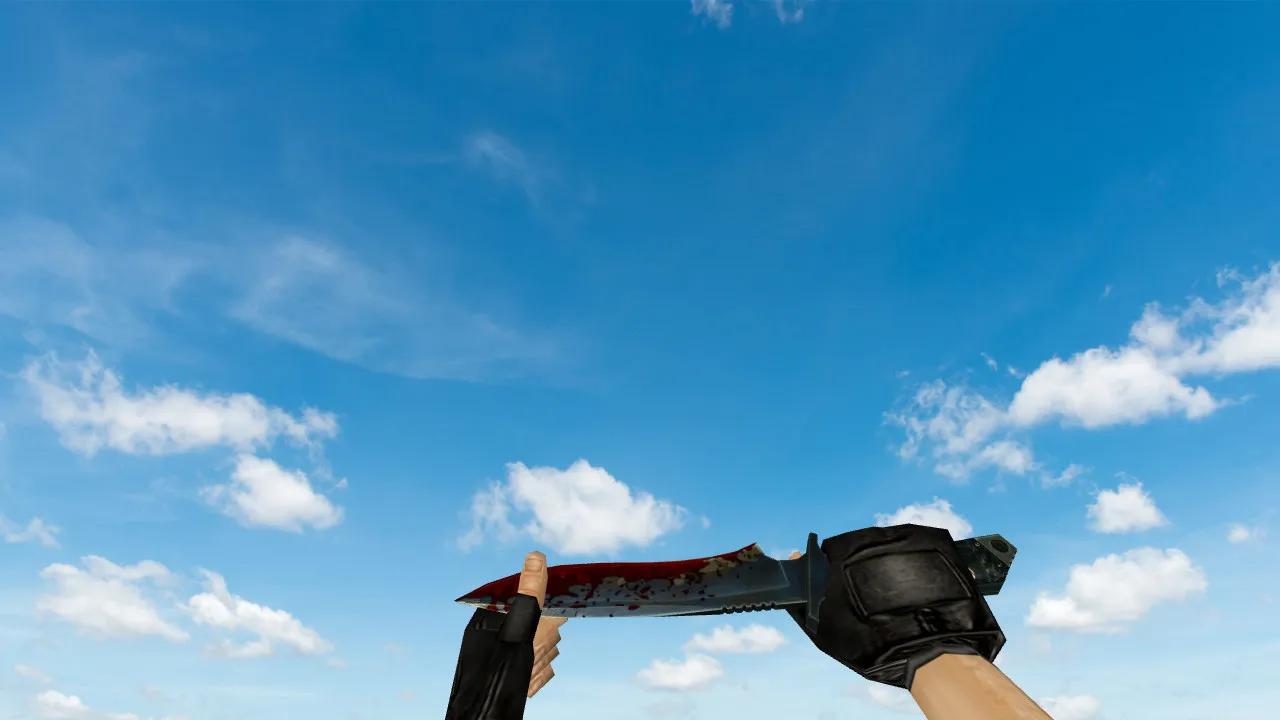
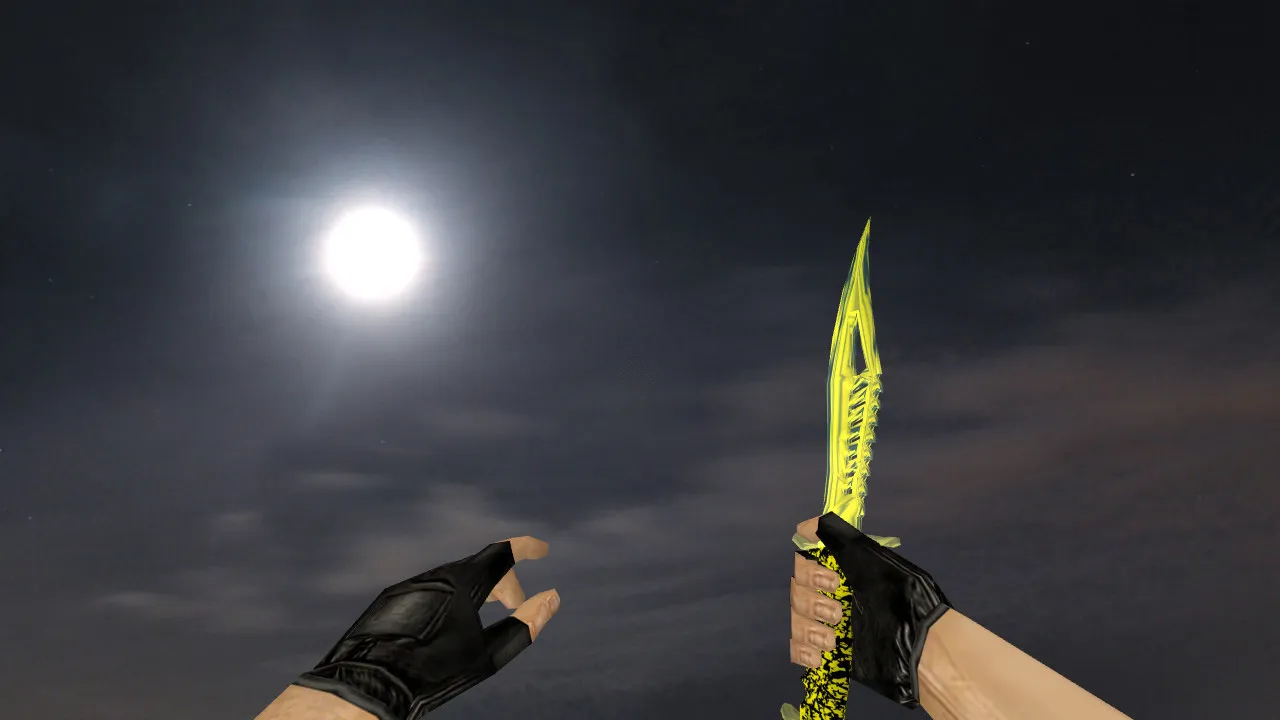
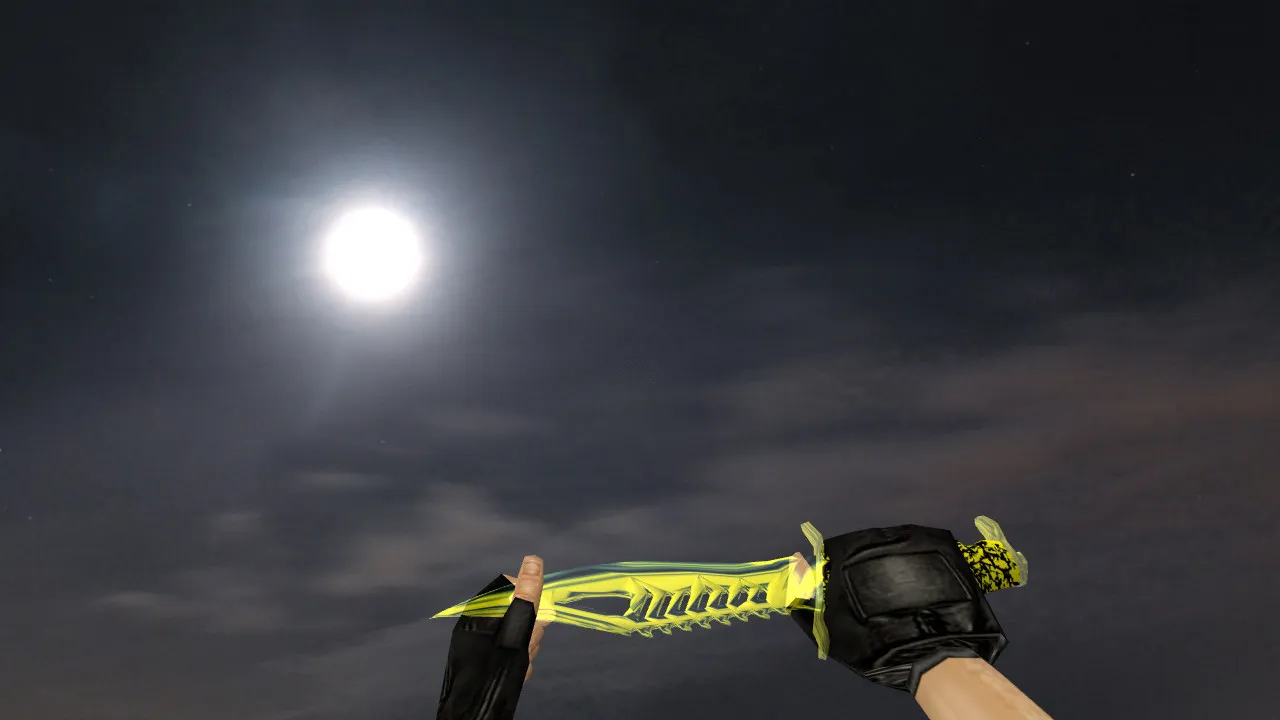
Shadow Daggers Abnormal Knife Model for CS 1.6: v_ p_ w_ Models, Sounds, Inspect Animation, HD Textures
Description
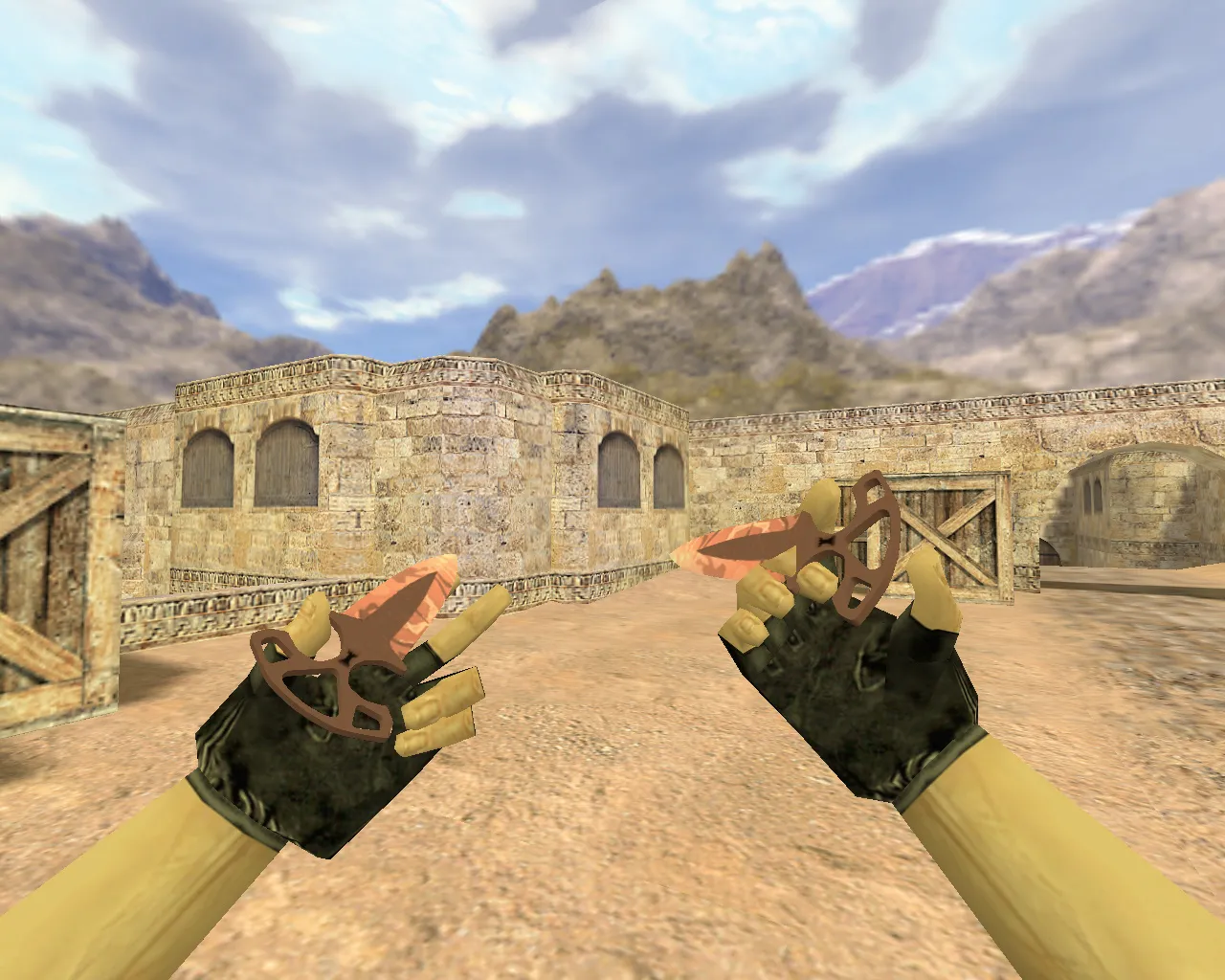
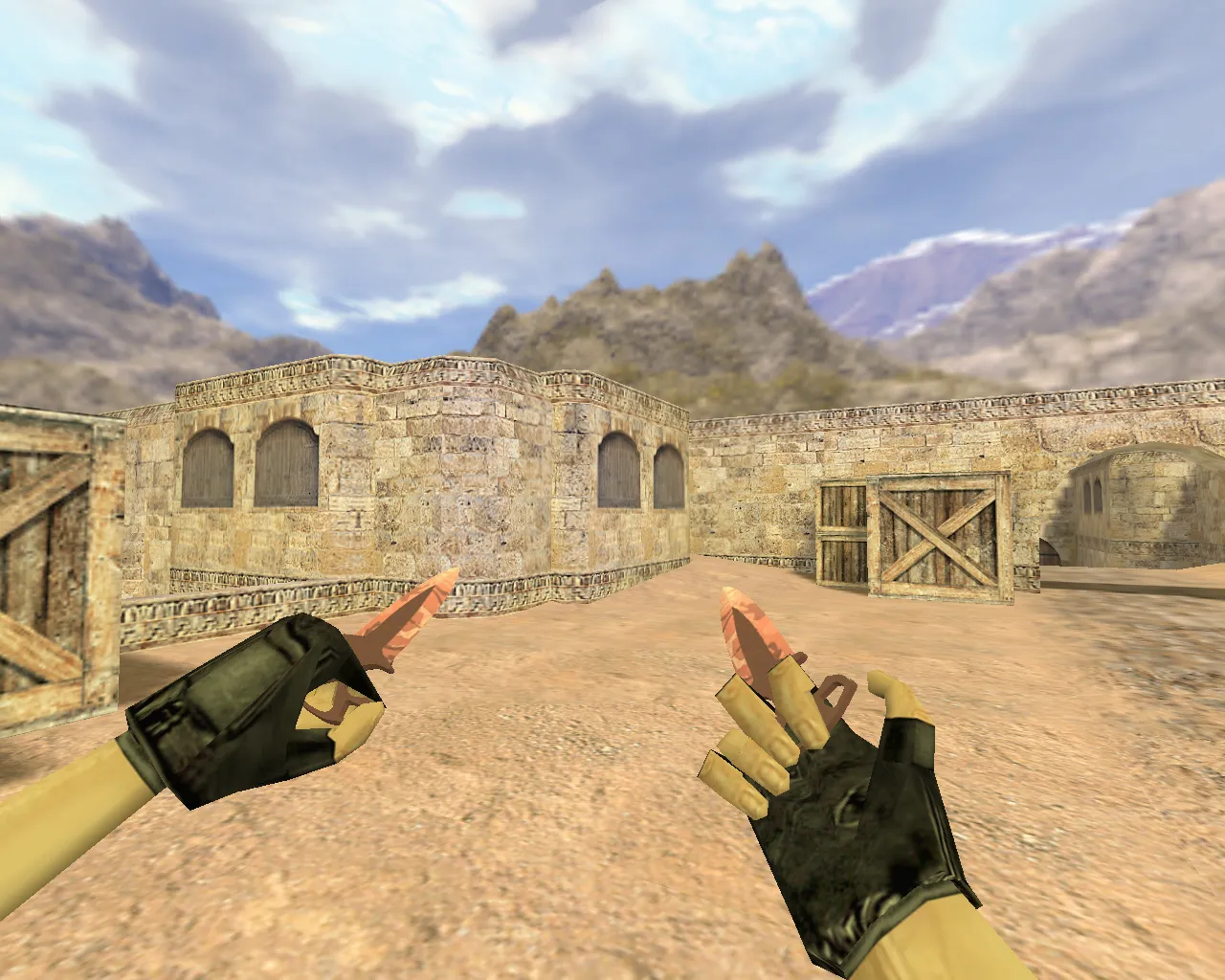
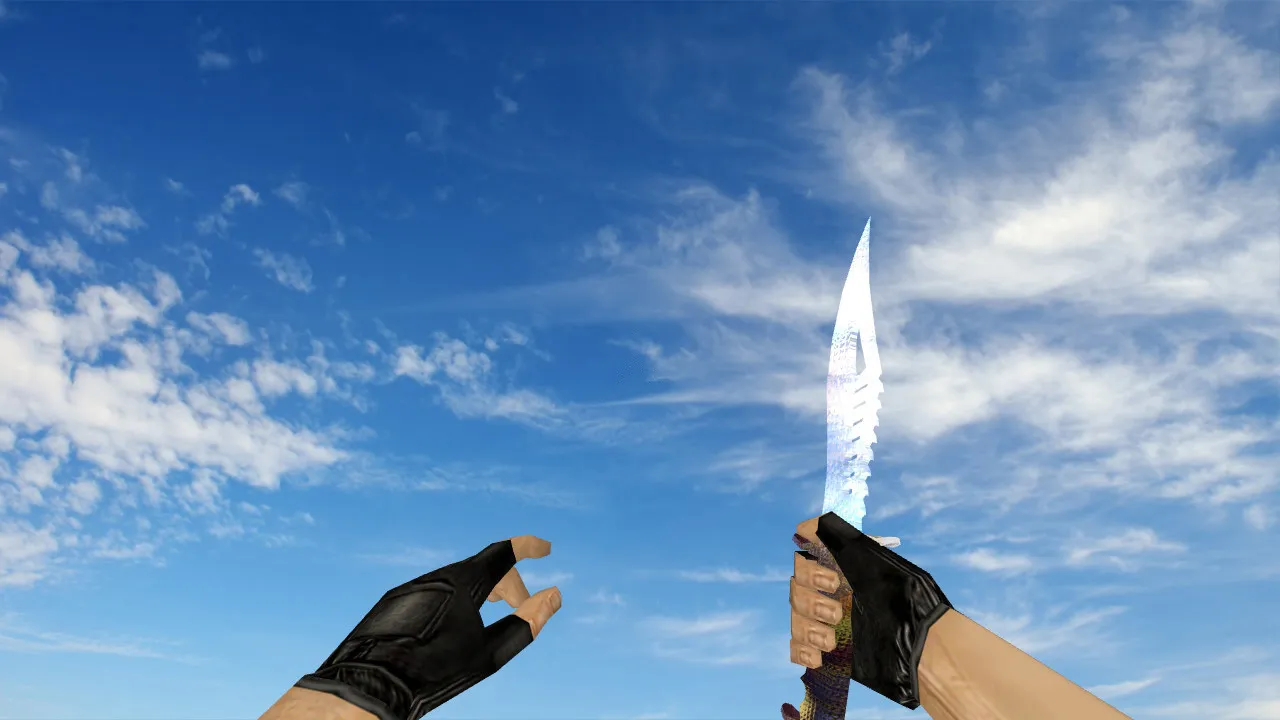
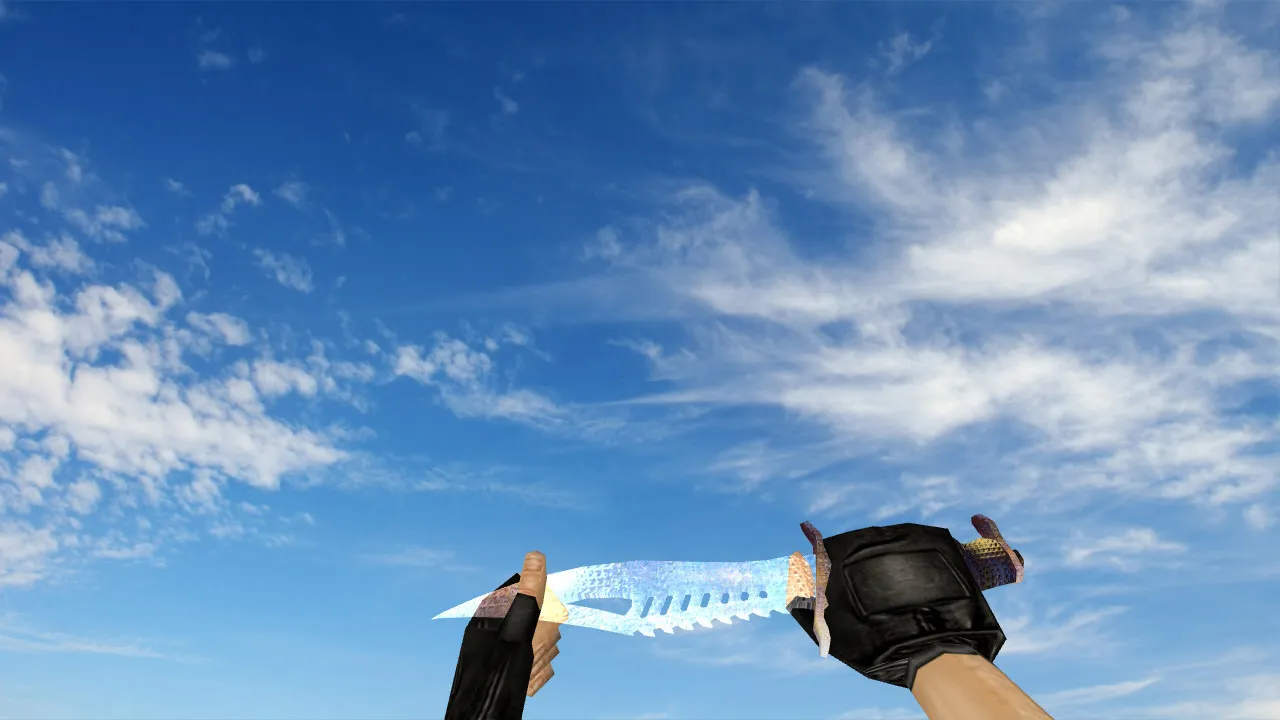
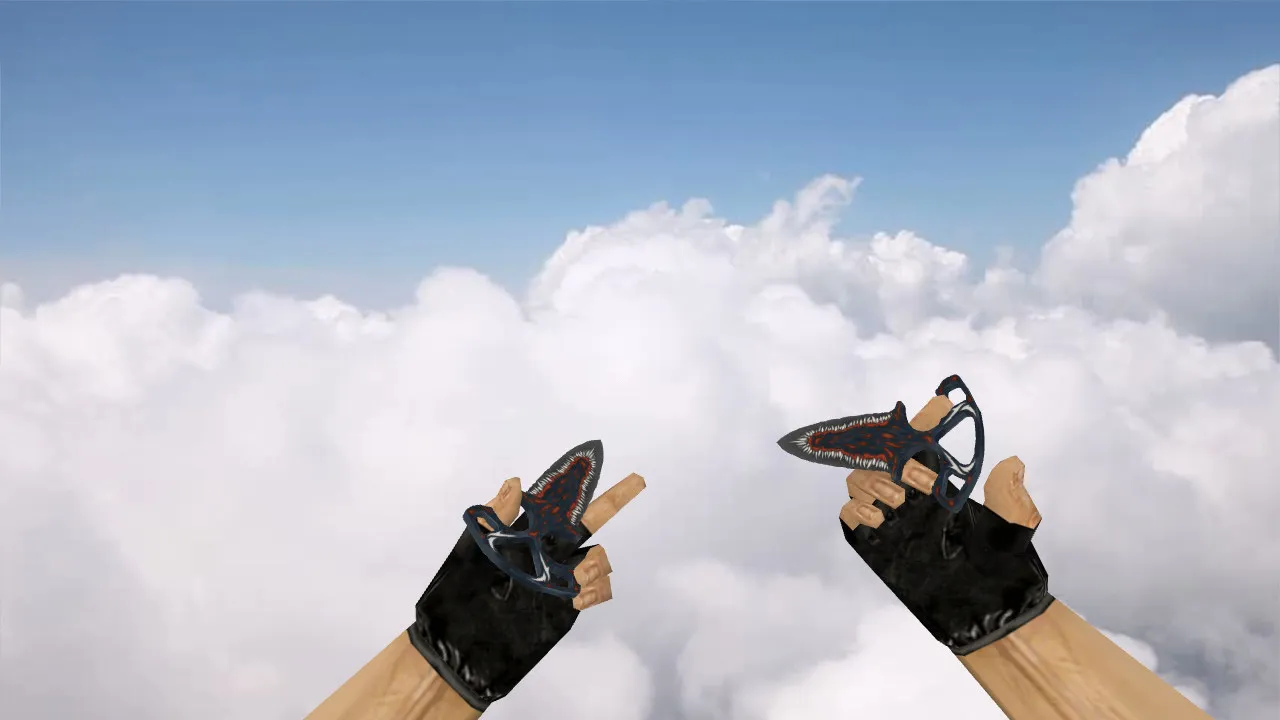
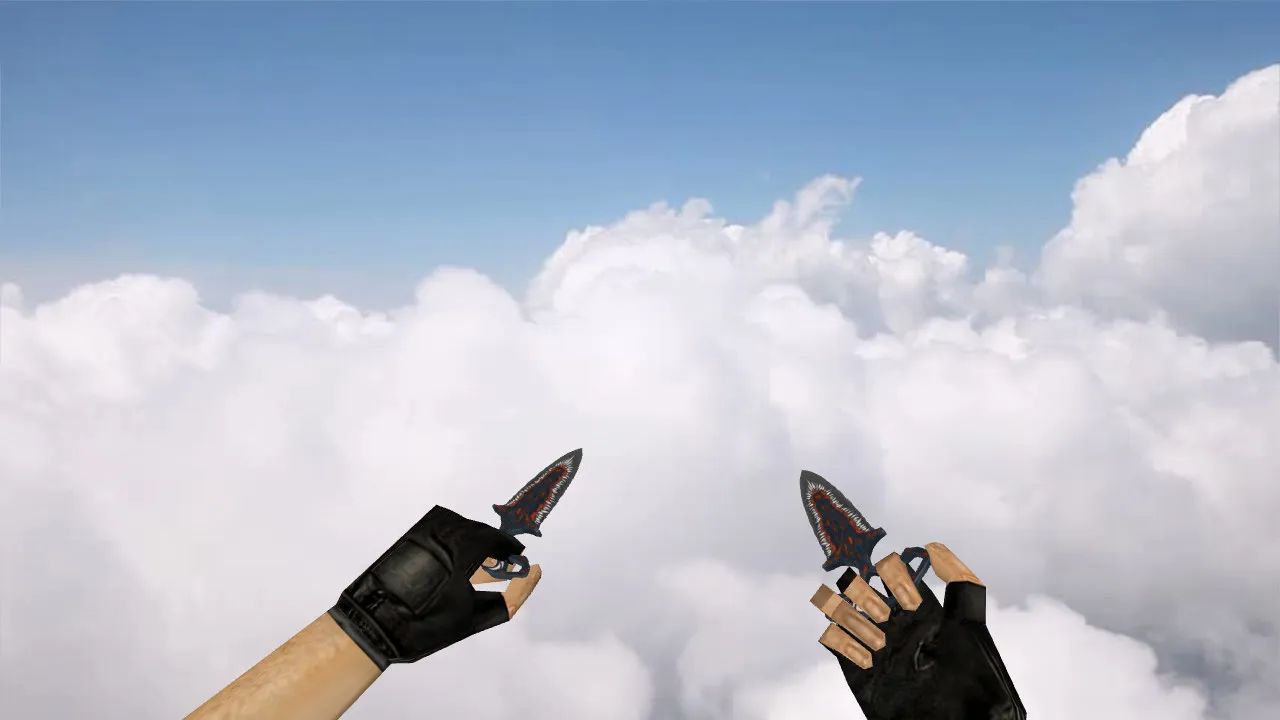
Shadow Daggers Abnormal Knife for CS 1.6
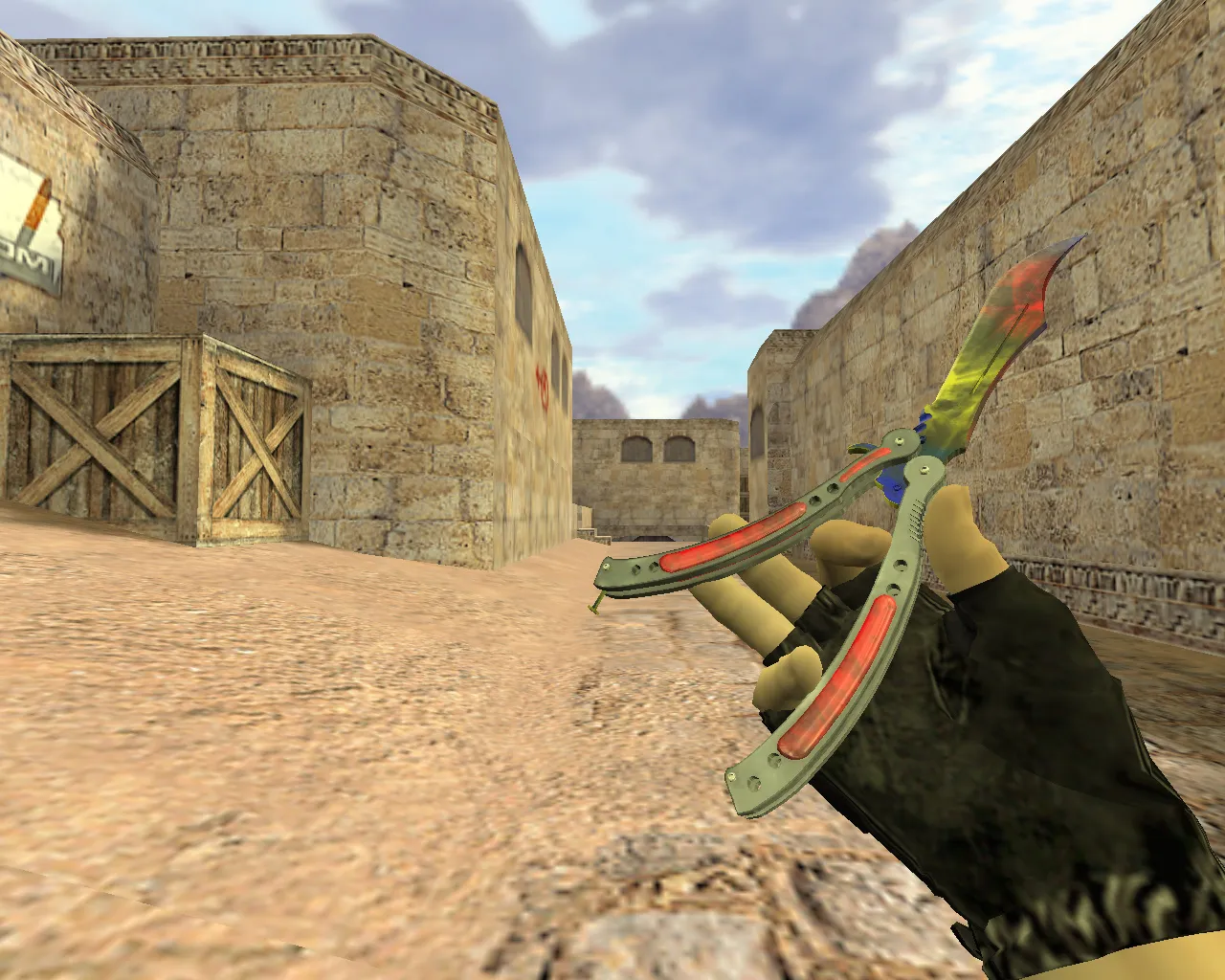
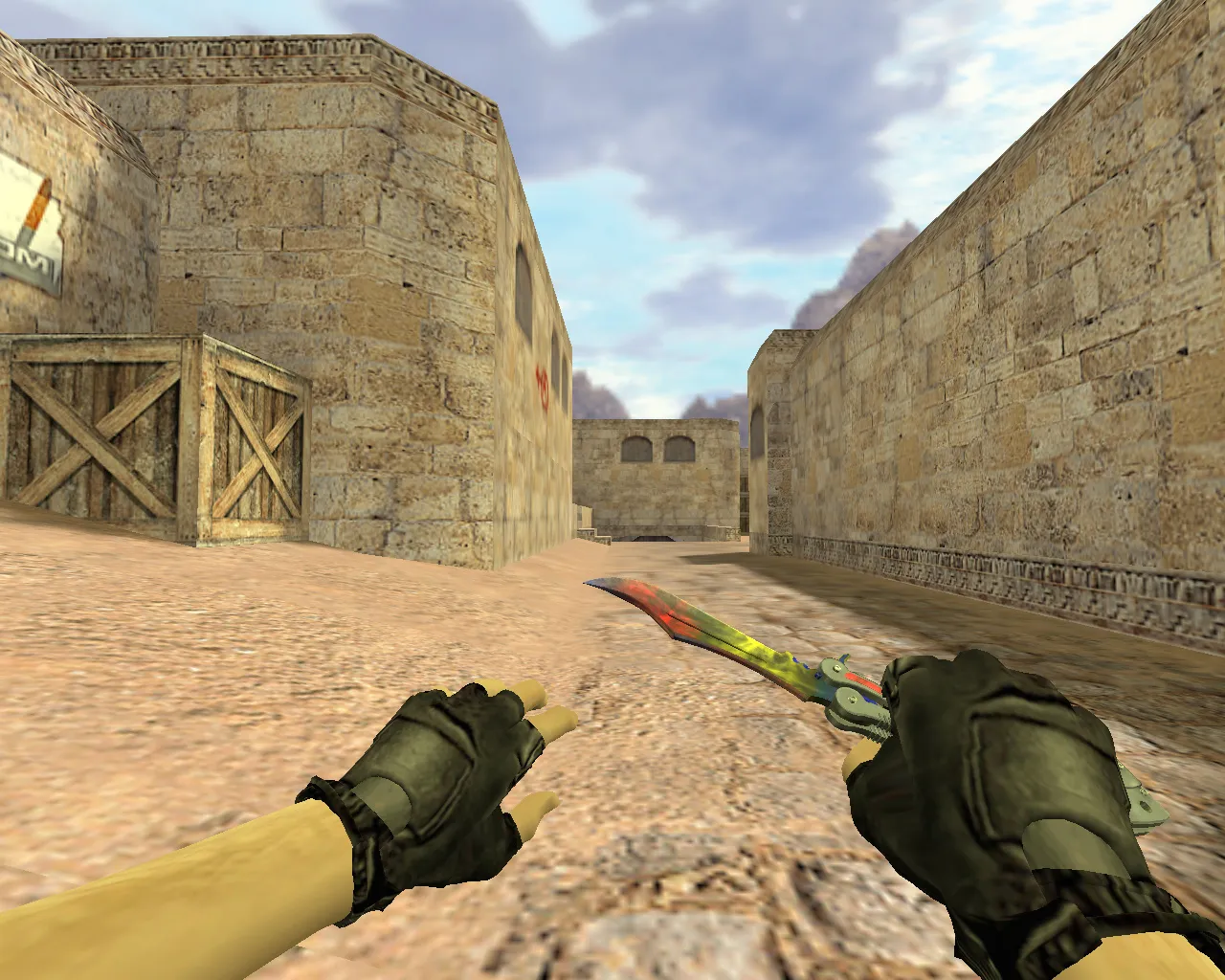
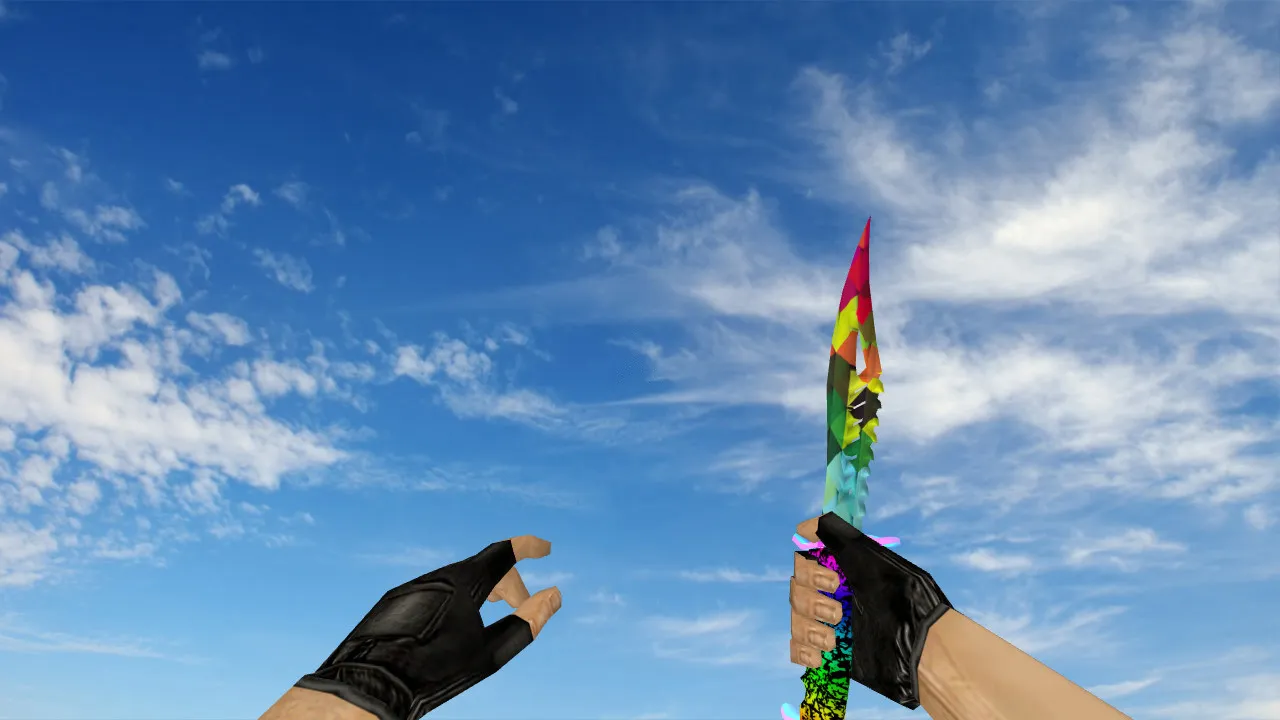
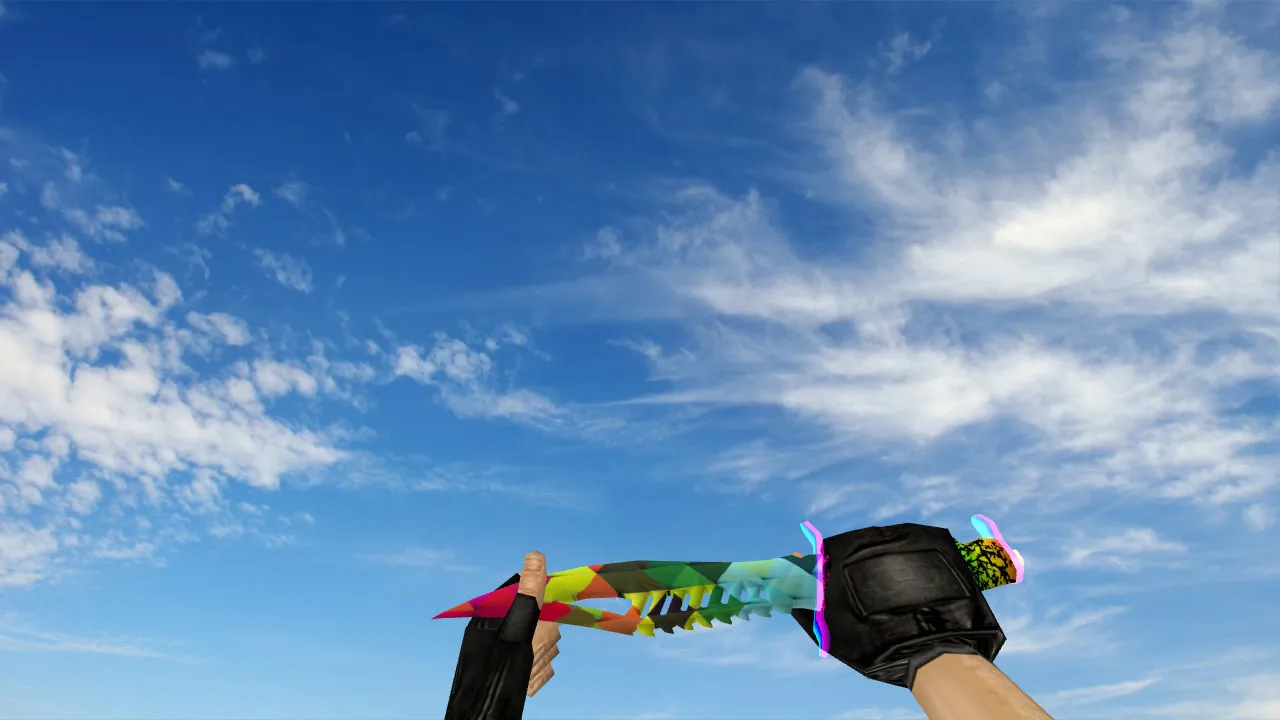
This Shadow Daggers Abnormal knife for Counter-Strike 1.6 is built for players who value a stable first-person view and exact model behavior. It plugs in through the usual model layers: v_ for the first-person perspective, p_ for on-screen hand placement while playing, and w_ for the world view. That arrangement keeps visuals consistent across every angle. During fights the model stays free of lag or jitter when switching or inspecting, so performance remains smooth.
The design focuses on a clear silhouette and detailed textures. On dark maps or high-contrast spots the knife stays visible, helping quick aim and weapon swaps. The inspect animation runs without hiccups, letting you check hand alignment and model binding. Polygon count is kept low to avoid frame-rate hits, and textures sit at 512x512 to stop blurring or specular artifacts.
Archive Contents
- v_ model for first-person view
- p_ model for hand rendering
- w_ model for world visibility
- Custom knife sounds for draw and actions
- Inspect animation that prevents model breaks during movement
- High-quality textures without soapiness or specular artifacts
The pack holds every file needed for a straight swap, working with Build 4554 and newer. No extra .wad files or sprites are required; everything drops into the standard models folder structure.
Installation Tips to Avoid Issues
Install manually to dodge corrupted files. Copy the contents into CS 1.6's weapon model paths. Look for duplicate filenames before you start. If you are replacing an existing knife, remove the old files first so the game does not load the wrong model.
Start the game after installing and test in three situations: knife draw, inspection, and world view. Odd behavior usually comes from wrong folders or mod conflicts. No auto-connect scripts or third-party tools are needed. The archive is clean-no viruses, no adware, no hidden hacks. Just a pure model swap and verification.
For Steam or Non-Steam setups the steps are identical. Make sure config.cfg is clean, with no mods overwriting weapon files. This knife works on high-FPS servers, and no-recoil configs stay unaffected. Test on maps like de_dust2 to confirm visibility at long angles or in shadowed B-site corners.
Optimizing for Stable FPS
The model is tuned for the CS 1.6 engine, which shows on varied servers with ping swings. On lower-end PCs or with heavy effects the textures avoid extra load to stop drops during turns or inspections. Keep rates at 100k for smoothness, and set ex_interp 0.01 for responsive visuals without directly affecting the knife.
Hitbox alignment matches stock, so melee swings stay accurate. ESL-style visibility shines in low-light scenes, like de_inferno's plant sites, where the dagger's outline cuts through smoke without polygon bloat. Pair with a clean config for 100+ FPS on most hardware.
In-Game Verification Checklist
- Knife look during fast weapon switches
- Inspect function without model shifting
- Silhouette clarity on dark maps
- Sound playback on draw and strikes
- w_ model rendering for other players
- Overall stability in bot matches or multiplayer
Once checked, the Shadow Daggers Abnormal blends in seamlessly, giving a distinct look each round without performance hits in CS 1.6. It helps tactical plays, like close-quarters on de_nuke ramps, by keeping the model predictable and visible. Downloaders report zero compatibility issues across WON and Steam versions, with easy rollback if needed. Focus on manual placement for best results, and always back up originals.
For modders the files support small tweaks like custom .mdl edits, but the stock setup already delivers pro-level handling. On community servers it pairs well with no-spread plugins, keeping knife utility in rushes or flanks.
Install in three steps
-
1
Download the archive. Use the button on the right, or the Yandex.Disk mirror if the main server is slow.
-
2
Extract it into the game folder. Use 7-Zip or WinRAR. A path without non-Latin characters works best.
-
3
Launch the game. If something doesn't work, mark it below - that is how we know the file needs an update.
Did it work for you?
No sign-up needed. You can pick more than one.