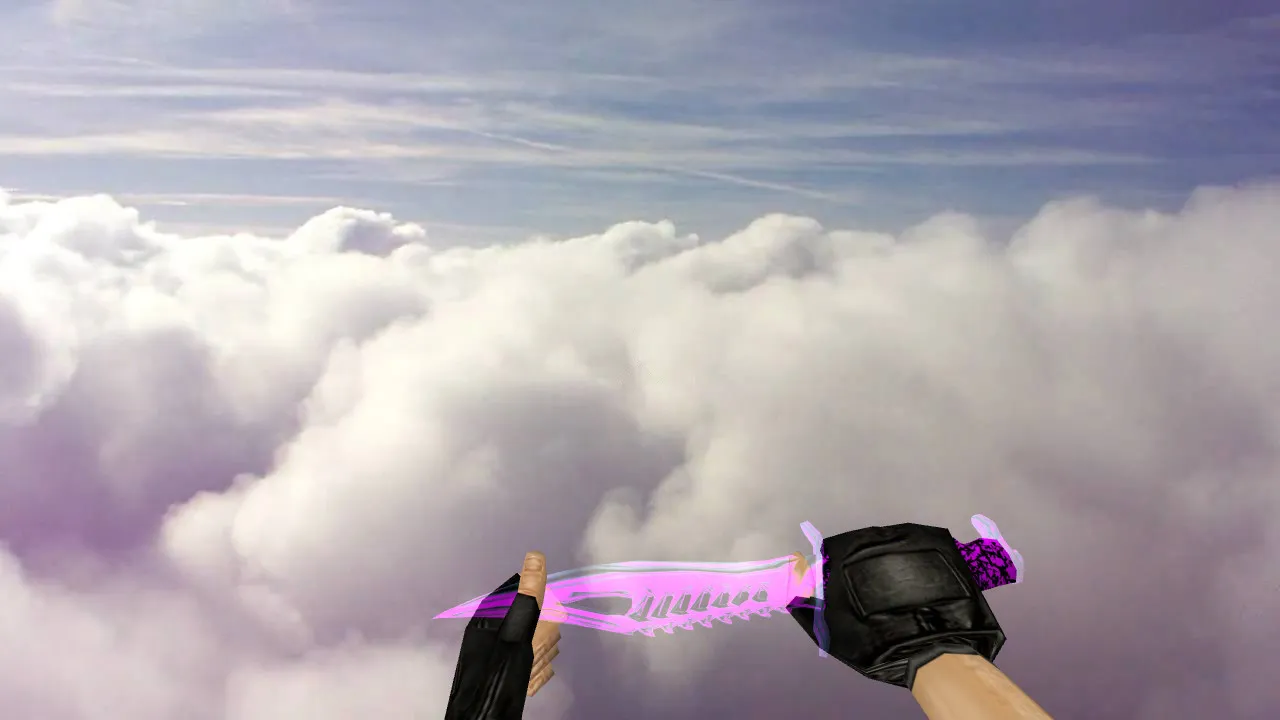
Nautilus Glass Knife Model for CS 1.6: v_ Model, Custom Sounds, Inspection Animation, HD Textures
Description
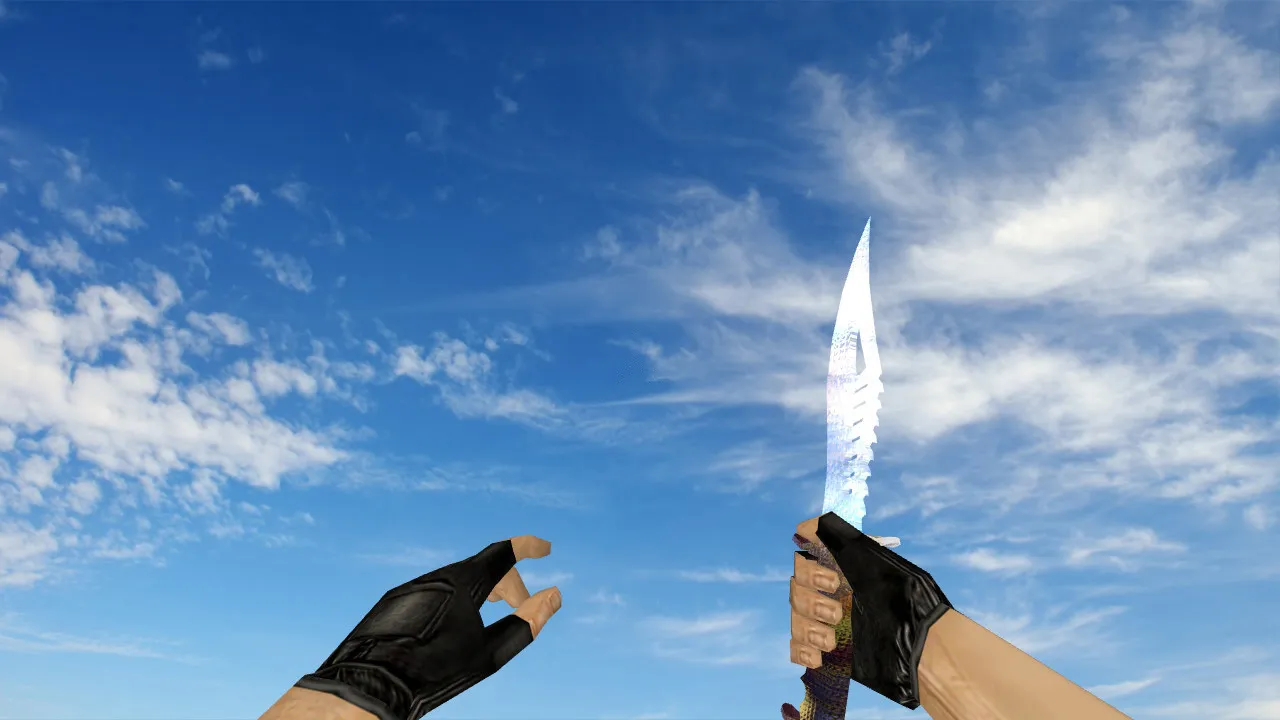
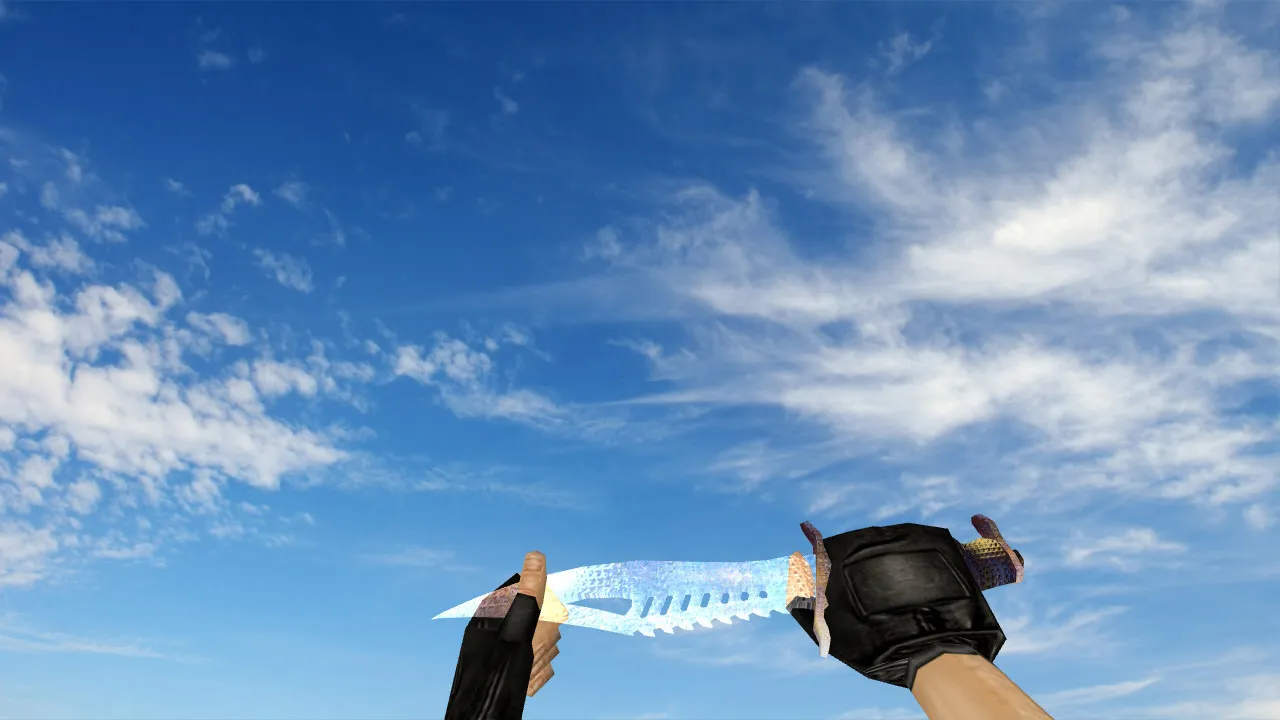
Nautilus Glass Knife for CS 1.6
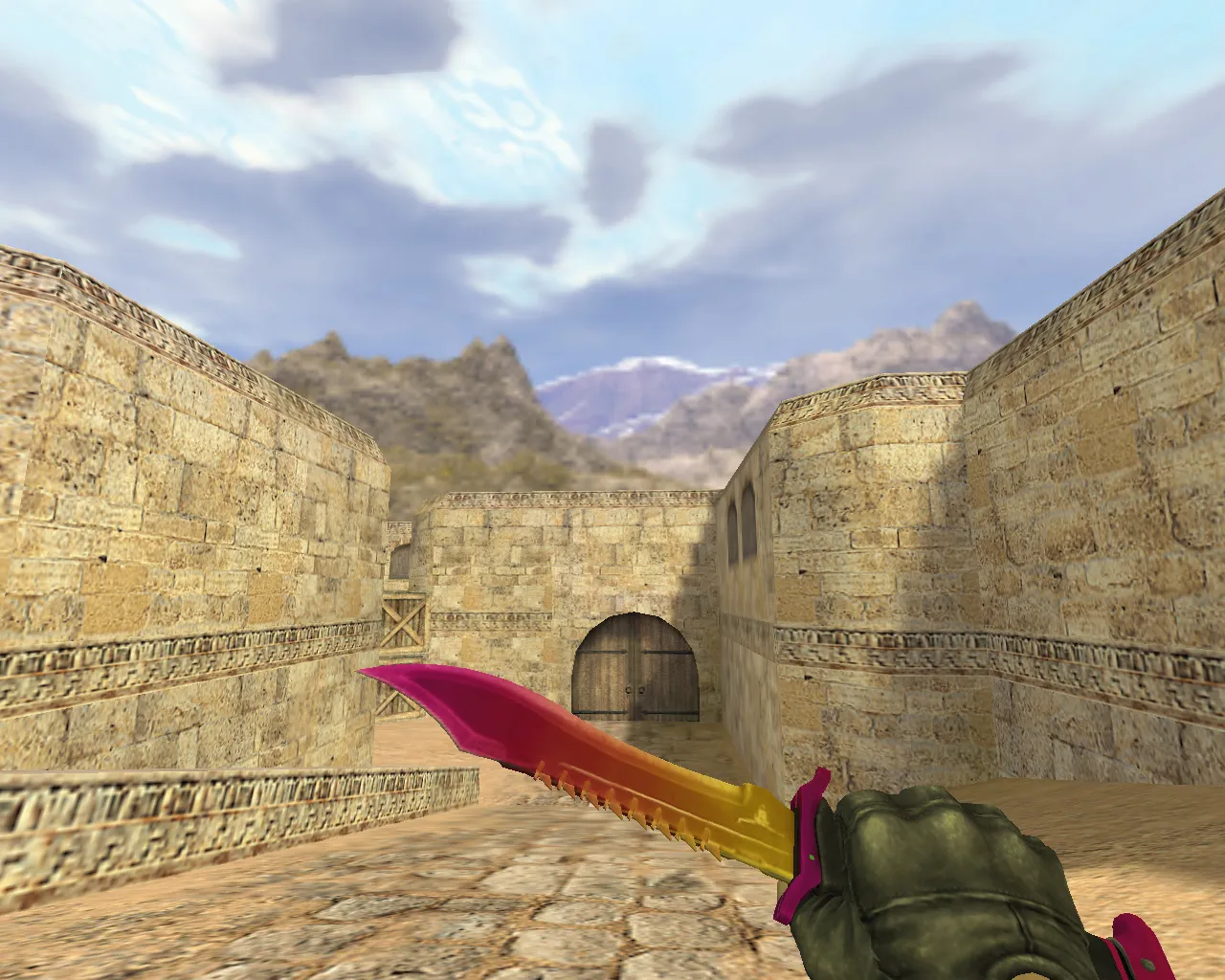
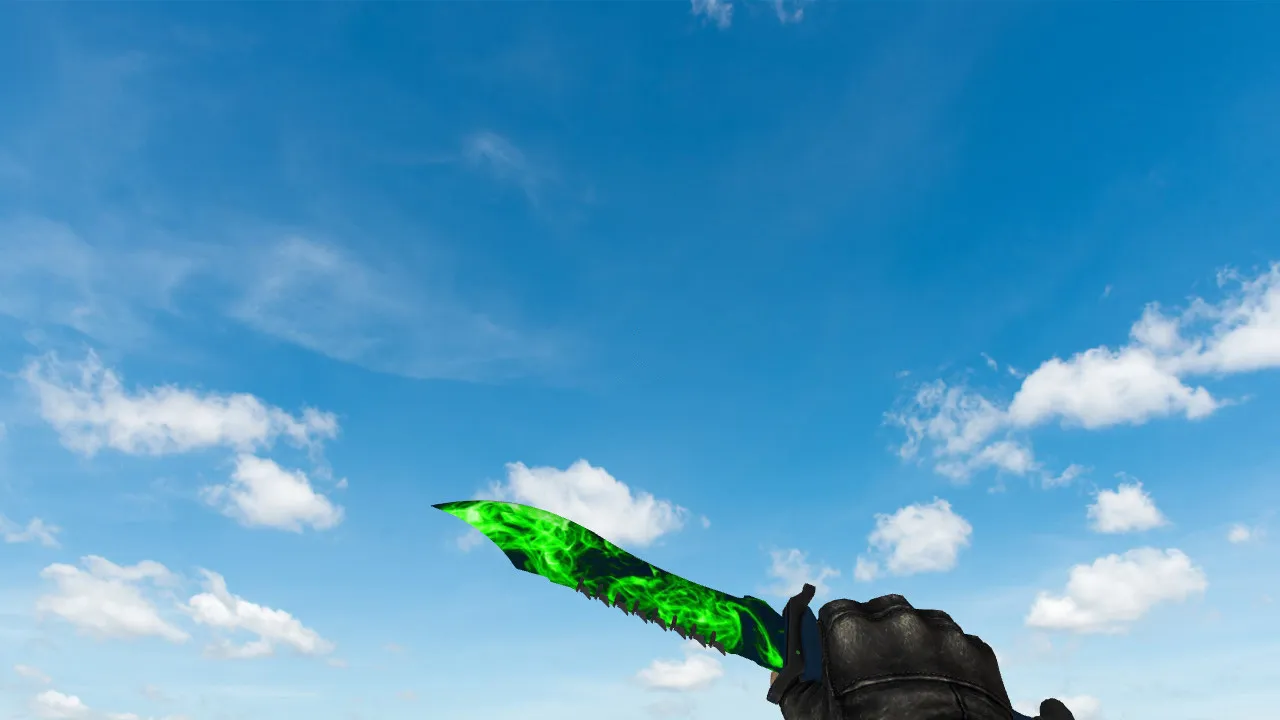
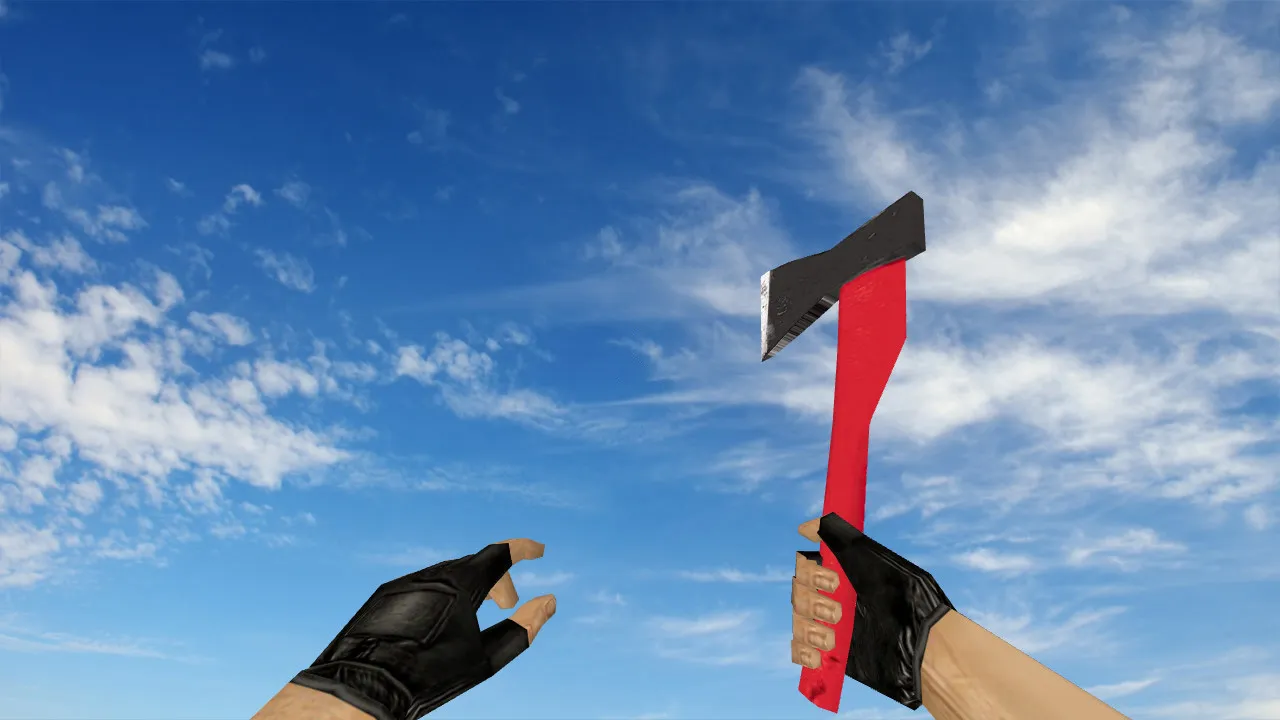
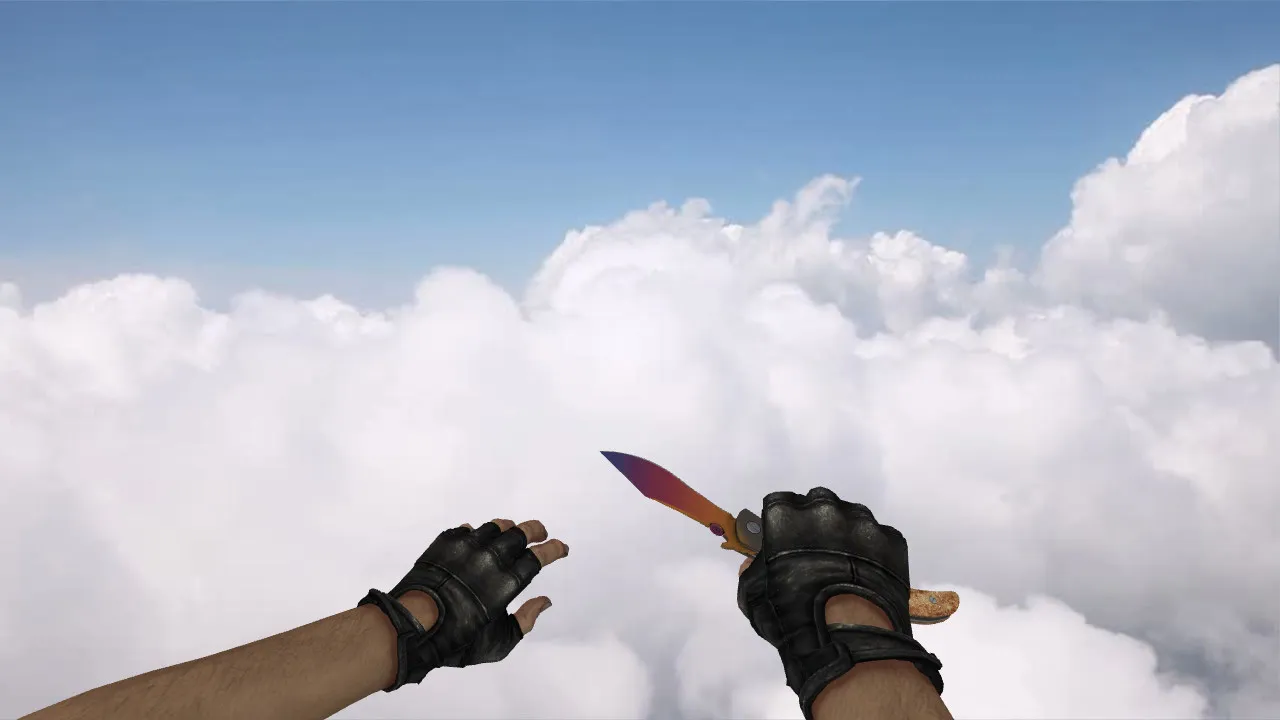
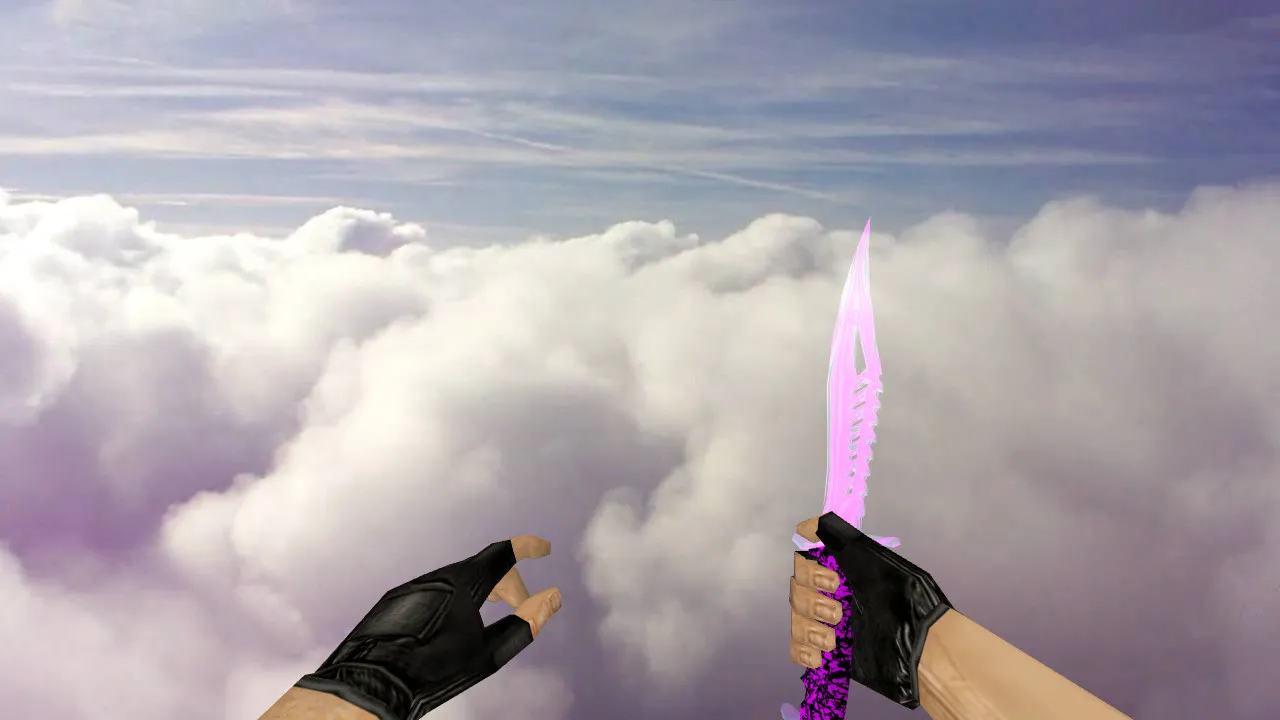
The Nautilus Glass knife is built for players who value exact models and judge the game by small details. In CS 1.6, weapon models depend on a set of parameters: the v_ model controls the first-person view, the p_ model handles third-person player display, and the w_ model shows the knife on the ground or during pickups. This release follows that logic, keeping the knife stable across match dynamics.
Custom knives like this do more than change surfaces. Important elements include sound triggers, inspection animations, and model behavior during switches. For Nautilus Glass, audio files sync with actions so clicks and swings blend into the game's rhythm. The inspection animation uses standard sequencing for smooth playback without breaking flow. Textures provide clear glass-style visuals without blurring or artifacts at range, using 512x512 or higher resolutions for sharp edges.
In-Game Visibility and Features
- v_ model: First-person knife view with stable readability during aiming and movement, optimized for hitbox alignment.
- p_ model: Third-person display on player models to prevent clipping or distortion in team views.
- w_ model: Ground and handover behavior; the model doesn't jitter or float during weapon swaps.
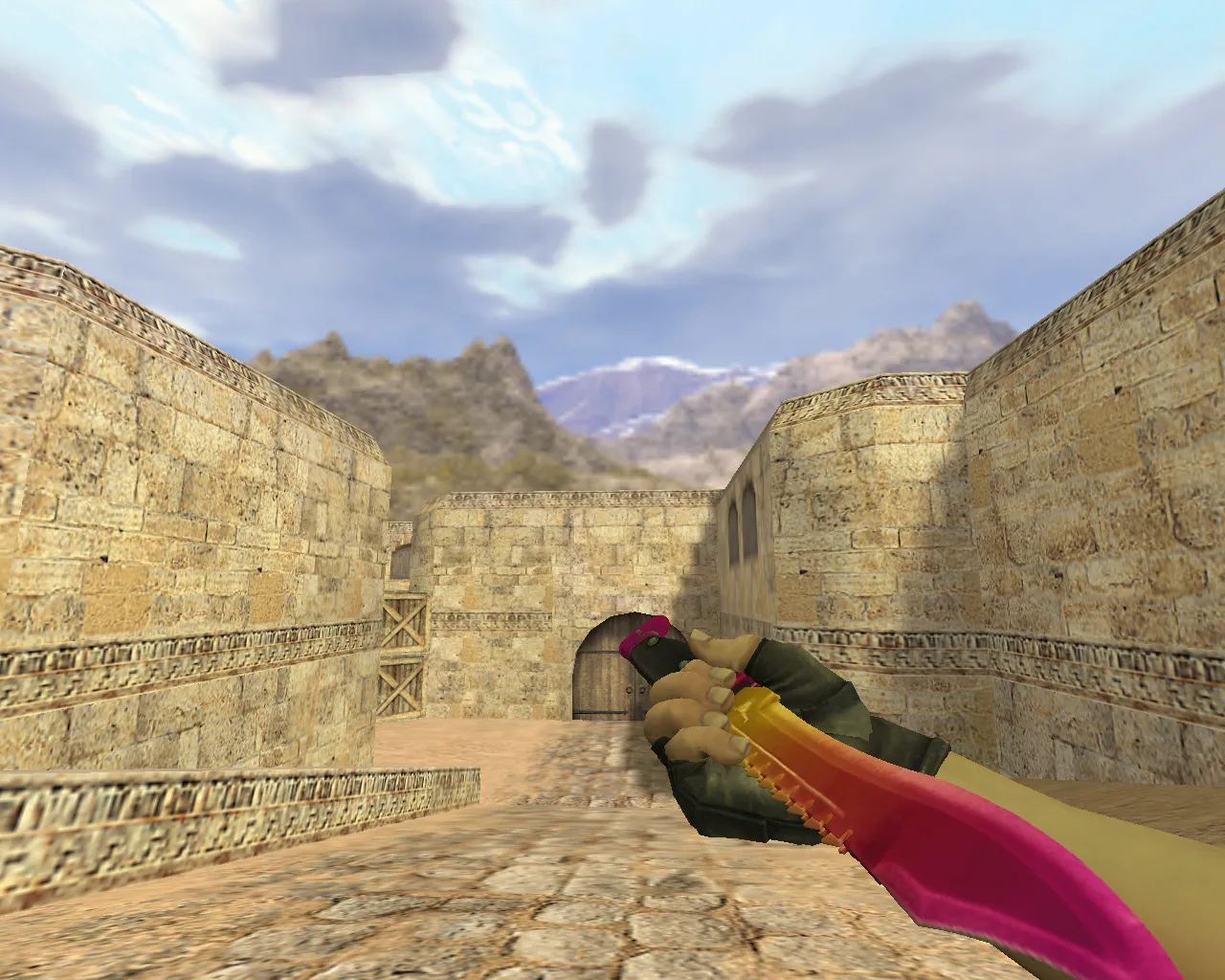
- Inspection animation: Standard cycle without hitches or part misalignment, maintaining polycount under 500 for performance.
- Custom sounds: Synced audio for slashes and inspections, avoiding conflicts with default footsteps or reloads.
HD textures highlight the glass motif with reflective normals, visible in low-light areas like de_dust2 tunnels. The model keeps its form during quick turns, reducing visual noise in clutches. Polycount stays low to support high-fps setups, around 60+ FPS on standard hardware.
Skin Uniqueness and Integration
Nautilus Glass stands out with its translucent glass design, catching the eye during rapid weapon cycles or corner checks. In CS 1.6's fast pace, this visibility helps situational awareness without distracting from core mechanics. The model integrates cleanly into client resources, preserving game weight and tempo.
Proper assembly ensures accurate display on players. File paths must match CS 1.6's structure-models in /models/, sounds in /sound/, textures in /sprites/ or /gfx/. Server-side compatibility depends on rules; use on non-restrictive servers or local play. No impact on bot navigation or .nav files.
Safe Installation Guide
Install without issues by downloading the archive, extracting, and verifying contents: v_knife.mdl, p_knife.mdl, w_knife.mdl, plus .wav sounds and .tga textures. Place into CS 1.6's root folders-models/v_models/, models/p_models/, etc.
- Avoid running files as admin or granting system access to the archive.
- Backup existing knife files before overwriting.
- Launch the game and test in single-player; confirm v_ model loads in first-person.
- On public servers banning custom resources, switch to defaults or check server policies.
Safety first: This mod includes no viruses, slow-hacks, ads, or auto-connect scripts. Pure resource replacement-test in offline mode or private servers. Compatible with Steam and Non-Steam builds like 4554 or 8613, with MasterServer protection intact.
FPS Optimization Tips
The knife model adds minimal load, but textures and animations can affect frame rates if your config is cluttered. Clean config.cfg by removing unused binds and setting cl_updaterate 100 for stable interpolation. Use ex_interp 0.1 to smooth animations without jerkiness.
Avoid custom aliases during initial tests. Post-install, open buy menu, inspect the knife, swap weapons a few times, and check third-person via demo playback. Verify sounds trigger correctly and no polycount spikes cause drops. For ESL-style play, pair with no-recoil configs, but keep hitbox accuracy standard.
In practice, this knife enhances knife rounds on maps like de_inferno, where close-quarters demand quick visuals. The glass effect shines under site lights without overexposing, and w_ model pickups feel natural. If issues arise, revert backups and clear cache via console: cl_clearcache 1.
Overall, Nautilus Glass delivers a refined knife experience in CS 1.6, focusing on technical fidelity over flash. Integrate it into your setup for better first-person clarity and seamless third-person consistency.
Install in three steps
-
1
Download the archive. Use the button on the right, or the Yandex.Disk mirror if the main server is slow.
-
2
Extract it into the game folder. Use 7-Zip or WinRAR. A path without non-Latin characters works best.
-
3
Launch the game. If something doesn't work, mark it below - that is how we know the file needs an update.
Did it work for you?
No sign-up needed. You can pick more than one.