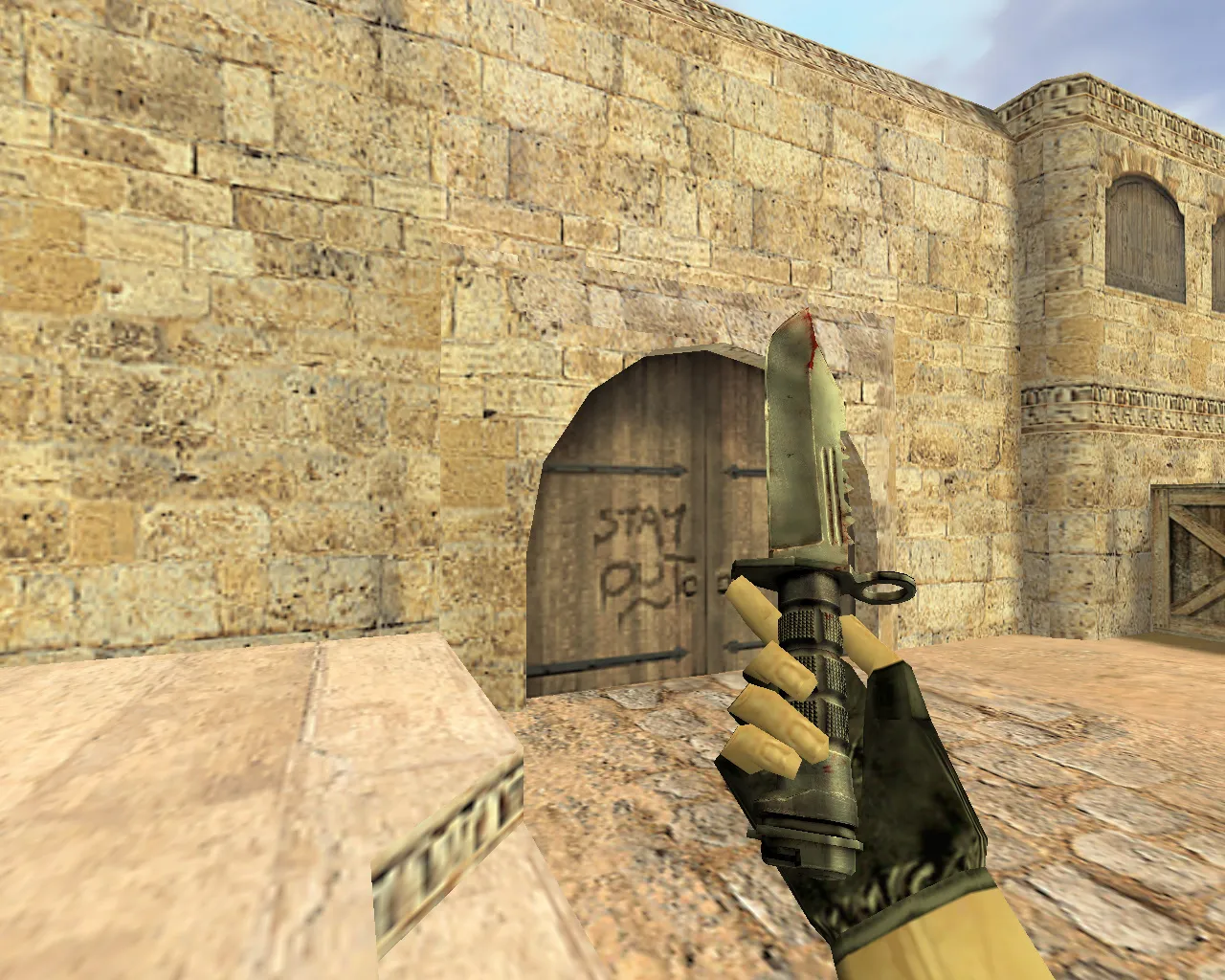
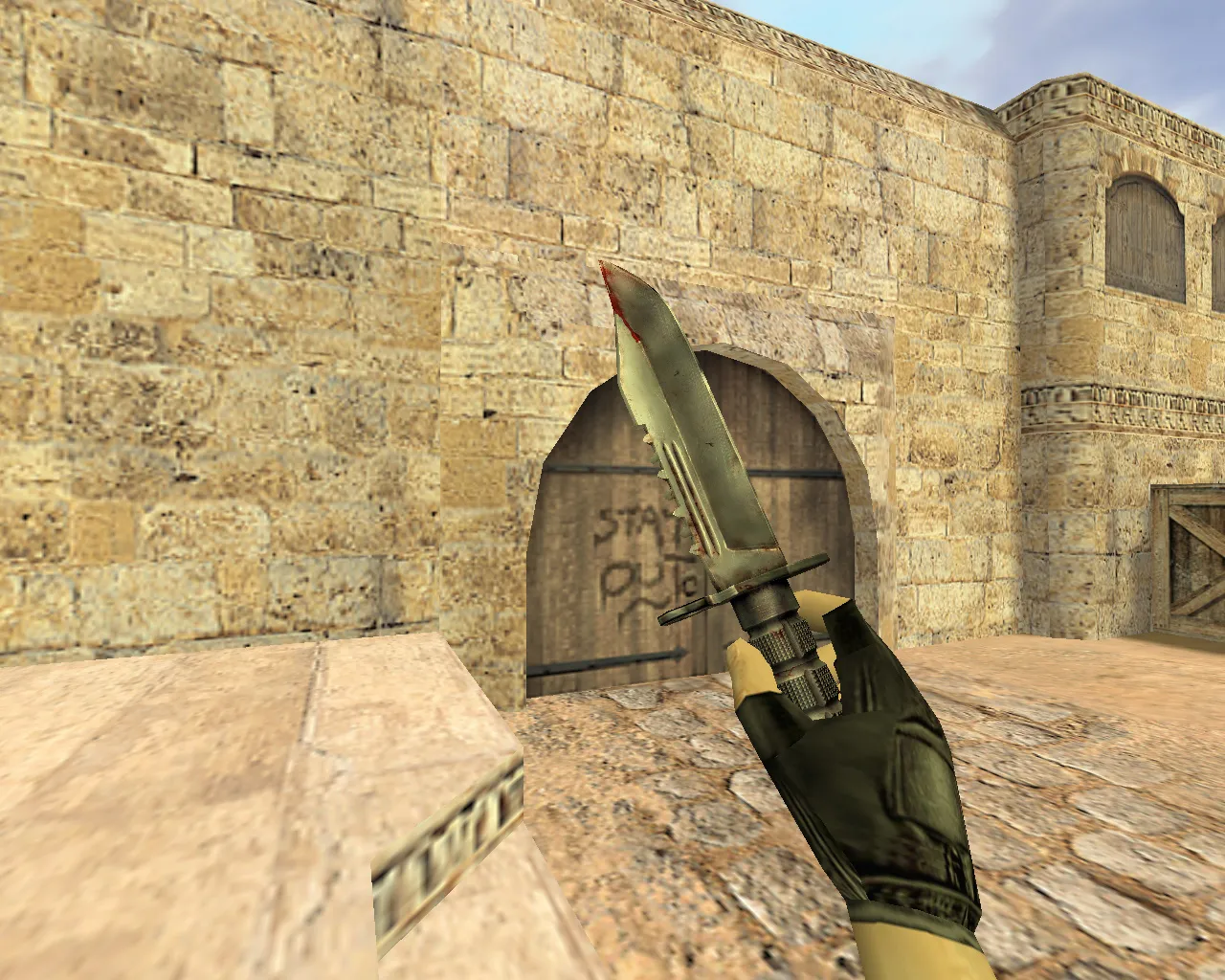
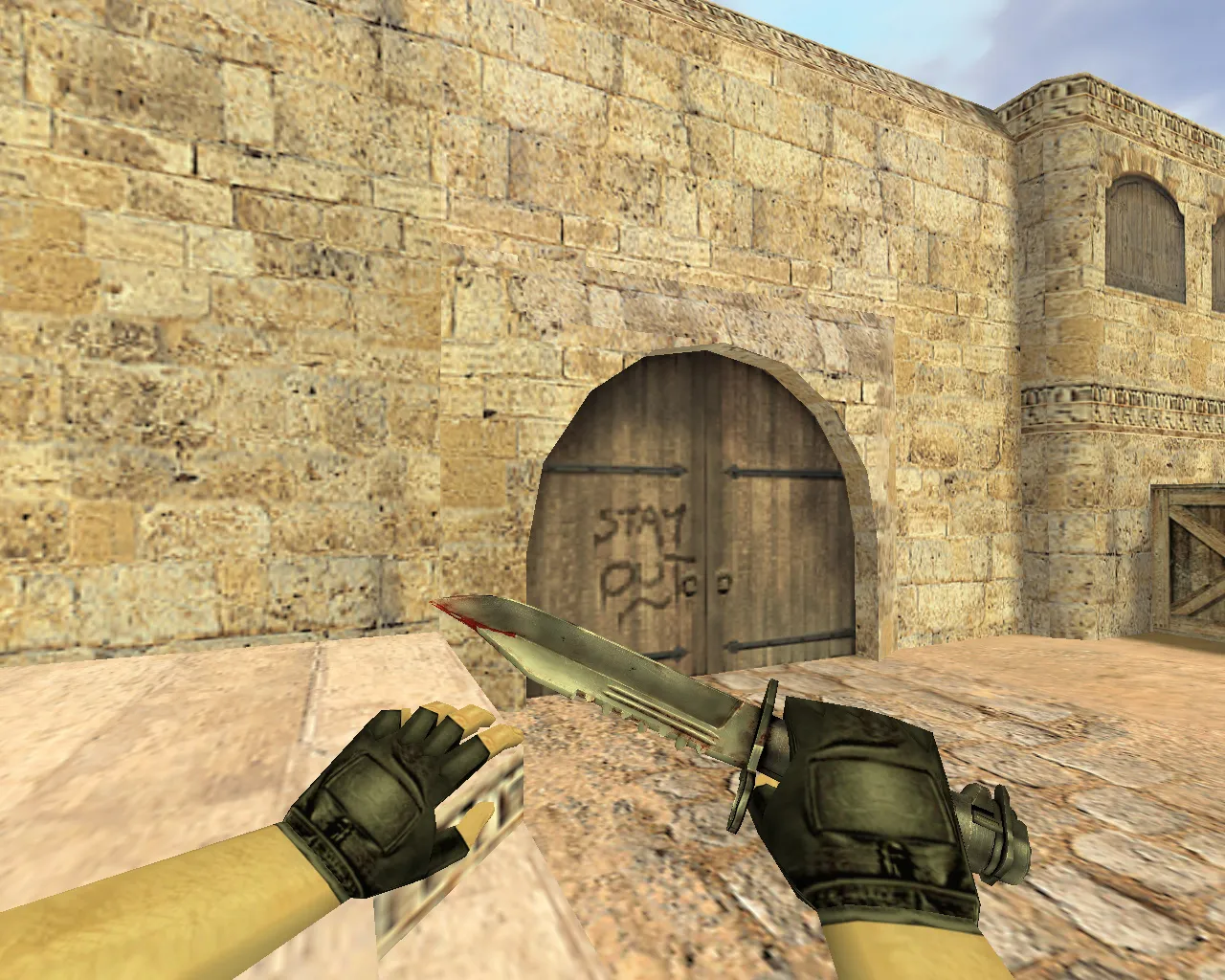
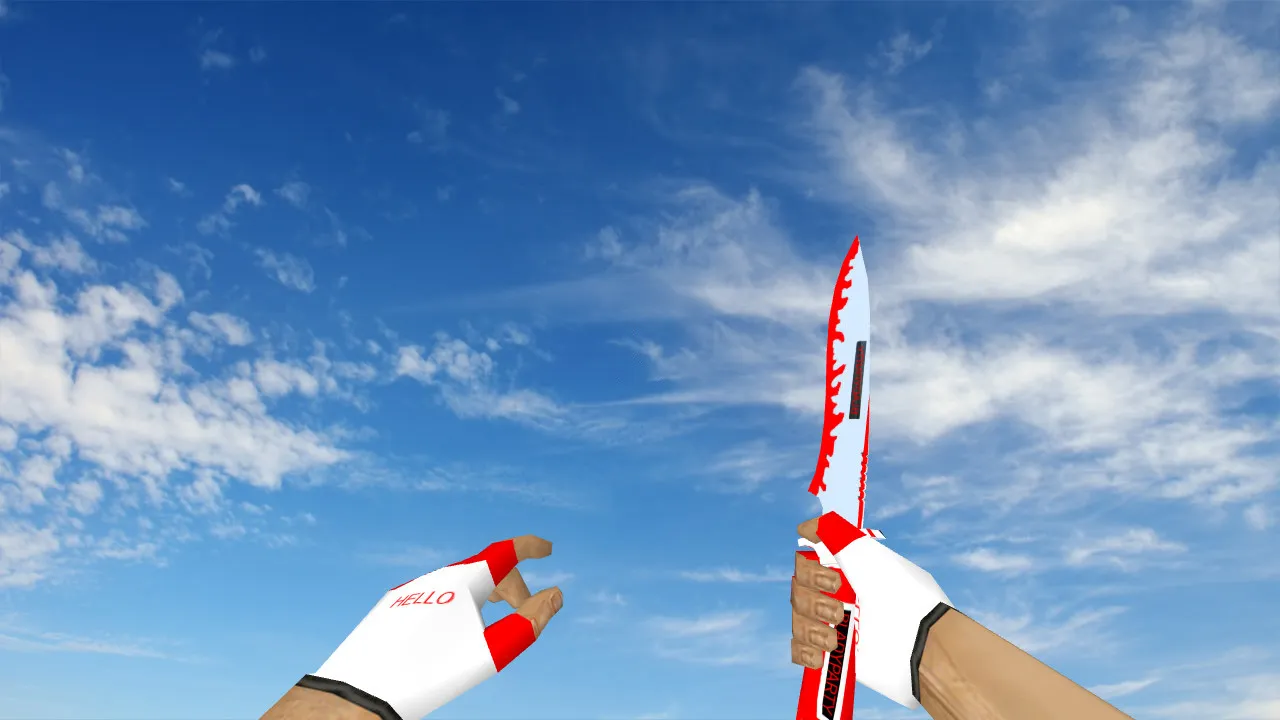
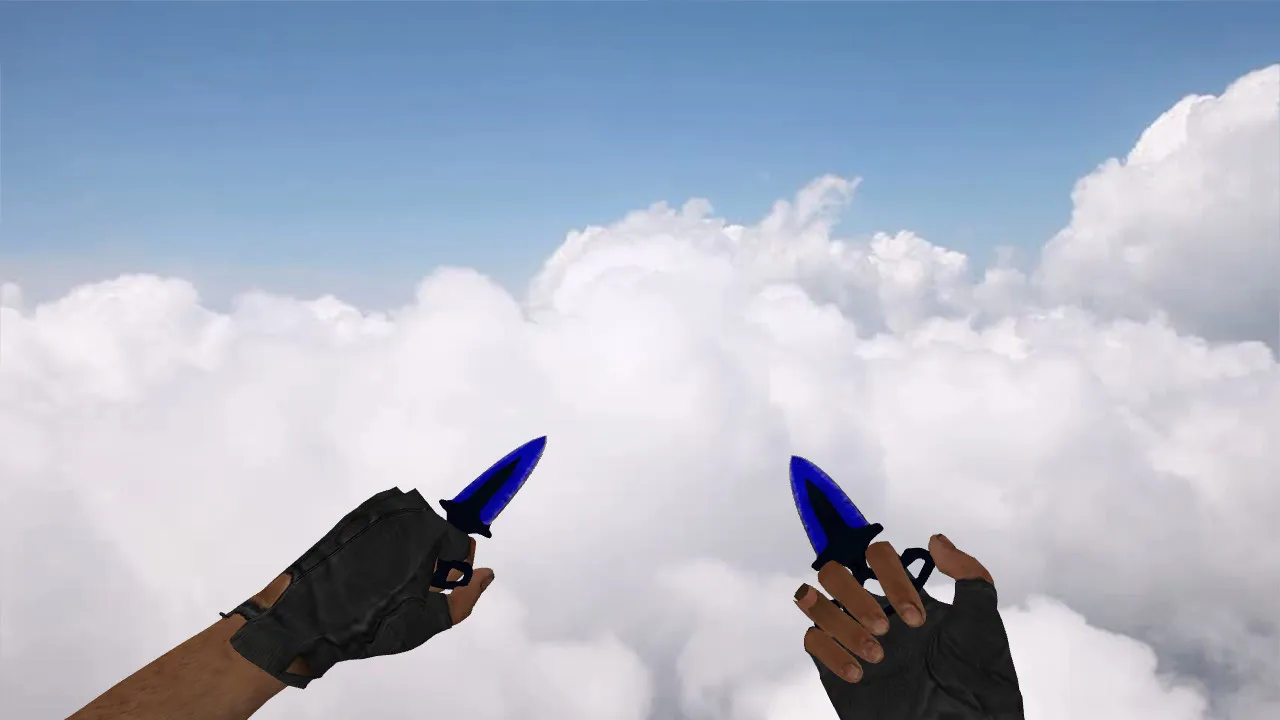
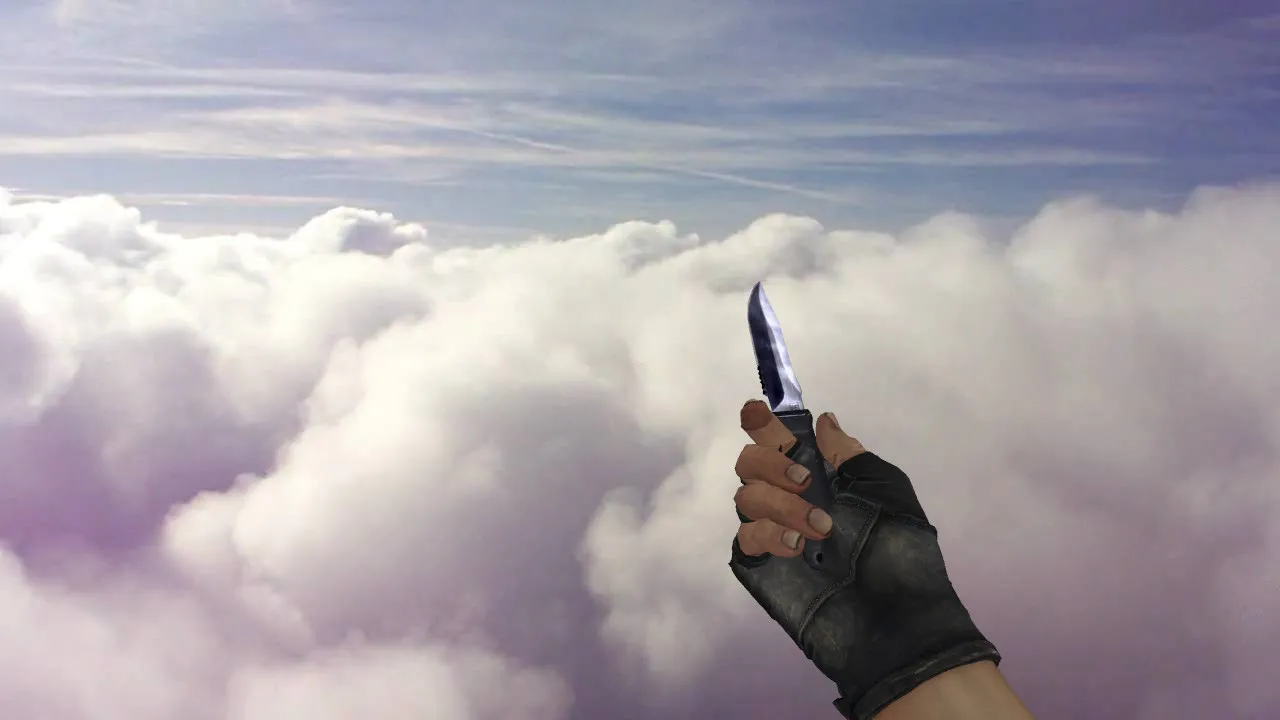
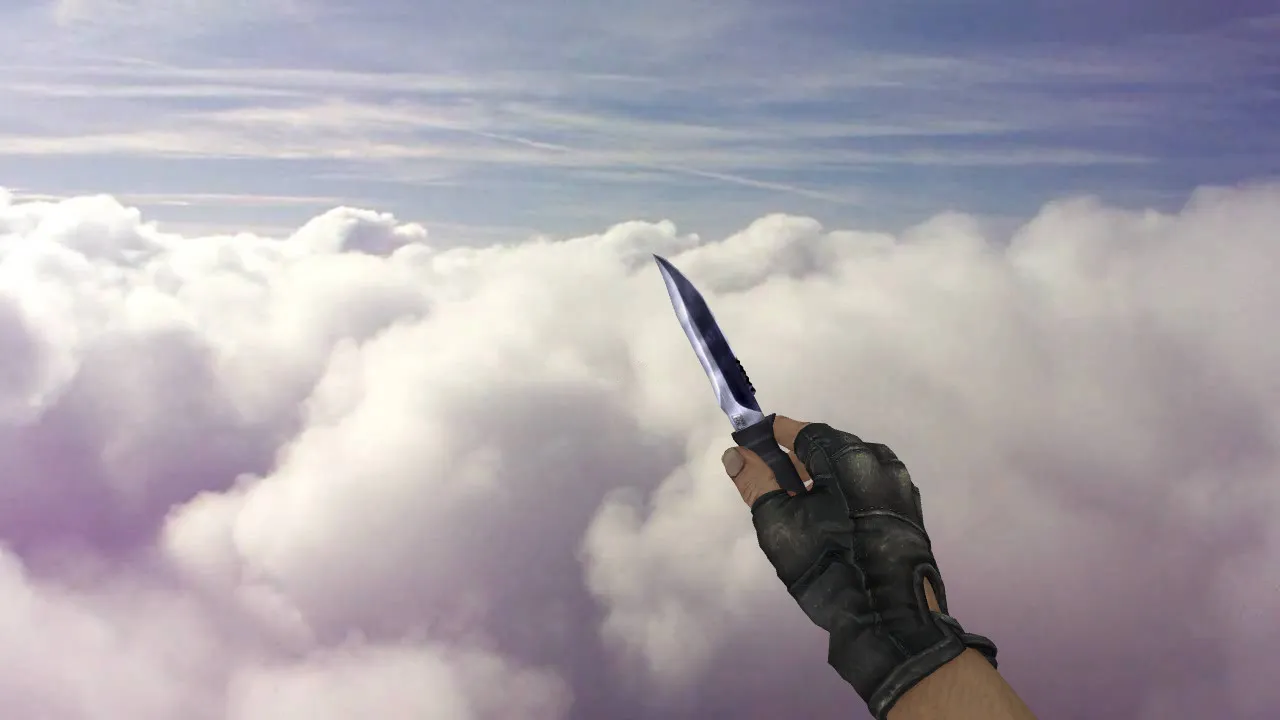
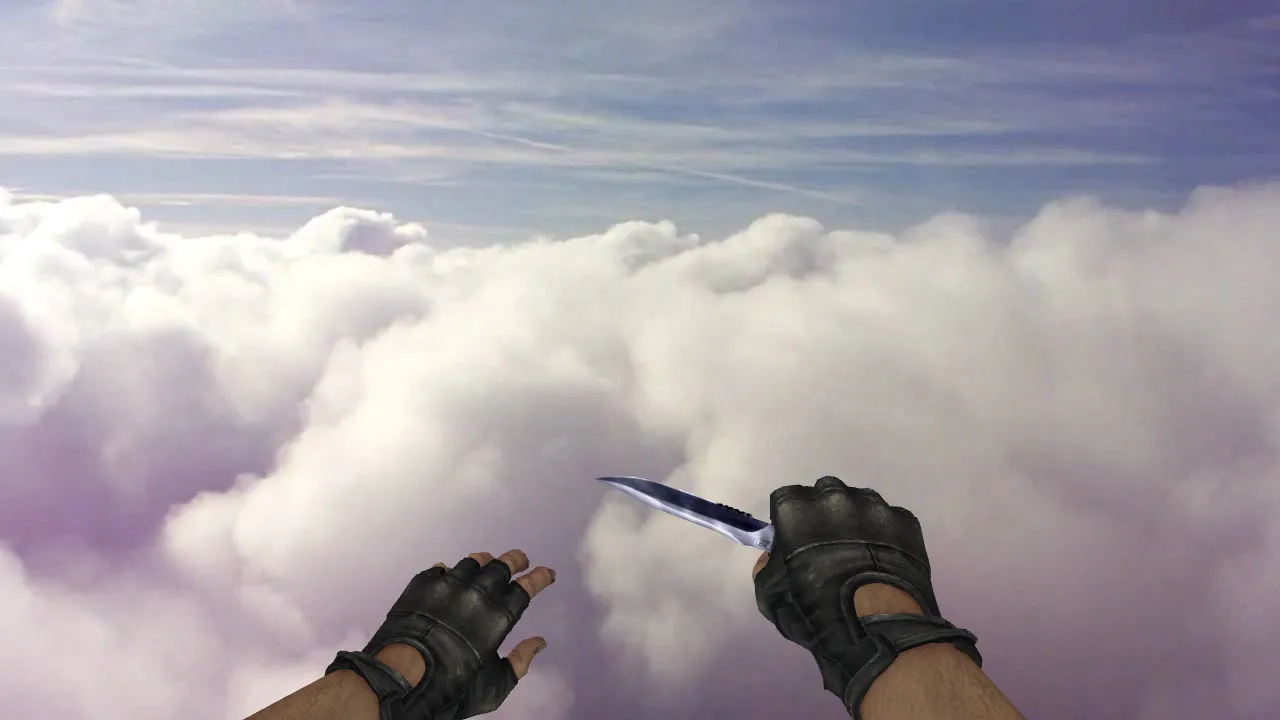
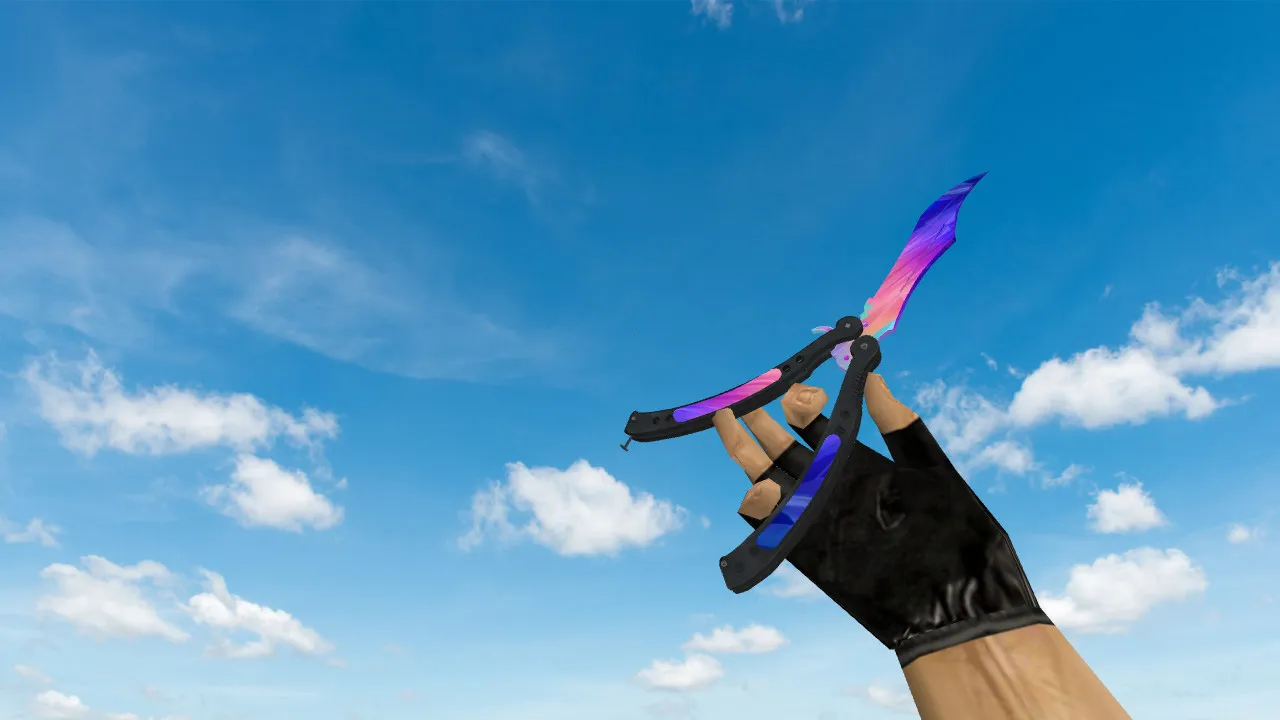
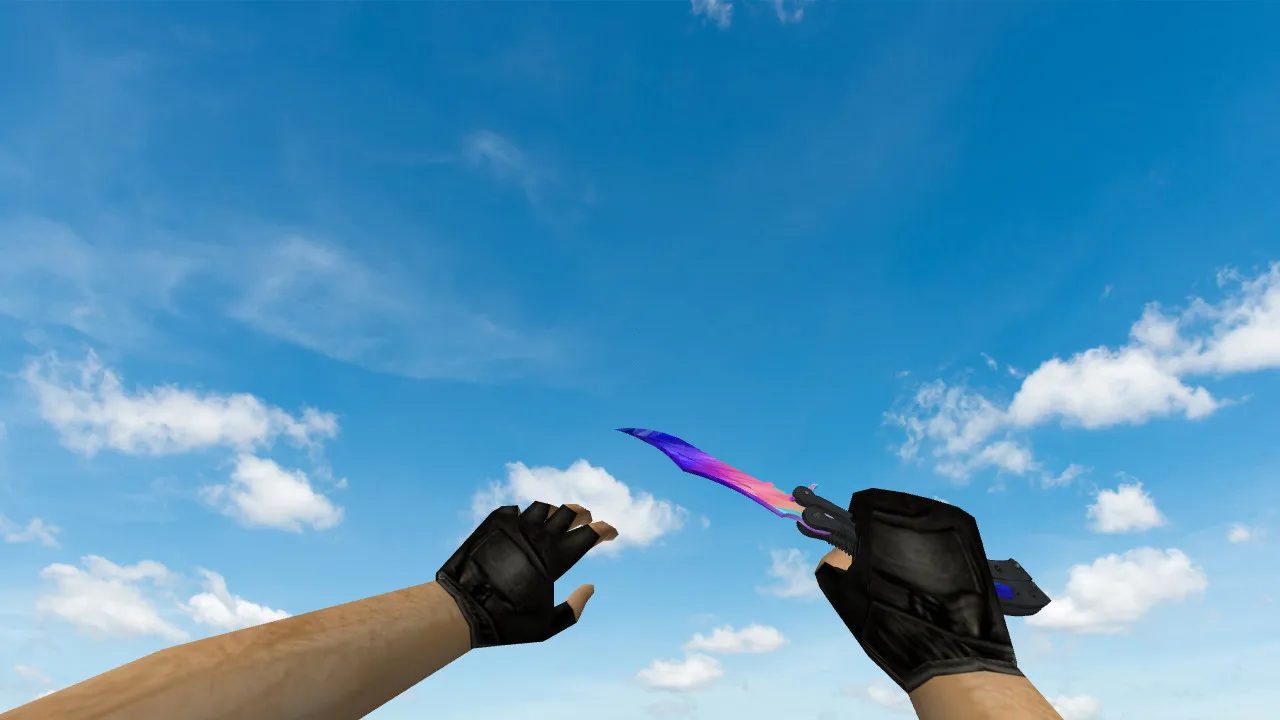
Neon Racer Stabbing Knives for CS 1.6: v_ and p_ Models, Sounds, Inspect Animation, Textures, and Setup
Description
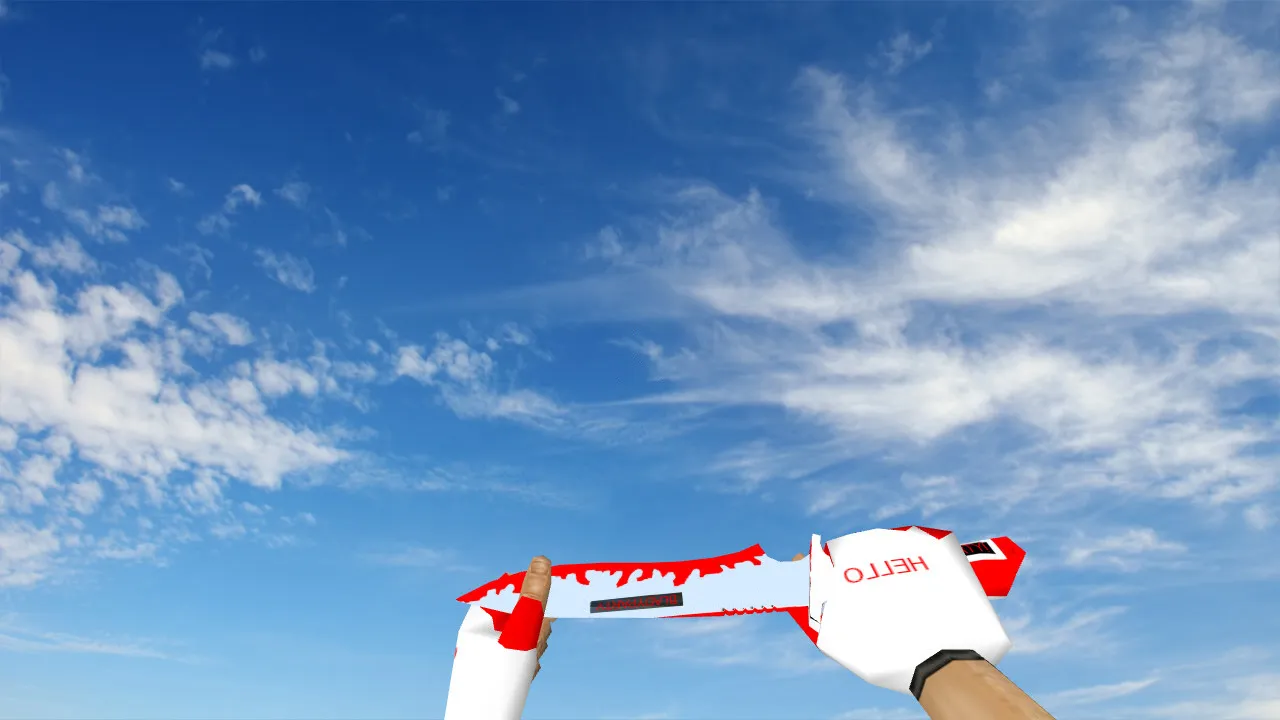
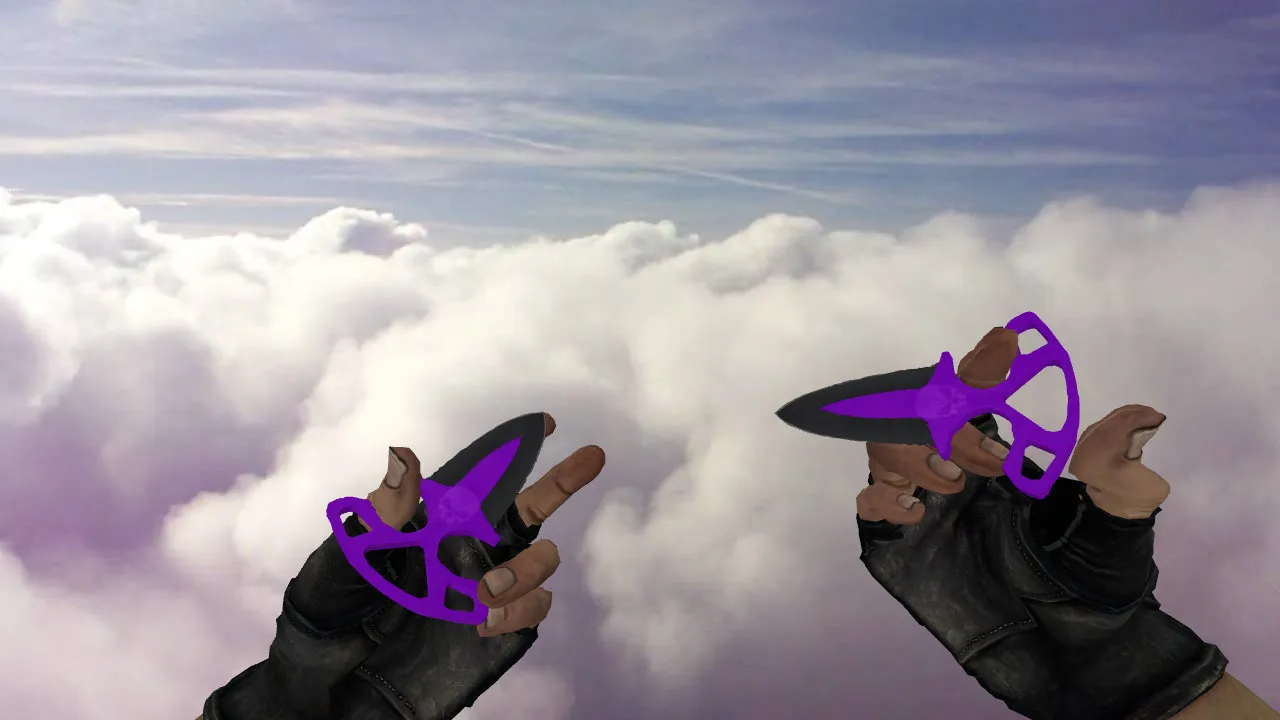
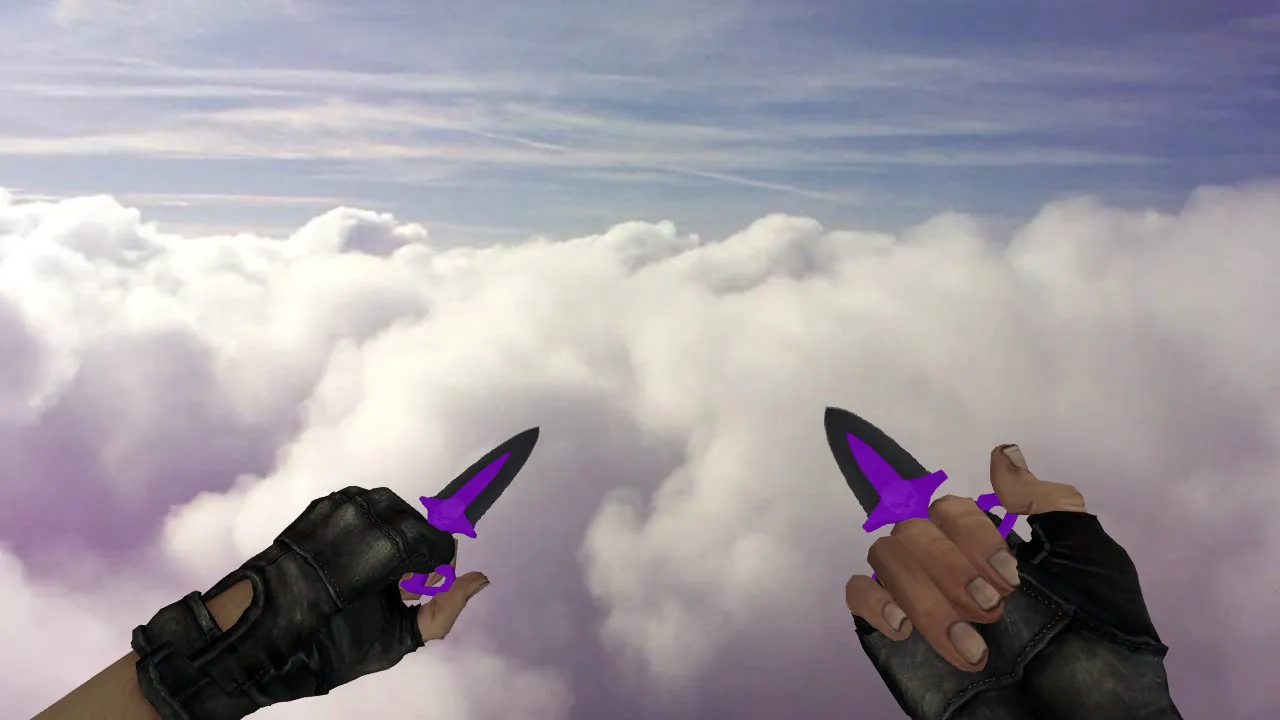
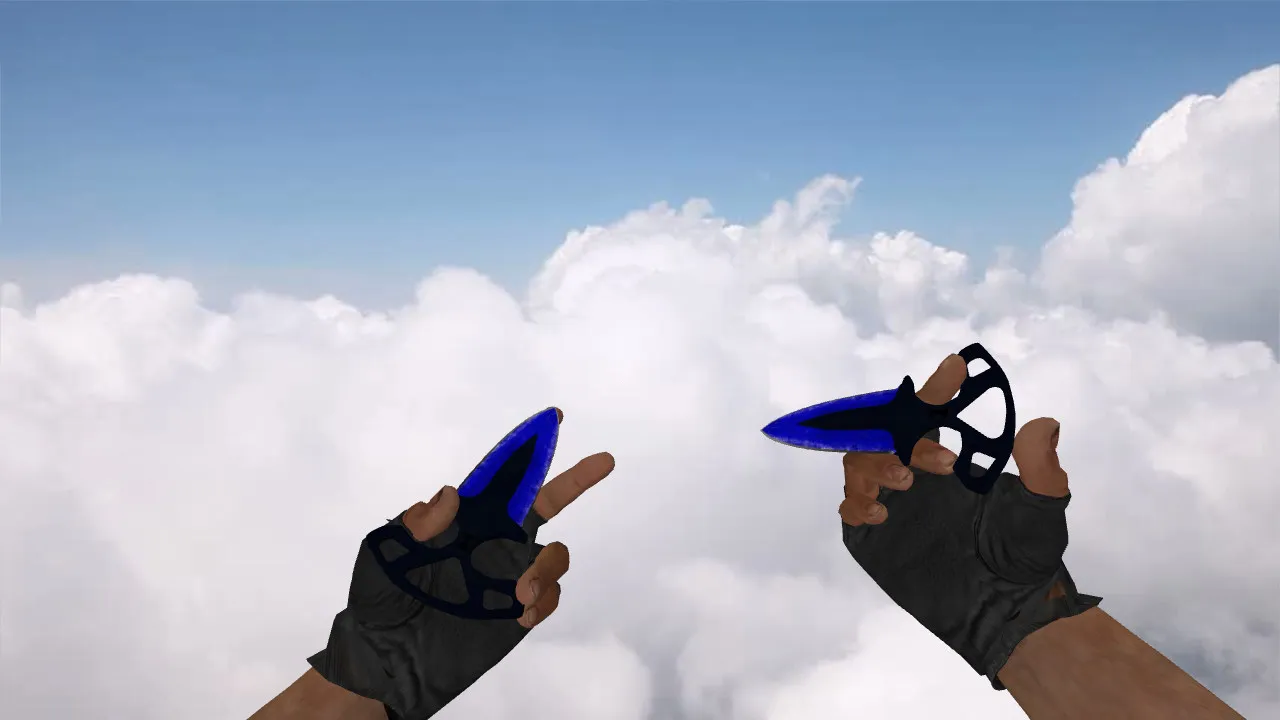
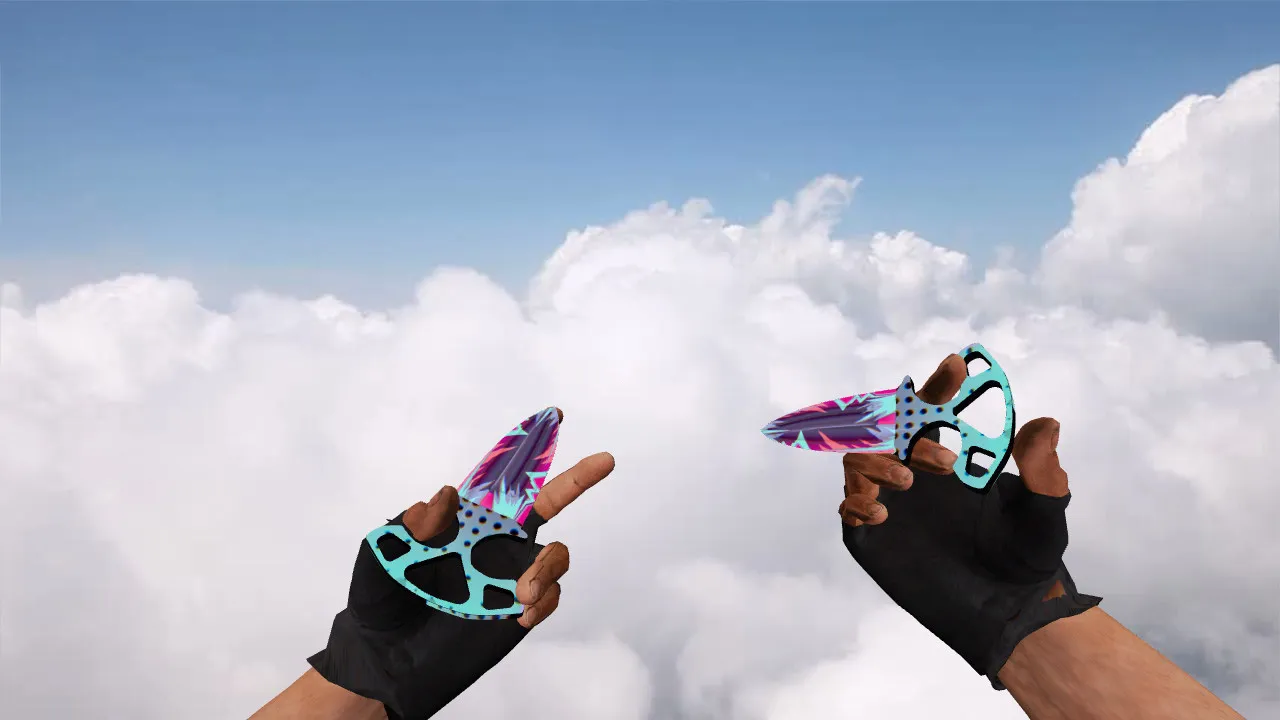
Neon Racer Stabbing Knives for CS 1.6: View and Player Models, Audio, and Animation
Replacements like the Neon Racer mod swap the default blade for a distinctive appearance that catches the eye mid-round. The package supplies the necessary world and player models: v_ for the first-person perspective and p_ for third-person view. It also handles w_ models for weapons lying on the ground, guaranteeing consistent behavior in every situation without glitches.
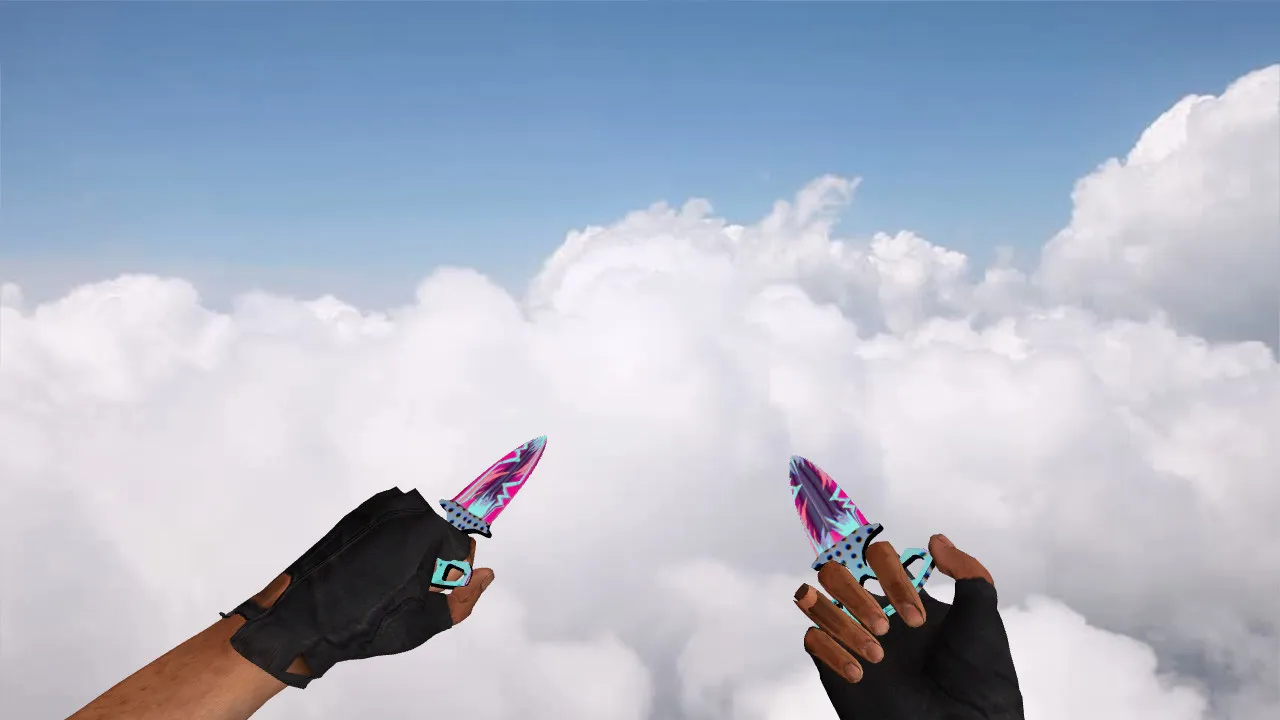
Attention to detail keeps gameplay fluid: inspect sequences fire reliably, clicks and footsteps stay in sync, and custom audio integrates smoothly to preserve timing. Weapon draws and quick aim adjustments respond as expected. The inspect function activates immediately, letting you concentrate on distance management without distraction during high-speed matches.
Texture Quality and Visuals
The Neon Racer style emphasizes pattern clarity and contrast while moving. As map lighting changes, the model remains crisp without blurred edges. Textures prevent color loss or harsh glare, keeping visuals steady. High-definition 512x512 or 1024x1024 skins deliver clarity across different server graphics configurations.
On varied servers running different settings, the neon palette retains its vivid tones instead of fading into muddy shades. This consistency stands out during strafes and turns, keeping the knife visible in dim areas such as de_dust2 tunnels or cs_office corners, supporting competitive play without visibility problems.
Safe Installation Instructions
Back up your current models folder before starting. Follow these steps for a clean setup:
- Move the model files into your CS 1.6 weapons models directory.
- Place v_, p_, and w_ files in their correct locations to avoid view mismatches.
- If audio files are provided, put them into the game's knife sound folder.
- Check inspect animations and weapon swaps for lag or hand clipping.
- Start a single-player game, then a local server to confirm everything works.
Use manual installation only-no auto-connect utilities or unknown scripts. This modification is free of viruses, ads, and hacks, focusing purely on model replacement for safe, high-FPS performance. Compatible with Build 4554 and 8613, functional on both Steam and Non-Steam versions with a clean config.cfg.
In-Game Performance
Stabbing knives shine in speed and accuracy for close-range finishes and knife duels. During inspection spins, the model eliminates jitter, with hands placed precisely for hitbox alignment. Inspect animations and model binding remain reliable under pressure.
The distinct neon look integrates without blocking sight, centering well on screen for head-level aiming. In dark corners, the glowing pattern stays visible, letting you track your equipped weapon easily. The polygon count stays low for a no-recoil feel and smooth 100+ FPS on mid-range hardware.
Compatibility and Testing Advice
Servers with strict rules or custom configurations may behave differently, so test after installation on a secured server. A pristine config.cfg prevents conflicts-match consistent rates and graphics parameters. Avoid importing corrupted files from old modifications.
Run a quick drill: switch to the knife, inspect, drop it if possible, then switch back to your primary. The sequence should flow without hiccups. This prepares the Neon Racer for any round, improving control in tactical positions like long A on de_inferno or mid on de_nuke. For bot matches, ensure .nav files align without pathing errors. If problems appear, restore backups and adjust cl_bob settings for stable viewmodel sway.
Install in three steps
-
1
Download the archive. Use the button on the right, or the Yandex.Disk mirror if the main server is slow.
-
2
Extract it into the game folder. Use 7-Zip or WinRAR. A path without non-Latin characters works best.
-
3
Launch the game. If something doesn't work, mark it below - that is how we know the file needs an update.
Did it work for you?
No sign-up needed. You can pick more than one.