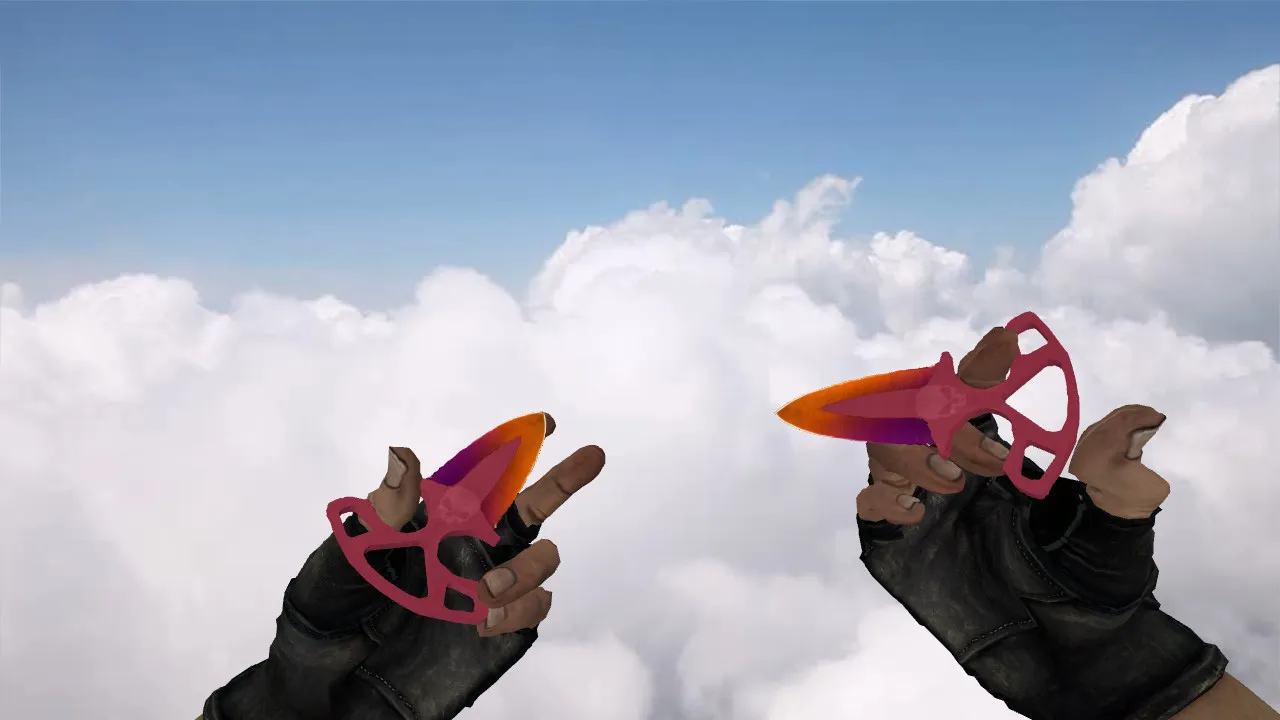
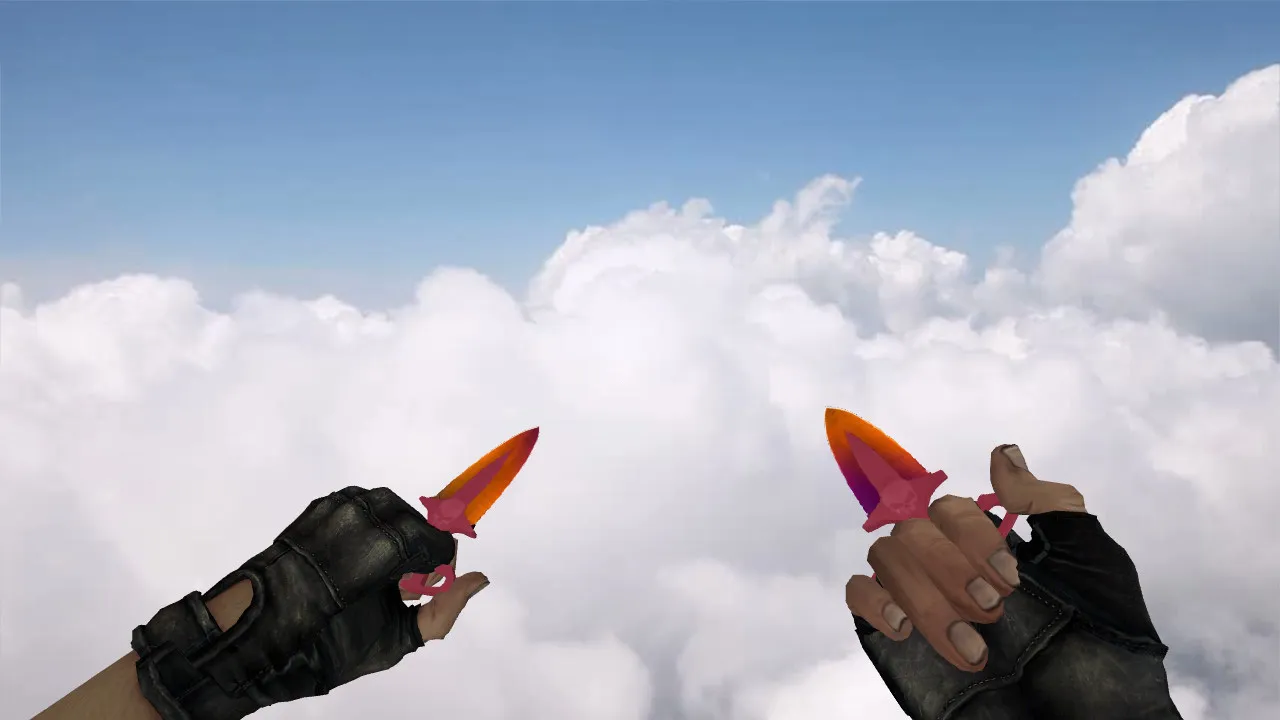
Butterfly Knife Lite Model for CS 1.6: v_ and w_ Models, Inspect Animation, Sounds, HD Textures and Build

Description
Butterfly Knife Lite for CS 1.6: Package Contents
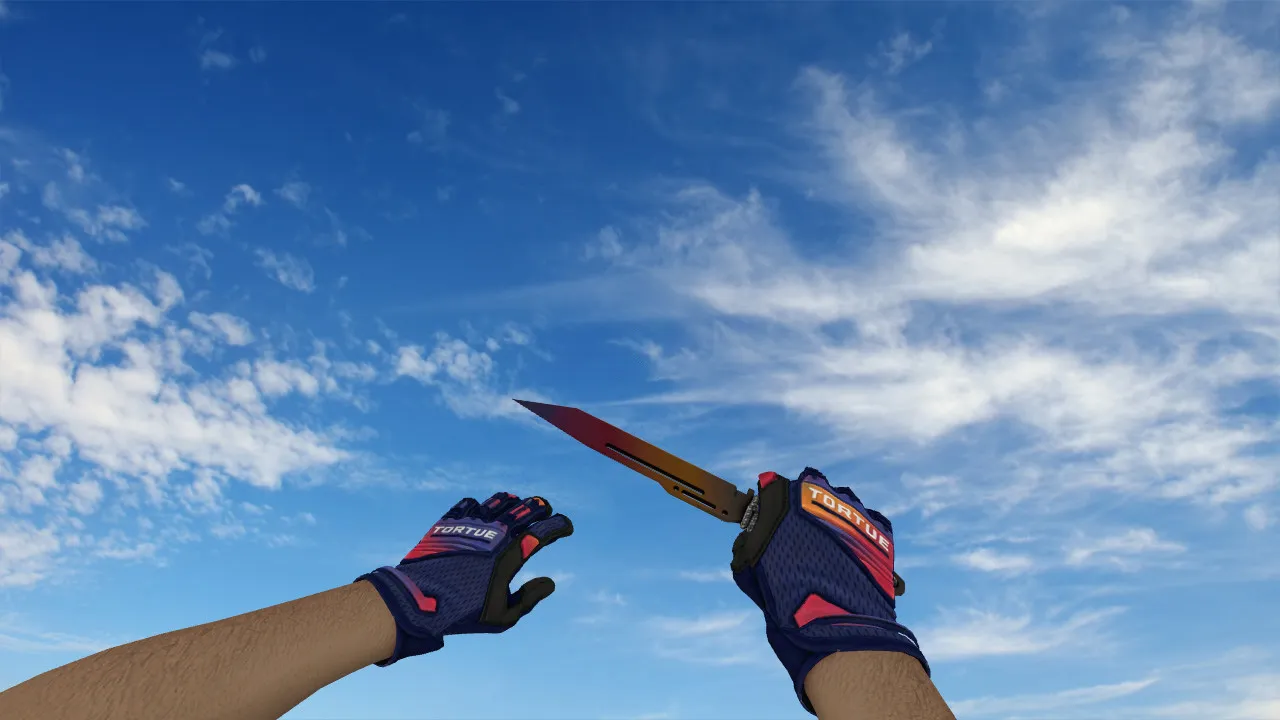
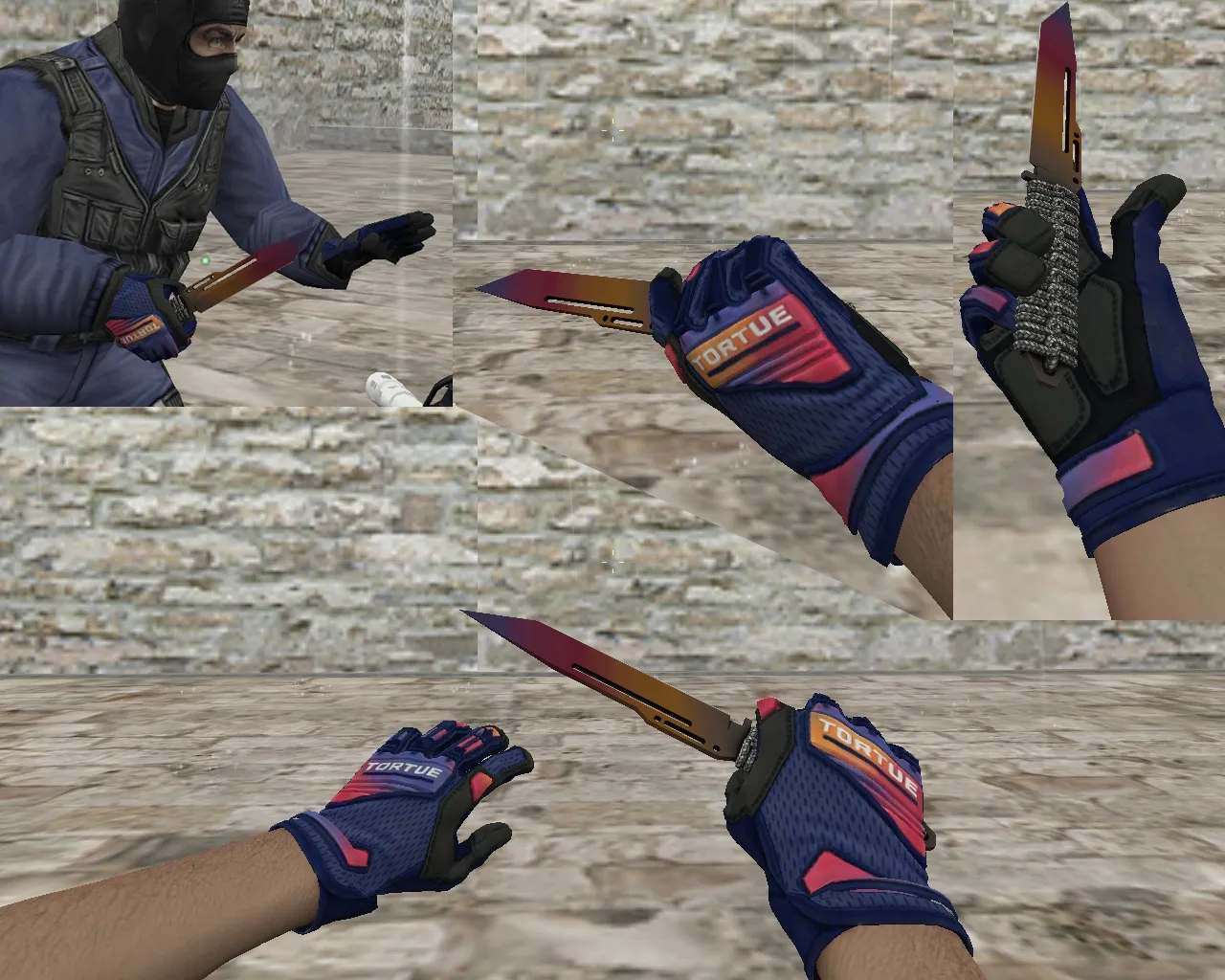
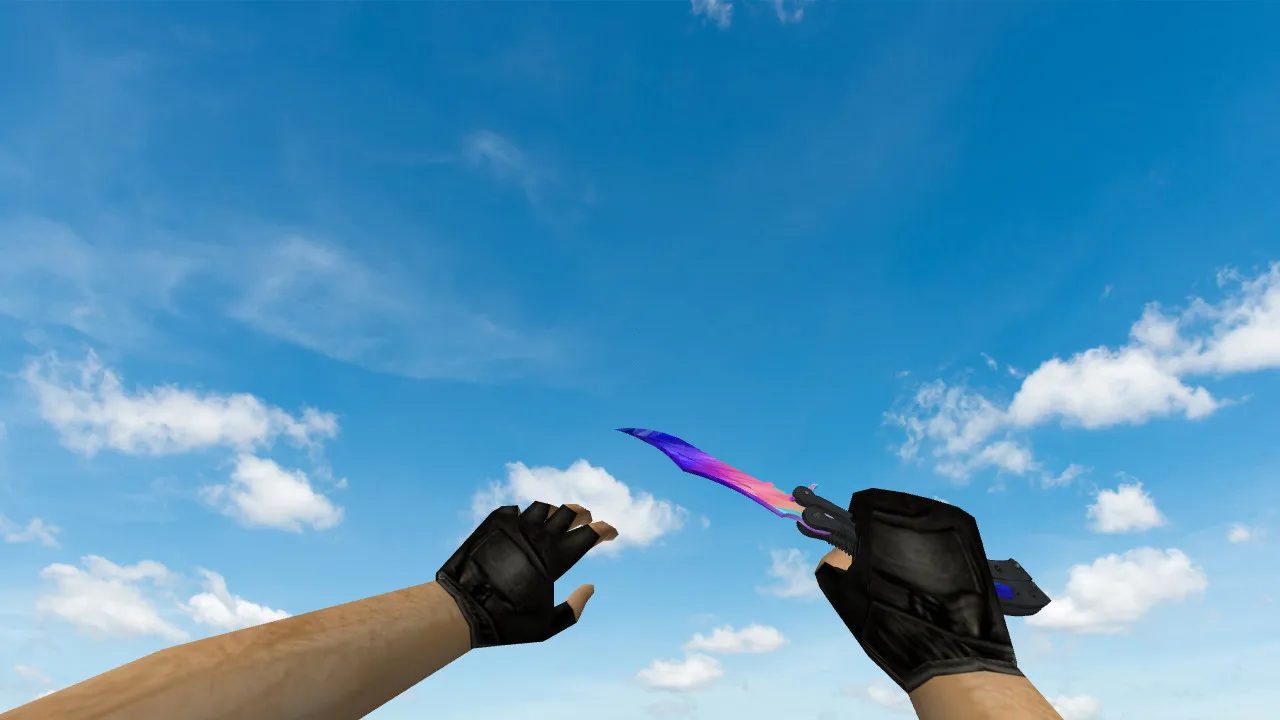
This Butterfly Knife Lite model is crafted for Counter-Strike 1.6, ensuring flawless operation on game servers. The download provides the necessary v_ and w_ model files so the weapon renders properly in first-person view and when dropped. Inspect animations and standard draw logic stop glitches during menu navigation or slot swaps. The setup delivers steady performance during matches, with hitboxes aligned for accurate melee hits that don't interrupt the flow of play.
Regarding audio, knives lack shooting effects, yet deploy and strike sounds are vital. The bundled sound files handle draw, stab, and swing actions, removing silence on input and matching the pace of rapid rounds. These custom audio cues plug straight into the game engine, giving feedback that mirrors vanilla CS 1.6 timing.
Texture Quality and Visual Performance
The Lite edition focuses on fast rendering and clean materials for dependable visuals. Textures run at 512x512 resolution for crisp detail without blur during hand motion or view rotation. In fast matches, this clarity is essential-the blade stays visible in shadows, using ESL-style lighting for improved target tracking. The polygon count remains low at roughly 800 triangles, optimizing for high-FPS rigs without losing shape recognition while aiming or fighting.
Inspect Animation and In-Hand Behavior
The inspect sequence adds a swift flip motion without extra flair. It's calibrated for standard actions: drawing, swapping, and combat swings. The model dodges awkward poses or jerks on weapon changes, keeping hand and blade placement stable. No sudden jumps break aim, ensuring consistent melee hitbox accuracy. On servers running mixed mods, test compatibility offline first, then on an empty server for a few map cycles to confirm smooth integration.
Safe Installation Guide
- Grab the model archive only from trusted sources. Skip auto-connect features, mini-launchers, or bundled add-ons that might introduce risks.
- Unpack files into the models folder and confirm v_, w_, and any p_ models exist.
- If the archive contains scripts or materials folders, drop them in their exact paths. Do not rename files unless the instructions say so.
- Start the game, open the console, and watch for load errors. If warnings pop up, restore original files and retry the copy.
This method ensures no viruses, slow-hacks, ads, or auto-connects interfere. The model is clean and works with both Steam and Non-Steam installs, following Build 4554 standards for wide server support.
Config and FPS Optimization
After installing, few tweaks are required. For client optimization, set rates near 100k and ex_interp to 0.01 for solid hit registration and fluid movement. A clean config.cfg without extra plugins raises FPS, particularly on older hardware. MasterServer protection is included, blocking common exploits while keeping a no-recoil feel for knives-though melee has no recoil, the stability helps swing precision.
Check that the CS 1.6 folder path matches your setup. Put models where the client expects them to prevent display issues or fallback to default knives.
Server and Bot Testing Before Matches
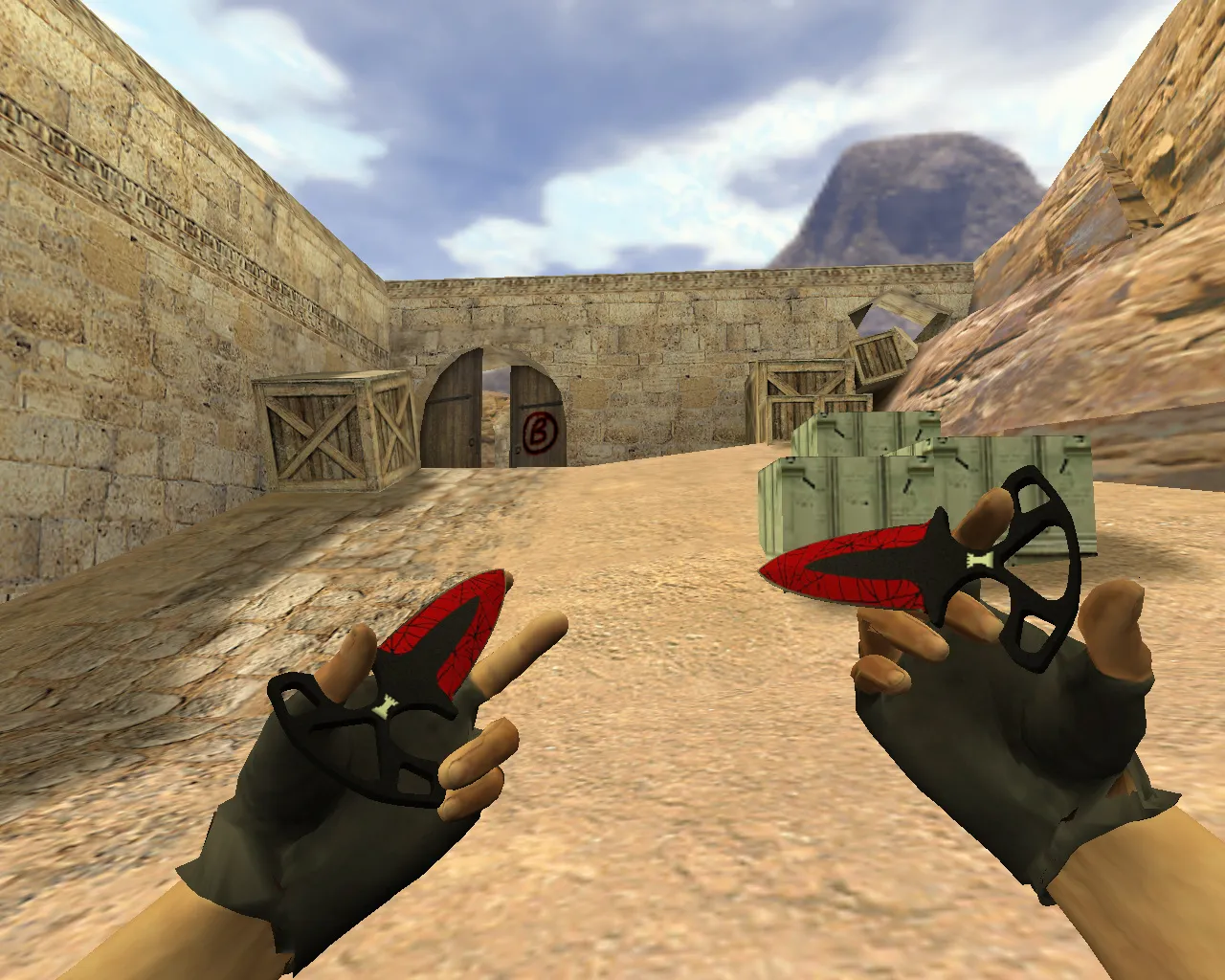
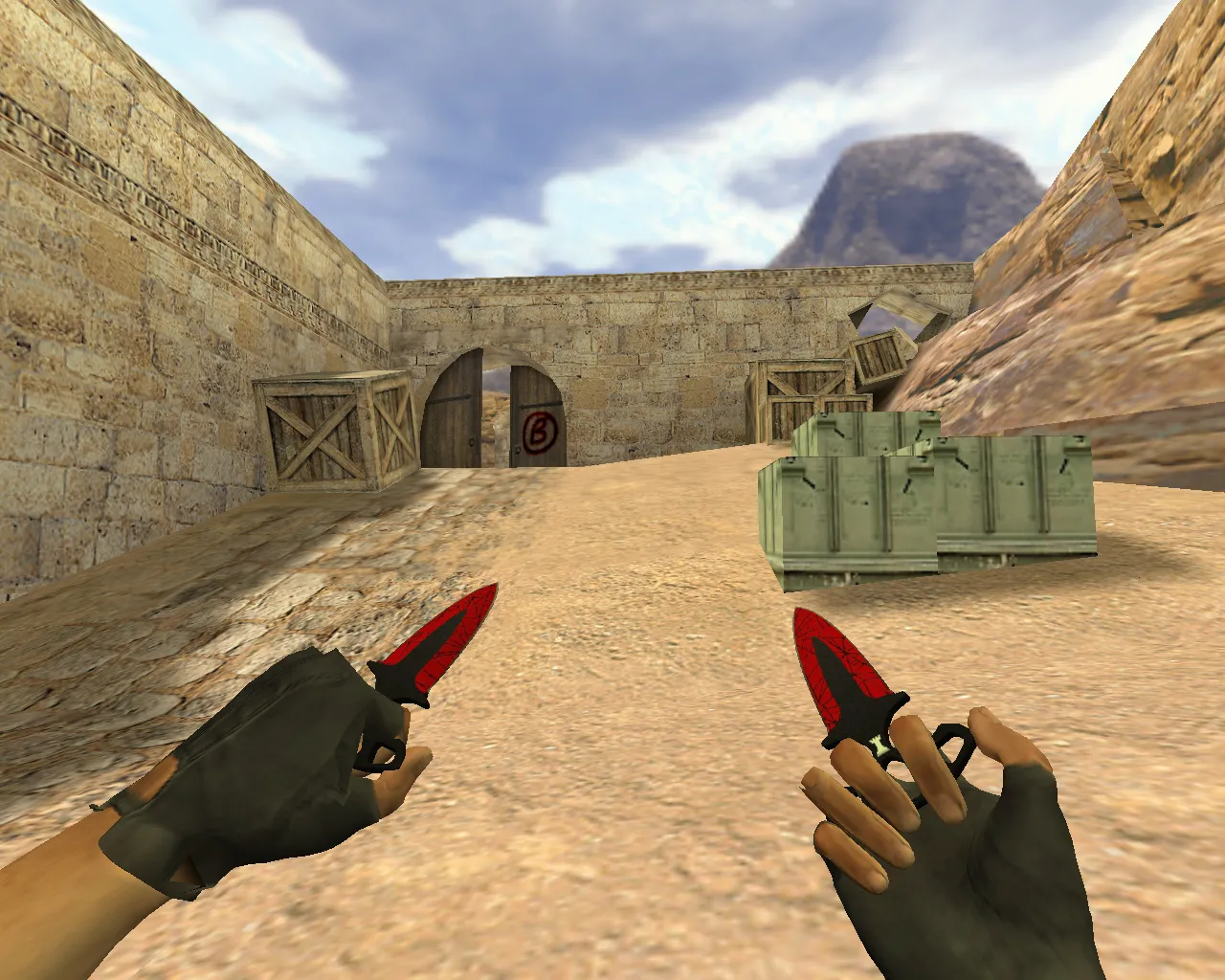
Before entering competitive play, test the model in action. Join a stability-focused server, swap to the knife several times, and trigger the inspect. This exposes animation smoothness and mod conflicts early. For bots, run a round on a tactical map like de_dust2-focus on close-quarters sites where knife visibility in dark corners matters. Balance points, such as long angles or B-site pushes, show how the model's ESL-style shading aids quick glances without distraction.
If everything runs even, the Butterfly Knife Lite serves as a solid upgrade for style and utility. It's a practical tool in fights, not flashy decor, staying recognizable and non-intrusive for long-term use. With accurate polycount and HD textures, it boosts immersion while preserving core CS 1.6 performance.
Install in three steps
-
1
Download the archive. Use the button on the right, or the Yandex.Disk mirror if the main server is slow.
-
2
Extract it into the game folder. Use 7-Zip or WinRAR. A path without non-Latin characters works best.
-
3
Launch the game. If something doesn't work, mark it below - that is how we know the file needs an update.
Did it work for you?
No sign-up needed. You can pick more than one.