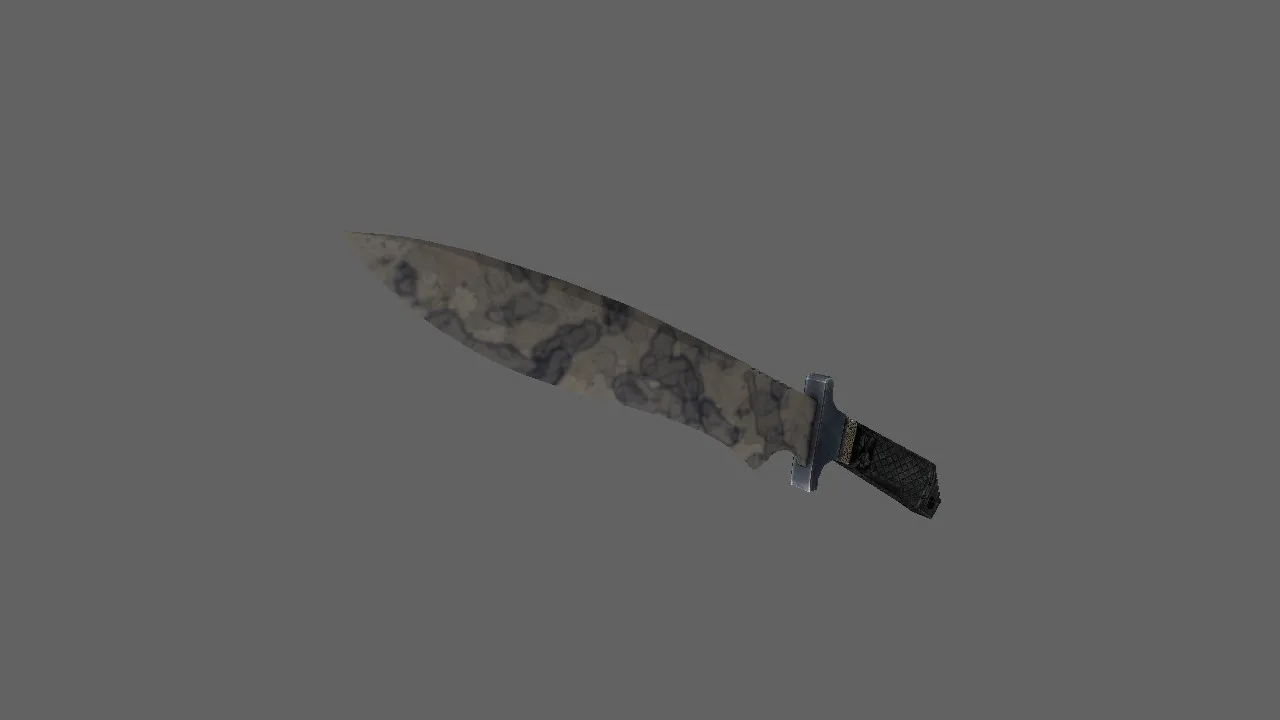
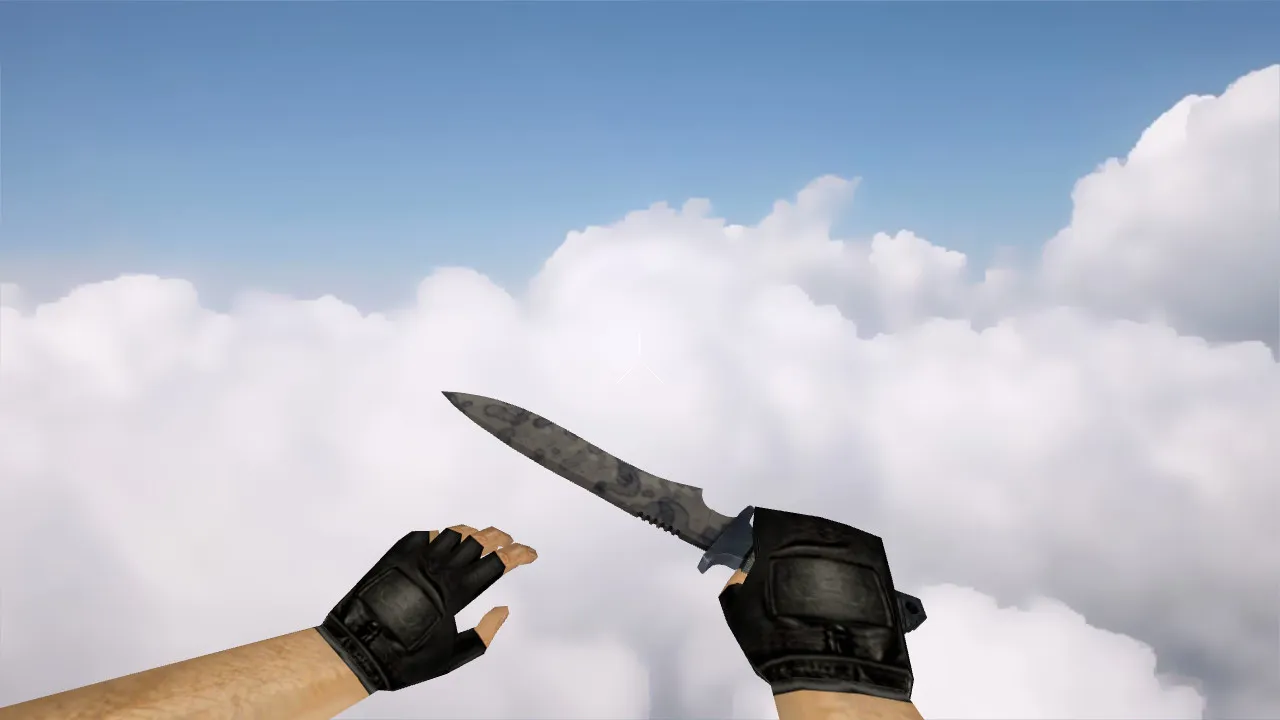
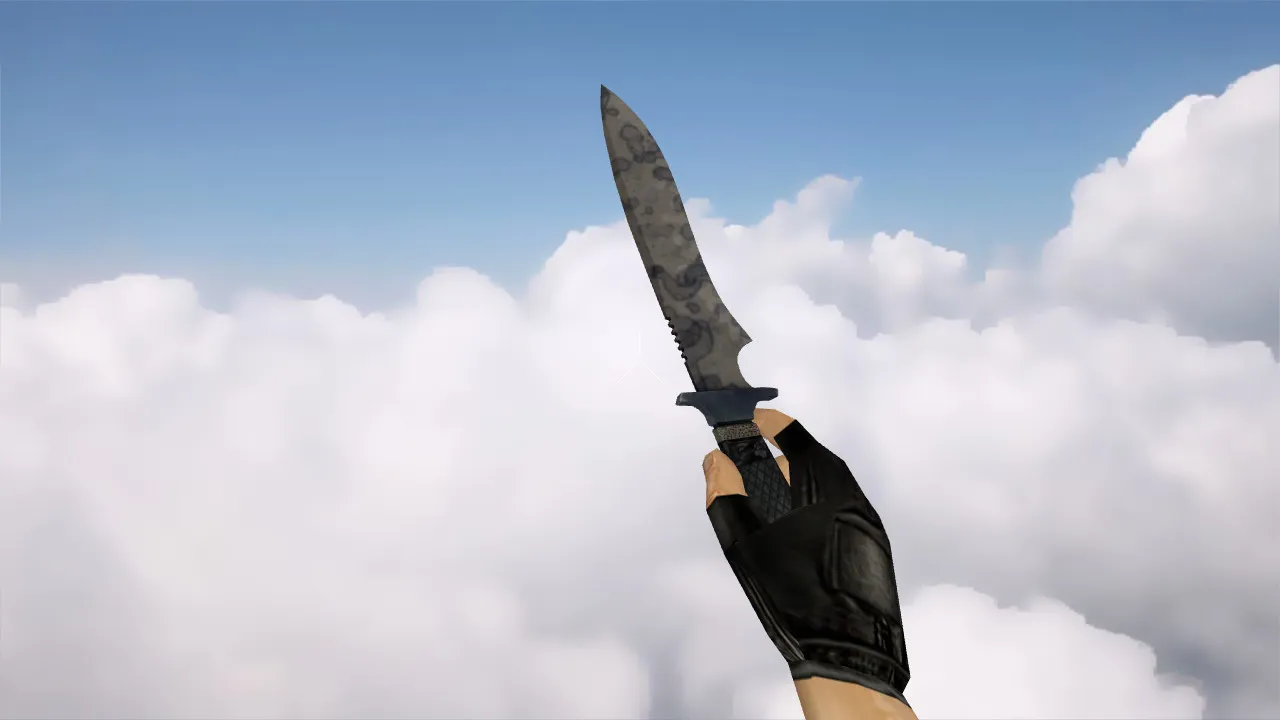
Papin Vulkanus Knife Model for CS 1.6: v_ / p_ / w_ Models, Sounds, Inspect Animation, and Texture Quality
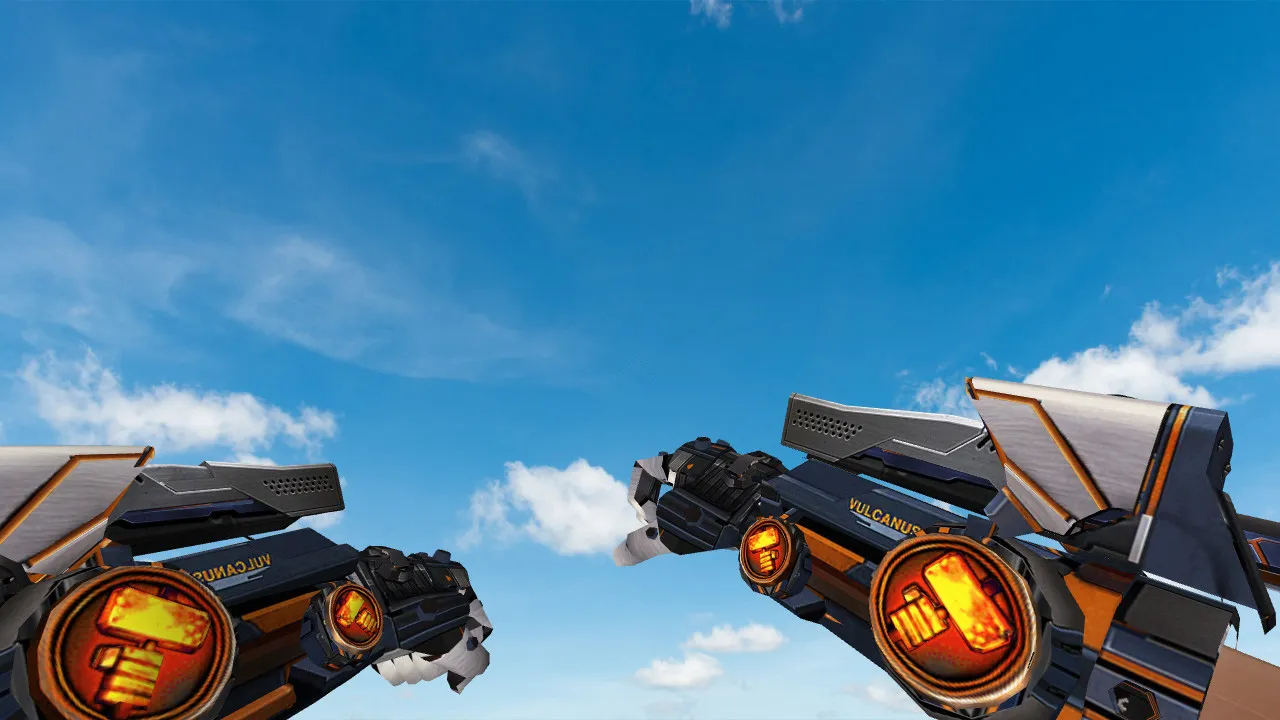
Description
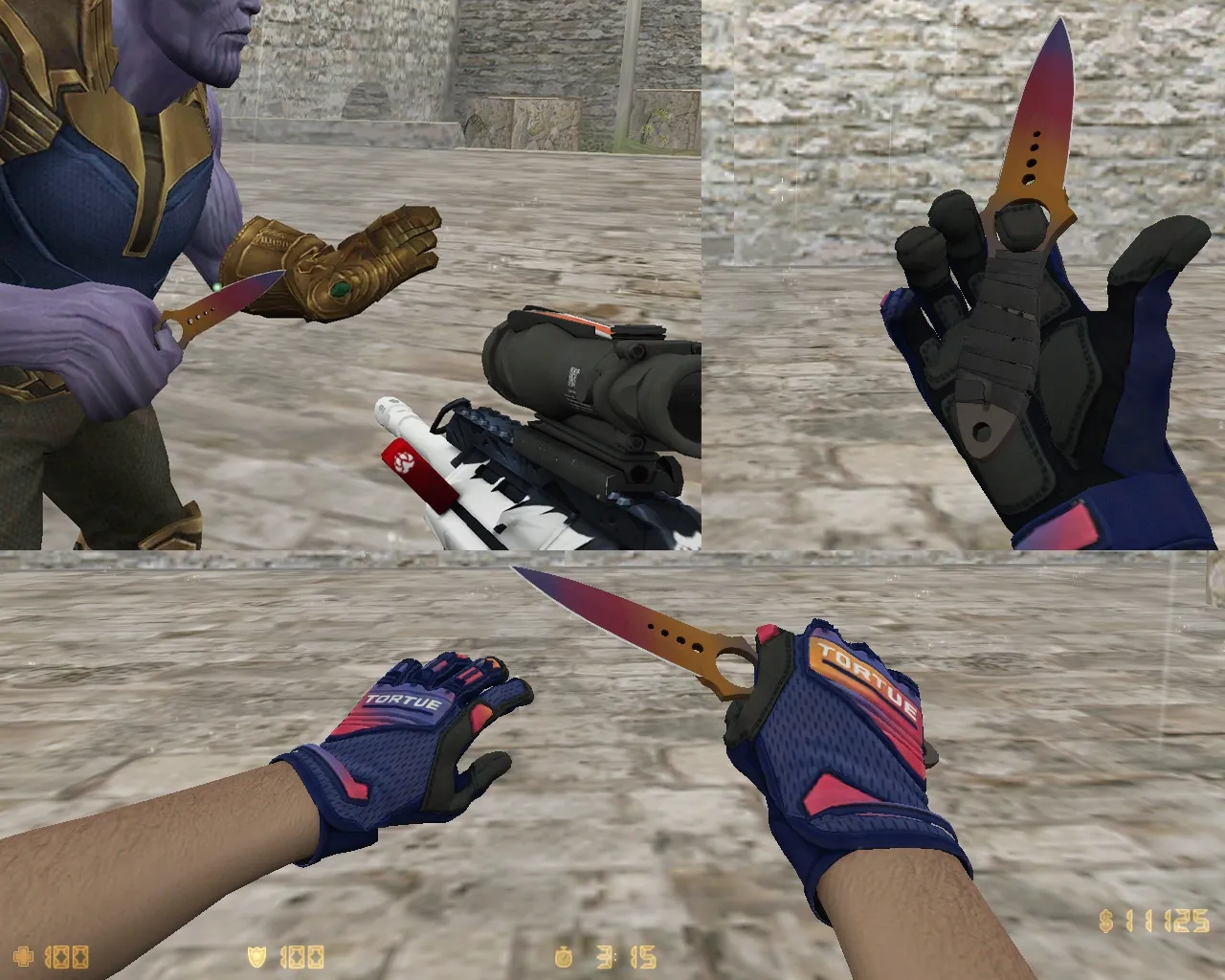
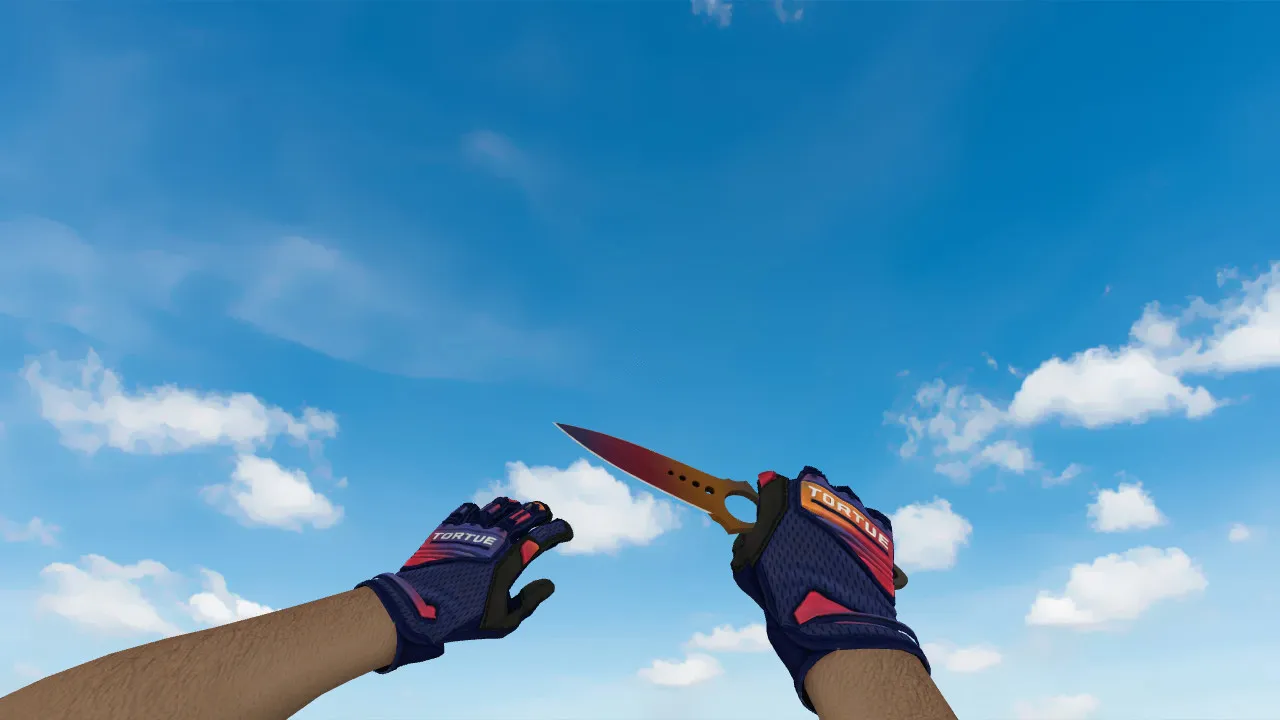
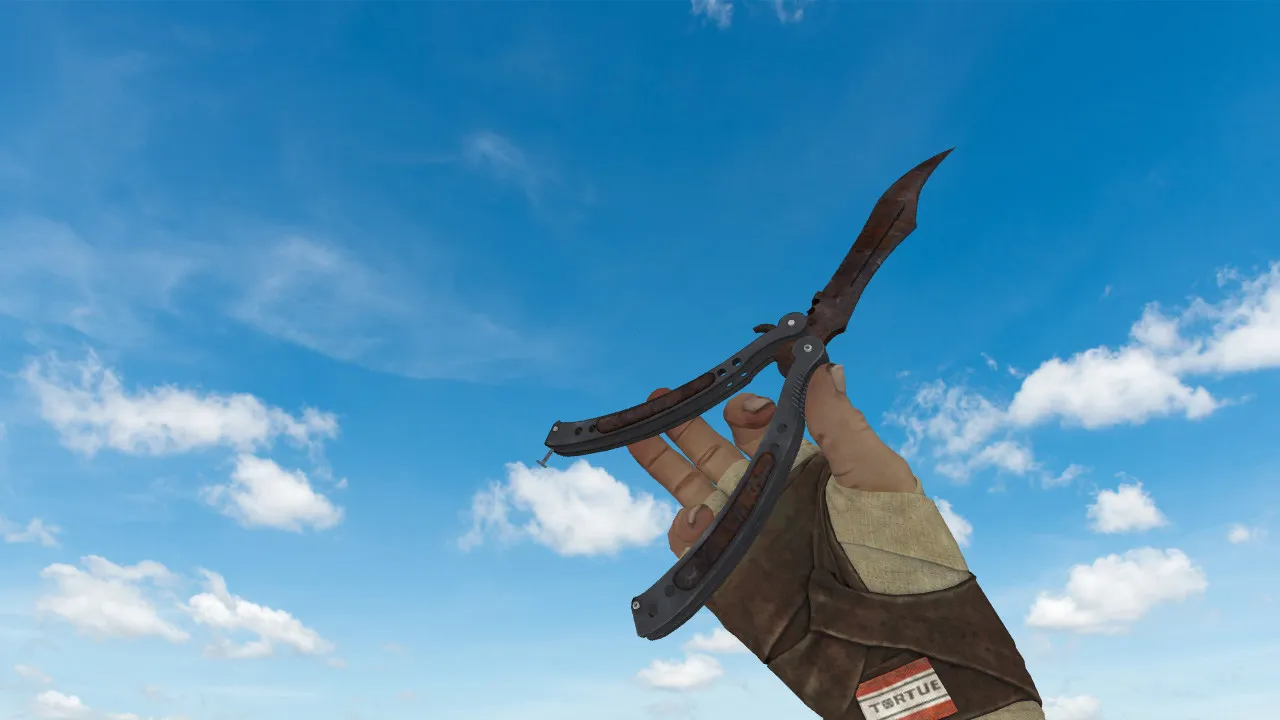
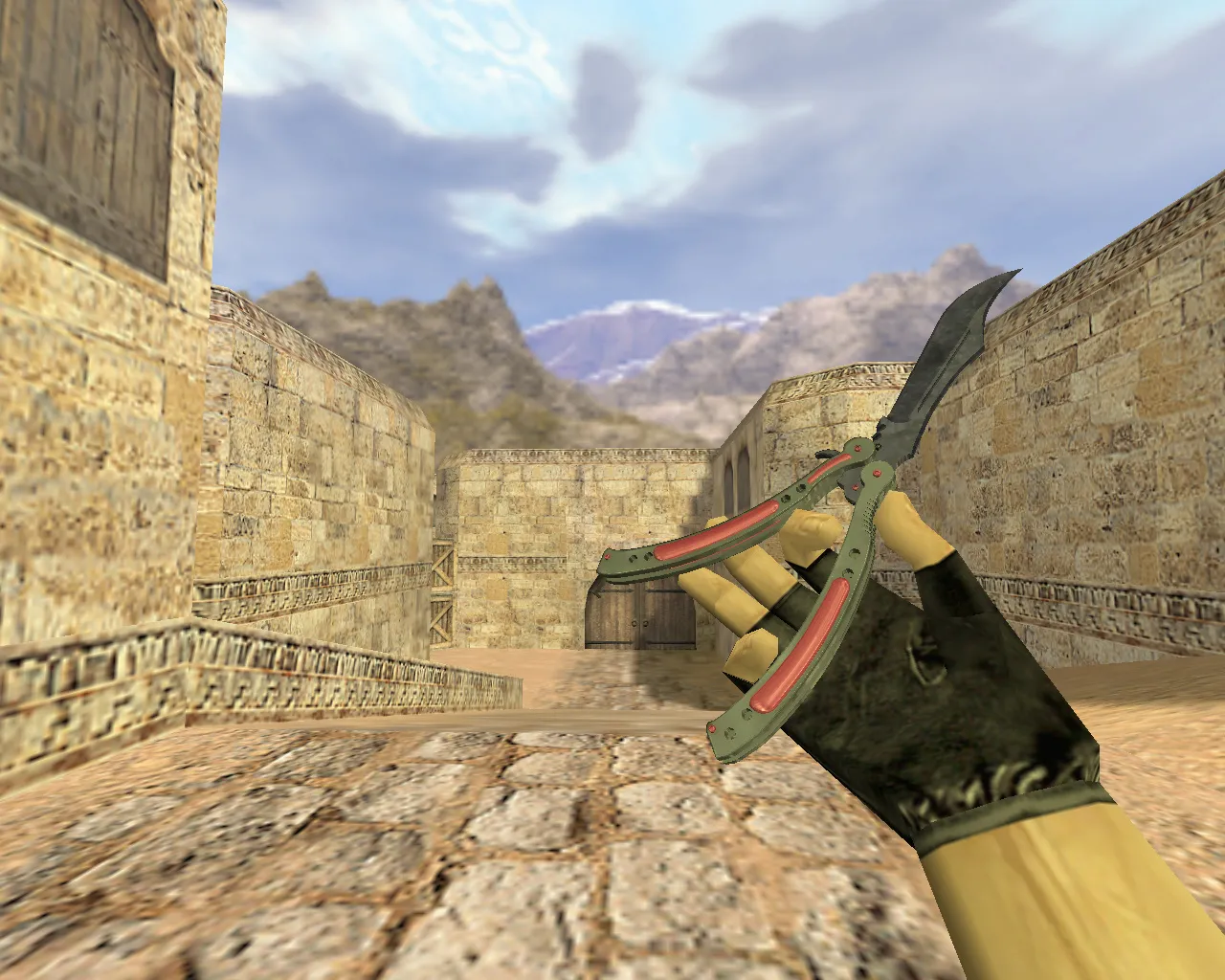
Papin Vulkanus Knife for CS 1.6
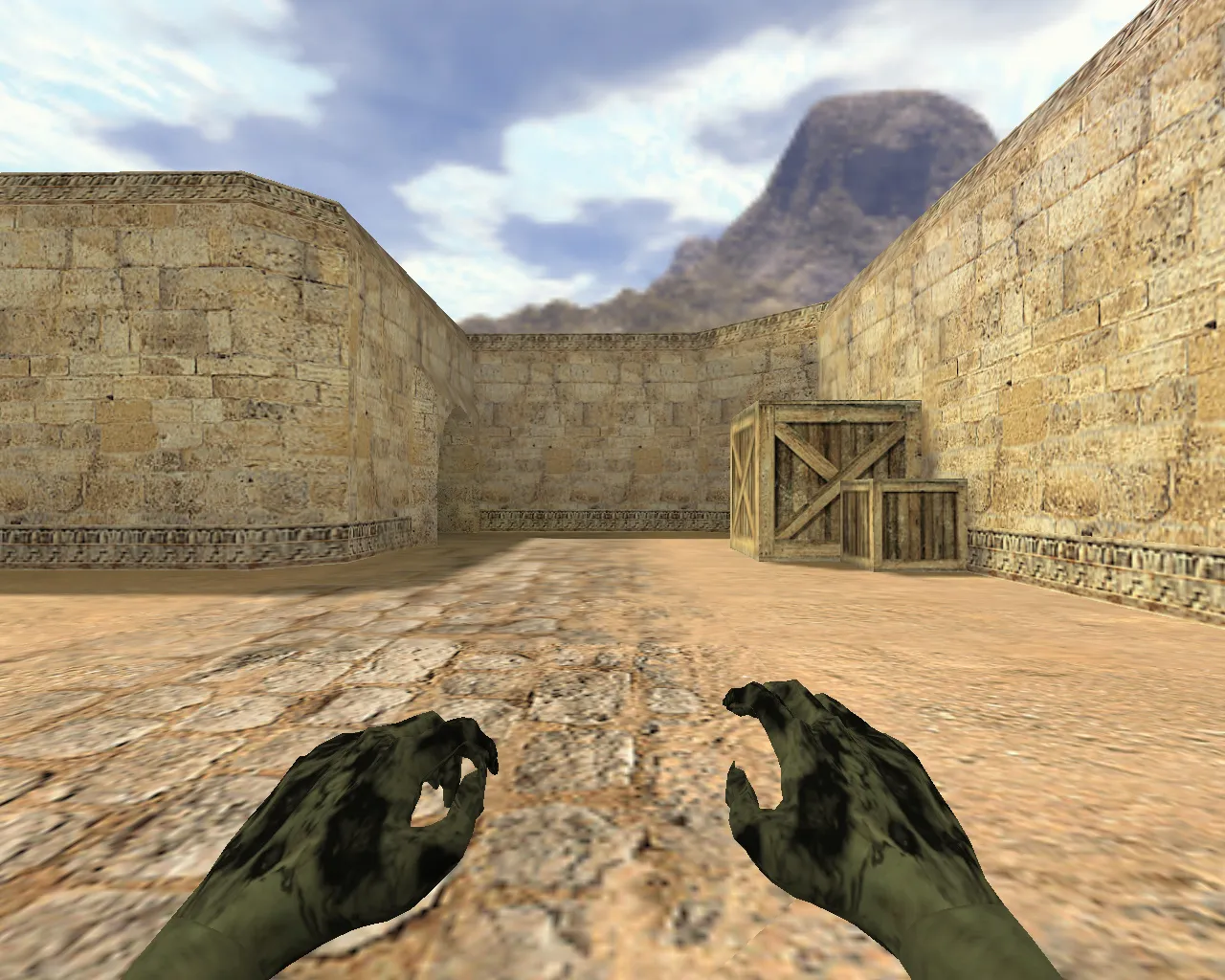
Knives in Counter-Strike 1.6 define the visual style and rhythm of a round. The Papin Vulkanus model aligns with the standard engine configuration and provides the necessary files for proper in-game rendering. It supplies v_, p_, and w_ models so the weapon appears correctly in the player's hands, the first-person perspective, and the world environment.
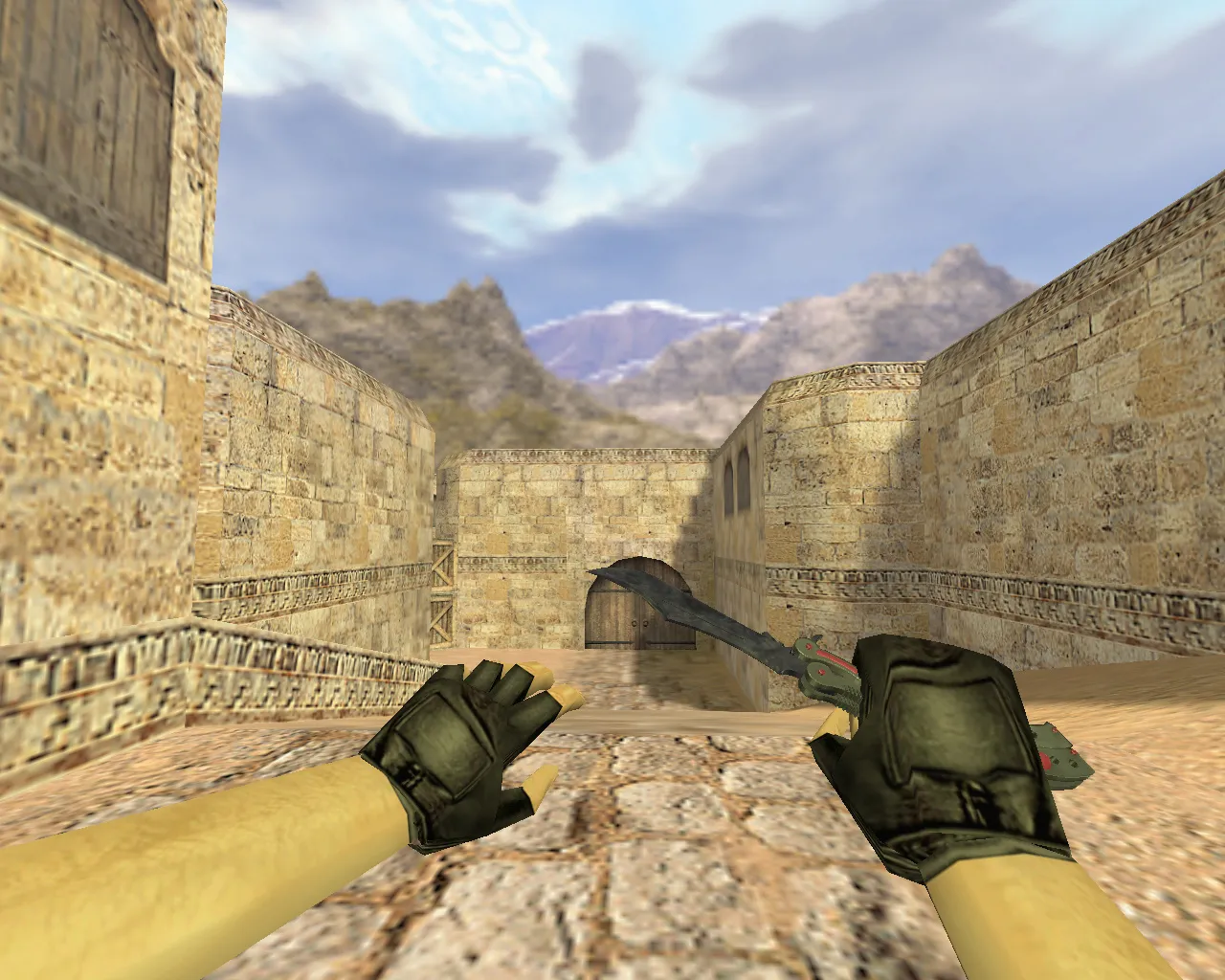
Smooth animations are critical when switching weapons. This knife includes inspect and swap sequences that remain stable across different servers. The inspect animation follows standard model logic with correct frame synchronization and no stutter during rapid slot changes. Visuals stay crisp while moving, preventing the blade and handle from blurring during quick turns.
Audio is equally important. A dedicated sound set ensures footsteps, weapon swaps, and knife actions do not conflict with other weapon audio. This matters on servers with diverse client configurations where additional effects might be loaded. In short, the Papin Vulkanus integrates like a core weapon pack component rather than a standalone add-on.
What's Included in the Pack
- v_ model for first-person view
- p_ model for scoped/hand view
- w_ model for world display
- Inspect animation and standard swaps
- Sounds for knife actions
- Textures with solid detail levels
Textures are selected to remain legible in-game without degrading at close range. The knife geometry does not distort during surface rotations. Colors and materials hold up under varying map lighting, and details remain visible in shadows. The result is a consistent appearance in lobbies and live matches.
Installation Guide for the Model
For trouble-free operation, use only clean model files. Avoid questionable archives or third-party tools. Follow these steps:
- Copy model folders and files to your CS 1.6 resources directory
- Verify no auto-connects or extra commands exist in your config
- Launch the client and test the knife switch, then trigger the inspect animation
- If it fails to appear, confirm v_ / p_ / w_ files are present
Works identically for Non-Steam or Steam versions. Avoid mixing files from different packs to prevent partial renders. Maintain a clean config.cfg and skip unrelated aliases that could interfere with resource loading. No viruses, no slow-hacks, no ads, no auto-connects-just pure files for safe play.
Why Papin Vulkanus Fits Matches
Knife combat often relies on rapid movement and reactions. A clear silhouette, reliable animations, and good visibility are essential. The Papin Vulkanus suits active de_ maps where rounds conclude in close-quarters exchanges. When combined with grenades or site executions, the visuals must not distract and should read instantly.
It functions for public servers or competitive practice. You receive functional v_ / p_ / w_ resources, sounds, and an inspect animation. Test in your client and add it to your loadout-blades will match every round. The polygon count stays low for high-FPS performance, with hitbox alignment for accurate swings. Textures meet a minimum 512x512 resolution, scaling well without performance drops on older systems like Build 4554.
On tactical positions such as de_dust2 long angles or B-site holds, the knife's visibility in low-light areas provides an advantage without resorting to cheats. Bot navigation via .nav files remains unaffected, and the world model drops no frames during drops or pickups. For custom servers, it pairs with MasterServer protection setups seamlessly.
Install the Papin Vulkanus model and test in-game. With files in place, it slots right into your CS 1.6 setup for consistent close-range control.
Install in three steps
-
1
Download the archive. Use the button on the right, or the Yandex.Disk mirror if the main server is slow.
-
2
Extract it into the game folder. Use 7-Zip or WinRAR. A path without non-Latin characters works best.
-
3
Launch the game. If something doesn't work, mark it below - that is how we know the file needs an update.
Did it work for you?
No sign-up needed. You can pick more than one.