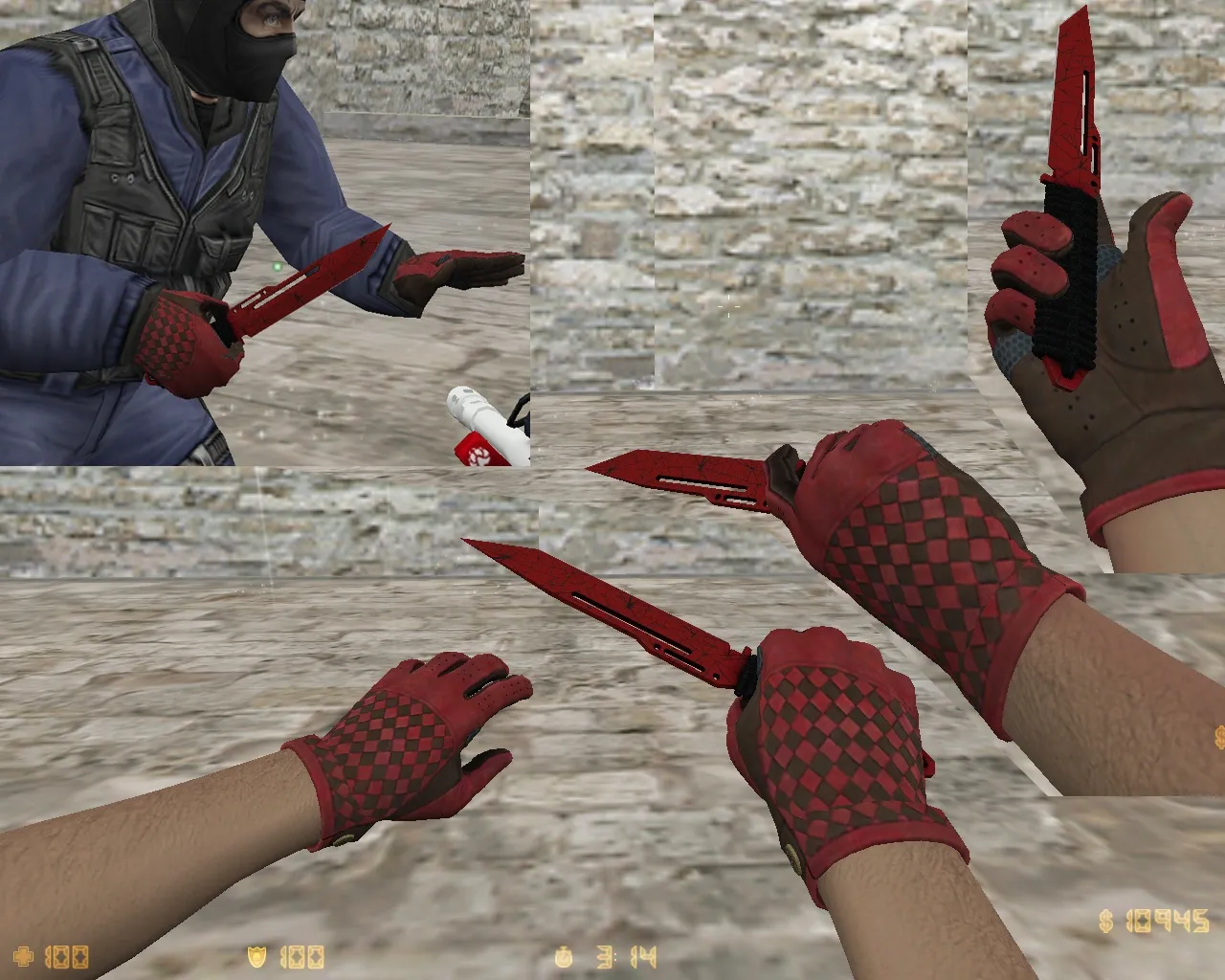
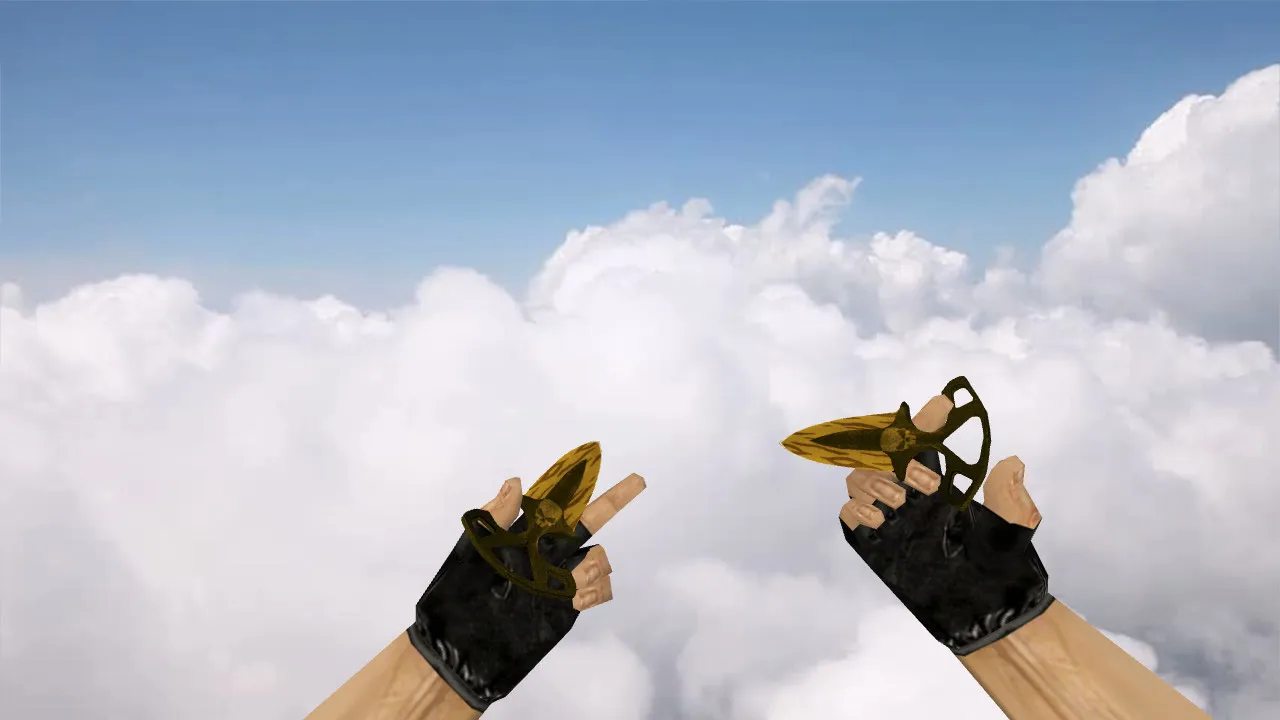
Zombie Hands Knife Model for CS 1.6: v_ and p_ Files, Custom Sounds, Inspect Animation, HD Textures
Description
Zombie Hands Knife Model for CS 1.6: Custom Gloves Integrated with Inventory
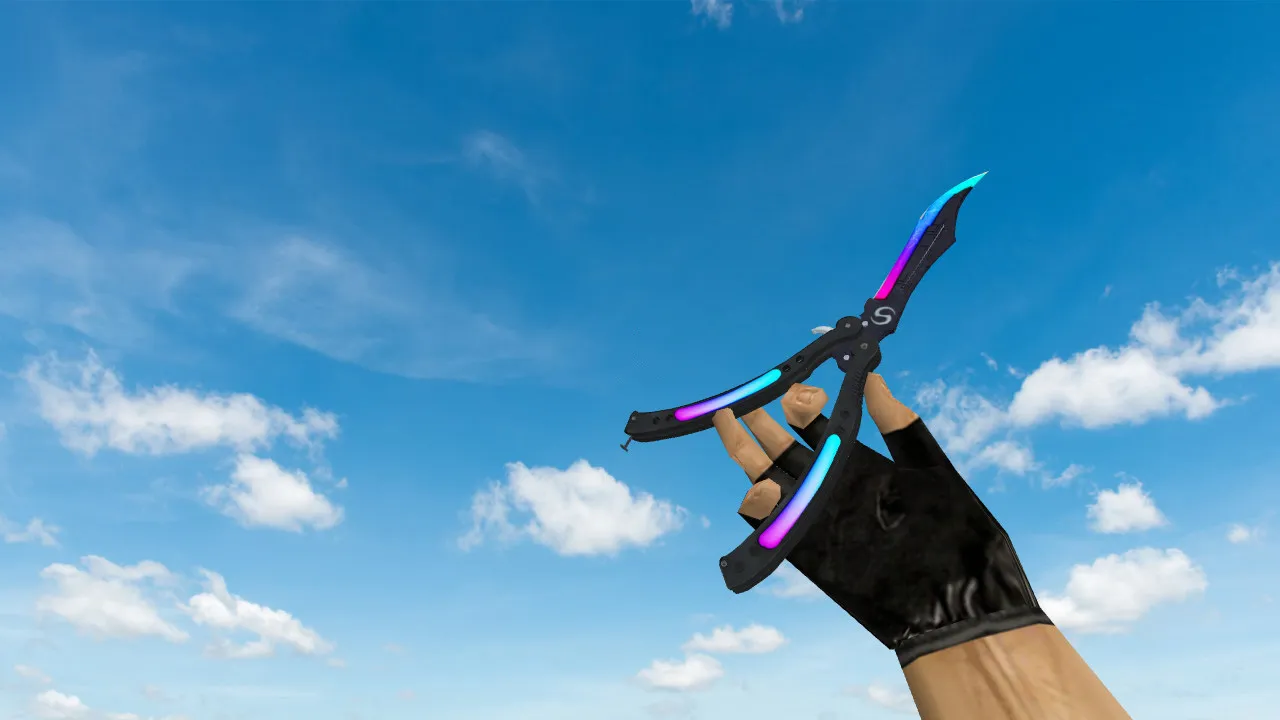
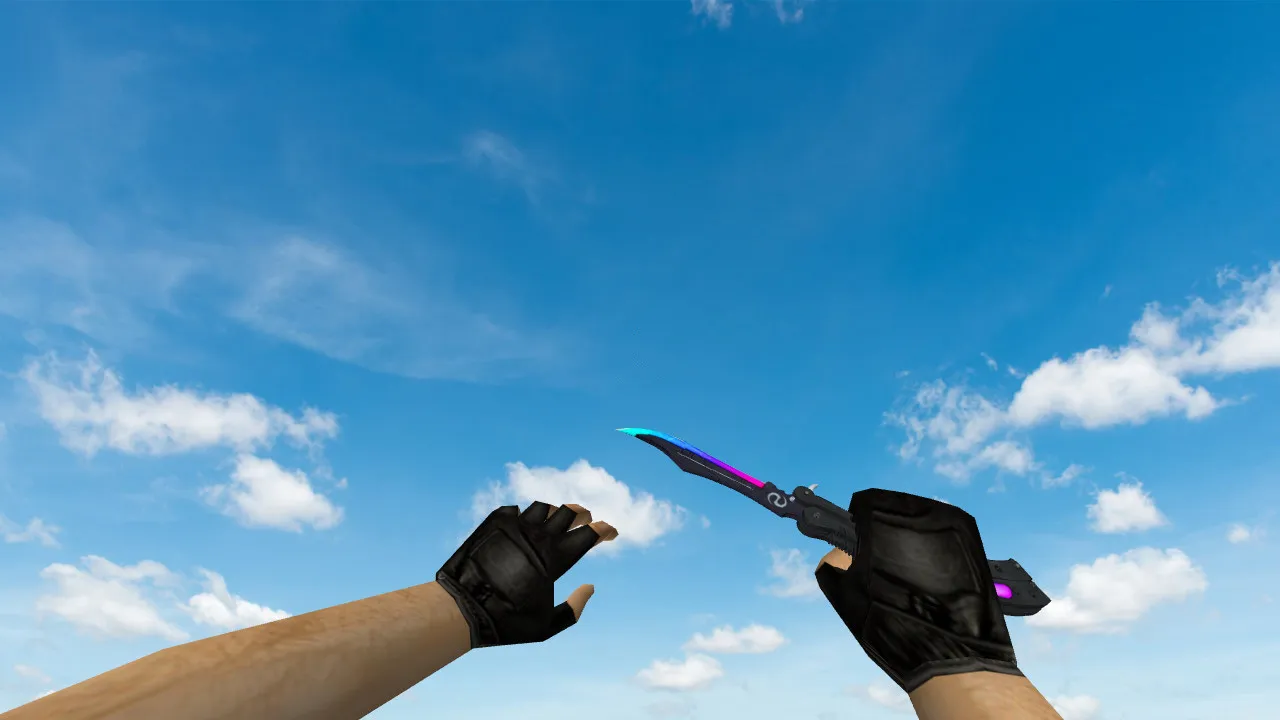
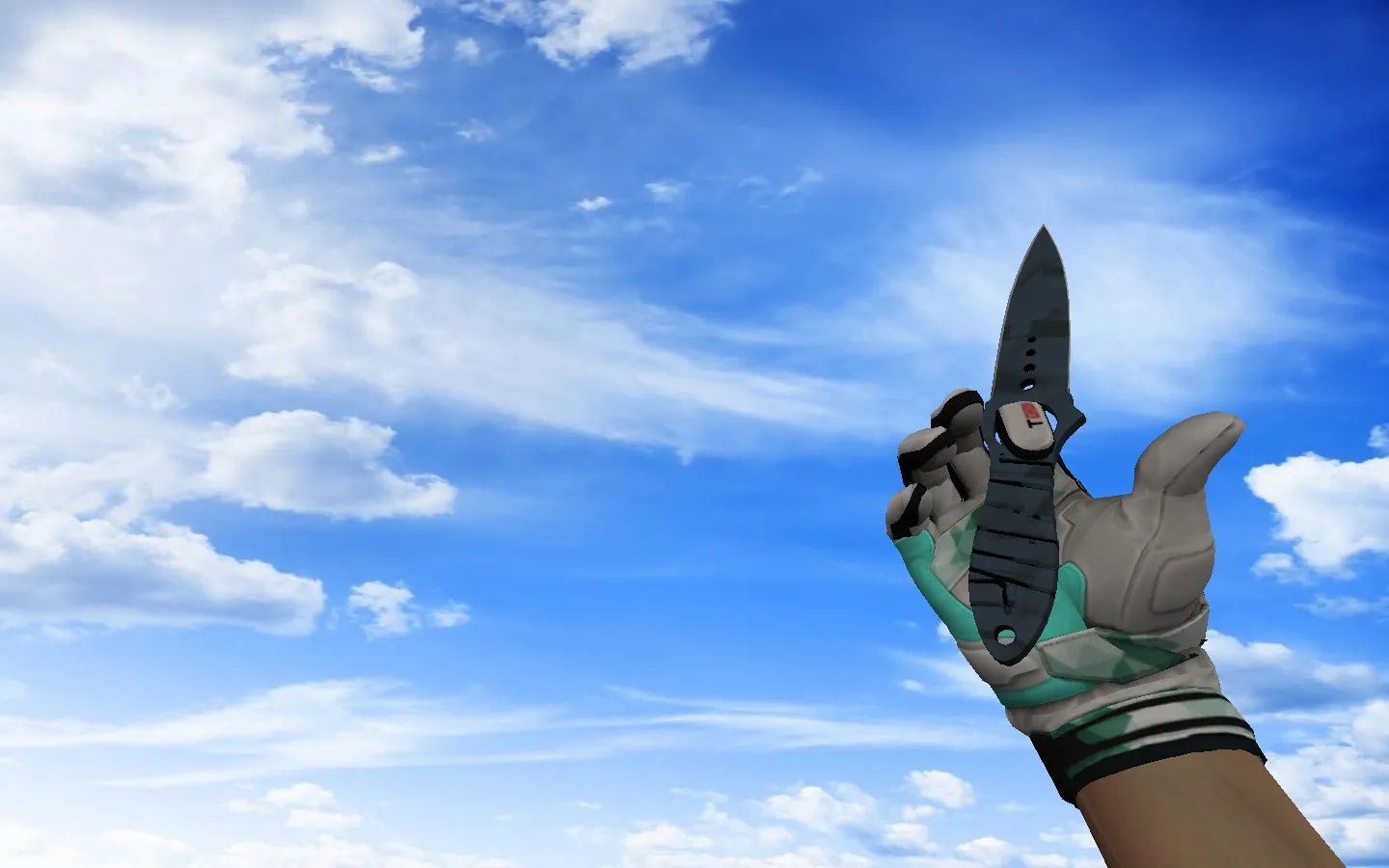
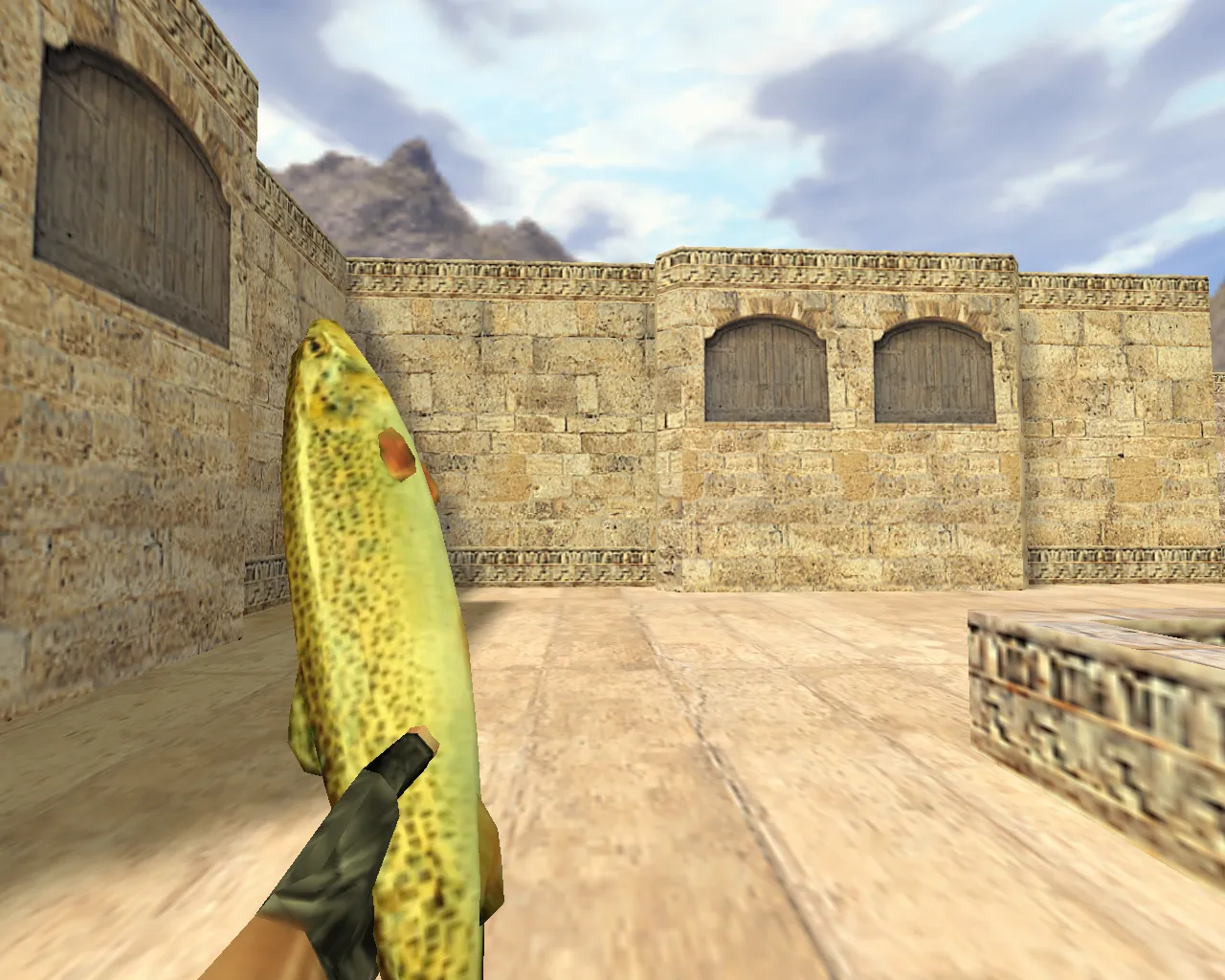
The Zombie Hands model for CS 1.6 caters to players seeking an alternative to the default grip. In CS 1.6, model details are critical for fluid gameplay. Correct v_ and p_ files guarantee the weapon and hands render properly in both first-person and third-person perspectives during movement and idle states. This is especially noticeable with knives, where wrists, fingers, stitching, and texture patterns remain prominent.
Before installing, confirm the archive contains all necessary resources. You will typically find model files, textures, and hand-specific directories. Also check for custom audio and inspect animations. The inspect animation in CS 1.6 defines the model's feel; smooth playback ensures the knife blends in naturally. If audio files are present, they must synchronize with weapon draws and movements to match the game's tempo, preventing desync and improving stability.
Regarding texture quality, prioritize clarity in dim environments. Zombie hands must stay visible through smoke, in corners, and on stairways. Blurry textures indicate low resolution or poor UV mapping, which becomes worse on servers with high contrast and brightness settings. This matters in CS 1.6 because players adjust gamma and video options differently, impacting polygon rendering and hitbox alignment.
Watch model behavior during weapon swaps. Knives are frequently drawn between rounds. If the model jitters or the hand jerks on draw, it signals a bone attachment issue. In CS 1.6, resolve this through correct file placement and a clean config.cfg. Avoid mixing old and new versions-maintain a single solid setup and remove leftovers from folders to prevent conflicts.
Installation Without Issues
- Backup current hand files first, allowing a revert if necessary.
- Verify folder structure. Place the model in the correct directory so the engine loads it properly.
- Use v_ and p_ models. Leave any w_ model untouched to preserve third-person behavior without breaking animations.
- Match sounds and inspect animation. If the archive includes separate sound files, confirm they are linked correctly for seamless playback.
- Clean config.cfg before testing. Remove old aliases and conflicts that could alter weapon visuals or cause sprite glitches.
Test in local mode or on a standard server. Inspect the knife, verify footstep synchronization, and switch to it from other slots. Then, assess visibility in dark areas. If the hand renders steadily without blurring, the model's polygon count and textures are optimized for high-fps performance.
Key Aspects for Knife Models in CS 1.6
Knife models demand constant attention since hands are always visible. Ensure the shape and textures scale correctly to meet in-game expectations. Test appearance across various FOV settings-CS 1.6 players frequently tweak video parameters, so the model must stay readable without distortion.
For zombie-style elements, confirm stability during motion and slot changes. Unique skin details should persist without disappearing due to faulty rigging or corrupted textures. Focus on v_ model precision for first-person accuracy, including finger flexion and stitch details that boost immersion without affecting no-recoil configs.
This model supports ESL-style visibility, with textures tuned for dark-area contrast. Polygon count remains low to prevent frame drops, and hitbox alignment ensures fair play. Custom inspect animations add flair, playing out with zombie-themed groans via included sound files, all while preserving the knife's swing tempo.
Safety and Compatibility
Download only from trusted sources. Avoid suspicious files and extra programs. No auto-connects, ads, or side scripts-just pure model files, textures, and resources for stable CS 1.6 runs. This setup works with both Steam and Non-Steam versions, compatible with Build 4554 or 8610, and includes MasterServer protection options.
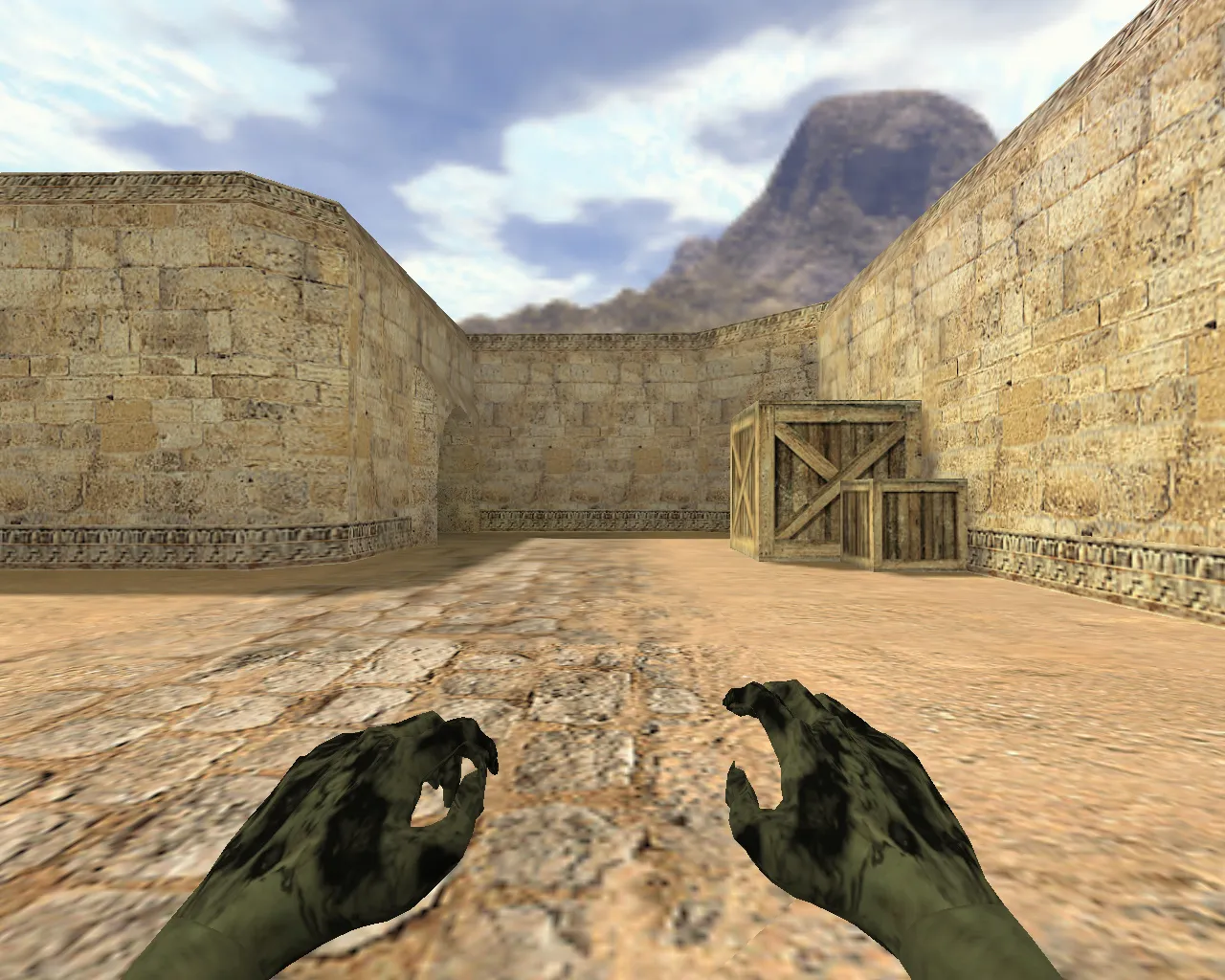
After setup, scan for errors in-game. If Zombie Hands display correctly on the knife, add it to your main loadout. It turns the blade into a visual standout, setting the tone for every round with decayed skin and gripping claws that feel right in the chaos of de_dust2 long angles or cbble B-site pushes.
Expand your CS 1.6 arsenal with this mod: detailed v_ hands show rotting flesh and bandages up close, while p_ ensures third-person consistency. Sounds include guttural scrapes on draws, and HD 512x512 textures prevent washout in smoke-heavy fights. No viruses or slow-hacks here-pure, clean integration for your config.
Install in three steps
-
1
Download the archive. Use the button on the right, or the Yandex.Disk mirror if the main server is slow.
-
2
Extract it into the game folder. Use 7-Zip or WinRAR. A path without non-Latin characters works best.
-
3
Launch the game. If something doesn't work, mark it below - that is how we know the file needs an update.
Did it work for you?
No sign-up needed. You can pick more than one.