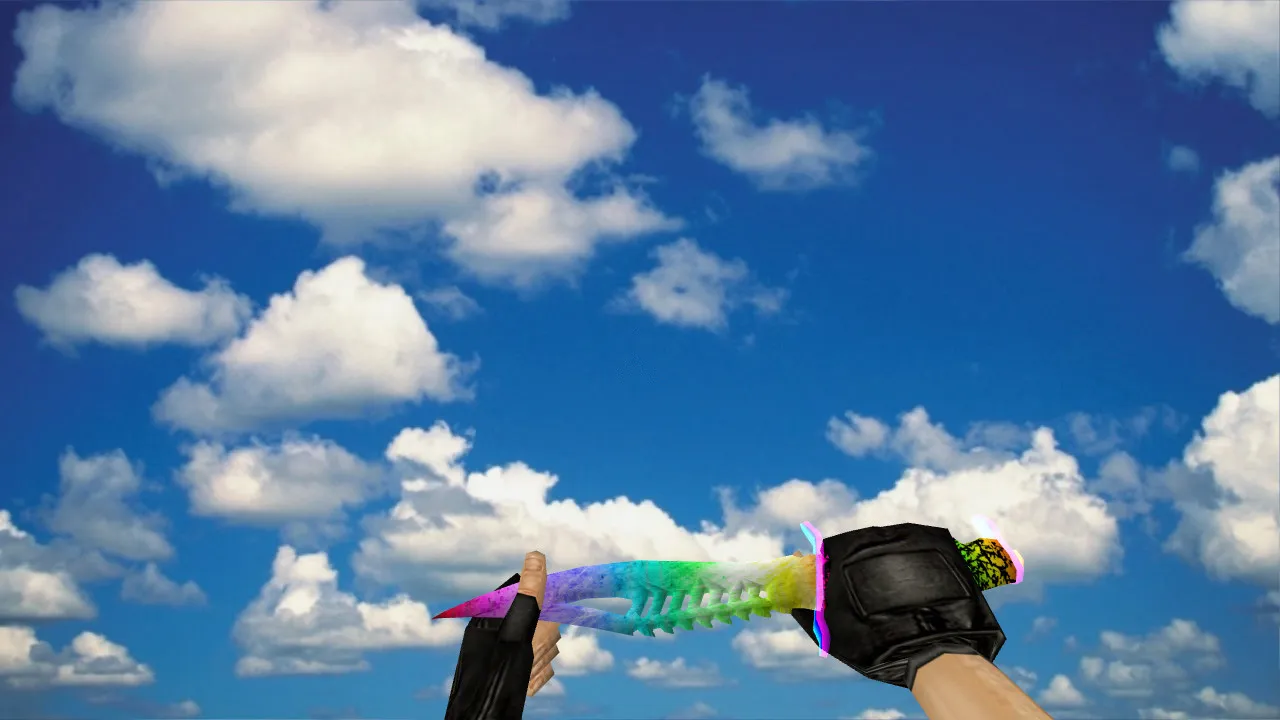
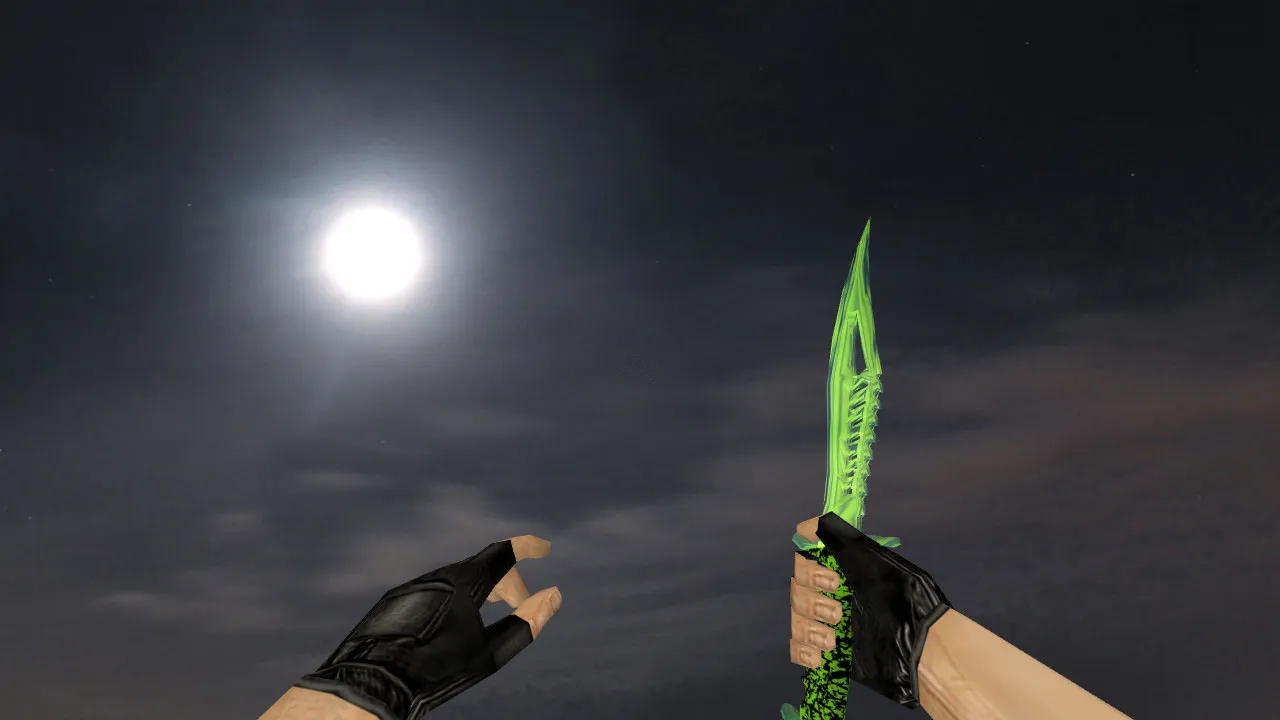
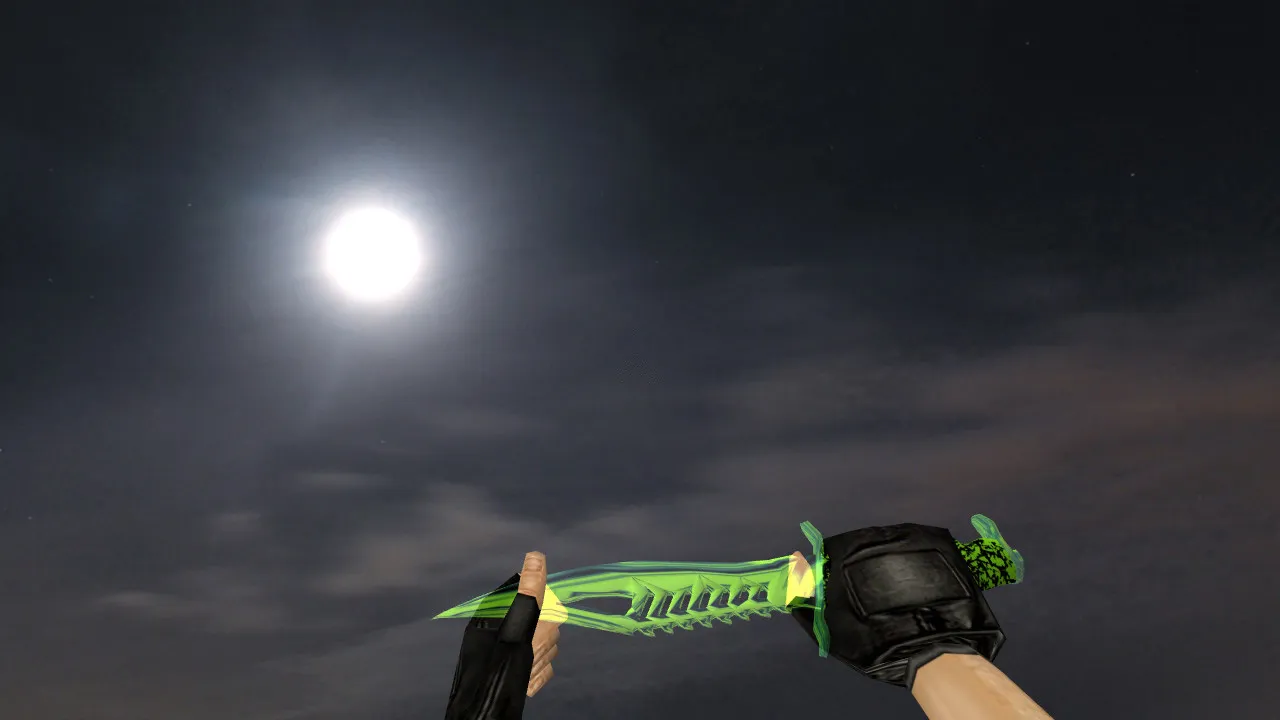
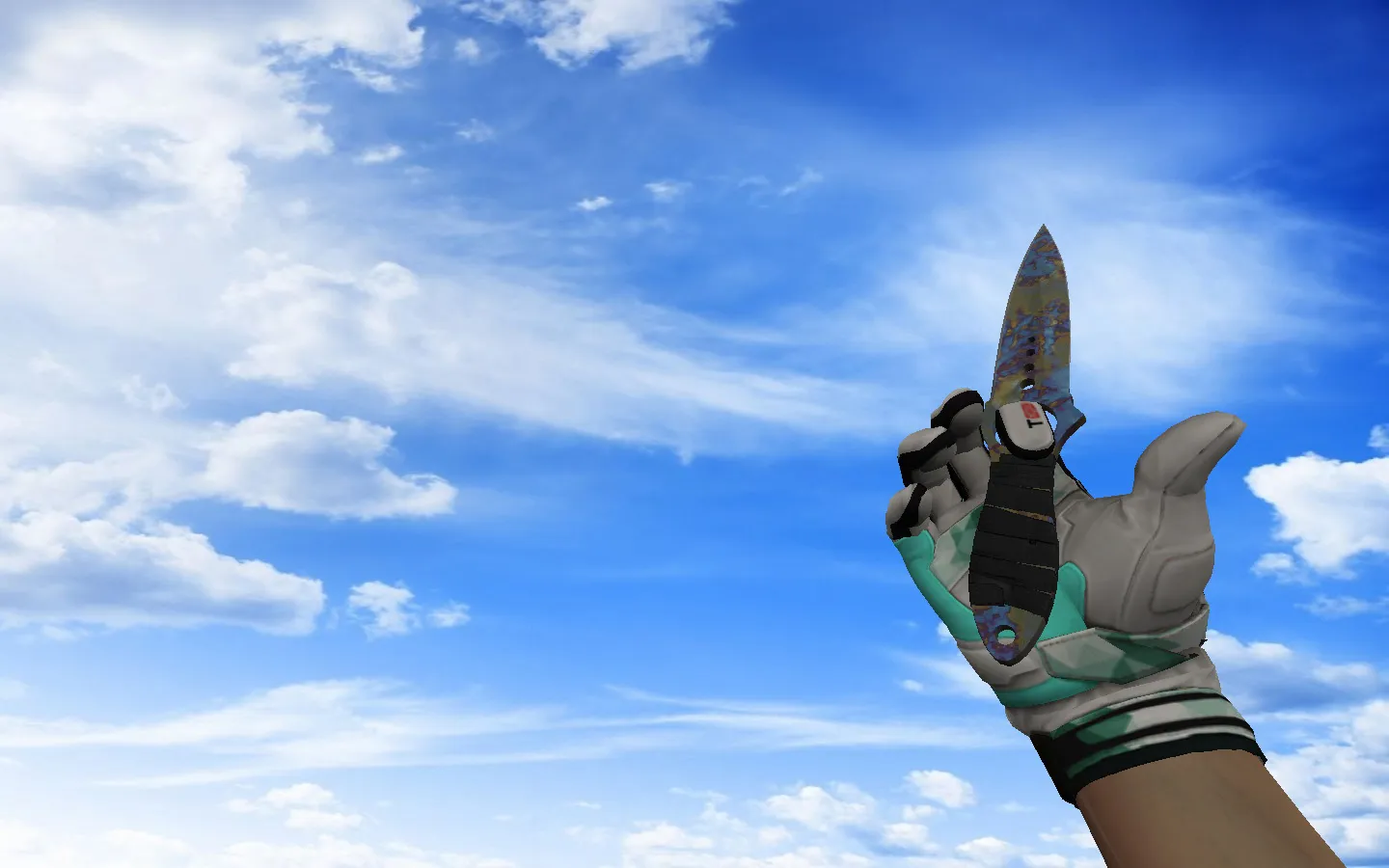
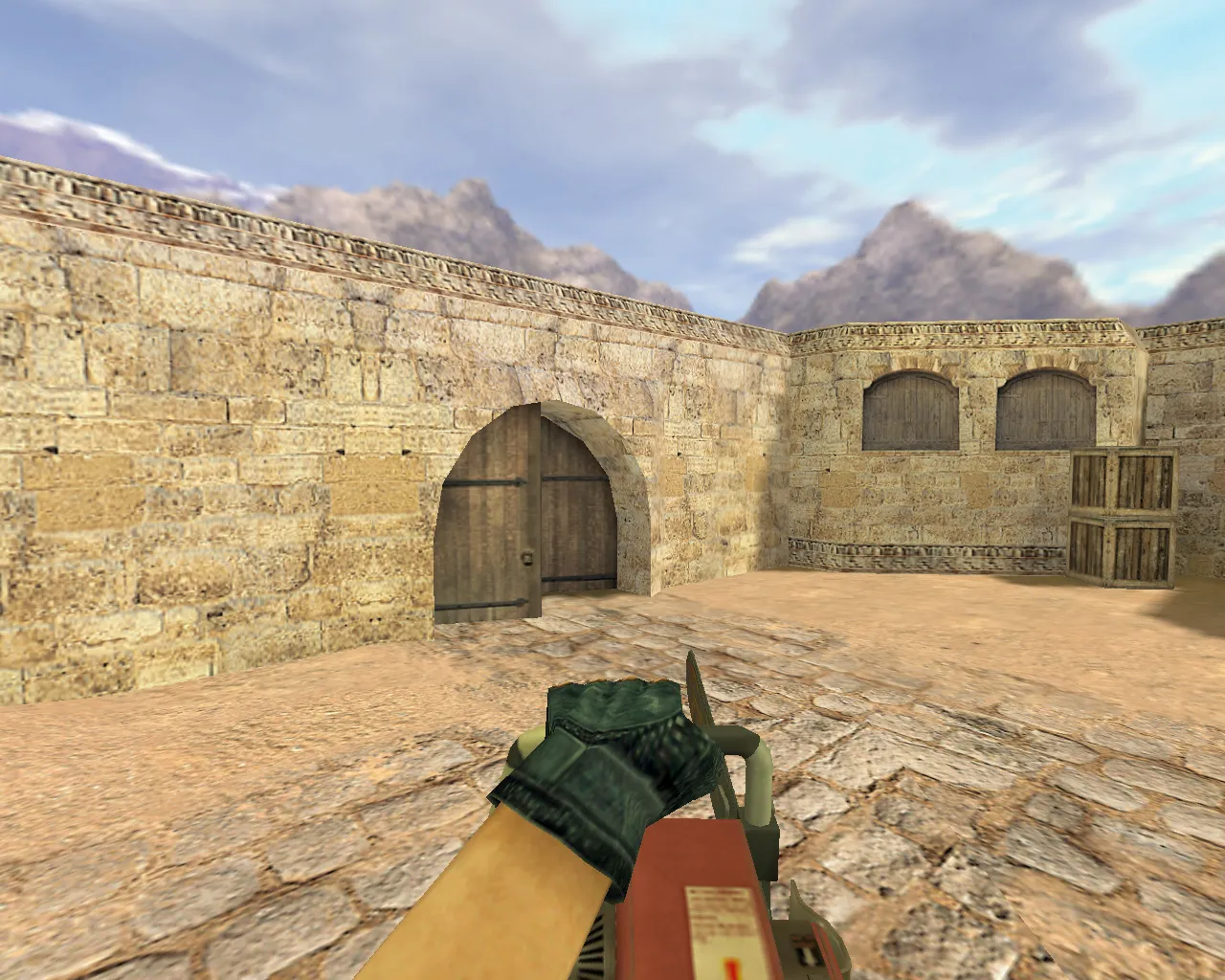
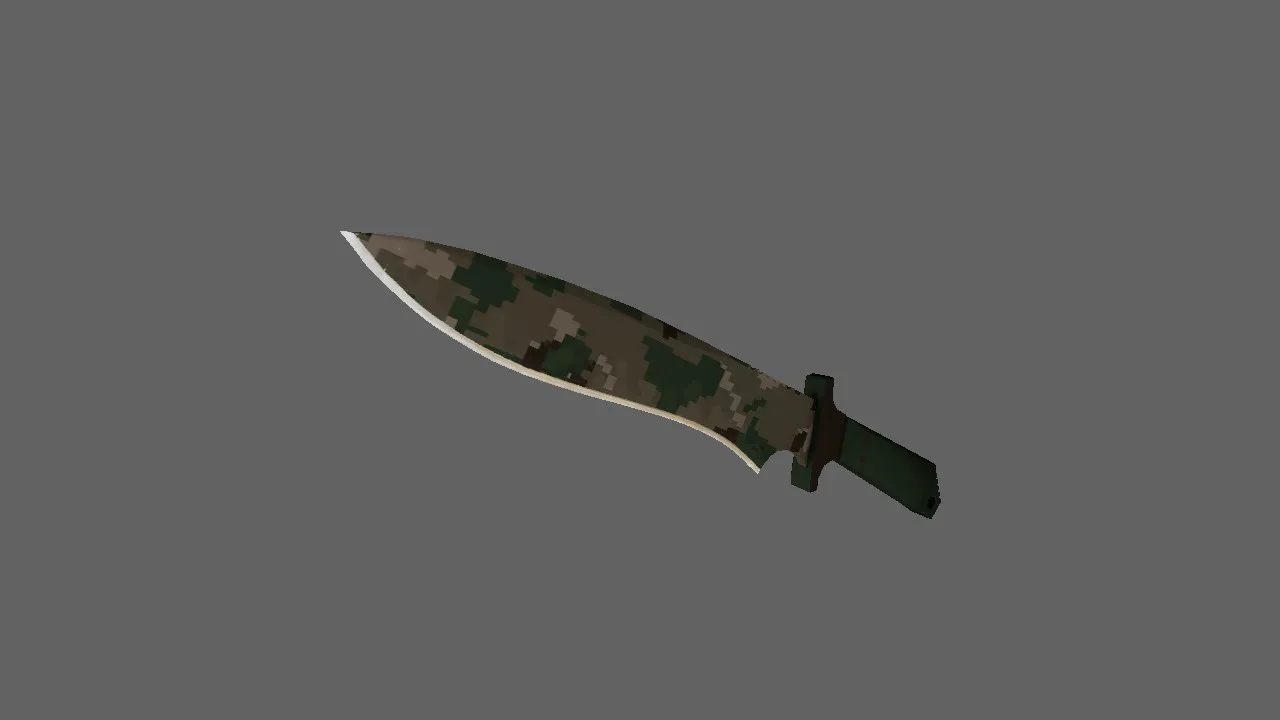
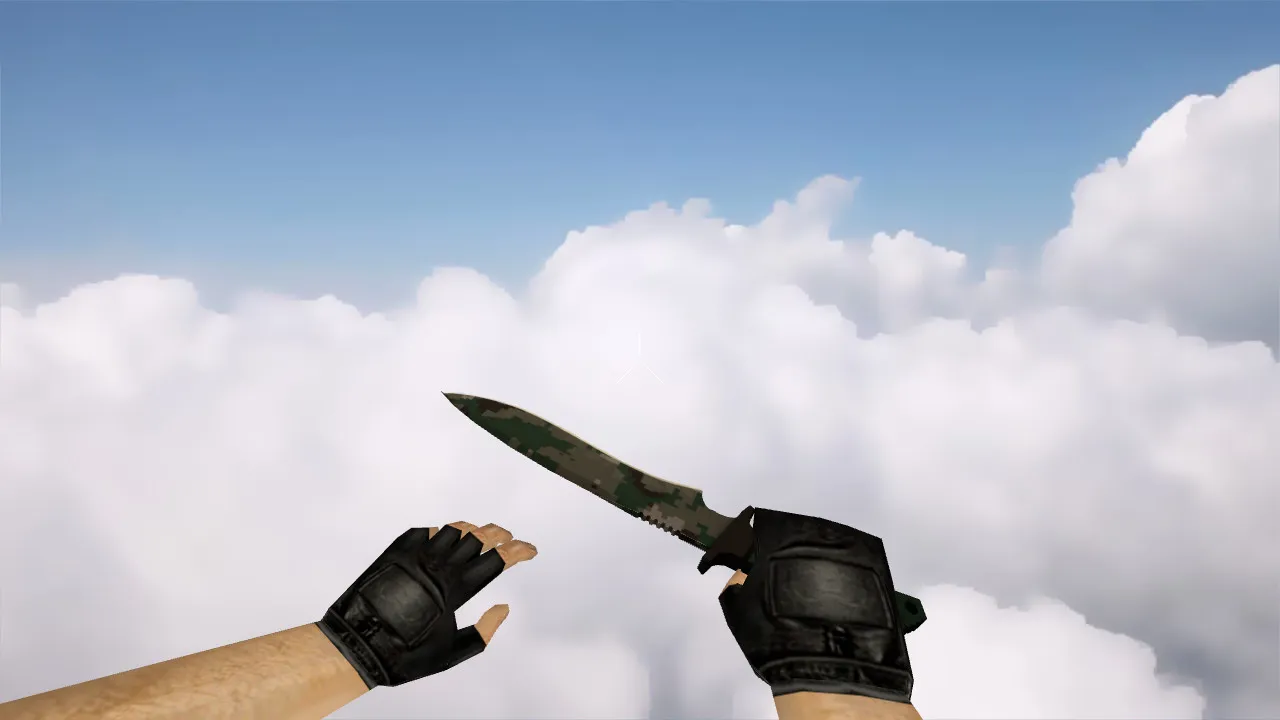
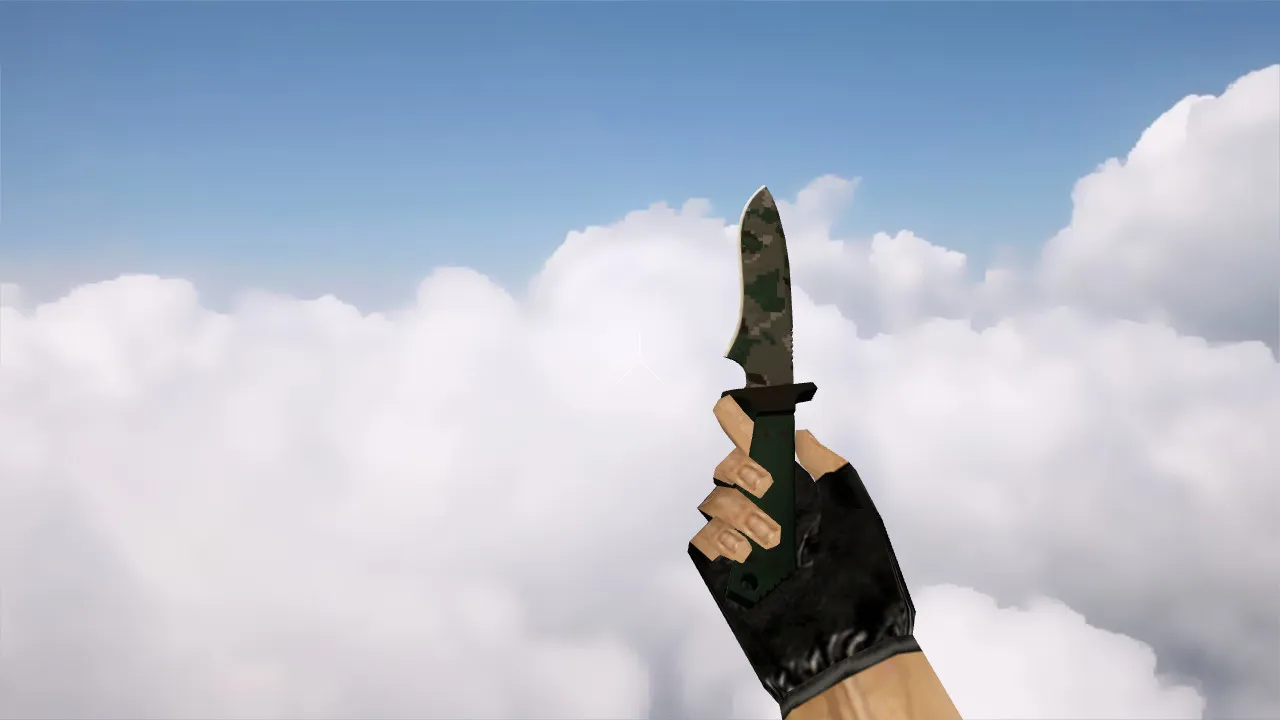
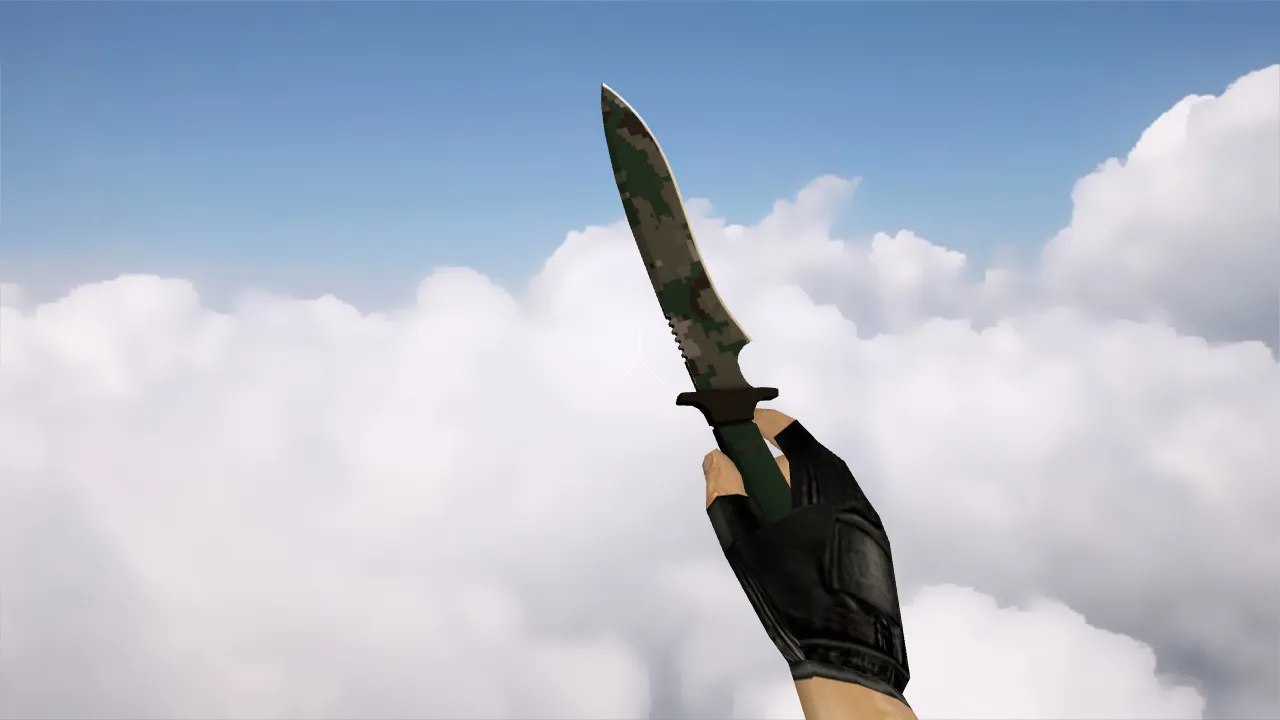
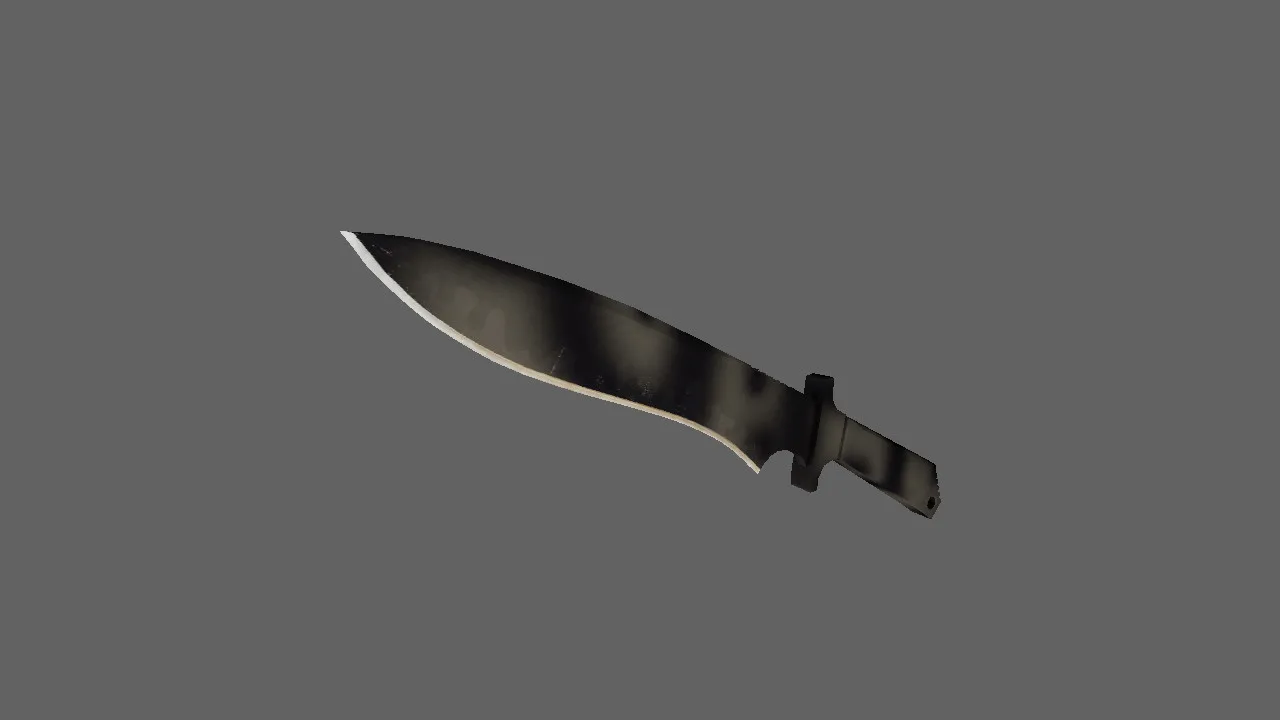
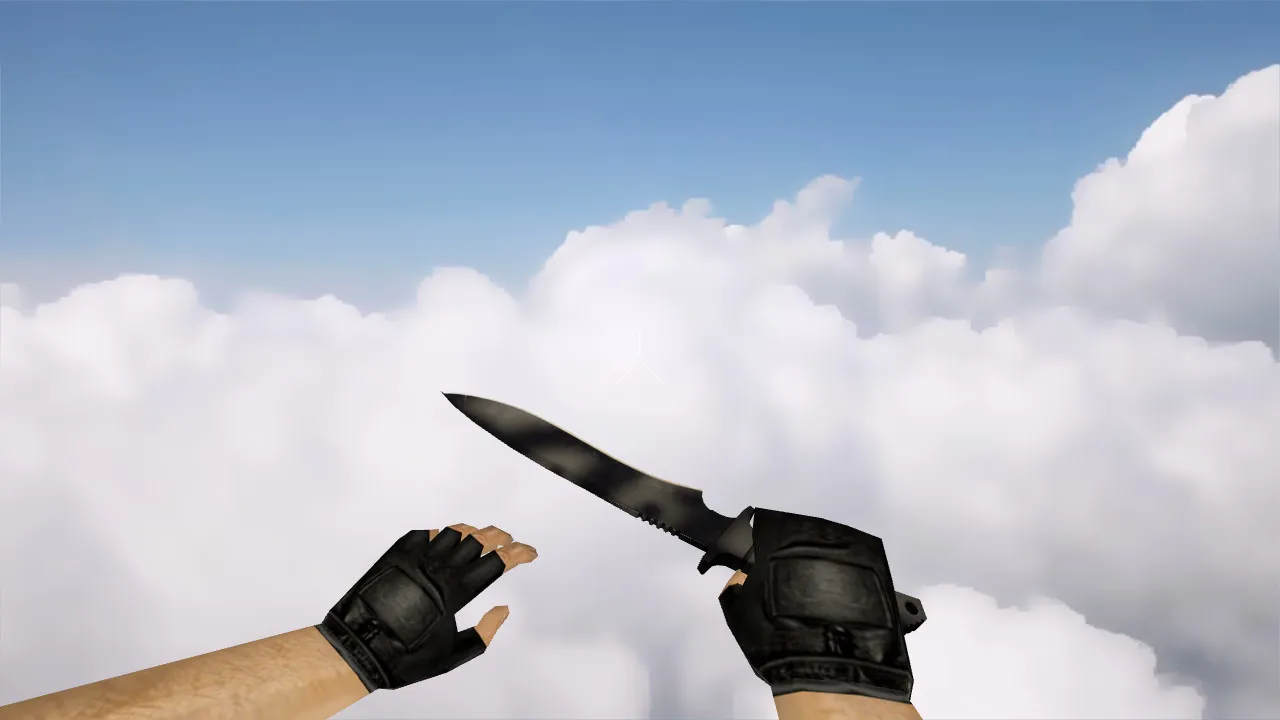
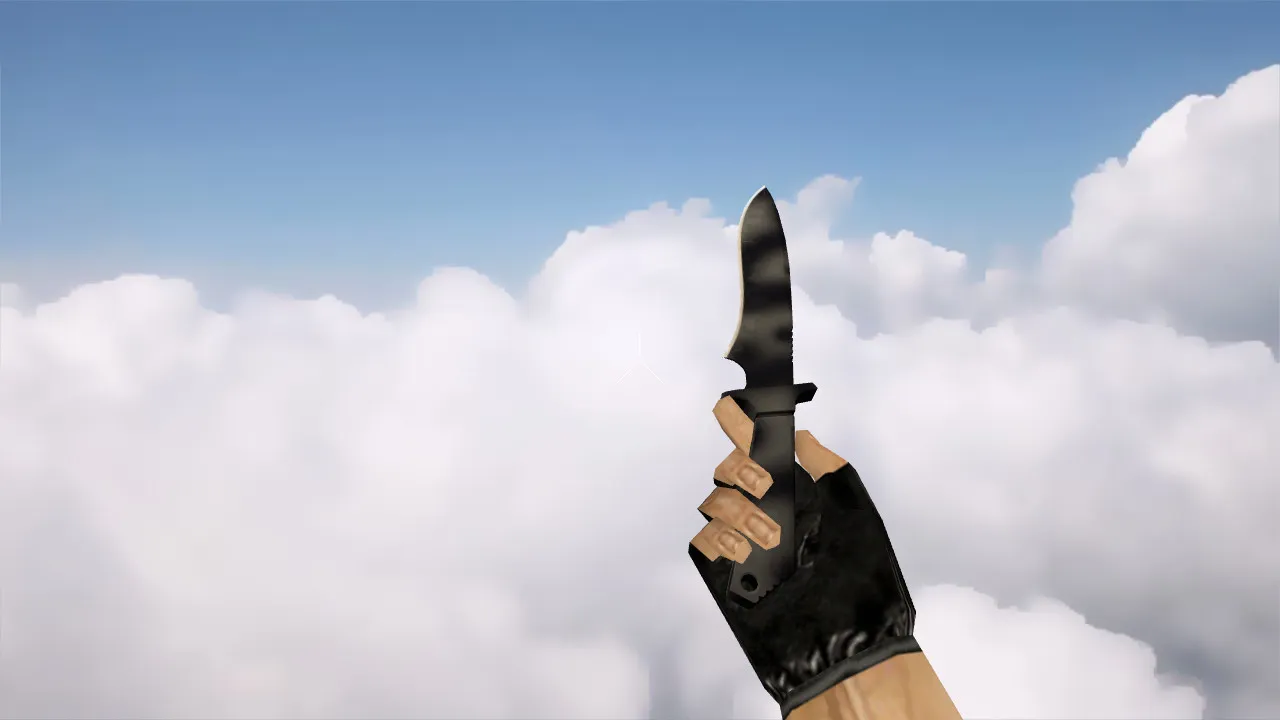
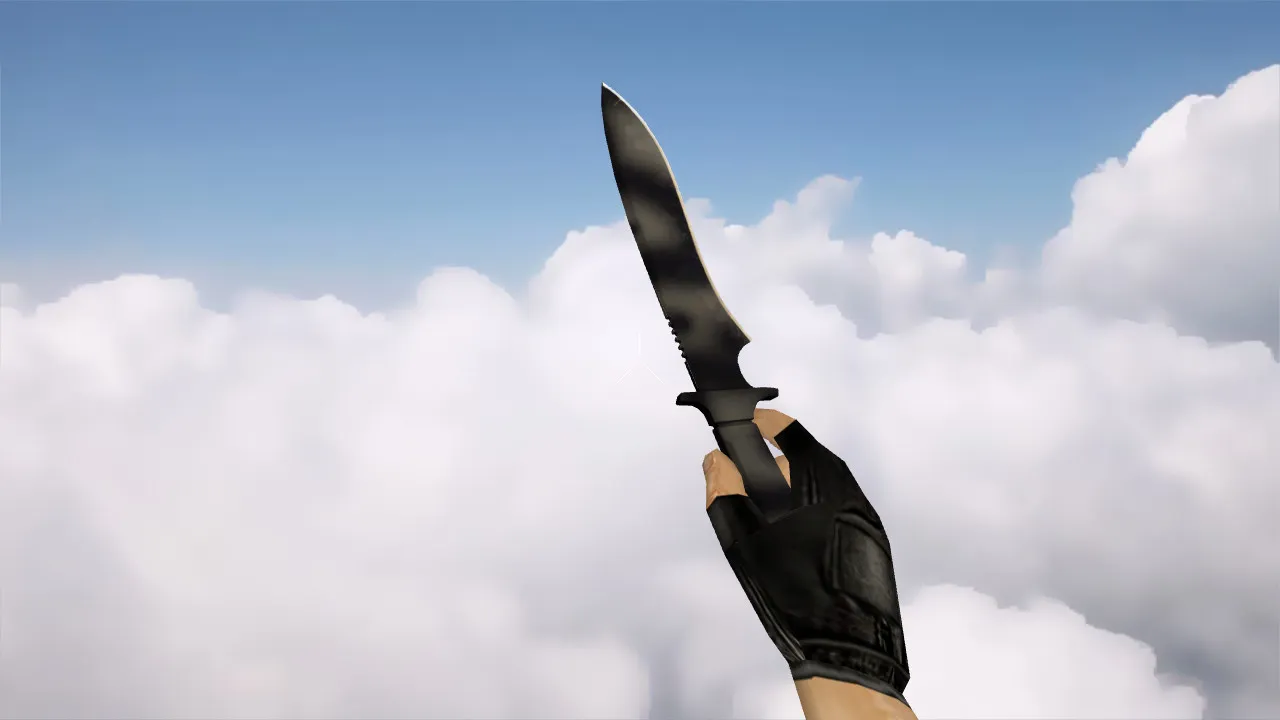
SOG Fasthawk Knife Model for CS 1.6: v_knife with Custom Sounds, Inspect Animations, HD Textures, and Accurate Hitbox Alignment

Description
SOG Fasthawk Knife for CS 1.6: v_knife Model with Precise In-Game Handling
This SOG Fasthawk knife model is built for offline practice and servers that need reliable weapon swaps in CS 1.6. The package contains files starting with v_knife for the first-person perspective, plus supporting assets to guarantee smooth handling. It incorporates inspect animations and combat behavior designed to eliminate jitter when switching weapons or glancing at the blade.
Weapon visibility across different modes in CS 1.6 requires crisp visuals. This pack focuses on readable graphics free of blur or artifacts, preserving quality on standard settings. Inspect sequences rely on default animations, ensuring the model lines up perfectly in position and orientation for consistent blade rendering during camera movement.
Contents of the Model Pack
- v_knife - First-person view model for direct handling
- p_knife - Third-person model used in spectator mode and specific client views
- w_knife - World model for ground drops and scene renders
- Custom blade and action confirmation sounds synced to attack frames
- Inspect animations that keep switch rhythm intact without disruptions
- Texture files that keep the blade clear in low-light areas
In-Game Model Performance
The knife behaves like standard equipment, introducing no cheats or balance changes. The swap is visual-only. Exact shaping prevents the model from floating relative to the hand, which is critical in CS 1.6 where aim flicks and corner peeks expose mismatches. The polygon count remains optimized for high-FPS performance without lag spikes.
Test the model in a lobby before joining public servers. Open the console, load a test scene, and run inspect cycles. This quickly verifies alignment, blade drift, and sound triggers. Pay attention to hitbox accuracy so it matches the tomahawk outline for reliable swings.
Installation Without Issues
Install carefully, avoiding auto-connect scripts or questionable packs. Open your models folder and confirm no conflicting mods are present. Replace files in the game directory with the provided ones. If directories are split under models, copy so v_knife, p_knife, and w_knife land in the correct locations.
After installing, verify file integrity. Keep config.cfg clean for compatibility. For testing, temporarily reset to defaults to rule out client settings causing visual glitches. Compatible with both Steam and Non-Steam setups, including Build 4554 or 8613 with MasterServer support.
Safety and Compatibility Notes
- Download only from trusted sources to avoid viruses or slow-hacks
- Skip files that request extra permissions or install additional software
- Avoid using on servers that ban custom models
- Backup original model files before overwriting
- Test sounds and inspect animations in offline mode first
- No ads, no auto-exec, pure replacement for clean gameplay
Once configured correctly, the SOG Fasthawk knife integrates seamlessly into your CS 1.6 sessions. The blade remains visible in dark corners, similar to ESL pro setups, and weapon switches maintain visual flow. Ideal for a style upgrade without gameplay surprises or performance hits. Pair it with a no-recoil config for tactical edges, but remember, it is visual-only-no balance tweaks.
For deeper integration, check sprite alignments in the wad file if textures appear off. This model's low polygon count ensures smooth operation on older rigs, reaching 100+ fps in intense rounds. In knife duels, the accurate form assists quick flicks without the model clipping into the viewmodel hand.
Install in three steps
-
1
Download the archive. Use the button on the right, or the Yandex.Disk mirror if the main server is slow.
-
2
Extract it into the game folder. Use 7-Zip or WinRAR. A path without non-Latin characters works best.
-
3
Launch the game. If something doesn't work, mark it below - that is how we know the file needs an update.
Did it work for you?
No sign-up needed. You can pick more than one.