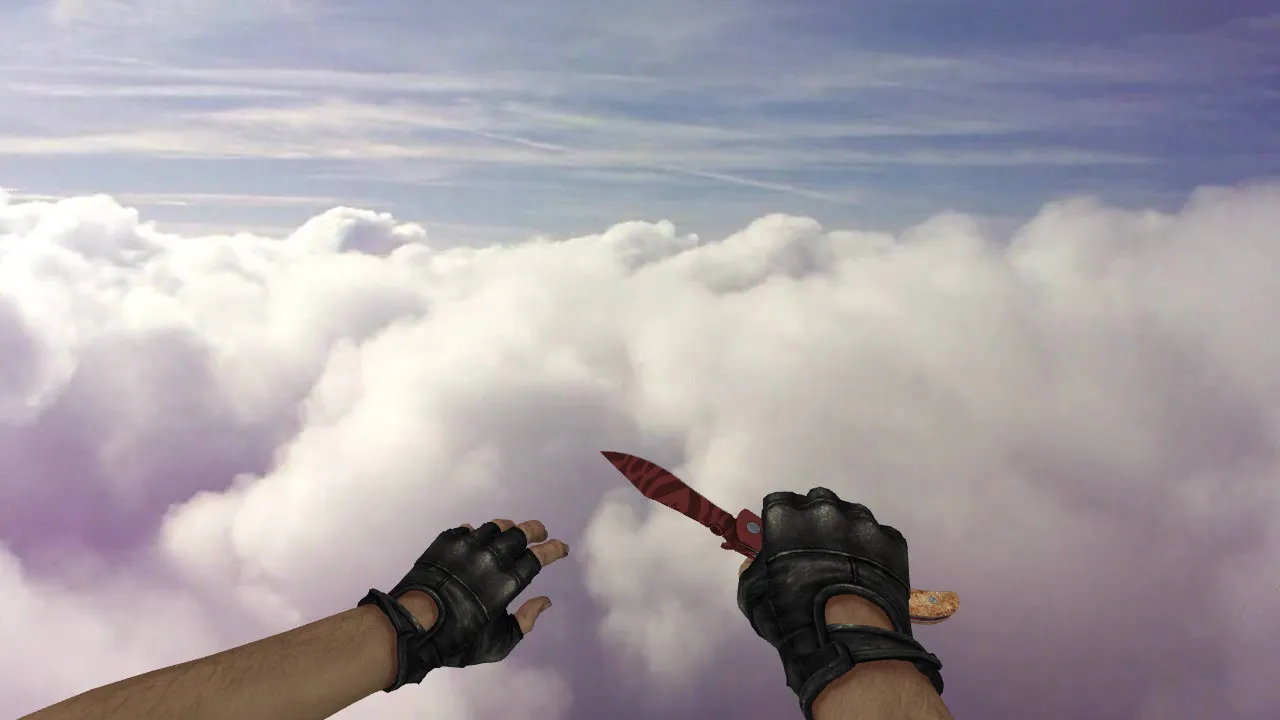
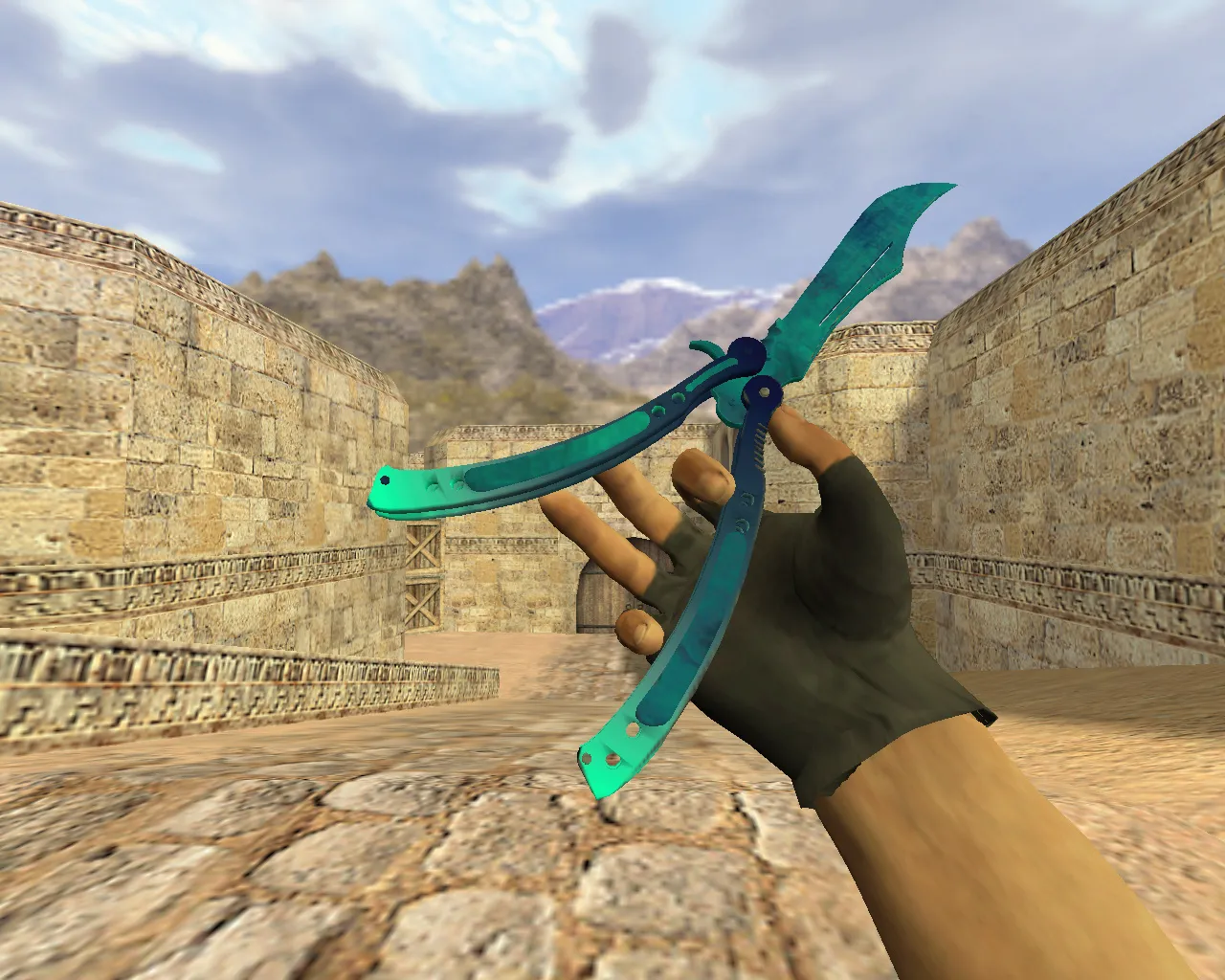
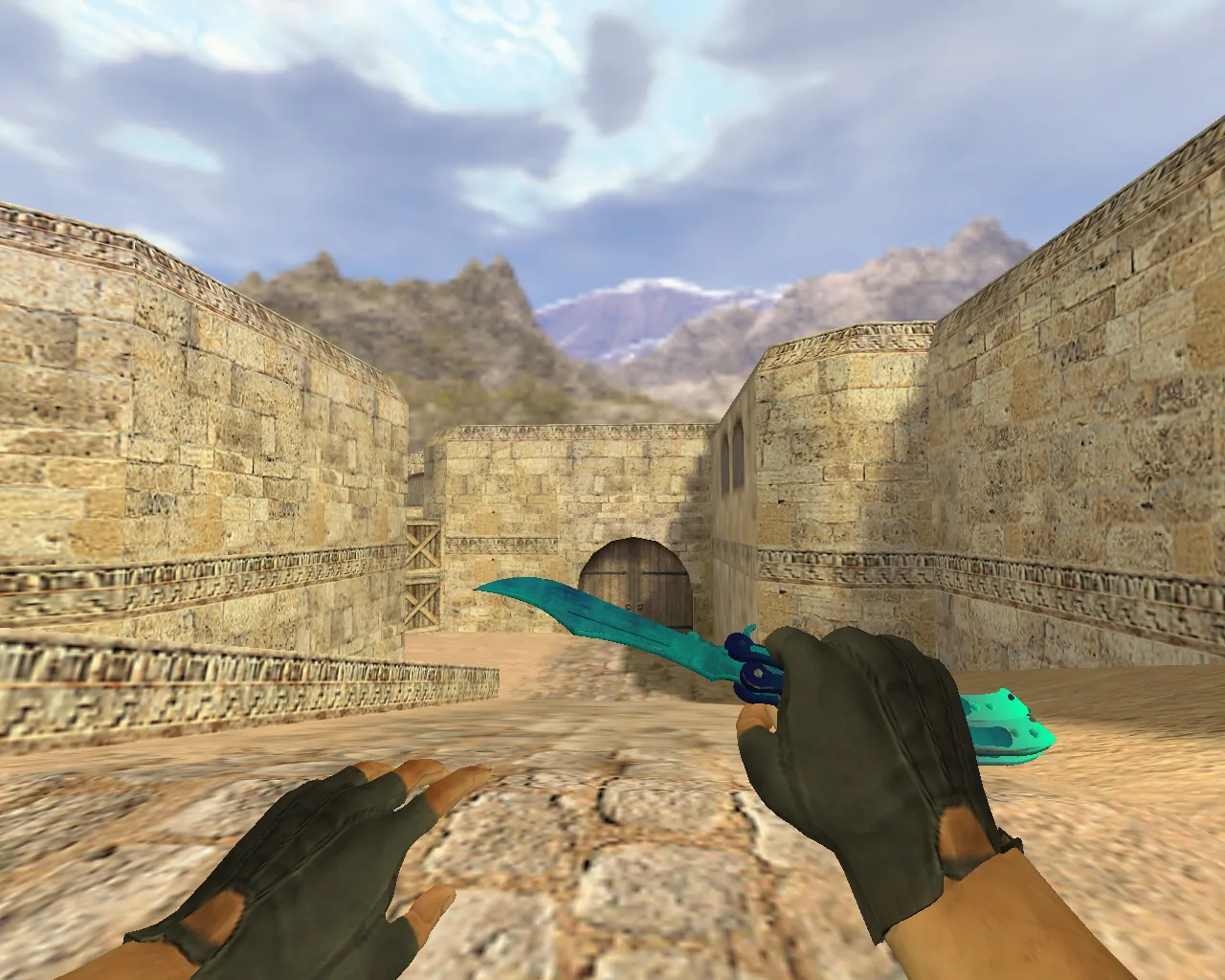
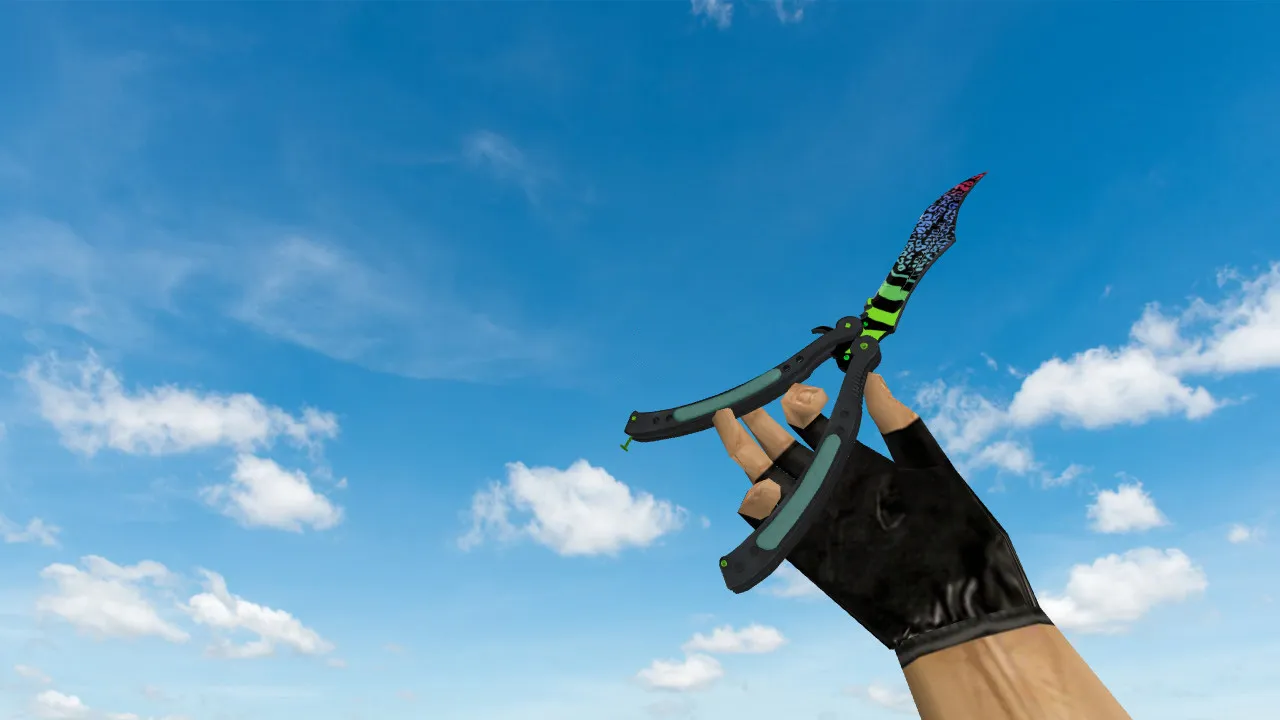
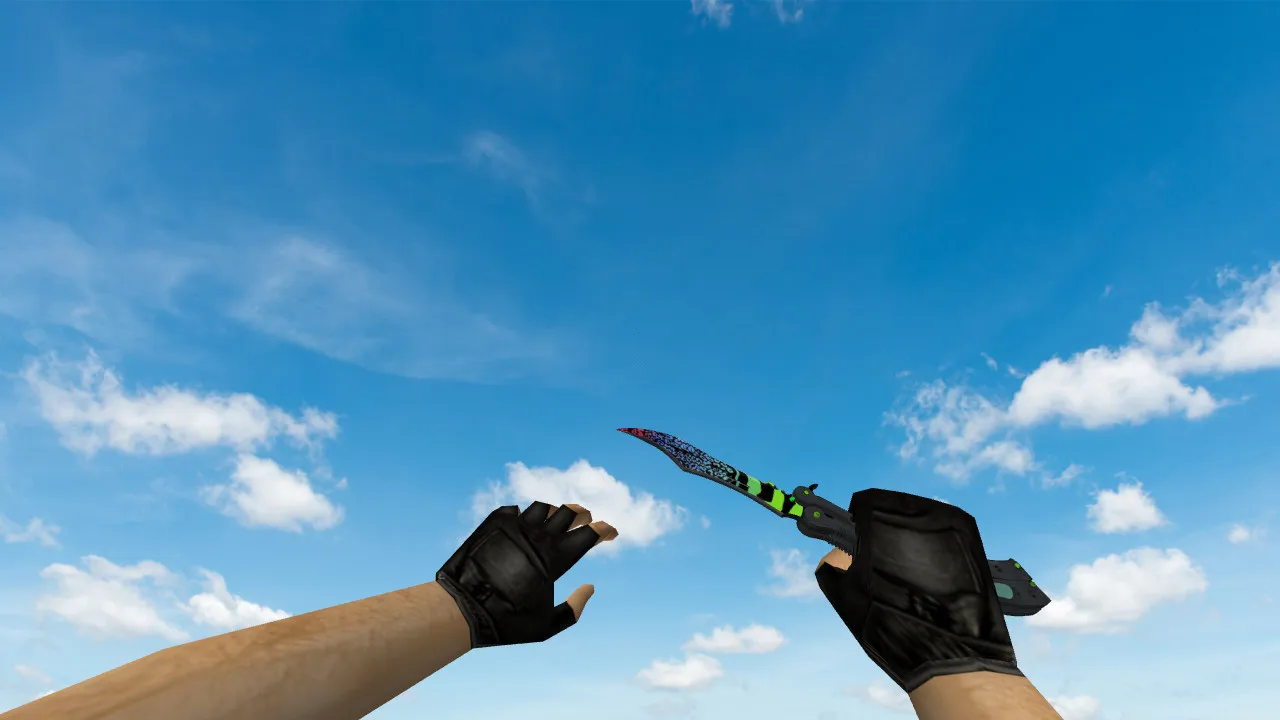
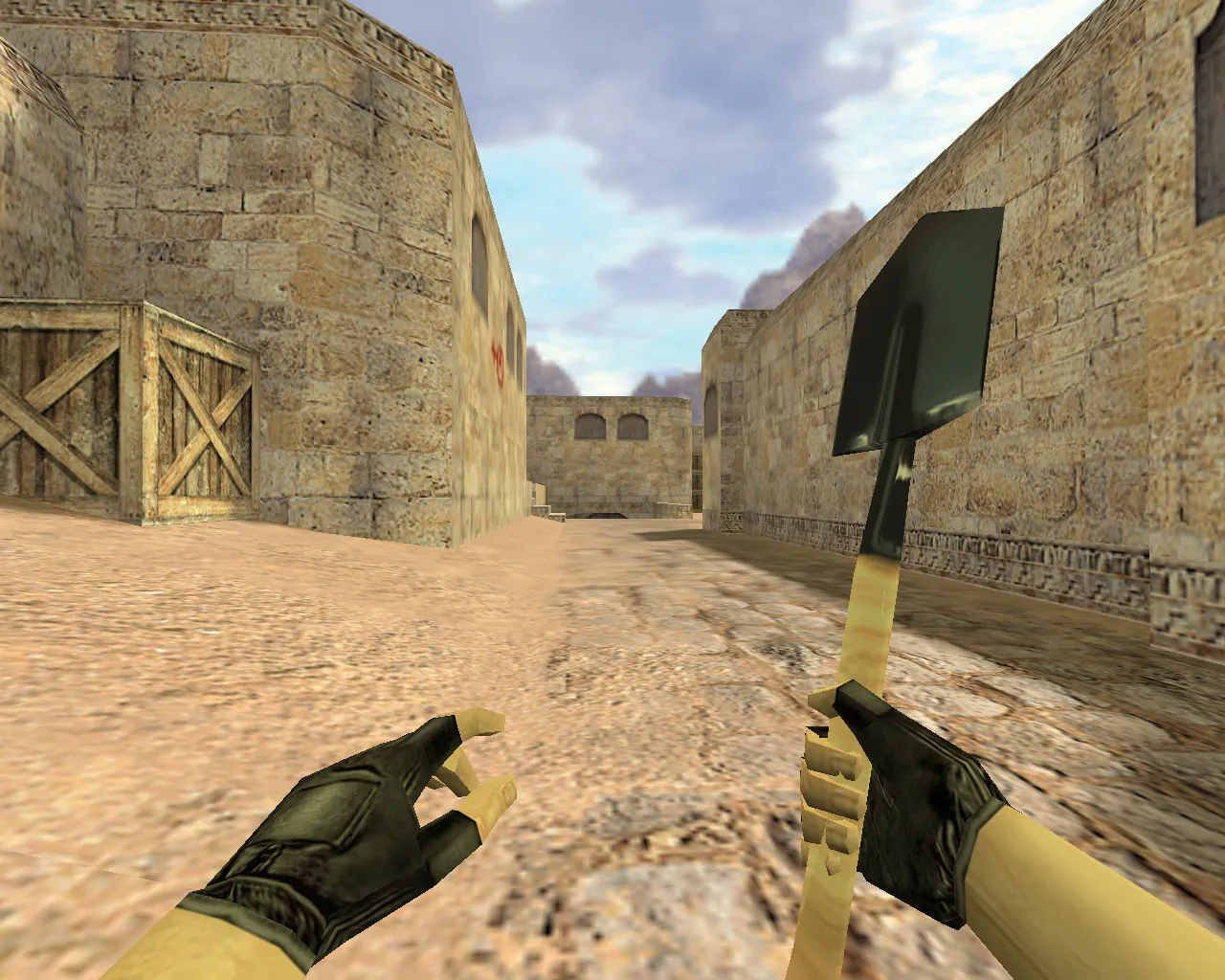
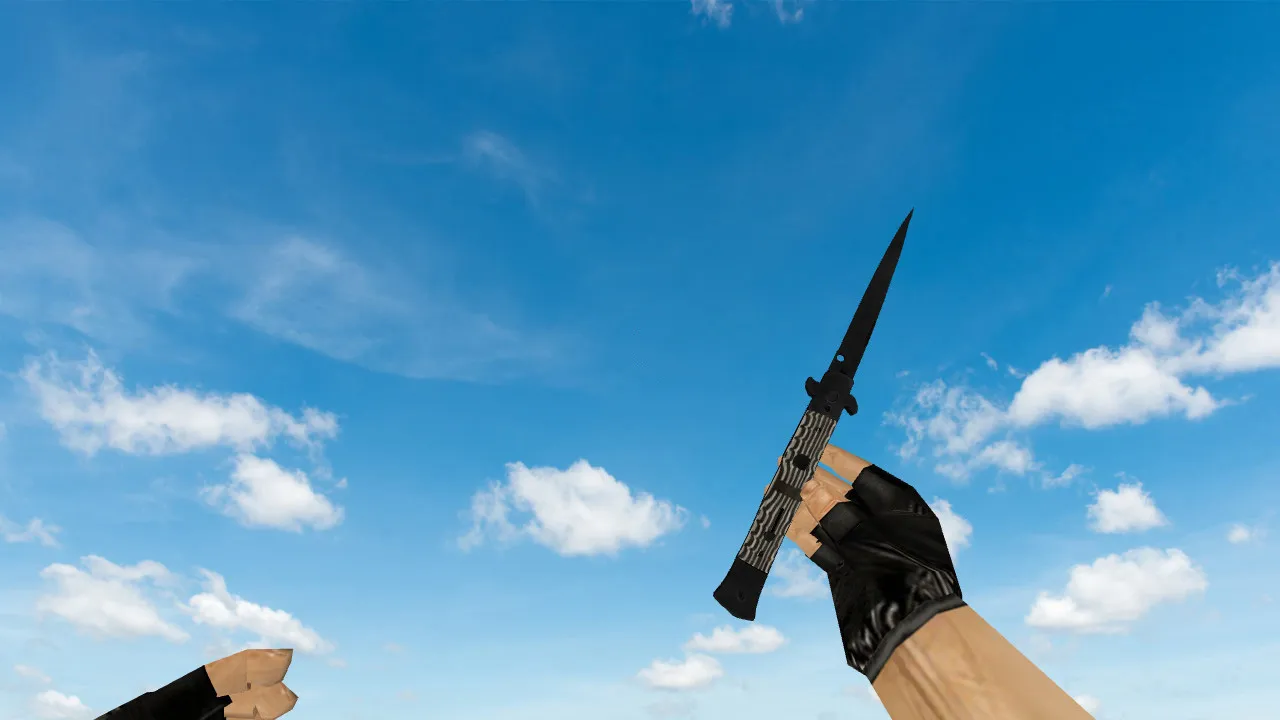
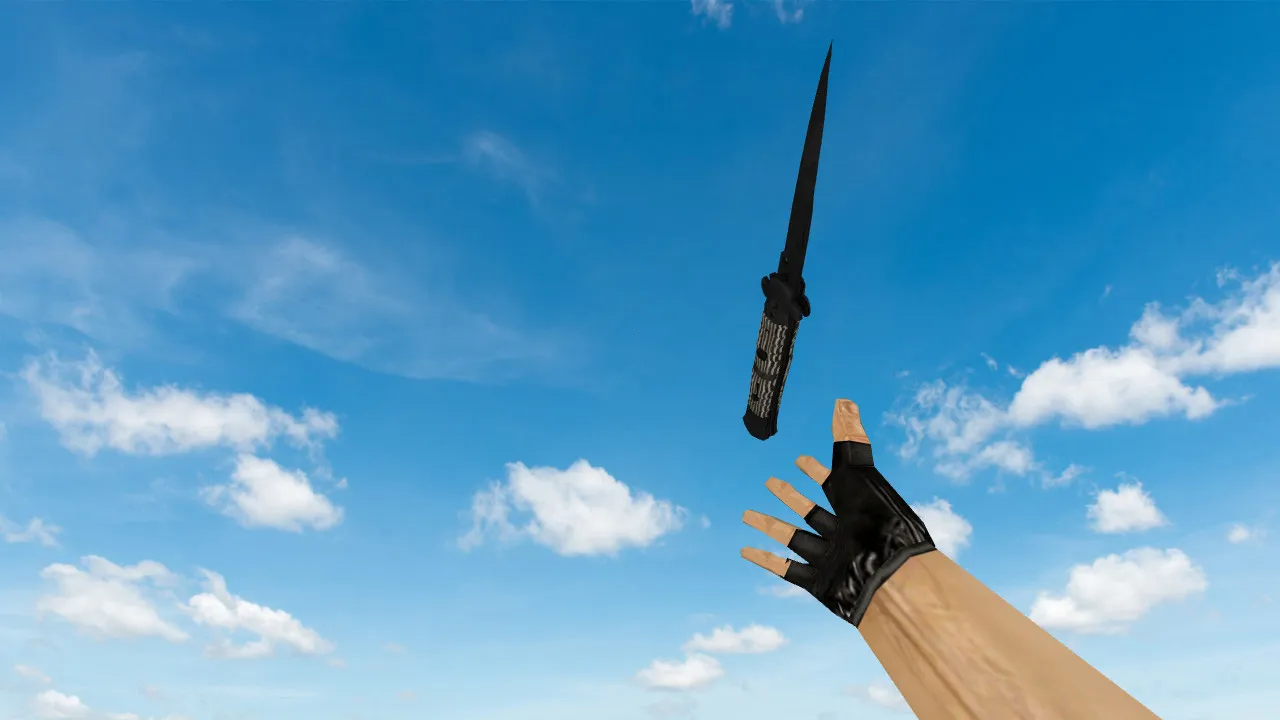
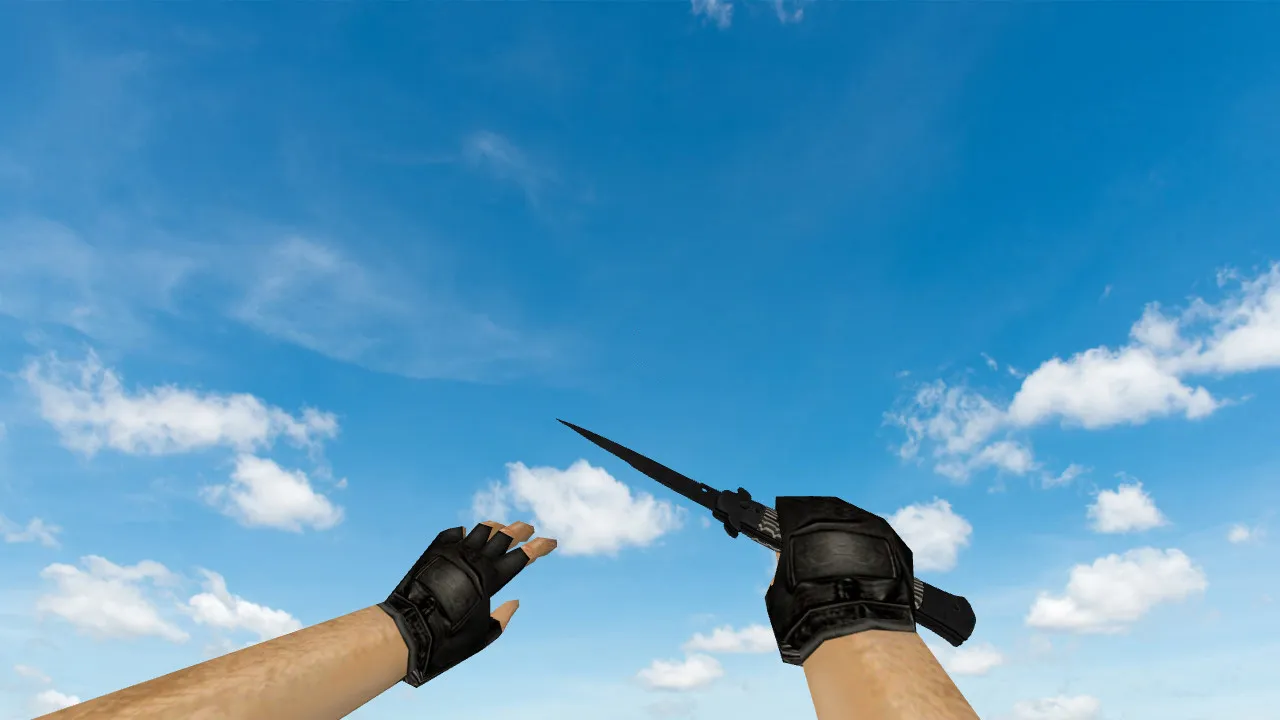
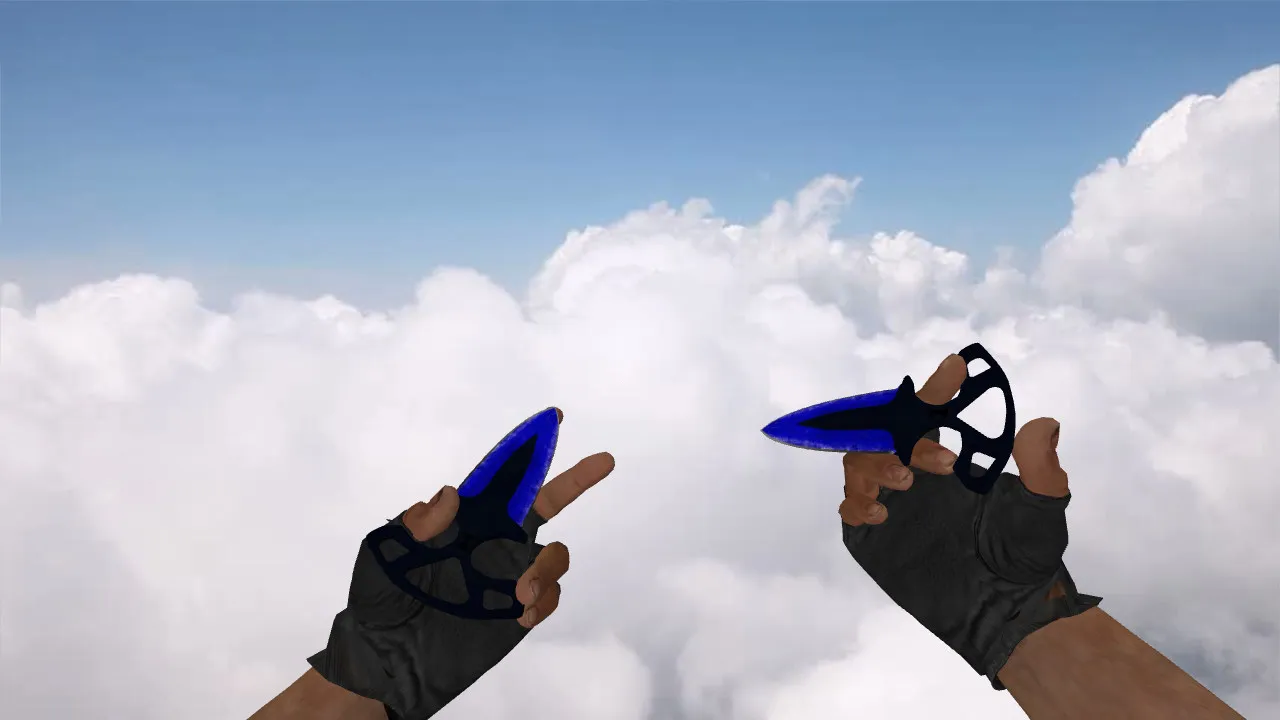
Nautilus Transparent Green Knife Model for CS 1.6: v_knife, p_knife, w_knife with Custom Sounds and Inspection Animation
Description
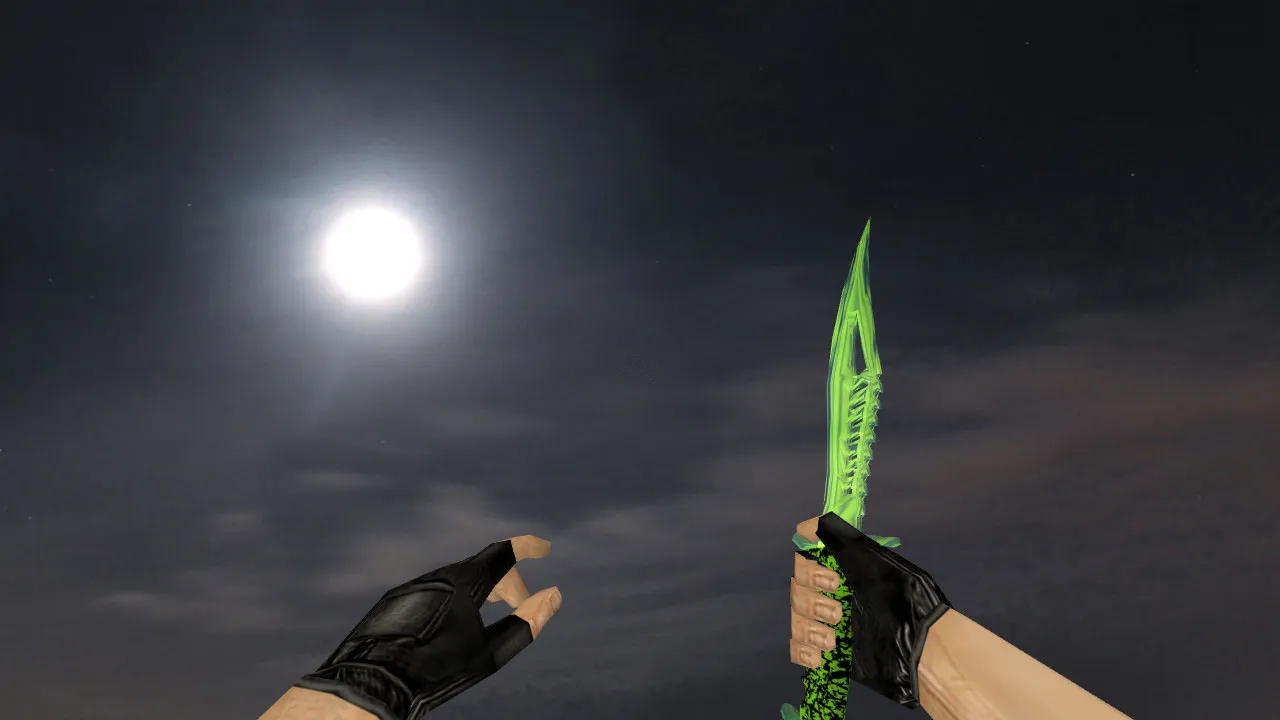
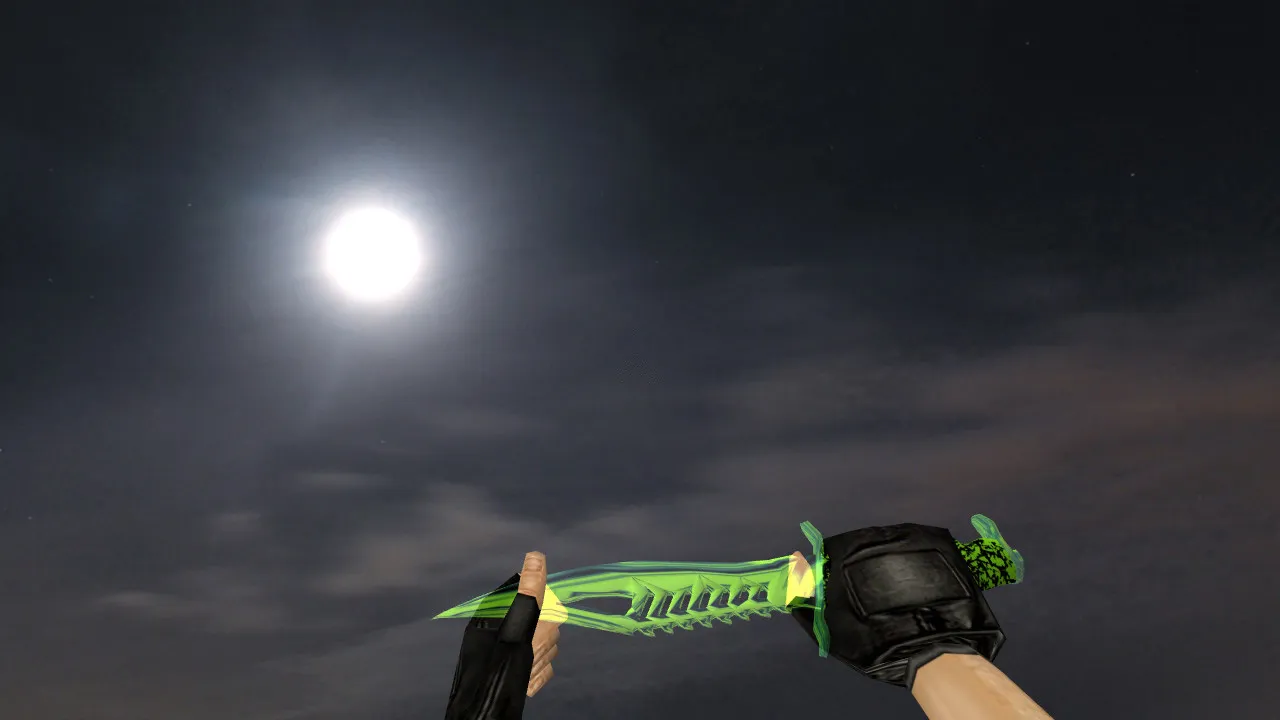
Nautilus Transparent Green Knife for CS 1.6
Those seeking a blade that catches the eye at round start without breaking the game's pace will see the Nautilus Transparent Green skin slot right into Counter-Strike 1.6. This skin follows the standard client pipeline, preserving essential display settings. In first-person it draws cleanly, and the inspect animation fires through the default sequence. The pack supplies v_knife for the player view, p_knife for the hand-held view, and w_knife for the world view, so the look stays consistent across first-person, third-person, and spectator modes.
In classic CS 1.6 play, staying visible during fights is critical. This model stresses contrast and crisp edges to keep from fading into dark map corners or turning into a blurry smudge. Textures are tuned to stop shimmering while you move, keeping your crosshair steady as you shift tactics mid-round or close to knife distance. In tight quarters where knives are seen up close, the unique see-through green finish adds character without pulling unwanted focus from enemies.
What's Included in the Model
- v_knife - First-person viewmodel for smooth inspect and weapon switching with no visual glitches
- p_knife - Hand model for fluid animations that don't jitter during swings or stabs
- w_knife - World model so other players see the correct shape and color in third-person
- Custom knife sounds for clicks and hits that match the game's rhythm
- Inspection animation plus standard CS 1.6 actions like slash and stab
- High-quality textures keeping the transparent green effect free of noise or aliasing
The low polygon count keeps frame rates high, even on older machines running Build 4554 or 8610. No extra scripts or configs required-just drop the files and play. This works flawlessly in both Steam and Non-Steam clients, with no clash from MasterServer protections.
Safe Installation Guide
Install this knife model carefully to avoid trouble on online servers. Follow these steps for a clean setup:
- Back up your weapon folders in the cstrike directory before making changes
- Replace only the relevant v_knife.mdl, p_knife.mdl, and w_knife.mdl files in the models directory
- Avoid auto-loaders or third-party tools; use manual file placement for safety
- Restart CS 1.6 after installing and test the knife in a local game
- Check that your config.cfg is clean-no conflicting binds or settings that could break animations
This model contains no viruses, backdoors, or adware. It is a straightforward skin pack built for direct integration, ensuring compatibility without risking bans or crashes. If you run a custom HUD or crosshair, double-check for overlaps in the sprites folder.
In-Game Testing and Optimization
Before jumping into matches, validate the knife under real conditions. Start with first-person inspect to confirm the transparent green renders sharply without transparency glitches. Test weapon swaps while moving and standing still to ensure animations flow without clipping. Switch to observer mode or have a friend check the world model-it should match the hand view in form and hue.
On dark maps like de_dust2's tunnels or de_inferno's close sites, the high contrast keeps the knife visible for quick draws. Run it through bot matches with .nav files enabled to simulate pressure. If flickering occurs, revisit file paths in the wad file or texture references. For best performance, pair with a high-fps config that caps at 100 FPS to cut input lag during knife duels.
The Nautilus Transparent Green knife delivers a clean, stable look for players who value clear viewmodels and reliable animations. It plugs into standard CS 1.6 clients without tweaks, letting you focus on tactics like rushing B-site or holding long angles. With accurate hitbox alignment in the models, strikes land true, boosting close-range precision every round.
Grow your arsenal with this skin for better visibility in low-light spots and smoother melee transitions. It's built for the competitive scene, where every detail counts in ESL-style play.
Install in three steps
-
1
Download the archive. Use the button on the right, or the Yandex.Disk mirror if the main server is slow.
-
2
Extract it into the game folder. Use 7-Zip or WinRAR. A path without non-Latin characters works best.
-
3
Launch the game. If something doesn't work, mark it below - that is how we know the file needs an update.
Did it work for you?
No sign-up needed. You can pick more than one.