Butterfly Knife Blue Sea Model for CS 1.6: v_knife p_knife w_knife with Inspect Animation and HD Textures
Description
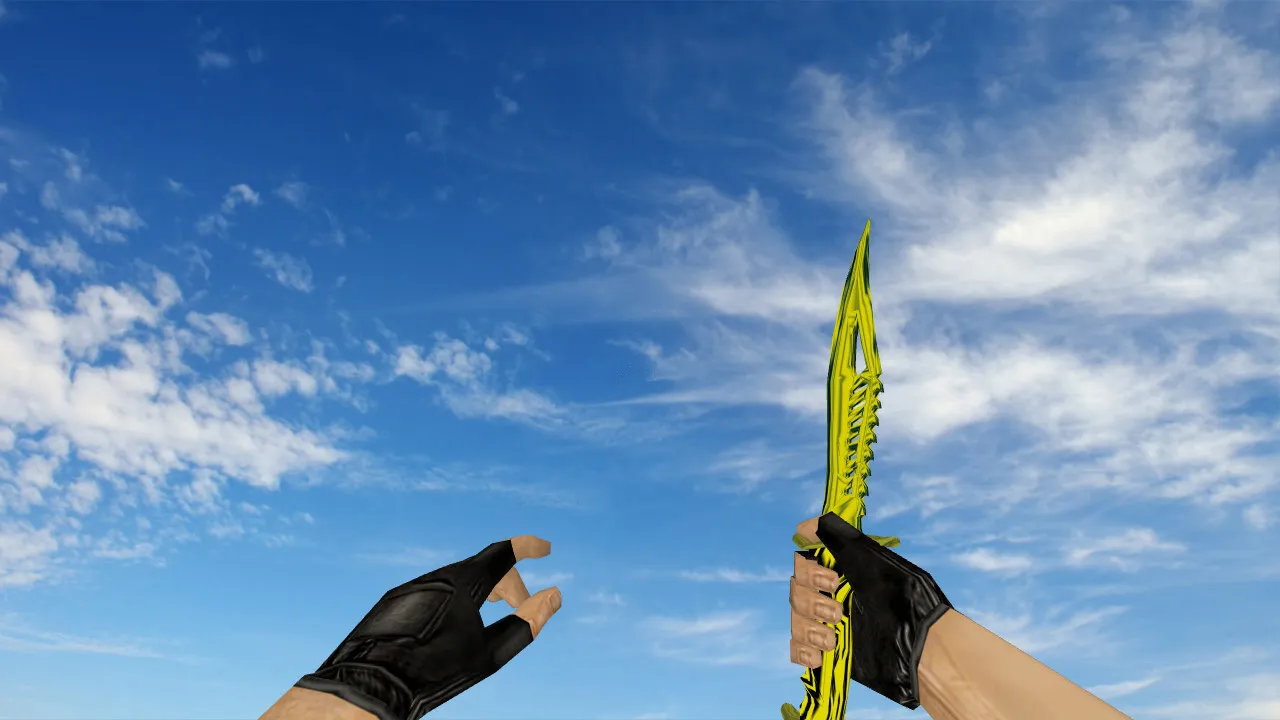
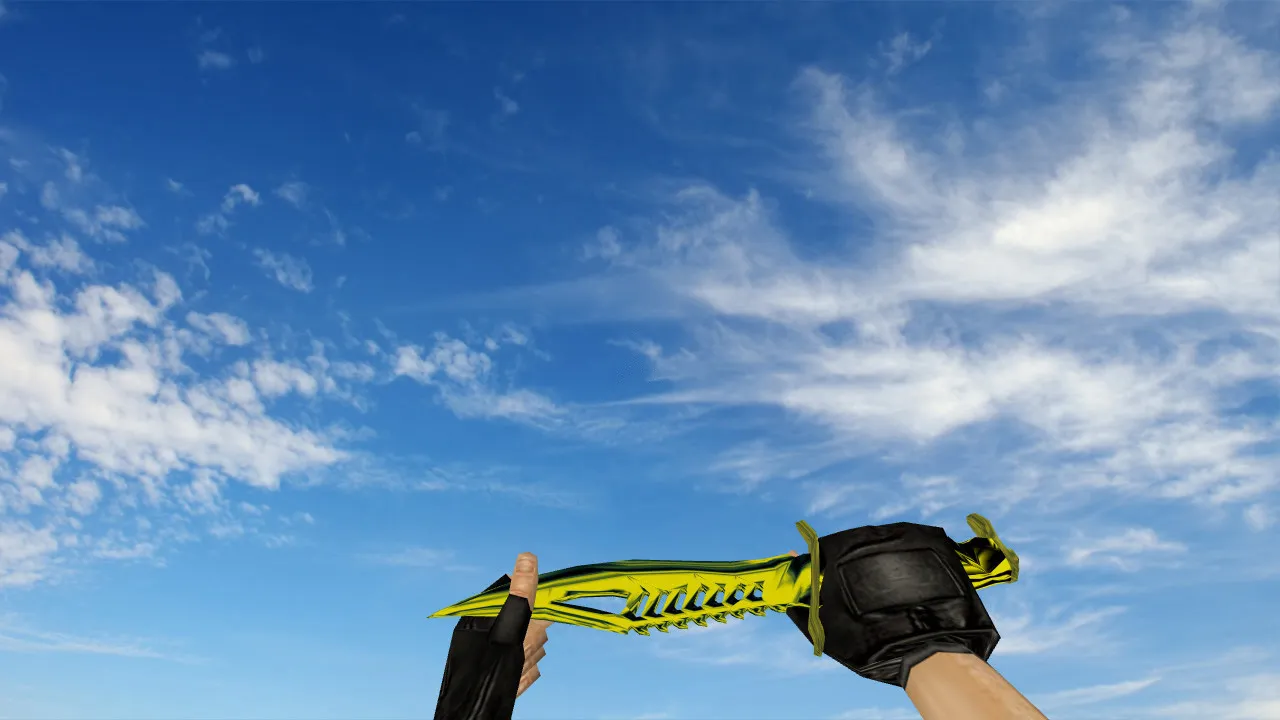
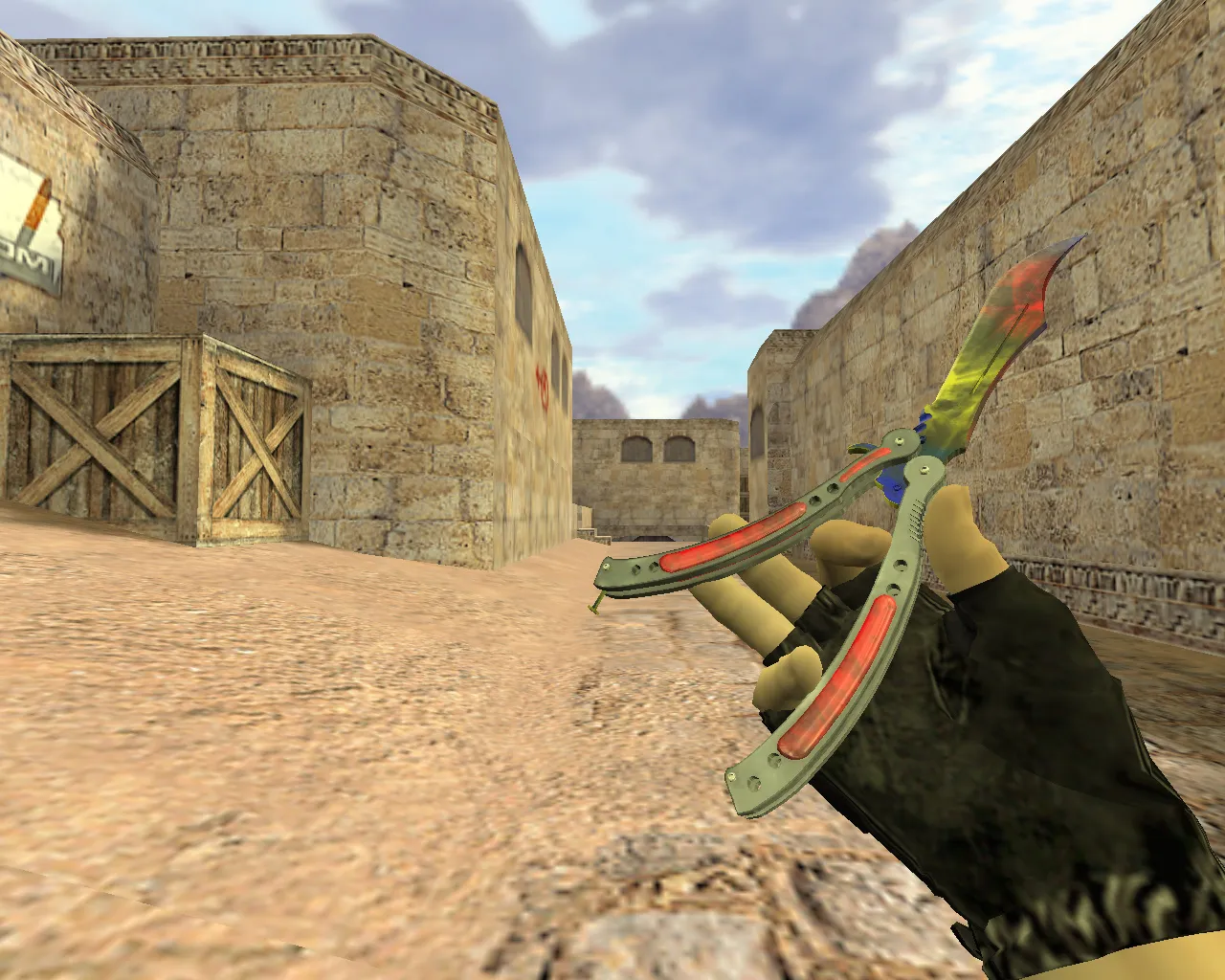
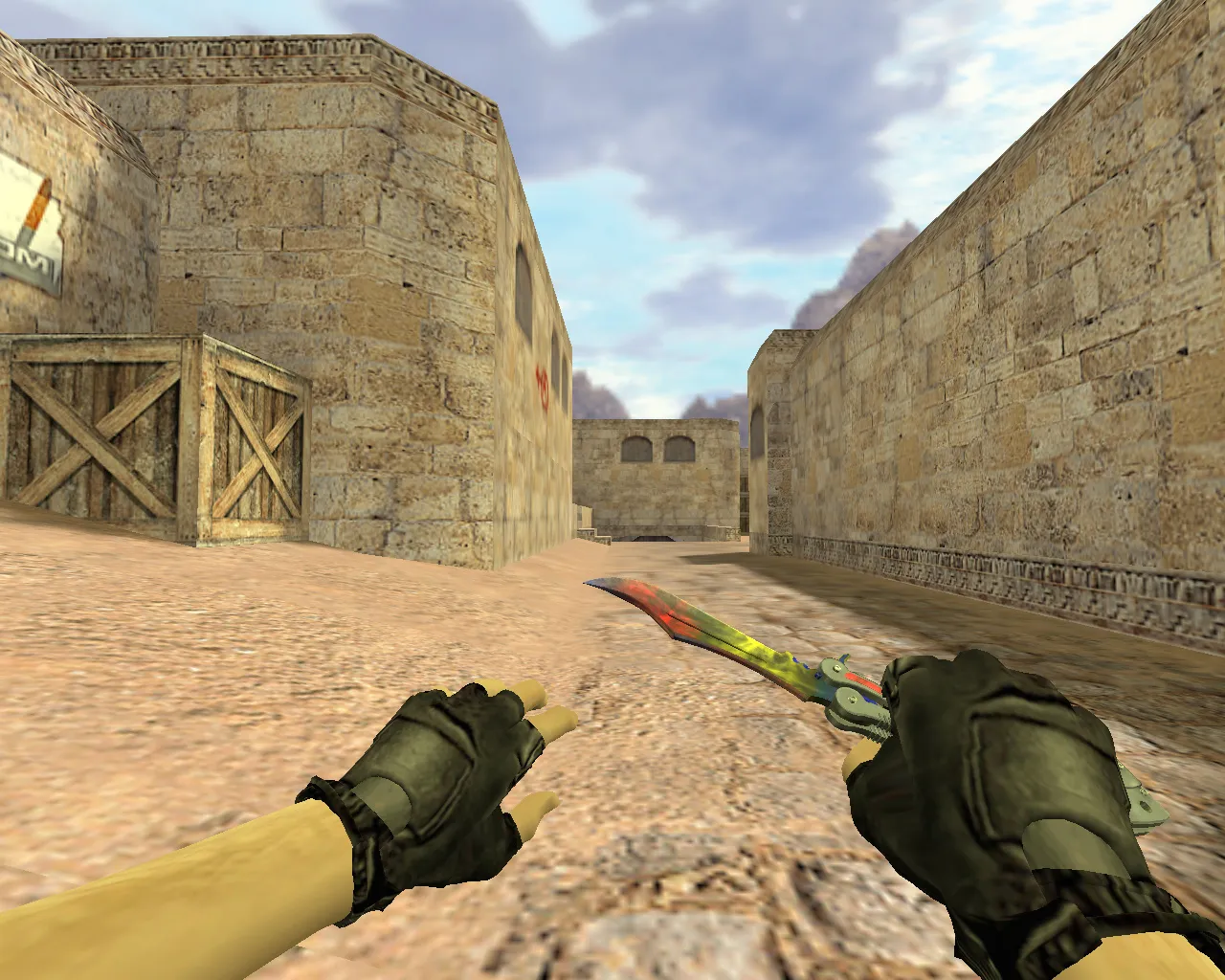
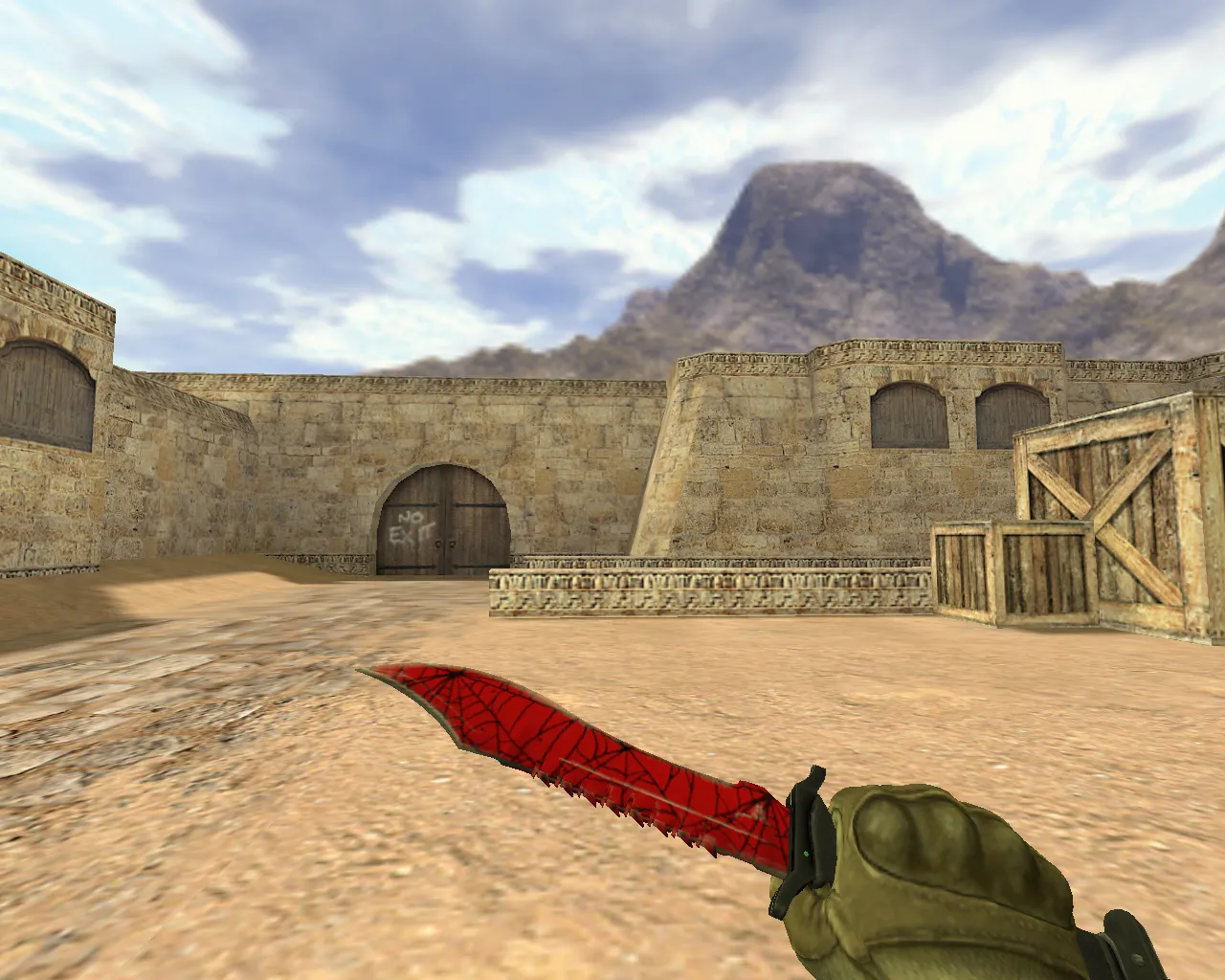
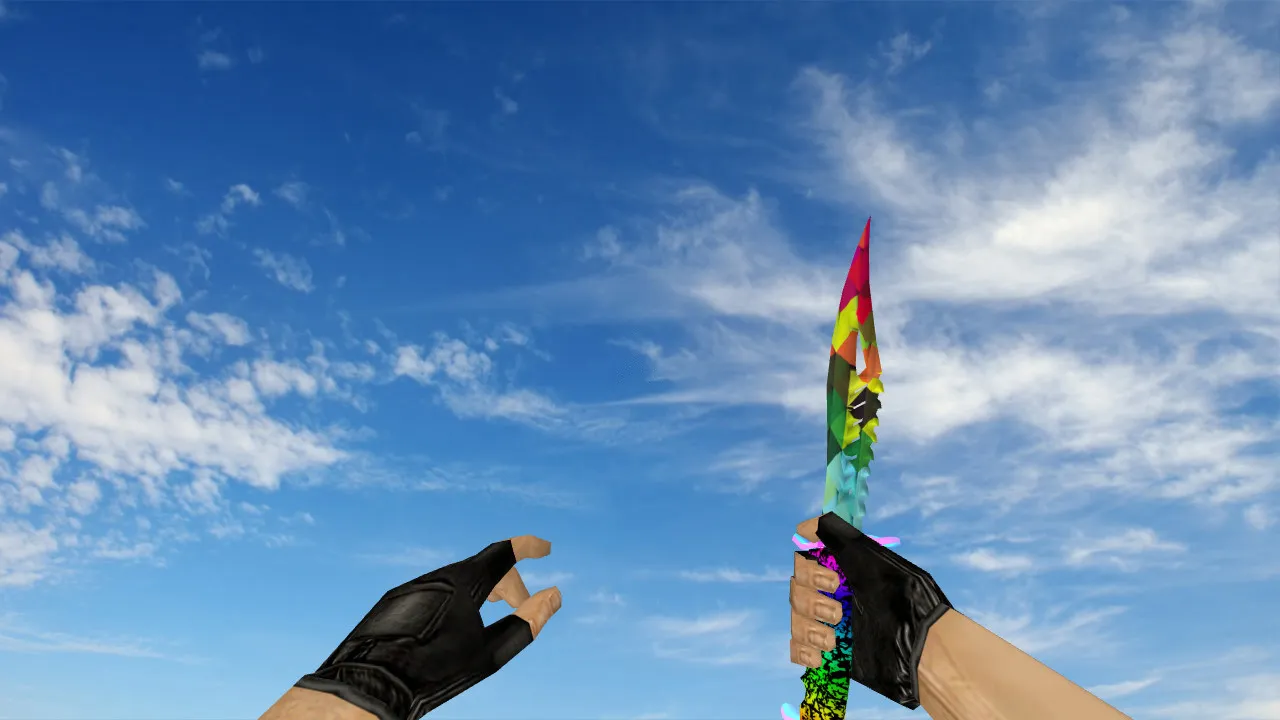
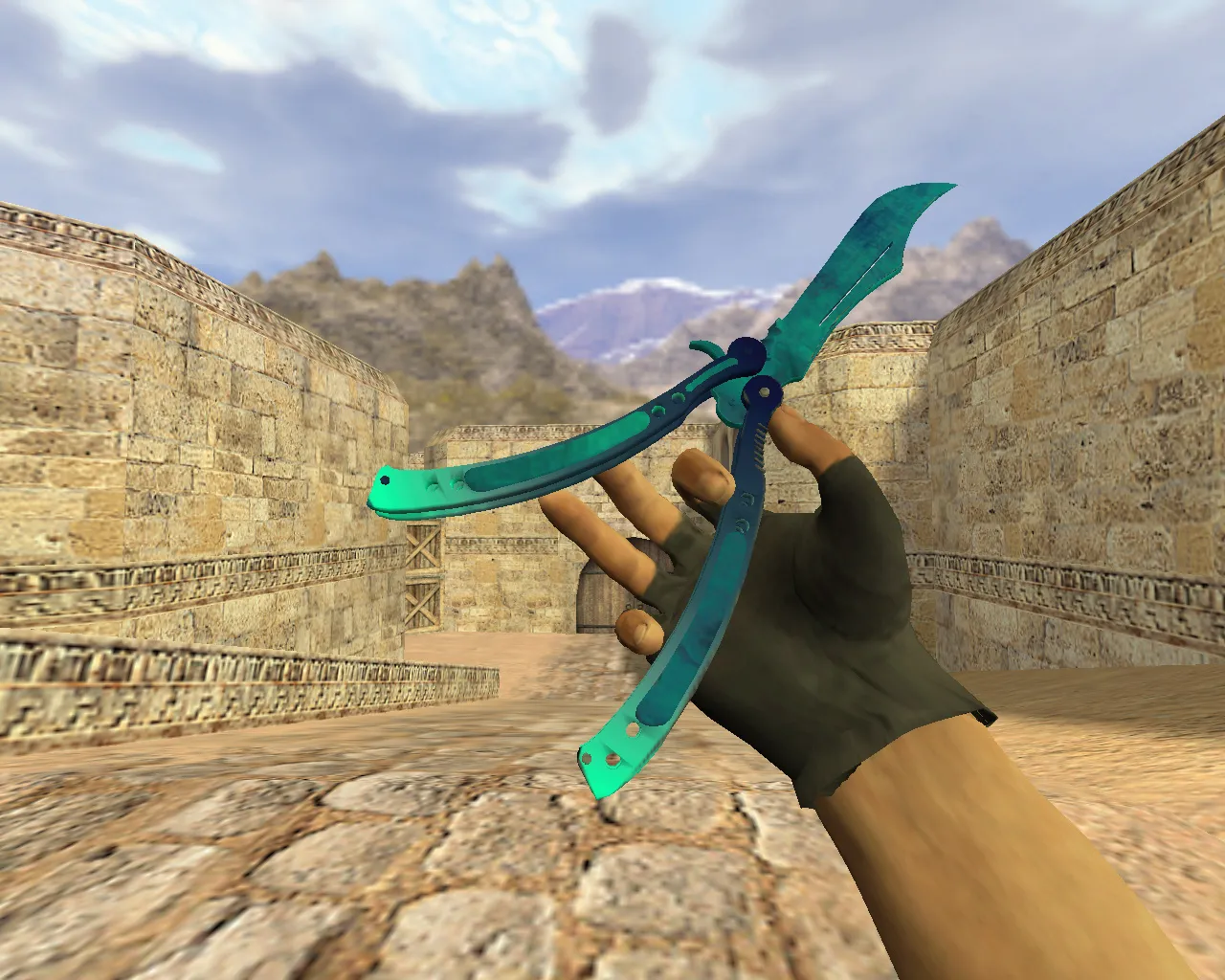
Blue Sea Butterfly Knife for Counter-Strike 1.6
Need a knife skin that respects server regulations and offers reliable model stability? The Blue Sea Butterfly Knife targets the standard CS 1.6 v_knife, p_knife, and w_knife configuration. It renders cleanly in first-person view, on player hands, and as a third-person world model. Textures remain sharp without distortion during rotations due to precise UV mapping.
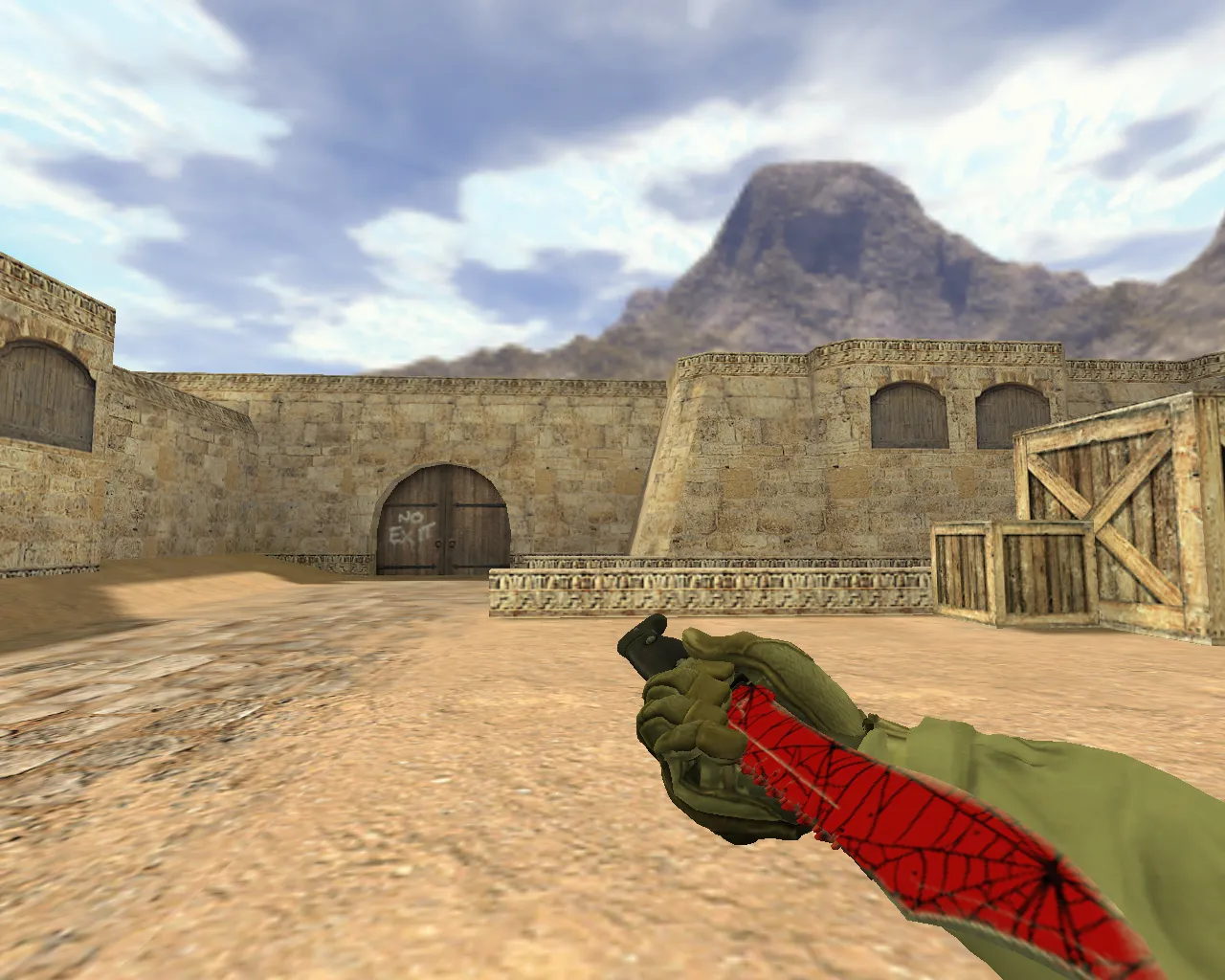
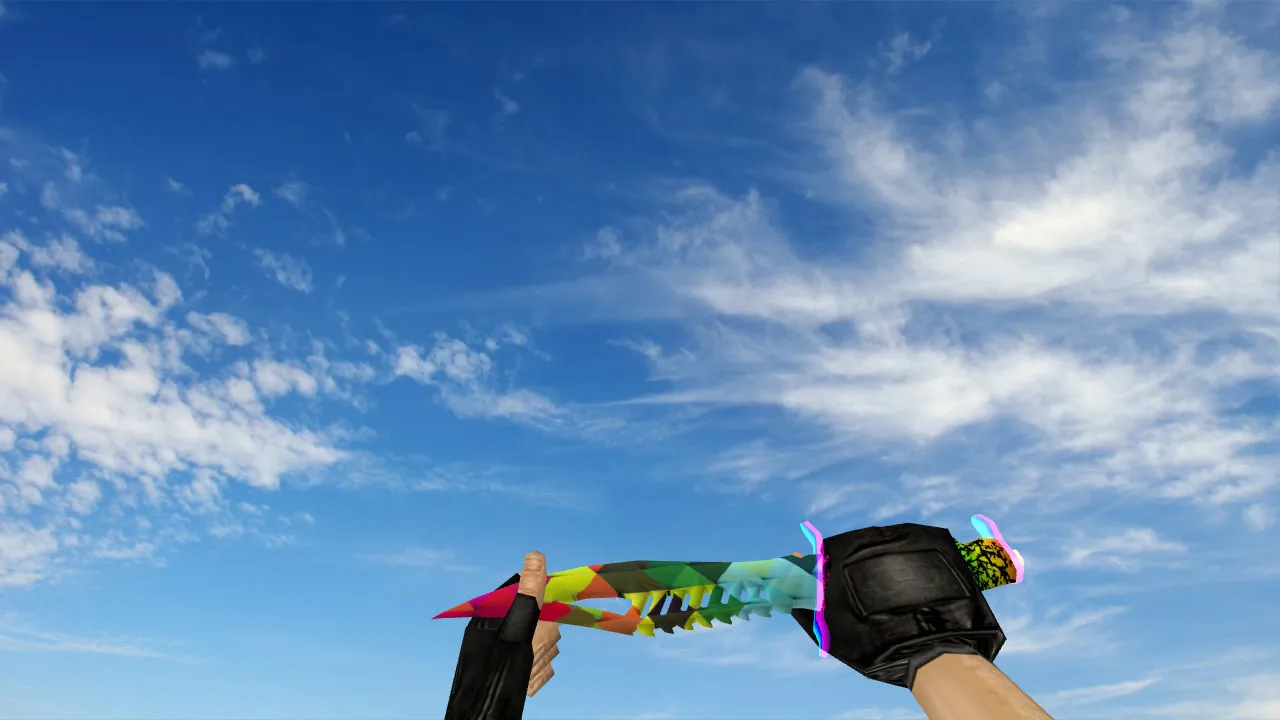
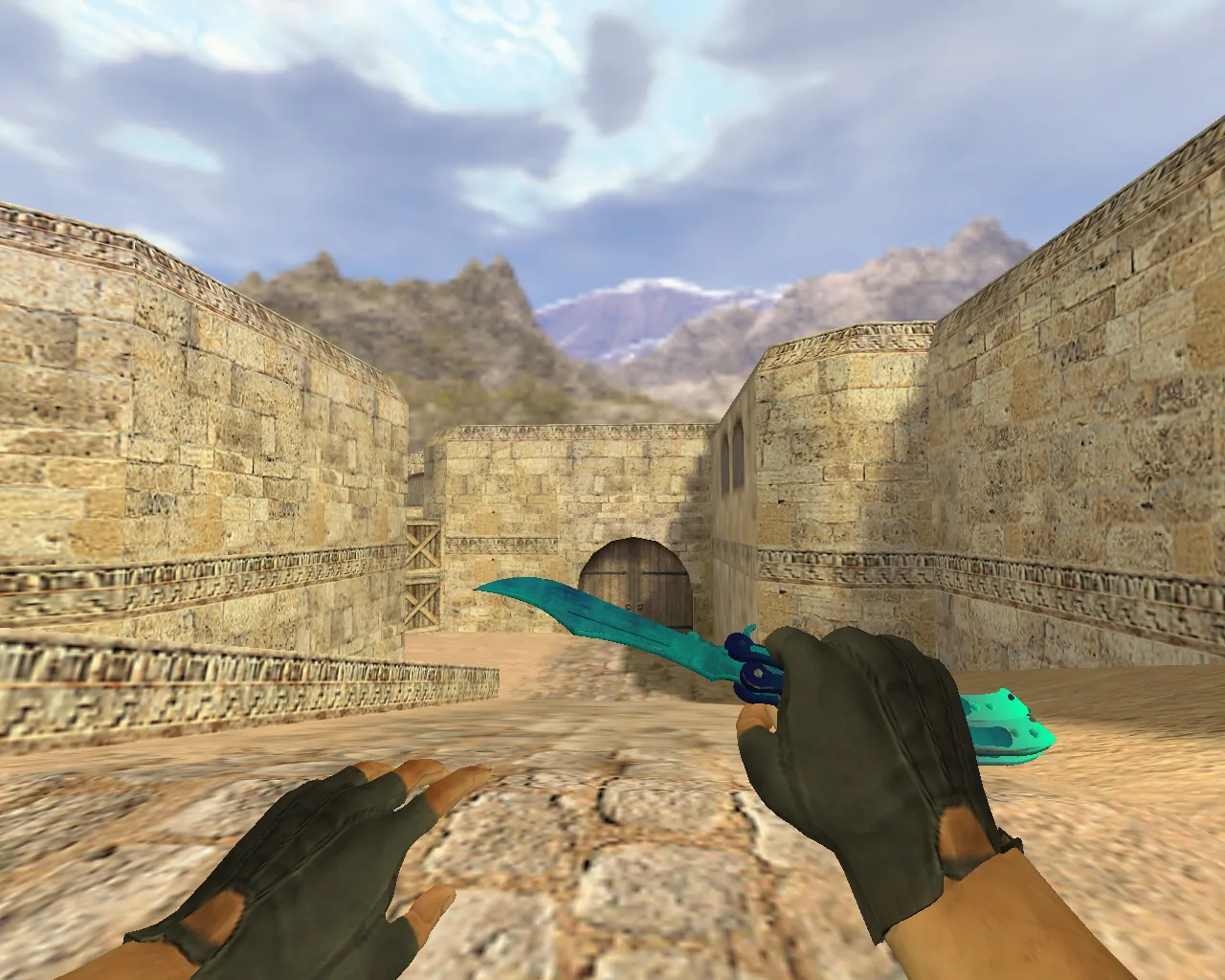
This butterfly knife excels in combat visibility. The blade and handle deliver strong contrast against diverse backgrounds. In dimly lit areas, details stay crisp without blurring. An inspect animation is included, enabling a quick pre-round check or post-purchase review. The animation runs on the engine's native cycle, avoiding extra effects that could reduce FPS.
The package adheres to the CS 1.6 file structure: v_knife for first-person, p_knife for player hands, w_knife for world drops. This guarantees a consistent look across all views, preventing issues where the knife appears incorrect in a specific mode. No custom sounds override defaults, preserving compatibility with server configs and preventing audio conflicts.
Polygon count is optimized for smooth performance, sitting around 500-600 faces to balance detail and frame rates. Hitbox alignment matches the stock knife precisely, so slash and stab mechanics feel identical. Textures use a 512x512 resolution base, scaling to HD without aliasing on higher settings.
Pre-Installation Checks
- Dark Area Visibility - Test on de_dust2 long angles or de_nuke shadows to confirm blade edges pop without washout.
- Inspect Animation - Open weapon menu and cycle inspect; verify smooth loop without hitches.
- Performance Across FPS - Run on low (30-40 FPS) and mid (60+ FPS) rigs to ensure no drops from model load.
- Texture Stability - Rotate camera in-game; check handle and blade for consistent rendering without seams.
These steps confirm the model integrates without glitches. For bot servers, it loads fine with .nav files intact, no interference on maps like de_inferno or cs_office.
Installation and Safety
Download the archive and extract it to your CS 1.6 directory. Replace files in cstrike/models, targeting the knife subfolder. The pack includes structured folders-move contents to keep v_knife.mdl, p_knife.mdl, and w_knife.mdl in place. Skip any executables, avoid auto-connect scripts, and stick to manual file swaps for security.
No viruses or backdoors are present; it is a clean mod pack. Compatible with Steam and Non-Steam builds like 4554 or 8613. After install, launch a local game or training map. Use console command 'r_flushmaplighting 1' if old textures linger from cache. Test in offline mode first to verify load-the knife should appear immediately on spawn.
For MasterServer protected servers, the model doesn't trigger anti-cheat flags since it uses stock hitboxes and no recoil tweaks. If issues arise, clear config.cfg and reload; this resets any conflicts from prior mods.
Why Add This Model to Your Setup
The Blue Sea Butterfly Knife suits fast-paced CS 1.6 playstyles emphasizing quick switches and view control. Its blue tones make inventory selection easier in buy menus. Inspect animation aids timing awareness before rounds start, syncing with standard knife deploy cycles.
During weapon swaps or sharp turns, the v_knife stays visible without clipping. On rotation-heavy maps like de_train or de_cbble, the w_knife drops clearly for teammates. Pair it with a clean config for high-FPS stability-aim for 100+ FPS on mid-spec hardware.
Overall, this model enhances knife play without altering core mechanics. Slash range and speed match vanilla, but the visual upgrade improves situational awareness in close-quarters fights. Download and test on your usual servers; if it renders consistently across views, it's a solid CS 1.6 addition with no surprises.
Expand your mod library with this-focus on ESL-style visibility for competitive edges. Regular updates to wad files ensure texture longevity, preventing fade on older GoldSrc engines.
Install in three steps
-
1
Download the archive. Use the button on the right, or the Yandex.Disk mirror if the main server is slow.
-
2
Extract it into the game folder. Use 7-Zip or WinRAR. A path without non-Latin characters works best.
-
3
Launch the game. If something doesn't work, mark it below - that is how we know the file needs an update.
Did it work for you?
No sign-up needed. You can pick more than one.