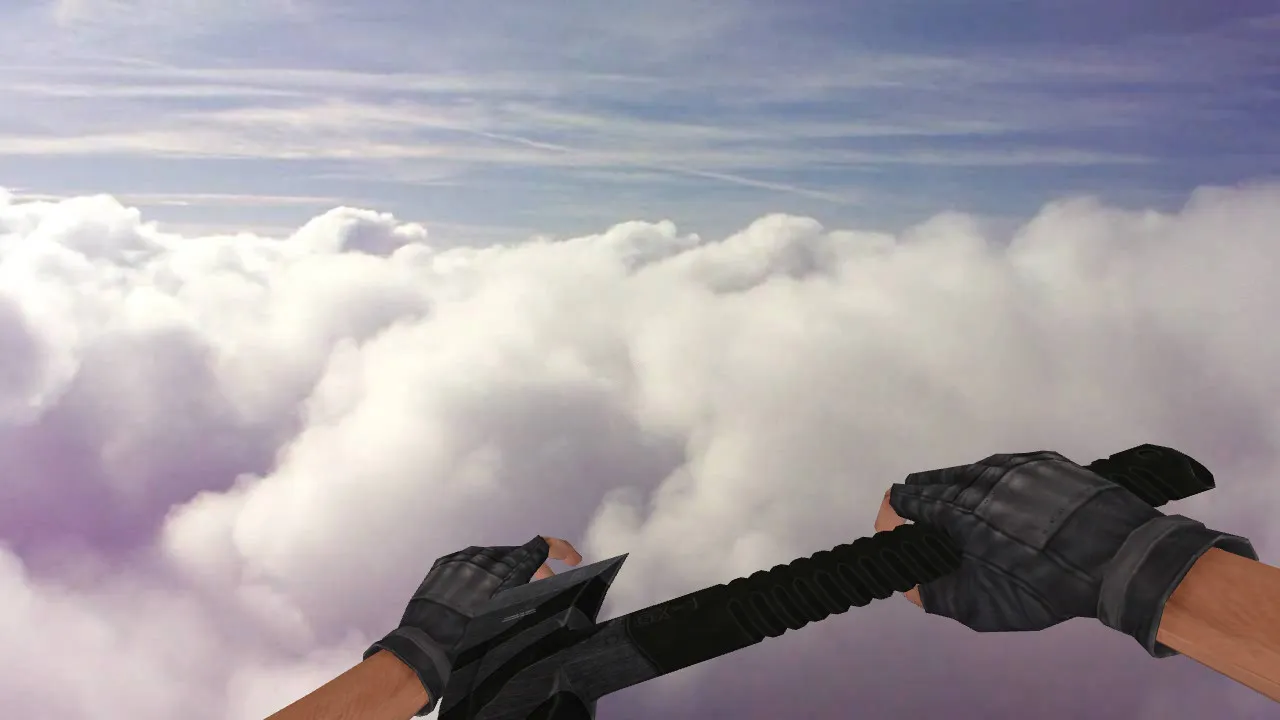
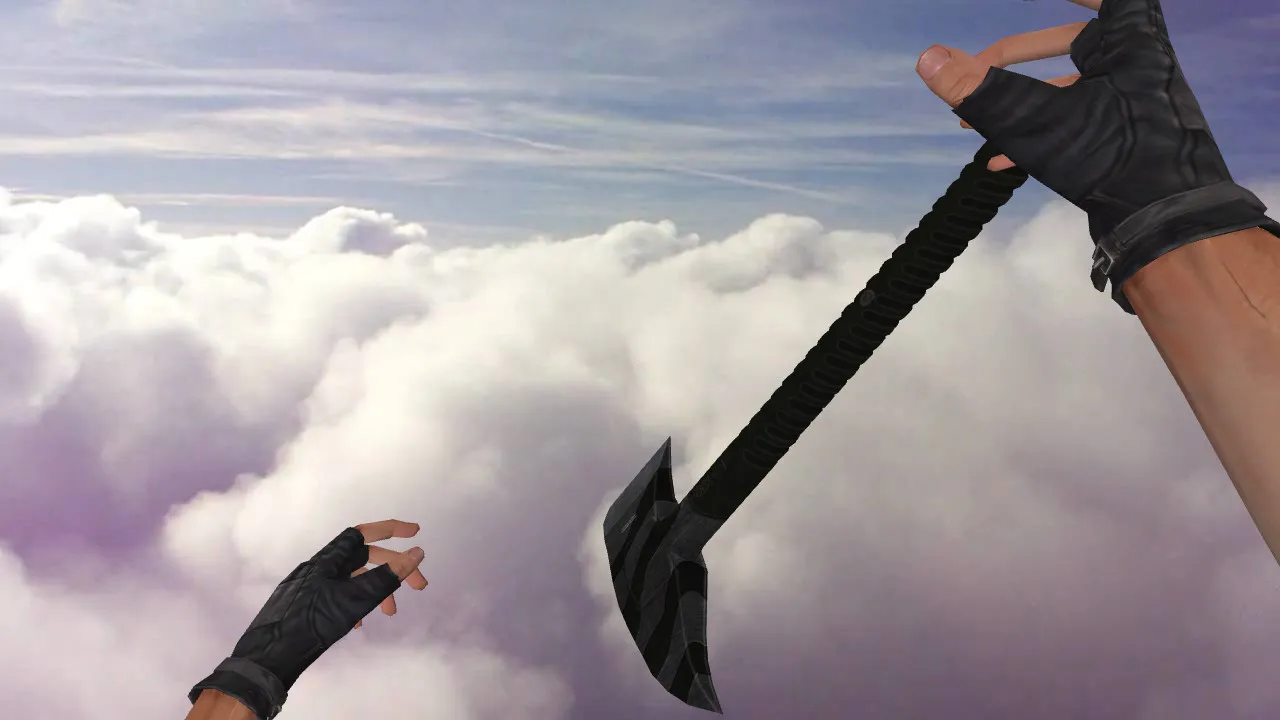
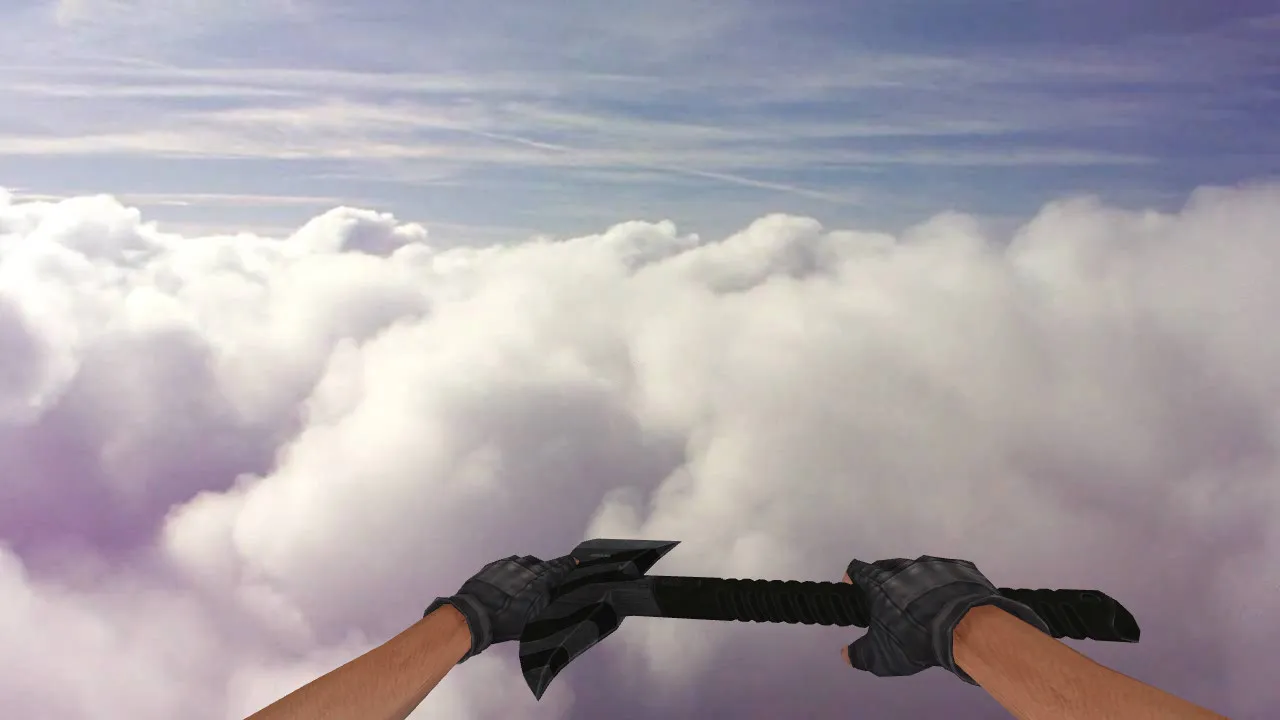
Chainsaw Knife Model for CS 1.6: v_ p_ w_ Models, Custom Sounds, Inspection Animations, HD Textures
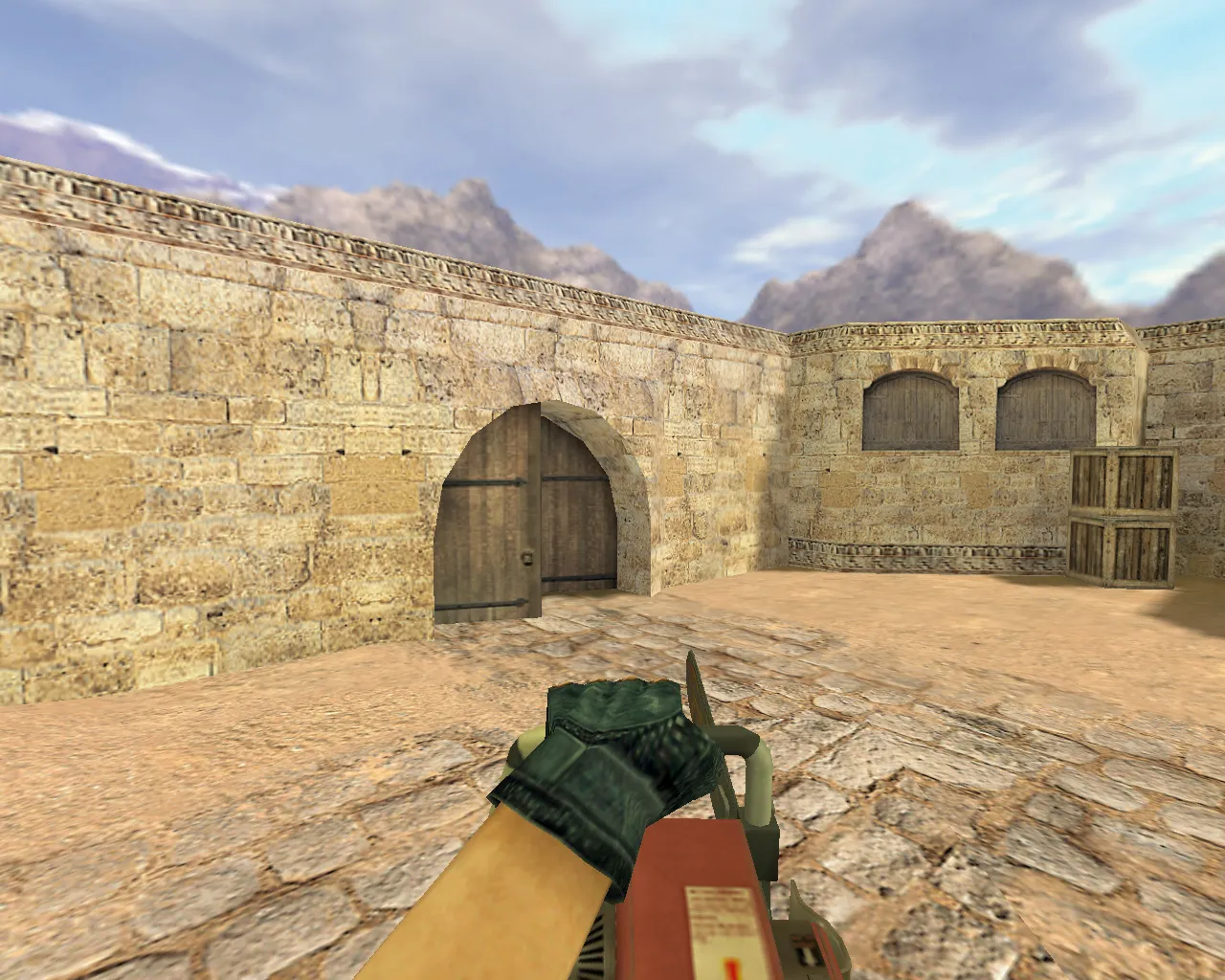
Description
Chainsaw Knife for CS 1.6: Contents and Installation Guide
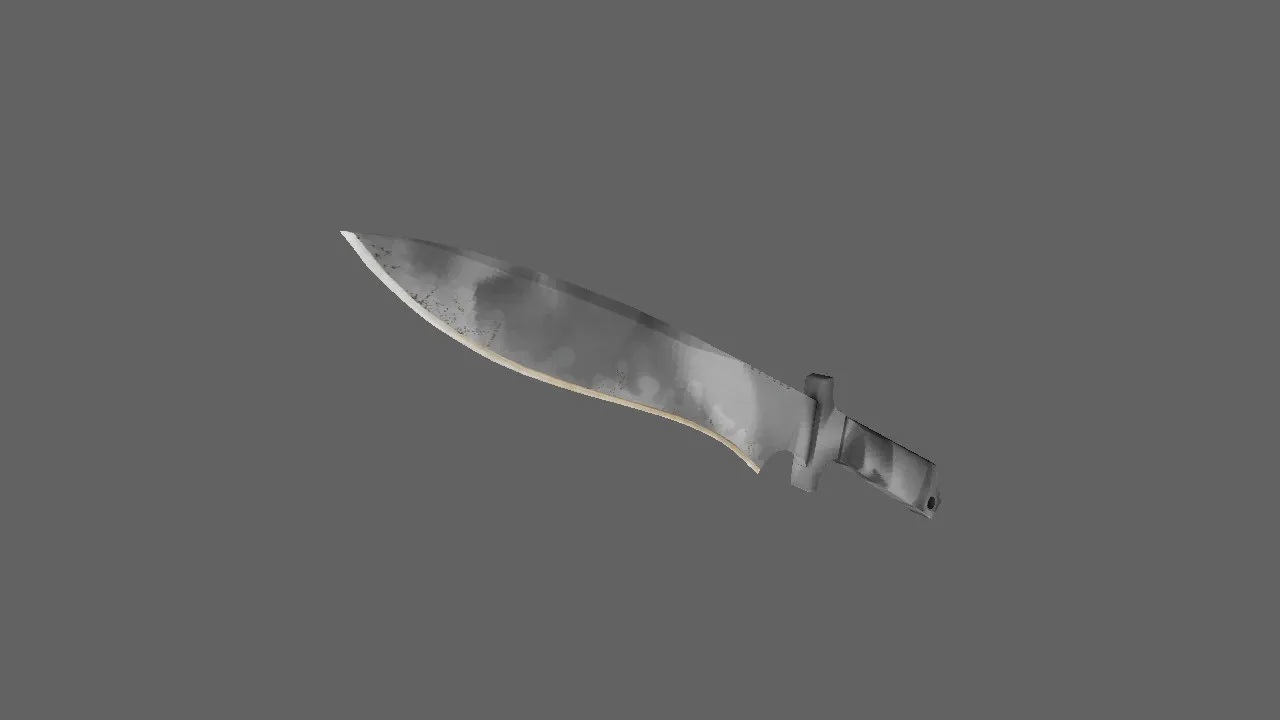
The Chainsaw knife model for CS 1.6 is aimed at players seeking better visuals and audio during close-quarters combat. This package ensures the knife renders correctly in the buy menu and while held. Essential files include v_ for the first-person perspective, p_ for the player's hand view, and w_ for world rendering. This guarantees consistency across first-person, third-person, and ground views.
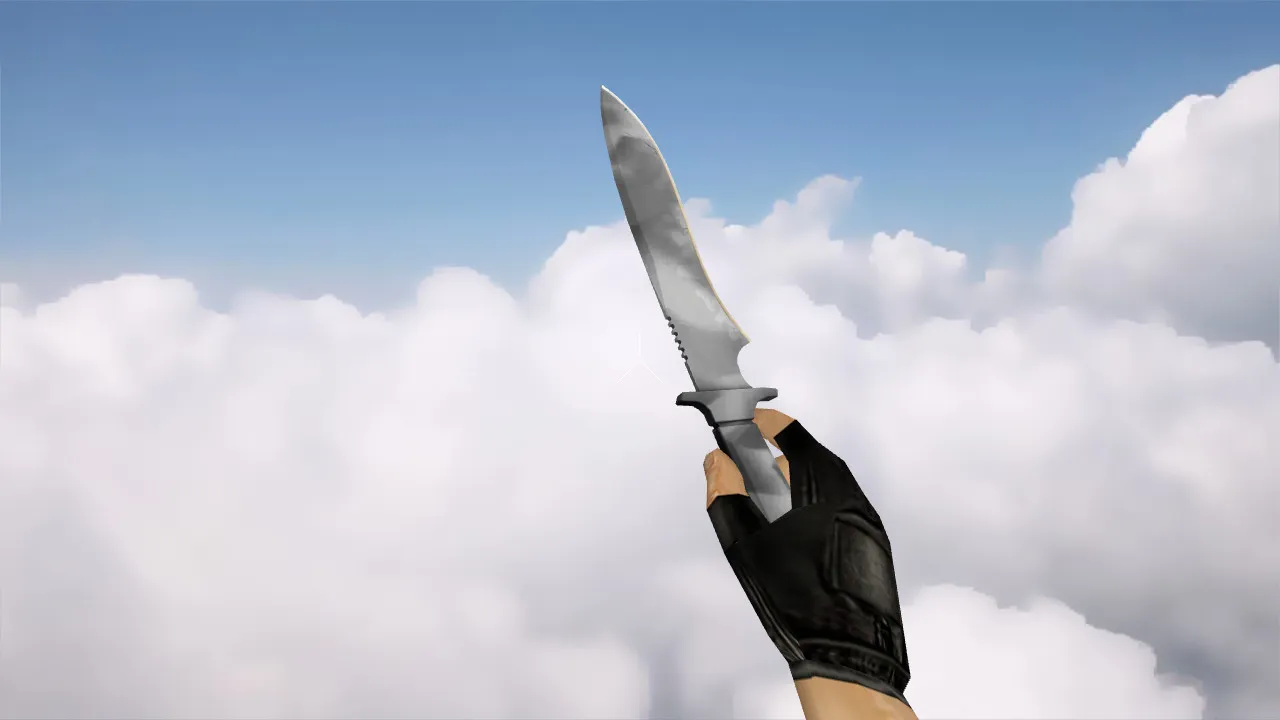
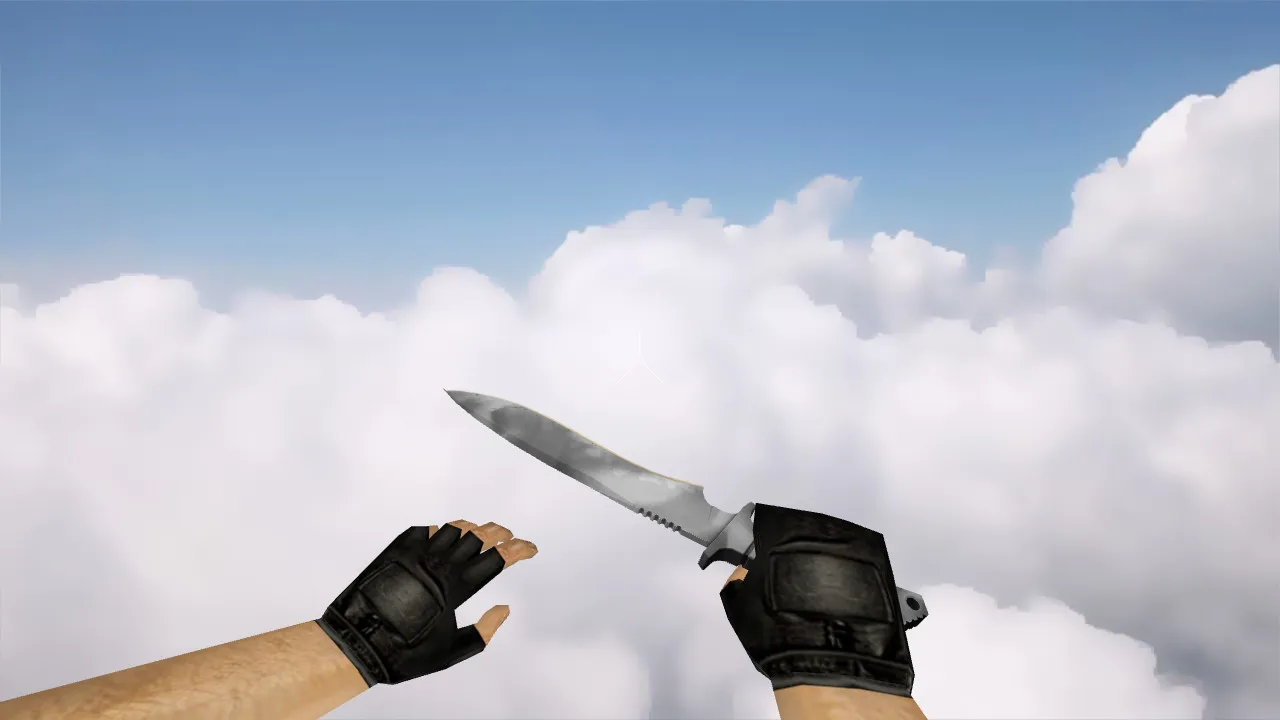
In CS 1.6, minor details influence the gameplay feel. Inspection animations stop the knife from appearing static when the camera rotates. For melee, custom sounds accompany switching and swinging, synchronized with the model. High-quality textures remain sharp without blurring, preventing pixelation during movement.
Visuals and Details: In-Game Performance
The Chainsaw distinguishes itself with its blade profile and textured chain. In CS 1.6, this is clearly visible on dim maps or in smoke-filled areas. The model retains readability while in motion. Textures use a minimum 512x512 resolution with clean edges to prevent smearing. During fights, you see the specific skin, not a generic placeholder.
Observe knife behavior during weapon switches and when drawing from other slots. In CS 1.6, stability is crucial-no animation jerks or alignment problems. A solid model stays fixed in the hand, keeping gameplay smooth without awkward shifts.
Pre-Installation Checks
- v_ model: First-person view for clear aiming and movement handling.
- p_ model: Hand model for first-person camera shifts.
- w_ model: World model for accurate ground drops and enemy perspectives.
- Custom sounds: Melee impacts and switches tailored for immersion.
- Inspection animation: Smooth viewing without a rigid mesh look.
- Texture quality: No artifacts or seam mismatches for clean renders.
Safe Installation Process
Install the model directly into your CS 1.6 client directories. Back up your current files first for a quick rollback. No viruses, slow-hacks, ads, or auto-connect scripts-just pure model files for standard integration.
When using multiple mods, avoid blindly mixing folders. File conflicts can glitch weapon displays or spawn duplicate knives. If issues appear, restore originals and reinstall, verifying v_ / p_ / w_ paths.
Setup and In-Game Testing
After installation, load a local game or non-anti-cheat server. Walk a map route, switch weapons repeatedly, and inspect during spins. In CS 1.6, test while moving with camera turns to catch hand positioning or texture glitches.
Once aligned, the knife adds melee flair with its revving sounds. Keep it clean-no config.cfg tweaks from outside sources-to maintain stability. Polycount stays low for high-fps performance, and hitbox alignment ensures fair swings without exploits.
This Chainsaw model suits ESL-style play, visible in dark corners like de_dust2's tunnels. Sounds include distinct startup whirs for weapon draws, enhancing tactical knife rushes. Textures avoid high polycount bloat, running smoothly on Build 4554 clients, Steam or non-Steam.
Install in three steps
-
1
Download the archive. Use the button on the right, or the Yandex.Disk mirror if the main server is slow.
-
2
Extract it into the game folder. Use 7-Zip or WinRAR. A path without non-Latin characters works best.
-
3
Launch the game. If something doesn't work, mark it below - that is how we know the file needs an update.
Did it work for you?
No sign-up needed. You can pick more than one.