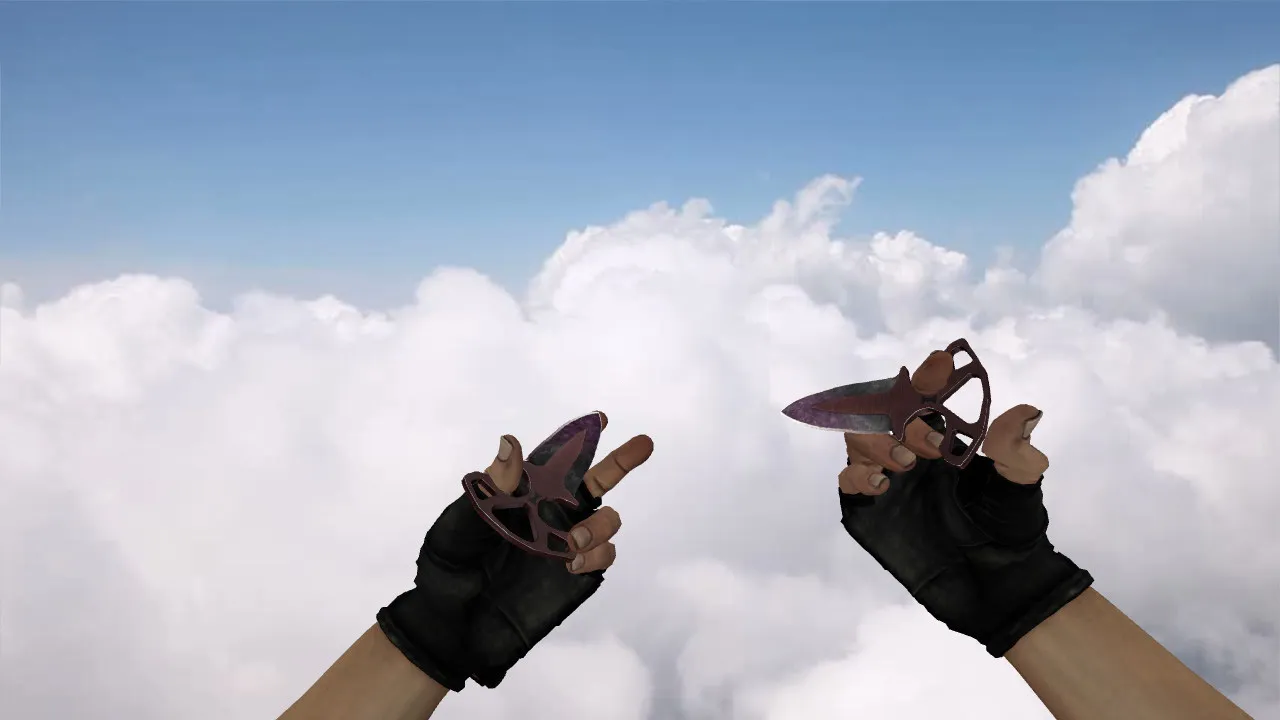
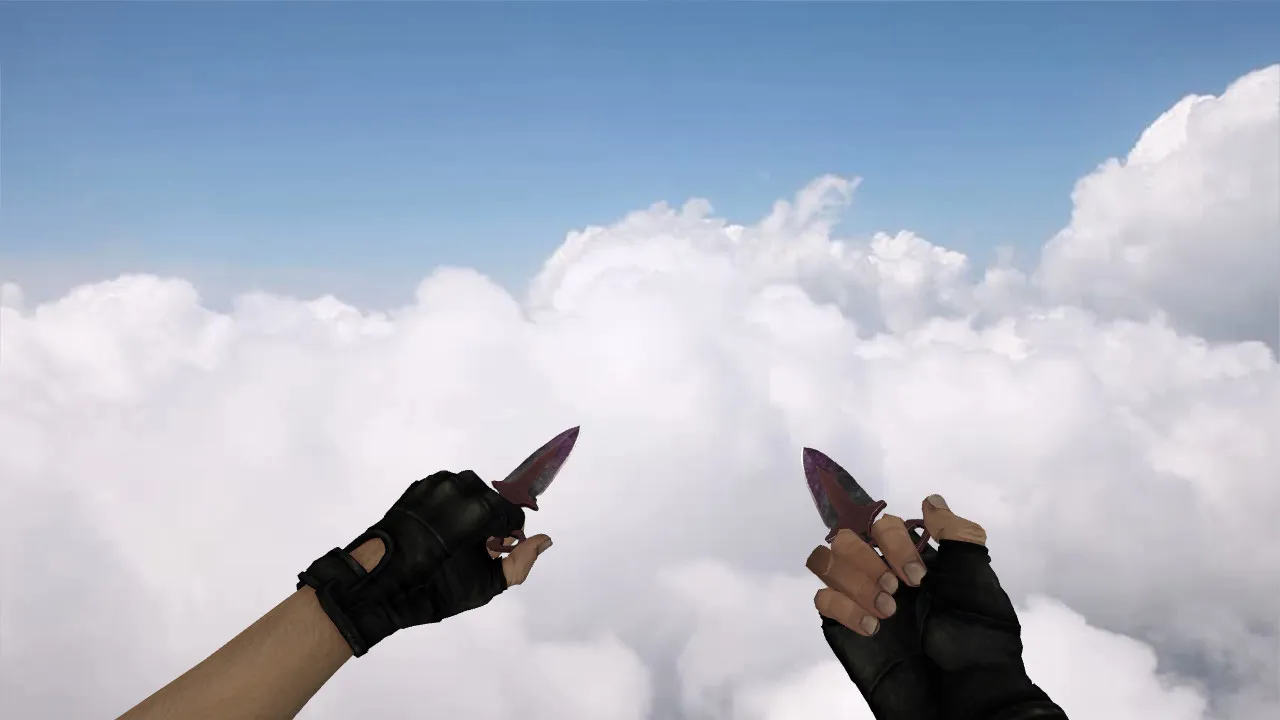
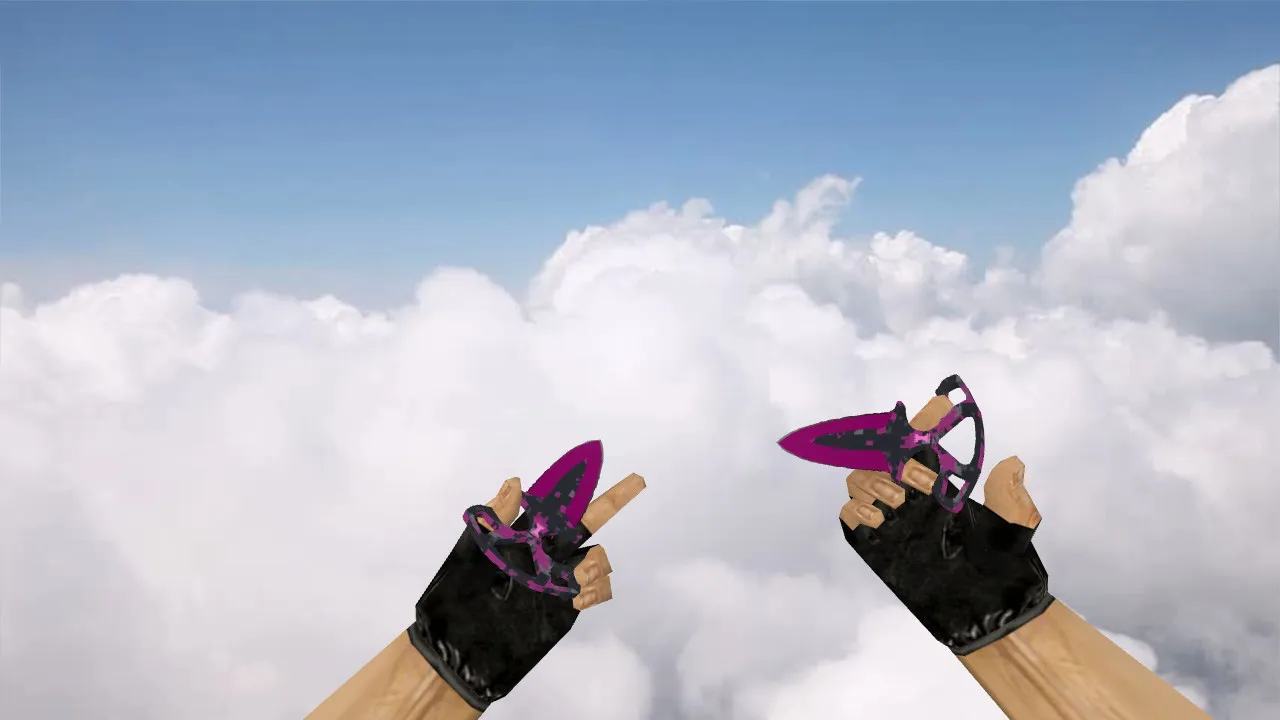
Stiletto Fine Gold Knife Model for CS 1.6: View Models, Audio, Inspect Animations, HD Textures

Description
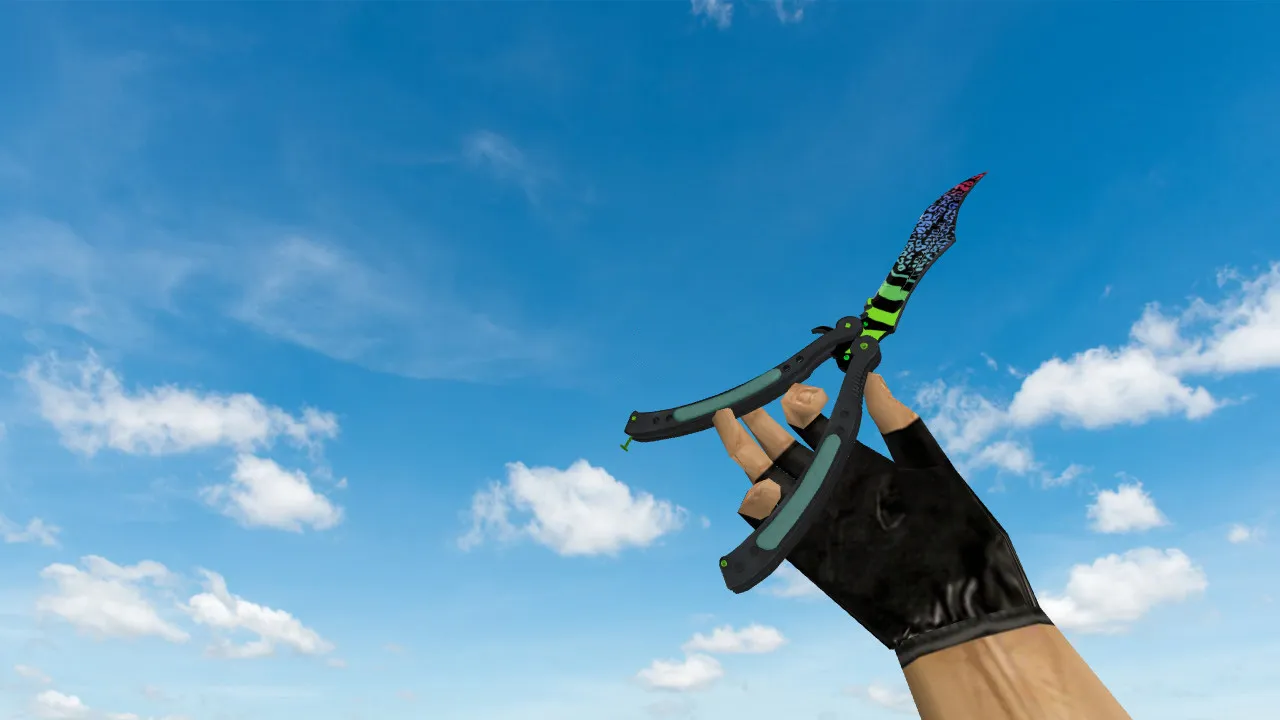
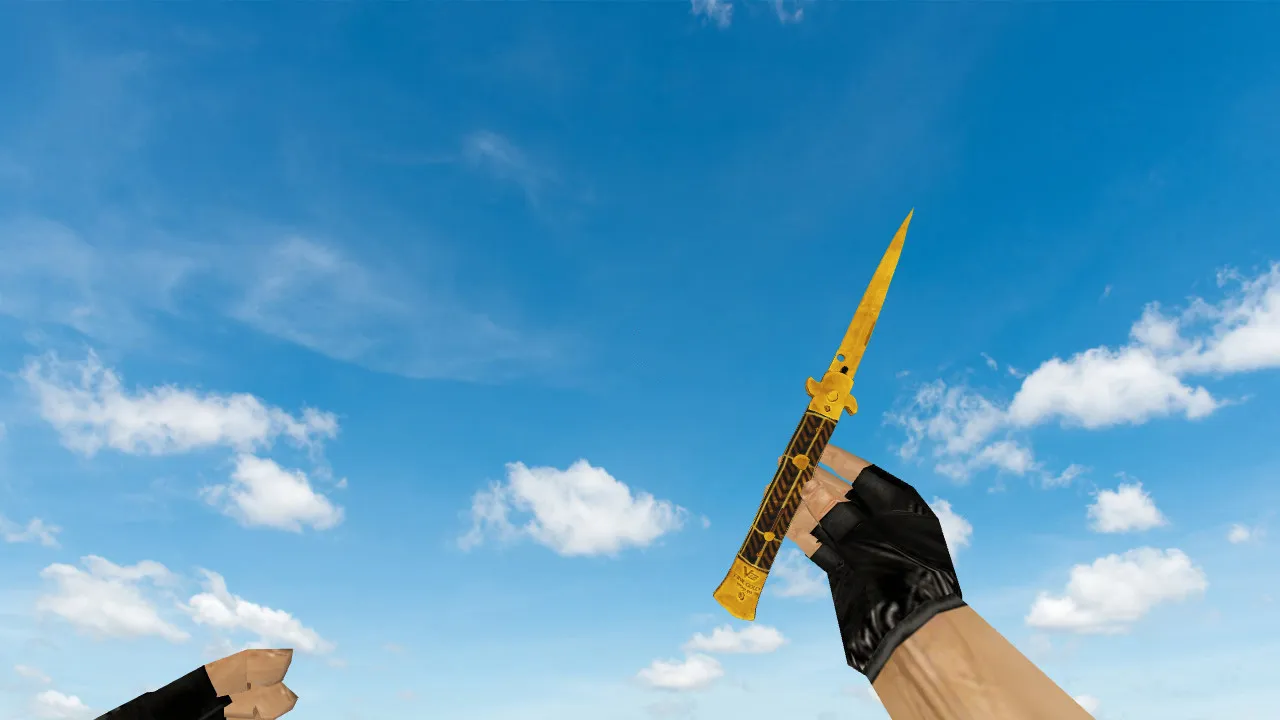
Stiletto Fine Gold Knife for CS 1.6
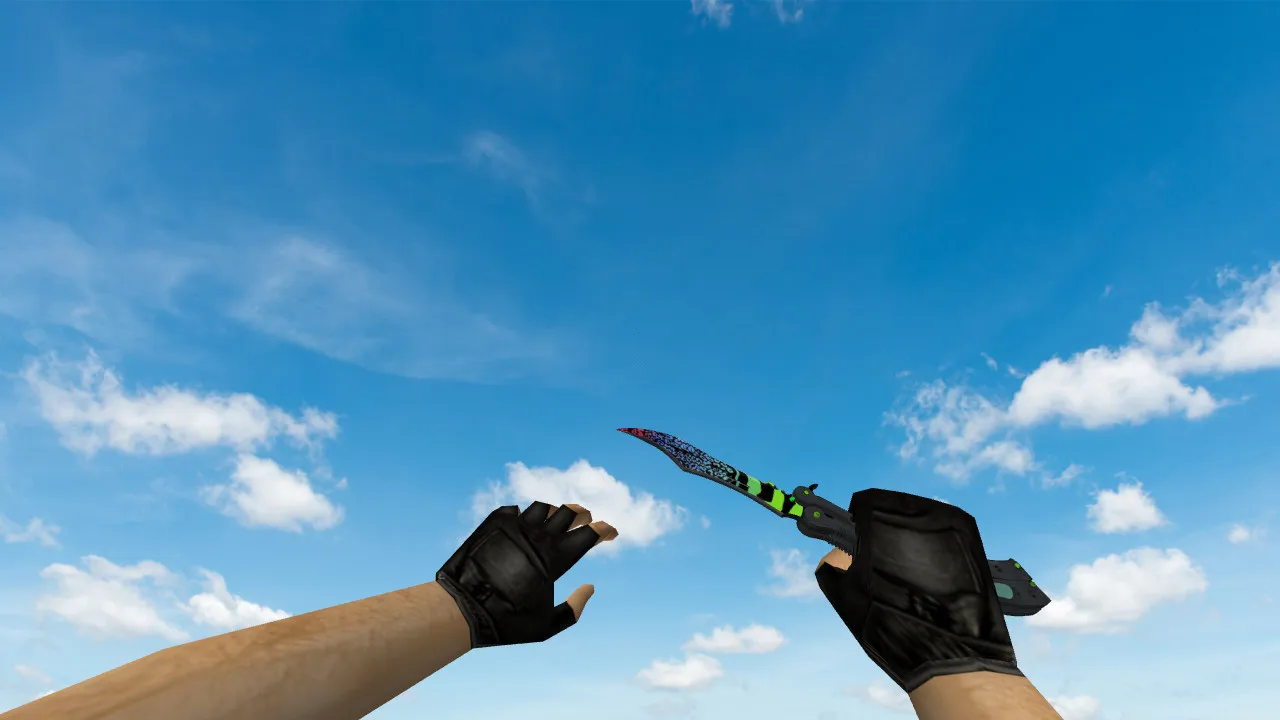
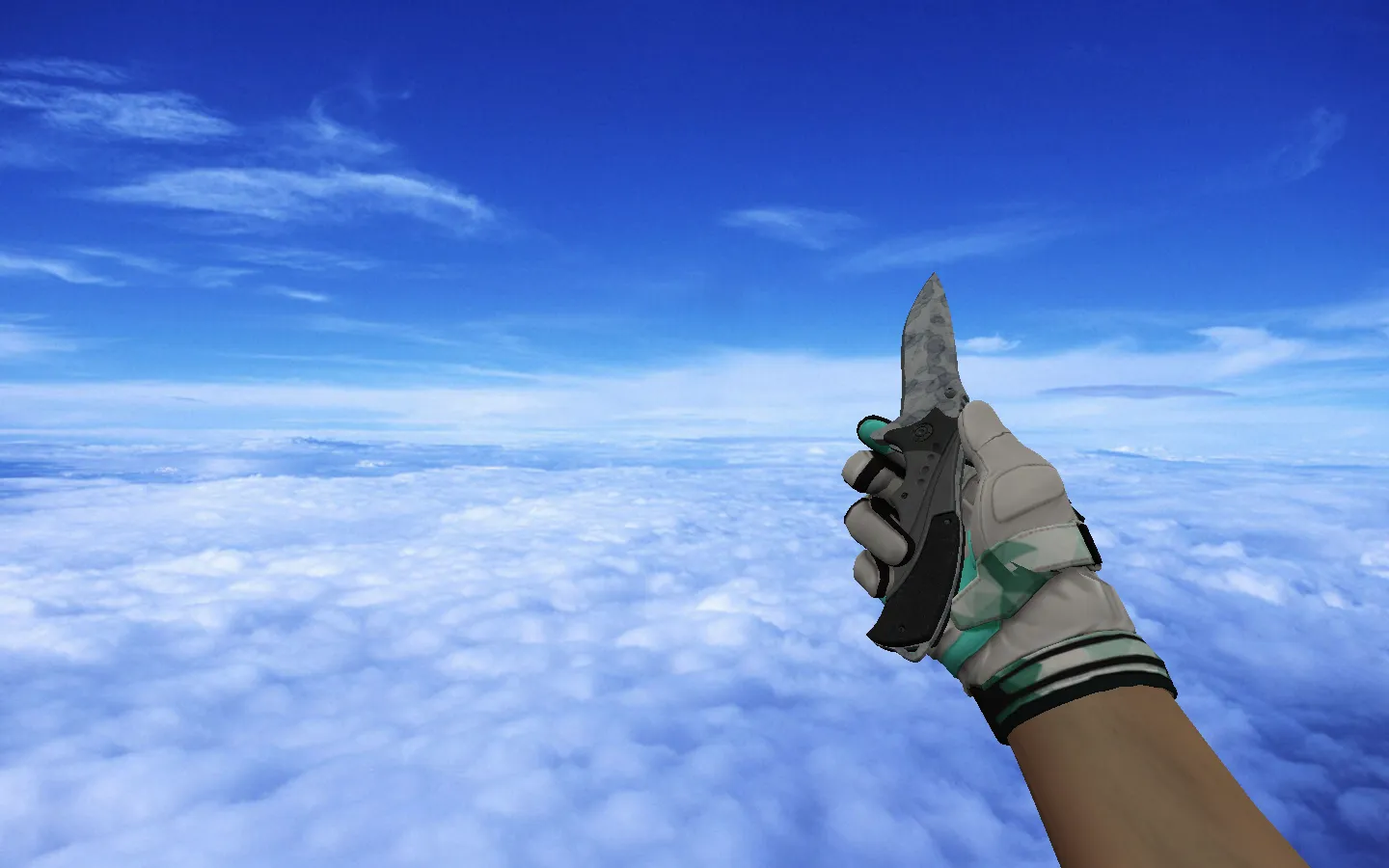
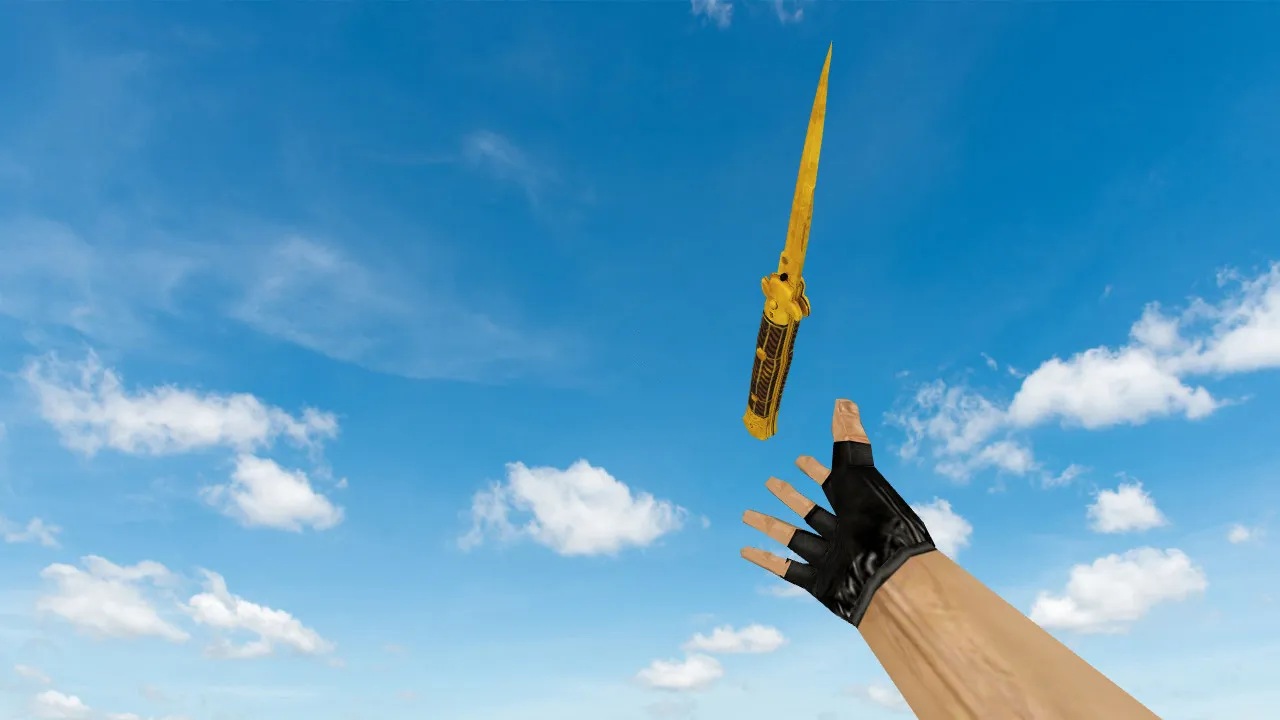
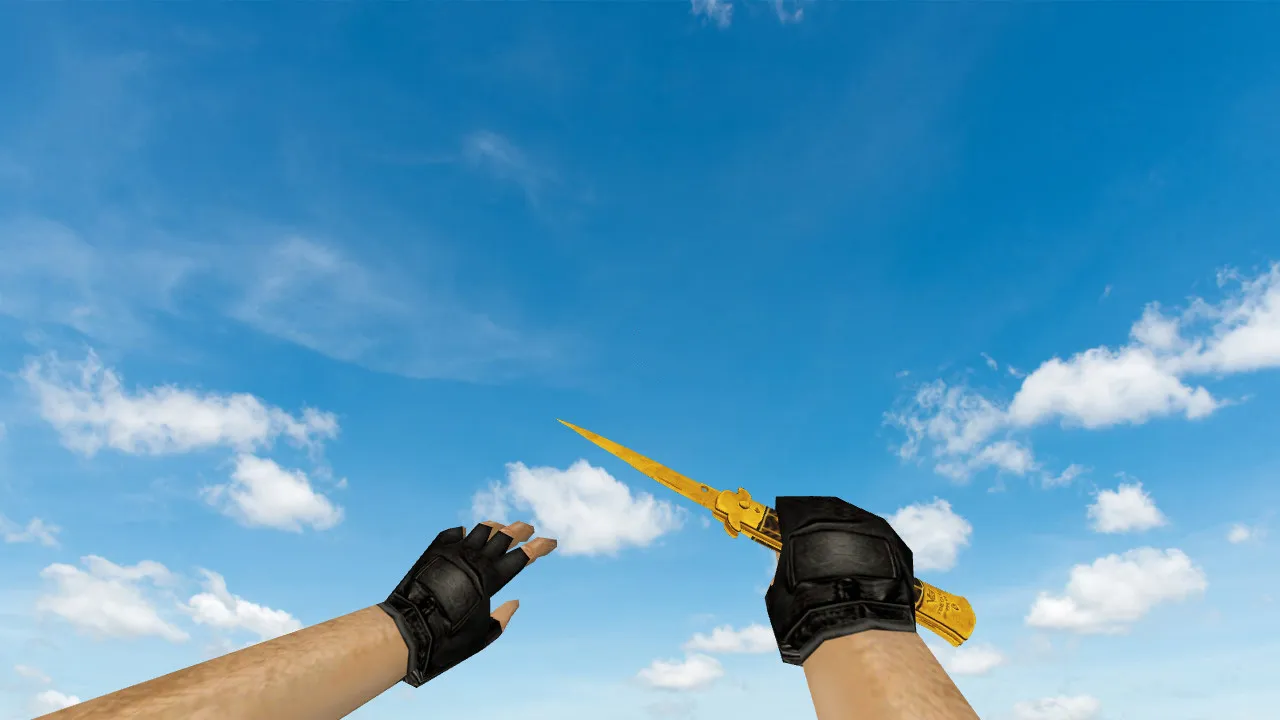
This blade fits perfectly on CS 1.6 servers where clear visibility matters during combat and in lobbies. The Stiletto Fine Gold package aligns with the game's pipeline to deliver fluid inspect animations and dependable audio. It maintains a tidy visual style free of excessive glare that can clip while running or turning. Competitors pick this for demo reels and quick eliminations, making the knife pop at distance without visual noise.
The package contains every required model file using correct prefixes. For hands and first-person perspective, you receive v_knife_p and v_knife_b models tuned for rapid switching. Third-person relies on p_knife, while w_knife manages world drops and ground pickups. Designed for the standard CS 1.6 workflow, inspect sequences and weapon swaps remain functional. Textures reach 512x512 resolution to preserve detail across lighting conditions, so the gold pattern and thin lines stay sharp during movement or on dim maps.
In CS 1.6, knife performance depends on crisp silhouettes and model alignment with player inputs. The Stiletto Fine Gold seats cleanly in the hand model, keeping proportions intact for natural swings and stabs. This build excels in fast-paced action, where you track crosshairs and flick to the blade after emptying magazines. Polygon count remains low at roughly 500 faces to prevent frame drops on dated hardware, and the view models emphasize hitbox precision for accurate melee connections. Shadowed areas on maps such as de_inferno keep the outline readable, maintaining gameplay dynamics without silhouette loss.
For local servers or client-side installs, check your config.cfg for path conflicts. Keep the setup clean: place files into the models folder and avoid mixing with other knife variants in the same directory. Verify client binds do not override the model, or the game may revert to defaults. This avoids glitches in weapon selection or inspect key binds.
Pre-Server Checks for Stiletto Fine Gold
- Sounds: Test click and inspect audio on switches and views to confirm they trigger without delays.
- Animations: Run inspect idle and while moving; watch for jerks or cuts in the sequence.
- Textures: Load in varied graphics modes and check gold reflections under direct and ambient light.
- Display: Compare v_ hand views against p_ and w_ drops to ensure style consistency across perspectives.
- Safety: Stick to the model archive only-no extra exes, no auto-connect scripts, no hidden ads or viruses. Scan with your antivirus before extracting.
Beyond basics, verify compatibility with your CS 1.6 build, like 4554 or 8613, including Non-Steam setups. The models avoid custom shaders that could break on MasterServer protected servers. For competitive play, the knife's visibility helps in close-quarters without overexposing your position. If you're tweaking configs, add a bind like "+inspect" to test fluidity without menu interference.
Who Uses Stiletto Fine Gold Knife
This model attracts players chasing gold-themed skins that blend with loadouts. It supports aggressive pushes, post-clutch knife finishes, and stream overlays where subtle elegance matters. Regular CS 1.6 grinders benefit from its stable visuals in firefights, adding flair without performance hits. Pair it with no-recoil configs for seamless transitions from rifle to melee.
Installation boils down to placing v_knife_p, v_knife_b, p_knife, and w_knife into the correct subfolders-models/v_models for view, p_models for player, and w_models for world. Restart the game or rejoin a server to load. If issues arise, clear custom folder caches and reload. No need for extra tools; it's plug-and-play for clean setups. Expect zero interference with bot nav files or map epoly counts, keeping servers smooth.
In practice, this knife elevates knife rounds on balanced maps like de_dust2, where B-site tunnels demand quick, visible stabs. The fine gold detailing holds up in sprite-heavy environments without texture pop-in. For modders, the wad files are editable for custom tweaks, but stock works for 99% of users. Download safe, install clean, and frag with precision.
Install in three steps
-
1
Download the archive. Use the button on the right, or the Yandex.Disk mirror if the main server is slow.
-
2
Extract it into the game folder. Use 7-Zip or WinRAR. A path without non-Latin characters works best.
-
3
Launch the game. If something doesn't work, mark it below - that is how we know the file needs an update.
Did it work for you?
No sign-up needed. You can pick more than one.