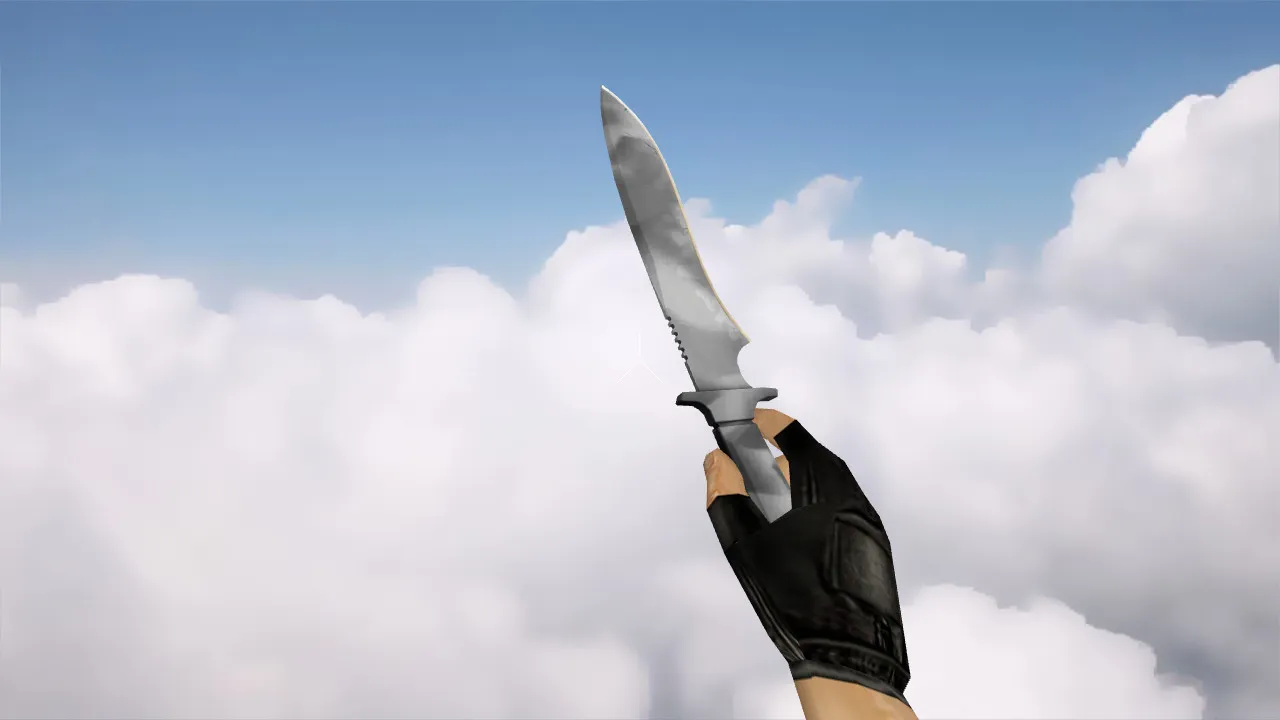
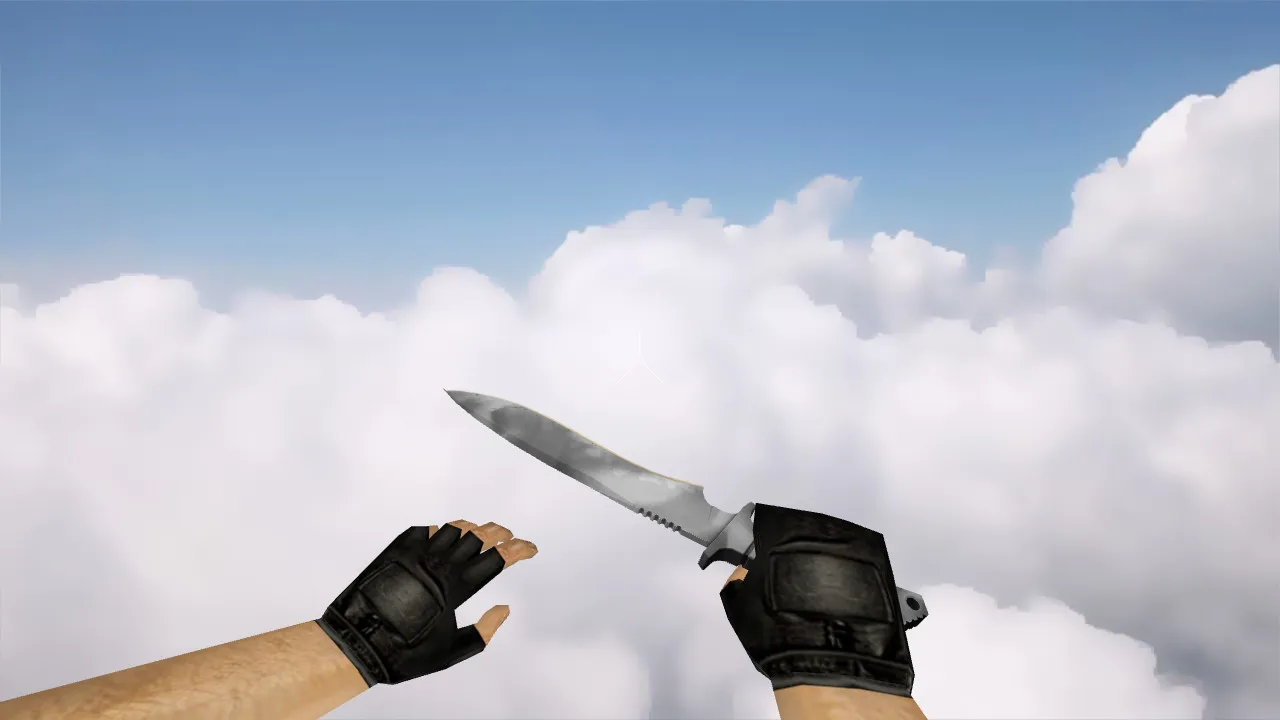
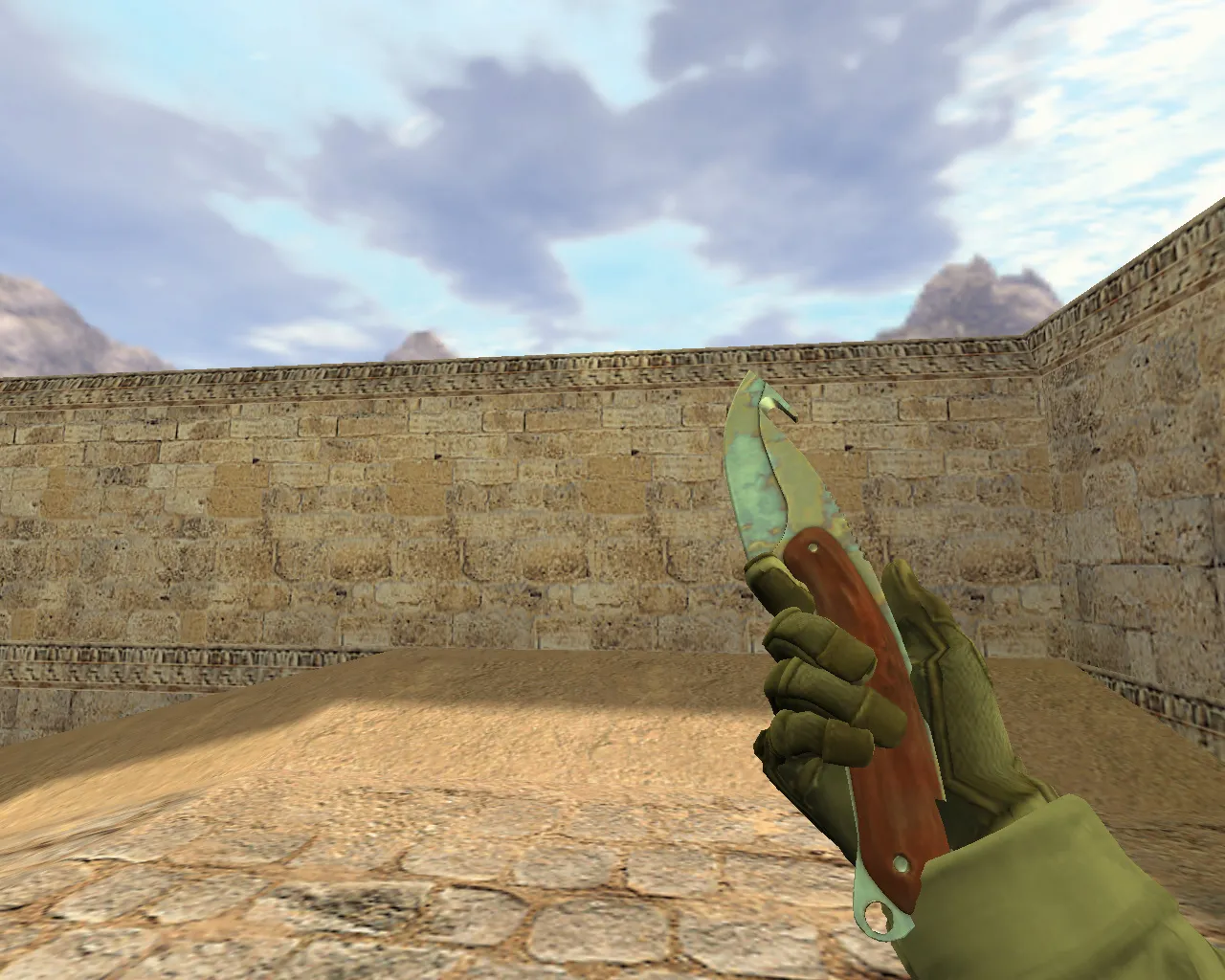
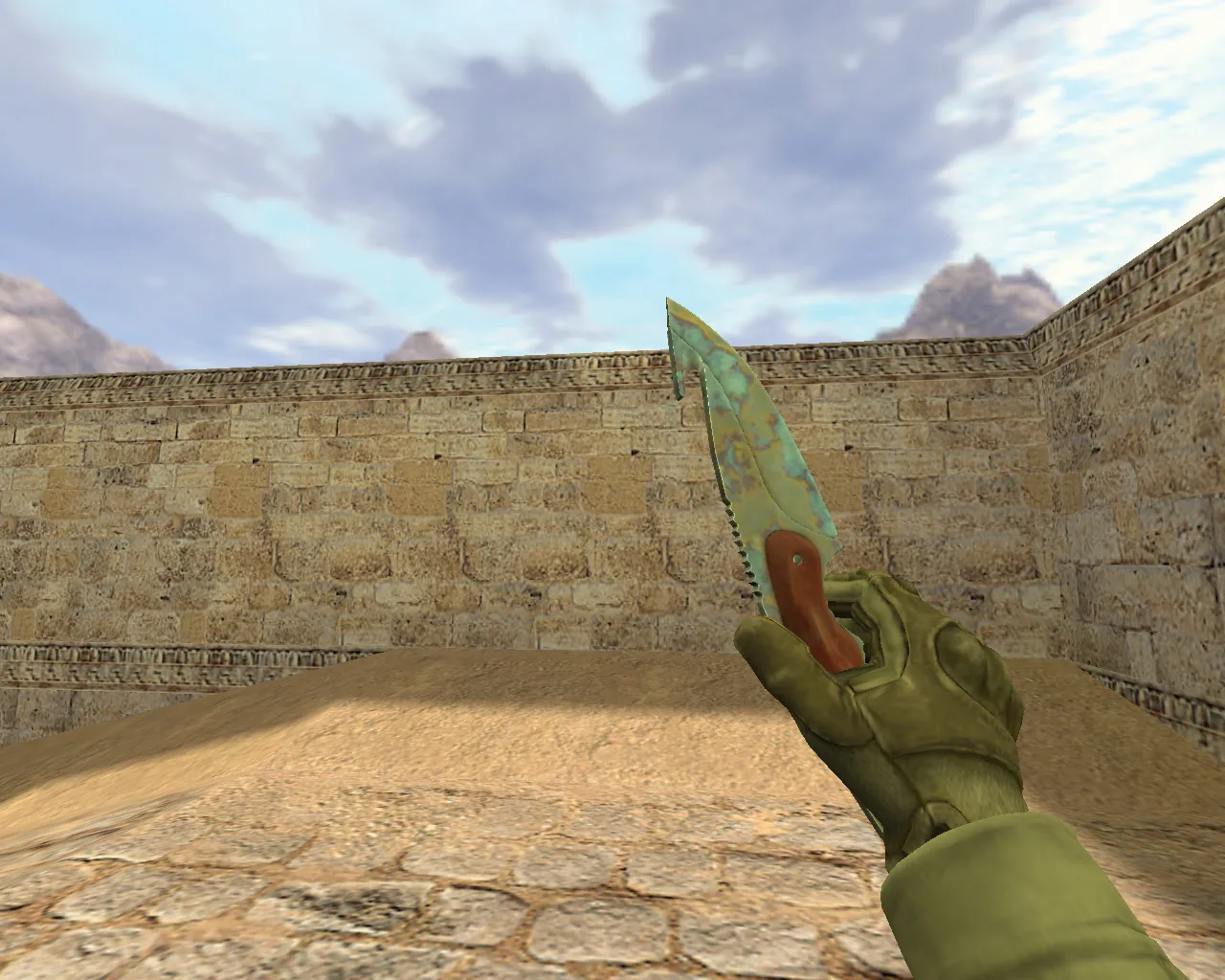
Butterfly Knife Acer Model for CS 1.6: v_ p_ w_ Files, Inspect Animation, Sounds, Textures, and Setup Guide
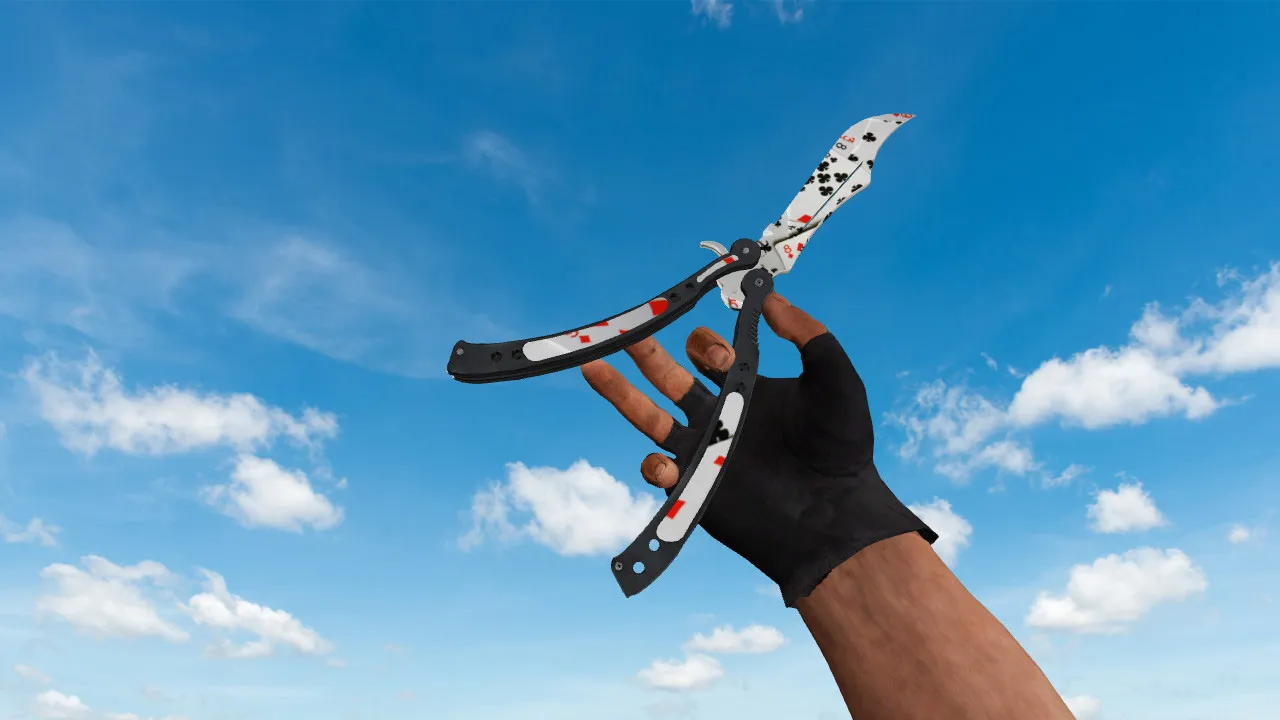
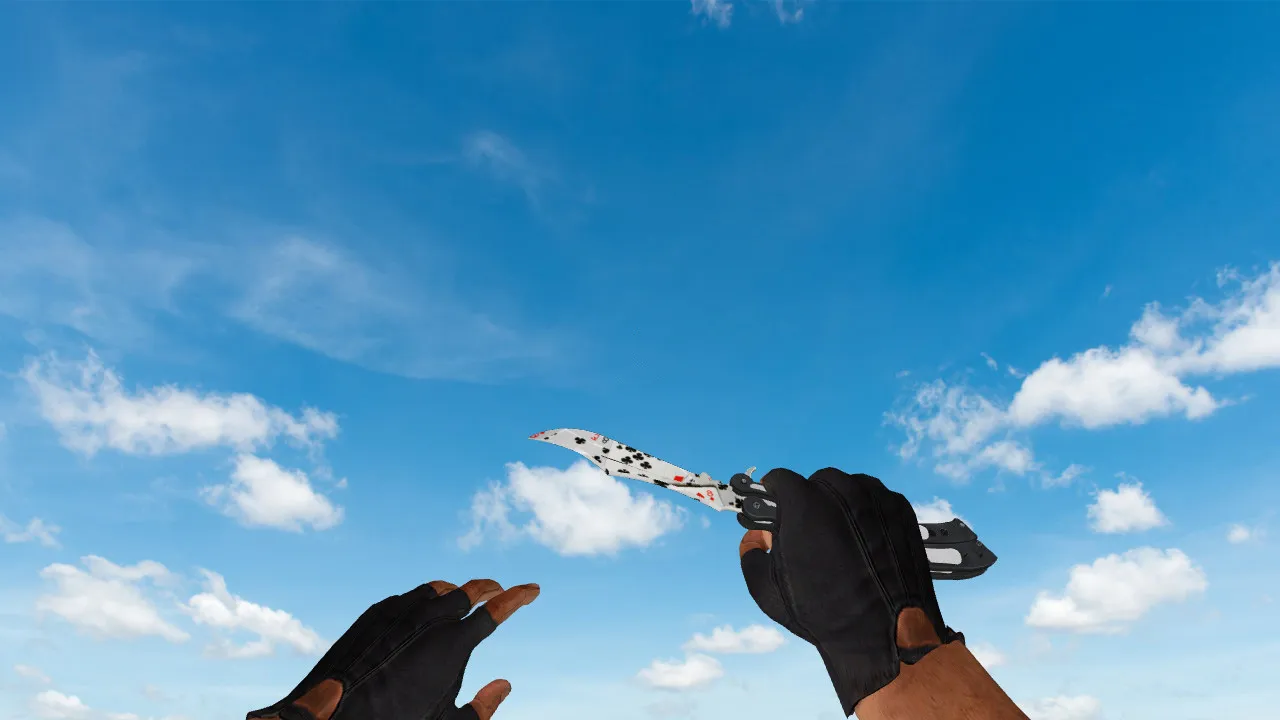
Description
Butterfly Knife Acer for CS 1.6: Contents and Installation Instructions
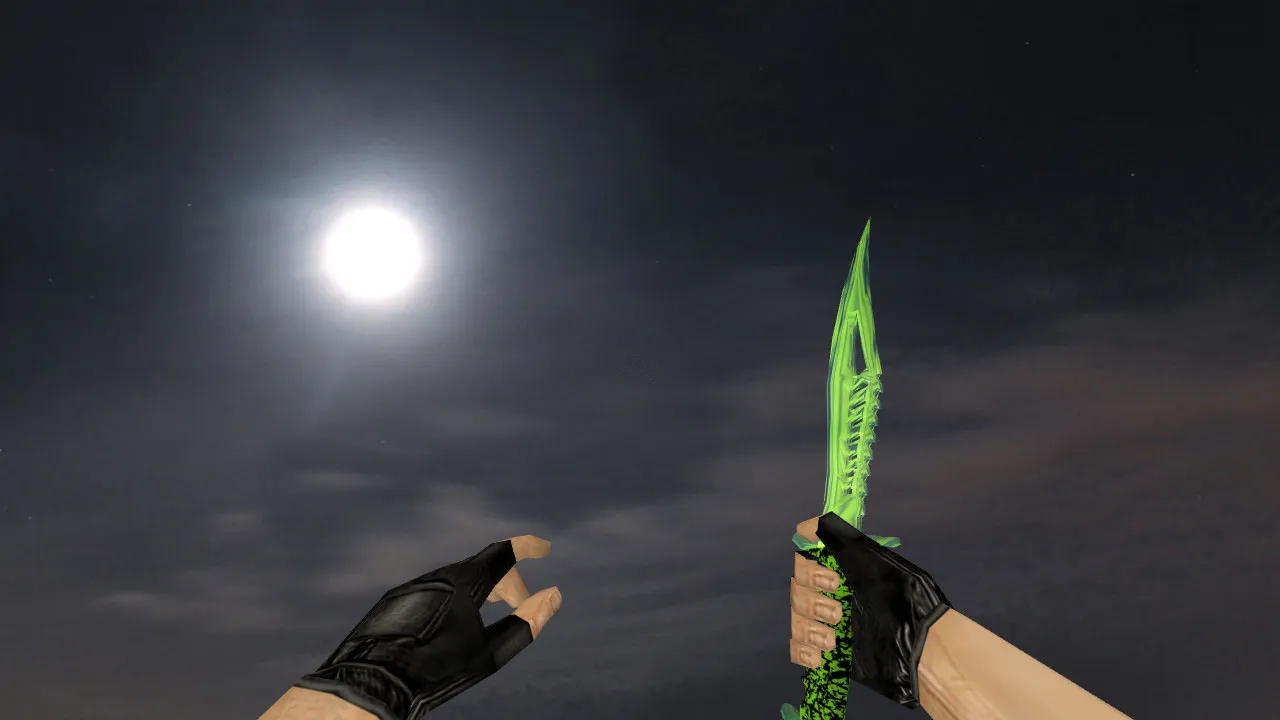
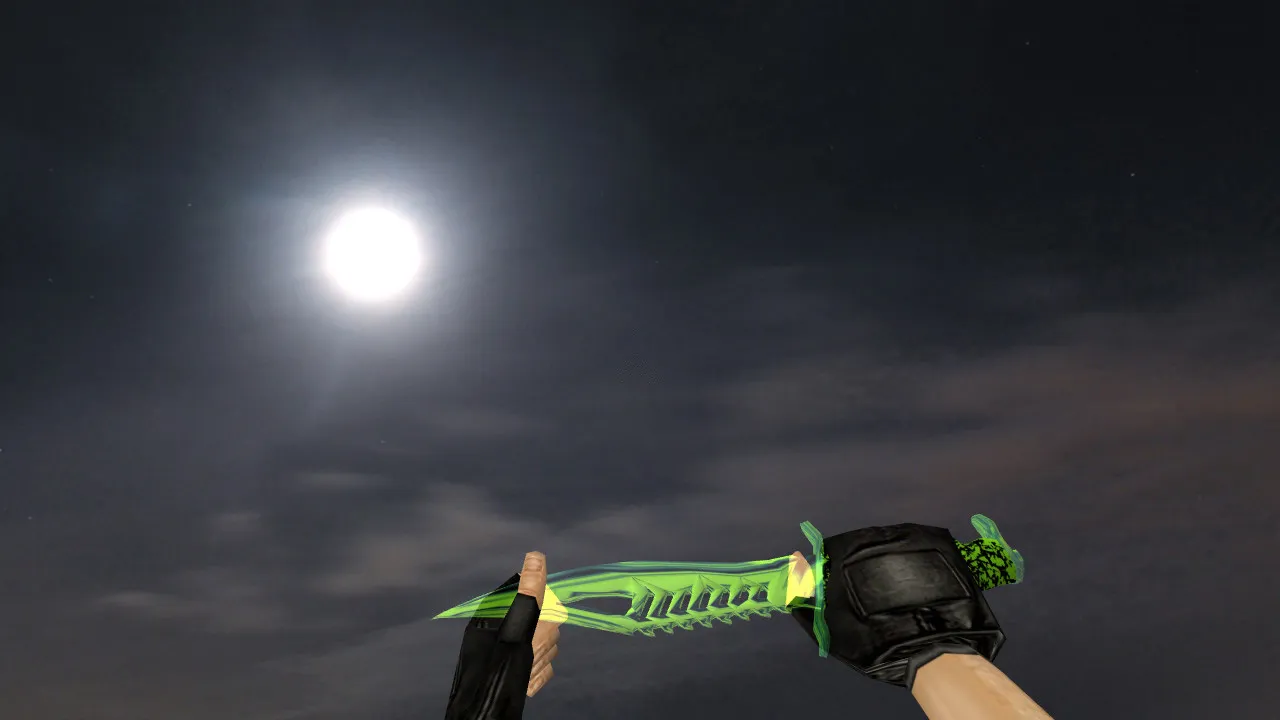
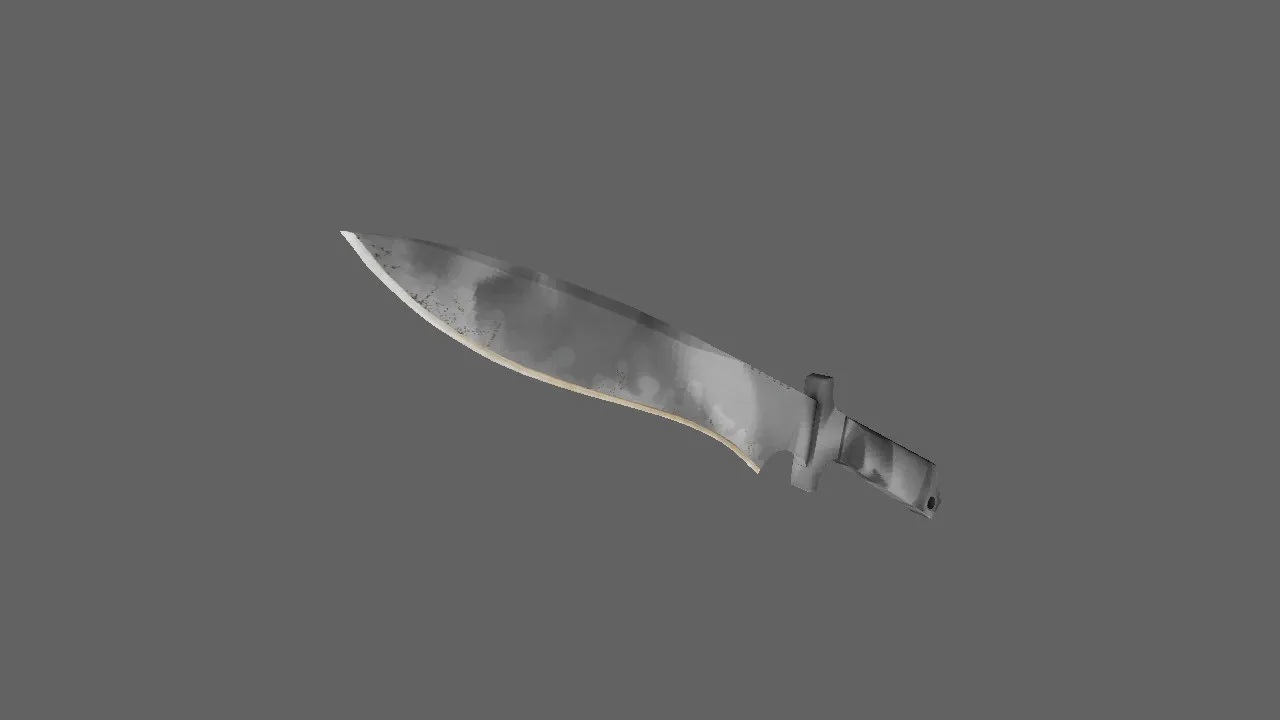
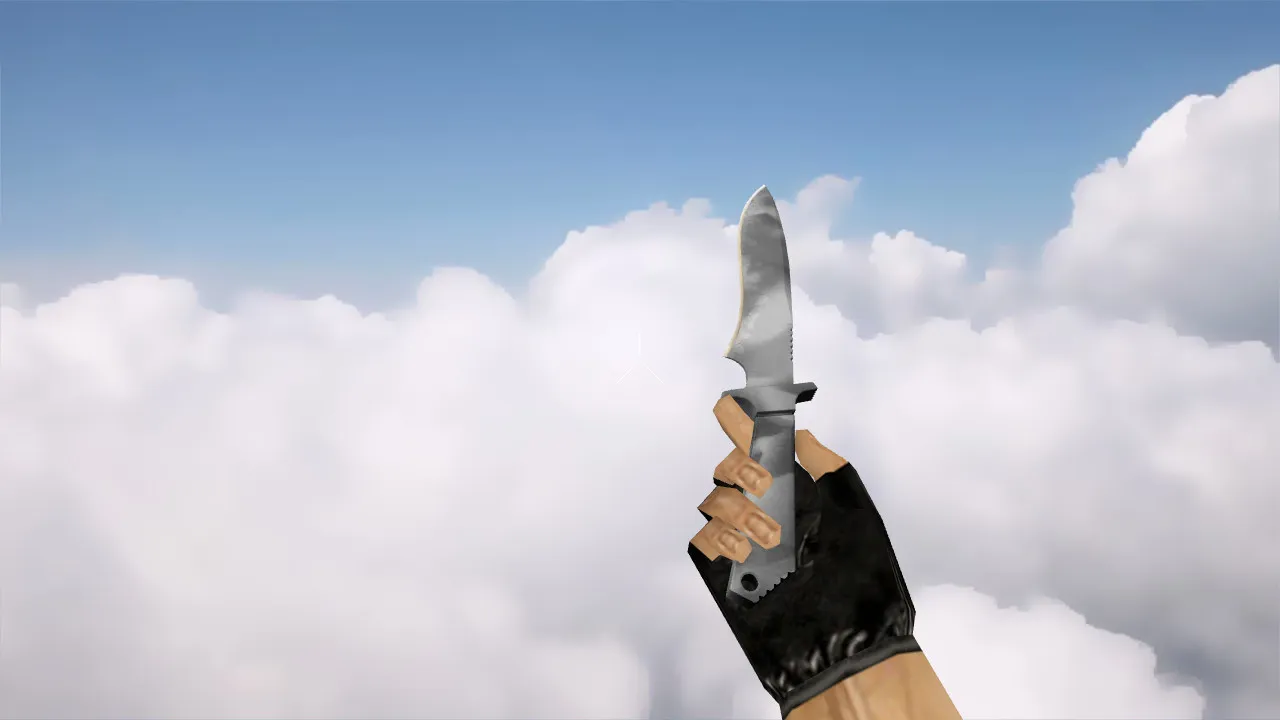
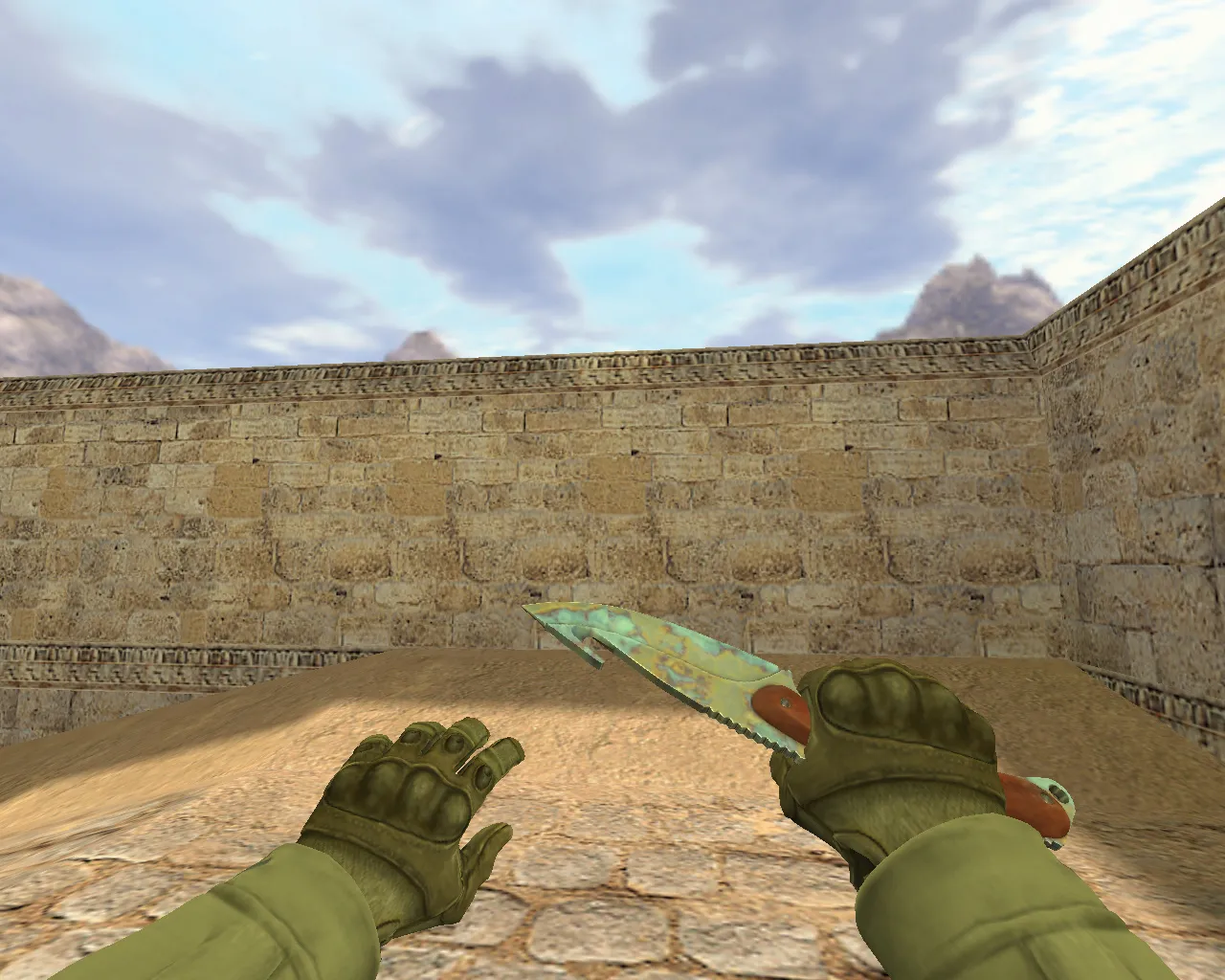
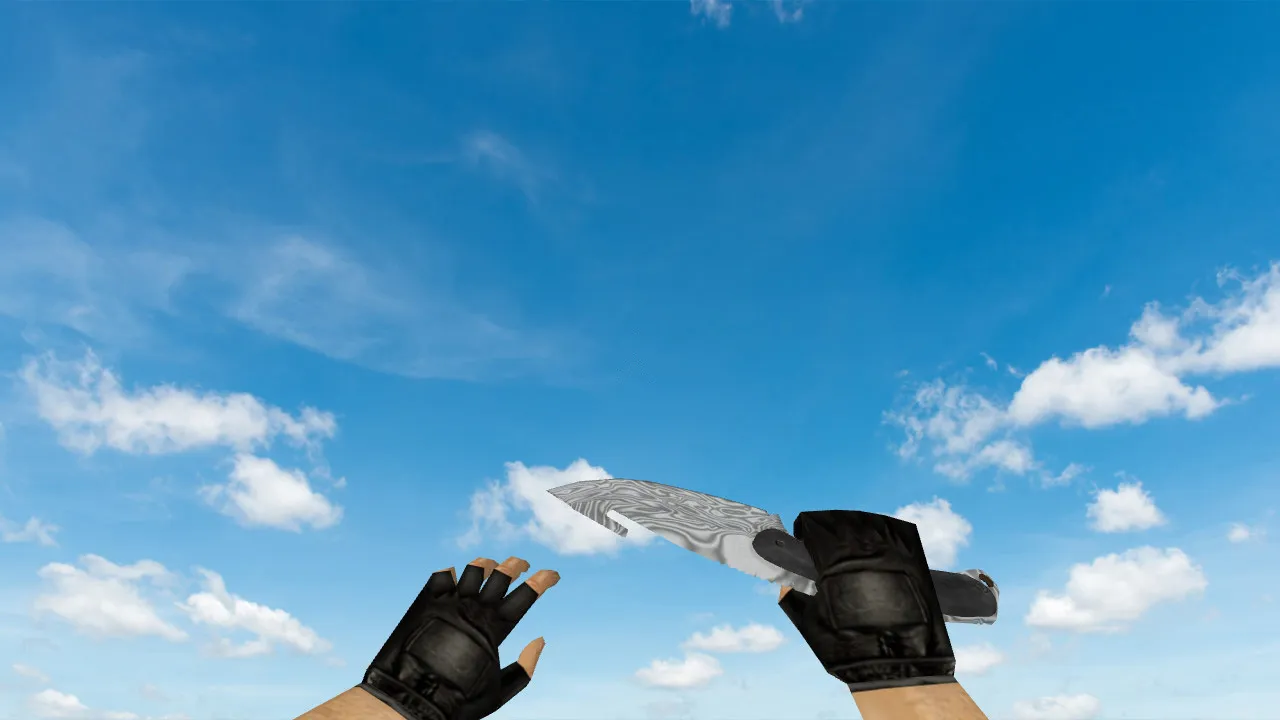
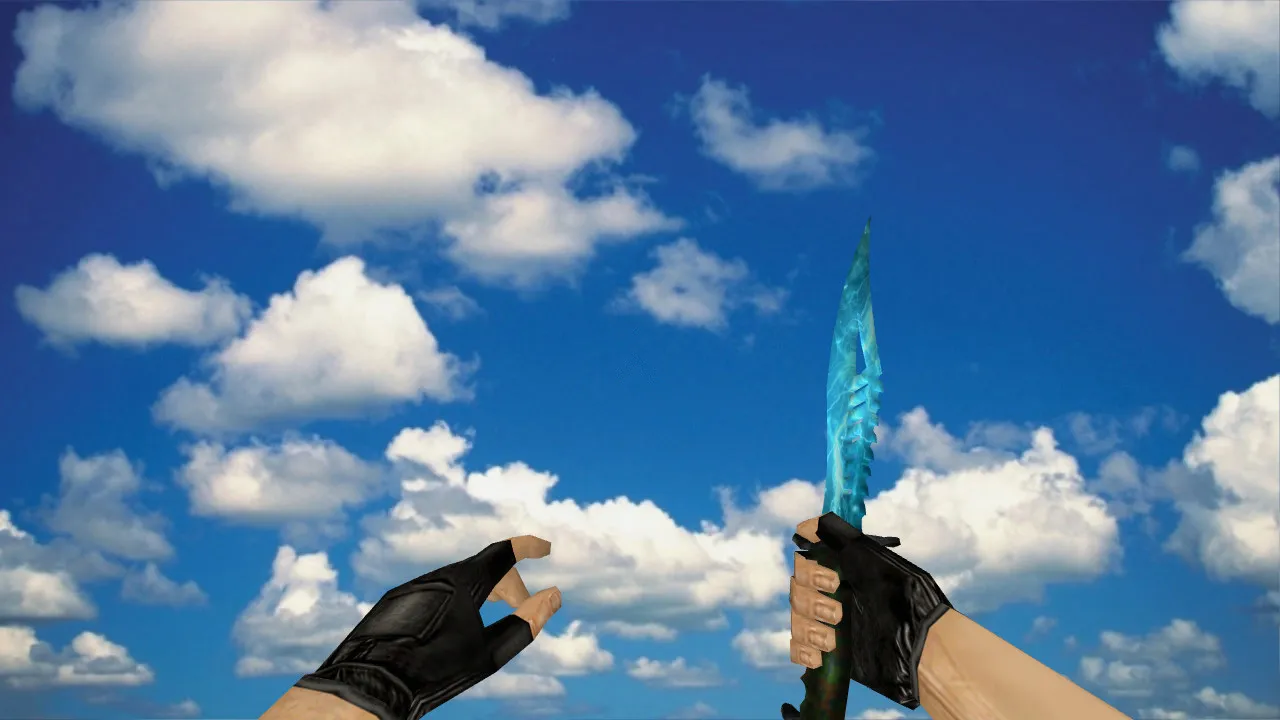
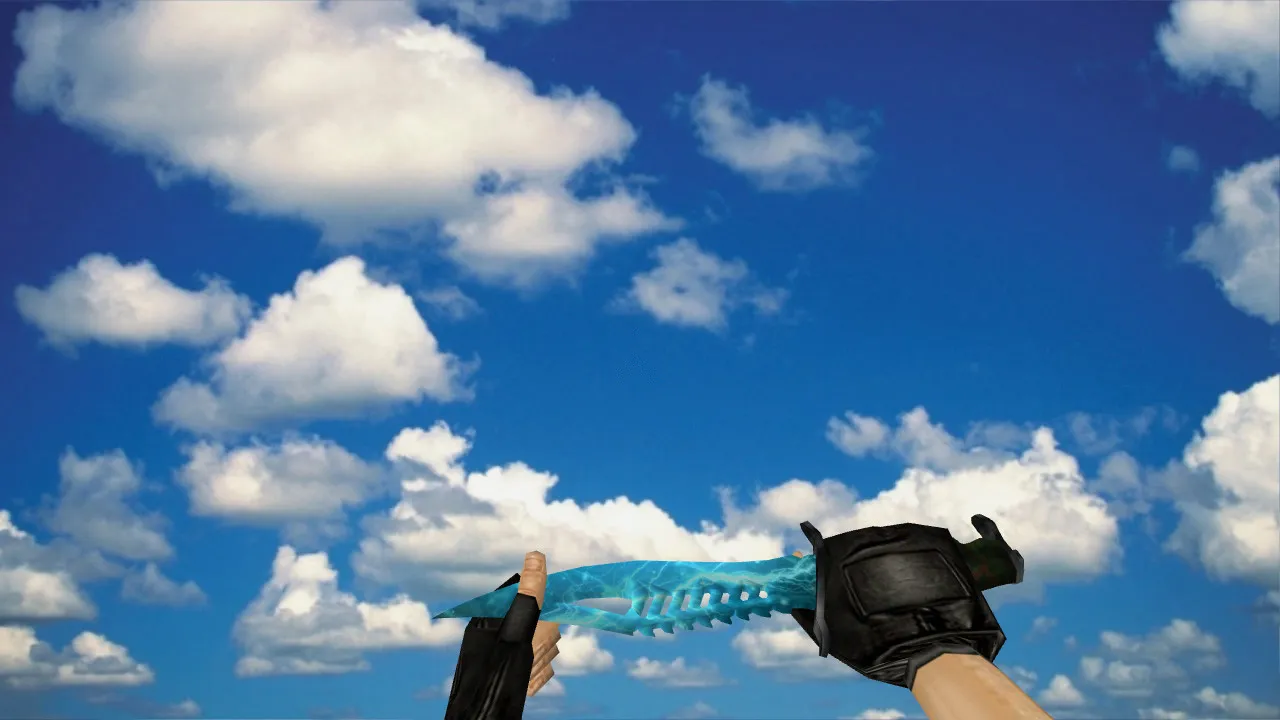
The Butterfly Knife Acer model is designed exclusively for CS 1.6, guaranteeing seamless integration. It adheres to the standard weapon model structure using v_, p_, and w_ files. These manage the knife's appearance in first-person view, on the player model, and in the world view respectively. This arrangement ensures the knife renders correctly in your hand, on your character, and when dropped or observed from a distance. The package supplies custom textures for crisp detail, inspect animations to prevent a static appearance, and tailored sounds synchronized with knife actions such as swings and stabs.
Model quality focuses on clean geometry and precise textures to preserve readability during play. In CS 1.6, the knife must retain its shape through movement and angle shifts. In darker map zones like de_dust2's tunnels or de_inferno's shadows, visibility is essential for competitive play. This model provides distinct outlines on the blade and handle, stopping light bloom from merging details into a blur. Hitbox alignment remains accurate, so knife strikes register properly without glitches in close-quarters combat.
Why v_/p_/w_ Models Matter for Knives in CS 1.6
For knives, all three model types must align perfectly to prevent issues. The v_ model governs the first-person perspective, critical for aiming and swinging. The p_ model appears on your player model during specific animations or when others view you. The w_ model handles world interactions, such as when the knife lies on the ground or appears in third-person views on certain servers.
- v_: Features inspect animation and stable hand positioning for immersive first-person use.
- p_: Guarantees proper rendering on player models without clipping or distortion.
- w_: Supplies readable details from third-person angles, important for team coordination.
Missing or mismatched files can cause the model to skew, disappear, or glitch. Always confirm the archive contains all folders and files before proceeding. The polygon count is optimized to prevent FPS loss, targeting high-frame-rate performance on older hardware without losing detail.
Safe Installation of Butterfly Knife Acer Model
Install the model manually to avoid auto-connect scripts, viruses, or adware. This pack is clean-no slow-hacks, no bundled extras. Simply extract and place files in the correct directories, then adjust your config.cfg if necessary. Compatible with both Steam and Non-Steam versions of CS 1.6, including builds like 4554 or 8610.
- Unzip the Butterfly Knife Acer archive to a temporary folder.
- Copy the v_, p_, and w_ model files into your CS 1.6 models folder, usually located at cstrike/models/.
- Move any texture files (sprites or wad files) to the appropriate textures directory for seamless loading.
- Place sound files into the sound/weapons/knife/ folder to activate custom stab and swing audio.
- Start CS 1.6, open the console with ~, and type 'knife' or bind a key to test. Look for artifacts like missing textures or animation loops.
- Test in-game: Move around a map, crouch, spin, and switch weapons. The knife should stay stable without jitter or misalignment.
If your server enforces strict model checks or MasterServer protection, the custom knife may not load-test on local servers or those permitting user models first. No external tools are required; a clean config.cfg handles everything.
In-Game Tweaks and Verification
After installation, verify the model does not disrupt visuals or performance. The inspect animation should play at standard timings without hand twitching-bind it to a key like 'g' for quick checks. Custom sounds must trigger on events: sharp whooshes for swings, metallic impacts for hits. Mismatched audio can throw off your timing during rushes.
For optimization, keep your config.cfg lean-avoid unnecessary binds or scripts. Monitor FPS during knife play; if it drops below 100 on complex maps, reduce model details or use epoly optimization. Rate settings do not directly affect models, but a stable net_graph helps spot visual hitches. In tactical situations, like holding A-site on de_nuke, the knife's clear v_ view assists quick slashes without distraction.
This model excels in no-recoil configs where knife duels decide rounds. Textures use 512x512 resolution for a balance between detail and load times, ensuring the Acer design's butterfly flips look fluid in motion.
Final Notes on Butterfly Knife Acer
The Butterfly Knife Acer provides a solid v_/p_/w_ setup for CS 1.6 with inspect animations, custom sounds, and reliable textures. Place files correctly, test visibility in first- and third-person, and run drills to confirm hitbox accuracy. It integrates without issues, enhancing knife play in dynamic matches while keeping your setup clean and virus-free.
Install in three steps
-
1
Download the archive. Use the button on the right, or the Yandex.Disk mirror if the main server is slow.
-
2
Extract it into the game folder. Use 7-Zip or WinRAR. A path without non-Latin characters works best.
-
3
Launch the game. If something doesn't work, mark it below - that is how we know the file needs an update.
Did it work for you?
No sign-up needed. You can pick more than one.