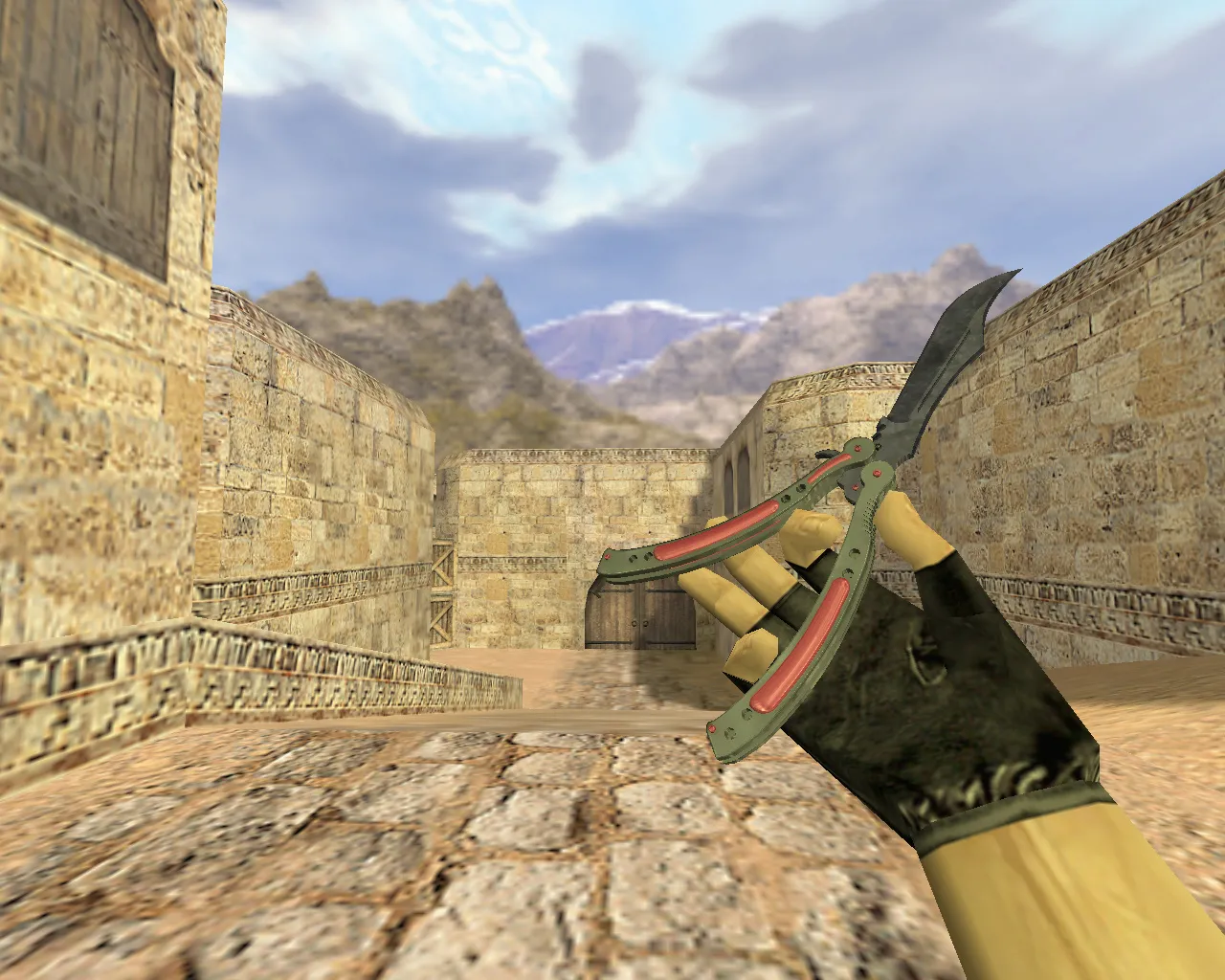
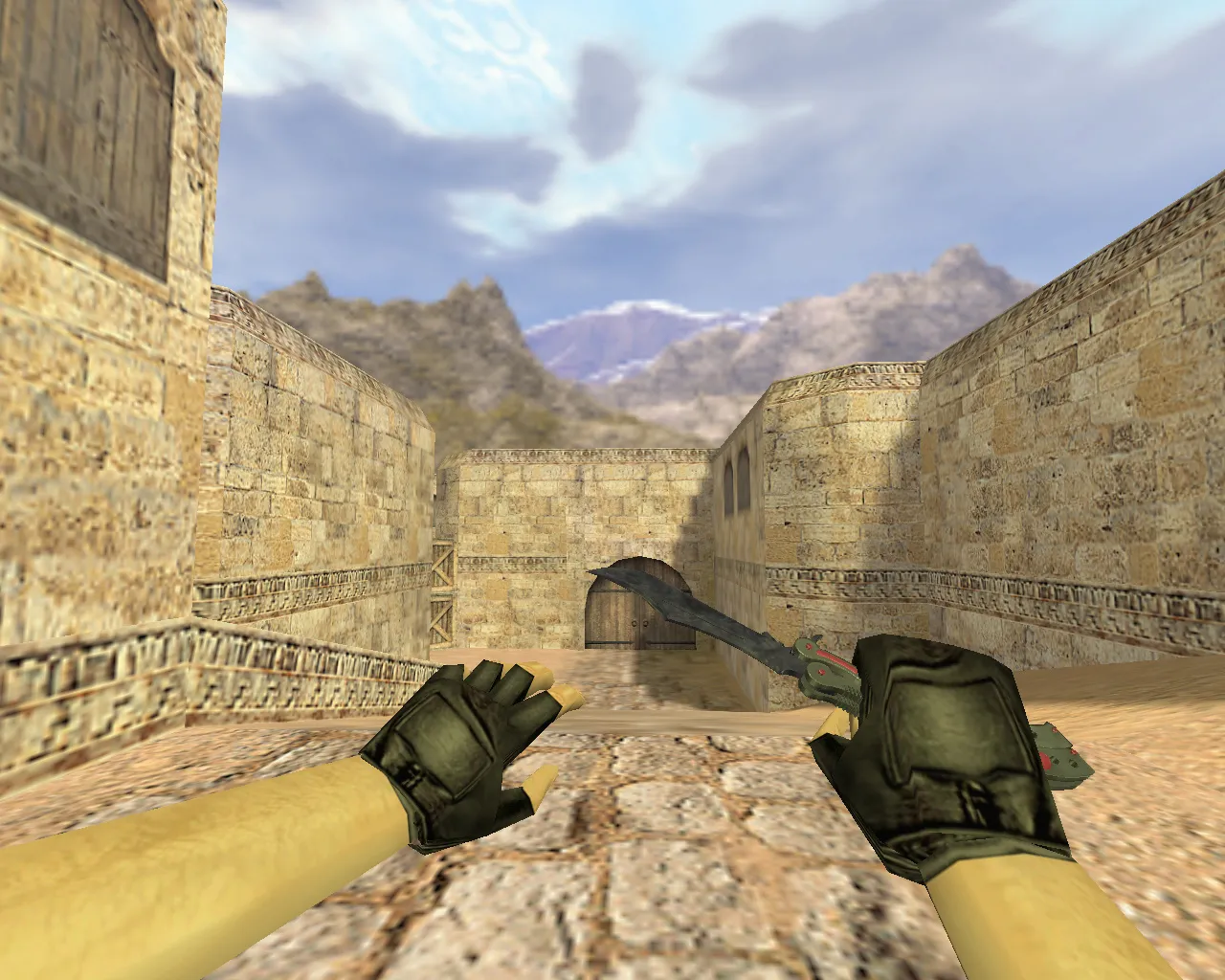
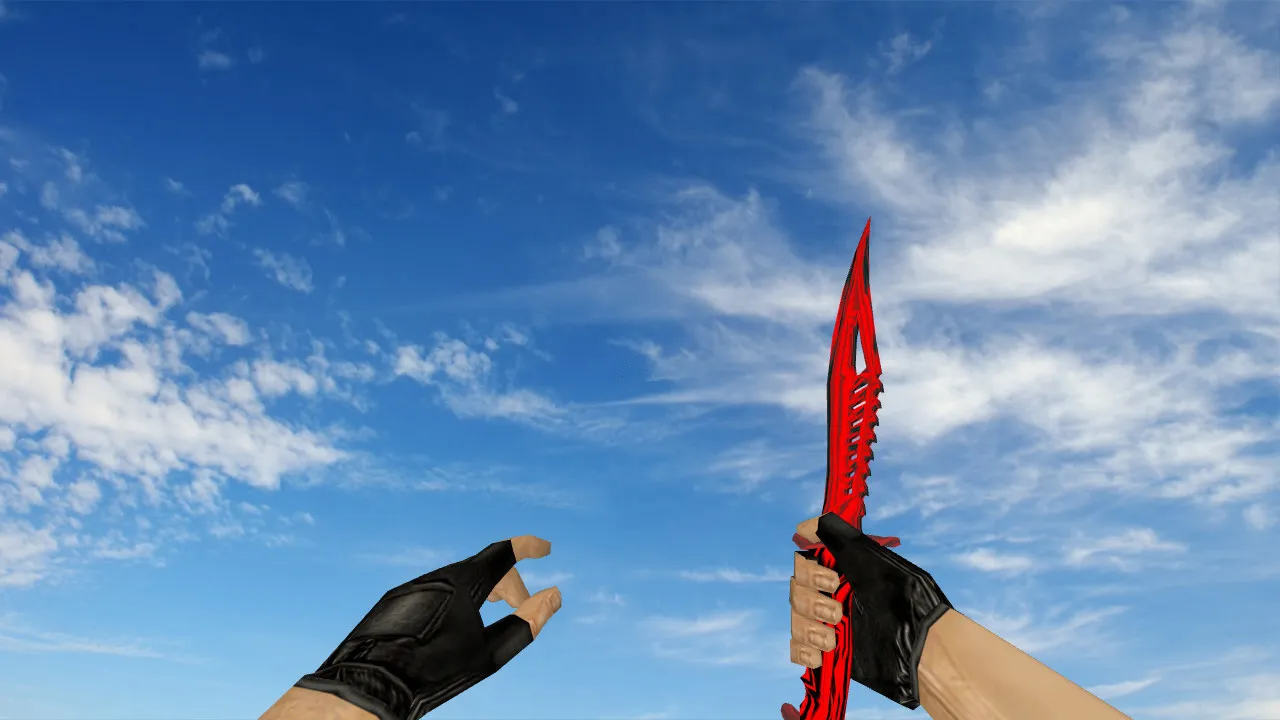
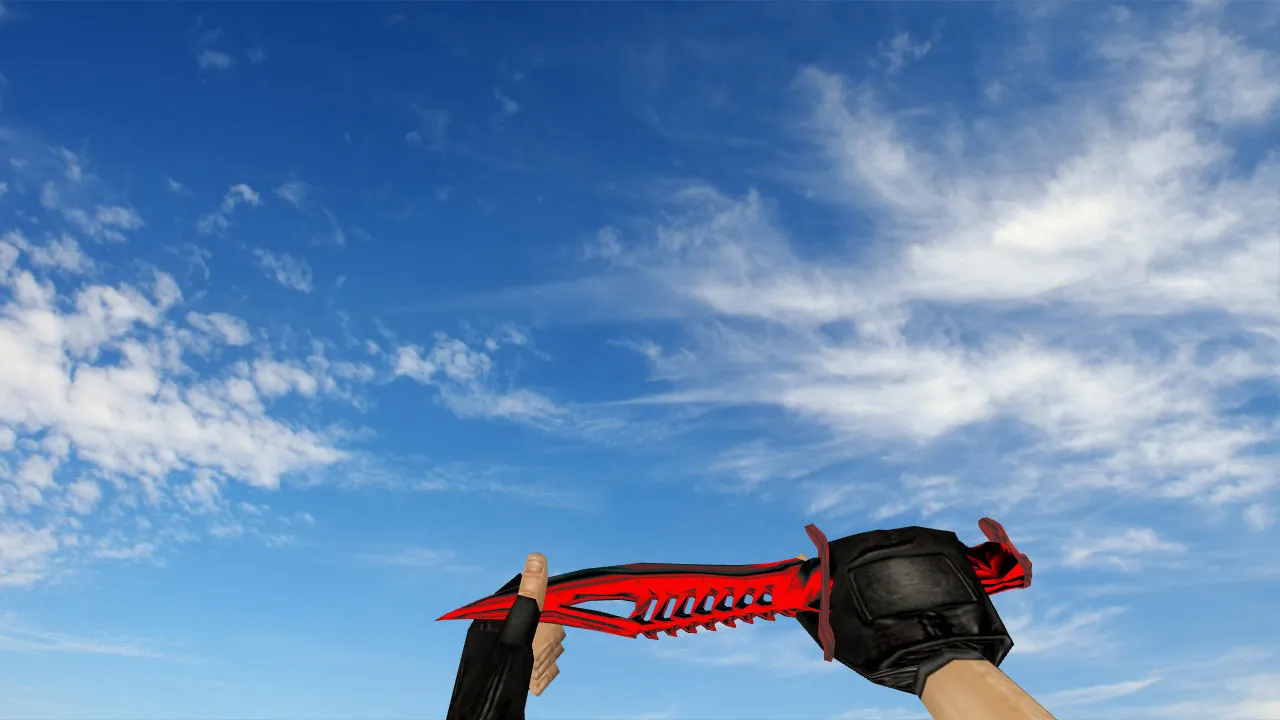
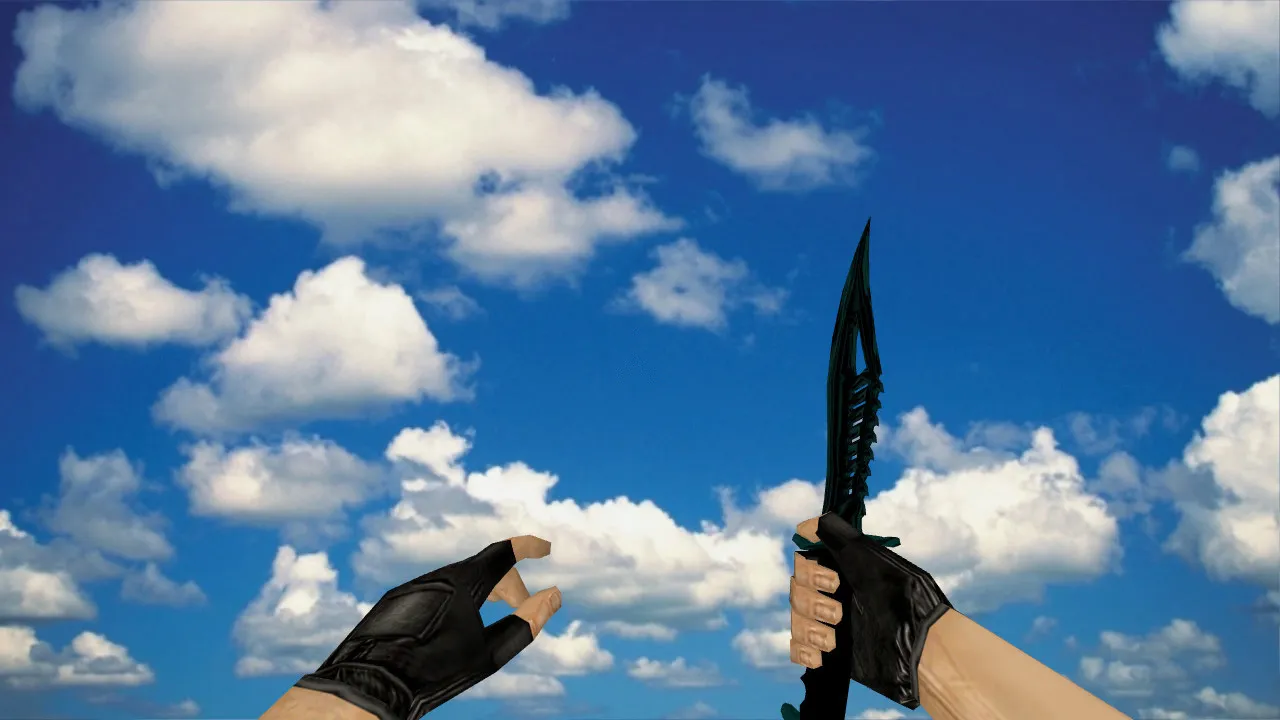
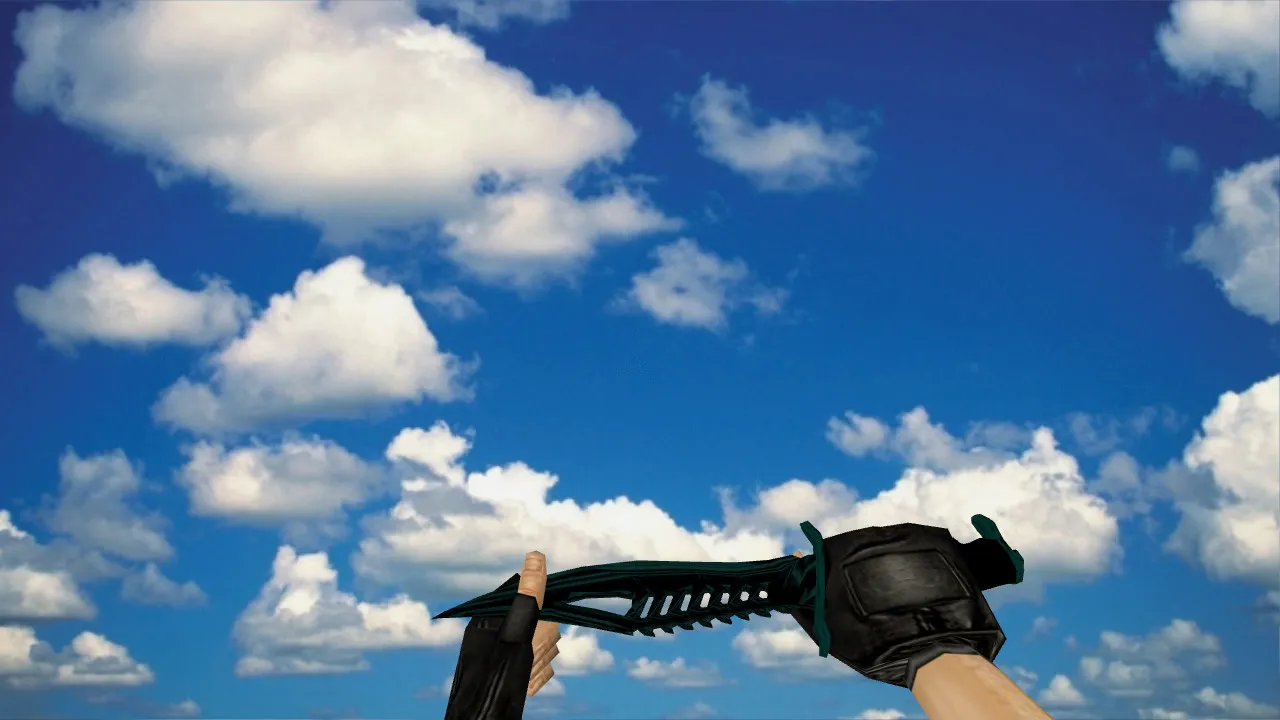
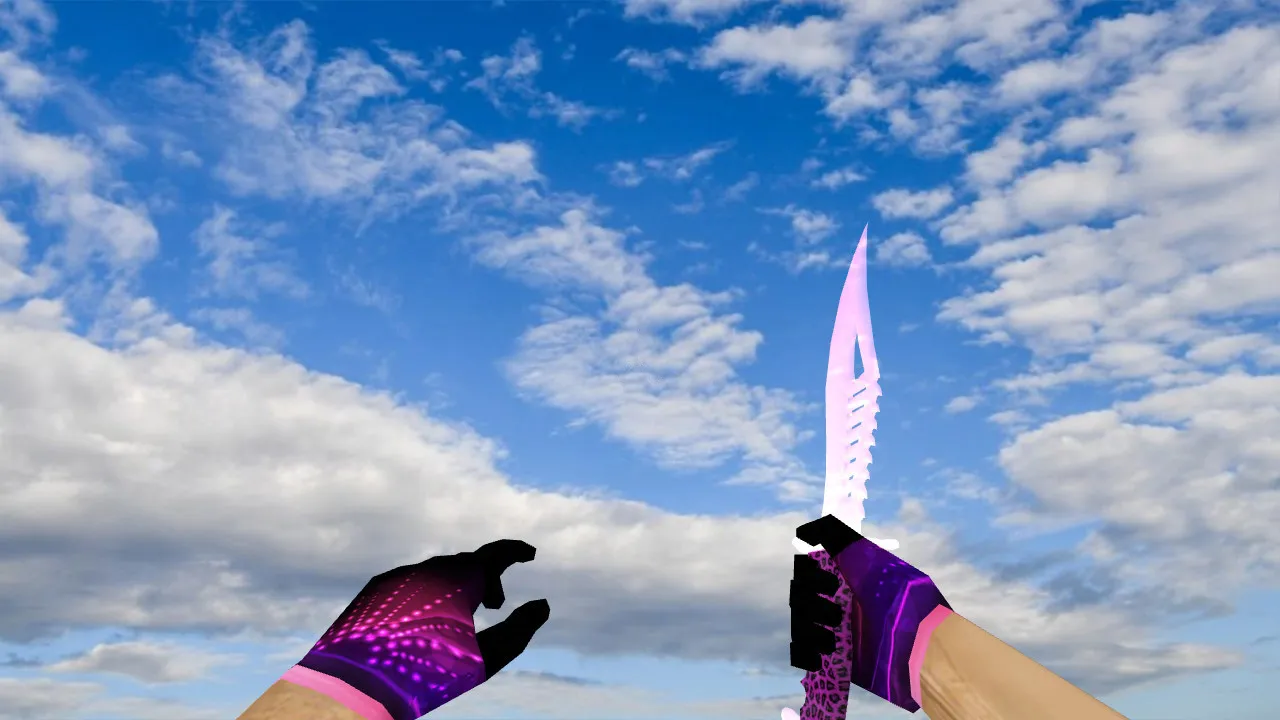
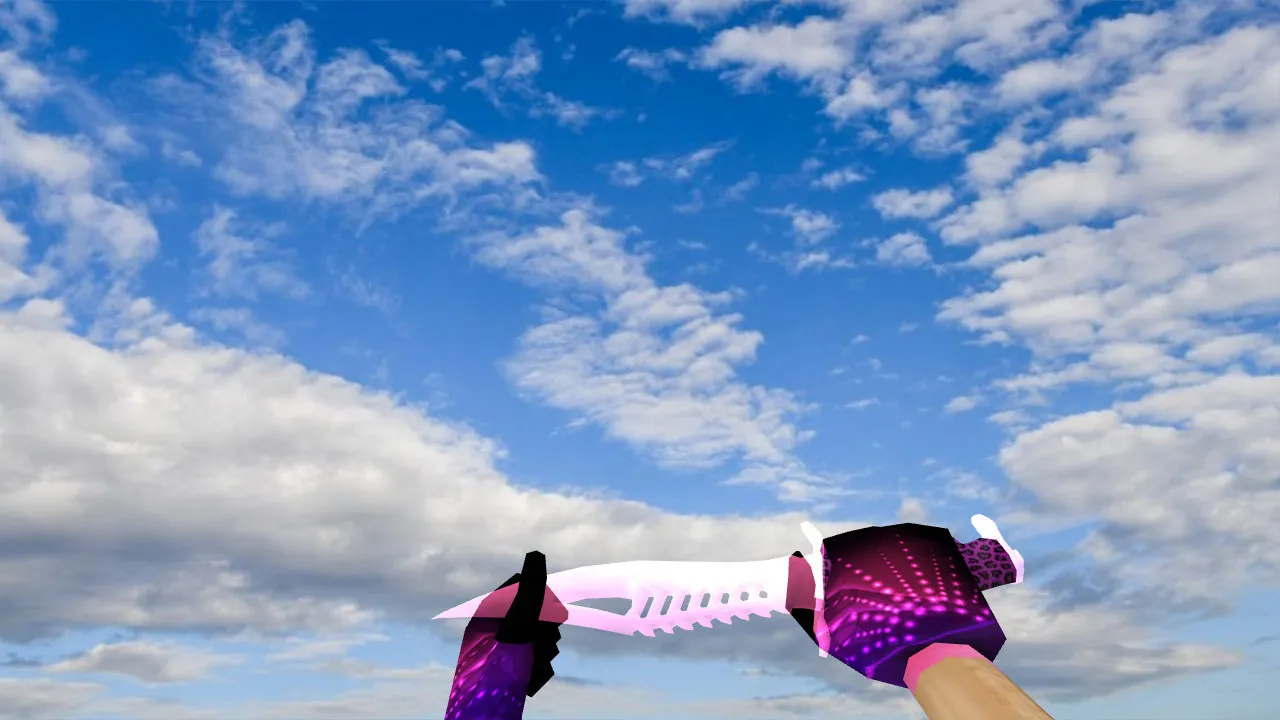
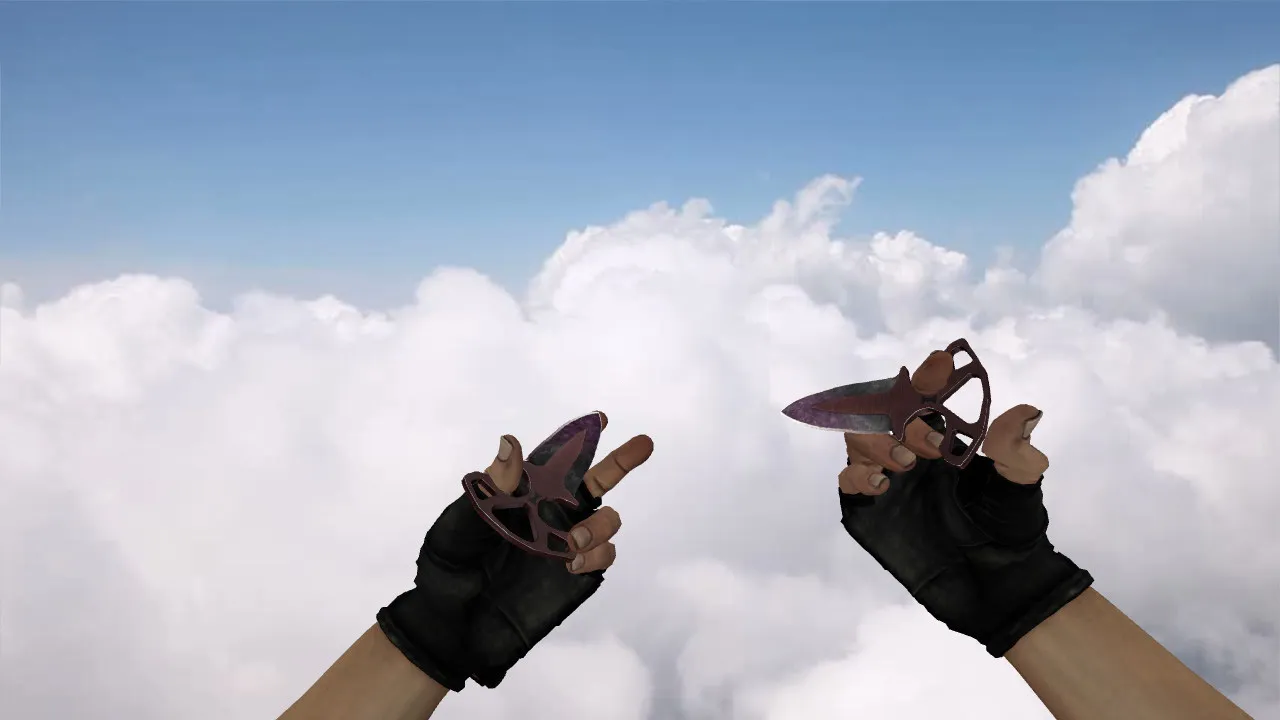
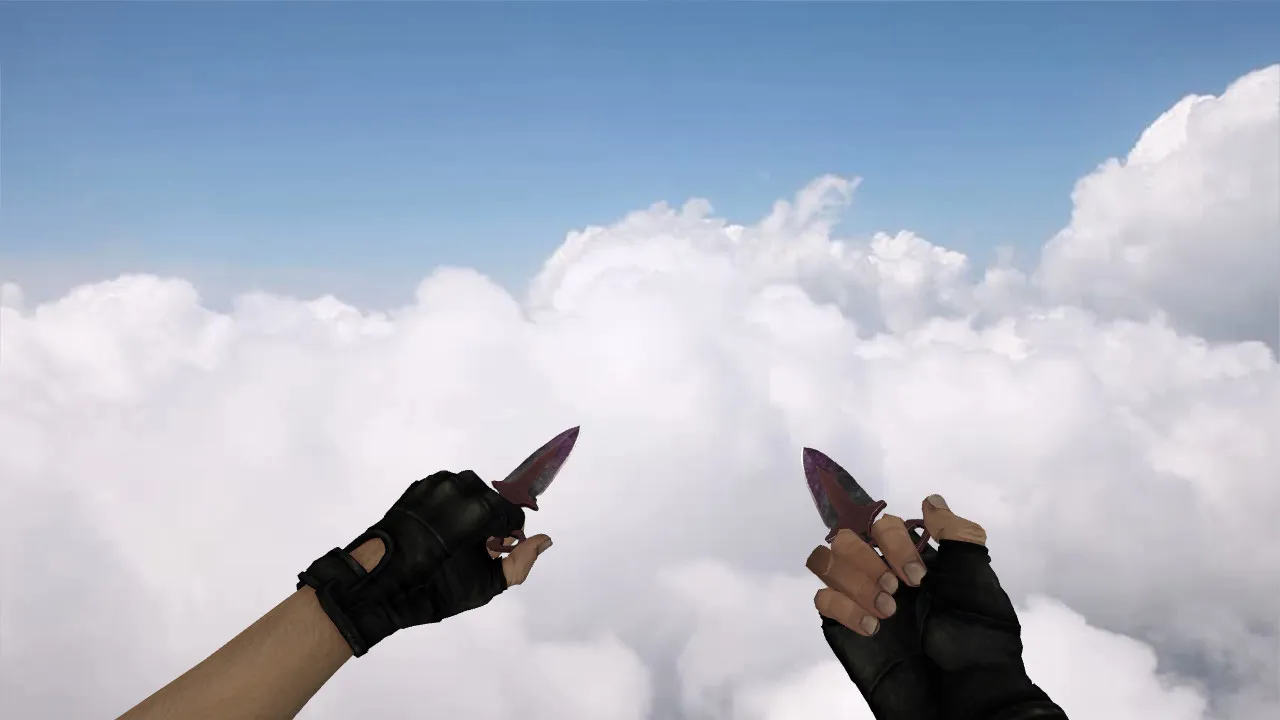
BAH Poke Knife Model for CS 1.6: v_ w_ p_ Models, Custom Sounds, Inspect Animation

Description
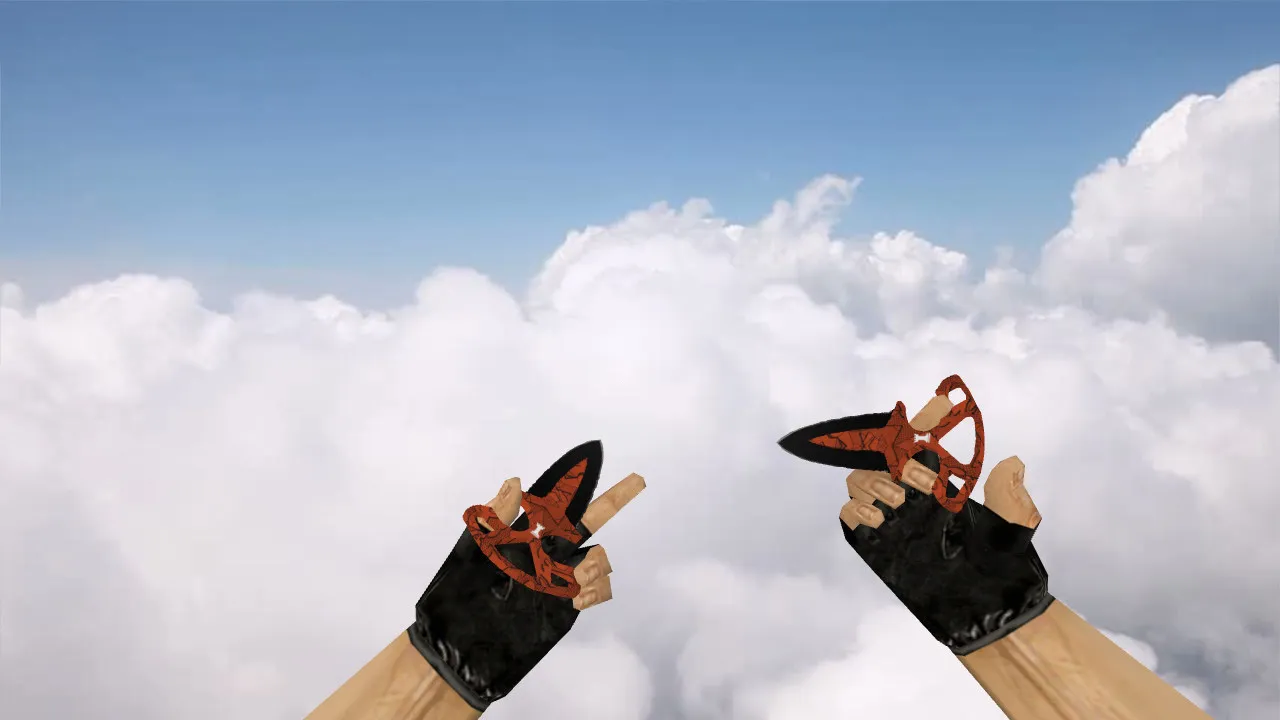
BAH Poke Knife for CS 1.6
This BAH poke knife highlights close-quarters engagements in CS 1.6, where a swift slash can flip a round in moments. The model plugs into the standard weapon display pipeline, employing the correct prefixes: v_ for the first-person view, w_ for the third-person perspective, and p_ for hand behavior across modes. This arrangement keeps the knife steady in your grip without breaking rendering during typical actions such as firing or switching weapons.
During play, the knife stays consistent while inspecting or changing positions. The inspect animation and movement sequences follow CS 1.6's format, stopping jitter on rapid camera turns or hand model shifts. Custom knife sounds give clear feedback for clicks and impacts, helping you react in fast-paced situations without audio confusion.
How the Model Performs In-Game
The BAH poke knife model stresses readability in combat. In CS 1.6, visibility often depends on lighting and scan speed. Textures and materials keep their clarity when aiming down sights, peeking corners, or scanning corridors. Sharpness in dark areas and high-contrast spots helps maintain orientation during intense moments, cutting visual noise that could cost a kill.
Hand placement and form balance are crucial for close-range fights. The knife avoids overlapping details that block sightlines or create visual gaps. As part of the weapon kit, the hand, model, and animations sync up for a cohesive look, free from extra polygons that could spike polycount or cause lag on weaker rigs.
With a low polycount around 500-800 faces, this model runs smooth at high FPS, even on older hardware. Hitbox alignment matches the default knife precisely, ensuring no discrepancies in melee range or swing arcs. ESL-style visibility shines in low-light maps like de_inferno tunnels, where subtle glow maps on the blade edge prevent it from blending into shadows.
Pre-Installation Checks
- v_ w_ p_ Files: Confirm folders and prefixes for first- and third-person views to avoid loading errors.
- Texture Quality: Check for broken materials or transparency issues that distort in dark zones; target 512x512 or higher resolutions without mipmapping artifacts.
- Knife Sounds: Test in a local match after installing to verify clicks and impacts sync with animations, with no clipping or low-volume files.
- Inspect Animation: Open the inventory, rotate the view a few times, and look for smooth transitions without model popping or hand clipping.
- Polycount and Compatibility: Scan for wad files; ensure no conflicts with existing sprites or models in your custom folder.
Installation and Safe Setup
Download the BAH poke knife only from trusted sources to avoid viruses, slow-hacks, ads, or auto-connect scripts. Knife models usually go into the weapons folder, letting CS 1.6 auto-load v_ and w_ files. If archived, extract manually and review the folder structure before copying-look for .mdl, .bmp, and .wav files in place.
Launch the game and test on a local server or training mode to confirm display and functionality. For Steam or Non-Steam clients, compatibility holds across builds like 4554 or 8613, with MasterServer protection intact. If running other mods or packs, start with a clean config.cfg: delete custom binds and reset cl_updaterate for baseline performance.
To prevent conflicts, disable side mods temporarily and restart CS 1.6 after installation. This isolates issues like animation desyncs or sound overrides. Keep one model set active for stability; swapping requires a full relaunch to clear cache and reload sprites properly.
Why Players Choose This Knife
The BAH poke knife suits aggressive close-range playstyles, where the model doesn't hinder round control. It offers a distinct visual punch while preserving dynamic handling-ideal for practicing exits, holding tight angles, and securing wins through raw reaction speed.
Updating your CS 1.6 arsenal without risks means verifying v_ w_ p_ files, sounds, and inspect animations first. Once set, slot it into your rotation for reliable melee performance across maps. In dust2's tight B-site or inferno's close bananas, the poke focus enhances stab precision without visual distractions.
For modders, this model's source .qc files allow tweaks like custom UV mapping or sound pitch adjustments, but stick to vanilla integration for no-recoil configs. Overall, it boosts immersion in vanilla servers while maintaining hitbox accuracy for fair play.
Install in three steps
-
1
Download the archive. Use the button on the right, or the Yandex.Disk mirror if the main server is slow.
-
2
Extract it into the game folder. Use 7-Zip or WinRAR. A path without non-Latin characters works best.
-
3
Launch the game. If something doesn't work, mark it below - that is how we know the file needs an update.
Did it work for you?
No sign-up needed. You can pick more than one.