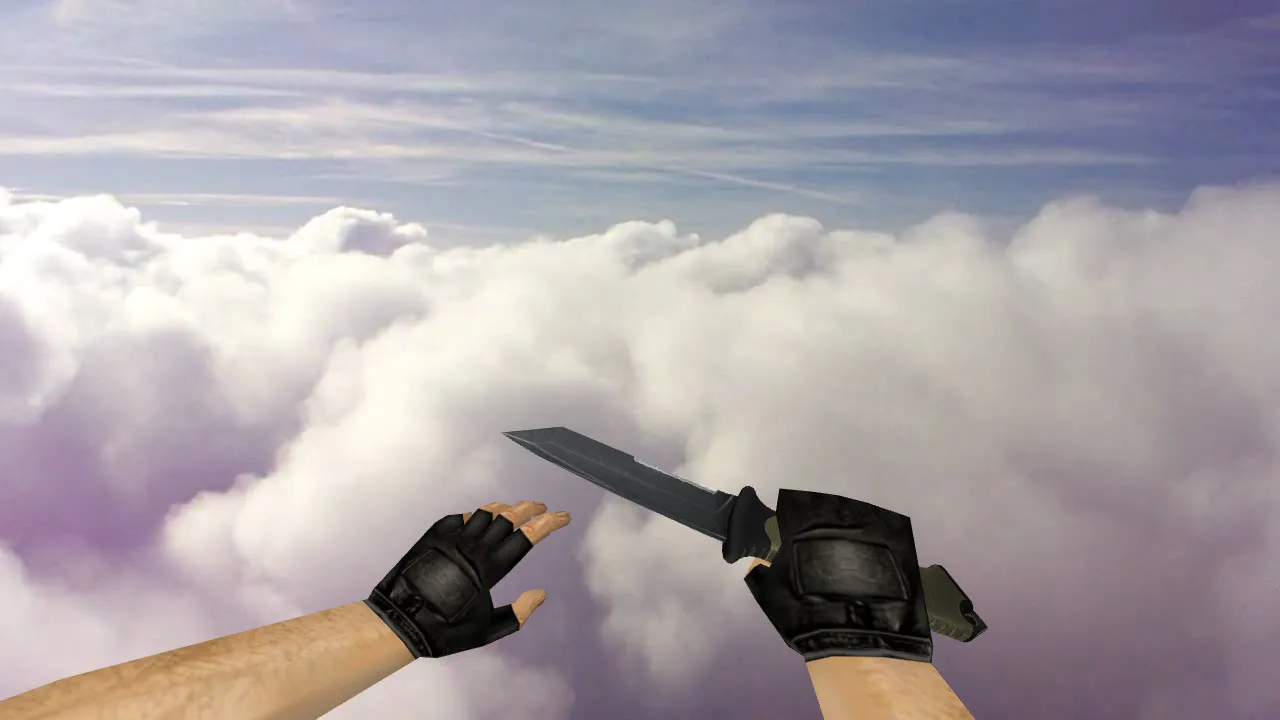
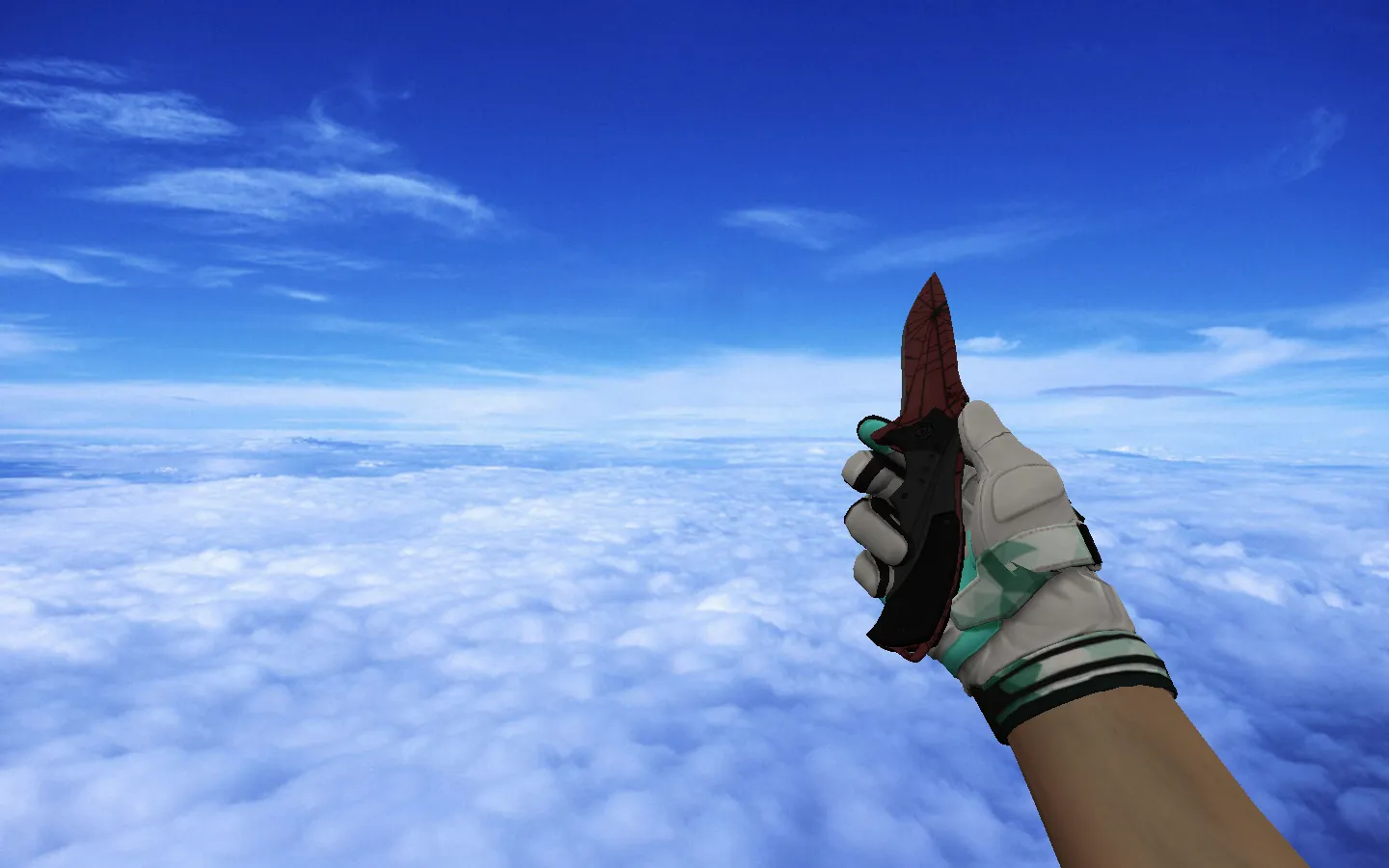
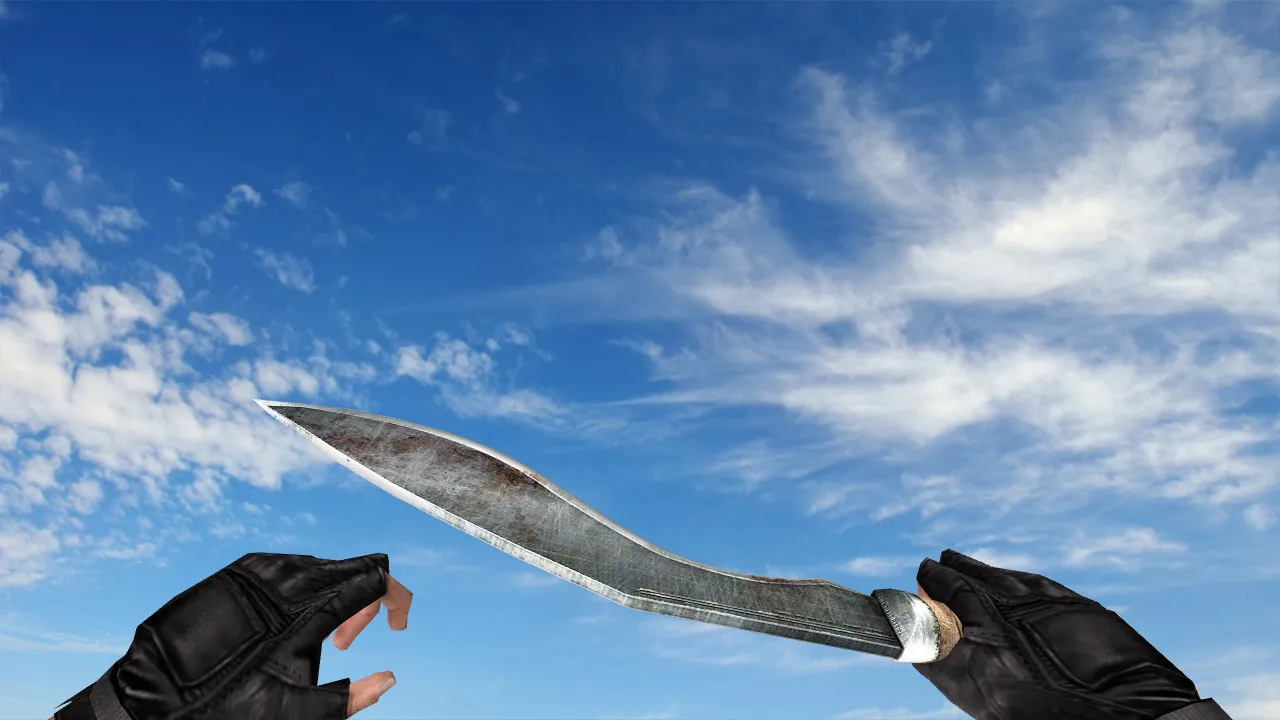
v_knife_bowie_waves Model for CS 1.6: Knife with Sounds, Inspect Animation, Texture Quality, and Setup Guide
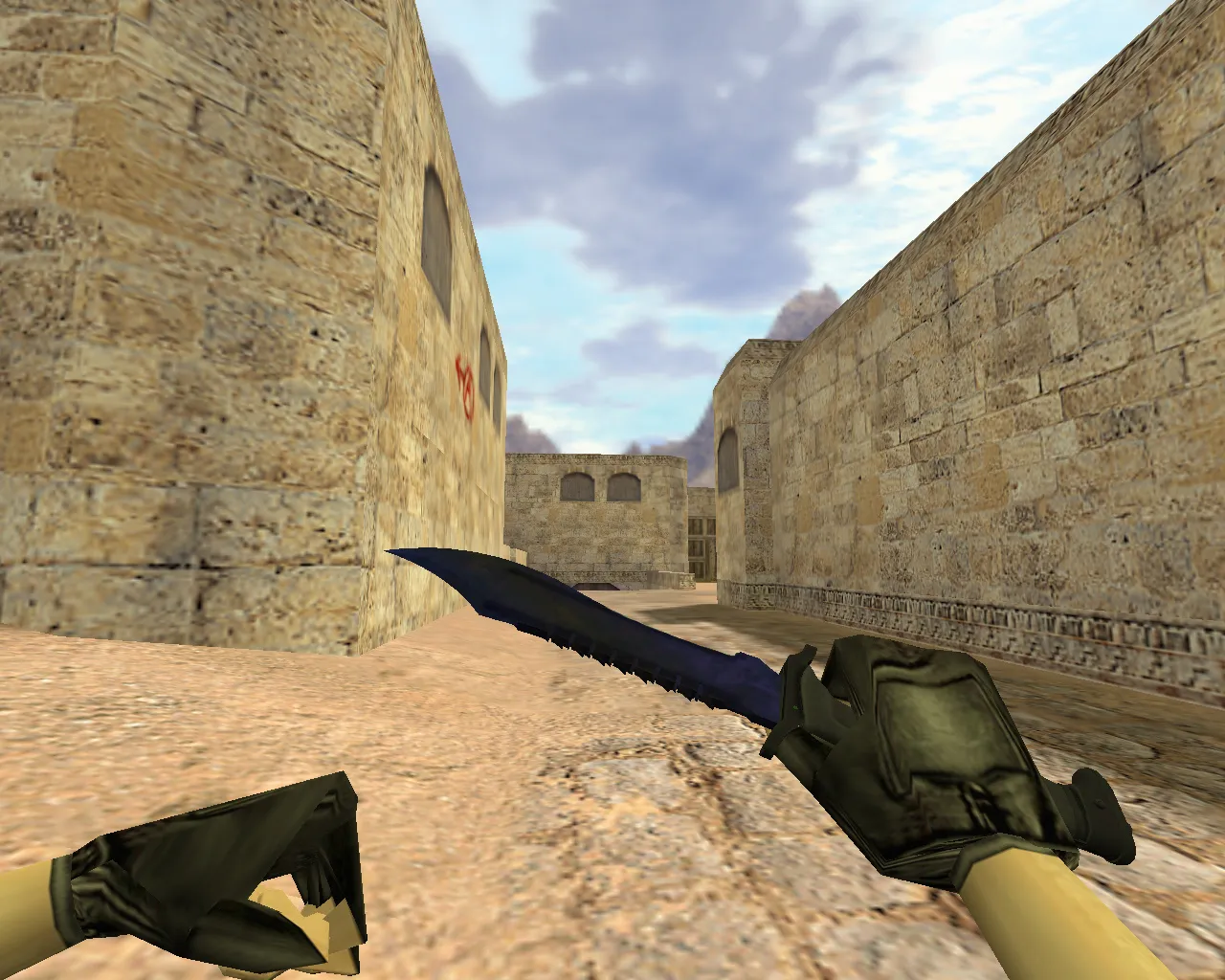
Description
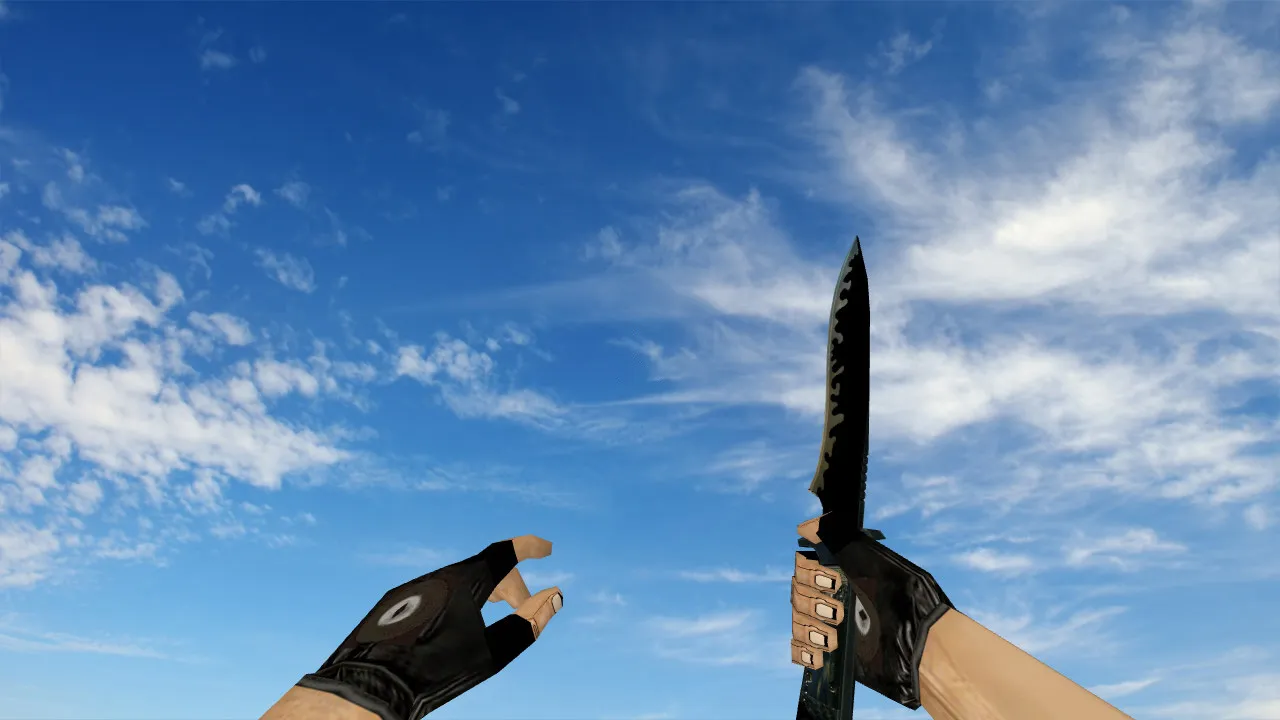
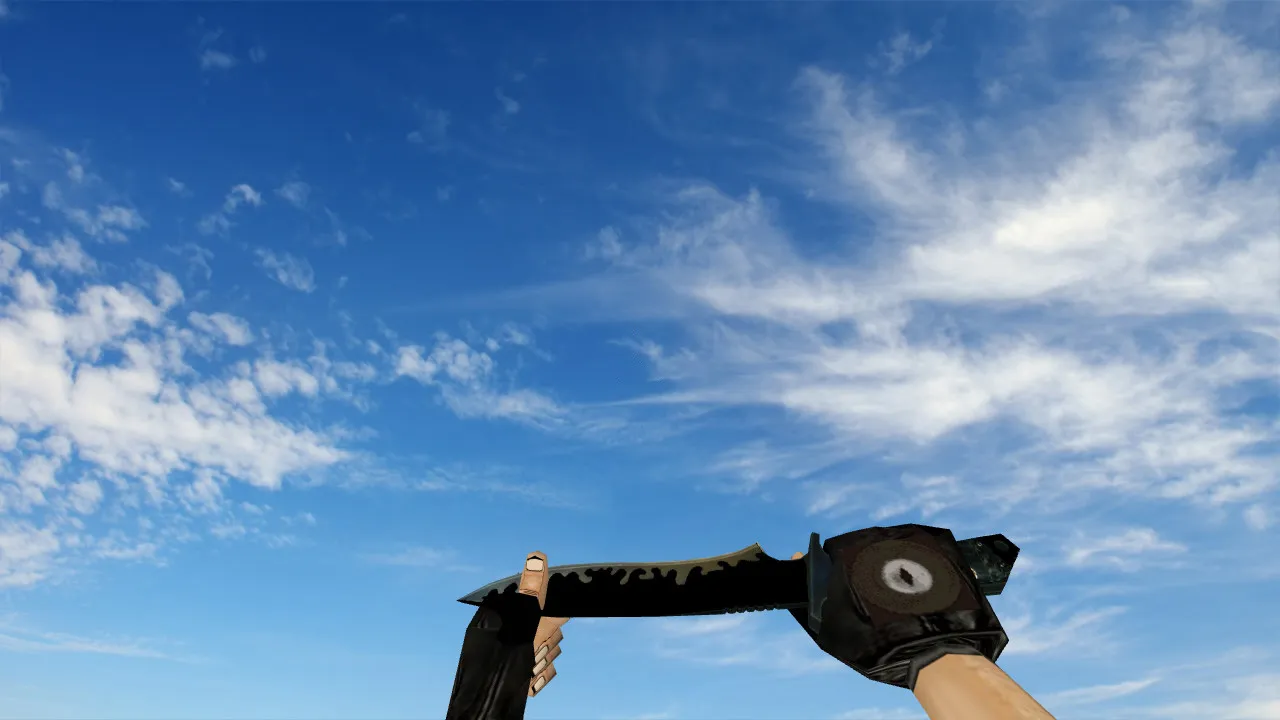
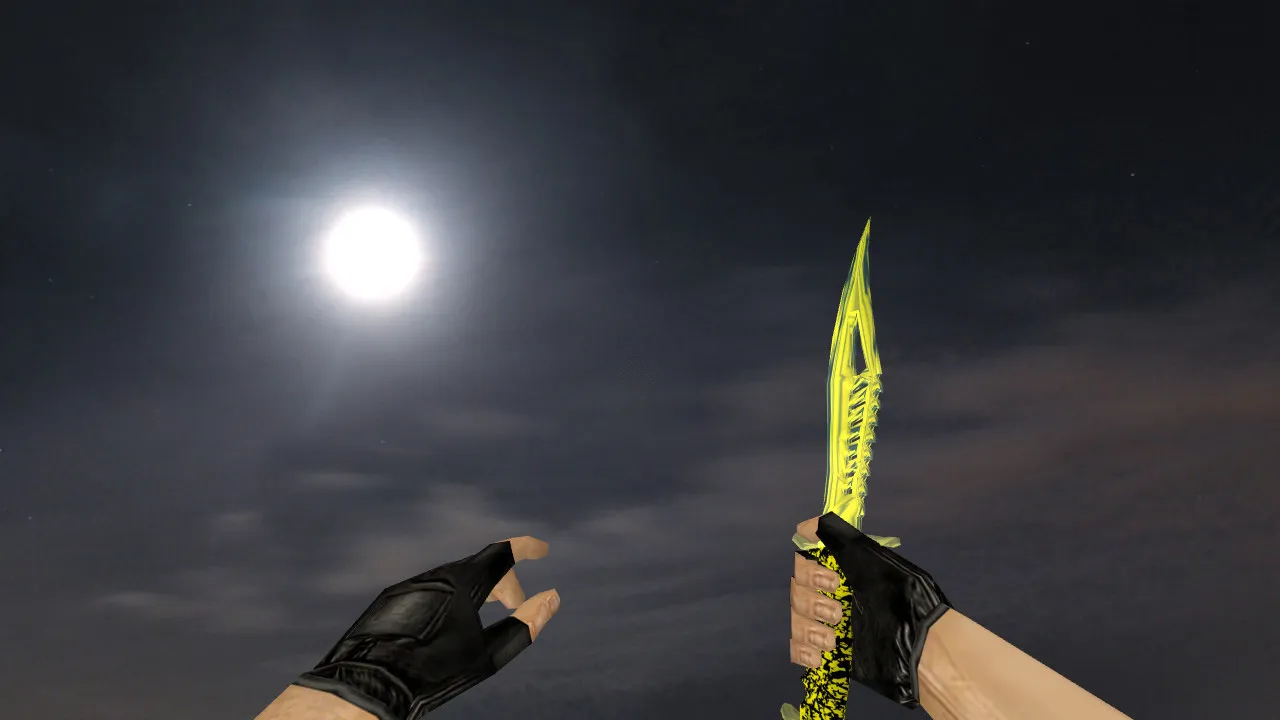
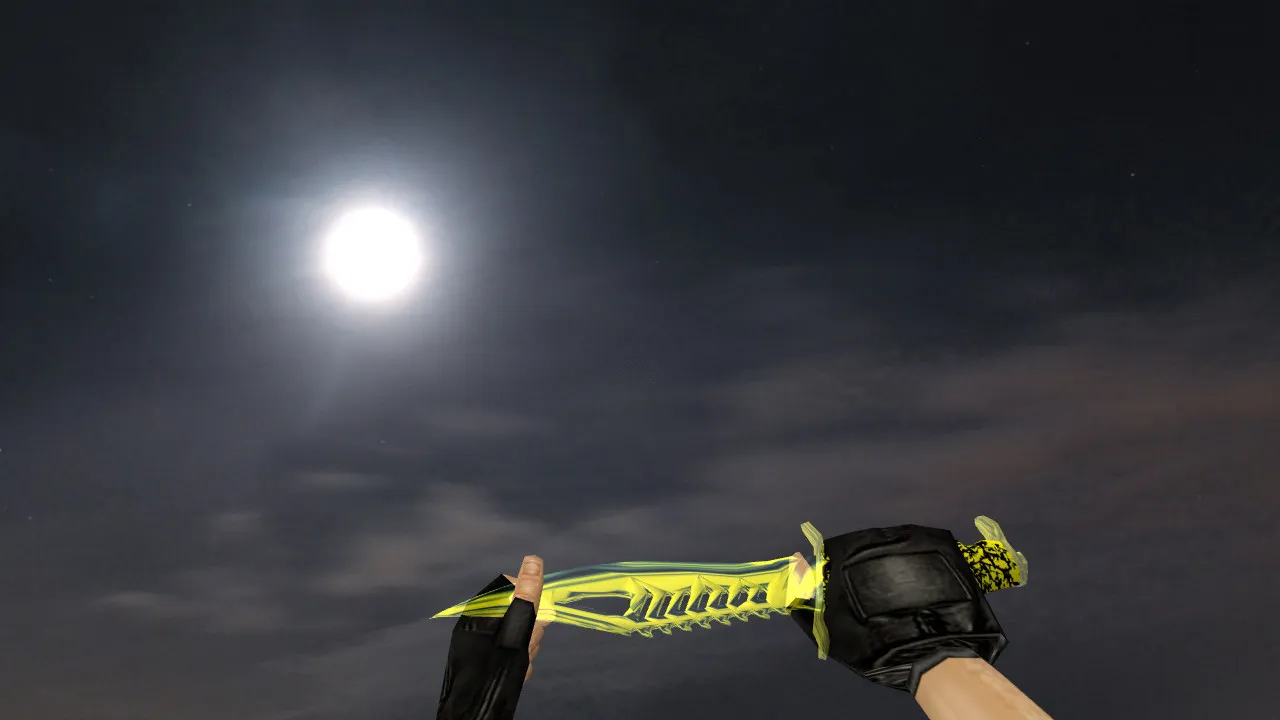
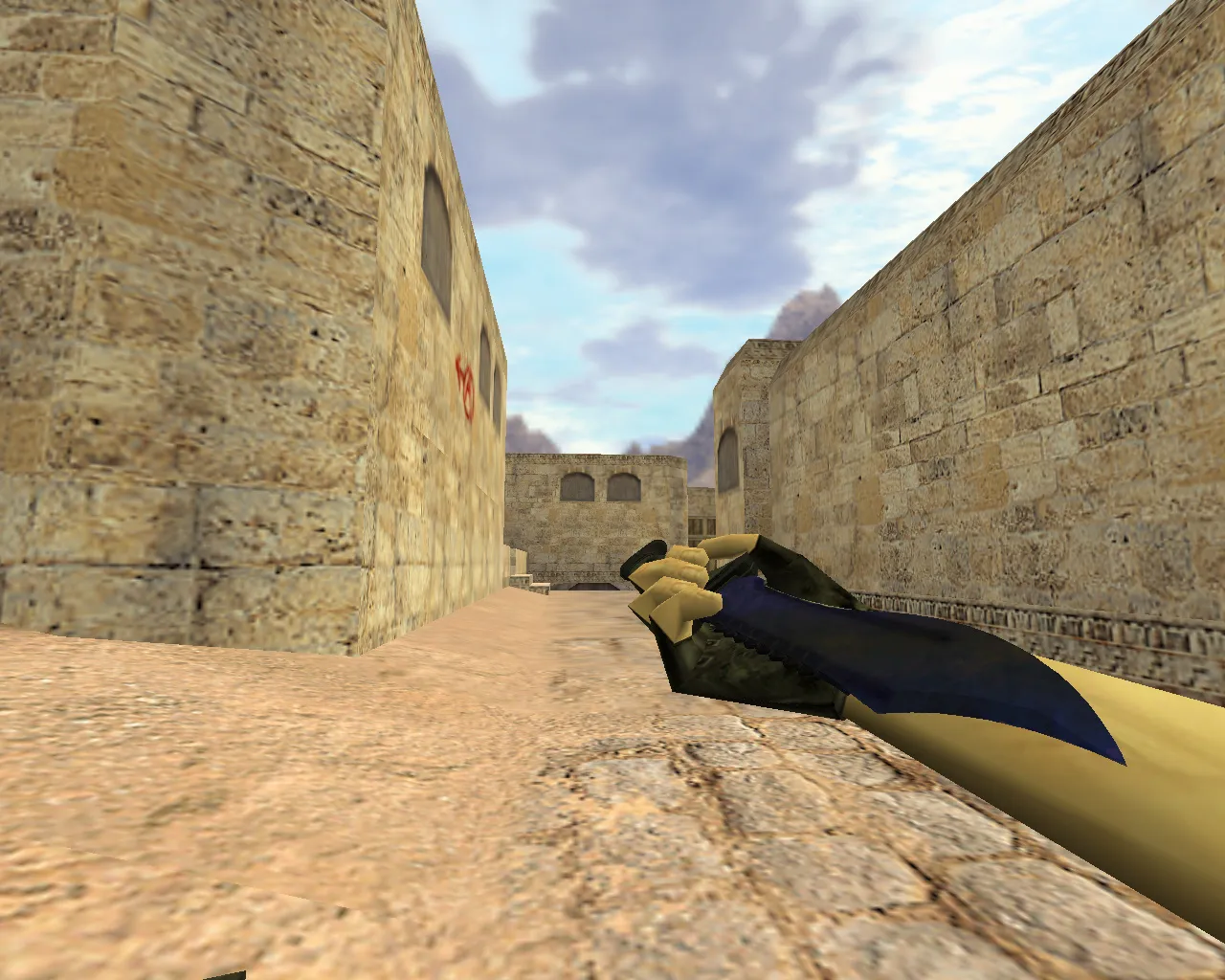
v_knife_bowie_waves Model for CS 1.6
Align your blade with the match tempo using the v_knife_bowie_waves model. Add it to your CS 1.6 client through the models directory. This knife behaves like the default: the first-person hand appears, inspect works, sounds fire, and textures remain sharp up close. Confirm proper inspect animations and client compatibility to prevent rendering glitches.
The Bowie Waves design uses high contrast for visibility. The blade's wave pattern produces a dynamic look even when still. It holds up during camera turns and stance changes. In pistol duels or tight fights, the knife helps close gaps and lock angles. Focus on core mechanics: step timing, peek angles, and distance control.
Essential Components for Smooth Gameplay
- v_ model for first-person view: v_knife_bowie_waves.mdl, optimized under 500 polygons to keep FPS high.
- p_ model for third-person view: p_knife_bowie_waves.mdl, matched to the hitbox for accurate drops.
- w_ model for world display and pickups: w_knife_bowie_waves.mdl, preventing clipping in dark areas like ESL-style maps.
- Custom sounds: Swing and step audio files meet client expectations, no distortion at 44kHz sample rate.
- Inspect animations: Fluid transitions without jitter or clipping, fully compatible with CS 1.6 animation states.
- Texture quality: 512x512 resolution with mipmaps to stop the wave pattern from blurring during movement.
A correctly assembled model renders cleanly in motion and avoids artifacts on weapon swaps. This matters for knives used in short bursts, where tiny errors show instantly. Hitbox alignment guarantees precise slashes without offset problems.
Installing the Model in CS 1.6
Install manually without auto-connect or third-party tools. Check that your client's folder structure is clean first. Copy model files to the proper directories: separate paths for v_, p_, and w_ models inside cstrike/models/. Launch the game and test in first- and third-person views. Verify animations play correctly and the blade does not disappear. For Steam and Non-Steam compatibility, follow Build 4554 standards-no MasterServer conflicts.
Avoid mixing file versions for stability. Use one set per knife. If replacing an old model, delete previous v_/p_/w_knife* files to prevent conflicts. After verification, join matches with a clean config.cfg. No recoil scripts or slow-hack risks involved; this is purely visual.
Practical Knife Usage in CS 1.6
Knives require route planning, exit points, and angle control-not luck. On servers, follow rules without bypassing protections. The model only changes appearance; it will not disrupt gameplay or need admin rights. Practice short rushes and pre-angle stops before key rounds. Knife losses often come from extra steps or bad peeks. Focus on accuracy and reaction time. With the model installed, the Bowie Waves blade reads clearly, helping quick orientation in rushes.
In scenarios like de_dust2 long A, use the knife for silent flanks. The wave texture visibility helps spot enemies in low-light tunnels without relying on a flashlight. Pair with no-recoil configs for hybrid play, but test on local bots via .nav files for pathing accuracy.
Safety During Installation
- Source files only from trusted archives-no viruses or hidden payloads.
- Avoid running unknown scripts or .exe files.
- Manual game entry only: no auto-connect features.
- Verify inclusion of v_, p_, w_ models plus inspect animations and sounds.
- Scan with antivirus; compatible with clean installs on Windows XP/Vista setups common for CS 1.6.
Correct setup places the Bowie Waves knife in your inventory, adding visual edge to site pushes. Expand your modding with wad files for custom sprites if needed, but keep polycount low for 60+ fps on older hardware. This model enhances knife rounds without compromising hitbox precision or server stability.
Install in three steps
-
1
Download the archive. Use the button on the right, or the Yandex.Disk mirror if the main server is slow.
-
2
Extract it into the game folder. Use 7-Zip or WinRAR. A path without non-Latin characters works best.
-
3
Launch the game. If something doesn't work, mark it below - that is how we know the file needs an update.
Did it work for you?
No sign-up needed. You can pick more than one.