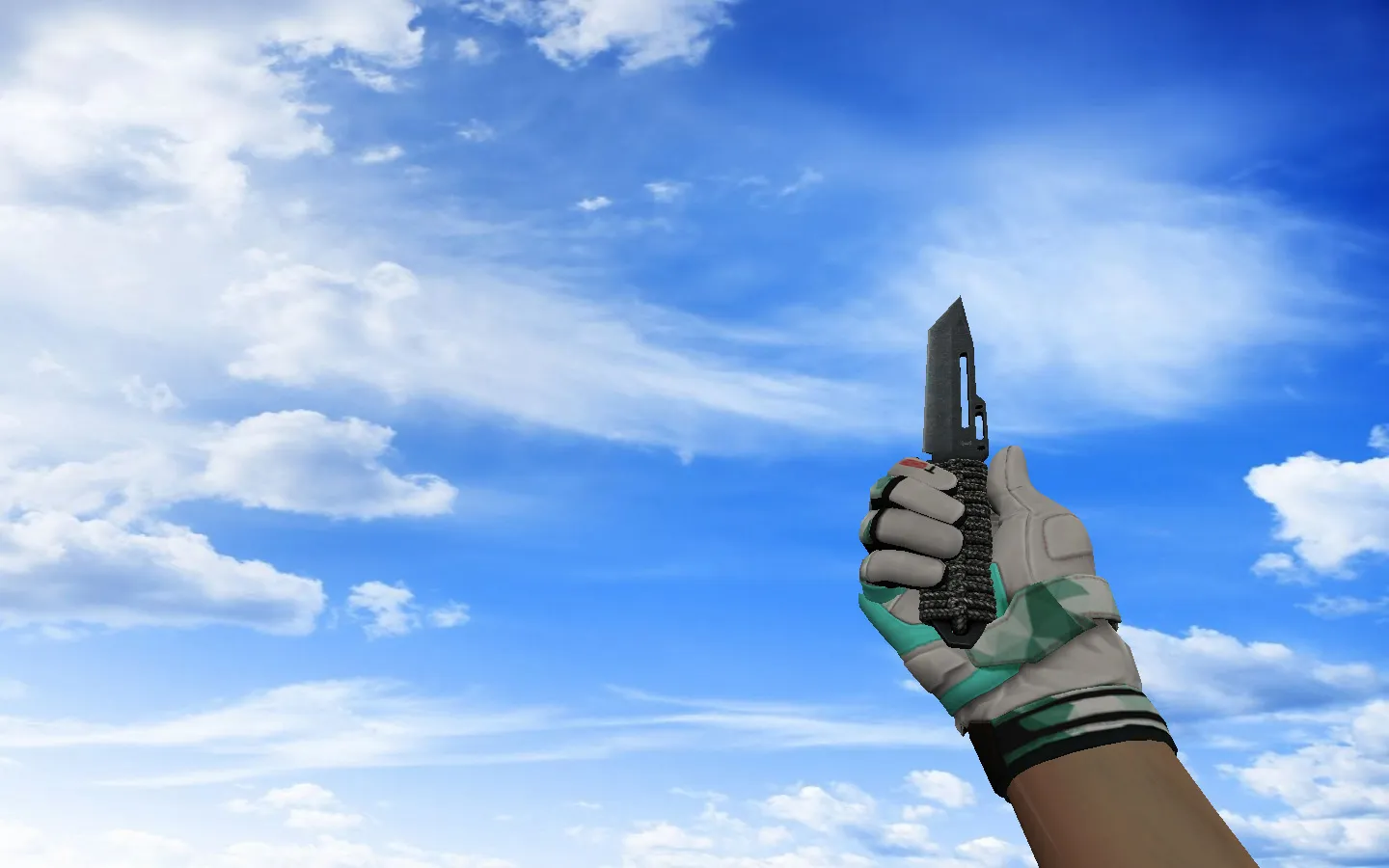
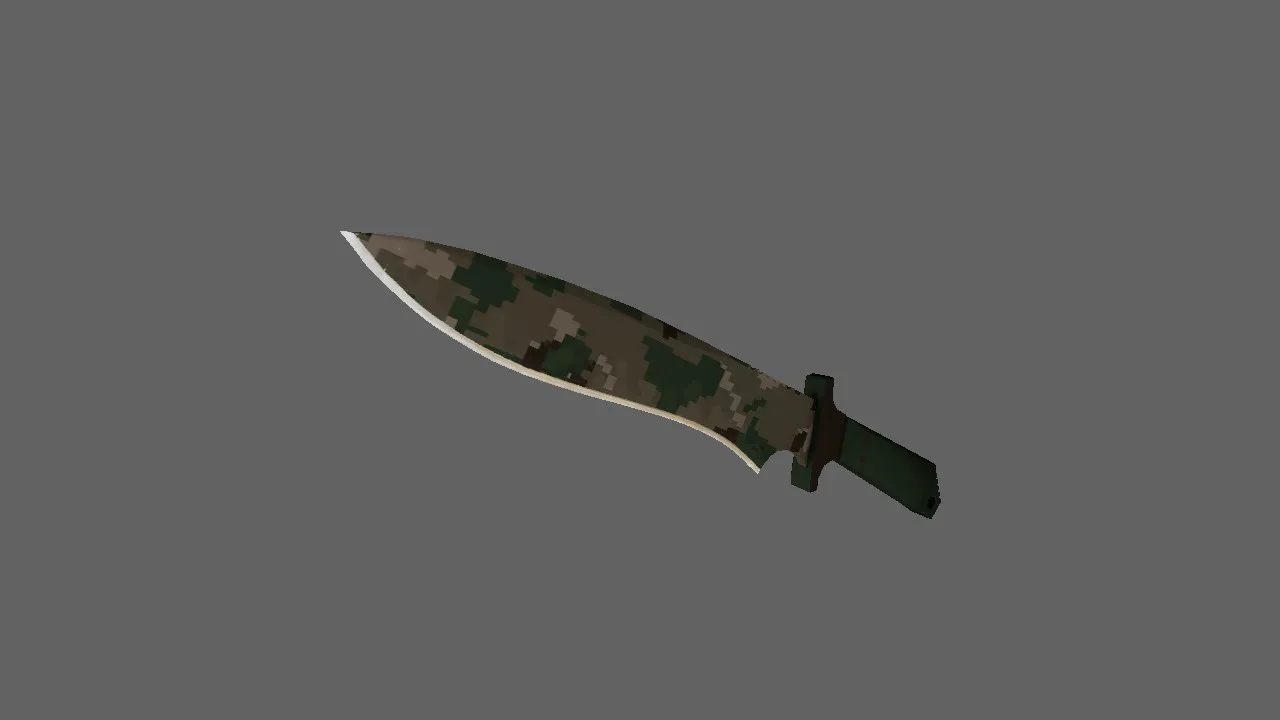
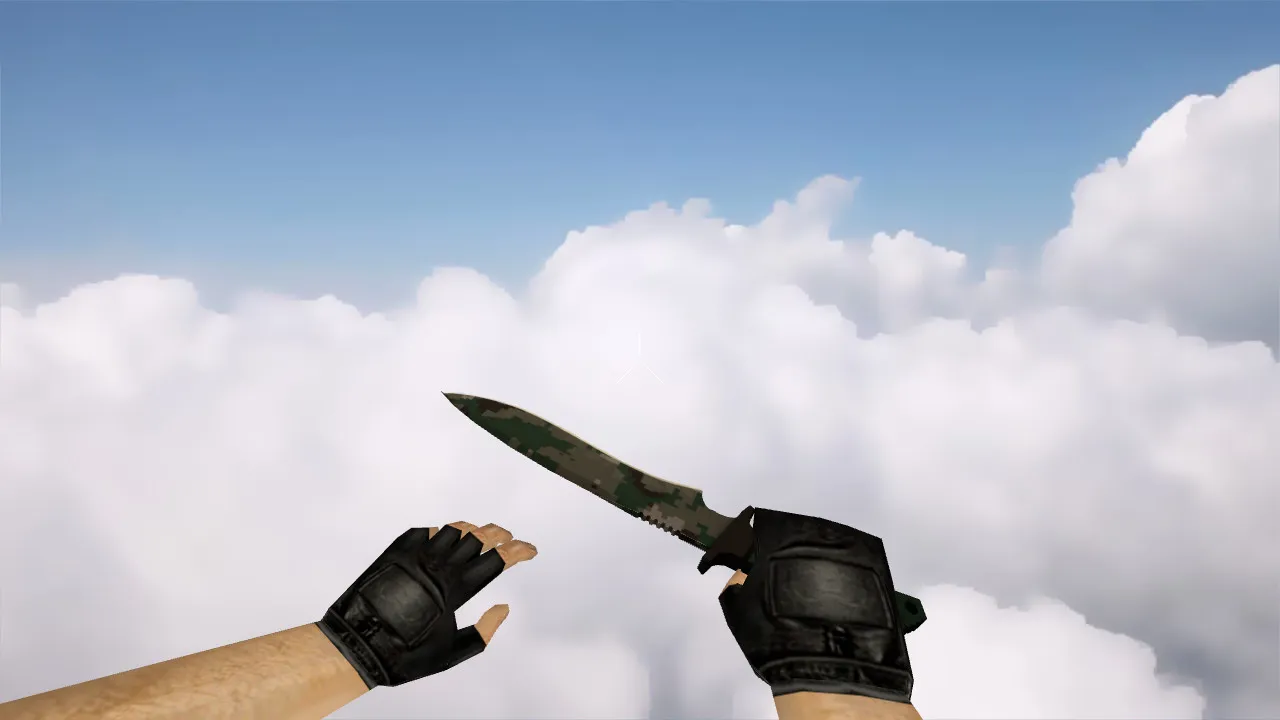
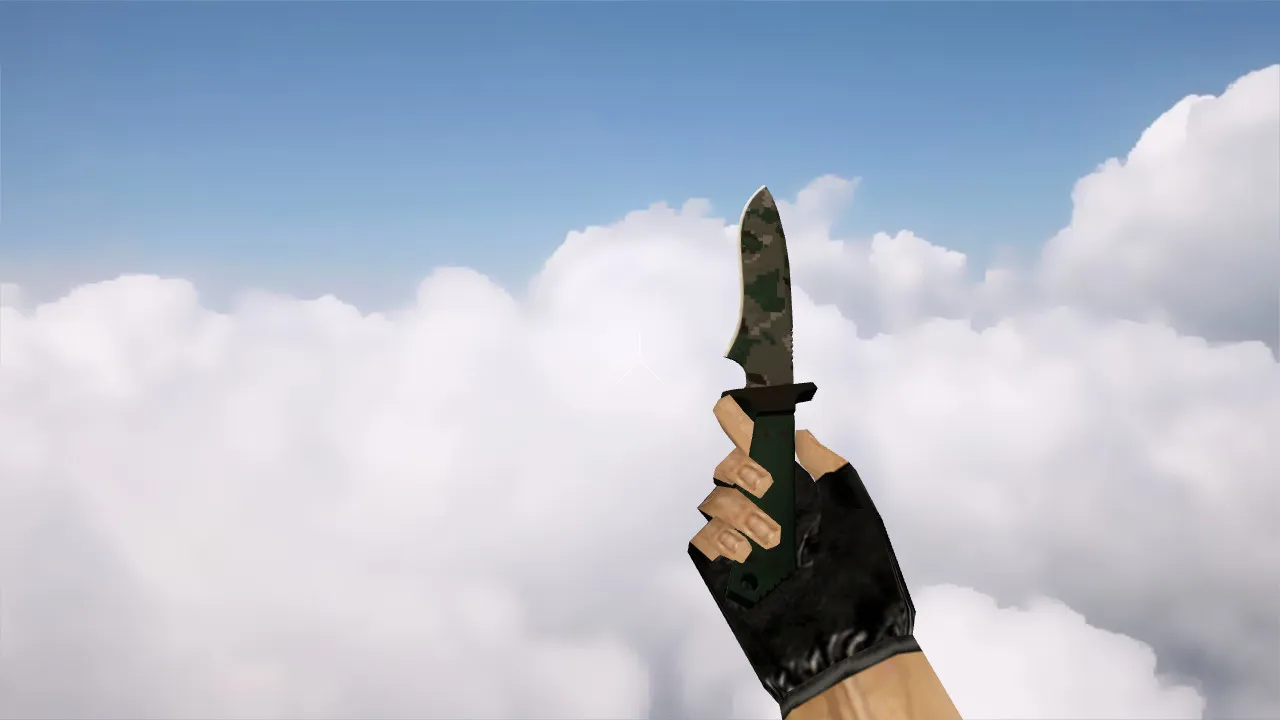
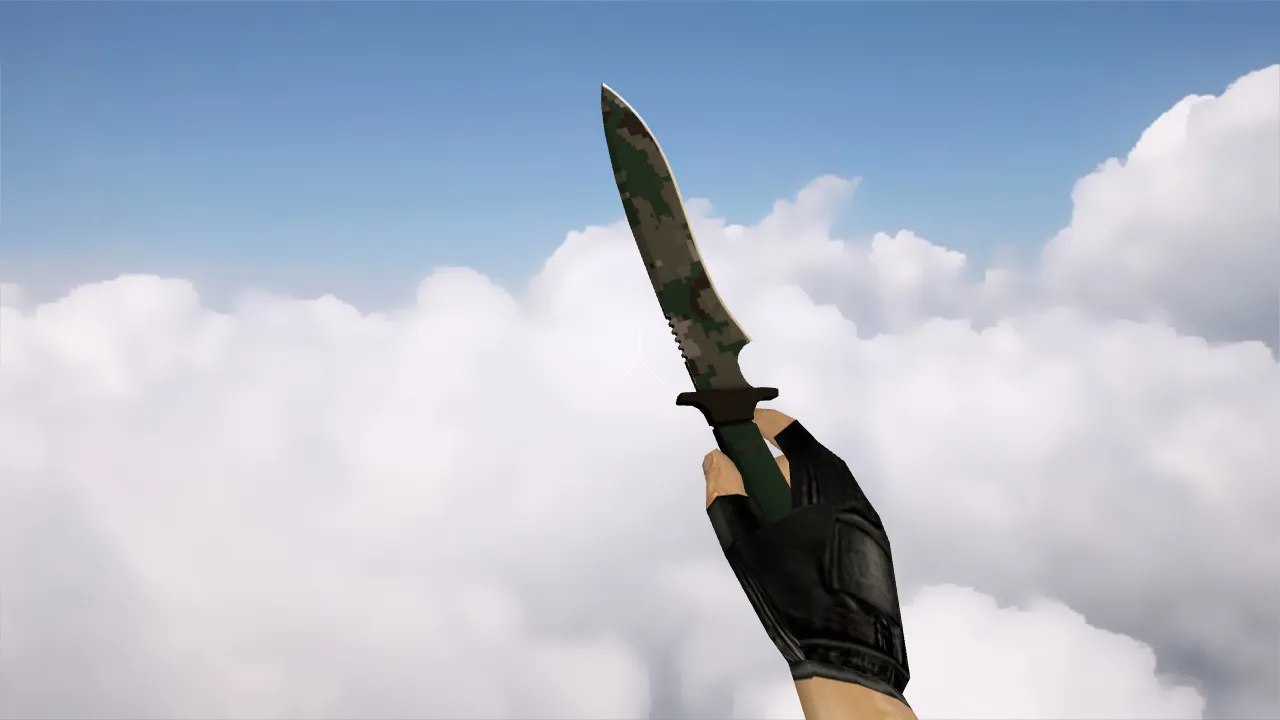
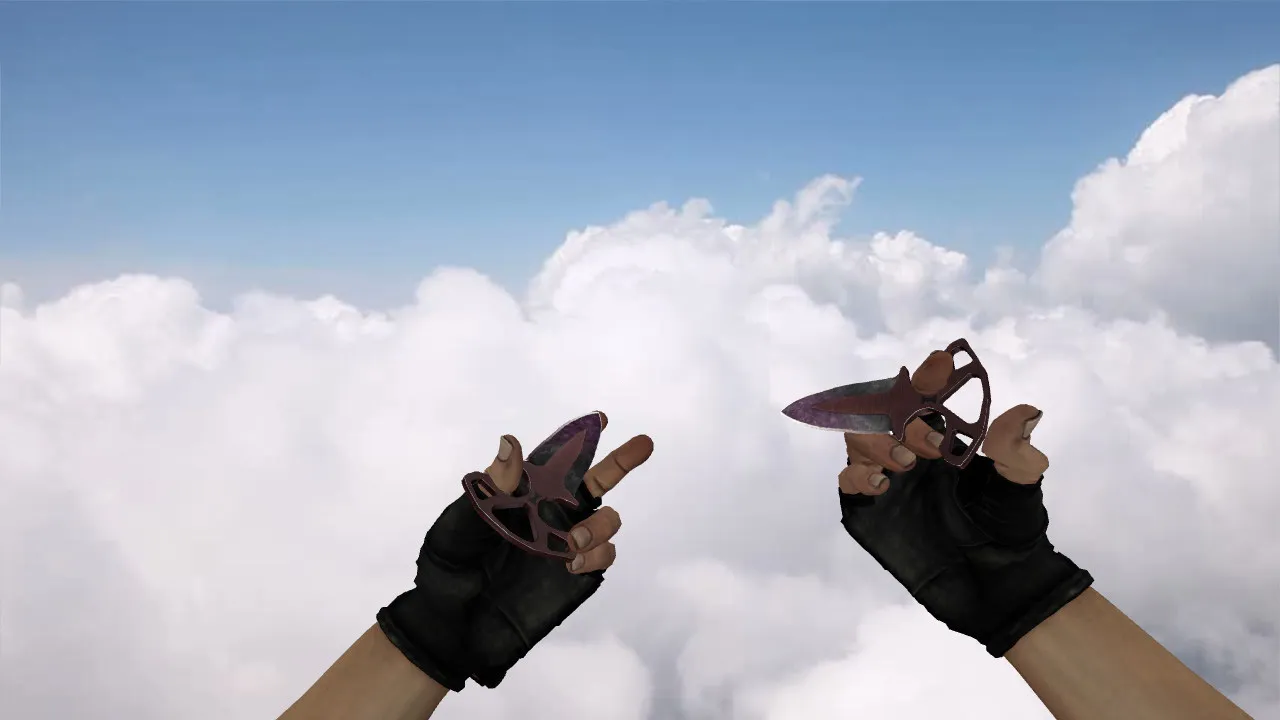
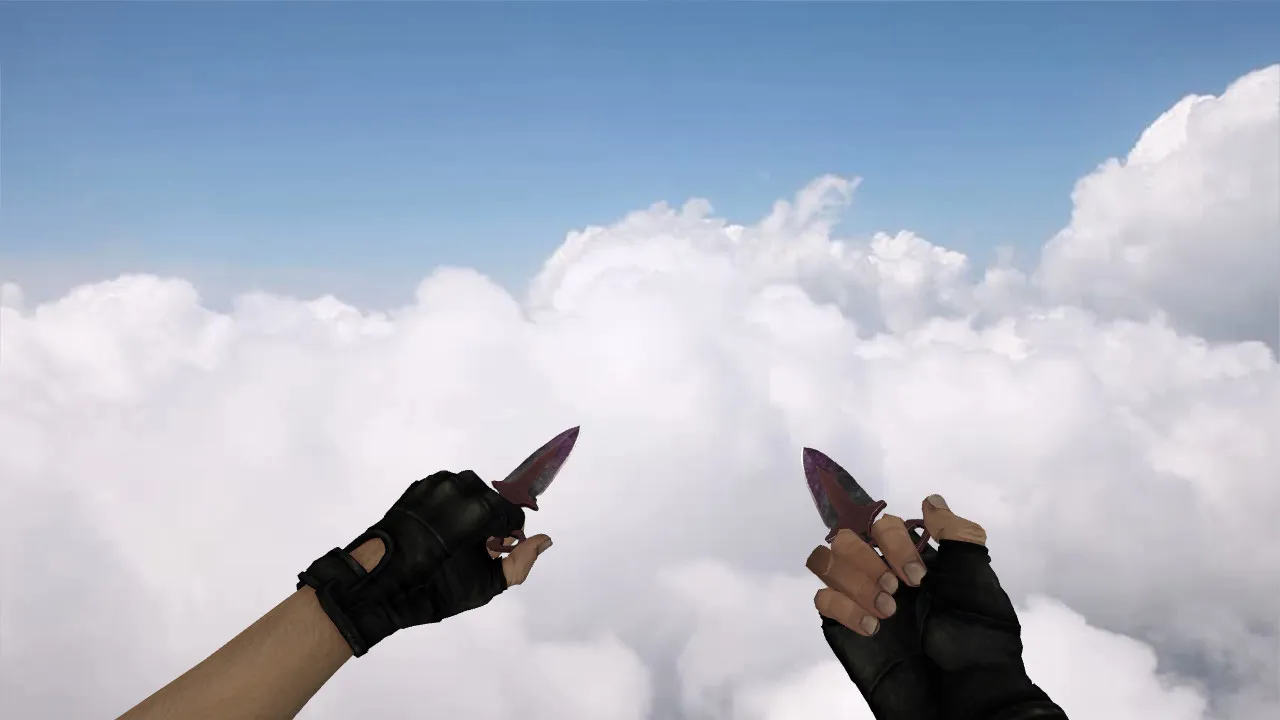
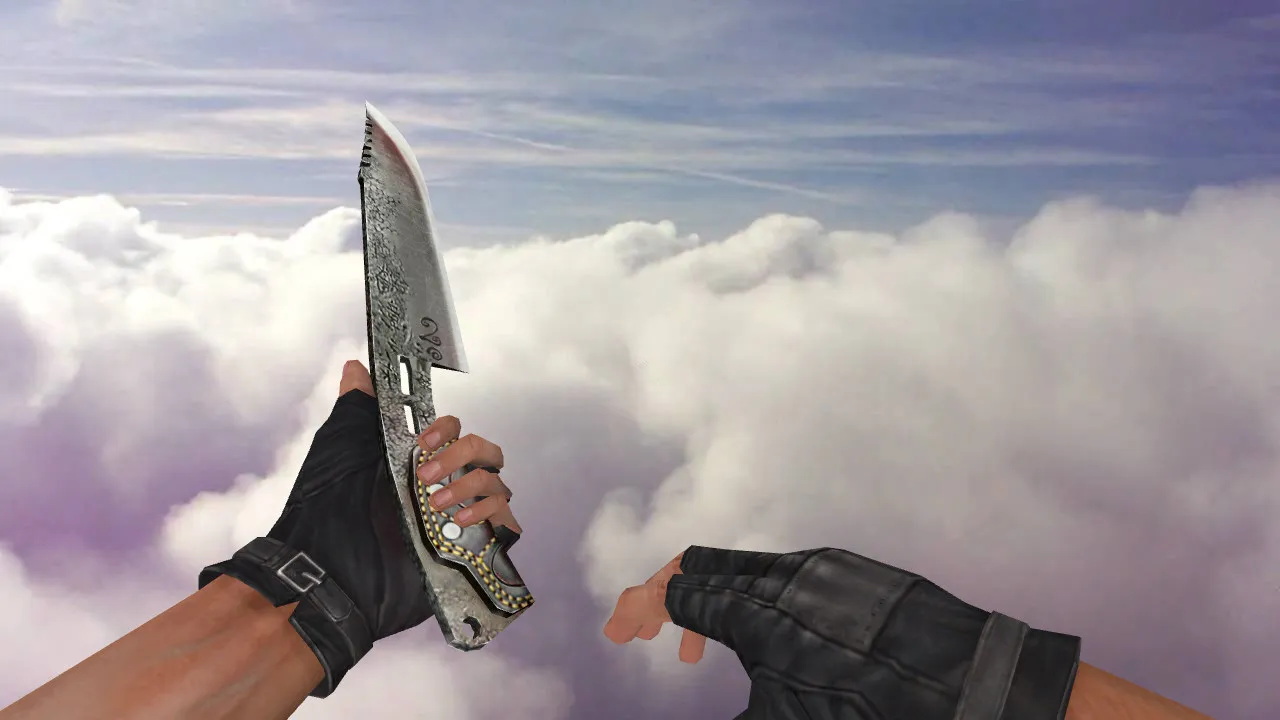
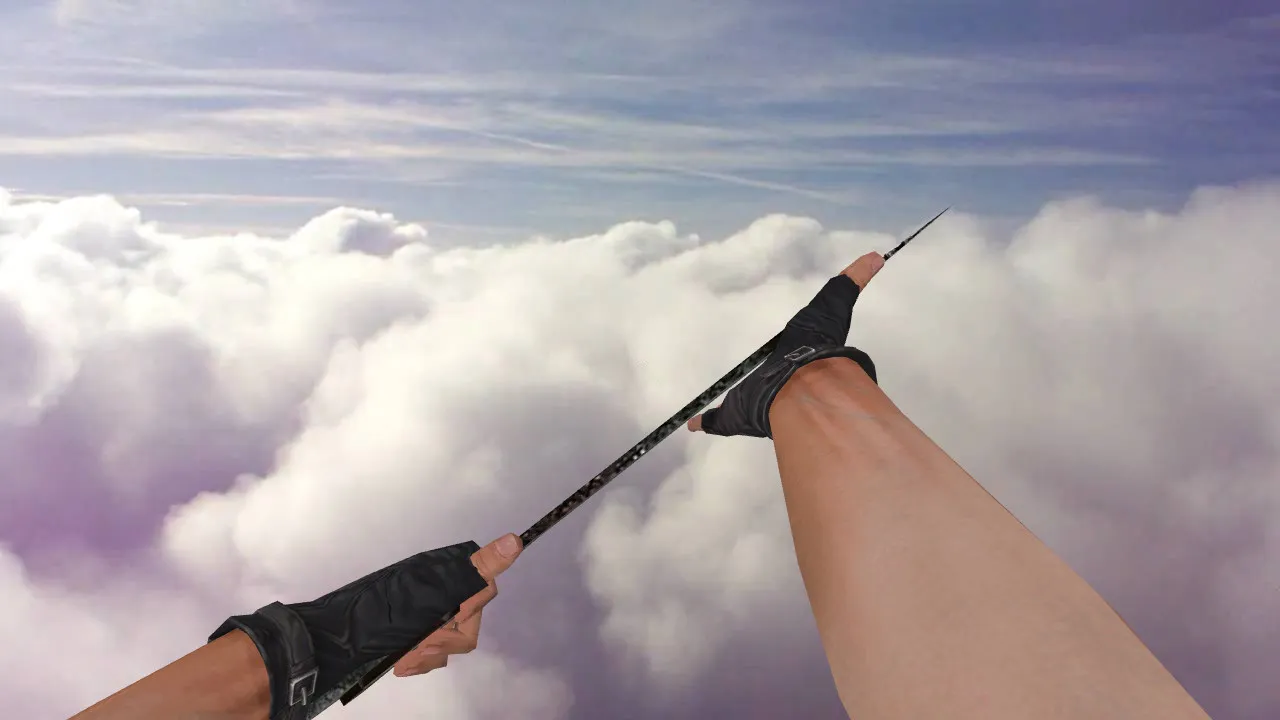
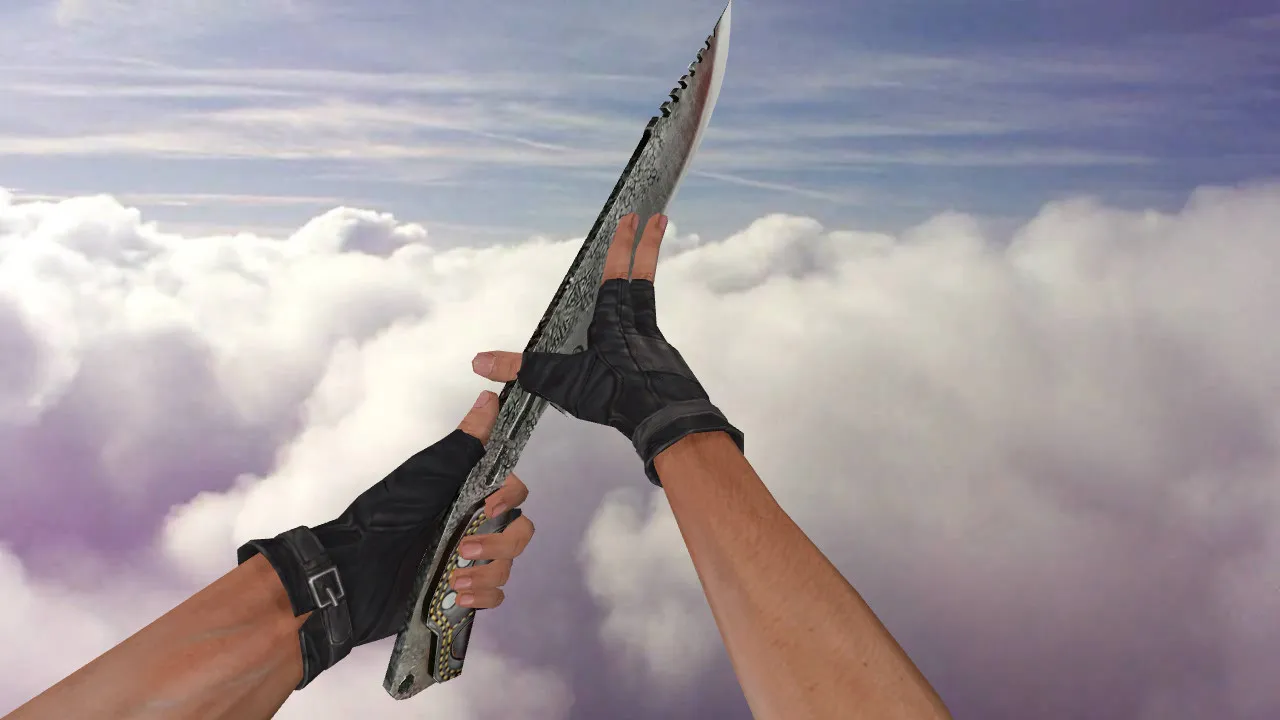
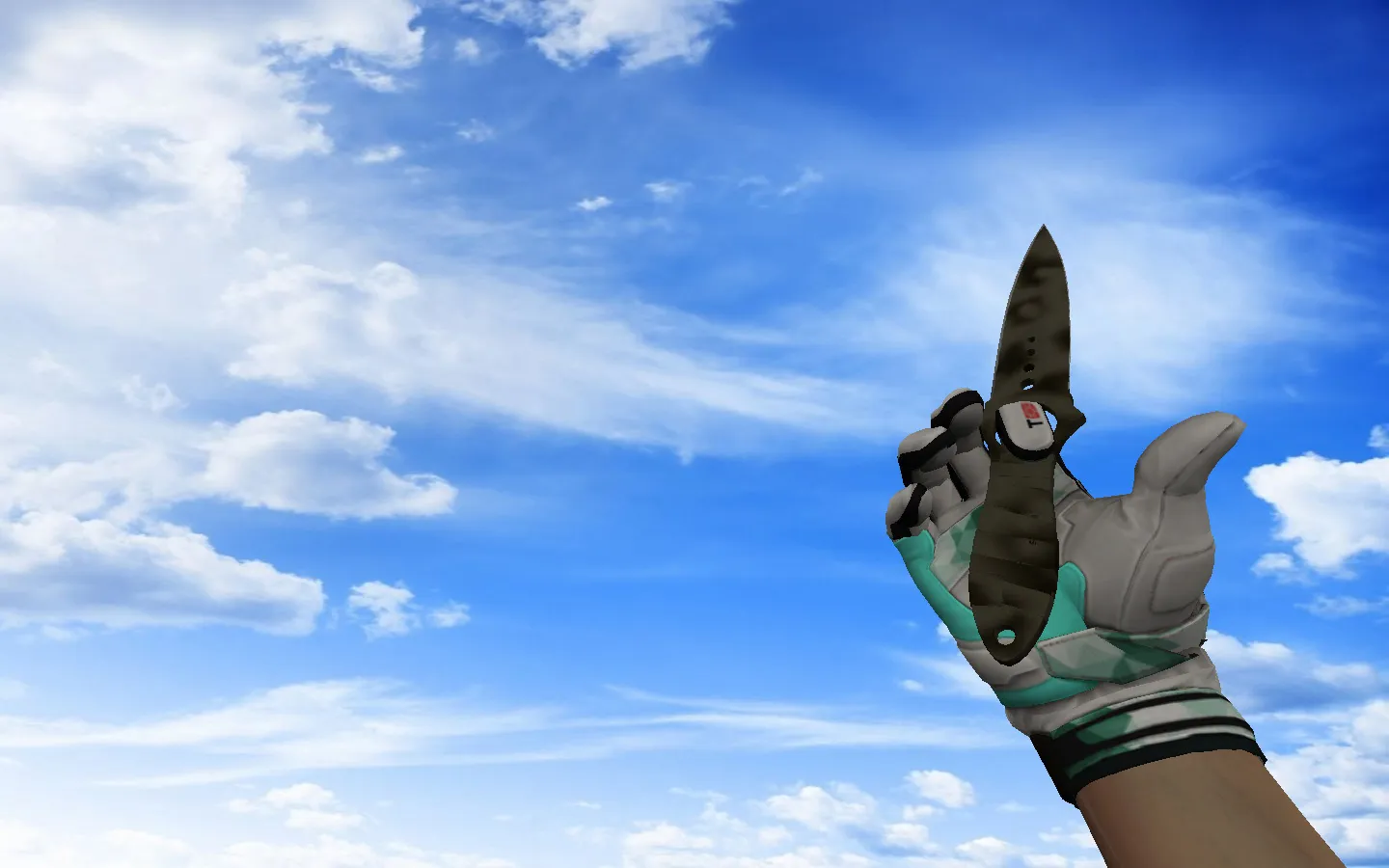
PB Amok Kukri Knife Model for CS 1.6: v_ p_ w_ Files, Sounds, Inspect Animation, HD Textures and Setup
Description
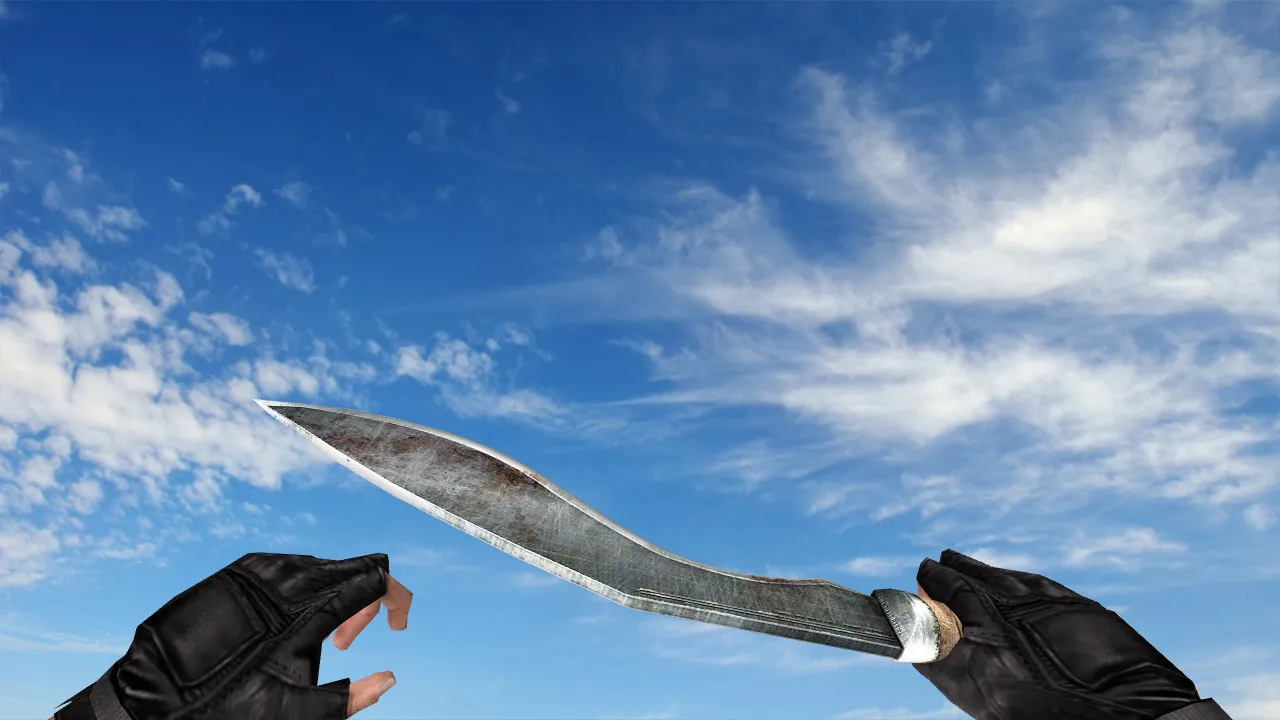
PB Amok Kukri Knife for CS 1.6: v_ p_ w_ Model and Game Pack
This PB Amok Kukri model suits Counter-Strike 1.6 builds for players using custom knives who care about details. During play, the blade appears in first-person view, while inspecting, and when swapping weapons. To function smoothly in the GoldSrc engine, the pack supplies v_, p_, and w_ files so it renders correctly from every angle without clipping problems.
Proper installation prevents client crashes. Place only the model files into your resources directory and avoid modifying server configuration or anticheat folders. For a fast verification, copy your cstrike folder or create a test client instance. This stops broken textures or missing settings from ruining your primary installation.
What Makes a Solid CS 1.6 Knife Model
A quality knife model in CS 1.6 involves more than simple visuals. It bundles functional components linked to handling and feedback:
- v_ model for the first-person perspective, with a polycount tuned for high-FPS performance
- p_ model for hand attachment and fluid animations during swings
- w_ model for the world view on the ground or third-person if the server allows it
- Custom knife audio for strikes and weapon switches to match the pack’s tempo without default mismatches
- Inspect animation to keep the blade lively, preventing static poses during checks
- HD textures at 512x512 resolution or greater, keeping edges crisp without pixelation on low-resolution monitors
These pieces ensure hitbox alignment remains accurate, so swings register correctly without offset glitches.
Straightforward Installation Guide
Download the archive, unpack it, and move the model files into your weapon resources folder. Preserve any subfolders named for the model-do not rename them. Match texture filenames exactly if they are separate. Restart the client after copying.
If the knife looks distorted or textures fail to appear, check the file paths. Typical fixes involve confirming all materials copied over or removing old model files first. Always test in a backup client to protect your clean config.cfg and prevent compatibility issues with Steam or Non-Steam versions.
In-Game Feel: Handling the PB Amok Kukri
The Kukri distinguishes itself with clean lines that hold up in dim maps like de_dust2 tunnels, keeping visibility without dark-area washout. While inspecting, the model keeps its geometry without jumps or polygon tears. Animations move through swing paths naturally, helping quick reactions in close-quarters fights.
Test weapon swaps in the lobby: cycle a few times, inspect the knife, and throw a slash. If sounds sync with the animation timing and no artifacts appear, the pack integrates well. The polycount stays lightweight, supporting 100+ FPS on older rigs without frame drops during knife duels.
Safety and Fair Play Rules
Download only clean archives-no viruses, no backdoors, no adware. Avoid auto-runs or shady installers; manual extraction is essential for CS 1.6. Scan files before placing them in, and do not add lines to config.cfg that might trigger anticheat.
For stability, disable auto-connect features and run a standard launch to confirm the knife displays with full v_ p_ w_ support, sounds, and inspection. No slow-hacks or exploits here-just a straight model replacement.
Bottom Line: The PB Amok Kukri for CS 1.6 delivers a seamless knife swap with solid v_ p_ w_ models, synced sounds, fluid inspect animations, and crisp textures. Test it in a copy, confirm switches and views, and integrate only what runs clean on your setup.
Install in three steps
-
1
Download the archive. Use the button on the right, or the Yandex.Disk mirror if the main server is slow.
-
2
Extract it into the game folder. Use 7-Zip or WinRAR. A path without non-Latin characters works best.
-
3
Launch the game. If something doesn't work, mark it below - that is how we know the file needs an update.
Did it work for you?
No sign-up needed. You can pick more than one.