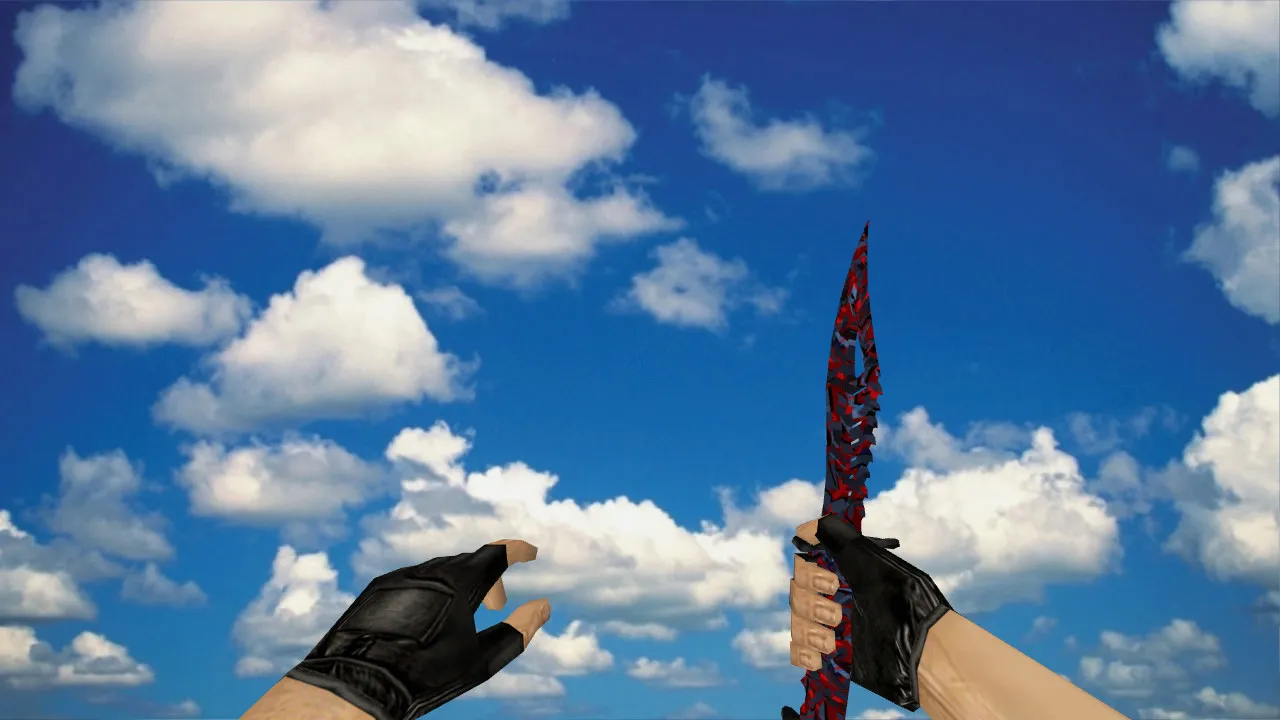
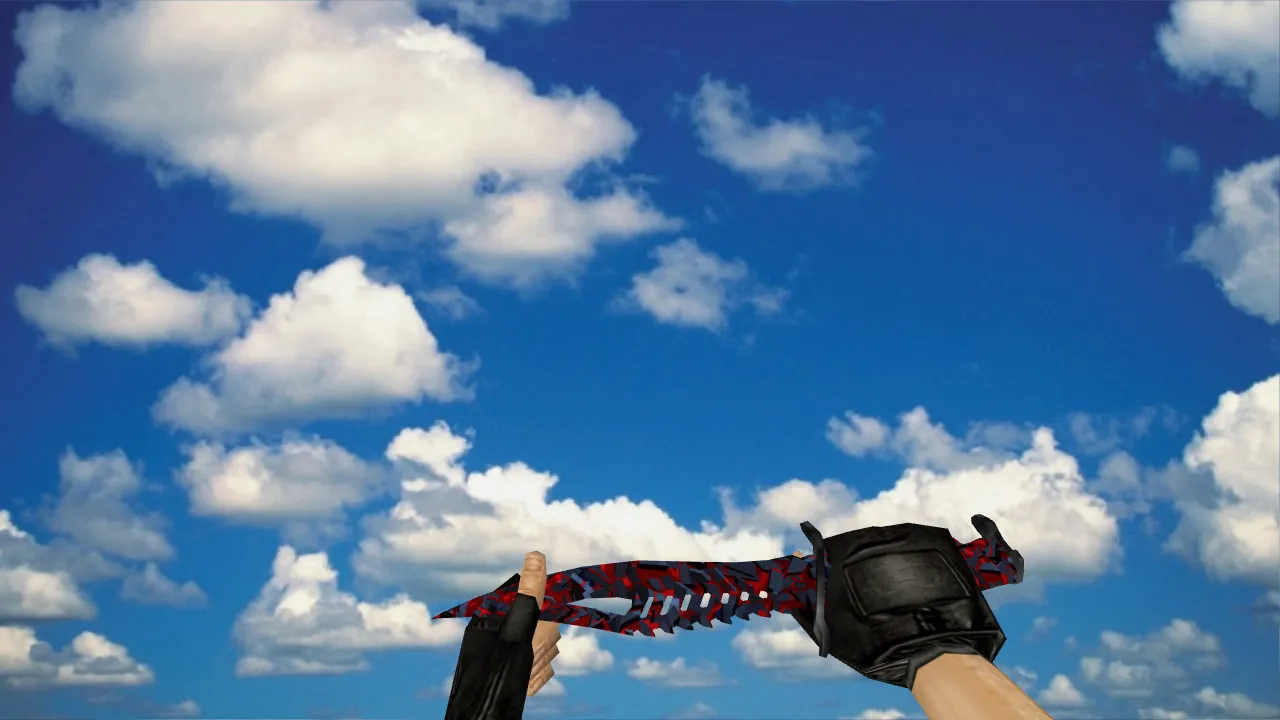
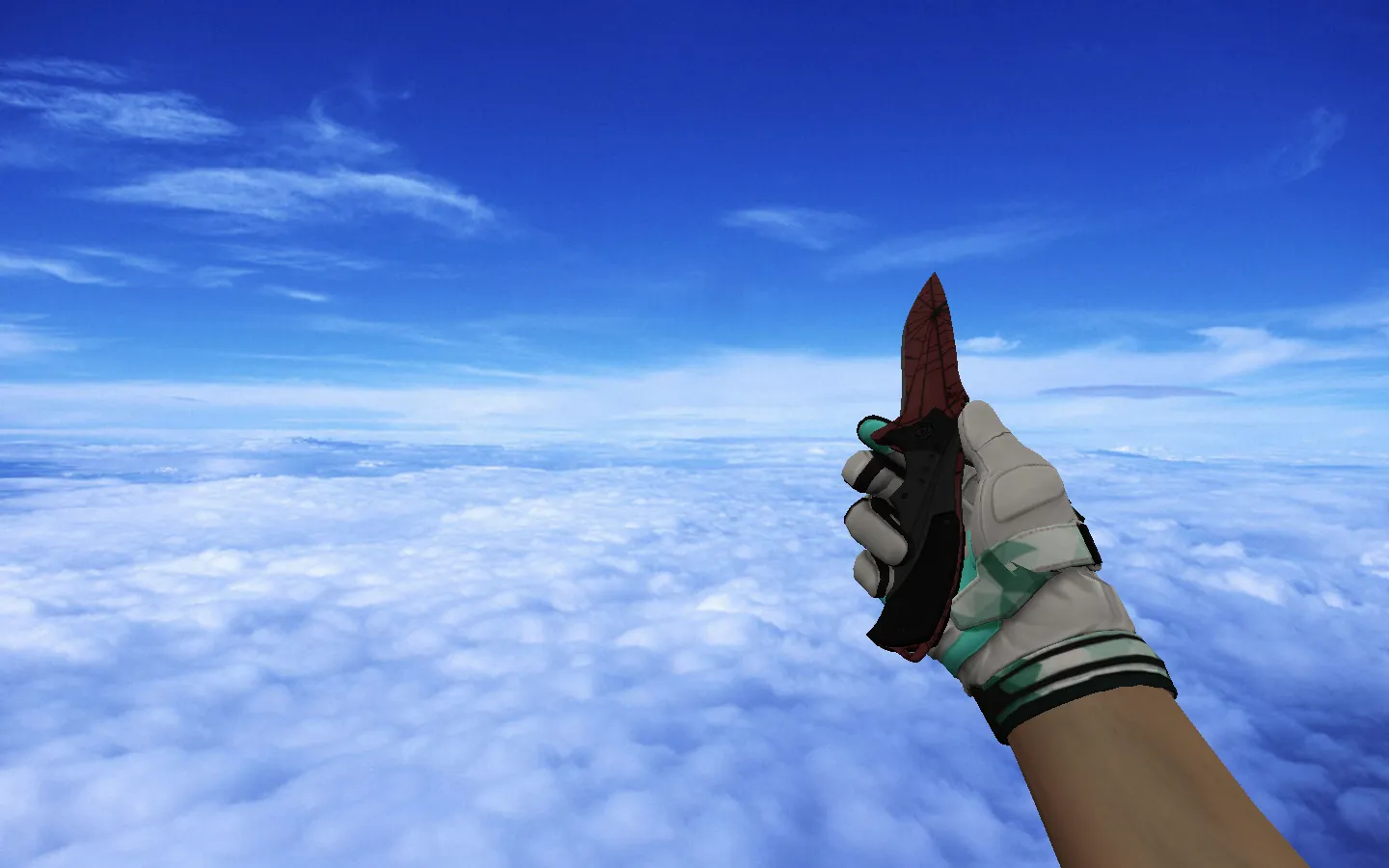
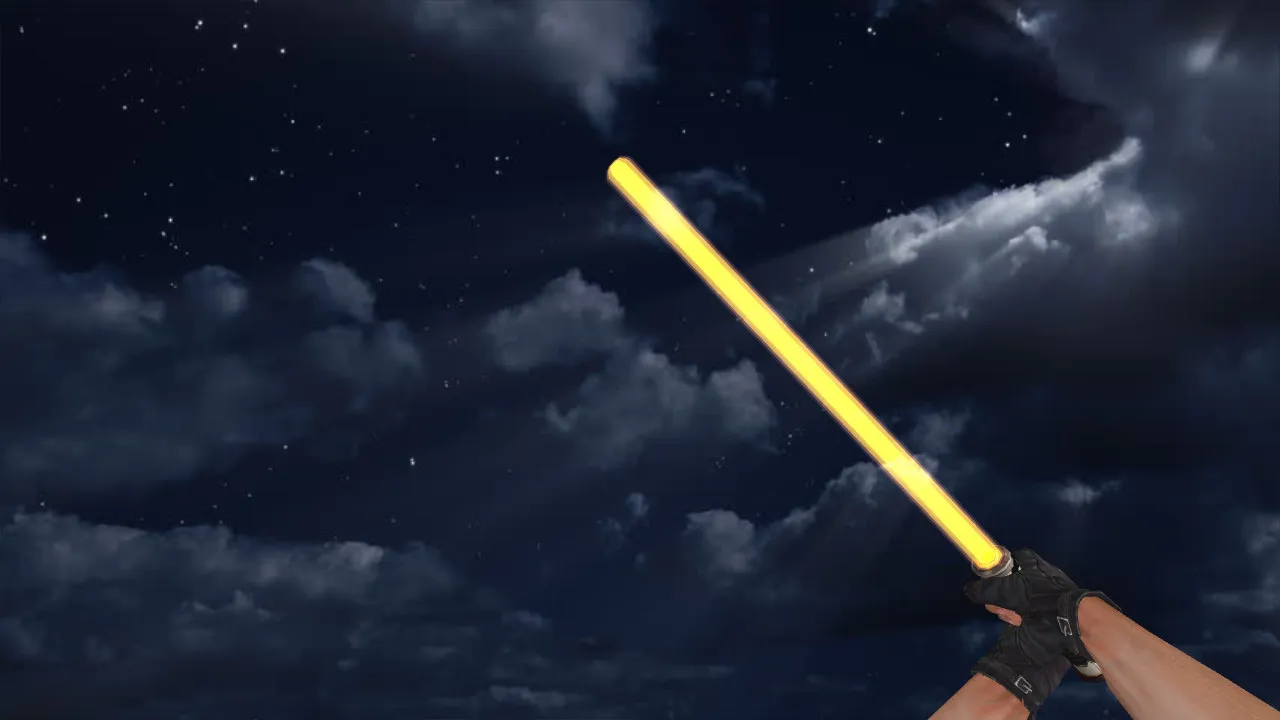
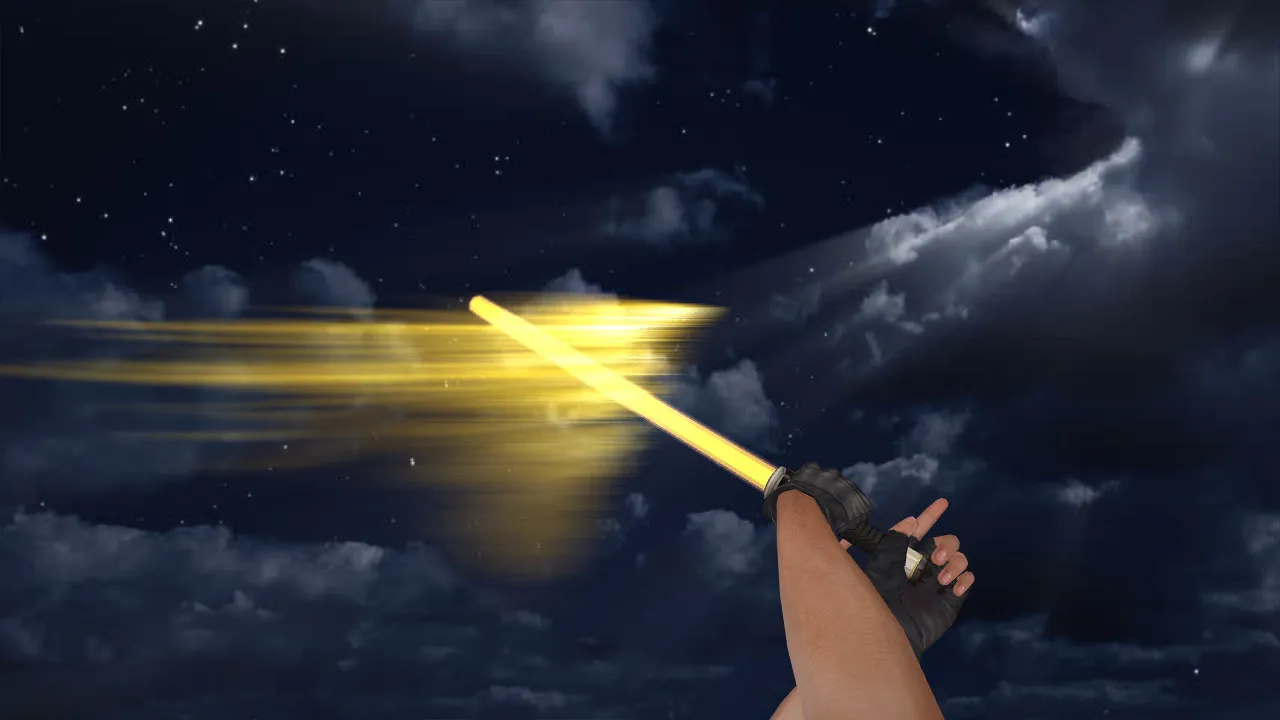
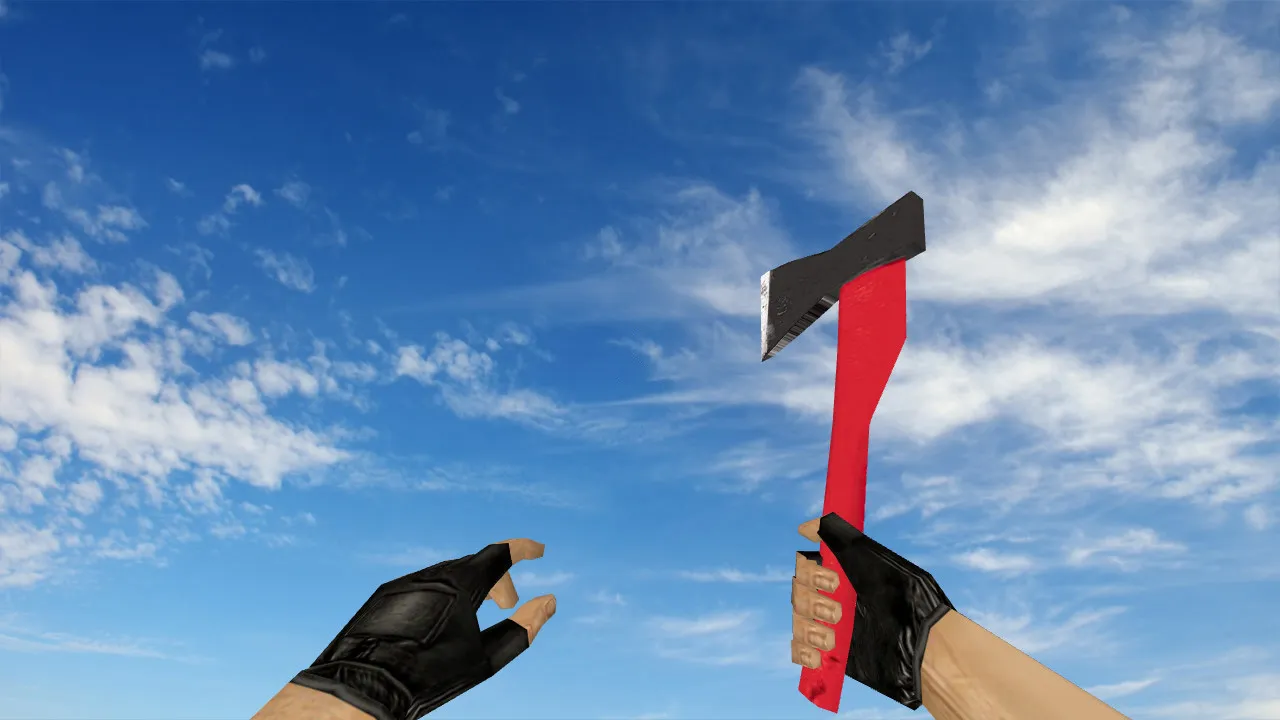
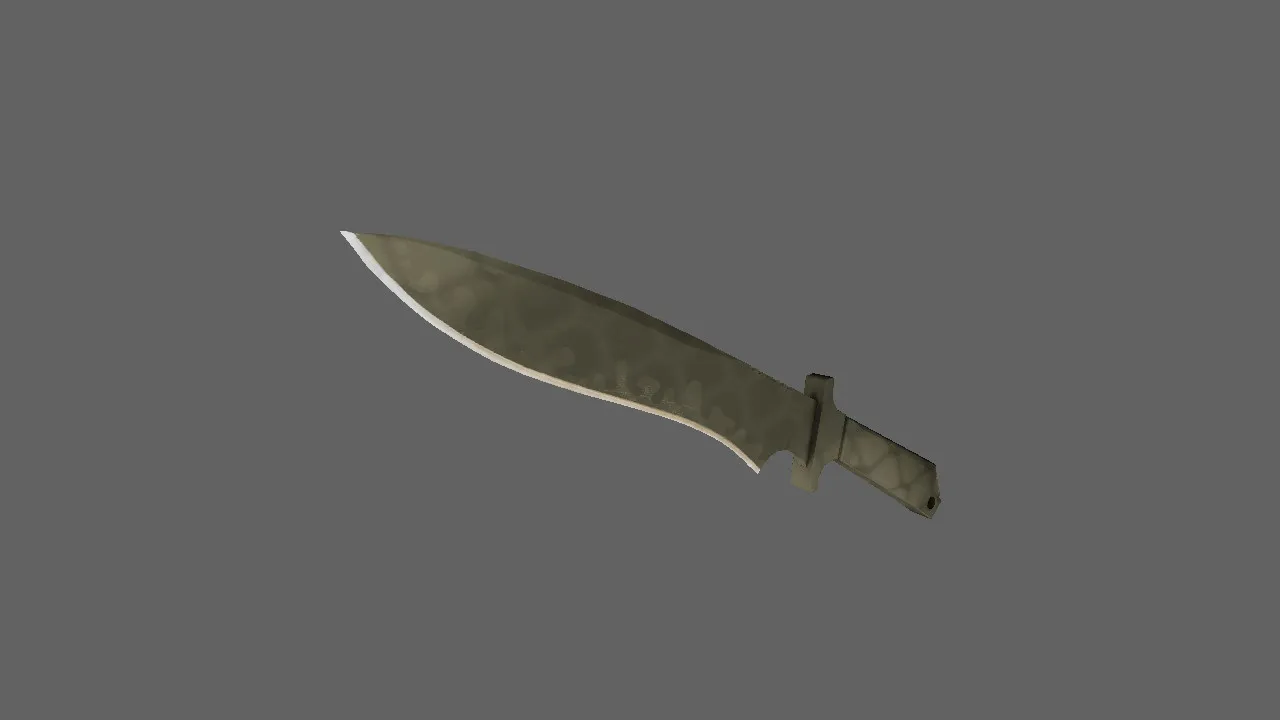
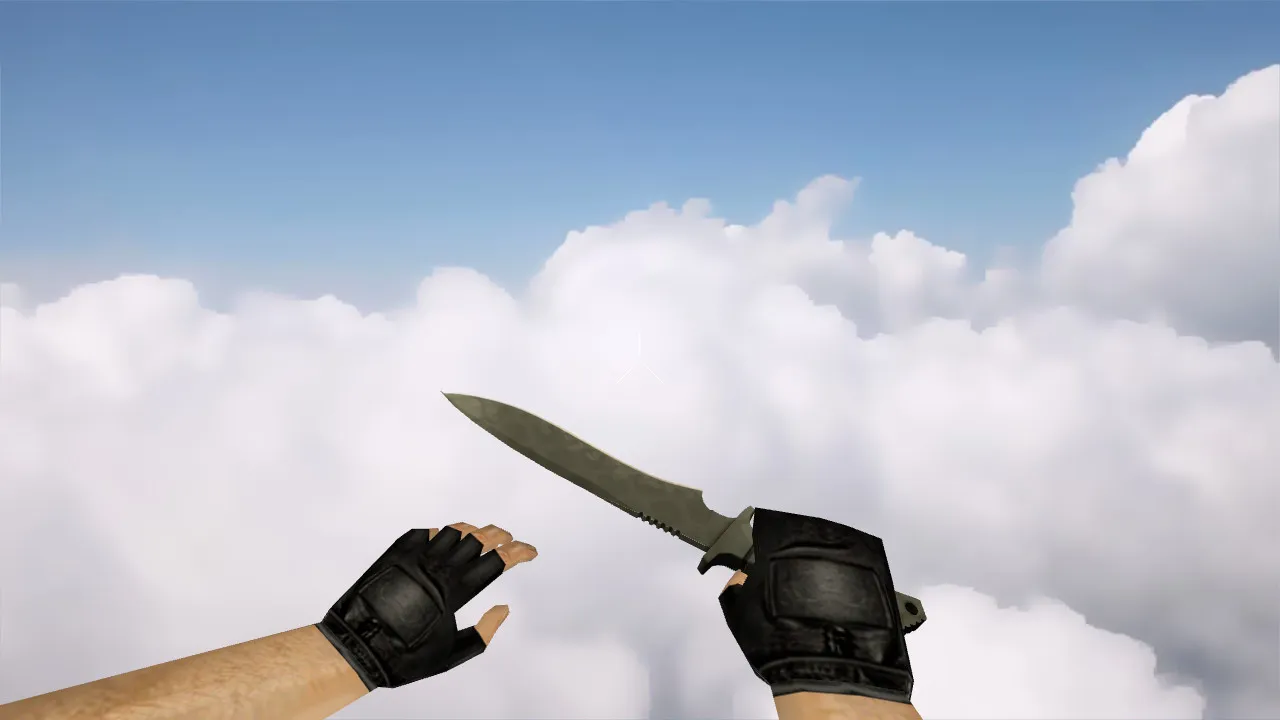
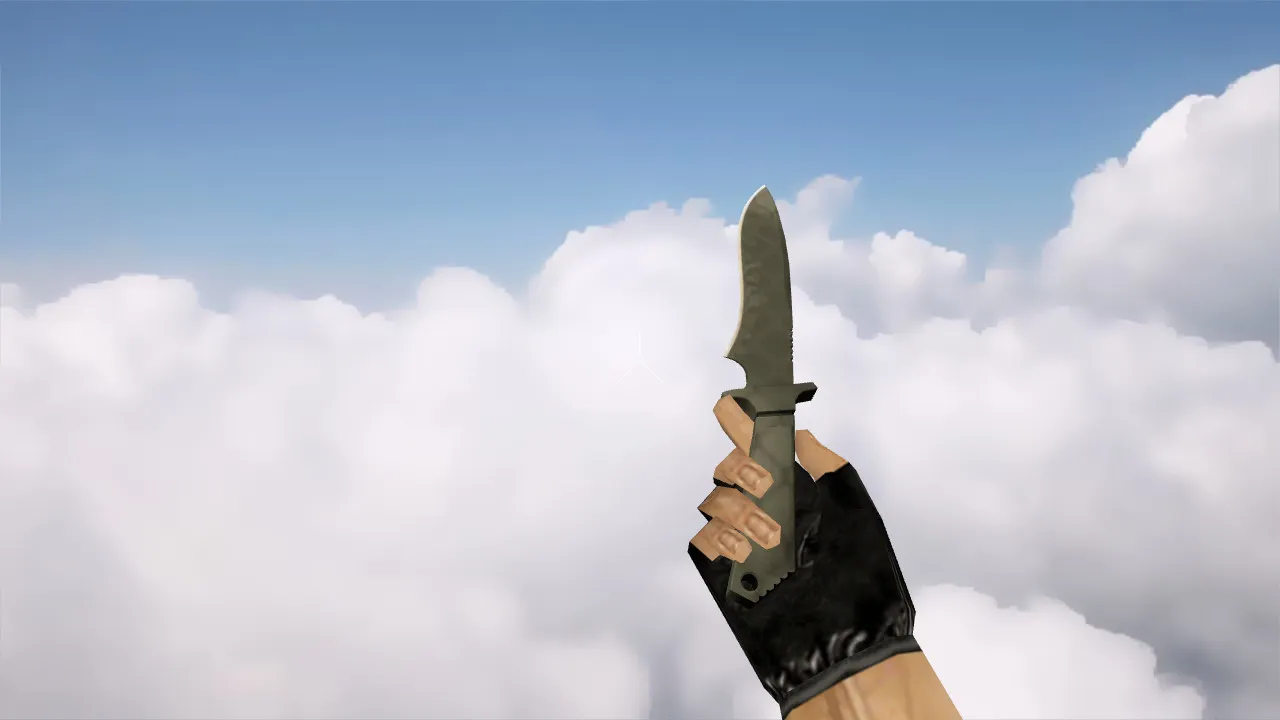
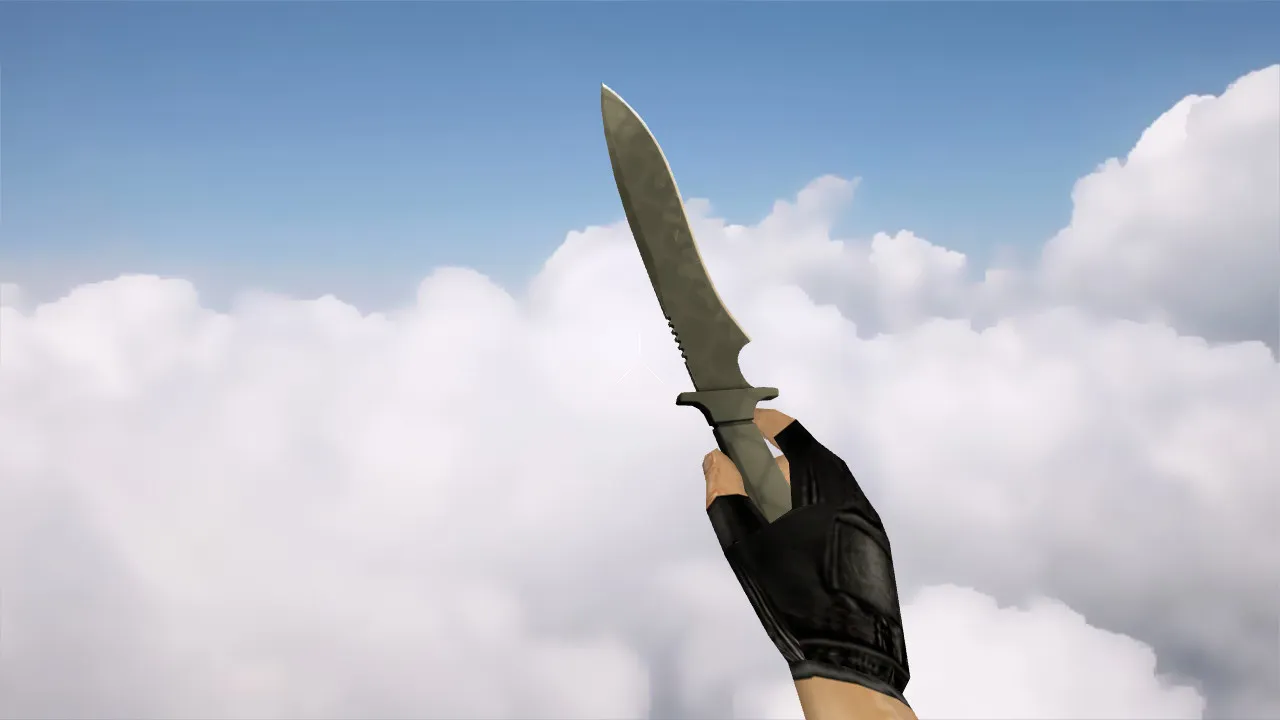
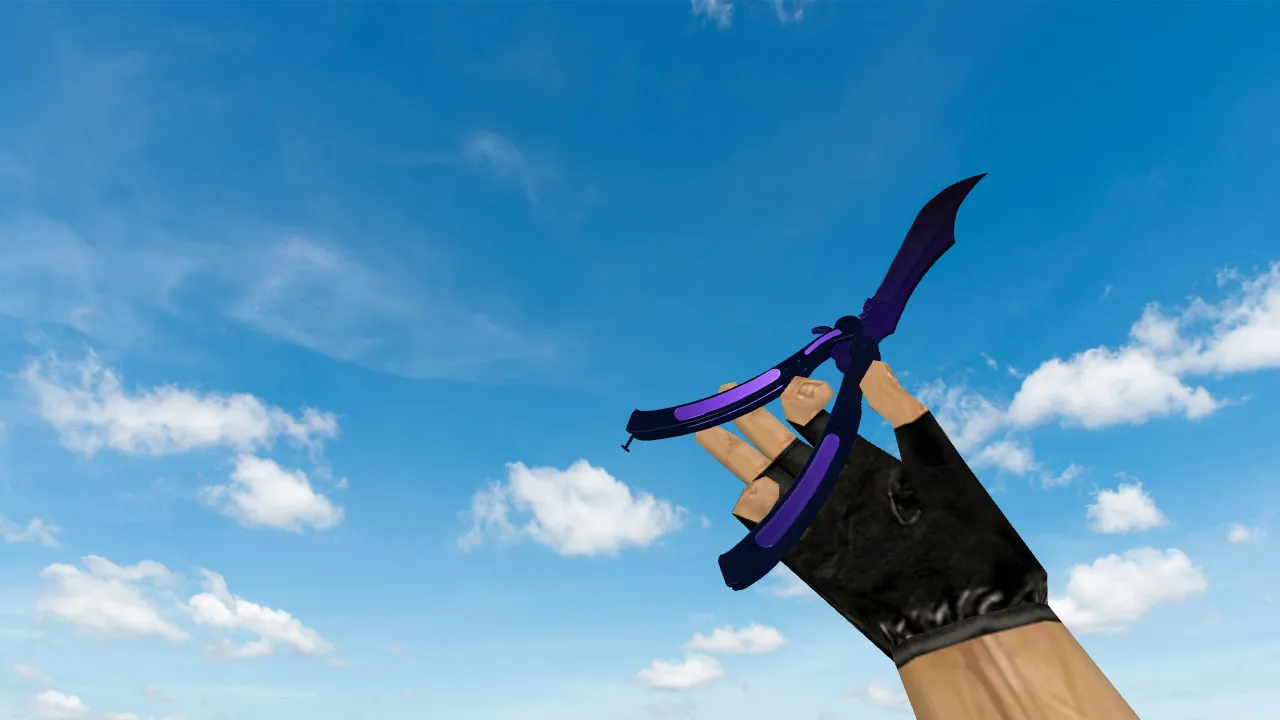
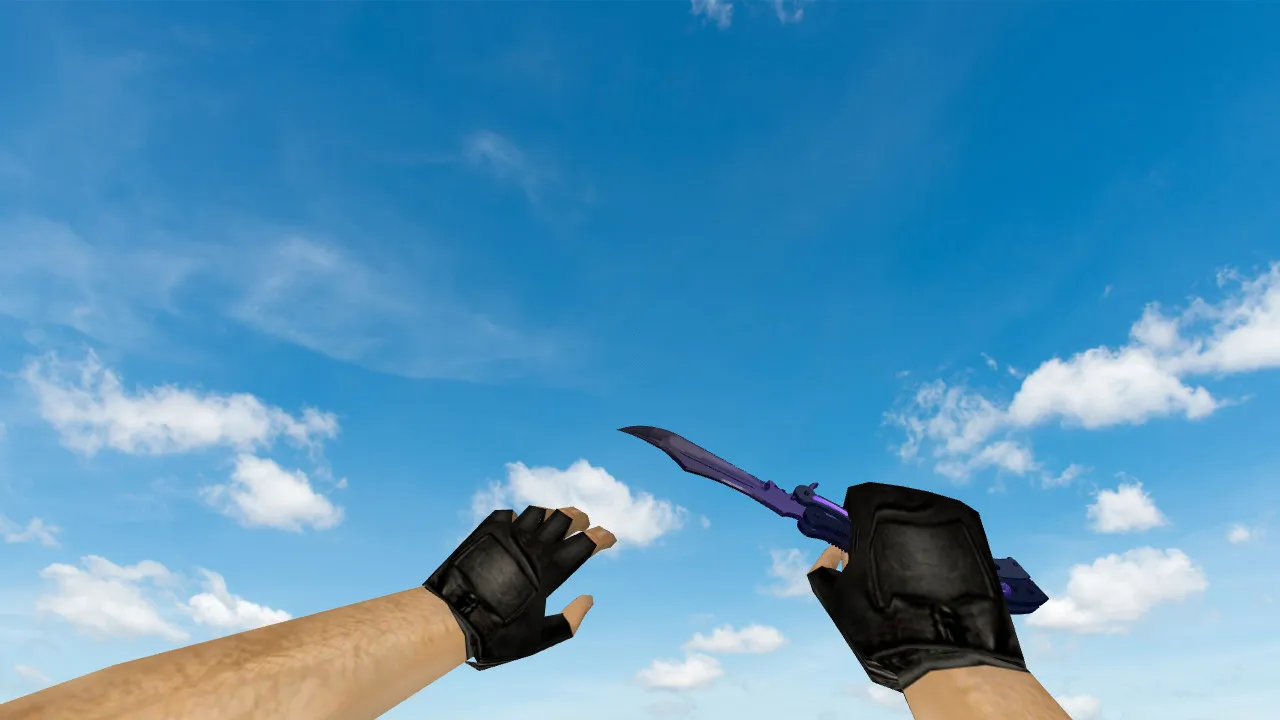
Single Nata Knife Model for CS 1.6: v_, p_, w_ Models, Sounds, Inspect Animations, Textures, and Model Quality
Description
Single Nata Knife for CS 1.6: Setup and Essential Verification
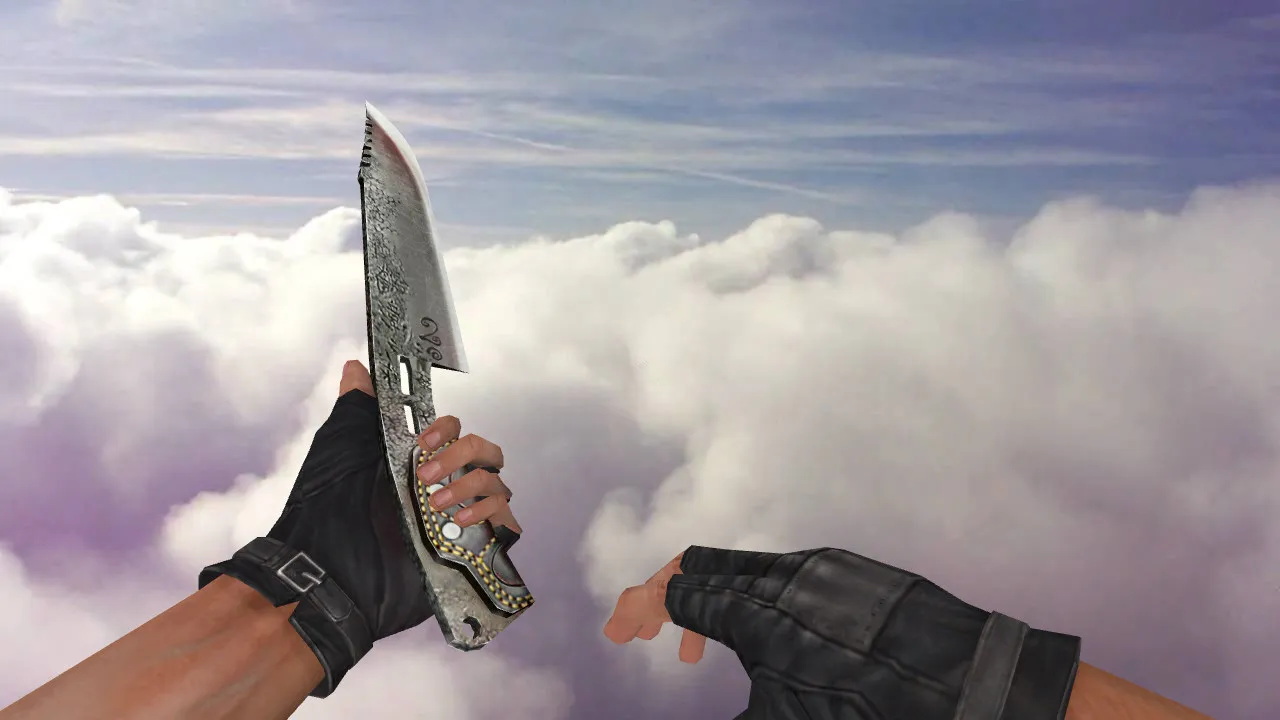
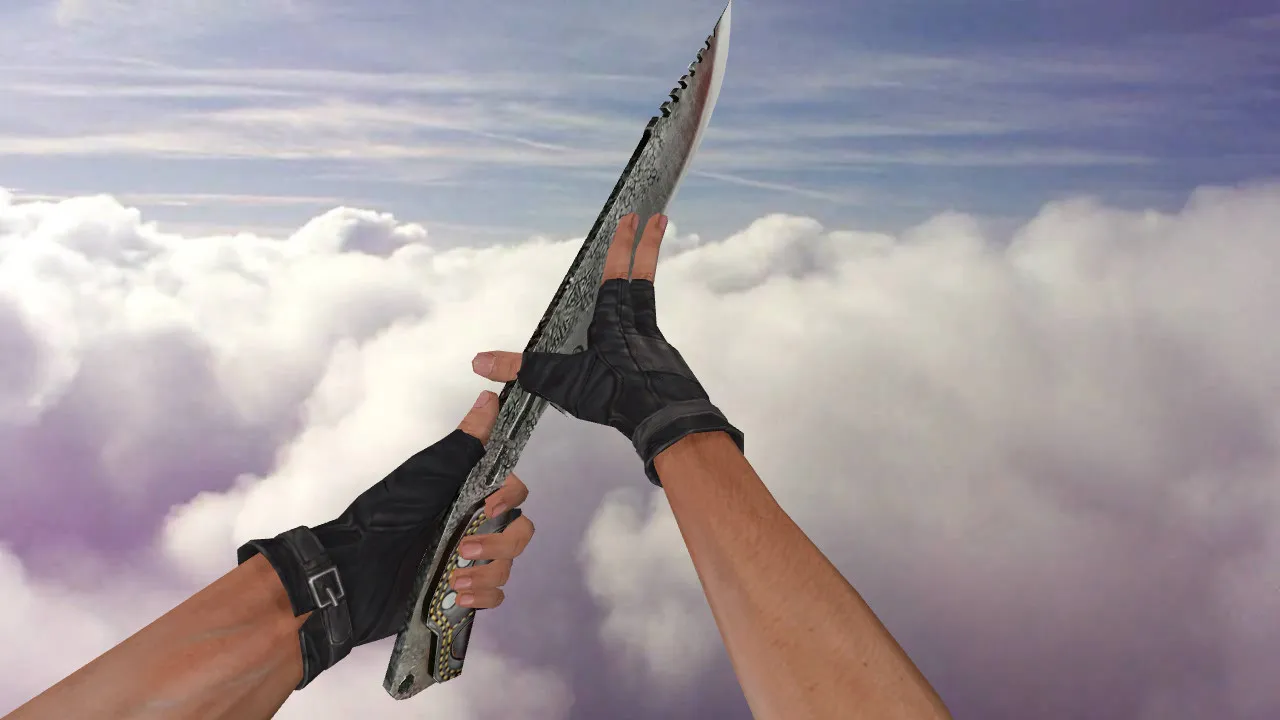
The Single Nata Knife model for CS 1.6 swaps out the standard blade and fits cleanly into the loadout. Confirm the package supplies the three core layers: v_ for the first-person perspective, p_ for the third-person held view, and w_ for the world pickup model. This trio keeps the weapon consistent during combat and quick switches, preventing visual glitches in fast-paced rounds.
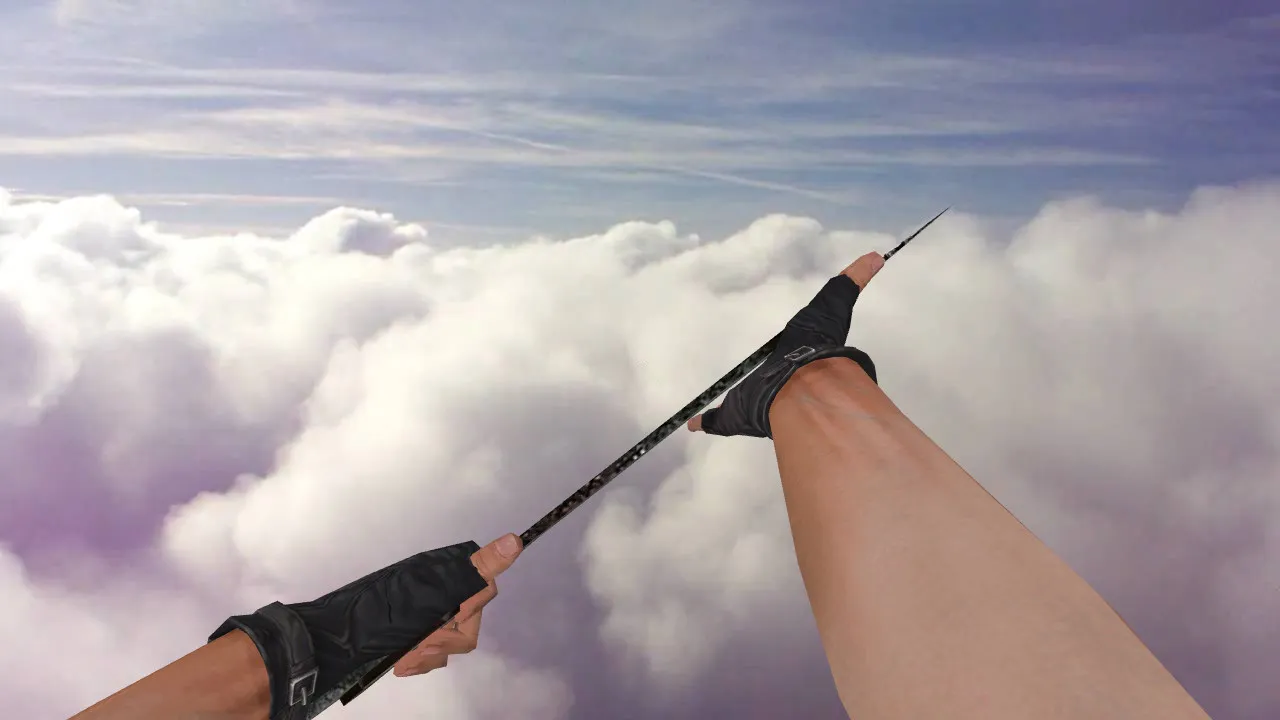
Players pick this knife for its crisp edges and correct hand positioning. Run these tests: inspect animation fluidity, proper rotation when selected, zero jitter on weapon swaps. Textures must stay sharp with no blurring or UV errors; small details should remain visible at distance. The polygon count is kept low to preserve high frame rates on older hardware.
If custom audio is bundled, verify it across every action: draw, slash, miss, and switch. Sounds must match the CS 1.6 engine volume and timing. Delays or doubled cues point to misplaced audio files or wrong config bindings-re-check paths inside the wad archive.
Hitbox Precision, Low-Light Clarity, and Distinct Skin
Knives in CS 1.6 are more than cosmetic; hitbox accuracy determines reliability. Validate model interaction: clicks line up exactly with the visible blade in the v_ view. Test in dark corners and under shifting light on maps such as de_dust2's tunnels-poor gamma or material settings can hide the hand and knife outline.
The Single Nata Knife stands apart thanks to its unique skin design. Compare moving and idle silhouettes to confirm. Low contrast or faded colors may come from texture mod conflicts; isolate by turning off other skins. Competitive-grade visibility ensures it pops in shadows without over-brightening.
Safe Manual Installation
Install by hand-no auto-connectors, no third-party tools. Place only knife-related files into the CS 1.6 folders. Back up originals first for a quick rollback. This model is virus-free, ad-free, and will not trigger slow-hacks or bans.
- Confirm v_, p_, and w_ files match your build (for example, 4554 or 8613).
- Validate inspect animation length; no cuts during switches.
- For sounds, ensure proper linking without duplicates in the sound cache.
- Launch the game after install: test switches, inspect, air swings, and target hits.
Crooked display or missing model? Files are likely in wrong directories or incompatible with the engine format. Restore the backup and verify folder structure-models belong in models/, sounds in sound/weapons/.
Optimization and Clean Config Setup
This knife model has minimal FPS impact, but conflicts can appear. With a clean config.cfg, avoid overrides on model rendering. For network stability, set ex_interp 0.01 and tuned rates. Test on public servers for smooth performance gains.
Ensure build compatibility: MasterServer protected, Steam/Non-Steam agnostic. Do not mix files from mismatched versions-stick to one client type to prevent crashes. No-recoil configs pair well if you are tuning for precision knife work.
Final Pre-Match Checklist
- Knife displays correctly in hand and on selection.
- Inspect runs without hitches.
- Sounds trigger once, no lag.
- Textures hold up on maps and in low light.
- Click hits feel spot-on with hitbox alignment.
Once cleared, jump into pubs or leagues. The Single Nata Knife gives that edge in tight rounds, with HD 512x512 textures and precise animations boosting your close-quarters game.
Expand your CS 1.6 arsenal safely-focus on v_ model clarity for better aim feedback. In knife duels on maps like cs_office, the stable w_ view prevents disorientation. Custom inspect lets you admire the nata's unique blade curve without interrupting flow. Pair with no-recoil knife binds for pro-level slashes. Always test in offline mode first to nail sound sync and animation loops.
Install in three steps
-
1
Download the archive. Use the button on the right, or the Yandex.Disk mirror if the main server is slow.
-
2
Extract it into the game folder. Use 7-Zip or WinRAR. A path without non-Latin characters works best.
-
3
Launch the game. If something doesn't work, mark it below - that is how we know the file needs an update.
Did it work for you?
No sign-up needed. You can pick more than one.