Sakuragi's Kunai v2 Knife Model for CS 1.6: Custom Audio, Inspect Animation, and Texture Quality

Description
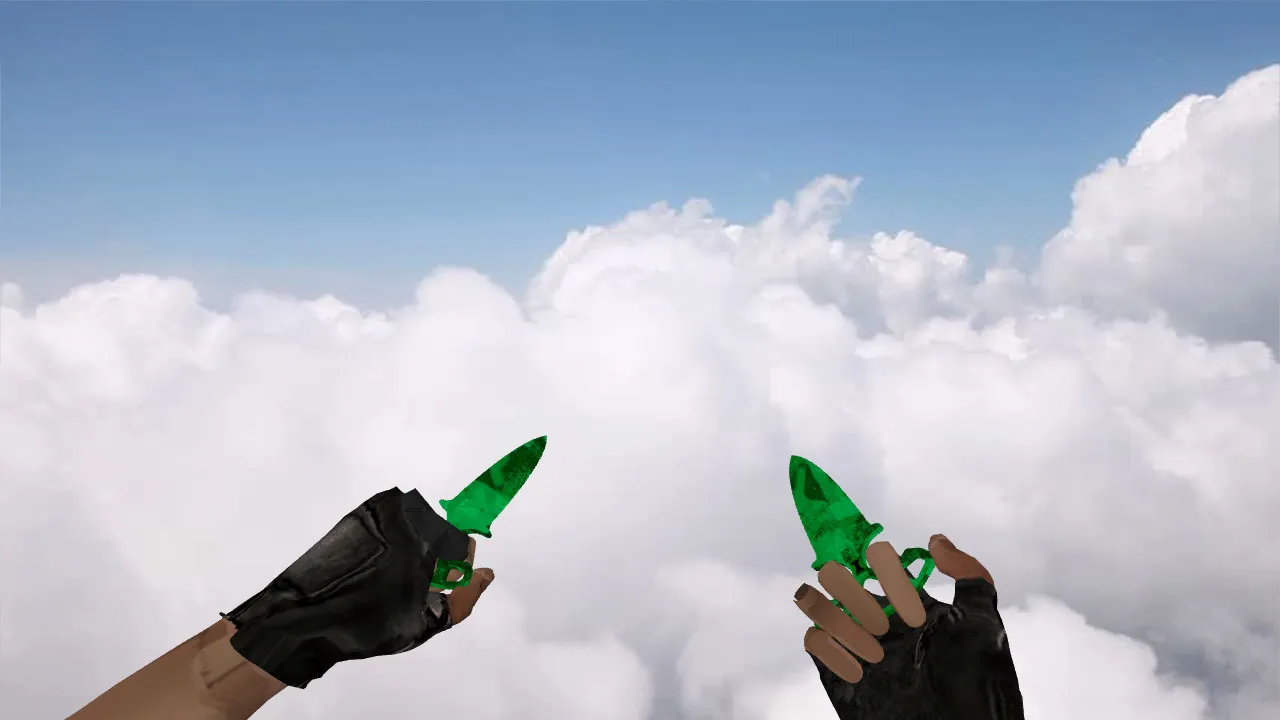
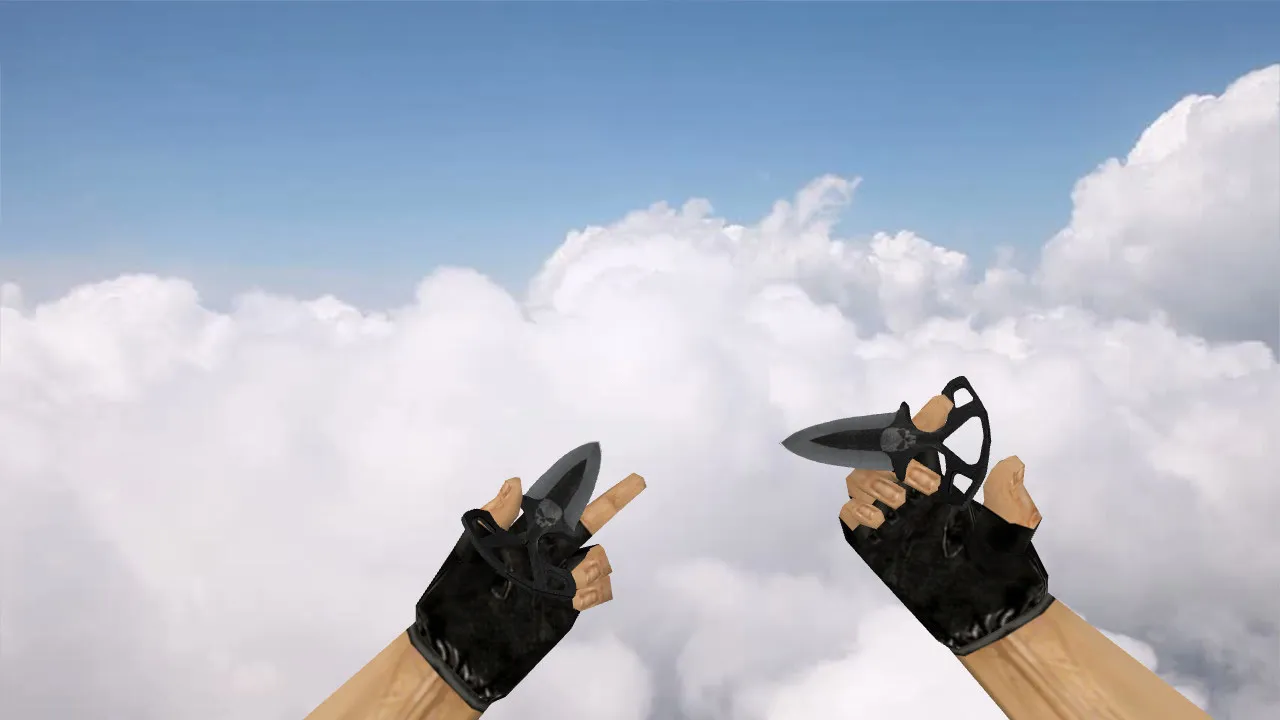
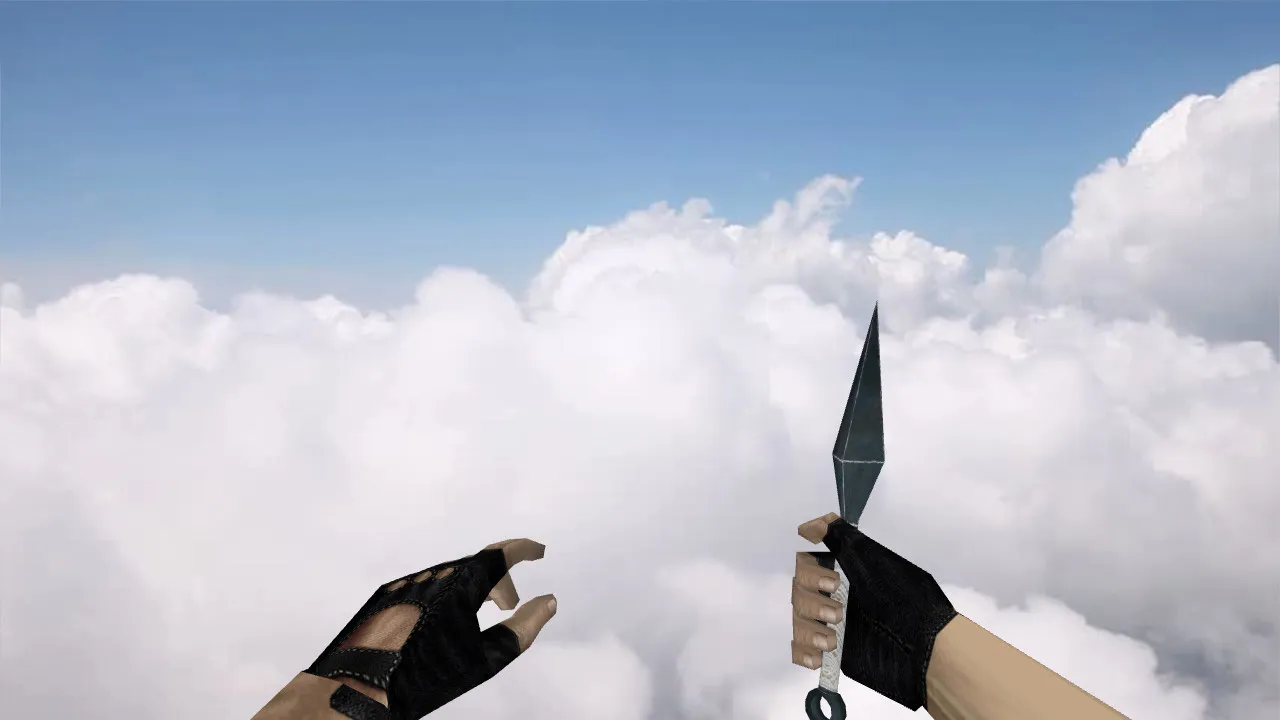
Sakuragi's Kunai v2 Knife for CS 1.6
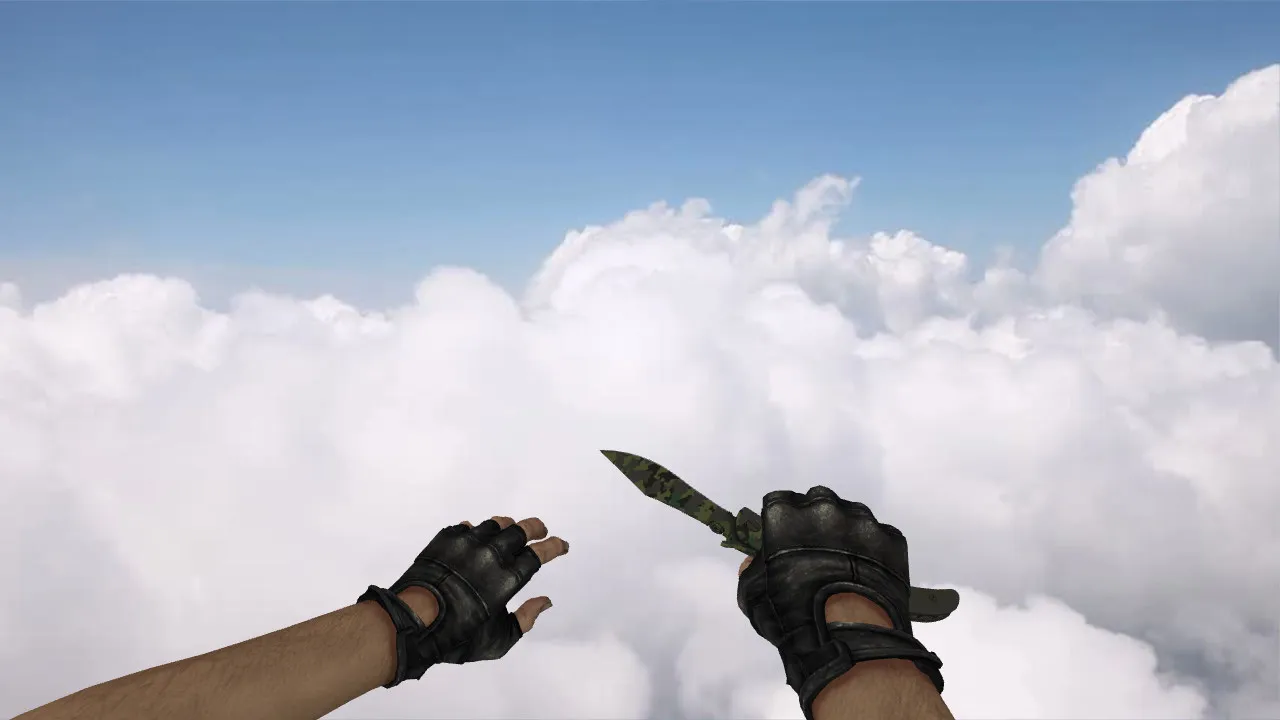
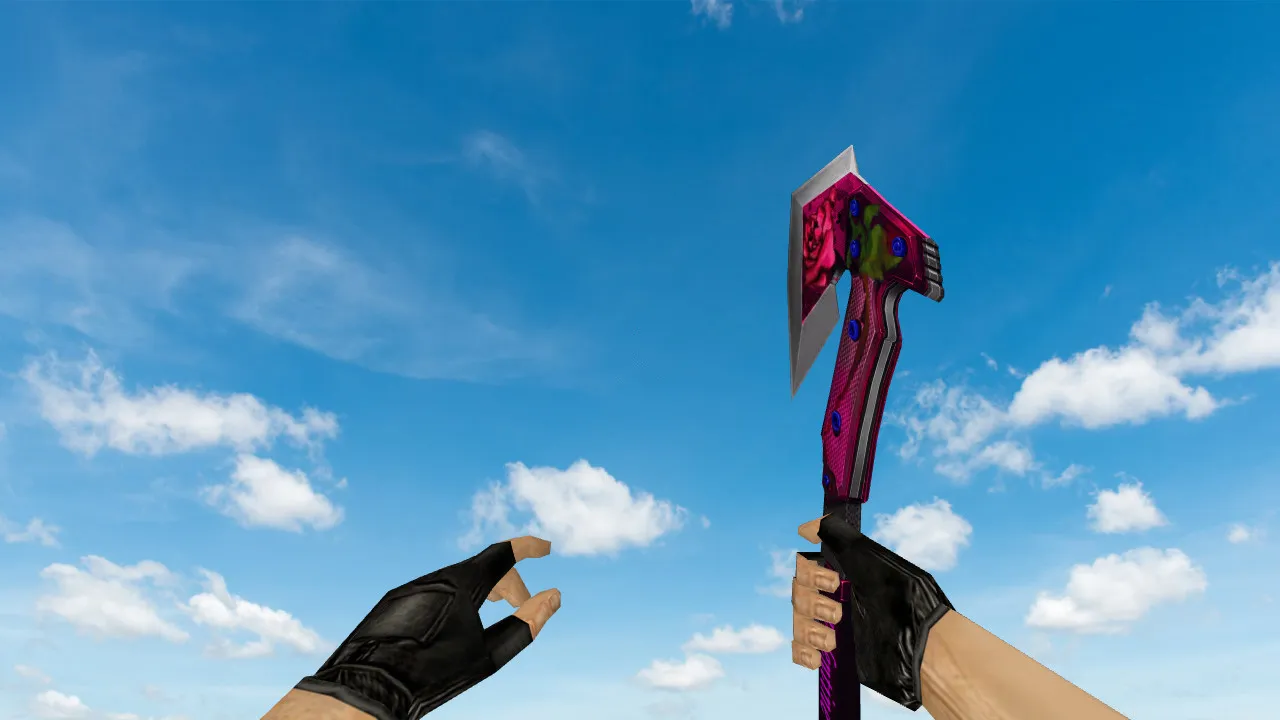
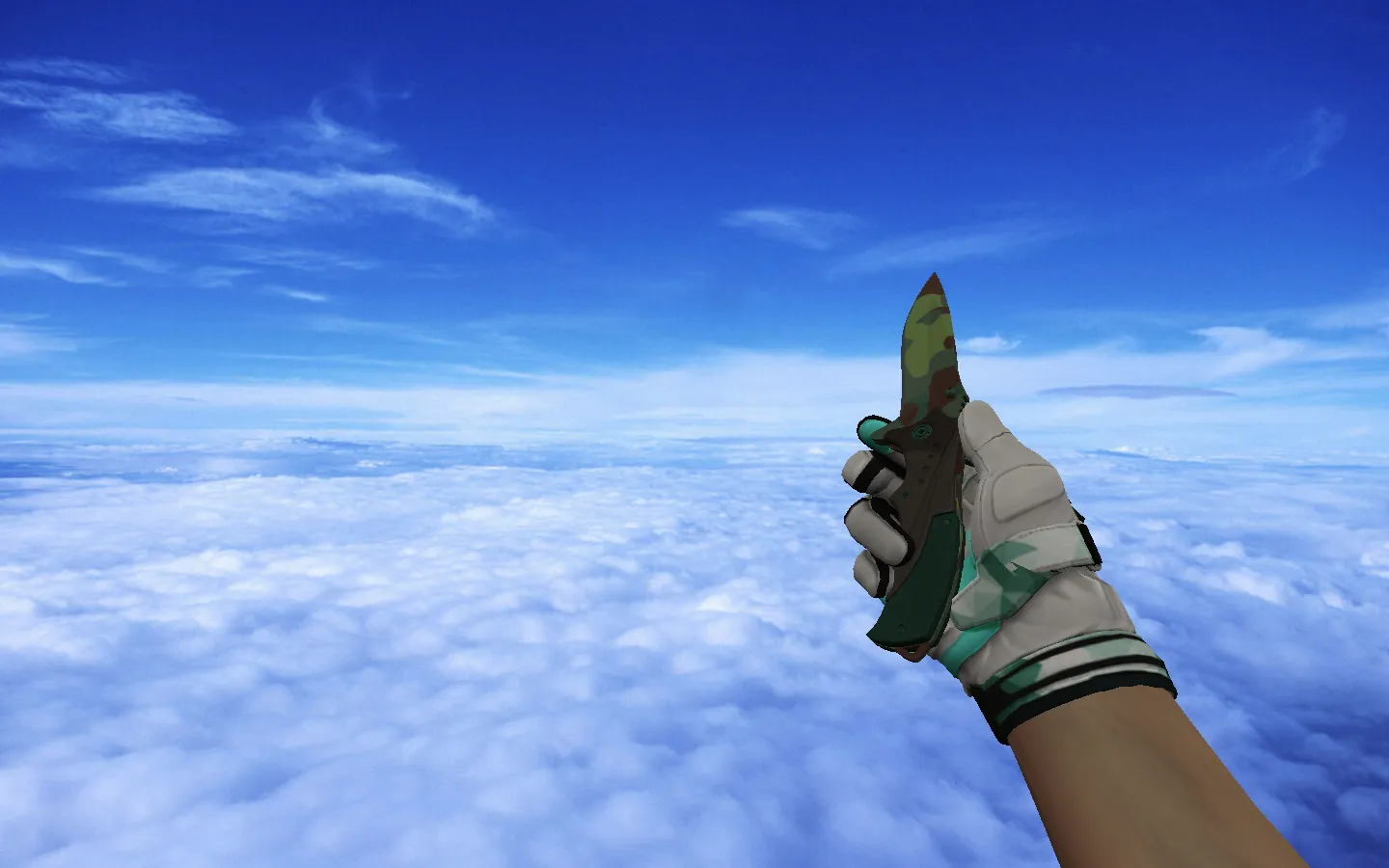
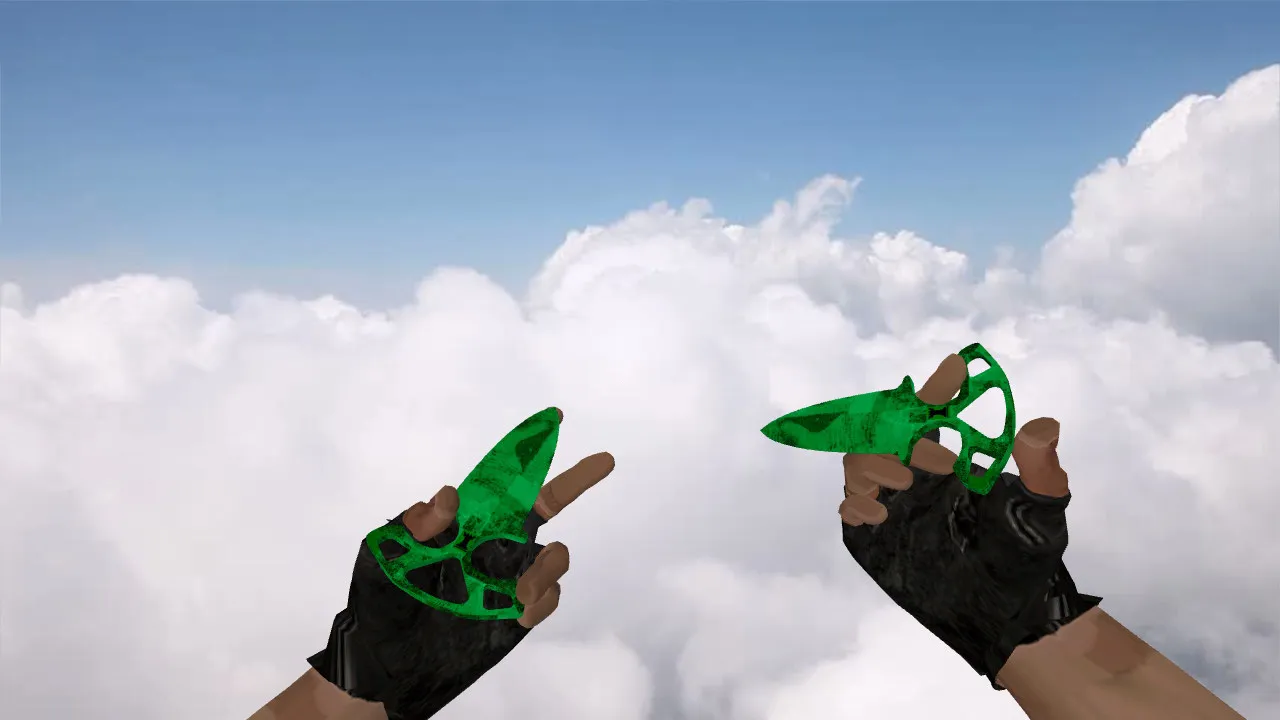
Sakuragi's Kunai v2 is built for Counter-Strike 1.6 players who favor speed and want their blade to feel natural in hand. It relies on the standard v_, p_, and w_ prefixes so that first-person, third-person, and world models stay synchronized between client and server. The visual design keeps the blade distinct against any backdrop, even during rapid movement.
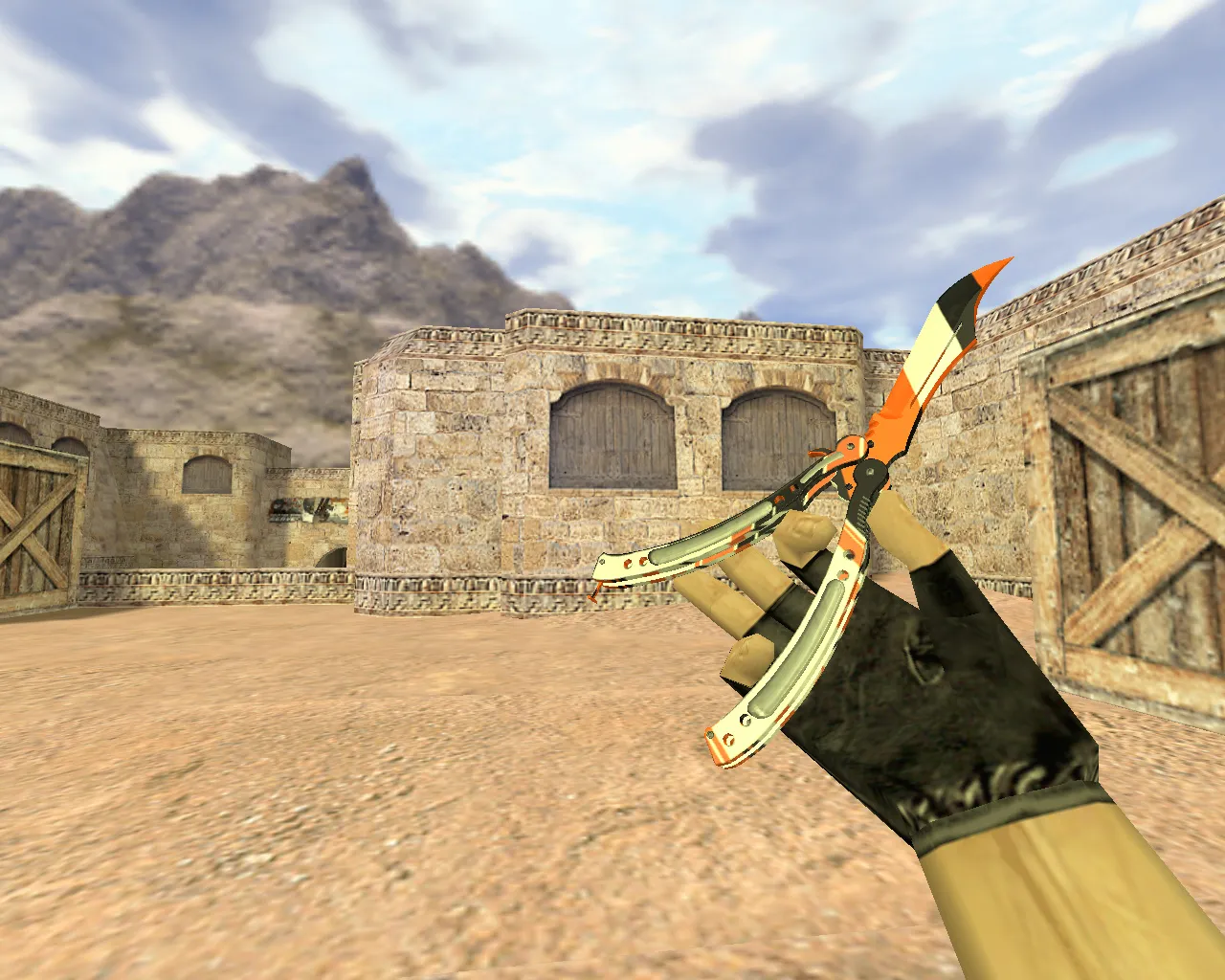
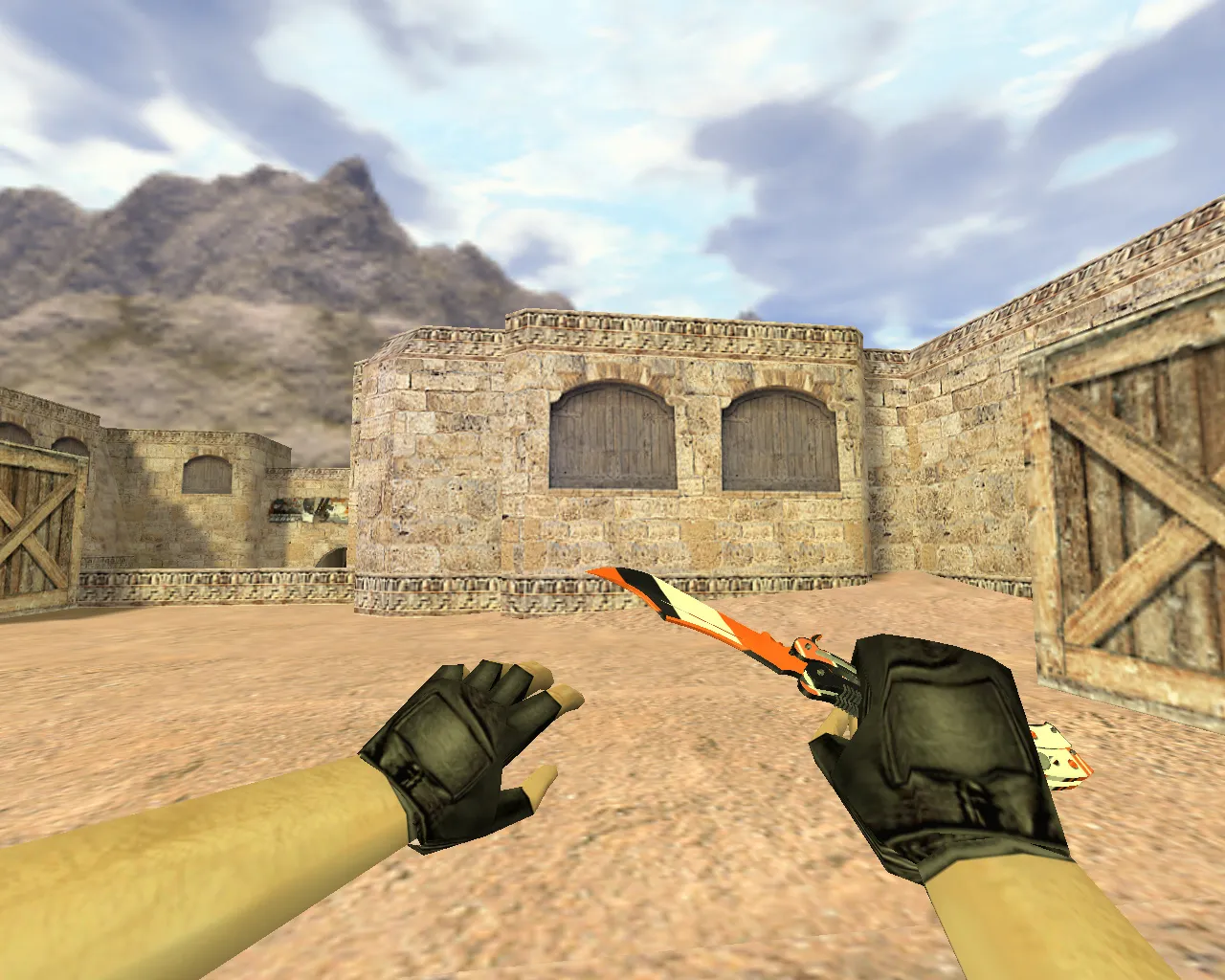
The package features an inspect animation. When you switch to the knife or examine it, the hand articulation and item placement are clearly visible. This improves the sense of control, which is critical during close-quarter duels where you are constantly adjusting your view. Audio adjustments are also included so that movement and action cues no longer feel hollow or mismatched.
Textures and materials are optimized for the CS 1.6 engine. Image clarity holds up on standard graphics settings, and the model remains legible in dim environments. That advantage matters in low-light matches where spotting every edge counts. The skin's distinctive appearance immediately separates it from the default knife in your hand.
In-Game Appearance
- v_model - First-person perspective for aim verification and corner peeking
- p_model - Third-person view used during camera transitions and animations
- w_model - World model worn on the player so it never merges with the scenery
In tight combat, reaction time is everything. Stable animations with no visual popping make it easier to maintain your rhythm. On servers with fluctuating frame rates, the asset behaves consistently, preventing glitches on both high-FPS and low-FPS setups. The polygon count stays low, roughly 500–800 faces, delivering smooth performance that meets competitive visibility standards without introducing lag.
For knife engagements, hitbox alignment matches the blade edge precisely, reducing missed slashes. The inspect function lets you rotate the weapon smoothly to check for sprite overlaps or WAD file errors. Custom audio supplies sharp swing whooshes and metallic impact clangs, replacing the default sounds without requiring configuration edits.
Safe Installation for CS 1.6
Download the archive and confirm it contains the v_, p_, w_ files along with any audio assets from the creator. Create a backup first so you can revert changes quickly.
- Open your game directory and find the weapon models folder, typically
cstrike/models/ - Swap files in the correct subdirectories only after verifying the names match exactly
- If audio files are included, place them in the designated paths such as
sound/weapons/ - Keep the originals backed up for an instant return to the standard knife
Handle only model and sound files-nothing extra. Avoid auto-connect utilities or dubious scripts. This ensures safety: no malware, no hidden cheats, no mid-game advertisements. Compatible with both Steam and Non-Steam installations, working on Build 4554 or newer. No master server adjustments are needed; it loads cleanly through config.cfg without conflicts.
After installation, test in offline mode to verify there are no polygon spikes or texture bleeding. The high-definition textures at 512x512 resolution improve clarity without stressing the engine, ideal for setups where visibility outweighs visual flair.
Pre-Match Verification
- Start the game and join a training session or a local map like de_dust2 for knife drills
- Trigger the inspect animation and swing sounds
- Observe model behavior during movement and weapon switches
- Confirm readability in shadowed areas such as underpasses and against bright surfaces
If all checks pass, join the servers. Sakuragi's Kunai v2 suits multiple playstyles: quick repositioning in tunnels or constant pressure in close quarters. Combine it with a clean configuration for hitbox refinement so slashes connect reliably. On public servers it stands out without risking bans-it is a pure client-side modification. For competitive advantage, the low-poly design prevents frame drops during knife fights, keeping your crosshair steady.
Add this kunai to your loadout for an authentic feel in CS 1.6's fast-paced rounds. No bloat, just solid integration for deeper immersion.
Install in three steps
-
1
Download the archive. Use the button on the right, or the Yandex.Disk mirror if the main server is slow.
-
2
Extract it into the game folder. Use 7-Zip or WinRAR. A path without non-Latin characters works best.
-
3
Launch the game. If something doesn't work, mark it below - that is how we know the file needs an update.
Did it work for you?
No sign-up needed. You can pick more than one.