CF Combat Axe Lotus Knife Model for CS 1.6: v_ p_ w_ Files, Custom Sounds, Inspect Animation and HD Textures

Description
CF Combat Axe Lotus Knife for CS 1.6: Contents and In-Game Performance
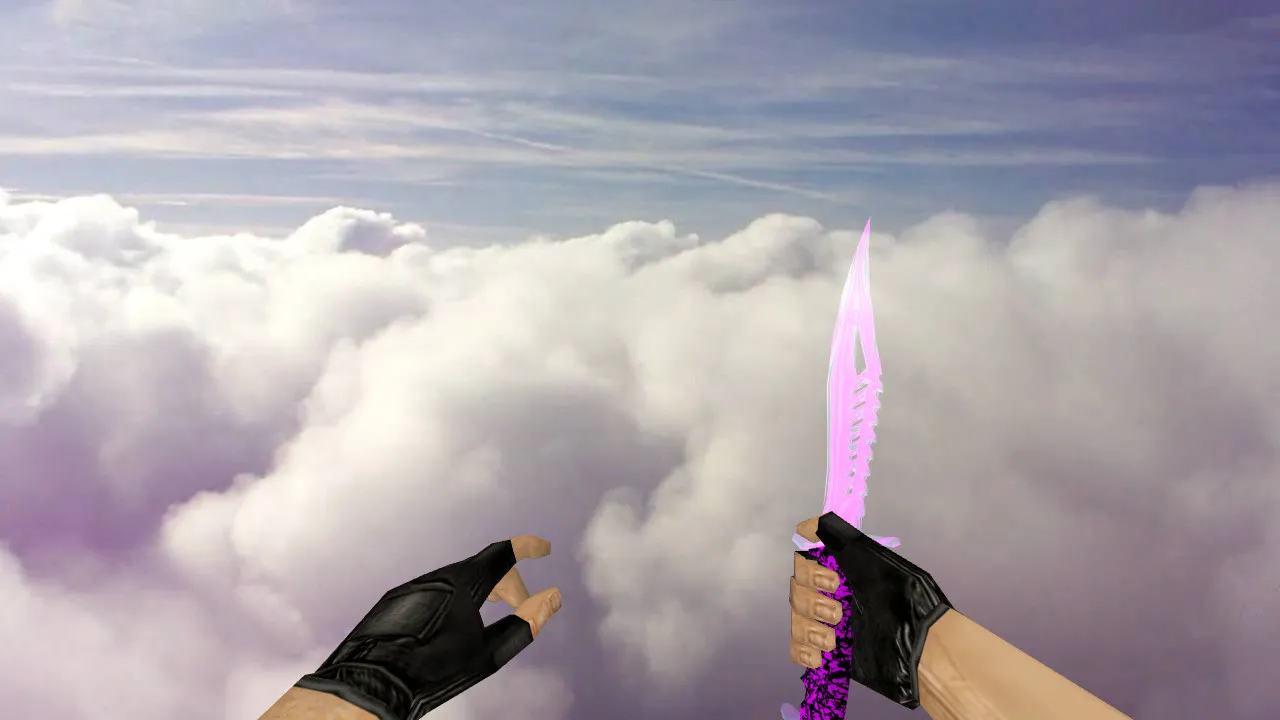
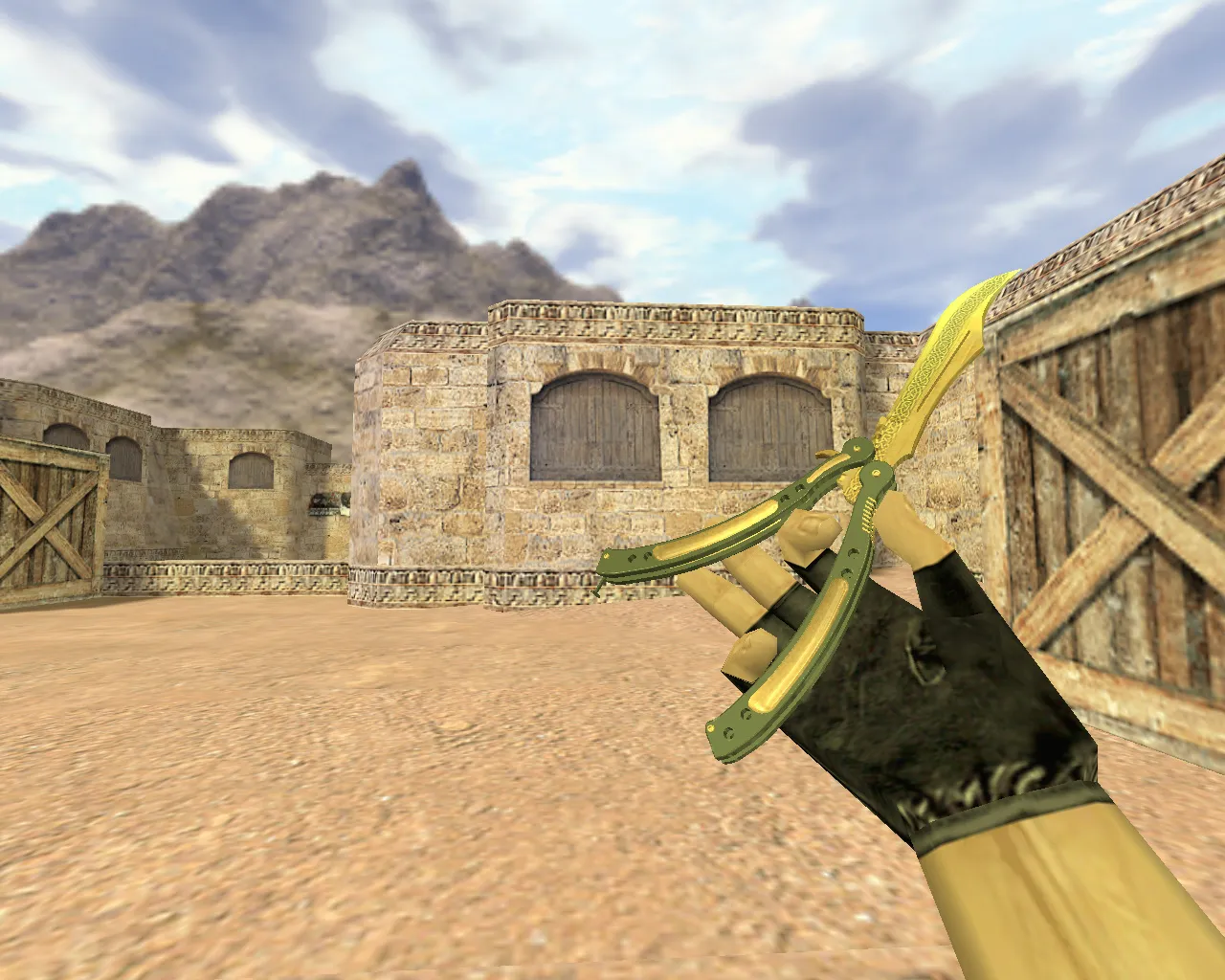
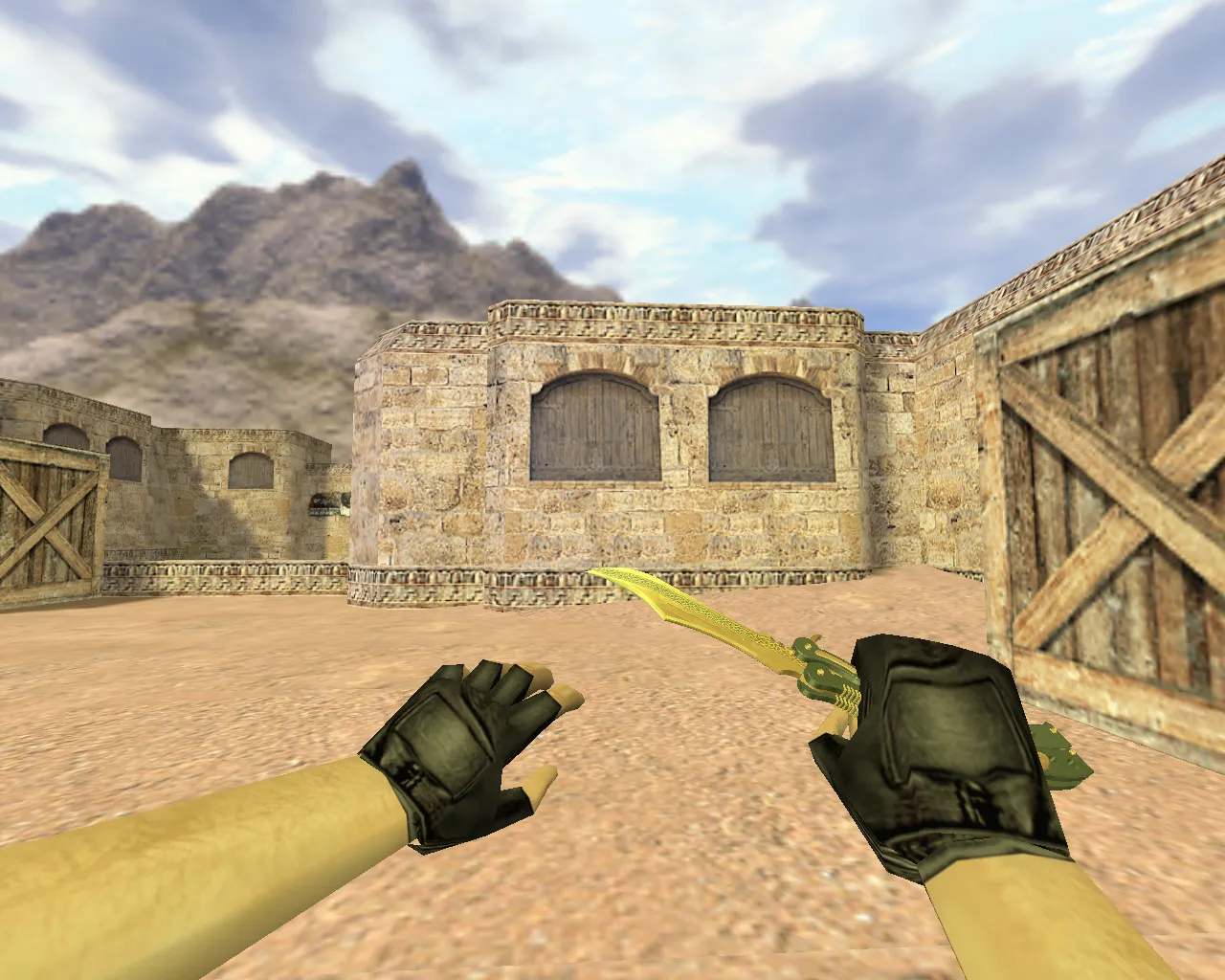
The CF Combat Axe Lotus knife model is built specifically for Counter-Strike 1.6, swapping out the standard melee weapon for a robust replacement. The download package supplies the core files required by the GoldSrc engine: v_ for the first-person viewmodel, p_ for third-person player hands, and w_ for the world model lying on the ground. Having all three present keeps geometry consistent across every perspective, preventing clipping or visual gaps that break immersion during close-quarters combat.
Visually, the Lotus theme defines the look with crisp, legible textures tuned for movement. At resolutions of 512x512 or greater, fine details remain sharp in dim environments such as the tunnels of de_inferno or shadowed corners of de_dust2. The blade and handle retain distinct outlines even at a distance, stopping the model from fading into the background. For a weapon used constantly, this clarity is vital-muddy textures cause quick frustration during knife rushes or final one-on-one situations.
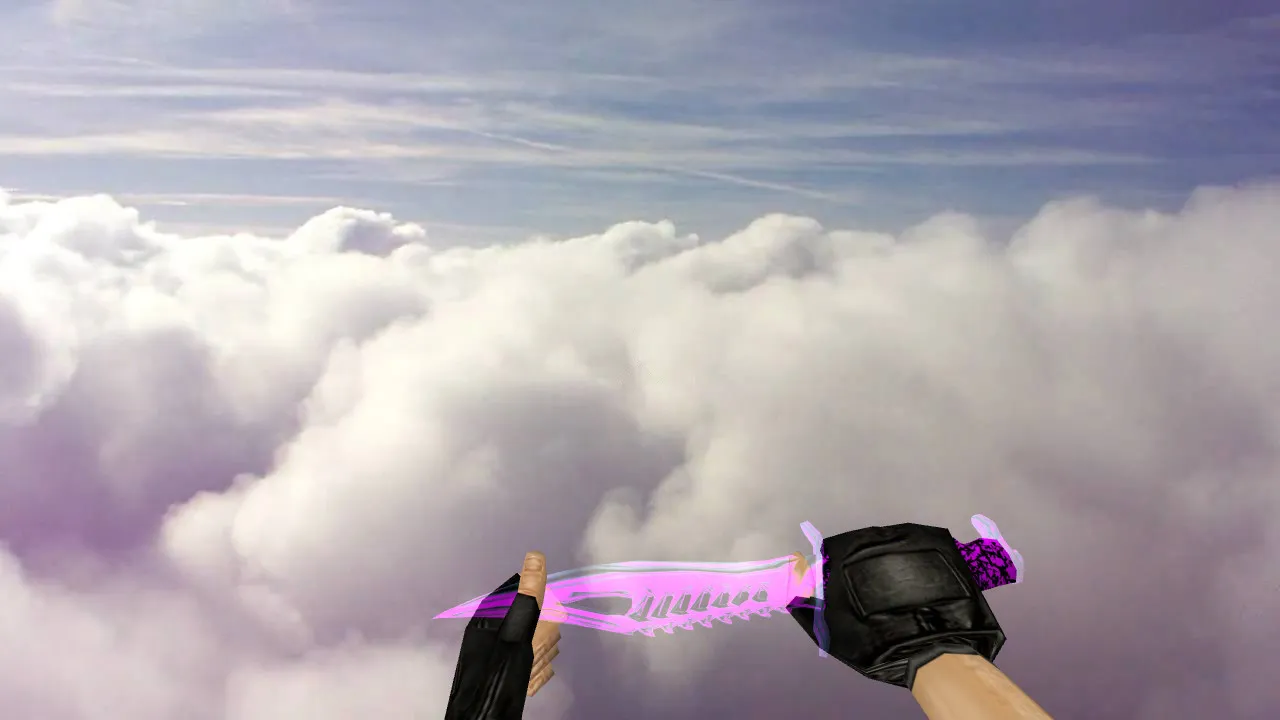
Inspect animation support is a highlight. The model packs smooth rotation frames that activate via the inspect command, matching the engine's expected sequence without stutter. If the animation hiccups or lags, the knife feels unfinished, like a rough mod. A correct implementation blends in flawlessly, letting you rotate the axe for a tactical pause without disrupting your rhythm. The polygon count stays low, roughly 500–800 triangles, to preserve stable framerates on older machines, even during bot matches or on busy public servers.
Custom audio completes the package. You receive distinct clips for swings, impacts on flesh or surfaces, and weapon draw-replacing the default knife sounds with sharper, weightier effects. Without these sounds, the visual change works but melee fights lose impact; the full set synchronizes audio to action, improving feedback in duels. These are clean WAV files with no bloat, guaranteeing compatibility across both Steam and non-Steam installations.
Hitbox alignment adheres to standard knife dimensions, so there are no exploits or detection problems on protected servers such as those running MasterServer. The v_ model focuses on clean UV mapping for even lighting, minimizing artifacts under dynamic shadows.
Installing the CF Combat Axe Lotus Knife Model Correctly
- Back up first: Duplicate your current knife files (knife.mdl, etc.) into a separate folder for a fast rollback if necessary.
- Place the extracted v_ / p_ / w_ models into the cstrike/models/ directory, respecting CS 1.6's weapon folder structure.
- Process any included configs or sound folders according to the creator's instructions-ignore anything that auto-connects to servers or injects scripts to stay safe.
- Start the game, enter a local server or bot match, and verify: check first-person grip, third-person view, inspect rotation, and swing mechanics.
Keep a tidy file hierarchy for dependability. Avoid mixing components from different mods-one pack's v_ with another's w_ can trigger texture mismatches or rendering errors. Use the complete CF Combat Axe Lotus set for uniform materials and zero weird artifacts during play.
Quick In-Game Quality Checklist
- Dark area visibility: Blade edges stand out against smoke or dim spots, ESL-level clarity for competitive matches.
- Solid textures: No stretching, seams, or blur on the lotus engravings or axe head.
- Smooth inspect animation: Frames line up perfectly, no stuttering on older hardware.
- Proper sounds: Swing whooshes and impact noises register crisply, timed to animations.
- Balanced uniqueness: Distinct in your hand without clashing with map textures or distracting during fights.
- Hitbox precision: Melee traces connect accurately, no offset issues in close combat.
For game builds like 4554 or 8613, this modification integrates without conflicts, supporting high-FPS configurations and clean config.cfg setups.
Stability and Safety Notes
Obtain the model from reputable sources only-no executable files or suspicious prompts. This is purely a content replacement: drop the models and sounds into place, then verify in-game. Counter-Strike 1.6 requires no extra software; a straightforward install keeps things virus-free, ad-free, and safe from bans on legitimate servers. If the knife fails to appear, re-check file paths for v_ / p_ / w_ in models/v_knife.mdl equivalents, then test inspect and audio. Troubleshoot by restarting or clearing the cache, but avoid third-party tools. With correct setup, the CF Combat Axe Lotus upgrades your melee game in CS 1.6 without sacrificing stability.
Pro tip for modders: If adjusting assets, use a wad file for textures to bundle efficiently, and test polygon count impacts on 60+ FPS servers. This model's low overhead makes it ideal for custom configs emphasizing no-recoil knife playstyles.
Install in three steps
-
1
Download the archive. Use the button on the right, or the Yandex.Disk mirror if the main server is slow.
-
2
Extract it into the game folder. Use 7-Zip or WinRAR. A path without non-Latin characters works best.
-
3
Launch the game. If something doesn't work, mark it below - that is how we know the file needs an update.
Did it work for you?
No sign-up needed. You can pick more than one.