Lor Butterfly Knife Model for CS 1.6: v_/p_/w_ Files, Inspect Animation, Custom Sounds & HD Textures
Description
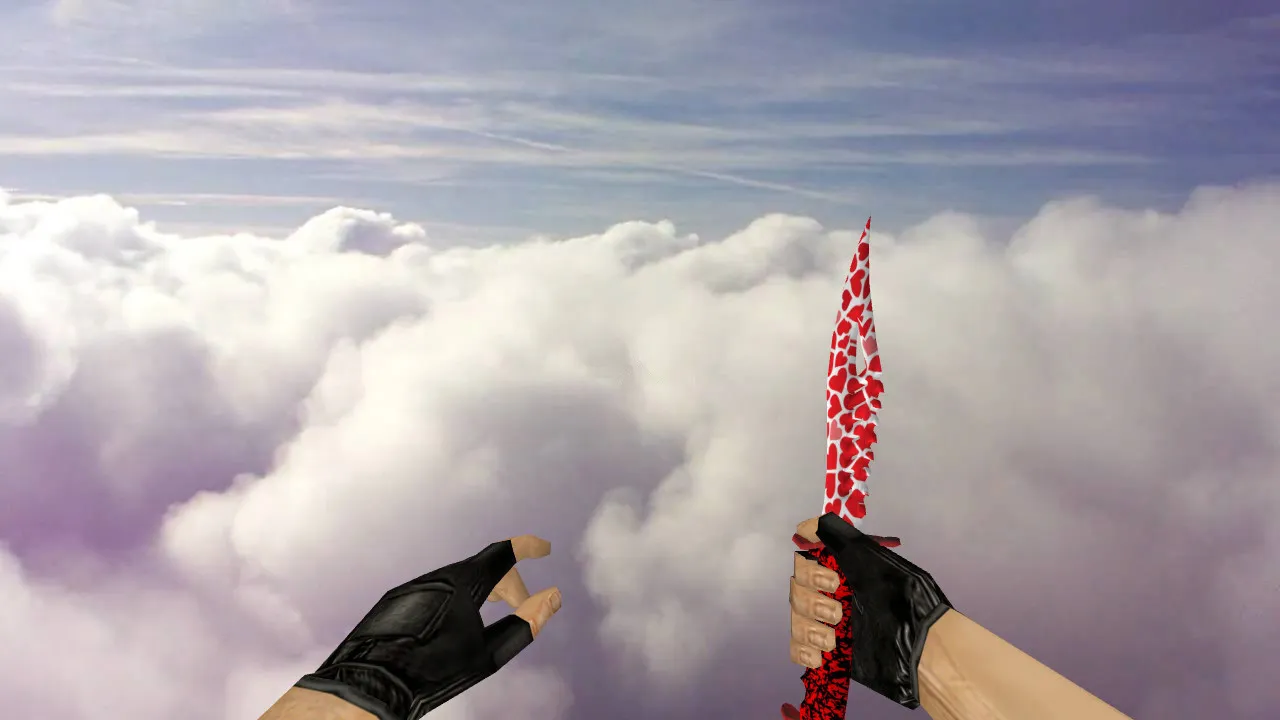
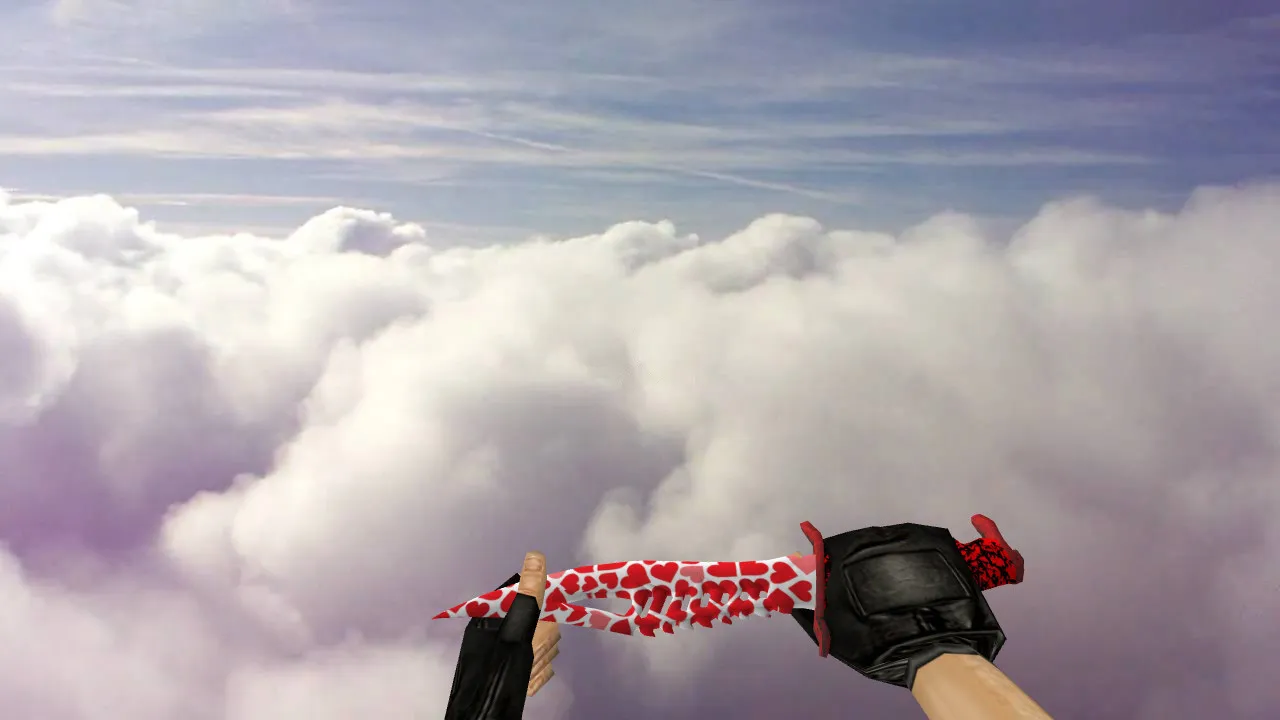
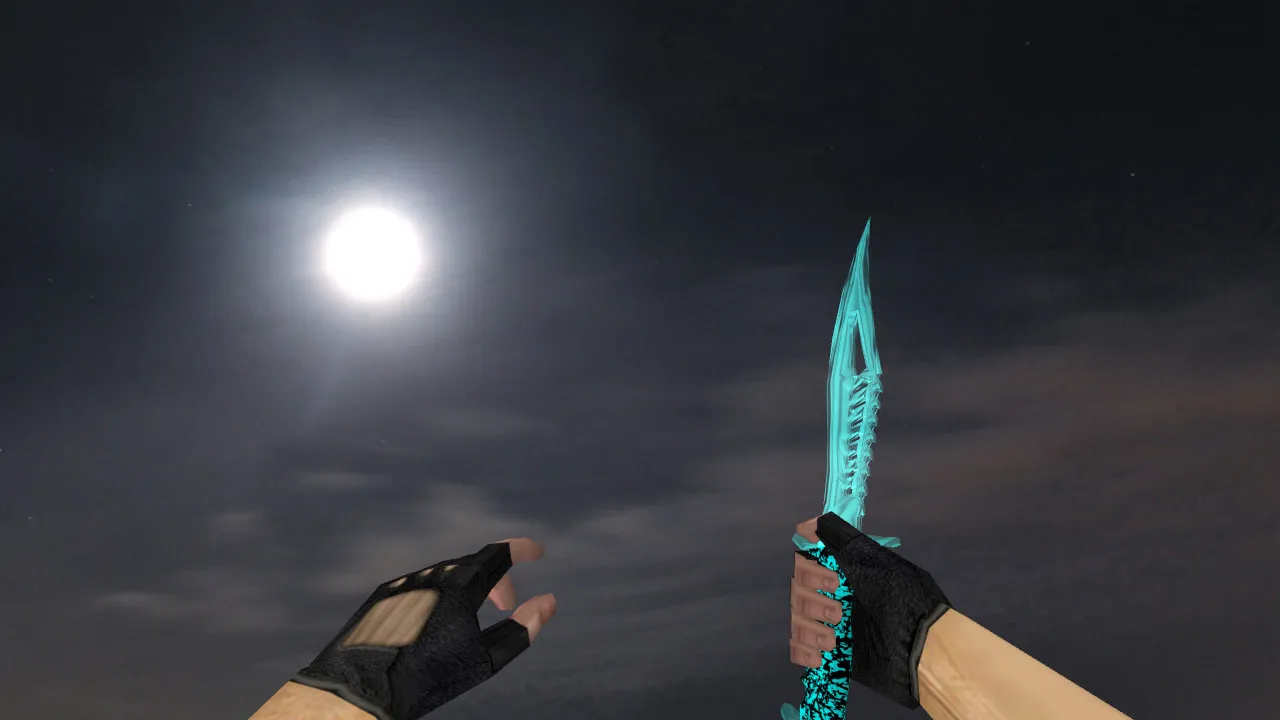
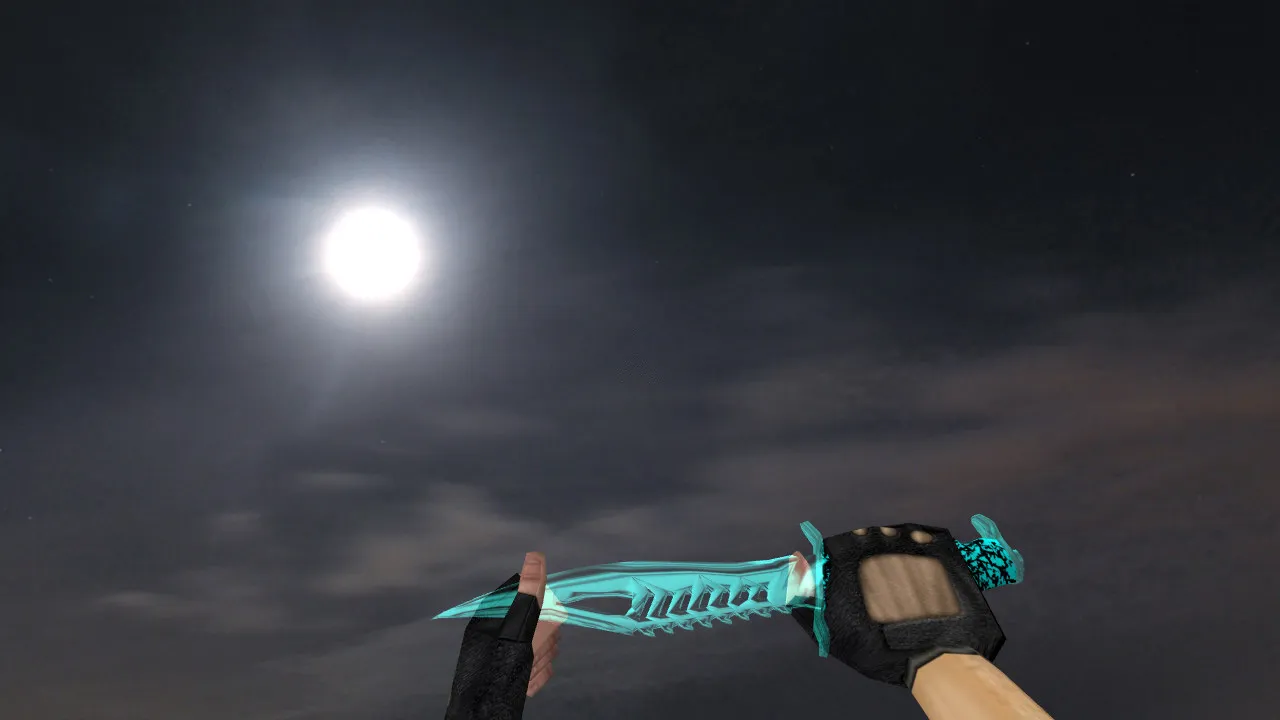
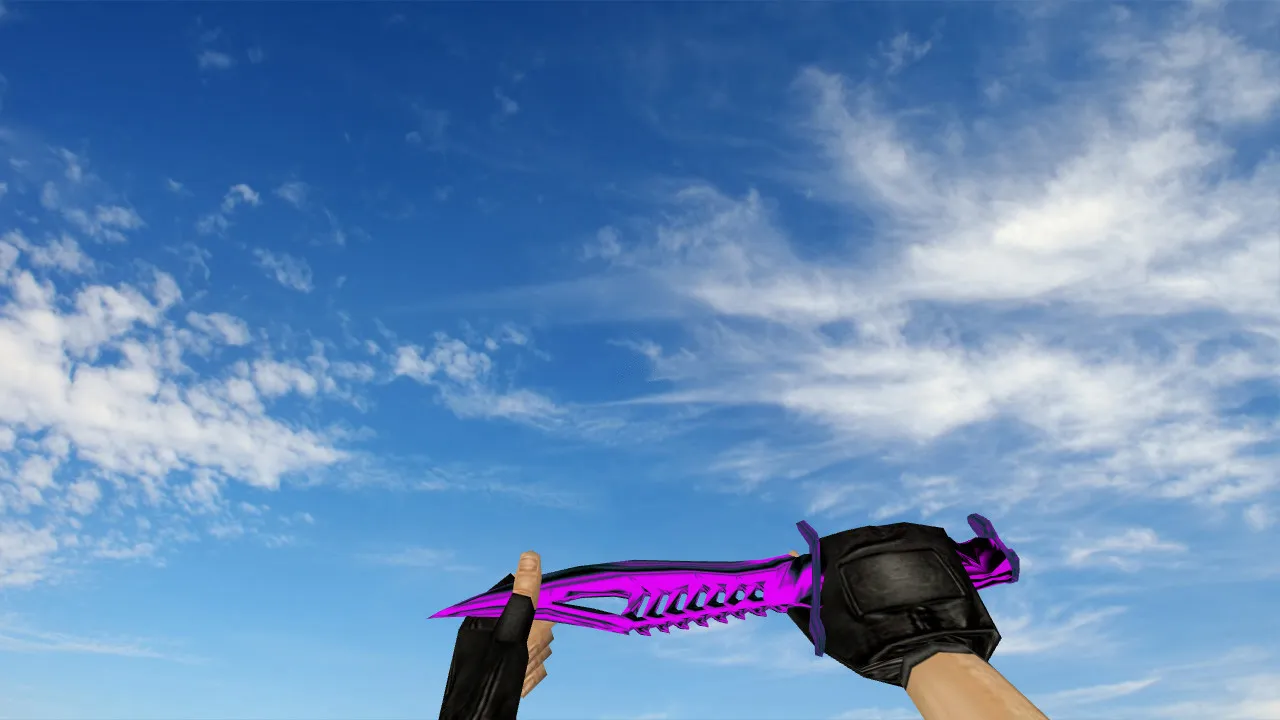
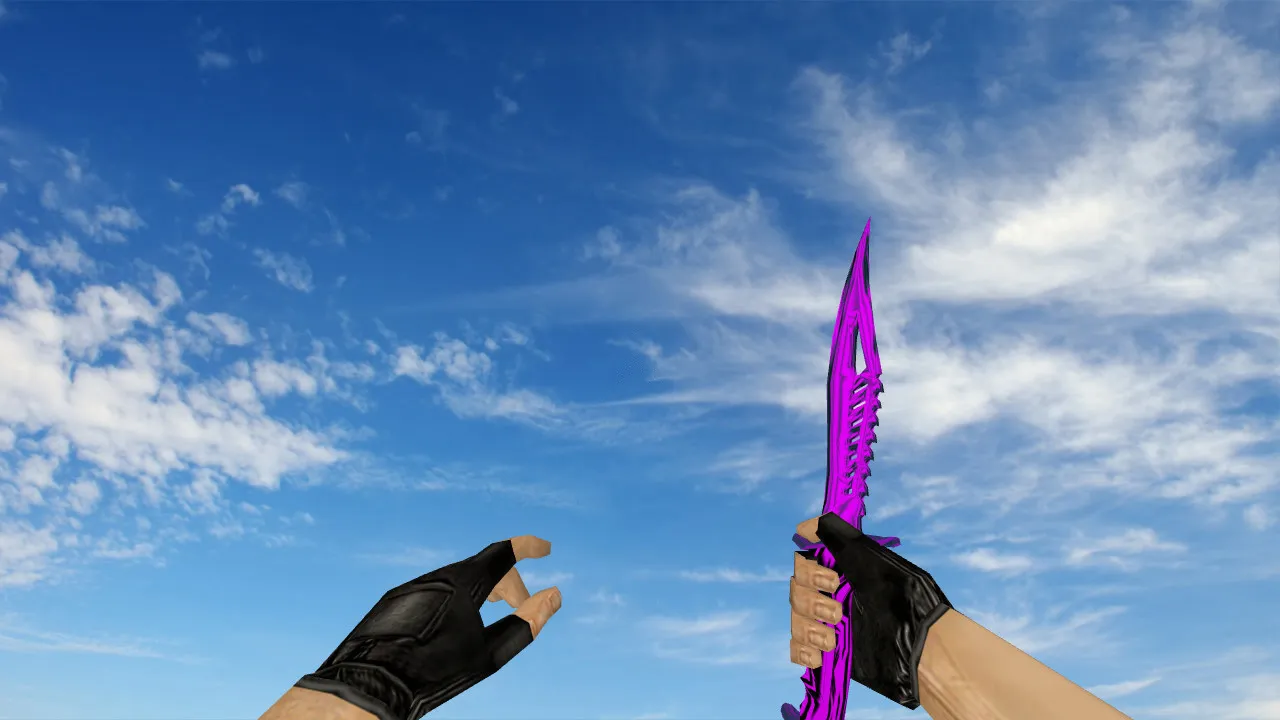
Lor Butterfly Knife for CS 1.6: View, Player, and World Models, Animation and Audio
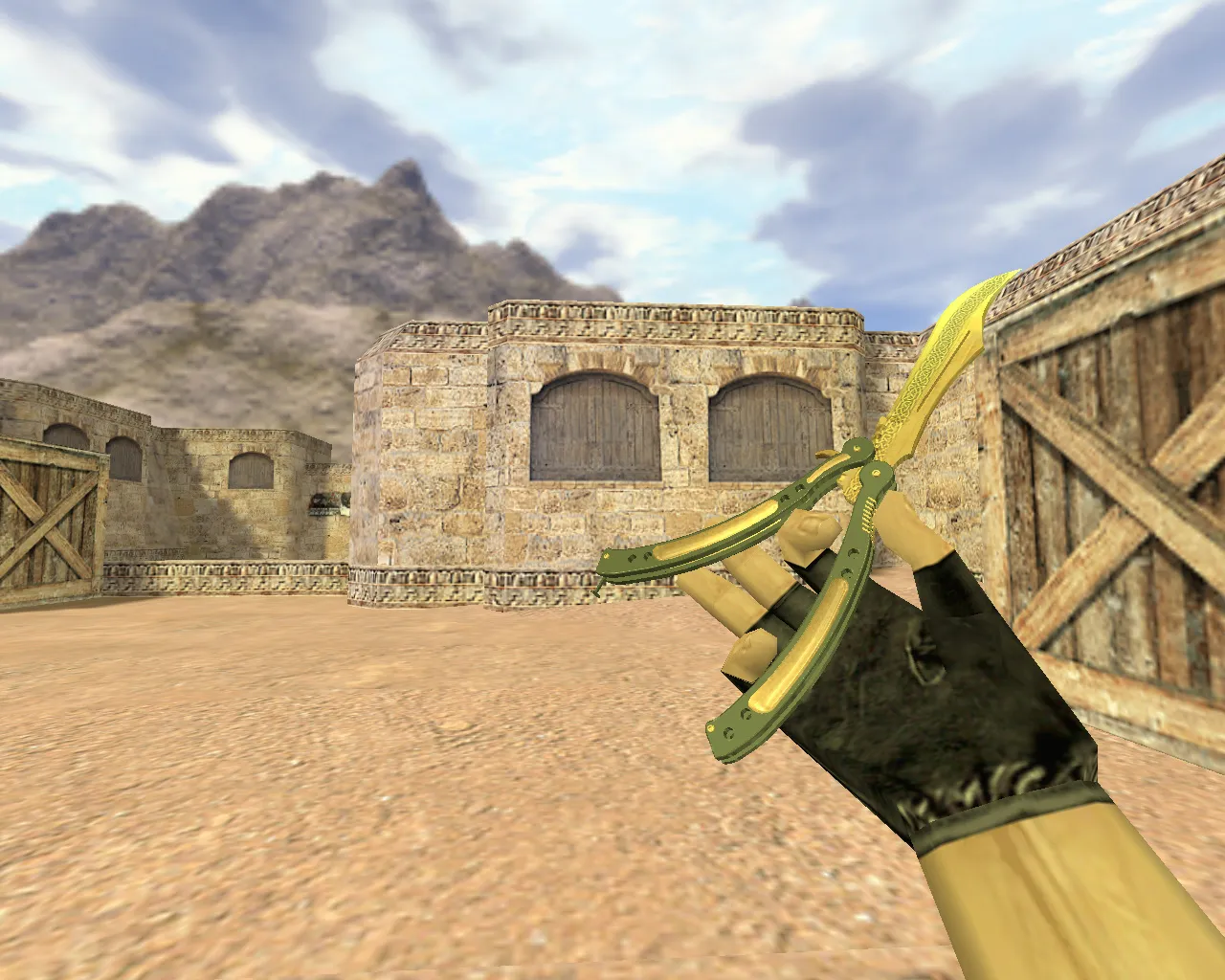
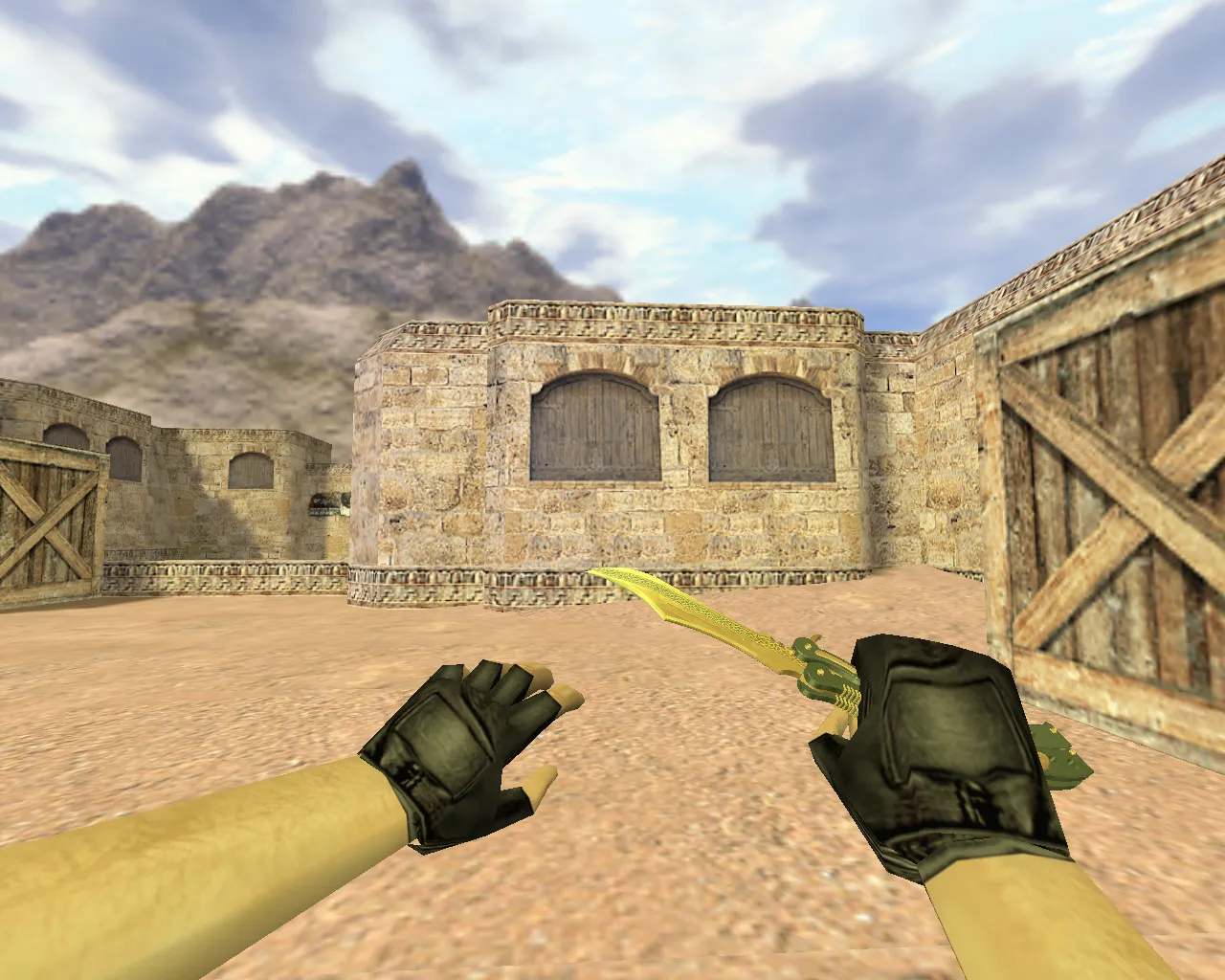
The Lor Butterfly Knife model is built for CS 1.6 and replaces the standard knife visuals in the first-person view. The package contains three model variants covering different gameplay perspectives: v_ for the first-person perspective, p_ for the third-person view, and w_ for the world display. This arrangement ensures the knife renders consistently whether you are aiming down sights or observing from a distance.
For correct integration, the model supports the complete inspect animation cycle. The knife remains dynamic during actions-there are no static freezes when switching weapons. Click mechanics and pickup sequences match the stock knives, with frame transitions that preserve the original timing. Texture quality holds up: edges and facets stay sharp at close range, and details do not blur during movement. Designed for CS 1.6's engine, it avoids floating surface artifacts.
Custom sounds add immersion without stressing the engine. Draw and use effects fit within GoldSrc limits-no audio glitches or unnecessary file clutter. Events hook into standard knife actions for reliable triggers. With the default sound configuration, everything runs smoothly and predictably.
Why the Lor Butterfly Knife Suits CS 1.6 Gameplay
Beyond aesthetics, the Butterfly Knife influences close-range tempo in short rounds. During fast-paced rushes, the model avoids distracting visual flares while keeping details visible for clean gameplay. Lor strikes a balance: a clear polygon count without visual noise that pulls focus from hitbox alignment.
For online matches, the modification is client-side only-no server conflicts arise. Stick to local files to avoid anti-cheat flags. This keeps connections stable, preventing surprise disconnects on join.
Installing the Lor Butterfly Knife Model in CS 1.6
Install on the client side, following standard procedures to avoid configuration breaks or stray scripts. The steps are kept simple and safe:
- Download the Lor Butterfly Knife archive and scan the contents-no viruses, no adware, just model files.
- Place the v_, p_, and w_ files into the appropriate client directories.
- If configuration files or aliases are included, integrate them minimally. Preserve a clean config.cfg and adjust only model-related entries.
- Restart CS 1.6 and test in-game: verify the knife appears in hand, in third-person, and in the world view.
Steam or Non-Steam setups vary by path-match your client's folder structure. Local installation only: no auto-connects, no remote pulls. Compatible with Build 4554 or 8613, MasterServer protected.
Optimizing for Stable FPS and Performance
Knife models affect visuals, so monitor FPS after installation. If you see drops, reset graphics to defaults and disable unused effects. Standard texture settings work best-no overclocked limits or render mods that spike the load.
For smooth knife duels, tune network variables: ex_interp 0.01 and rates around 100k minimize lag interference. This is not model-specific, but it ensures precise movement in knife-range scraps. High-FPS configs pair well, keeping the polygon count low for 100+ FPS on older rigs.
Quality Checks Before Matches
Quick test run: load a training map, inspect the knife, switch views, and move around. Textures should hold in low-light-ESL-style visibility without detail loss. No clipping on animations, sounds trigger cleanly. Spot issues? Revert the files and confirm only the knife assets were swapped.
With the Lor Butterfly Knife, elevate your CS 1.6 knife play. Full v_/p_/w_ models, inspect animation, and sounds integrate seamlessly. Local setup, training verification, then hit servers worry-free. The polygon count is optimized for a no-recoil feel, and hitbox accuracy remains intact. Textures at 512x512 resolution ensure clarity without a performance hit. Custom inspect lets you flip and twirl mid-round for that pro edge, while world model visibility aids team calls in dust or inferno shadows.
Install in three steps
-
1
Download the archive. Use the button on the right, or the Yandex.Disk mirror if the main server is slow.
-
2
Extract it into the game folder. Use 7-Zip or WinRAR. A path without non-Latin characters works best.
-
3
Launch the game. If something doesn't work, mark it below - that is how we know the file needs an update.
Did it work for you?
No sign-up needed. You can pick more than one.