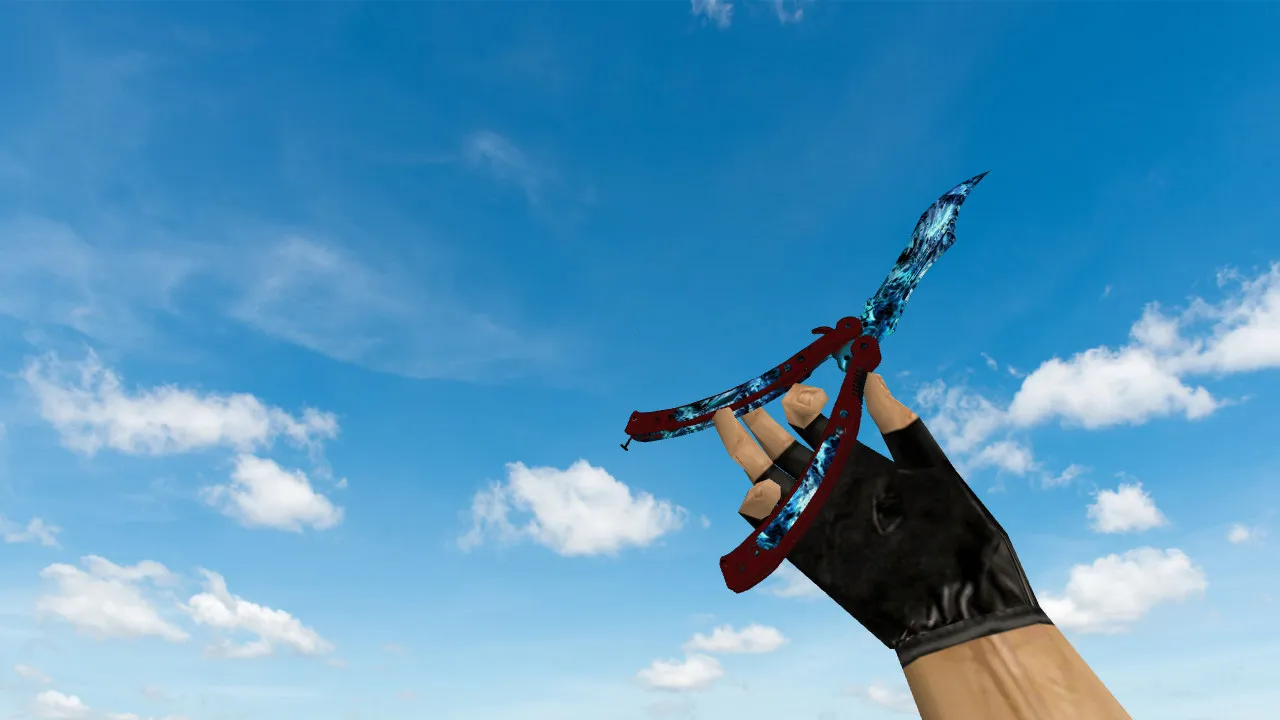
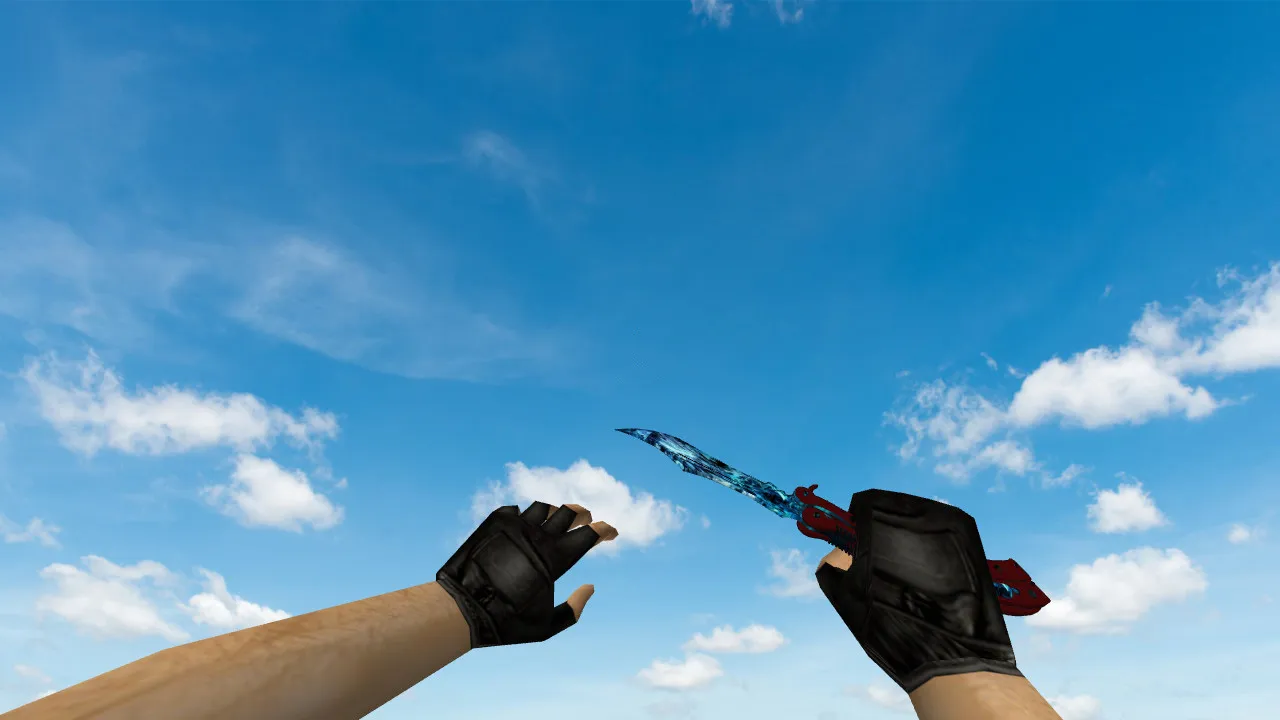
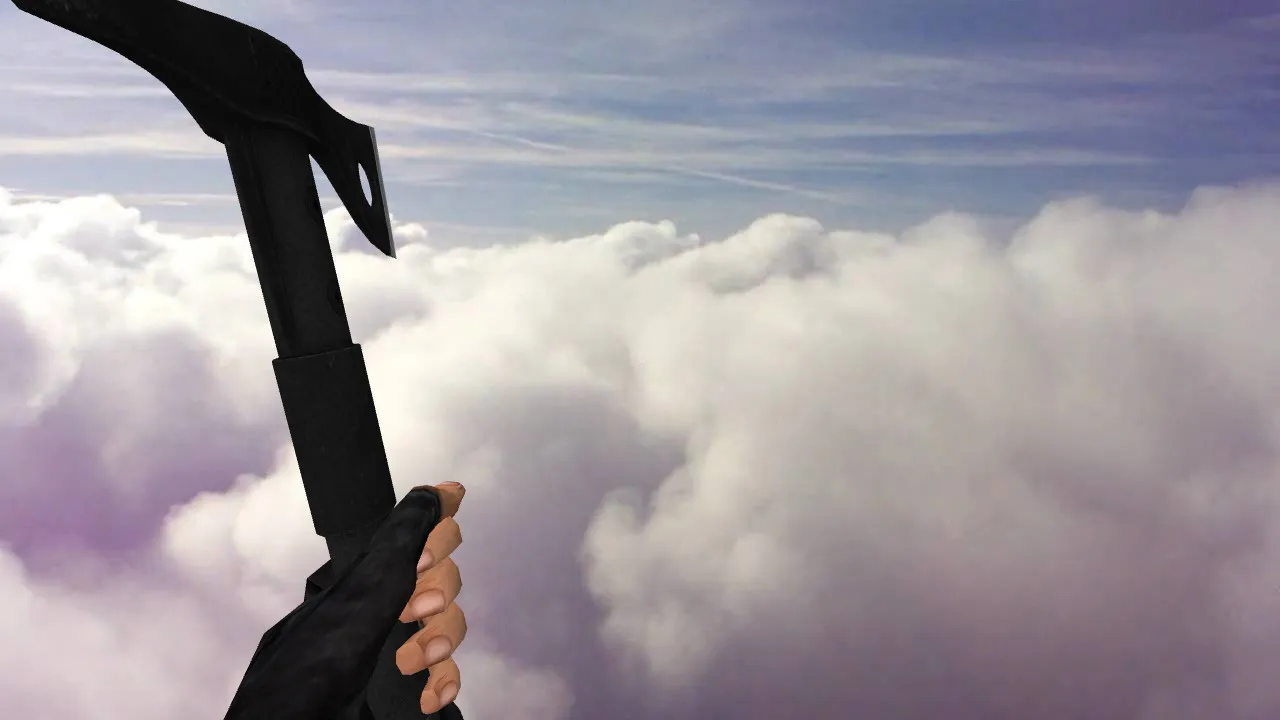
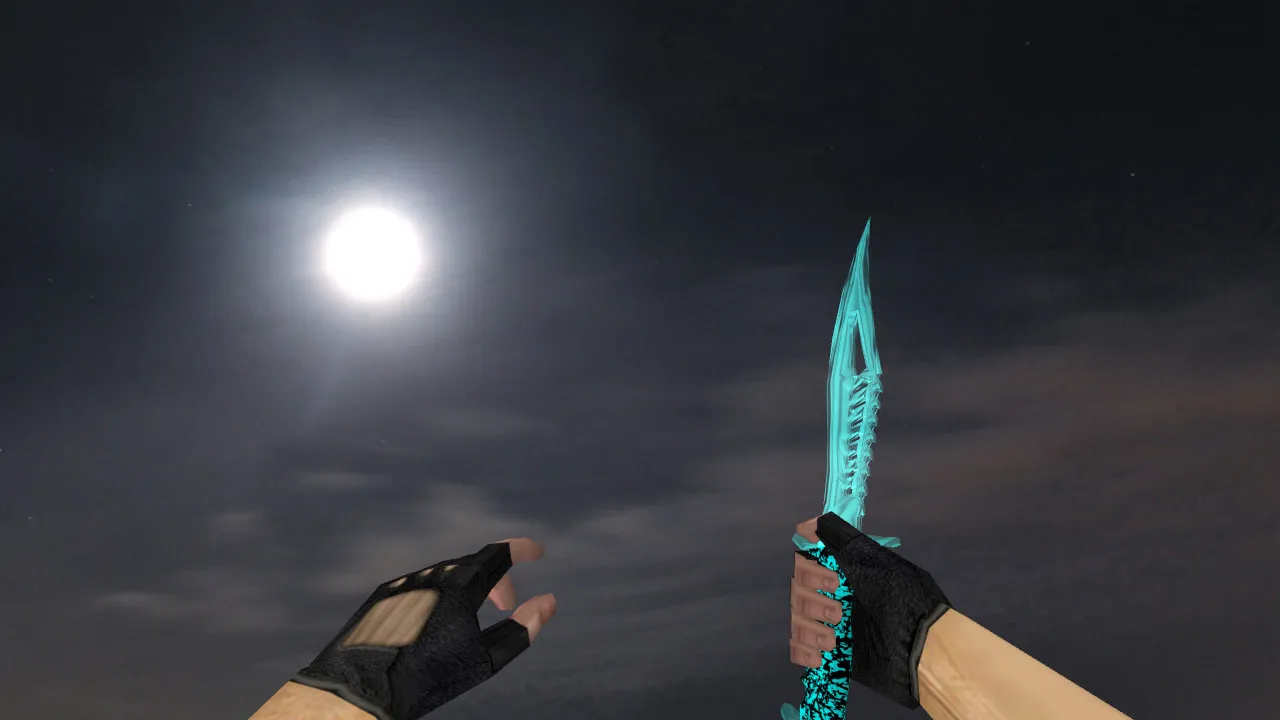
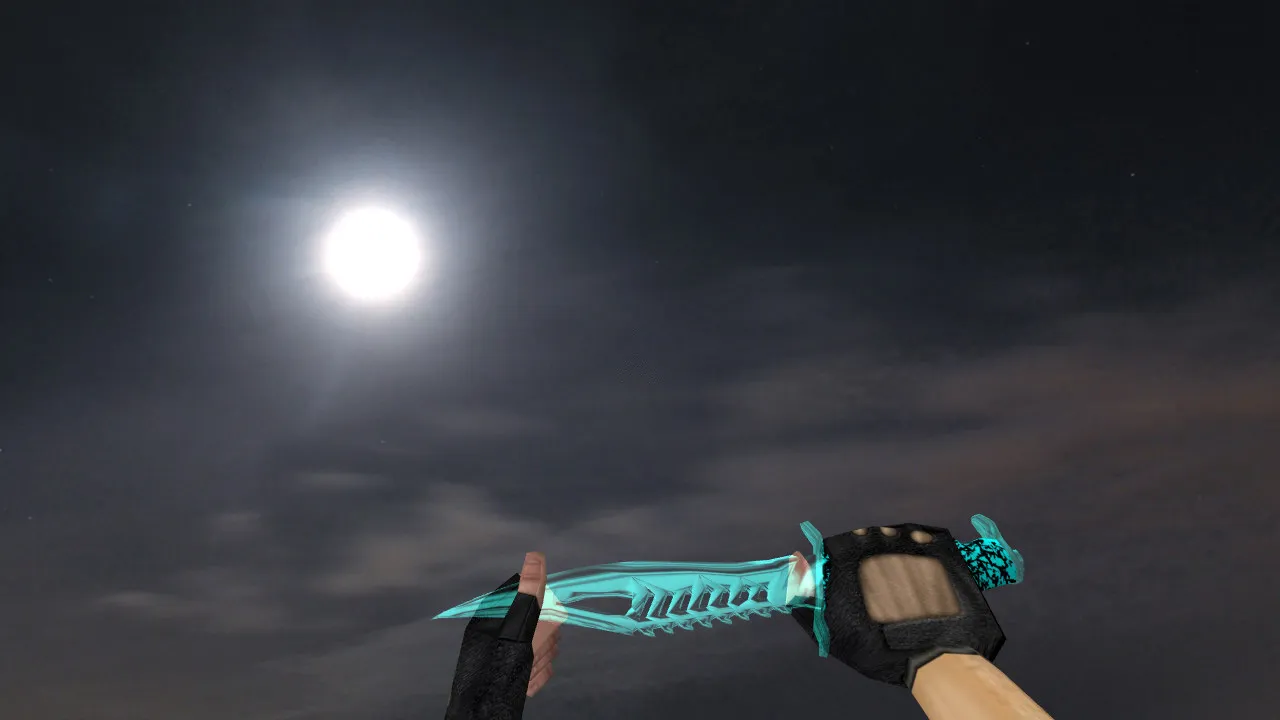
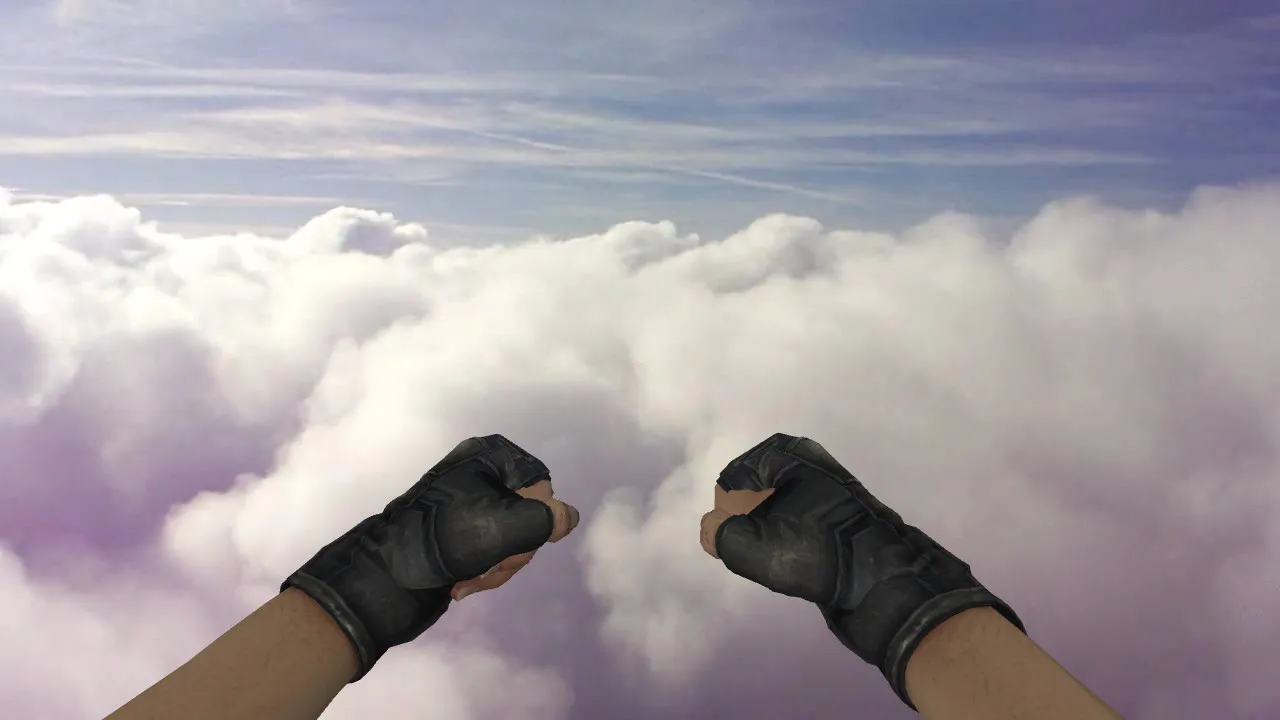
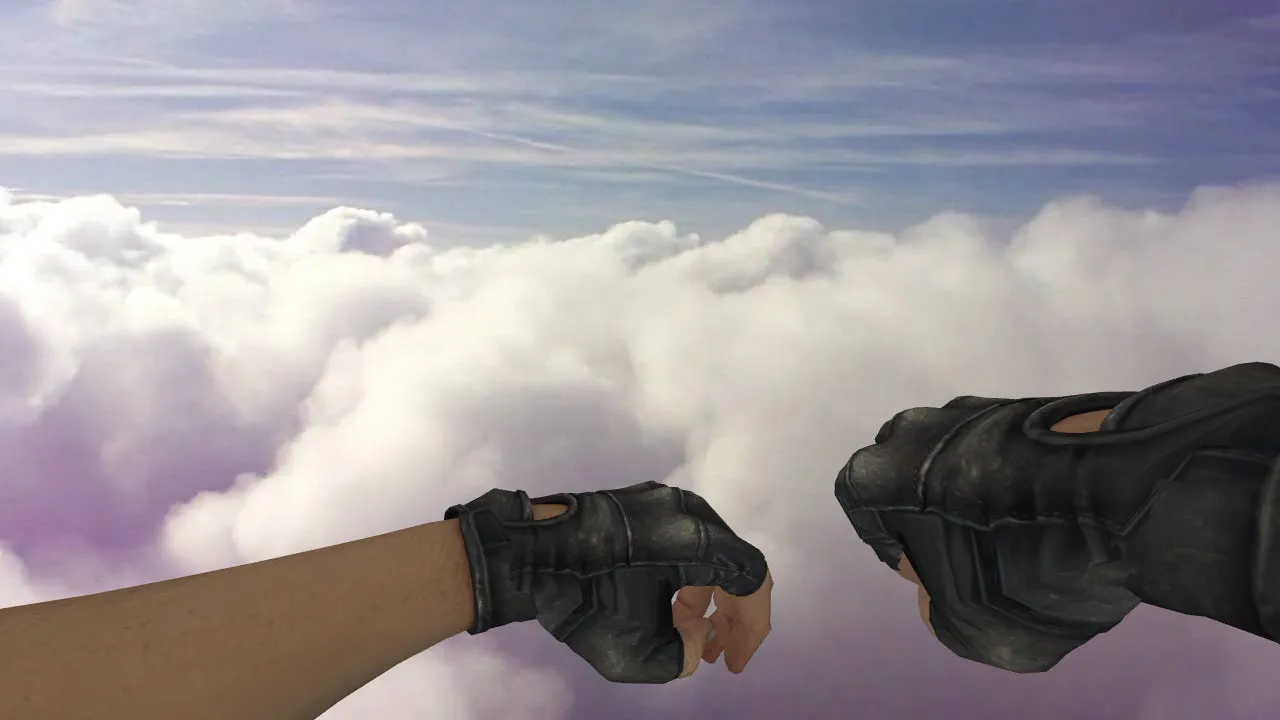
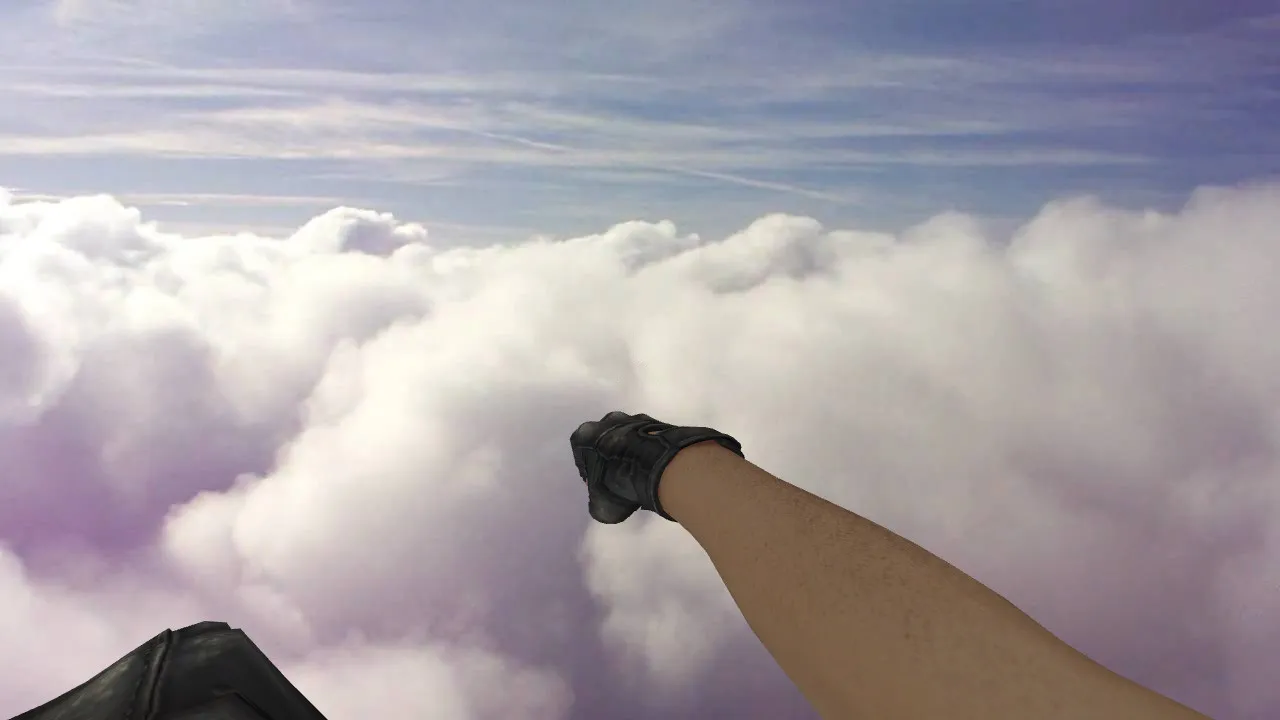
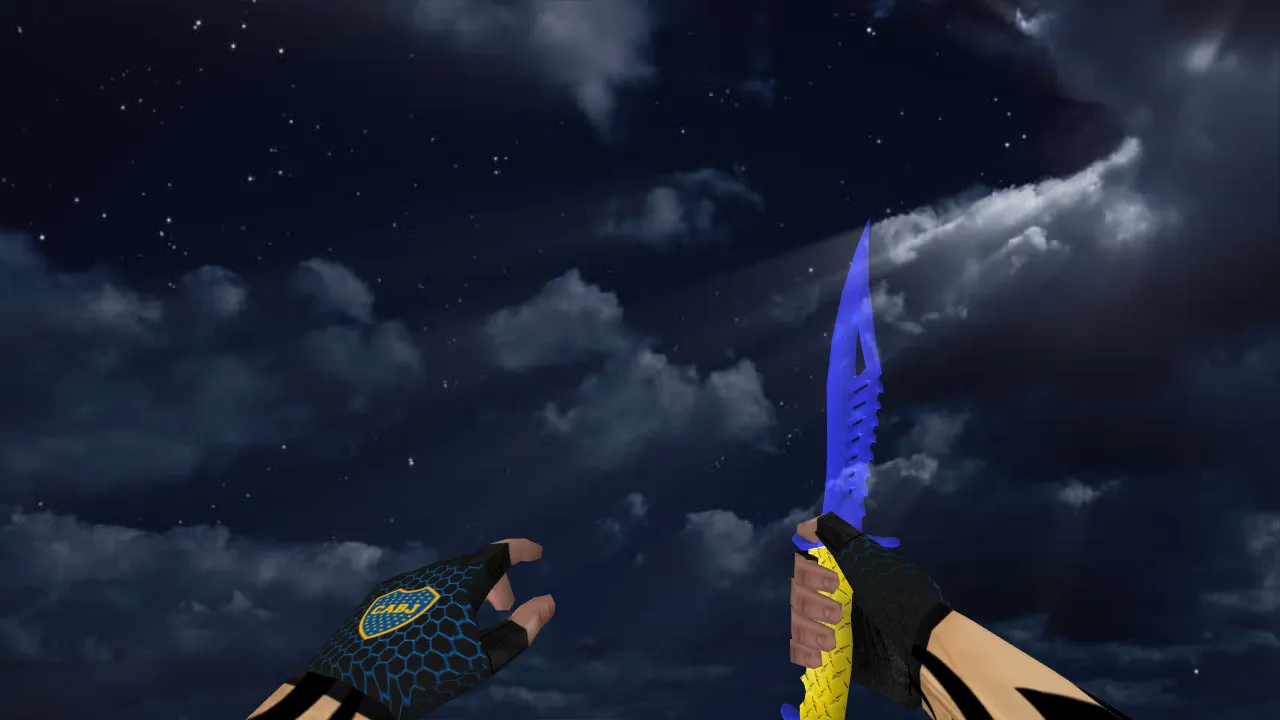
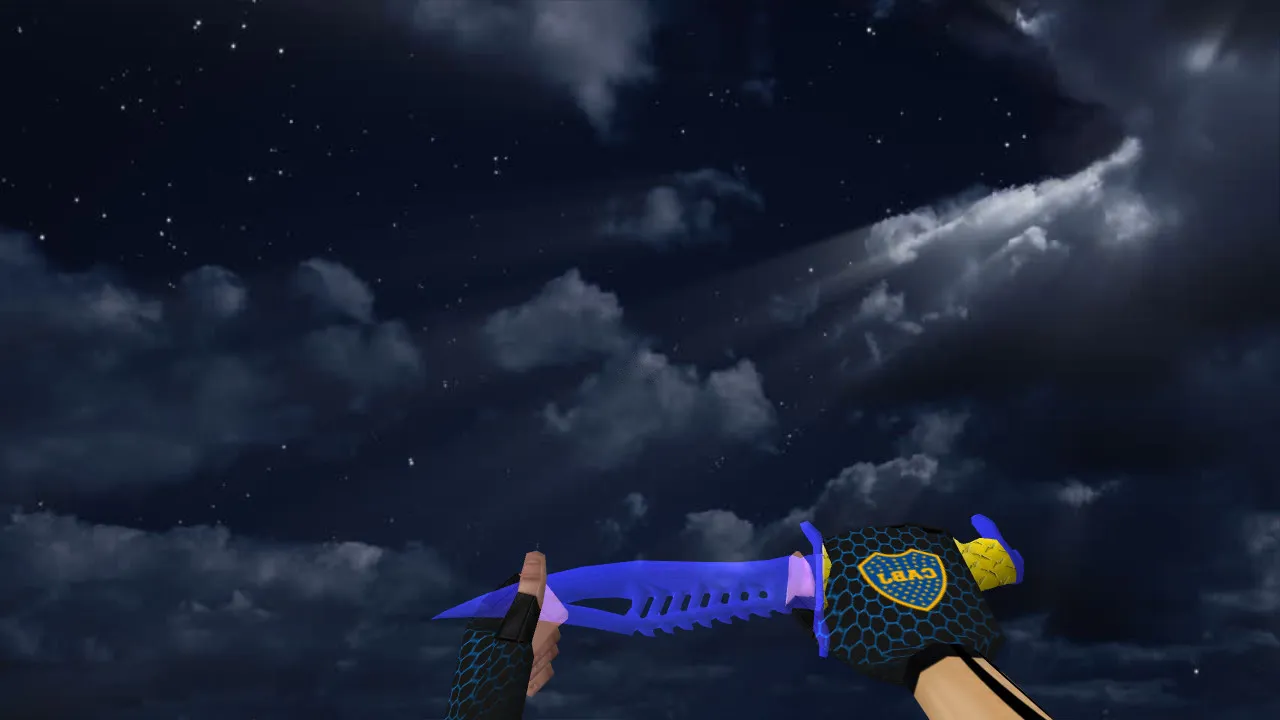
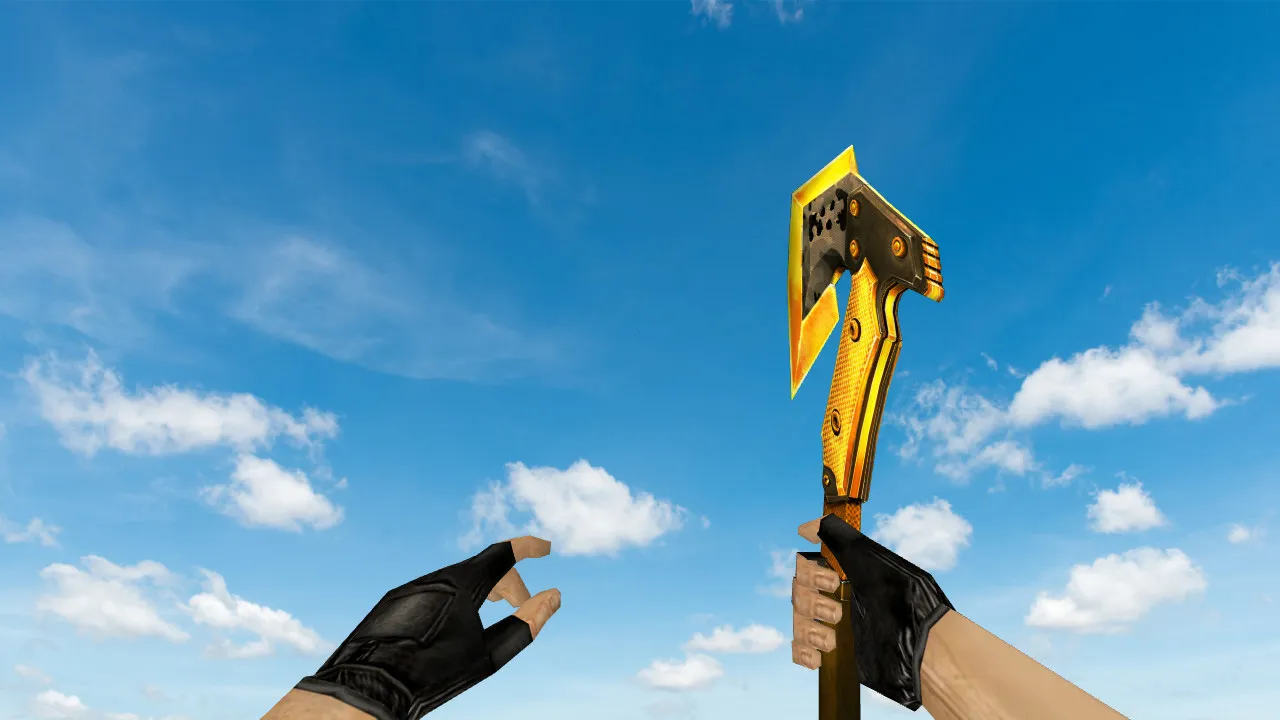
Nautilus Multi Hearts Knife Model for CS 1.6: v_knife with Sounds, Inspect Animation, and HD Textures
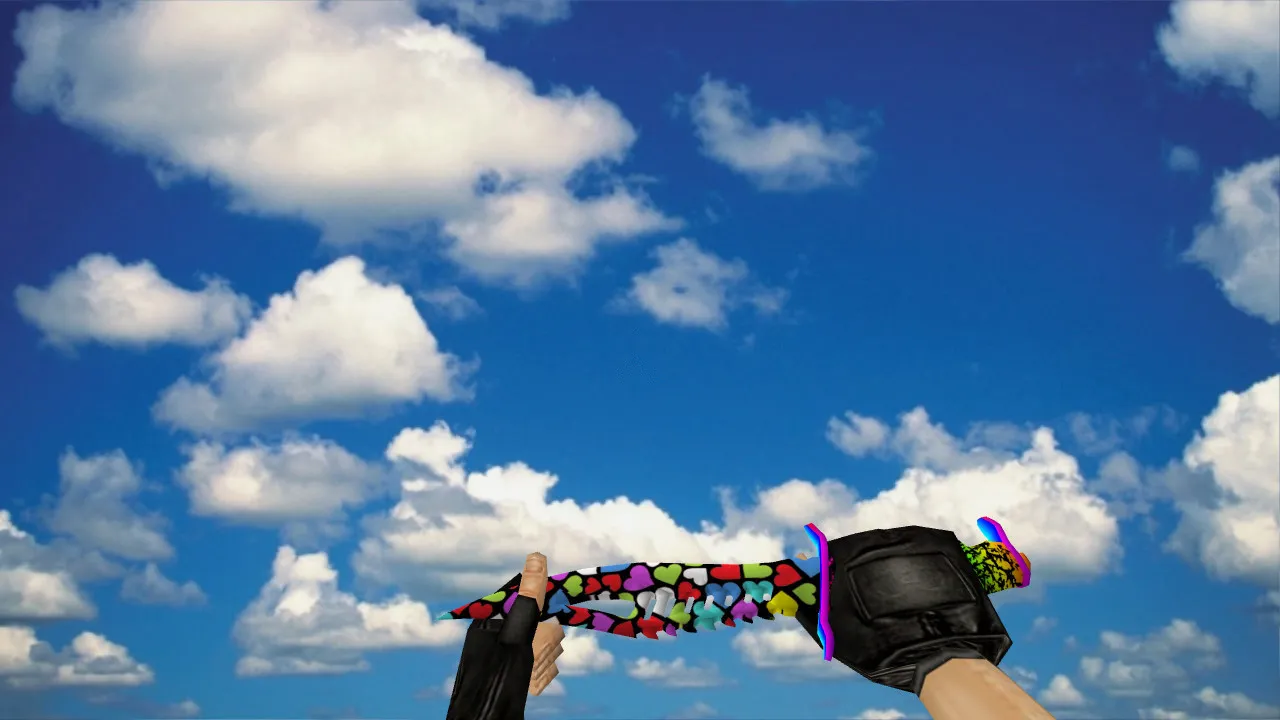
Description
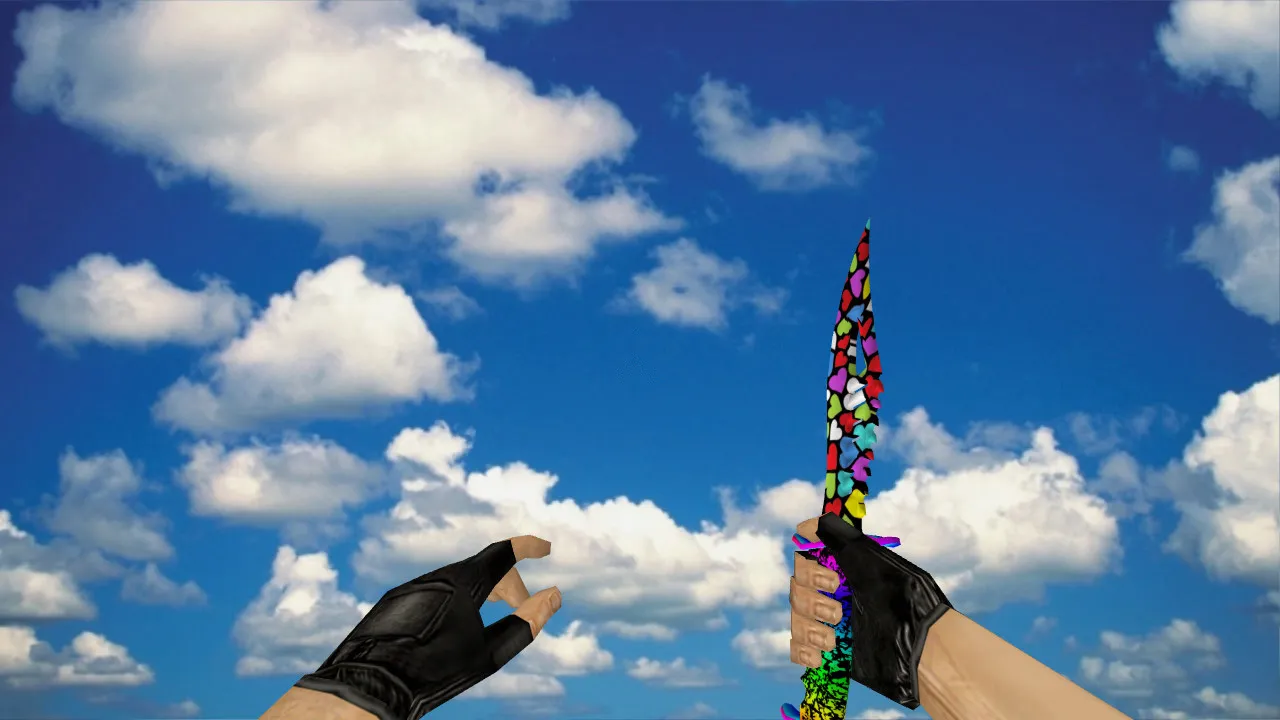
Nautilus Multi Hearts Knife for CS 1.6
Built to meet CS 1.6 standards, the Nautilus Multi Hearts knife model emphasizes a clean silhouette, balanced geometry, and natural hand placement. It excels during close-quarters fights and standard rounds where rapid turns at key locations require instant reactions. Because minor details affect gameplay in CS 1.6, this model adheres to the default weapon framework: a proper v_ system for the first-person perspective and p_ for third-person, preventing any shifting during weapon switches or animation sequences.
The knife handles identically to the stock version. Inspection relies on standard animation logic, presenting the weapon clearly on draw and during actions without lag. This stability keeps the blade-to-hand connection firm. Textures remain crisp, free from edge artifacts or motion blur, while lighting and shading stay consistent, ensuring the knife stays visible against various map backgrounds.
Audio cues are vital in CS 1.6 for control and response. Drawing the blade provides distinct sound feedback, helping preserve game rhythm. Knife actions are swift: fast draw, position change, short movement, strike. The included audio matches the game's style without conflict.
Installation Essentials for CS 1.6
Place files into the correct client directory for flawless operation. Knife models generally require first-person, third-person, and world views. Confirm that formats align and the archive contains every necessary resource. If your installation uses custom directories, inspect the models folder structure and weapon file locations first.
- v_knife: First-person view for accurate hand-held appearance
- p_knife: Third-person view to prevent issues in external perspectives
- w_knife: World model for correct display on the ground and in standard situations
- Verify inspect animation and hand-blade alignment stability
On servers that prohibit modifications, use only permitted replacements to avoid complications. Prioritize safety: steer clear of untrusted builds or unknown installers. Load strictly model files, examine archive contents, and disable automatic connections to external sources. No viruses, no slow-hacks, no advertisements included.
In-Game Model Quality
Since knives in CS 1.6 are mostly seen in motion, the model preserves clarity: the blade stays defined, and the hand does not drift during position changes. In dark areas or high-contrast lighting, textures retain readability. Players can quickly judge shape and relative position to opponents, gaining an advantage at short ranges where seconds matter.
The Nautilus Multi Hearts skin introduces unique visuals without overwhelming the standard knife aesthetic. It keeps its style while avoiding sight obstruction; element placement guarantees visibility without blocking the crosshair or aim.
The polygon count remains optimized for high-FPS performance, with hitbox accuracy matched to the default for fair play. Visibility akin to competitive standards shines in low-light zones like de_dust2 tunnels or cache corners, where knife rushes demand precise timing.
Fine-Tuning for Your Setup
If visual glitches appear after installation, check your configuration and load order. A clean config.cfg prevents mod conflicts. Ensure the client does not revert files. Restart the game after setup and test for conflicts with other replacements. For smoother performance, set rates near 100k and ex_interp 0.01 for consistent response. Increase FPS by optimizing non-aggressive tweaks, such as model caching, without going overboard.
This model supports Build 4554 or 8610, featuring MasterServer protection and Steam/Non-Steam compatibility. No interference with no-recoil settings or config overwrites. In knife-only modes, the inspect animation loops cleanly, improving tactical peeks at bomb sites.
Overall, the Nautilus Multi Hearts knife for CS 1.6 delivers standard animations, correct v_/p_/w_ views, integrated sounds, and consistent visuals. Install carefully, verify resources, and follow server rules for reliable use.
Install in three steps
-
1
Download the archive. Use the button on the right, or the Yandex.Disk mirror if the main server is slow.
-
2
Extract it into the game folder. Use 7-Zip or WinRAR. A path without non-Latin characters works best.
-
3
Launch the game. If something doesn't work, mark it below - that is how we know the file needs an update.
Did it work for you?
No sign-up needed. You can pick more than one.