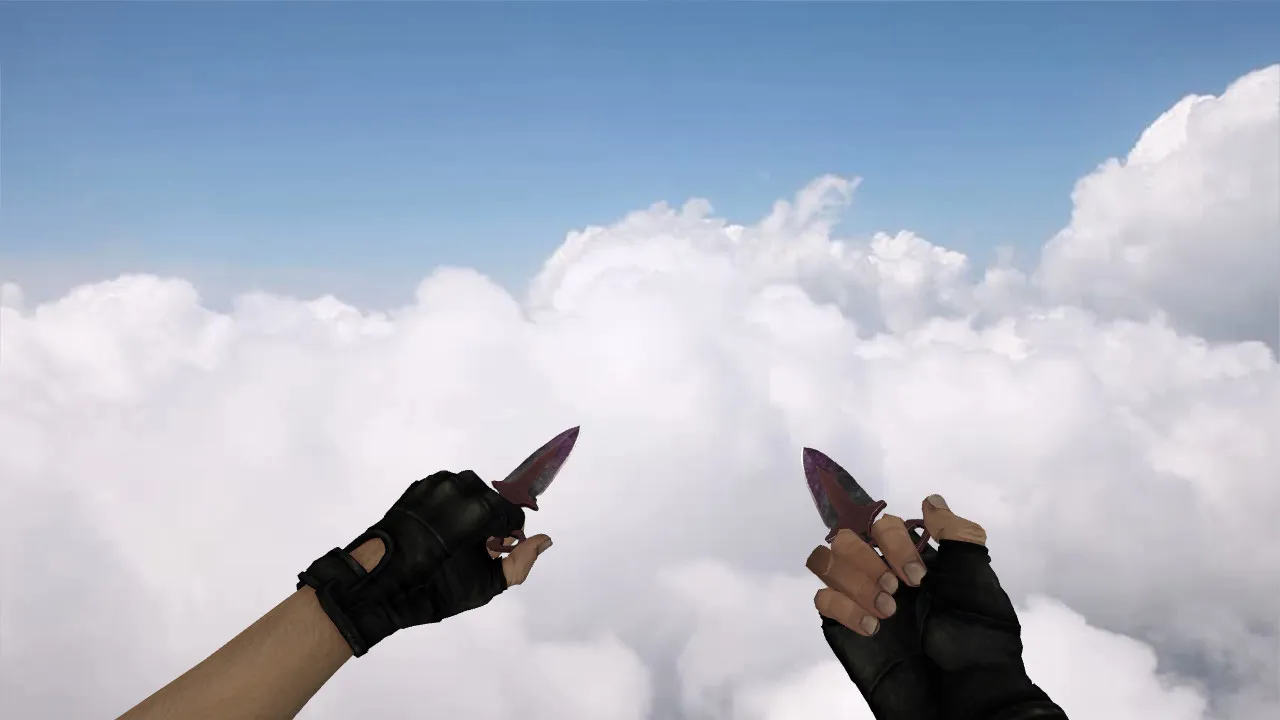
Skeletal Knife 'Blood Web' + Special Forces Gloves 'Blood Kimono' for CS 1.6: v_ p_ w_ Models, Sounds and Animation
Description
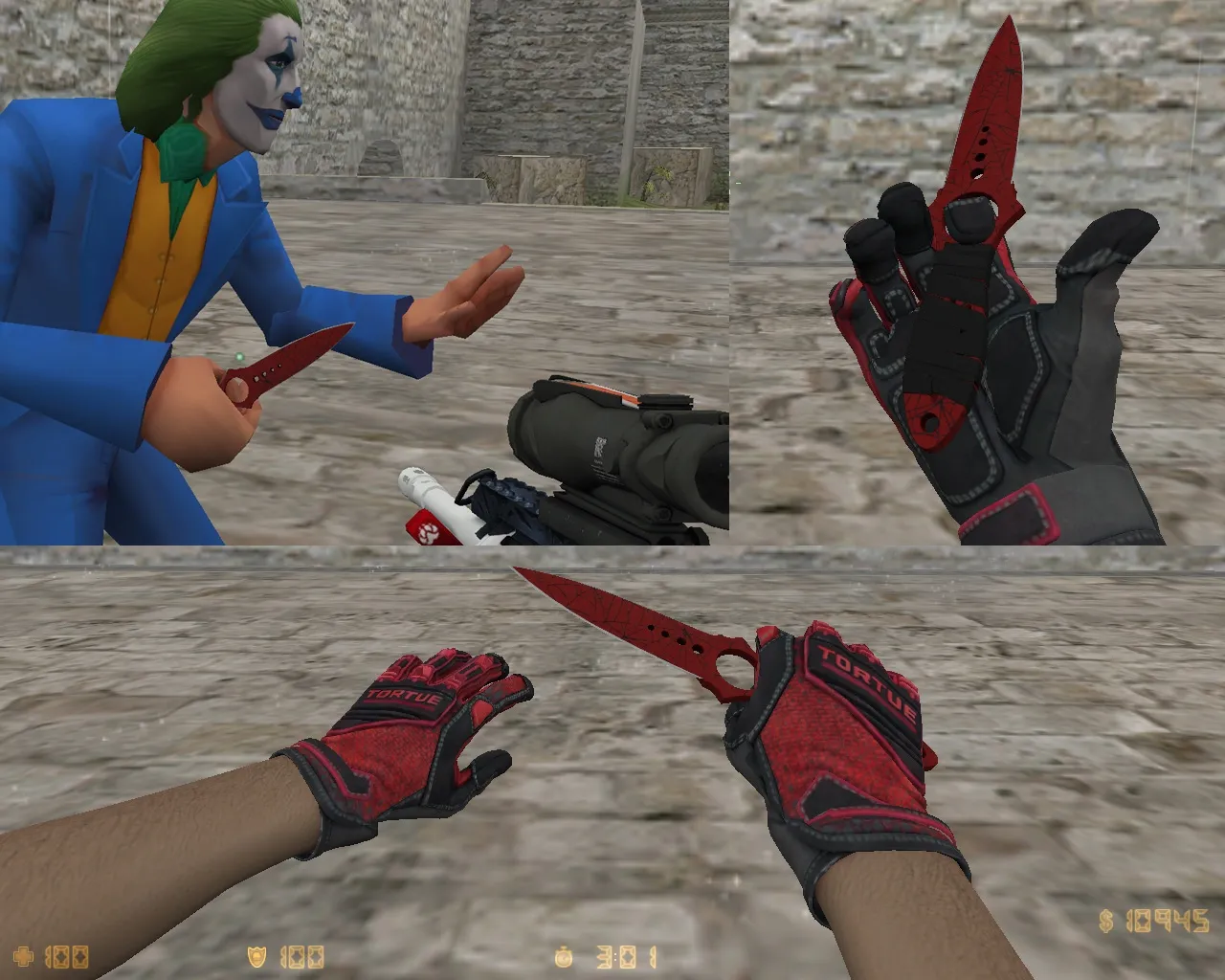
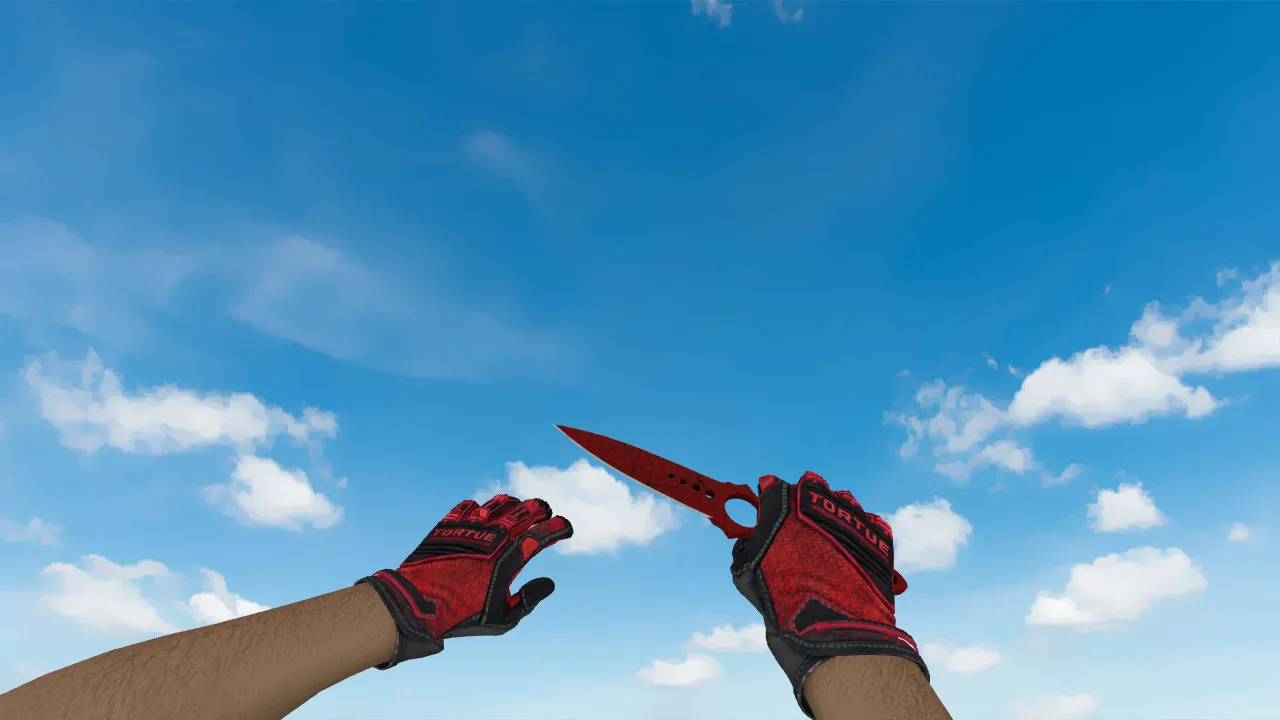
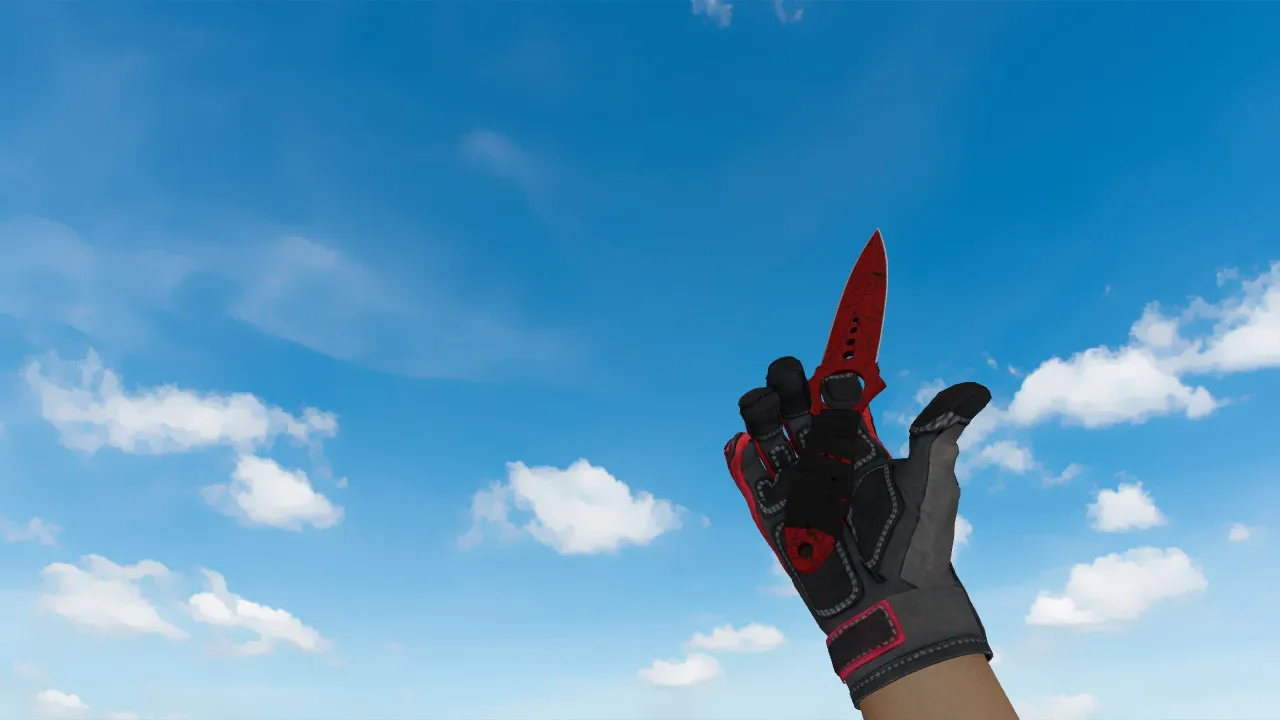
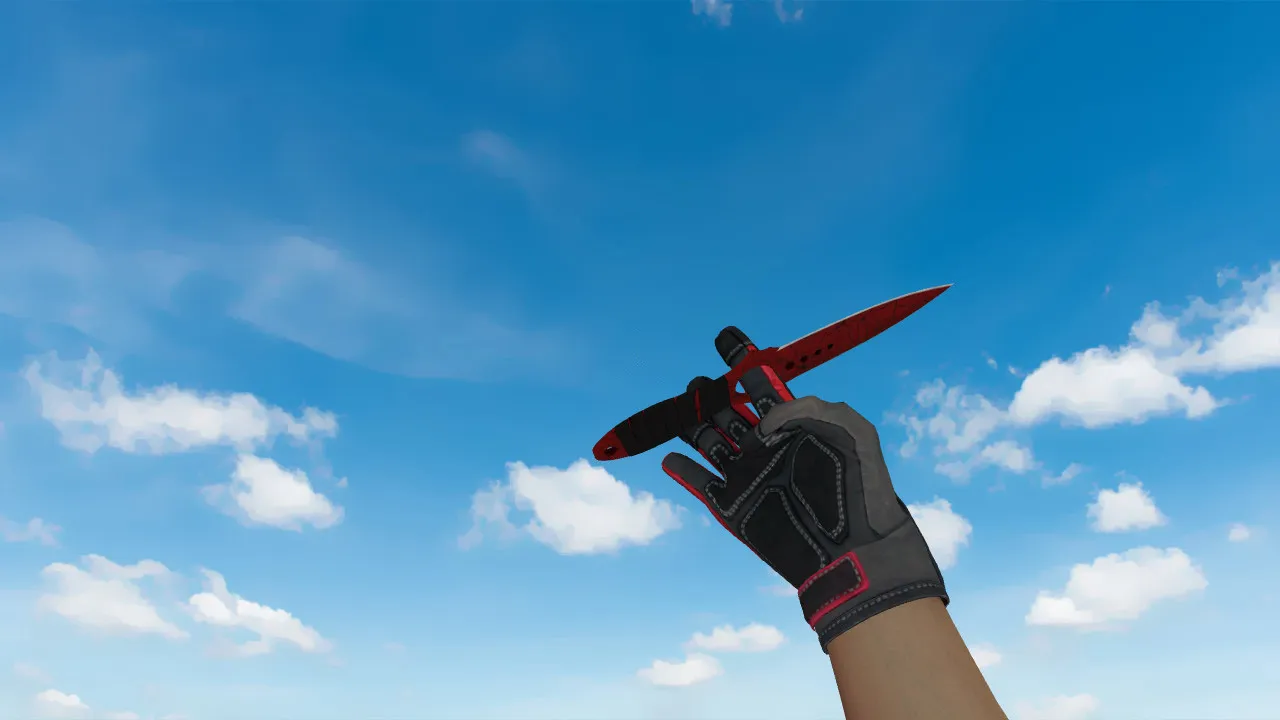
Skeletal Knife 'Blood Web' + Special Forces Gloves 'Blood Kimono' for CS 1.6
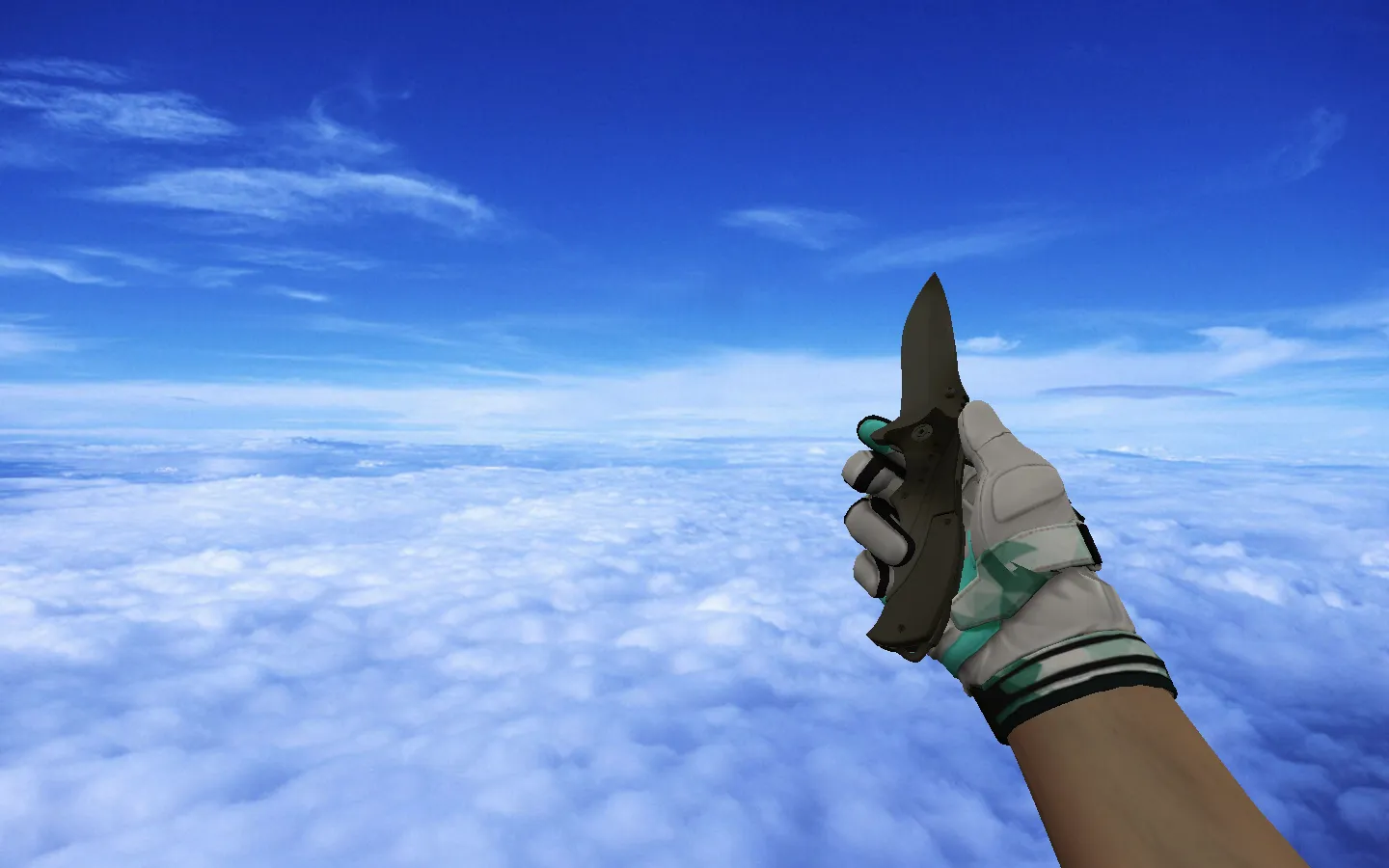
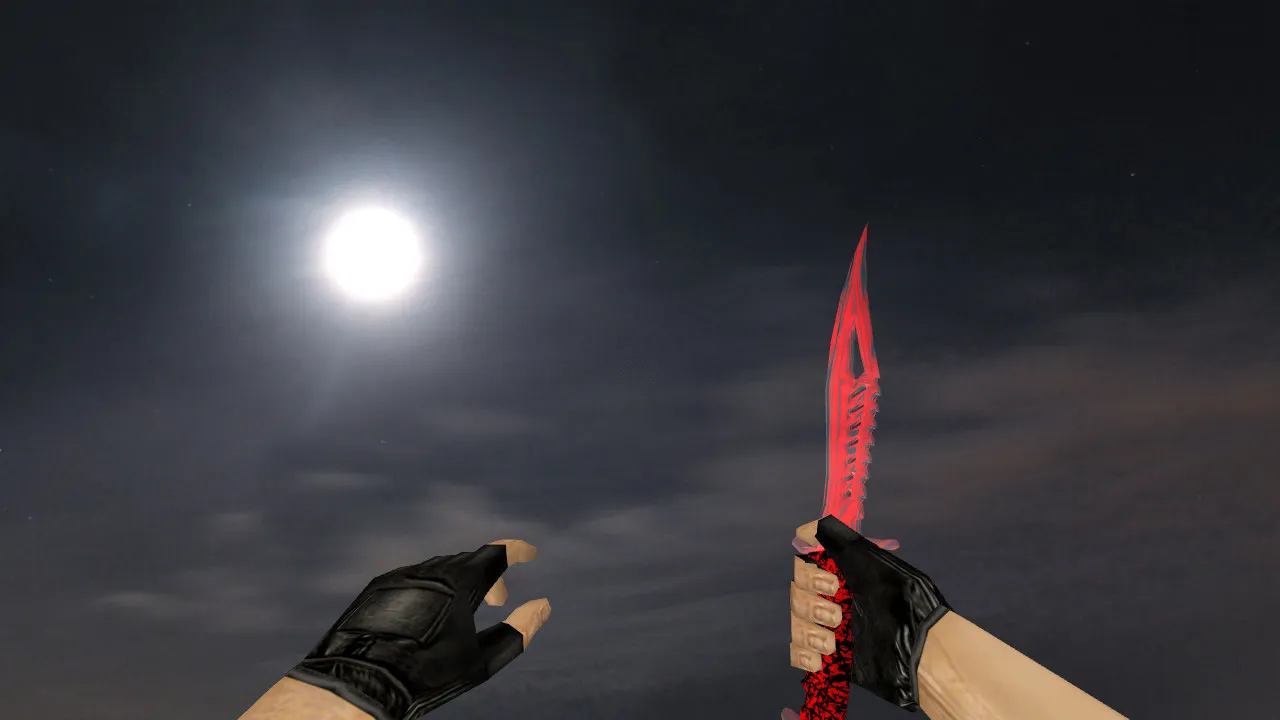
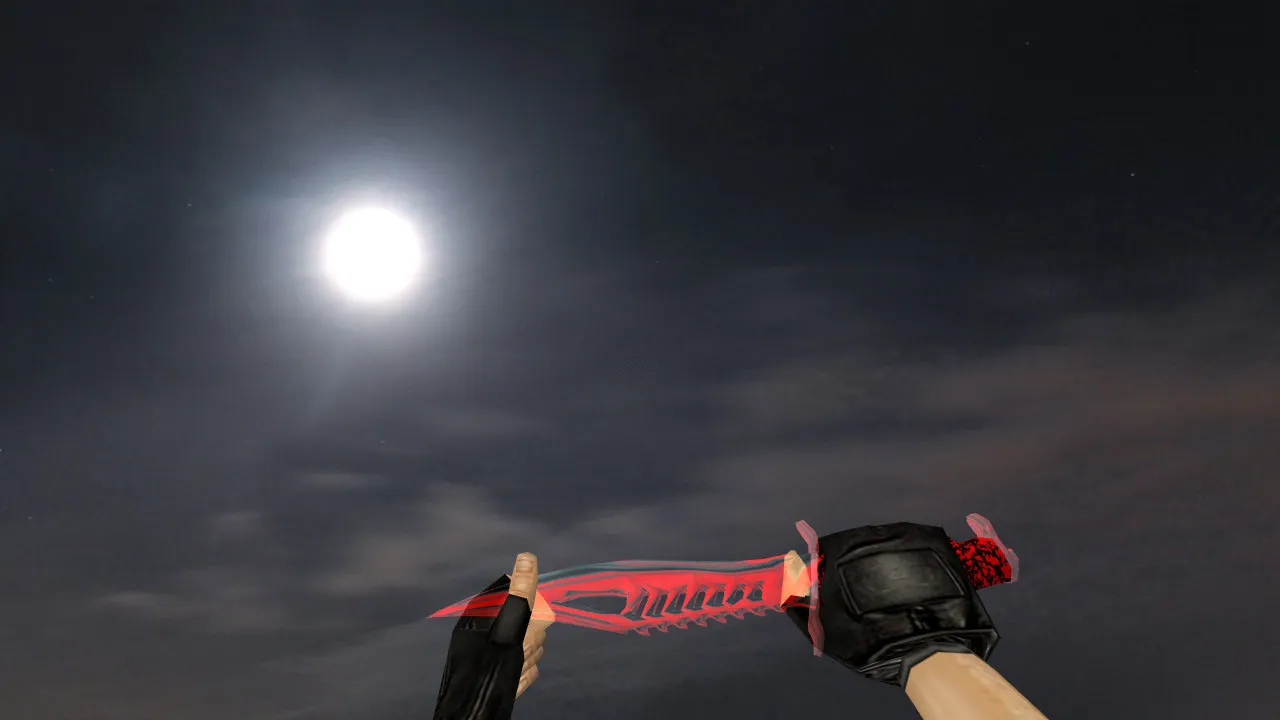
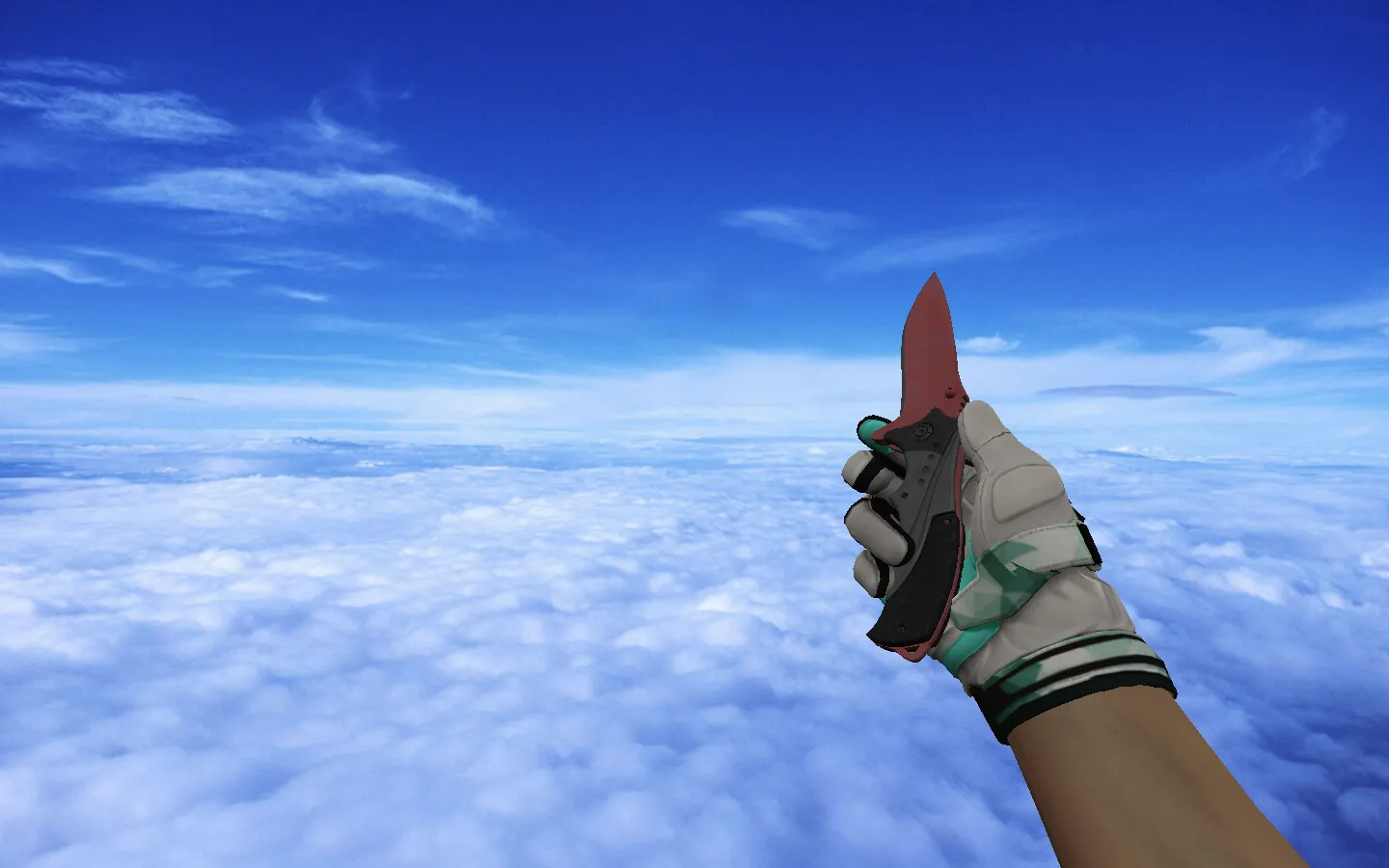
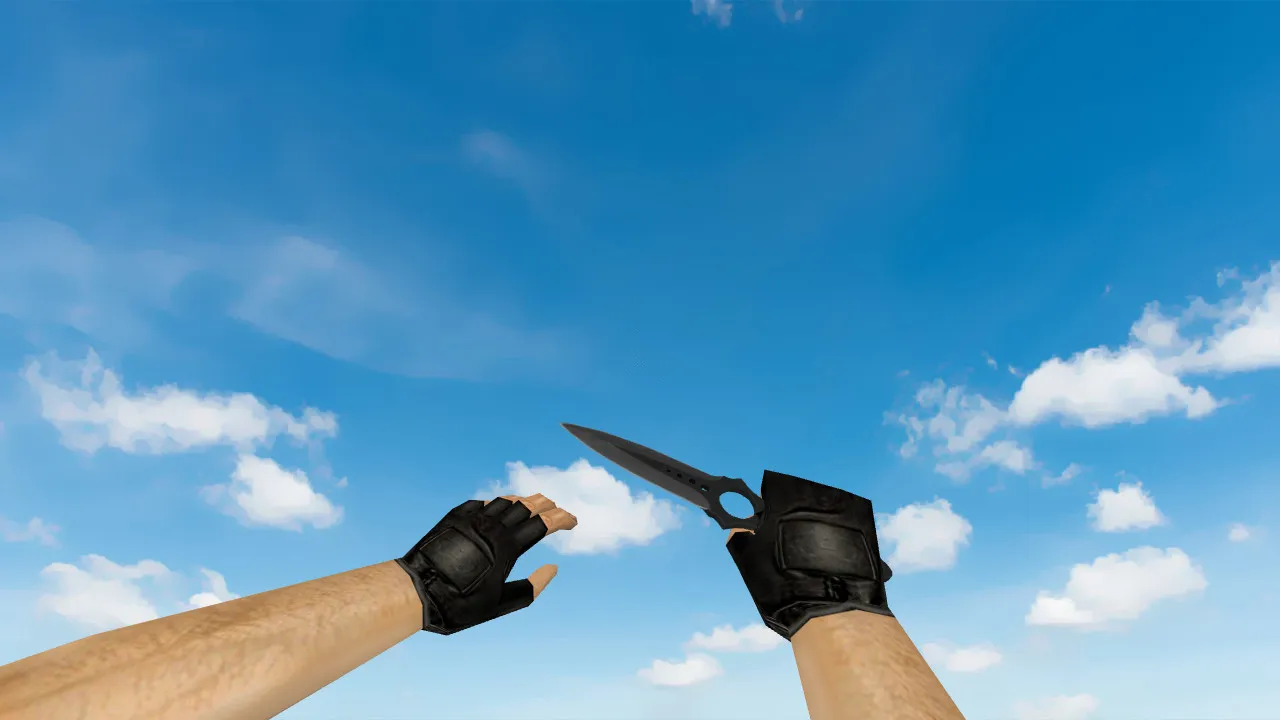
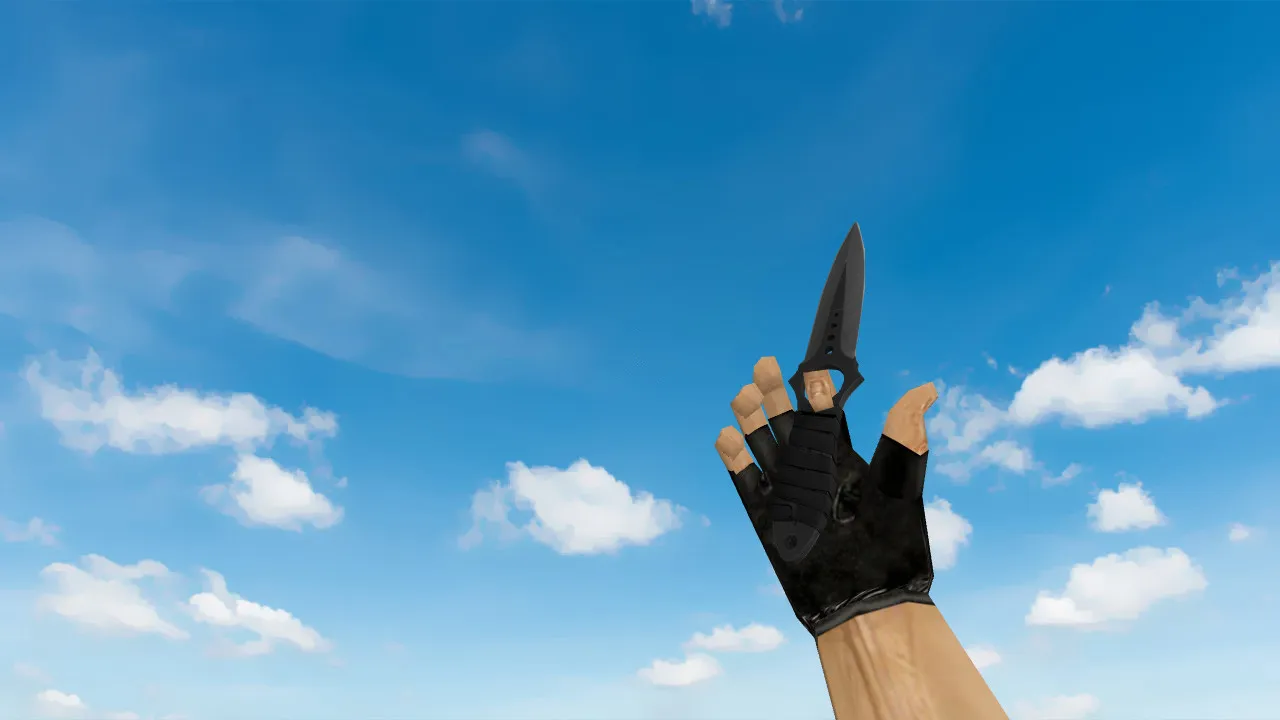
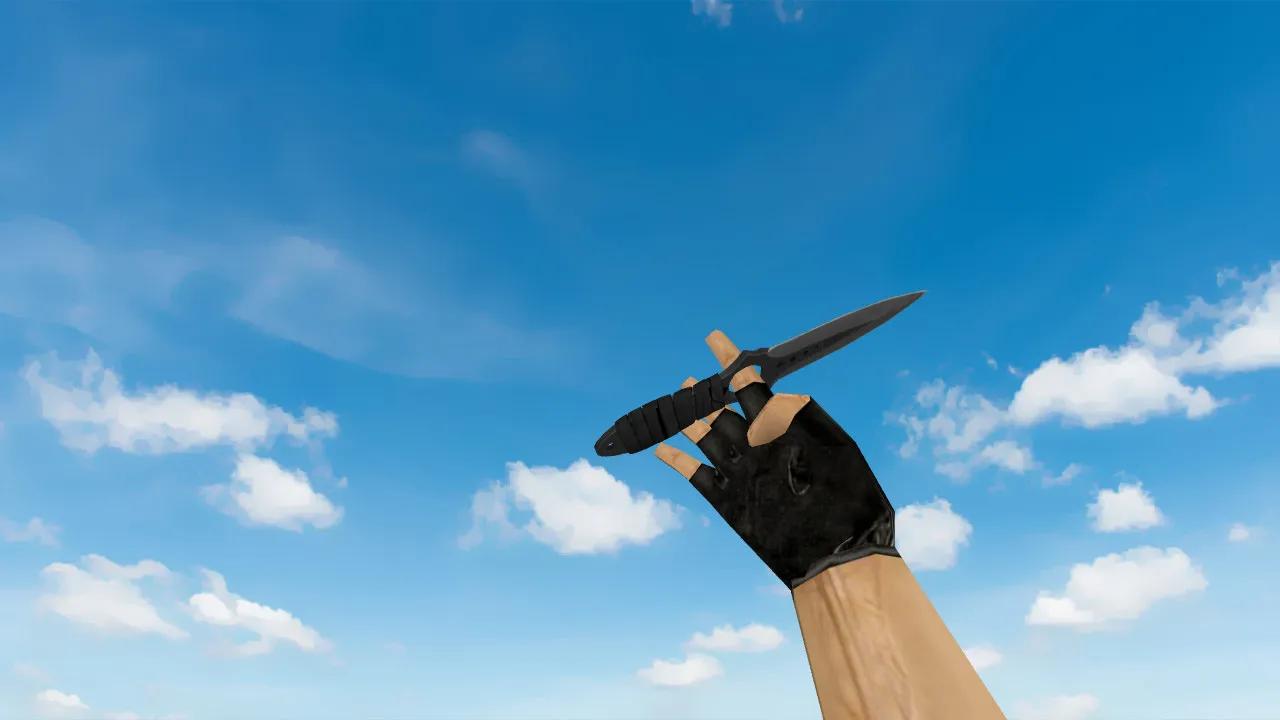
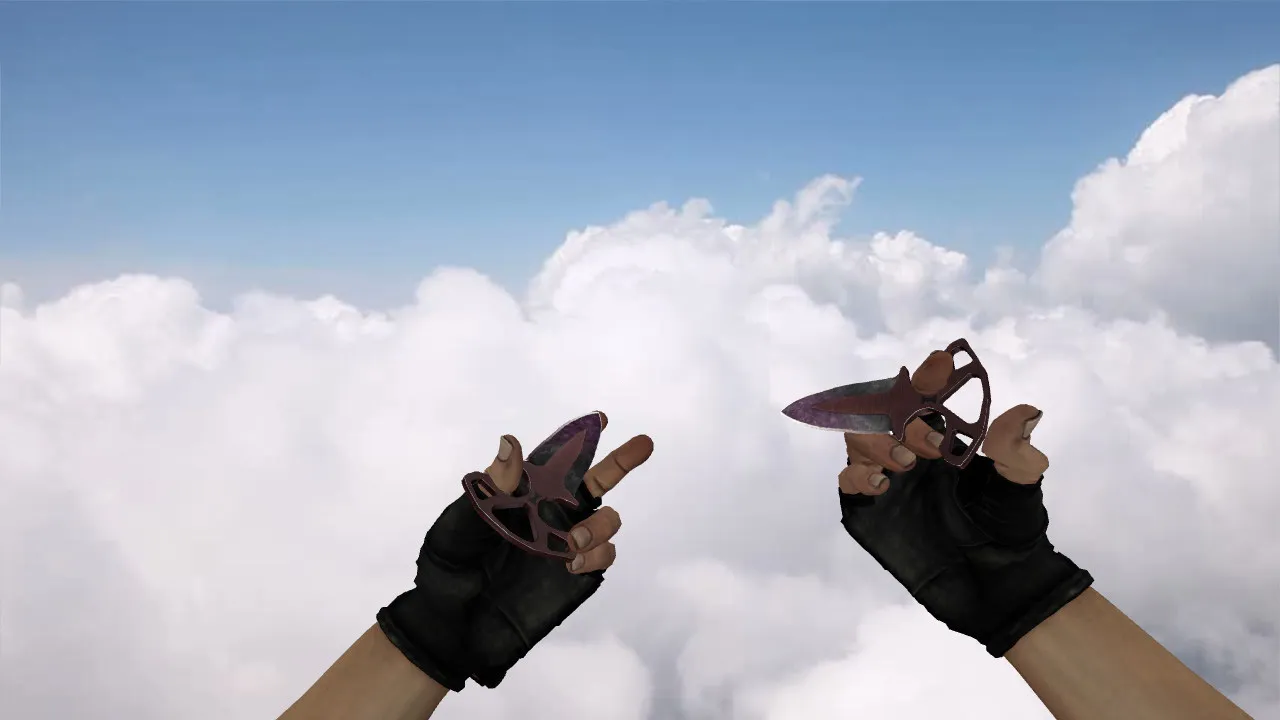
Searching for a classic visual overhaul for your weapon in CS 1.6? Take a look at this combination: the skeletal knife 'Blood Web' matched with special forces gloves 'Blood Kimono'. This goes beyond a simple texture swap; it is a complete hand package designed to feel cohesive. The model remains distinct during close-quarters engagements and while inspecting. During play, animations run fluidly, rotations track accurately, and the geometry holds together while moving.
For competitors, aesthetics count, yet engine compliance and file dependability are equally vital. This package employs v_, p_, and w_ prefixed models. This guarantees the blade appears consistent in first-person perspective, third-person view, and as a world entity. The special forces gloves merge into the CT hand display area seamlessly. Textures are applied to prevent blurring during motion or floating artifacts on surfaces. The bundle supplies custom strike and draw audio, along with standard inspect sequences to stop clipped actions during matches.
What You Get In-Game
- Knife 'Blood Web' featuring v_/p_/w_ models and exact motion handling.
- Gloves special forces 'Blood Kimono' with distinct CT-side visuals.
- Inspect Animation and pose transitions to preserve the skeletal structure.
- Sounds for strikes and draws, matching the vanilla feel without delay.
- Model Clarity in Dark Areas via clean textures and sharp outlines for ESL-style visibility.
Hitbox Alignment and Gameplay Comfort
In CS 1.6, exact fitting is essential. The model aligns with hitboxes to keep interactions predictable. The skeletal design does not block aiming or inspections. Outcome: a visual improvement that synchronizes with core weapon logic, zero conflicts during knife fights or drops.
This bundle keeps the polygon count low for high-fps performance. No heavy sprites or wad files to weigh down older machines. Test in bot matches to verify the w_ model drops correctly and the p_ view does not clip through walls. For close-range duels on maps like de_inferno tunnels, the blood web pattern stands out without washing out.
Safe Installation Guide
Download the archive and examine the contents-only place the knife and glove model files. Ignore any executables; this is clean, containing no viruses or slow-hacks. Install by overwriting in the standard model directories: cl_dlls for v_ models, models for p_ and w_. Compatible with Steam or Non-Steam builds such as 4554 or 8610. Back up originals first to revert if necessary.
After installation, start CS 1.6 and check the console for errors. Enter single-player, bind inspect (default +dropright), and confirm the knife displays in v_ view with gloves overlaid. The world model should spawn as a dropped item without texture glitches. No auto-connect scripts or advertisements-pure mod files.
For configuration tweaks, add to config.cfg: cl_bob 0.01 for steadier hand motion. Ensure MasterServer protection remains active; this mod does not touch netcode. Test in multiplayer lobbies to confirm no desyncs during knife swings.
Optimization for Daily Play
Regular players require stability. This model is lightweight-a low polygon count avoids fps drops on weapon switches or inspects. Textures at 512x512 resolution suit most systems without strain. Maintains frame rates on de_dust2 long angles or cbble corridors.
In tactical spots like mid on de_nuke, the skeletal lines provide edge detection in low-light. The gloves' kimono pattern adds CT flair without distracting from hitbox accuracy. Pair with no-recoil configs for balanced knife play. Overall, enhances visibility and feel without compromising engine limits.
Ready to equip the 'Blood Web' skeletal knife and 'Blood Kimono' gloves in CS 1.6? Backup files, overwrite models, and test in-game. Gain the edge in close combat without risks or performance hits.
Install in three steps
-
1
Download the archive. Use the button on the right, or the Yandex.Disk mirror if the main server is slow.
-
2
Extract it into the game folder. Use 7-Zip or WinRAR. A path without non-Latin characters works best.
-
3
Launch the game. If something doesn't work, mark it below - that is how we know the file needs an update.
Did it work for you?
No sign-up needed. You can pick more than one.