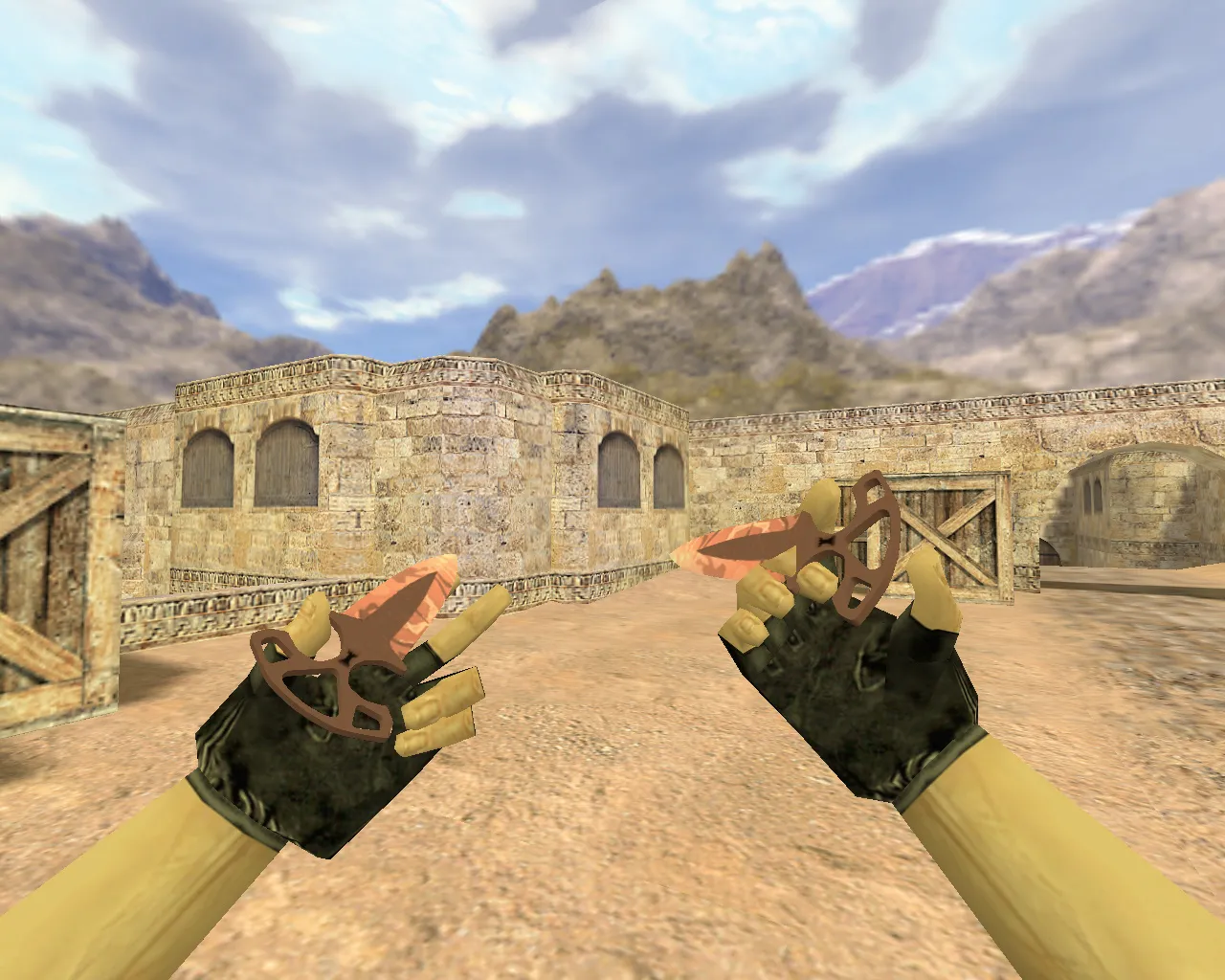
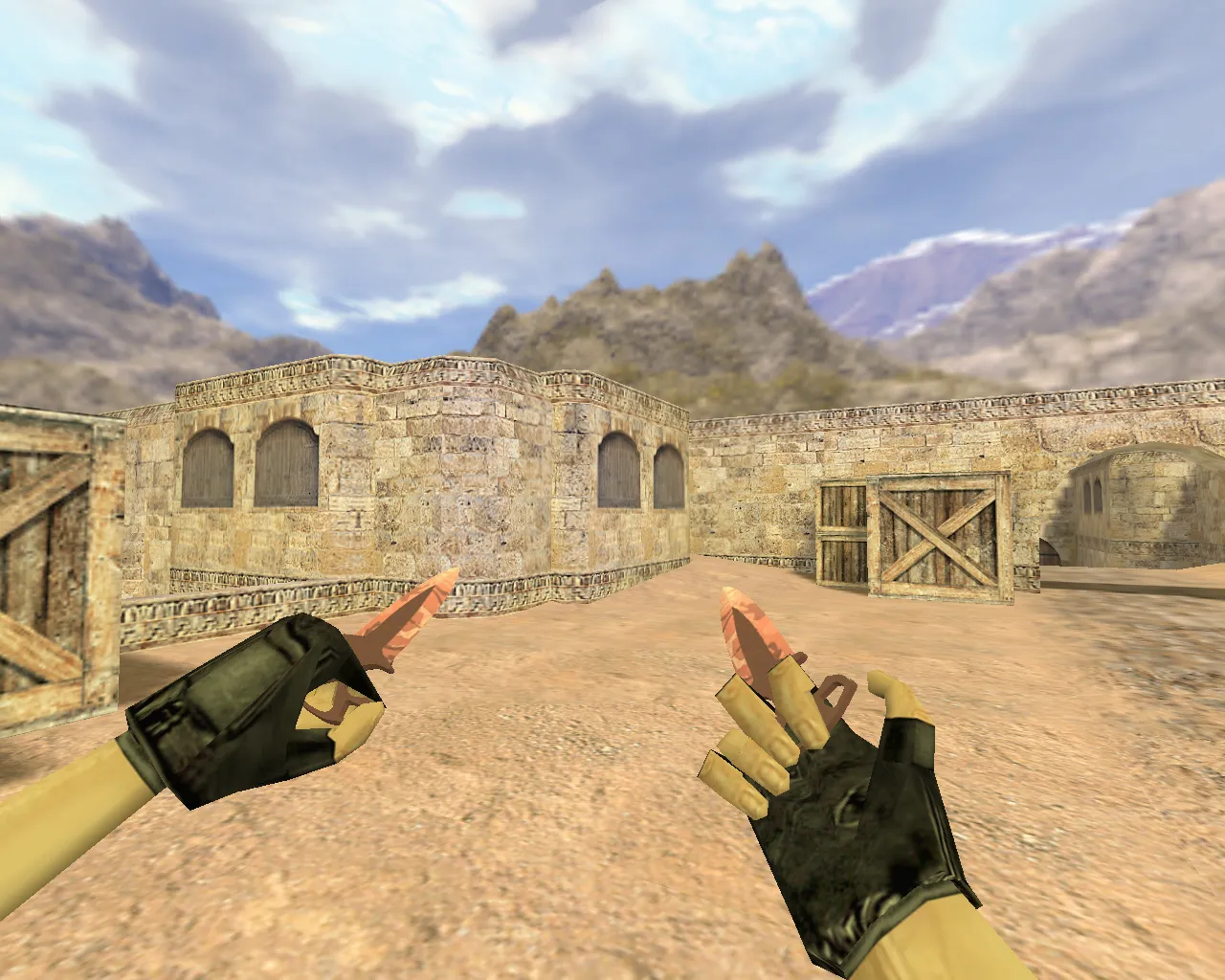
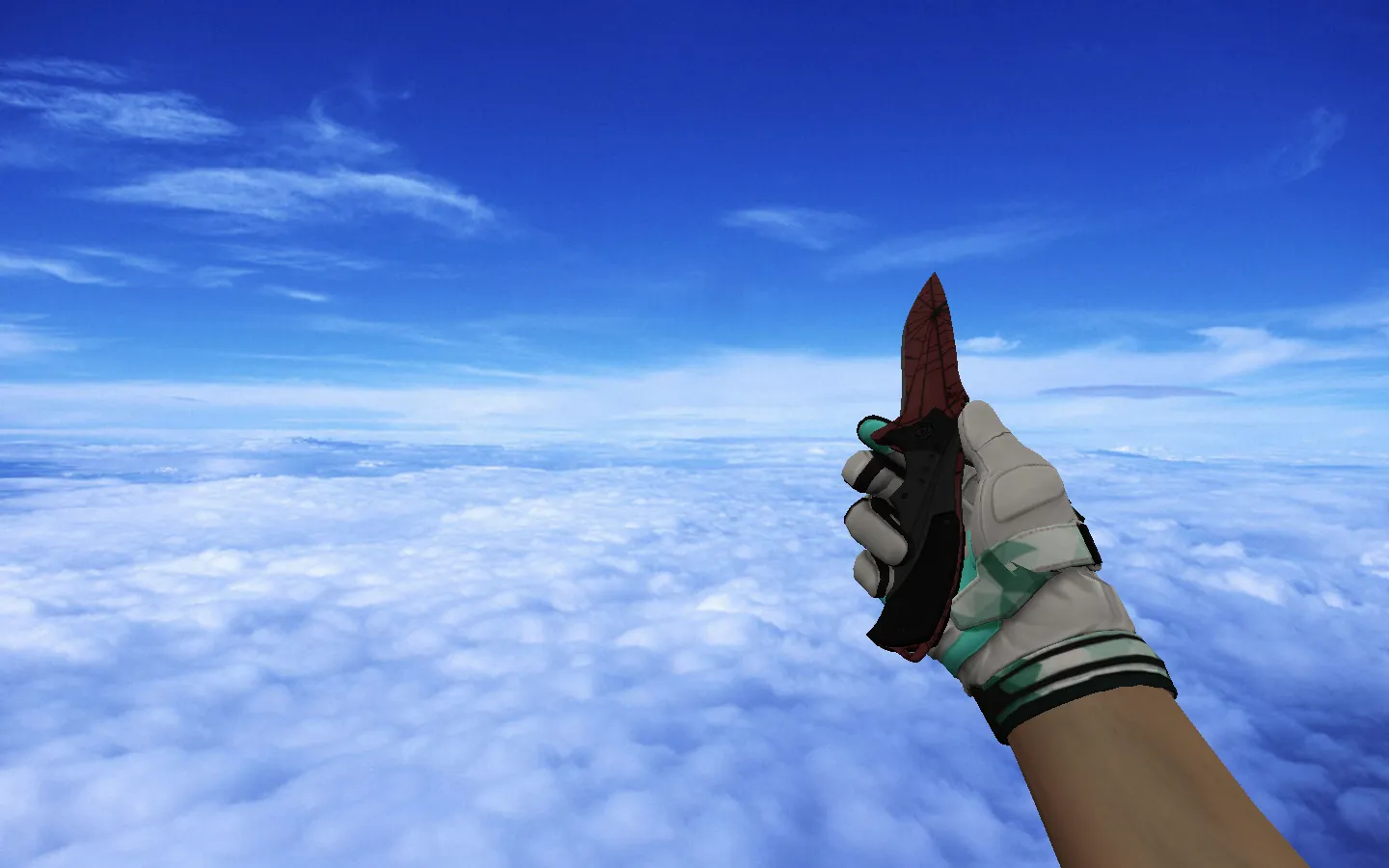
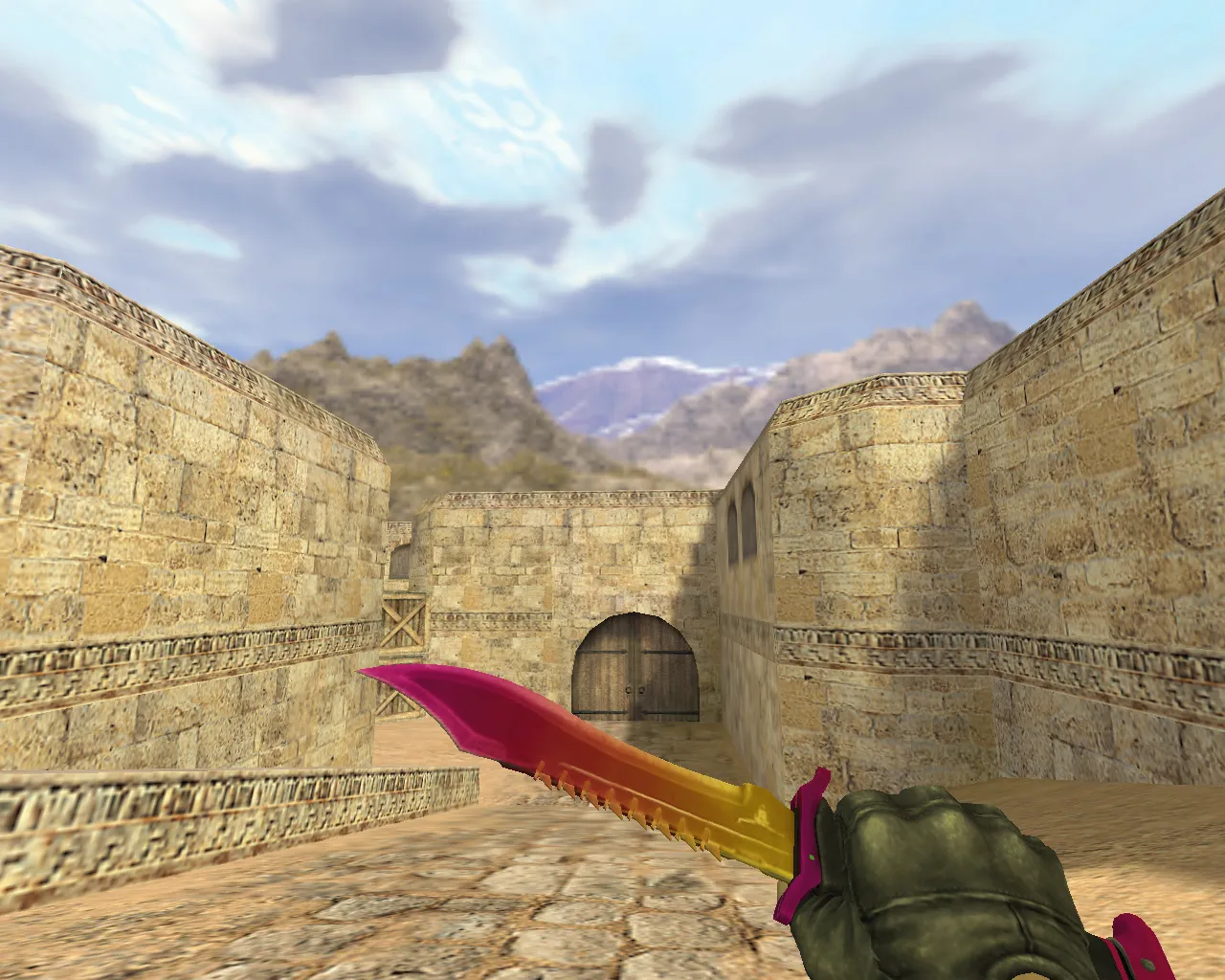
Skeleton Knife Vanilla on Default Hands for CS 1.6: Textures, Inspect Animation, and Sequence Setup



Description
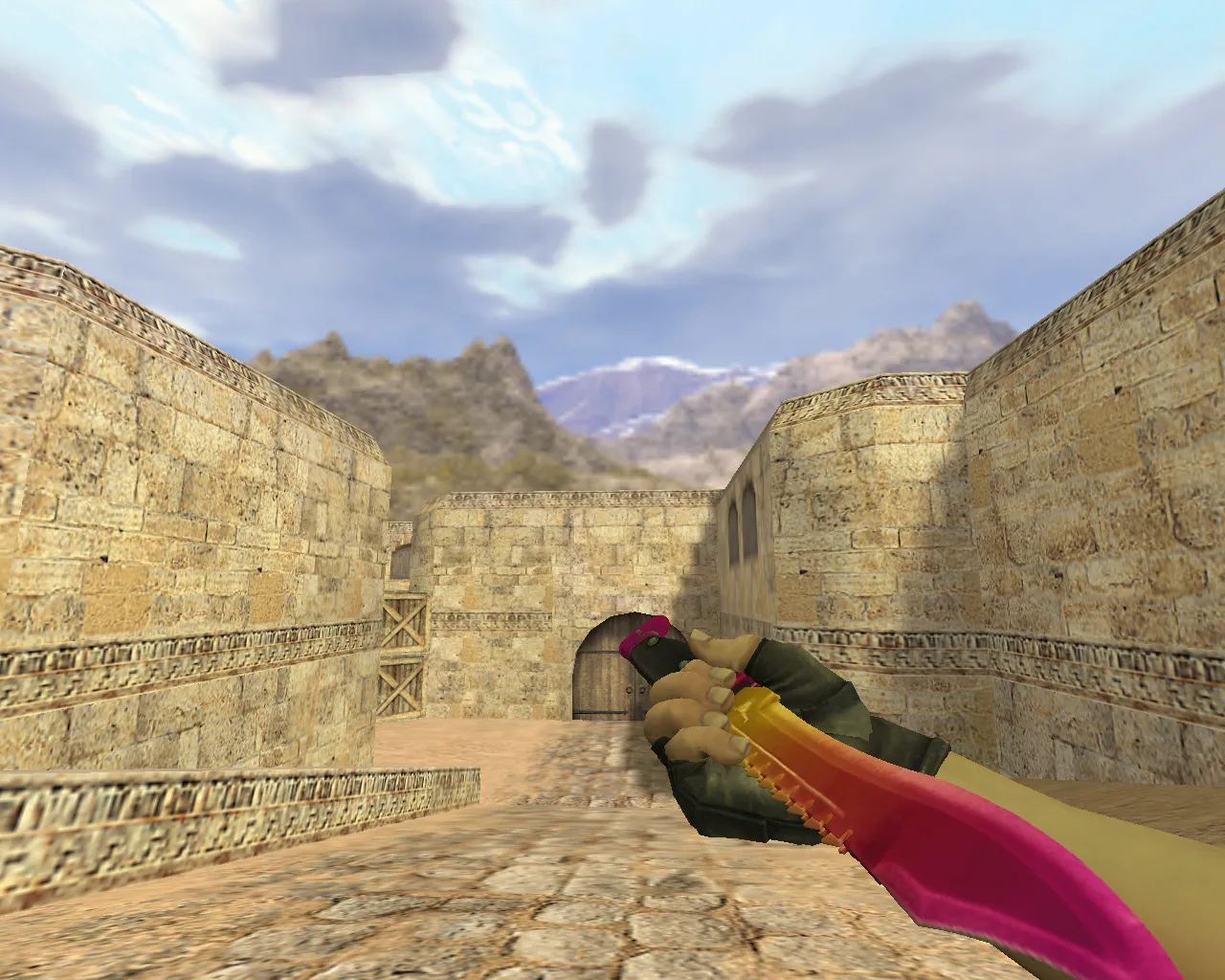
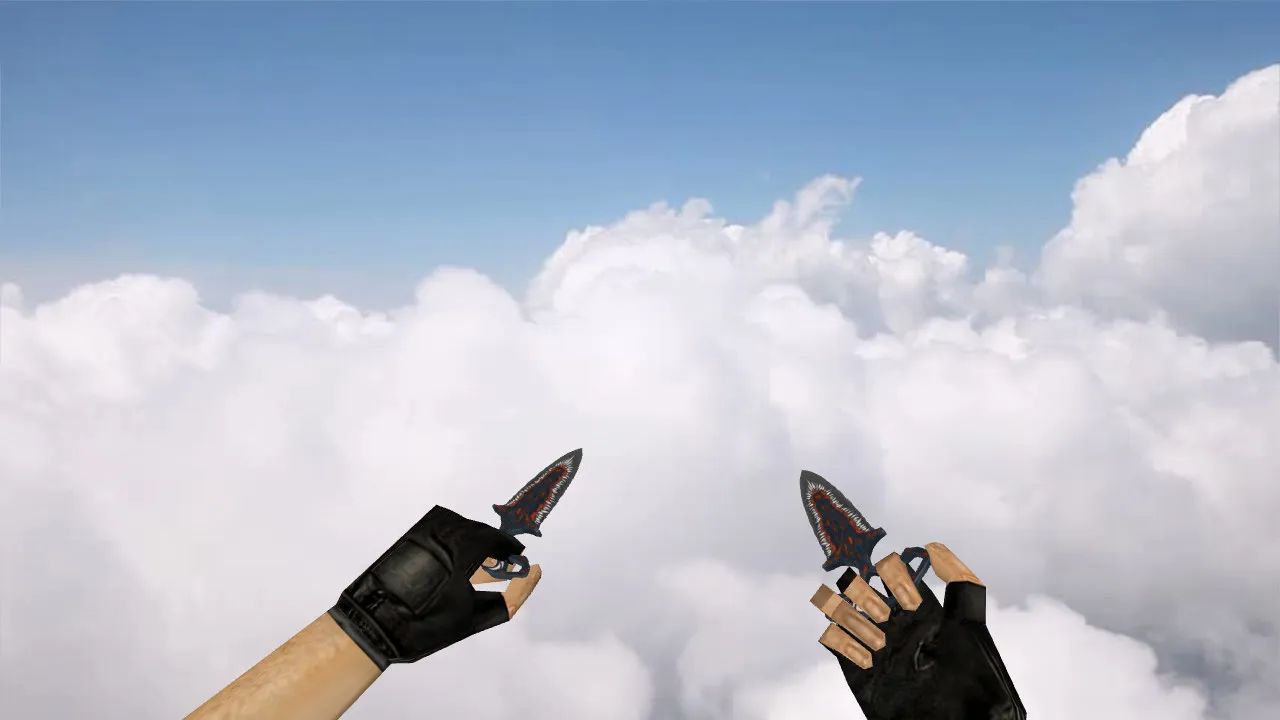
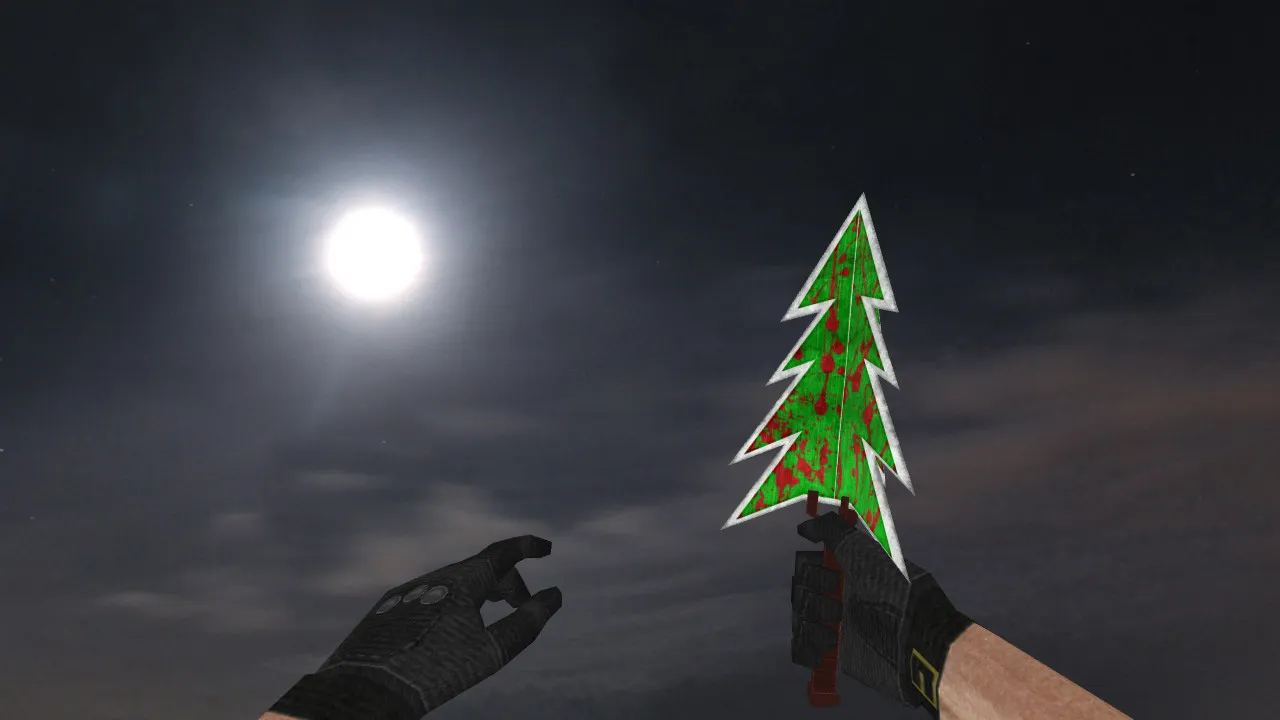
Skeleton Knife Vanilla on Default Hands for CS 1.6
This Skeleton Knife Vanilla skin integrates cleanly with the standard Counter-Strike 1.6 setup, preserving a pure vanilla look. The download provides all necessary assets: correctly formatted model files, precise hand attachment, and working textures. Check texture clarity from various angles and during movement to confirm visibility. The blade includes custom sound effects and animations that function smoothly during play.
Inspect animations are not active out of the box. The default configuration does not have a sequence assigned to the inspect command. However, two inspect variations are included in distinct sequences. You can enable them if you understand how to configure model sequences and link them to the appropriate engine actions. Without this step, the knife behaves like the stock weapon: attacking, switching, and idling normally. The inspect feature remains inactive until the sequences are connected.
The view model (v_) is built with a low polygon count to maintain high frame rates, alongside player (p_) and world (w_) models for dropped and ground views. Textures use a 512x512 resolution for crisp detail without pop-in. Hand positioning prevents clipping while aiming or changing stances, keeping hitboxes accurate on the default hands.
Pre-Installation Checks
- Models: Confirm all files are present and organized correctly. Use the standard prefixes: v_ for the viewmodel, p_ for player drops, and w_ for world models.
- Hands: Verify compatibility with the default hand models. There should be no wrist shifting during aim or stance transitions.
- Textures: Inspect materials under different lighting conditions. The knife must remain visible while moving, with no detail loss in dark areas for competitive play.
- Sounds: Ensure strike and deploy audio syncs properly with the model, without duplicate or overlapping sounds.
- Animations: After linking sequences, test the inspect function. Movement should be fluid, free of jerks or skipped frames.
The v_ model stays under 1000 polygons, optimizing performance for older hardware. Custom inspect sequences add variety without increasing file size significantly. Rigging uses the standard skeleton to match the CS 1.6 animation system, avoiding the need for custom .mdl modifications unless specifically required.
Setting Up Inspect Animation via Sequences
The process involves two inspect variants located in separate, inactive sequences. Modify the model's configuration to activate them, connecting the inspect command to the correct animation cycle. If you are new to this, test in a local match first. Watch for positional breaks or frame jumps during the inspect action.
Once linked, compare both variants. One fits a shorter animation length, the other a different tempo. Both must render cleanly on the default hands. If visual desync occurs at the wrists, review the hand bindings or sequence parameters. Use tools like HLMV to preview sequences before testing in-game.
Sequence handling in CS 1.6 can differ between builds-verify stability on builds 4554 or 8613. Custom sounds feature metallic clash effects for slashes, included as .wav files in the sound directory. No-recoil configs are compatible, but keep hitbox alignment standard for fair gameplay.
CS 1.6 Installation Safety
Install strictly from archive files-avoid autoexec configs or third-party scripts. Back up original files for an easy rollback. Do not use auto-connect tools or questionable plugins. Keep a clean folder structure; do not mix with other modifications.
For server play or multiple game versions, confirm compatibility. Builds like 4554 with MasterServer protection handle sequences reliably. Check loading on both Steam and Non-Steam versions. A clean config.cfg prevents conflicts-remove any overriding key binds.
This modification is free of viruses, ads, and hacks. There are no slow-hack risks or forced connections. The focus is tactical knife usage: quick slashes in close quarters, remaining visible in dust or smoke without FPS drops.
Expand knife tactics on maps such as de_dust2-utilize for silent Terrorist rushes at B-site doors. Sequences improve immersion without changing game balance. For bots, .nav files are untouched, ensuring AI navigation works correctly.
Summary
Skeleton Knife Vanilla on Default Hands provides vanilla visuals, audio, and animation cycles. Unlock two inspect options by linking the separate sequences. With correct setup, enjoy stable animations on default hands, enhancing CS 1.6 knife gameplay without compromises.
Install in three steps
-
1
Download the archive. Use the button on the right, or the Yandex.Disk mirror if the main server is slow.
-
2
Extract it into the game folder. Use 7-Zip or WinRAR. A path without non-Latin characters works best.
-
3
Launch the game. If something doesn't work, mark it below - that is how we know the file needs an update.
Did it work for you?
No sign-up needed. You can pick more than one.