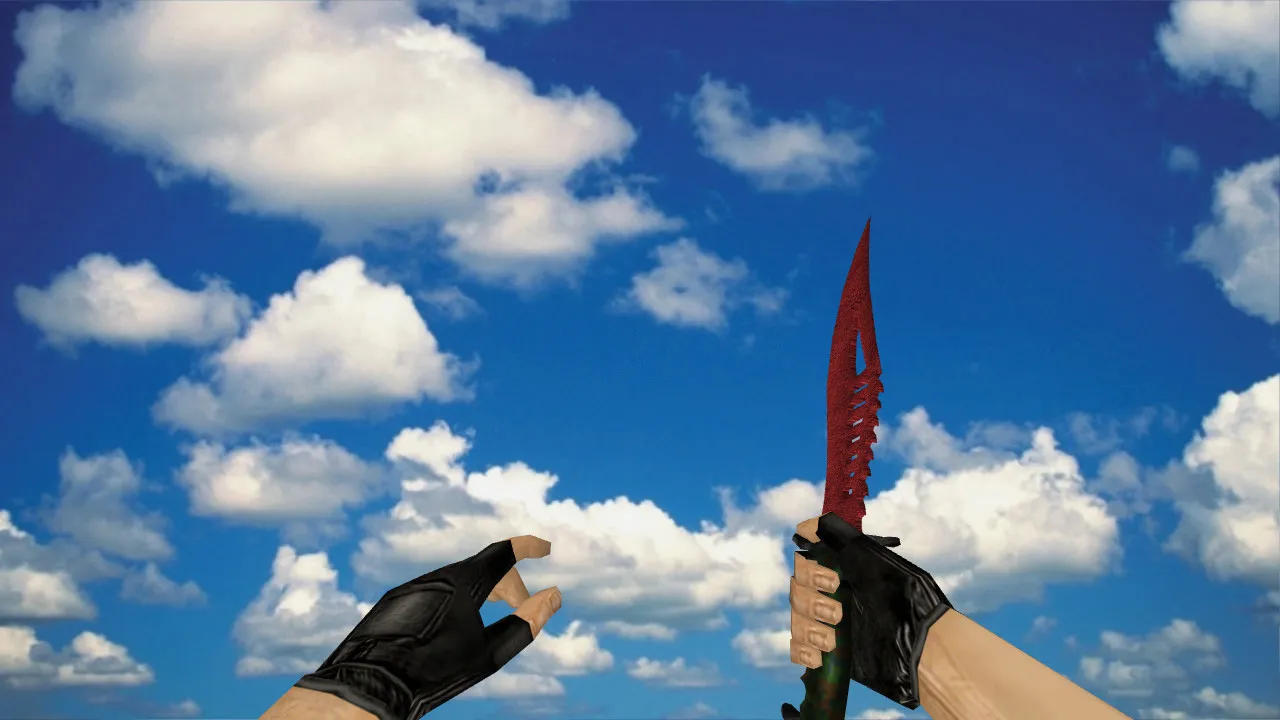
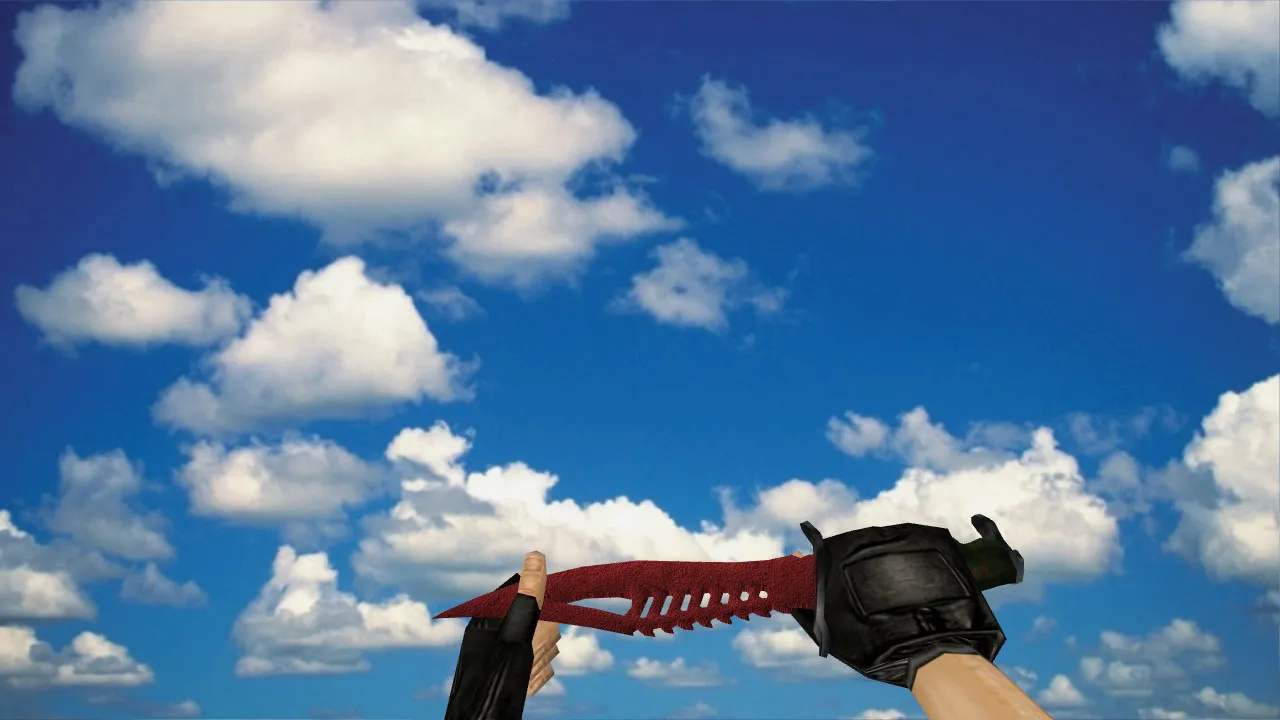
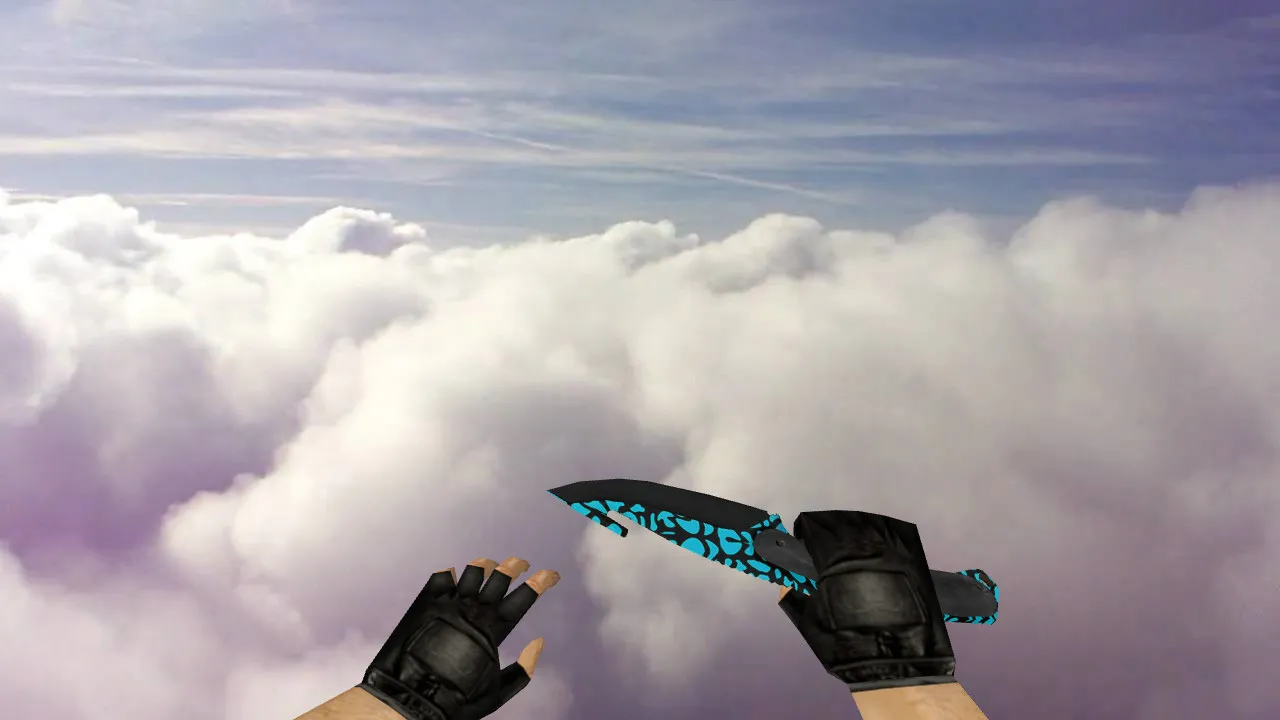
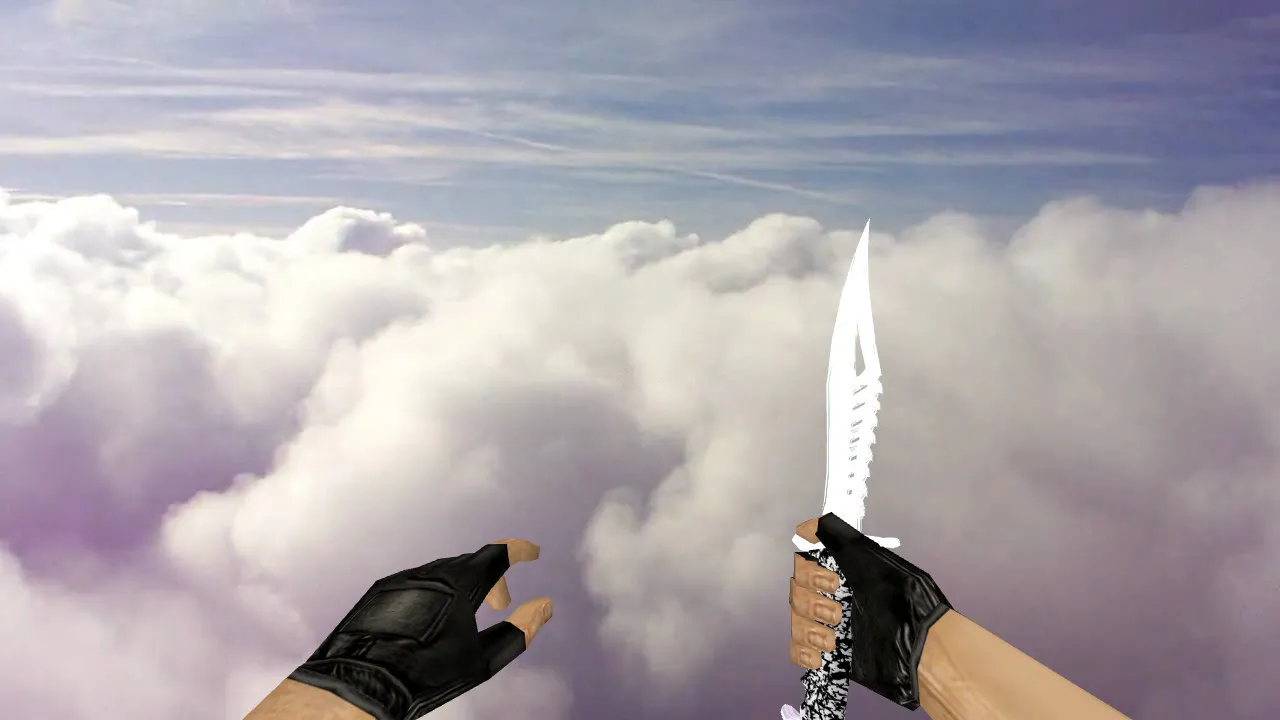
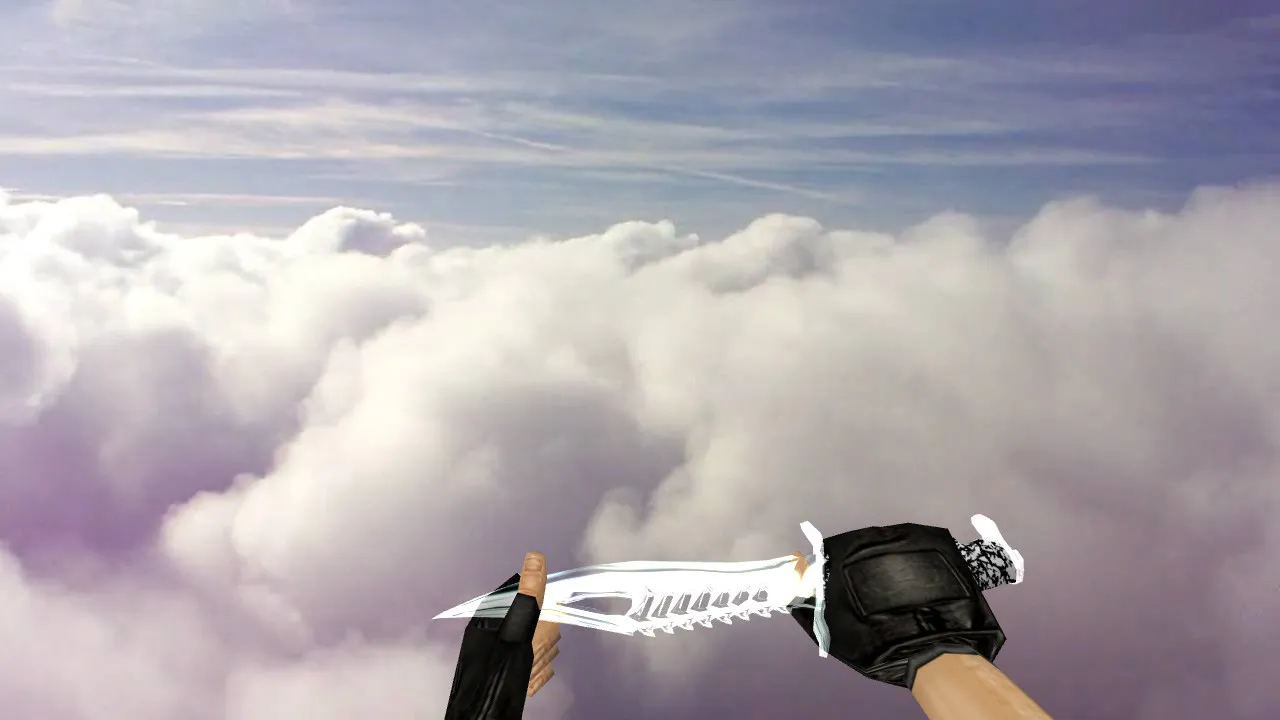
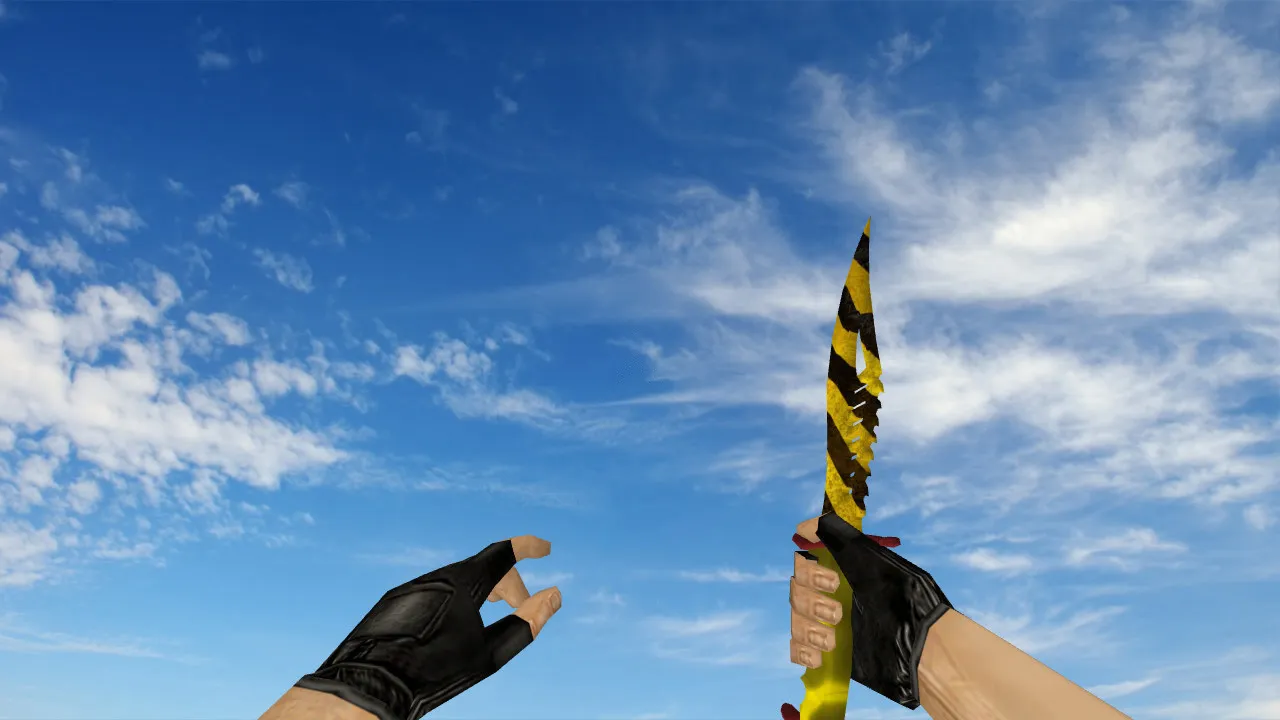
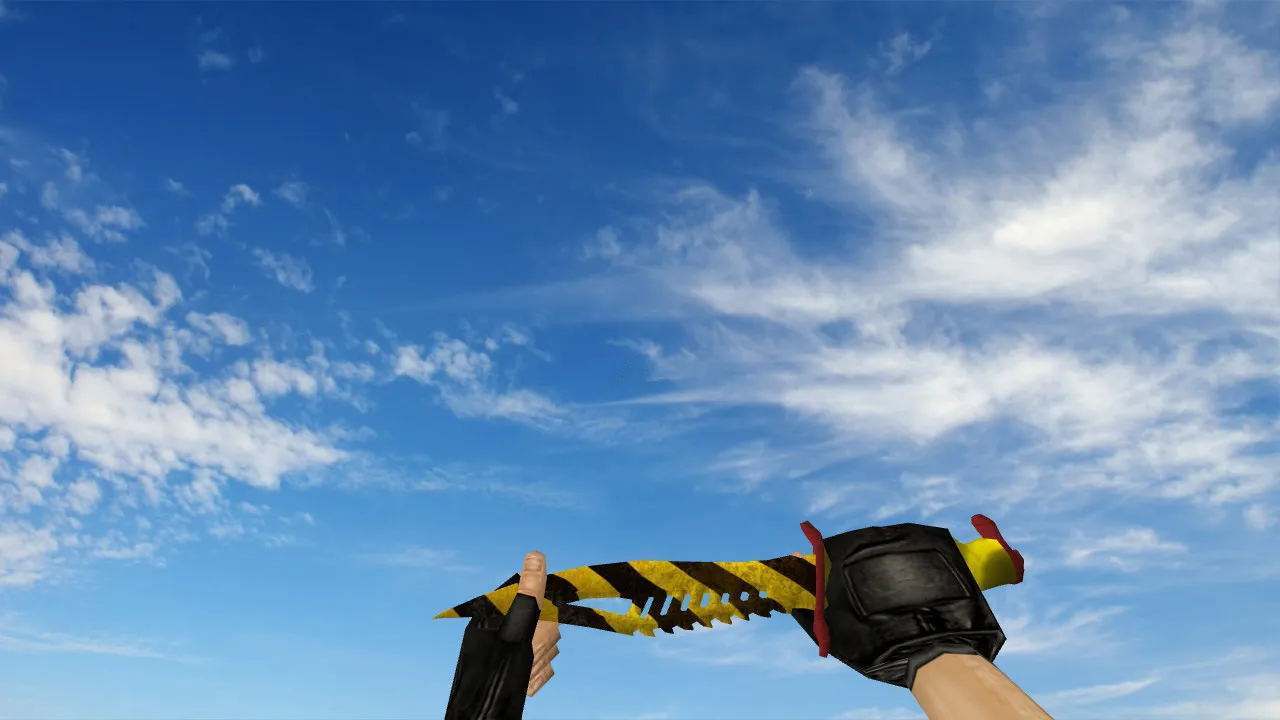
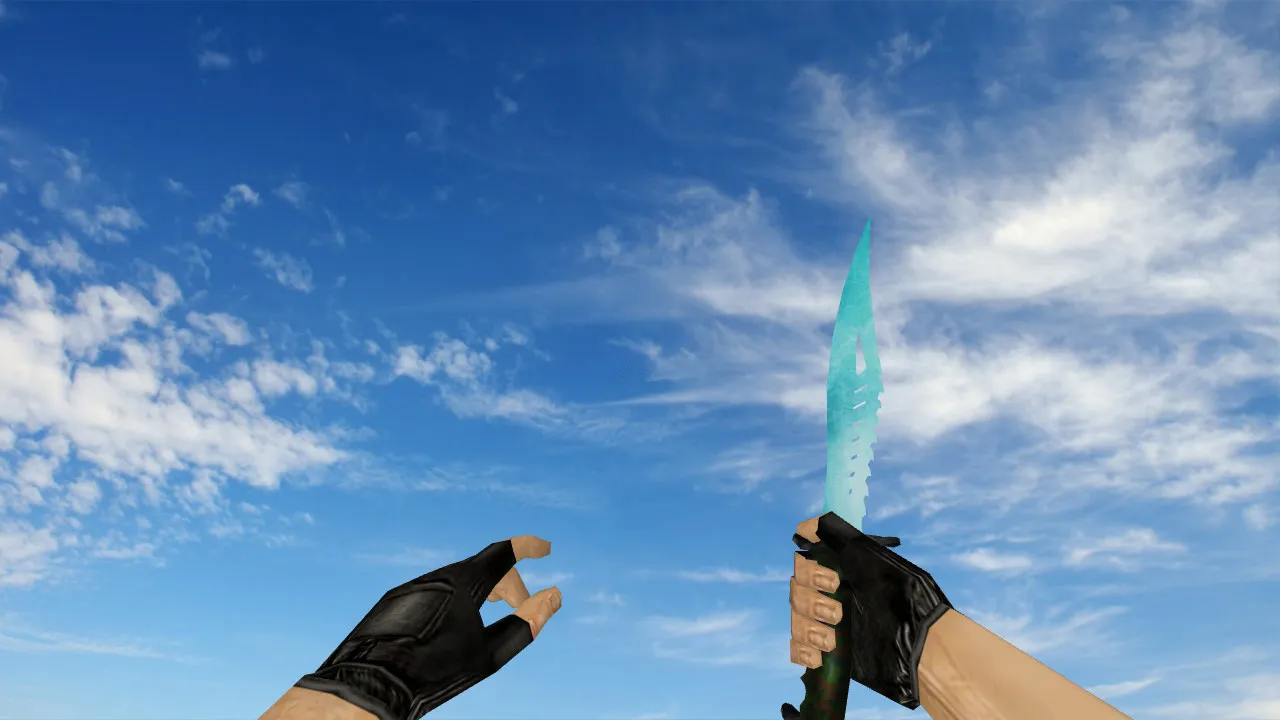
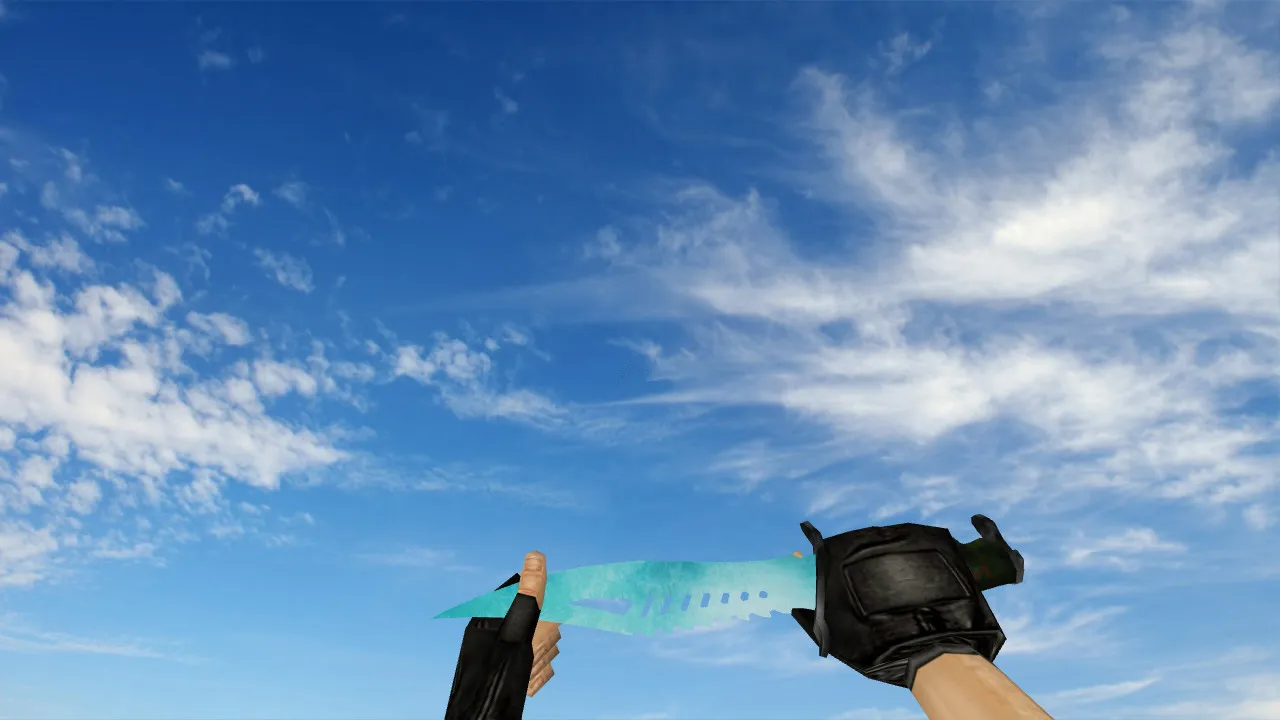
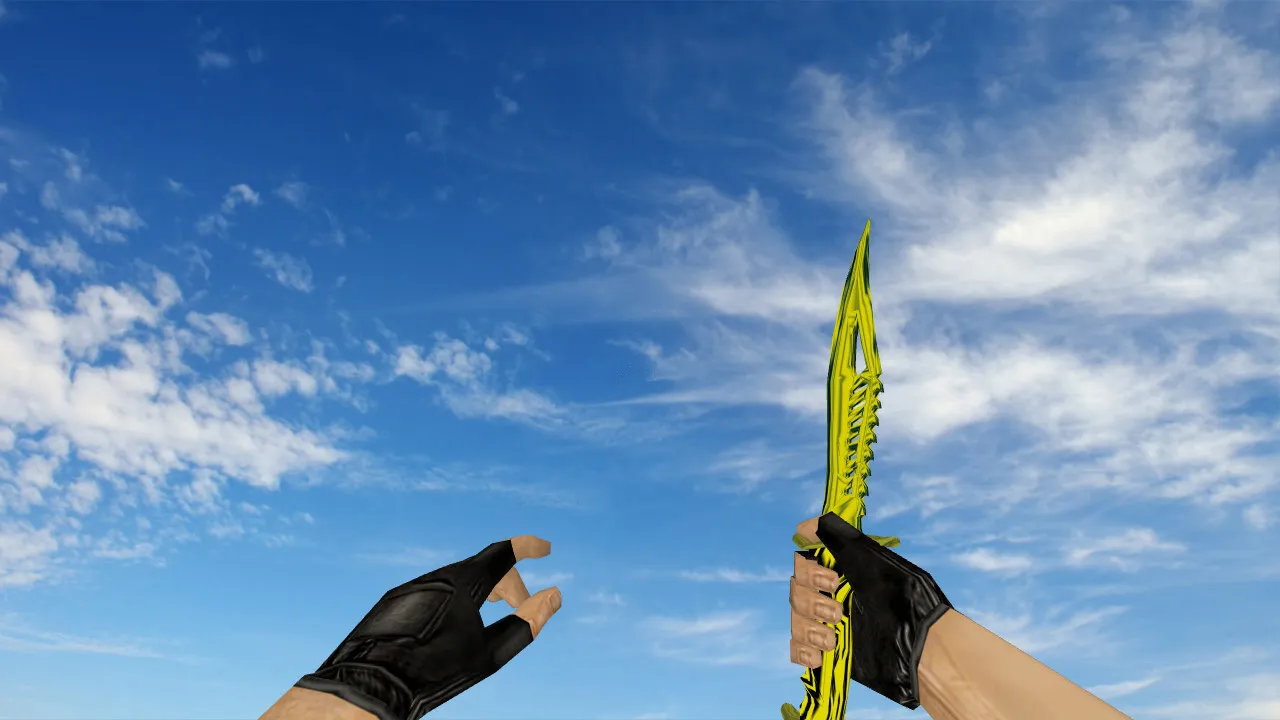
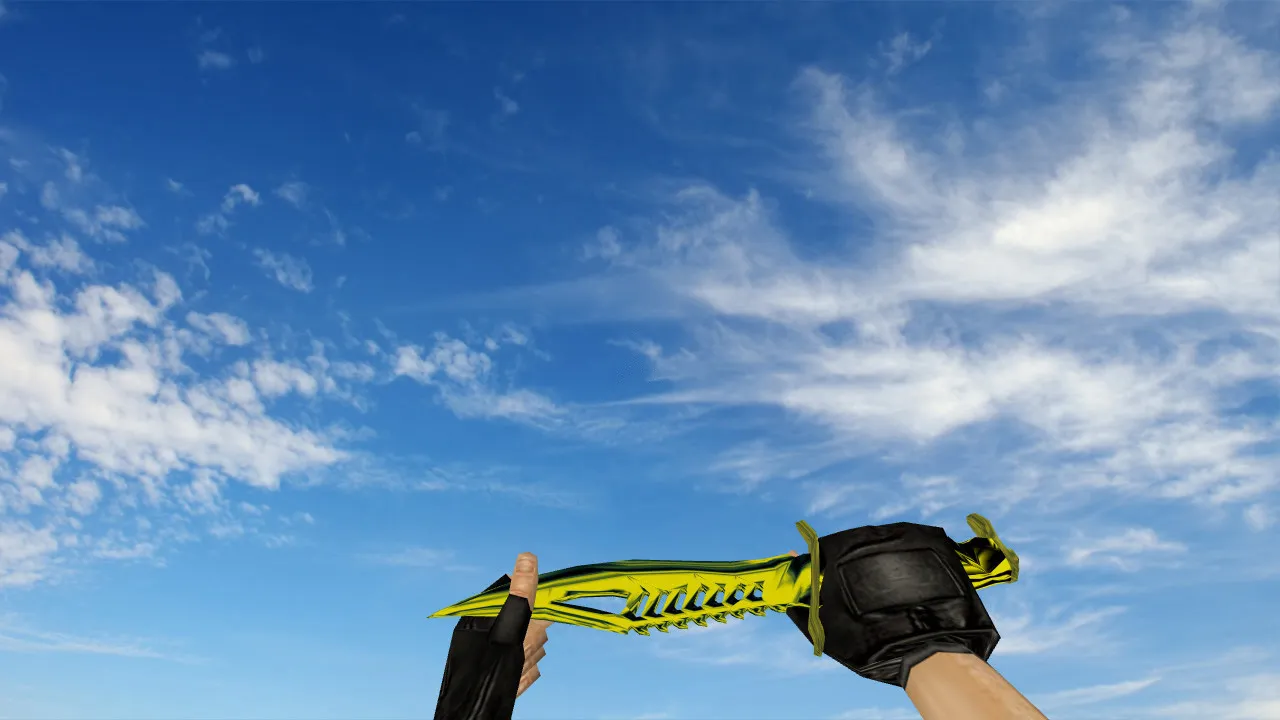
Nautilus Transparent Red Knife Model for CS 1.6: v_ Models with Sounds, Inspection Animation, and High-Quality Textures
Description
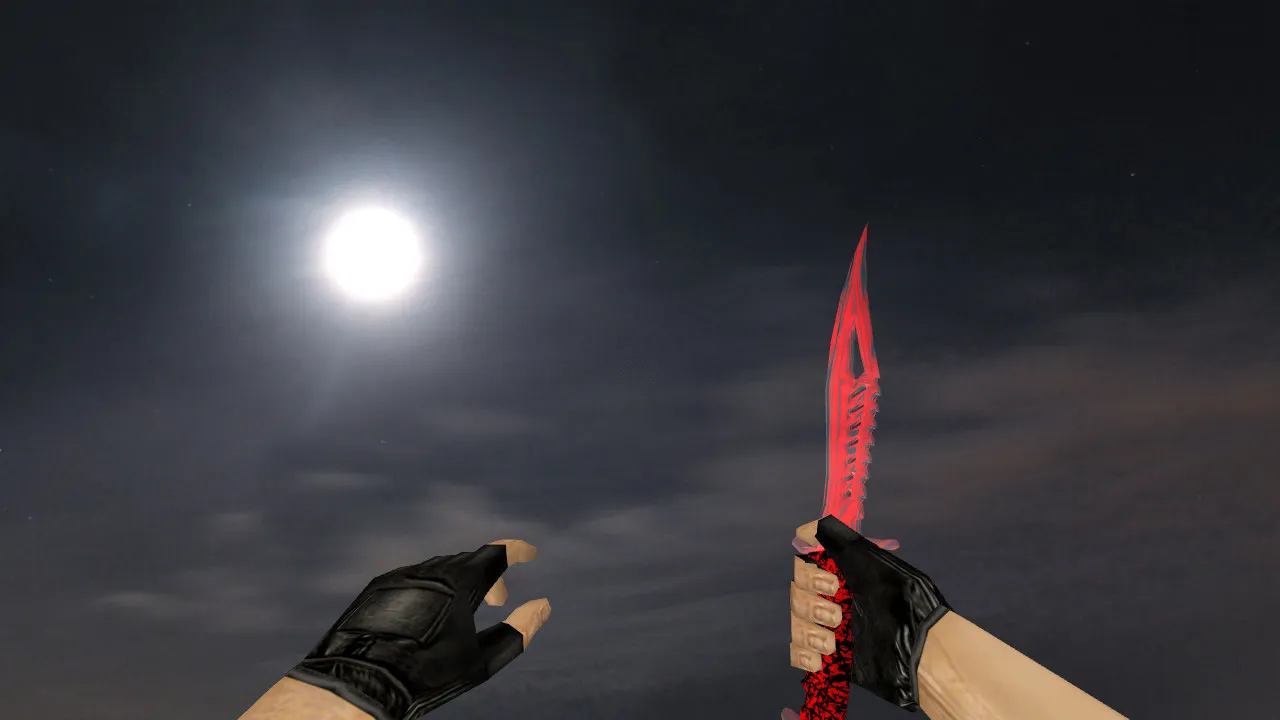
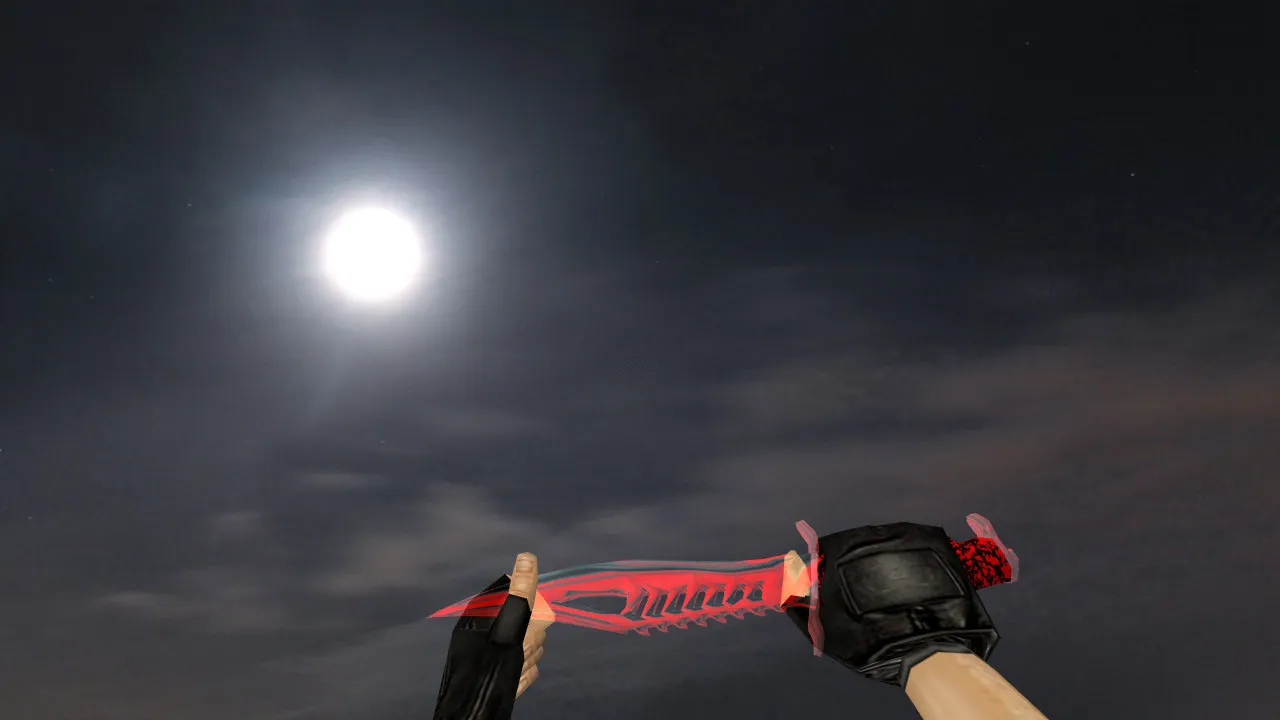
Nautilus Transparent Red Knife Model for CS 1.6
This knife model provides a distinctive grip in first-person view that avoids blending into grenade smoke or shadowed corners. Developed specifically for CS 1.6, the Nautilus Transparent Red fits into server environments without compatibility problems. Essential layers consist of the v_ model for first-person visibility, p_ model for hand positioning during stances and turns, and w_ model for world-space rendering. These components ensure smooth inspection animations and consistent movement behavior across rounds.
During setup, place files in the proper directories such as models and sprites to prevent loading errors. The knife activates correctly on weapon switches and inspections. For older clients, this model avoids disrupting other weapon displays. Textures load cleanly, and included sounds integrate without glitches. If sounds are absent, the game stays stable, but complete packs with audio resources deliver the full experience for knife swings and clicks.
Key Quality and Display Features
In CS 1.6, players prioritize knife appearance while aiming, performing quick inspections, and during dynamic action. The Nautilus Transparent Red highlights a transparent red visual style that remains readable even in motion. Designed for the GoldSrc engine's rendering, textures stay sharp without warping, and geometry keeps its integrity up close. Polycount remains optimized for high-fps performance on older hardware.
- v_ model: First-person view prevents jumping or clipping during strafing.
- p_ model: Handles first-person stances and rotations without distortion.
- w_ model: Ensures accurate world view and seamless weapon transitions.
- Inspection animation: Timings align with engine defaults for fluid clicks and spins.
- Custom sounds: Knife deployments and attacks sync with game rhythm, no audio drops.
The model suits CS 1.6's fast-paced flow. In low-light or smoky areas like de_dust2's tunnels, readability outweighs flashiness. The transparent red effect provides strong contrast against backgrounds, but watch for edge flickering on camera turns-tested for minimal artifacts. Hitbox alignment stays precise, so melee strikes register accurately without offset issues.
For ESL-style play, the knife's visibility in dark zones like bombsite shadows improves tactical awareness. No over-the-top effects that could lag on 32-bit systems; instead, it focuses on clean sprite integration via wad files. Pair it with a no-recoil config for balanced knife rushes on maps with close-quarters combat.
Installation and Safe Usage Guidelines
Download only from verified sources and extract archives manually to skip any auto-runs. Expect zero auto-connects, viruses, ads, or bundled hacks-this model runs clean. Test offline first: Launch a local server, spawn bots, switch to knife, inspect it, then navigate a map like de_inferno. Verify animations play smoothly and textures render without errors.
If another knife mod is installed, conflicts may arise from overlapping files. Replace only the Nautilus Transparent Red components in models/v_knives.mdl and related textures. Avoid mixing elements from different packs to prevent crashes. Maintain a clean config.cfg without third-party tweaks; this boosts stability and preserves FPS. Compatible with both Steam and Non-Steam builds like 4554 or 8613, including MasterServer protection setups.
Post-install, check console for errors like missing sprites. If issues pop up, verify file paths in cl_entity.txt or reset to defaults. For bot servers, ensure .nav files aren't affected-knife models don't interfere with pathfinding.
Why Players Choose This Knife in CS 1.6
On veteran servers, reliability and non-intrusive design matter most. The Nautilus Transparent Red nails both: Its red transparent finish pops in hand without overwhelming the HUD, while v_/p_/w_ layers guarantee predictable dynamics. Ideal for technical players who value quick draws between rounds on maps demanding fast knife work, like de_nuke vents.
Integrate it into your setup, test the inspection and sounds, then dive into matches. When everything renders correctly, this knife becomes a solid extension of your CS 1.6 arsenal, enhancing those clutch melee moments without compromising performance.
Install in three steps
-
1
Download the archive. Use the button on the right, or the Yandex.Disk mirror if the main server is slow.
-
2
Extract it into the game folder. Use 7-Zip or WinRAR. A path without non-Latin characters works best.
-
3
Launch the game. If something doesn't work, mark it below - that is how we know the file needs an update.
Did it work for you?
No sign-up needed. You can pick more than one.