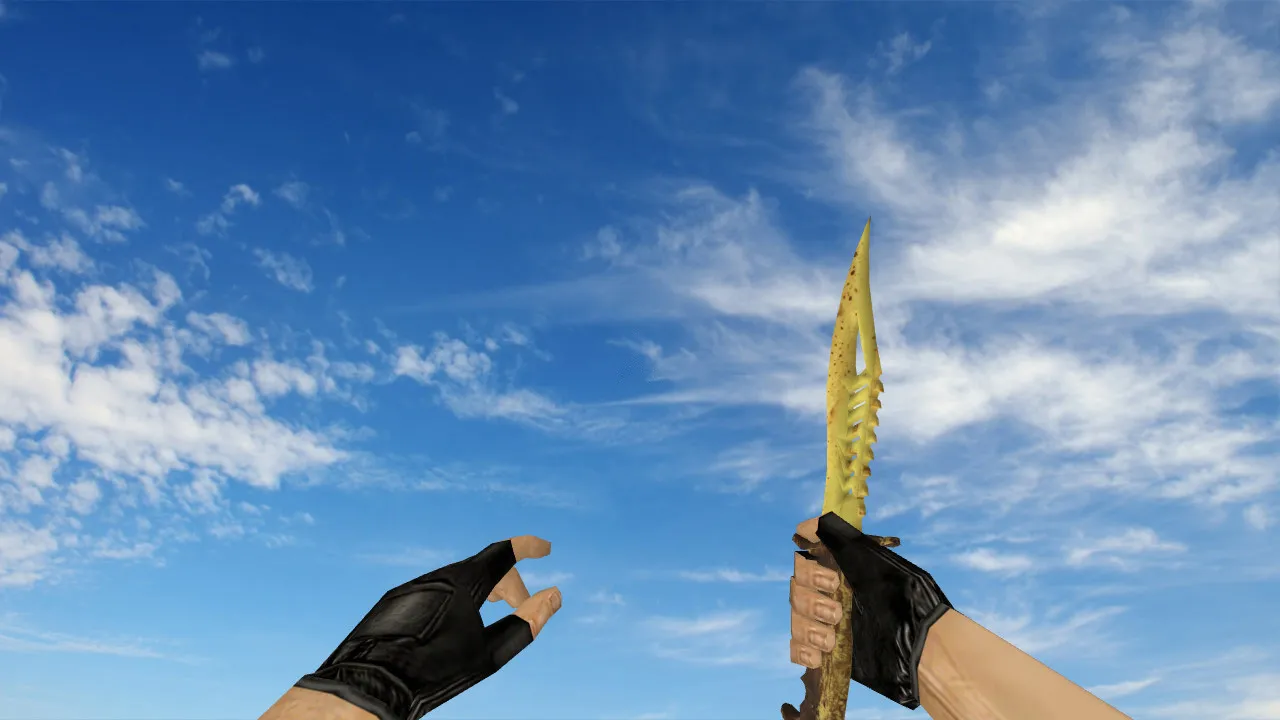
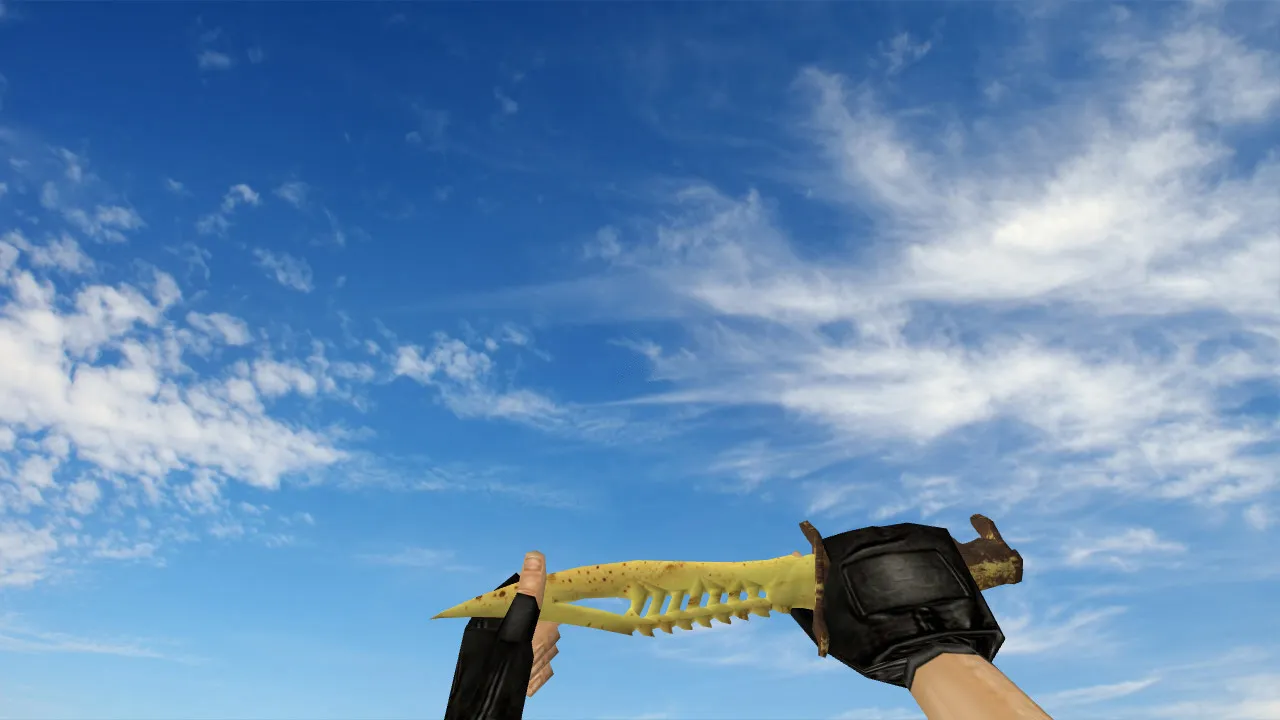
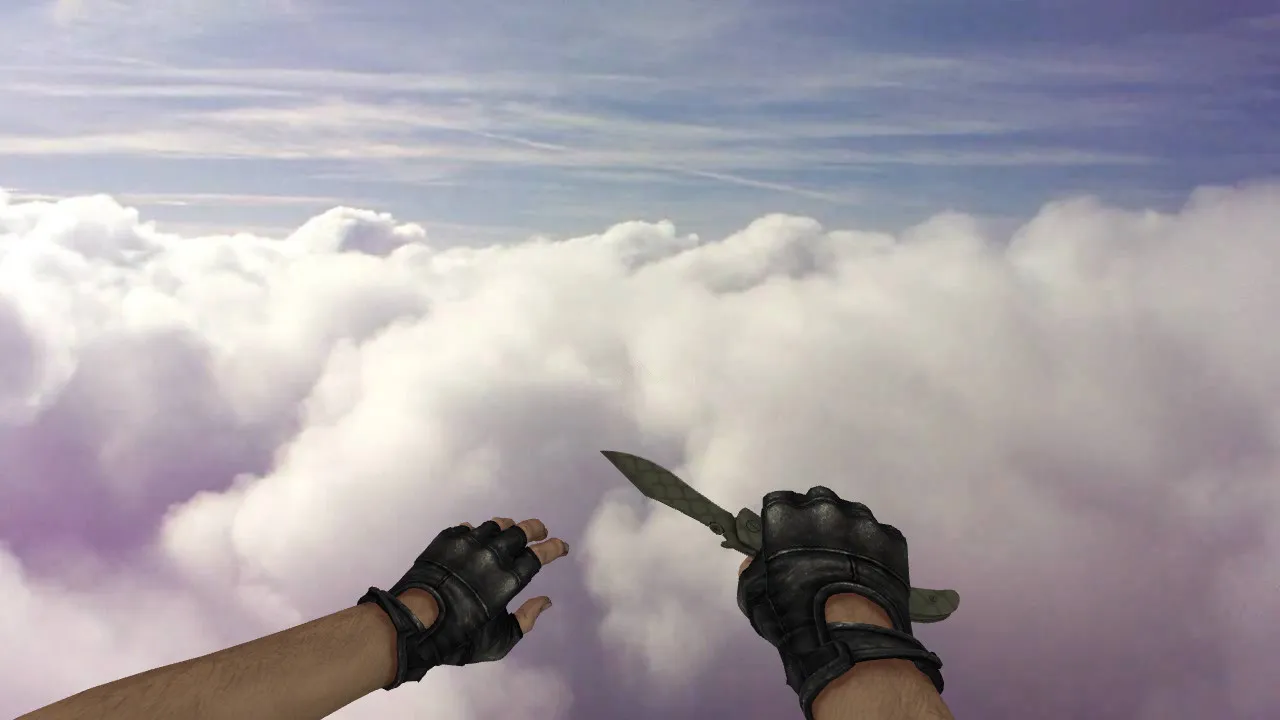
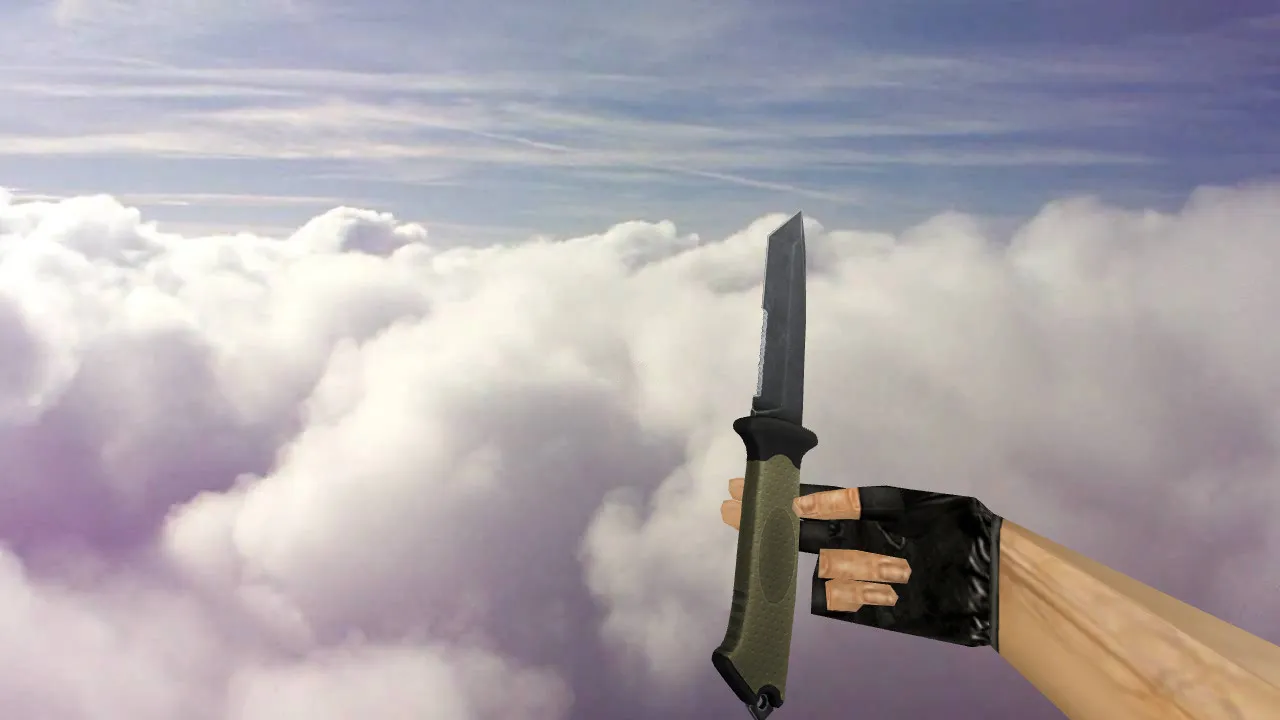
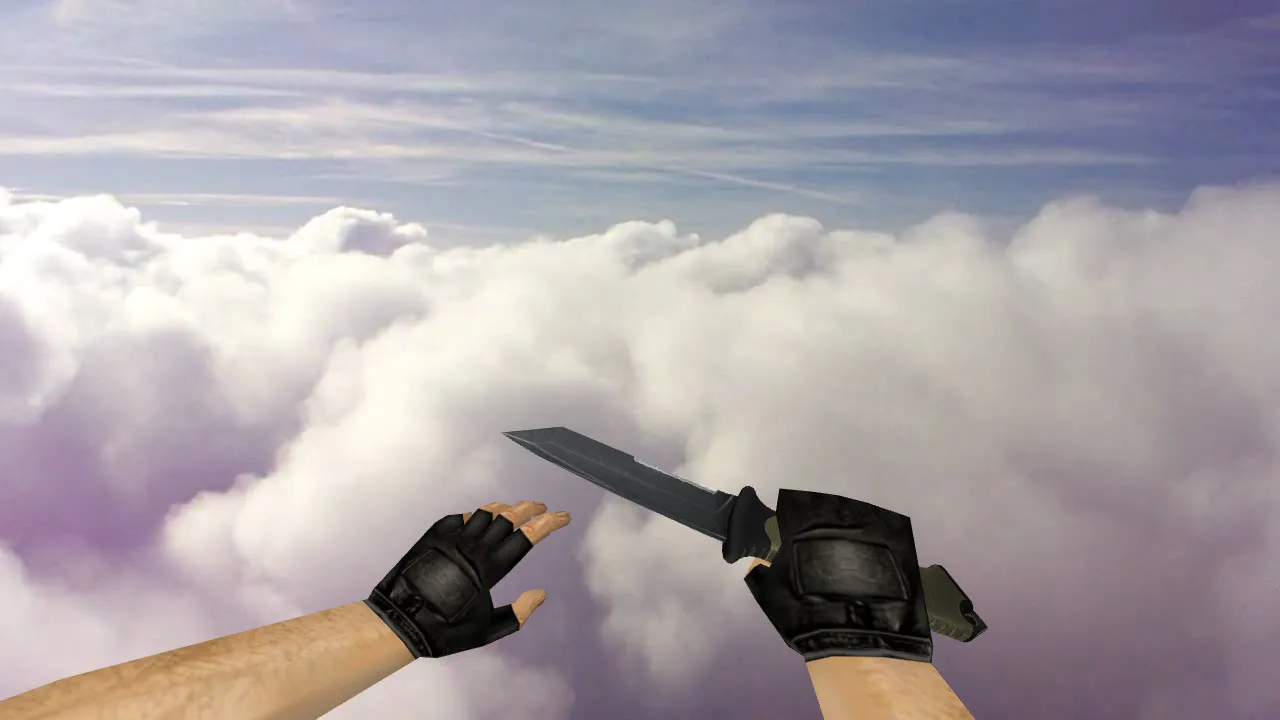
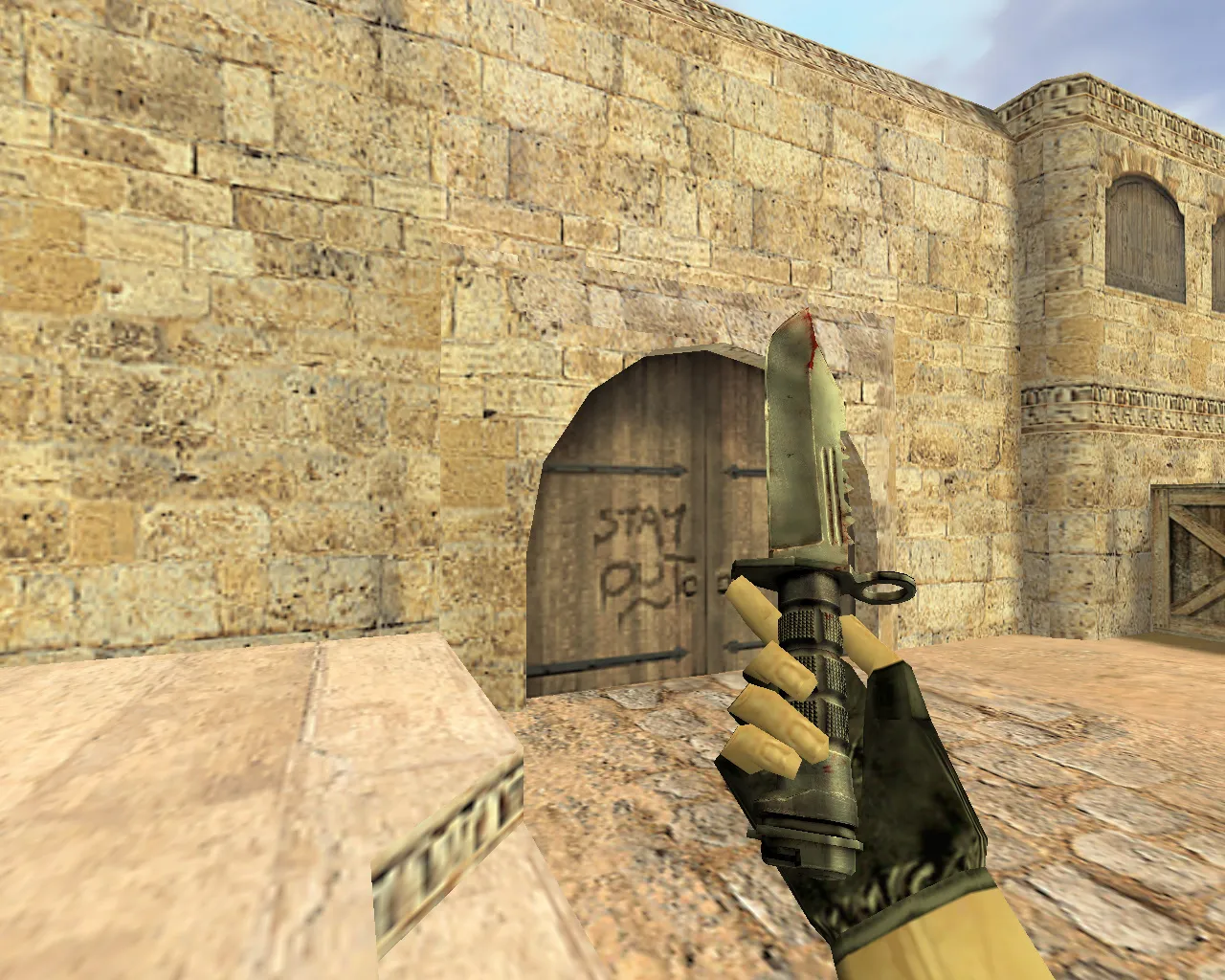
Vagabond Murder Knife Model for CS 1.6: v_ p_ w_ Models, Sound, Inspection Animation

Description
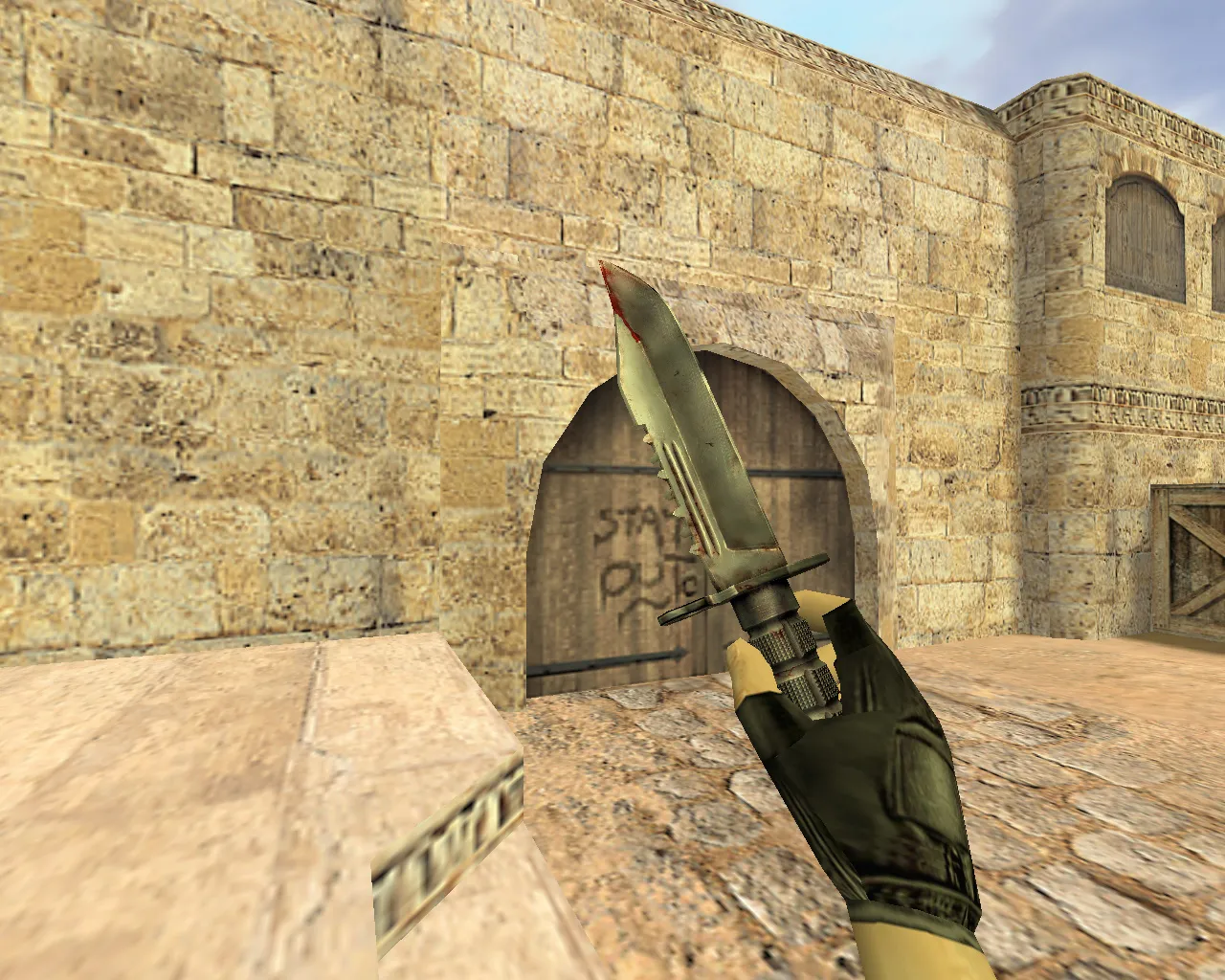
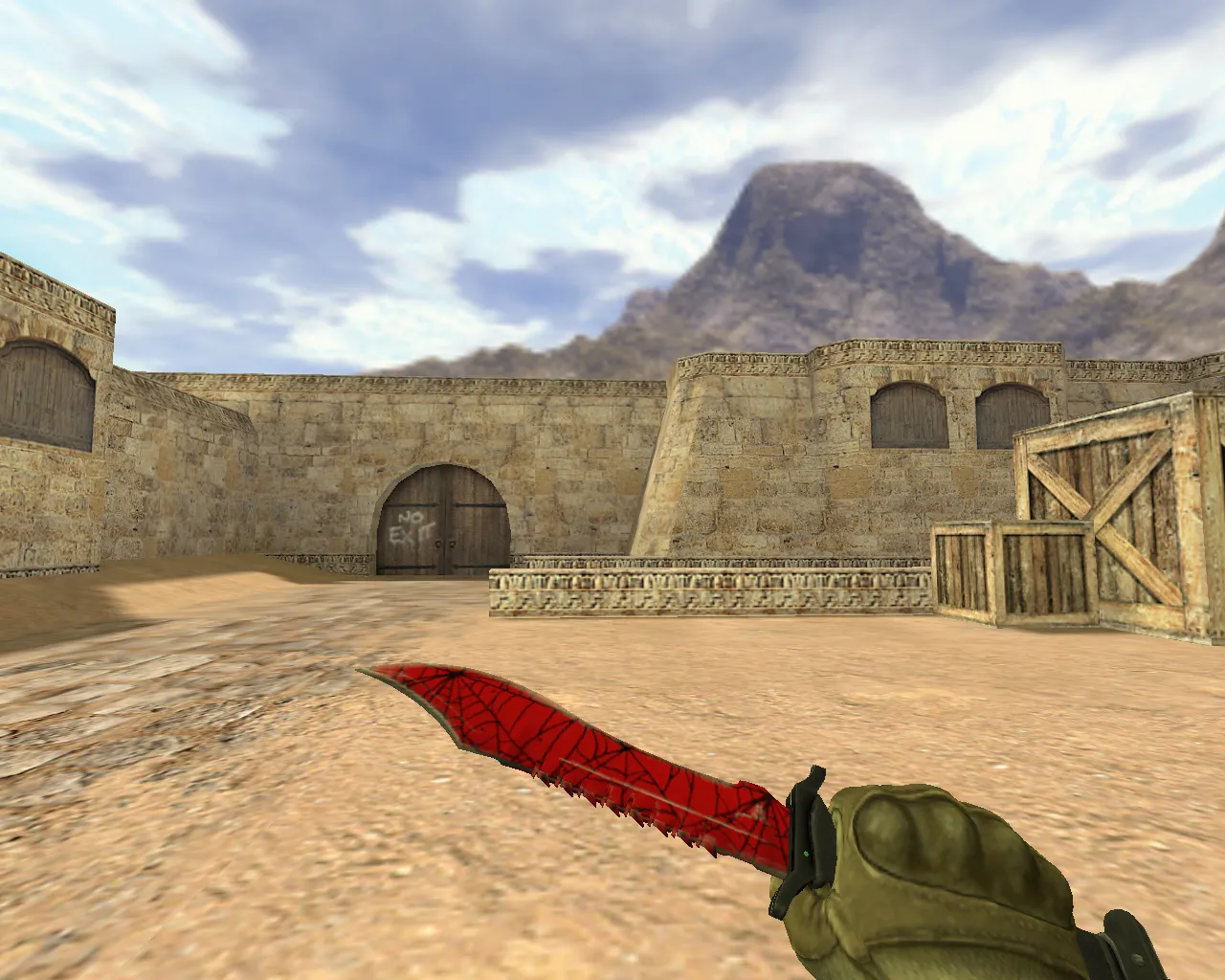
Vagabond Murder Knife Model for CS 1.6
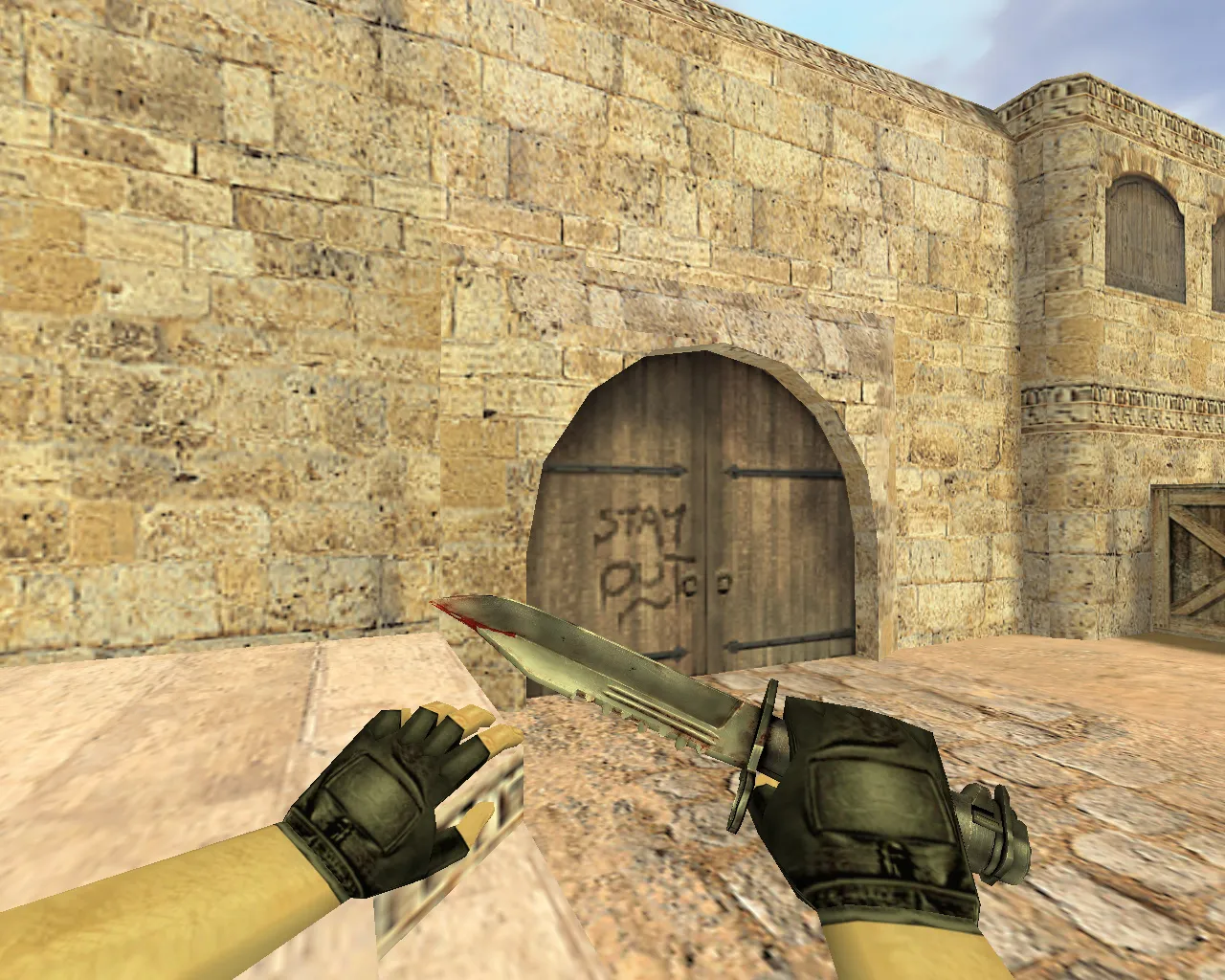
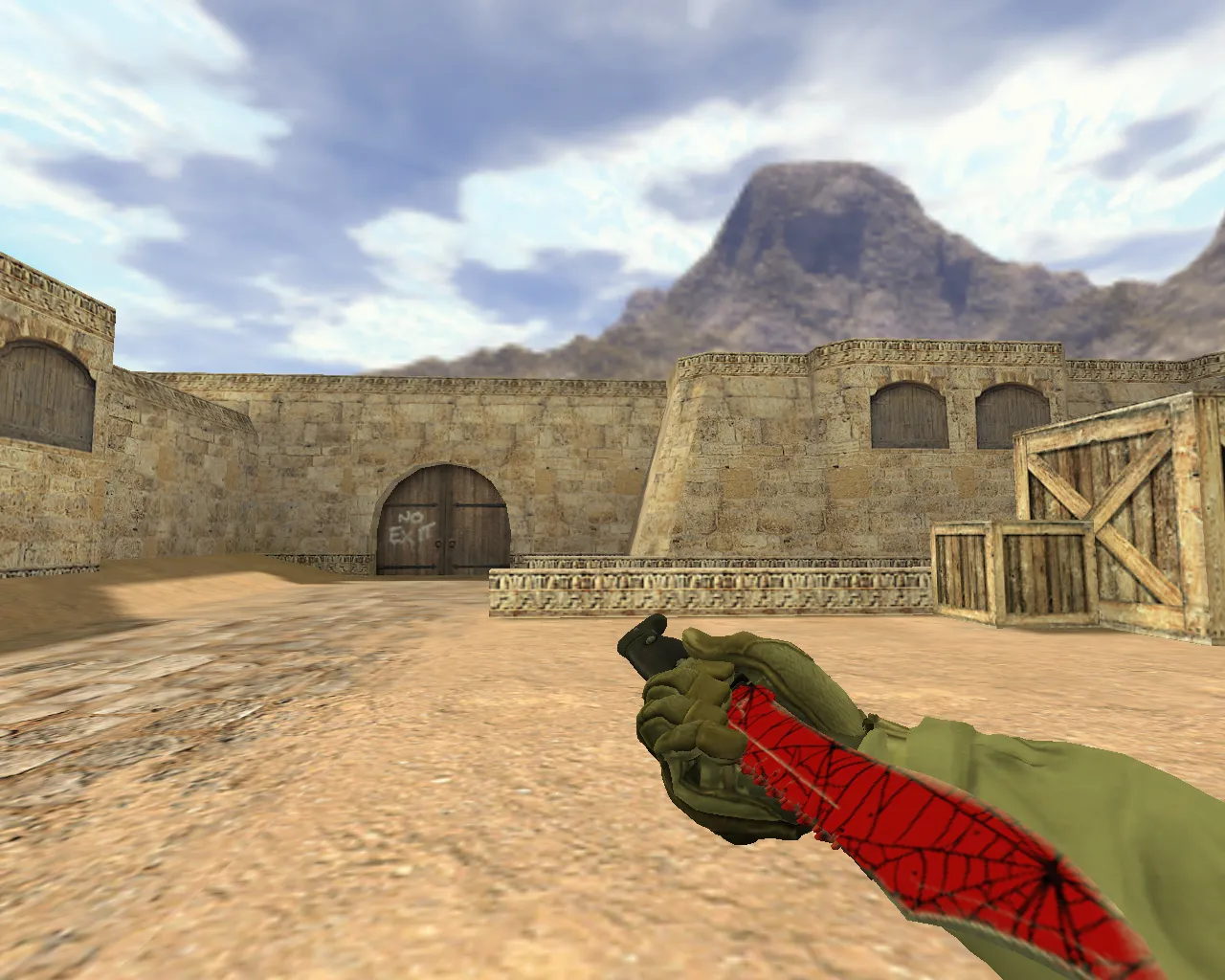
This Vagabond Murder knife model is built for CS 1.6 players who need a dependable weapon look during play. In CS 1.6, details count: the model must stay sharp while moving, inspection animations have to run fluidly on the fly, and deploy sounds should fit cleanly without distortion. This release follows the standard weapon model layout with v_, p_, and w_ files. It renders consistently from both first-person and third-person views, letting you verify its appearance quickly and without trouble.
Players add the Vagabond Murder skin not only for aesthetics but to keep consistency on servers. In dark corners or at distance, the model remains visible. That visibility matters in fast rounds where there's no time to study fine details. The knife keeps standard weapon behavior. Textures avoid rendering conflicts, and inspection animations follow the default sequence. Weapon inspection looks predictable, free of glitches or odd rotations.
In practice, the knife handles like the stock inventory item. Switching feels responsive, and the grip doesn't float. Included sounds match knife category norms, so swings and movement sync with in-game actions. Even with server plugins that add visual effects, the model usually renders without breaking. This gives reliability in casual games and public servers.
Installation Checks for the Vagabond Murder Knife
Before adding the knife to your CS 1.6 client, follow these basic rules to avoid display issues and ensure clean files. No viruses, no slow-hack risks, no ads, and no auto-connect features-just a straightforward mod.
- Verify the models folder. Place files in the proper CS 1.6 directories to prevent loading errors.
- Match file names to v_/p_/w_ requirements. Mismatched paths can cause the game to load wrong versions.
- Backup current knife files. This allows a quick rollback if something doesn't work as expected.
- Avoid auto-connect tools and third-party scripts. Stick to manual installation and standard client launch for safety.
- Consider server restrictions. Some servers limit custom models, so the knife might look different to others, but it works fine on your end.
Hitbox alignment matches the default knife setup, ensuring accurate collisions without tweaks. Polycount stays optimized for high-fps performance, even on older hardware. The v_ model uses 512x512 textures for clear visibility in ESL-style dark maps, while p_ and w_ versions keep low draw calls to avoid frame drops.
Why Choose the Vagabond Murder Knife Model
The Vagabond Murder knife sharpens gameplay focus in CS 1.6. You get correct angles on the weapon, with textures and shapes behaving as expected. The visual design balances visibility without distracting during firefights. Practically, this means less time adjusting views and more time engaging enemies. Hitboxes and model positioning align with knife mechanics, so inspection animations and movement feel smooth without surprises.
For a custom knife with solid v_/p_/w_ models, dedicated sounds, and reliable inspection, this option fits. Install it, test in-game, and run without config changes. Keep config.cfg clean and avoid mixing incompatible mods for best results. Compatible with both Steam and Non-Steam versions, including Build 4554 and 8610 setups with MasterServer protection.
Download and install the Vagabond Murder knife model for CS 1.6, then join a match to verify display in your client. If it loads correctly, lock in the style and keep playing. Custom inspect animations add a subtle edge, looping cleanly without interrupting aim. Sound files replace defaults precisely, covering slash, stab, and deploy actions for immersive feedback.
On public servers, the model holds up against common anti-cheat checks, as it doesn't alter core gameplay files. For bot matches, ensure .nav files remain untouched to keep AI paths intact. If running custom configs, test for conflicts with no-recoil scripts or crosshair binds-the knife integrates seamlessly. Overall, this mod boosts weapon presence without compromising performance or stability.
Install in three steps
-
1
Download the archive. Use the button on the right, or the Yandex.Disk mirror if the main server is slow.
-
2
Extract it into the game folder. Use 7-Zip or WinRAR. A path without non-Latin characters works best.
-
3
Launch the game. If something doesn't work, mark it below - that is how we know the file needs an update.
Did it work for you?
No sign-up needed. You can pick more than one.