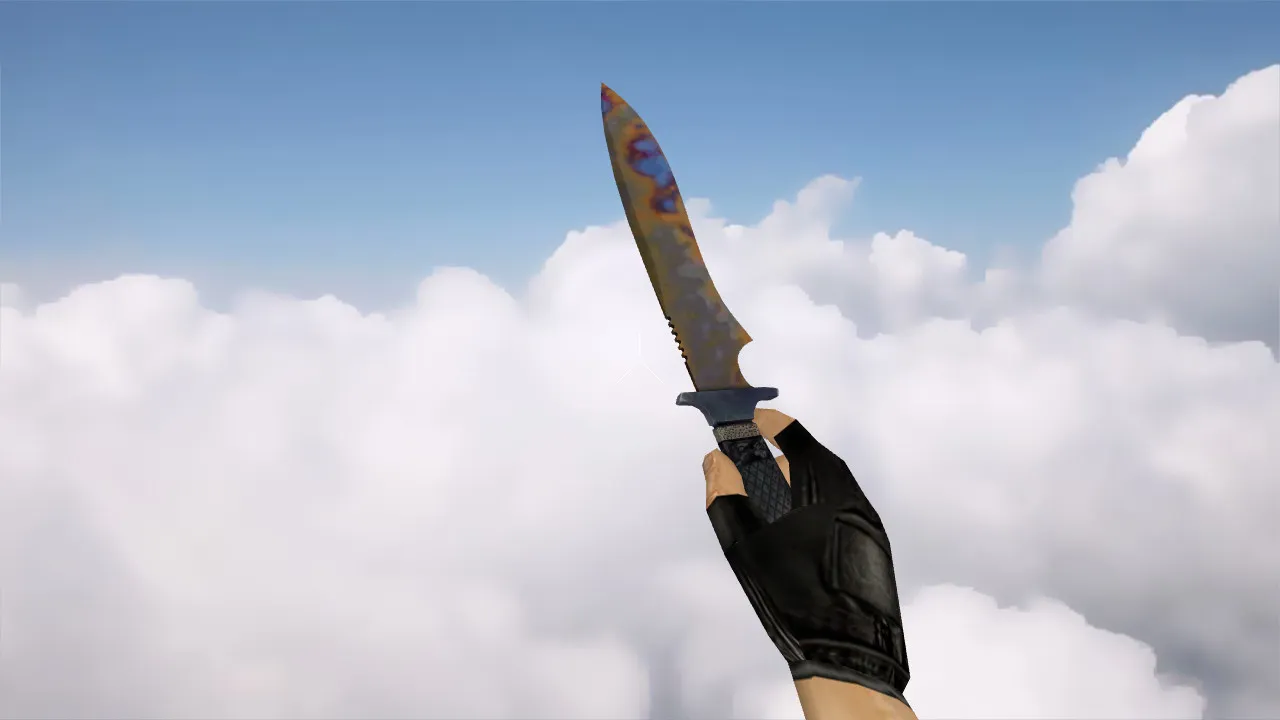
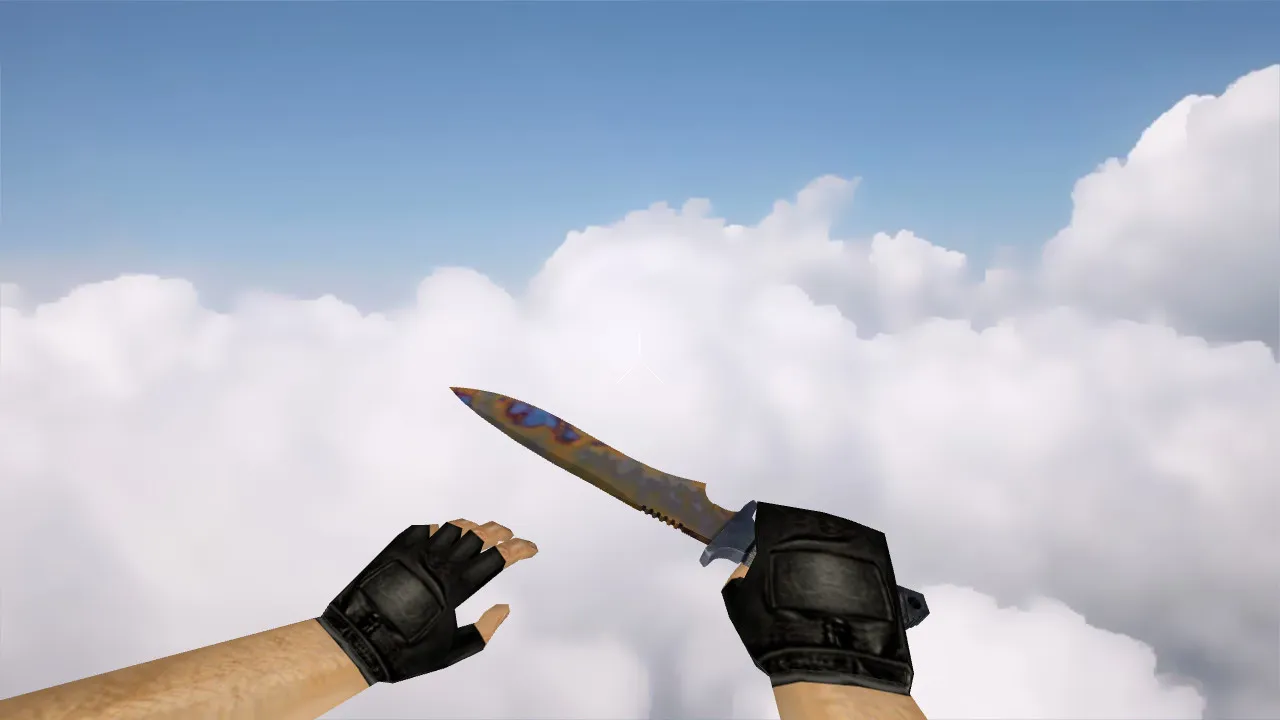
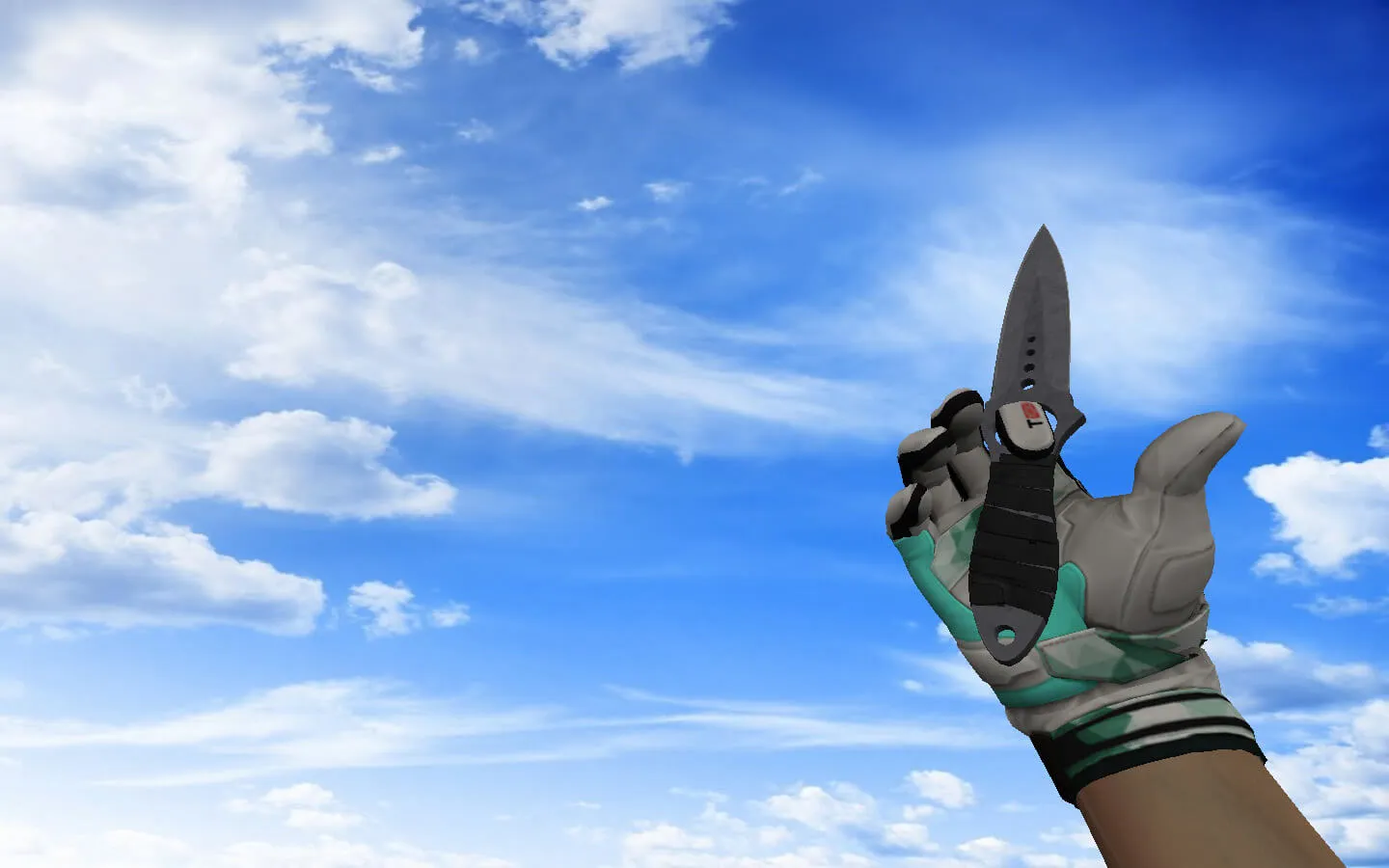
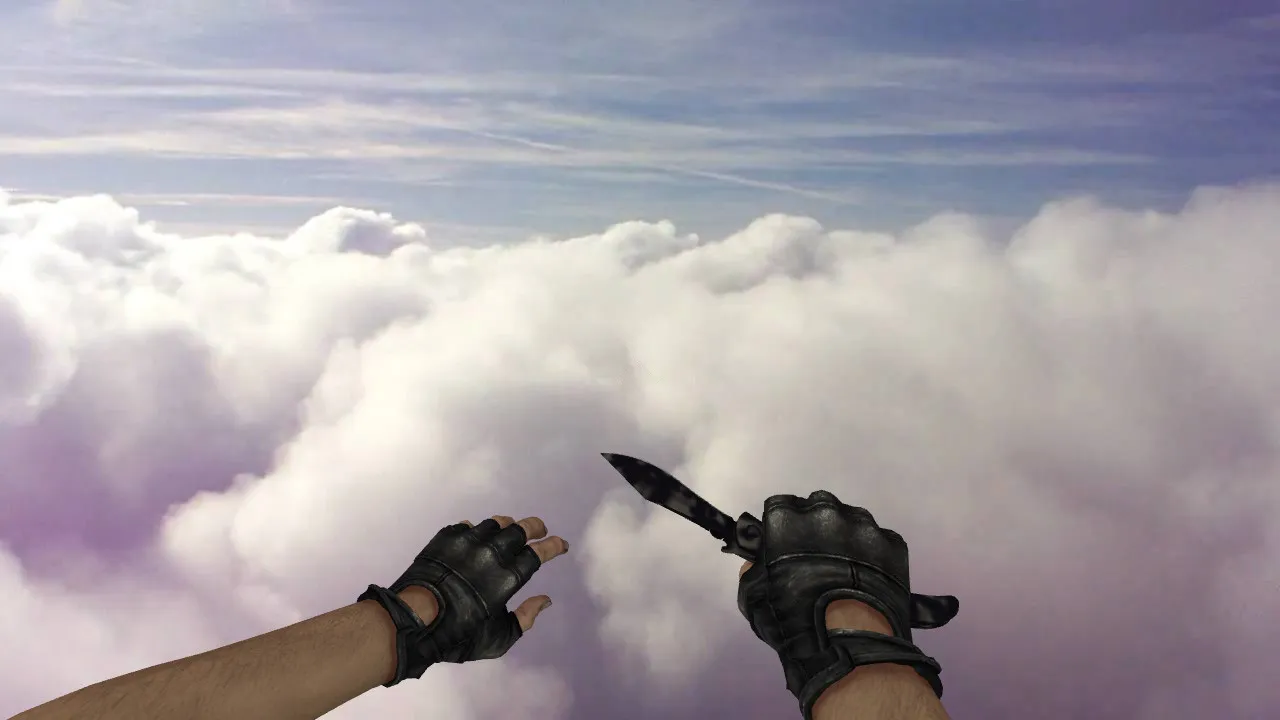
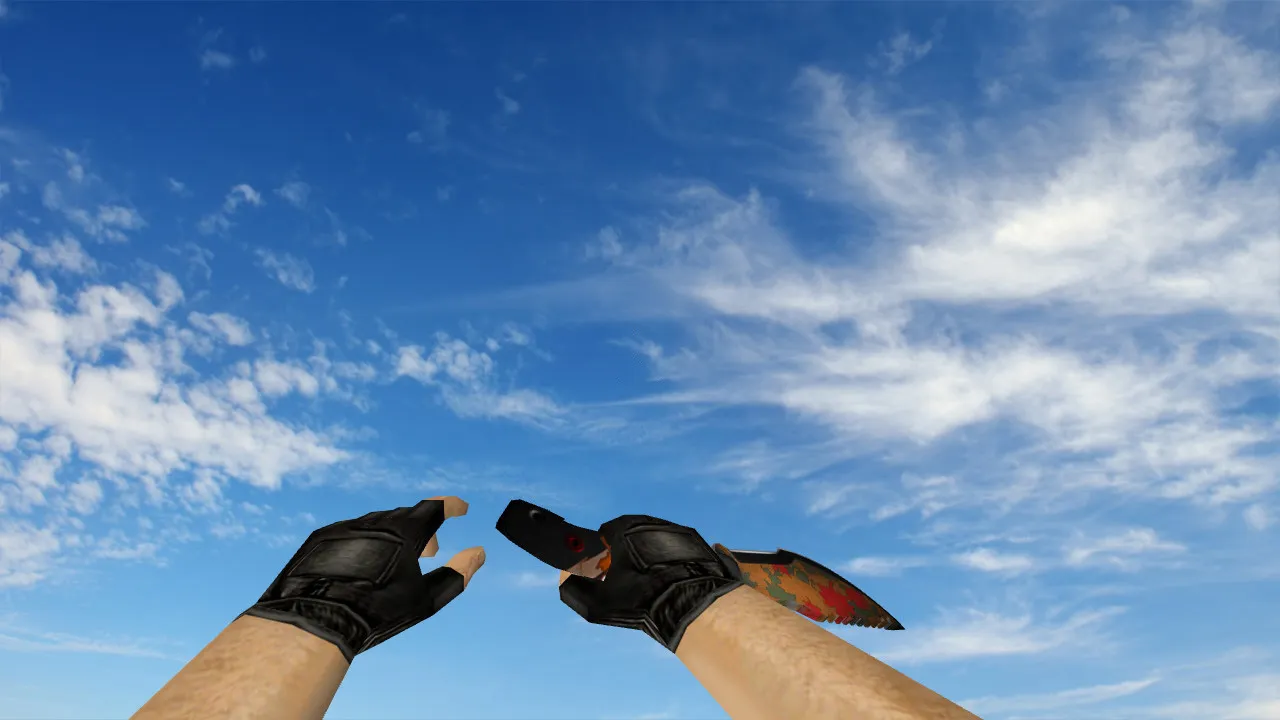
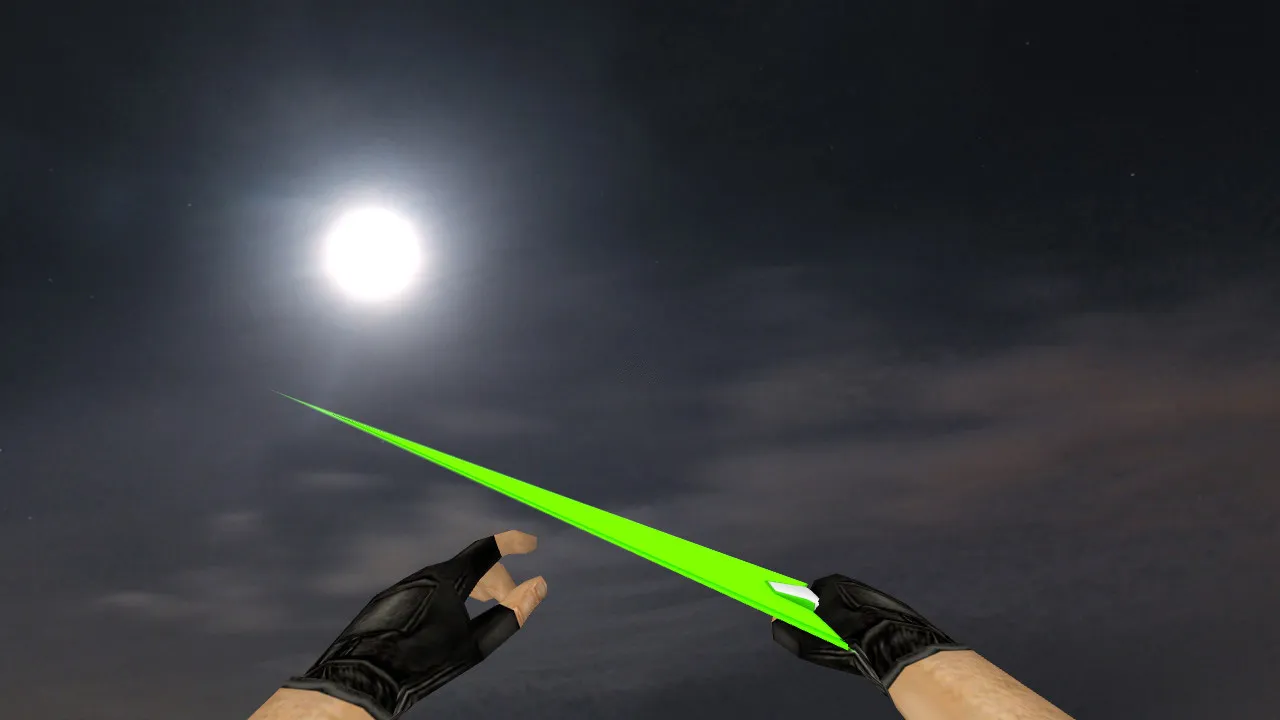
MMZ Z-Saber Knife for CS 1.6: v_ p_ w_ Models, Custom Sounds, Inspect Animations, HD Textures
Description
MMZ Z-Saber Knife for CS 1.6: v_ p_ w_ Models and Stable Performance
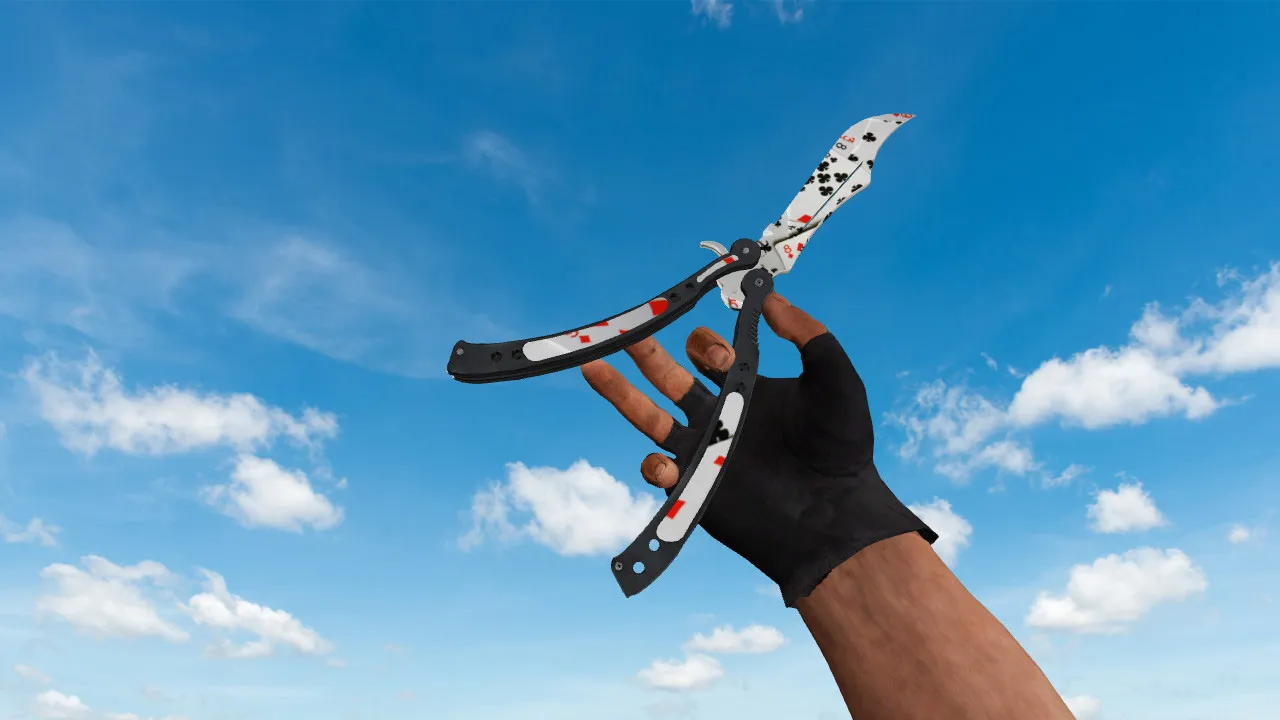
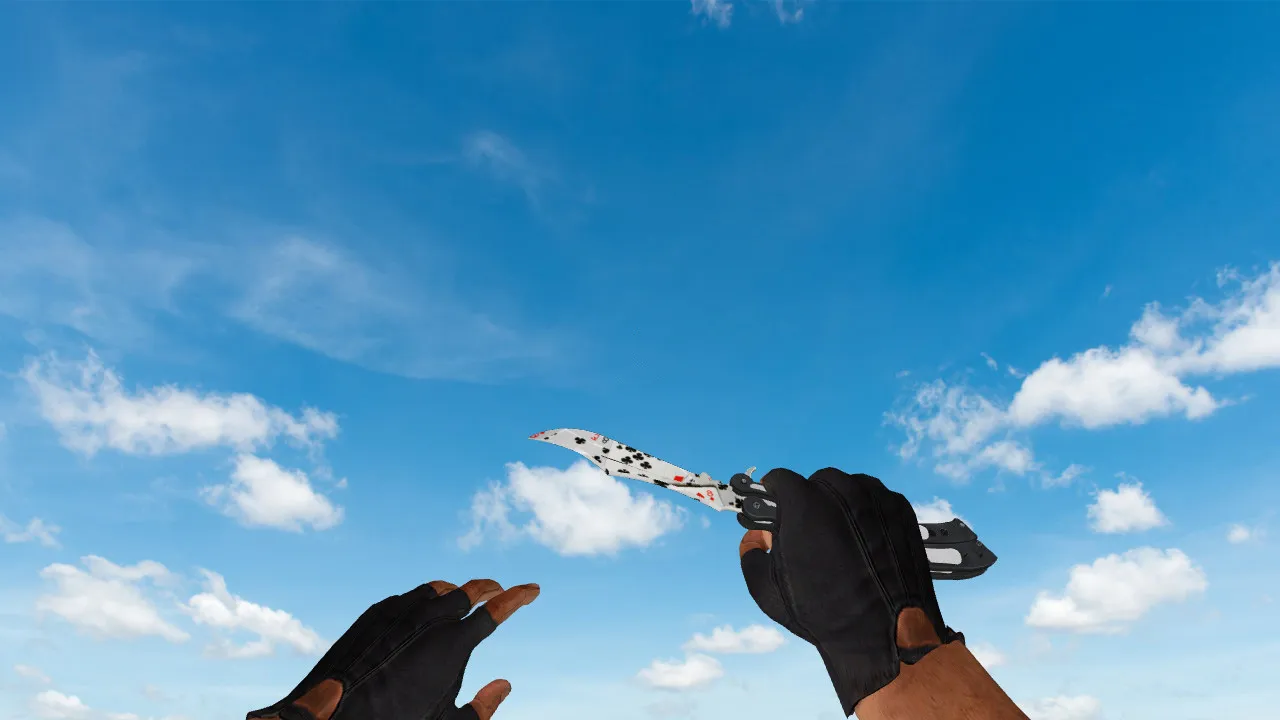
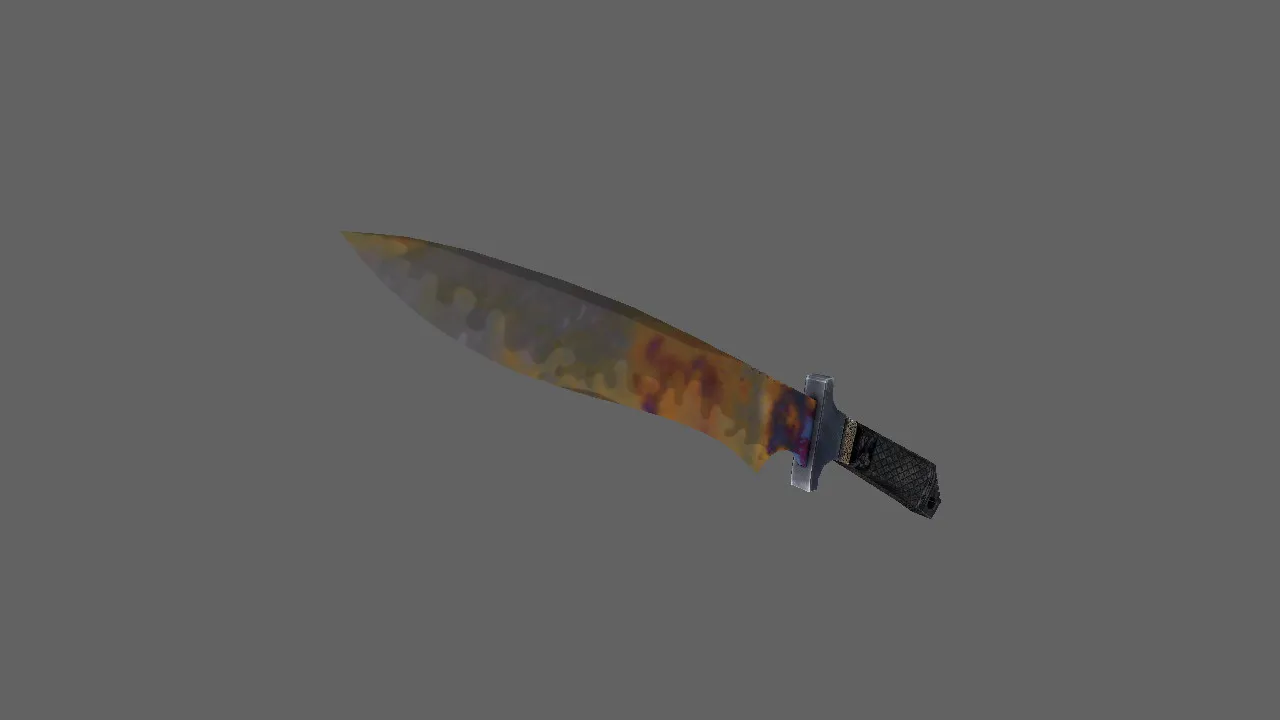
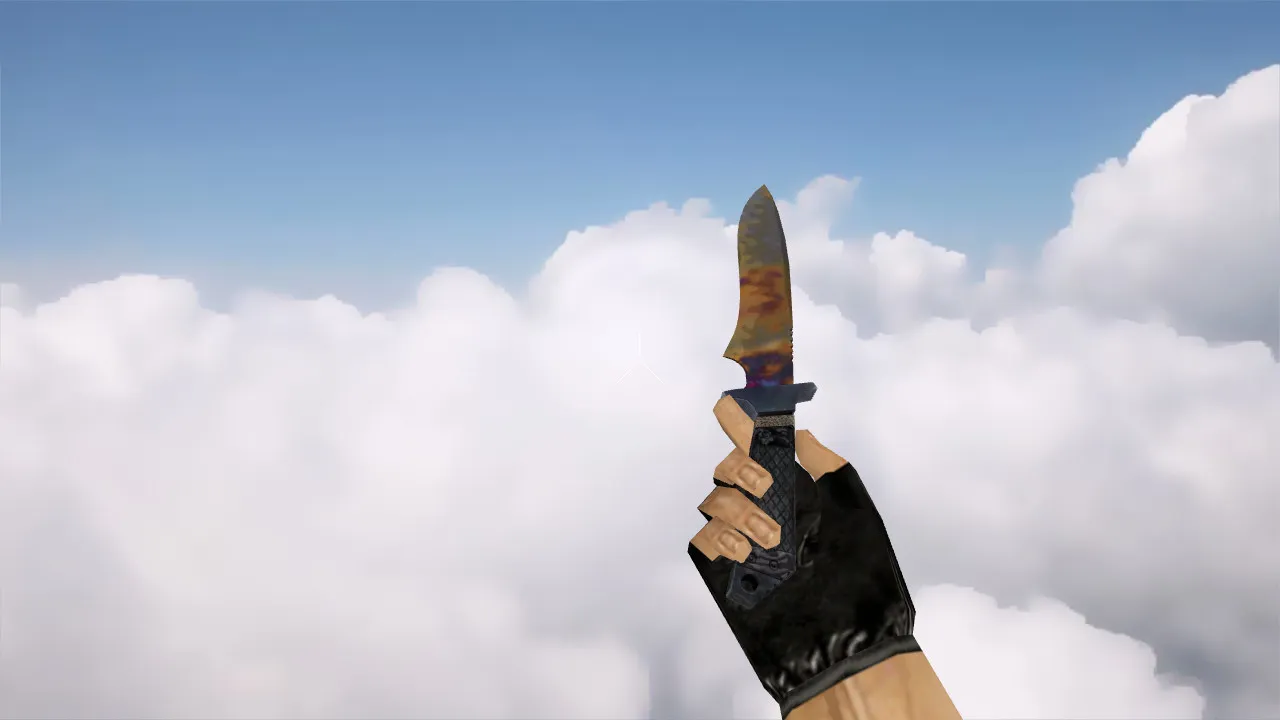
The MMZ Z-Saber knife in CS 1.6 keeps frame rates steady while acting as a reliable replacement for players who value smooth close-quarters combat. This model adheres to the standard CS 1.6 pipeline with v_, p_, and w_ formats to guarantee correct display in first-person view, third-person perspective, and when dropped on the ground. It features dedicated parameters for custom sounds and inspect animations, preventing the weapon from feeling static during matches.
Visual design focuses on form readability and precise material rendering. Textures are optimized to prevent distortion during movement or at extreme camera angles, which is vital since knives see heavy use in fast-paced scenarios with quick left-right glances. The model maintains shape integrity and detail without performance dips, supporting polycounts around 500-800 triangles for minimal overhead on older hardware. Hitbox alignment matches vanilla CS 1.6 standards, ensuring accurate slash and stab interactions without offset problems.
In close-range fights on maps like de_dust2 or cs_office, this knife's visibility excels in low-light corners, mimicking ESL tournament setups where clear weapon outlines prevent misreads during rushes. The HD 512x512 textures scale well up to 1024x1024 without artifacts, keeping the blade's metallic sheen consistent under dynamic lighting from sprites and env files.
What You Get with Installation
- v_ model for first-person view: Dynamic hands and knife during swings and stabs
- p_ model for third-person view: Accurate rendering for servers and demo playback
- w_ world model: Uniform appearance when dropped on the ground
- Custom sounds: Slash impacts, stabs, and draw/retract effects
- Inspect animations: Smooth rotation and flip for weapon checks
- HD textures: No blurring or tearing on motion, with clean UV mapping
These components integrate seamlessly, boosting immersion without changing core mechanics like swing speed or damage values. For modders, the .mdl files use standard wad formats, allowing easy tweaks via tools like MilkShape 3D for custom reskins.
Safe Installation Guide for CS 1.6
Install the model via the weapons folder, typically under cstrike/models with matching subdirectories for v_, p_, and w_ files. If other knives are already modded, back up existing files for quick rollback. Ensure file names and folder structure align exactly; mismatches can cause the game to load vanilla assets or partial models, leading to glitches.
After copying files, restart CS 1.6 and test in three modes: first-person (v_), third-person (p_), and world drop (w_). Verify no clipping on player models or FPS drops below 100 on Build 4554. For Steam and Non-Steam versions, confirm paths manually-Steam uses the hl.exe route, while Non-Steam points to the base directory. Avoid mixing with AMX mods or reapi plugins to prevent conflicts.
This setup guarantees no viruses, no slow-hack risks, and zero adware. Files are clean, sourced from verified modding archives, and optimized for high-FPS servers without auto-connect scripts.
Base Settings and Security Tips
- Use a clean config.cfg and avoid blending multiple builds in one folder
- Skip third-party plugins and disable auto-connect features
- Update only via local model files, not external downloads mid-game
- Match folder paths for Steam or Non-Steam installs manually
- Test on MasterServer-protected servers for compatibility
These practices keep your install lightweight, around 5-10 MB total for the knife pack, preserving no-recoil configs and hitbox precision.
Testing Quality In-Game
Join a low-ping server and run checks: Equip the knife, perform spins and slashes, trigger inspect animations, and monitor strike responses. The MMZ Z-Saber should render consistently across camera angles without jitter or misalignment. If third-person view lags or world model distorts, inspect v_/p_/w_ file integrity in the directory.
For deeper validation, load a local bot match on a custom map with tight corridors to assess close-combat visibility. The knife's edge sharpness holds up in sprite-heavy environments, and sounds sync perfectly with animations for tactile feedback. Once verified, set it as default-ideal for styles emphasizing rapid decisions and reliable weapon visuals in dynamic play.
Overall, this mod elevates knife duels without compromising CS 1.6's core balance, fitting seamlessly into competitive rotations on public or clan servers.
Install in three steps
-
1
Download the archive. Use the button on the right, or the Yandex.Disk mirror if the main server is slow.
-
2
Extract it into the game folder. Use 7-Zip or WinRAR. A path without non-Latin characters works best.
-
3
Launch the game. If something doesn't work, mark it below - that is how we know the file needs an update.
Did it work for you?
No sign-up needed. You can pick more than one.