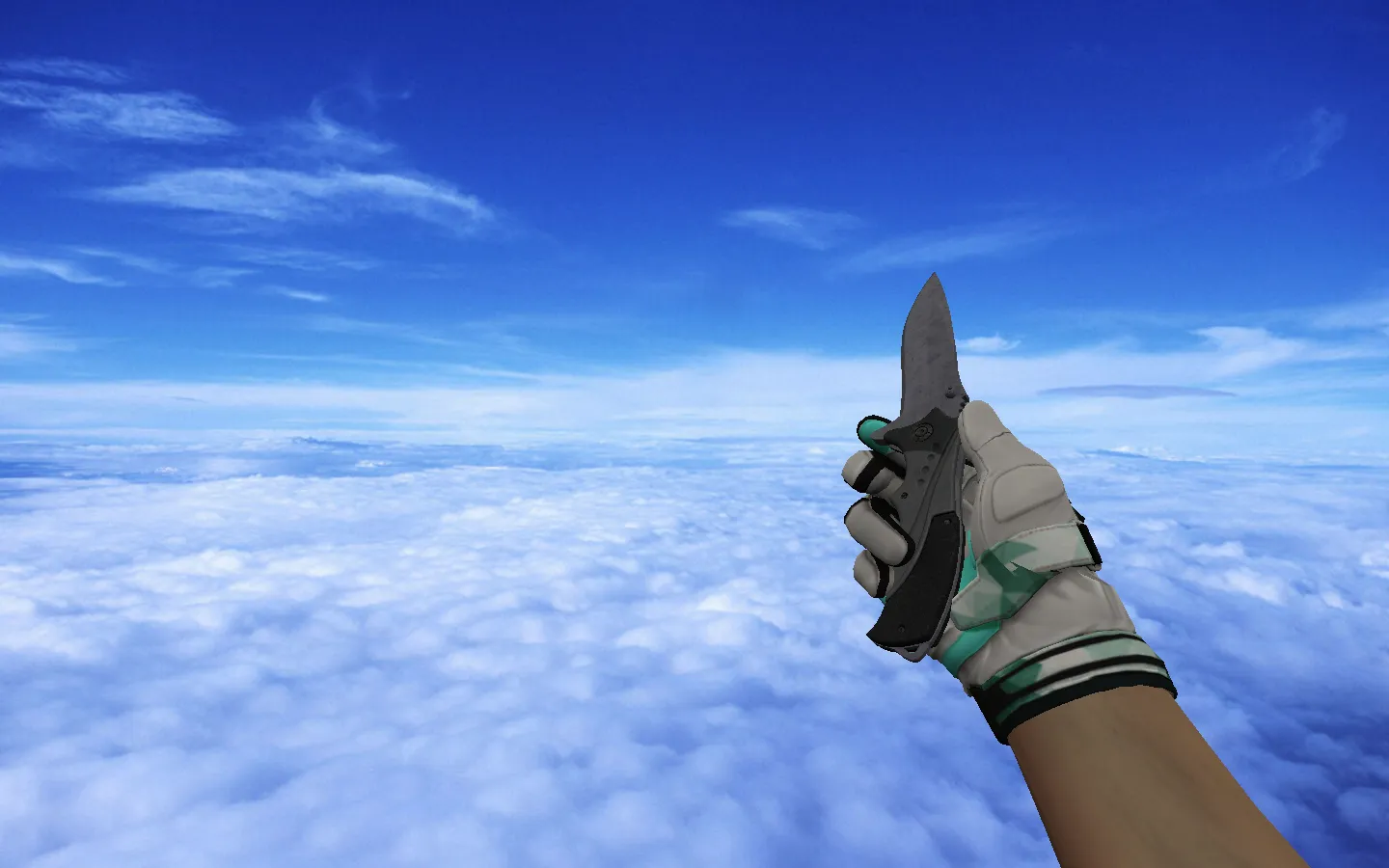
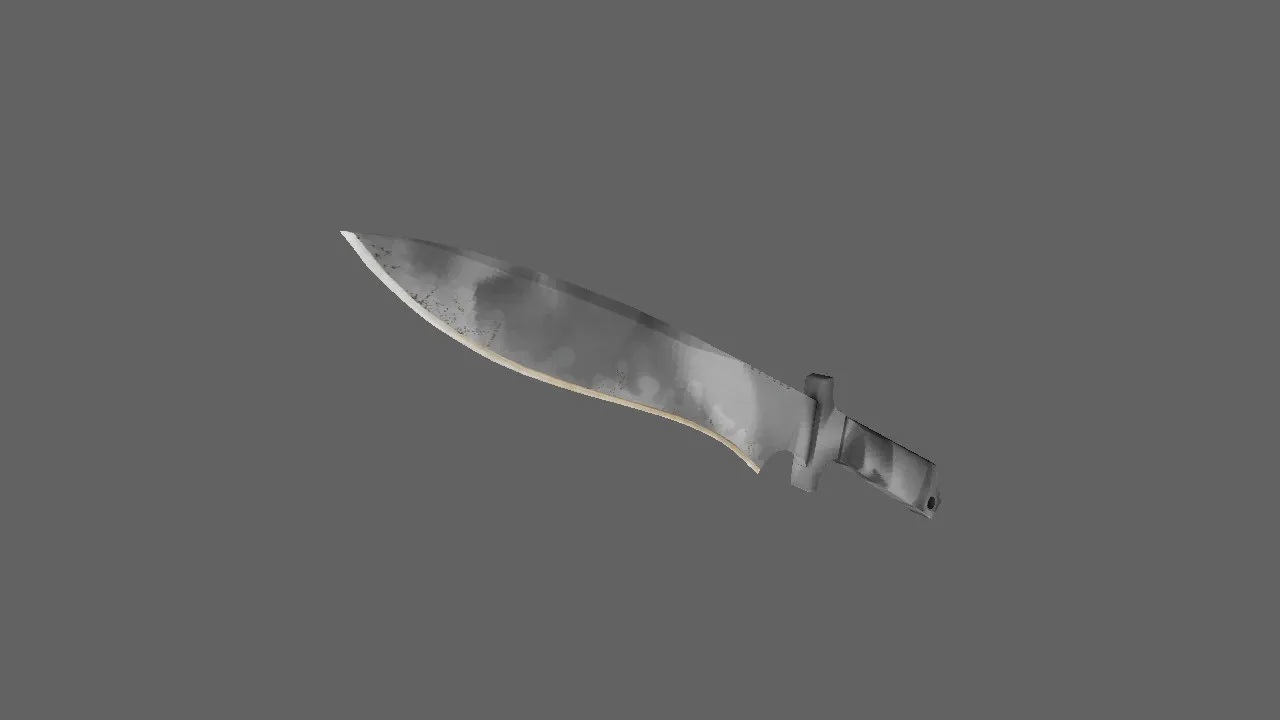
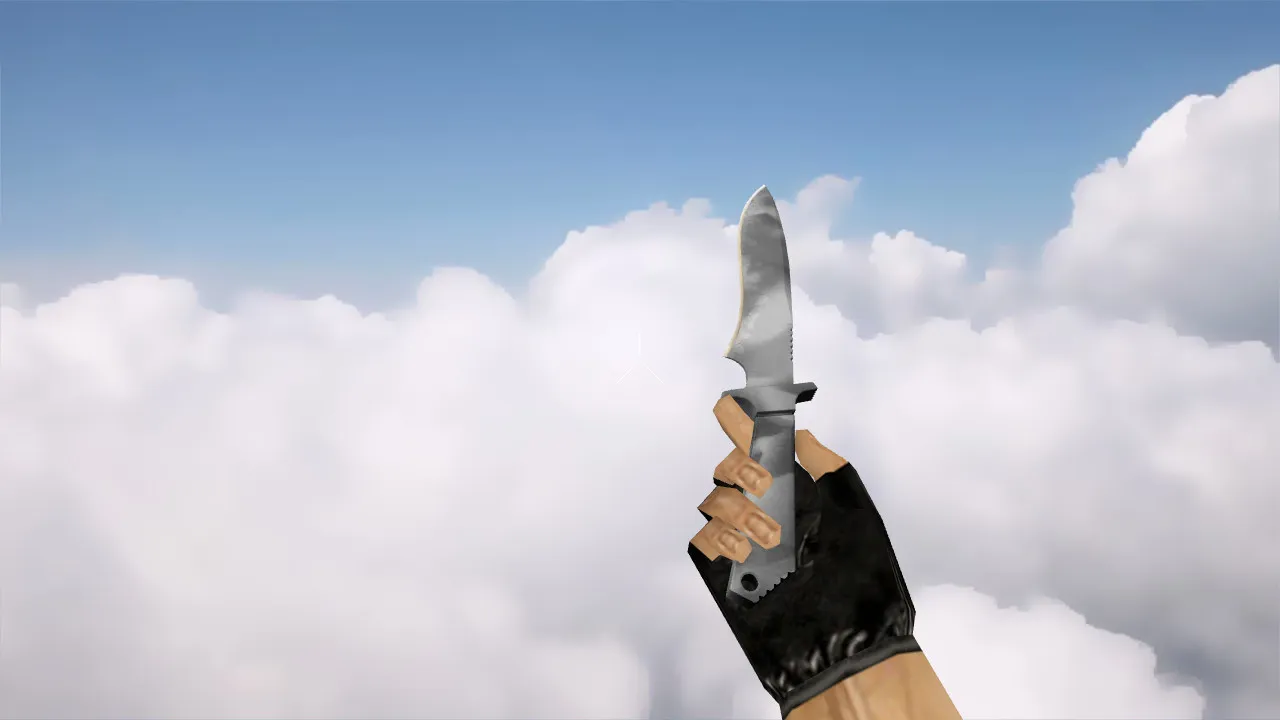
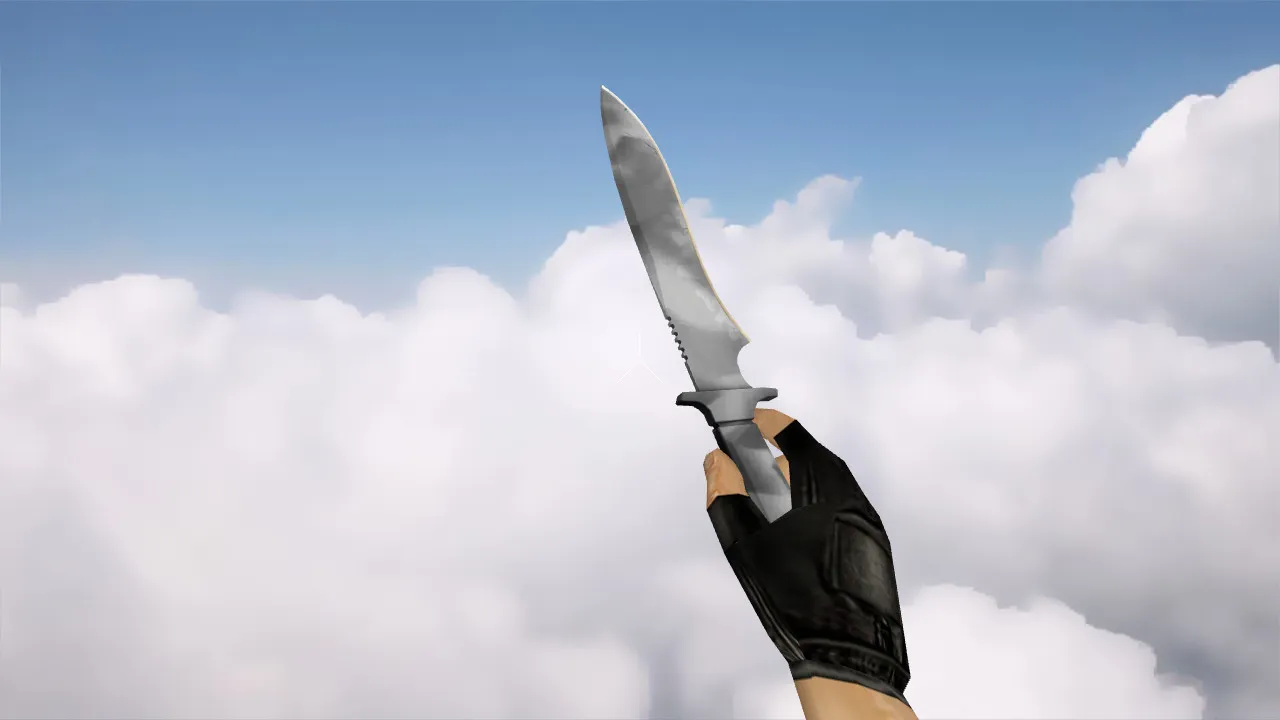
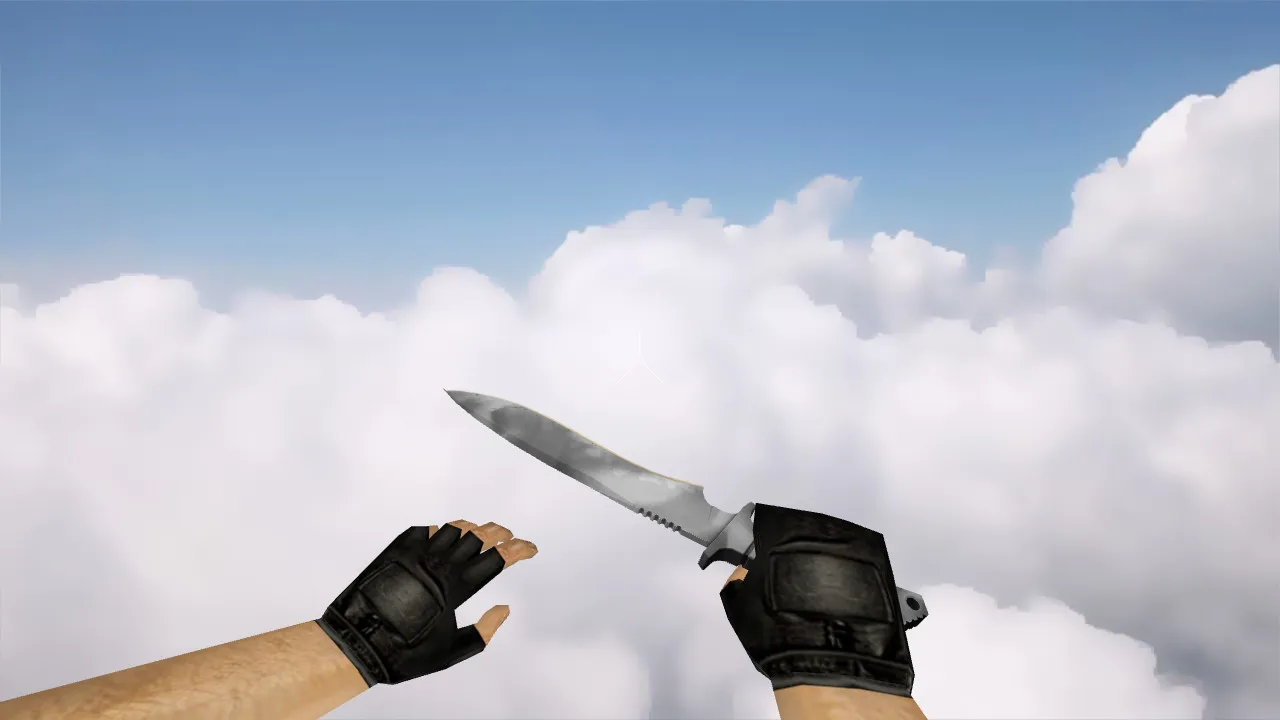
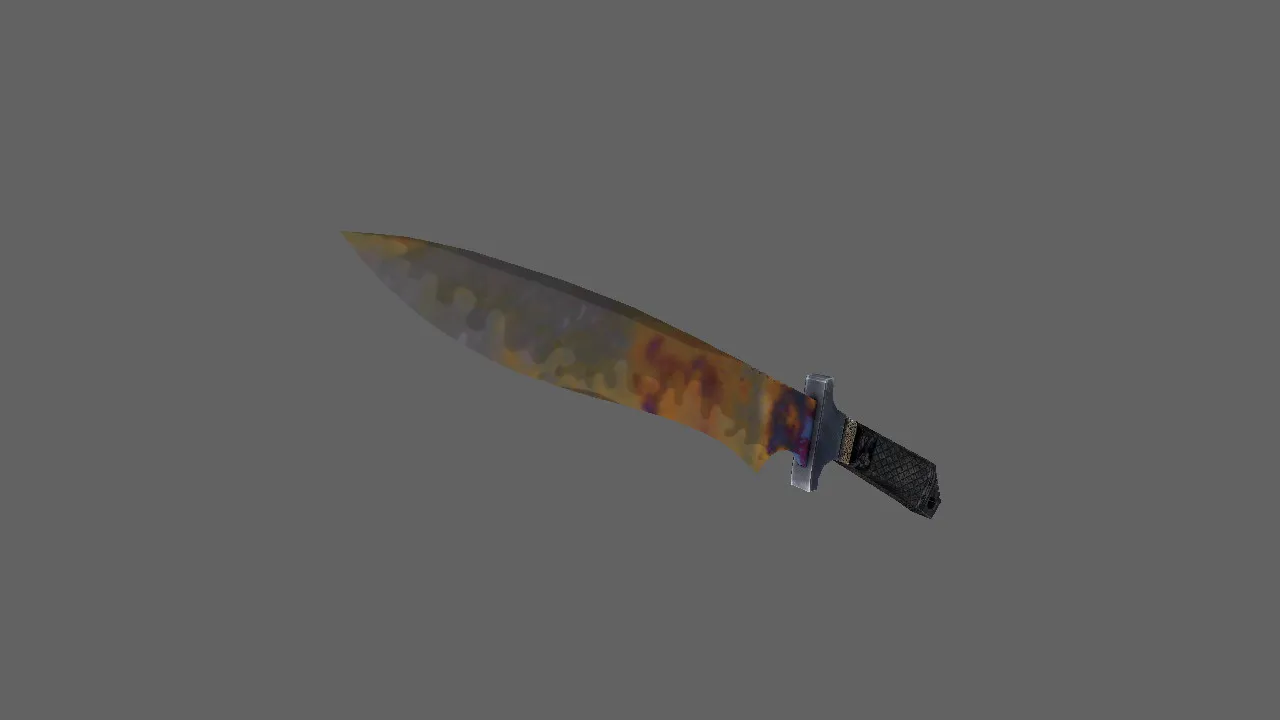
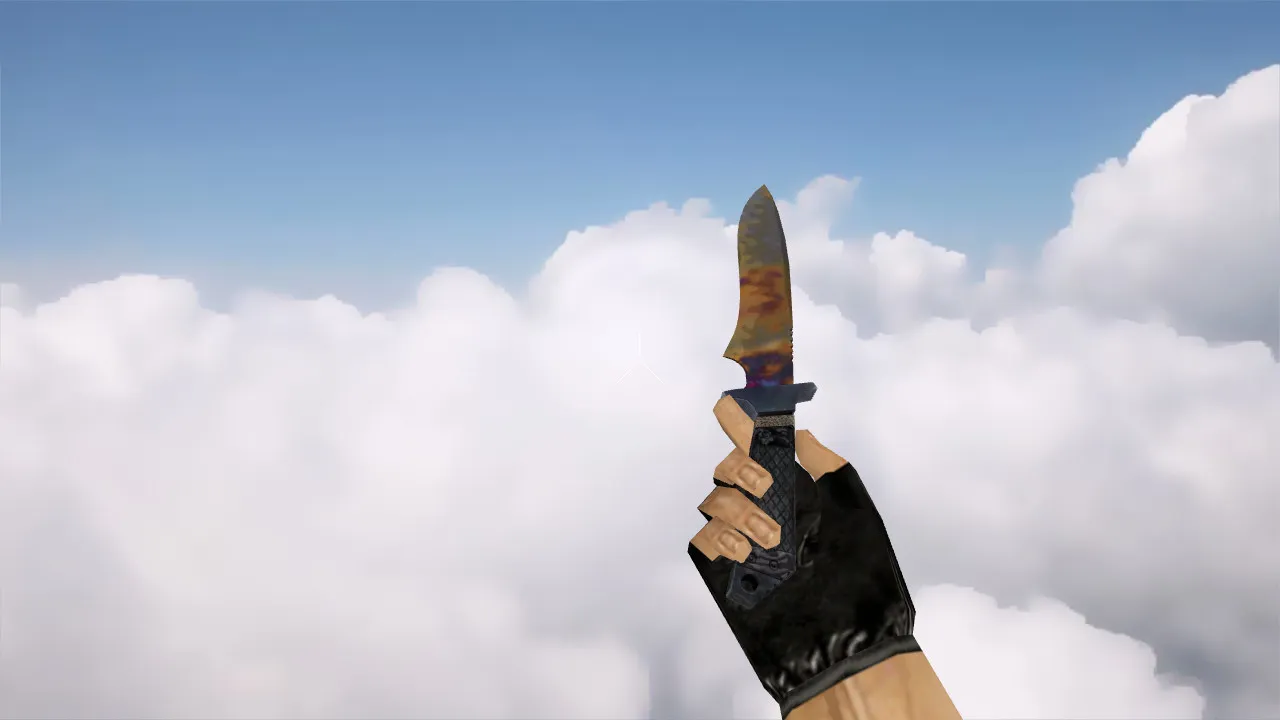
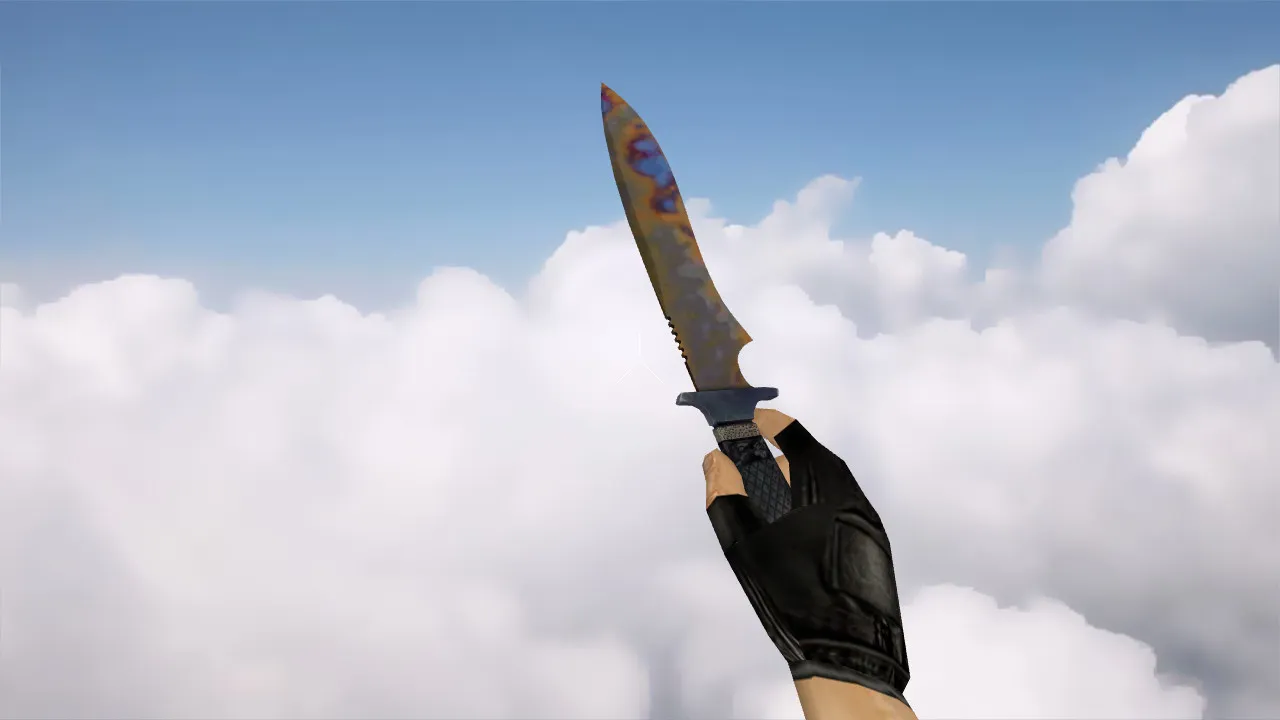
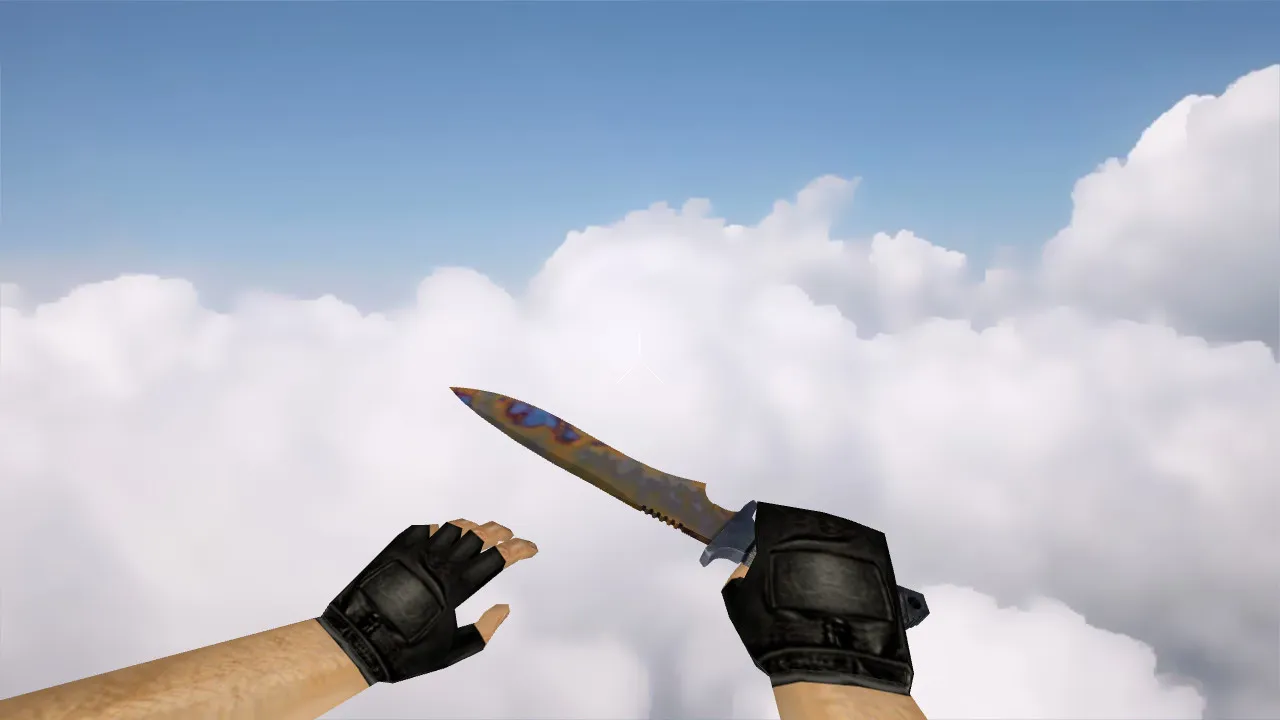
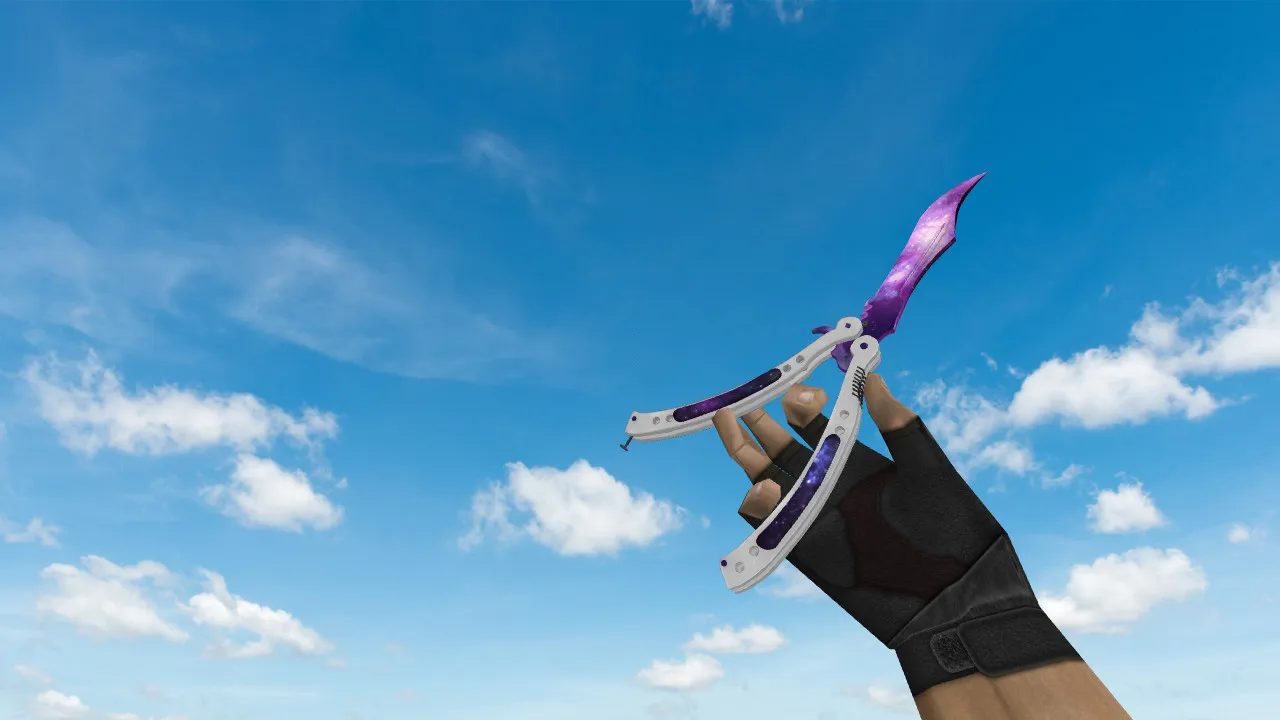
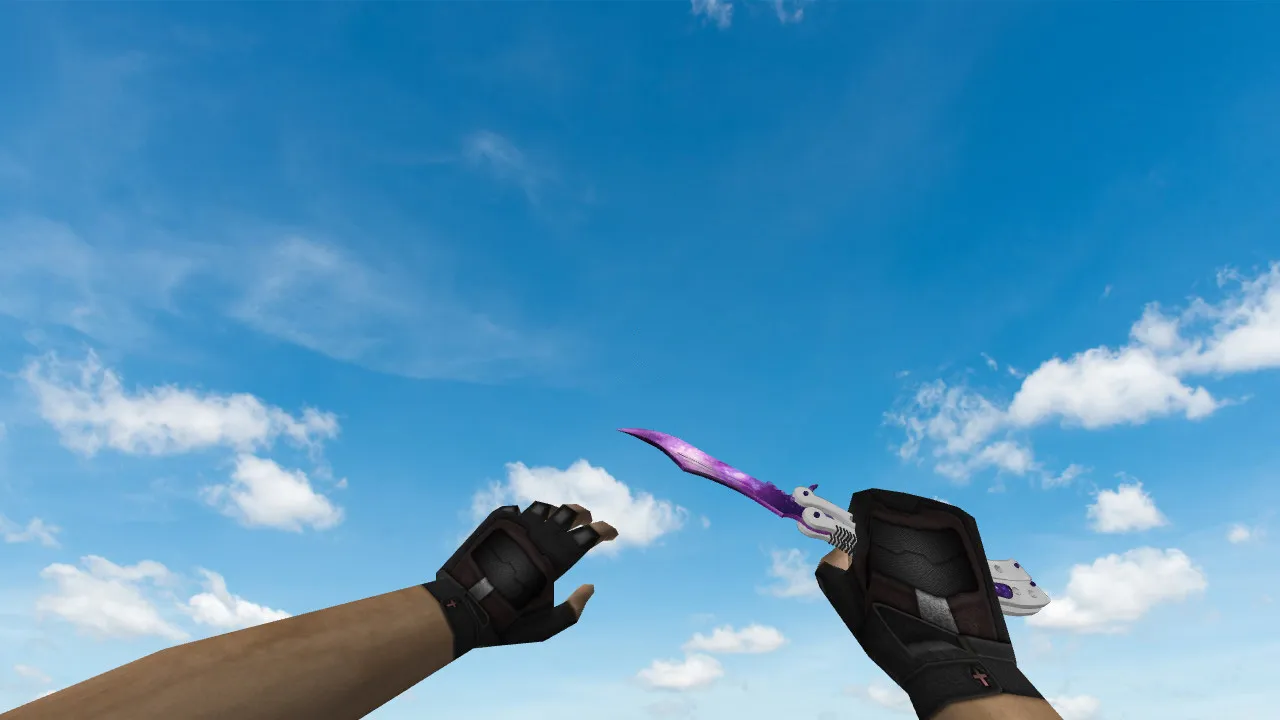
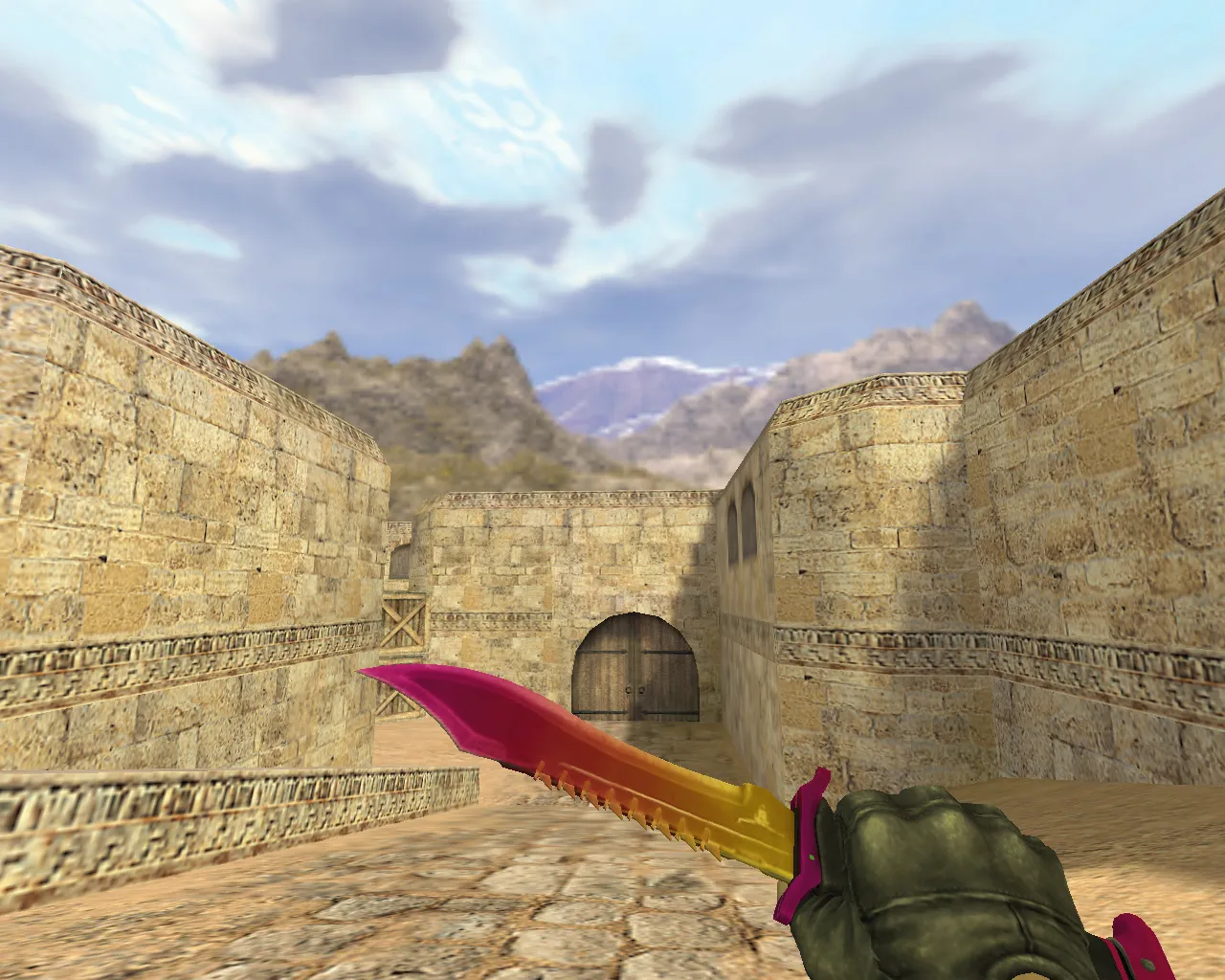
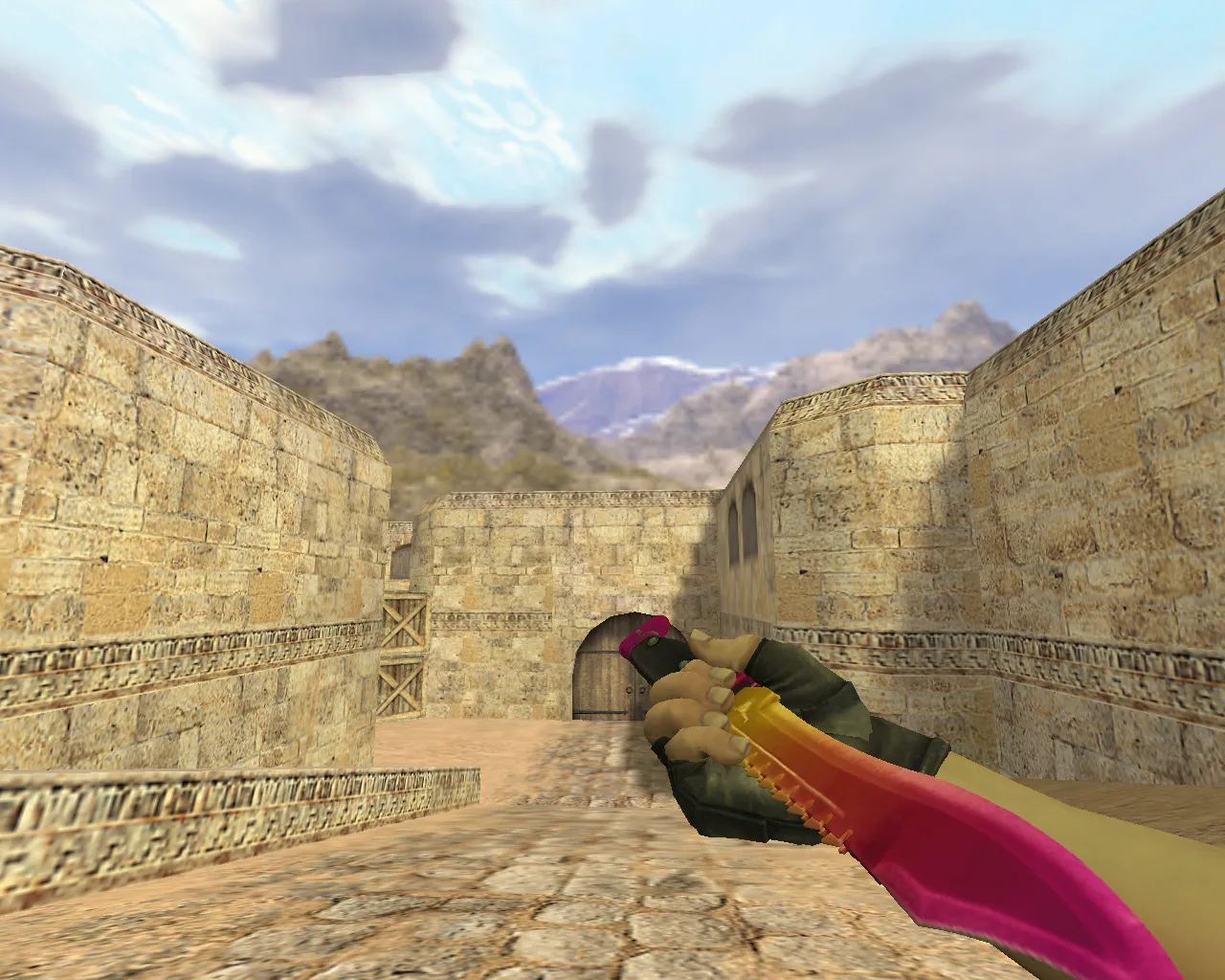
Navaja 'Soot' Knife for CS 1.6: v_knife_p Model with Audio, Inspect Anim, HD Textures
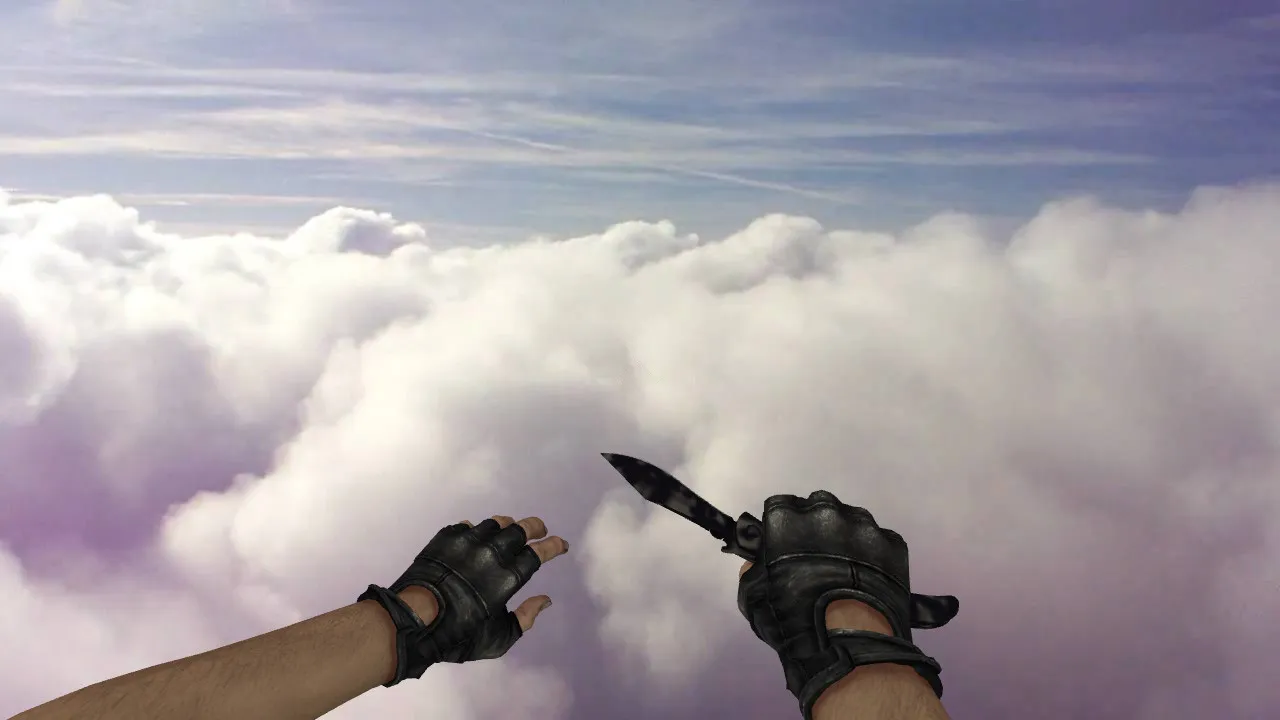
Description
Navaja 'Soot' Knife in CS 1.6: Performance In-Game and in Menus
Knives in CS 1.6 manage close-range details visible every round. The Navaja 'Soot' model works with standard clients and swaps out the default hand knife. It provides sharp visuals, a steady inspect animation, and matching audio so it doesn't feel like a static prop. The inspect action follows standard behavior, with the model performing like the original knife assets.
The download includes client-ready files. The structure uses standard prefixes for proper loading: v_ for first-person view, p_ for third-person, and w_ for world and hand models. This guarantees compatibility across game modes and camera angles. Textures and materials remain clean, stopping artifacts in shadows or edge glitches.
Advantages of Swapping the Knife
- Inspect Animation follows CS 1.6 logic to keep the blade movement smooth without breaking gameplay flow.
- Custom Audio syncs with knife actions, so slashes and weapon switches blend right into the game soundscape.
- HD Textures at 512x512 resolution boost clarity on hands, particularly in low-light situations.
- Unified v_/p_/w_ Views remove mismatches between first-person and third-person perspectives.
Hitbox Alignment and Visuals
The model mirrors standard knife geometry for precise hit detection and interactions. In CS 1.6, this base prevents strange feedback during quick plays. Use the pre-built assets where v_/p_/w_ files share a unified style and a proper polycount under 500 tris to keep hitbox accuracy.
Safe Installation Steps
Add the Navaja 'Soot' without client conflicts by copying only the knife model files. Follow these steps for reliability:
- Confirm a clean models folder with no duplicate filenames.
- Move v_knife_*, p_knife_*, and w_knife_* resources to the correct client directories.
- Start the game, inspect the knife, swap weapons, and verify the model loads.
- If errors appear or the model is missing, restore the files and check that paths match expected names like v_knife_p.mdl.
Safety first: skip auto-connect scripts, third-party clients, or untrusted archives. Stick to just the knife model files for smooth operation without viruses, slow-hacks, ads, or auto-connect problems. This works on both Steam and Non-Steam clients with Build 4554 compatibility.
Testing During Rounds
Jump into a quick round to verify: inspect the knife, perform swaps, test strike sounds, and check hand visuals. If everything loads correctly and stays readable, the install succeeded. CS 1.6 clients prioritize resources, so duplicates can cause trouble-keep configs clean for high-fps performance.
For visibility on dark maps, this model's ESL-style shading makes the blade pop without overexposure. Combine it with a no-recoil config for precise slashes. If you want alternatives, look for knives with matching v_/p_/w_ geometry and low polycount to fit standard knife slots.
Install in three steps
-
1
Download the archive. Use the button on the right, or the Yandex.Disk mirror if the main server is slow.
-
2
Extract it into the game folder. Use 7-Zip or WinRAR. A path without non-Latin characters works best.
-
3
Launch the game. If something doesn't work, mark it below - that is how we know the file needs an update.
Did it work for you?
No sign-up needed. You can pick more than one.