
Zombie maps
1 file
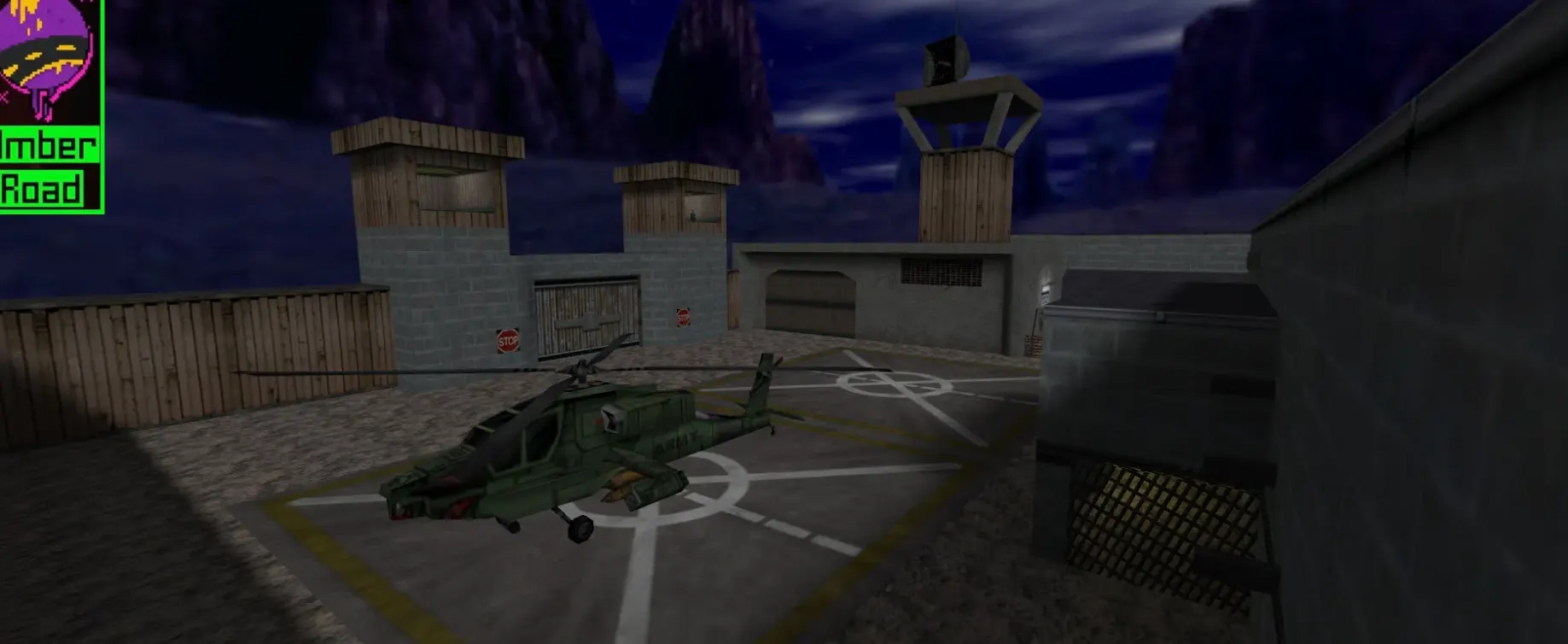
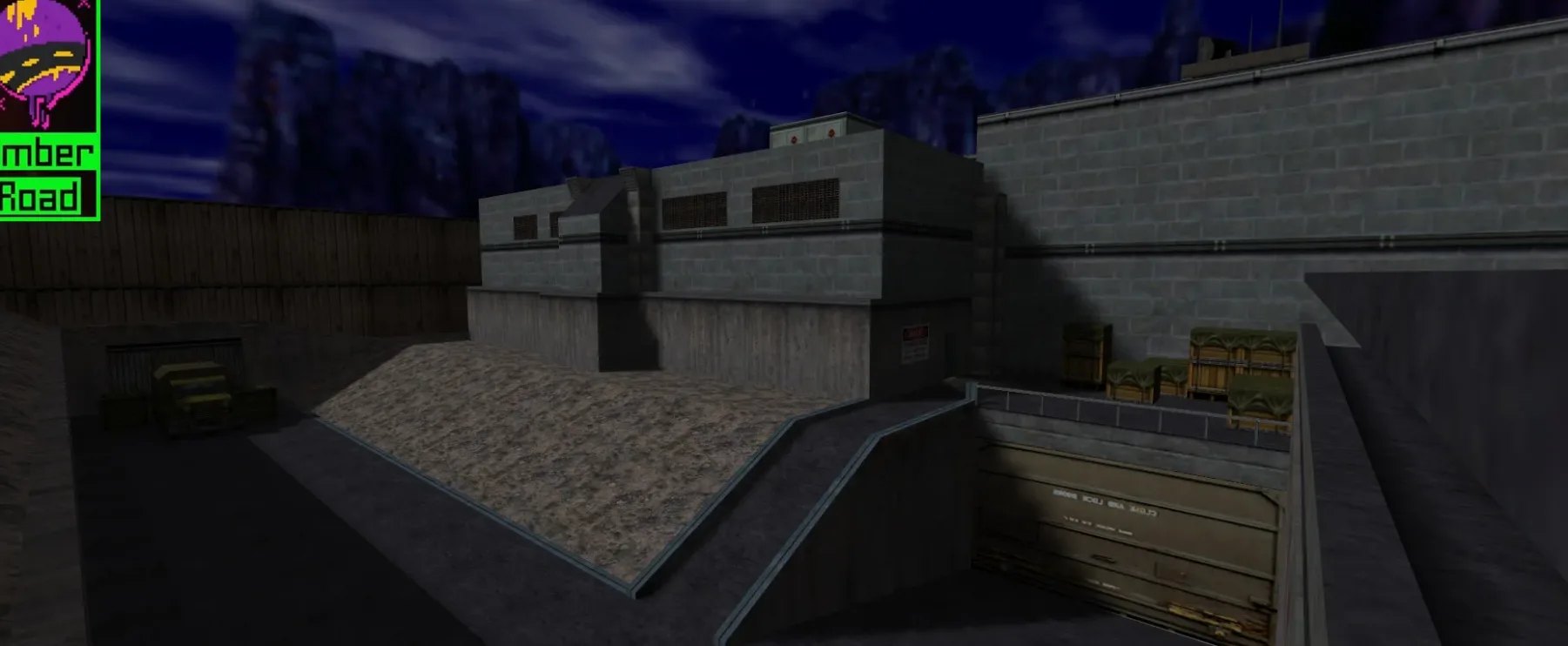
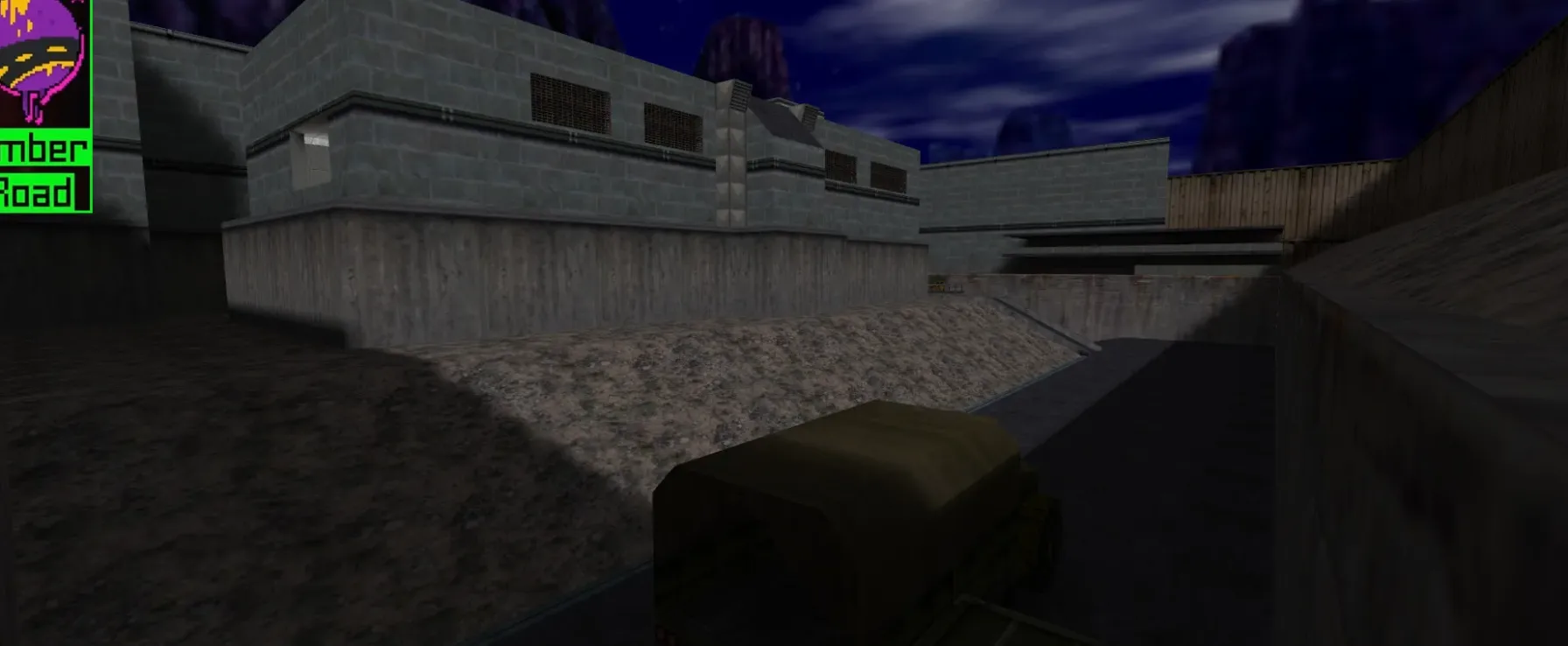
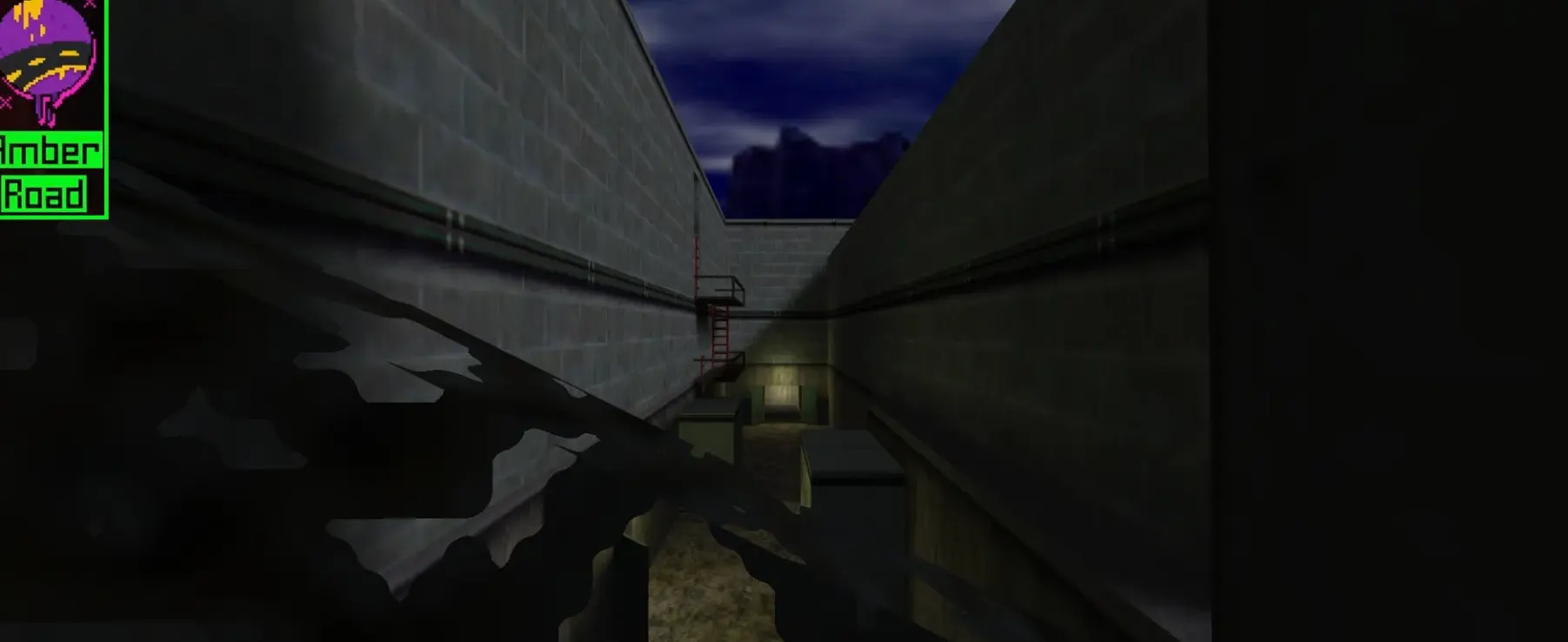
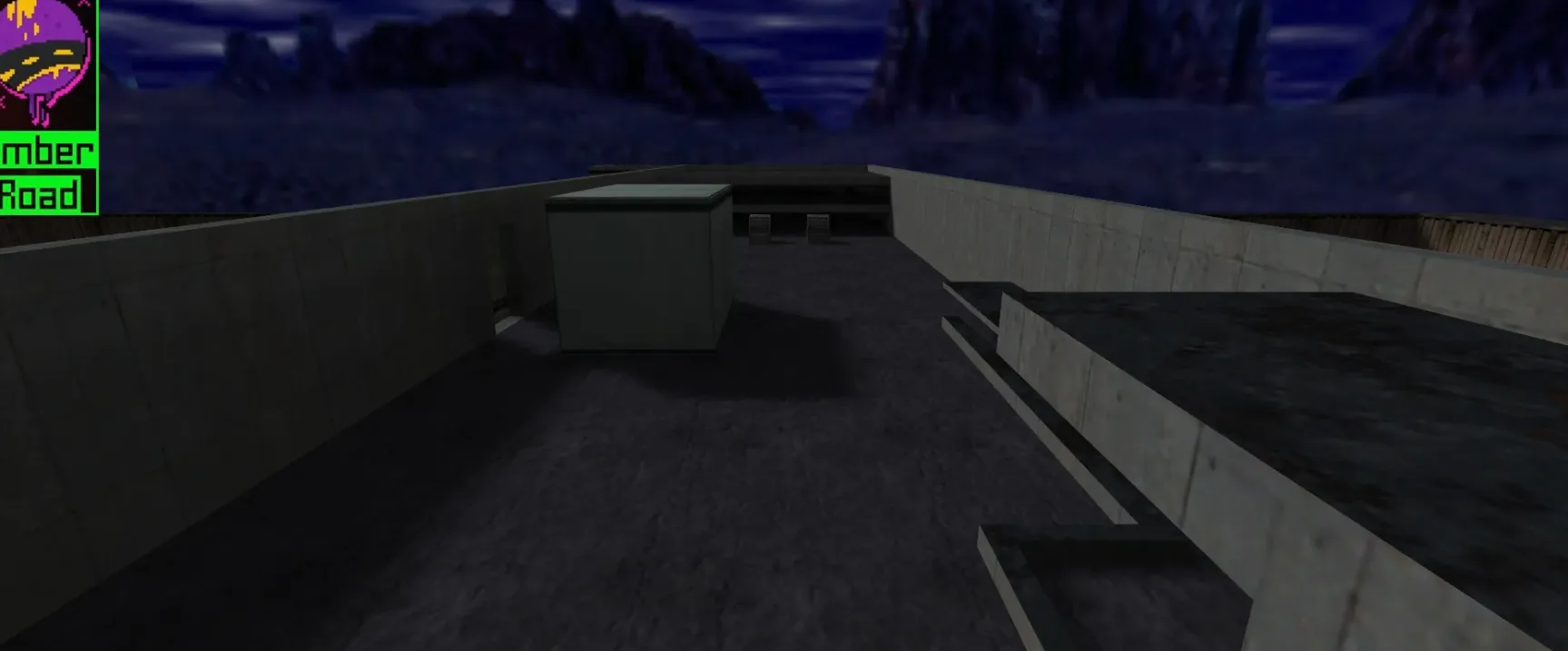
Get zombie maps for CS 1.6. Fight off the horde or turn survivors. Made for zombie mode servers. Free download.
FAQ
How do I install zombie maps in CS 1.6?
Put the map's .bsp file in cstrike/maps. If the archive has .wad files, put them in cstrike, and any map sounds in cstrike/sound. In localized versions the folder might be cstrike_russian - files there take priority.
Where should zombie map files go in CS 1.6?
.bspmap files go tocstrike/maps.wadfiles go tocstrike- map sounds go to
cstrike/sound
If you have a cstrike_russian folder, put the files there instead, because it has priority.
How do I play a zombie map in CS 1.6?
Open the console with ~ and type map zm_mapname, or use New Game and pick the map from the list. Zombies themselves need a zombie mod or a server running one; the map alone only provides the level.
CS 1.6 zombie map not working or crashing - how to fix?
Check that the .bsp is in cstrike/maps and any included .wad files are in cstrike. Missing textures or sounds usually mean a file was placed in the wrong folder. If the map still crashes, try another map to see whether the problem is with the map or your game install.
How do I remove a zombie map in CS 1.6?
Delete the map's .bsp file from cstrike/maps. If you also added custom .wad or sound files for that map, remove them from cstrike and cstrike/sound. The standard maps are not affected.
Do zombie maps work on CS 1.6 servers online?
Yes, if the server has the map installed and runs a zombie mod. On someone else's server your custom models or sounds may be replaced by the server's files, and mismatched files can cause a kick for consistency. Playing a zombie map locally does not require a server.
How do I change the sky on a zombie map in CS 1.6?
Sky textures are six .tga files in cstrike/gfx/env. On a server the sky is set with the sv_skyname console variable. For a local game you can change it in the console as well, but the map may override it.