
DE maps
7 files
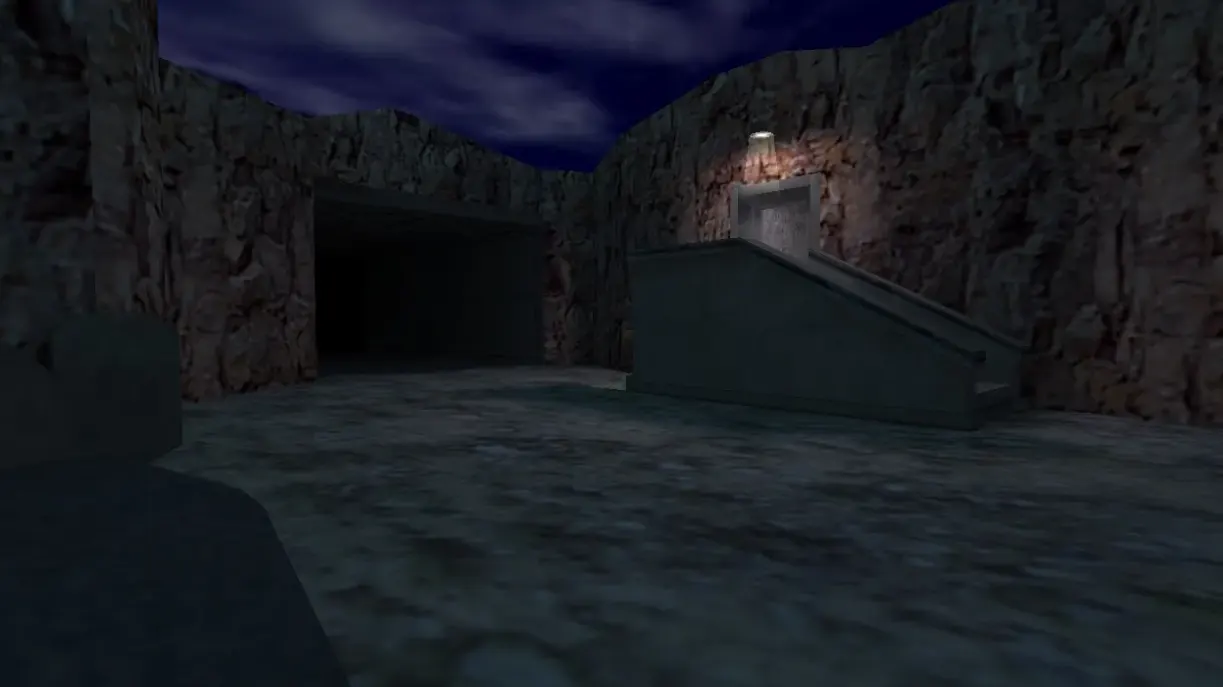
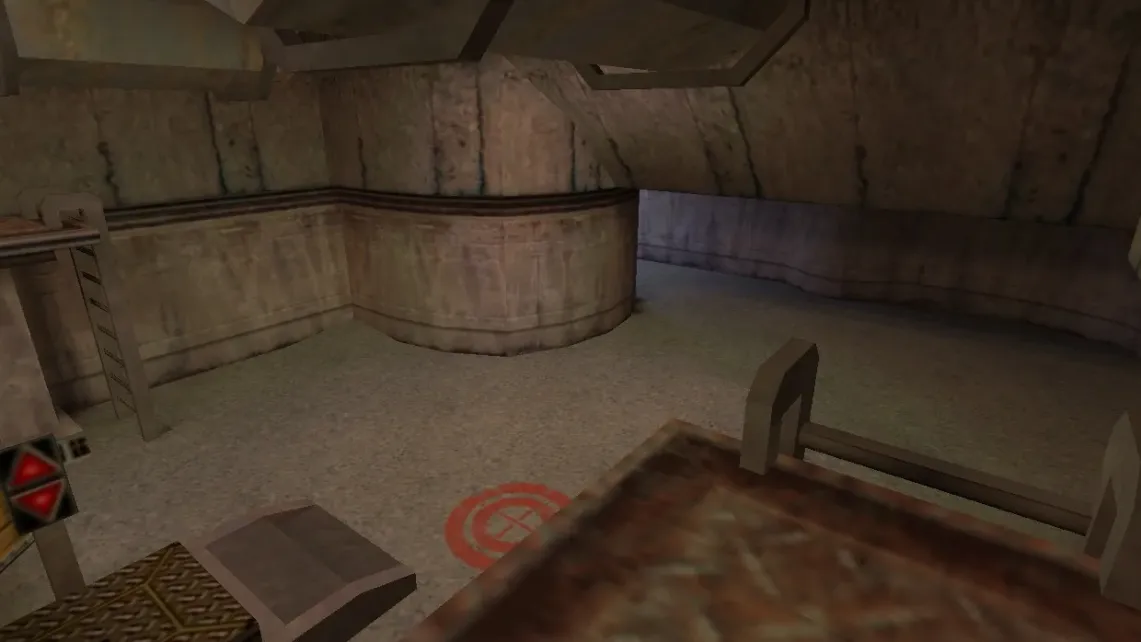
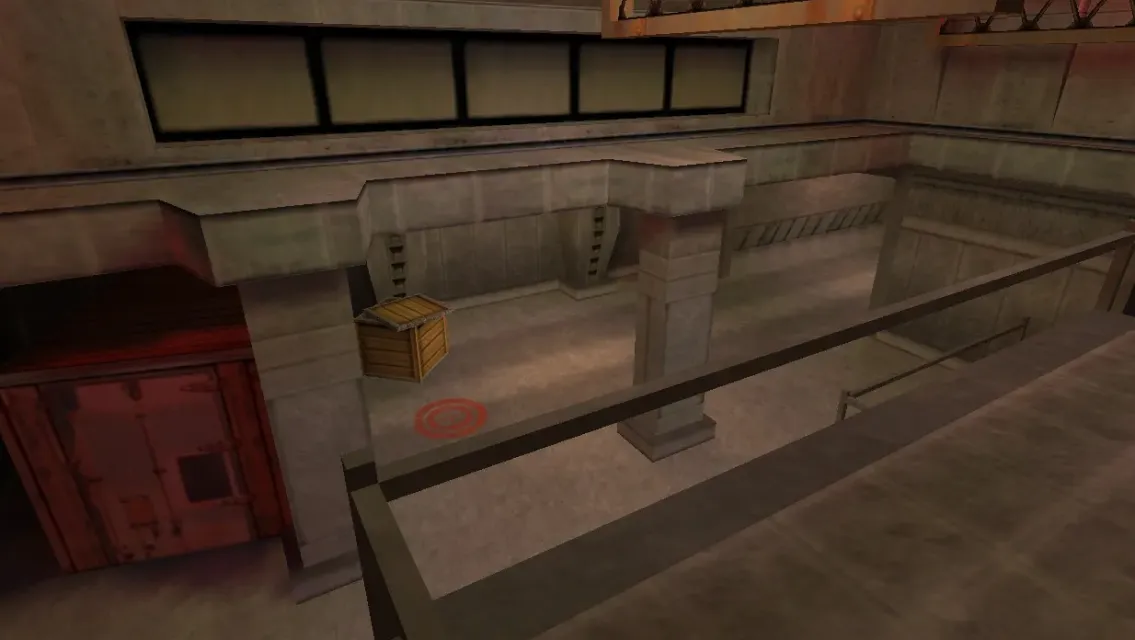
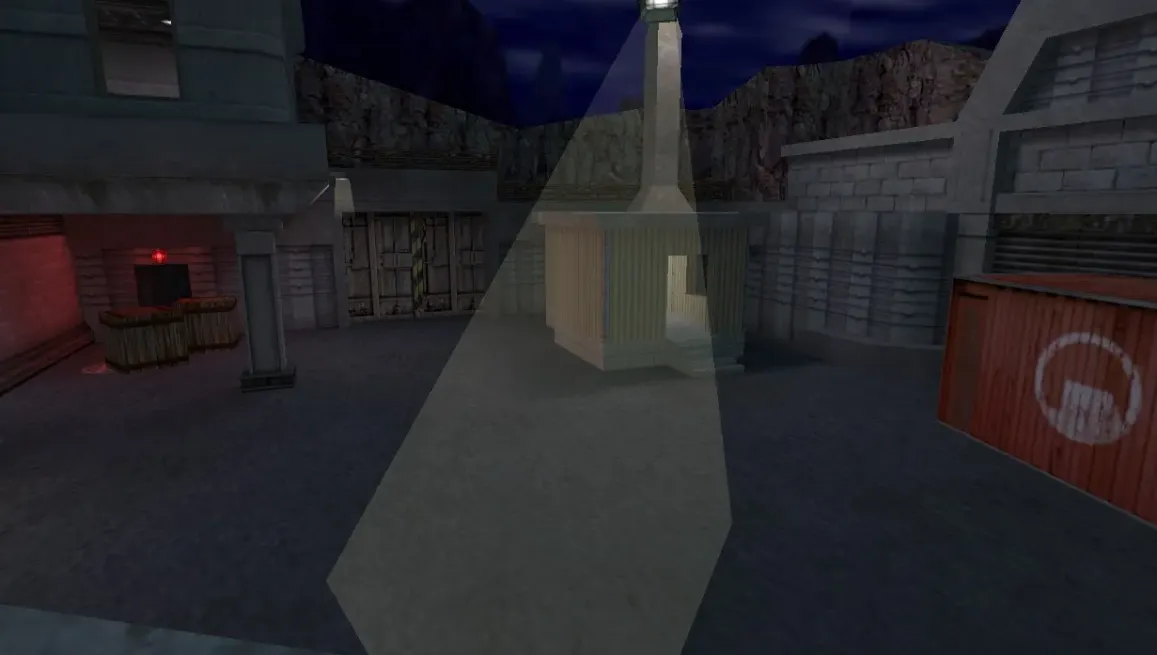
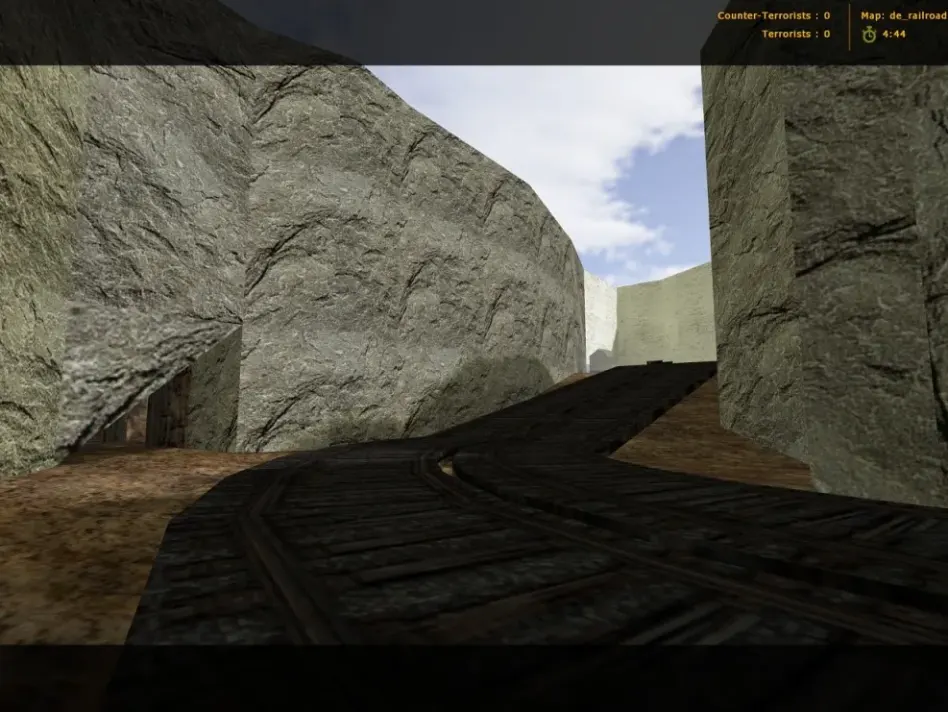
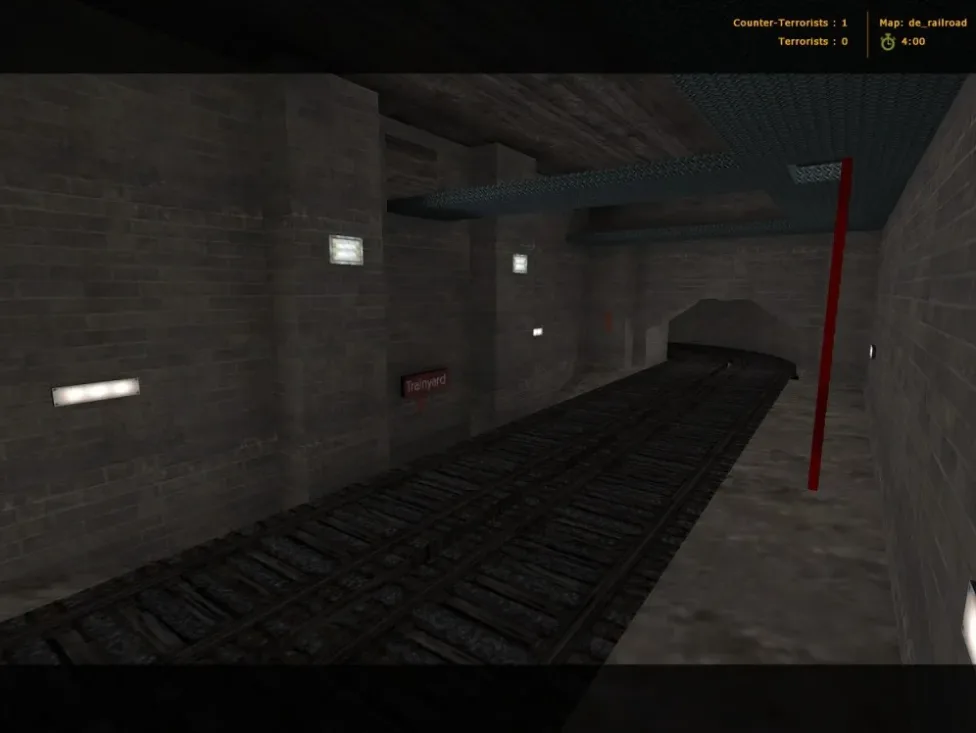
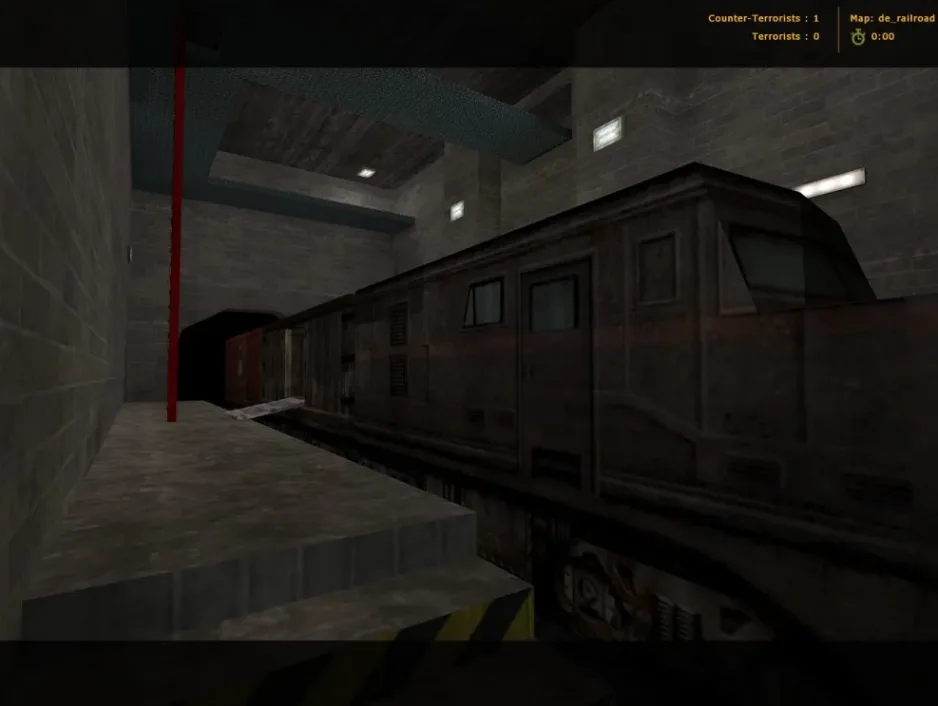
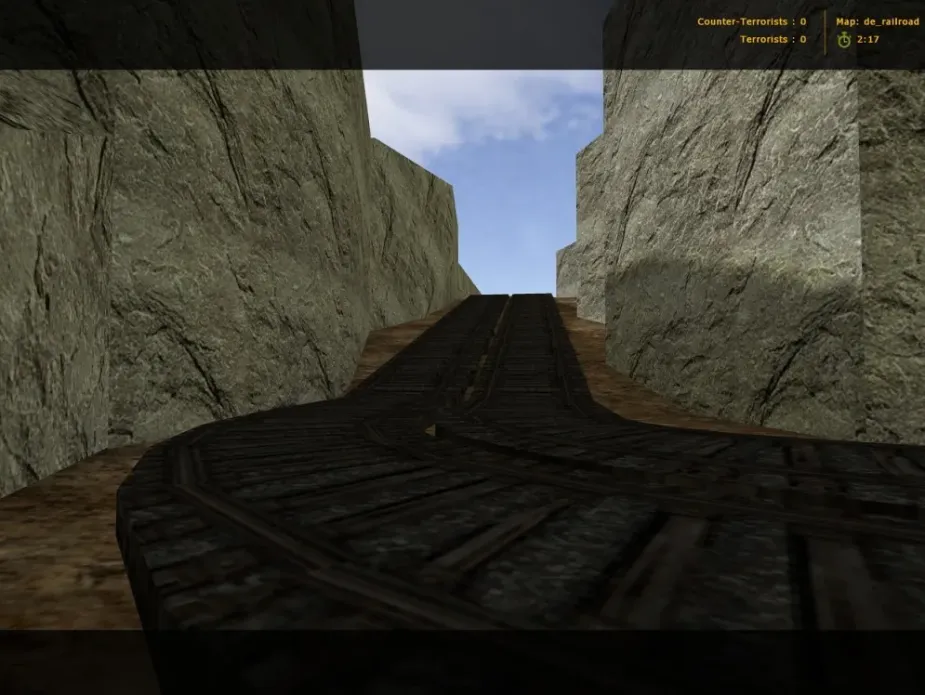
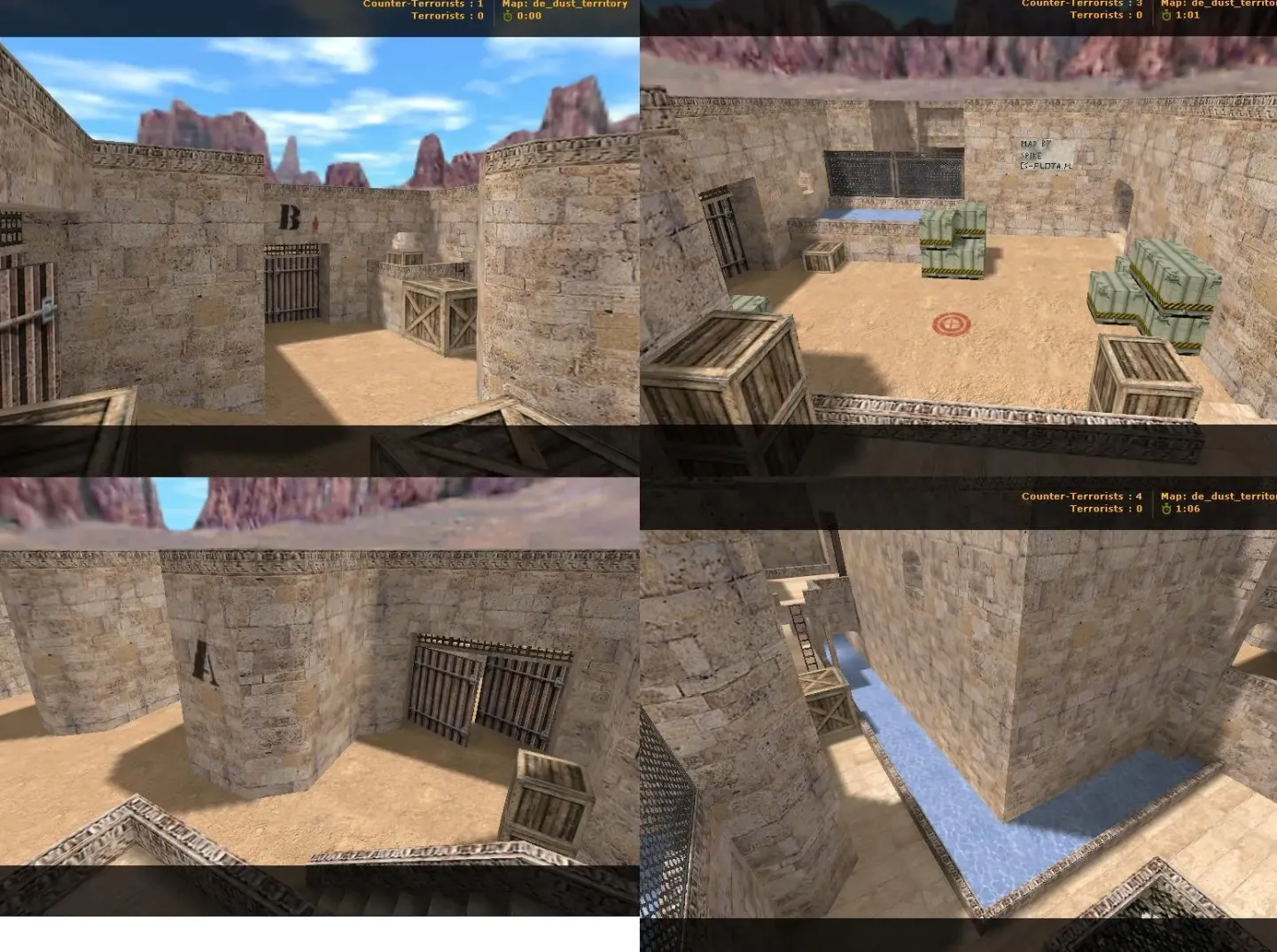
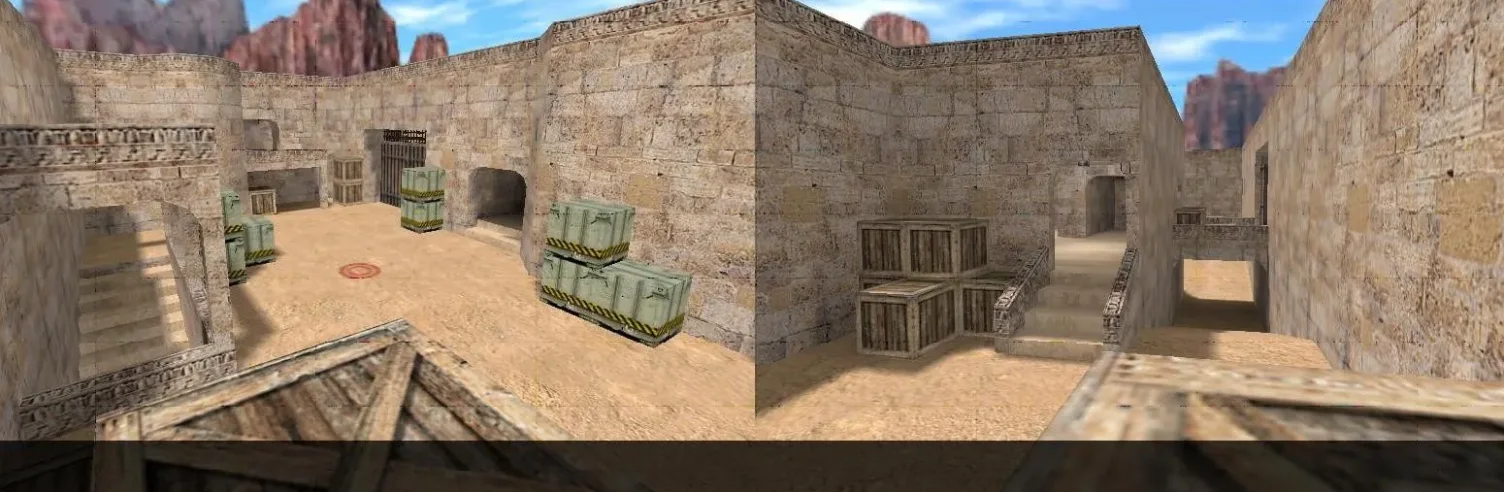
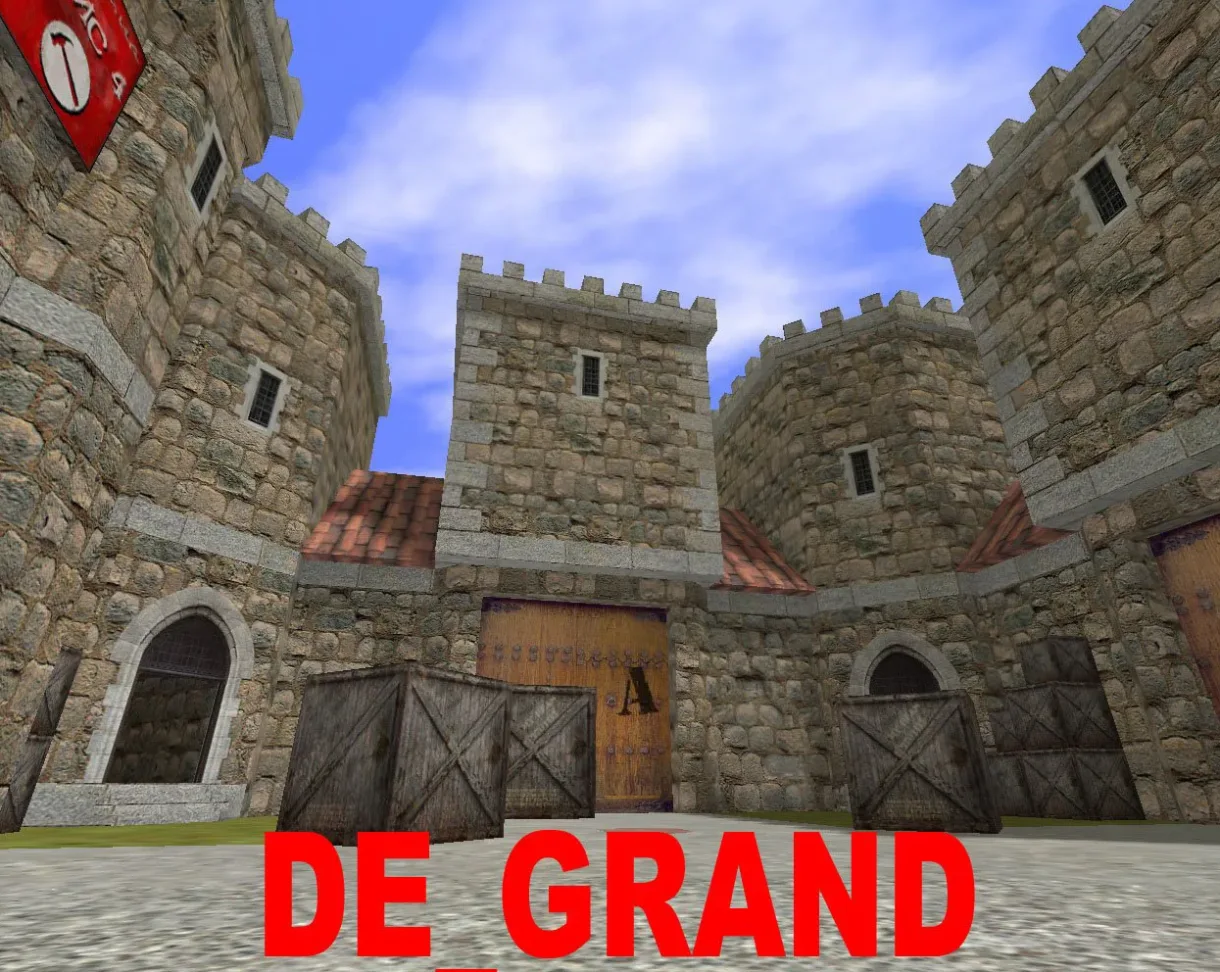
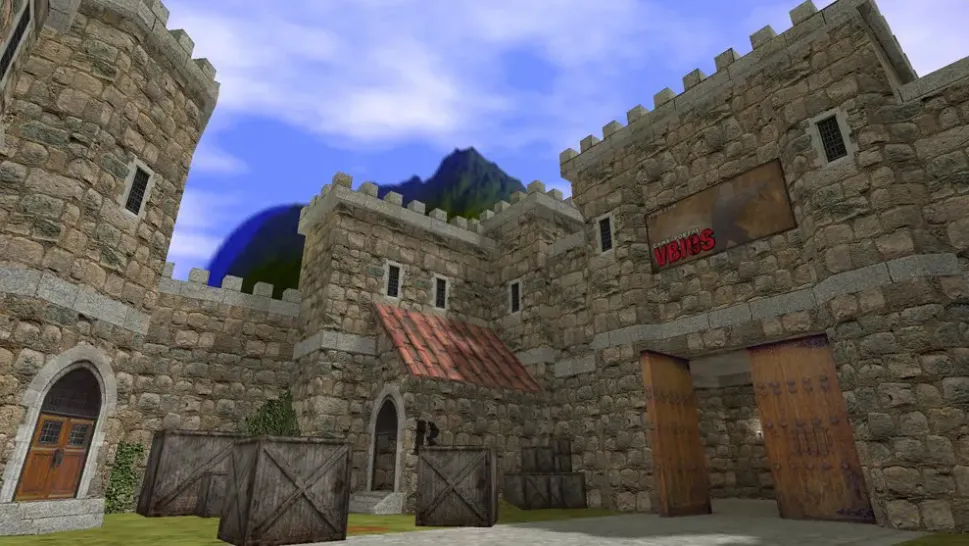
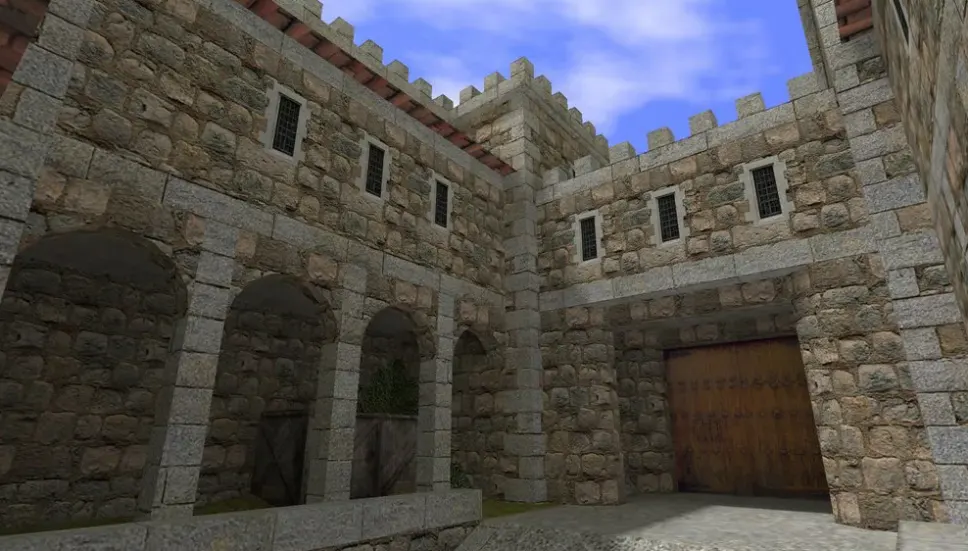
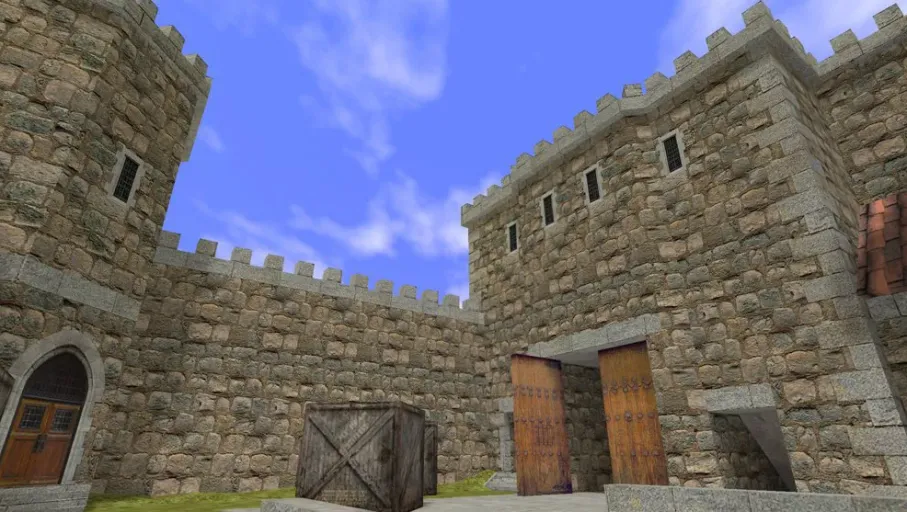
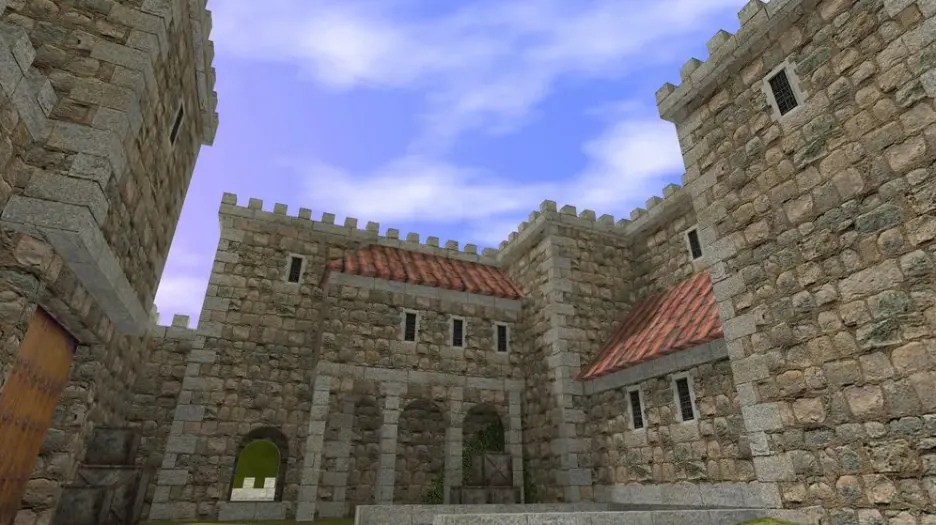
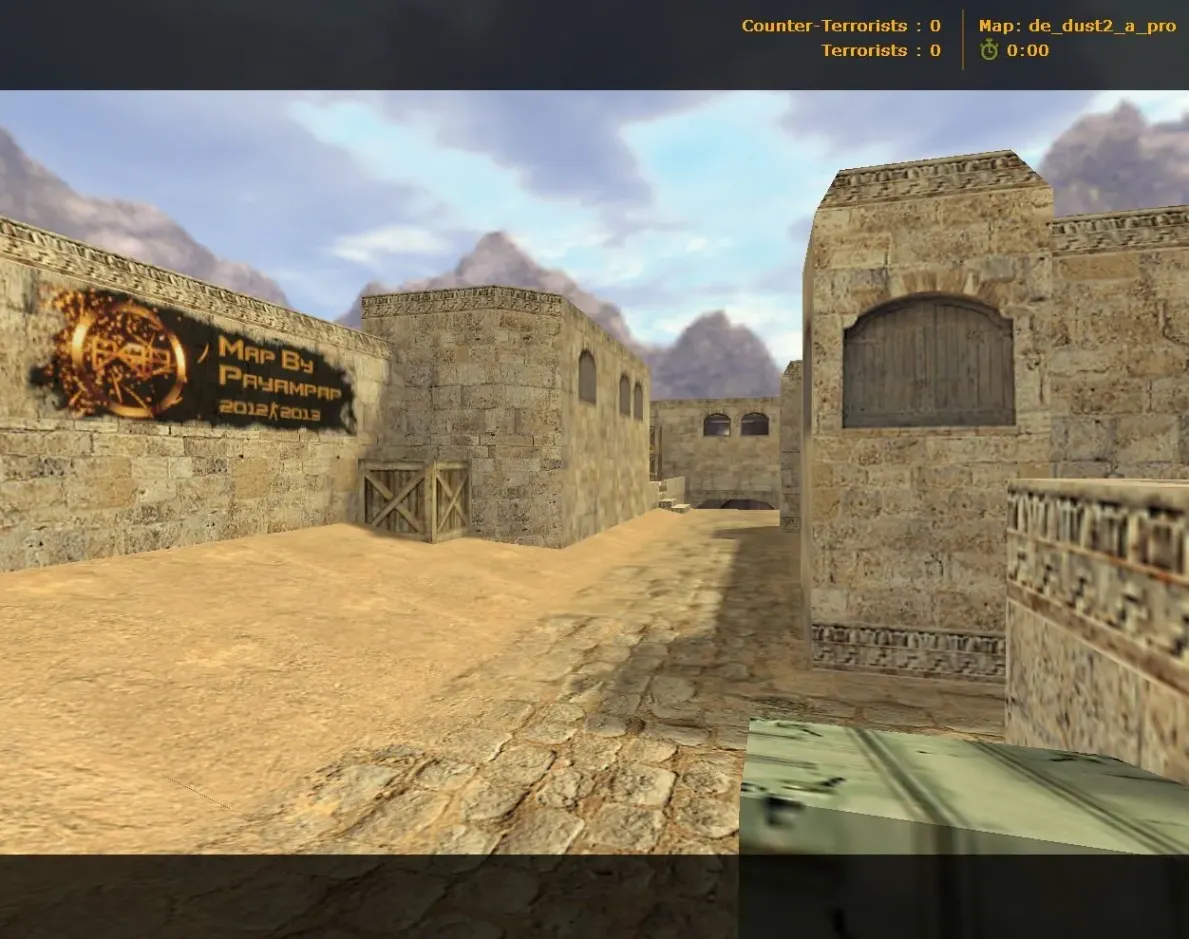
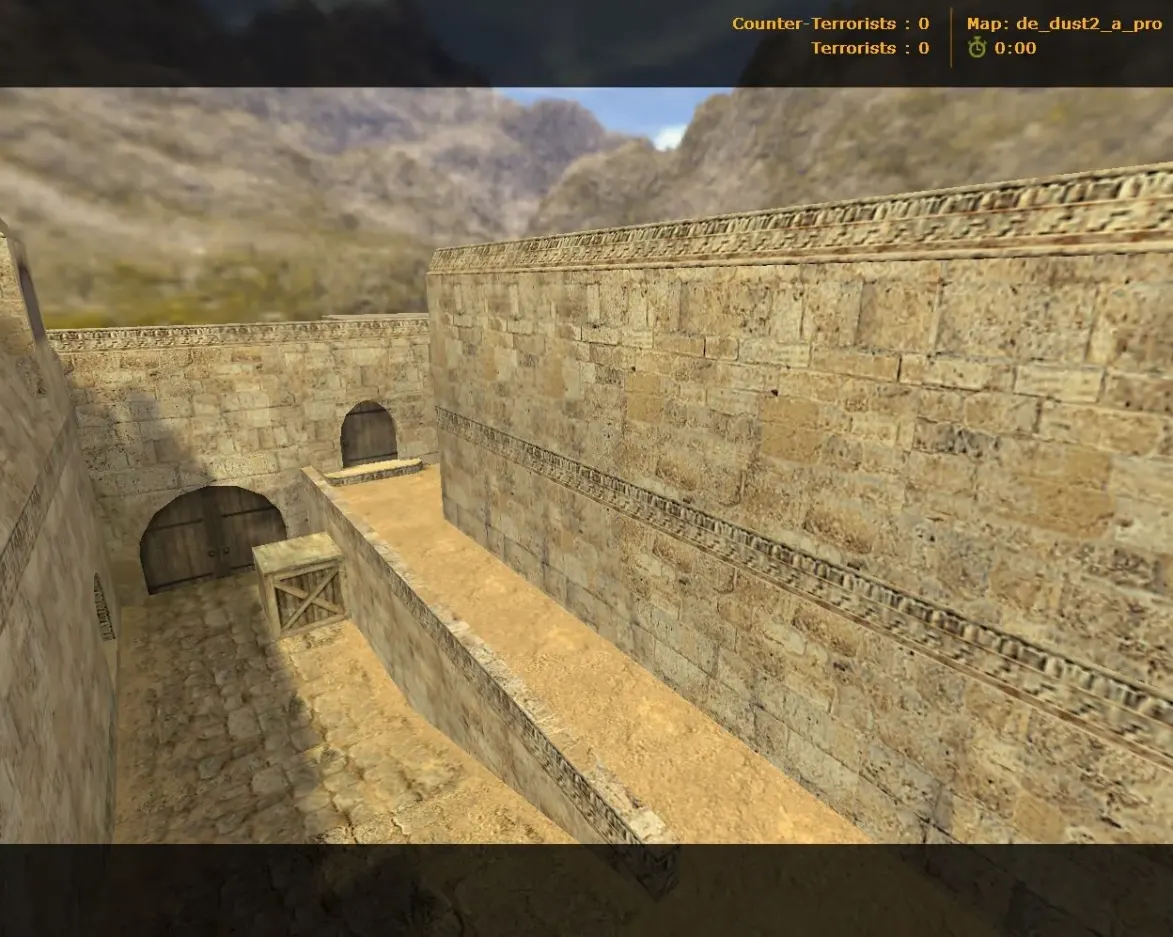
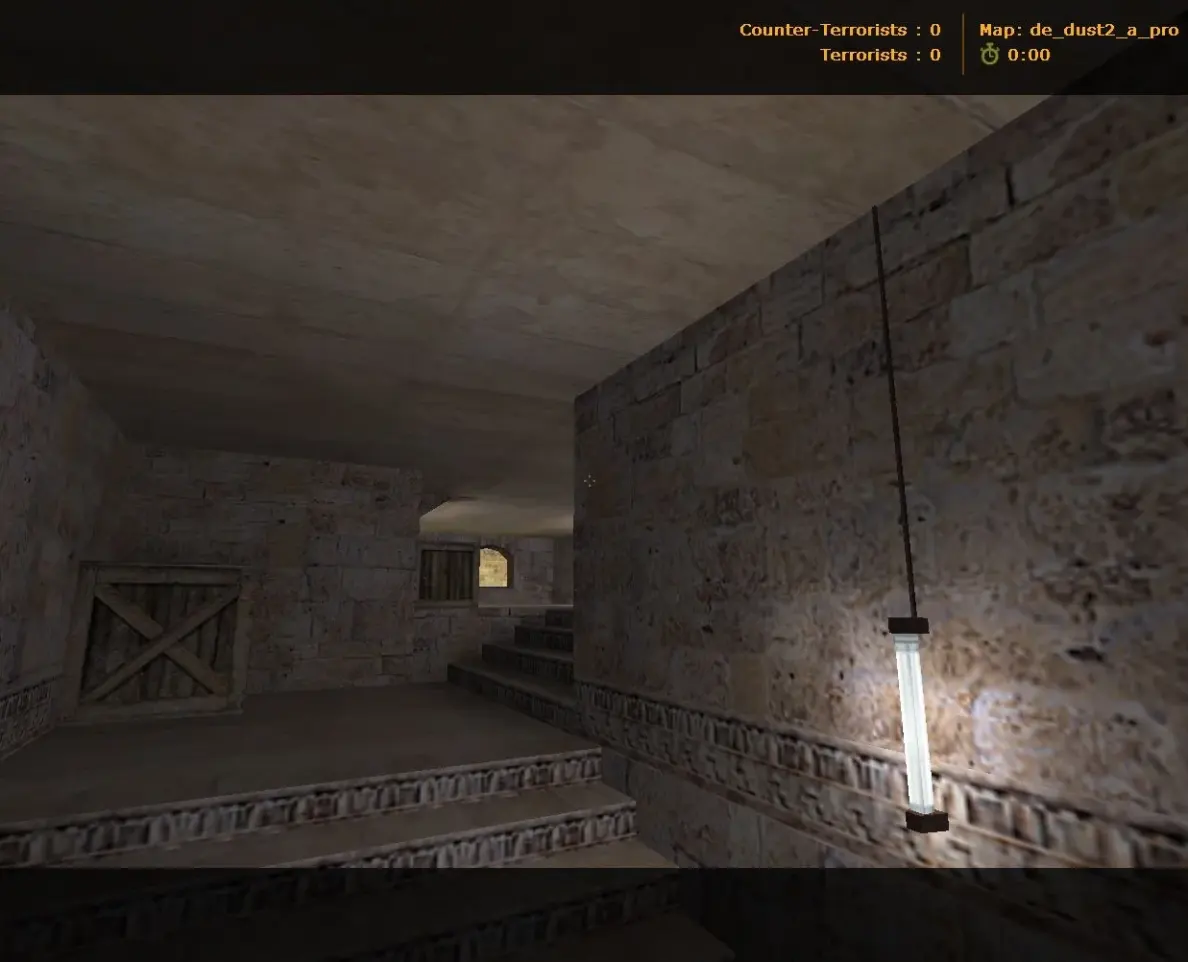
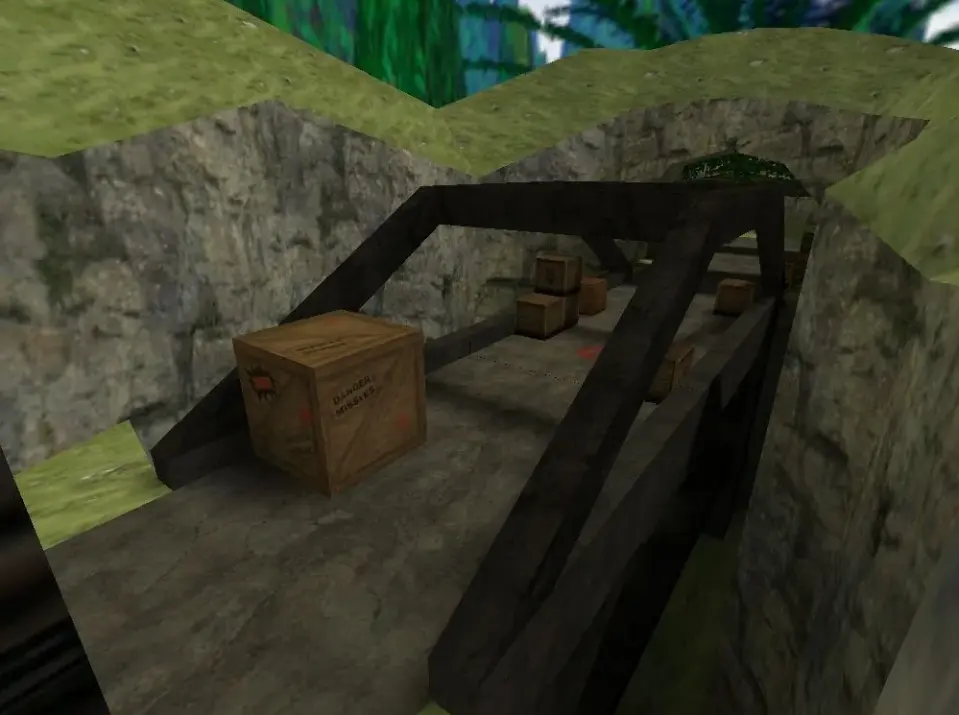
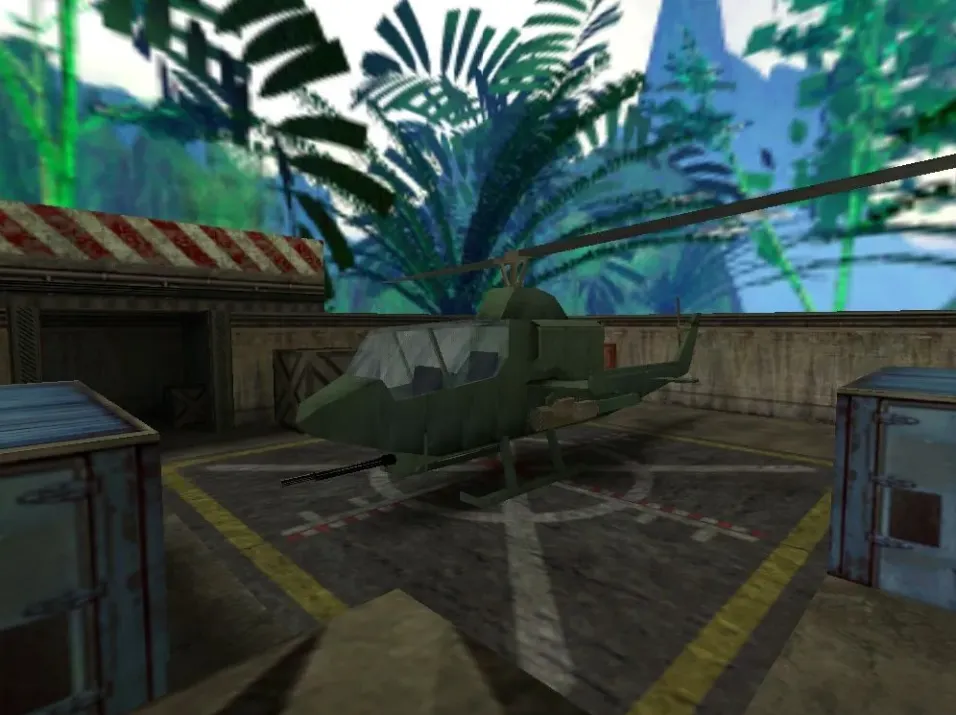
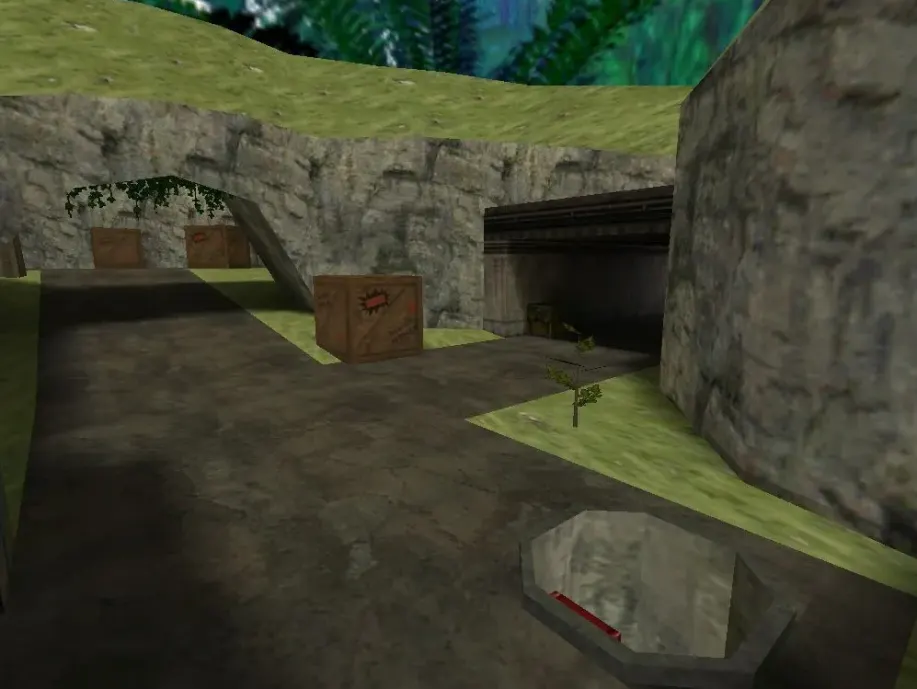
Get DE maps for CS 1.6. Classic bomb defusal action with even sites and open lines of sight. Free download.
FAQ
How do I install DE maps in CS 1.6?
Put the map's .bsp file into cstrike/maps. If the map uses custom textures, place the .wad files in cstrike. For sounds, put them in cstrike/sound while keeping the original folder structure.
Where should DE map files go in CS 1.6?
Map files (.bsp) belong in cstrike/maps. Custom textures (.wad) go to cstrike. If you use a localized version, check cstrike_russian as files there take priority.
How can I play a DE map in CS 1.6?
Open the console and enter map de_mapname (replace with the actual map name). Or use the "New Game" menu and pick the map from the list. Make sure the map file is in cstrike/maps.
CS 1.6 DE map not working or crashing - how to fix?
Verify that the map file is a valid .bsp and is located in cstrike/maps. Missing .wad texture files in cstrike can lead to errors or missing textures. If the map still crashes, try launching the game with the default config.cfg or check that the map isn't corrupted.
How do I add bots to DE maps in CS 1.6?
Bots need a .nav file for the map. If the map doesn't have one, you can create it by typing nav_generate in the console after loading the map. Wait for it to finish, then the bots can navigate.
Do custom DE maps work on CS 1.6 servers?
Yes, but the server must have the same map files. If you join a server with a custom DE map, your client may need to download it. Servers can also replace custom models or sounds, and mismatched files may cause a kick for consistency.
How do I remove a custom DE map from CS 1.6?
Delete the map's .bsp file from cstrike/maps. If you added custom textures or sounds, remove those files too. The map will no longer show up in your map list.