
FY maps
2 files
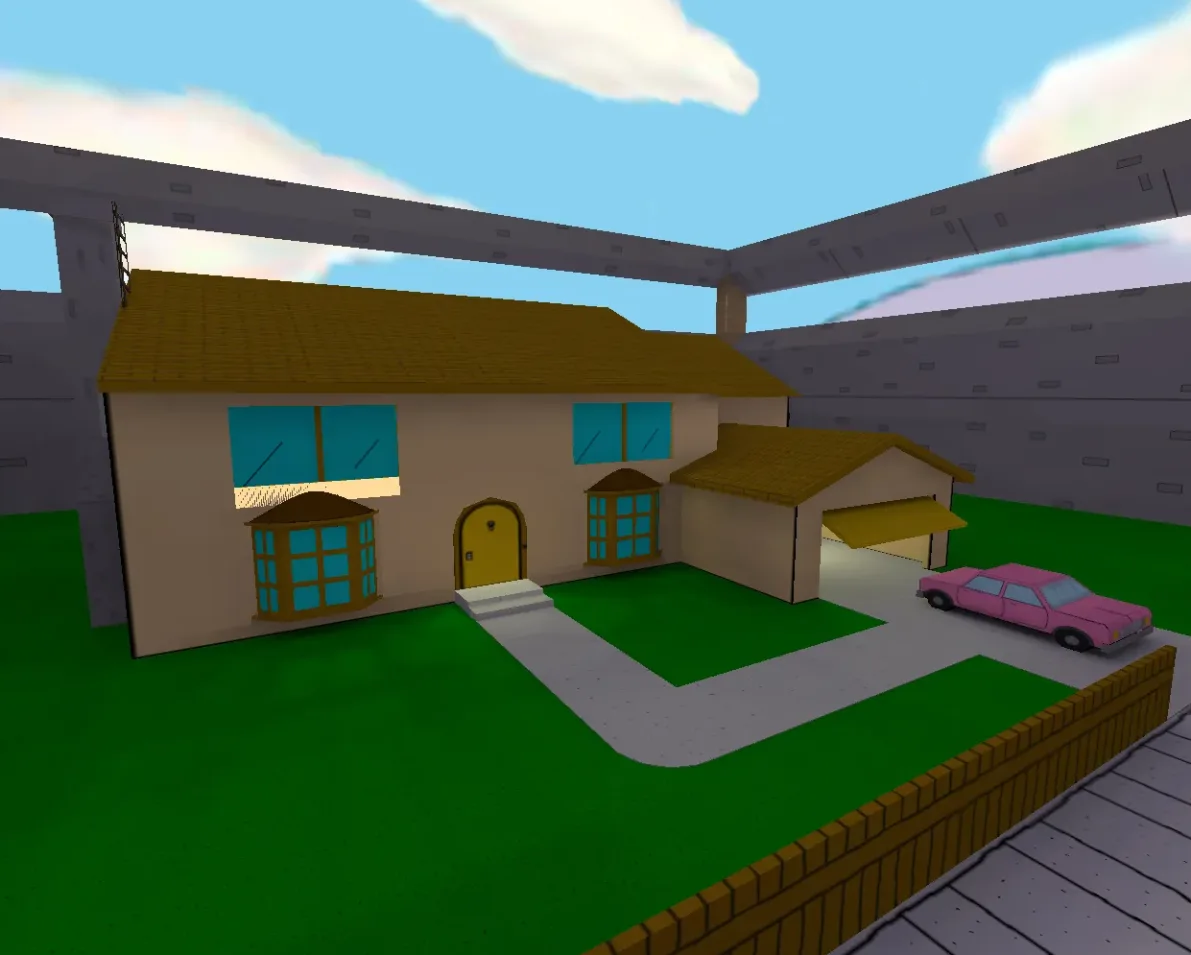
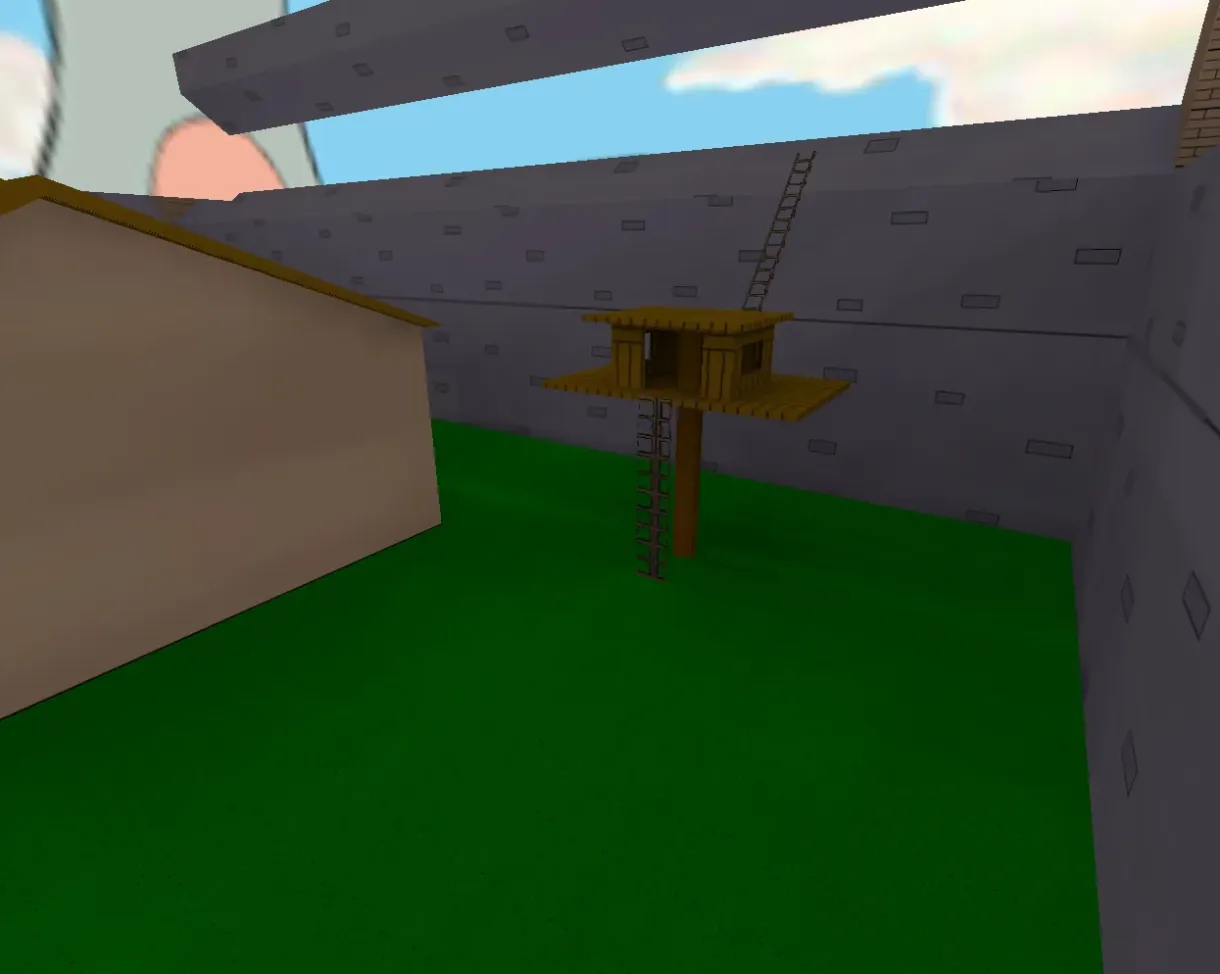
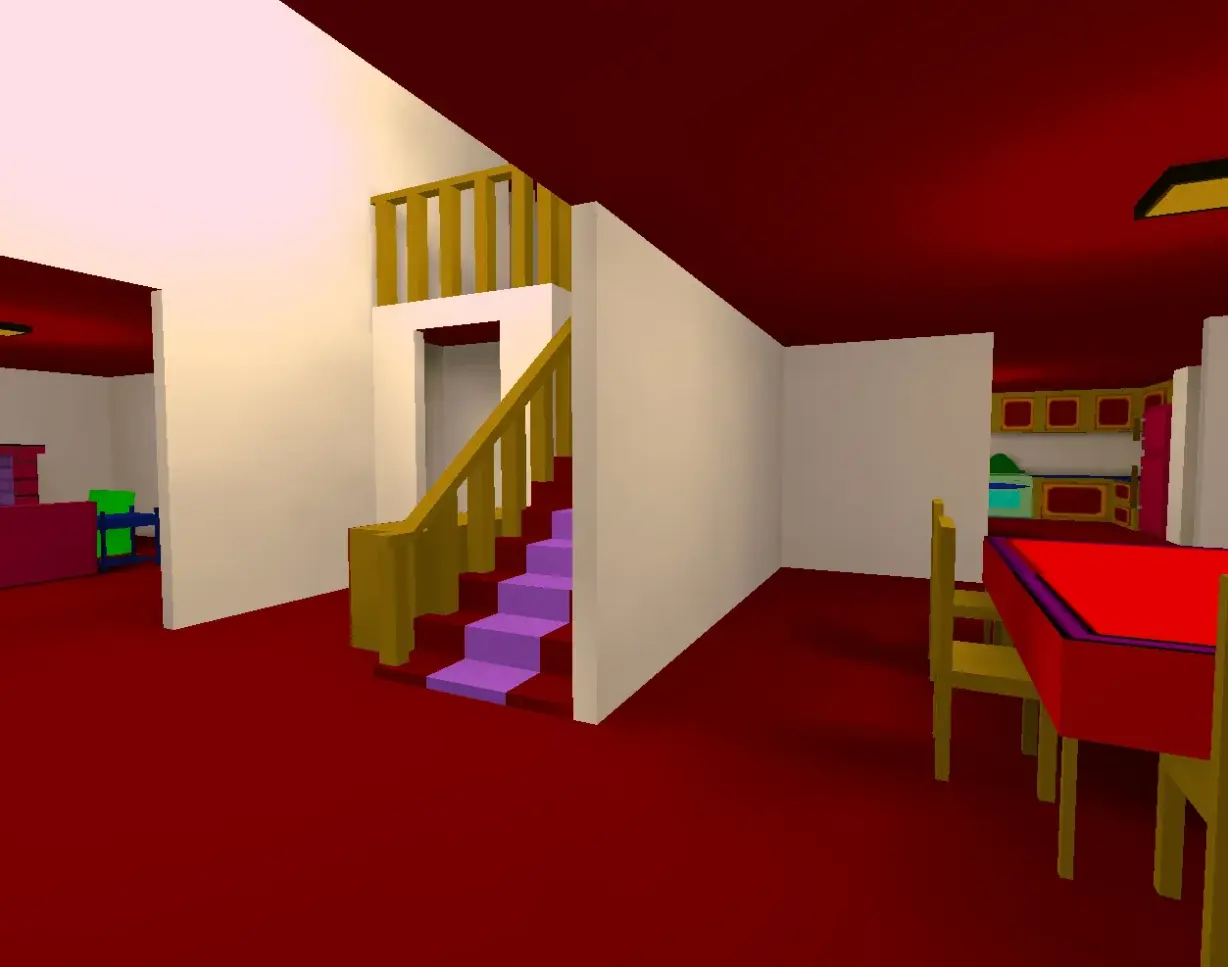
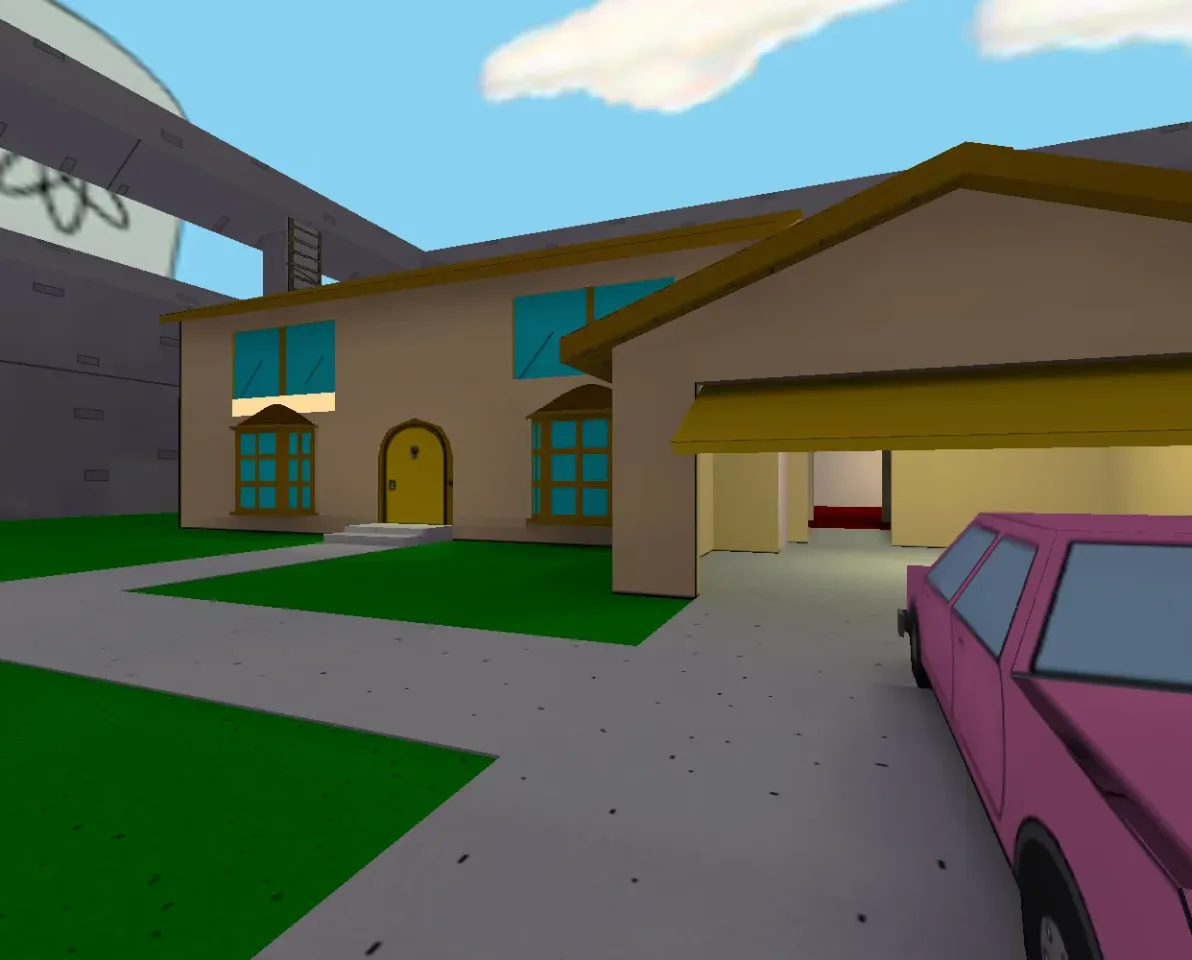
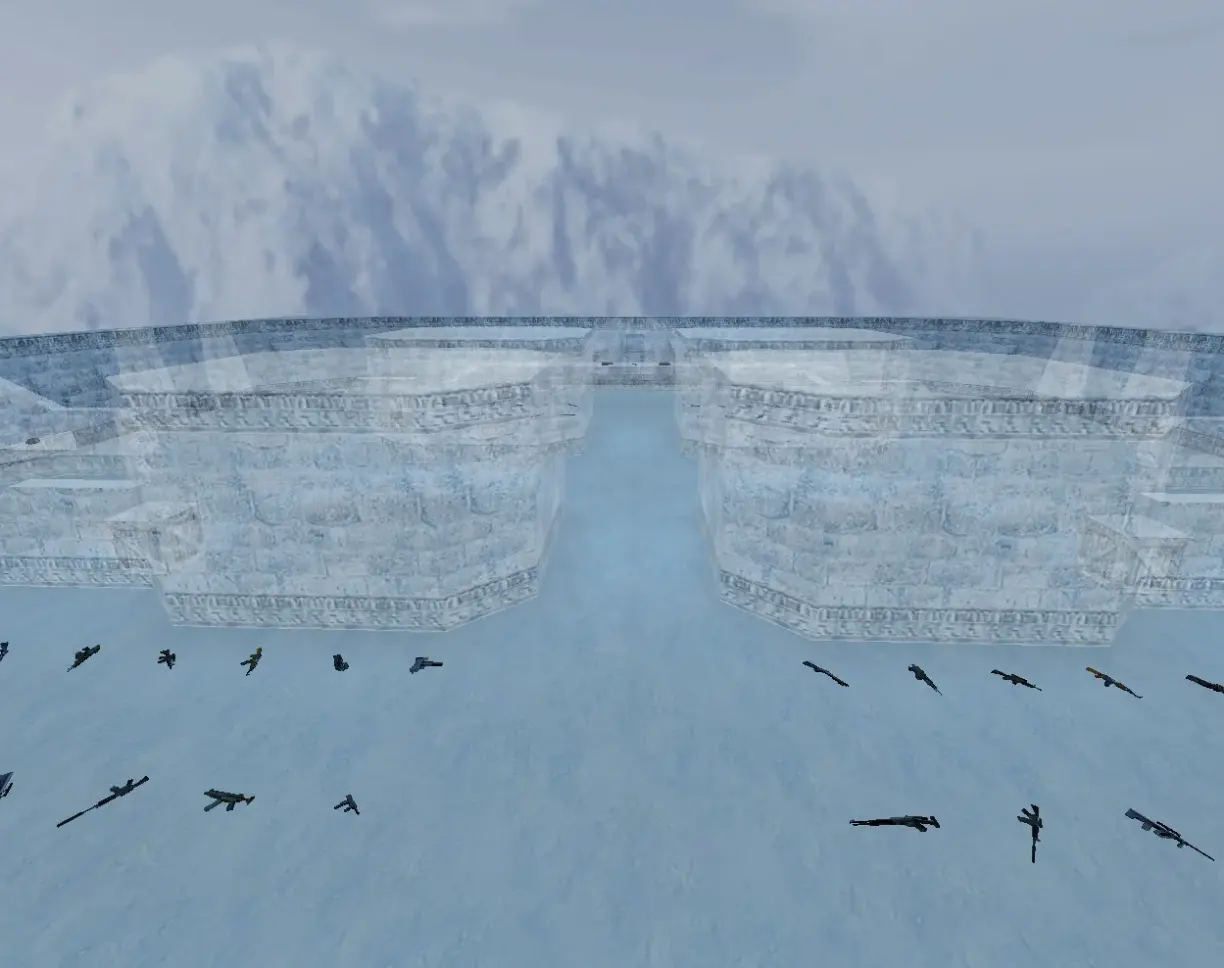
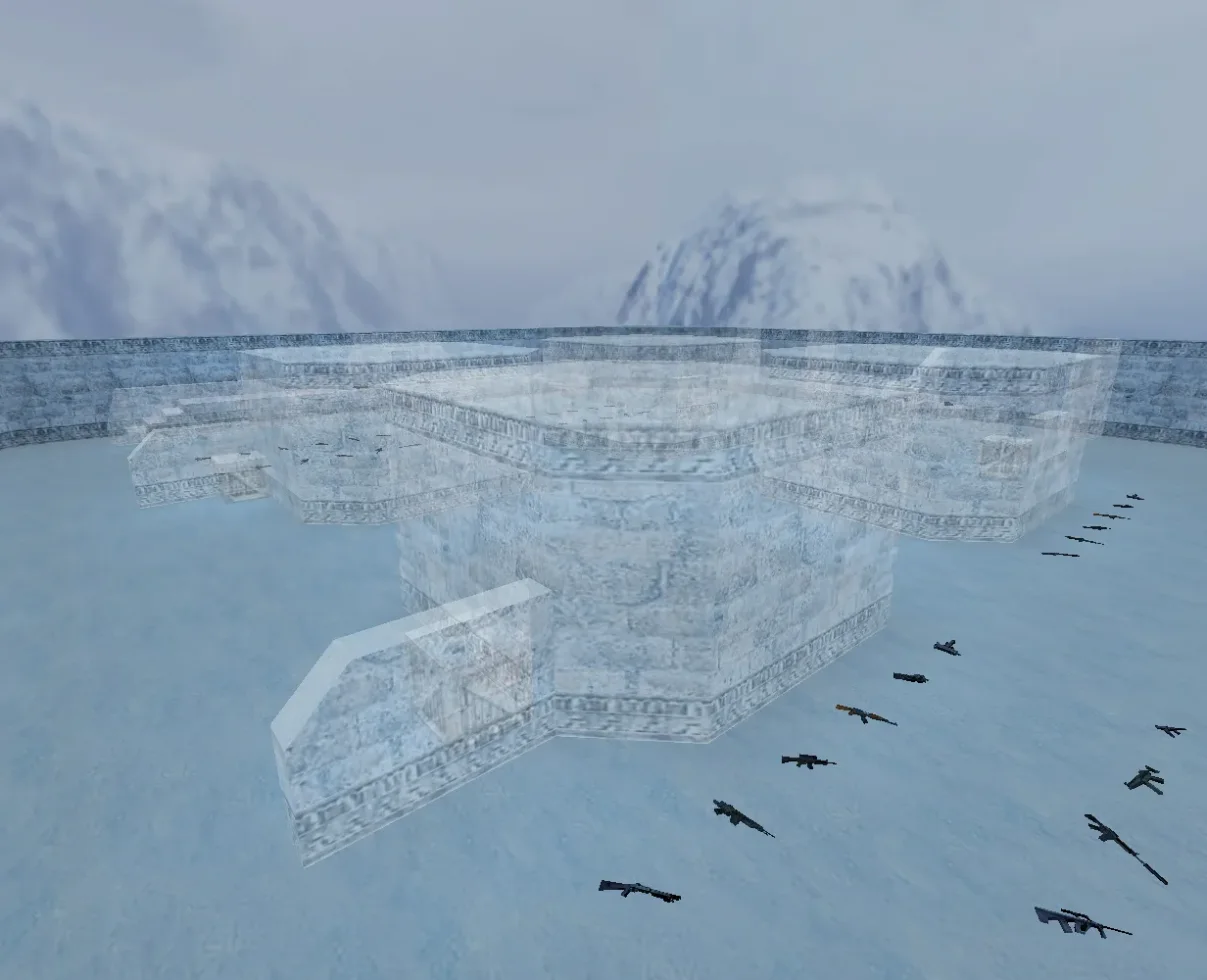
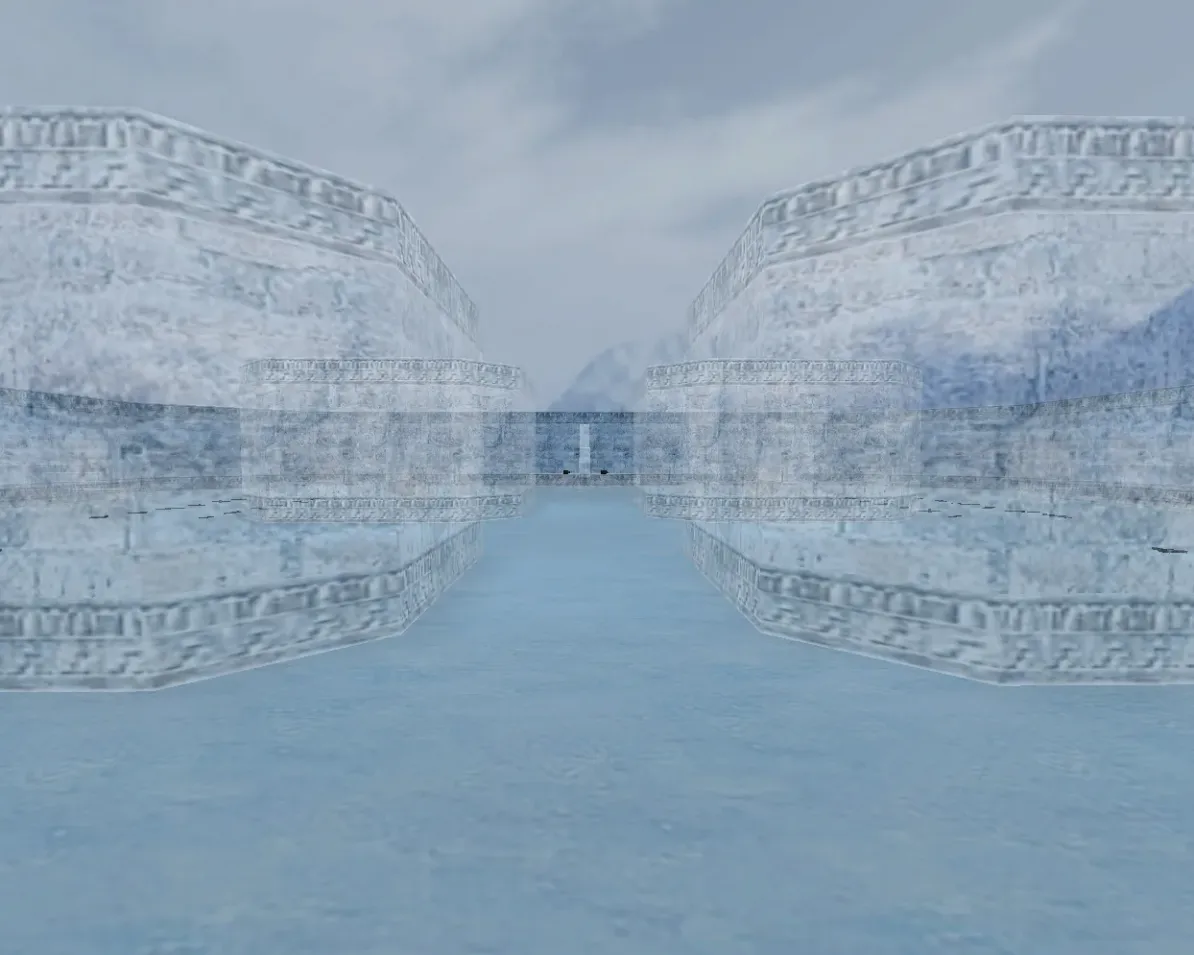
Get FY maps for CS 1.6. Compact arena designs for quick rounds with no bomb objective. Ideal for 1v1 and public servers. Free download.
FAQ
What are FY maps in CS 1.6?
FY maps (short for fight yard) are compact arena-style levels designed for quick, close-range rounds in Counter-Strike 1.6. They typically offer minimal cover, open spawn zones, and weapons scattered on the ground, so rounds begin and finish fast. Due to their small size, they are commonly used for warm-up, aim practice, and fast public-server matches.
How to install FY maps in CS 1.6?
Place the map file with the .bsp extension into cstrike/maps. Any custom texture file (.wad) that came with the map goes into cstrike, and map sounds go into cstrike/sound. If your game uses a localized folder such as cstrike_russian, files placed there have priority over cstrike.
How to start an FY map in CS 1.6?
Open the game and pick the map under New Game, or open the console and type map fy_iceworld, replacing the name with your map. Do not include the .bsp extension in the command. If the map does not appear in the menu list, the file is not in cstrike/maps.
FY map not showing in the list or crashing in CS 1.6 - how to fix it?
Most FY map problems come from a missing or misplaced file. Check the following:
- The
.bspfile must be directly incstrike/maps, not in a subfolder. - Any required
.wadmust be incstrike. - Re-download the map if the archive was incomplete or the download was interrupted.
- If the map uses a custom sky, all six
.tgafiles must be incstrike/gfx/env.
Do FY maps work online on CS 1.6 servers?
Yes, FY maps are ordinary maps and work online as long as the server runs the same map. If you join a server that has a map you do not own, the client normally downloads it automatically when downloads are enabled. The server can replace custom models, sounds, and sprites with its own, or disconnect you for a file consistency mismatch, so a heavily modified client may be rejected.
How to add bots to an FY map in CS 1.6?
Bots need a navigation file with the same name as the map, placed next to it in cstrike/maps (for example fy_iceworld.nav). Without a matching .nav file, bots may stand still or fail to find routes. On small FY maps bots often work best with fewer of them, since open spawn areas and tight layouts can cause them to block each other.
How to change or remove an FY map on a CS 1.6 server?
In the server console type changelevel fy_iceworld (use rcon if you are not the host) to switch maps immediately. To rotate the map automatically, add its name to cstrike/mapcycle.txt. To remove an FY map, delete its .bsp and matching .nav from cstrike/maps, and back up any files you replace.