
AWP maps
2 files
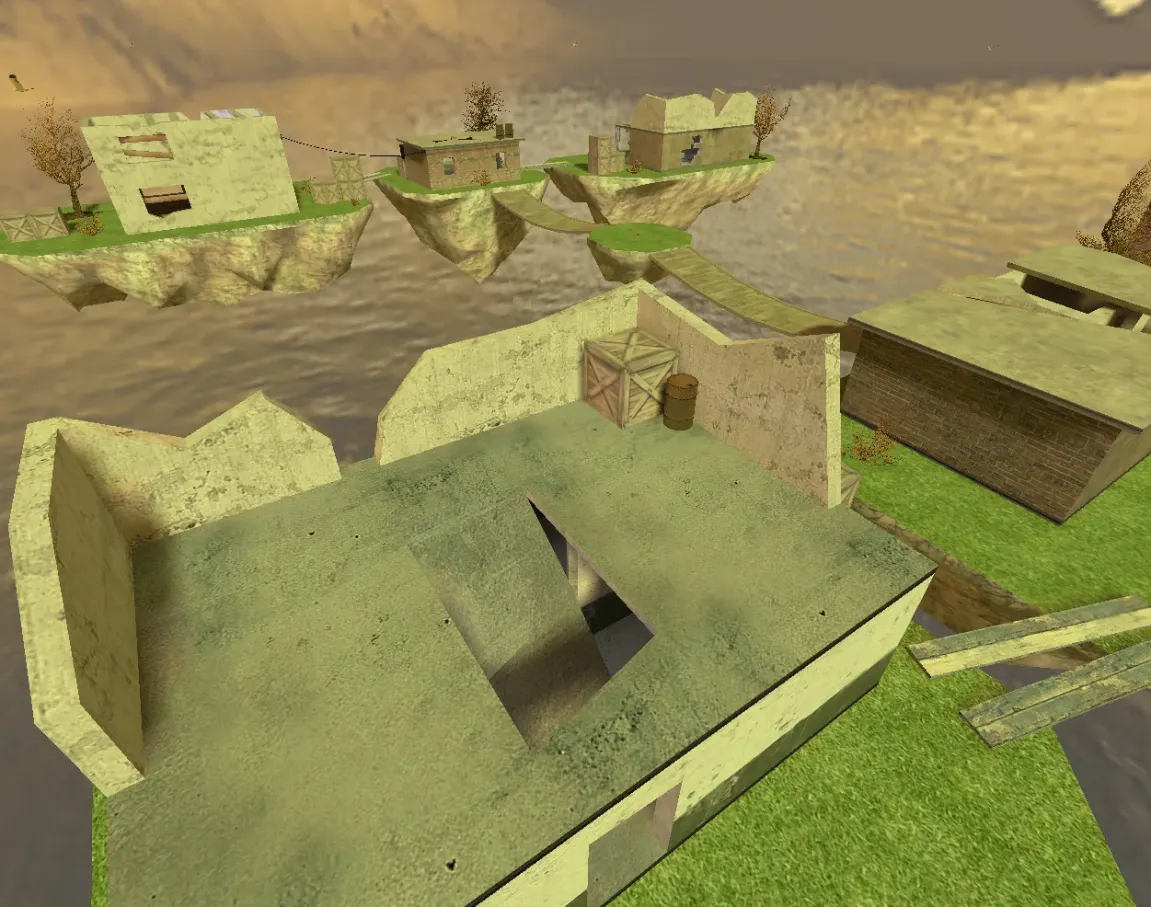
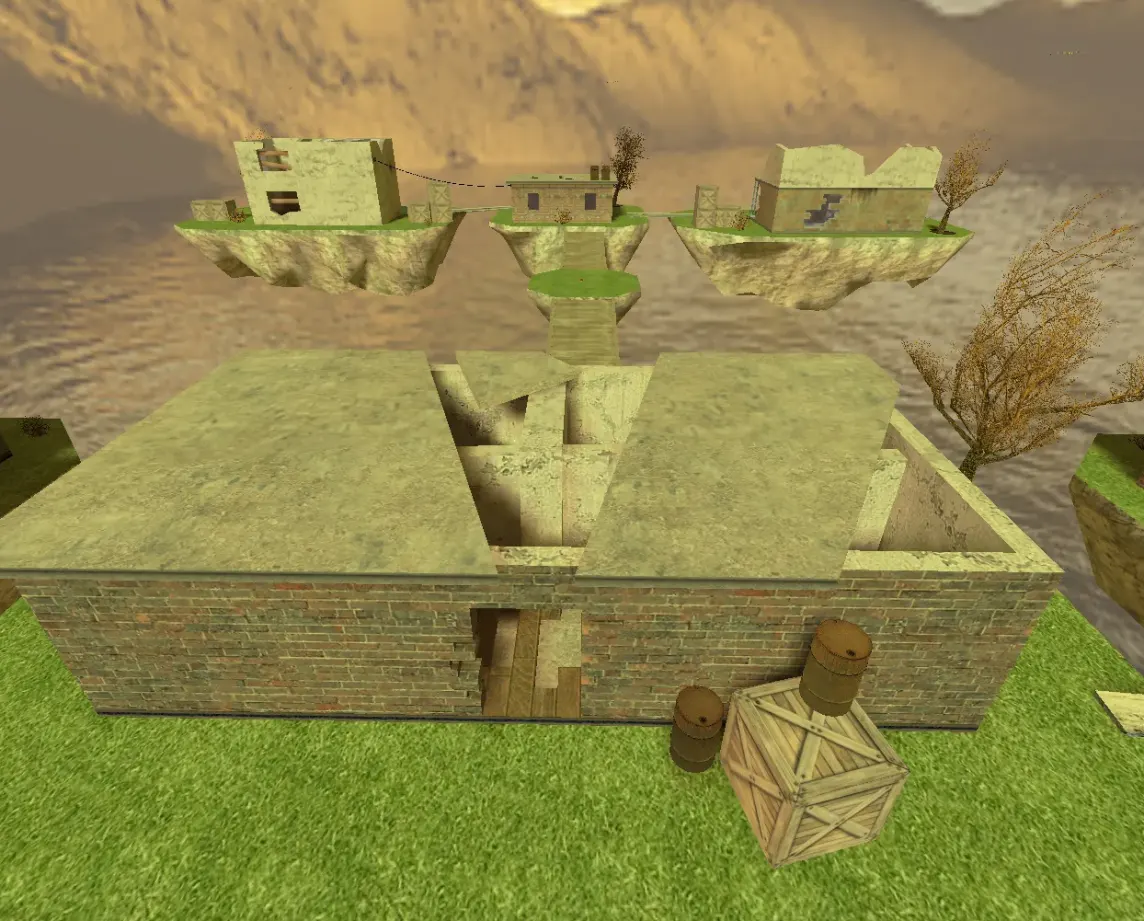
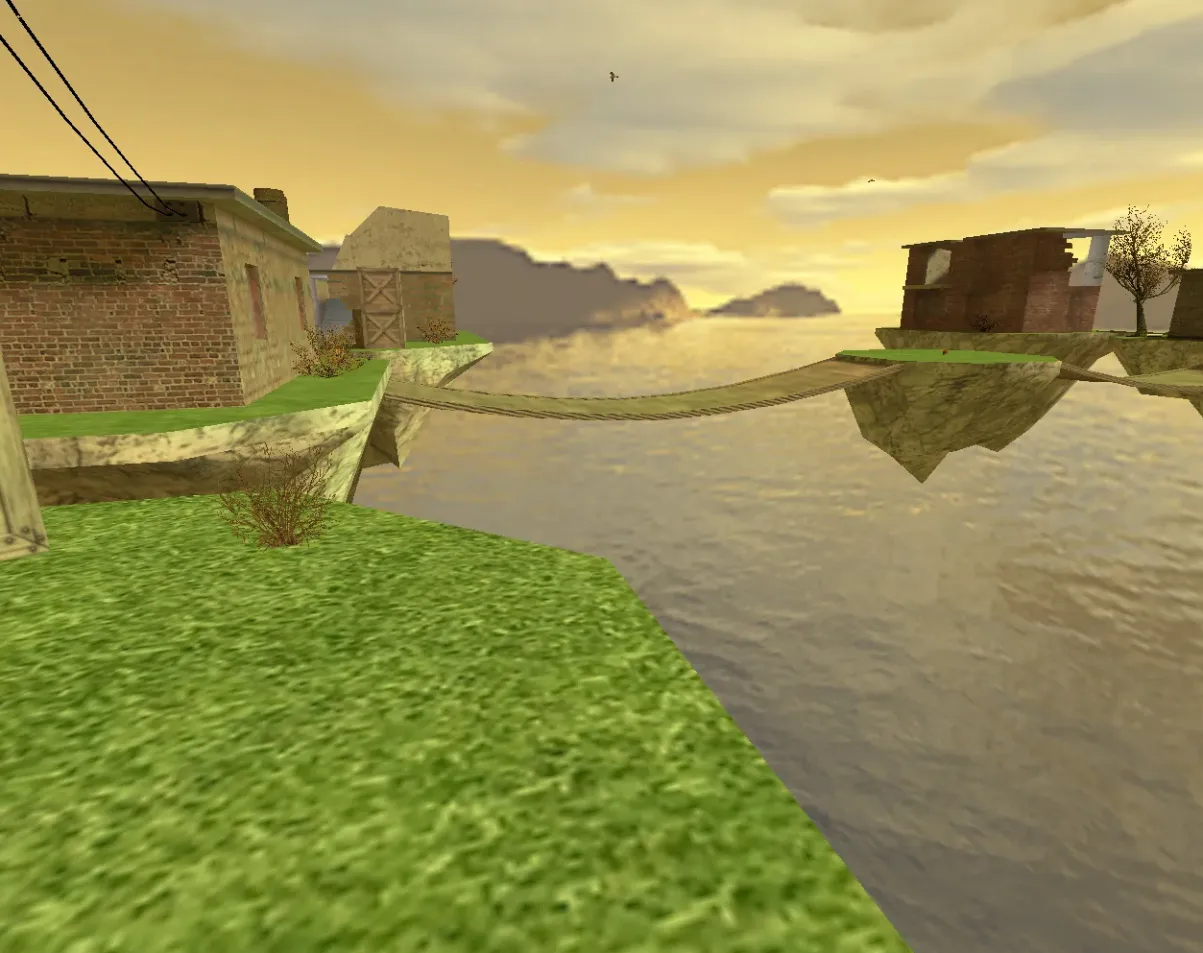
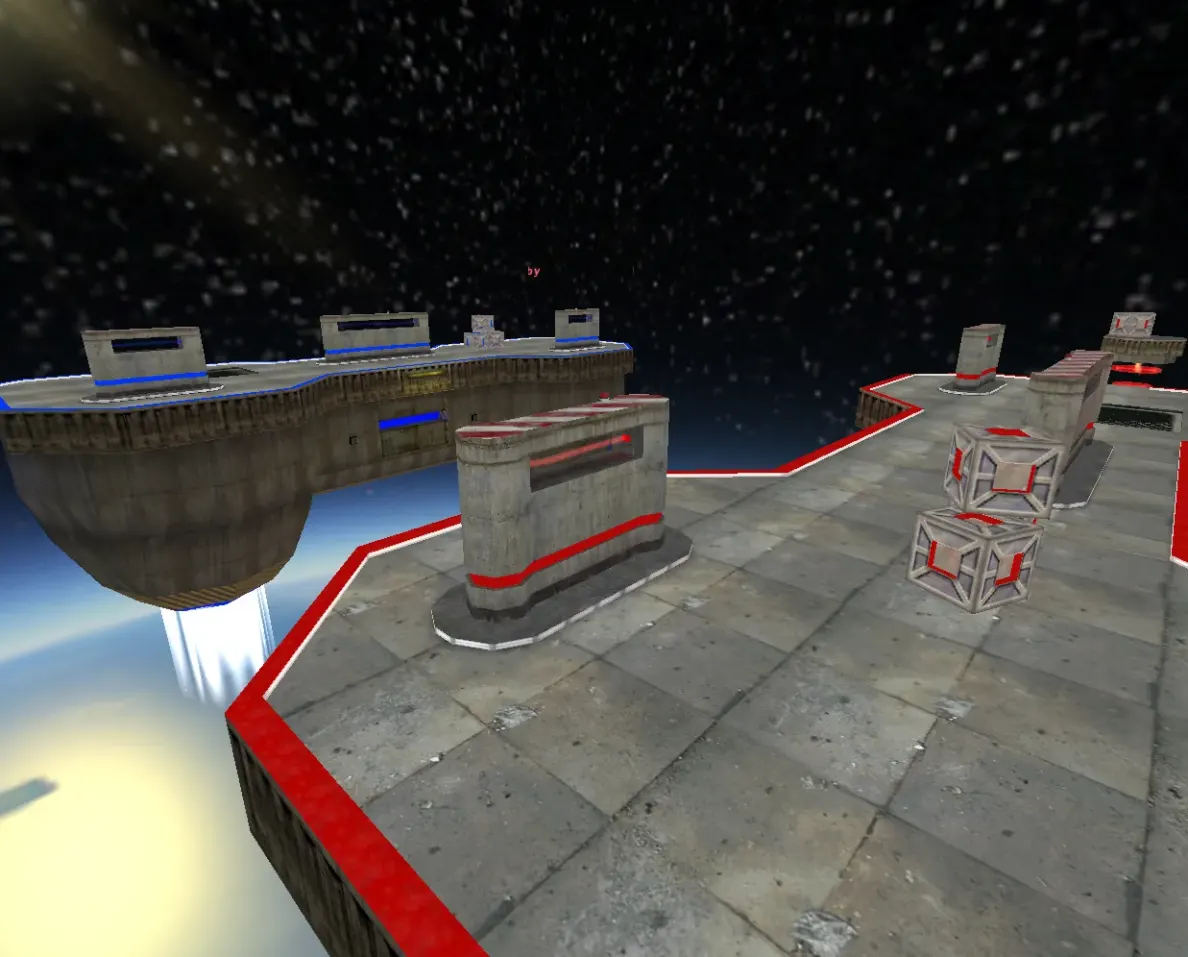
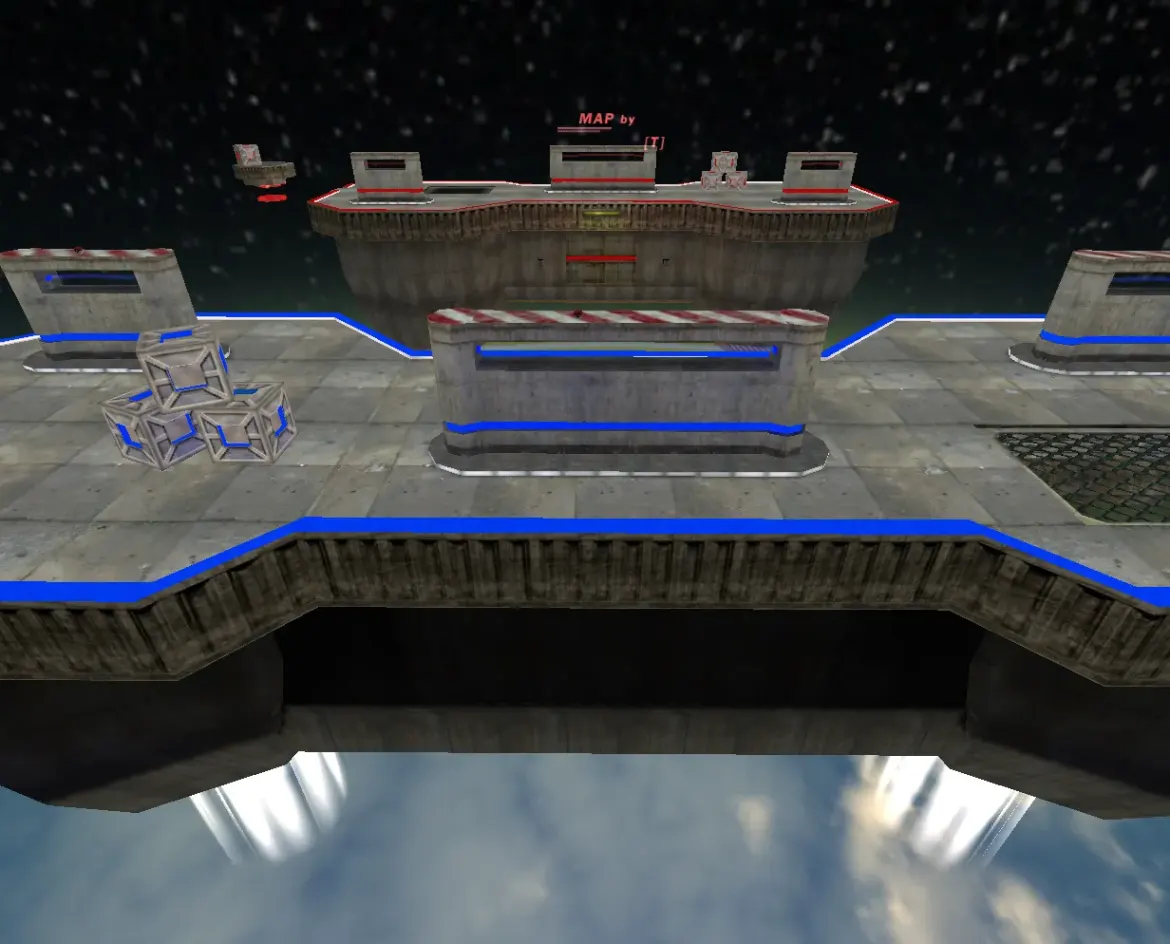
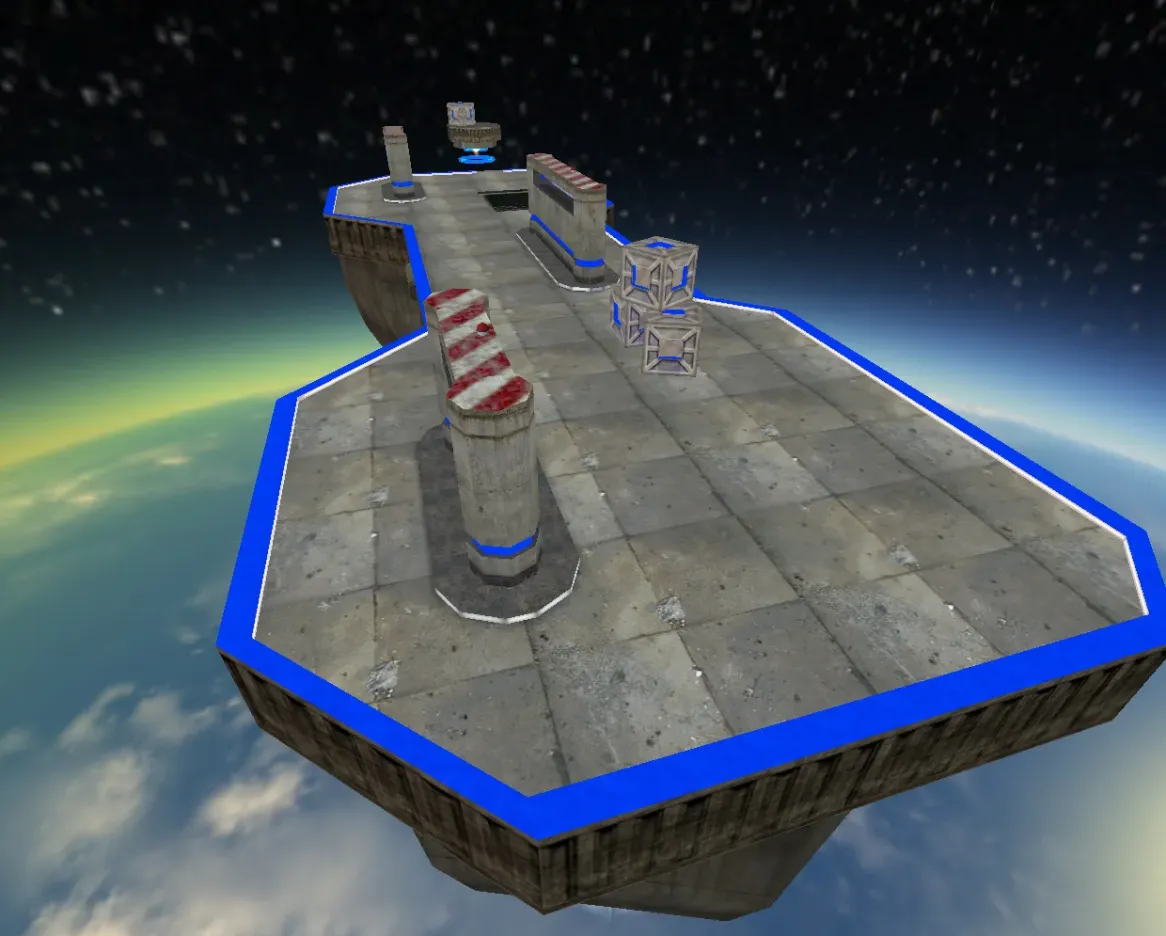
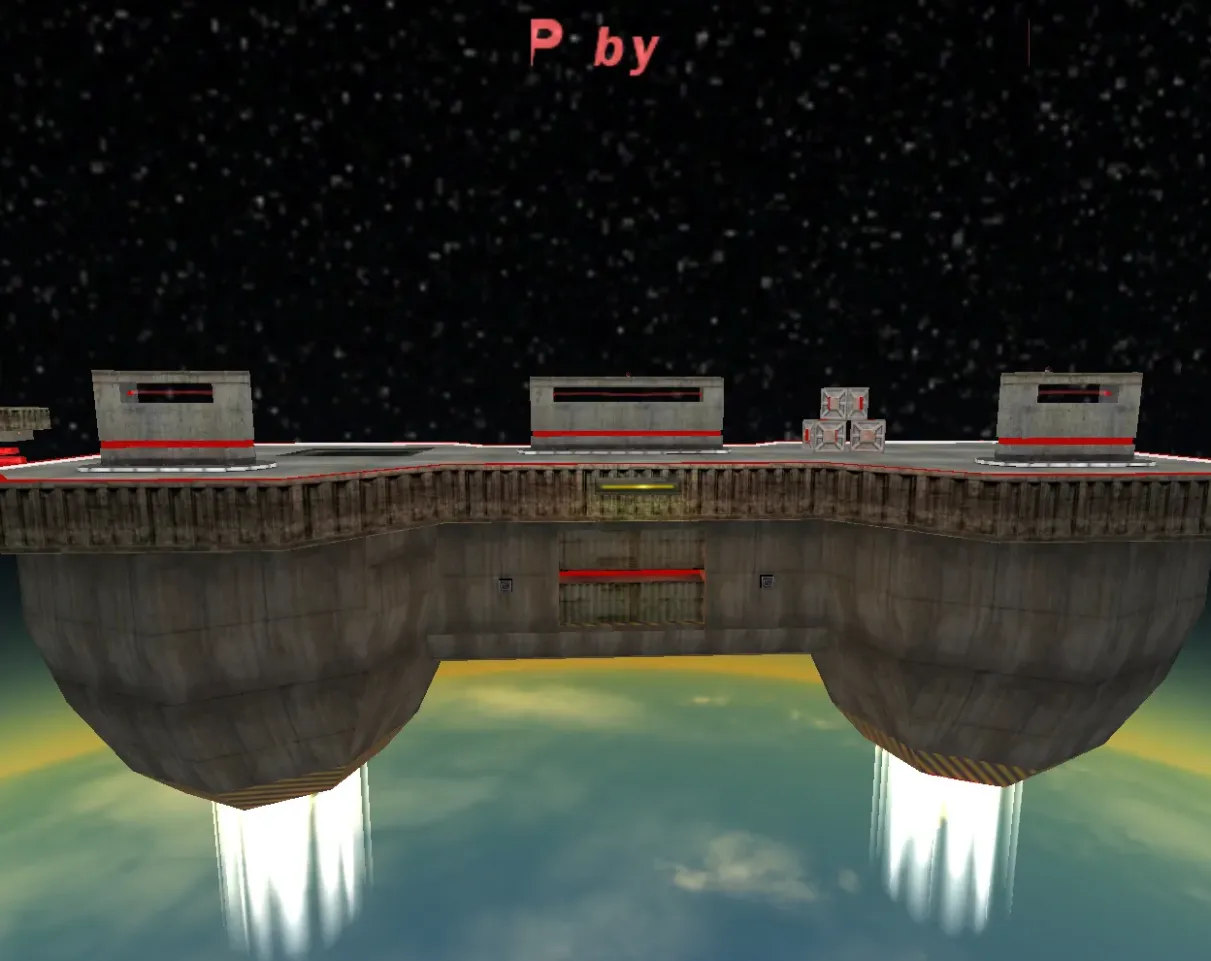
Get AWP maps for CS 1.6. Extended sightlines and open corridors made for sniper training and AWP-only servers. No cost download.
FAQ
How do I install AWP maps in CS 1.6?
Place the map file with the .bsp extension into your game's cstrike/maps folder. If the map uses custom textures, put the accompanying .wad files directly into cstrike, and any map sounds into cstrike/sound. In localized versions the active folder may be cstrike_russian - files there take priority, so put the map there if it does not appear.
Where do I put AWP map files in CS 1.6?
.bspmap file -cstrike/maps.wadtexture files -cstrike- map sounds -
cstrike/sound - bot navigation
.navfile -cstrike/mapsnext to the.bsp
If your game uses a localized folder, use cstrike_russian instead of cstrike.
How to play an AWP map in CS 1.6 with bots?
Make sure the map's .nav file is in cstrike/maps so bots can navigate. Start the map from the console with map mapname (without the .bsp extension) or through New Game. Then add bots using your bot program's menu or console commands.
AWP map not showing in the CS 1.6 map list, what to do?
Check that the file is a real .bsp map and is placed in cstrike/maps or cstrike_russian/maps. If the map loads but shows missing textures, the required .wad files are missing from cstrike. You can also launch it directly from the console with map mapname to bypass the menu list.
How to remove an AWP map and restore default CS 1.6 maps?
Delete the custom .bsp file from cstrike/maps (and its .nav file if present). Remove any custom .wad files you added to cstrike and map sounds from cstrike/sound. The standard CS 1.6 maps remain untouched and will still be available.
Do AWP maps work on CS 1.6 online servers?
A custom AWP map works online only if the server has that map installed. When you connect, the server may send the map file to your client automatically. If the server uses custom models or sounds, it can replace yours or disconnect you for file consistency, so avoid modifying standard files when playing online.
CS 1.6 AWP map crashes or freezes on load, how to fix?
Make sure the .bsp file is not corrupted and is in the correct maps folder. Missing .wad textures or map sounds in the wrong location can cause errors - put .wad in cstrike and sounds in cstrike/sound. If the problem persists, try launching the map from the console with map mapname to see the exact error message.