AWP Spacewar Map for CS 1.6
Description
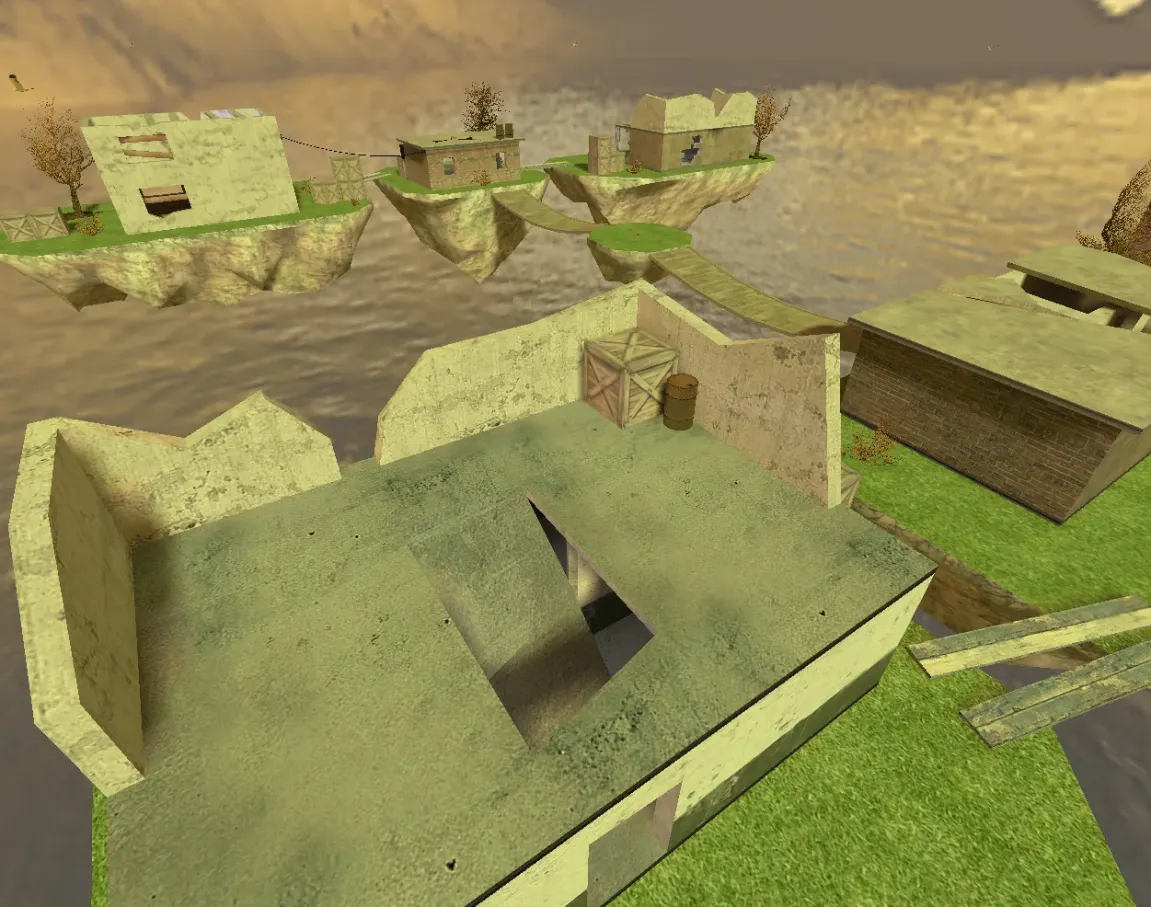
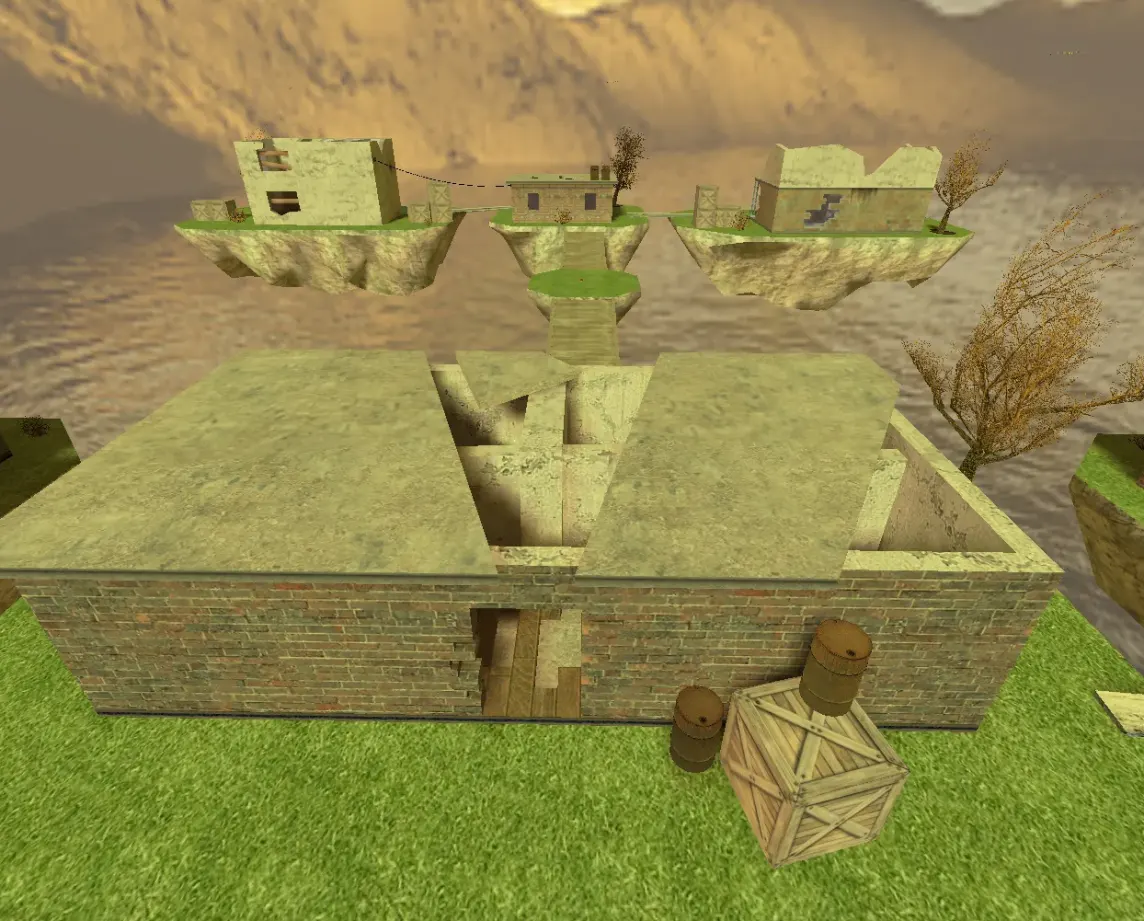
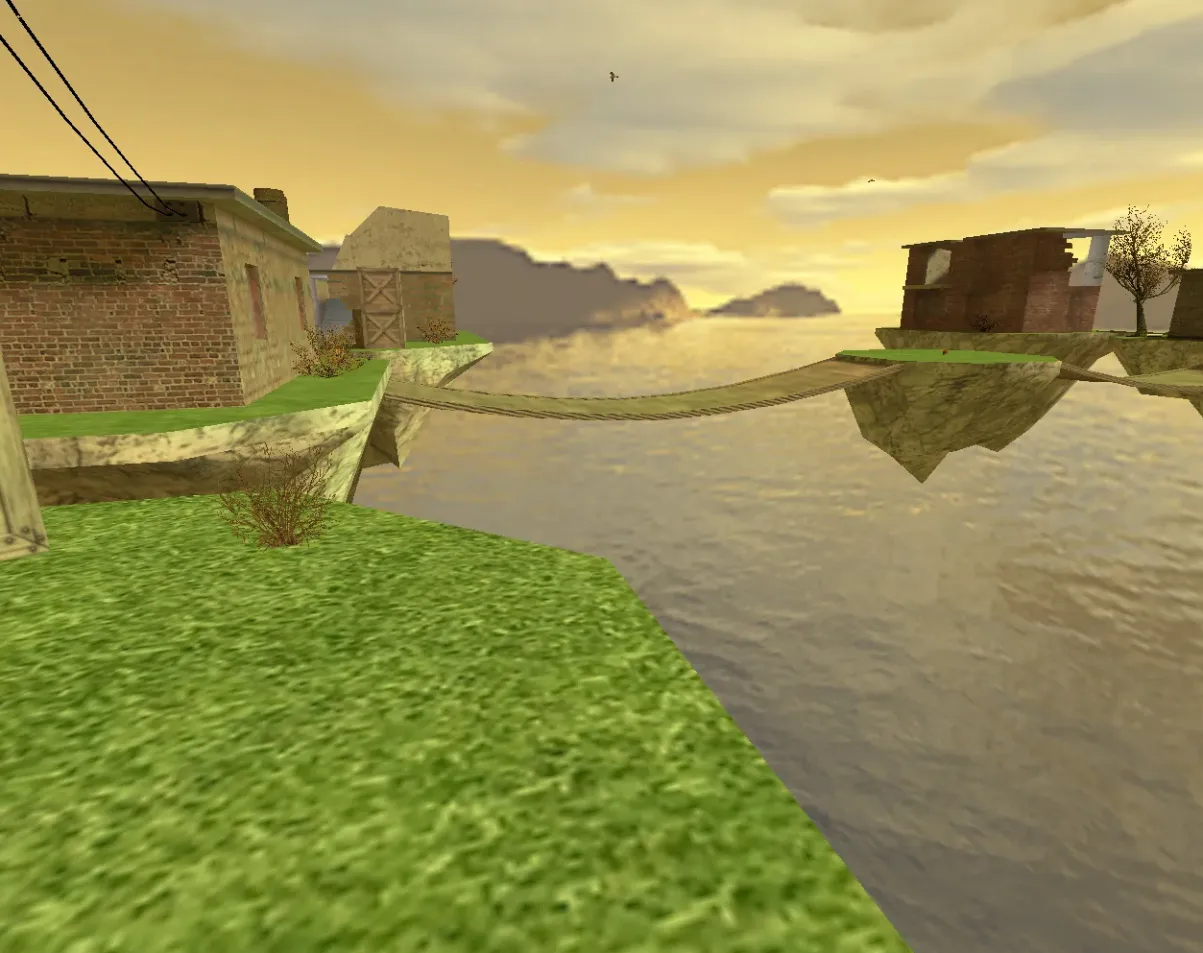
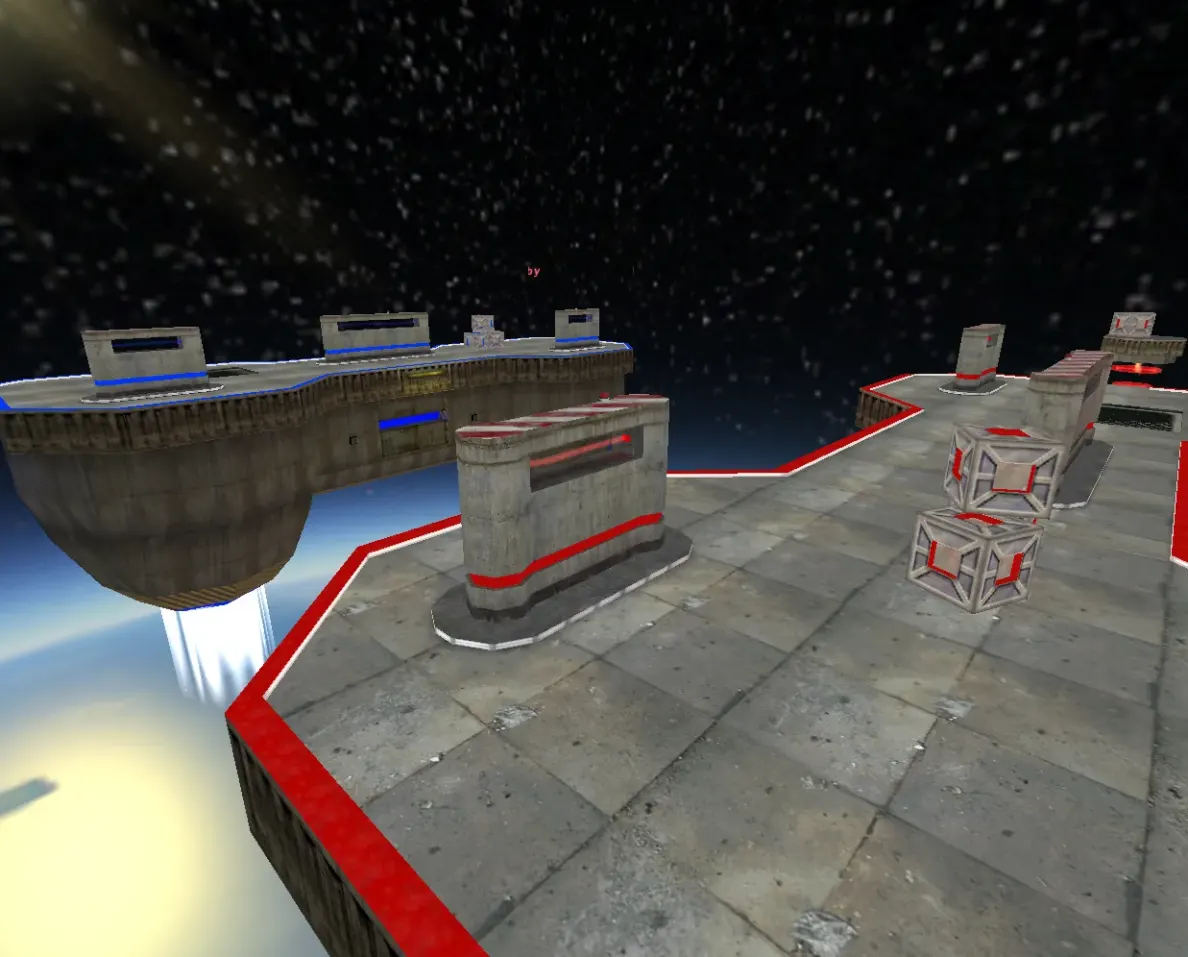
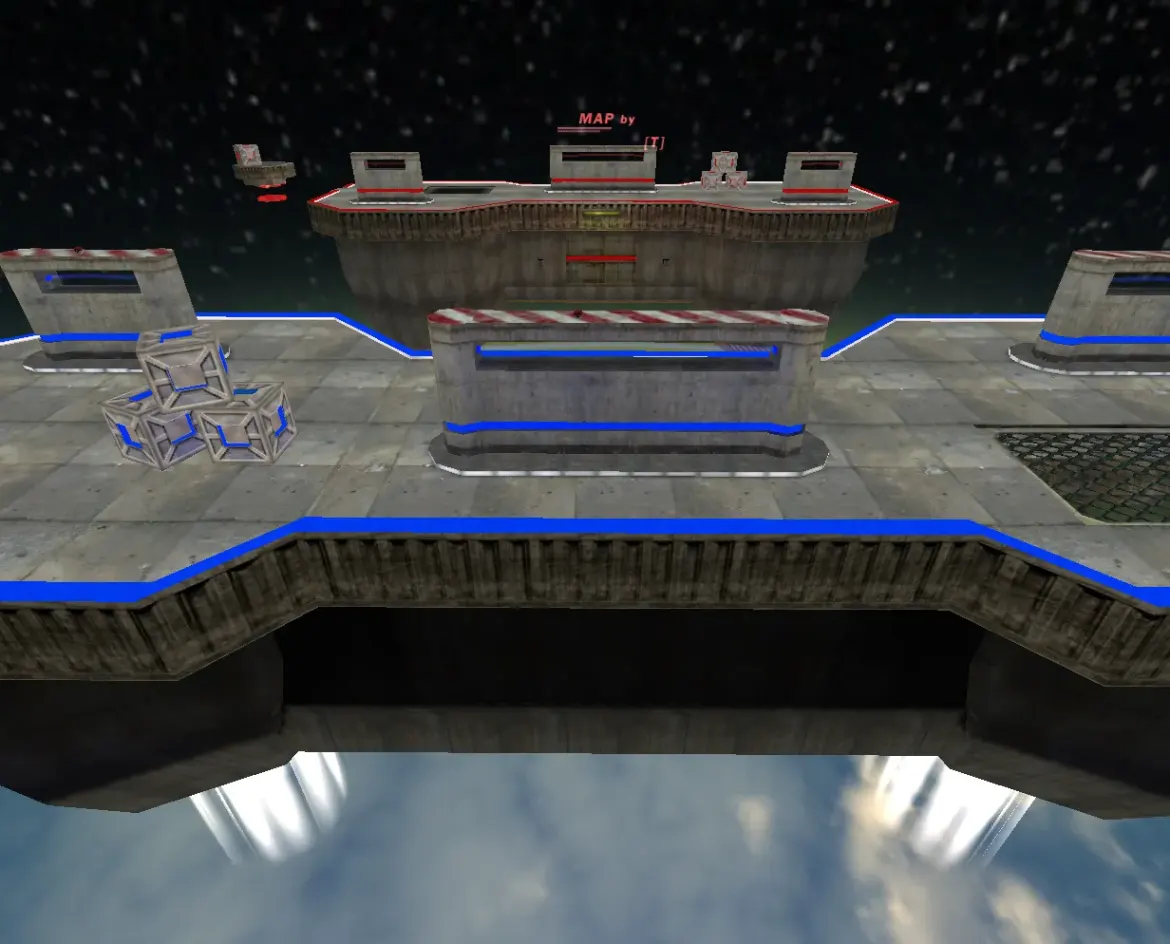
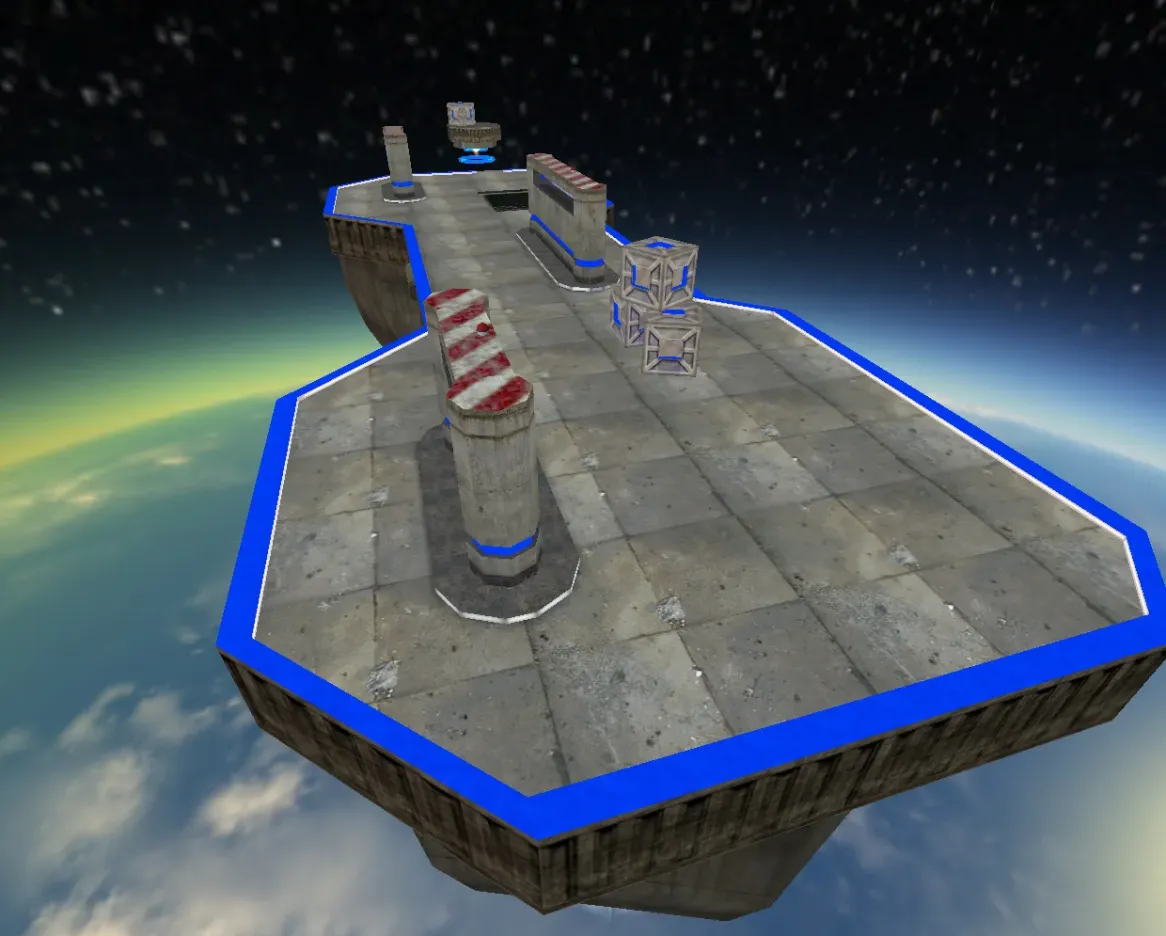
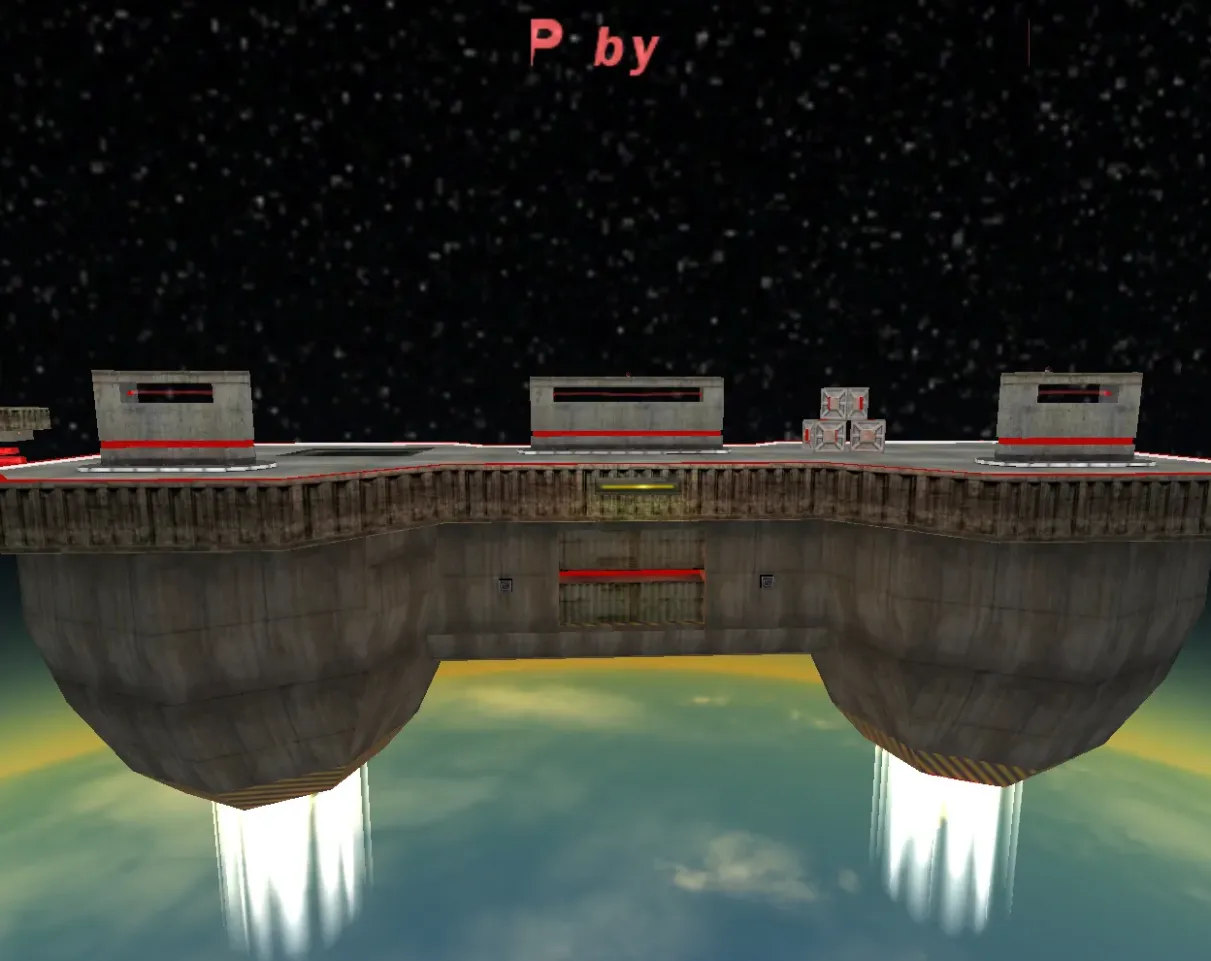
awp_spacewar is a CS 1.6 map for AWP play, built around long sightlines, narrow corridors and short exits where a sniper can hold a position and rotate between angles.
- Archive contents: the map file awp_spacewar.bsp with its awp_spacewar.res resource file, a set of sky textures in gfx/env, custom sounds in sound/awp_spacewar_mz (el_beam1.wav, enemy_died.wav, friend_died.wav), and sprites (flames.spr, laserbeam.spr, mapbytincho.spr).
- Installation: copy the awp_spacewar folder from the archive into cstrike so that the map ends up in cstrike/maps/, then load it with the command map awp_spacewar.
Archive contents
14 files, 3.9 MB uncompressed. Copy the contents of the awp_spacewar folder from the archive into the cstrike folder inside the game folder.
- awp_spacewar/gfx/env/space2bk.tga 192 KB
- awp_spacewar/gfx/env/space2dn.tga 192 KB
- awp_spacewar/gfx/env/space2ft.tga 192 KB
- awp_spacewar/gfx/env/space2lf.tga 192 KB
- awp_spacewar/gfx/env/space2rt.tga 192 KB
- awp_spacewar/gfx/env/space2up.tga 192 KB
- awp_spacewar/maps/awp_spacewar.bsp 2 MB
- awp_spacewar/maps/awp_spacewar.res 628 B
- awp_spacewar/sound/awp_spacewar_mz/el_beam1.wav 92 KB
- awp_spacewar/sound/awp_spacewar_mz/enemy_died.wav 15 KB
- awp_spacewar/sound/awp_spacewar_mz/friend_died.wav 18 KB
- awp_spacewar/sprites/flames.spr 70 KB
- awp_spacewar/sprites/laserbeam.spr 3 KB
- awp_spacewar/sprites/mapbytincho.spr 673 KB
Install in three steps
-
1
Download the archive. Use the button on the right, or the Yandex.Disk mirror if the main server is slow.
-
2
Extract it into the game folder. Use 7-Zip or WinRAR. A path without non-Latin characters works best.
-
3
Launch the game. If something doesn't work, mark it below - that is how we know the file needs an update.
Did it work for you?
No sign-up needed. You can pick more than one.