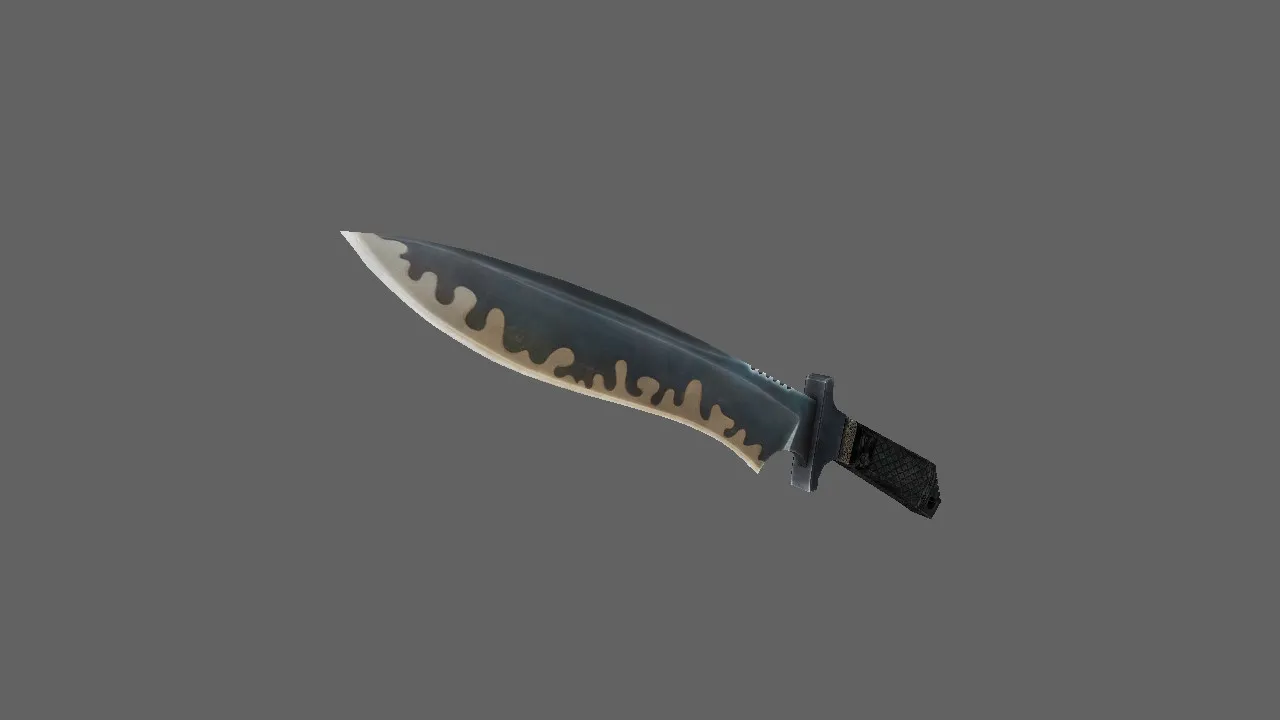
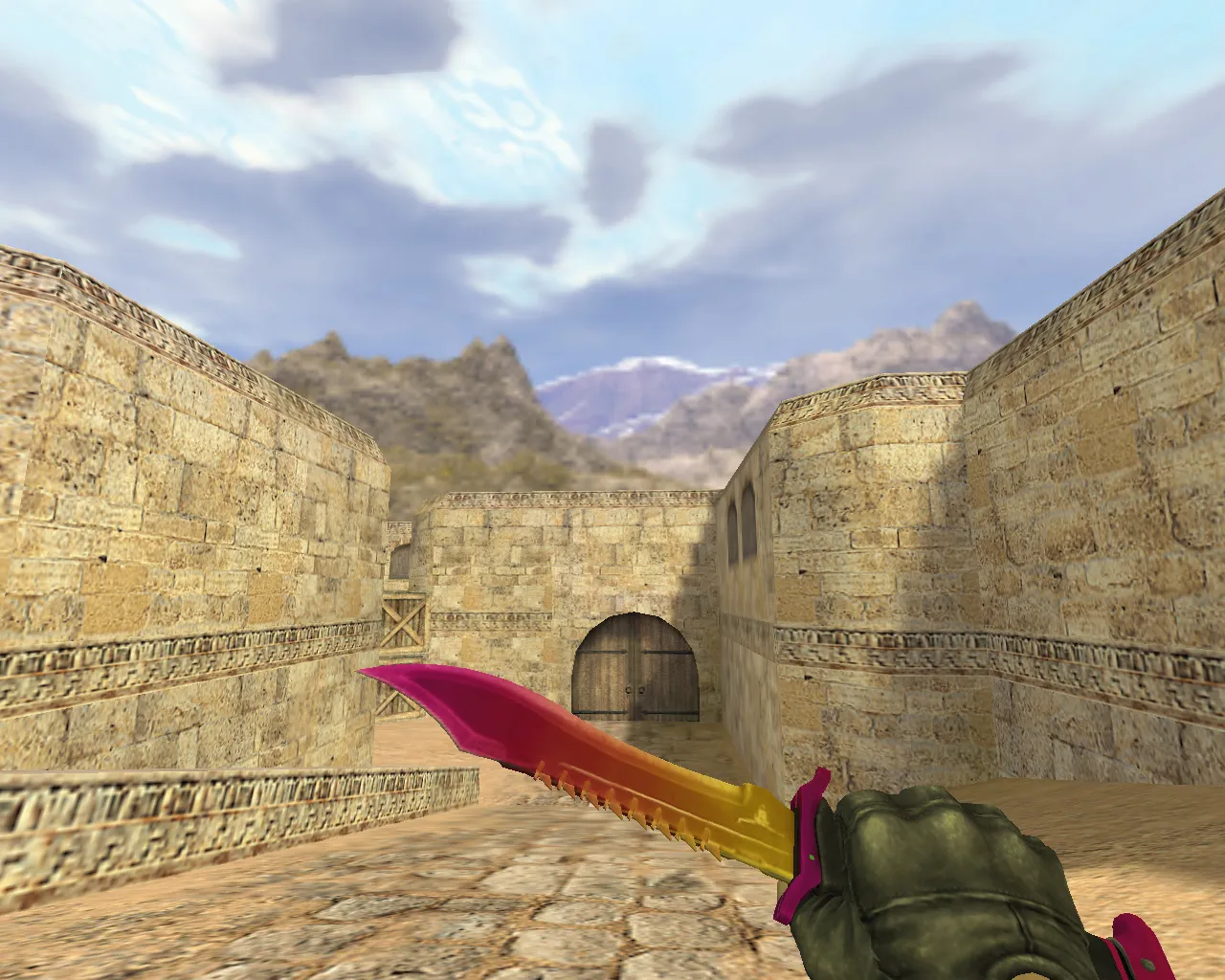
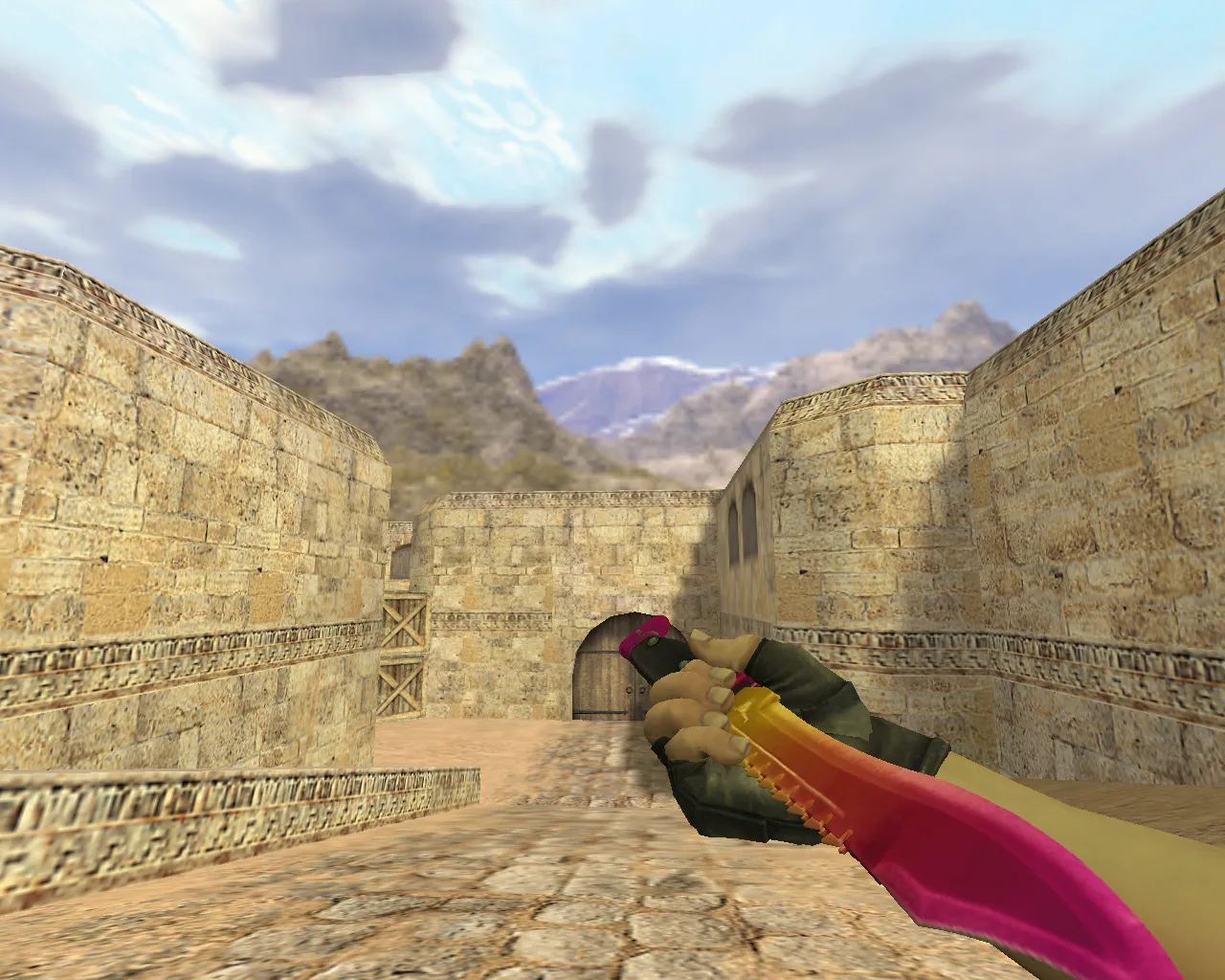
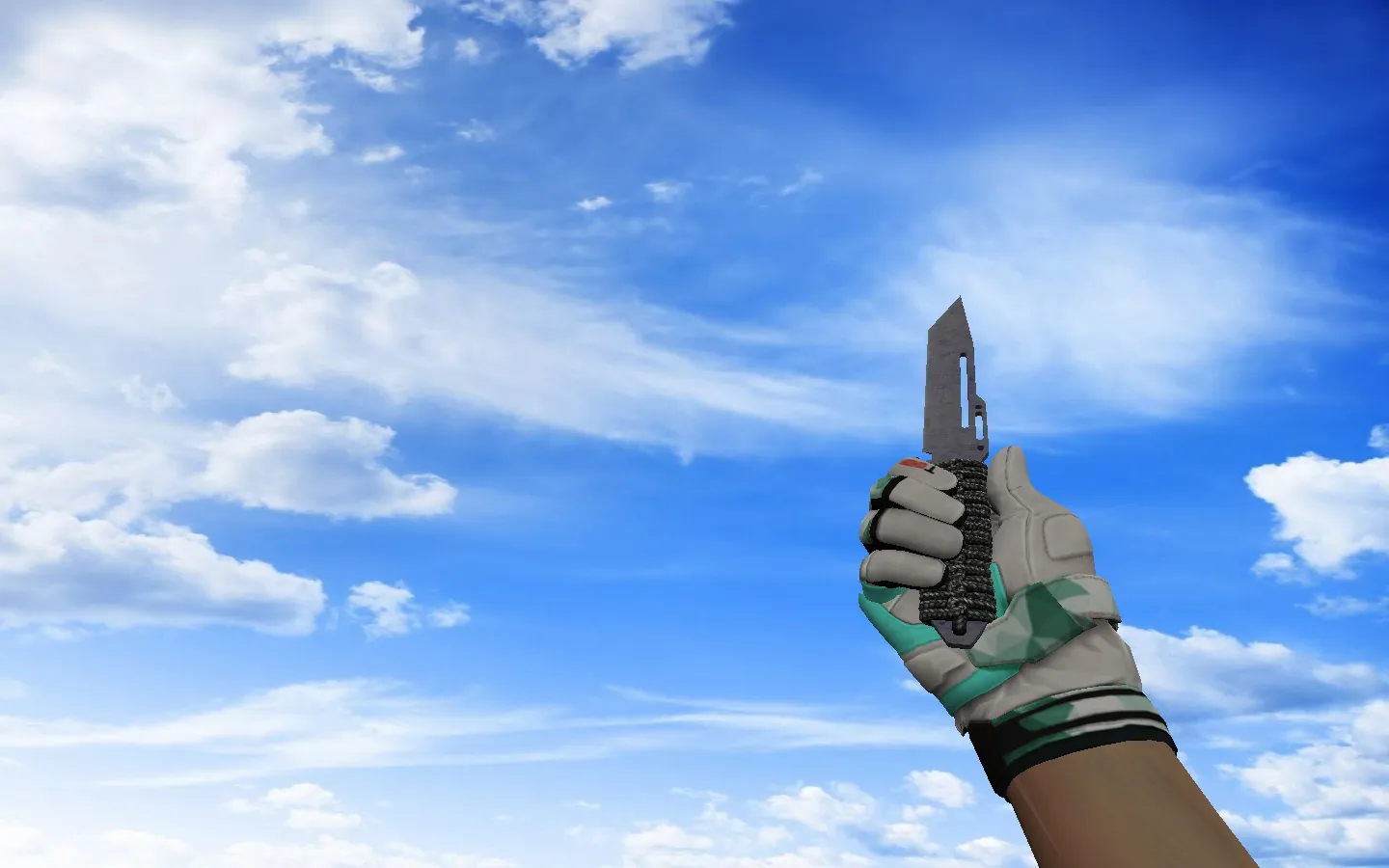
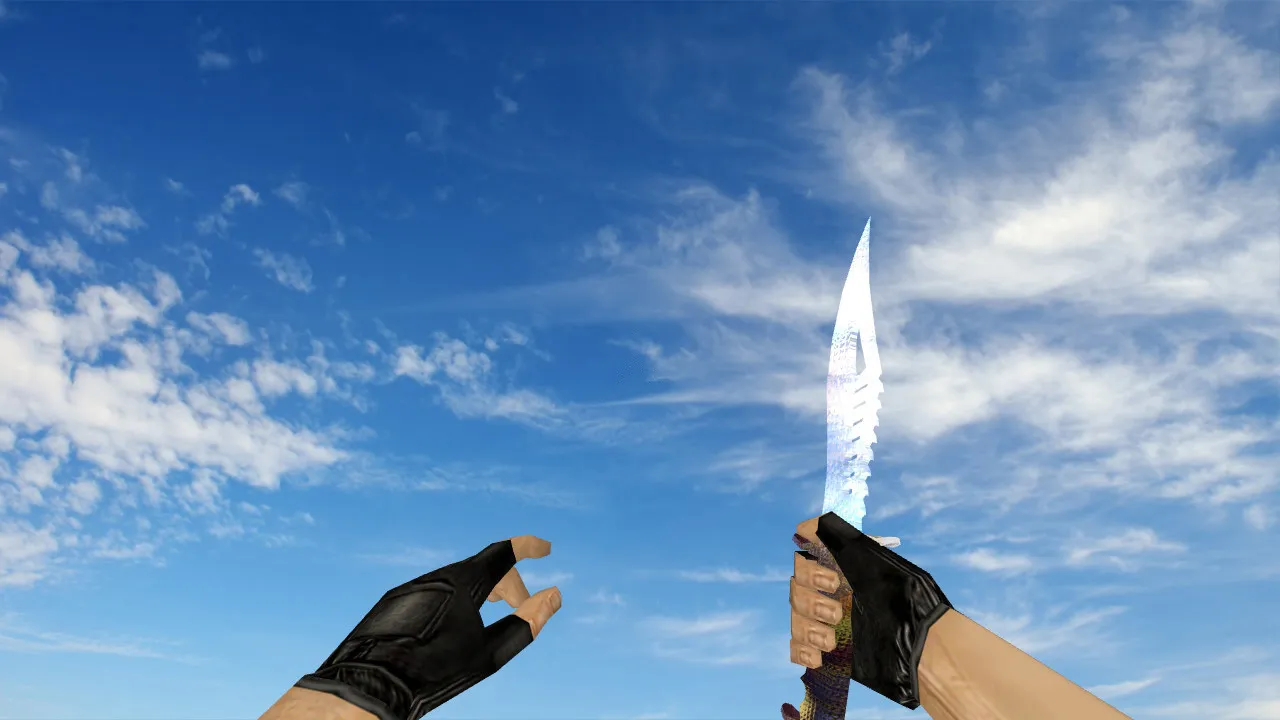
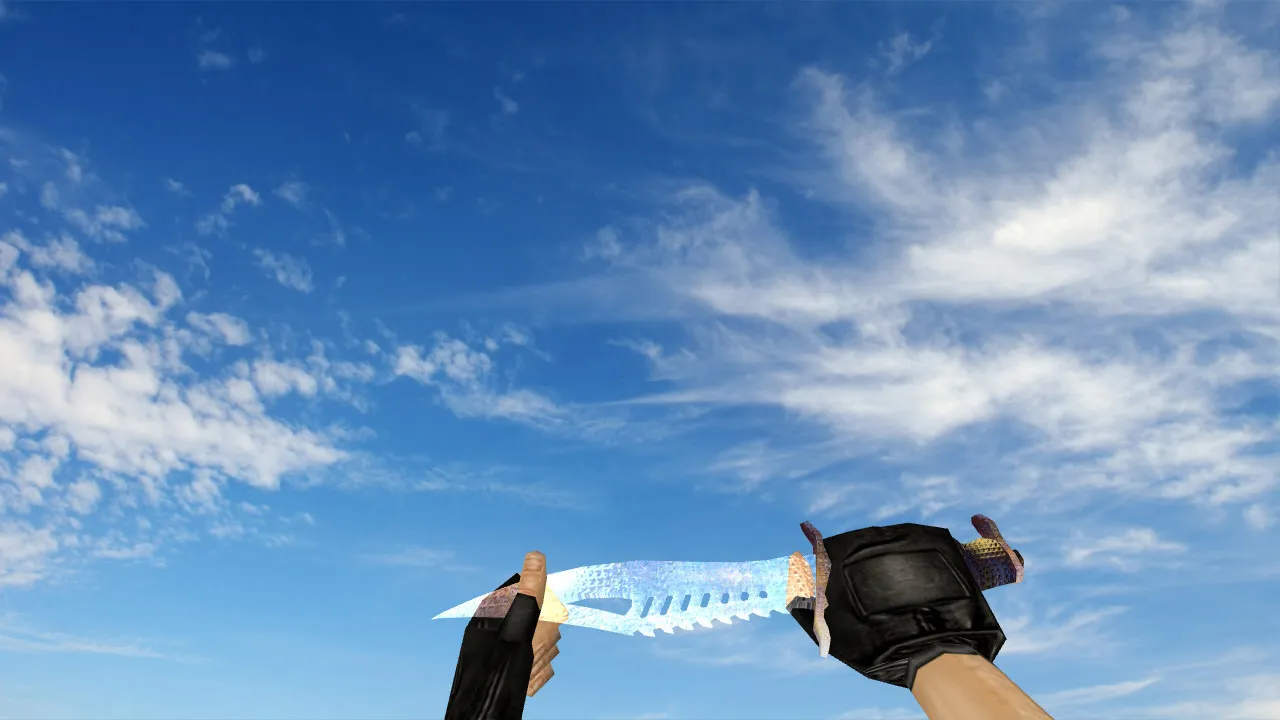
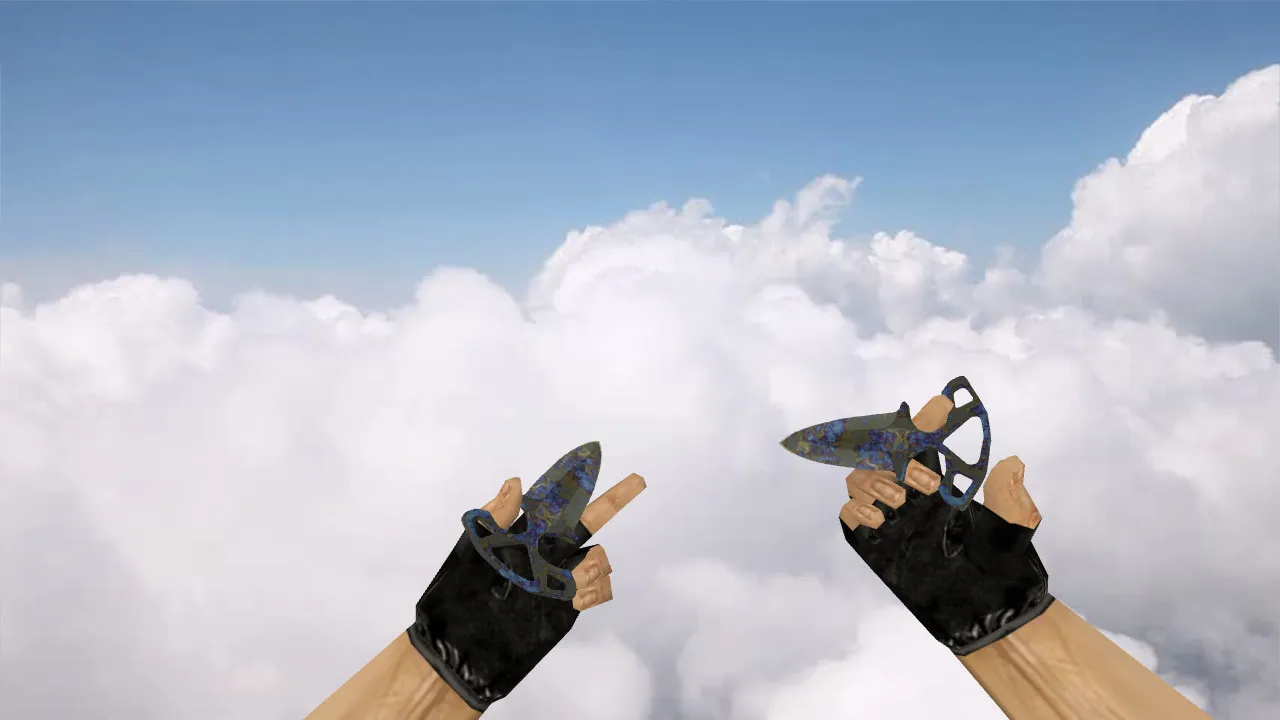
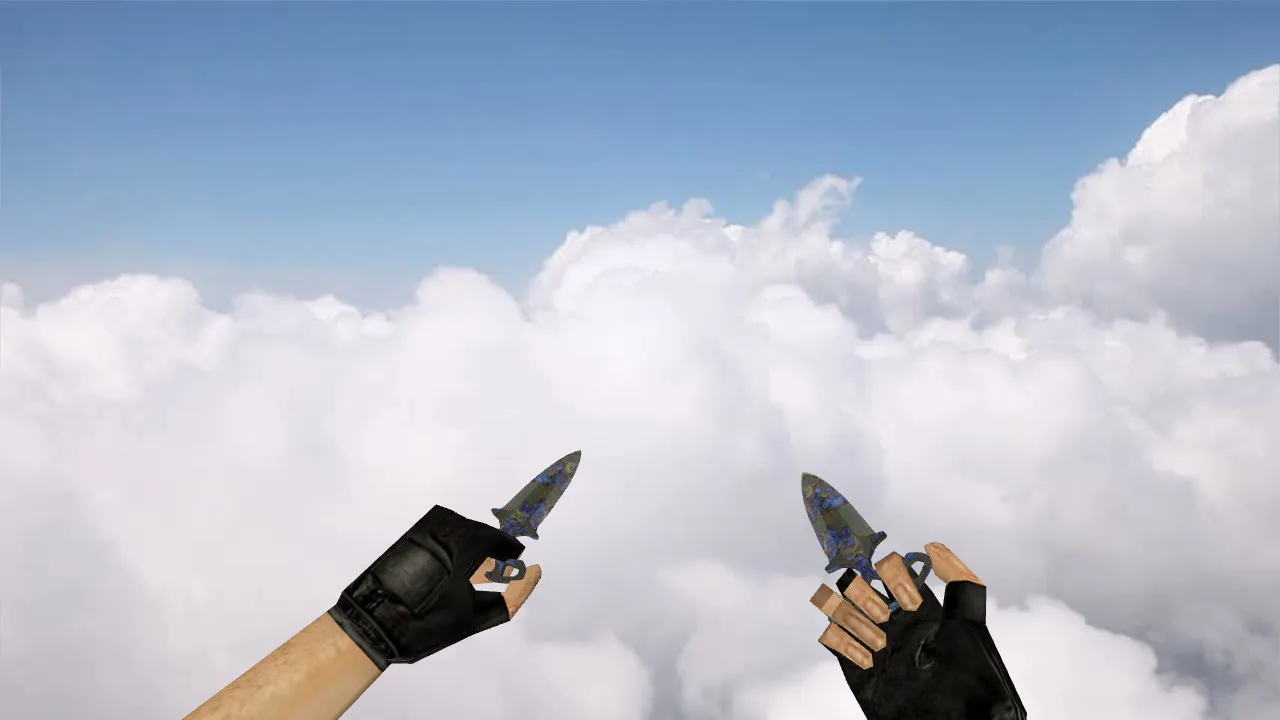
SOG Knife Model for CS 1.6: v_model, p_model, w_model, Custom Sounds, Inspect Animation, and Texture Quality
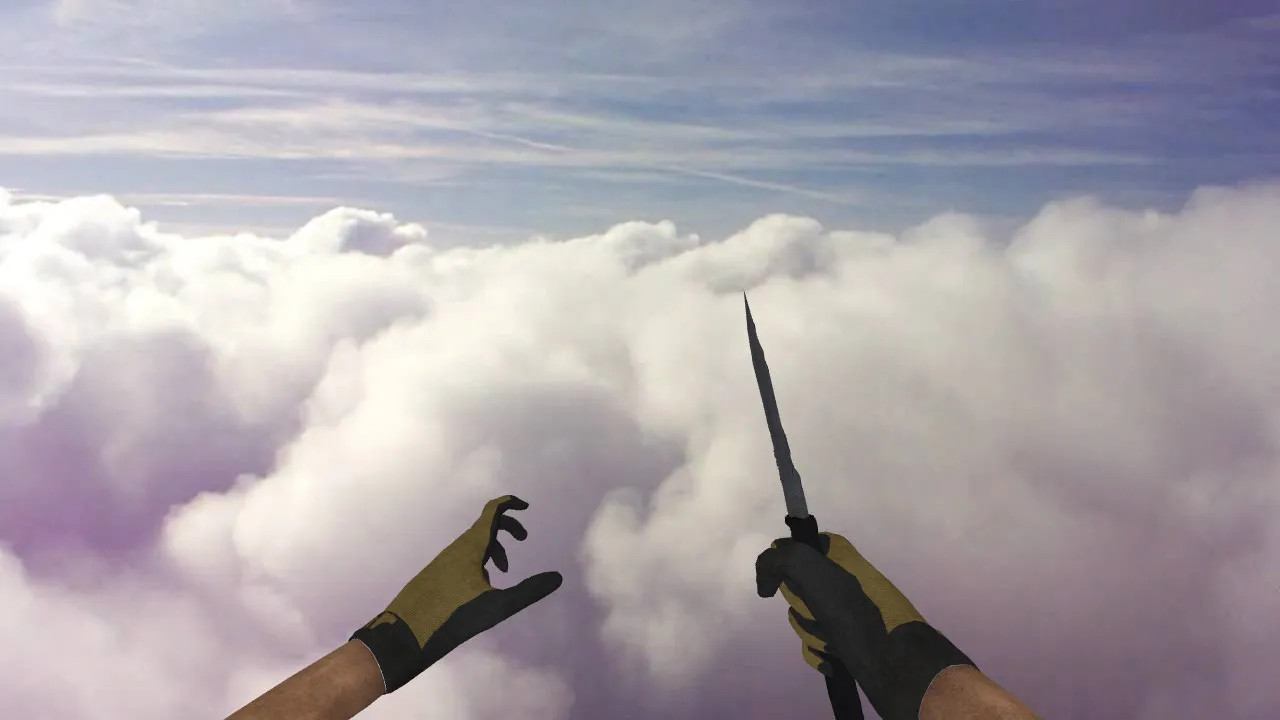
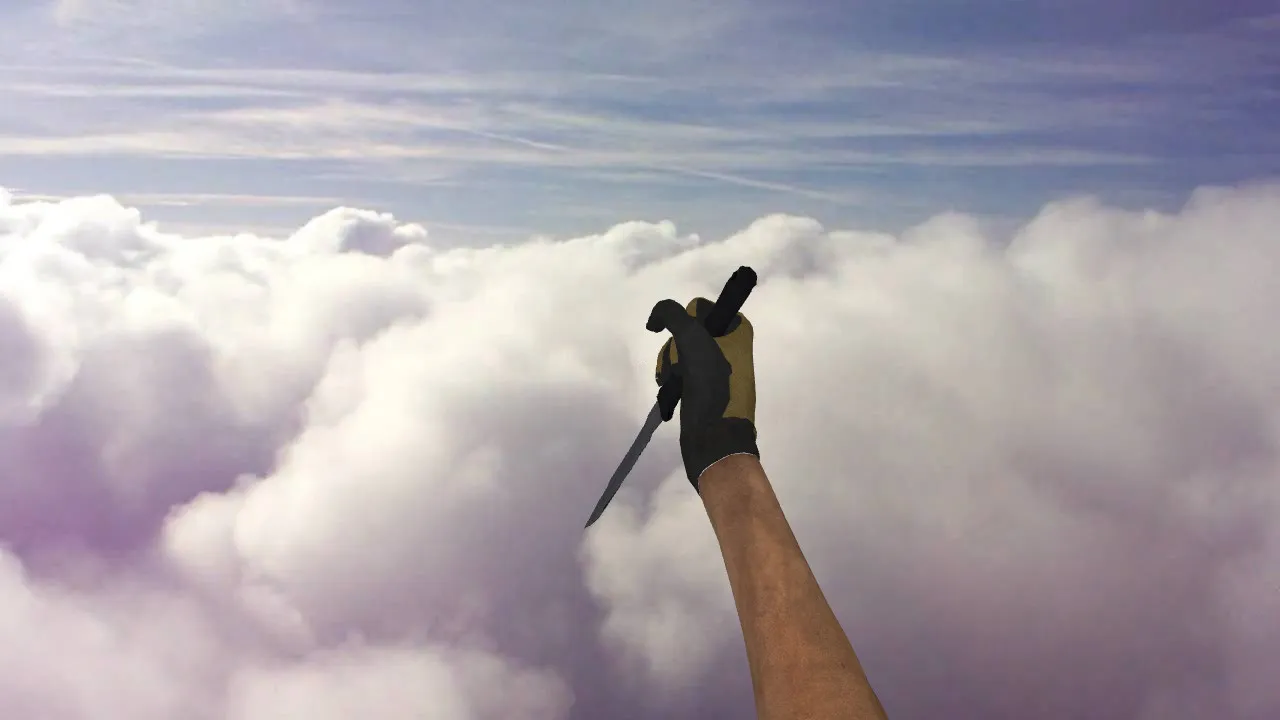
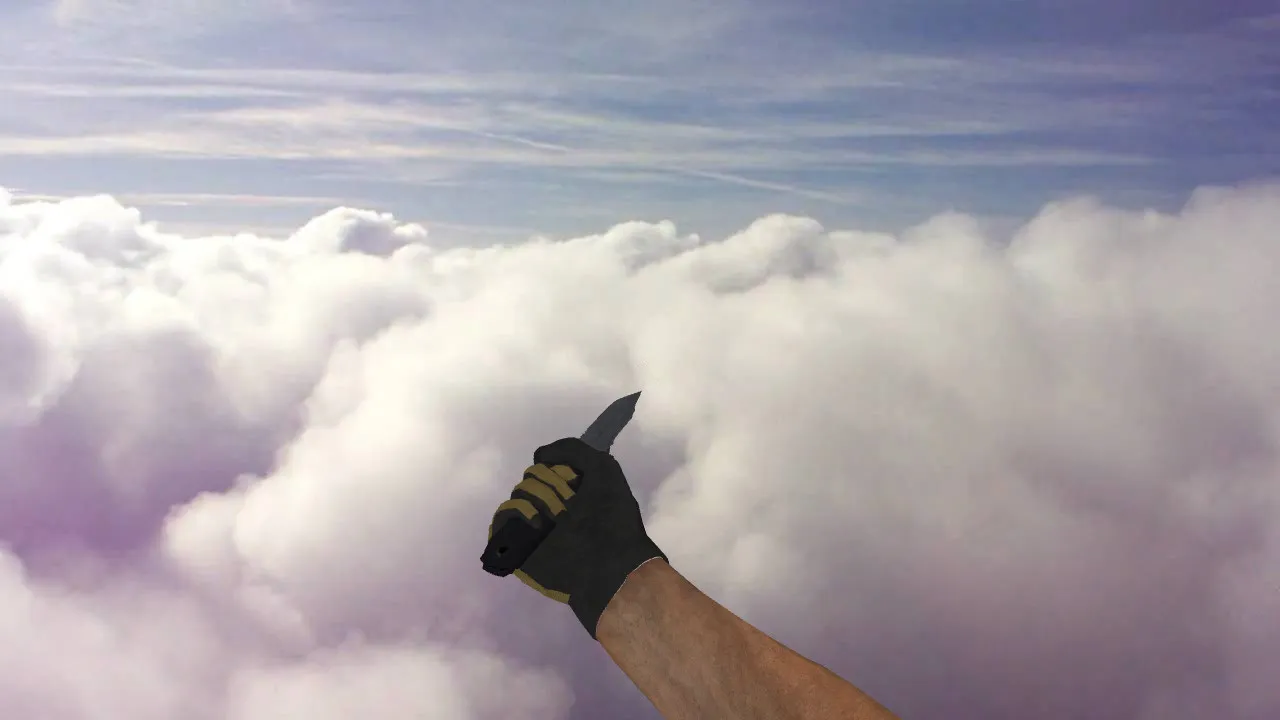
Description
SOG Knife for CS 1.6: Contents and Setup Instructions
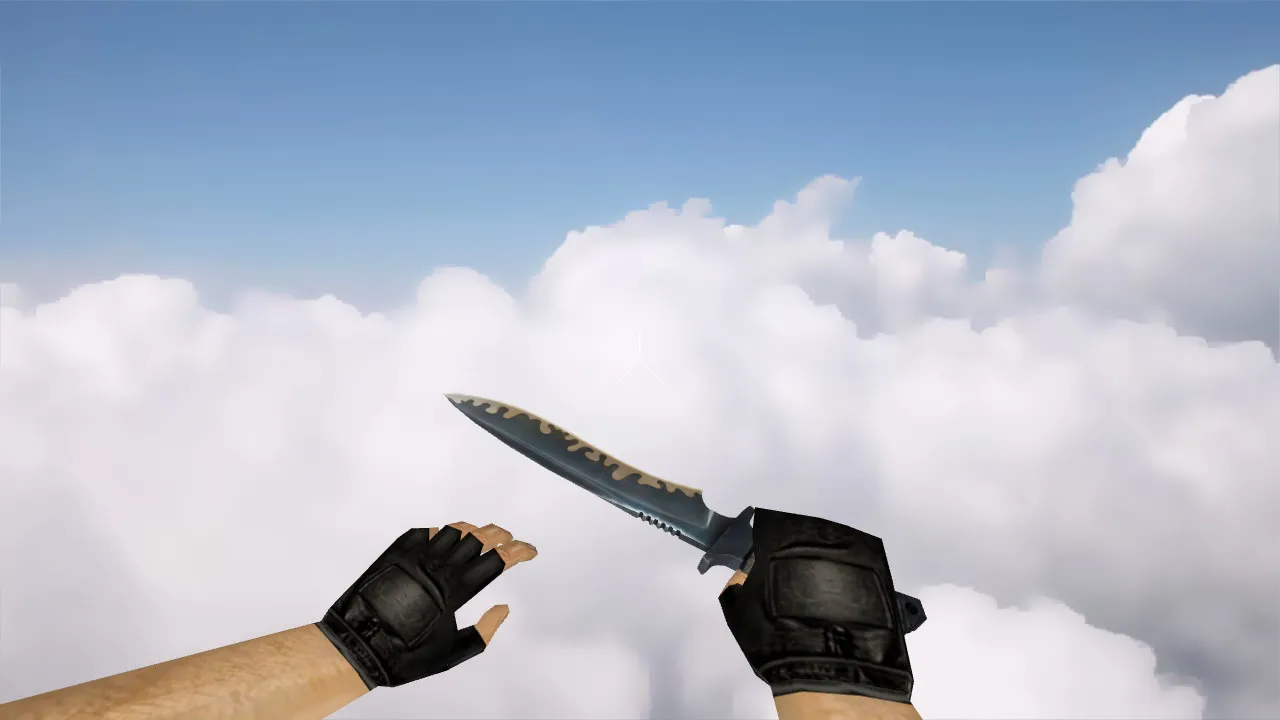
The SOG Knife model package is built for Counter-Strike 1.6 environments and supplies files that work on both client and server sides. You typically receive v_model, p_model, and w_model components. These three parts guarantee the blade appears correctly in your own hands, in the hands of other players, and when lying on the ground. During classic knife rounds where every millisecond counts, the v_model keeps the weapon rendering crisp during fast weapon switches without introducing lag.
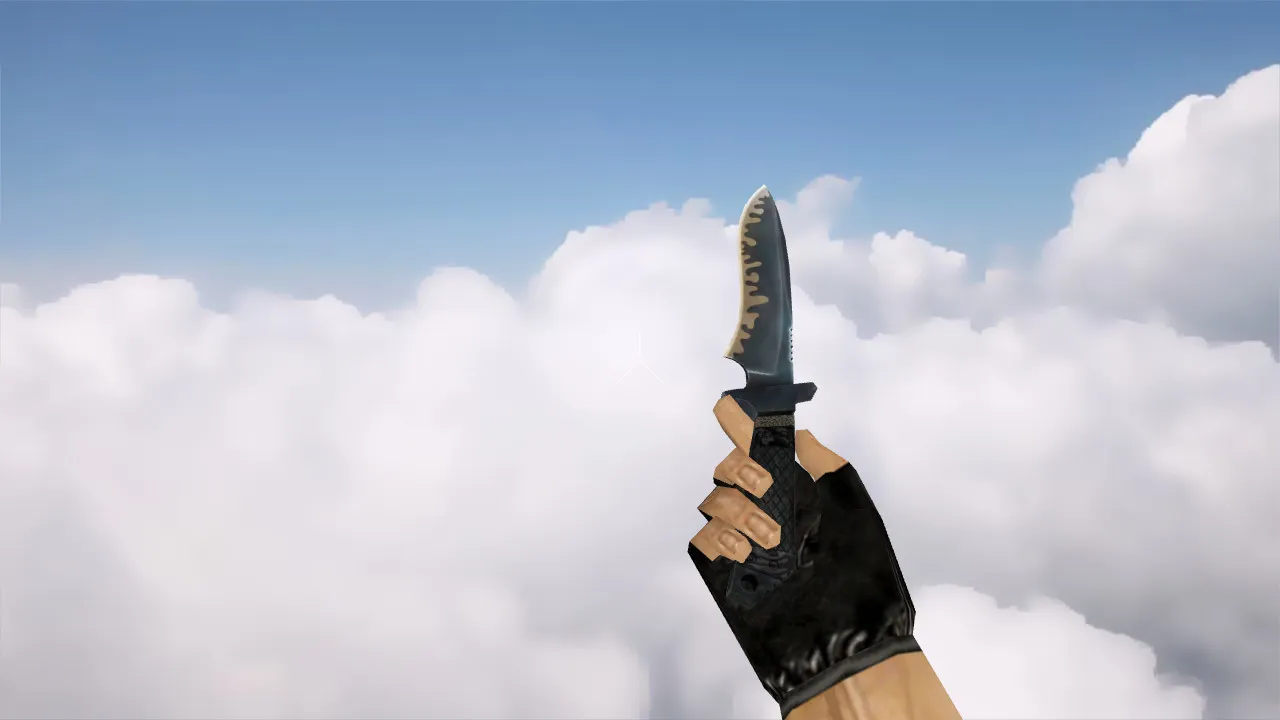
Highlights include custom sounds and an inspect animation. Well-optimized models synchronize button presses, weapon swaps, and the inspection sequence smoothly. Because there are no frame drops, the inspect action finishes without messing up your timing. Texture quality also plays a role: the knife remains distinct in dim areas such as the de_dust2 tunnels or on brightly lit maps, with sharp edges that do not blur even at high frame rates.
Main Model Parts
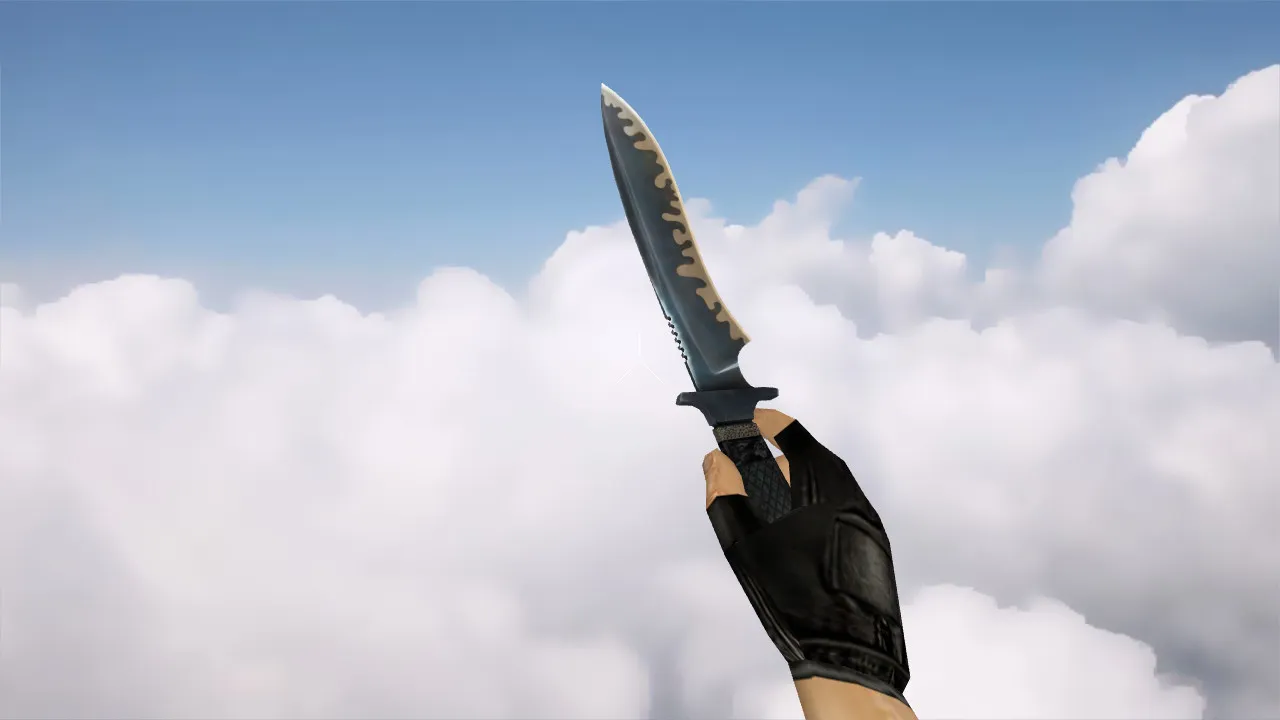
- v_model: First-person and crosshair perspective, tuned for hitbox alignment.
- p_model: Third-person view seen by opponents, kept under 500 polygons for fluid rendering.
- w_model: World and dropped representation, featuring accurate collision for pickups.
- Custom Sounds: Slash impact, draw, and select audio clips matched to animation frames.
- Inspect Animation: Smooth rotation without clipping or stutter in sprite overlays.
- Textures: 512x512 resolution for clear edge definition, readable across different map lighting conditions.
Gameplay relies on precision-hitboxes need to match the model silhouette to stop off-center strikes in tight quarters. Clean integration prevents recoil interference or config conflicts, so you can concentrate on timing in knife-only servers.
Step-by-Step Installation of the SOG Knife Model
Copy files only into the standard client folders. Begin with a fresh config.cfg-no overrides or autoexec modifications. For Steam or Non-Steam installations the paths differ slightly: usually cstrike/models/ for .mdl files and sound/ for audio. Avoid auto-connect scripts; unpack the archive and place the files into the folder hierarchy manually to prevent mismatches.
After installation, test on a local training map or a low-ping server. Open the console, switch to the knife (slot3), and activate inspect (use +lookatweapon). Confirm that v_model loads without artifacts and that w_model looks correct on the ground. If visuals glitch, verify file paths-a common problem is wad files placed in wrong subfolders.
For wider compatibility, make sure no MasterServer blocks are active; this model functions on Build 4554 and newer without emulation layers. Combine with a no-recoil config for knife duels, but test hitbox accuracy first to ensure slashes register properly.
In-Game Verification Checklist
- First-person view: Blade stays steady in v_model, no texture warping while moving.
- World rendering: w_model remains anchored, no floating or polygon glitches on uneven terrain.
- Low-light performance: Textures stay visible in shadowed spots, helping ESL-style plays.
- Animation flow: Inspect cycles without skipped frames, synced to 60+ FPS rates.
- Audio cues: Draw and strike sounds trigger on time, no delays or volume drops.
- Hitbox sync: Slashes line up with model edges, tested against bot dummies for consistency.
Once verified, the model blends seamlessly into matches. Knife rounds thrive on split-second decisions-stable visuals cut distractions, letting you chain attacks fluidly without model-induced pauses.
Extend testing to multiplayer: join a knife server and watch p_model from spectator mode. If opponents see clean renders, it’s server-ready. Avoid mixing with high-polycount skins to prevent FPS drops in crowded spawn areas.
Safety and Compatibility Notes
Use only the model files-no executables or bundled tools. Scan extracted files for viruses; reputable packs contain no slow-hacks, ads, or telemetry. CS 1.6 servers vary-some limit custom models, so client-side testing confirms display. Non-Steam users should align with the WON protocol if required, but core files remain universal.
For longevity, back up your cstrike folder before installing. This SOG Knife suits players seeking a tactical knife edge, with v_model precision improving first-person control in fast-paced lobbies. Run checks, adjust binds if inspect binds conflict, and deploy in games where every slash counts.
Install in three steps
-
1
Download the archive. Use the button on the right, or the Yandex.Disk mirror if the main server is slow.
-
2
Extract it into the game folder. Use 7-Zip or WinRAR. A path without non-Latin characters works best.
-
3
Launch the game. If something doesn't work, mark it below - that is how we know the file needs an update.
Did it work for you?
No sign-up needed. You can pick more than one.