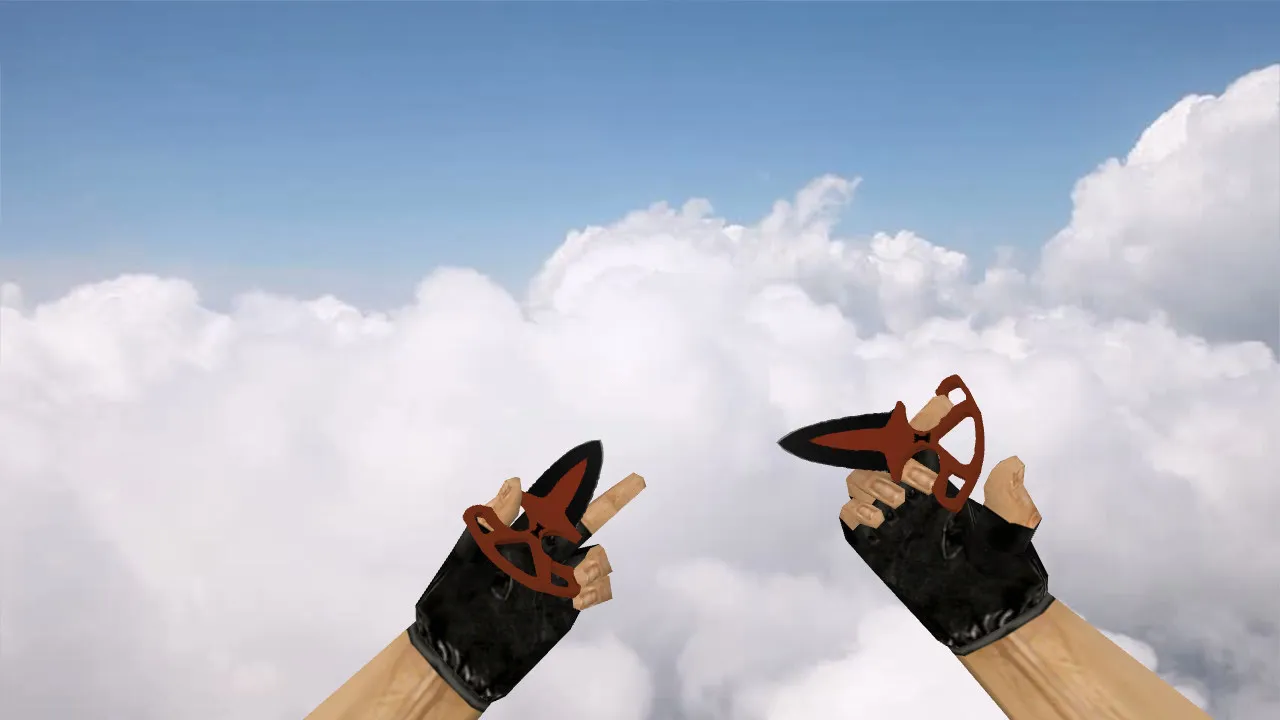
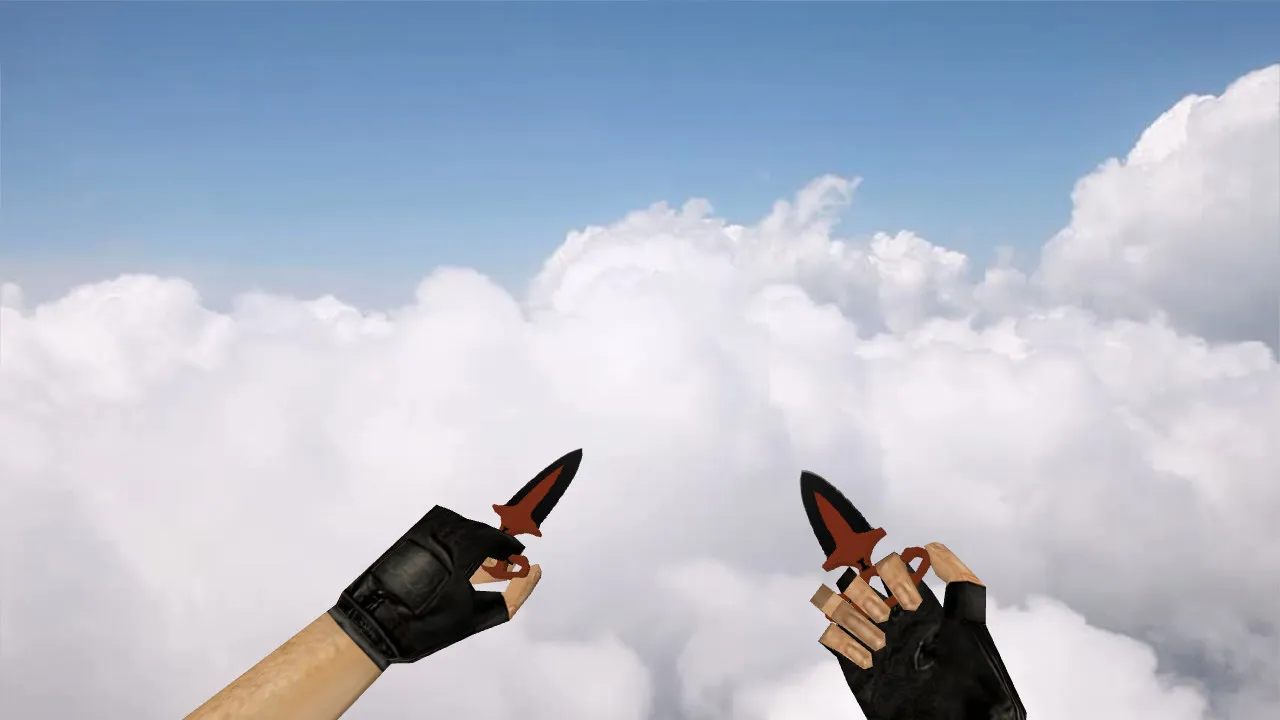
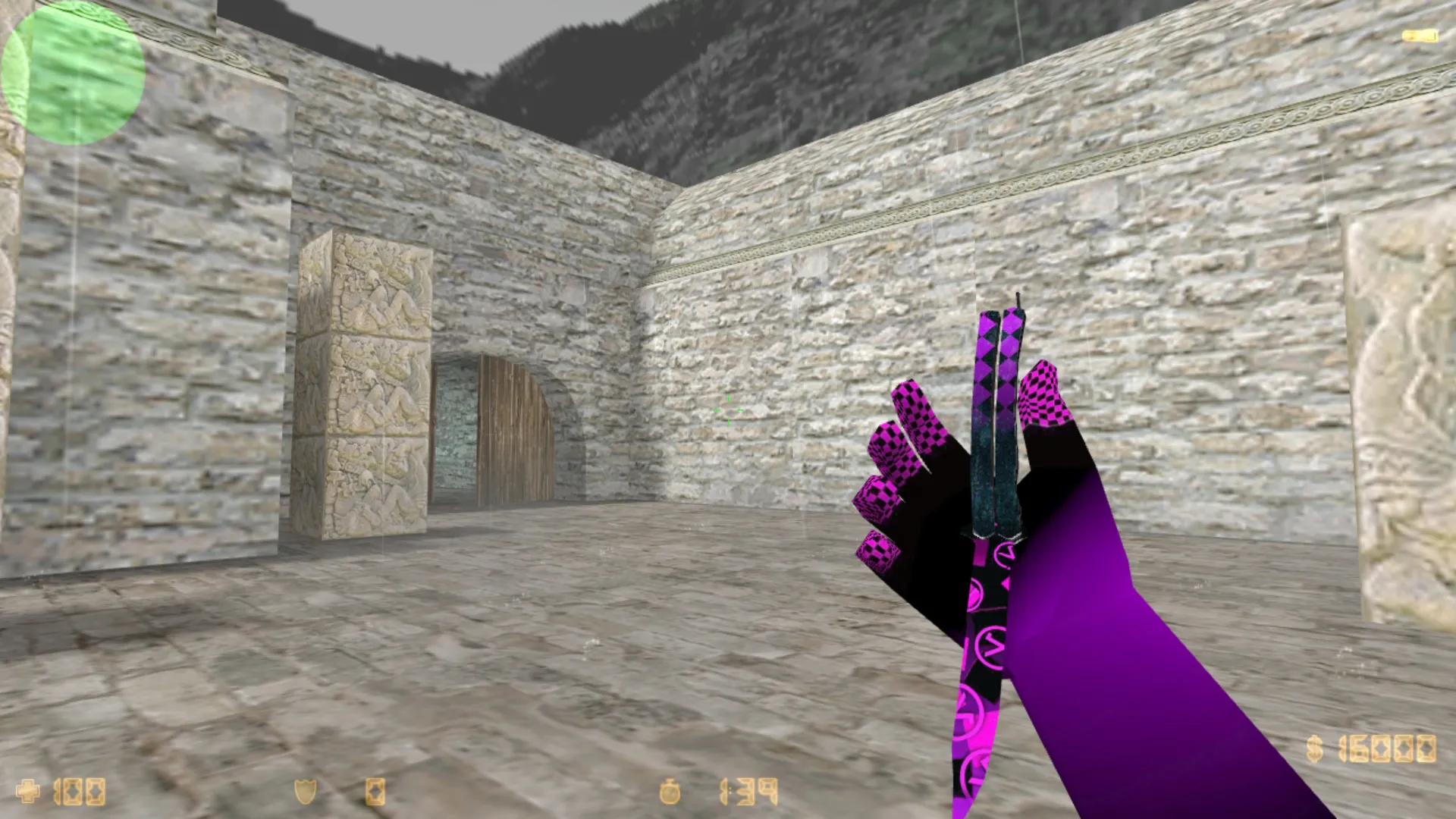
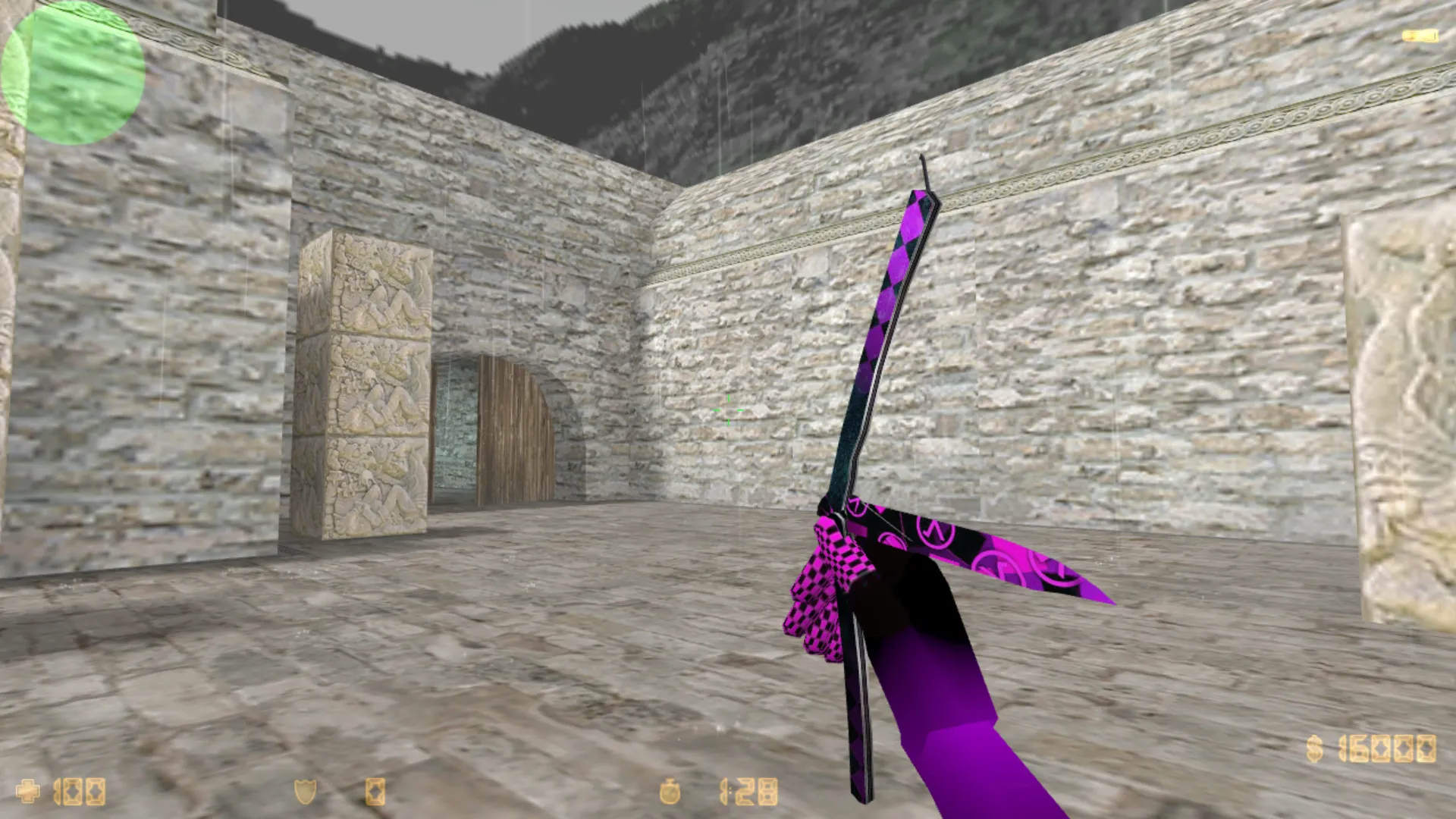
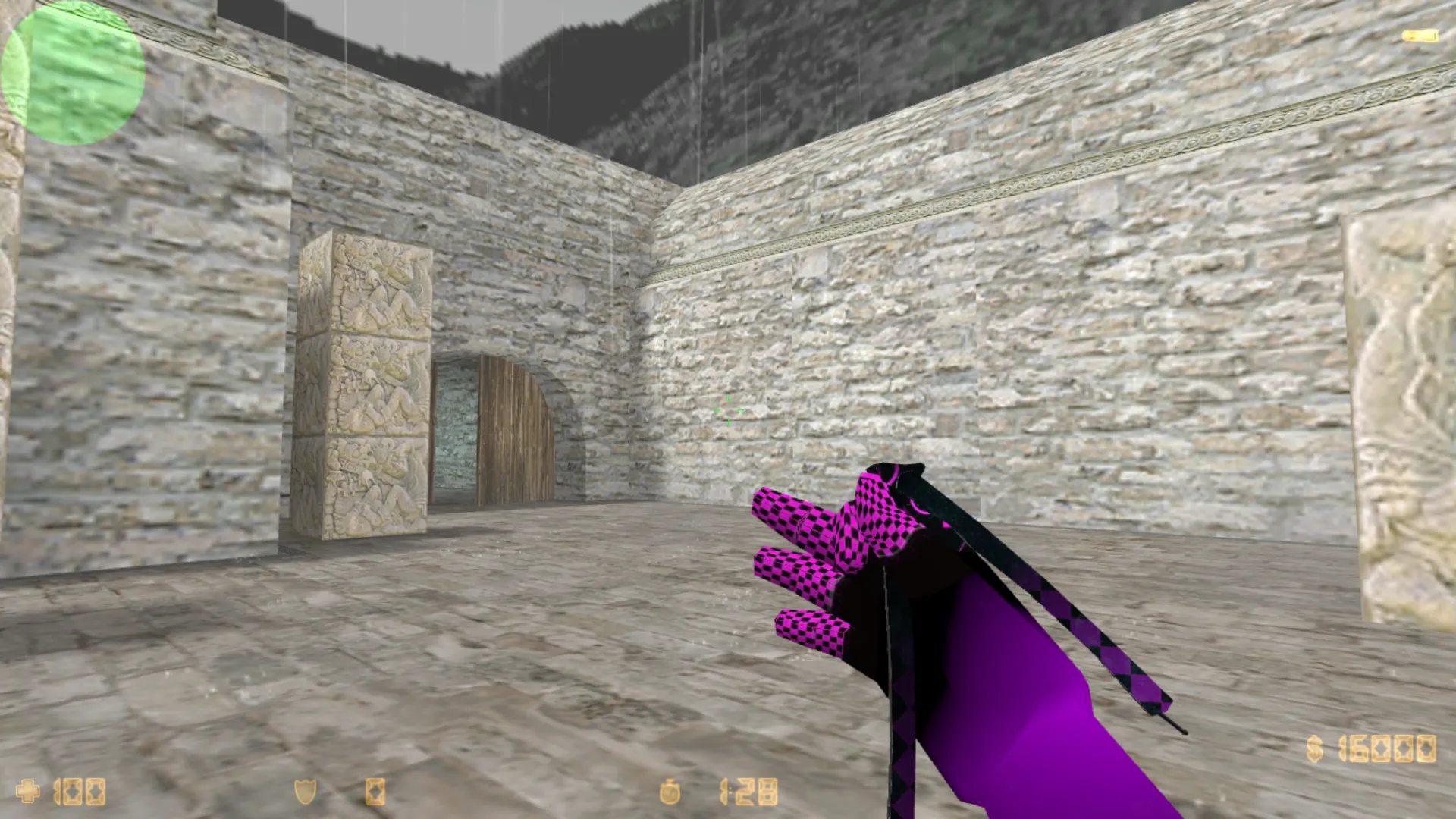
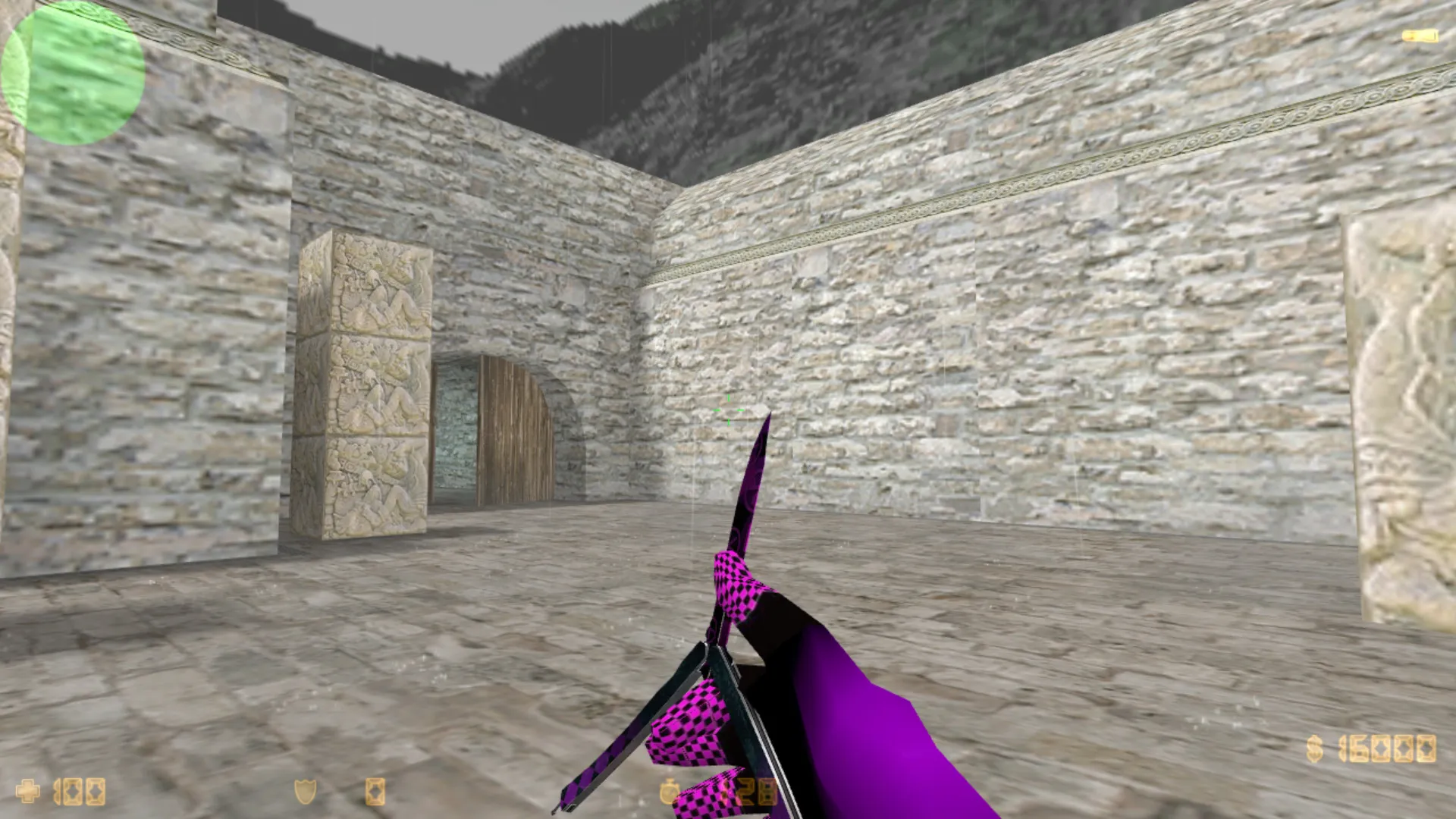
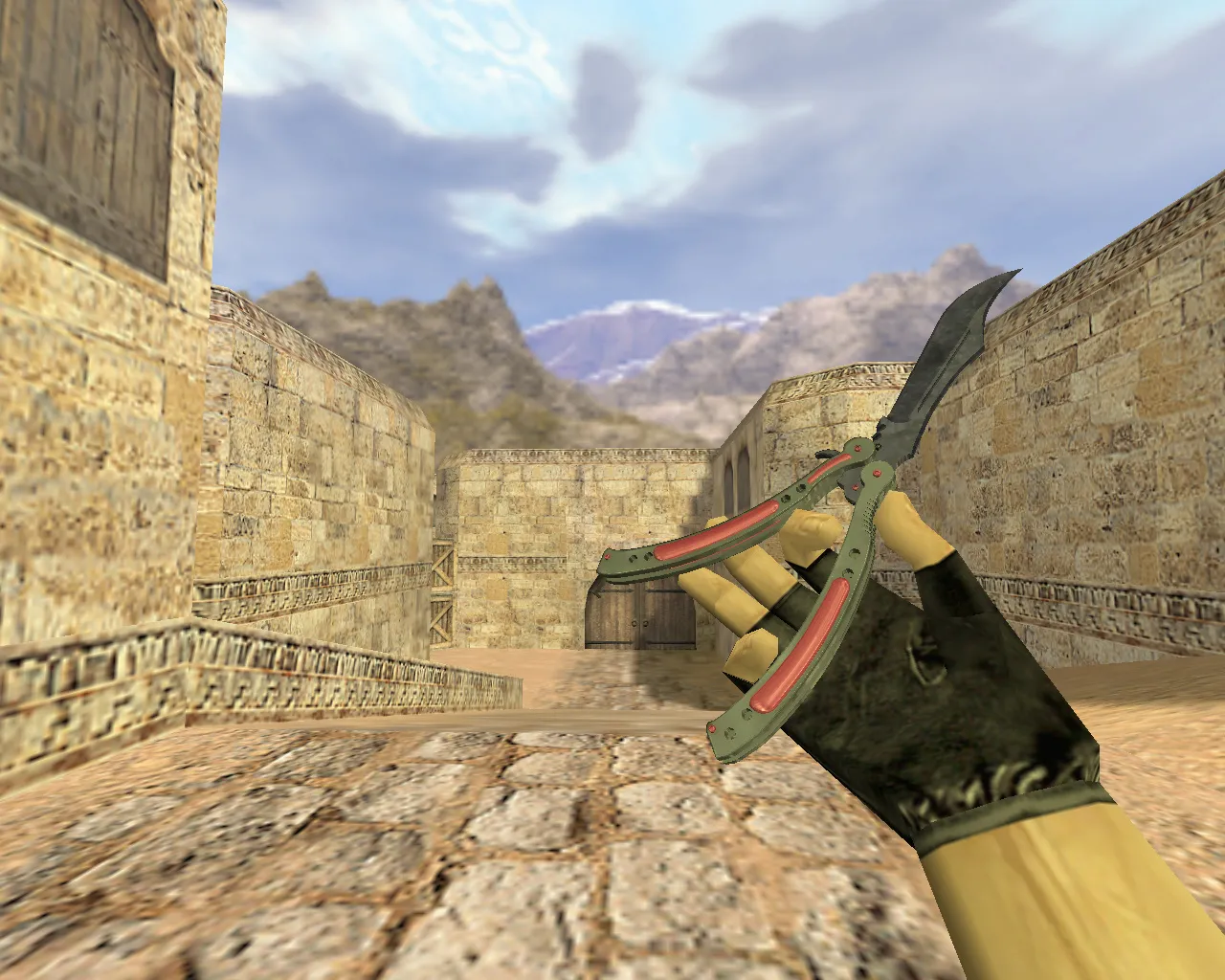
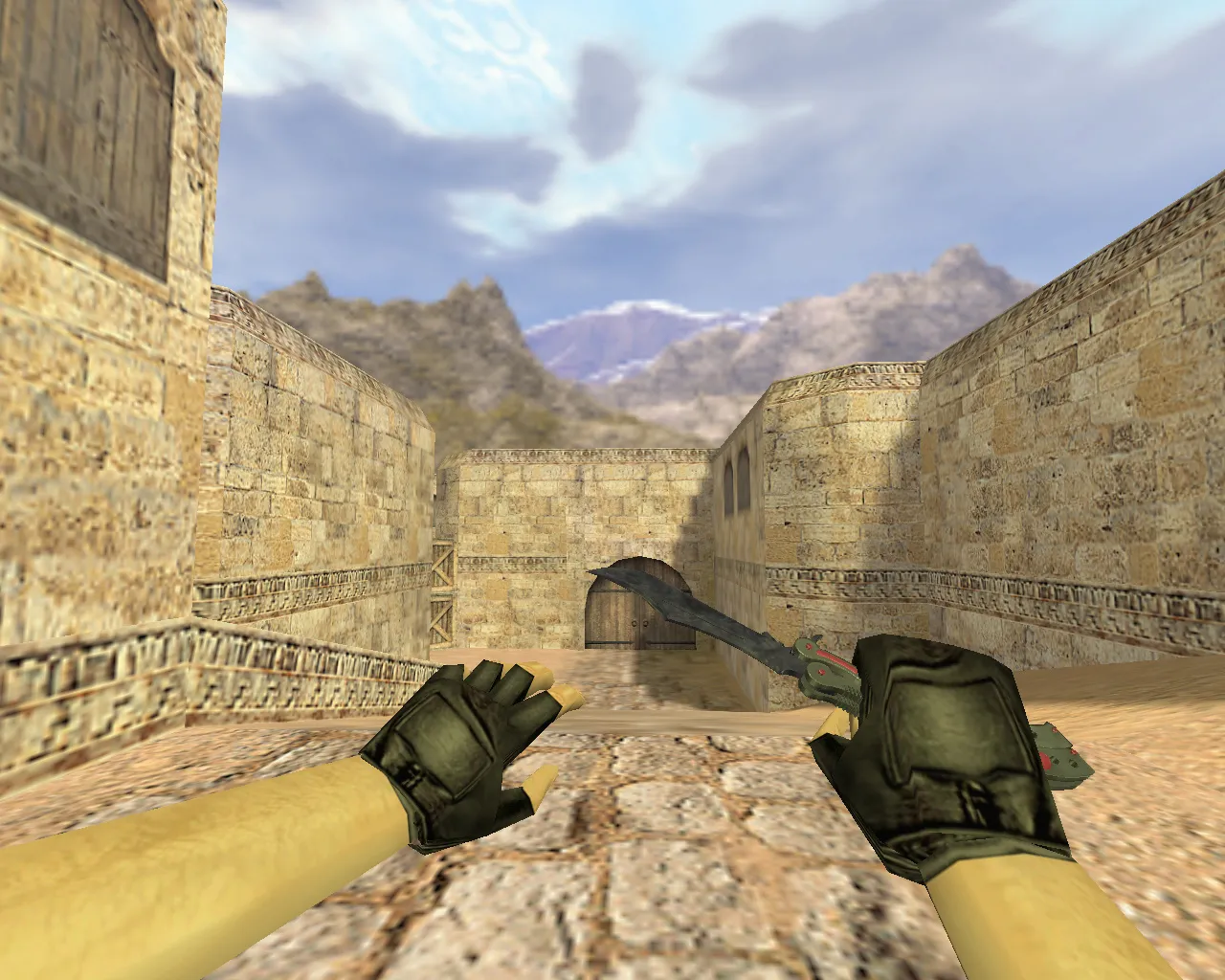
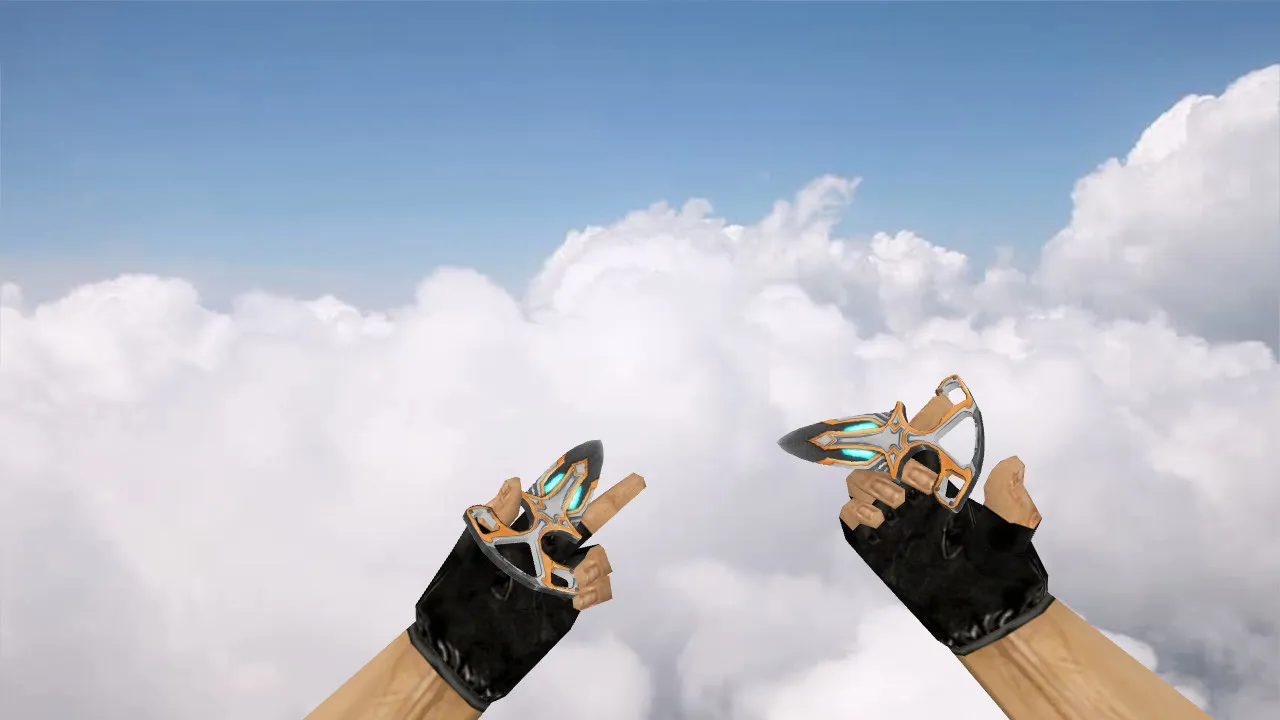
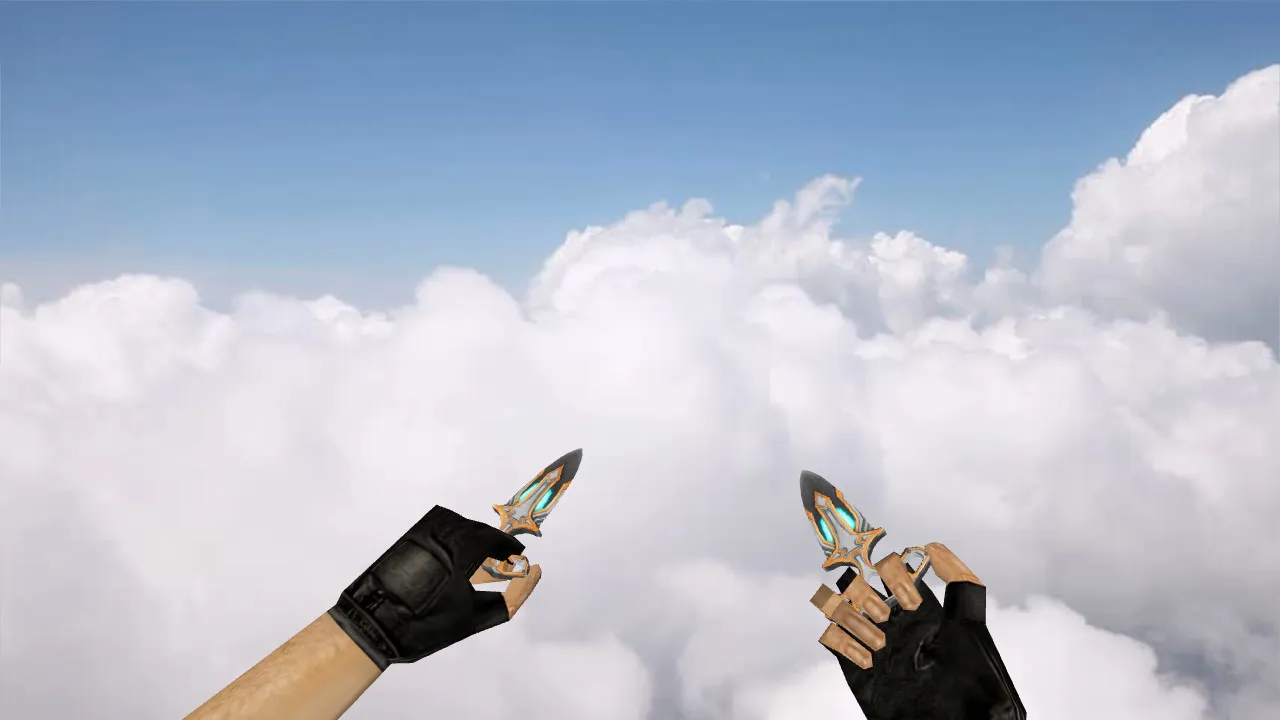
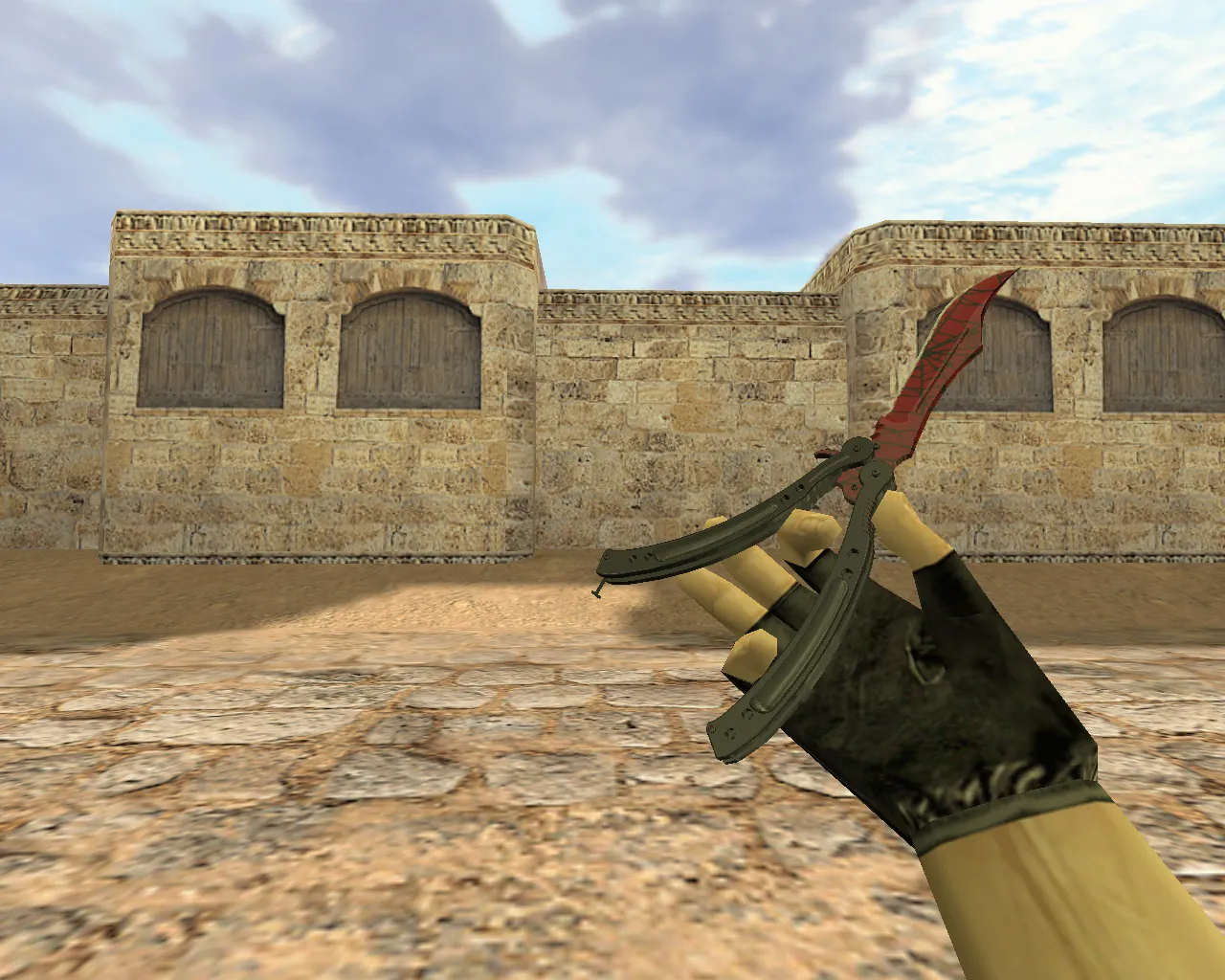
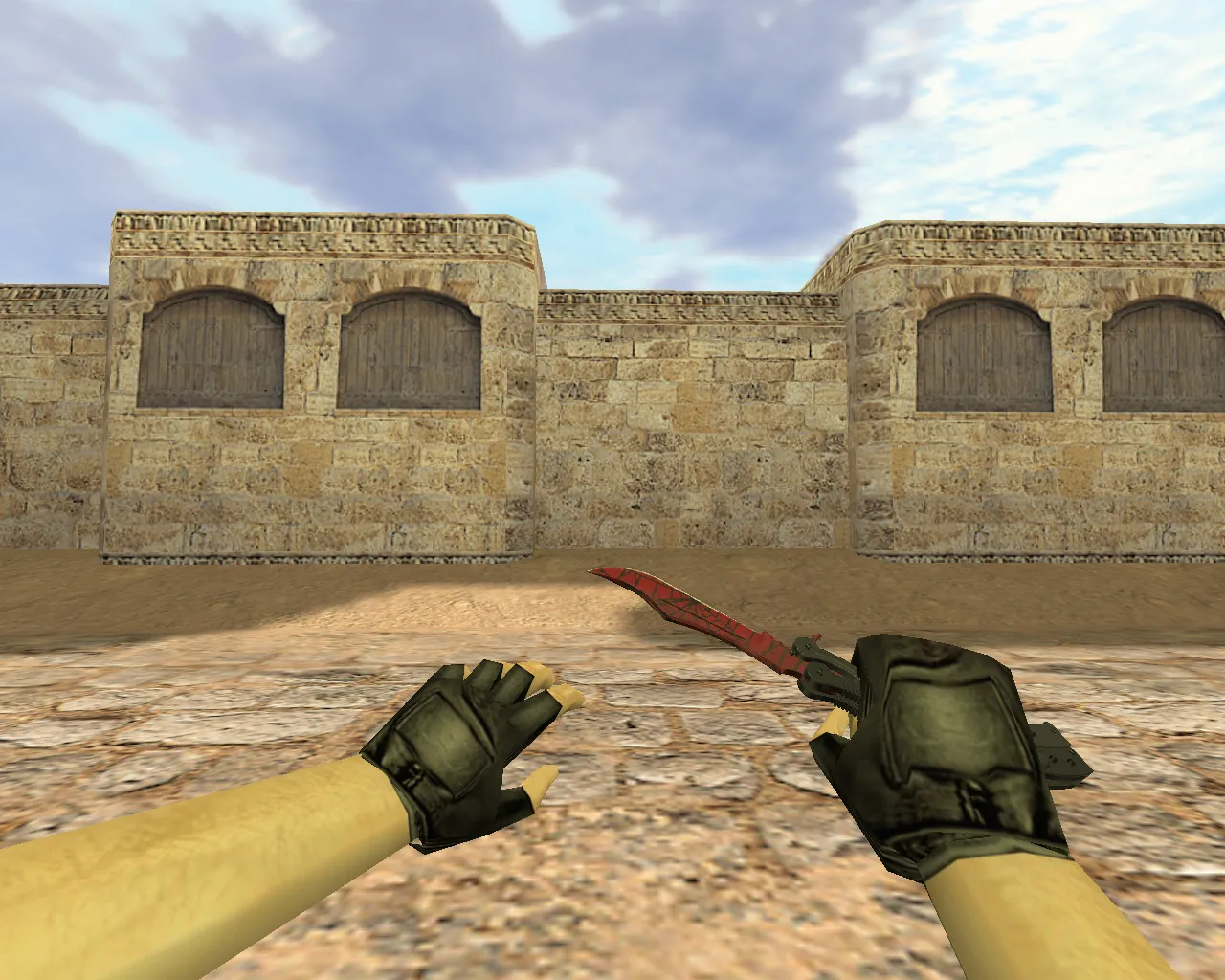
Shadow Daggers Totem Knife Model for CS 1.6: v_, p_, w_ Models, Custom Sounds, Inspect Animations
Description
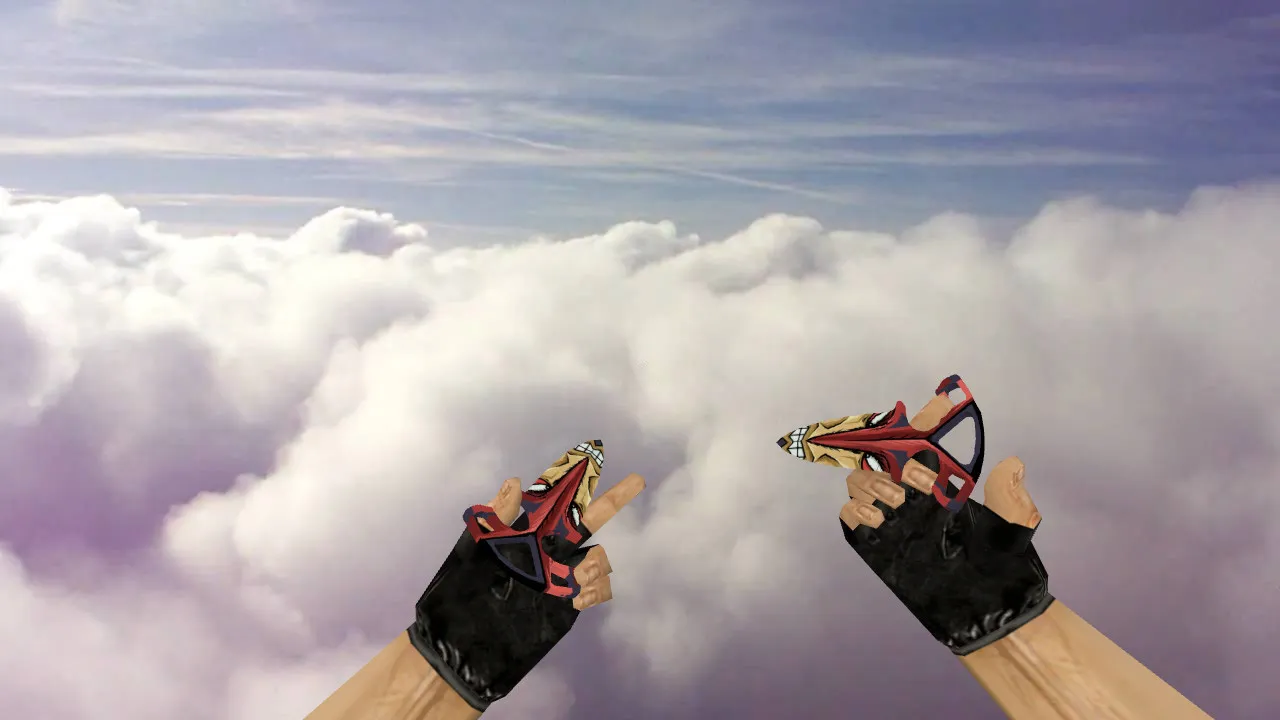
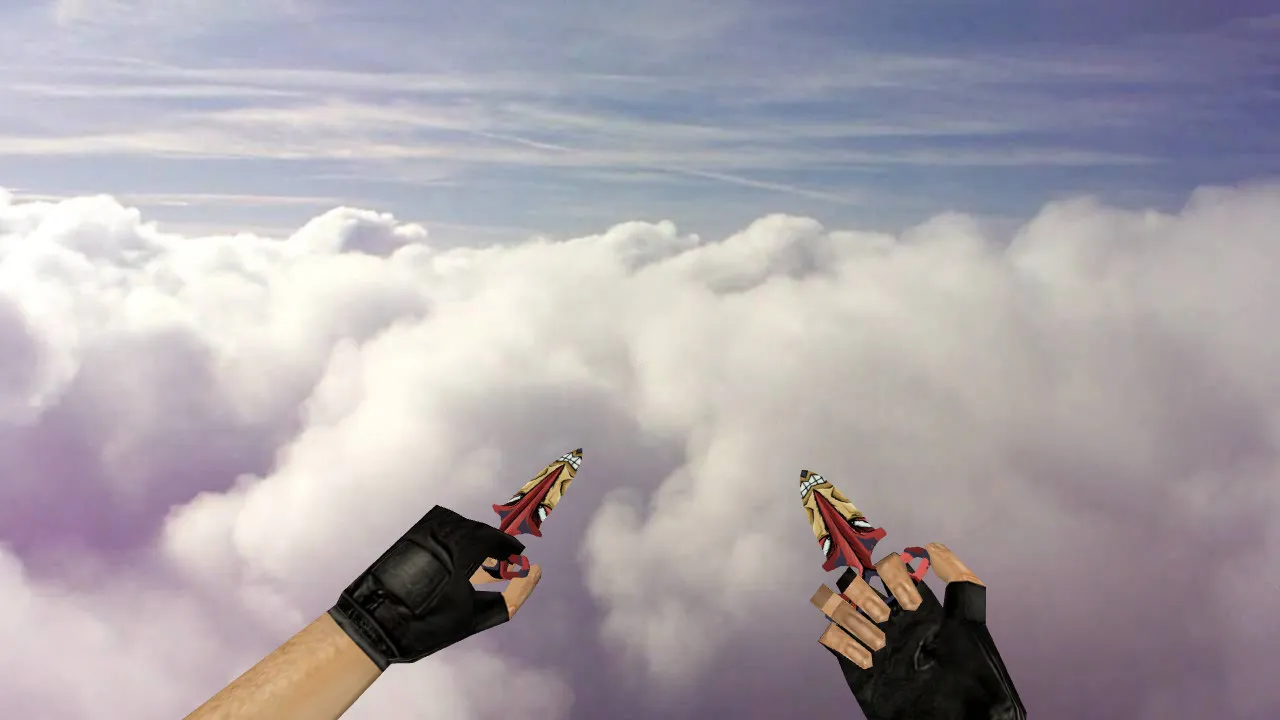
Shadow Daggers Totem Knife for CS 1.6
The Shadow Daggers Totem knife swaps the standard blade for a design distinguished by its unique shape and detailing. In CS 1.6, correct hand placement and fluid animation playback are critical. This package supplies proper v_, p_, and w_ files to guarantee a consistent look across first-person view, player hands, and world view. Custom strike and footstep audio integrates for balanced feedback without sudden volume changes.
During dark rounds or on maps with high-contrast lighting, the knife keeps a clear silhouette. Crisp outlines and solid texture quality stop blurring while moving. Inspect animations play without jitter, with hand motions and model transitions verified for seam artifacts during weapon switches.
Key Elements for CS 1.6 Knife Installation
- v_ model: First-person perspective during play.
- p_ model: Hand placement and knife alignment in first-person scenarios.
- w_ model: World view seen by other players.
- Custom sounds: Strikes and interactions at balanced volume, free of echo or abrupt peaks.
- Inspect animations: Fluid motion, accurate angles, no dropped frames.
- Texture quality: Stays readable in smoke, under lights, or in shadows, using 512x512 or higher resolutions for low polycount efficiency.
For legacy builds such as 4554 or 8610, compatibility is vital. Mismatched model types cause visual jumps between modes. Confirm folder structures and file names to load all components uniformly, preventing partial renders that break gameplay flow.
Hitboxes and Blade Alignment
CS 1.6 depends on exact hit zones for weapons. The model matches form to these zones, keeping the blade steady relative to the hand for predictable melee connections. This approach improves reliability in close-quarters combat, particularly on tight chokepoints where knives are common. Polycount remains under 1000 to avoid fps loss, with hitbox precision ensuring no offset issues during swings or stabs.
Visibility upgrades include ESL-style shading for improved edge detection in low-light spots like de_inferno corners or de_dust2 tunnels. The totem pattern on the daggers adds subtle detail without overcomplicating the mesh, preserving high-fps performance even on dated hardware.
Safe Installation Guide
Download only from verified archives to dodge viruses or slow-hacks. Back up your current knife models first. Place v_, p_, and w_ files in the matching cstrike/model directories, textures in gfx/vgui, and sounds in sound/weapons folders following CS 1.6 structure. Launch without auto-connect or third-party scripts. Leave config.cfg alone to keep default binds and settings intact.
If model or texture errors surface, restore from backup and re-check file names for exact matches like 'v_knife_shadowdaggers.mdl'. Avoid any mods demanding system access or ads. Favor stability over untested features for clean, non-steam or steam-compatible runs.
Post-Install Tuning for Comfort
Enter training mode to test: Inspect the knife, switch to primary and back, watch world view during rapid position changes. The Shadow Daggers Totem should perform consistently in motion or static holds. Audio cues trigger sharply for fast engagements, while visual control stays steady.
For an optimal setup, pair with a clean config including no-recoil binds if desired, but test knife-specific actions separately. On maps like de_cbble, the model's dark-area visibility excels during night rounds, aiding quick knife rushes without losing track of the blade. Hitbox alignment ensures melee trades feel responsive, reducing frustration from misaligned swings. This knife fits seamlessly into aggressive playstyles, boosting close-range precision without hurting server stability or bot navigation via .nav files.
Grow your CS 1.6 arsenal with this model for deeper tactical options in knife-only servers or mixed modes. Ensure MasterServer protection by skipping suspicious downloads, keeping your setup ad-free and focused on pure gameplay.
Install in three steps
-
1
Download the archive. Use the button on the right, or the Yandex.Disk mirror if the main server is slow.
-
2
Extract it into the game folder. Use 7-Zip or WinRAR. A path without non-Latin characters works best.
-
3
Launch the game. If something doesn't work, mark it below - that is how we know the file needs an update.
Did it work for you?
No sign-up needed. You can pick more than one.