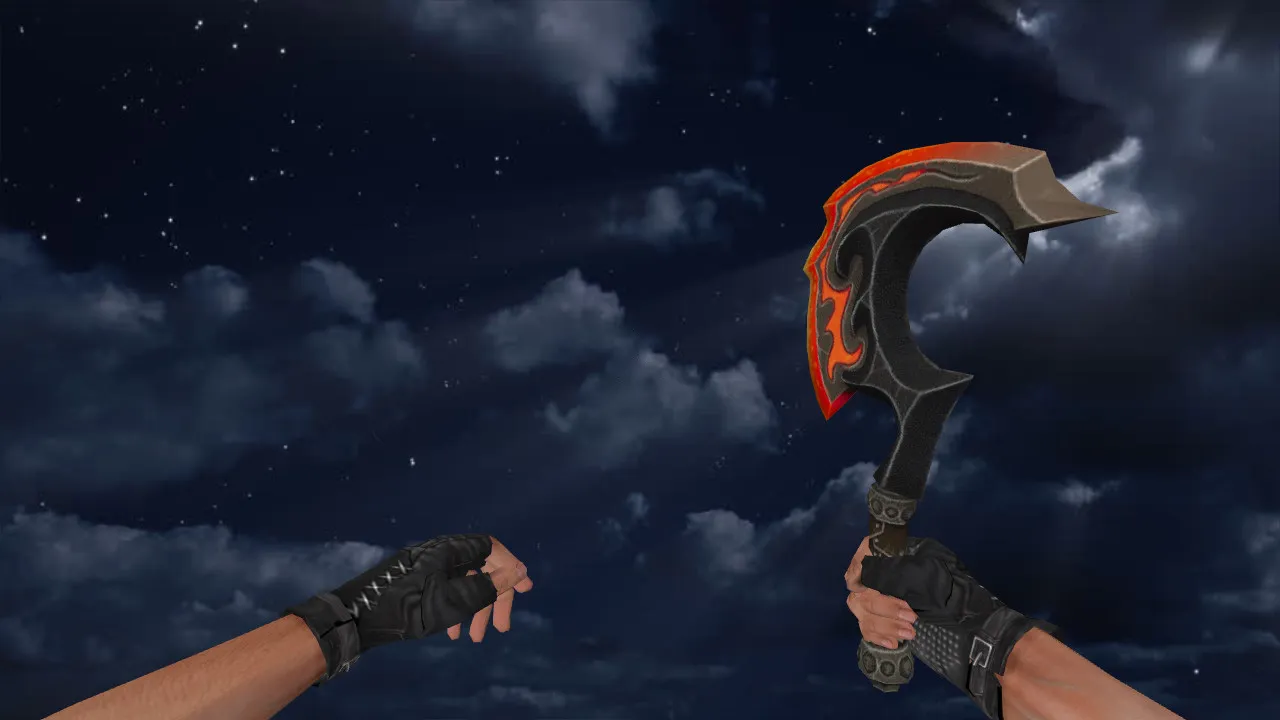
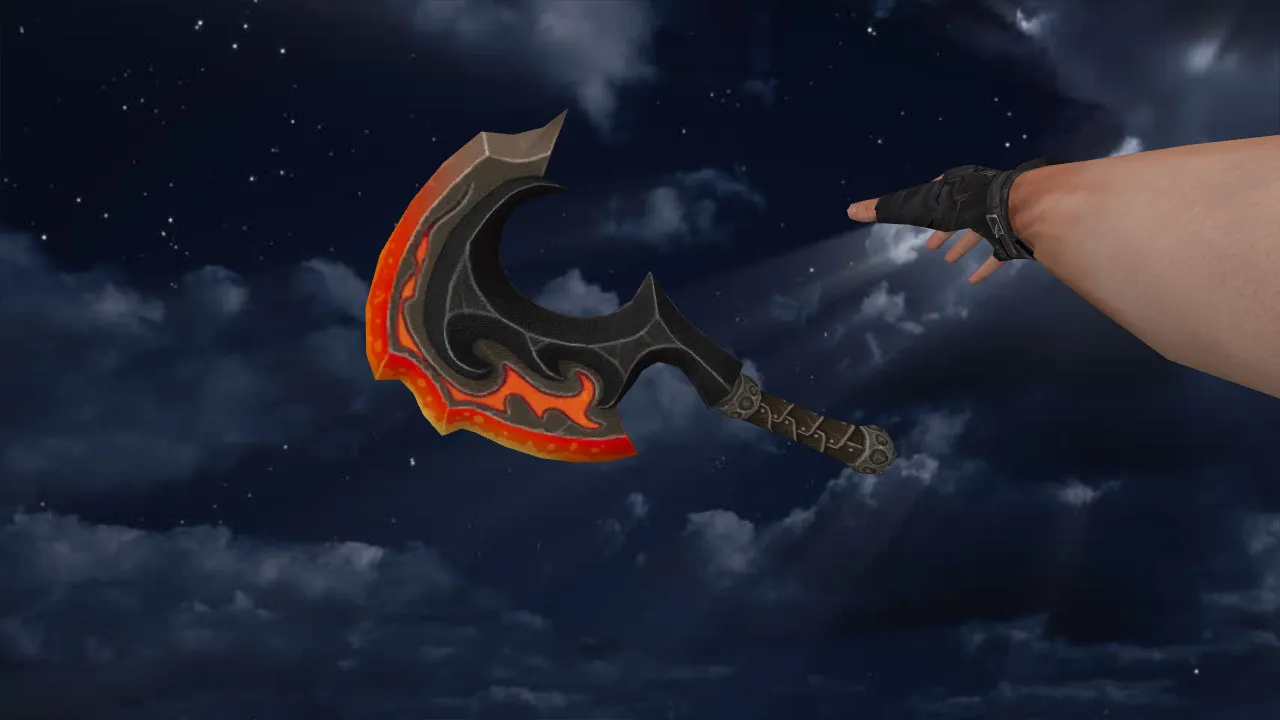
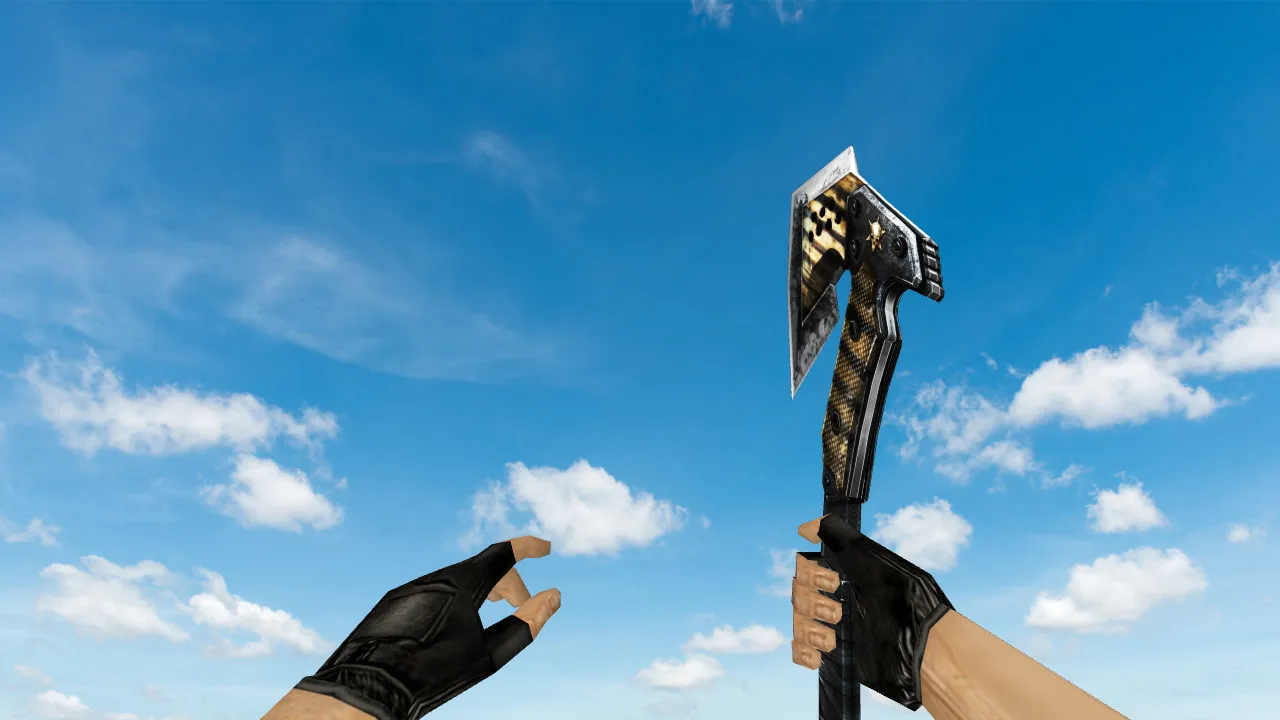
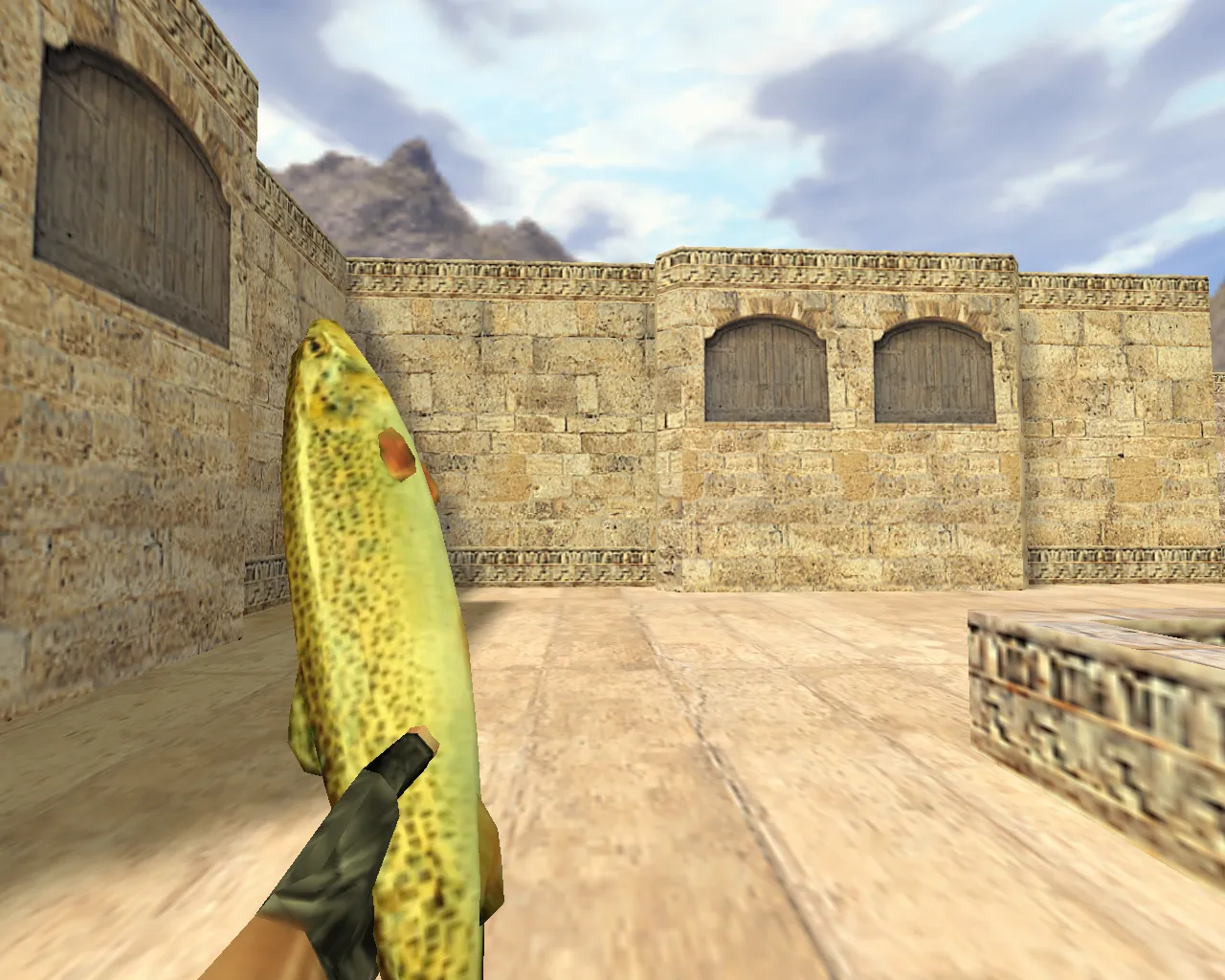
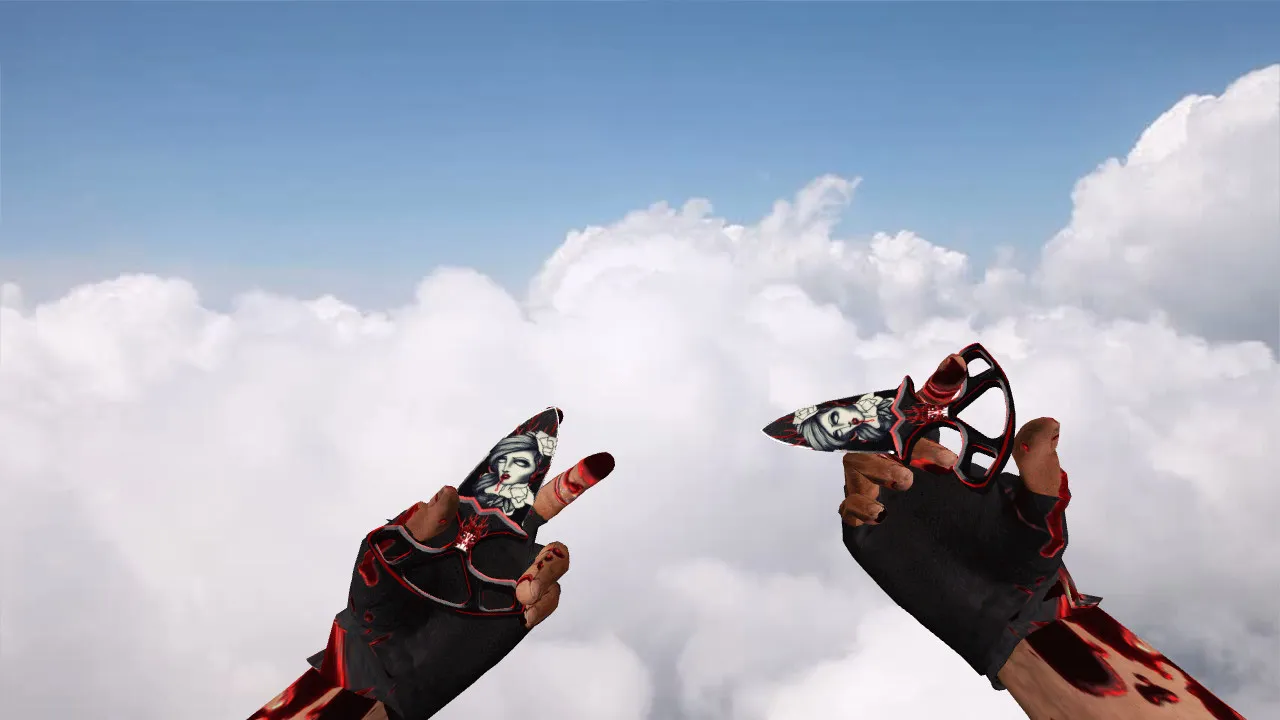
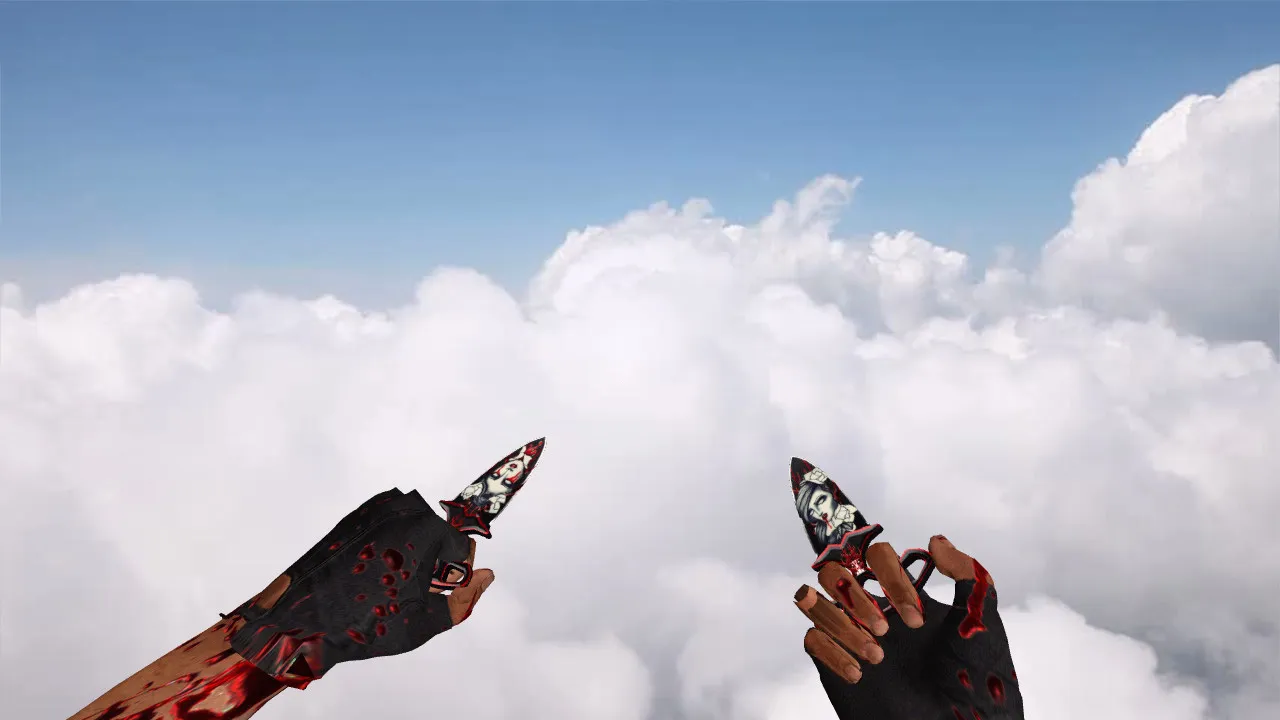
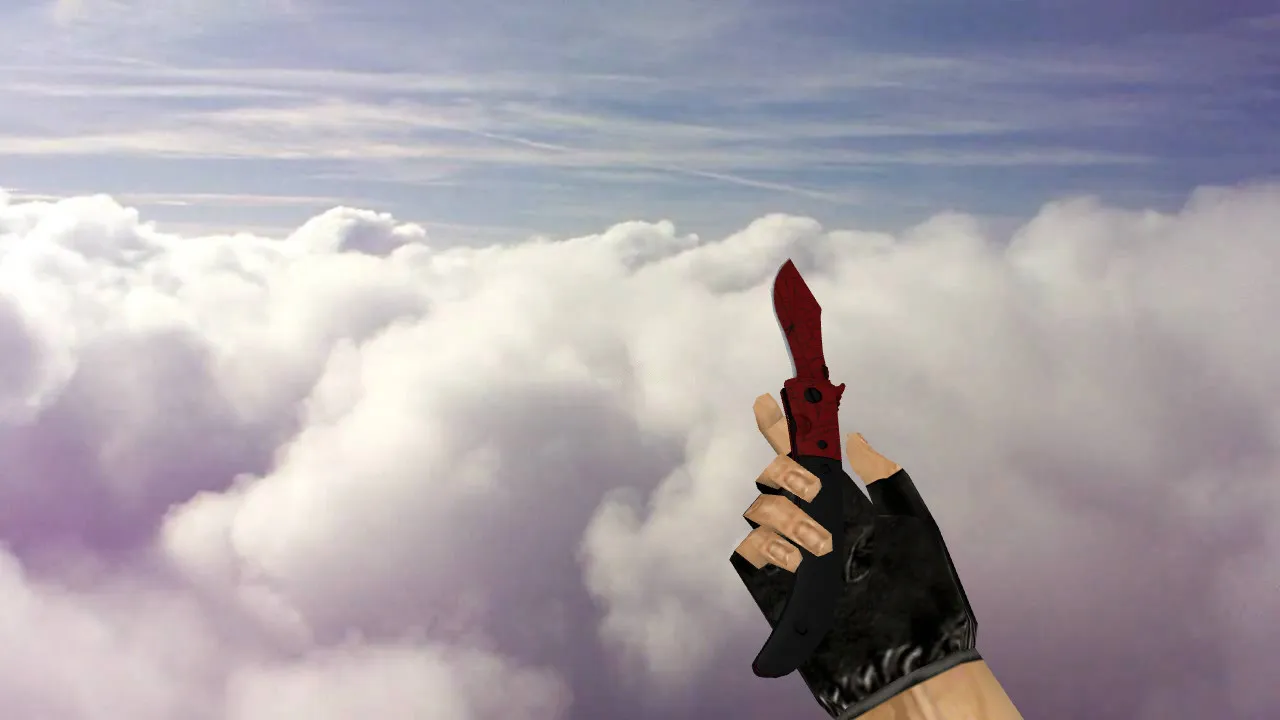
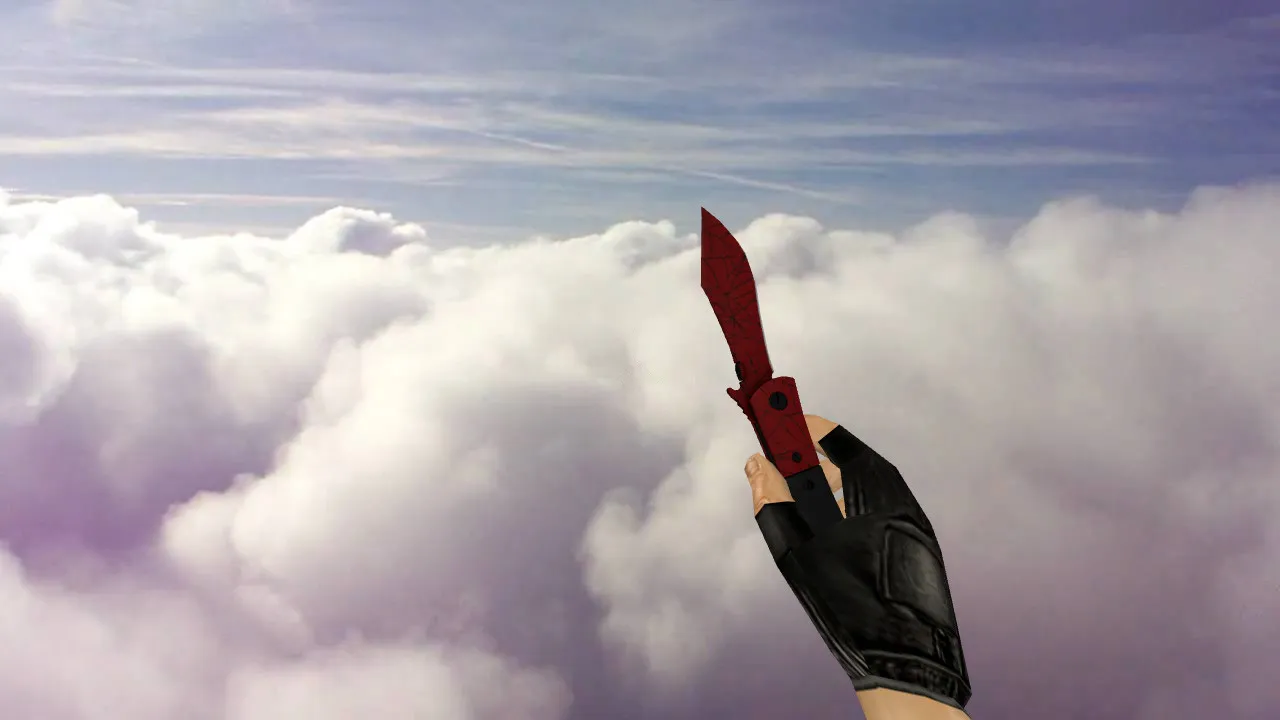
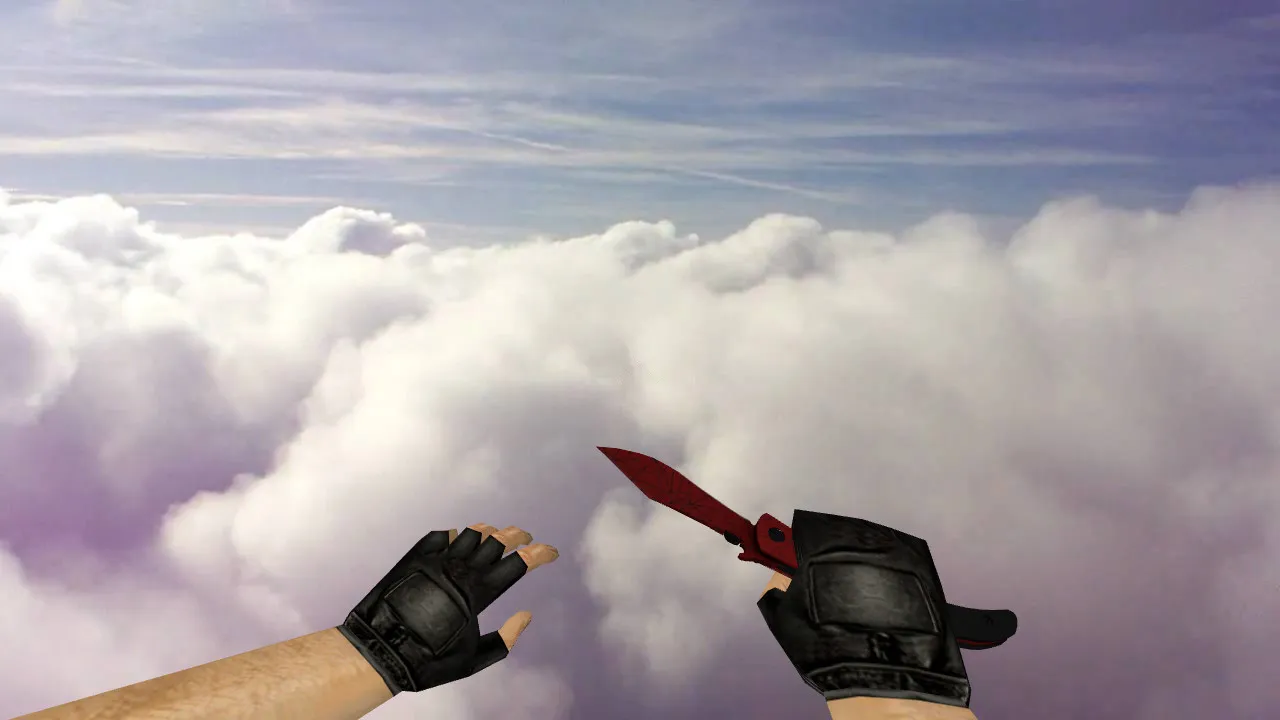
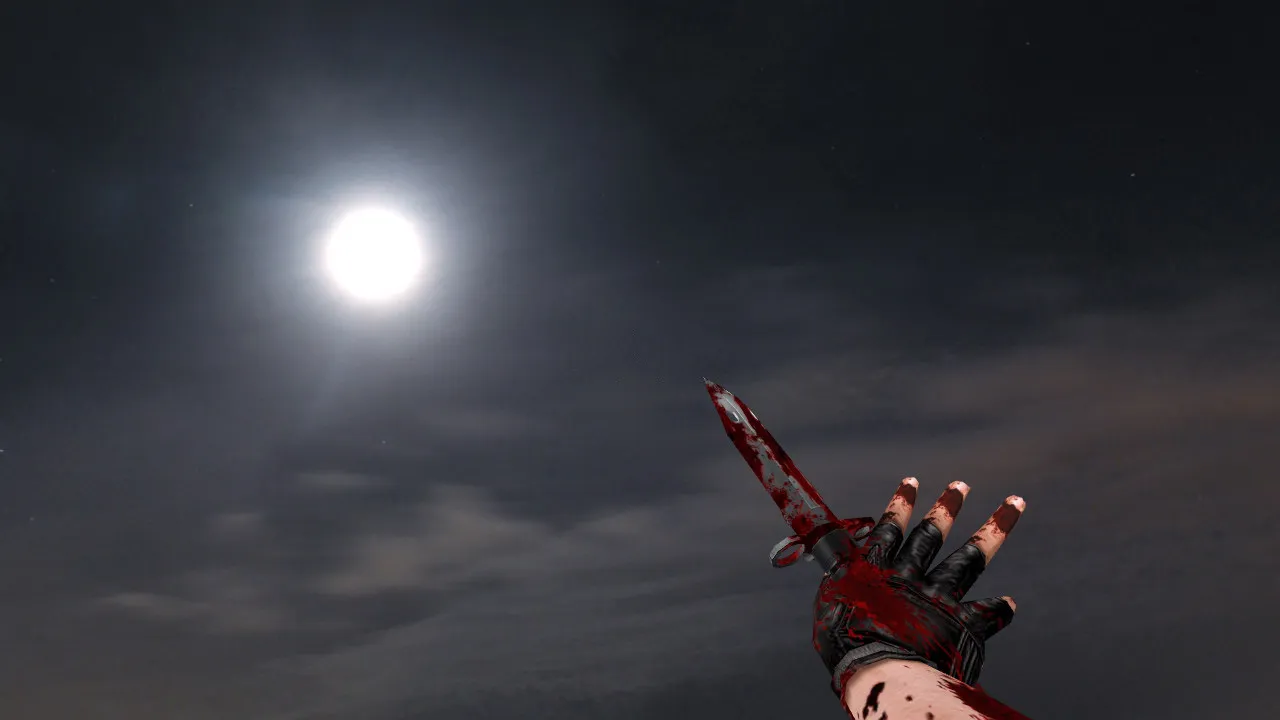
Bloody M9 Touch Redux Knife Model: v_ Viewmodel, p_ and w_ Models, Sounds, Inspection Animation for CS 1.6
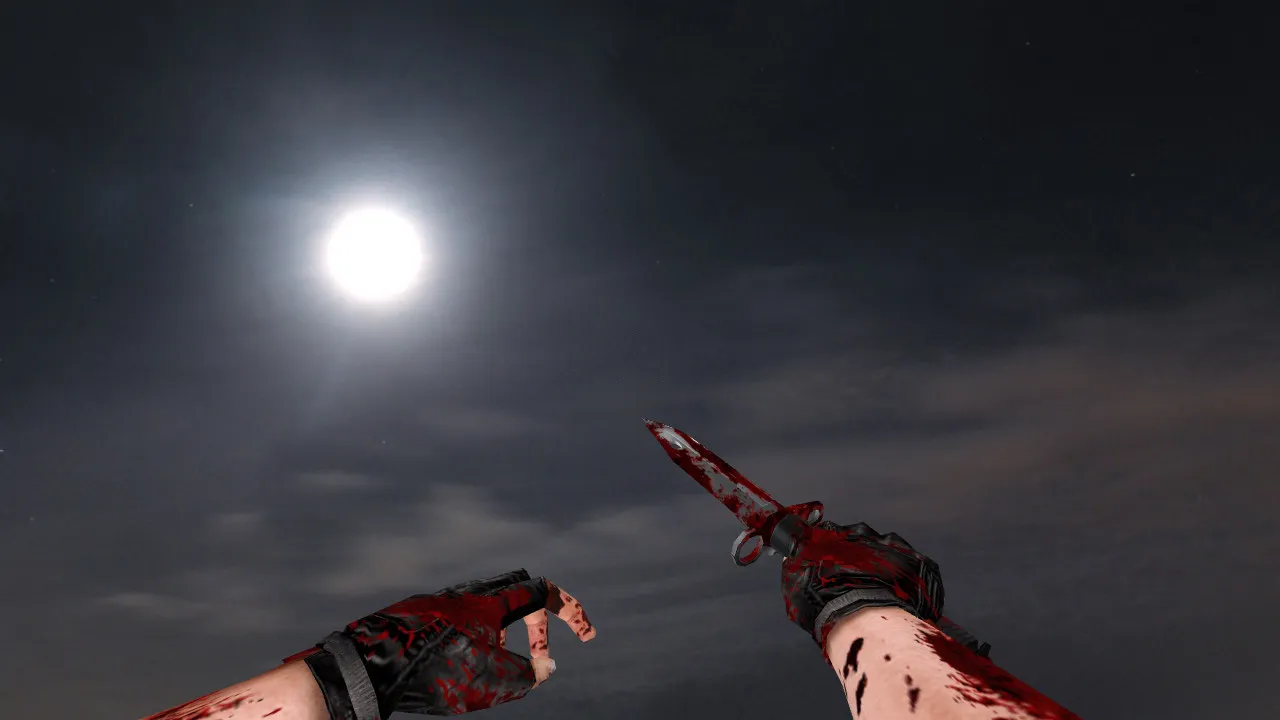
Description
Bloody M9 Touch Redux Knife for CS 1.6
In Counter-Strike 1.6, the server manages critical knife behavior. While equipped, the blade sits naturally in your grip, and transitions like inspecting or changing holds play fluidly without visual errors. The Bloody M9 Touch Redux package adheres to the standard structure: a v_ model for the first-person perspective, a p_ model for other players' hands, and a w_ model for the world view. This setup guarantees correct visuals whether you are looking at your own weapon or observing it on teammates and opponents.
This release focuses on visual fidelity and stability. Textures retain crisp detail without blurring at the edges, and the finish remains distinct during motion. The knife fits seamlessly into gameplay: rapid deployment on switch, steady frames during inspection, and accurate pose transitions. The model holds its position firmly while moving or attacking, preventing drift.
Files Included
- v_ - first-person knife model, synchronizing hand and blade motion precisely
- p_ - third-person hand model, preventing scaling issues
- w_ - world model, guaranteeing proper visibility from external angles
- Inspection sequence alongside standard weapon switch animations
- Draw and attack sounds, perfectly timed to animation frames
The polygon count is optimized for high frame rates, featuring HD 512x512 textures on the blade and grip for clear definition in dim environments. No custom decals burden the load; assets initialize cleanly without performance penalties.
Safe Installation Guide
Install strictly the knife assets. Avoid additional archives, unknown scripts, or auto-connect functions. Place model files into the corresponding CS 1.6 directories, then confirm your client contains only the required resources. If other knife mods are present, back up existing files first. This permits a rapid restore in under a minute should alignment problems occur.
After installation, start the game and test in the main menu, lobby, and on a server. Verify inspect and weapon switch behavior at the same time. If stuttering appears, files may be misplaced or versions may conflict. Revert the original v_/, p_/, and w_ files and attempt again.
Safety is paramount: this package contains no viruses, no slow-hacks, no advertisements, and no auto-connect features. It functions on both Steam and Non-Steam clients, compatible with Build 4554 or 8610. No MasterServer adjustments are necessary; a clean config.cfg is recommended for optimal results.
Gameplay Nuances with the Knife
Knives are used constantly. Players hold angles, manage engagement distances, sprint for executes, or hunt for exit frags. Model clarity and visual stability take priority. The Bloody M9 Touch Redux preserves the blade's silhouette during movement, eliminating artifacts. In shadows or against bright backgrounds, edges remain sharp without noise.
Client-side presentation is personal. You view your own hand and weapon, affecting comfort. Correct positioning minimizes distraction, accelerating decision-making-vital in clutch scenarios or under pressure. Hitbox alignment matches the v_ model exactly, so swings register accurately without offset problems.
For competitive play, the w_ model visibility aids team coordination by providing clear third-person visuals. Custom audio enhances immersion: a crisp draw sound and distinct slash feedback, synchronized to animation frames to prevent desync.
Client Compatibility Check
Before launching, verify the folder structure and check for mod conflicts. With a clean config.cfg, gameplay settings stay unaltered. No rate or interpolation tweaks are needed-the knife installation does not impact network performance. Handle FPS optimizations separately to avoid mixing modifications.
Follow the installation sequence, add nothing extra, and test in-game. The Bloody M9 Touch Redux integrates smoothly, delivering dependable performance. Whether holding long angles on de_dust2 or pushing mid on mirage, the stable visuals let you concentrate on tactics, not model glitches. Pair with no-recoil configs if desired, but test thoroughly to preserve balance.
Install in three steps
-
1
Download the archive. Use the button on the right, or the Yandex.Disk mirror if the main server is slow.
-
2
Extract it into the game folder. Use 7-Zip or WinRAR. A path without non-Latin characters works best.
-
3
Launch the game. If something doesn't work, mark it below - that is how we know the file needs an update.
Did it work for you?
No sign-up needed. You can pick more than one.