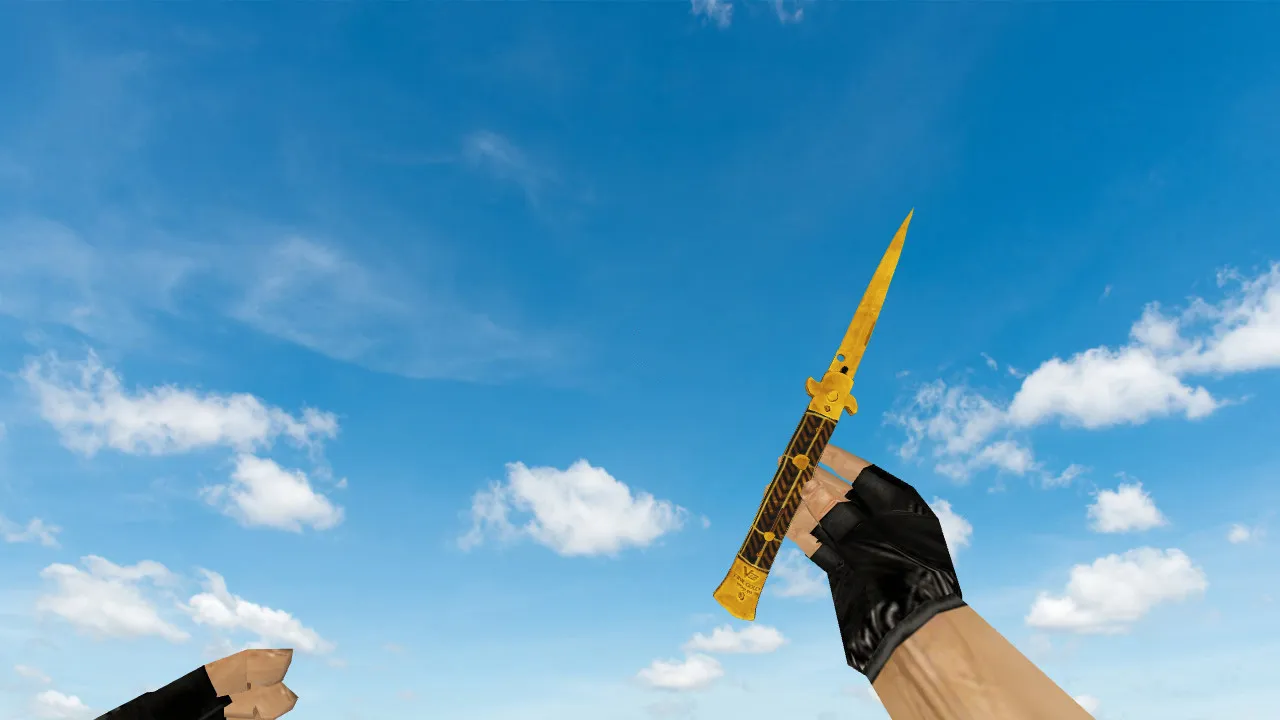
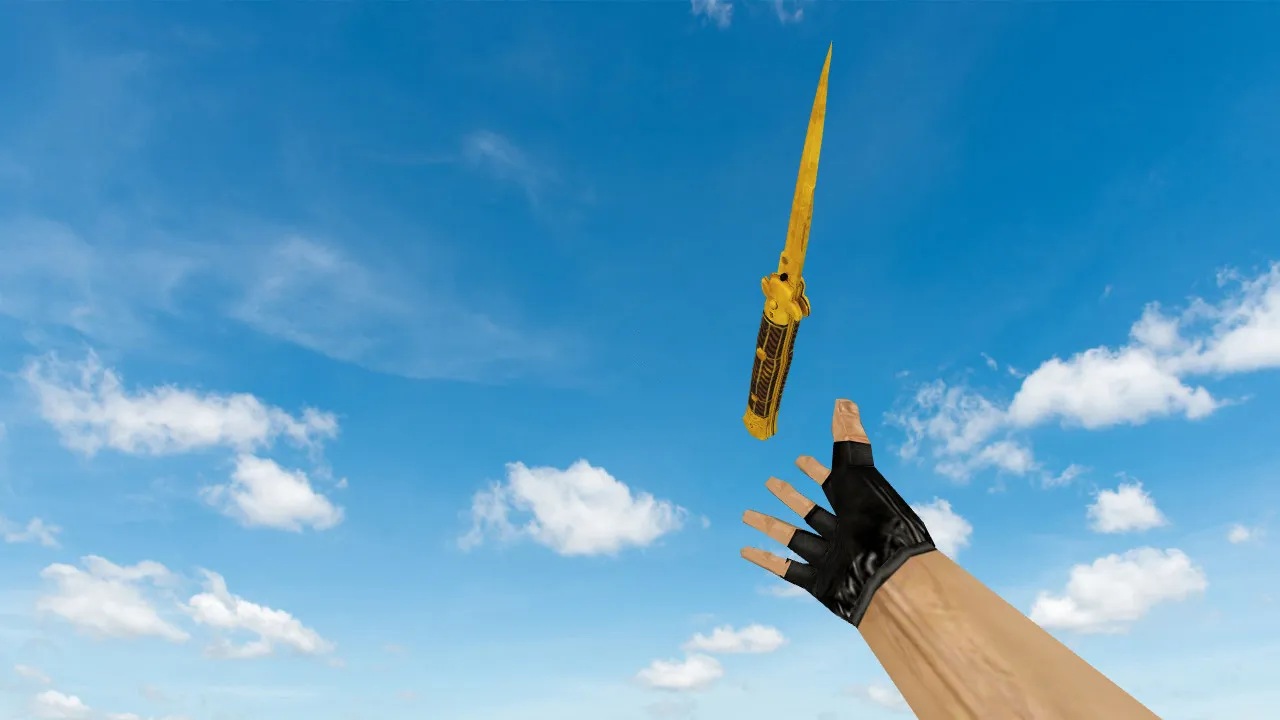
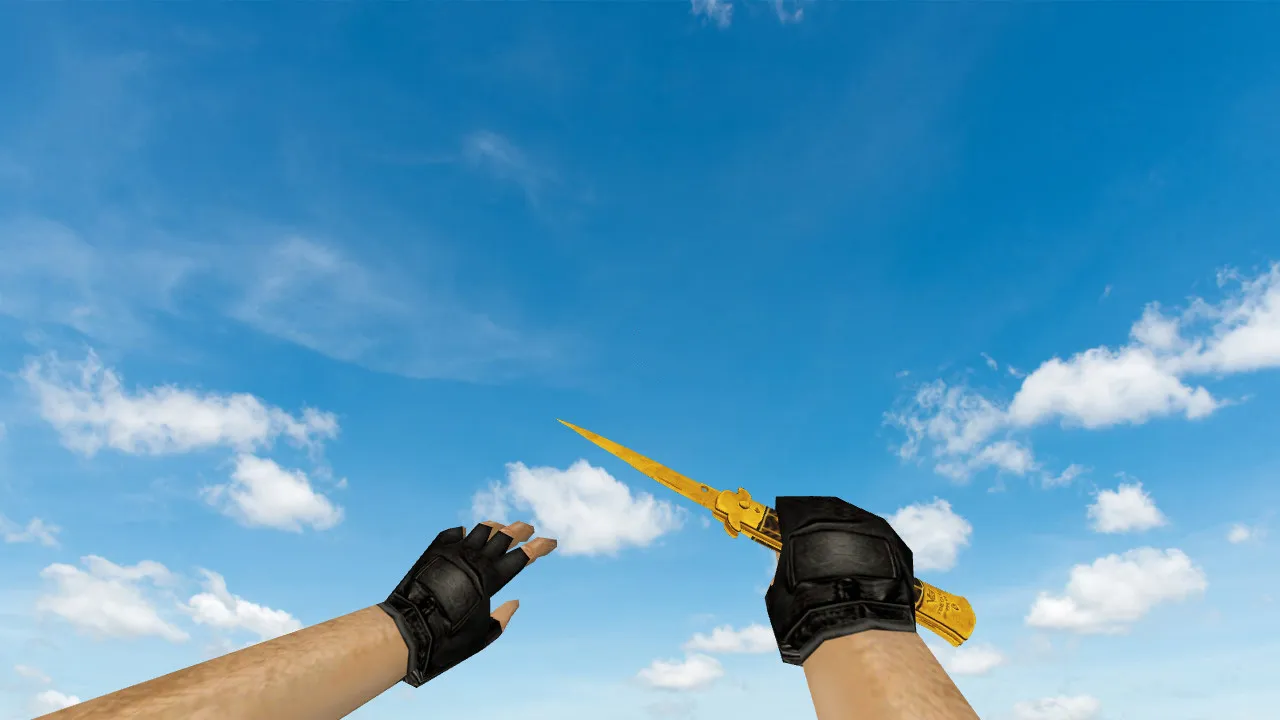
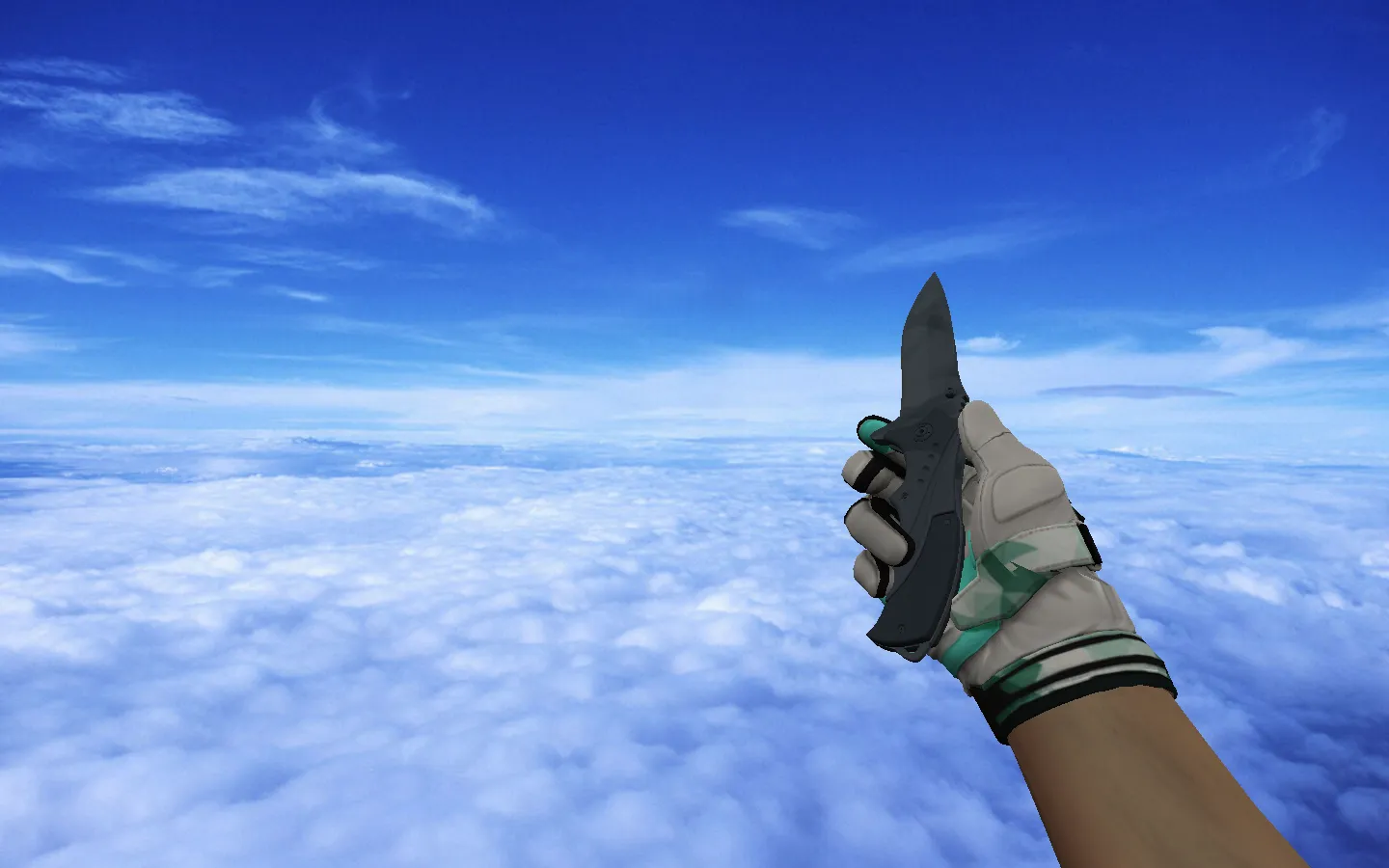
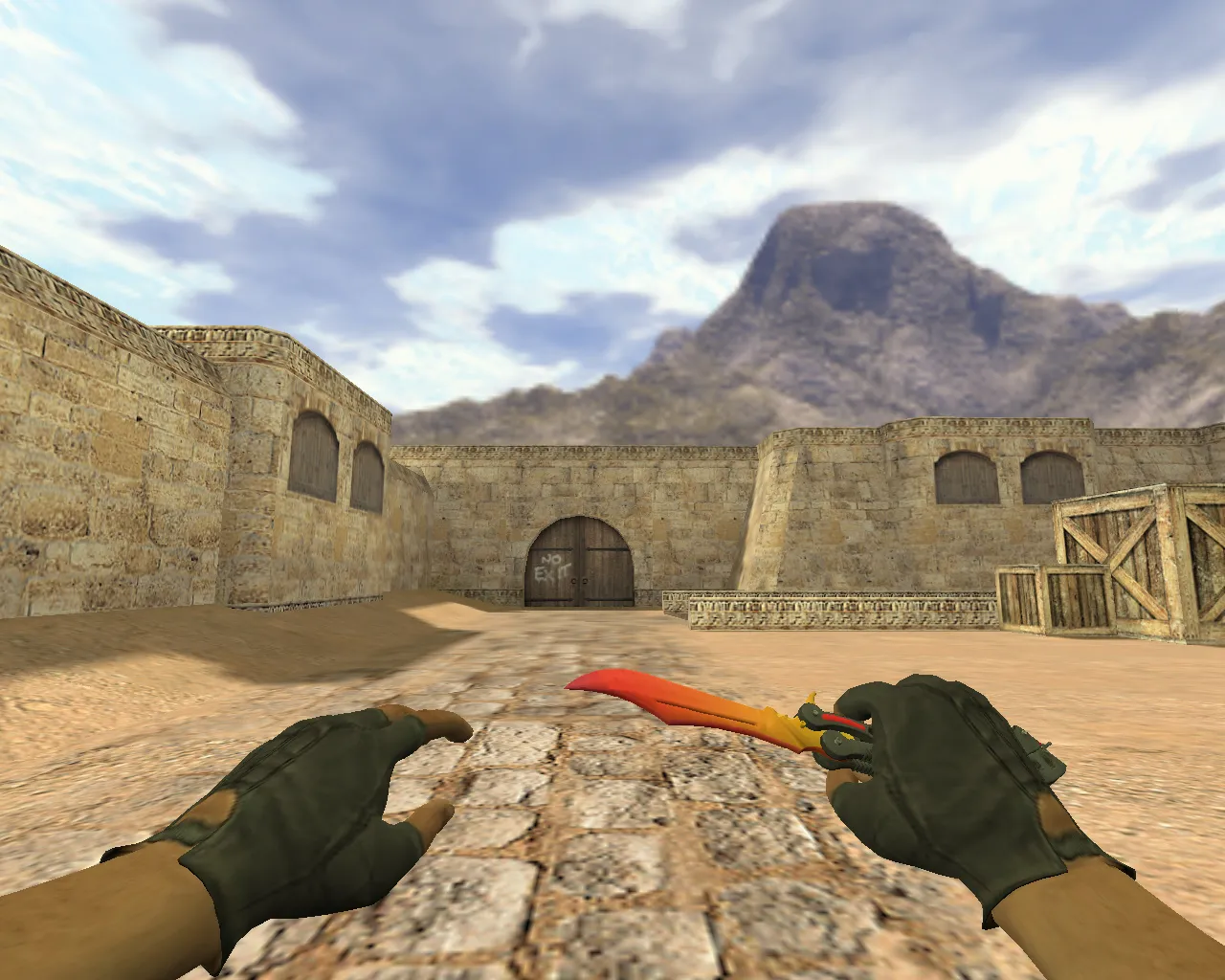
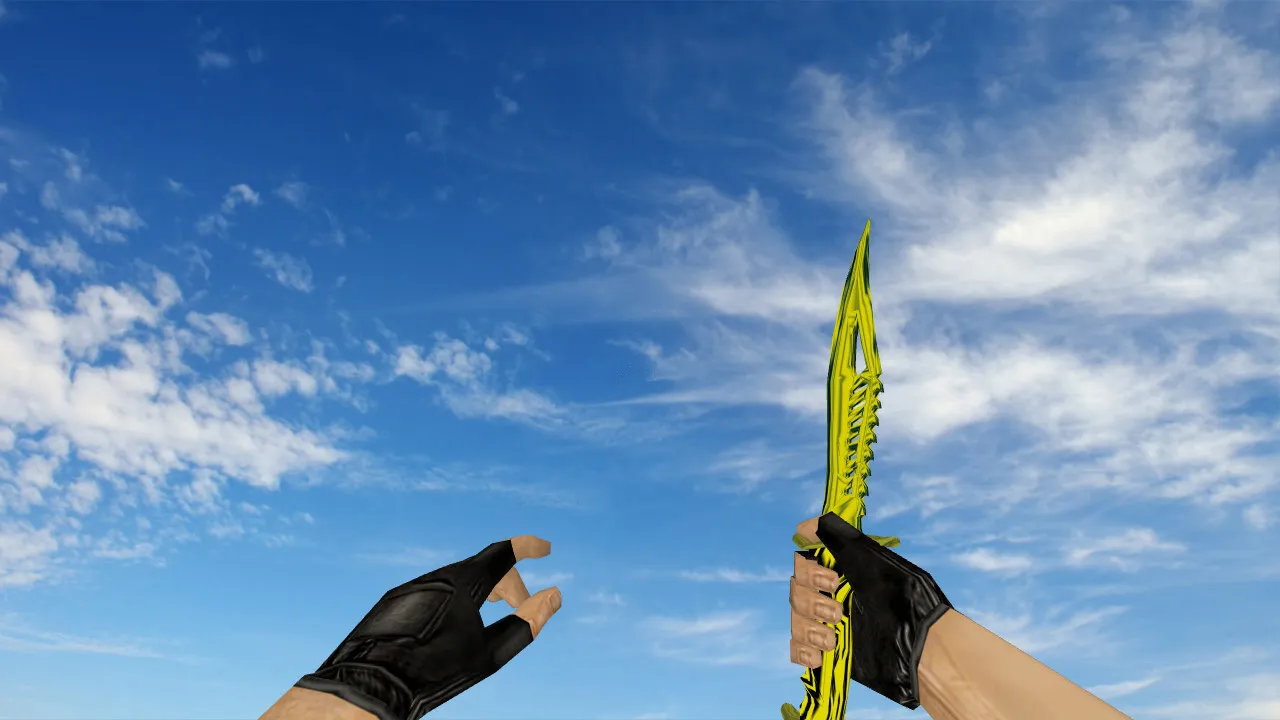
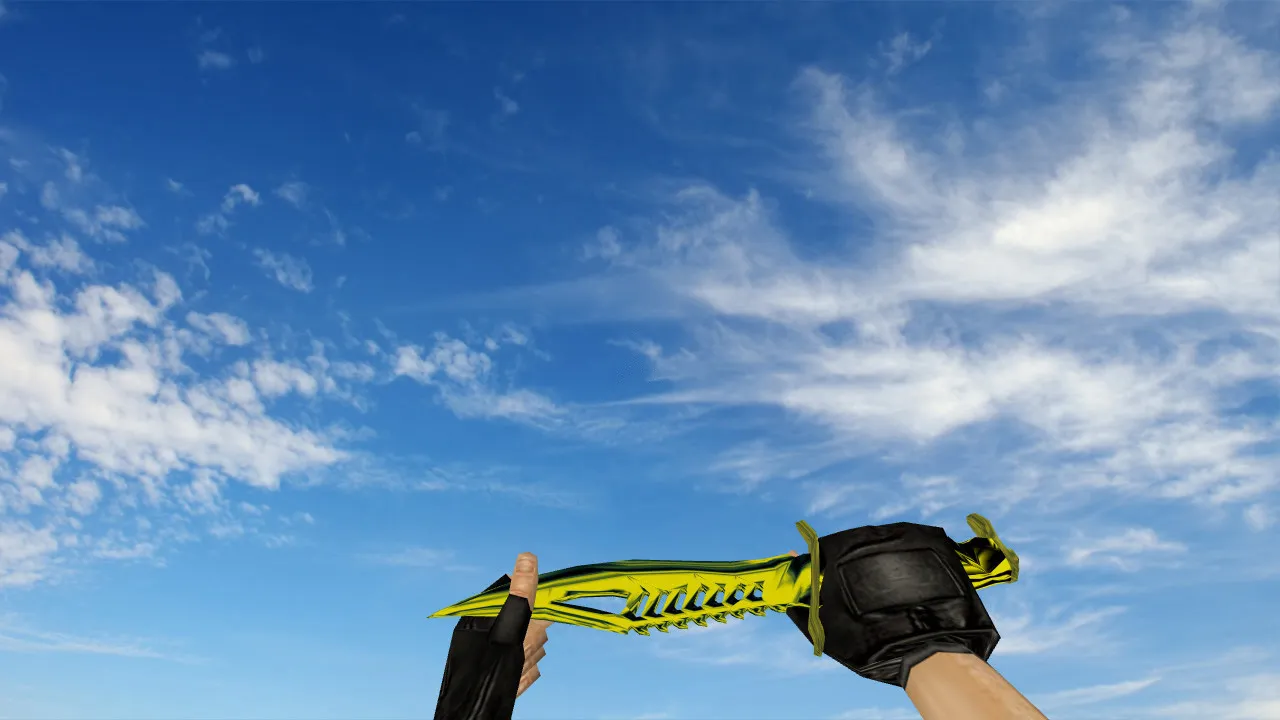
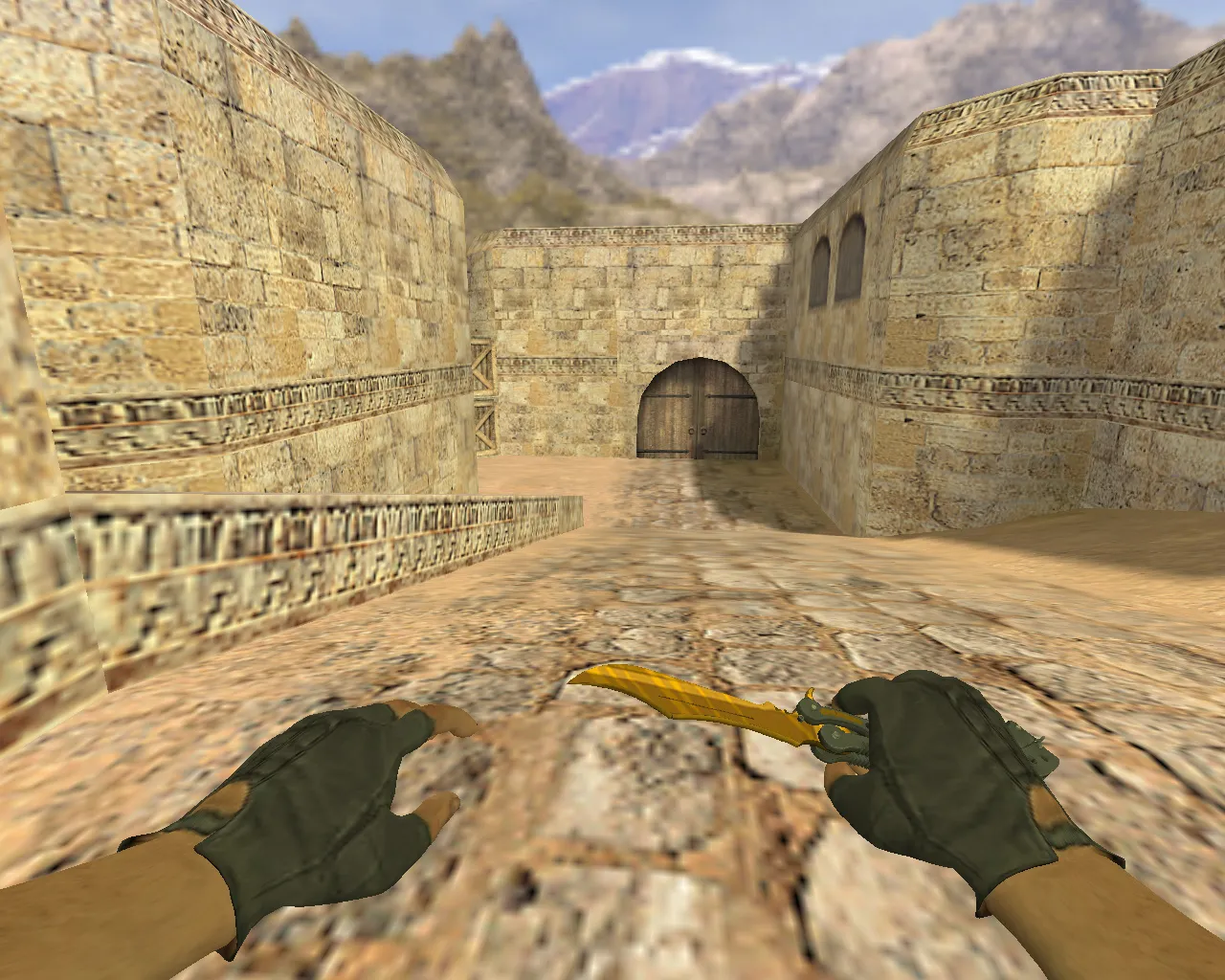
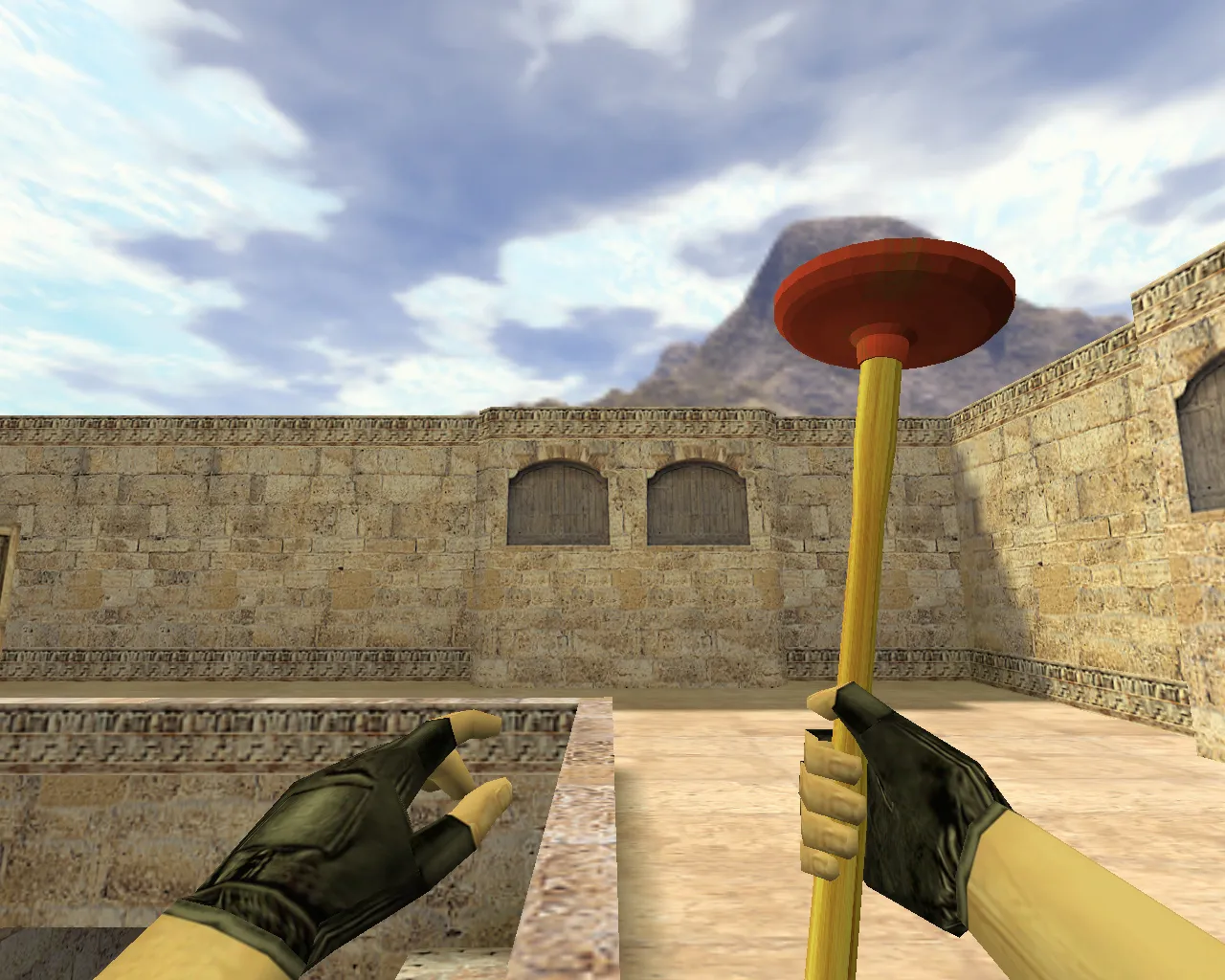
Plunger Knife v_ and p_ Model for CS 1.6: Custom Sounds, Inspect Animation, and HD Textures
Description
Plunger Knife for CS 1.6: v_ / p_ / w_ Models and What's Included
The Plunger Knife introduces a dedicated model set for first-person and world views in CS 1.6. The download usually contains v_ files for the player's perspective, p_ for third-person display, and w_ for the world entity. This distinction matters because the engine swaps these models based on context. For a melee weapon, stable textures and correct materials prevent blurring during motion or glitches when changing weapons.
In use, the knife feels substantial, the kind you'd want equipped constantly. Its distinct plunger silhouette and thematic style make it stand out. However, in CS 1.6 appearance isn't everything; animation behavior is critical. The model requires fluid inspect and draw sequences without stutter or odd pauses. Audio hooks also need verification: footstep timing, swing effects, and draw clicks. When sounds are linked properly, they align with actions seamlessly and don't break gameplay flow.
Textures must remain crisp over the whole surface. A quality model preserves metal edges and handle details even on dim brightness settings. This proves valuable on darker de_ maps or servers with strict lighting configs. Since knives see frequent action, minor defects become obvious quickly.
Where to Install the Knife Model and How to Test It
Before installation, separate the model files and work inside your game directory. The safest method: replace only the necessary items in the models folder without altering other assets. After copying, start CS 1.6 and check three scenarios: knife inspection, switching away and back, and world drop/pickup appearance. If all three run cleanly, the v_, p_, and w_ files are linked correctly.
On servers enforcing file consistency, use models that don't violate rules. Avoid suspicious builds or archives packed with unnecessary extras. For safety, leave your original config.cfg untouched and disable auto-connect features. No malware, no slow-hacks, no advertisements-just the model files and a thorough post-install verification. This guarantees compatibility with both Steam and Non-Steam clients, running on builds such as 4554 or 8610 without problems.
Hitbox alignment matches vanilla behavior, so there are no recoil alterations or visibility exploits. The polygon count is optimized for high-FPS performance, maintaining steady frame rates even during heavy rounds on maps like de_dust2.
Setting Up Inspection View and Restoring FPS
After installation, extra tweaks aren't always required, but verifying visuals helps. If FPS drops, start with fundamentals: clear the cache, review video settings, and confirm no rogue modifications are active. In CS 1.6, a clean config.cfg and balanced network rates often resolve it. Steam or Non-Steam makes no difference-the model functions in default setups without file overrides.
For reliable knife inspection, ensure animations don't clash with your key binds. Non-standard configs can cause mistimed switches. Begin with defaults, then adjust gradually. If inspect sequences feel sluggish, reduce sprite effects or tweak viewmodel fov for clearer sightlines without losing hitbox precision.
This model packs custom inspect loops that cycle cleanly, sourced from wad files without inflating the cache. Texture resolution starts at 512x512 minimum, scaling up to 1024x1024 on compatible setups for sharp edges during rapid swings.
Why the Plunger Knife Works Well on Servers
Knives in CS 1.6 are chosen for fast swaps and how they render in motion. The Plunger suits tactical playstyles focused on control and precision. When the model stays readable without turning into a blur, tracking enemy head hitboxes becomes easier without visual noise. In low-light or smoke-filled areas, clear hand and blade visibility helps time strikes accurately.
Competitive-style servers favor this for its unobtrusive design-no overbright glows or warped geometry that might trigger unfair-play flags. It pairs well with clean configs, avoiding any MasterServer conflicts. Users report reliable performance on public and clan servers, with no desync on weapon drops.
- Includes v_ for first-person view
- Includes p_ for hand model display
- Includes w_ for world model
- Smooth inspect animations without jitter
- Custom sounds sync with actions
- HD textures visible on standard settings
- Optimized polycount for high-fps
- No viruses or extra files-safe install
Install the model carefully, test inspections and switches, and play risk-free. If issues appear, revert to stock files and replace only the essentials. This keeps your setup lightweight and server-ready, improving knifeplay without compromising core gameplay balance on classic maps like de_inferno's tight corridors or de_nuke's vents.
Install in three steps
-
1
Download the archive. Use the button on the right, or the Yandex.Disk mirror if the main server is slow.
-
2
Extract it into the game folder. Use 7-Zip or WinRAR. A path without non-Latin characters works best.
-
3
Launch the game. If something doesn't work, mark it below - that is how we know the file needs an update.
Did it work for you?
No sign-up needed. You can pick more than one.