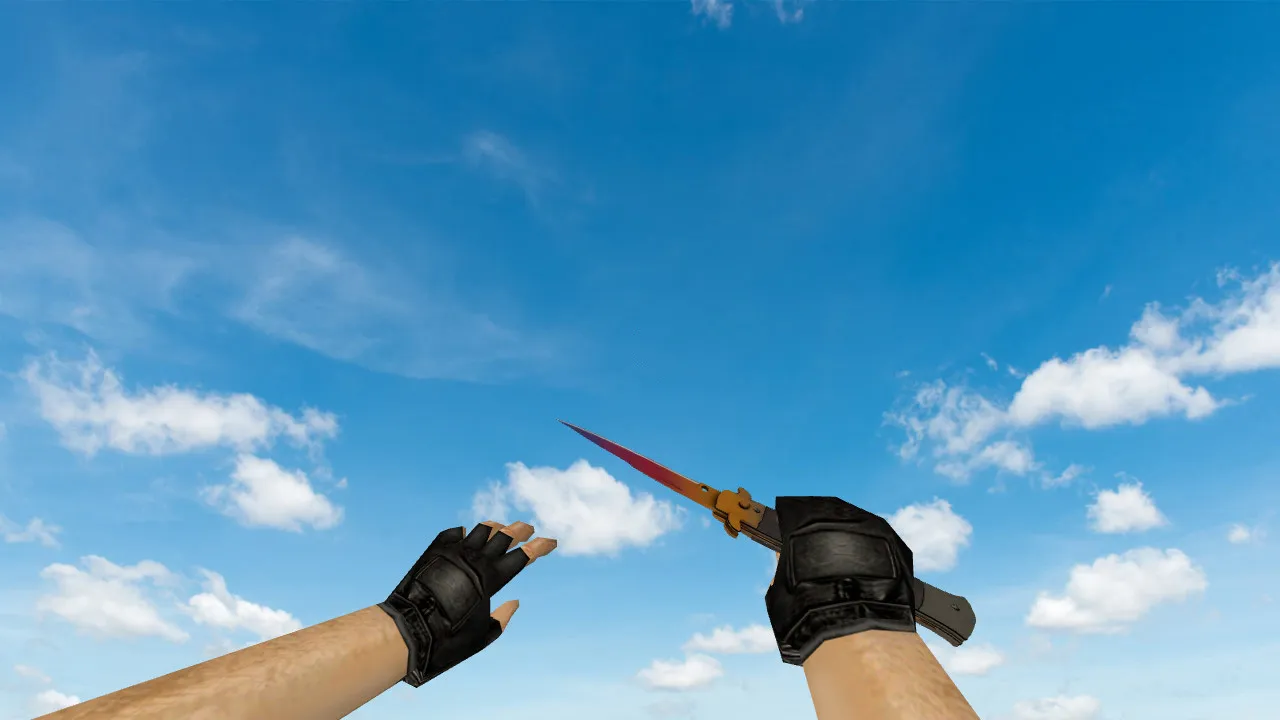
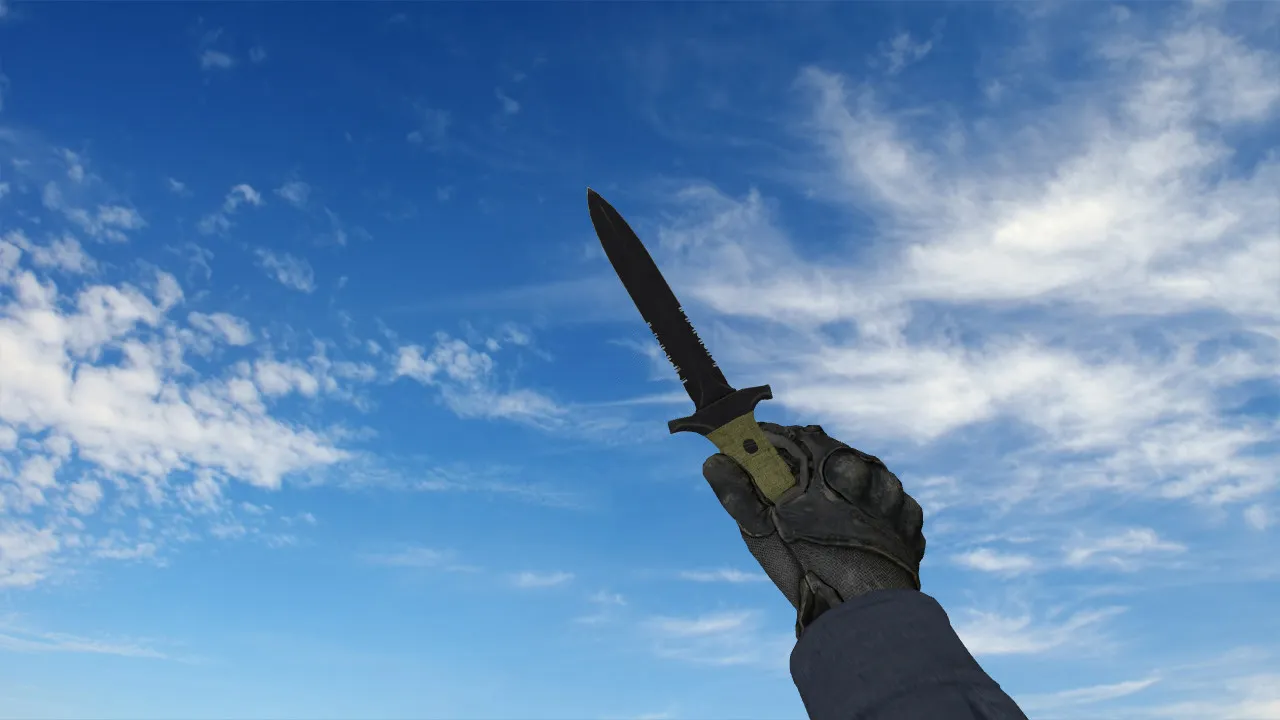
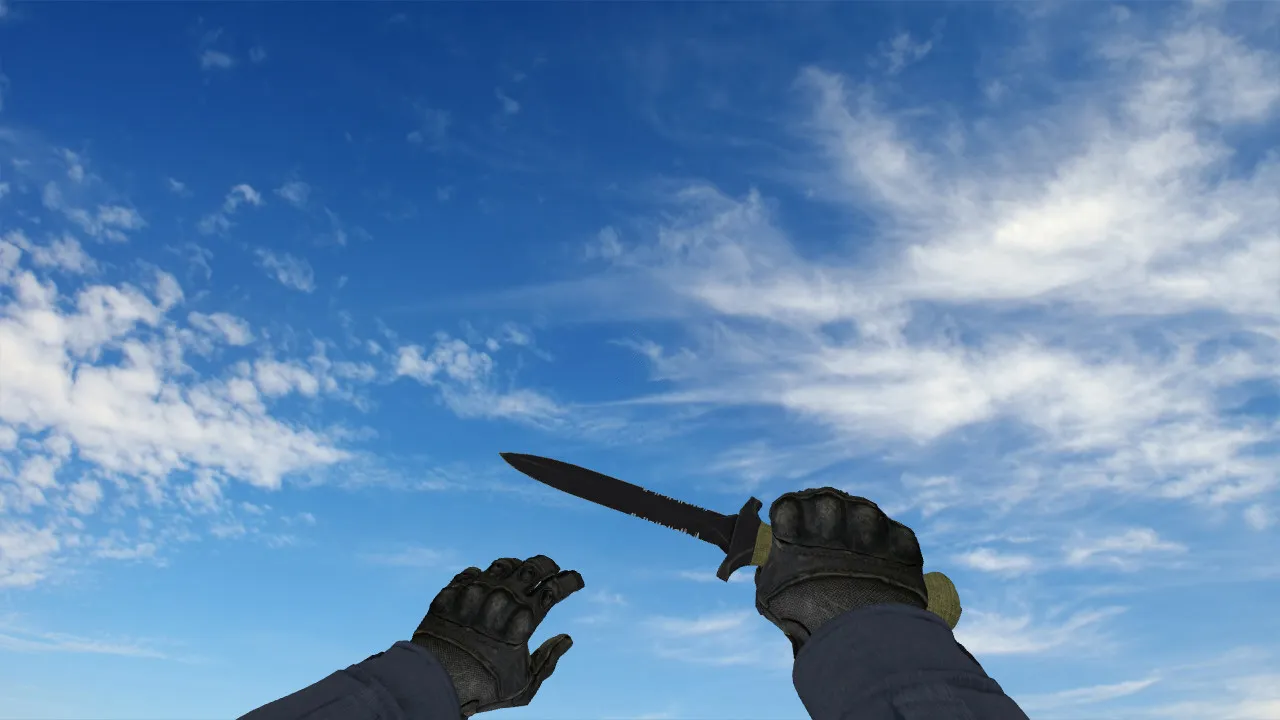
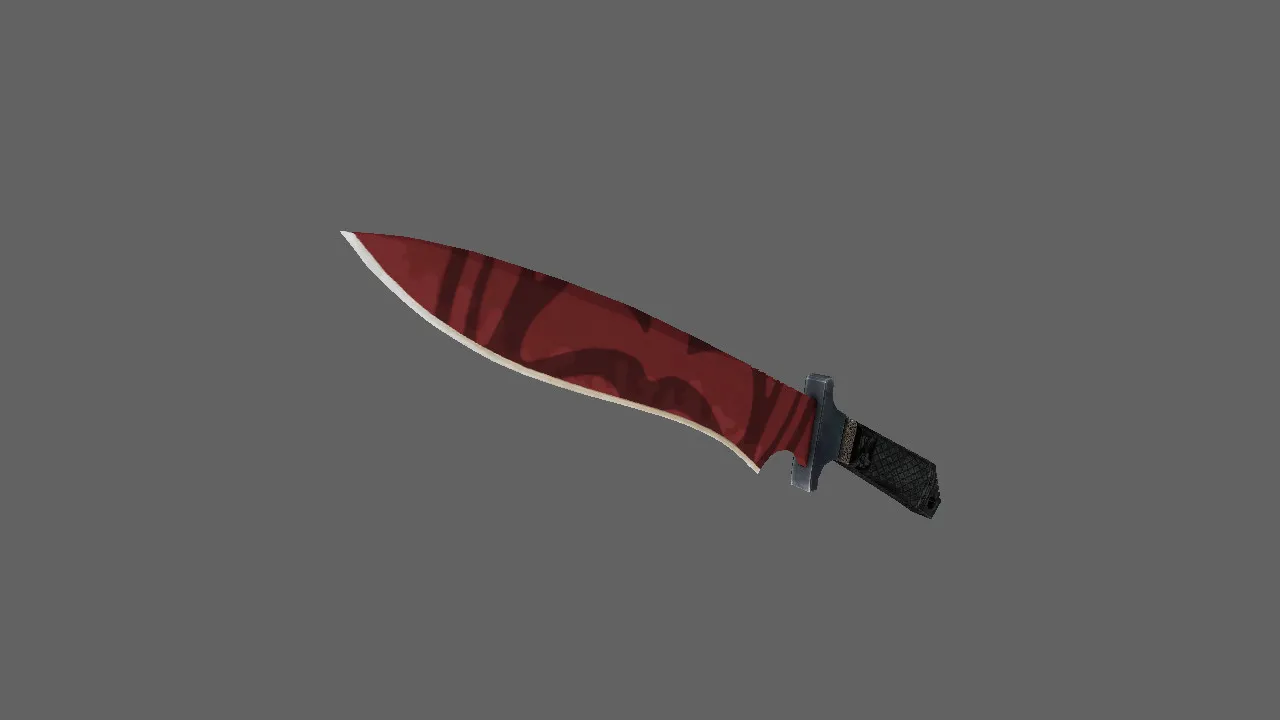
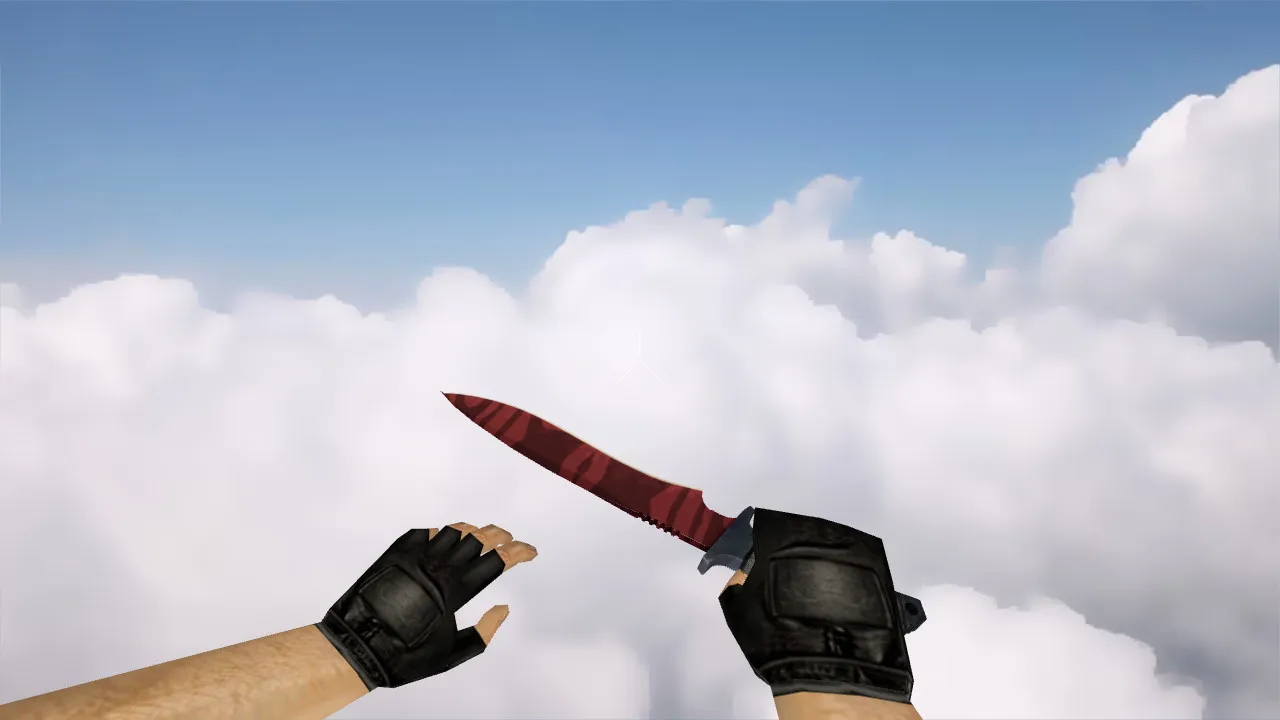
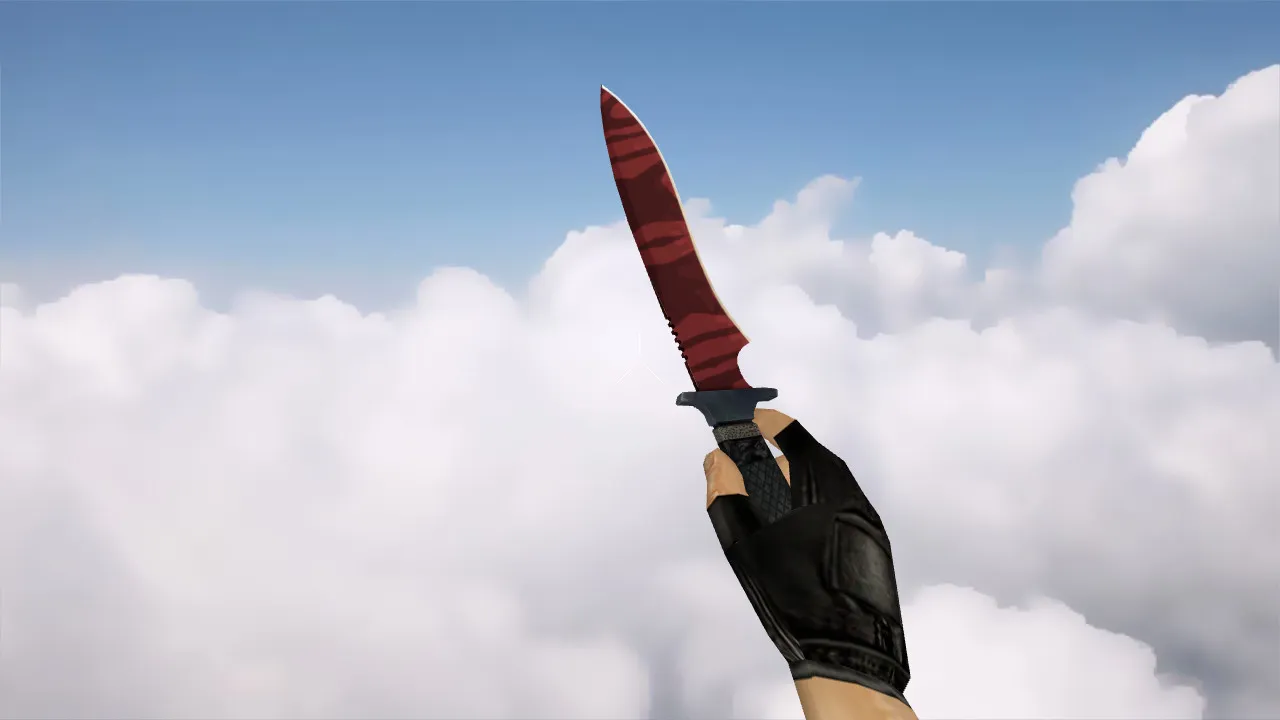
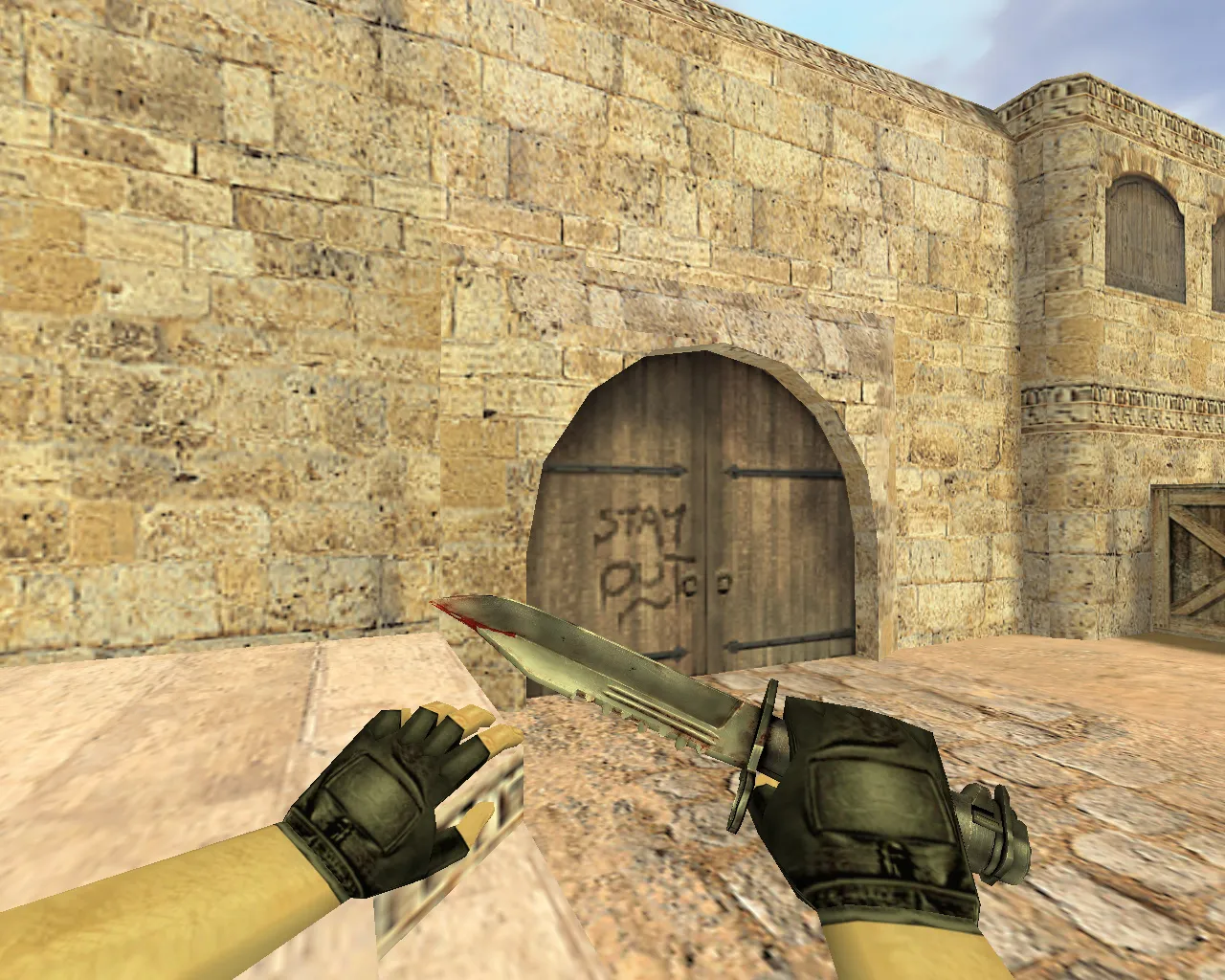
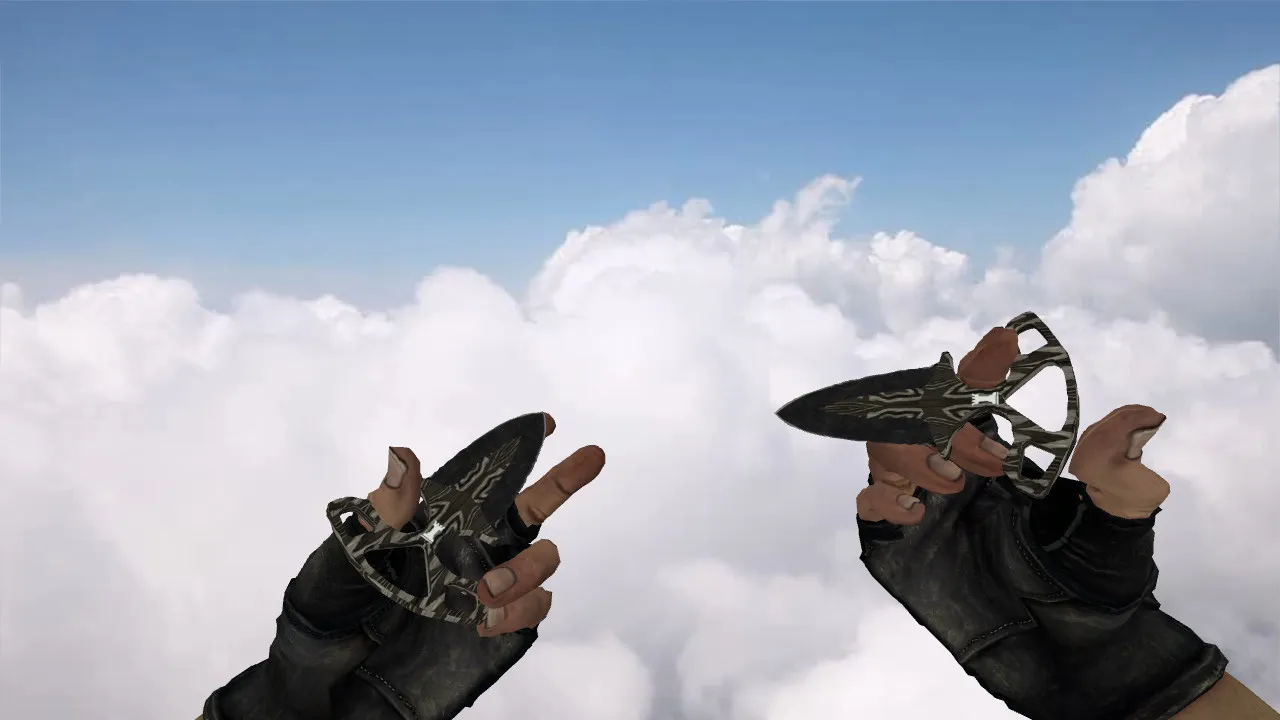
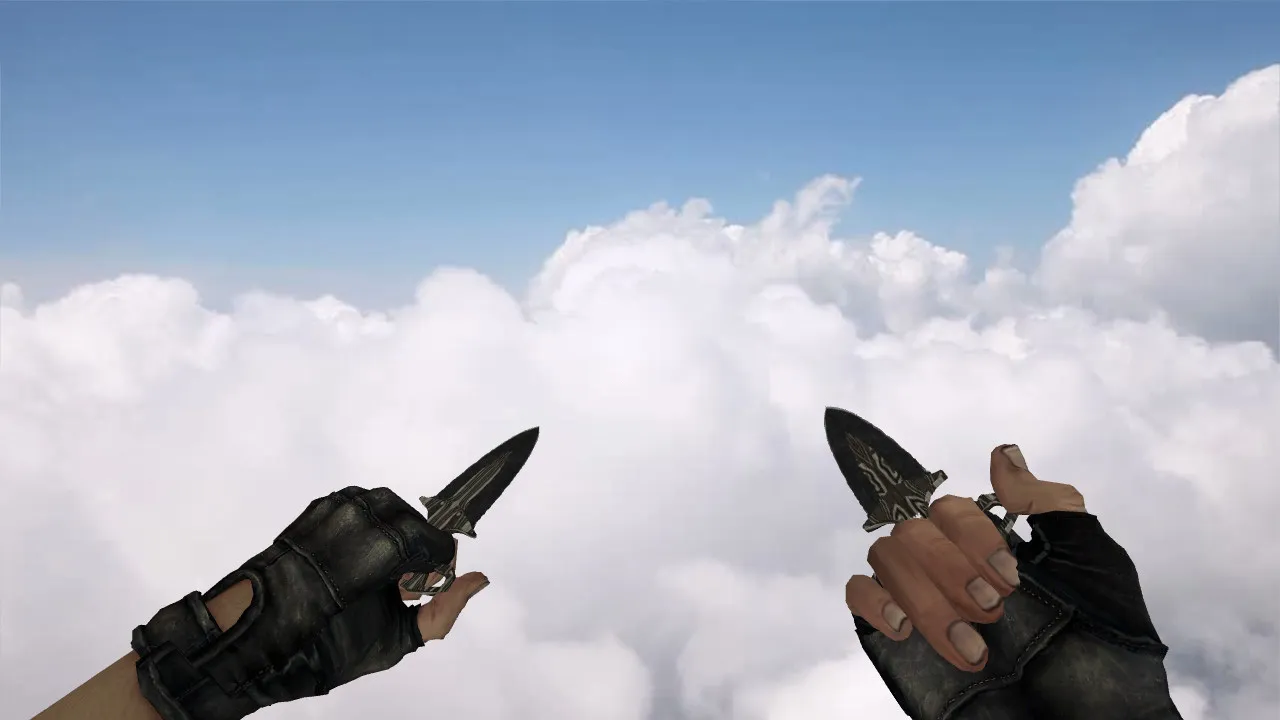
Tiger's Tooth Butterfly Knife Model for CS 1.6: v_knife, p_knife, w_knife with Inspect Animations, Sounds, and HD Textures
Description
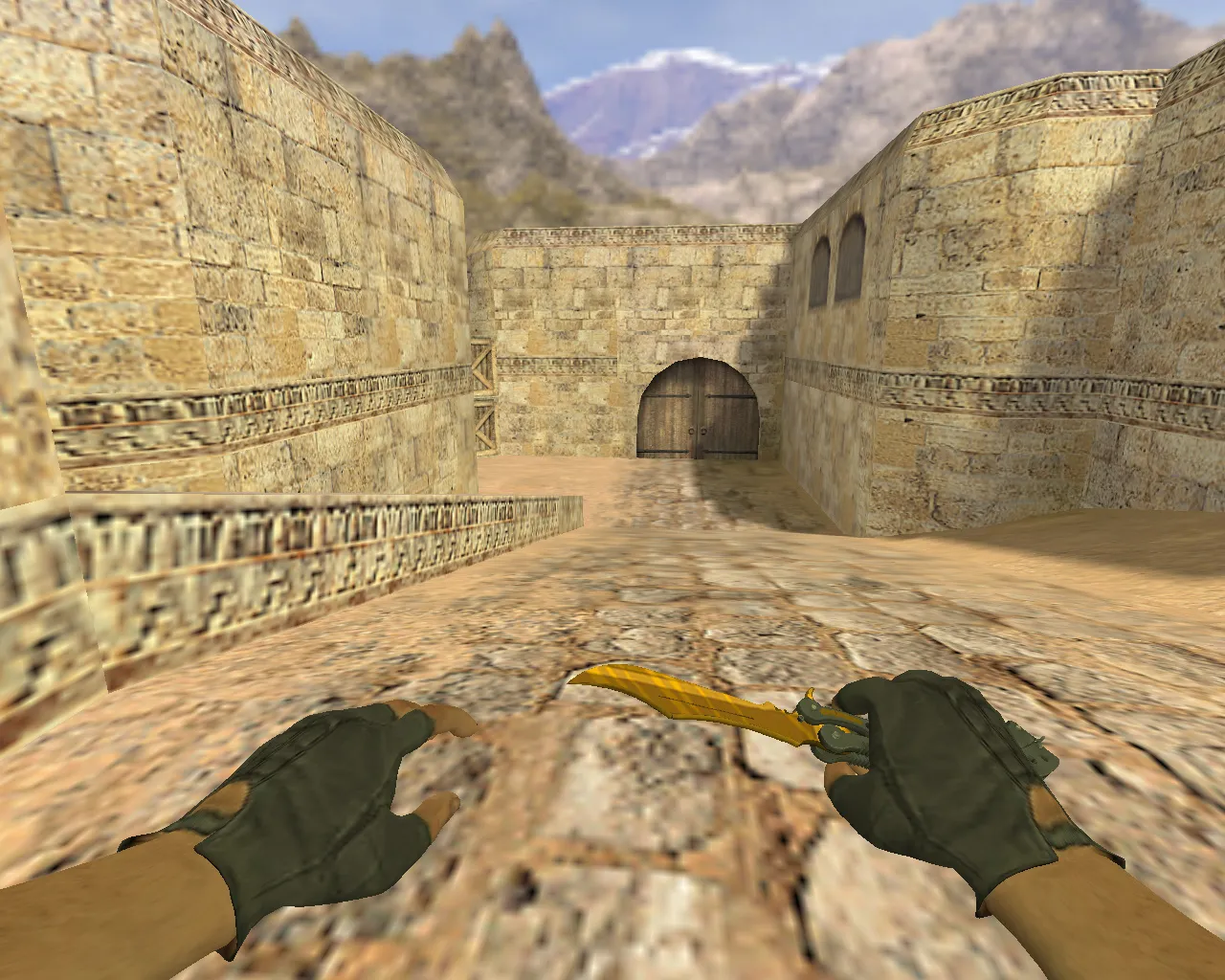
Tiger's Tooth Butterfly Knife for CS 1.6: v_knife, p_knife, w_knife Models
This Tiger's Tooth Butterfly Knife model suits Counter-Strike 1.6 setups for players holding angles, pushing spawns, and requiring distinct weapon visuals. The package supplies standard v_knife, p_knife, and w_knife files so the blade renders correctly in first-person, third-person, and world views. These models integrate smoothly without interrupting gameplay flow.
Performance takes precedence. Inspect animations rely on default sequences to prevent timing issues or stutter when switching weapons. Knife audio blends in cleanly, preserving the audibility of footsteps and weapon swaps without masking gunfire. Textures retain detail at close range and remain crisp in dark map areas, helping visibility during close-quarters combat.
Hitbox Alignment and Skin Distinction
In CS 1.6, butterfly knives are notable for more than aesthetics. Close-range accuracy is vital in knife fights, so the geometry matches core mechanics for reliable hit registration. Clicks correspond to visual positioning, cutting down misses in tight spaces. The Tiger's Tooth finish provides high-contrast patterns that stand out against stock knives, even during frantic rounds.
For mixed matches or server style changes, this knife fits as a dependable default. It avoids conflicts with glove models and keeps hand positioning stable. The result is clear readability when checking the blade before a rush or mid-round adjustment. A low polygon count keeps it lightweight, supporting high-FPS sessions without lag spikes.
Safe Installation Guide
Install cleanly without config problems or folder mess. No auto-connects, malware, slow-hacks, advertisements, or questionable packs are involved. Follow these steps for a proper setup:
- Back up your game directory for an easy rollback.
- Open the models folder and note any existing v_knife, p_knife, w_knife files.
- Swap the knife files as labeled for CS 1.6 compatibility.
- Leave config.cfg untouched; no extra binds or tweaks are required.
- Start the game and verify the display in hands and world view while idle.
On servers enforcing file checks or restrictions, use only rule-approved clients. This prevents mod conflicts or anti-cheat alerts. Keep standard settings for stable play across both Steam and non-Steam versions.
Optimization Settings for Smooth Play
After installation, adjust the client for better FPS and responsiveness. Set ex_interp 0.01 for fluidity. Raise rates to 100k if the server permits, ensuring packet stability. Avoid alias changes unless necessary. Focus FPS gains on graphics and weapon animation tweaks only.
Test knife behavior on switches and inspects. Watch for delays or frame drops; if they appear, check hardware and client updates. With correct setup, the Tiger's Tooth Butterfly Knife runs smoothly, improving knife-range decisions without interference. On ESL-style servers, it shines in low-light zones like de_dust2 tunnels, where contrast helps spot enemies early.
Final Notes
The Tiger's Tooth Butterfly Knife for CS 1.6 delivers style with function through v_knife, p_knife, and w_knife bases, inspect animations, balanced sounds, and precise textures. It improves round visibility and preserves hitbox accuracy in knife-critical moments, making it ideal for aggressive playstyles on classic maps.
Install in three steps
-
1
Download the archive. Use the button on the right, or the Yandex.Disk mirror if the main server is slow.
-
2
Extract it into the game folder. Use 7-Zip or WinRAR. A path without non-Latin characters works best.
-
3
Launch the game. If something doesn't work, mark it below - that is how we know the file needs an update.
Did it work for you?
No sign-up needed. You can pick more than one.