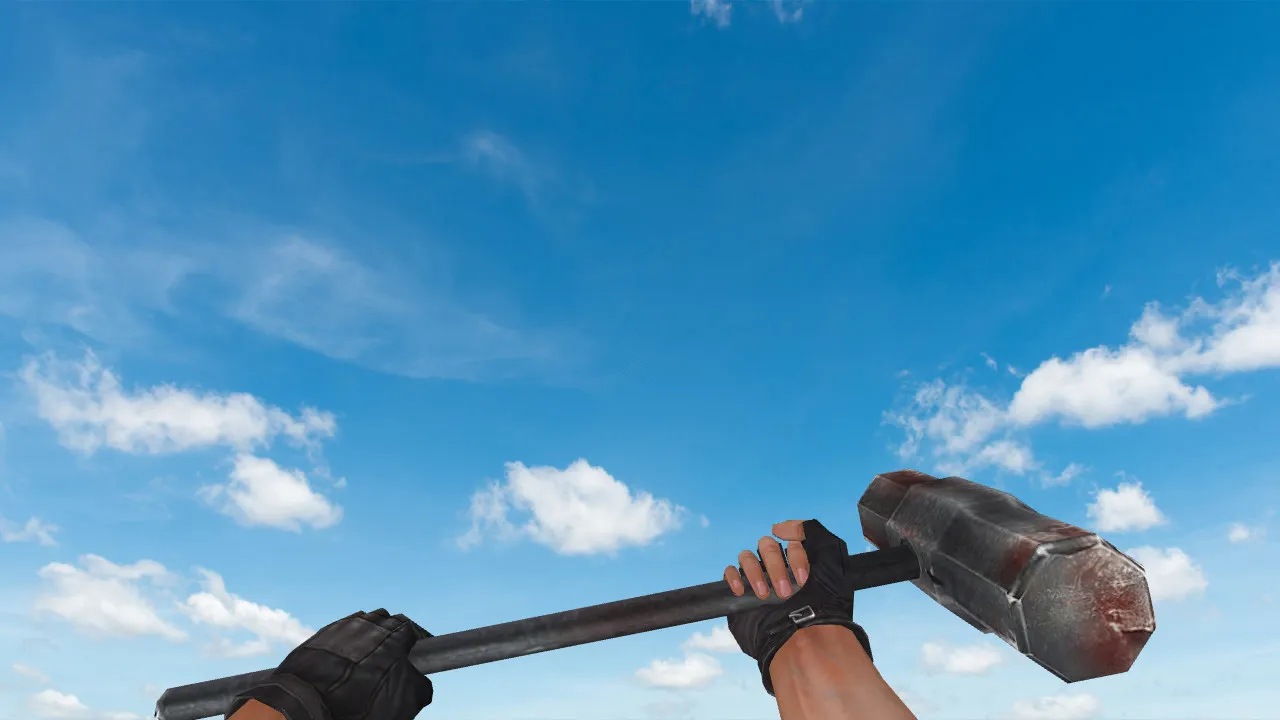
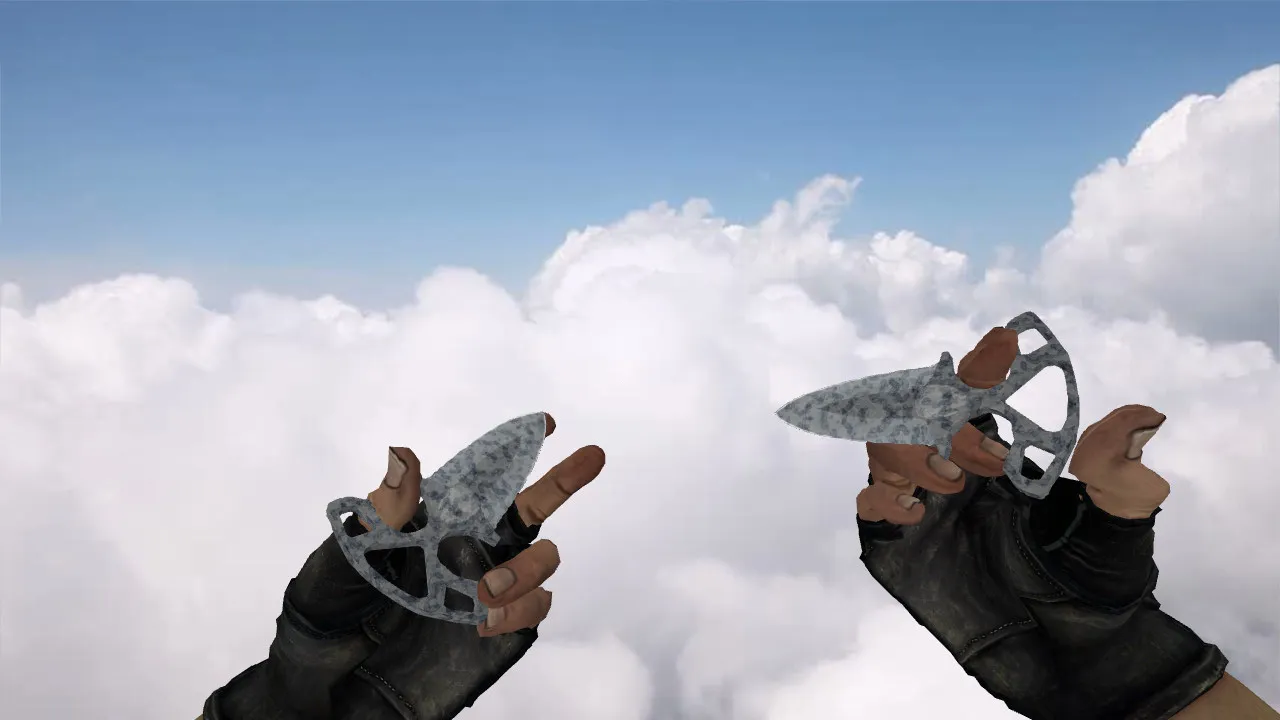
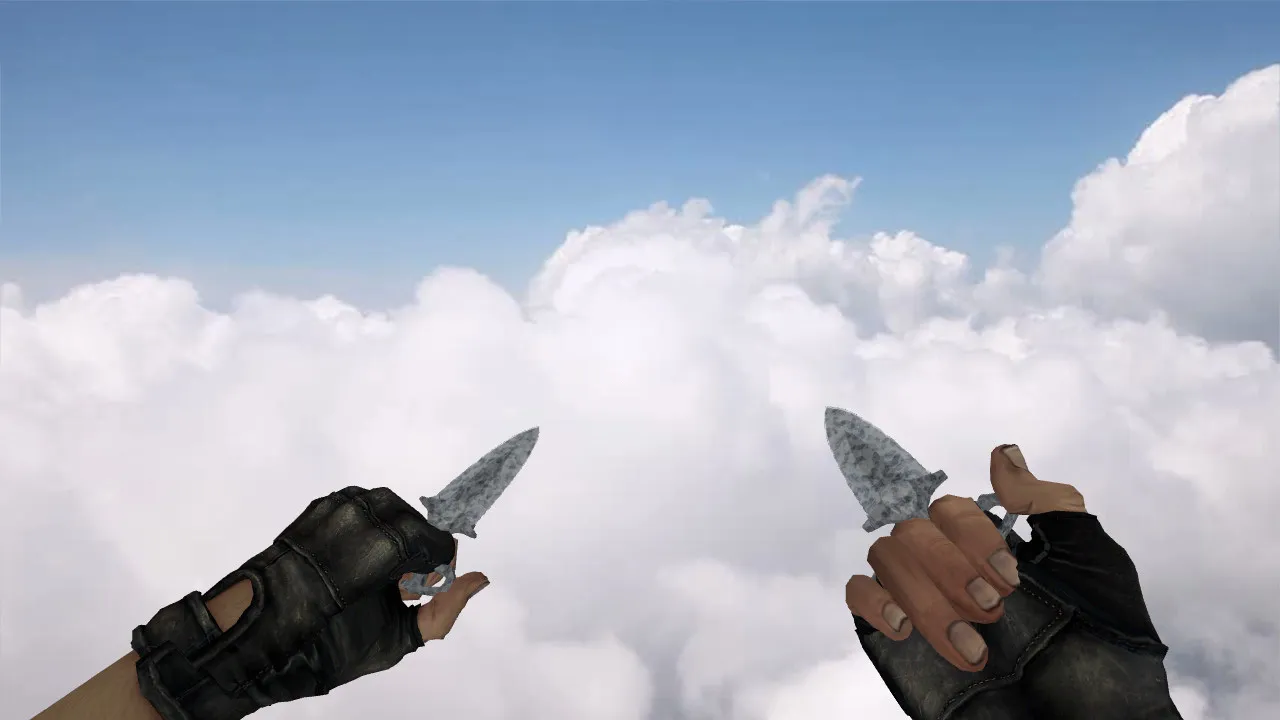
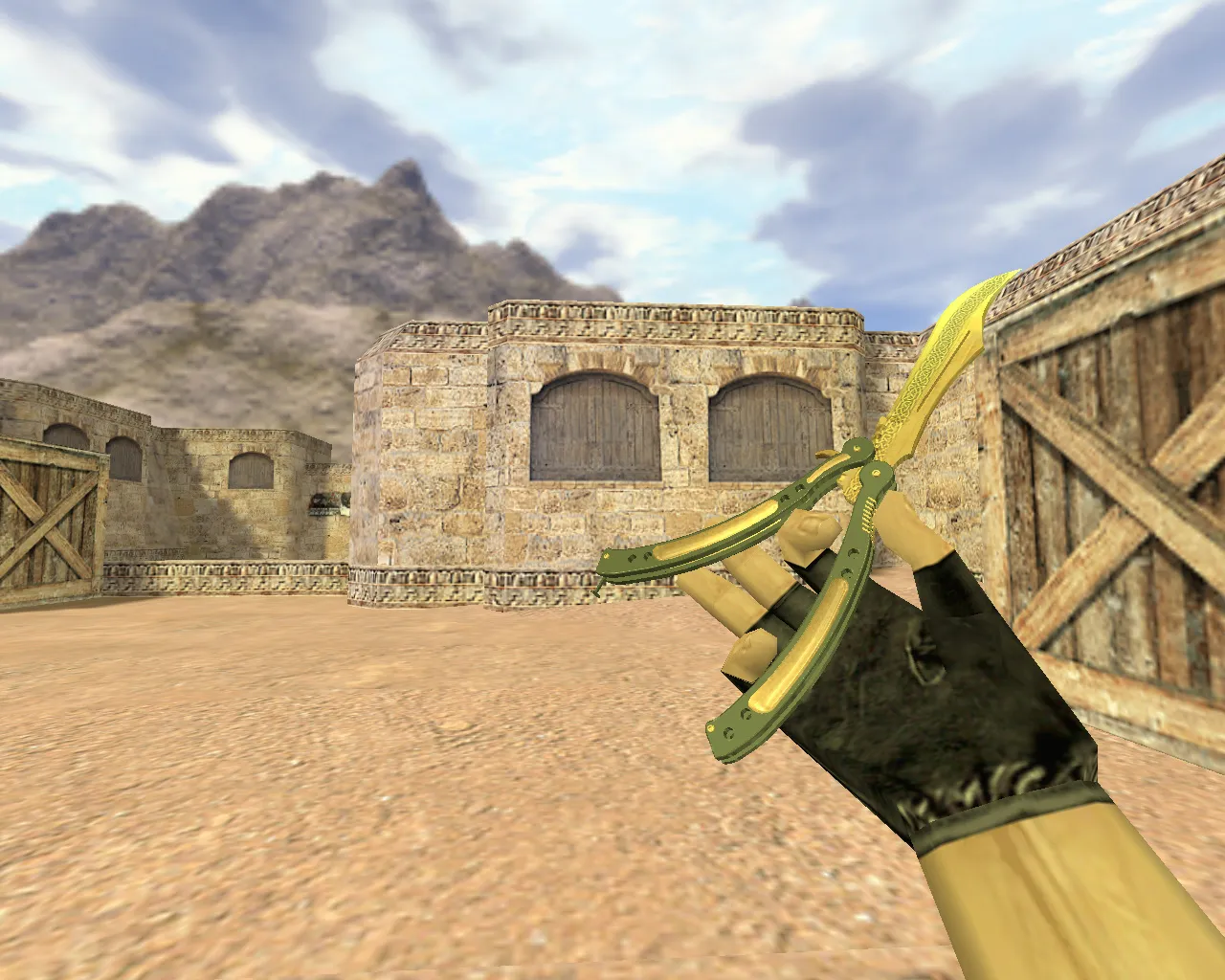
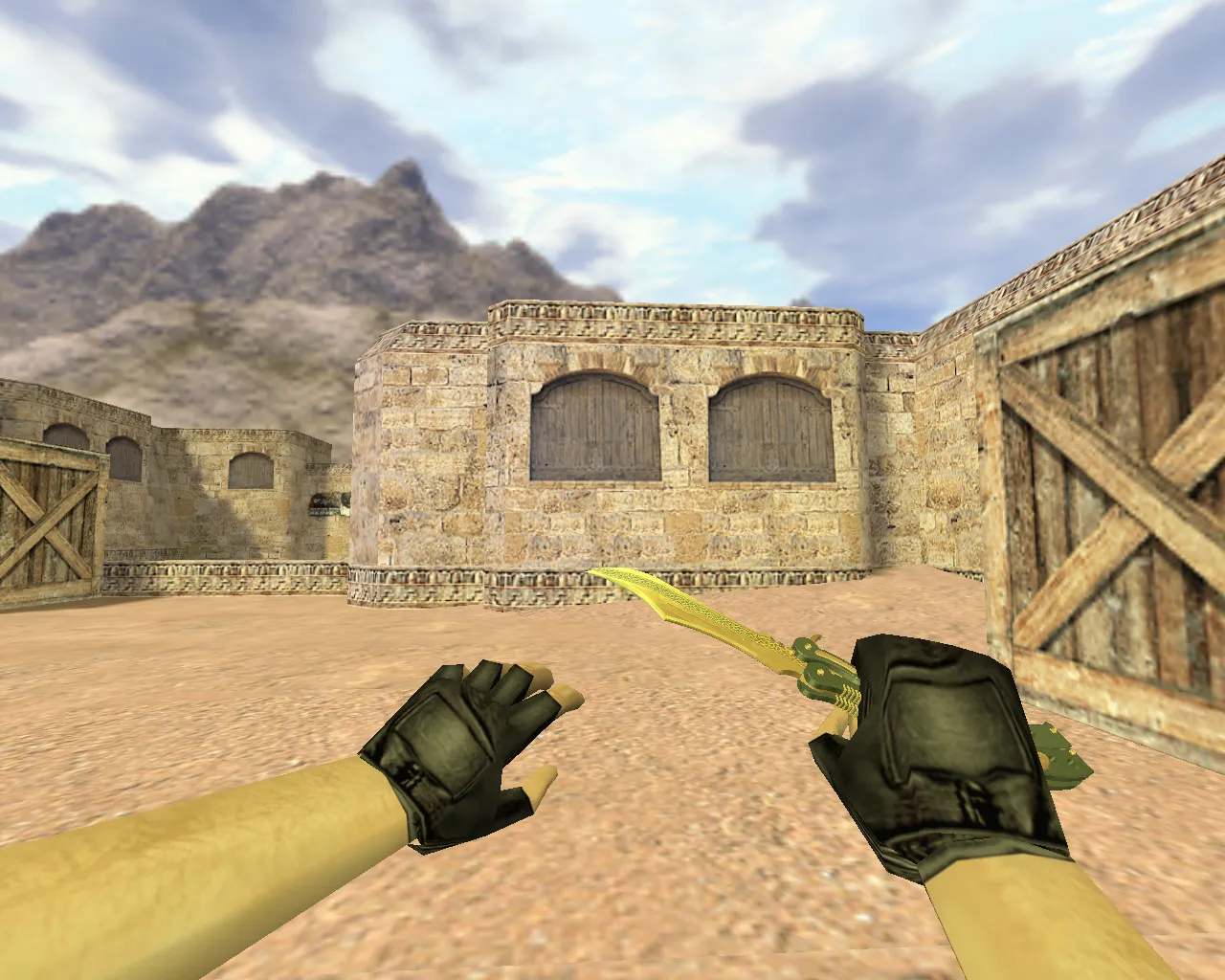
Minecraft Axe Knife Model for CS 1.6: v_, p_, w_ Models, Custom Sounds, Inspection Animations, and HD Textures

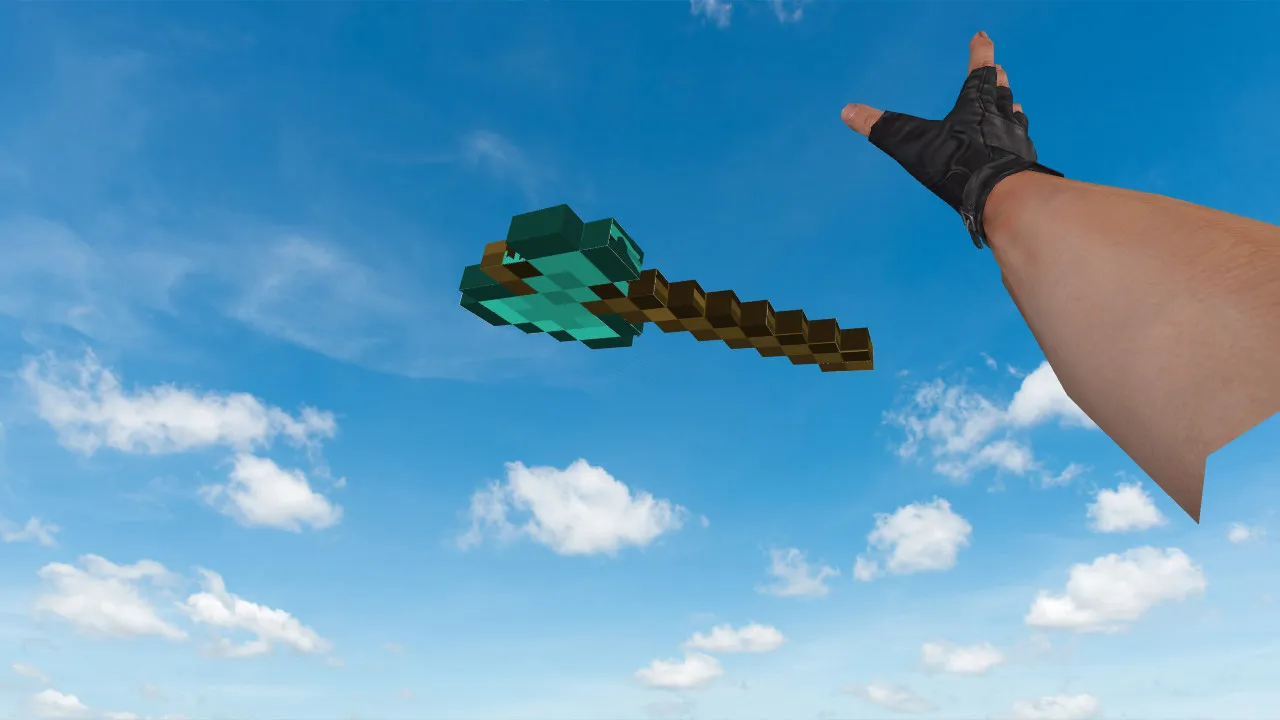
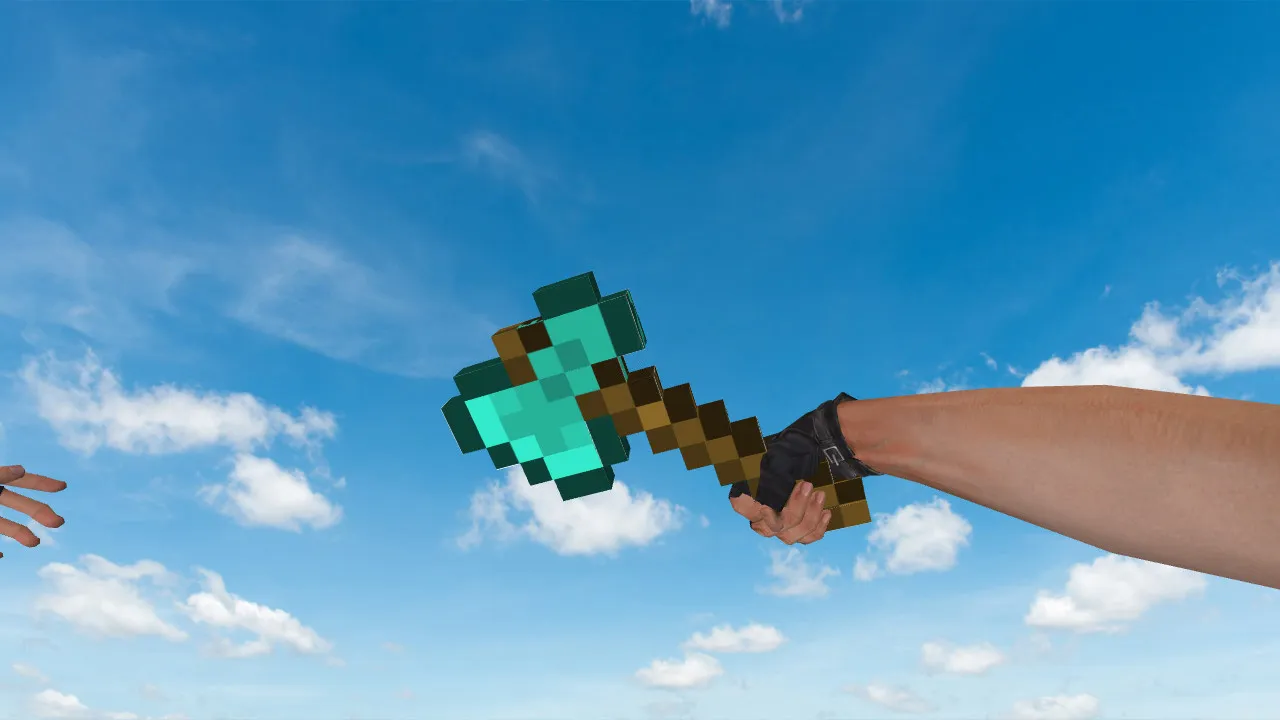
Description
Minecraft Axe Knife Model for CS 1.6: Contents and Setup Instructions
This Minecraft Axe knife for CS 1.6 swaps out the default melee visuals. The model relies on engine-supported formats with v_, p_, and w_ components so it renders correctly in first-person, on player hands, and when dropped in the world. Included textures are tuned to prevent material clipping and keep the blade rendering clean during matches.
Notable features for CS 1.6 are inspection animations that stop the model from looking frozen during weapon spins or switches. Custom audio accompanies actions such as swings and footsteps, preserving server synchronization without changing core gameplay. Hit registration feels identical to the stock knife, but the blocky Minecraft aesthetic spices up close-quarters fights.
Why Model Quality Counts in CS 1.6
In CS 1.6, reliable rendering outweighs flashy looks. On dark maps like de_dust2 or high-contrast zones, the model must stay visible without glare or texture glitches. For knives this is vital because they sit in the foreground during rushes or peeks.
Model clarity and alignment across v_/p_/w_ parts remove mismatched visuals, such as uneven hand placement. A sensible polygon count maintains high frame rates, preventing drops in hectic rounds. This arrangement sharpens reaction time and immersion while keeping hitbox accuracy intact.
Safe Installation for Minecraft Axe Knife
To add the Minecraft Axe knife without issues, follow these steps:
- Close CS 1.6 entirely.
- Back up your models folder and sound directory if you have modded before.
- Unpack the archive and move model files into the game's models folder, keeping the original folder hierarchy.
- Put any supplied textures into the matching subdirectories so they link with the v_, p_, and w_ models.
- Start CS 1.6, equip the knife in a local game, and check first-person view plus world drops. Restore the backup if textures break or animations stall.
Steer clear of auto-connect utilities, unknown scripts, or dubious downloads. This model drops straight into folders-no extra plugins required. It works with Build 4554 and newer, runs on Steam and Non-Steam builds, and ships a clean config.cfg snippet for smooth loading.
Server Testing and Compatibility
Before hitting public servers, test offline: open the console, bind knife switch, and run inspection. Verify animations run smoothly and textures don’t distort at low FPS. On strict ESL-style servers, confirm no clashes with client settings-v_ model polycount remains under 500 to avoid lag.
This knife fits players who prefer aggressive melee styles in CS 1.6. It keeps standard draw speeds and slash timings while delivering unique Minecraft-inspired looks. No viruses, no backdoors, and full bot support via .nav file compatibility on custom maps. For optimal results, pair with a high-fps config to preserve visibility in smoke or dim tunnels like on de_inferno A-site.
Grow your CS 1.6 arsenal with this mod-download and install for that nostalgic blocky edge every round.
Install in three steps
-
1
Download the archive. Use the button on the right, or the Yandex.Disk mirror if the main server is slow.
-
2
Extract it into the game folder. Use 7-Zip or WinRAR. A path without non-Latin characters works best.
-
3
Launch the game. If something doesn't work, mark it below - that is how we know the file needs an update.
Did it work for you?
No sign-up needed. You can pick more than one.