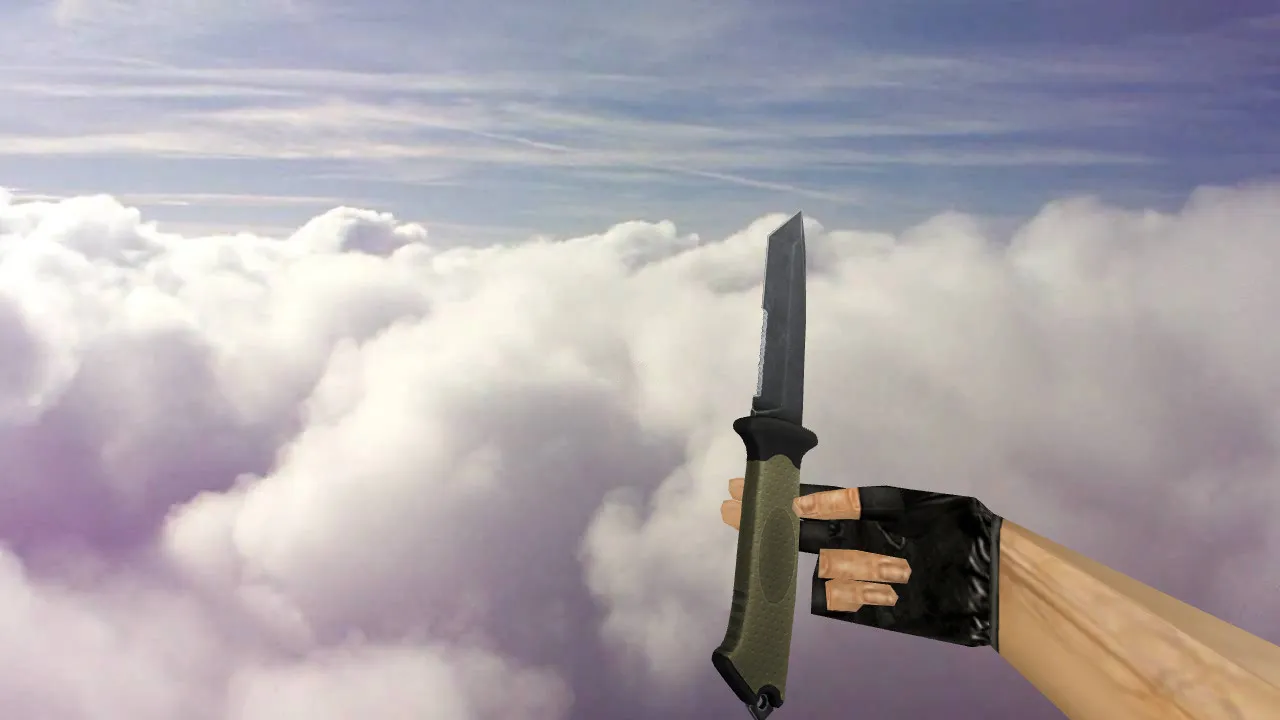
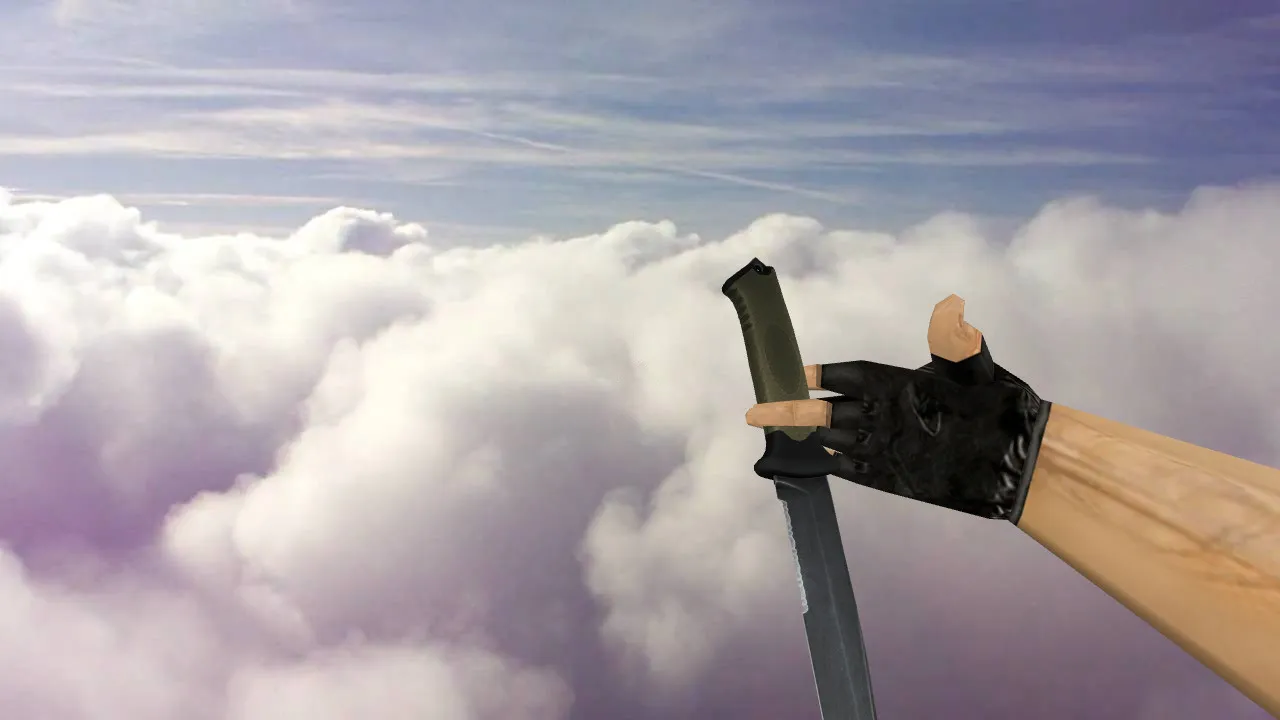
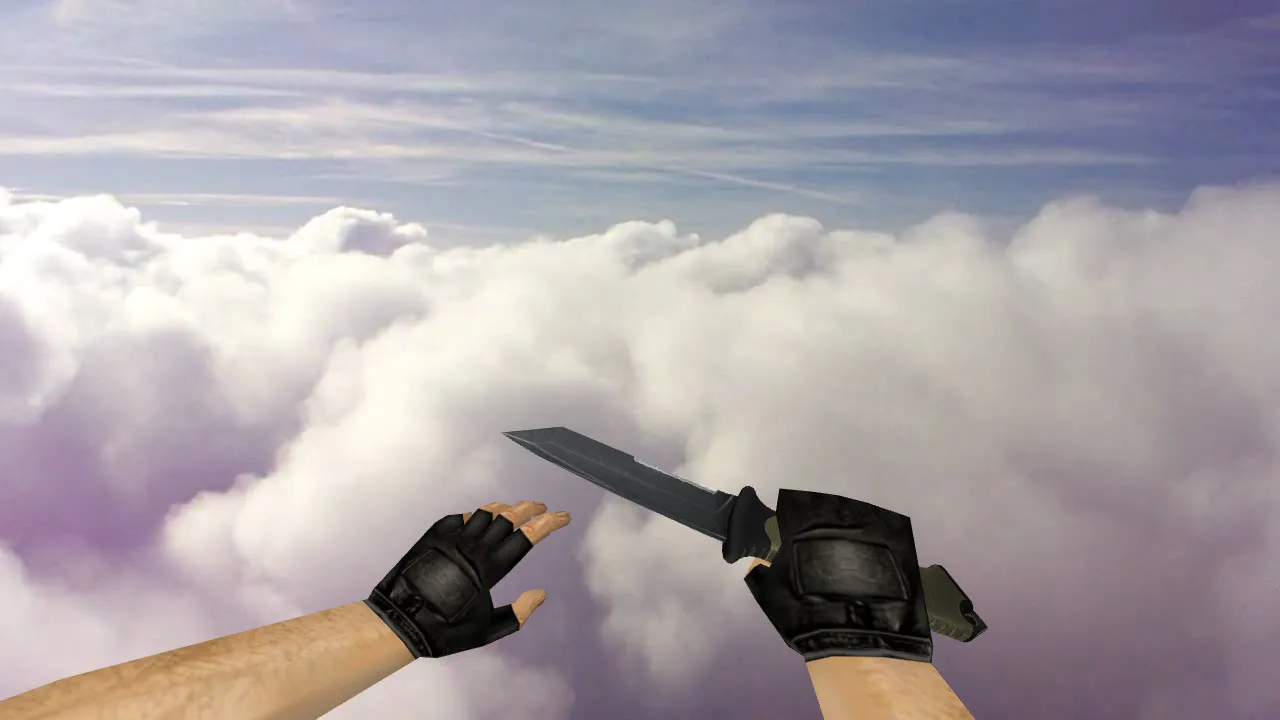
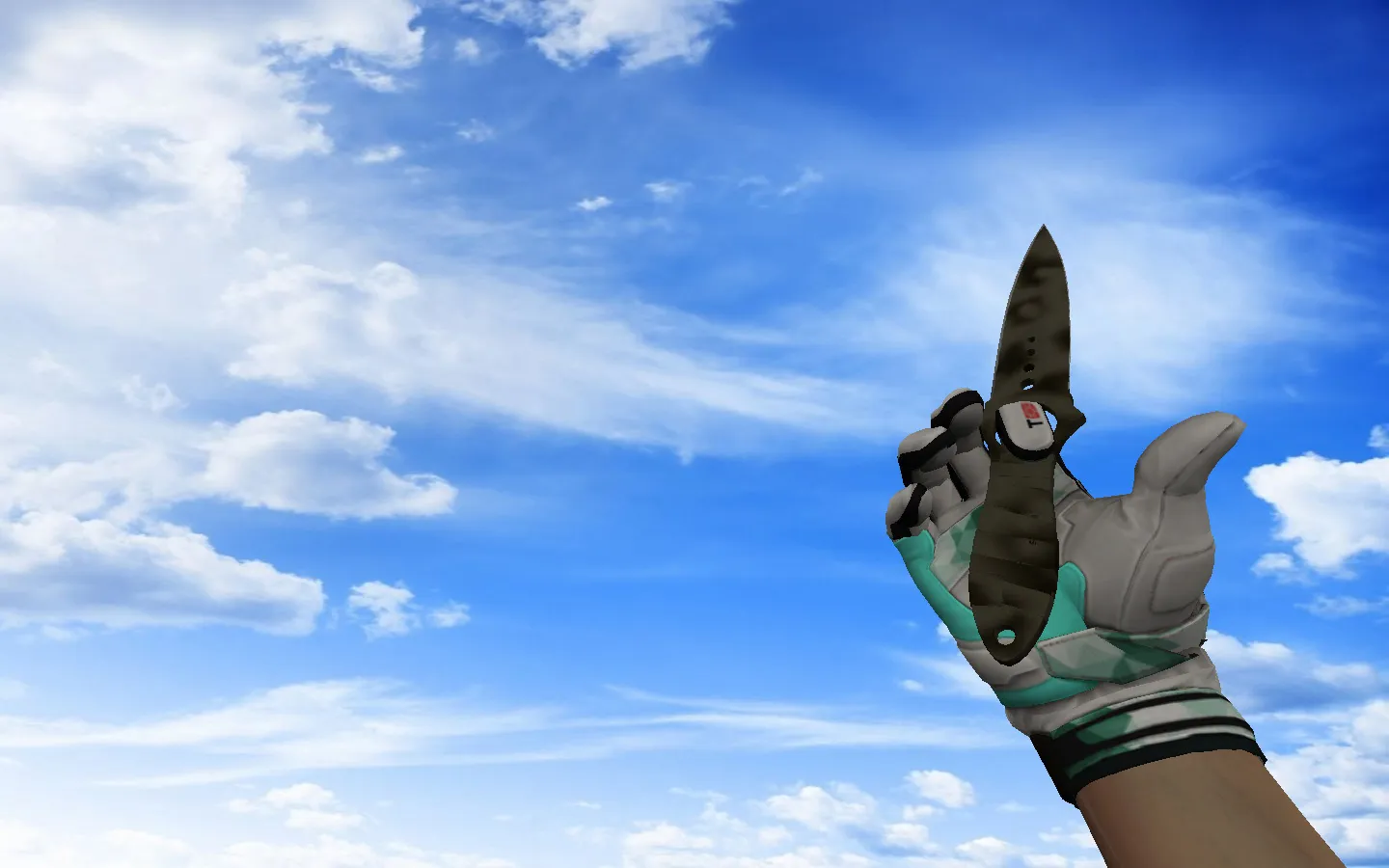
Patina Stab Knives v_ w_ p_ Model for CS 1.6: Custom Sounds, Inspection Animations, HD Textures, and Setup Guide
Description
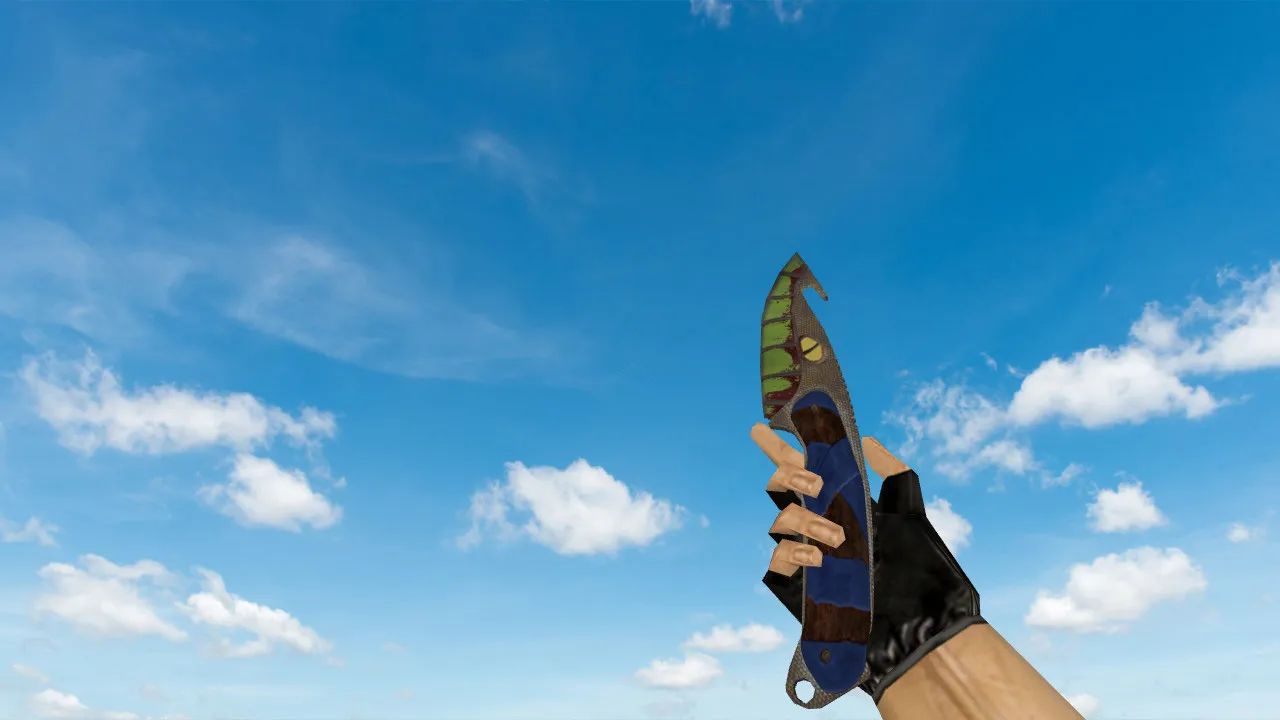
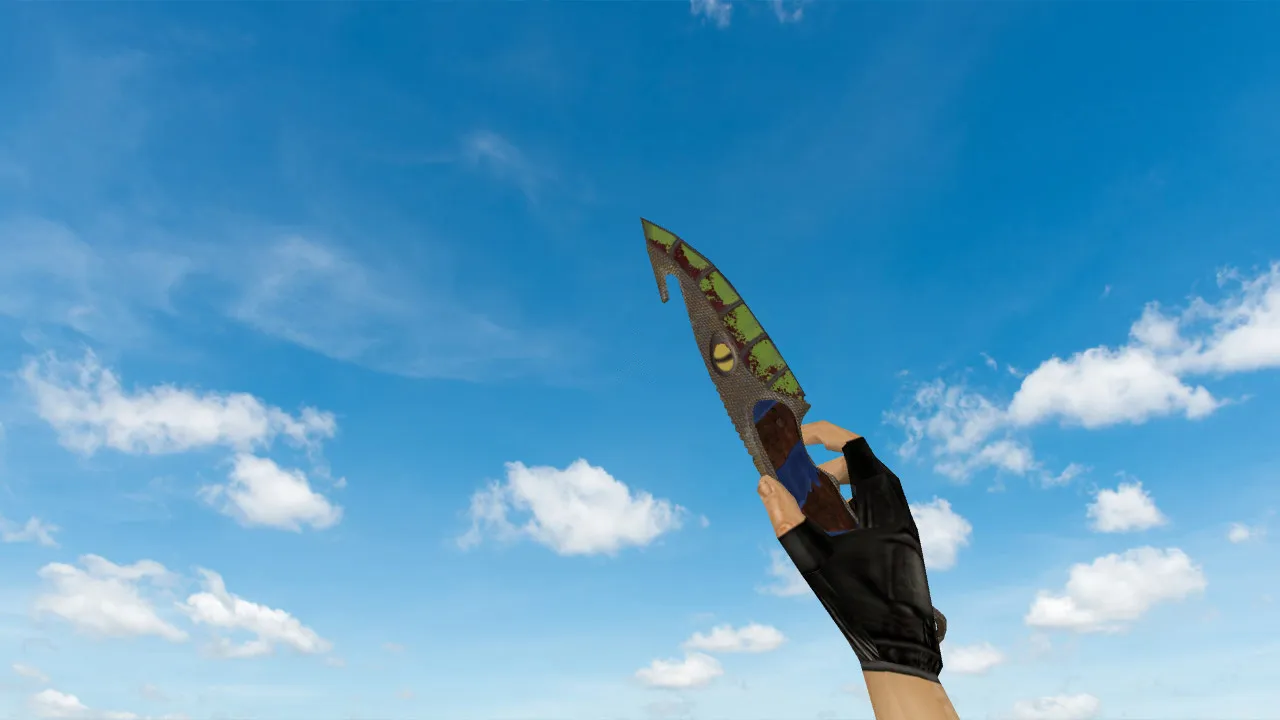
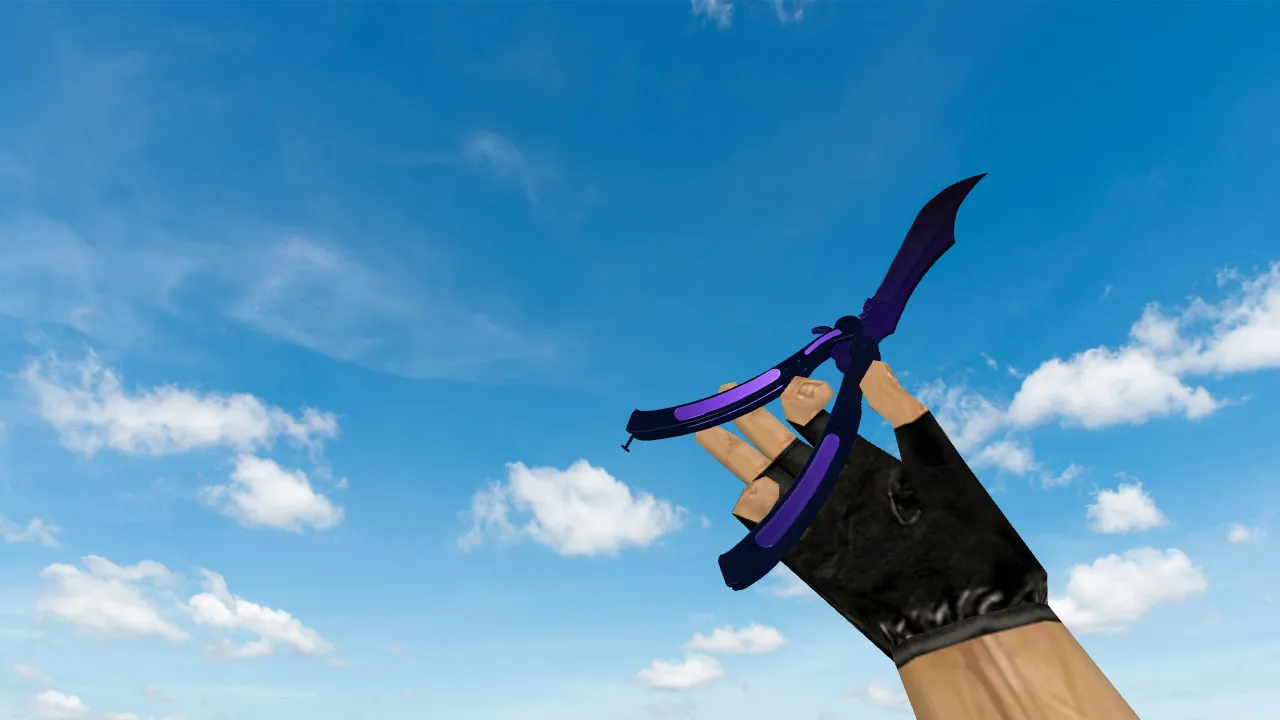
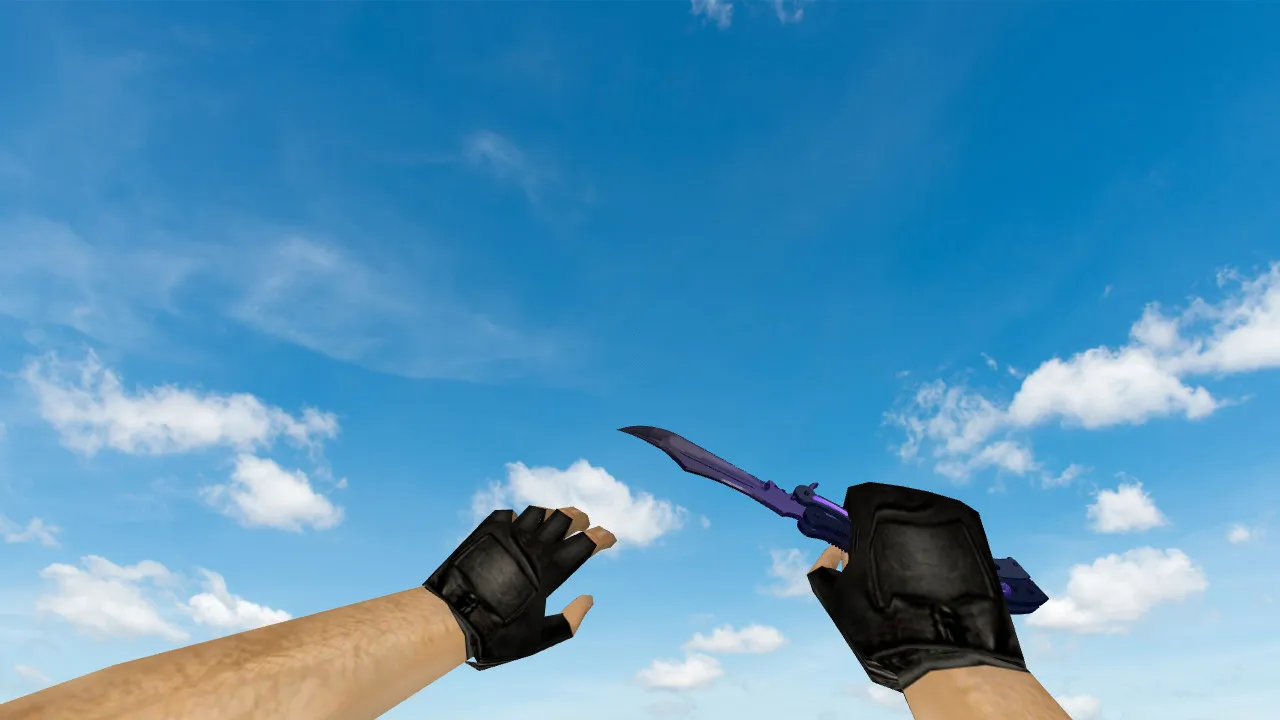
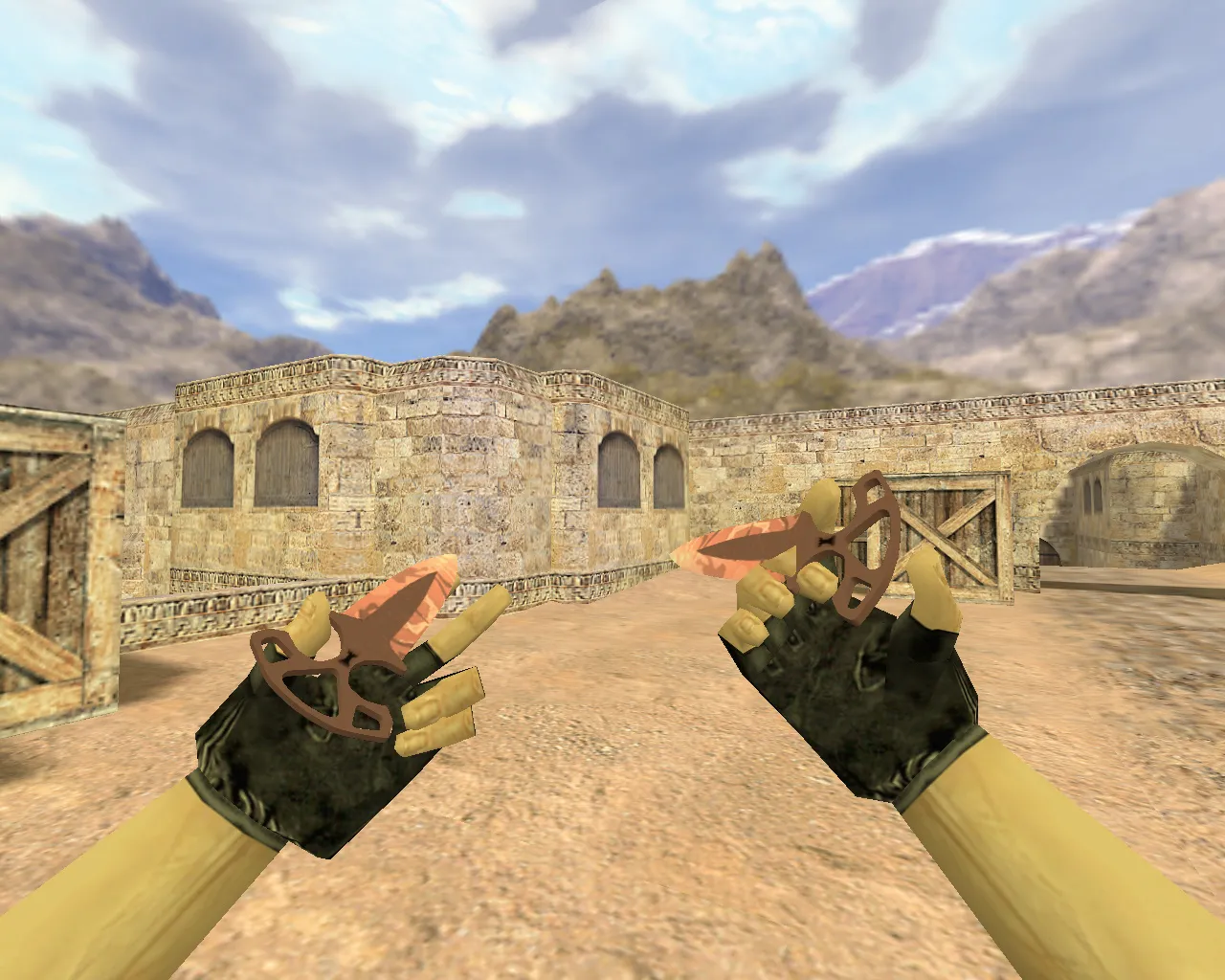
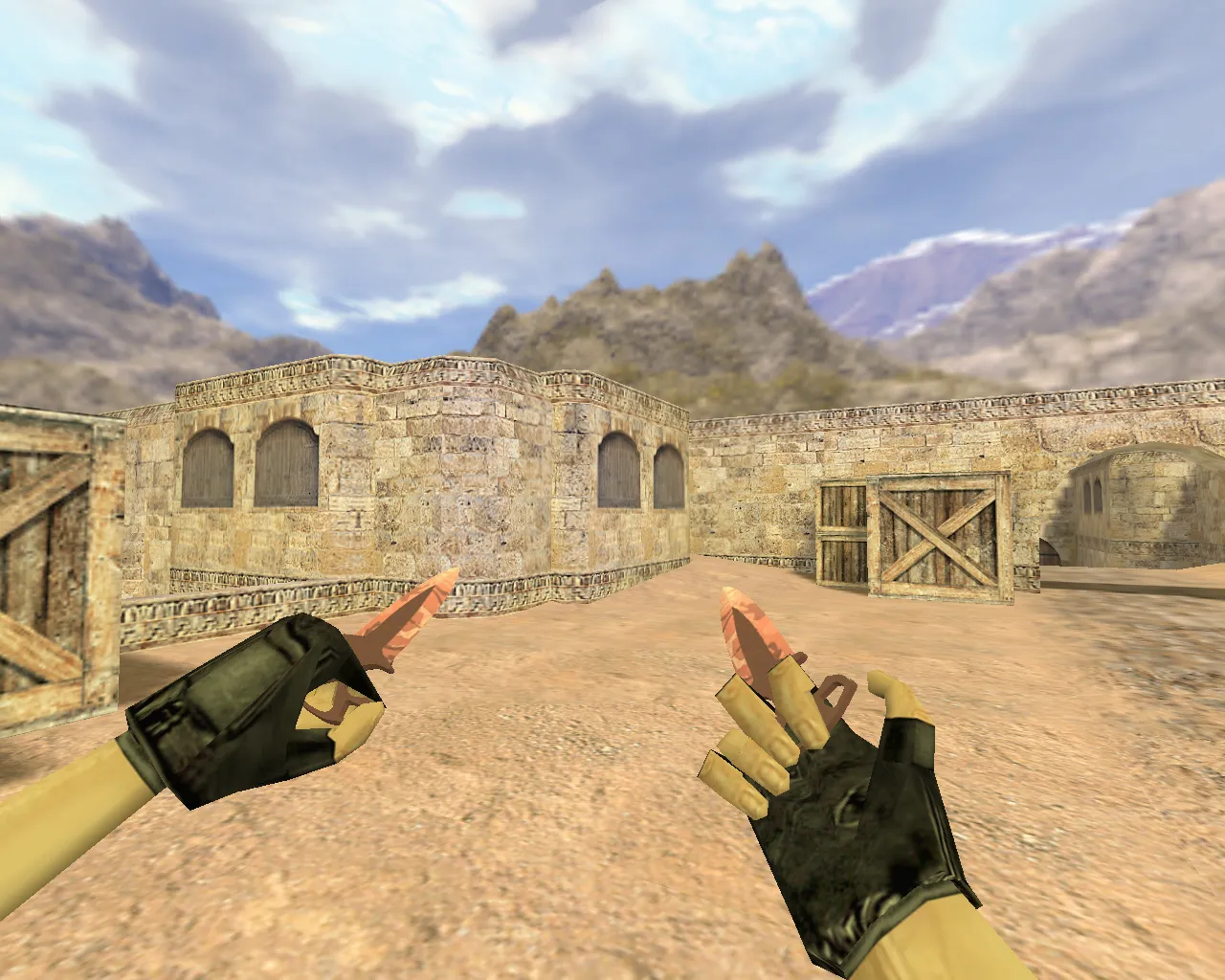
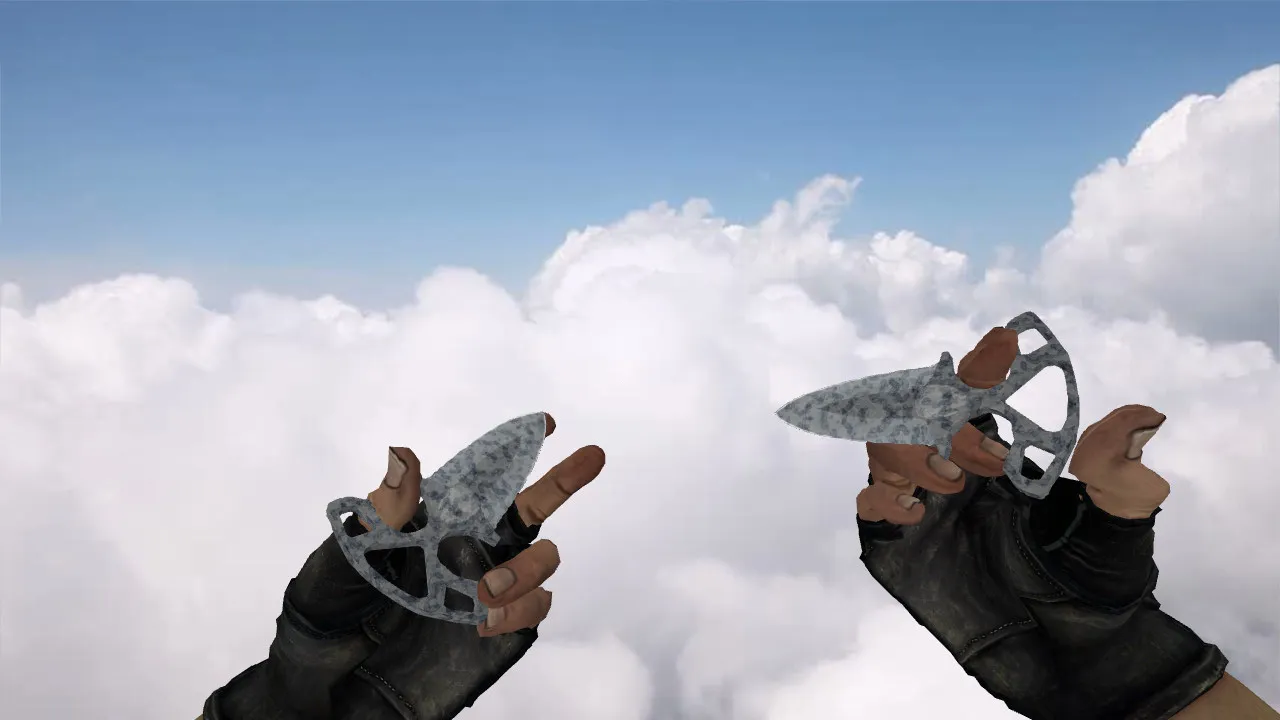
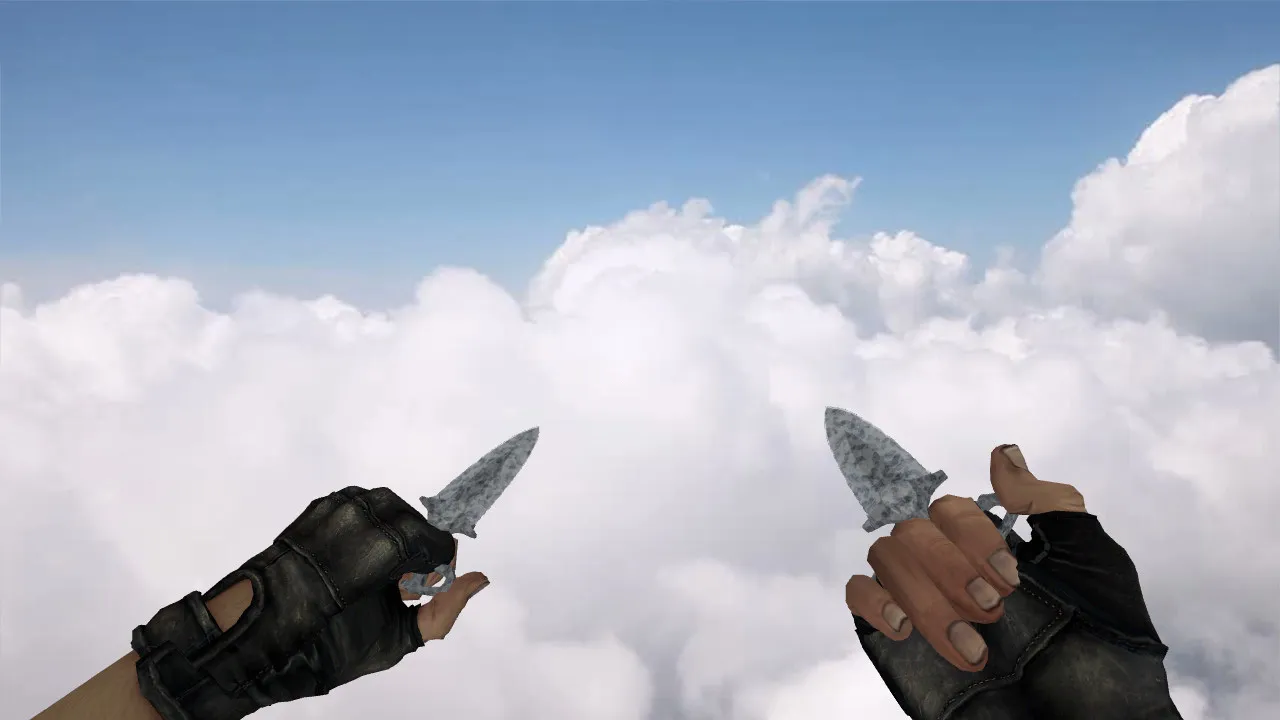
Patina Stab Knives for CS 1.6: v_ w_ p_ Model Basics and Testing
The Patina stab knives are designed for Counter-Strike 1.6 and install as a regular weapon swap. Simply place the files in your game directory and confirm the folder structure is correct. The knife relies on three core components: the v_ model for the first-person view, the p_ model for third-person perspective, and the w_ model for the world view. This arrangement guarantees stable inspection animations and proper slot behavior when switching weapons.
During matches, the knives must render cleanly while moving and swapping gear. In CS 1.6, minor details count: texture sharpness up close and silhouette clarity in dark spots. The Patina model keeps contrast against gloomy backgrounds without turning into visual noise. If the textures look too soft, leave them out for competitive matches and use the defaults instead.
Pre-Launch Checks for Servers or Private Games
- Sounds: The knife needs proper audio for slashes and weapon switches. Missing sounds mean the files did not load completely.
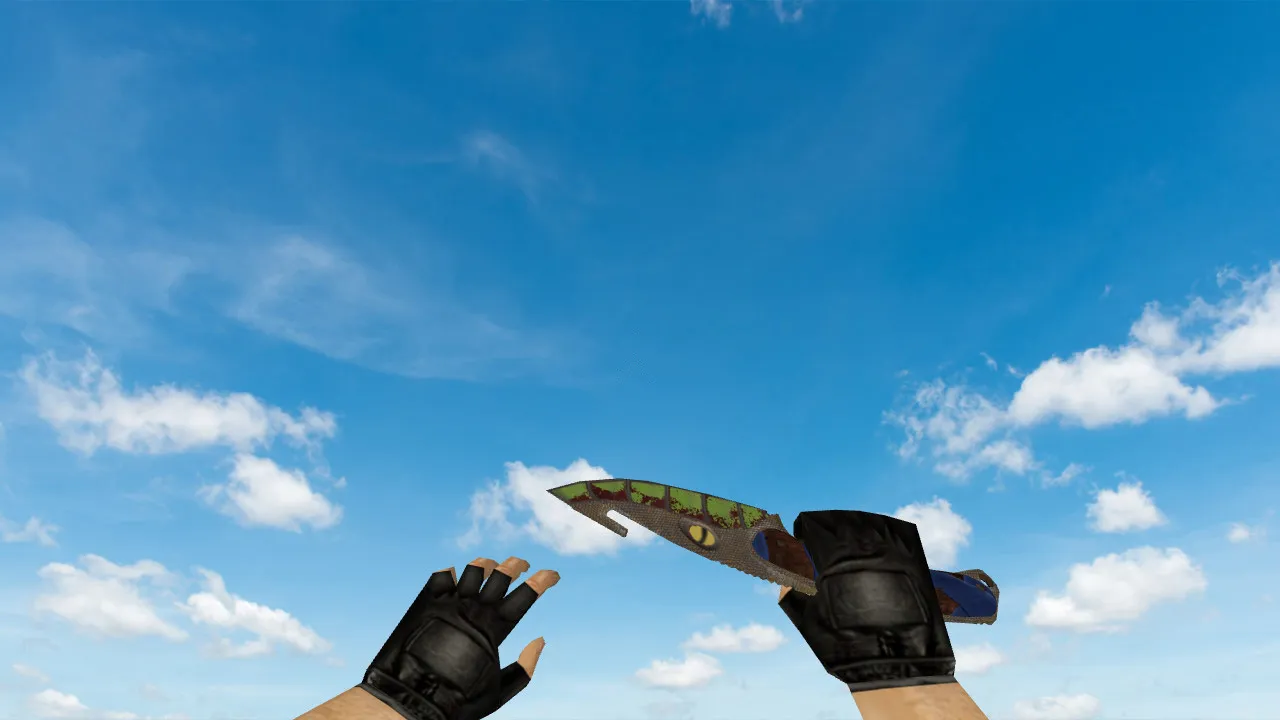
- Inspection Animation: No stuttering while aiming or swapping. Run through several cycles to verify the model does not glitch on the first frames.
- Textures: Check quality at close and far range. Watch for visible seams, corrupted areas, or tiling artifacts on screen.
- Compatibility: Test with your personal config. Artifacts in the hand view mean you should revert and re-examine the files.
CS 1.6 mod builds require caution. Download only from trusted sources and avoid extra bundles. Installation involves no auto-connects, third-party launchers, or suspicious scripts-no viruses, no slowdowns, no ads.
Model Clarity in Low Light and Skin Distinctiveness
The Patina skin depends on texture depth and shading for visibility. In practice, it remains readable across different lighting conditions. CS 1.6 maps often have harsh contrasts, causing fine blade edges to disappear. Test in shadowed corners and where light meets dark. Blurry edges call for sharper textures.
Also verify both the hand view and the external view. The third-person model should match the first-person precision. Poor assembly of the p_ or w_ models leads to distortions. On servers, this impacts how others see the knife and the overall visual impression.
Knife Handling: Confirming Proper Function
- Switch to the knife in the middle of action a few times. Jerky updates point to issues with the v_ or w_ files.
- Compare the first-person view to the stock knife for shape and proportions. Floating geometry signals an incomplete replacement.
- Test strike animations. Ensure sounds sync precisely with the frames.
- Run a local practice session first, then a private lobby, before joining public servers.
These knives use HD 512x512 textures for polygon efficiency, totaling around 800 polys, which keeps high-FPS performance on Build 4554 or 8613 clients. Hitbox alignment matches the default knife for fair play, with no exploits. The custom inspect feature lets you rotate the blade smoothly, revealing the patina wear details without lag.
Safe Installation and Config Tweaks
A clean config.cfg helps. Weapon models should not disrupt the UI, rates, or stability. Keep default values; skip experimental binds. For smooth rendering, cap rates reasonably and avoid questionable plugins. Compatible with both Steam and Non-Steam versions, with MasterServer protection intact.
Core rule: test the model solo first, then in a private lobby, finally in public matches. This catches issues quickly, ensuring the Patina stab knives v_ p_ w_ perform reliably without surprises. On dark maps like de_inferno tunnels, the patina shading improves visibility over the stock knife, aiding quick stabs. Pair with no-recoil configs for balanced knife rushes, but always prioritize hitbox accuracy over visual flair.
Install in three steps
-
1
Download the archive. Use the button on the right, or the Yandex.Disk mirror if the main server is slow.
-
2
Extract it into the game folder. Use 7-Zip or WinRAR. A path without non-Latin characters works best.
-
3
Launch the game. If something doesn't work, mark it below - that is how we know the file needs an update.
Did it work for you?
No sign-up needed. You can pick more than one.