AWP Raslabukha Model for CS 1.6: Premium Weapon Mod with a Distinctive Look
Description
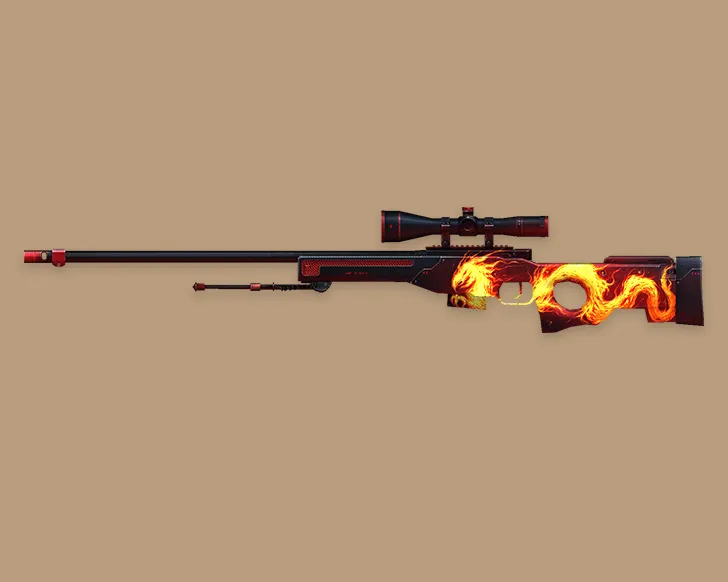
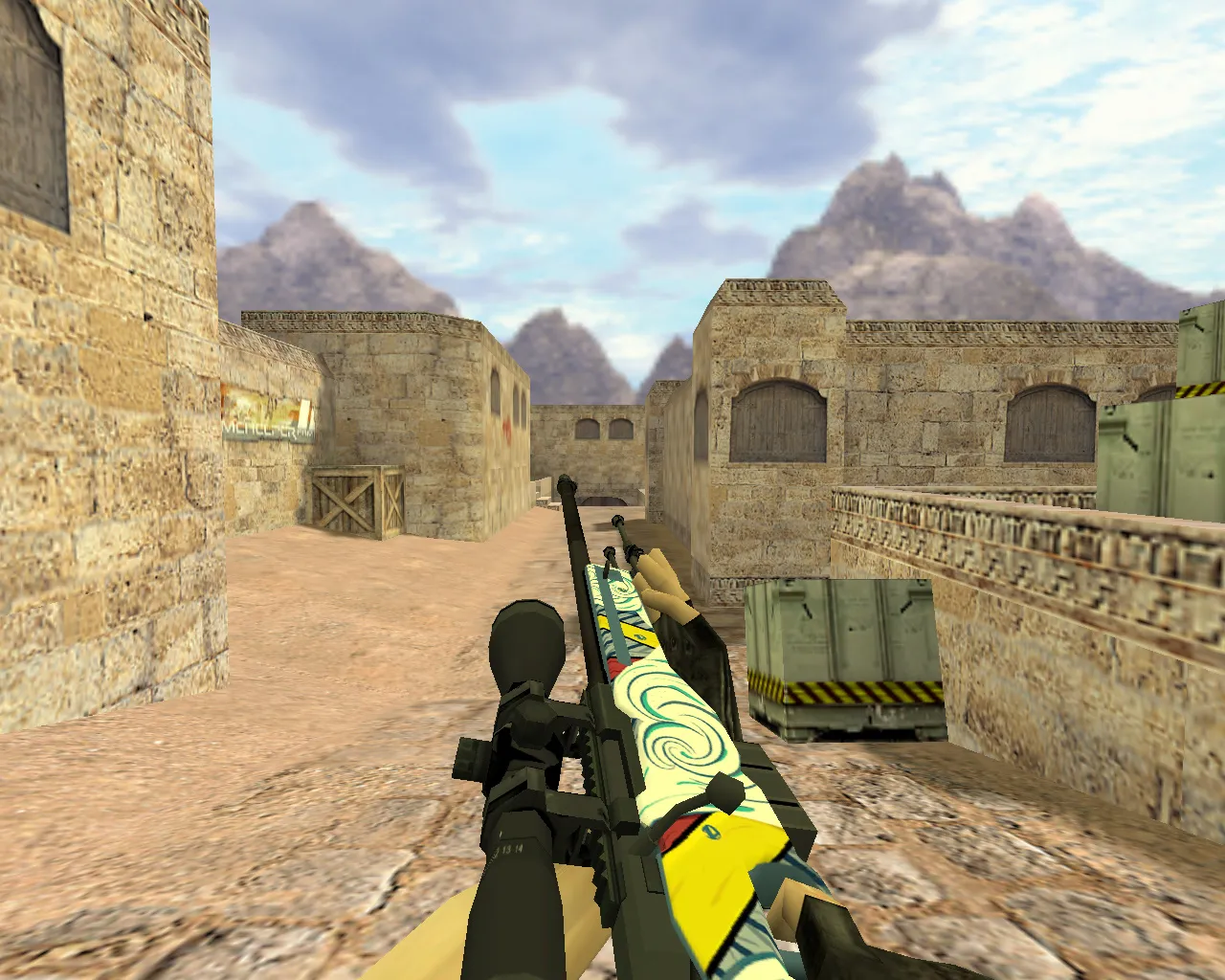
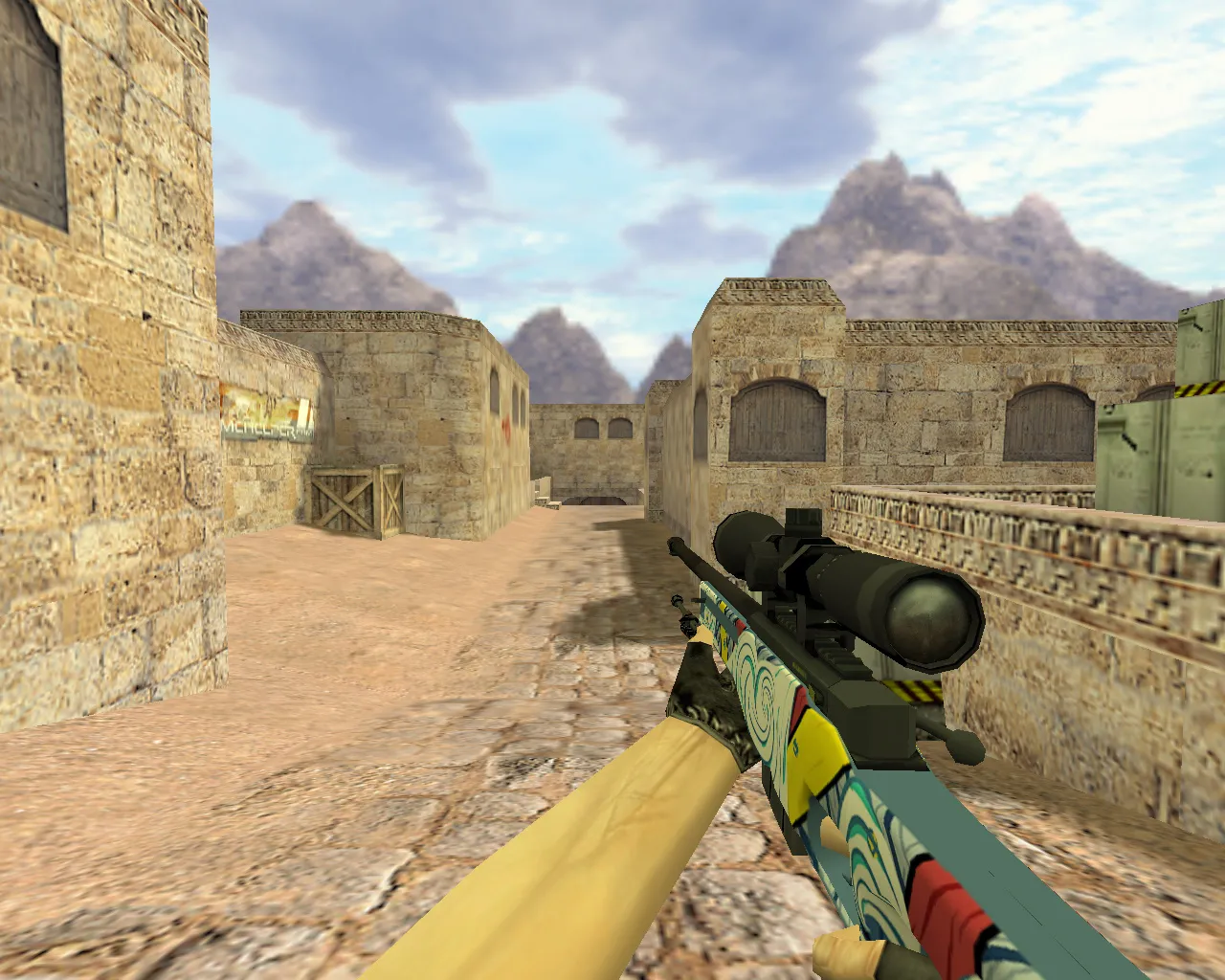
AWP Raslabukha Model for CS 1.6
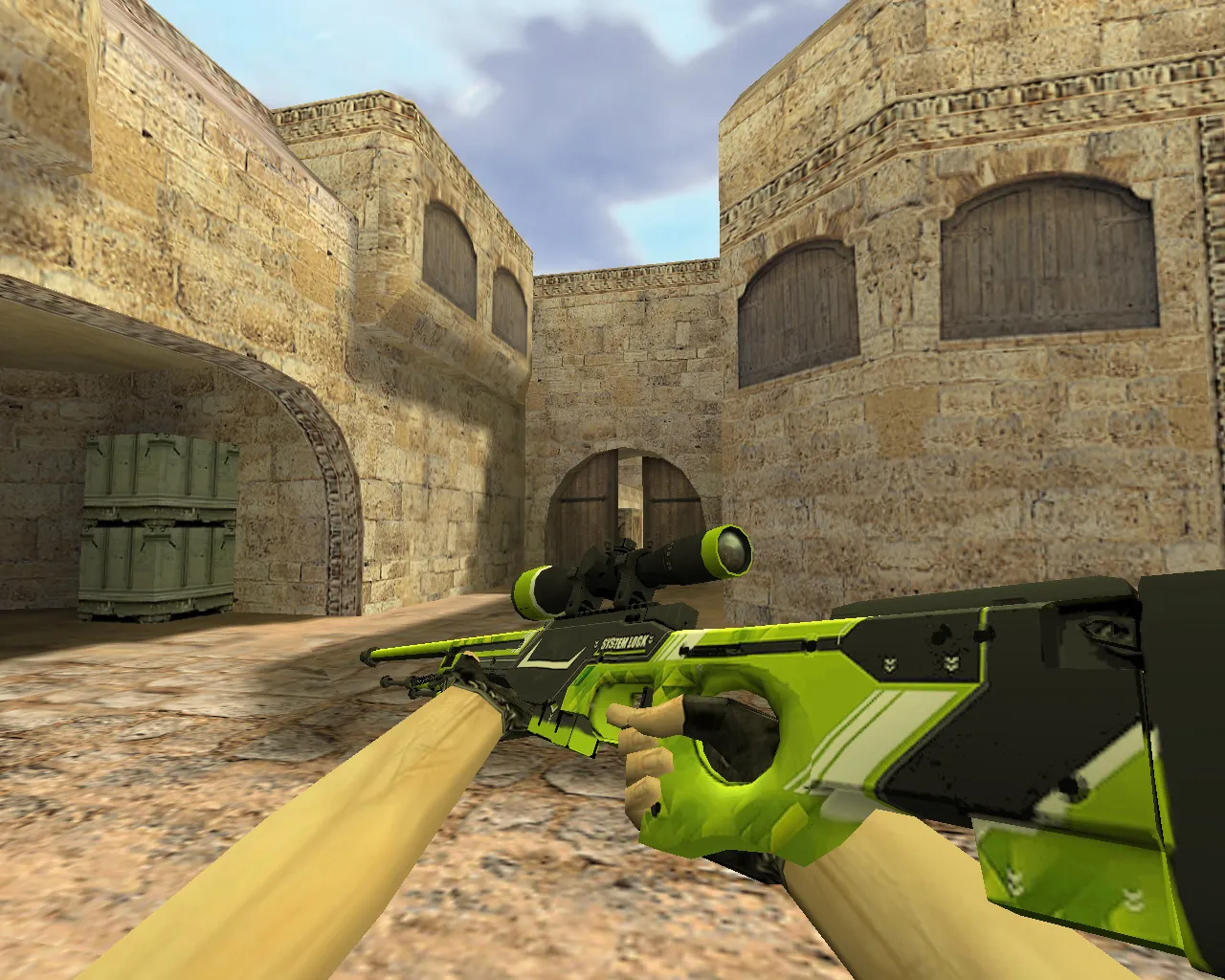
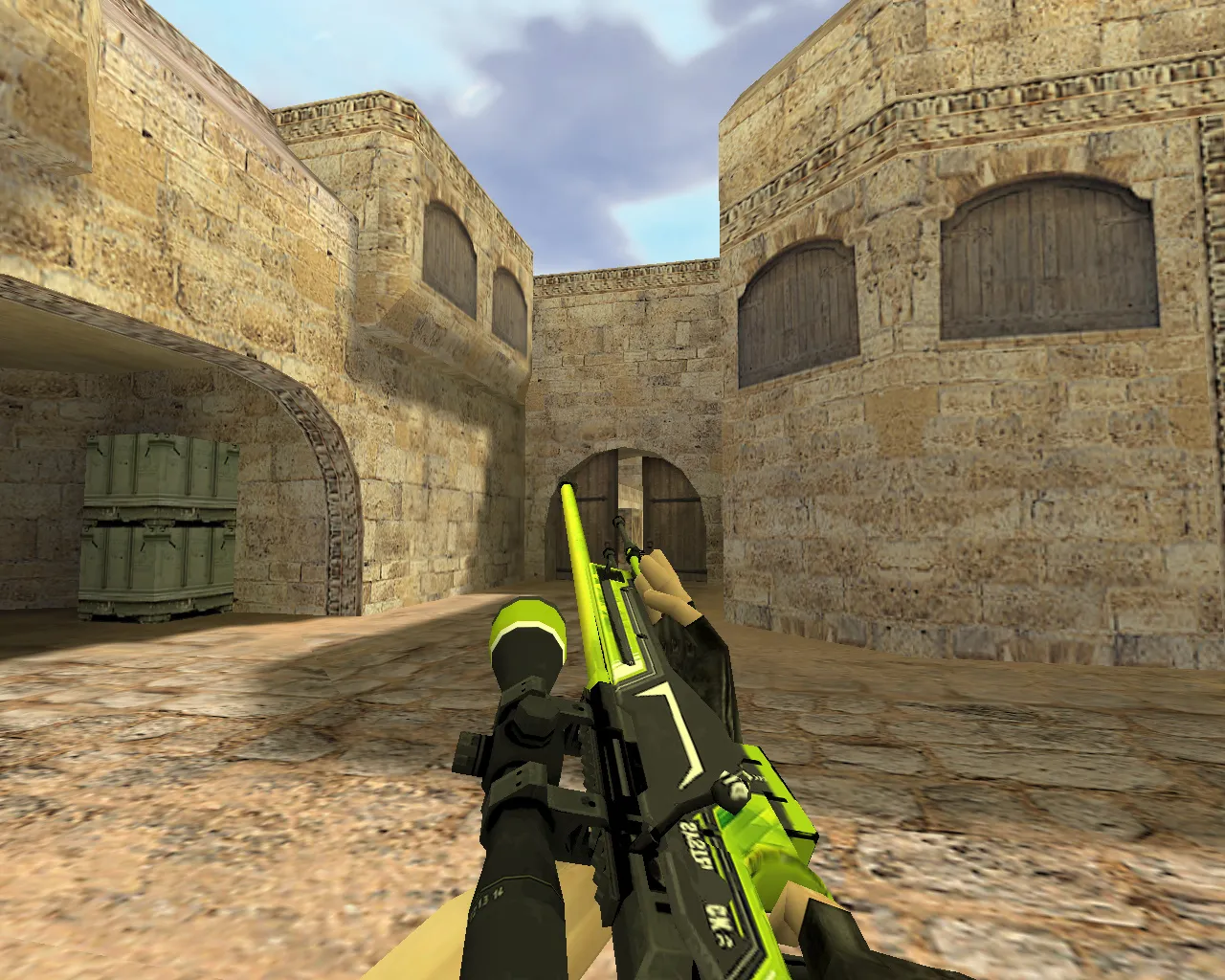
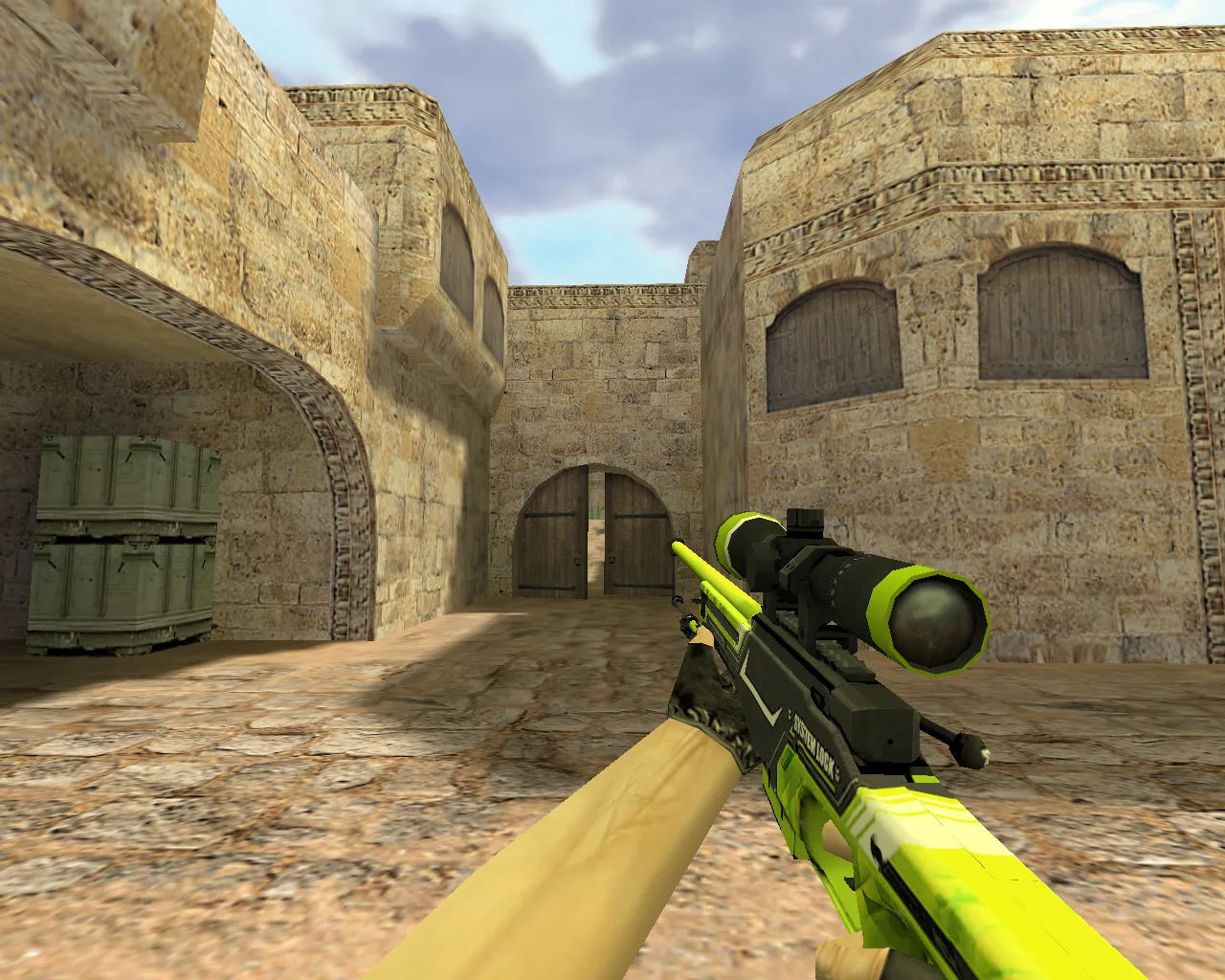
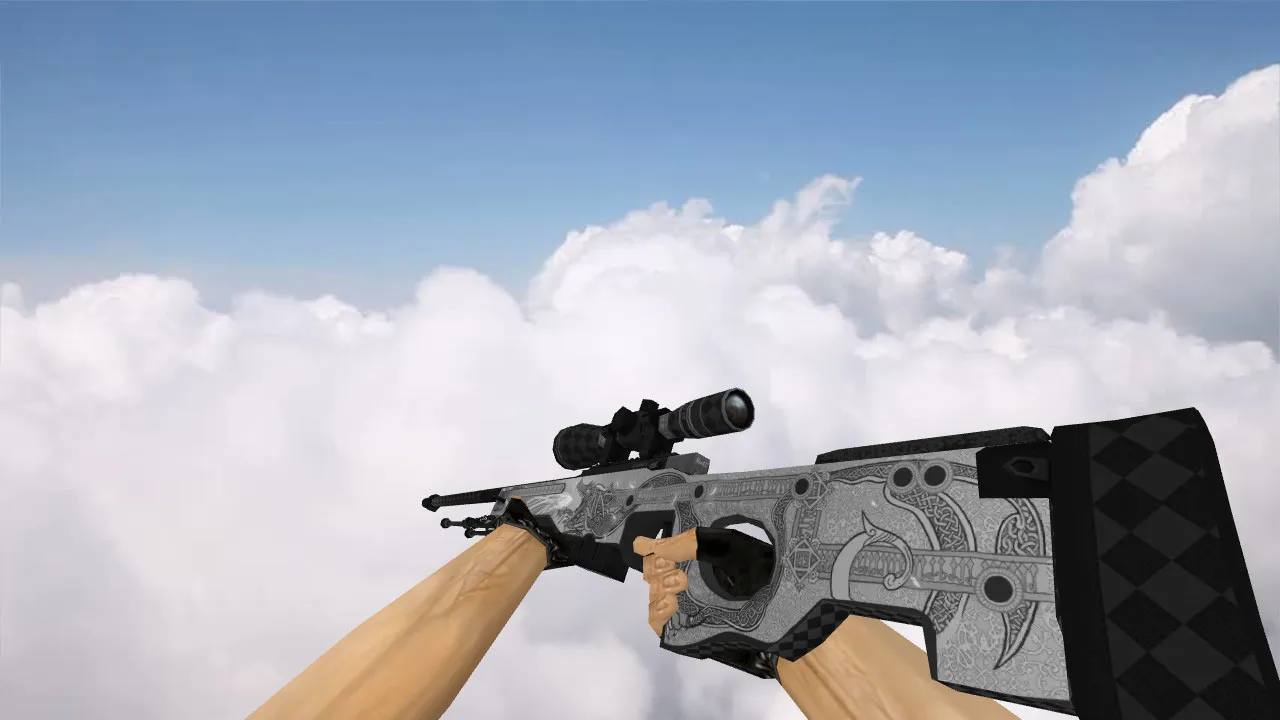
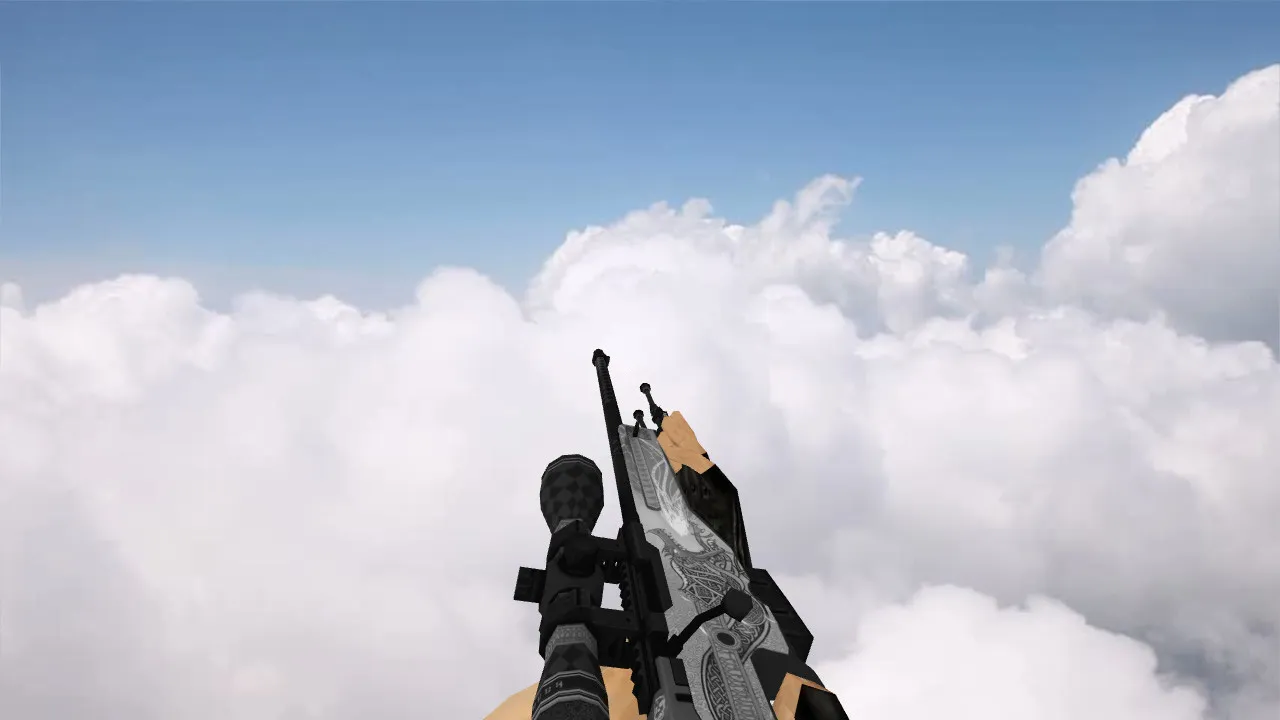
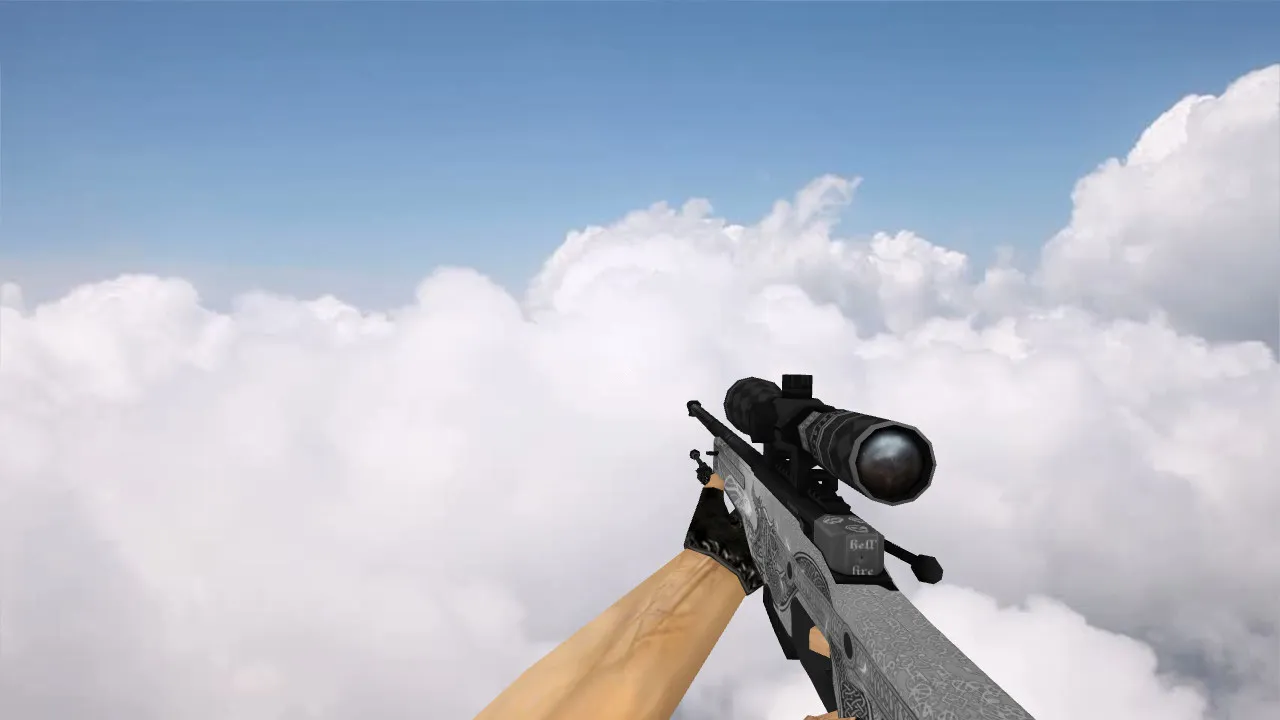
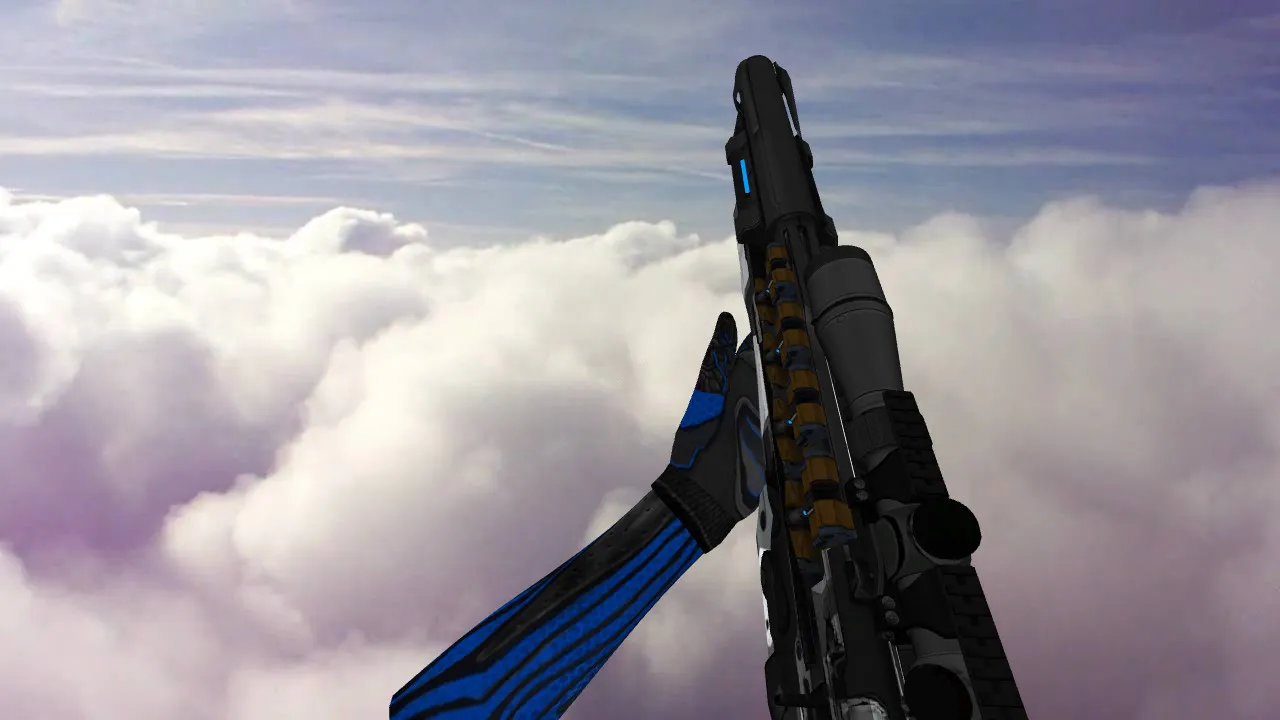
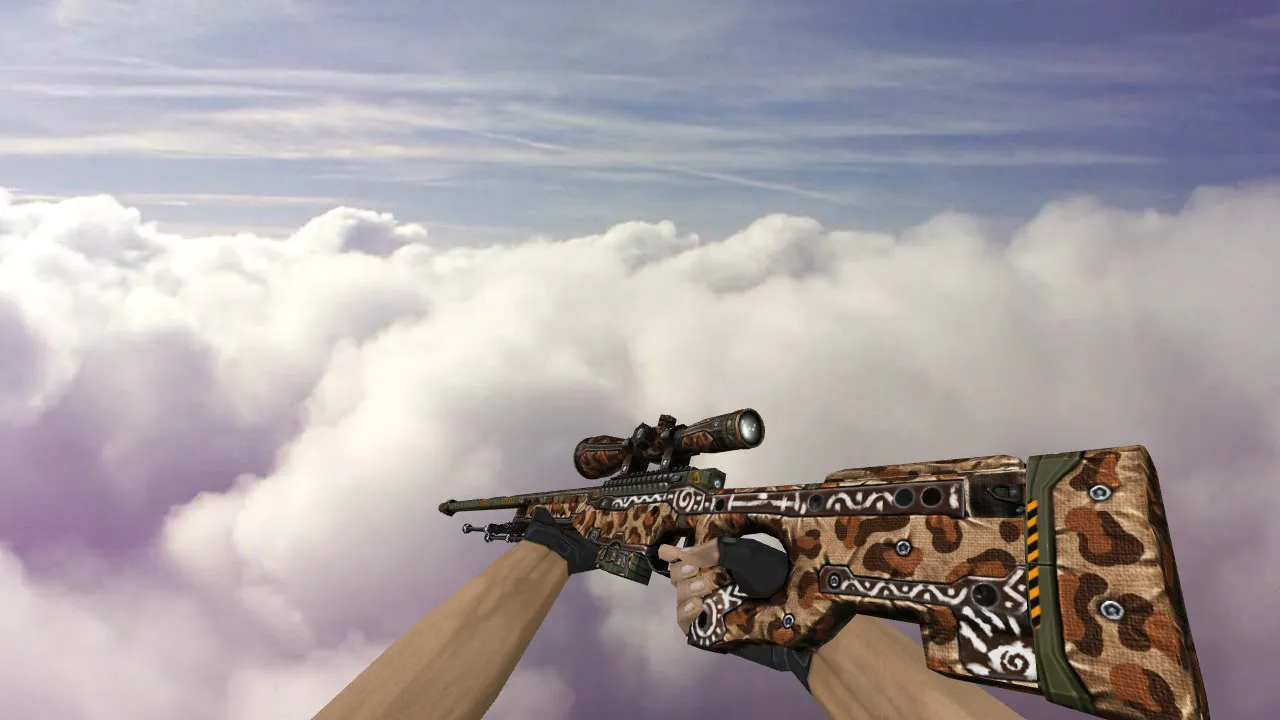
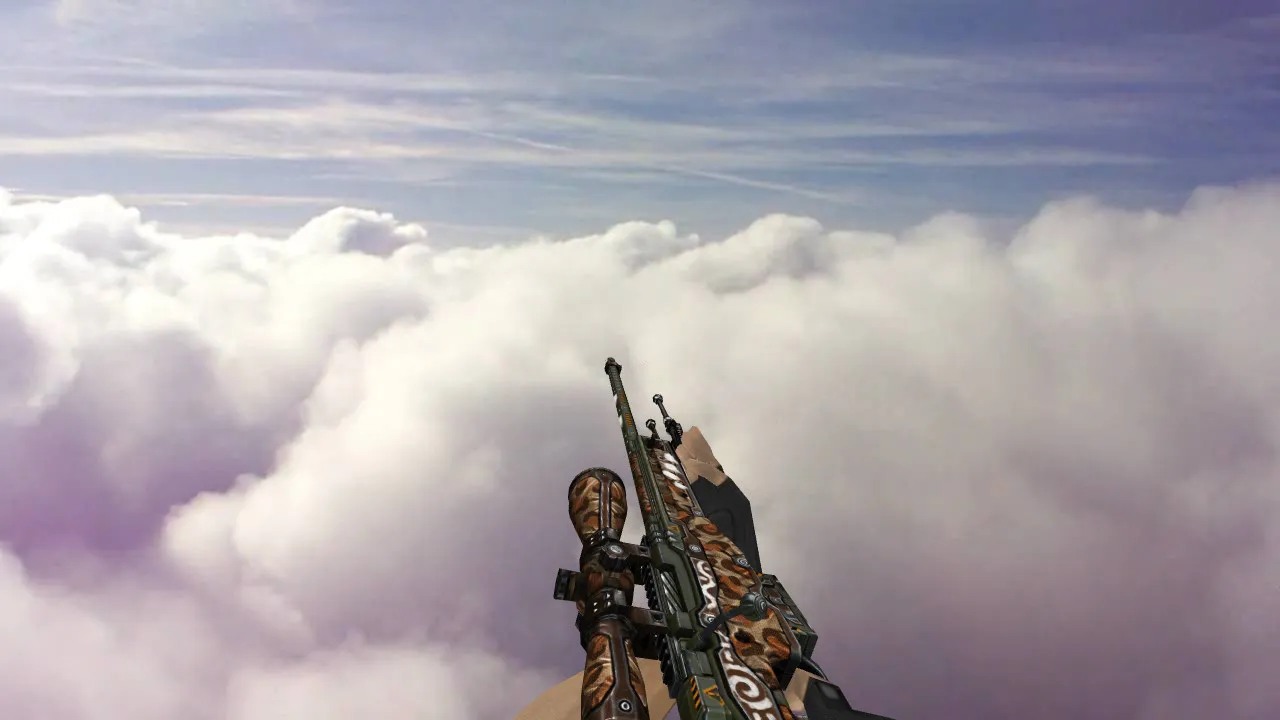
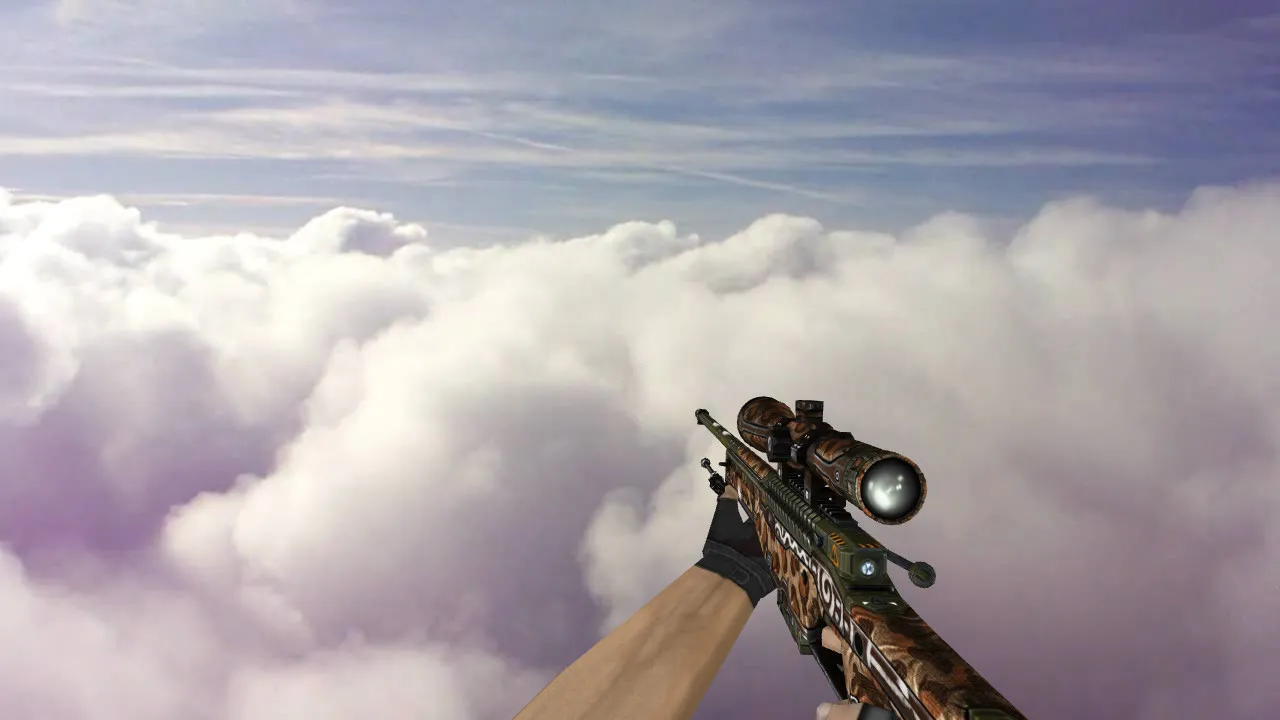
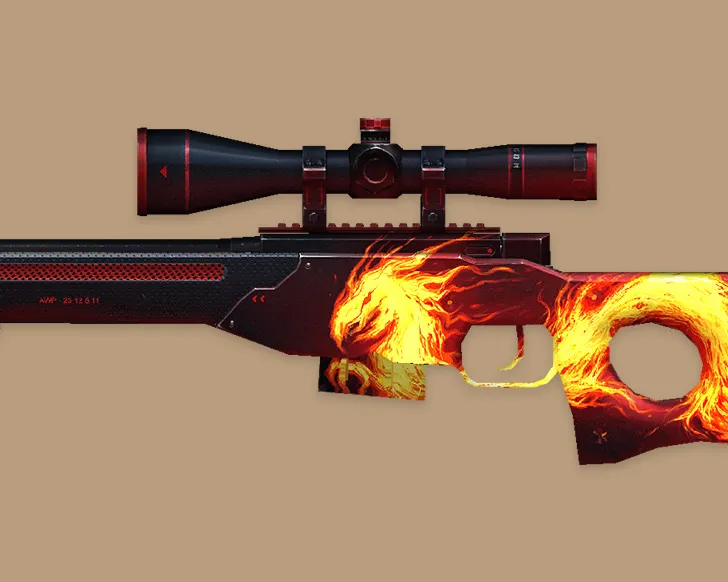
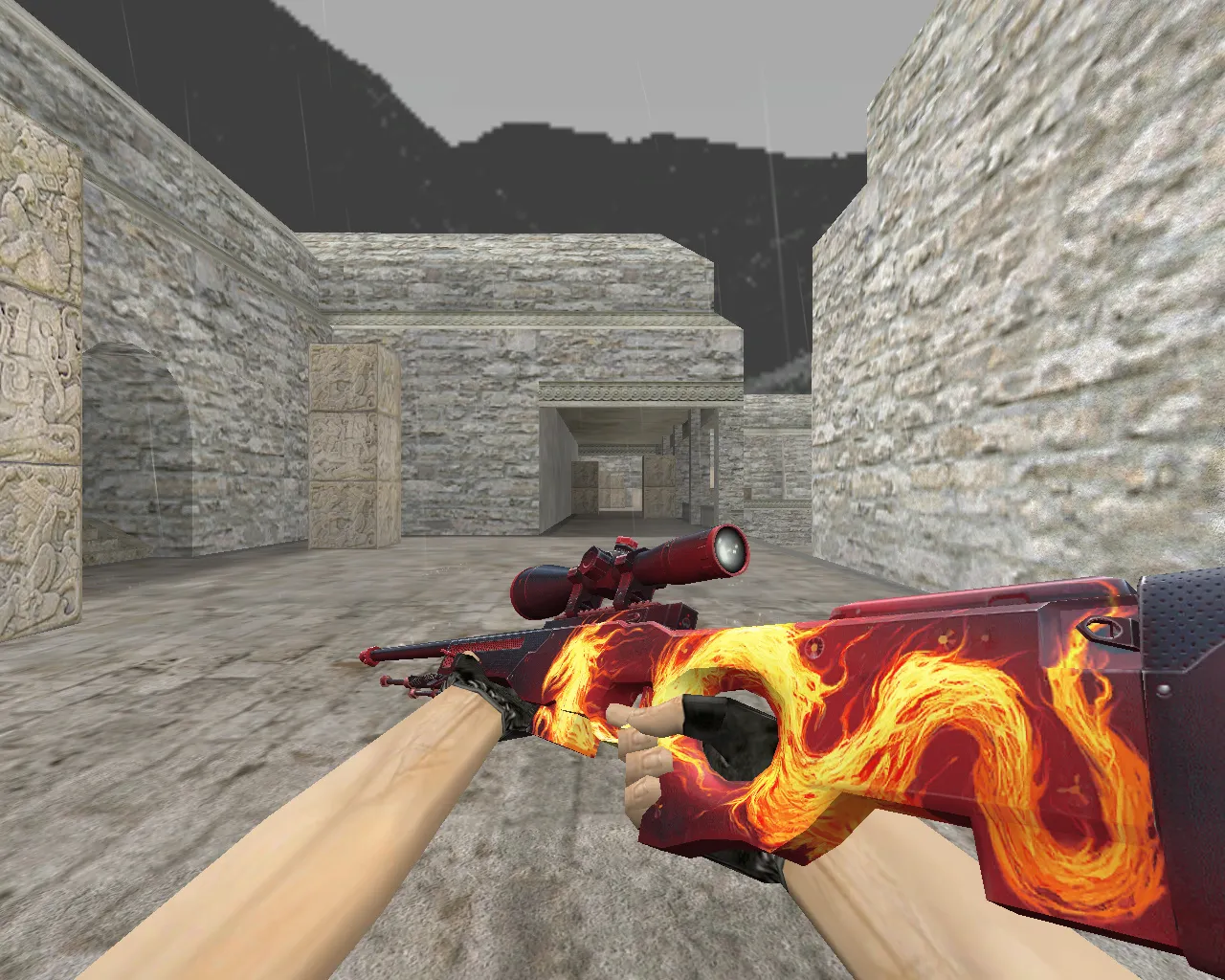
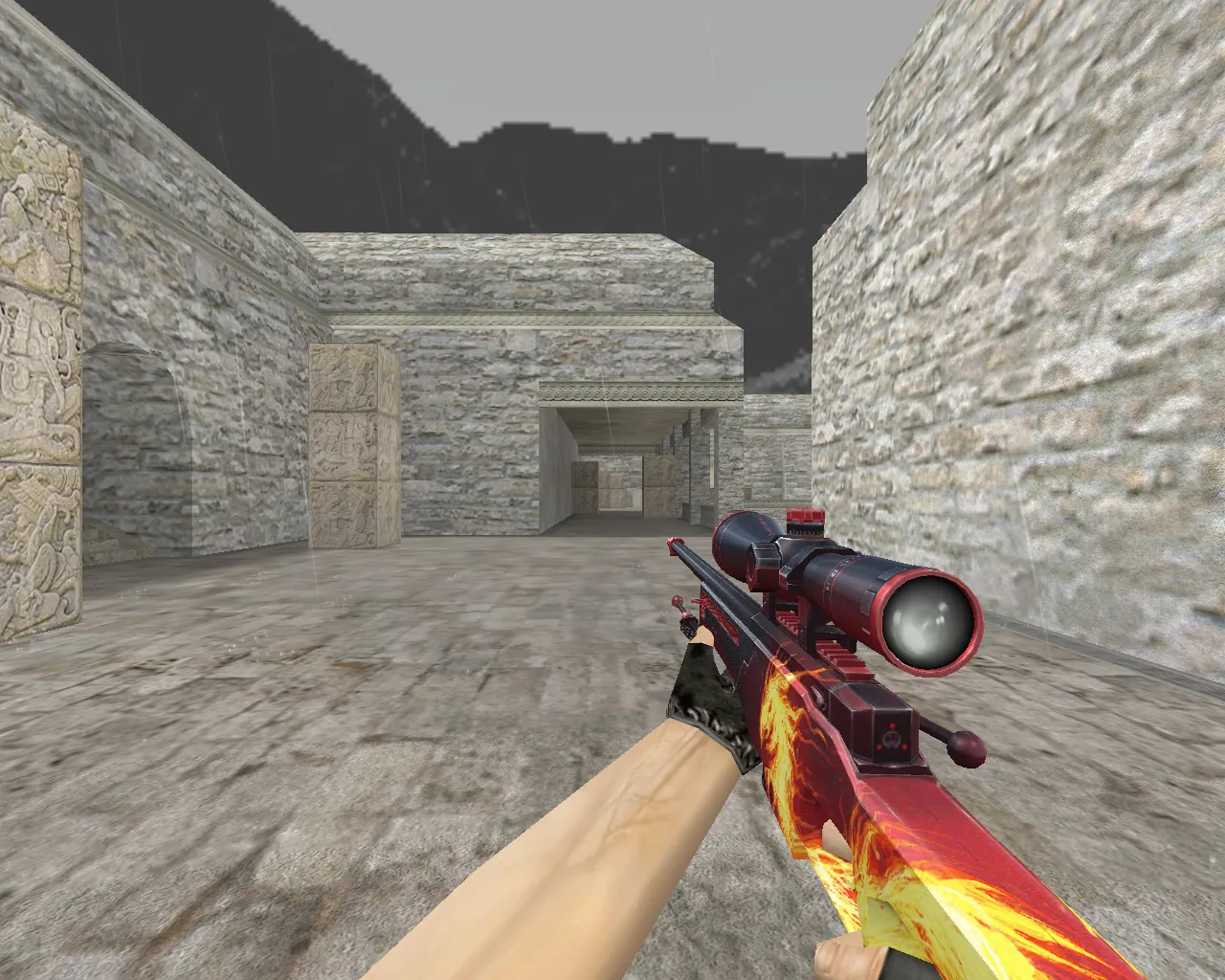
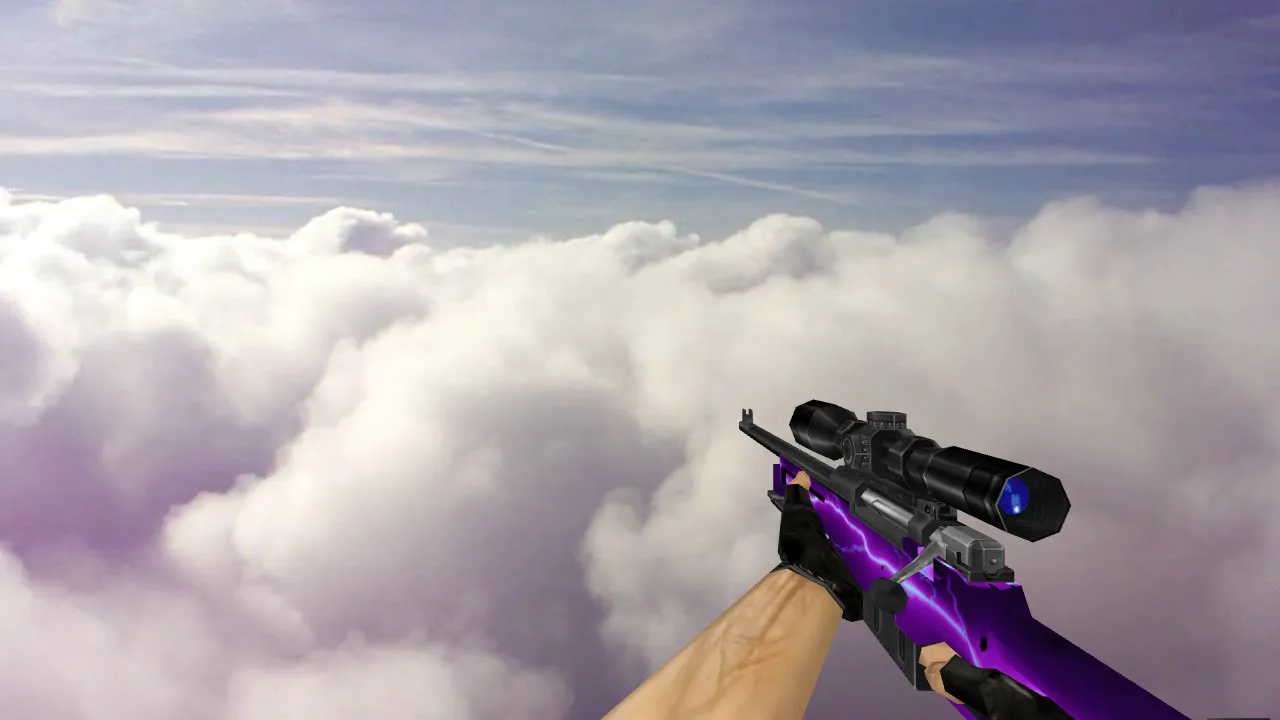
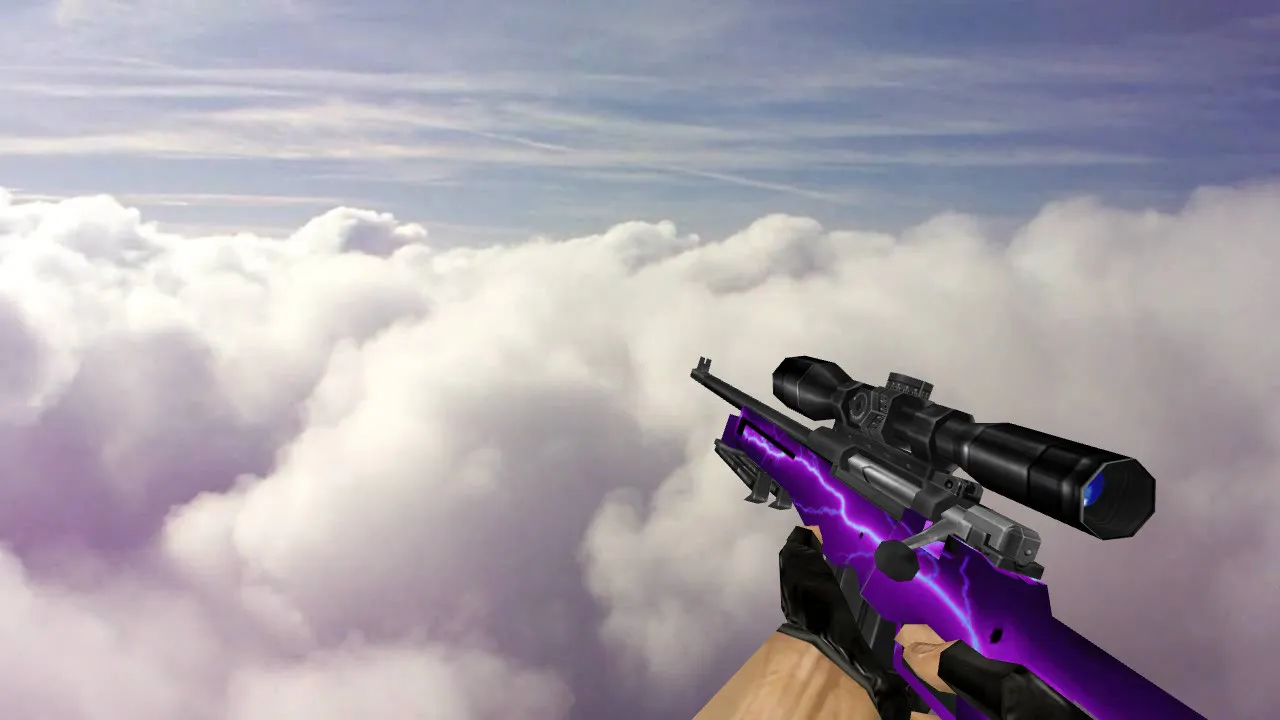
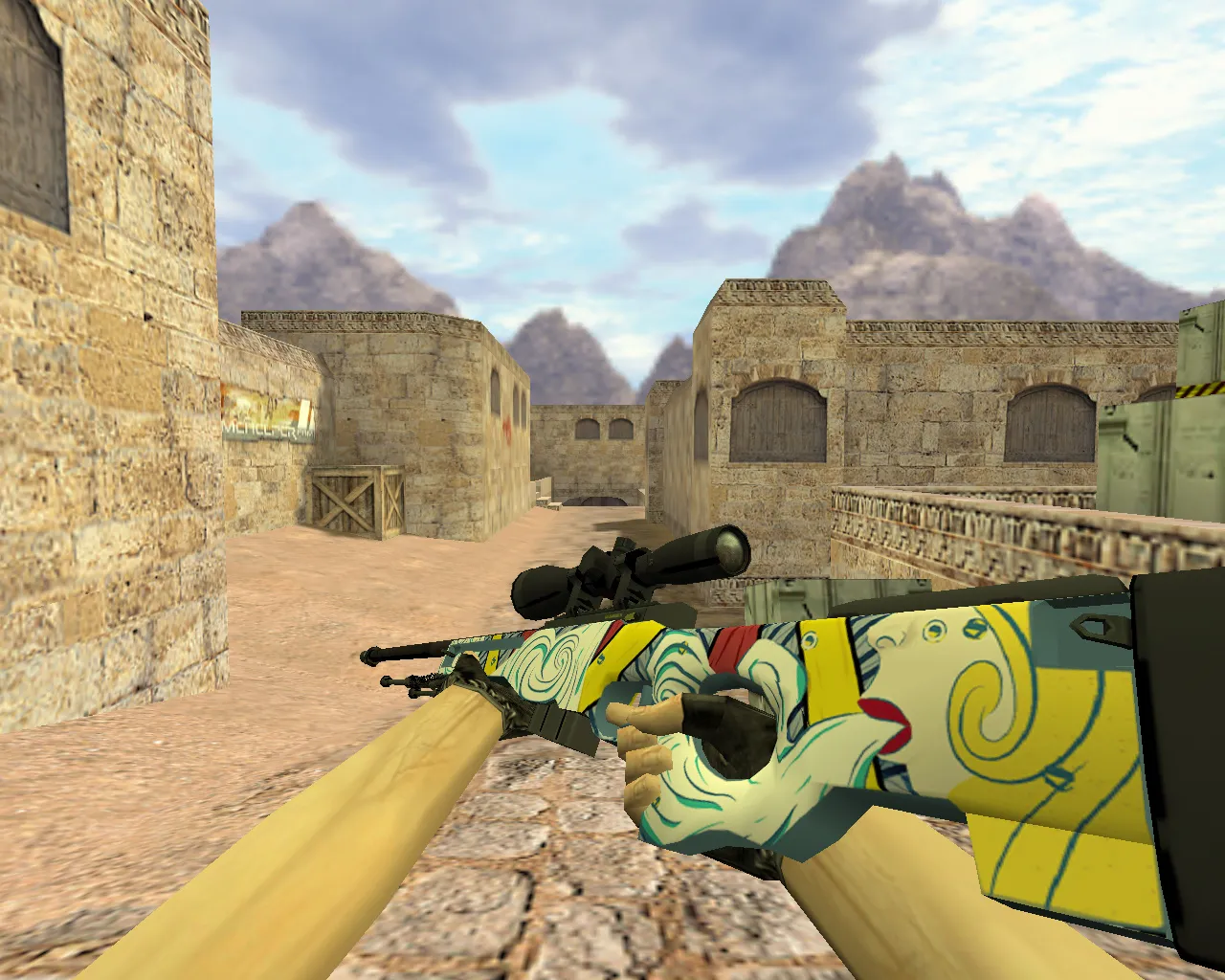
With its unique appearance and finely detailed textures, the AWP Raslabukha model is a standout in the CS 1.6 modding community. This replacement weapon features 1024x1024 HD textures that keep visuals crisp while playing. Custom sound effects provide genuine shot feedback and reload clicks that match the engine perfectly. The inspect animation plays back smoothly, allowing players to spin the viewmodel and examine the custom engravings and finish up close. Thanks to optimization, the v_model stays at roughly 1500 triangles, so you get high-fps performance even on older machines without stuttering.
In competitive play, this model boosts visibility in shadowy spots such as de_dust2's tunnels, because the p_ and w_ models have bright ESL-style outlines. Hitbox alignment is identical to the standard AWP, so you won't need to change your aim or recoil patterns. It works flawlessly with clean config.cfg files, preventing clashes with no-recoil scripts or other mods.
Key Features
- v_model: A detailed 3D viewmodel for first-person use, with accurate sprite alignment and no clipping problems.
- p_model: A compact inventory model built for fast weapon swaps, using a lower polycount to load quicker in menus.
- w_model: A ground drop model with clear textures that are visible from across the map, helping you spot dropped weapons during rounds.
- Custom Sounds: High-fidelity wav files for firing, dry fire, and reload sequences that replace the default audio without changing volume balance.
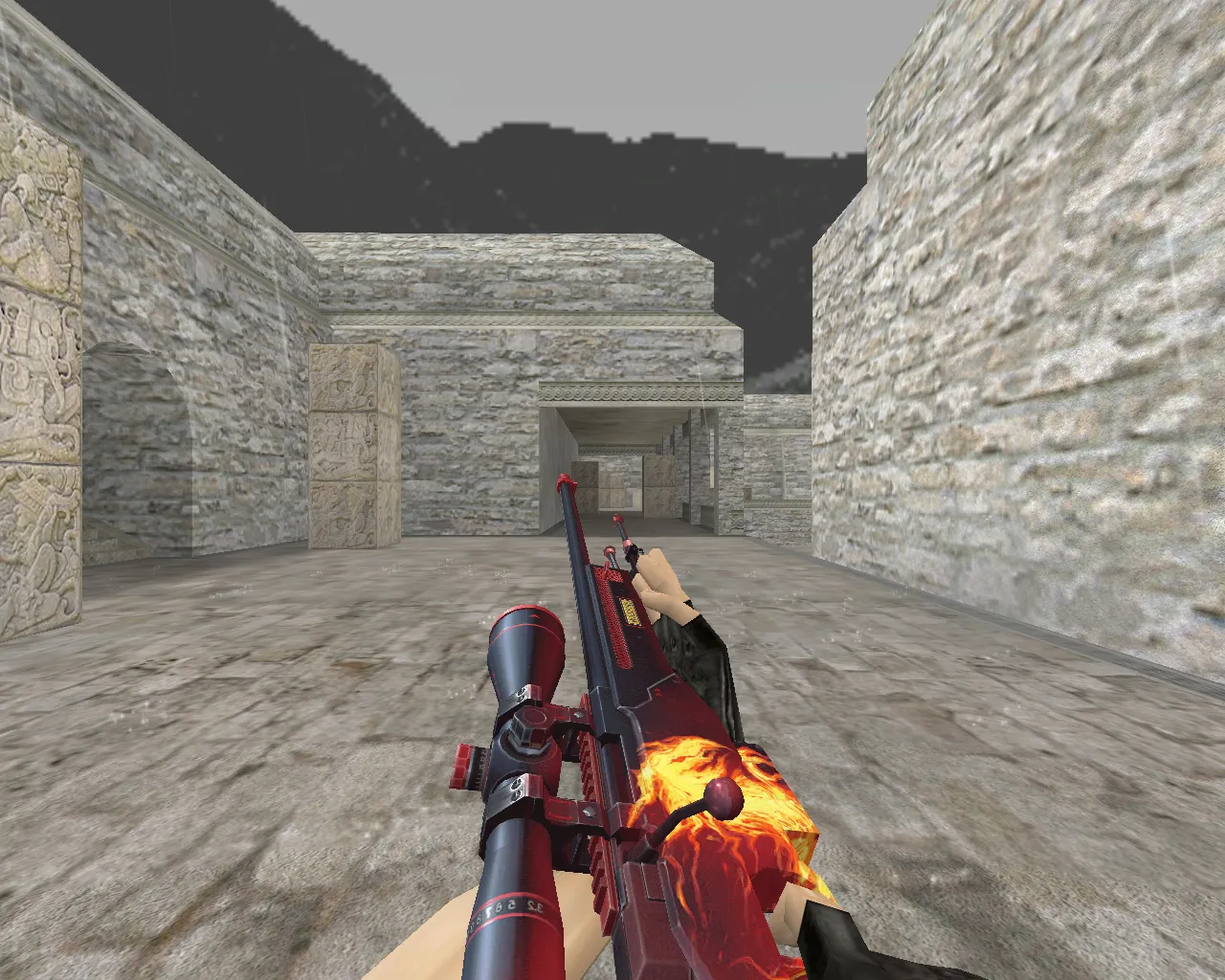
- Inspect Animation: Smooth support for the +inspect command, offering 360-degree views with minimal animation keyframes for fluid playback.
- Texture Quality: HD mipmapped textures that scale well from 800x600 up to higher resolutions, staying clear in dimly lit areas.
- Compatibility: Runs on Build 4554 and 8613, Steam and Non-Steam clients, with MasterServer protection left intact.
This mod sidesteps typical problems like oversized models that block your view or sound loops that ruin immersion. Every file is clean, virus-scanned, and free of ads, auto-connect scripts, or slow-hack components. Installation won't modify your userconfig.cfg or alias binds, so your setup stays as it is.
Installation Guide
Find your CS 1.6 folder, usually C:\Program Files\Counter-Strike 1.6\cstrike for Non-Steam or the Steam apps directory. Make backups of the original models\awp.mdl, awp.pmd, and related .mdl files. Unpack the mod archive into the models folder, replacing the AWP files. For sounds, put the .wav files into sound\weapons\awp. You don't need to replace any wad files, since textures are in .tga format and loaded by the engine. Restart the game or run the console command 'r_flushlod' to refresh models. Test on a local server with bots to check animations and hitboxes. If problems appear, restore your backups and look in the console for errors like 'missing model'-often solved by verifying game files.
For advanced users, this model works well with custom sprites in sprites\awp_spray.spr for improved muzzle flash visibility. Make sure your video settings have 'developer 0' so debug overlays don't interfere with the inspect view.
Gameplay Impact
Using the AWP Raslabukha sharpens your sniping without changing core mechanics. The distinctive barrel pattern aids quick recognition in fast rounds, while the optimized w_model keeps ground clutter down on bomb sites. Players say they focus better during long-range fights on maps like de_inferno's mid, where dark textures can conceal standard models. This mod can be part of larger weapon packs, but it stands out on its own for AWP mains who want a new look without losing performance.
Stay safe: download only from trusted sources to avoid malware. This version has no backdoors or telemetry, so your game folder remains secure. Frequent updates in the modding community keep it compatible with future patches, though CS 1.6's stability means tweaks are rarely needed.
Conclusion
The AWP Raslabukha model brings extra customization to CS 1.6, combining high-quality assets with practical optimizations. It improves visual feedback during kills and inspections, making each headshot feel more satisfying. Add it to your loadout for an edge in casual or clan matches, while keeping the game's classic feel intact.
Install in three steps
-
1
Download the archive. Use the button on the right, or the Yandex.Disk mirror if the main server is slow.
-
2
Extract it into the game folder. Use 7-Zip or WinRAR. A path without non-Latin characters works best.
-
3
Launch the game. If something doesn't work, mark it below - that is how we know the file needs an update.
Did it work for you?
No sign-up needed. You can pick more than one.