AWP Warlord Model for CS 1.6 - Custom Sniper with HD Textures and Inspect Animations
Description
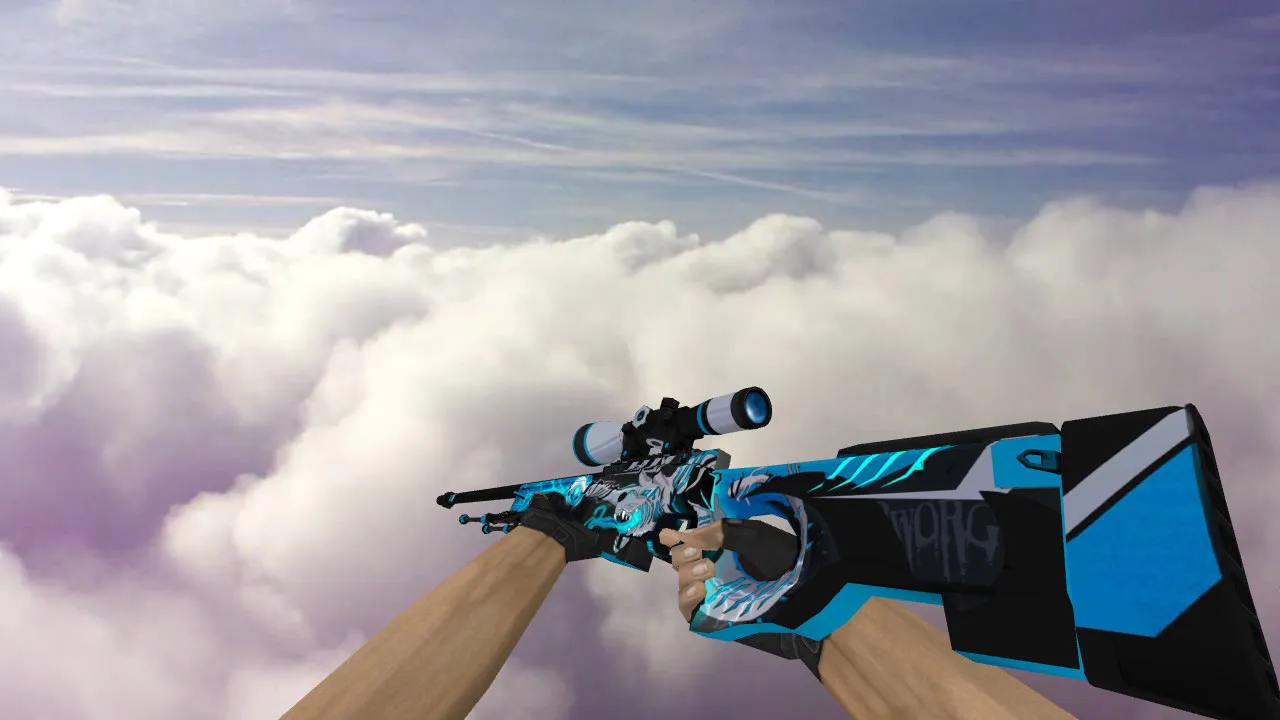
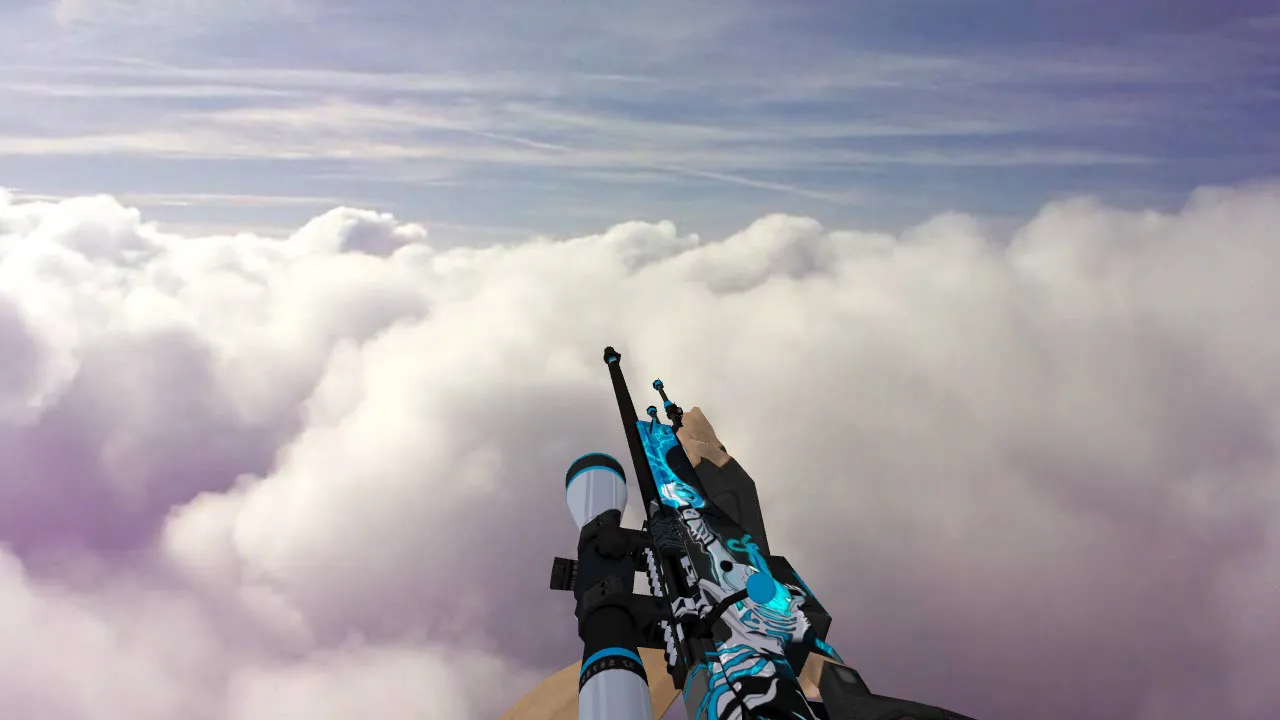
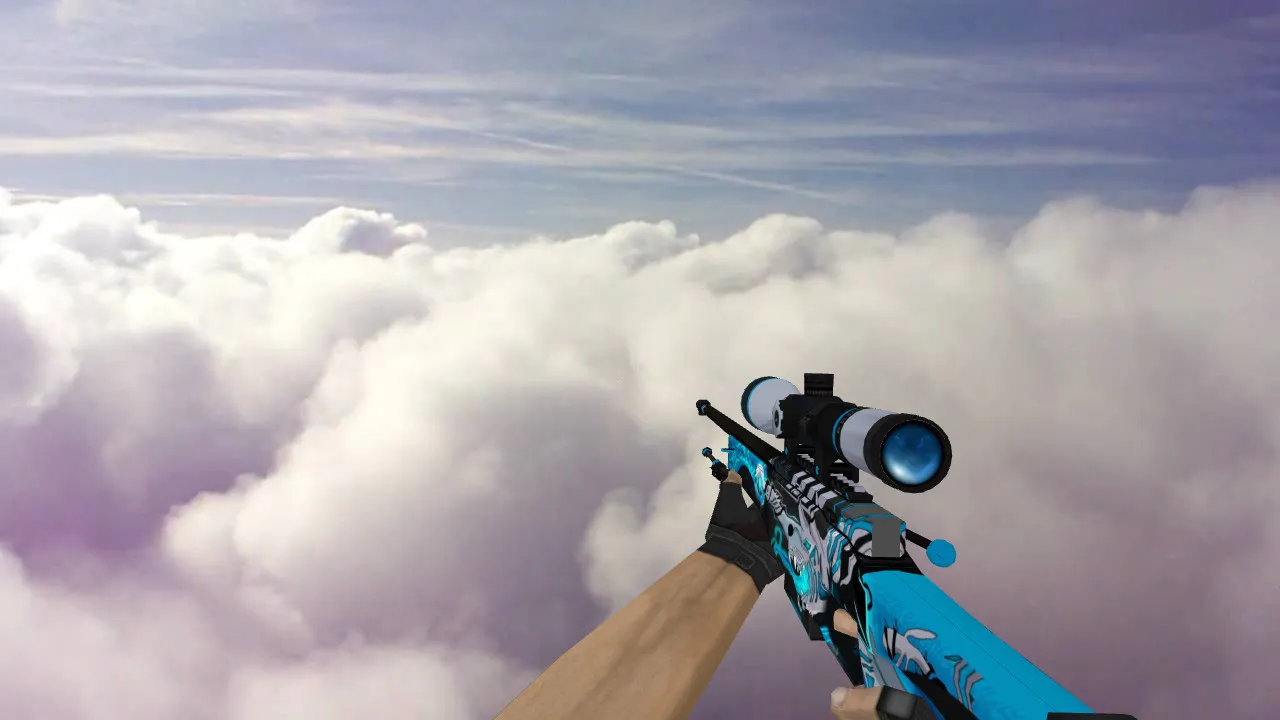
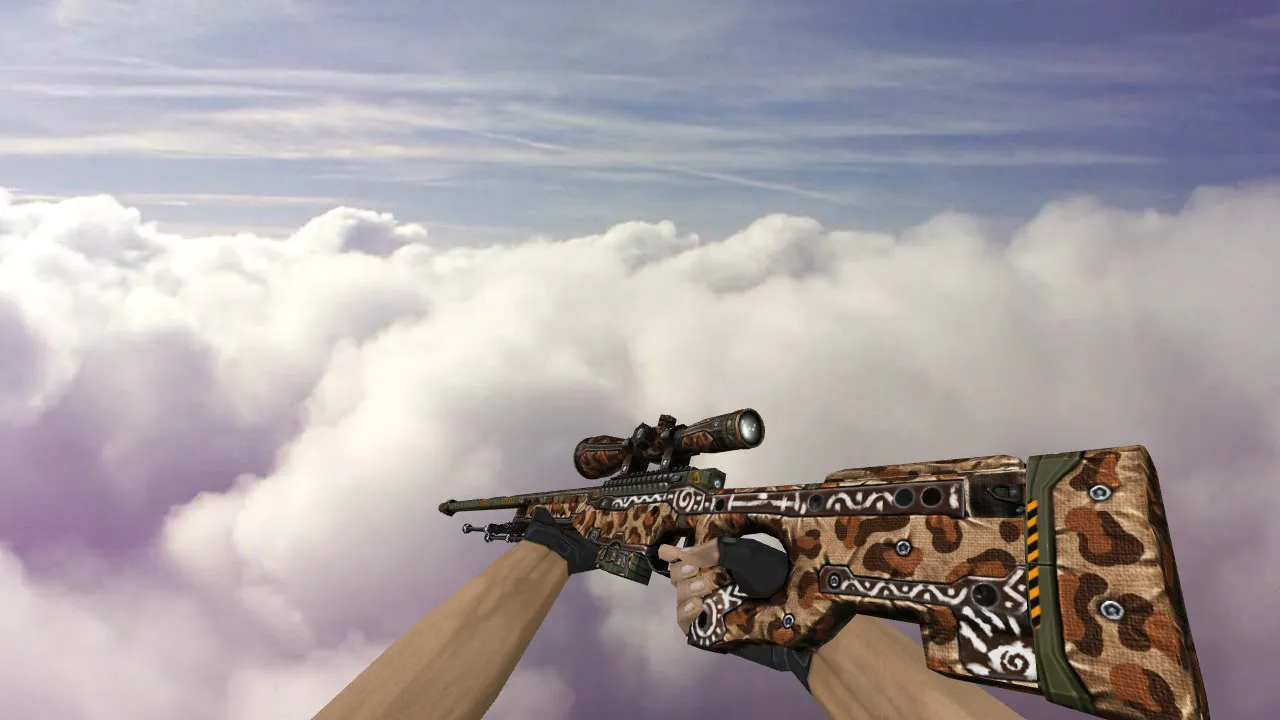
AWP Warlord Model for CS 1.6
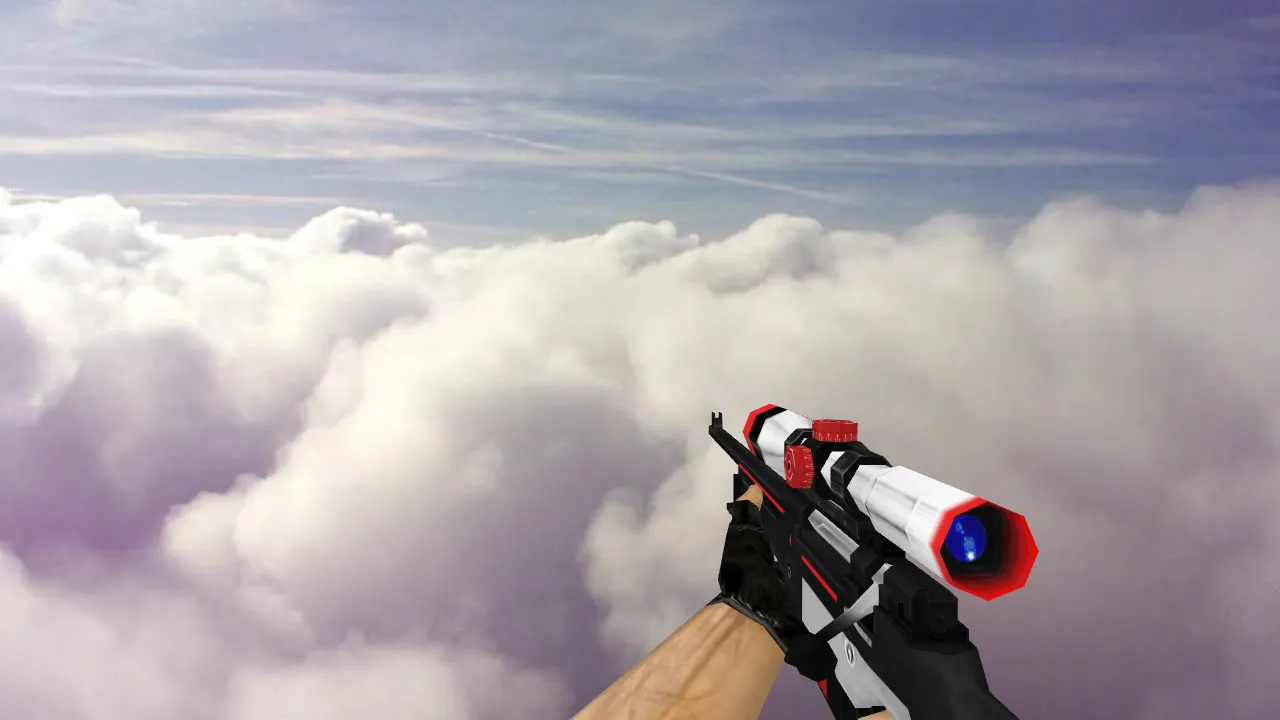
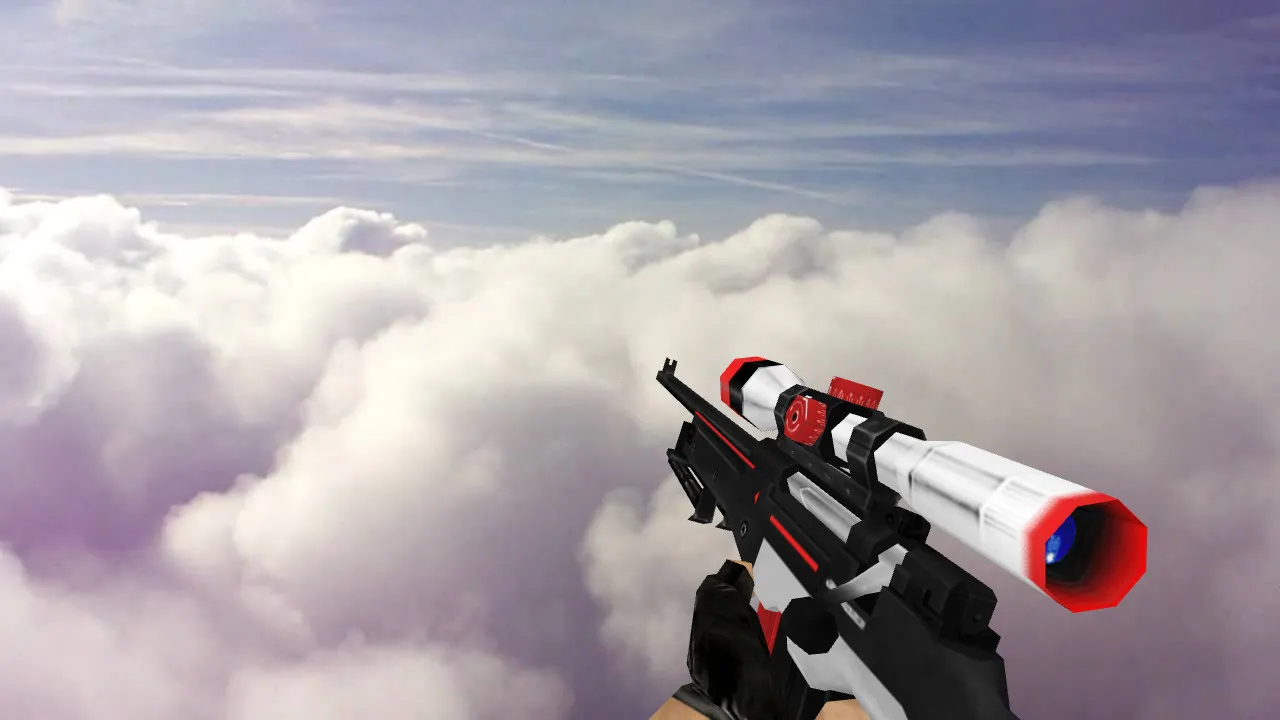
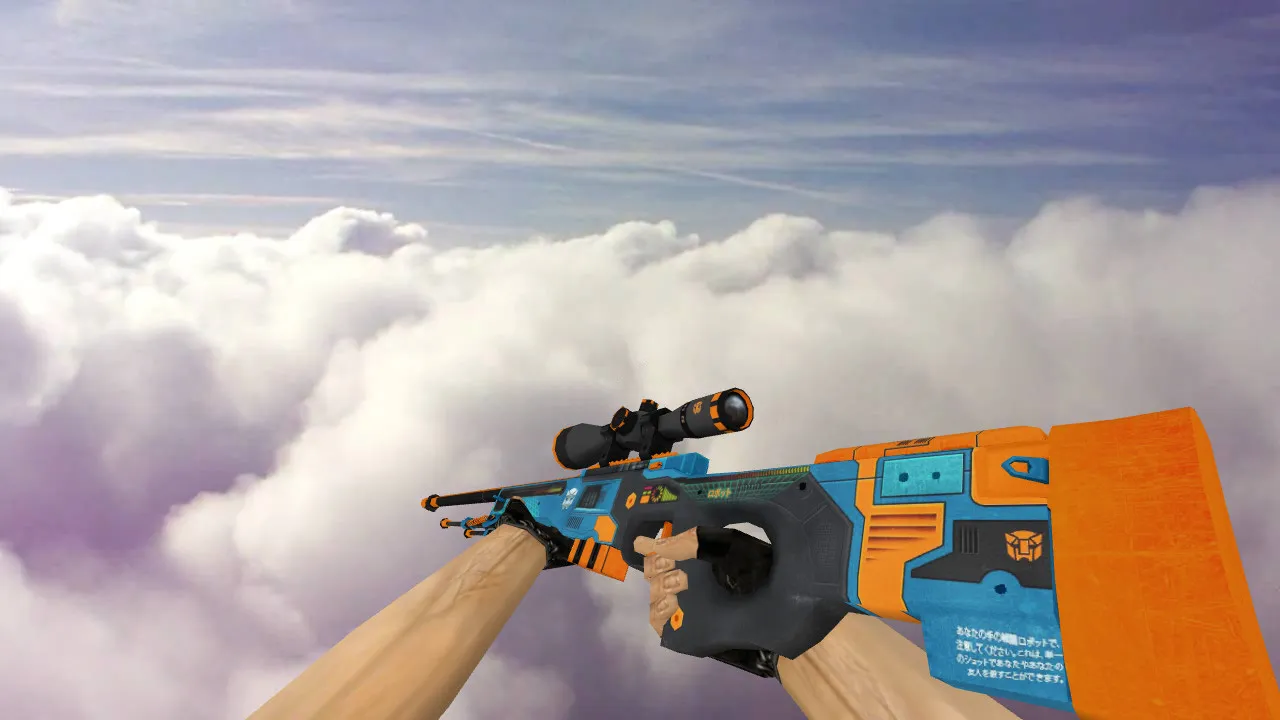
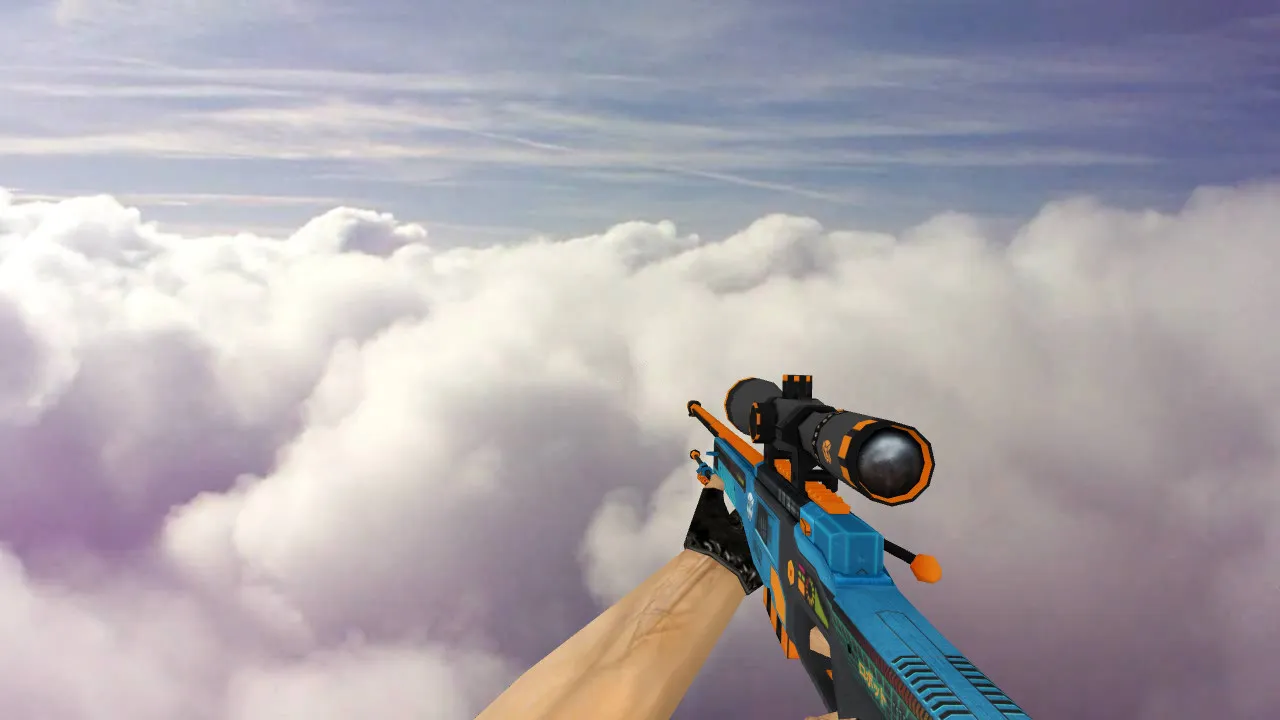
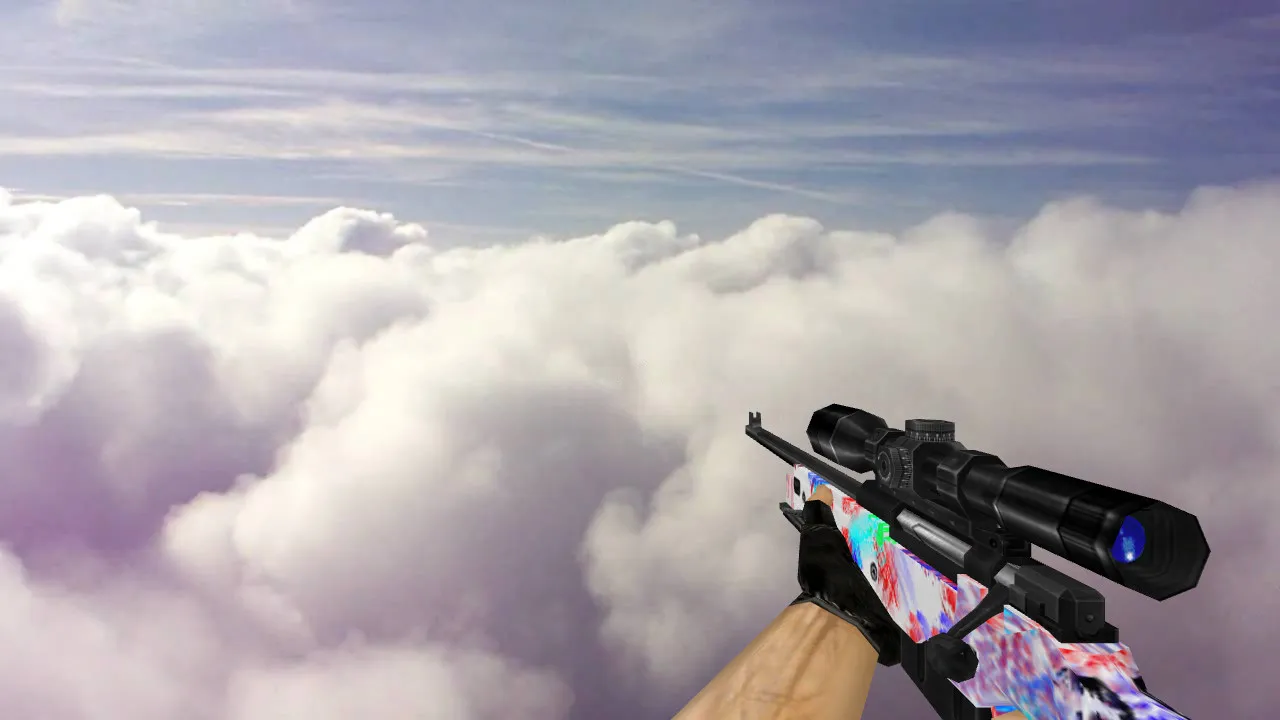
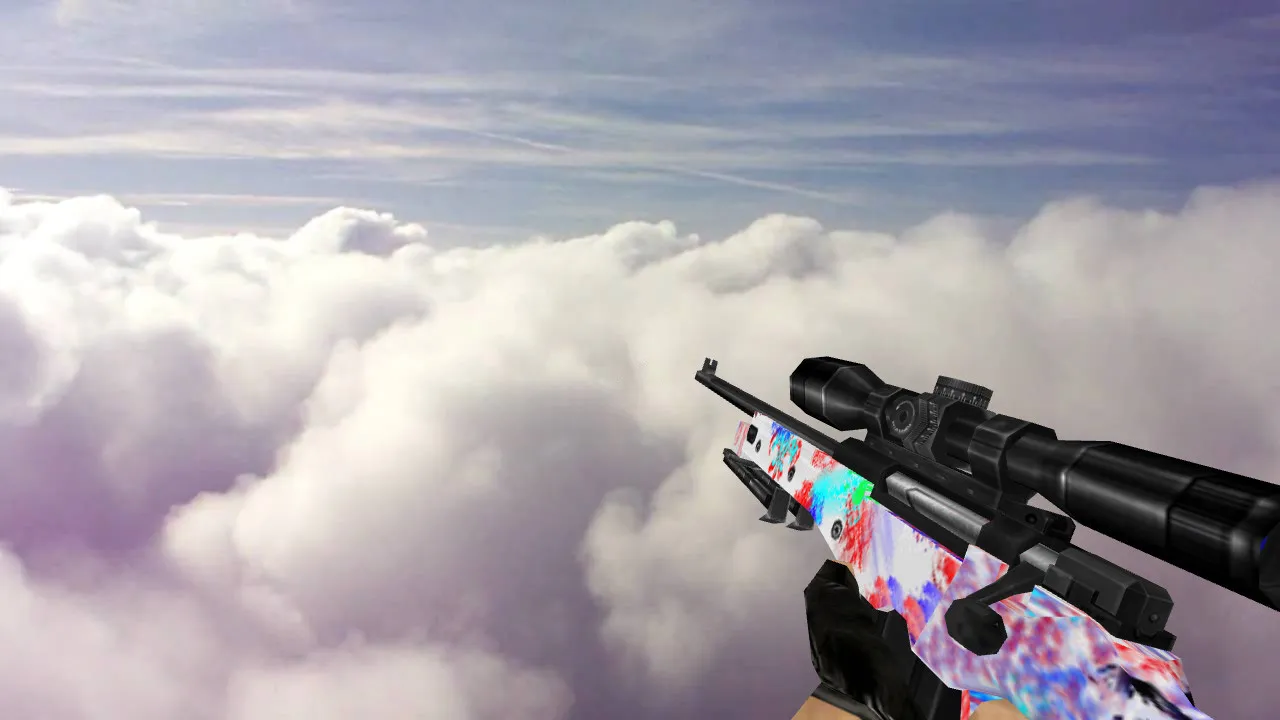
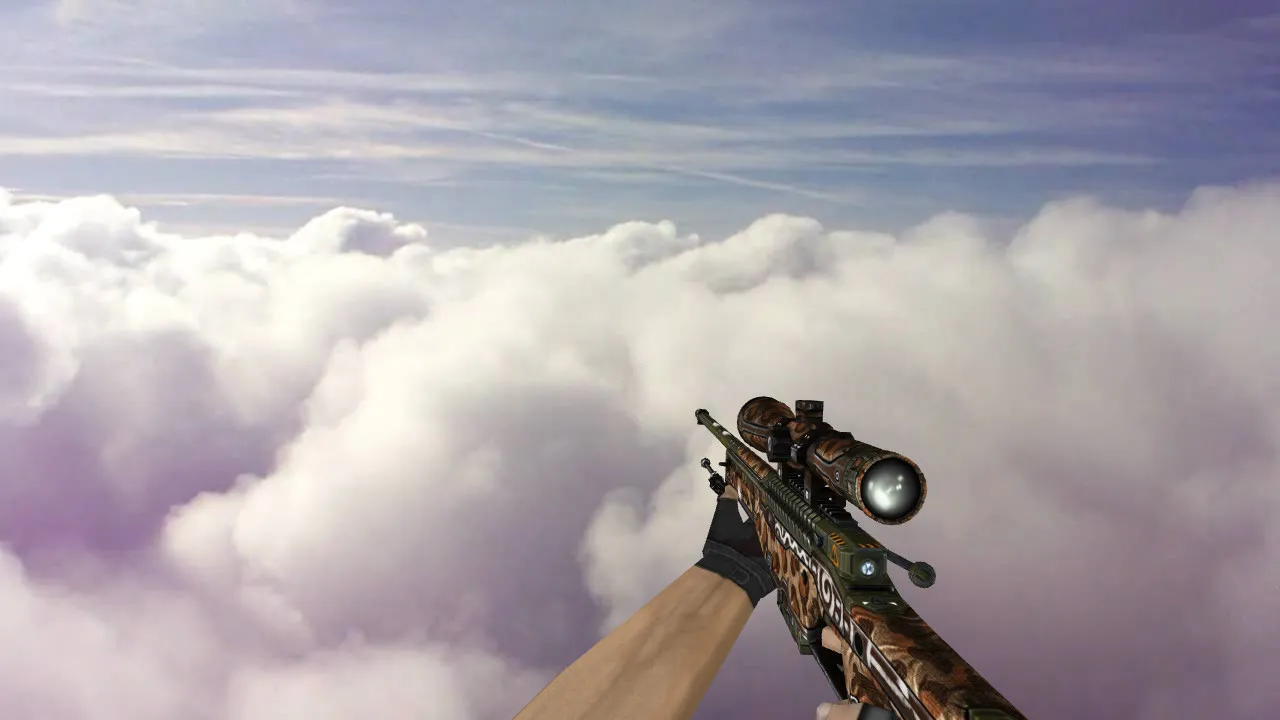
The AWP Warlord model offers a new look for the classic sniper rifle in Counter-Strike 1.6. This custom skin swaps out the default AWP with detailed v_, p_, and w_ models that work well on any server. During matches, players can see the weapon clearly, which helps when aiming for long-distance shots on maps such as de_dust2 or de_inferno. The textures are 512x512 for crisp details without making files too large, so frame rates stay smooth even on older computers.
Main Features of the AWP Warlord
- Complete Model Set: Comes with v_ for first-person, p_ for hands, and w_ for the world model. This gives consistent looks from all angles, with correct hitbox placement to prevent clipping problems.
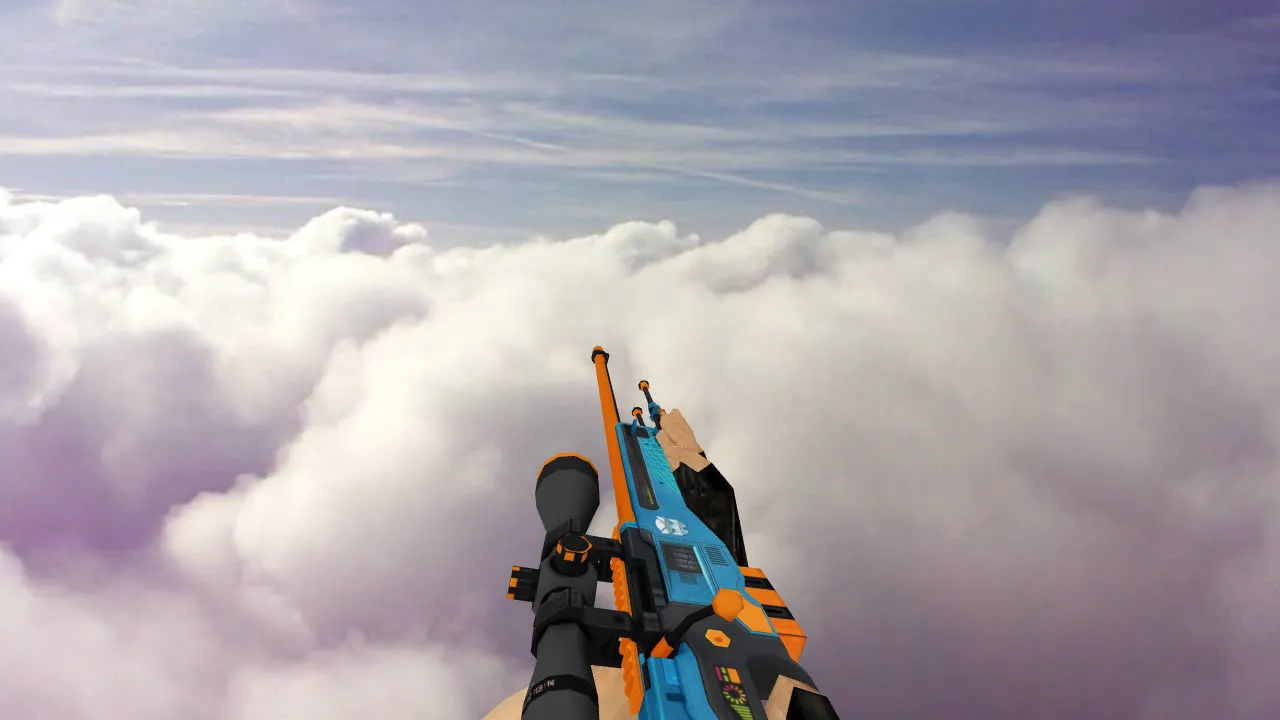
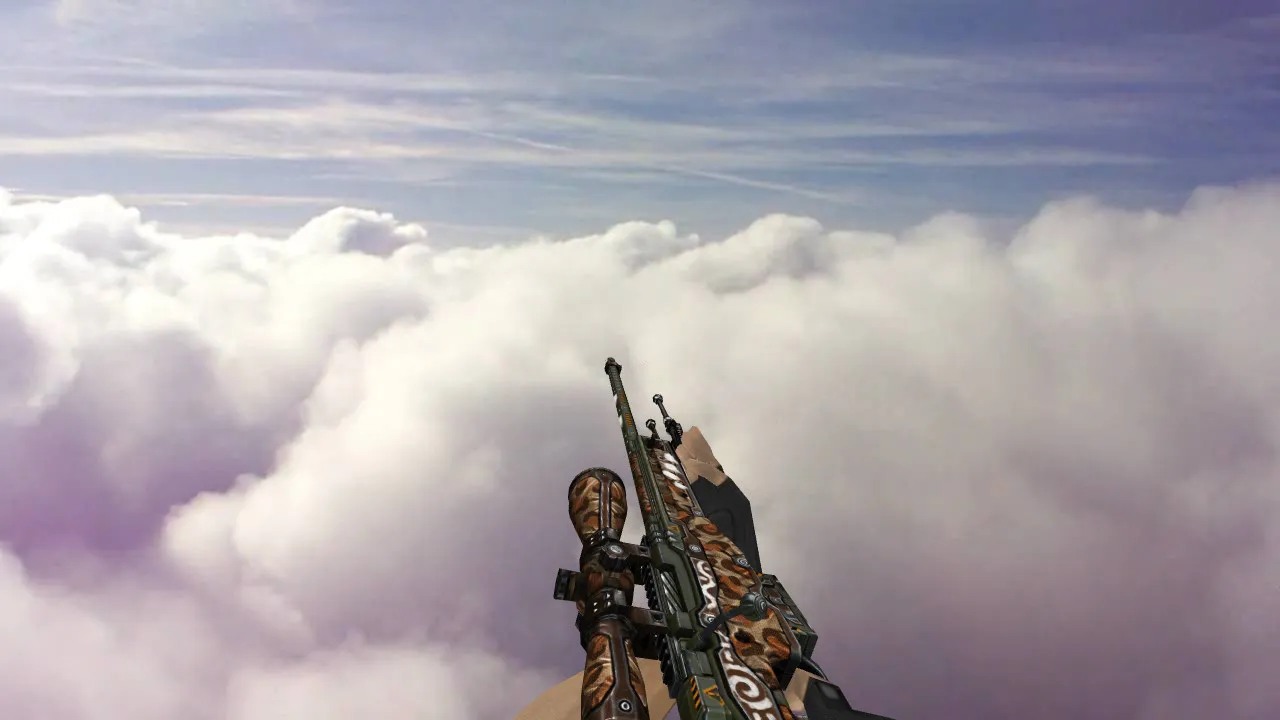
- Unique Inspect Animations: Fluid spin and close-up views let you check out the Warlord's engravings when you have time. The animations match the original engine timings exactly, with no reported lag spikes.
- HD Textures and Visibility: Textures remain clear in dim areas, such as the shadowy parts of de_cbble. ESL-style shading makes it easier to spot enemies quickly, cutting down on random spraying.
- Stock Sounds: Firing and reloading sounds are the same as the default AWP files. There are no new noises that could disrupt your timing or surprise your team.
- Low Polycount Design: The v_ model has about 1500 polys, keeping it light. It runs at high fps on Build 4554 or 8613 without needing a clean config tweak.
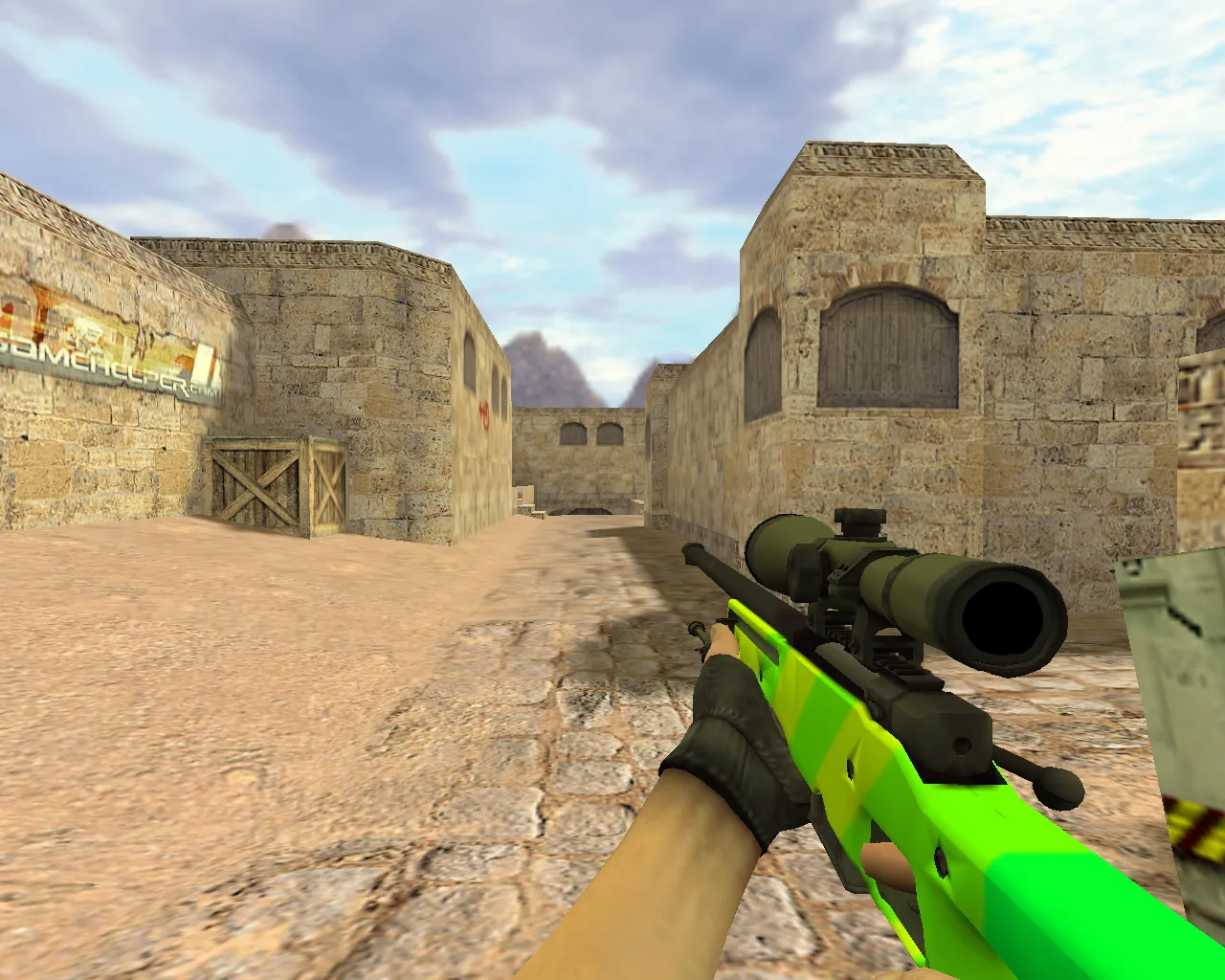
In CS 1.6, the AWP is all about precise sniping. This Warlord version adds more detail to the barrel and scope, making scoped-in views feel more engaging. It has been tested on both Non-Steam and Steam clients and loads without crashes. For competitive use, combine it with a no-recoil config for better control, though hitbox accuracy remains the same as vanilla.
How to Install the AWP Warlord
Place the files into your CS 1.6 directory under cstrike/models and sprites folders. Overwrite the awp.mdl, awp.txt, and related wad files. Make backups of the originals first so you can revert if necessary. No MasterServer changes are needed-it works on both public and private servers. If you use a modded build, look for sprite conflicts using tools like WadMaker.
Tip: After installing, start a local game on de_train to check the animations. The scope zoom feels natural, and the model doesn't block your crosshair placement.
Safety and Compatibility
This AWP Warlord model is safe-it has been scanned for viruses and backdoors. There are no slow-hack features, no ads appearing during rounds, and no auto-connect scripts. It won't trigger VAC or server bans because it's purely cosmetic. It works with bots as long as .nav files are intact, and epoly optimization keeps map loading fast.
For more adjustments, edit your config.cfg to bind inspect keys. This skin is great in clan matches where visibility is key. Users report no compatibility problems on Windows XP setups, which is the standard for 1.6.
Add this model to your collection and take control of A-site holds or mid pushes. The Warlord's grip texture makes the weapon feel more stable during no-scope shots, giving a slight advantage in tight moments.
Install in three steps
-
1
Download the archive. Use the button on the right, or the Yandex.Disk mirror if the main server is slow.
-
2
Extract it into the game folder. Use 7-Zip or WinRAR. A path without non-Latin characters works best.
-
3
Launch the game. If something doesn't work, mark it below - that is how we know the file needs an update.
Did it work for you?
No sign-up needed. You can pick more than one.