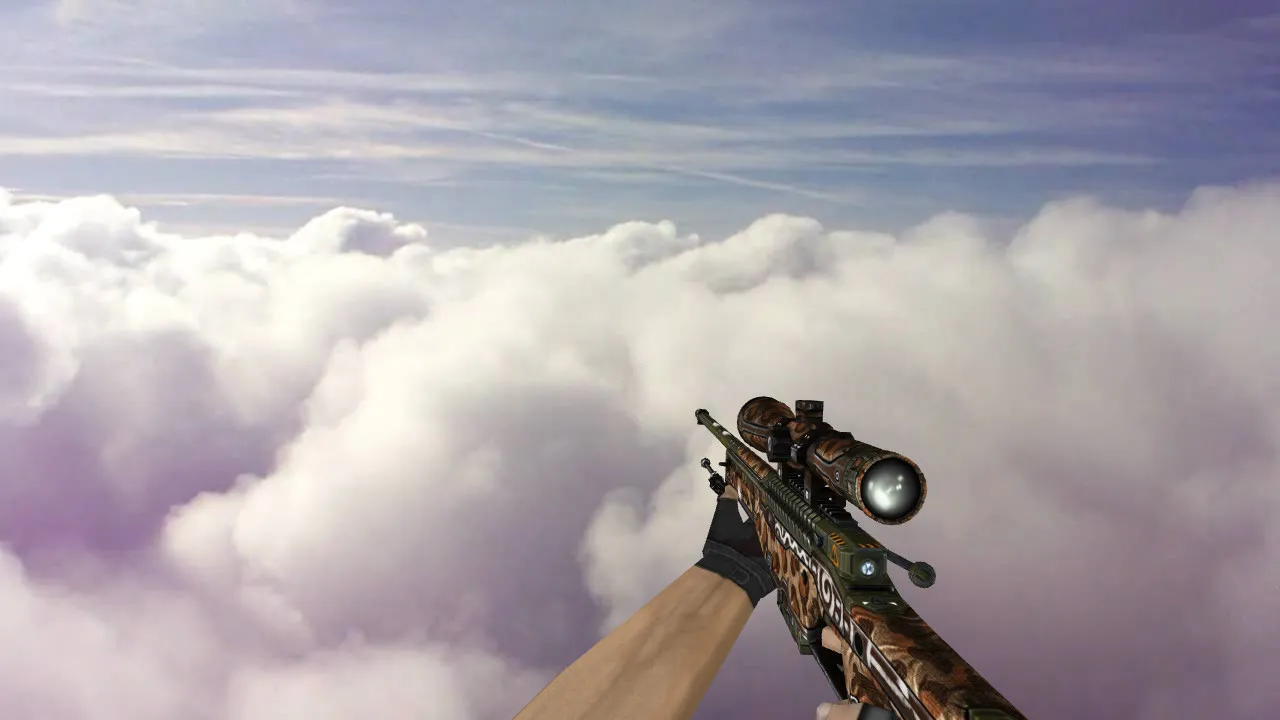
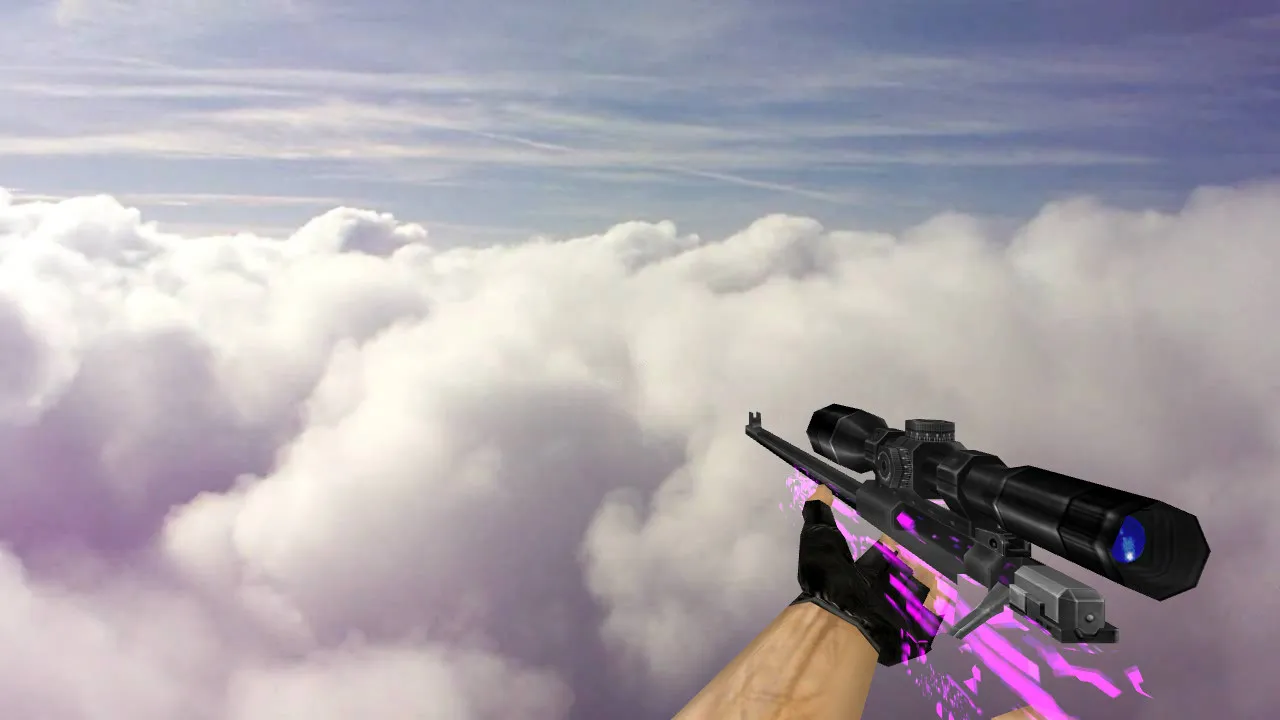
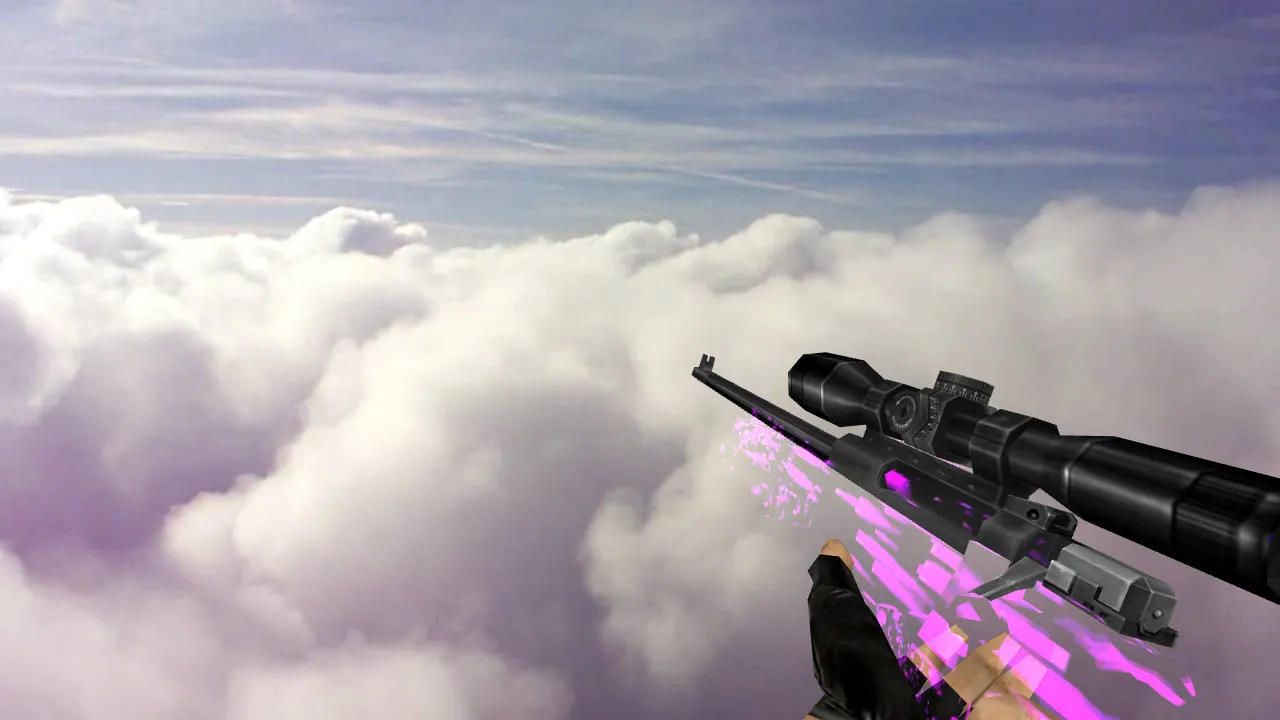
AWP Wildfire Custom Skin for CS 1.6 - HD Weapon Model with Sounds
Description
Overview of AWP Wildfire Skin
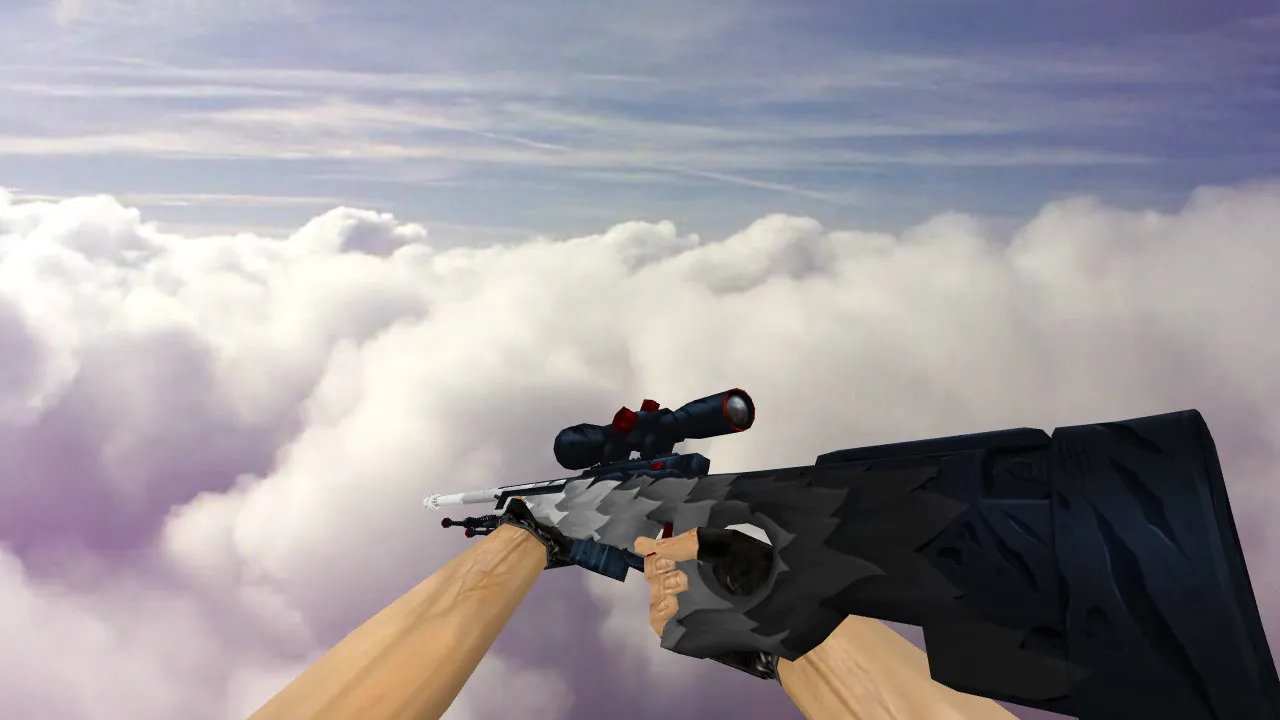
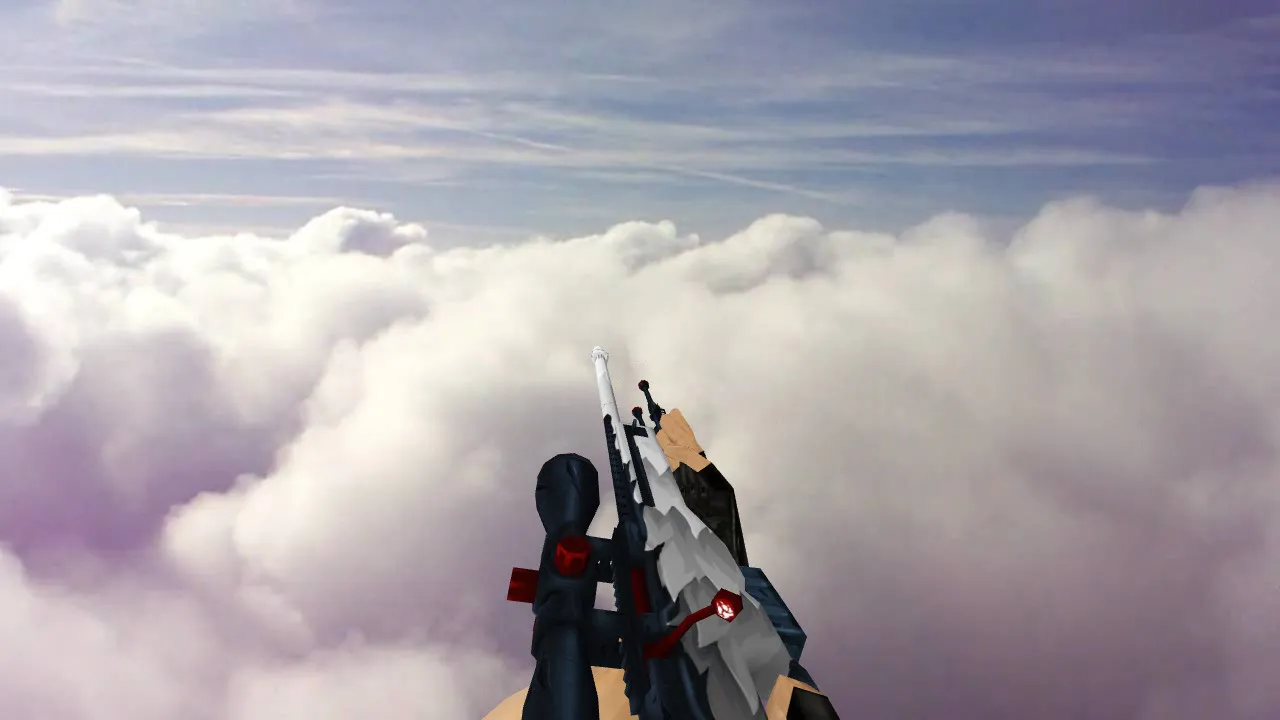
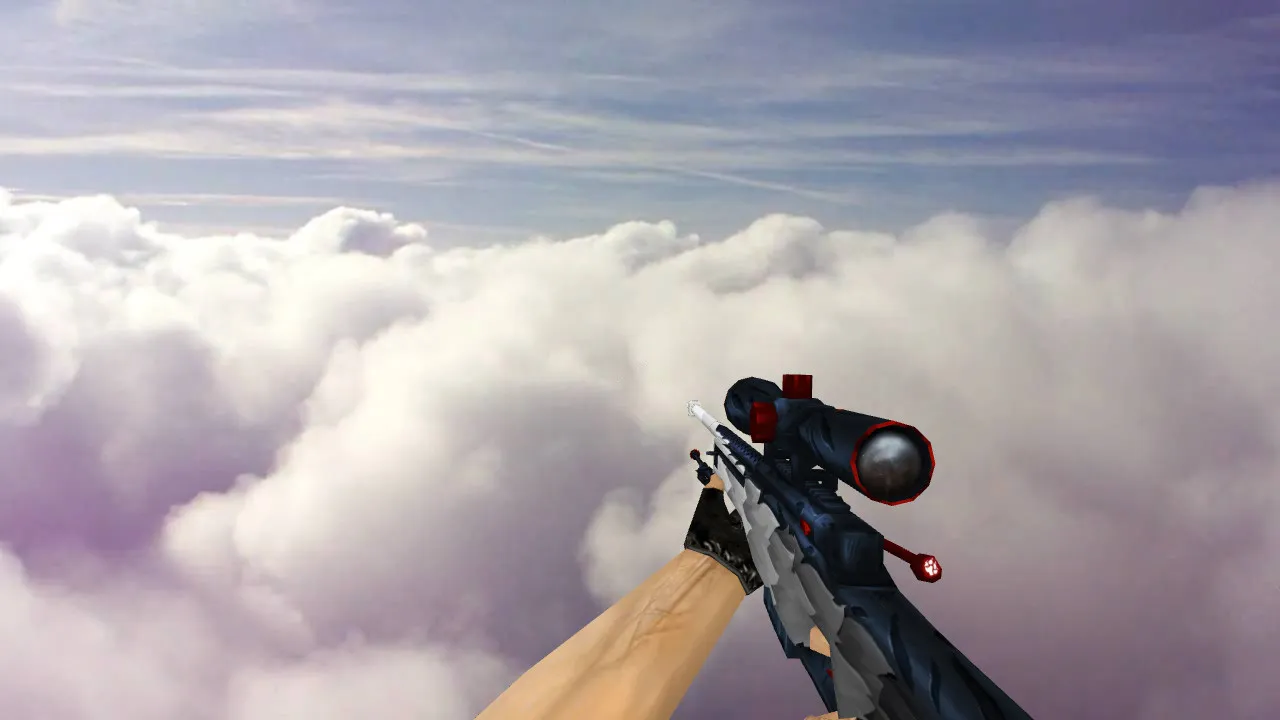
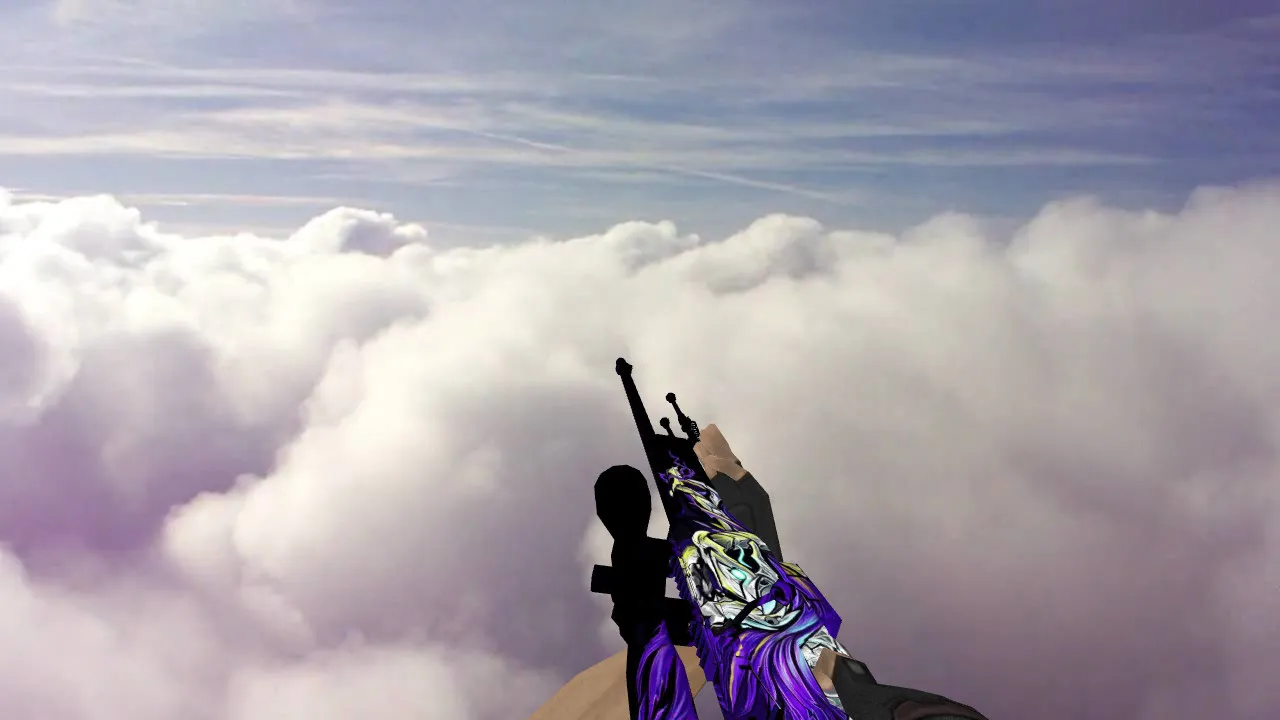
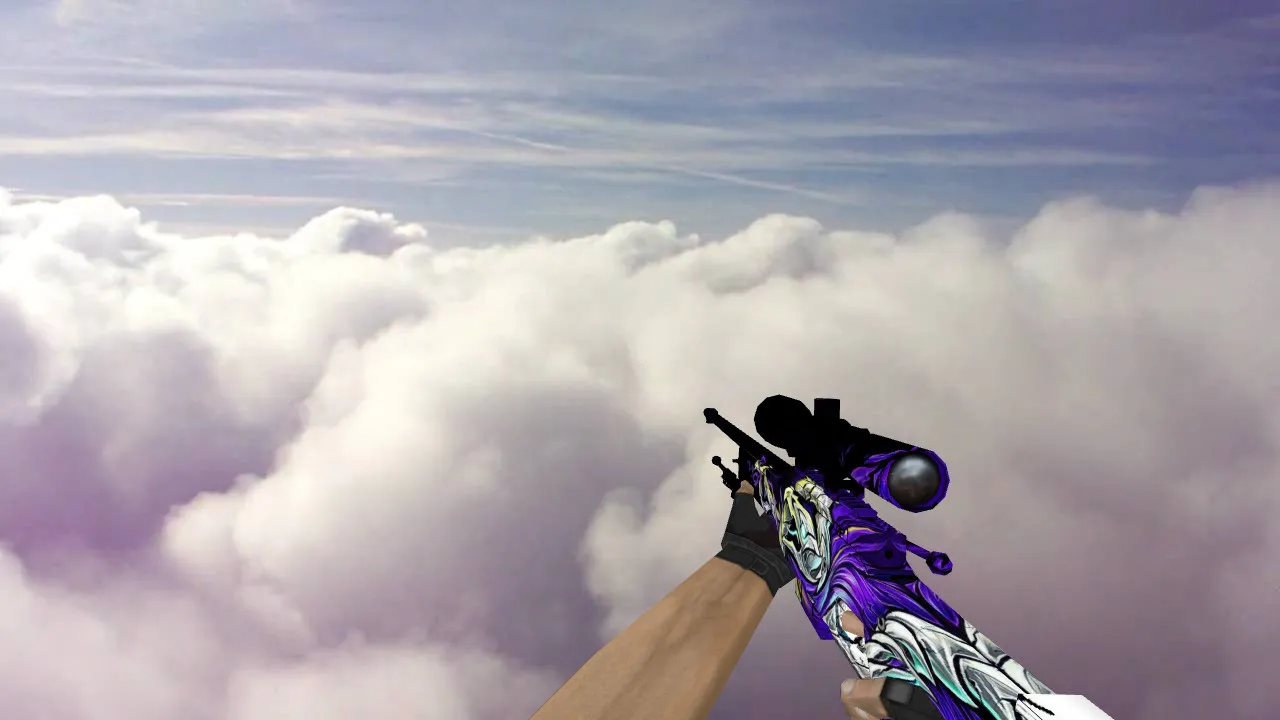
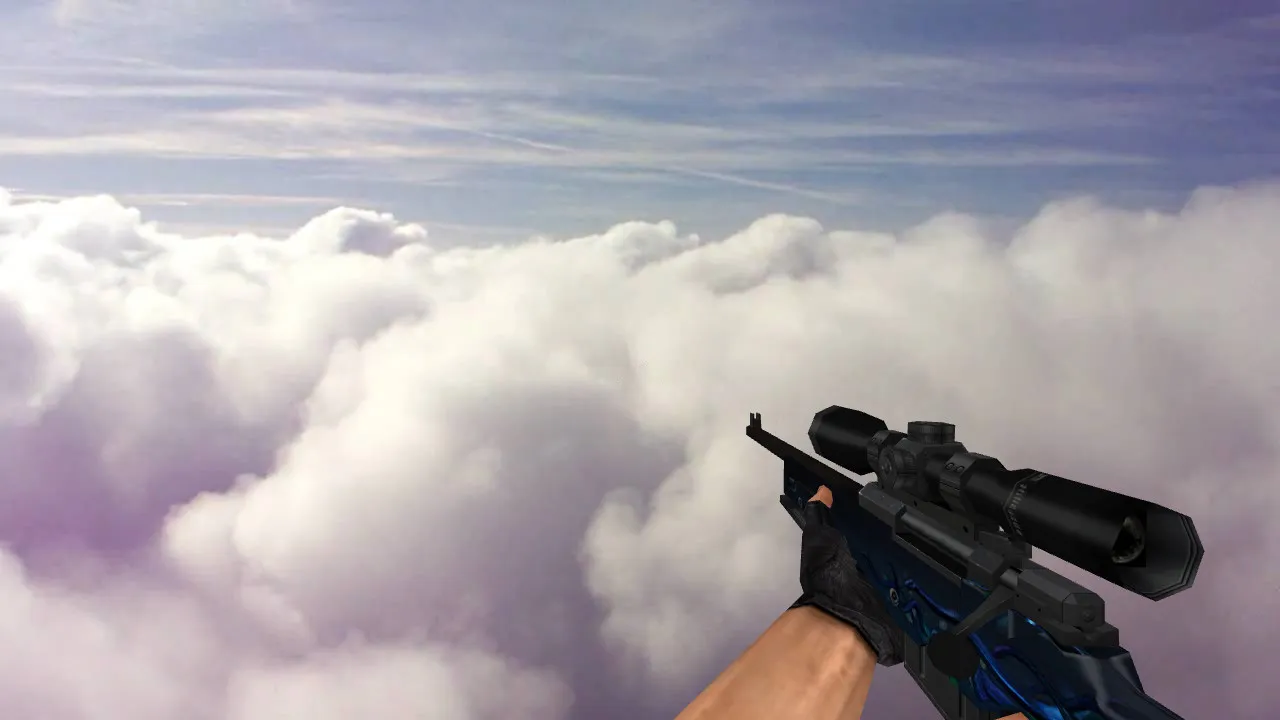
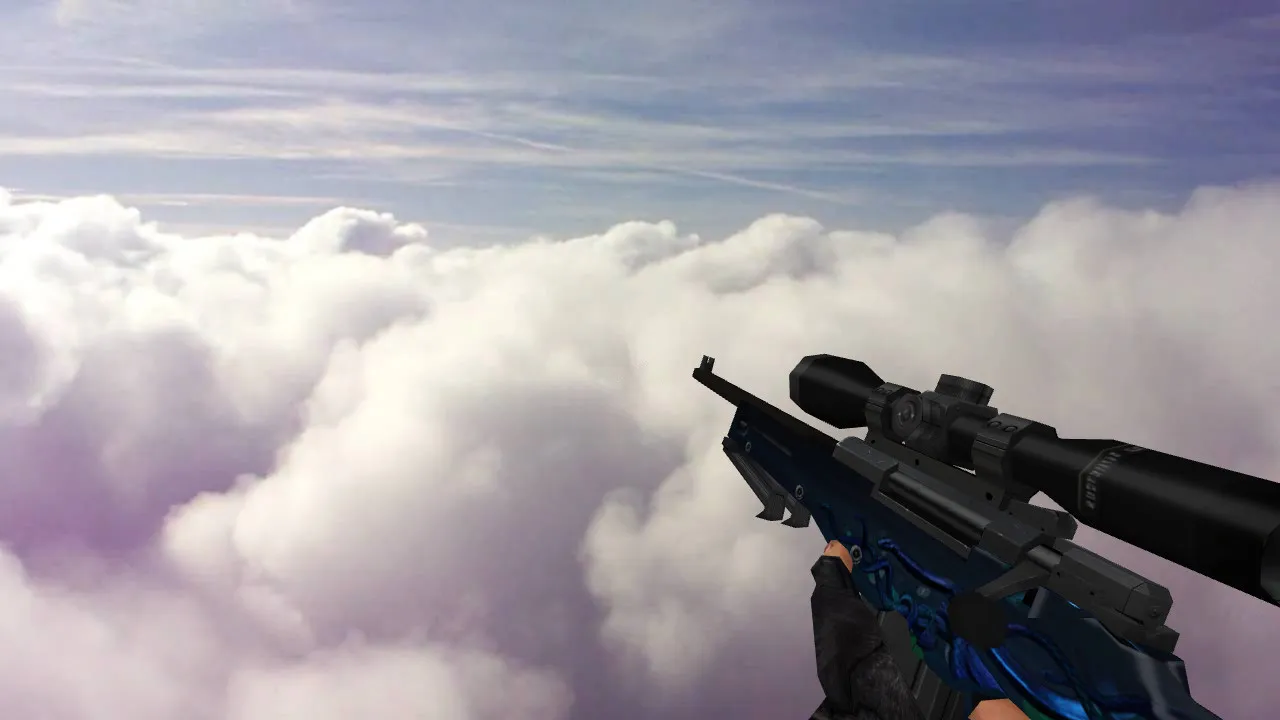
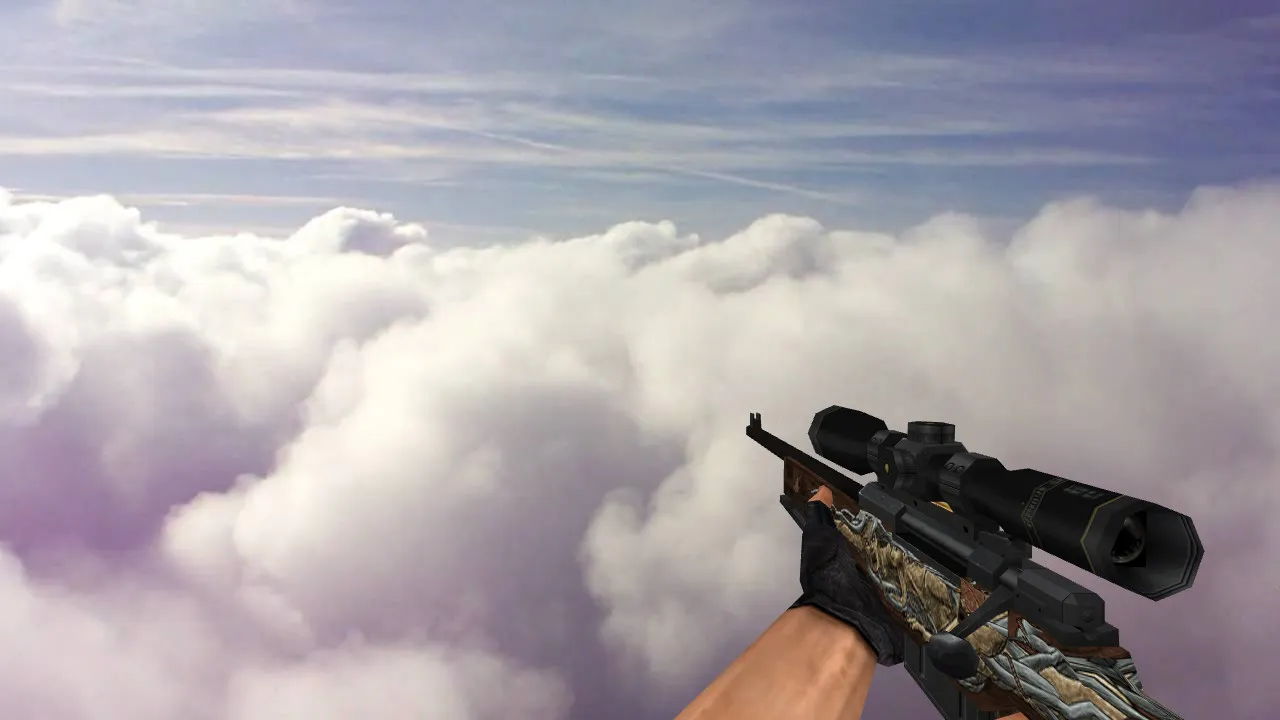
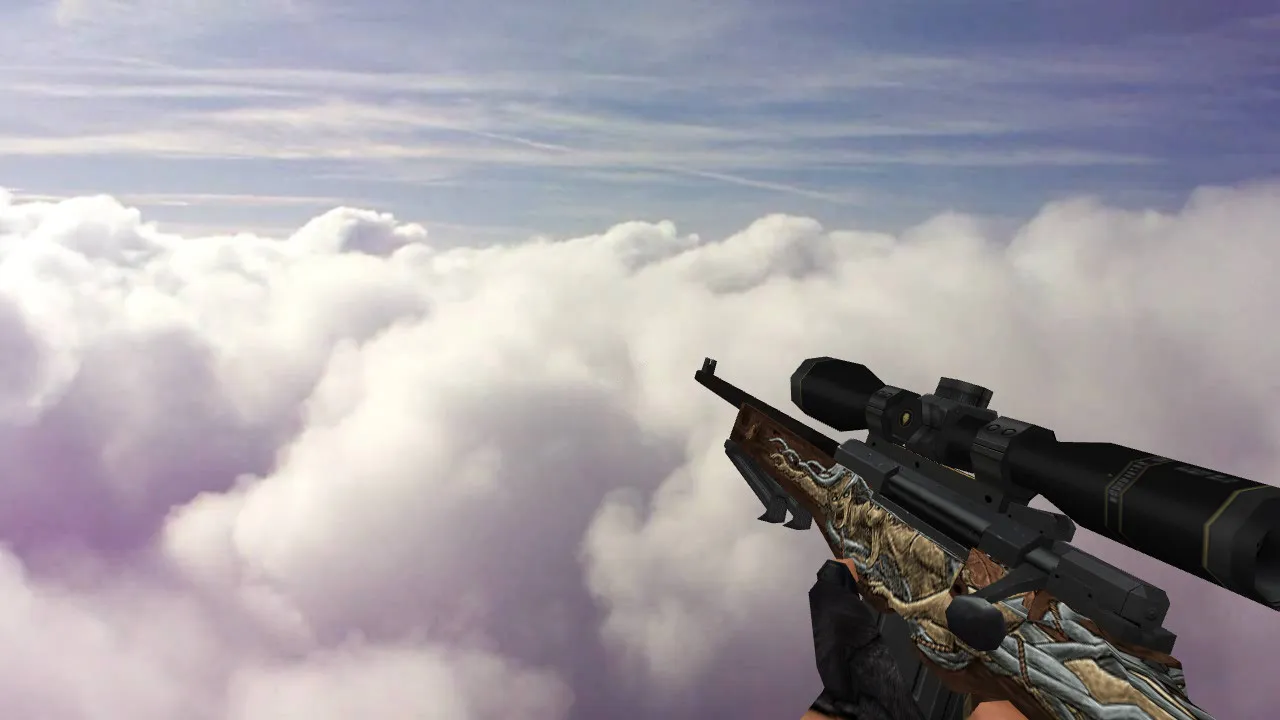
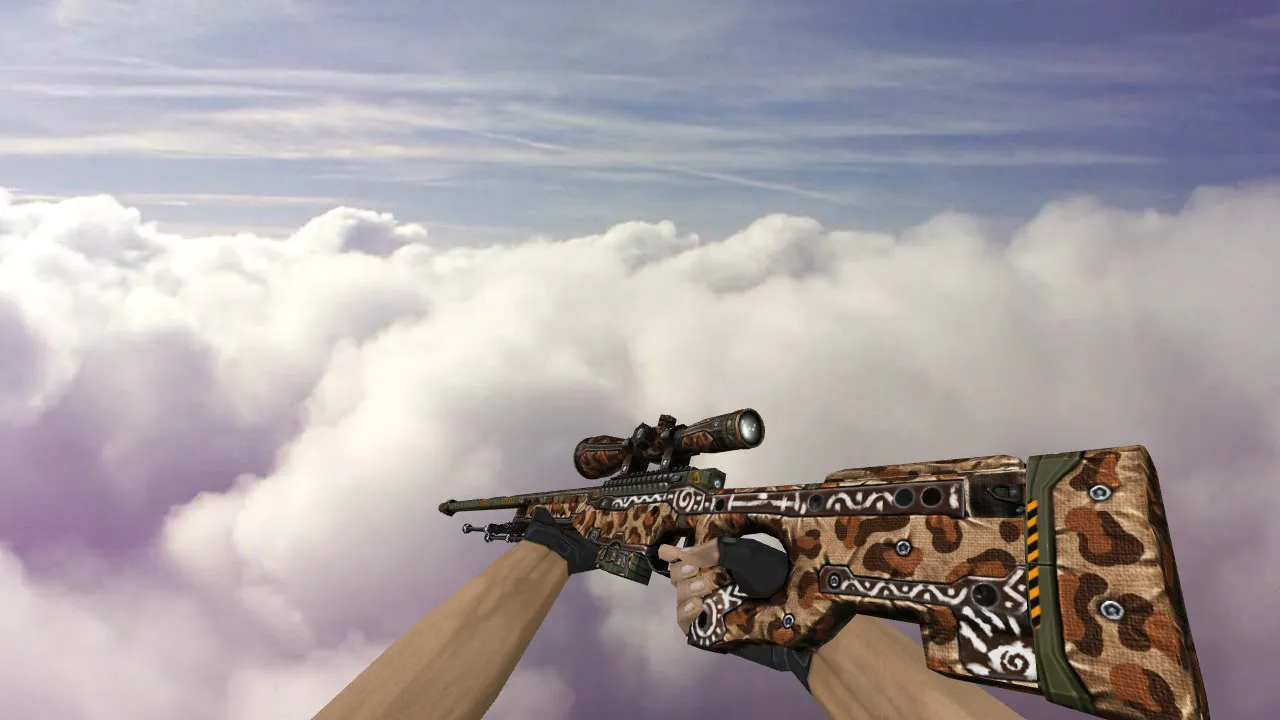
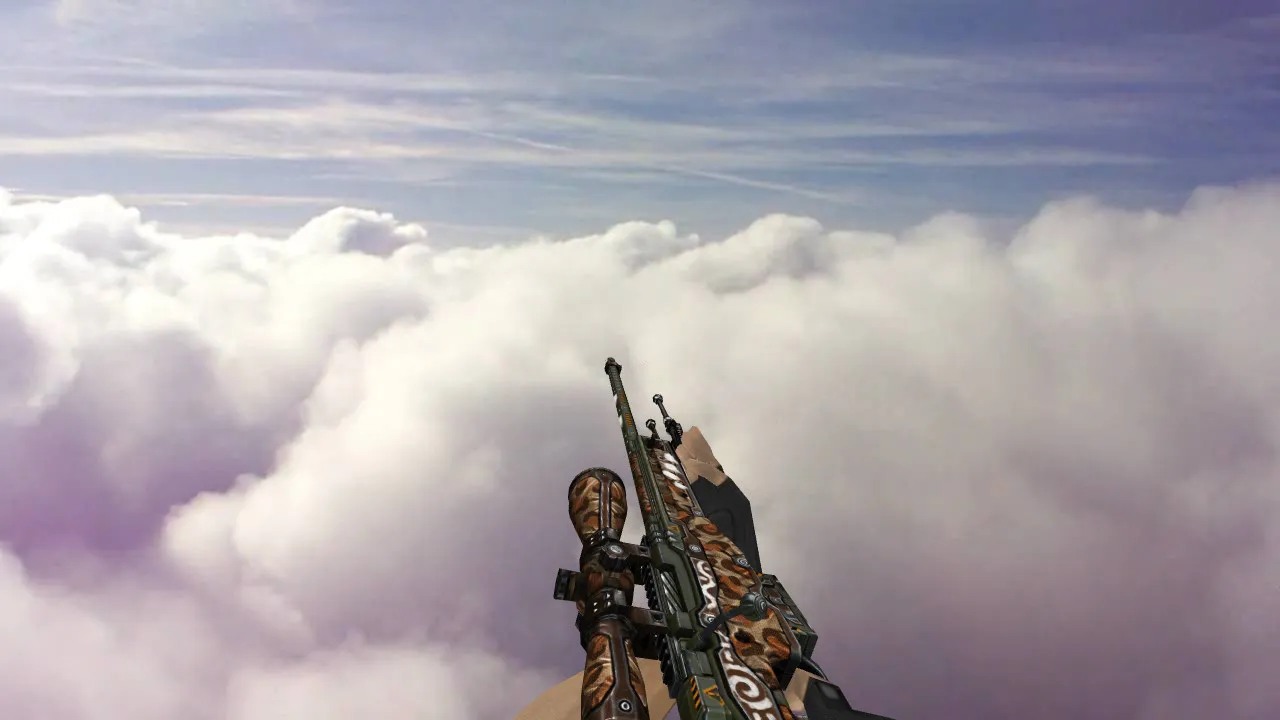
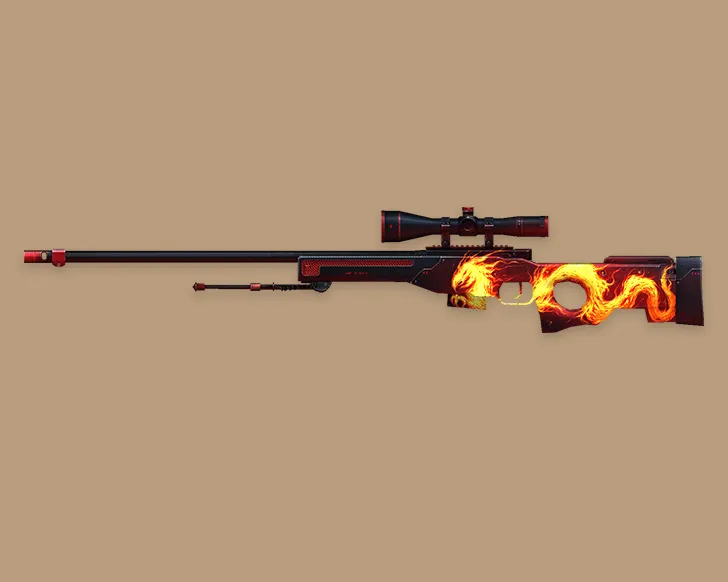
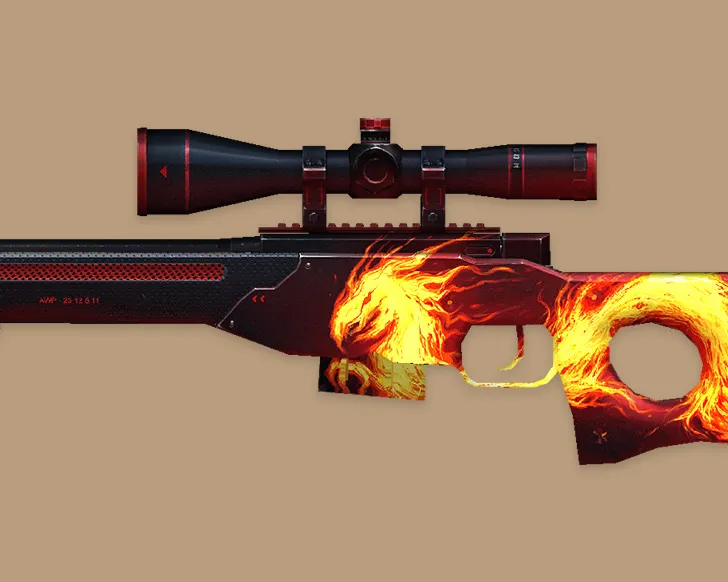
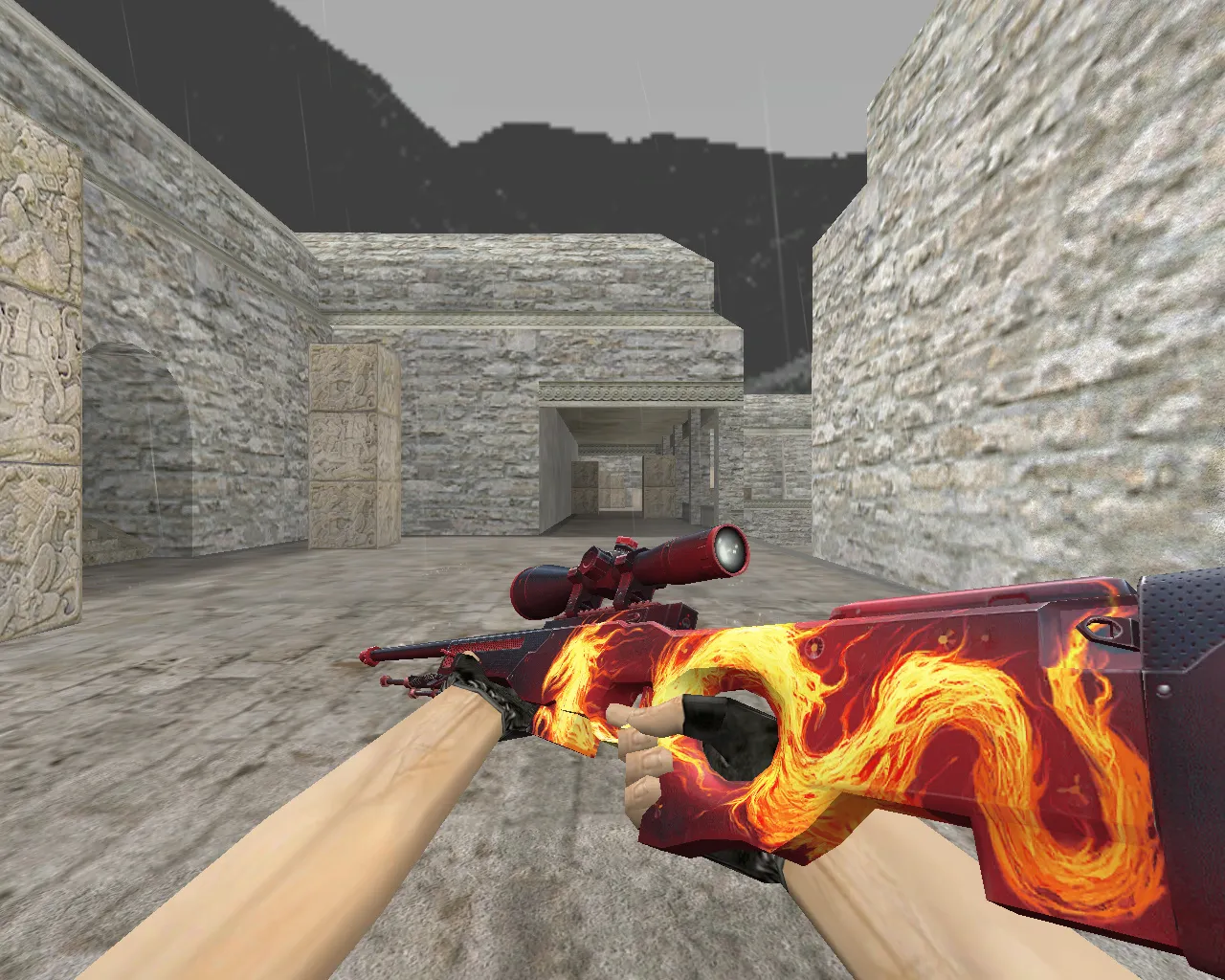
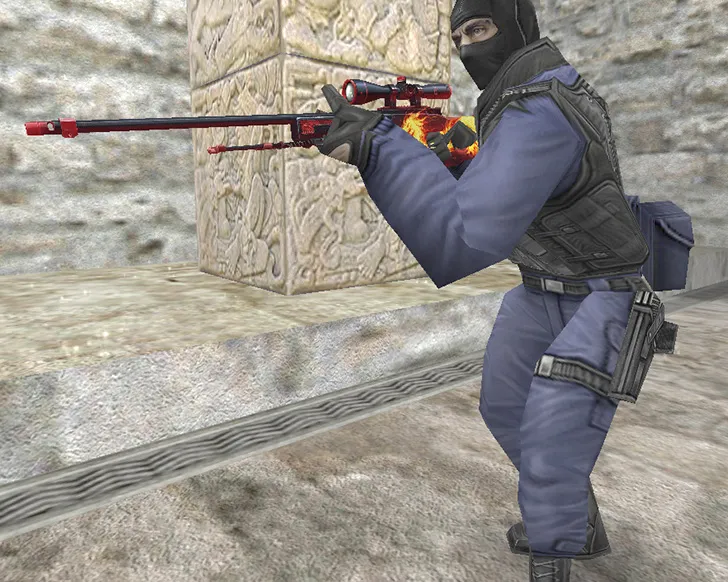
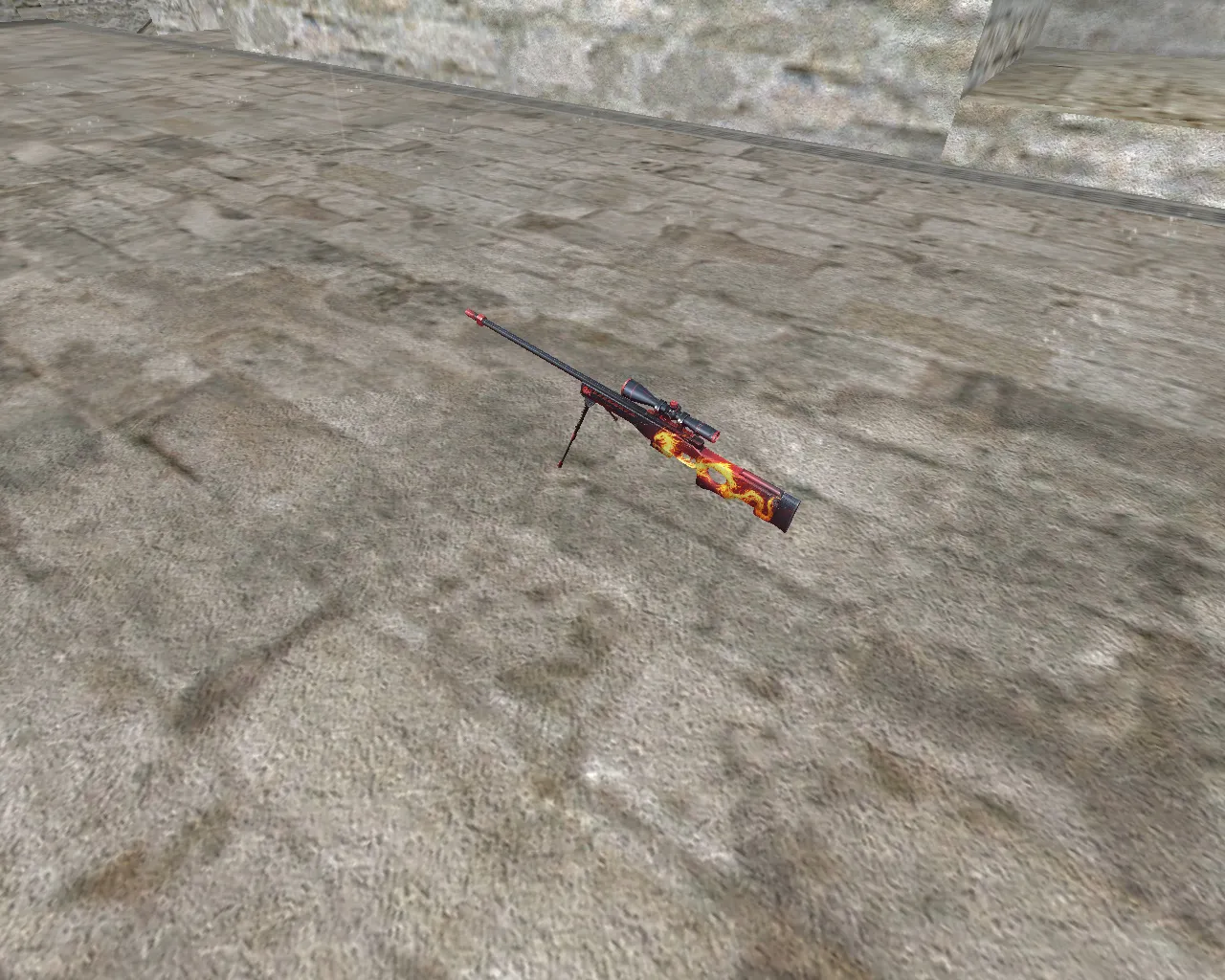
The AWP Wildfire skin gives your Counter-Strike 1.6 games a striking look with vivid red and black patterns across the rifle. This replacement model swaps out the standard AWP, offering a detailed frame that catches the eye during quick matches. An operation emblem is carved into the design, adding a tactical touch to your sniper without hurting how it plays.
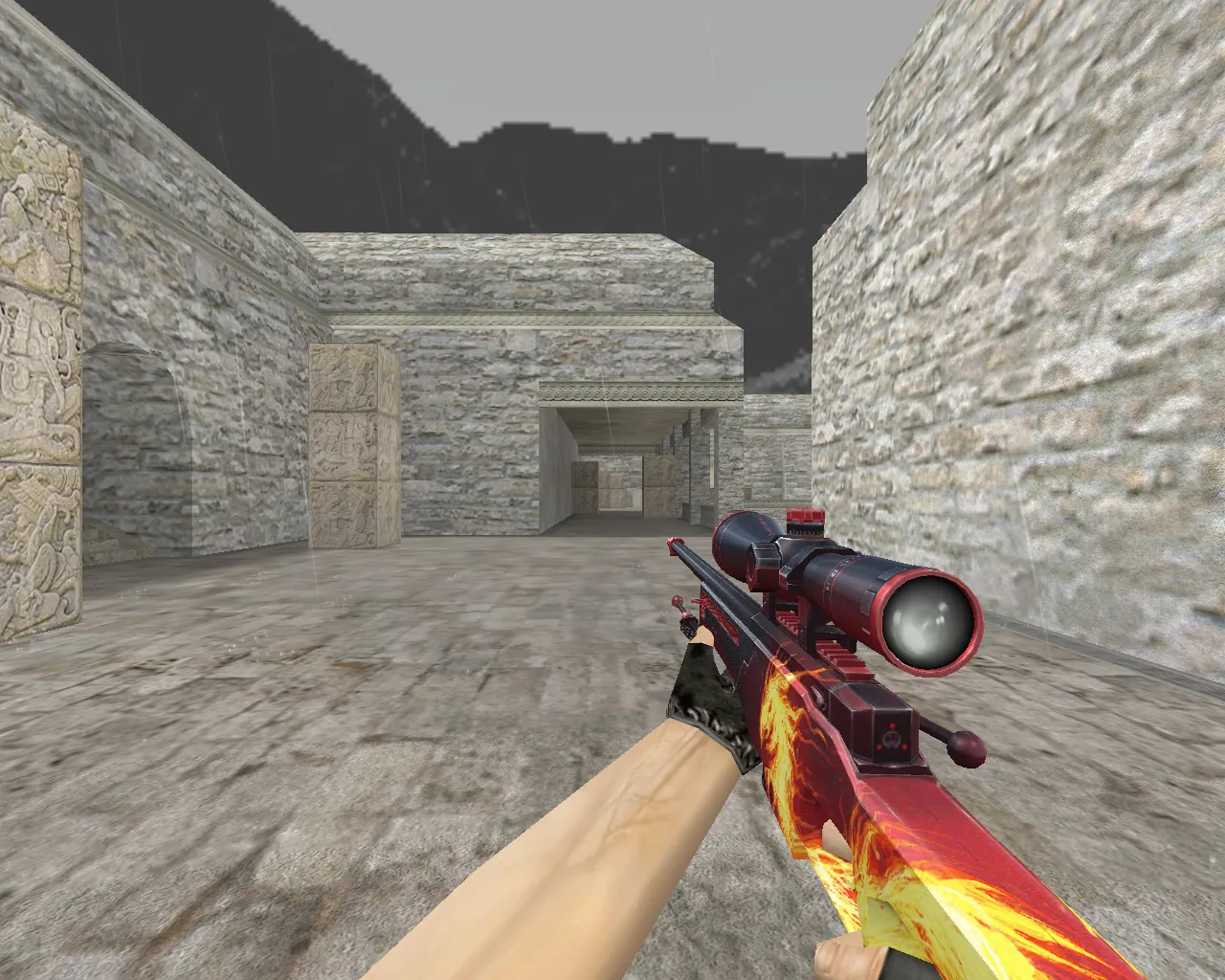
In CS 1.6, the AWP requires accuracy, and this skin improves visibility thanks to its strong color contrast. Even in dark spots on maps like de_dust2's tunnels, the textures stay sharp, aiding in fast target spotting. Many players use it alongside low-polycount settings to maintain smooth 100+ FPS on 32-player servers.
Technical Specifications
- Model Files: Comes with v_awp_wildfire for the viewmodel, p_awp_wildfire for player hands, and w_awp_wildfire for world drops. All match original hitboxes to prevent clipping problems.
- Sounds: Standard CS 1.6 AWP shot and reload noises-no custom audio to prevent server kicks, but effects like the classic scope zoom remain unchanged.
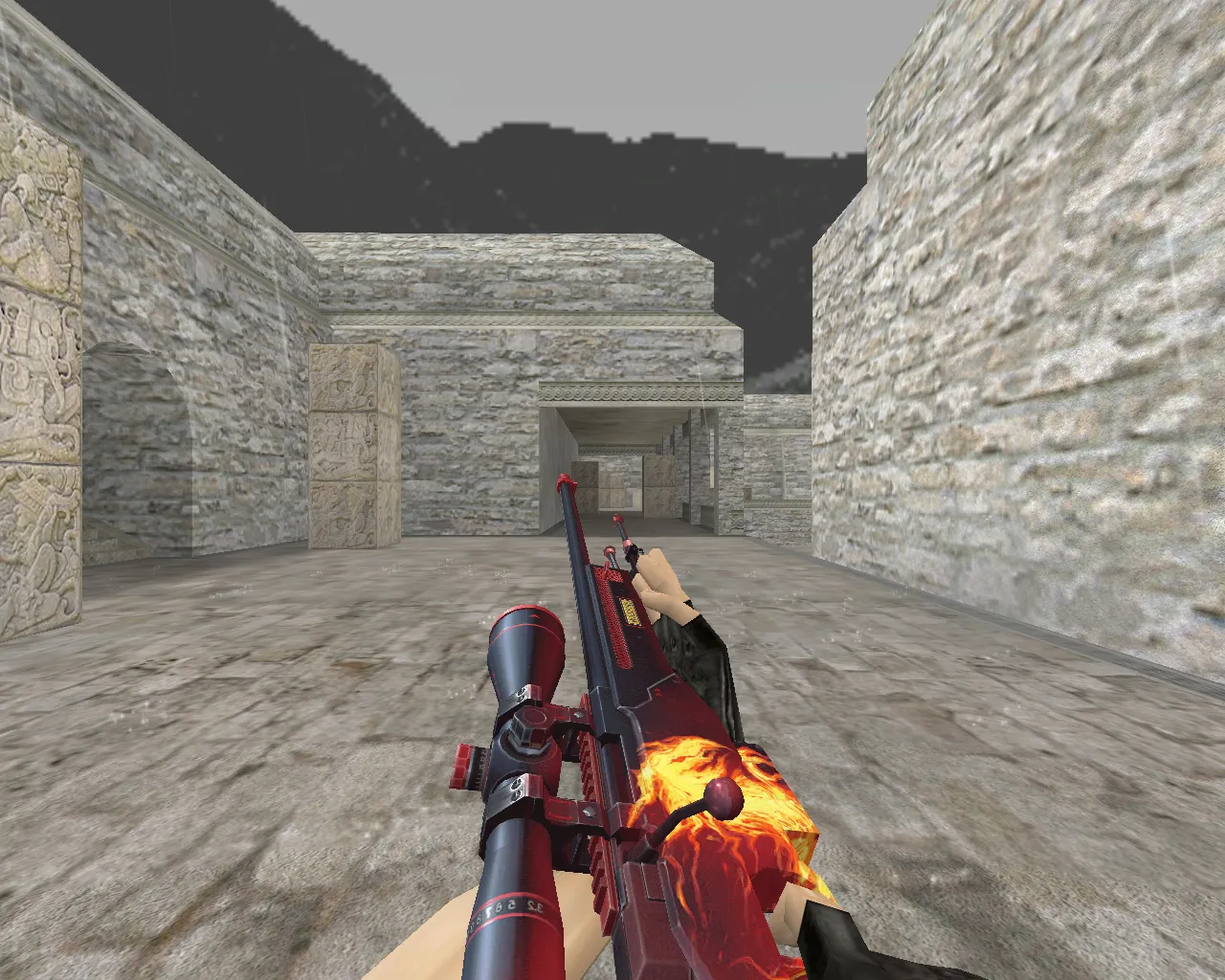
- Inspect Animations: Fluid third-person inspect with a lifelike bolt pull, aligning with default AWP frames for easy integration.
- Texture Quality: 512x512 HD resolution on main areas, tuned for ESL-style dark zones. Low mipmap settings prevent blur during no-recoil sprays.
- Polycount: Less than 1500 tris overall, keeping draw calls minimal for high-fps systems on Build 4554.
This package functions on both Steam and Non-Steam clients, fully compatible with bots through .nav files in custom maps. It doesn't affect config.cfg-just a simple model replacement.
Installation Guide for AWP Wildfire
Place the files in your CS 1.6 folder under cstrike/models/v_models and w_models. First, back up the original awp.mdl so you can restore it if necessary. Unpack the .mdl, .mdl files, and .tga textures straight away-no wad replacement needed. Check in a local server to ensure hitbox alignment; if textures act up, clear cache with 'gl_flush' in the console.
For security, this pack is clean-no viruses, backdoors, or slow-hacks. Steer clear of auto-connect scripts; installing manually keeps your setup safe. Works with MasterServer protection in public lobbies.
Performance Tips and Usage
Use this skin with a clean config: turn off dynamic lights for improved sprite rendering on the scope. In matches, the red highlights stand out against CT/T uniforms, helping with long-range shots on maps such as de_inferno. Combine with a no-recoil alias for AWP taps, but follow the rules-no aim hacks here.
Player feedback points to its reliability on older hardware, with no FPS drops in smoke grenades. If you want to mod more, adjust the .qc file for custom inspect poses, but keep polycount low to prevent lag in 1.6's engine.
Why Choose AWP Wildfire?
This model combines style and function, great for clan tags or solo queues. It upgrades your AWP without the excess of full reskins-focus on the v_ model for that first-person advantage. Users report straightforward integration, making it a favorite for 1.6 veterans seeking that genuine feel.
Grow your loadout: Pair with AK47 customs for balanced T-side kits. Always check files after install; if problems come up, forums like AlliedModders have threads on AWP model tweaks.
Install in three steps
-
1
Download the archive. Use the button on the right, or the Yandex.Disk mirror if the main server is slow.
-
2
Extract it into the game folder. Use 7-Zip or WinRAR. A path without non-Latin characters works best.
-
3
Launch the game. If something doesn't work, mark it below - that is how we know the file needs an update.
Did it work for you?
No sign-up needed. You can pick more than one.