Item Models
3 files
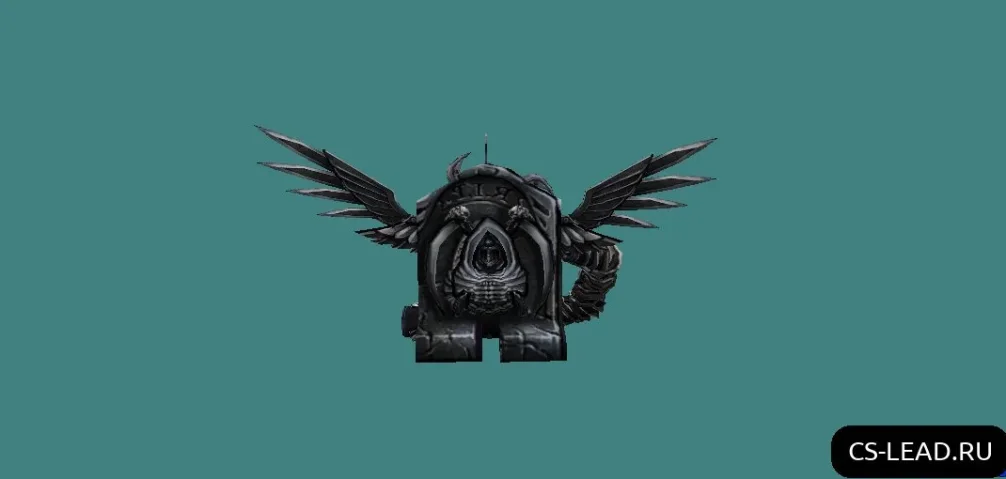
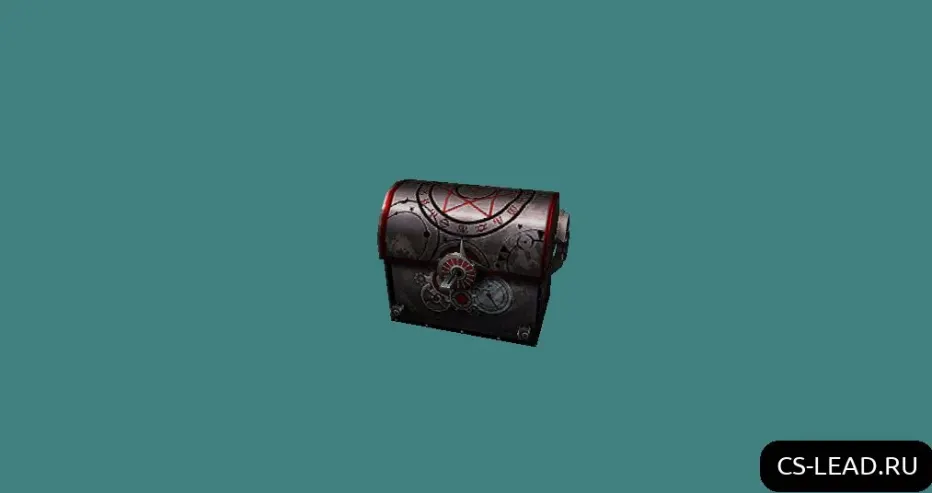
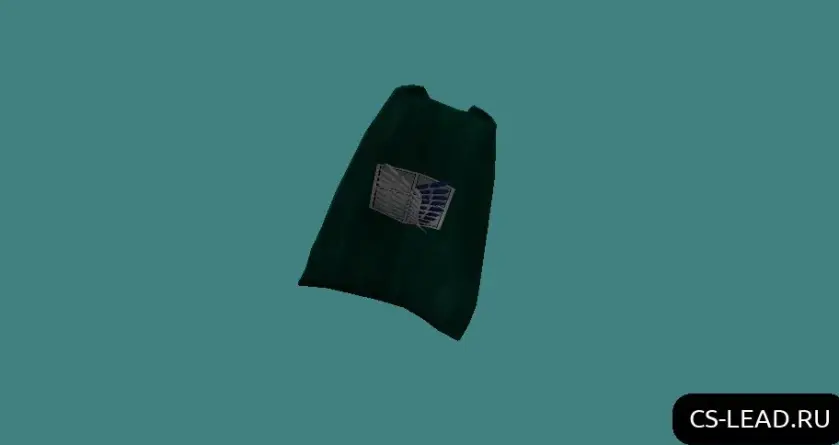
Top-quality item models for Counter-Strike 1.6, featuring HD textures and skins.
FAQ
How do I install item models in CS 1.6?
Place the .mdl files into your game's model directory, typically cstrike/models. If the model is meant to replace an existing weapon or item, make sure the file name and folder path are identical to the original. Always make a backup of the original files before you overwrite them.
Where should I place custom item model files in CS 1.6?
Item models belong in cstrike/models or a subfolder that corresponds to the original model's location. For weapon-type items, v_ models are for first-person view, p_ models appear on the player, and w_ models are on the ground. If your game uses cstrike_russian, files in that folder take precedence.
How can I enable or choose an item model in CS 1.6?
Most item models are straightforward replacements - once the file is in the right folder, the game loads it automatically. For items that come from a server plugin, you need to install the plugin (for instance, an .amxx file in cstrike/addons/amxmodx/plugins) and add its name to cstrike/addons/amxmodx/configs/plugins.ini, then change the map or restart the server. Client-side replacements might not show up on servers that enforce their own models.
CS 1.6 item model not appearing - what should I do?
Verify that the file is in the correct folder and that the file name and path exactly match the original. Keep in mind that files in cstrike_russian override those in cstrike. On a server, your custom model can be overridden by the server's model, so test in a local game first.
CS 1.6 crashes when loading an item model - how can I fix it?
Remove the custom model and restore the original file from your backup. A crash often indicates the model is corrupted, incompatible with your game version, or missing required textures. If the crash began after a plugin install, disable the plugin in plugins.ini.
How do I restore default item models in CS 1.6?
Delete the custom .mdl files and put the original files back from your backup. If you don't have a backup, verify the game files through your game client or reinstall the game. For server plugins, remove the plugin line from plugins.ini and restart.
Do custom item models work on CS 1.6 servers?
Client-side model replacements typically work only if the server does not check file consistency. If the server enforces consistency, you may be kicked for having different files. Item models that add new features, such as a jetpack or parachute, require a server-side plugin to function online.