
Anime
1 file
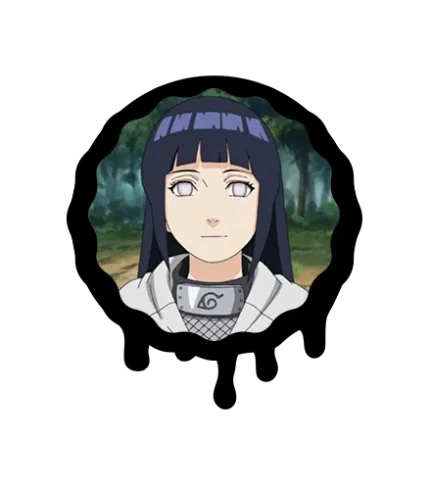
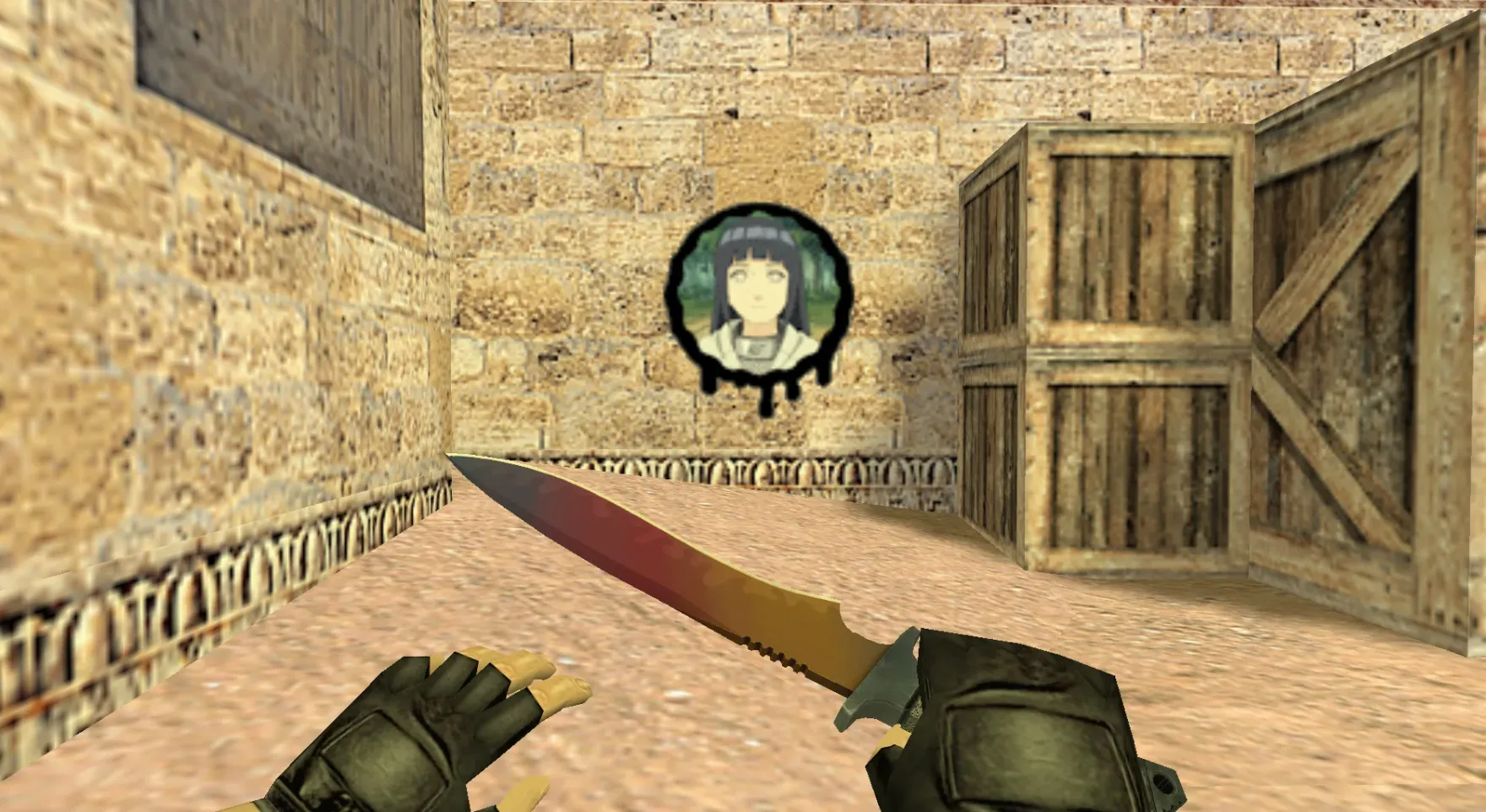
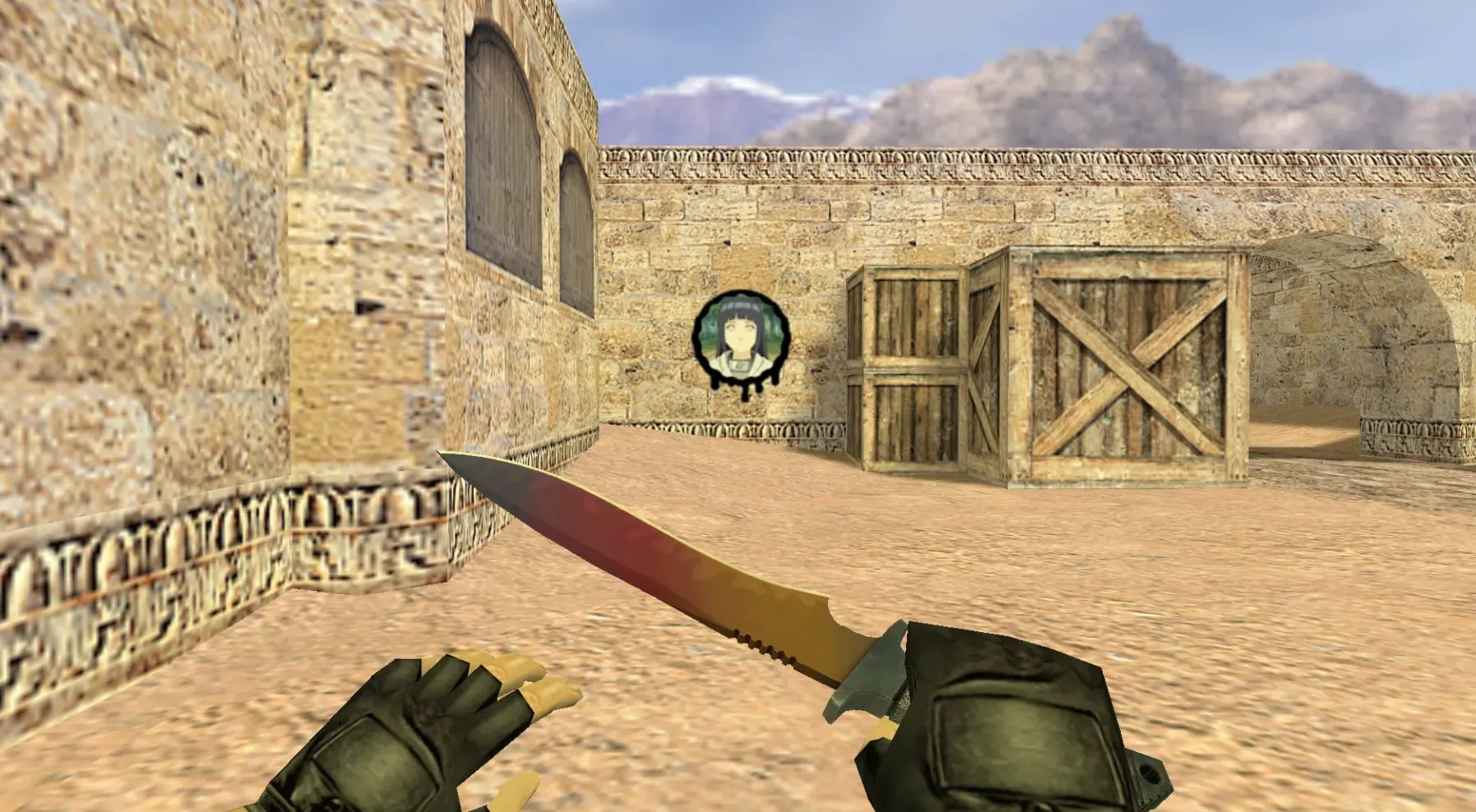
Get anime-style player models for CS 1.6. Bright HD textures and distinct character looks. Stand out on any server. Free download.
FAQ
How do I install anime graffiti in CS 1.6?
Get the anime spray file. If it's a .wad file, put it in your cstrike folder and rename it to tempdecal.wad, overwriting the existing file. For localized versions, use cstrike_russian if it's there. Another option is the in-game import: go to Options, Multiplayer, Customize, Import Spray and pick the image.
Where should I place anime spray files in CS 1.6?
Put the anime spray file in the cstrike folder. If your game uses a localized folder like cstrike_russian, place it there instead; files in that folder take priority. For a .wad spray, the file must be named tempdecal.wad. Back up the original tempdecal.wad before you replace it.
How can I switch my spray to anime in CS 1.6?
You can switch your spray in game by going to Options, Multiplayer, Customize, and then Import Spray. Choose your anime image file and apply it. If you have a .wad file, replace cstrike/tempdecal.wad and restart the game. Press your spray key to place it on a wall.
Why isn't my anime graffiti appearing in CS 1.6?
Make sure the spray file is in the right folder and has the correct name. For .wad files, it must be cstrike/tempdecal.wad or cstrike_russian/tempdecal.wad. Ensure the image is a valid format and size the game supports. Some servers turn off custom sprays, so test in a local game first.
How do I remove an anime spray and restore the default in CS 1.6?
Delete or rename cstrike/tempdecal.wad and restart the game; it will create a new default spray. If you saved a backup of the original tempdecal.wad, restore it. You can also import a default spray image via Options, Multiplayer, Customize.
Do anime sprays work on online servers in CS 1.6?
Yes, you can use anime sprays on most online servers, but other players will only see your spray if they have the same tempdecal.wad file. Some servers block custom sprays completely. Your spray is client-side, so it doesn't affect gameplay or hitboxes.
How can I make my anime spray visible to other players in CS 1.6?
Other players need the same tempdecal.wad file in their cstrike folder to see your custom anime spray. If they don't have it, they'll see a default spray or nothing. There's no standard way to force your custom spray to show for everyone on a server.