
Santexnik CS 1.6 Build: Dark Menu, 9 Skins, Default Config
Description
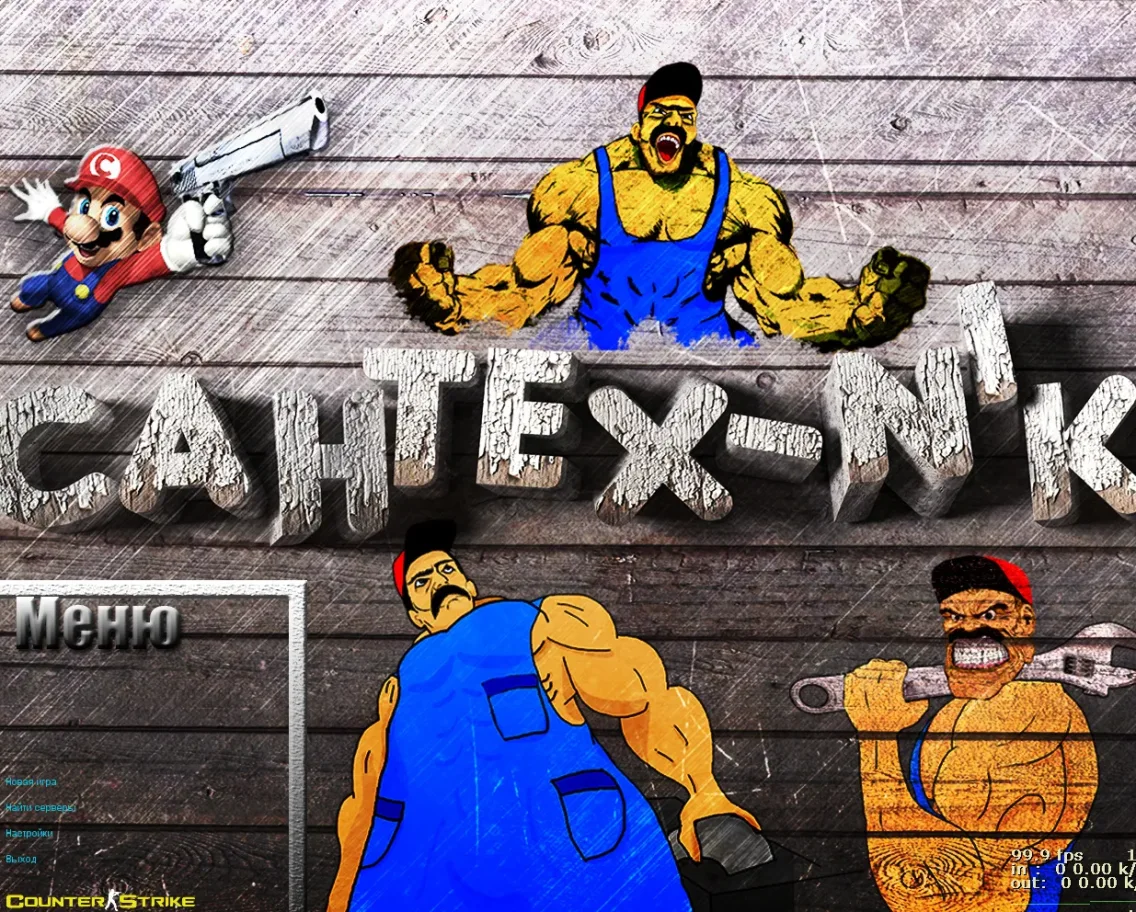
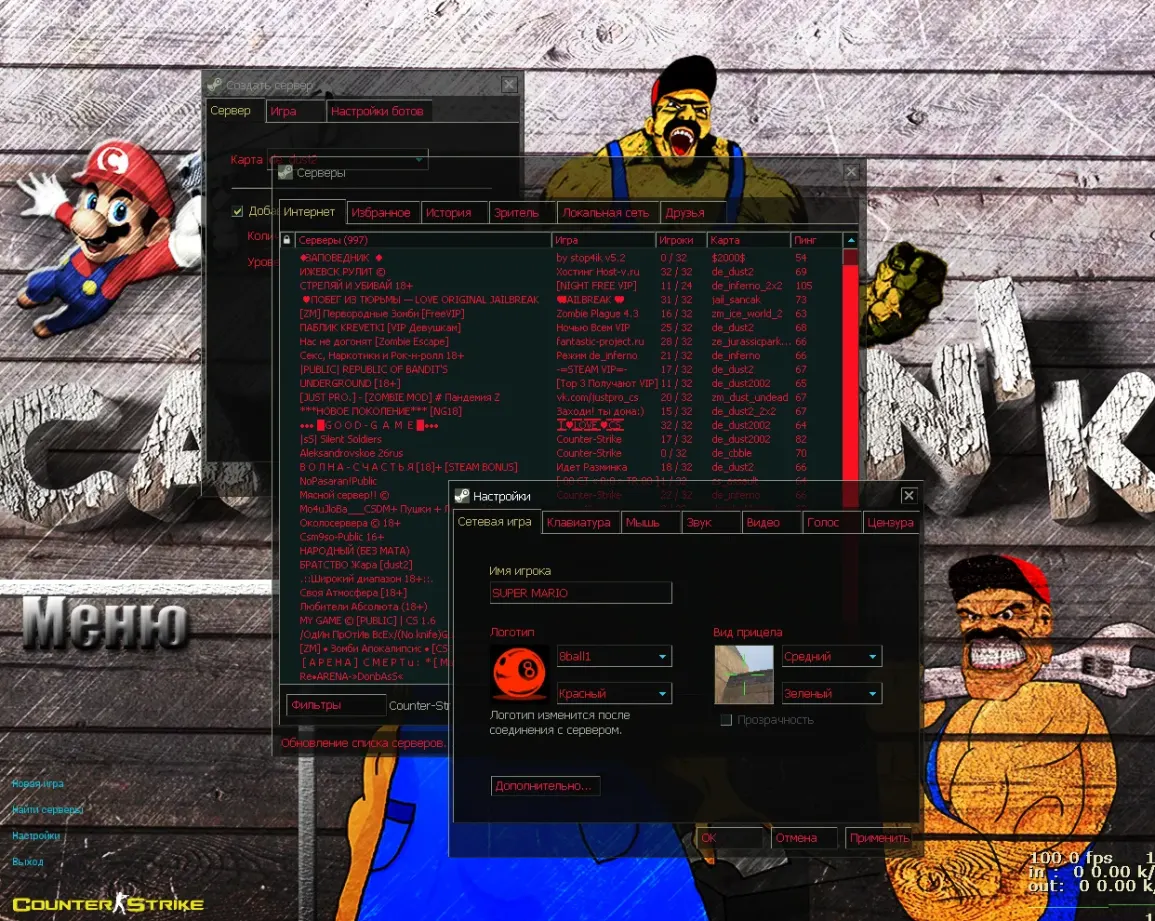
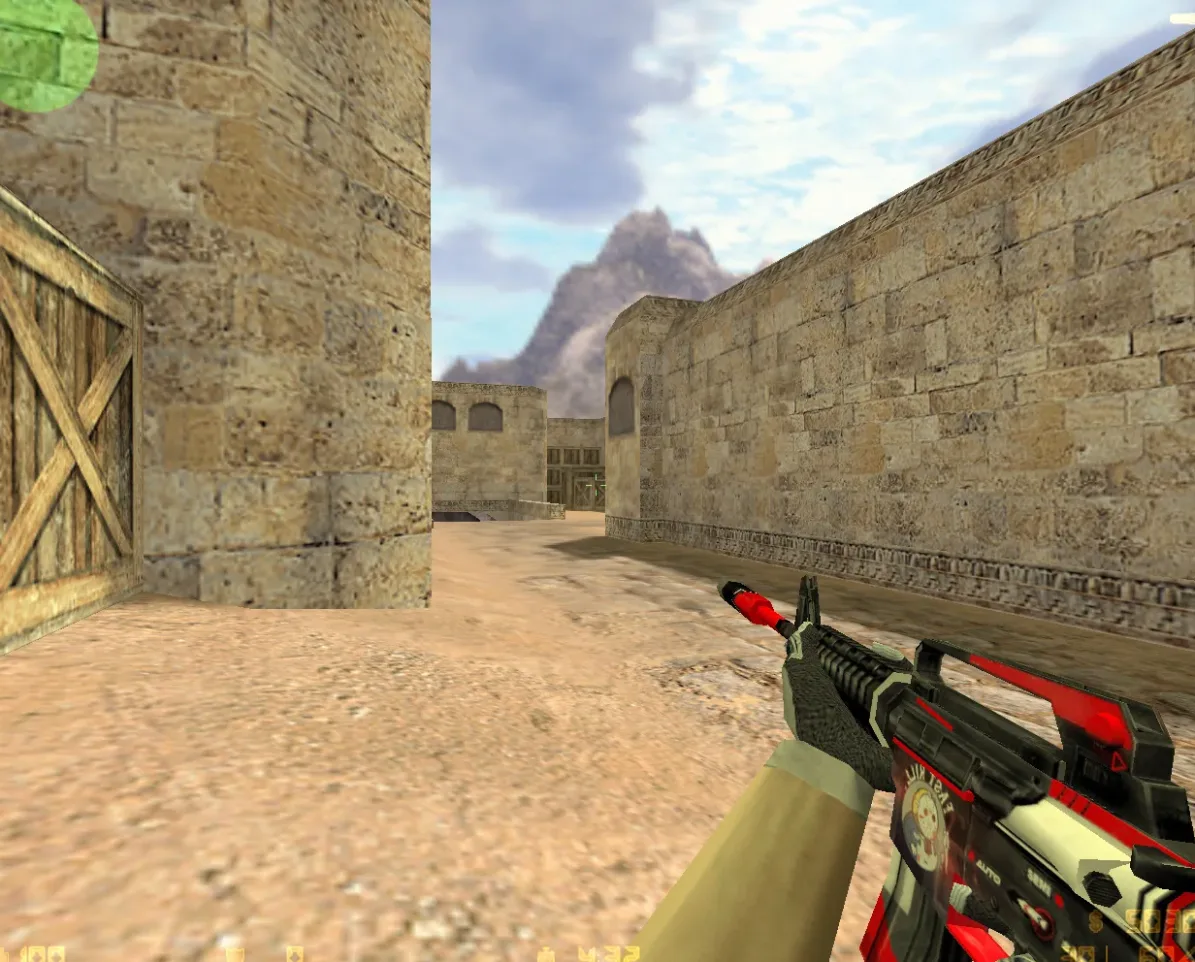
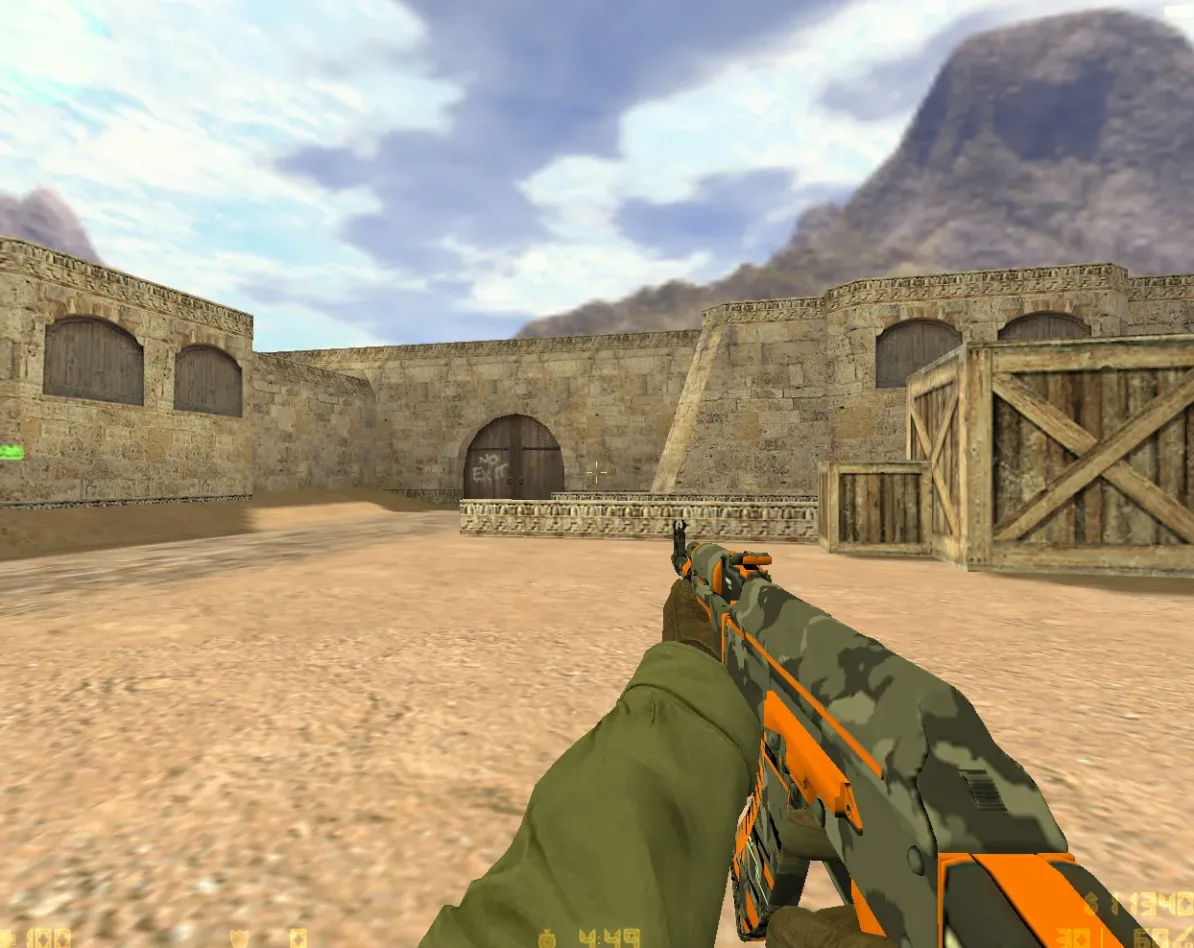
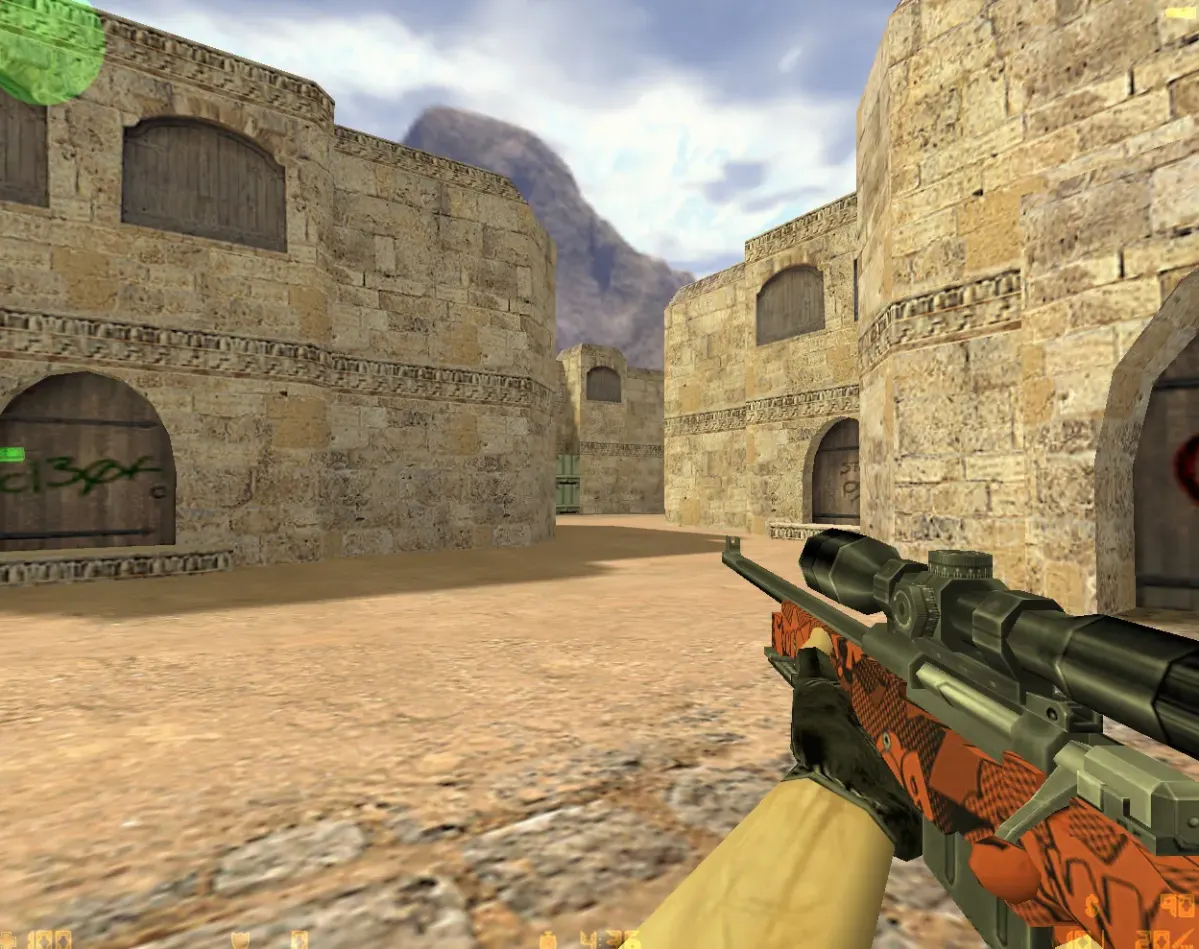
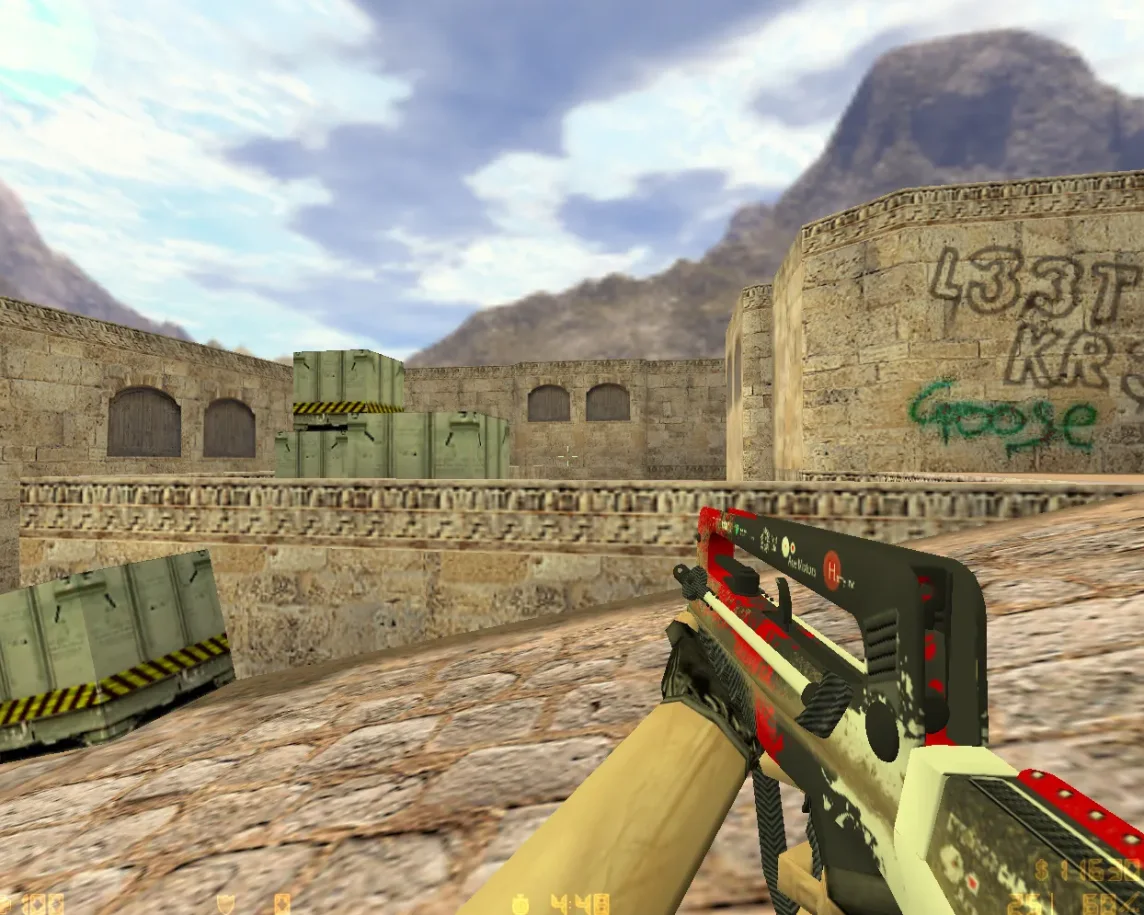
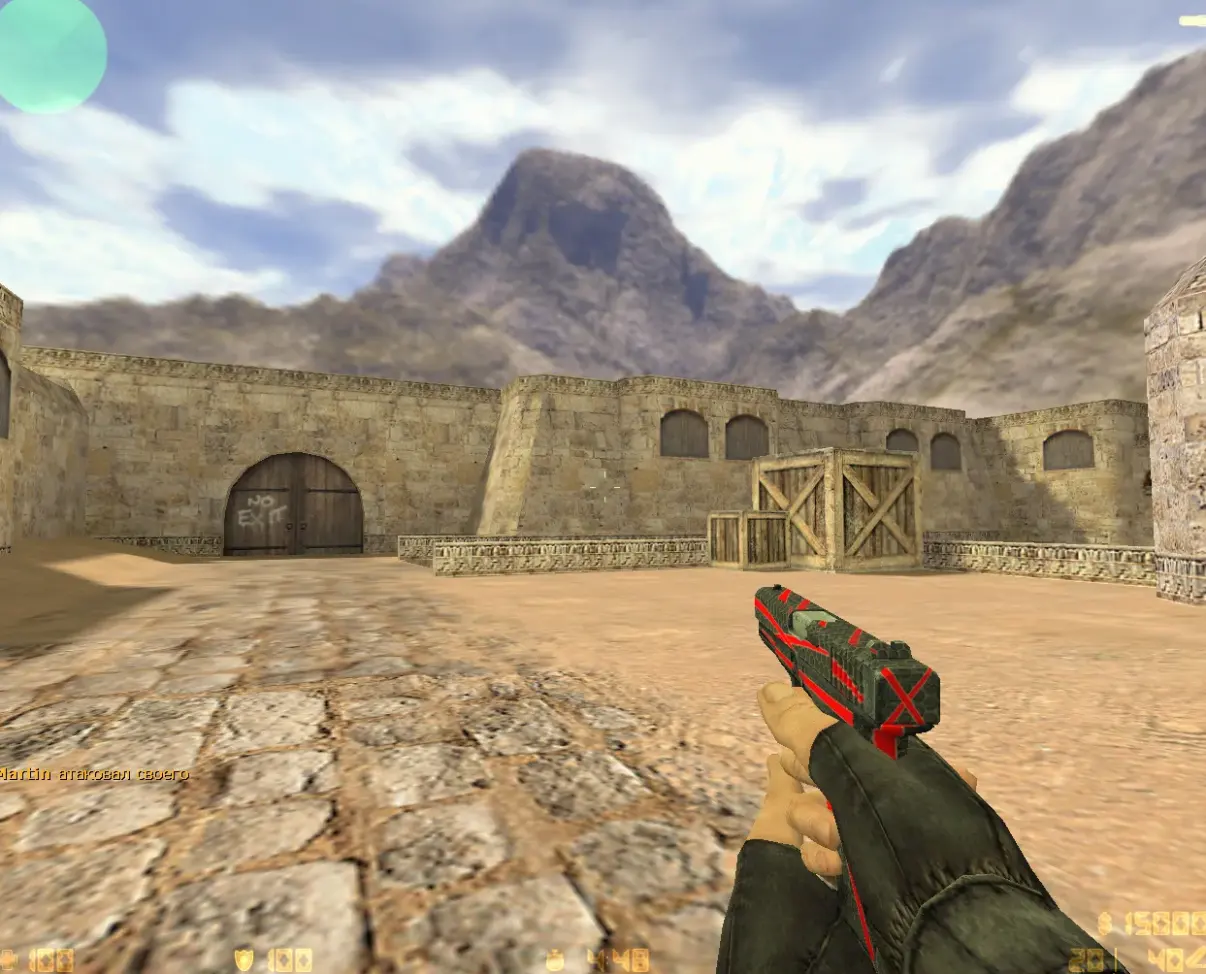
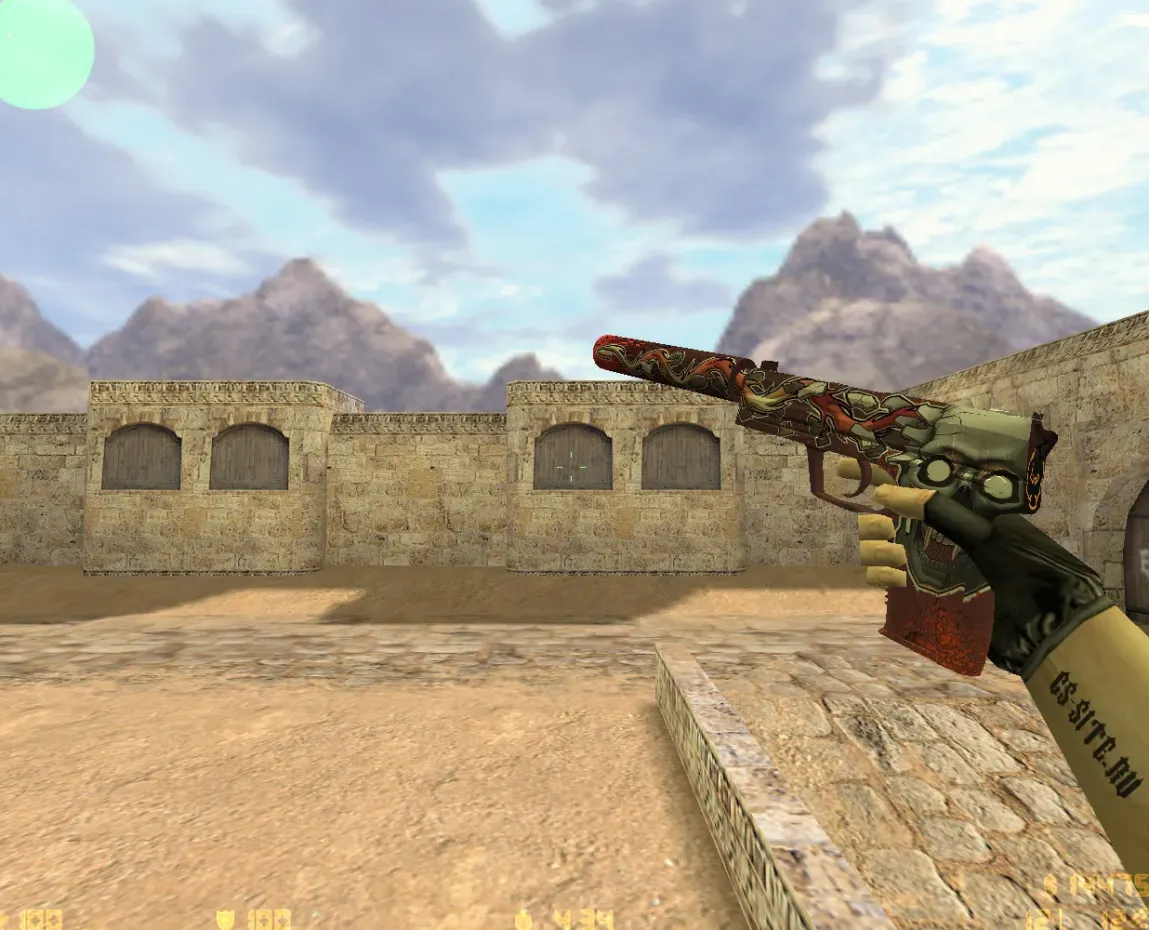
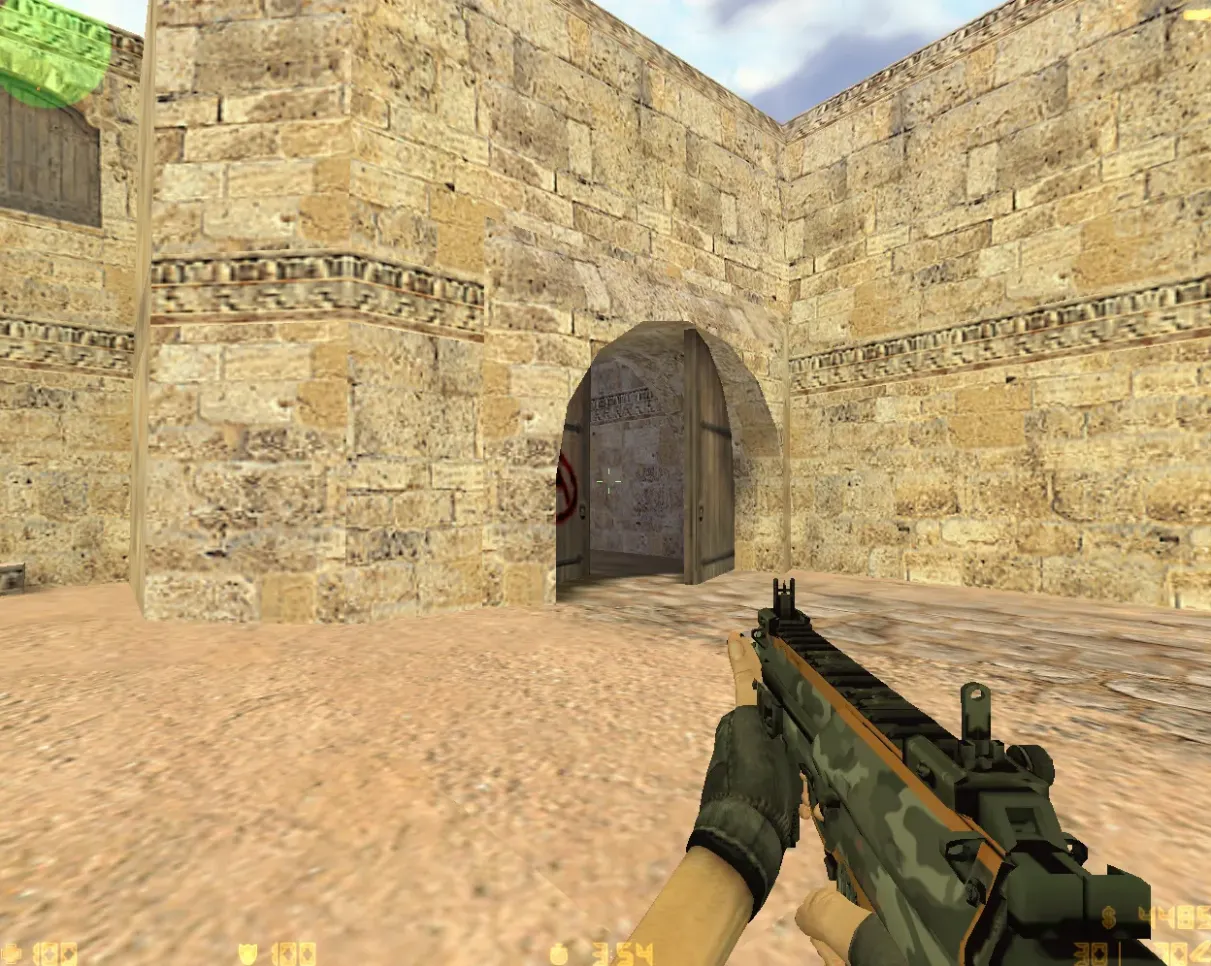
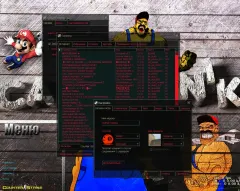
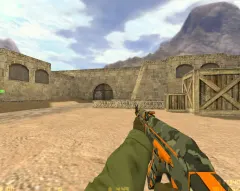
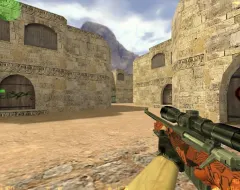
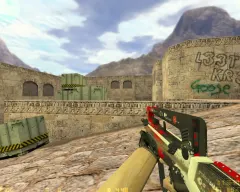
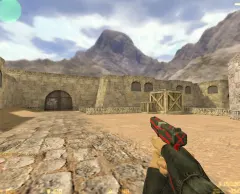
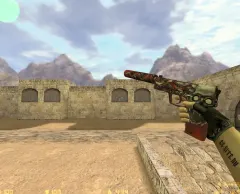
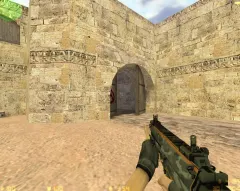
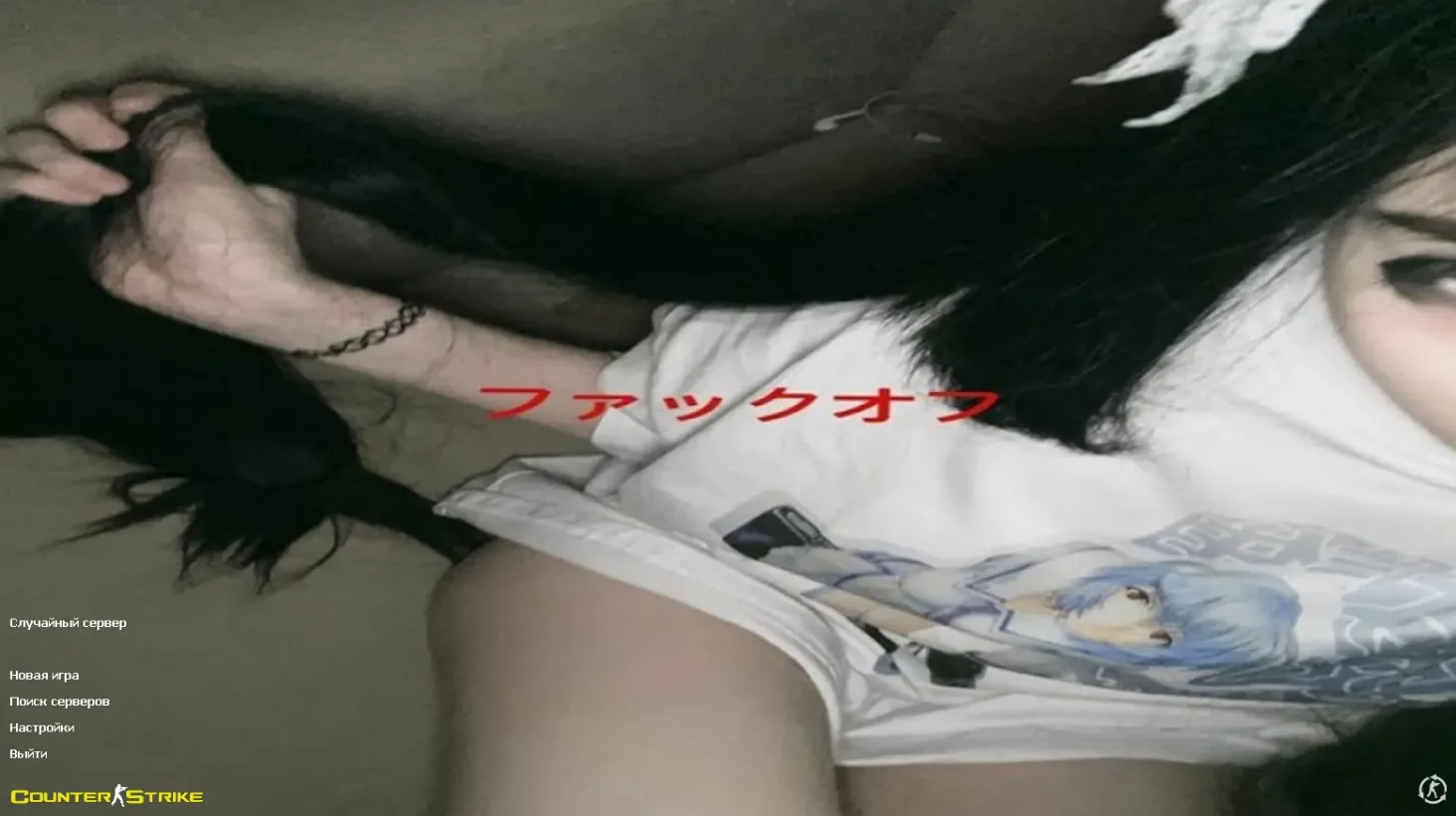
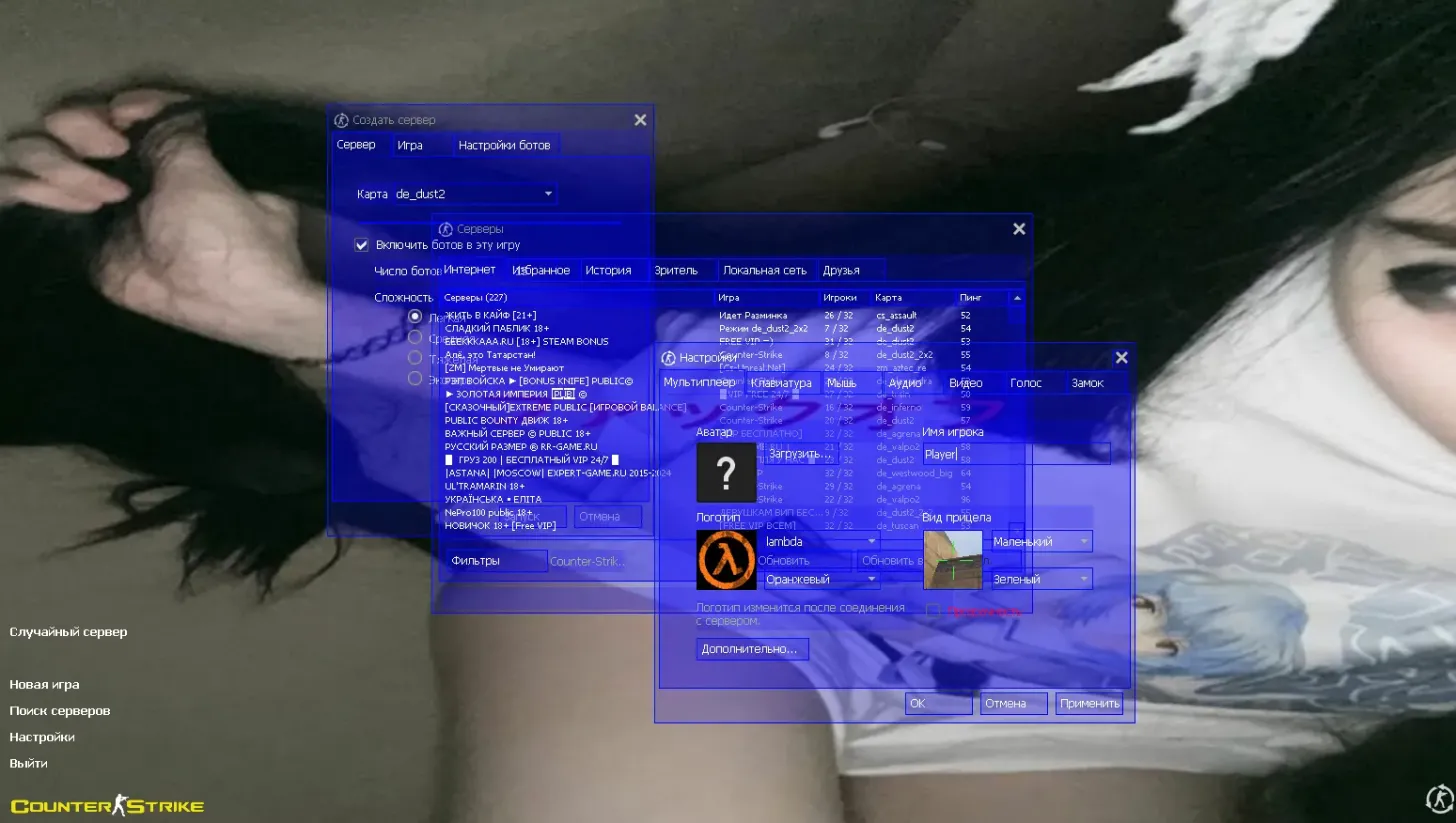
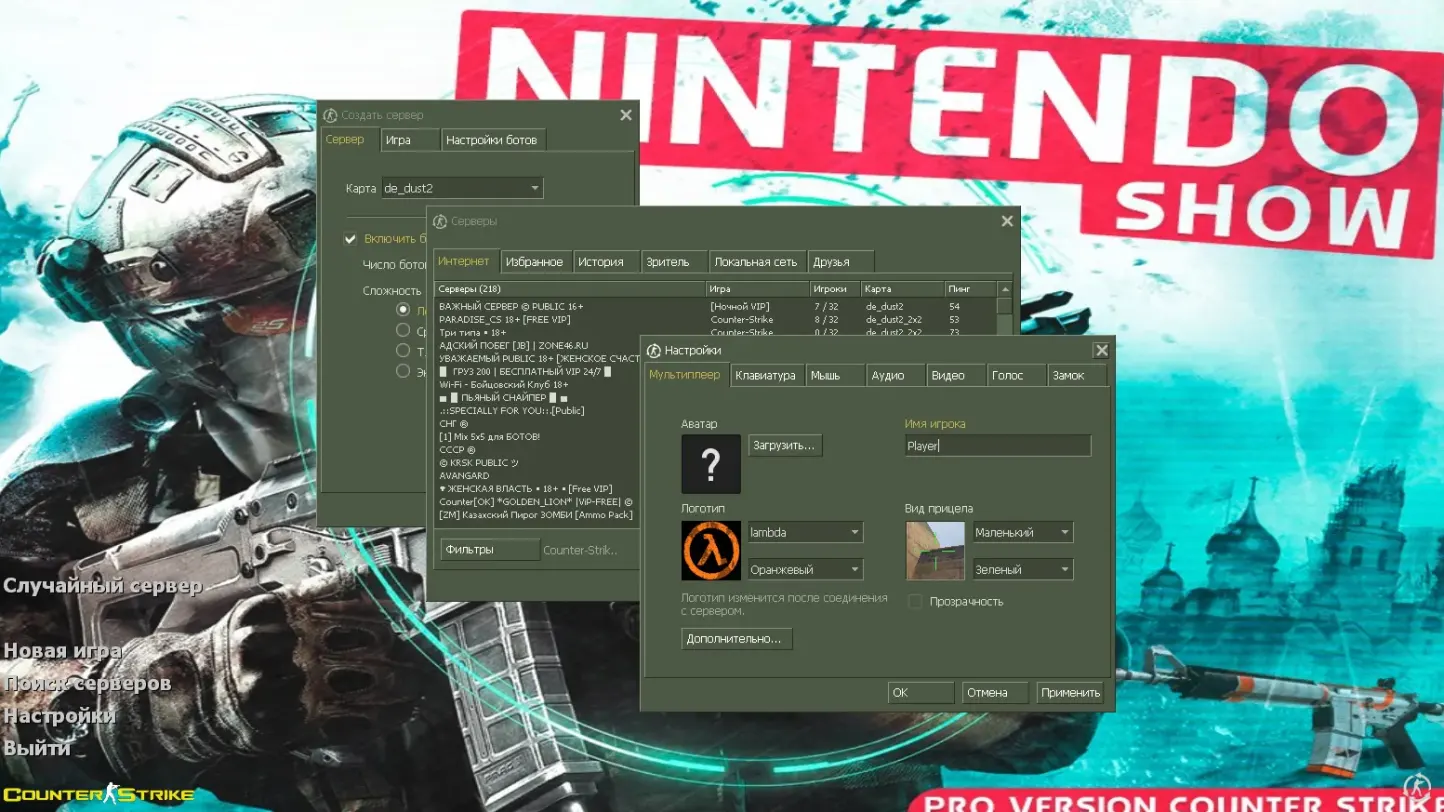
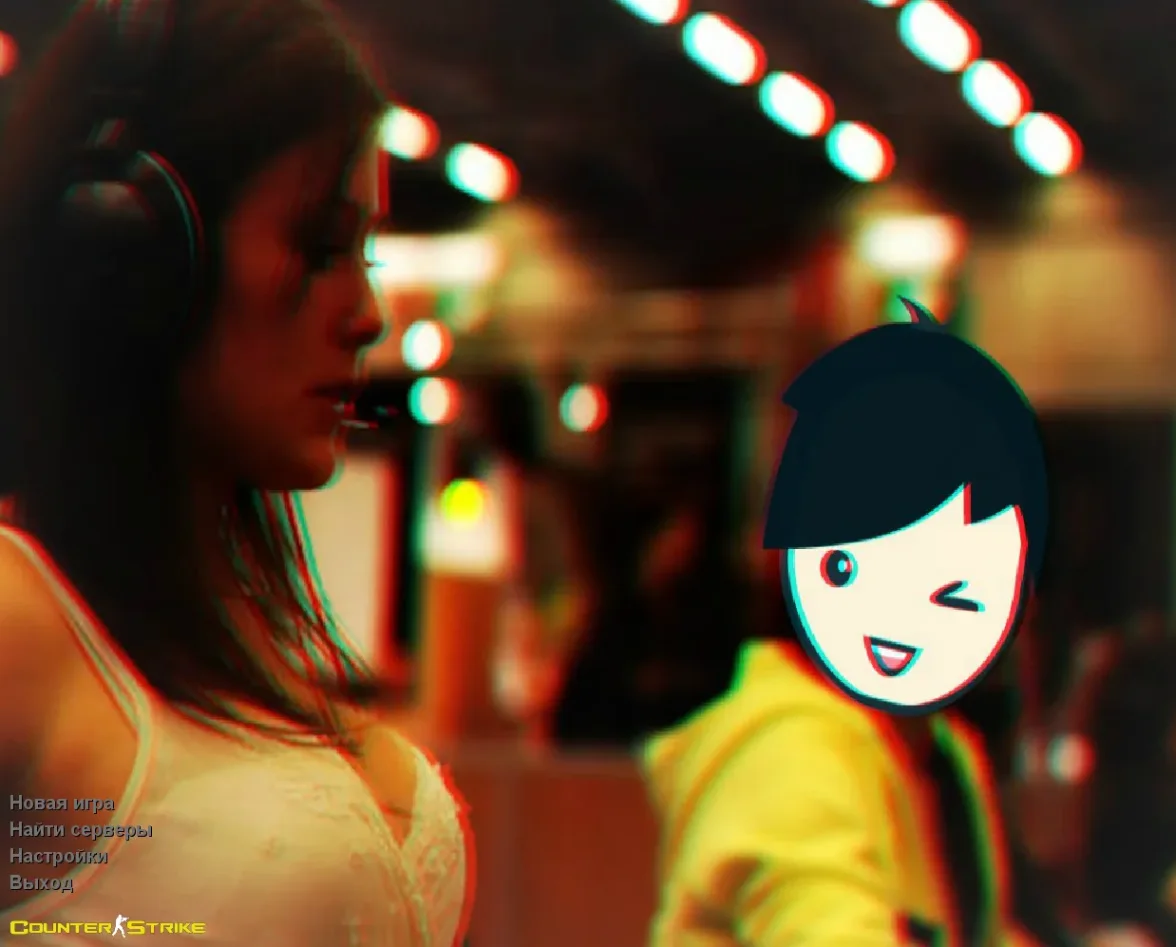
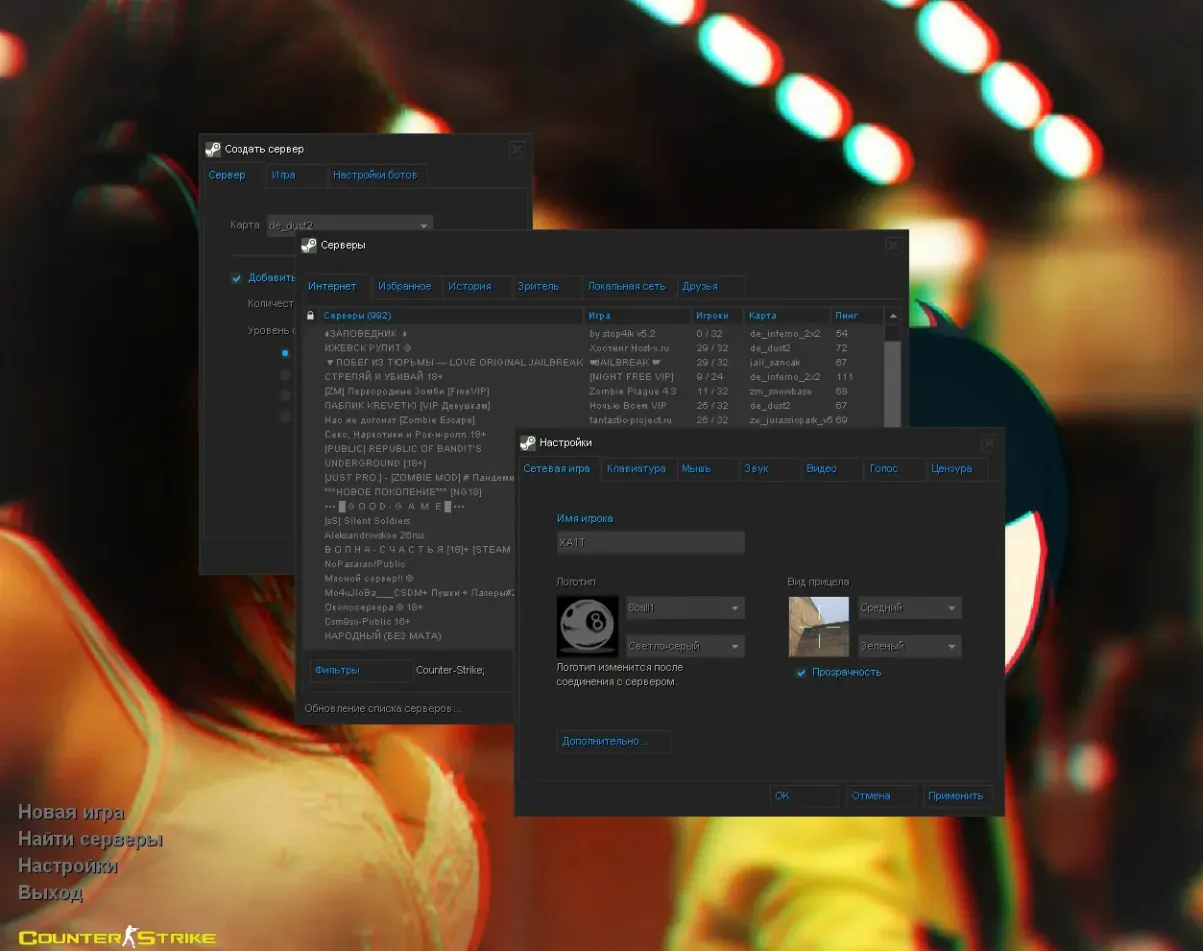
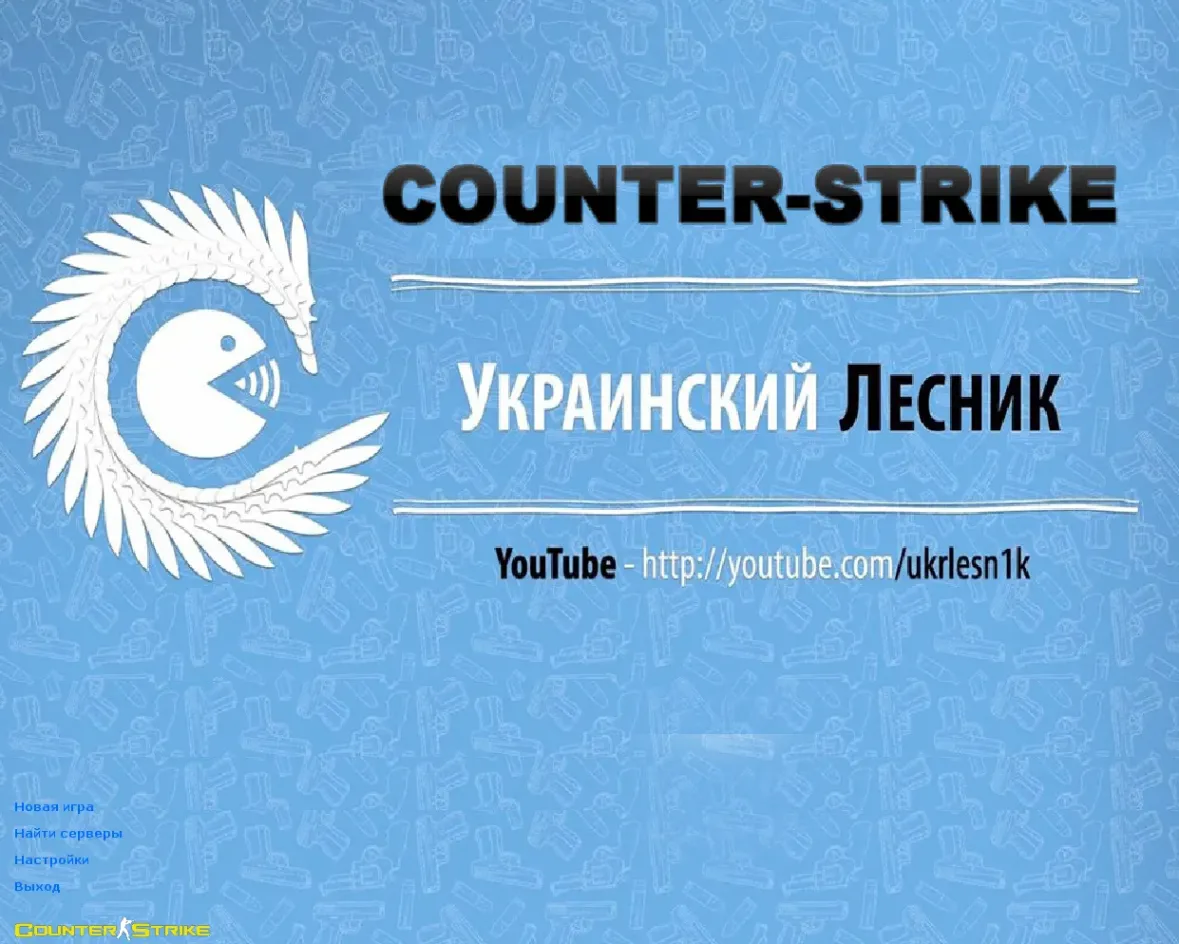
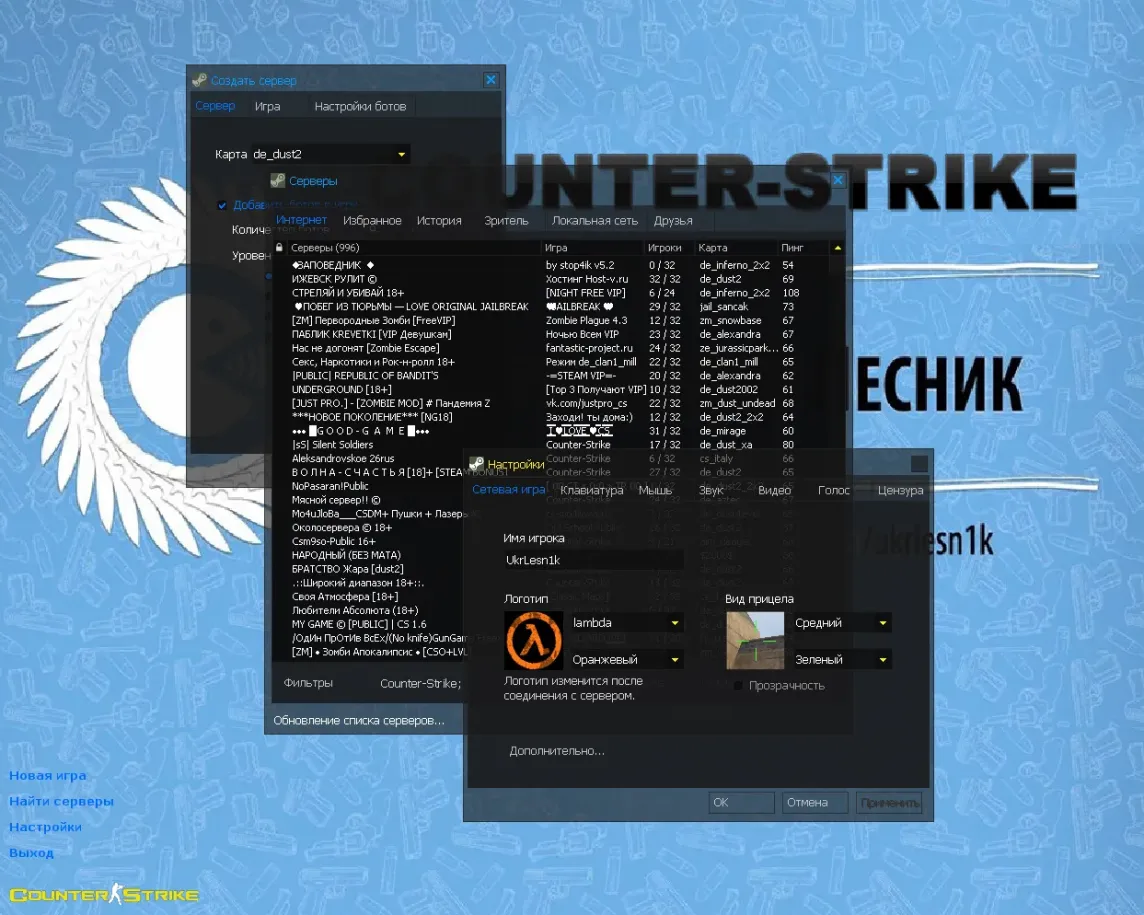
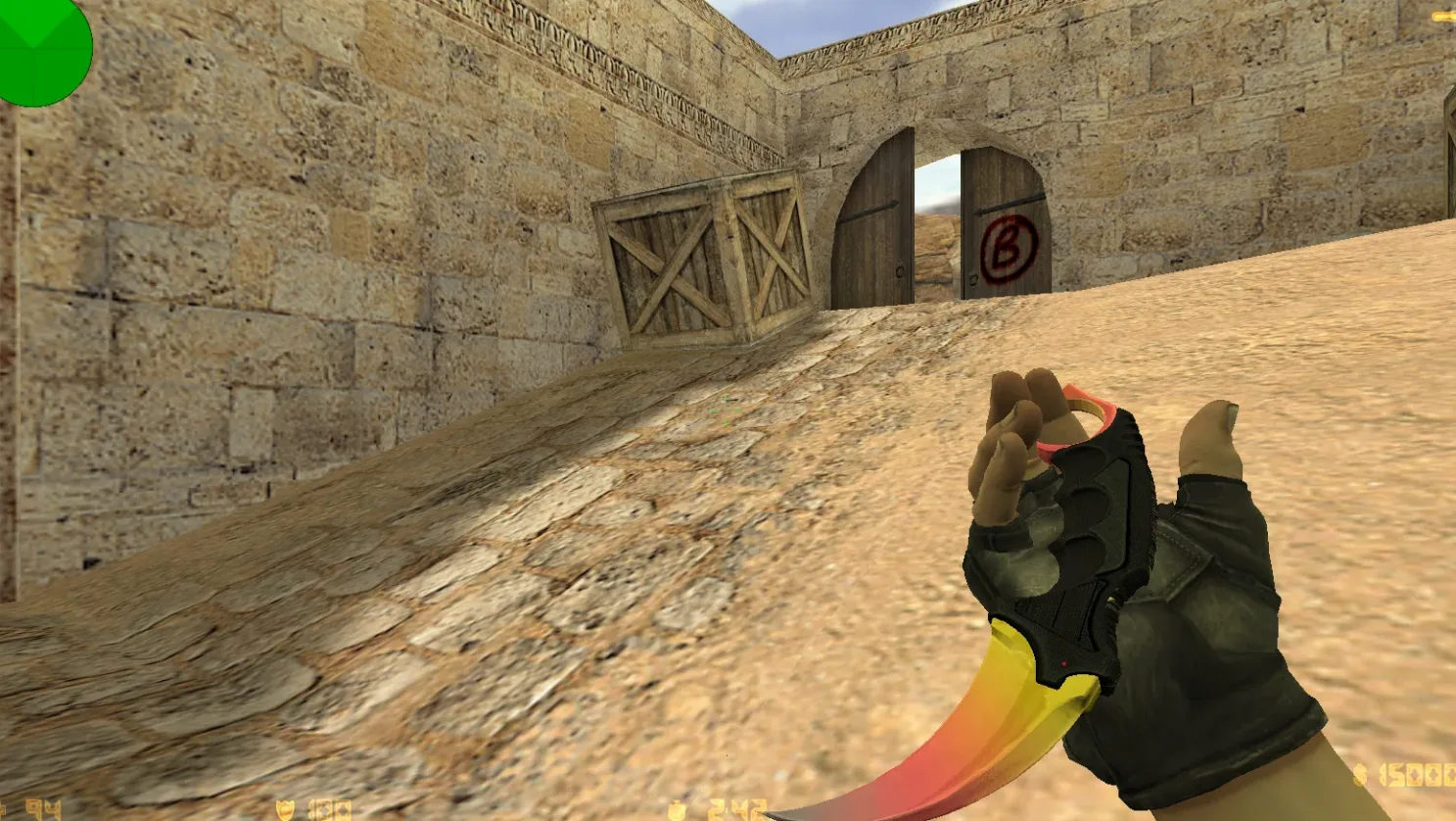
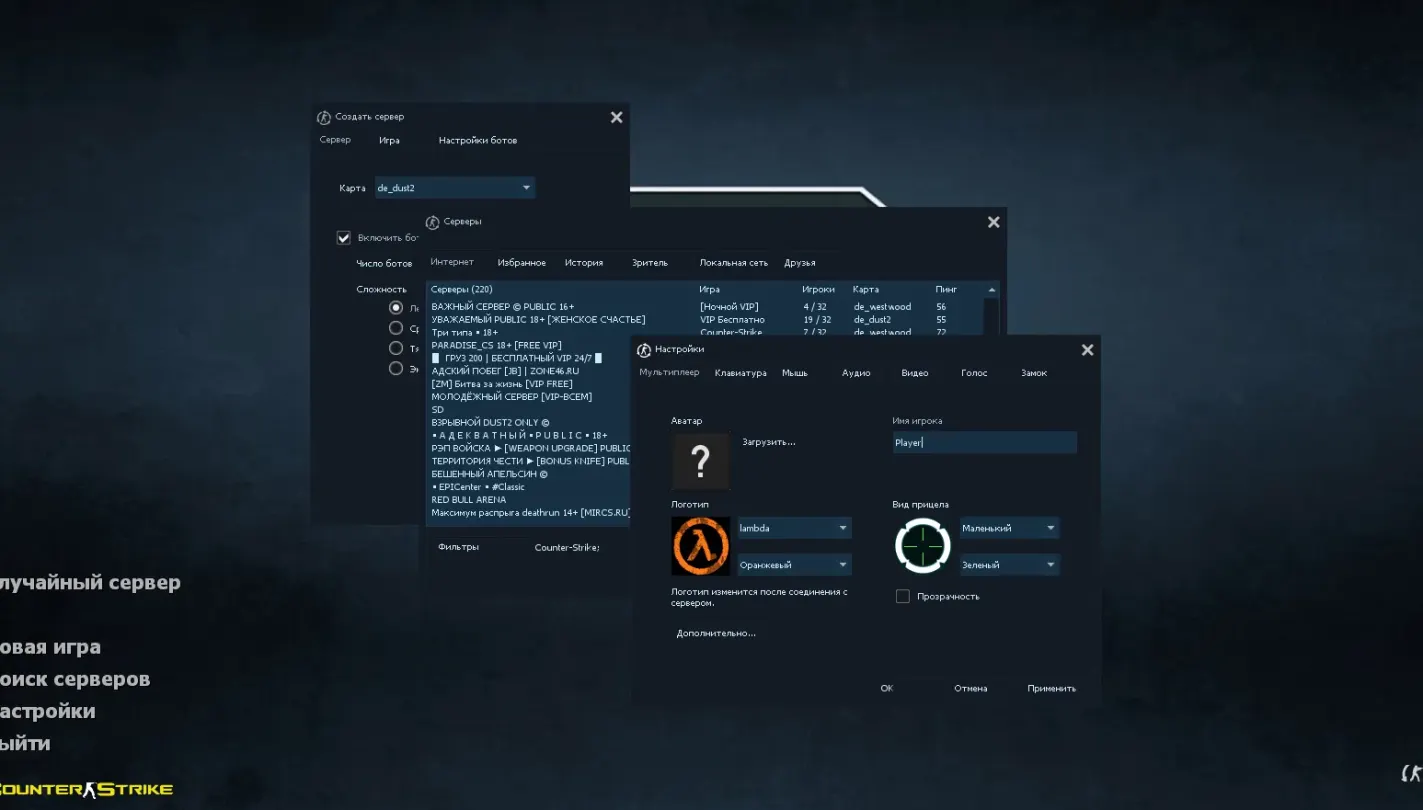
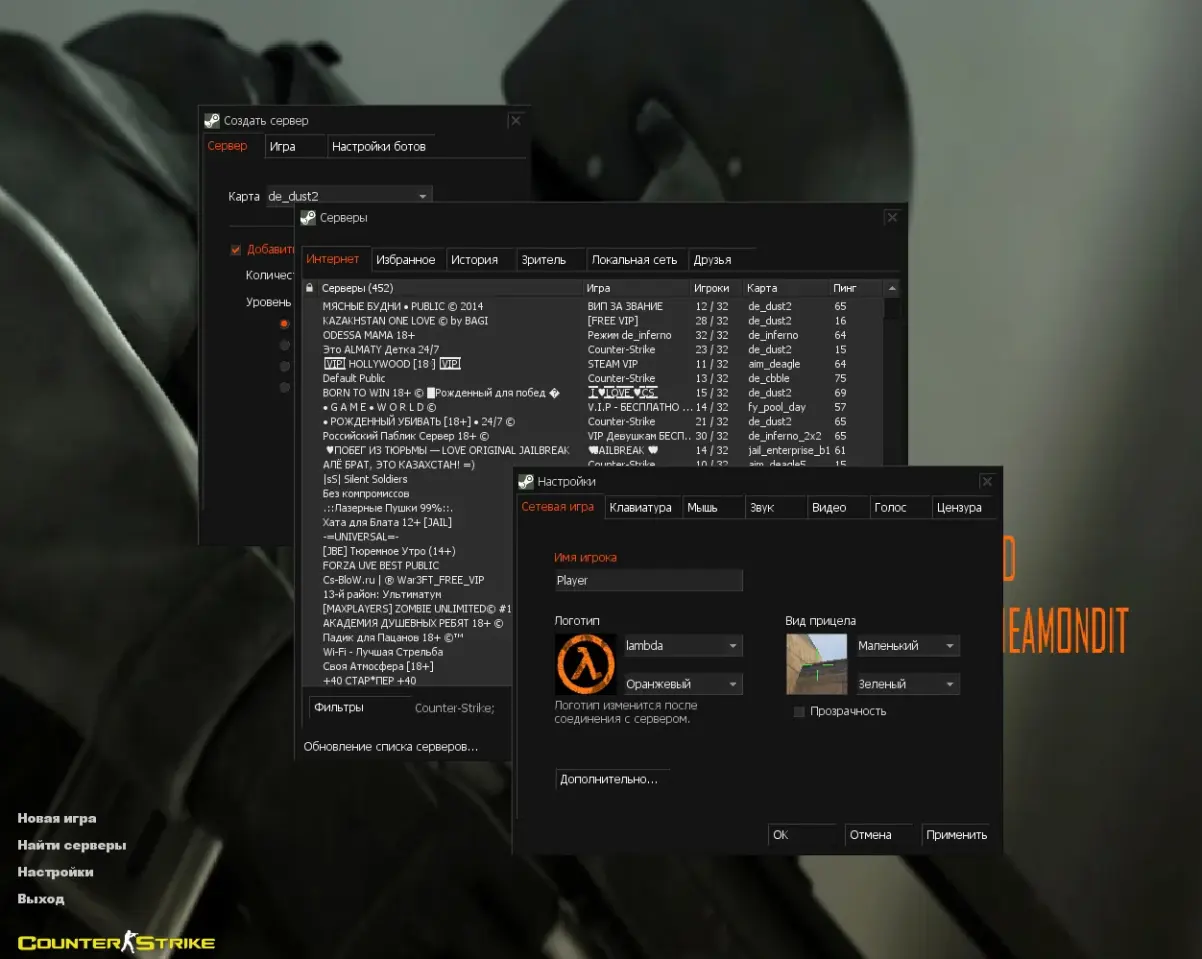
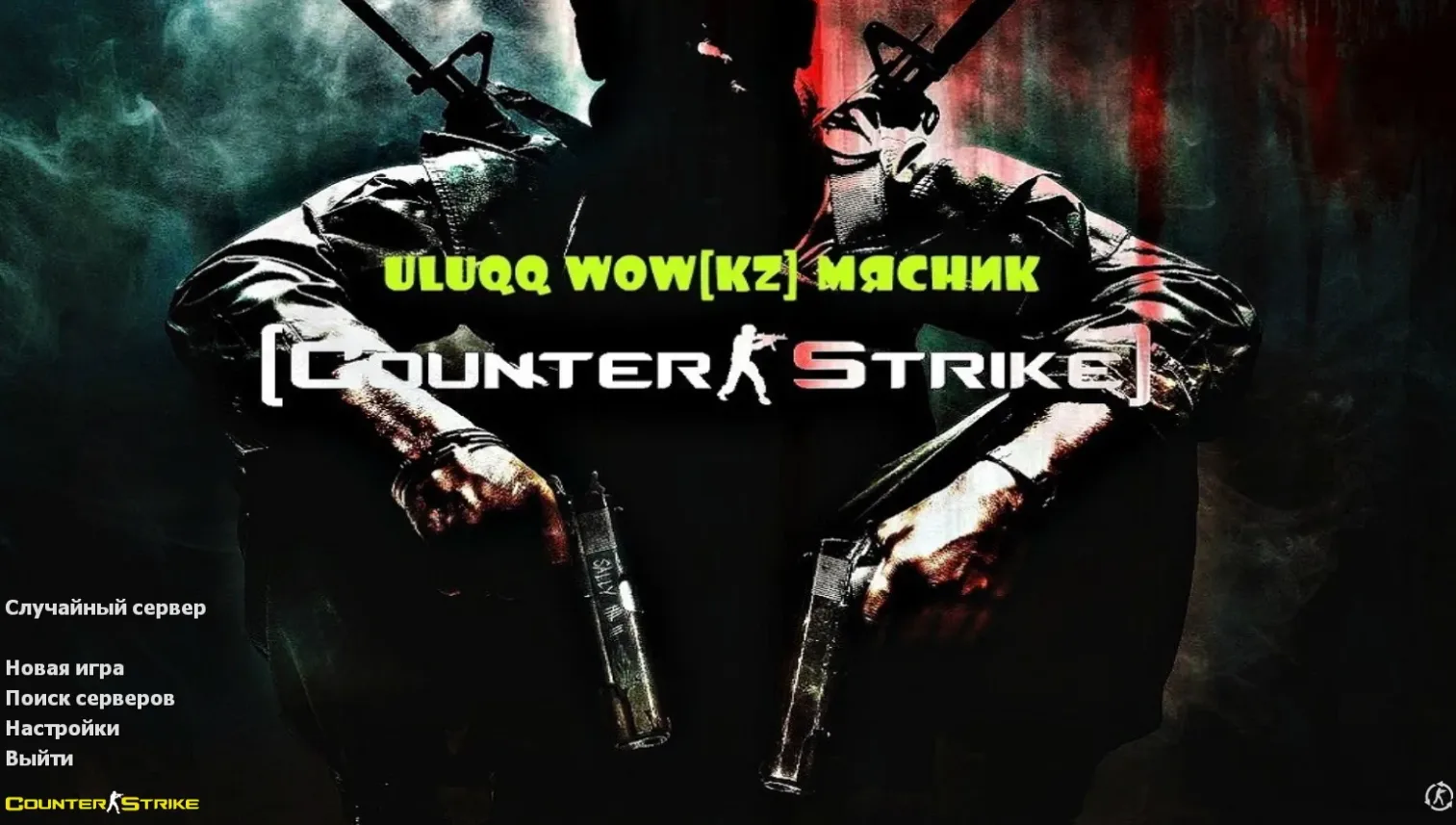
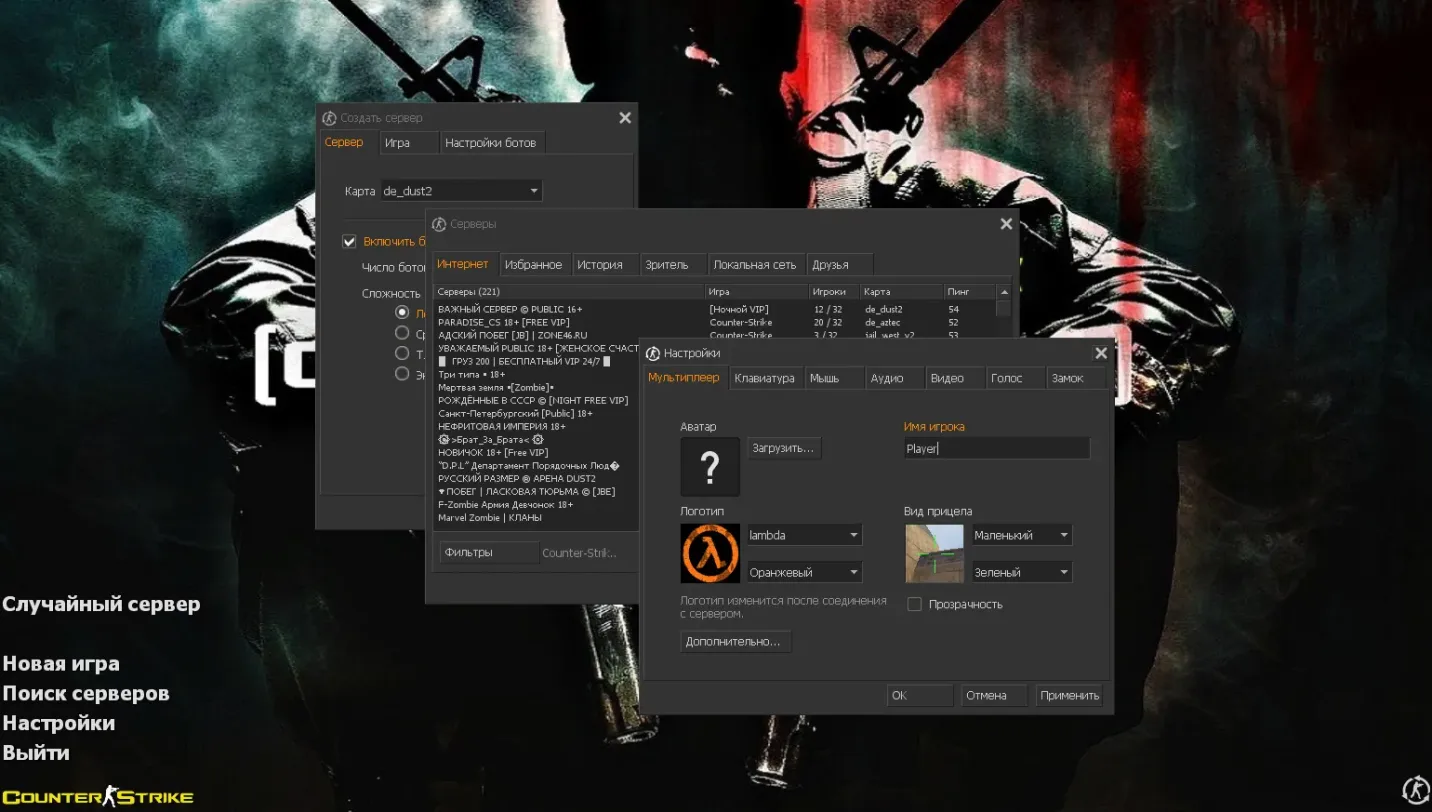
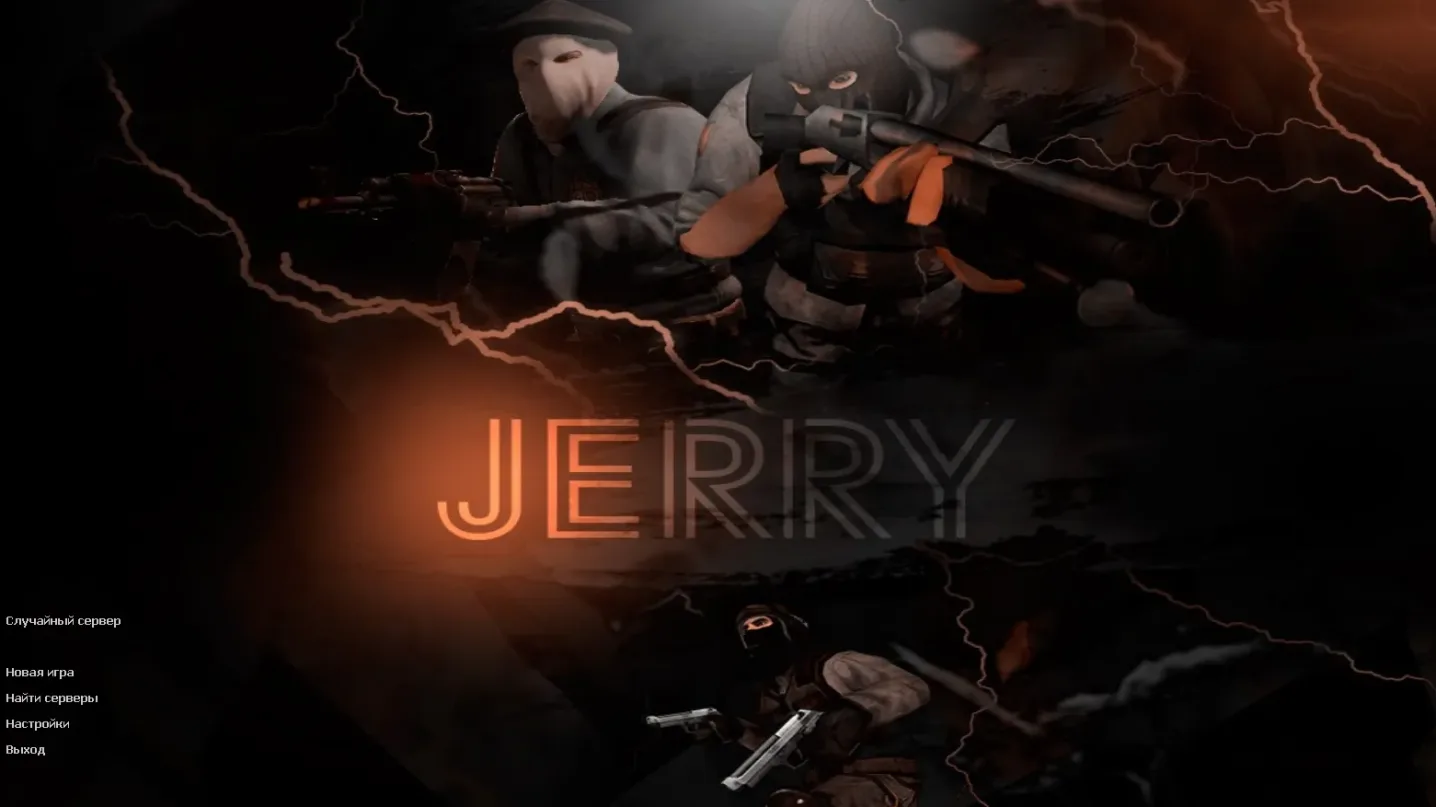
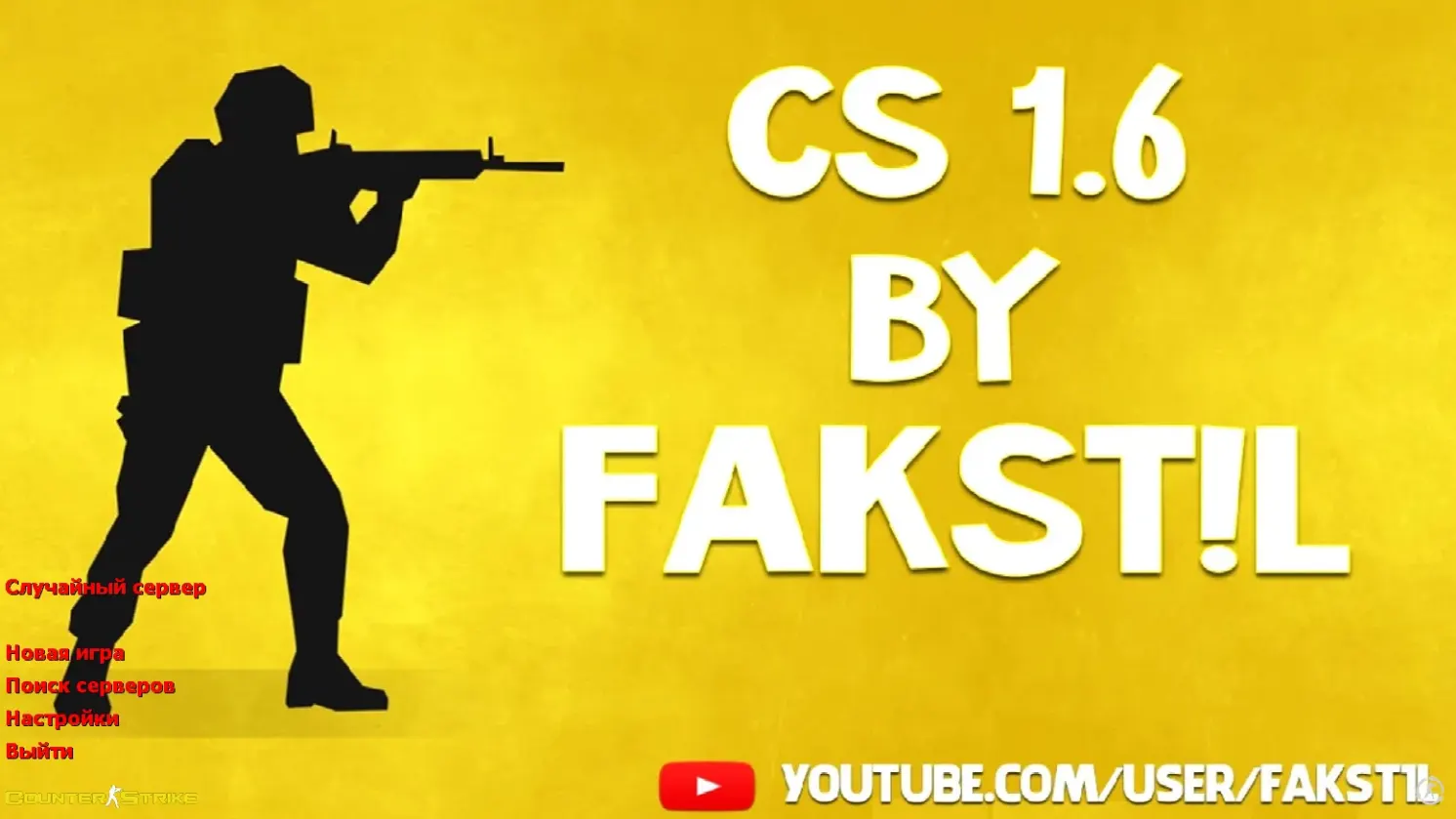
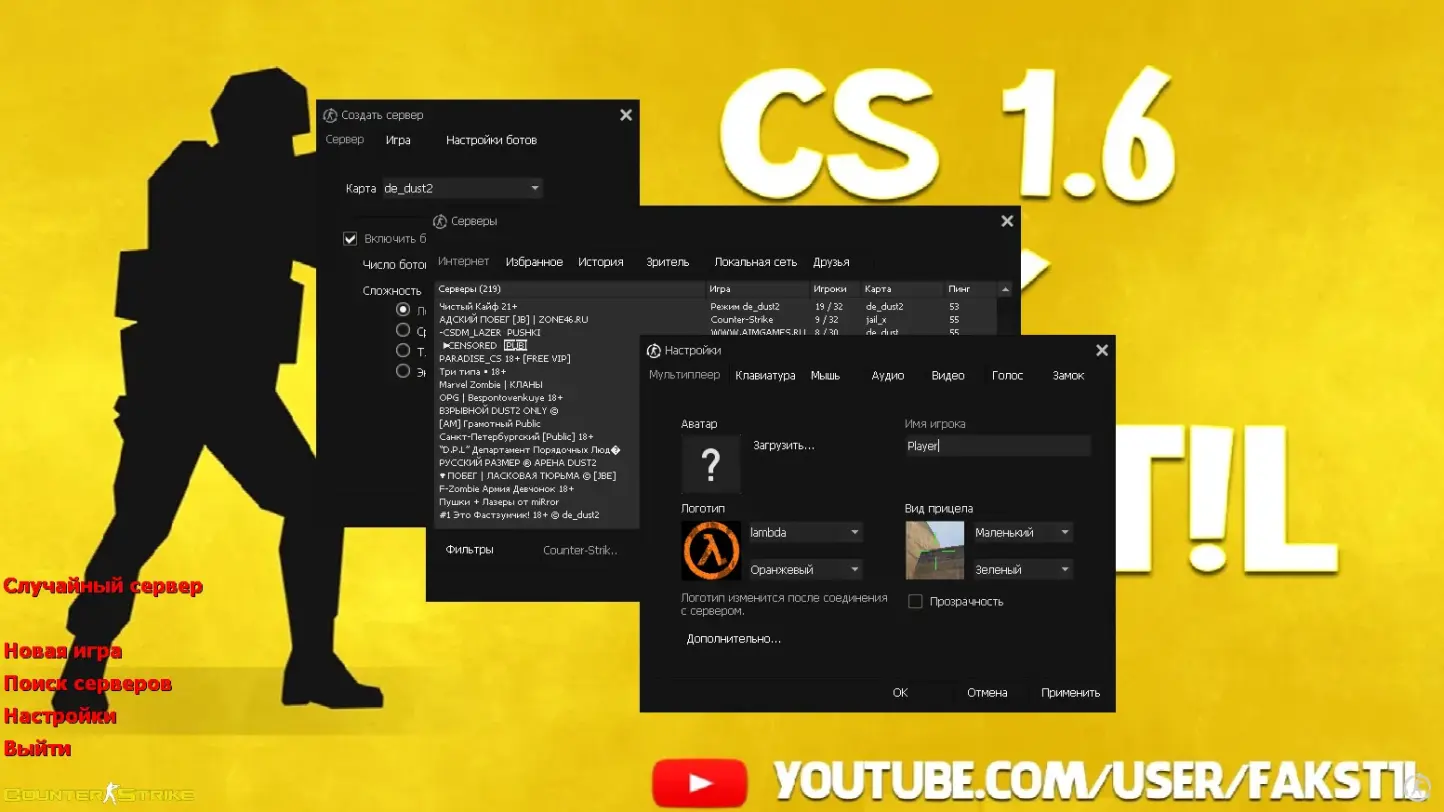
A custom Counter-Strike 1.6 client by Santexnik, bundling a dark-themed purchase and team menu with red highlights, a custom launch icon and intro music played during loading.
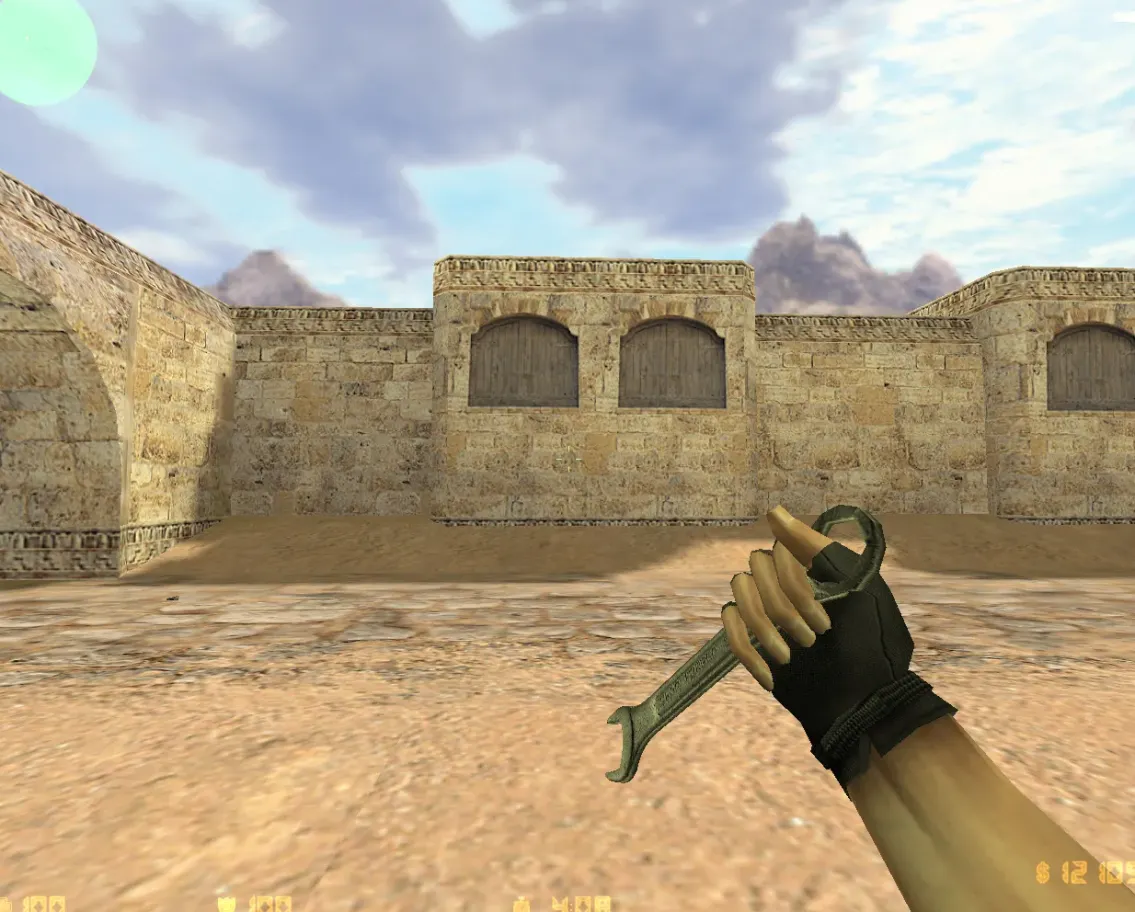
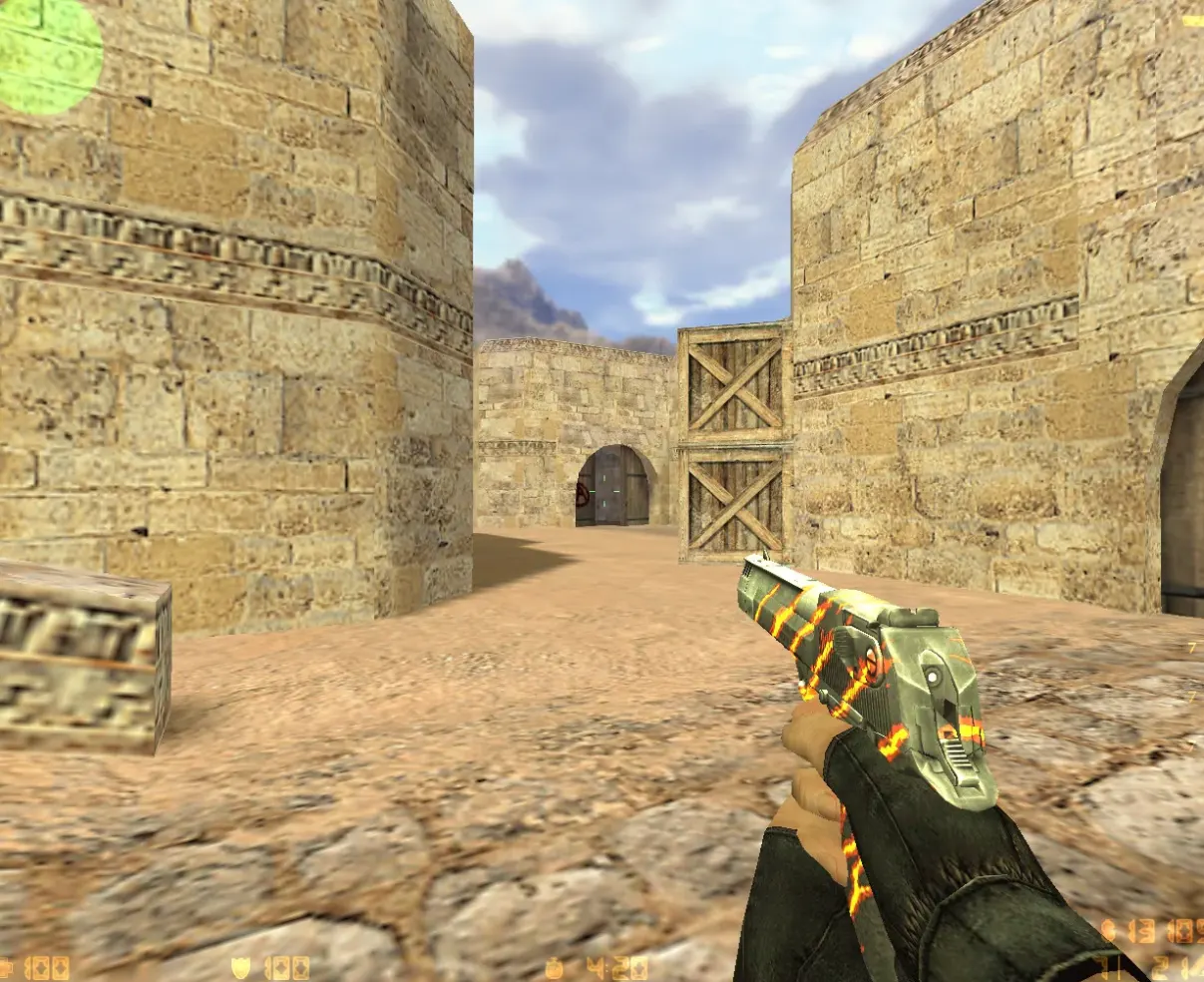
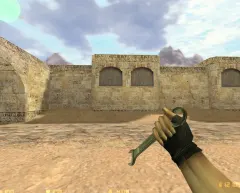
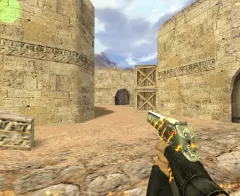
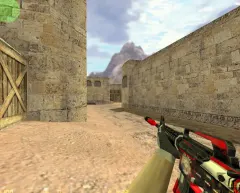
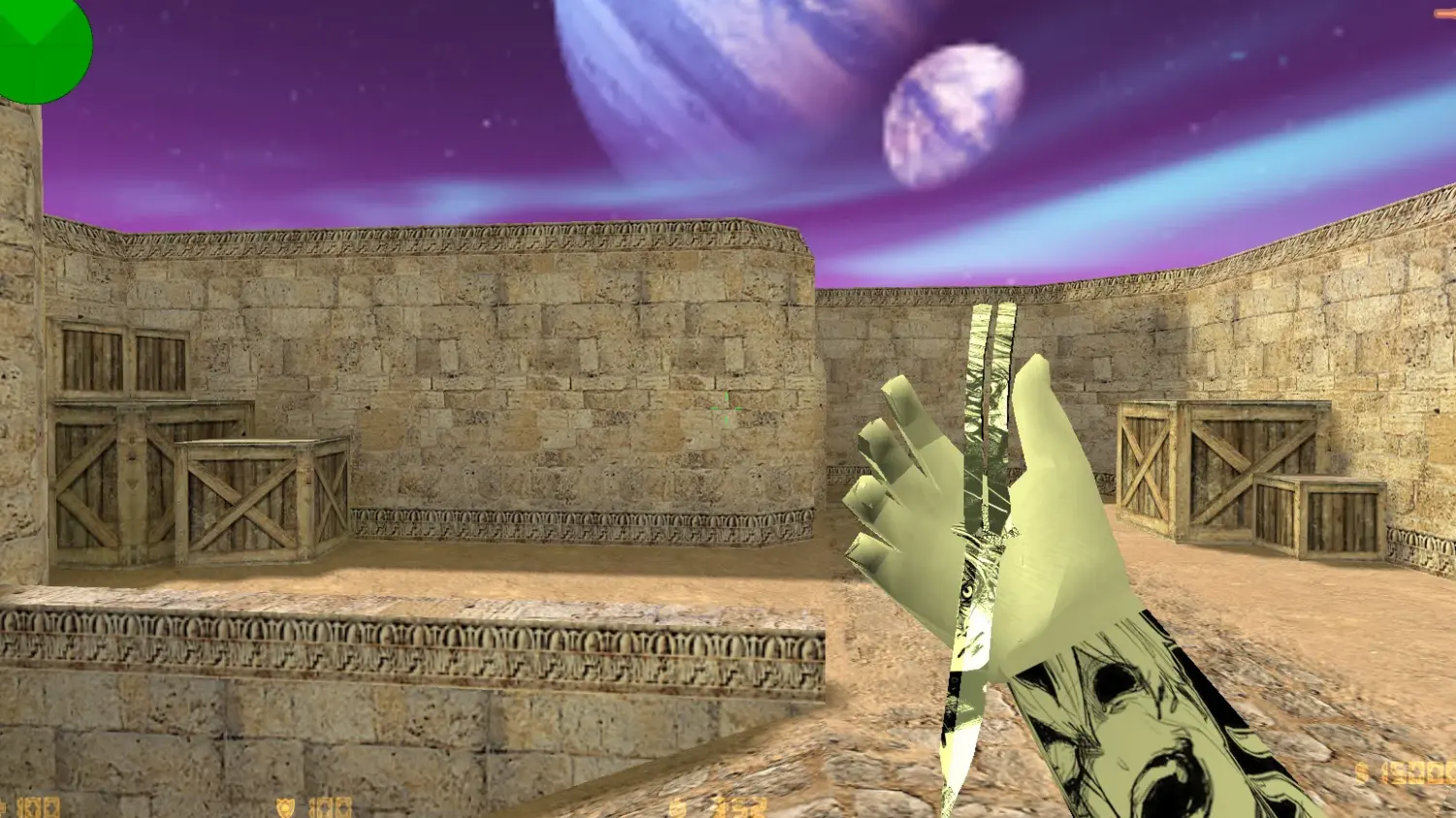
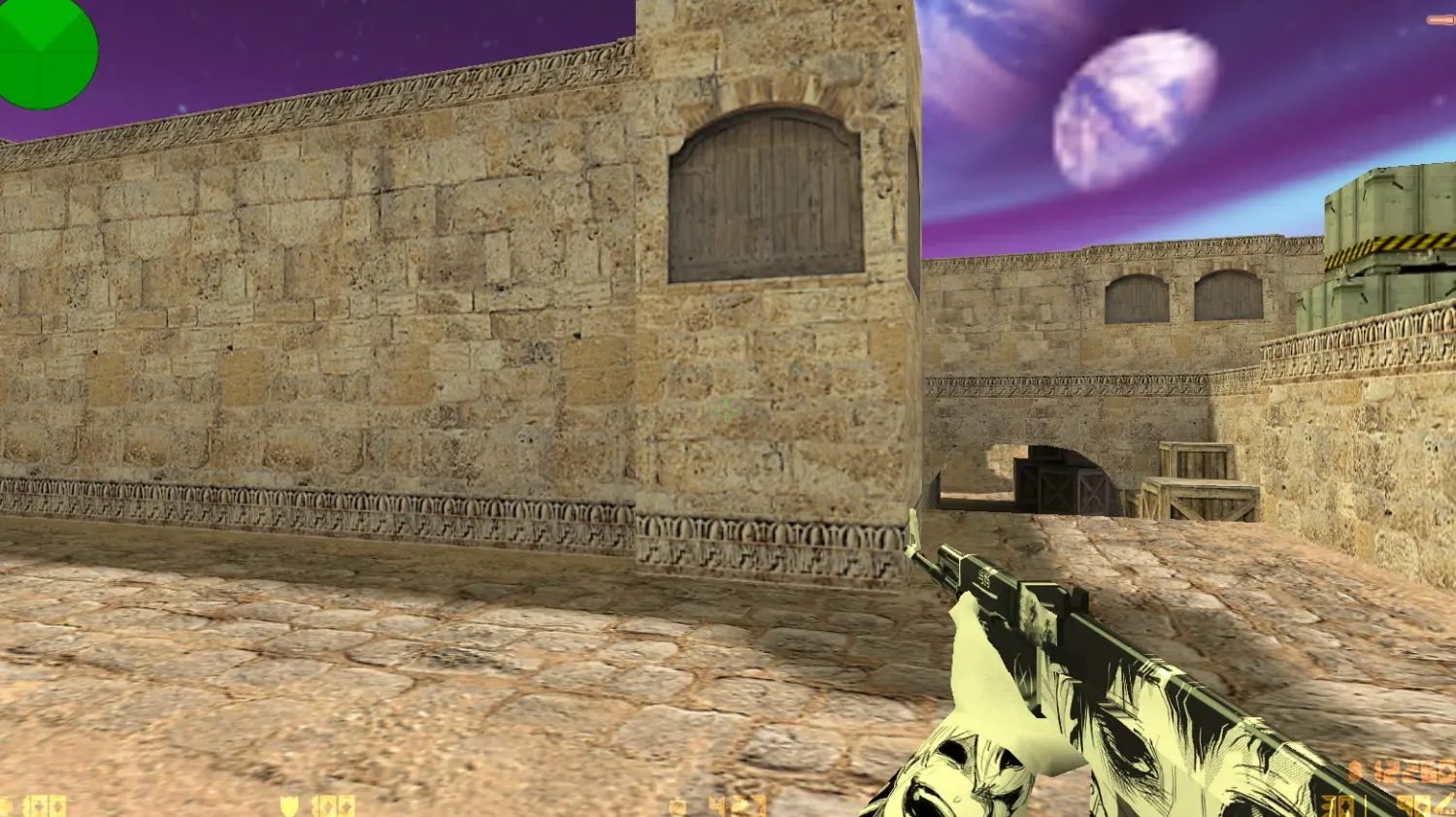
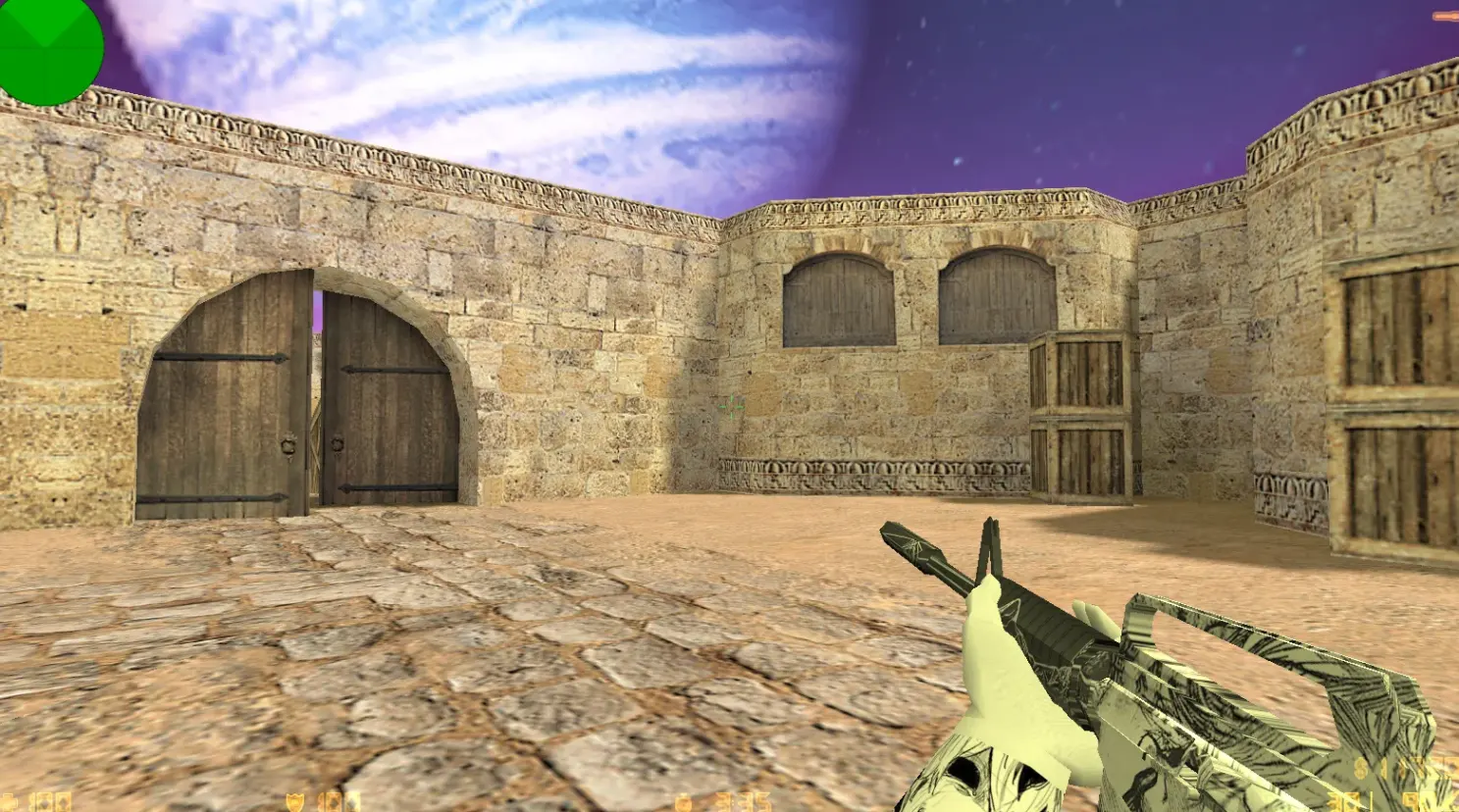
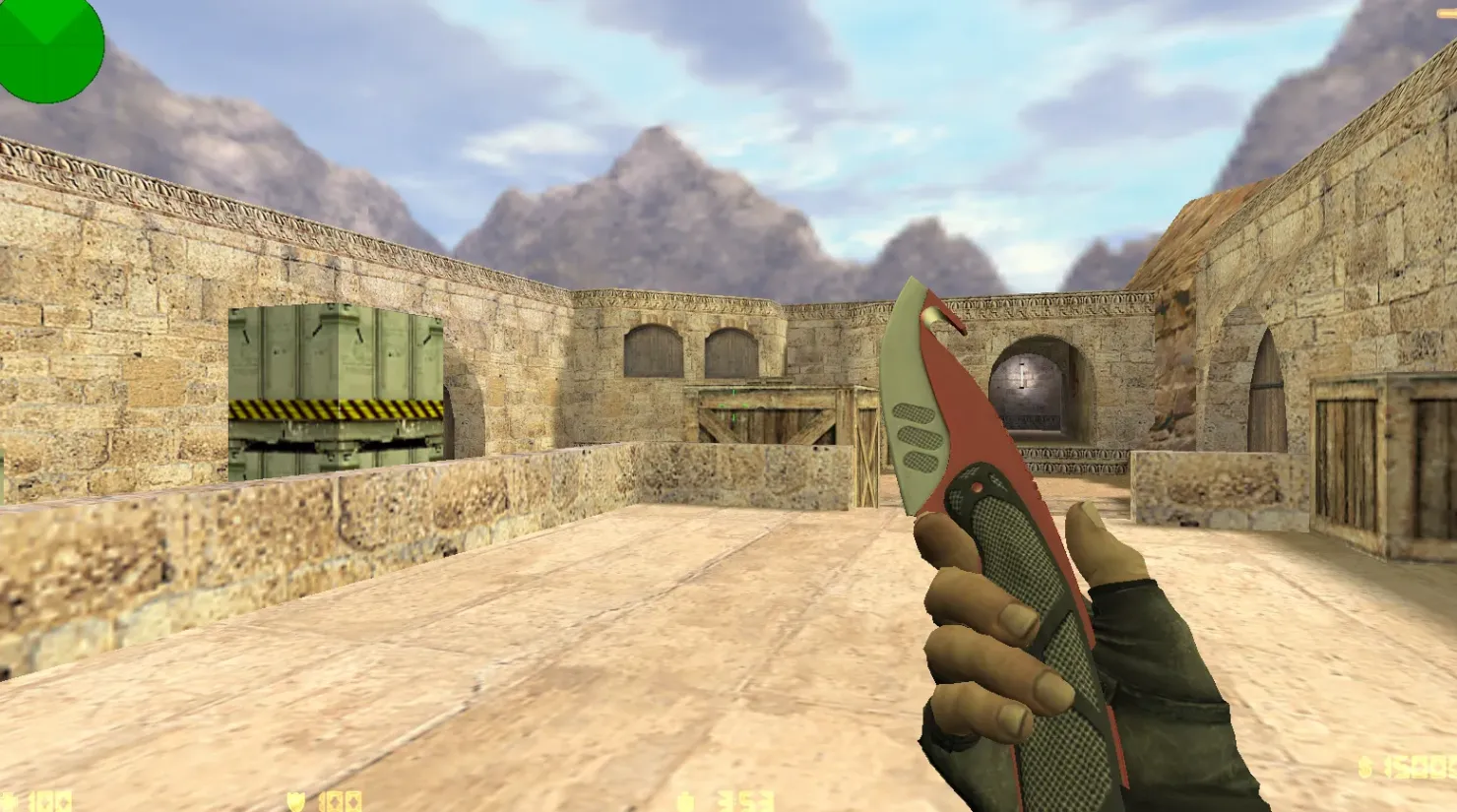
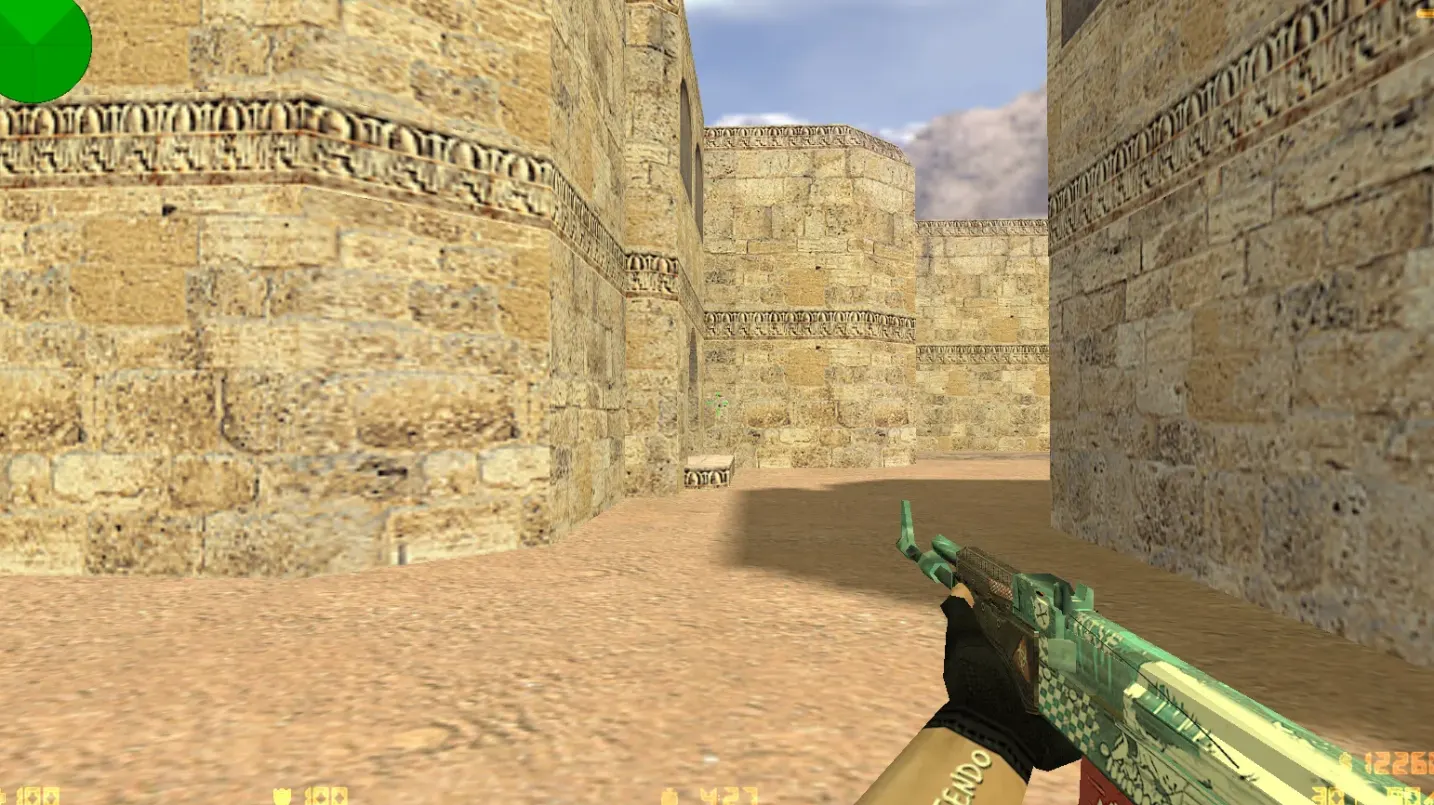
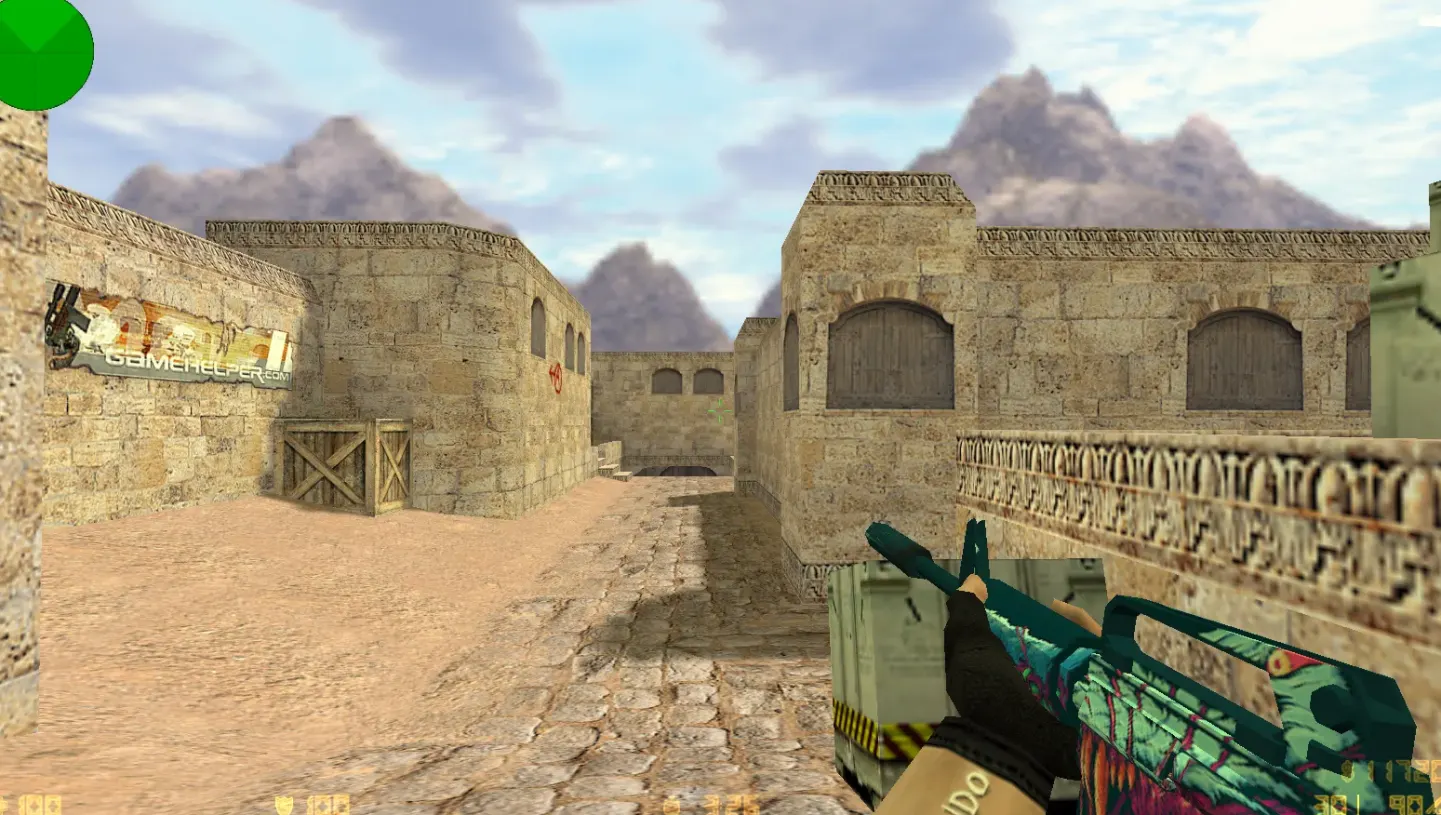
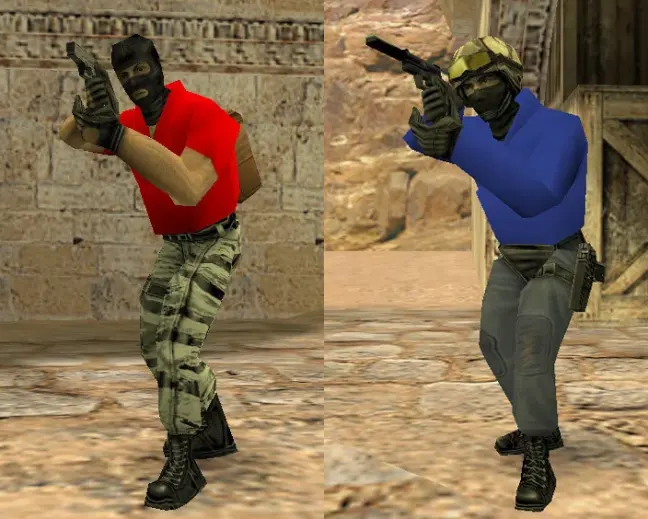
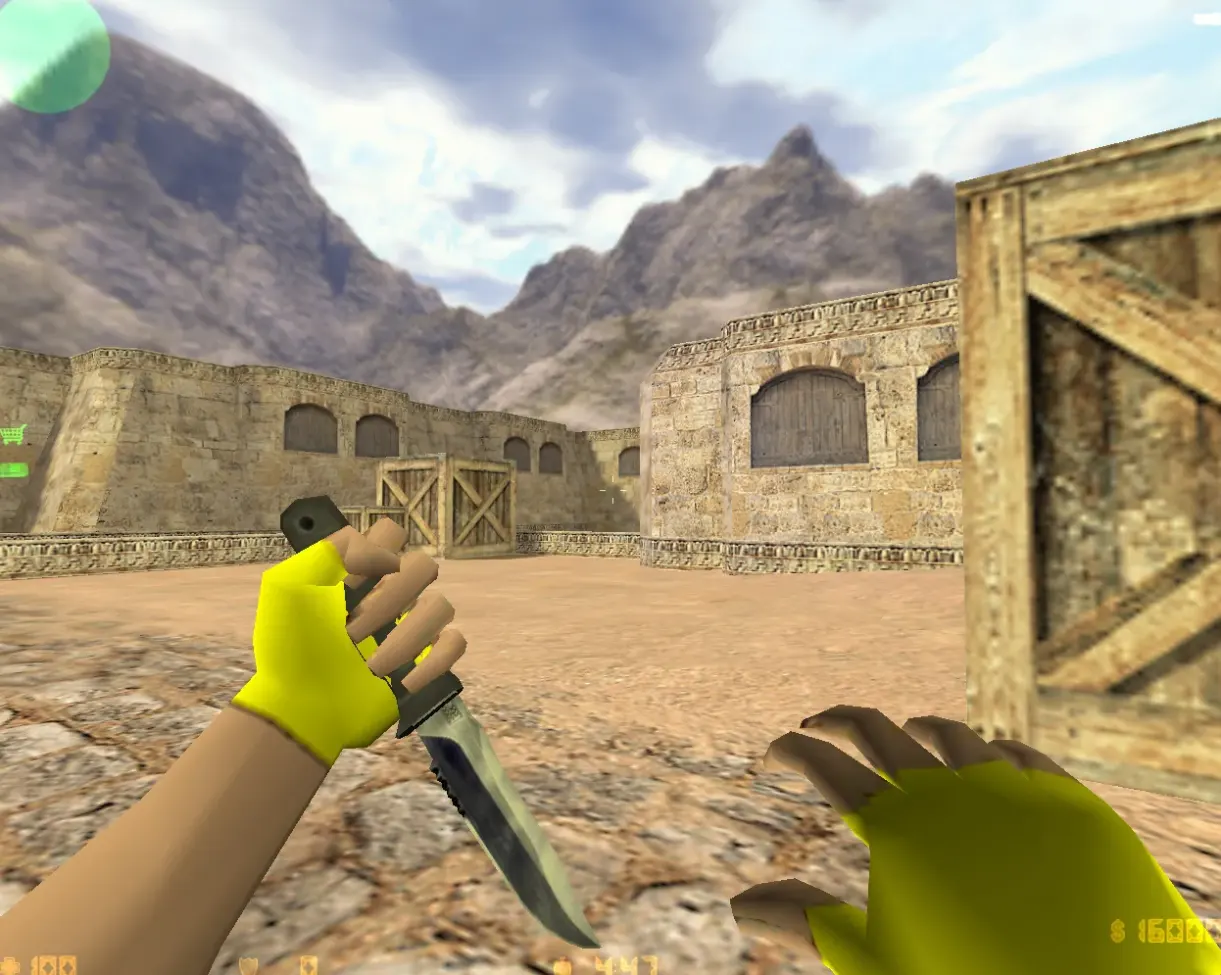
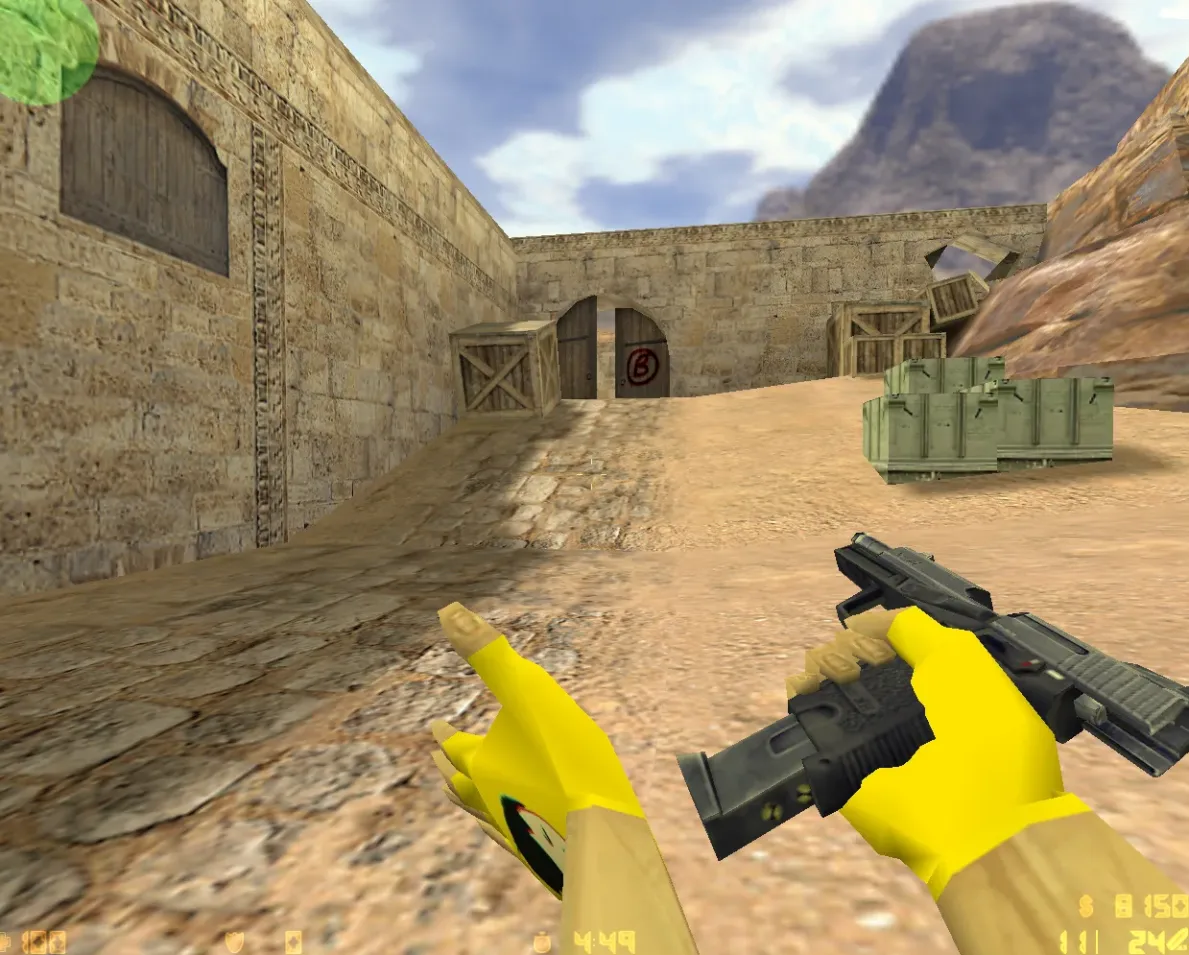
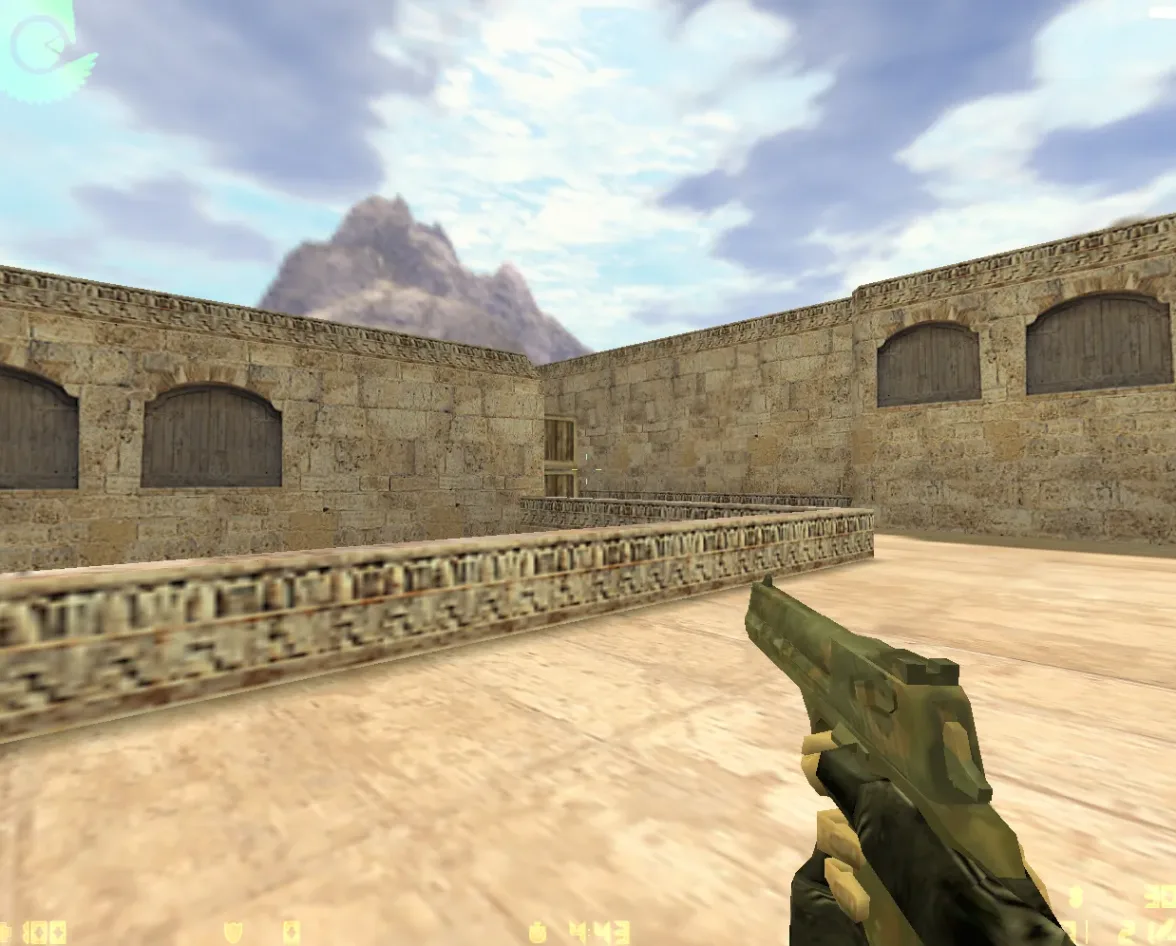
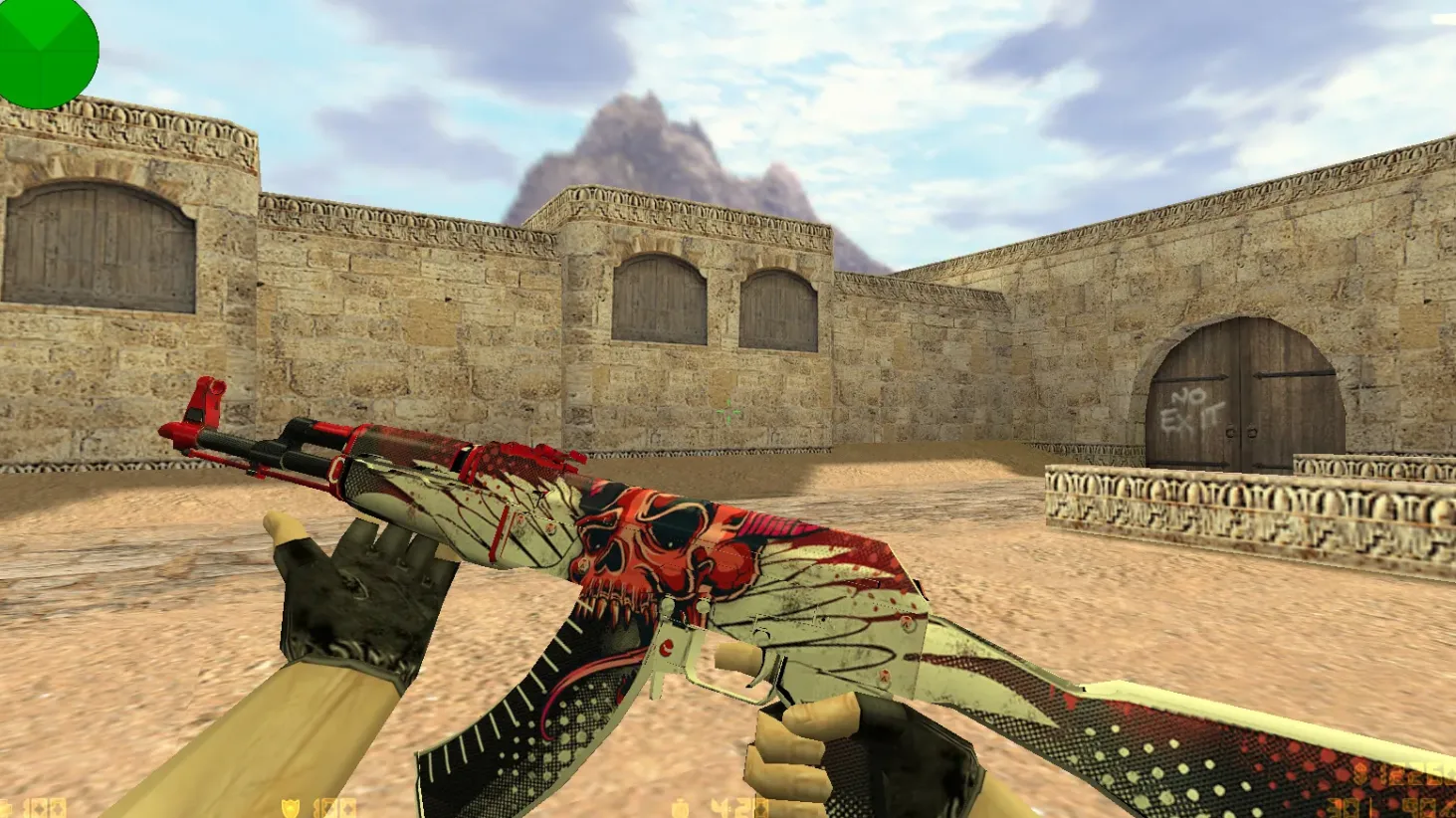
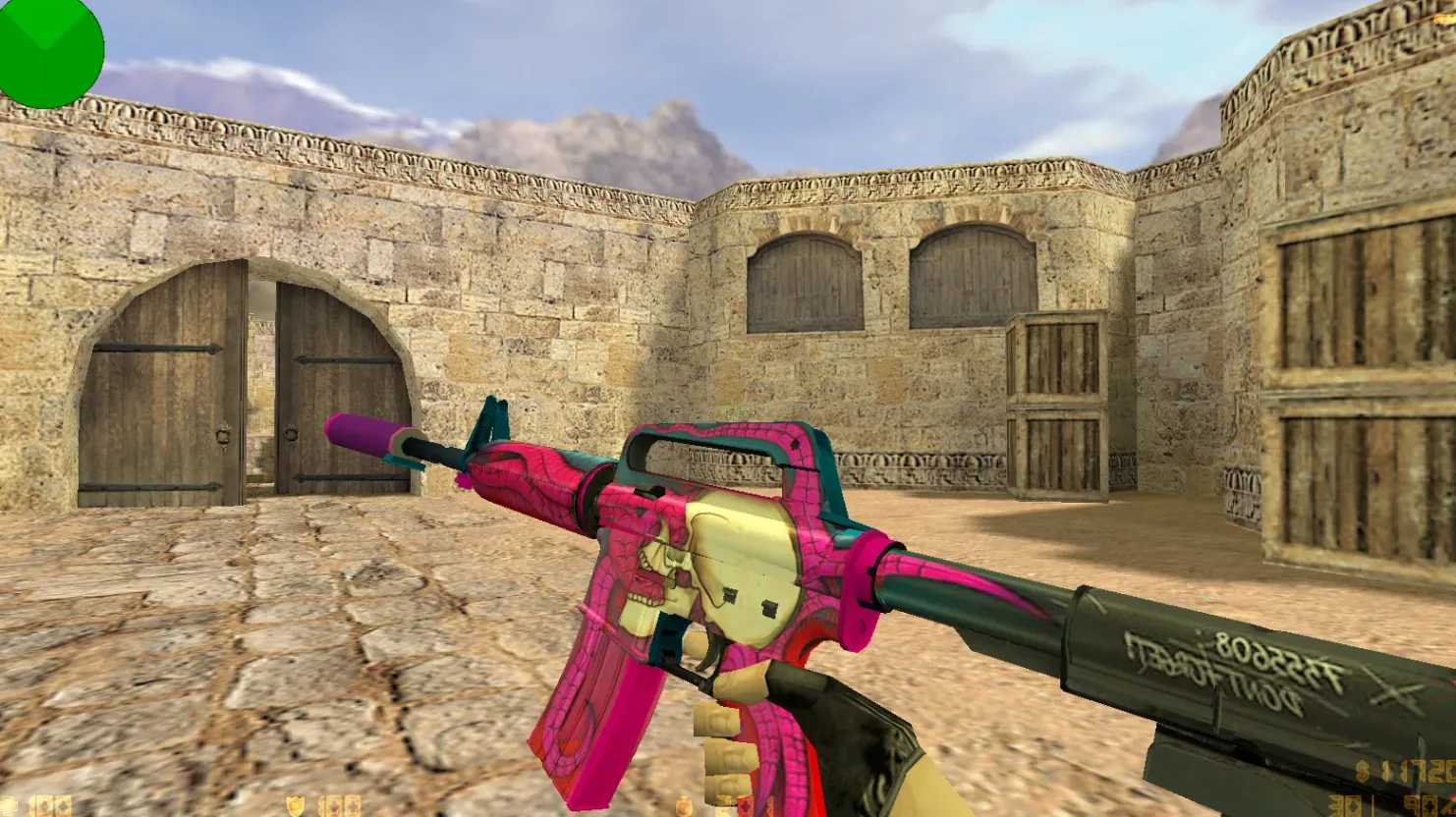
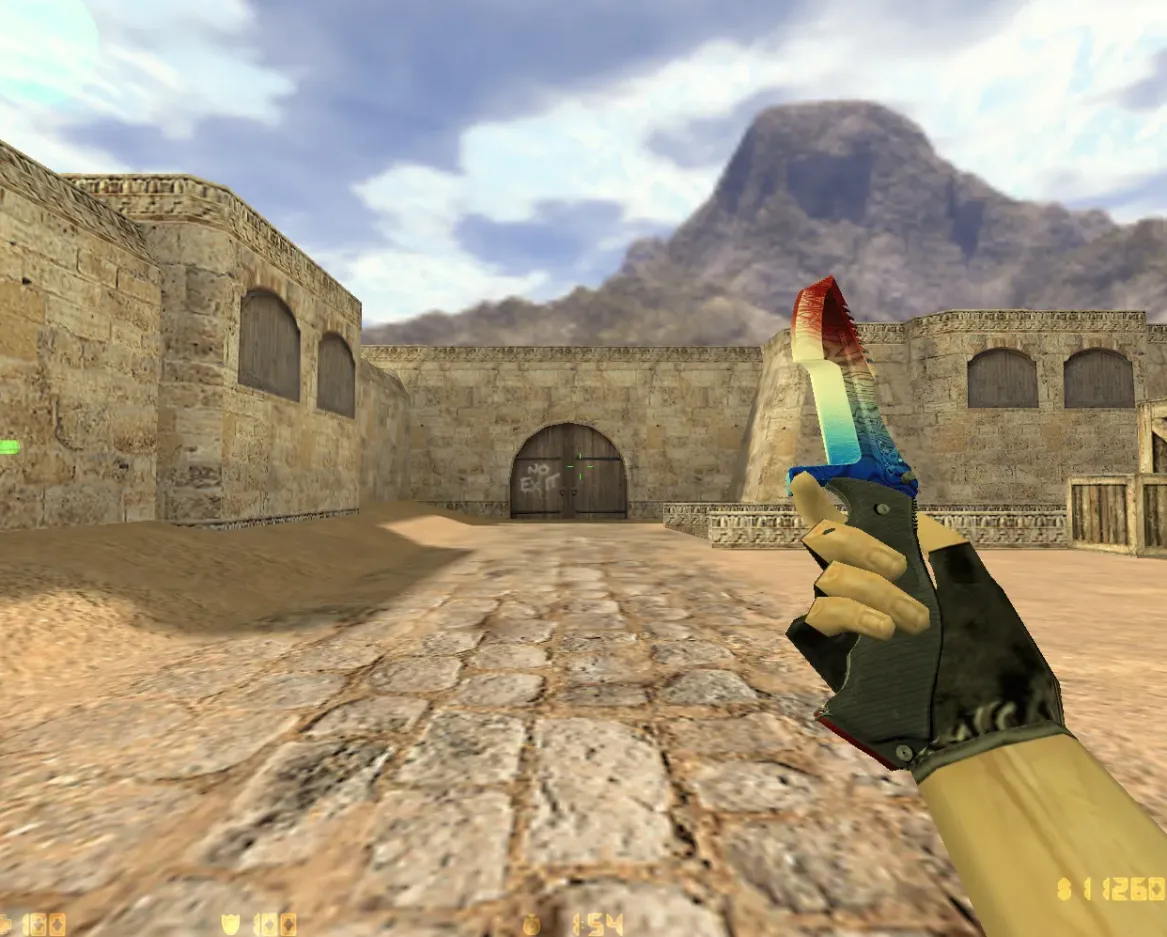
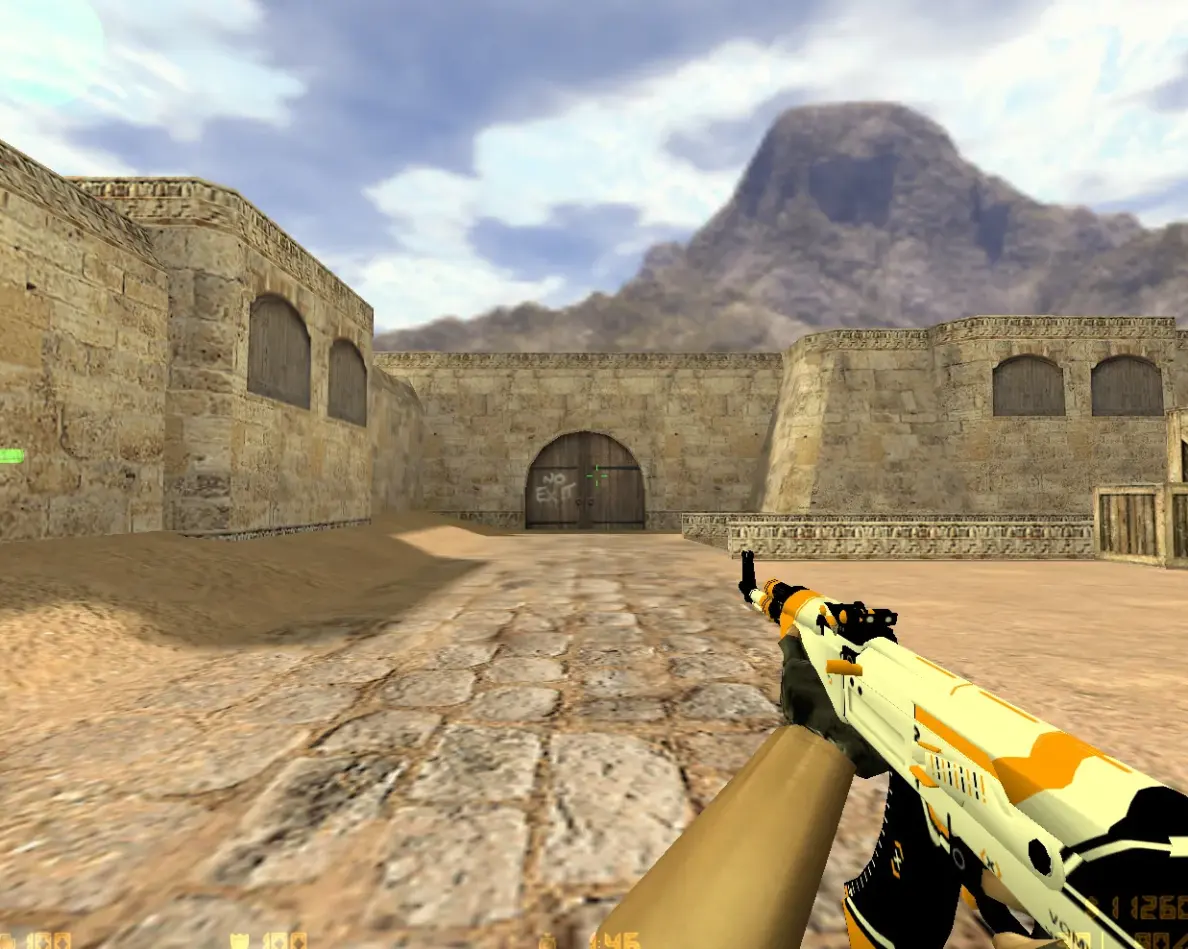
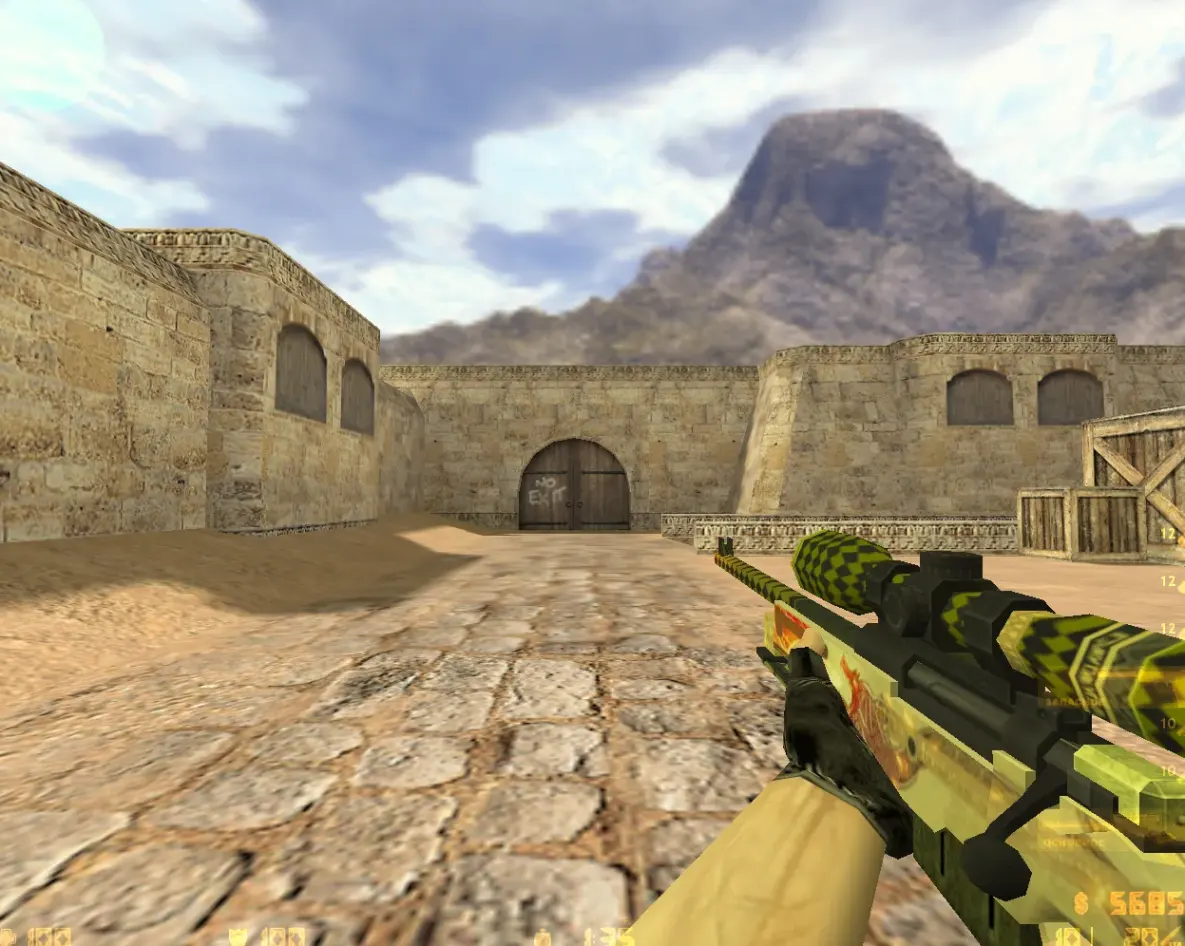
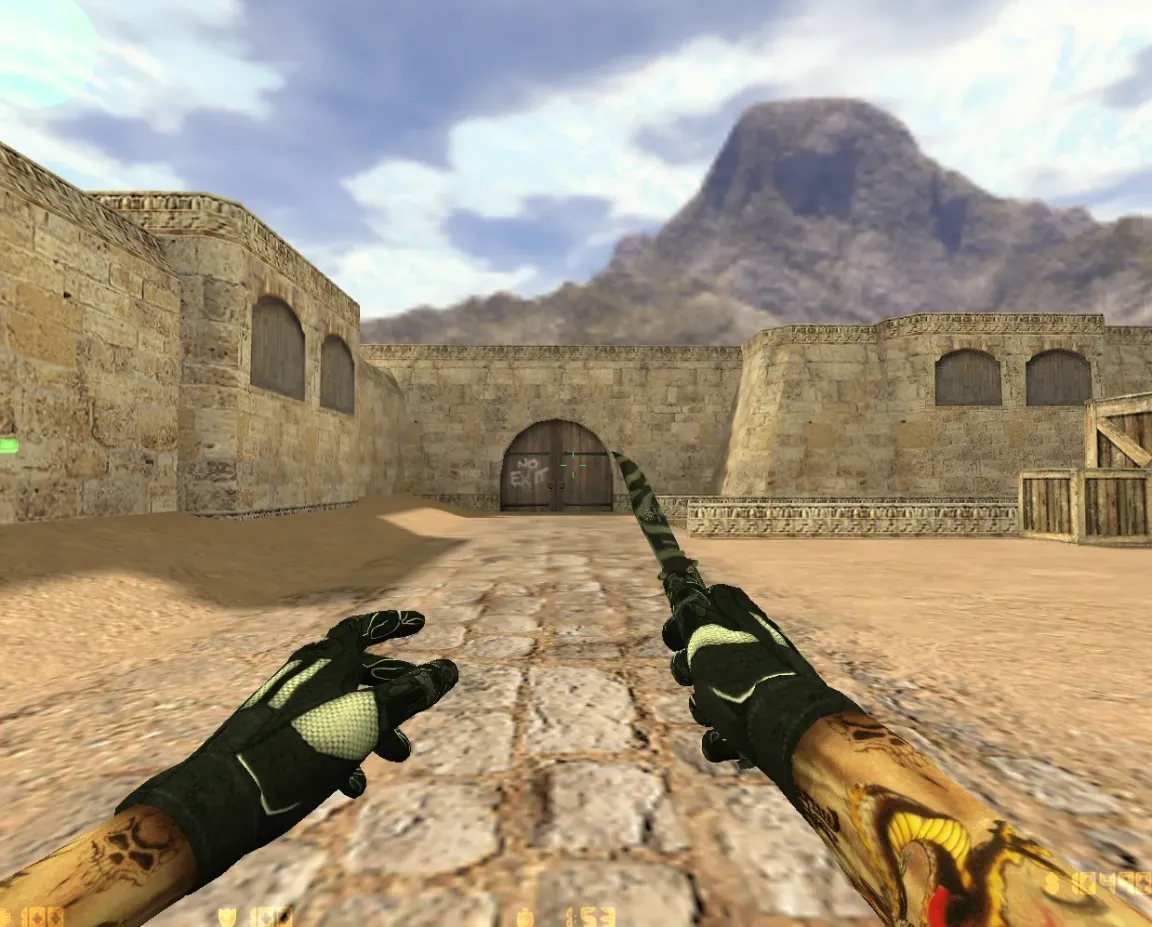
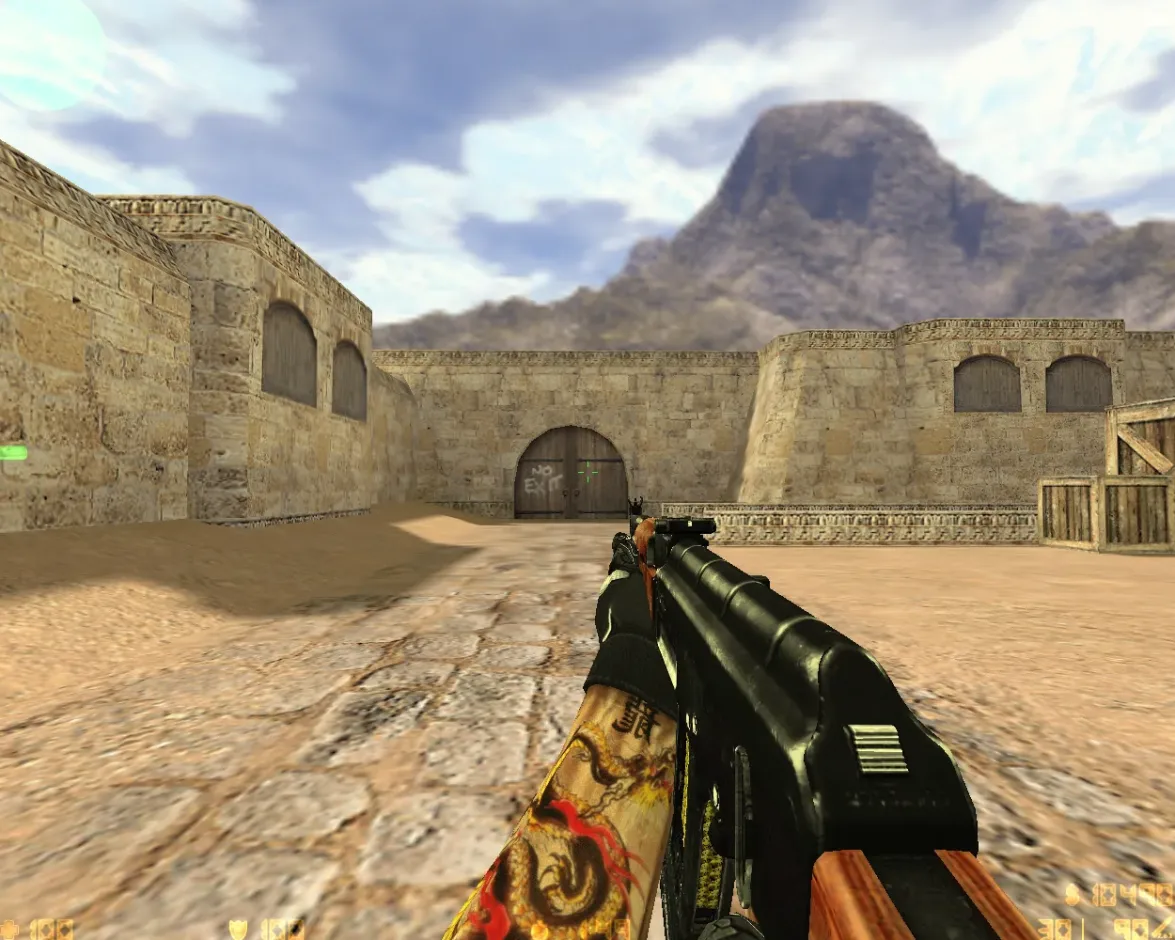
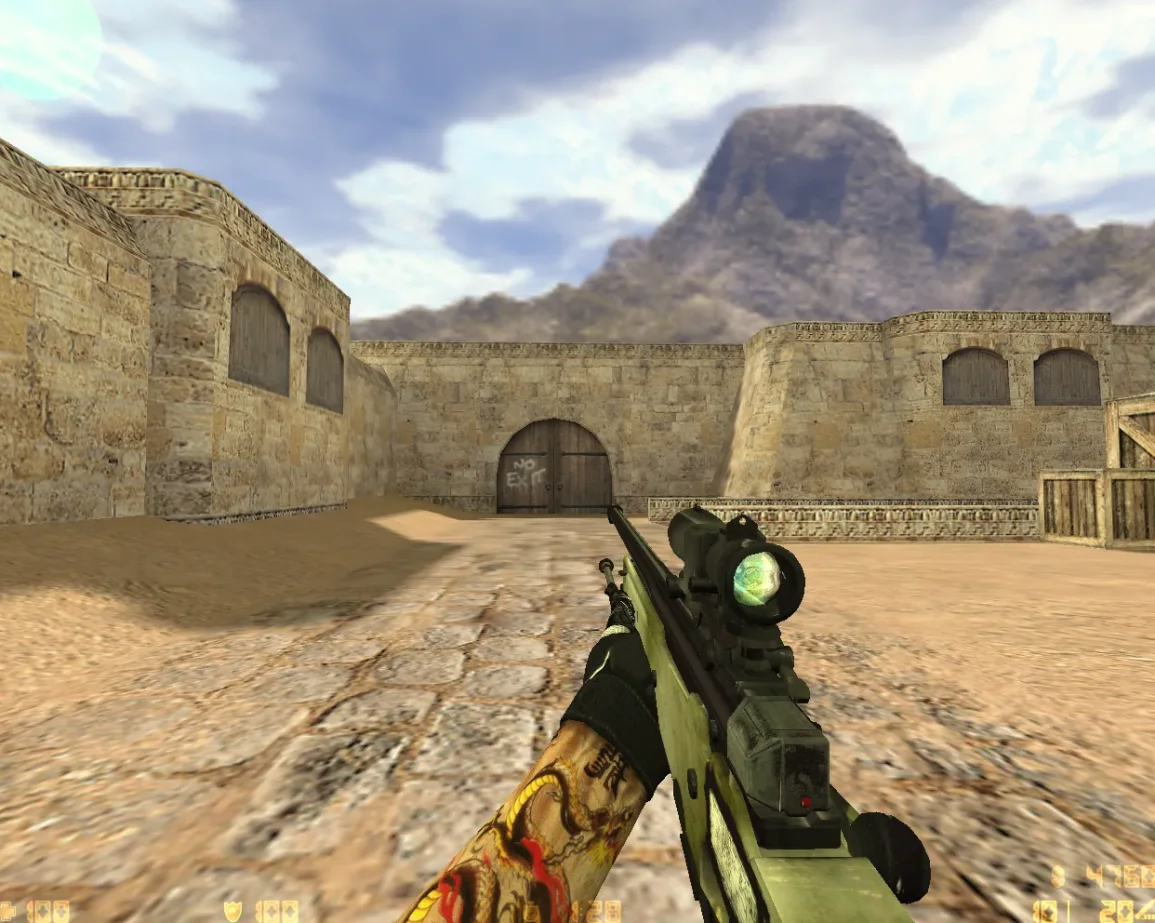
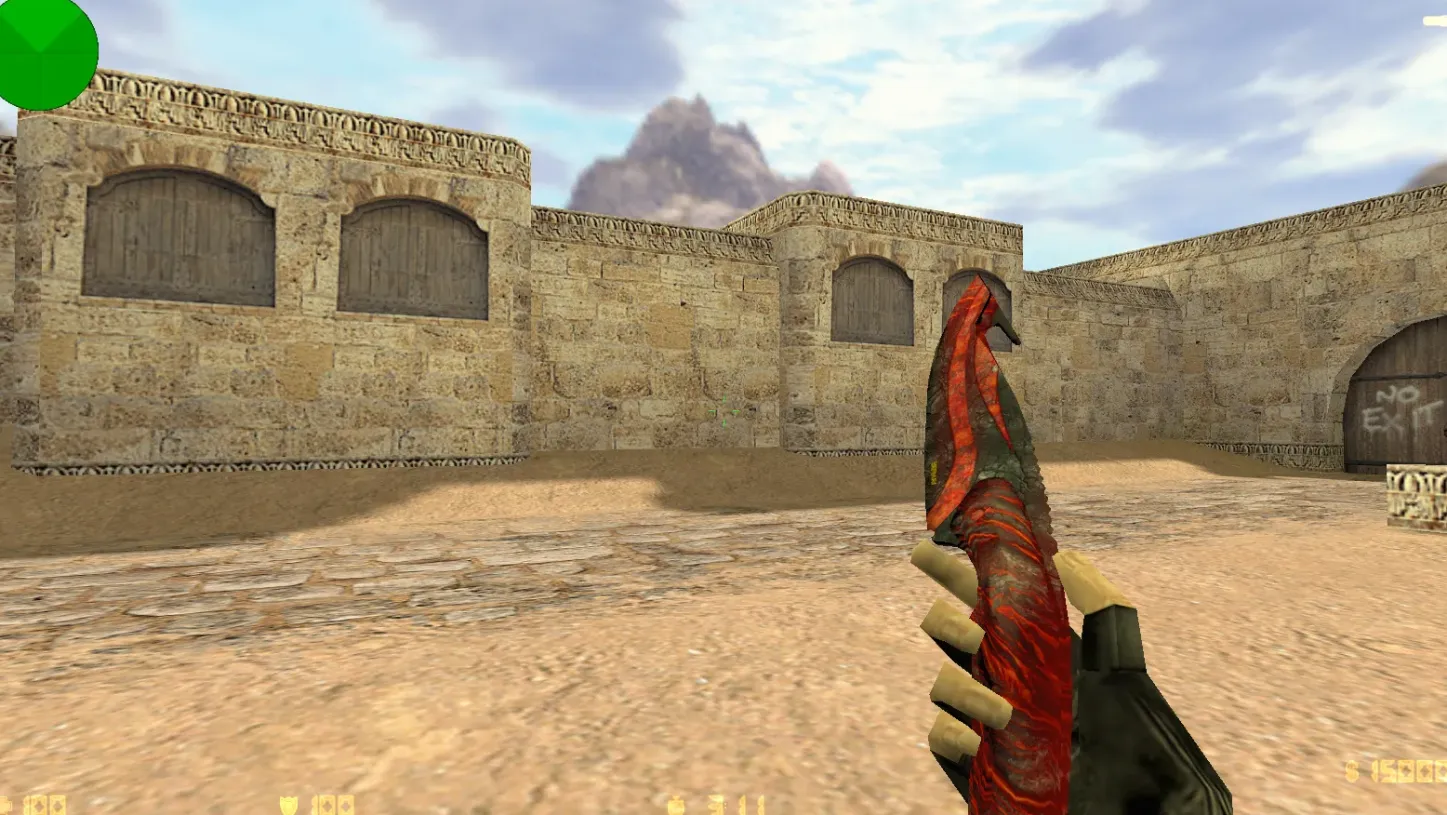
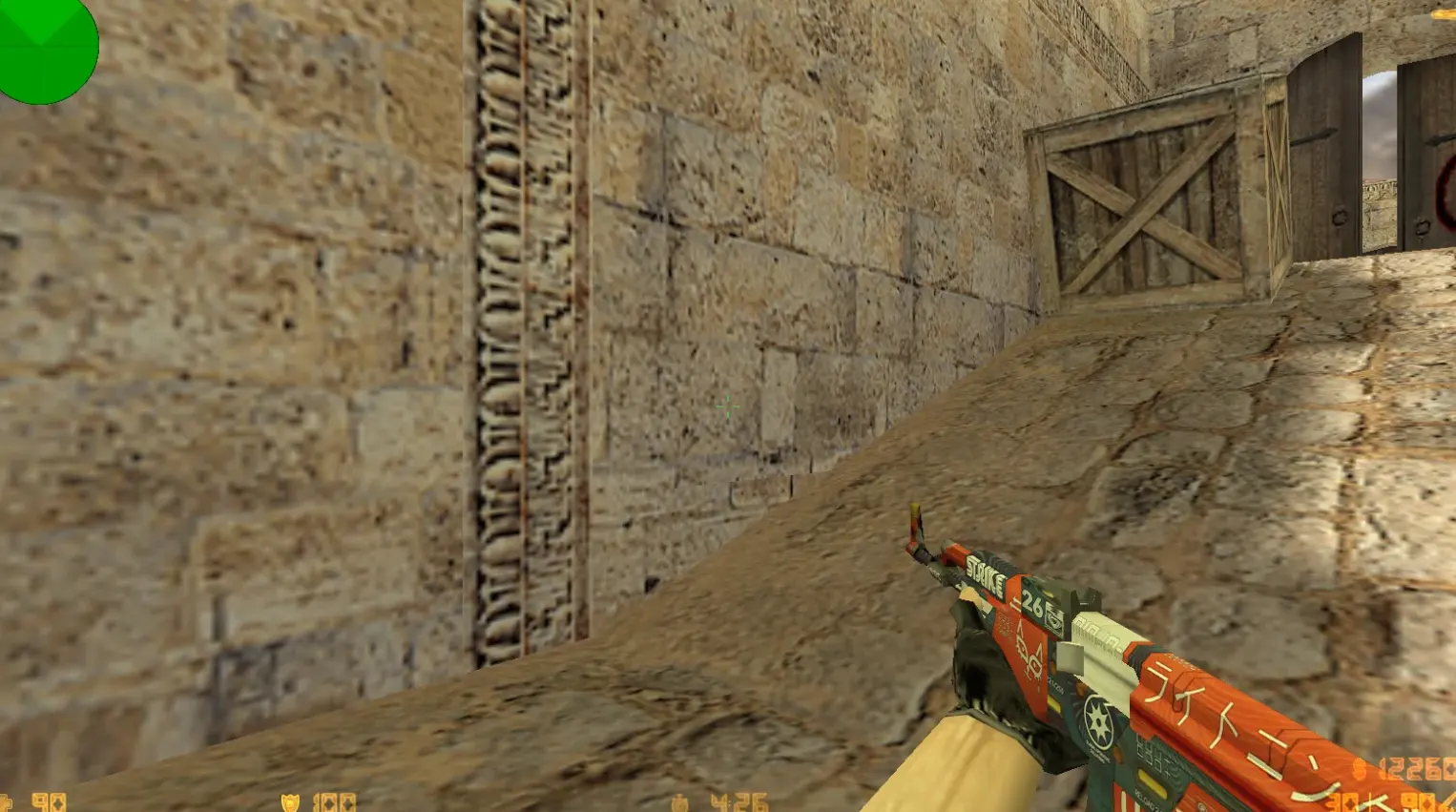
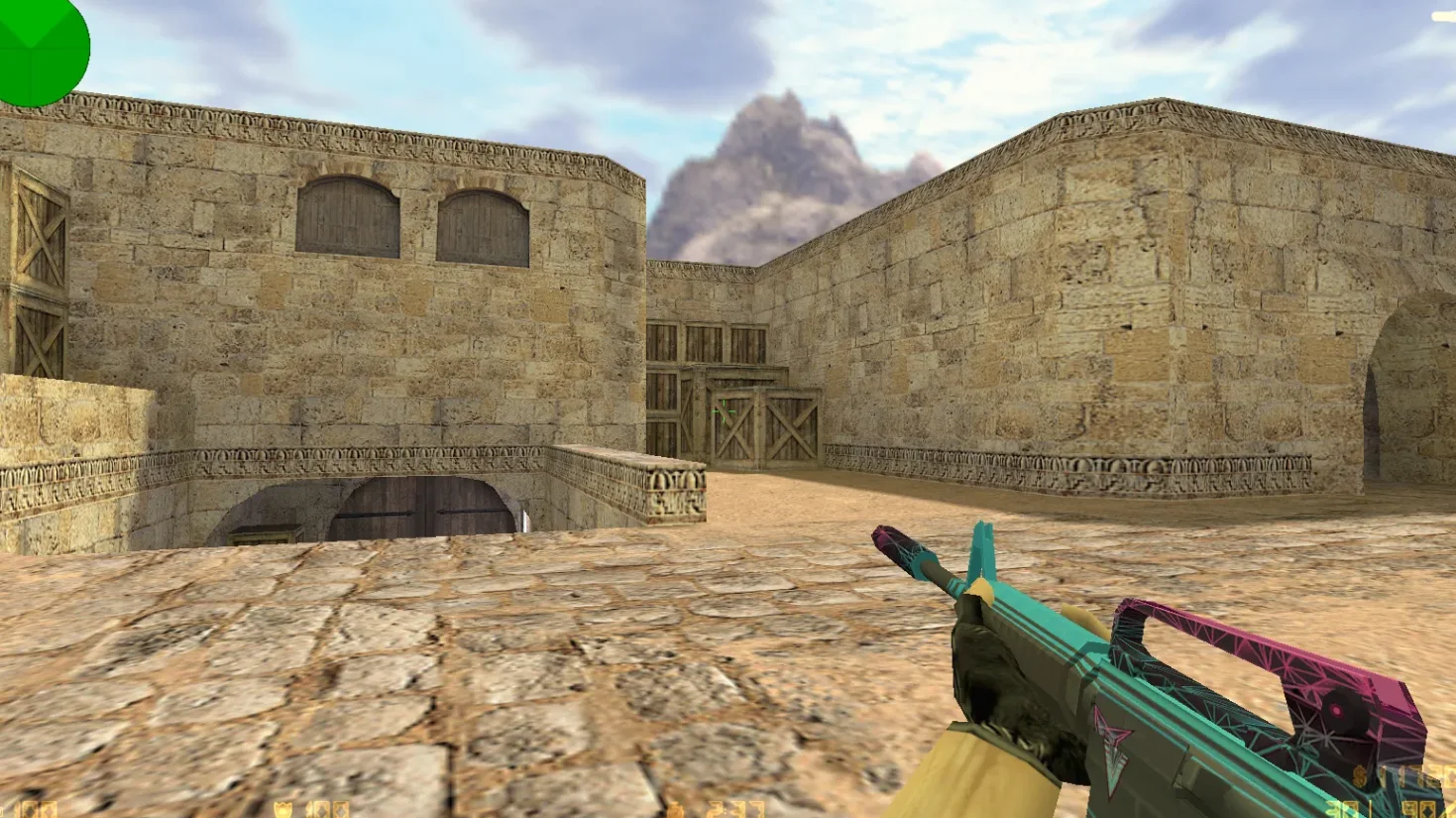
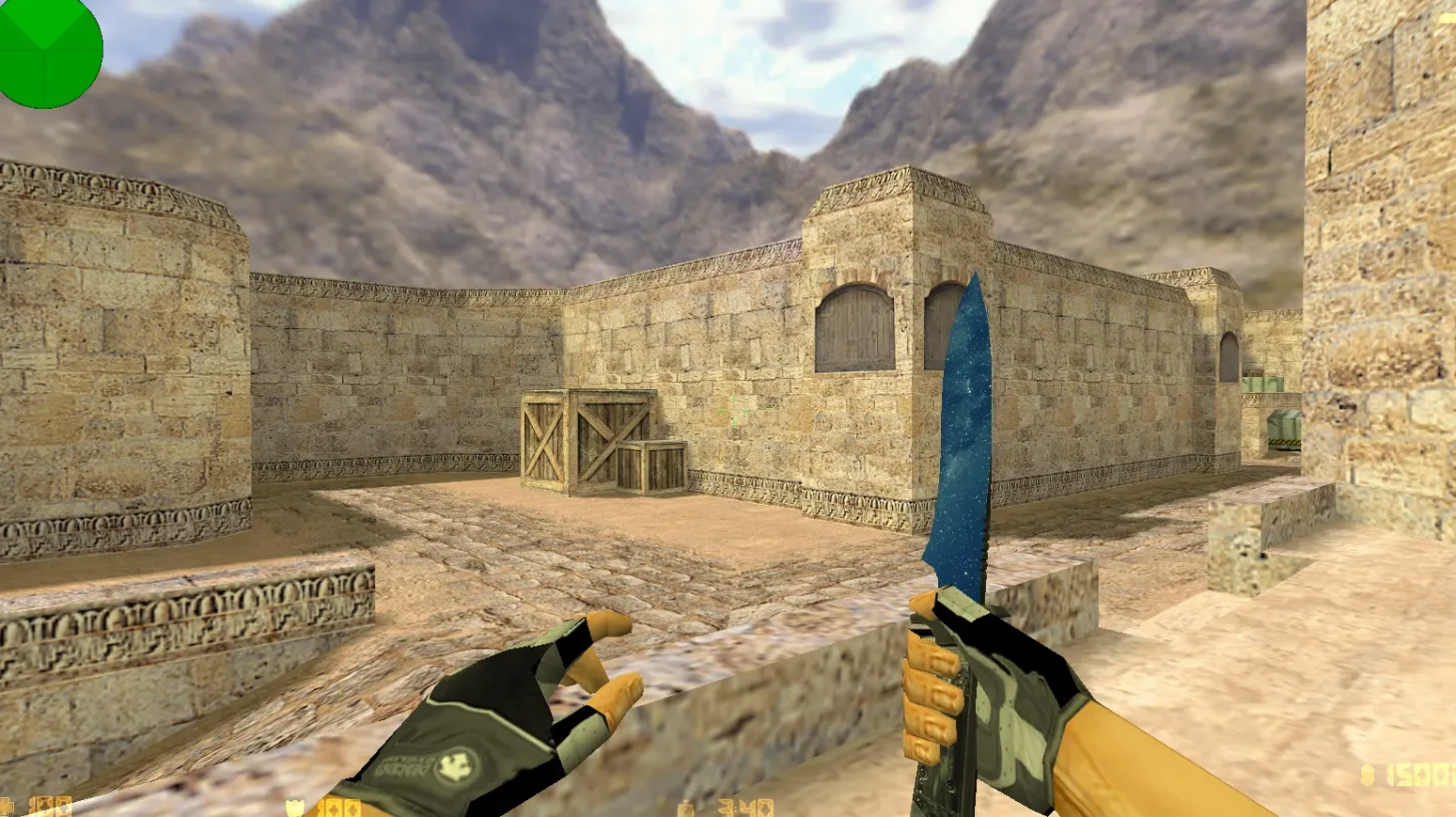
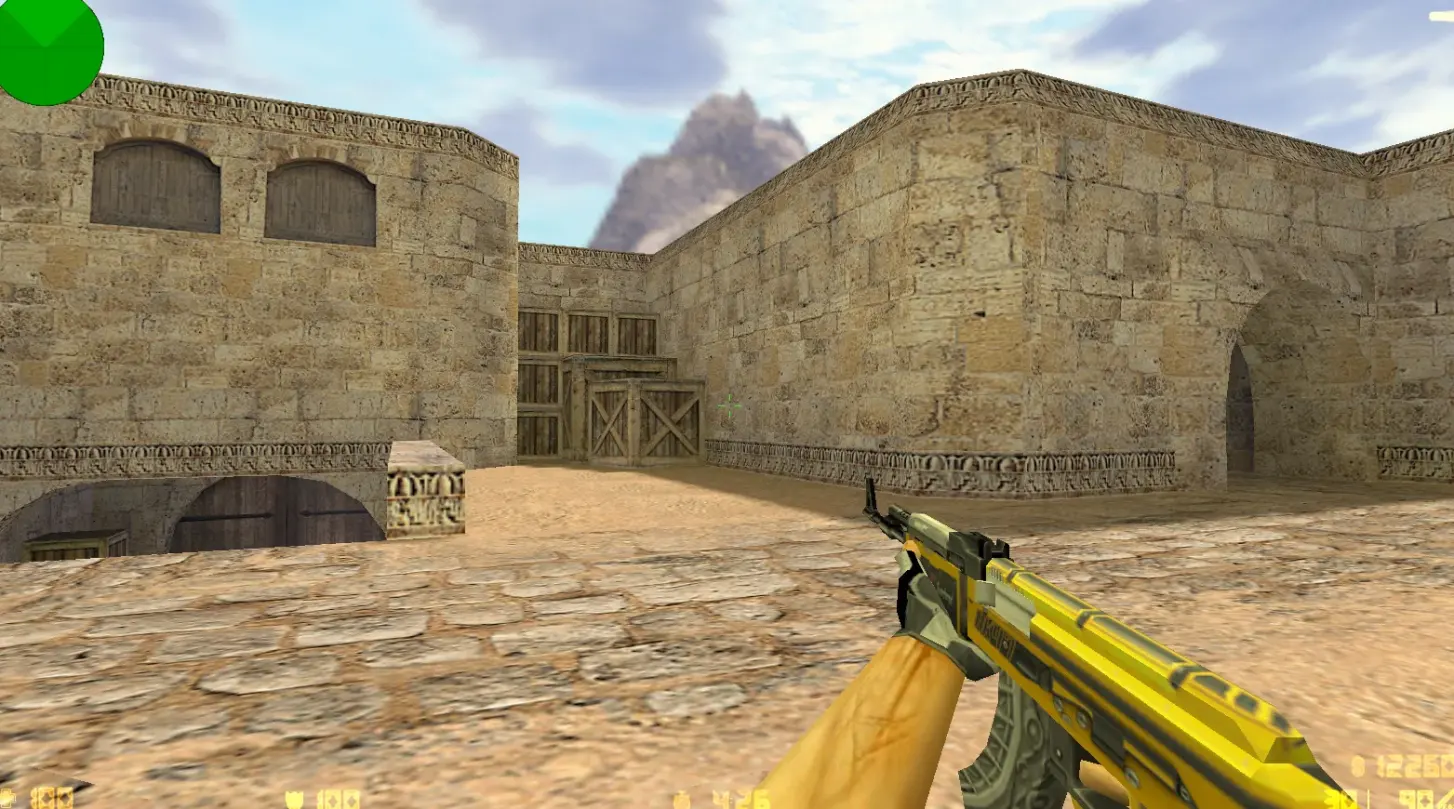
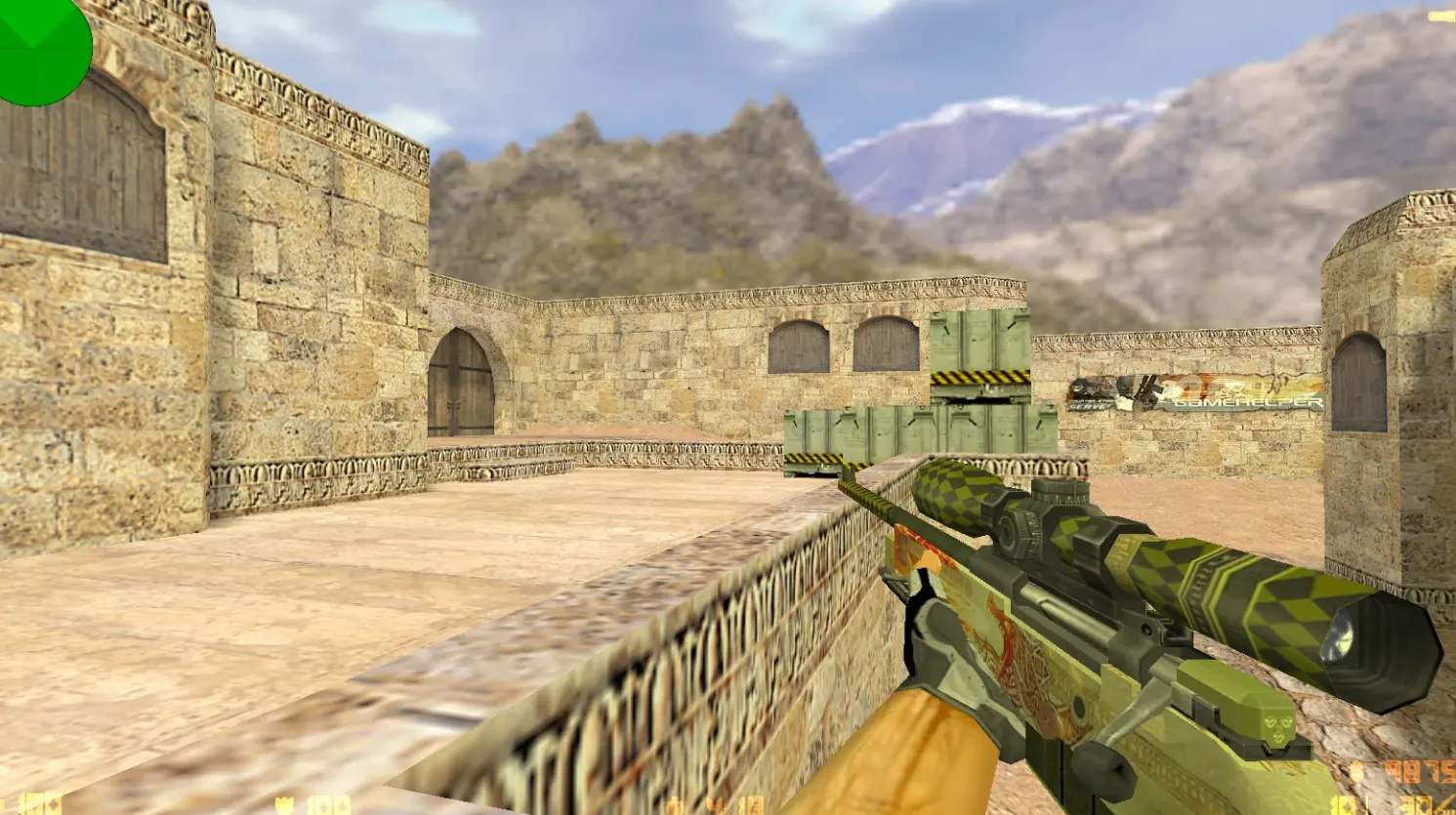
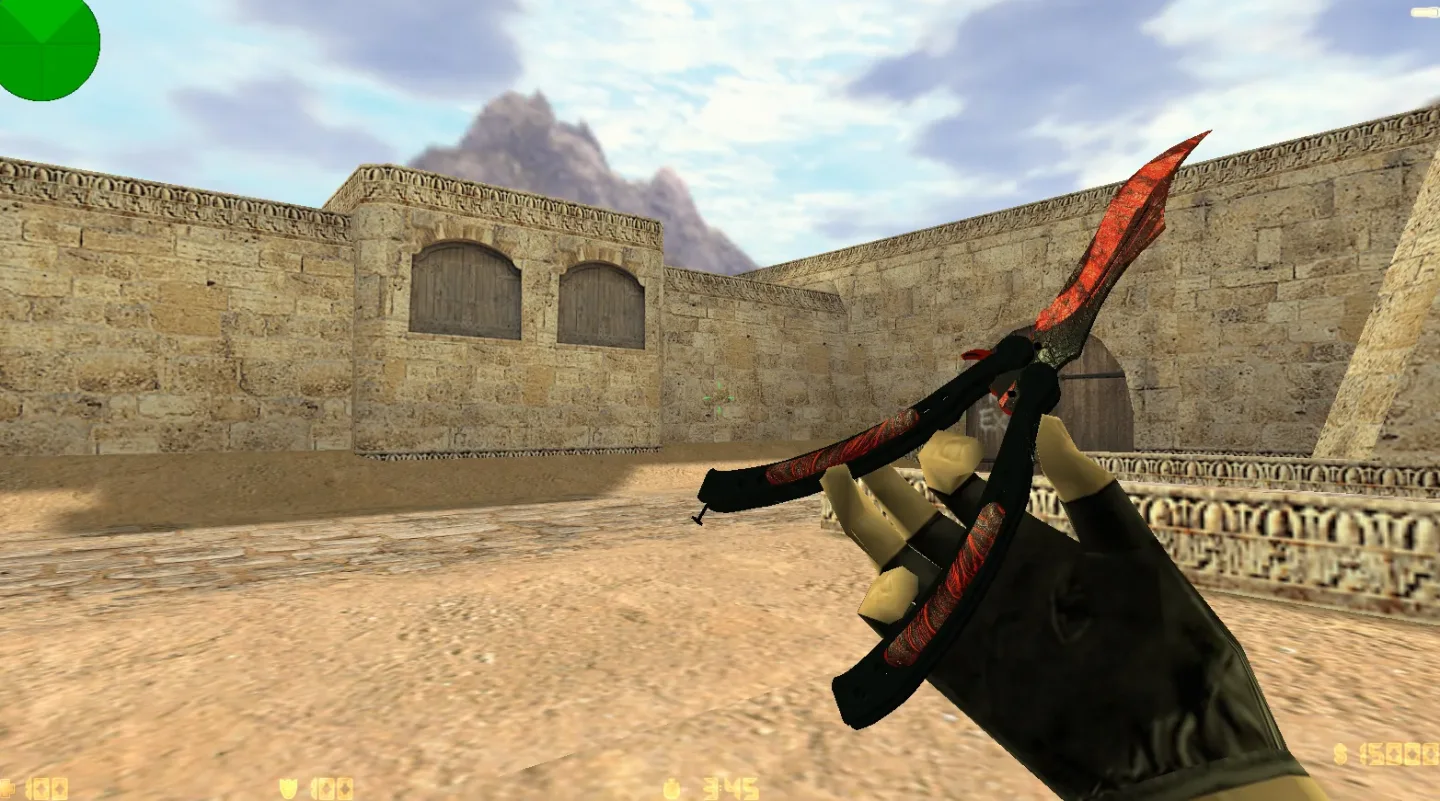
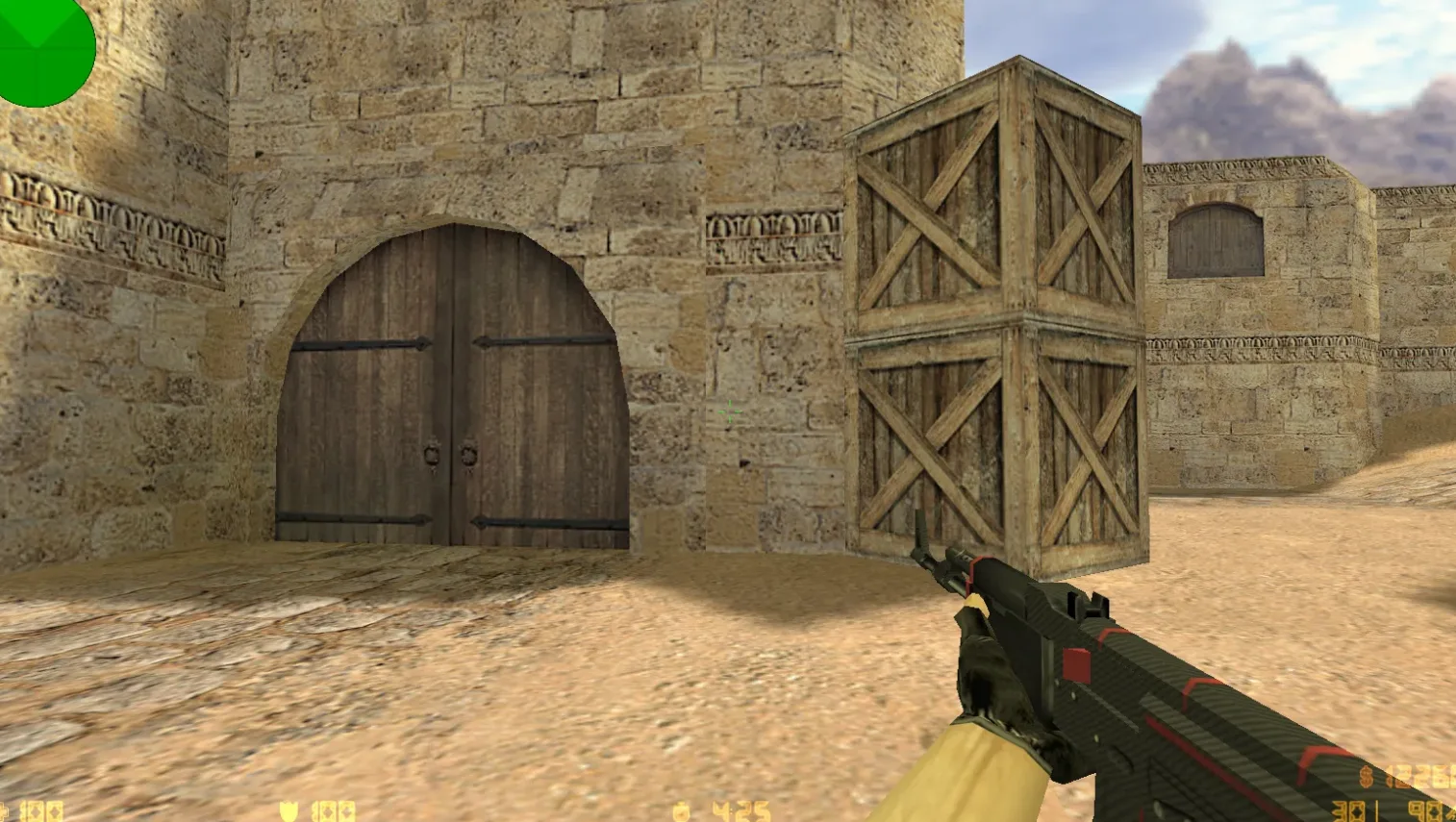
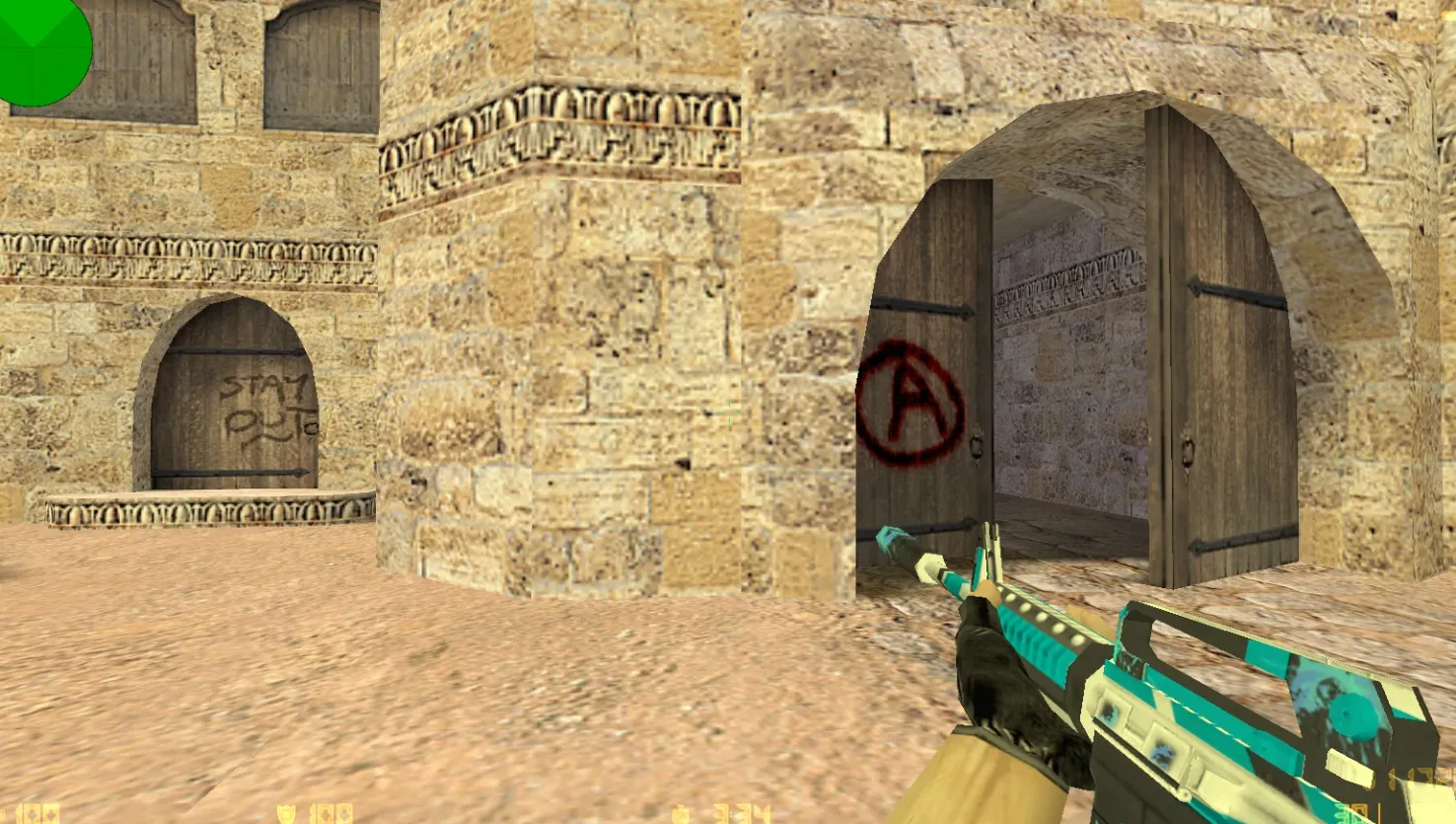
- 9 skins built on standard v_, p_ and w_ weapon models, with matching sounds and inspect animations
- Santexnik's personal config with rate up to 100k, ex_interp 0.01 and cleaned-up defaults
- Works with both Steam and Non-Steam launch methods on Windows
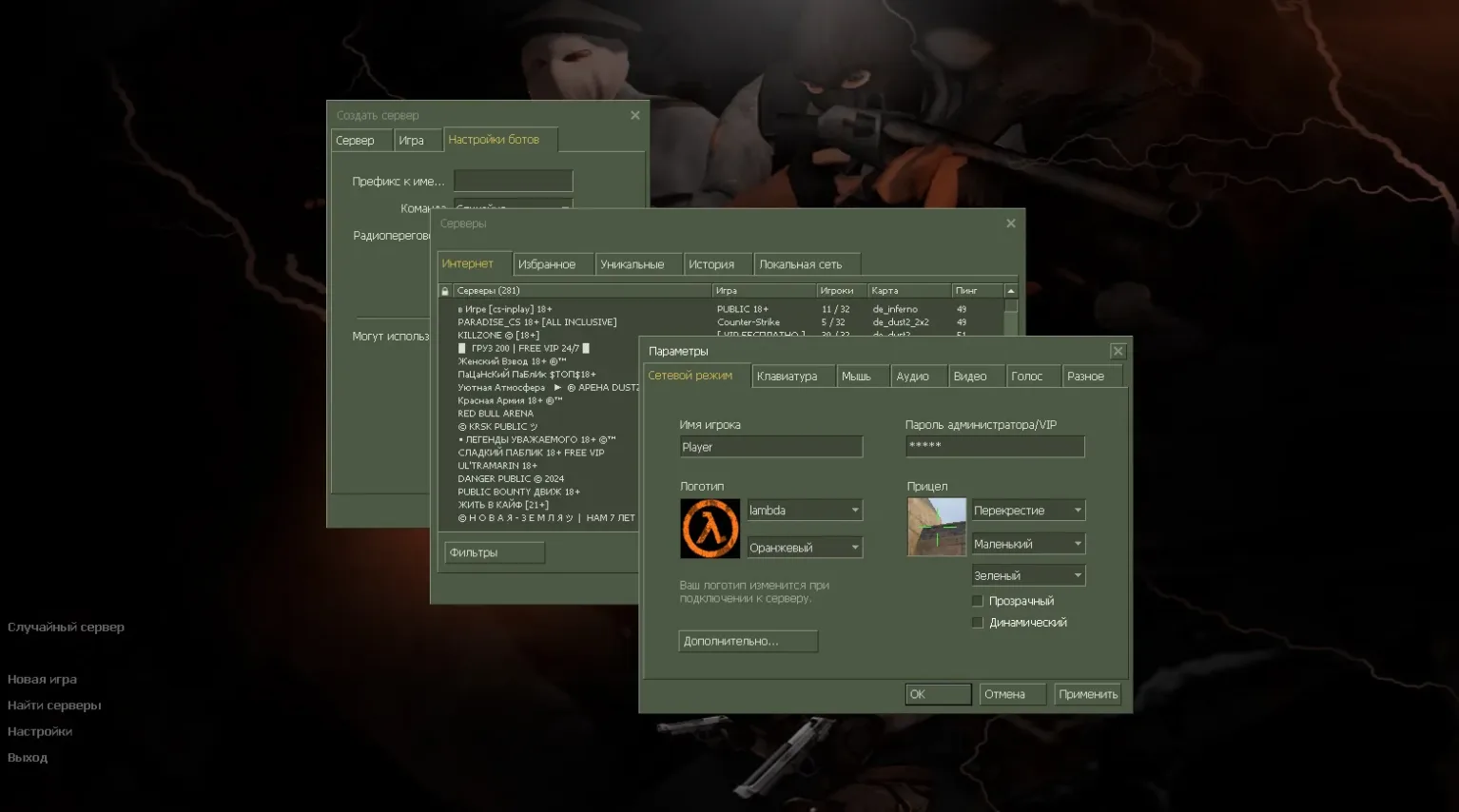
- Online play on over 250 servers, plus offline bot matches with navigation files included
Install and launch it like a standard CS 1.6 client; no extra setup steps are needed.
Install in three steps
-
1
Download the archive. Use the button on the right, or the Yandex.Disk mirror if the main server is slow.
-
2
Extract it into the game folder. Use 7-Zip or WinRAR. A path without non-Latin characters works best.
-
3
Launch the game. If something doesn't work, mark it below - that is how we know the file needs an update.
Did it work for you?
No sign-up needed. You can pick more than one.
Similar files
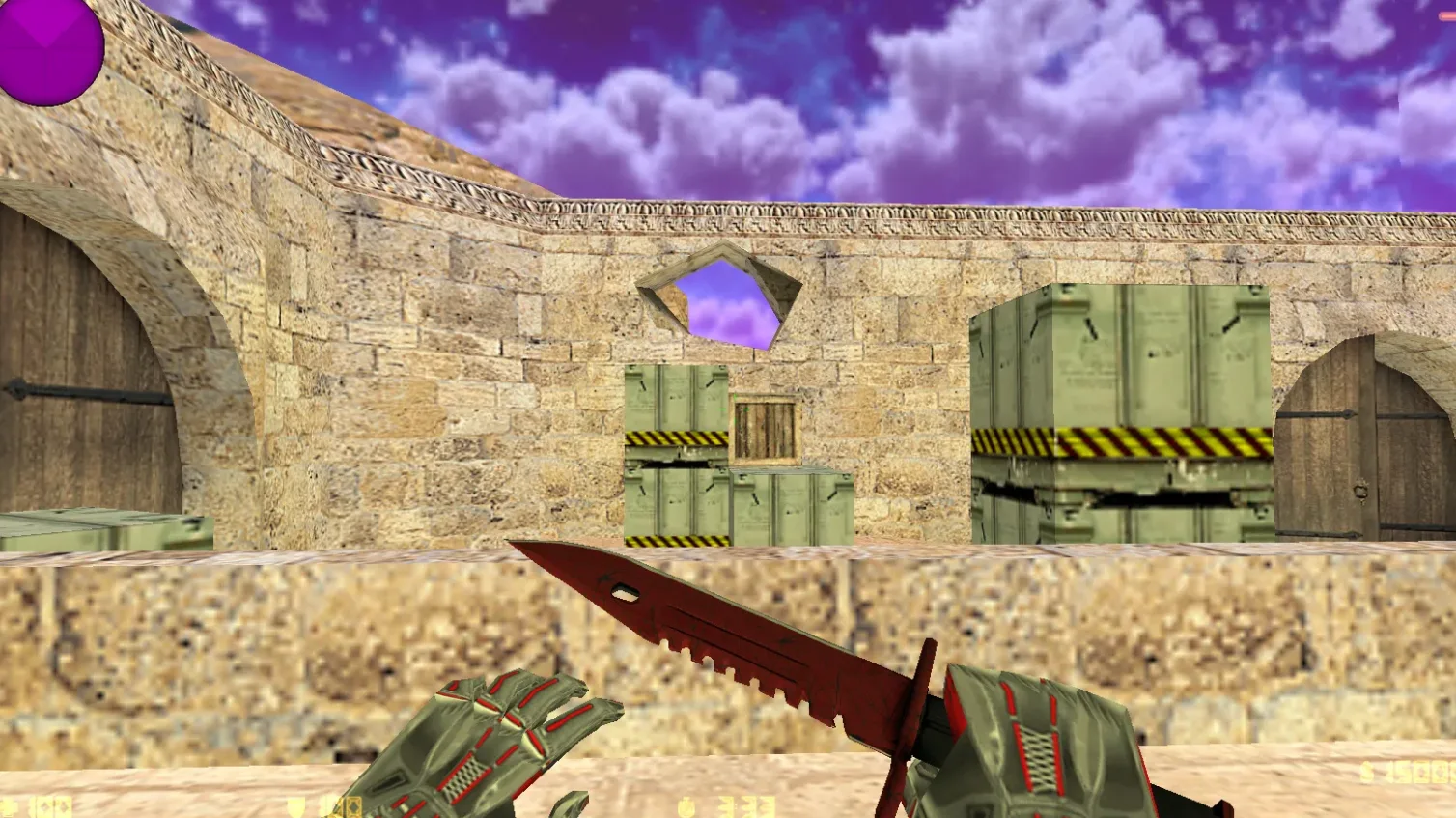
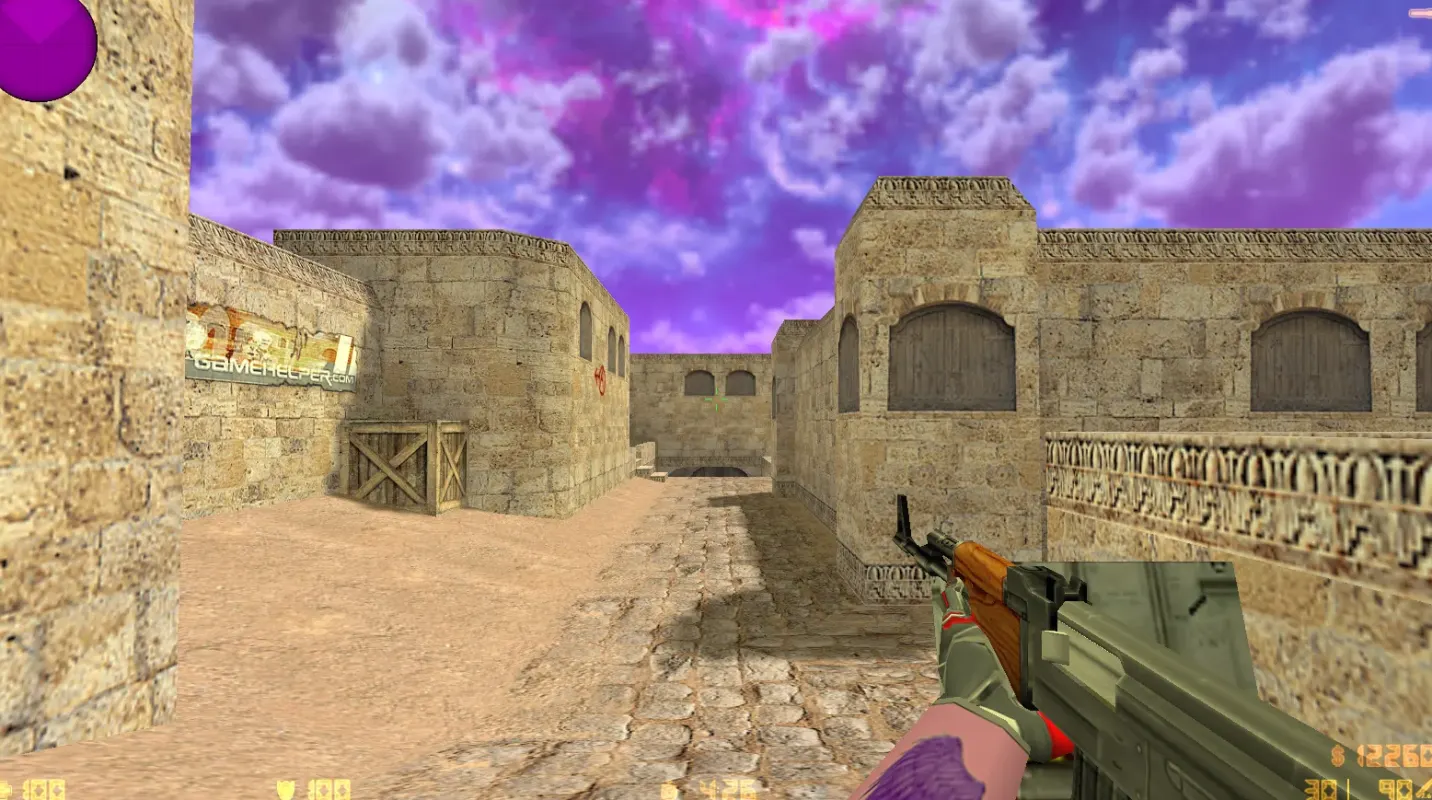
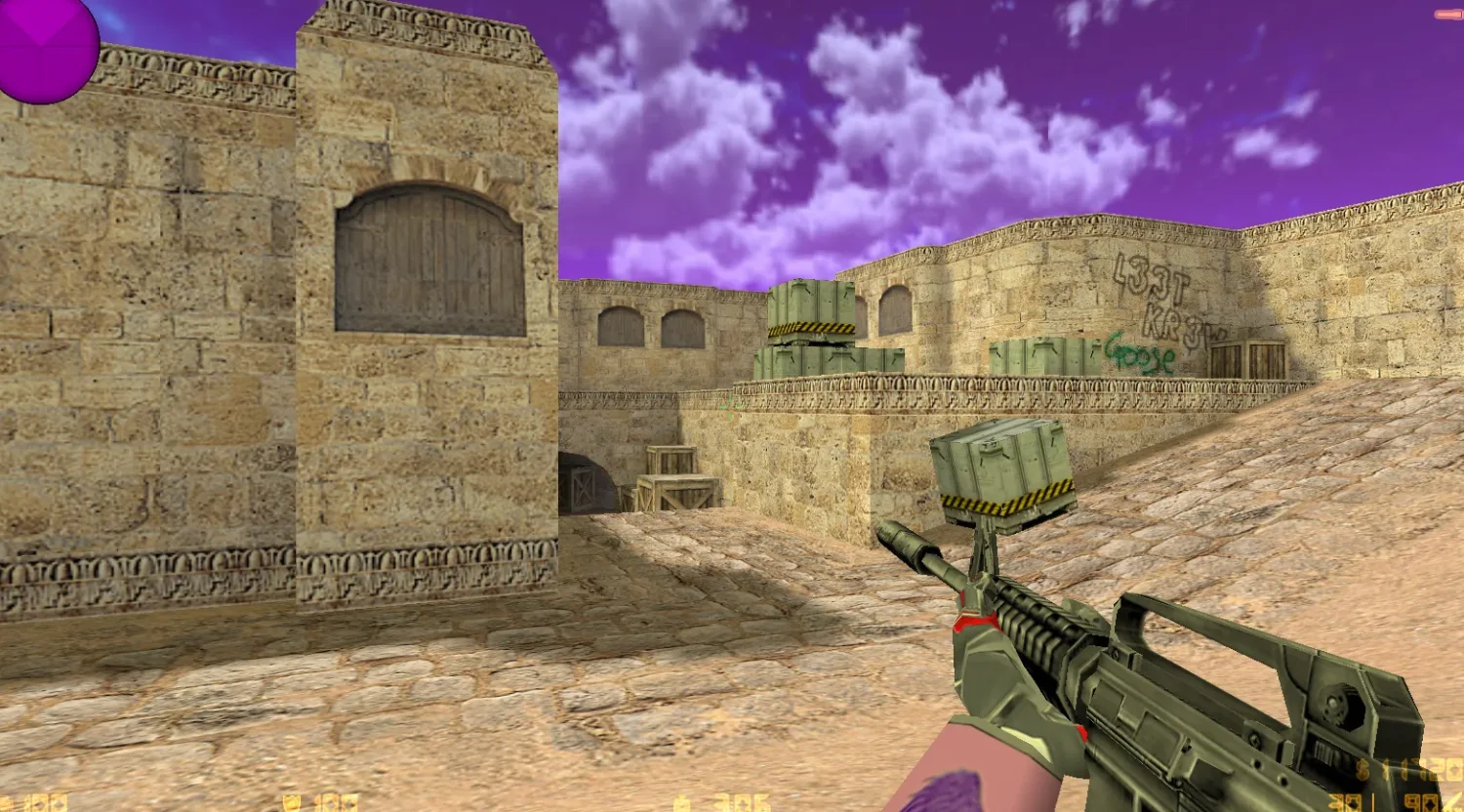
New in this section
- CS 1.6 Amon Build: 14 Weapon Skins, Dark Menu and Config Tweaks
- CS 1.6 Sahara Build: SAH4R SHOW Blogger Edition with Custom CT and T Models, Config, Menu Music
- Magisto's CS 1.6 Blogger Build: Karambit and M9 Bayonet Knives, Dust2 Map, Menu Music
- CS 1.6 Smike Show Build: ccET Base with 12 Skins, Red/Blue Models and Dark Menu
- CS 1.6 GEN Build: Blogger Edition with Weapon Skins, Guy Fawkes Masks and Optimized Config
- CS 1.6 PSQ Build with Weapon Skins, Butterfly Knife Lor and Dark Menu
- Staryi Blogger Build for CS 1.6: Skins, Audio and Config
- CS 1.6 'Trash' Build by Leo: 10 Mods, Weapon Packs, Masked Players and Optimized Config
- Mercury White CS 1.6 Blogger Build: Player Models, Sounds, Config and Sniper Crosshair
- CS 1.6 Shendel Build: Dark Menu, Skins and Tuned Config