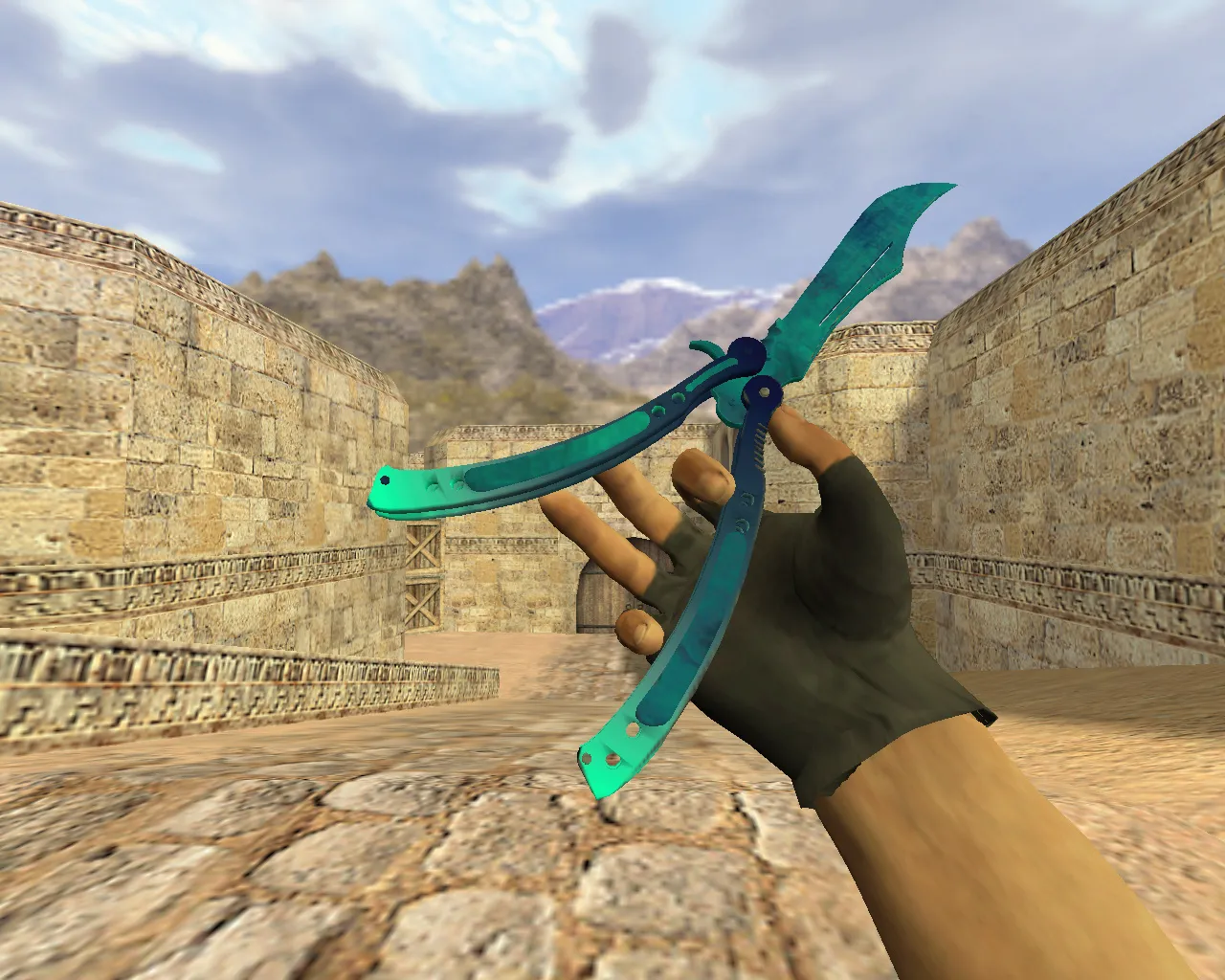
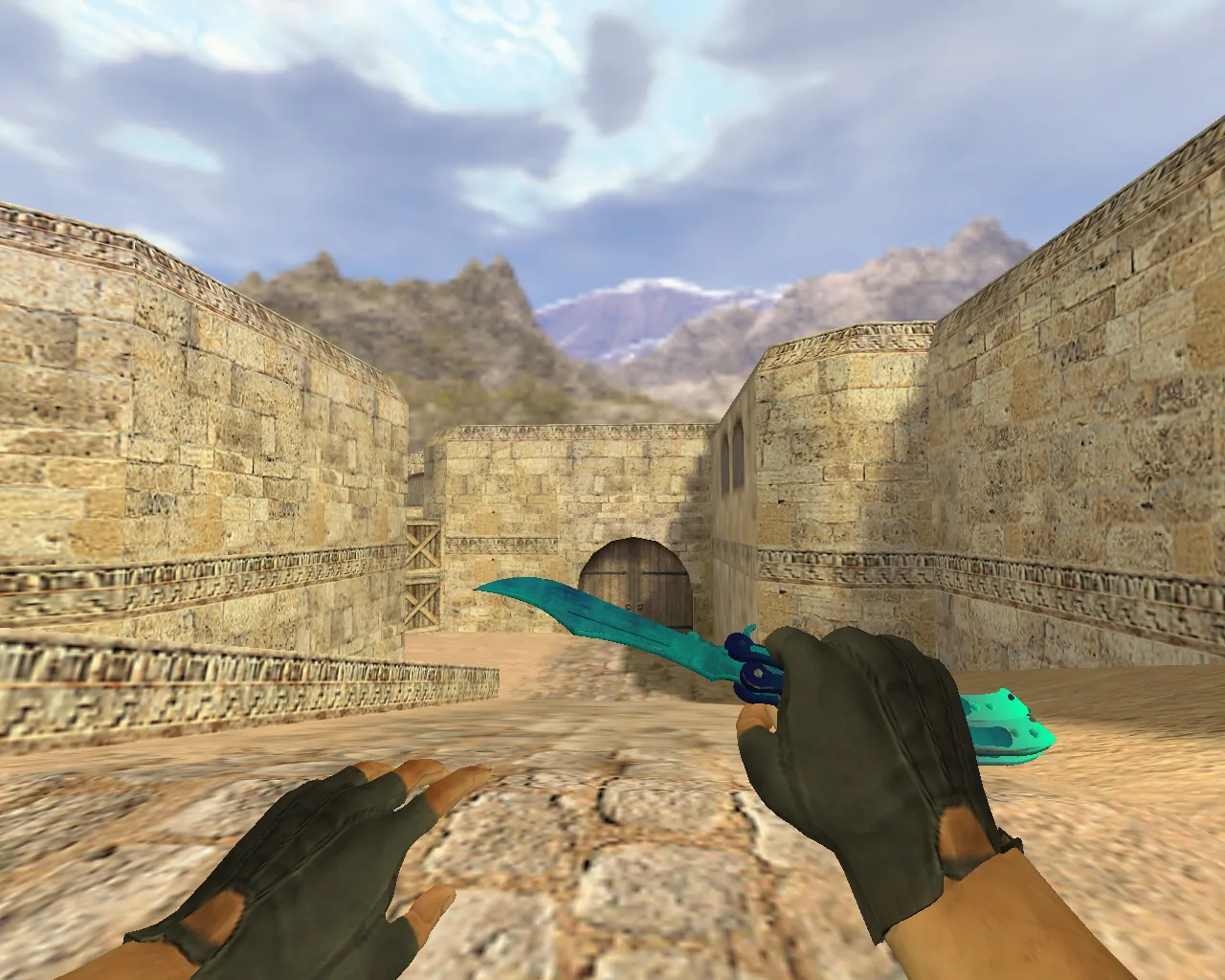
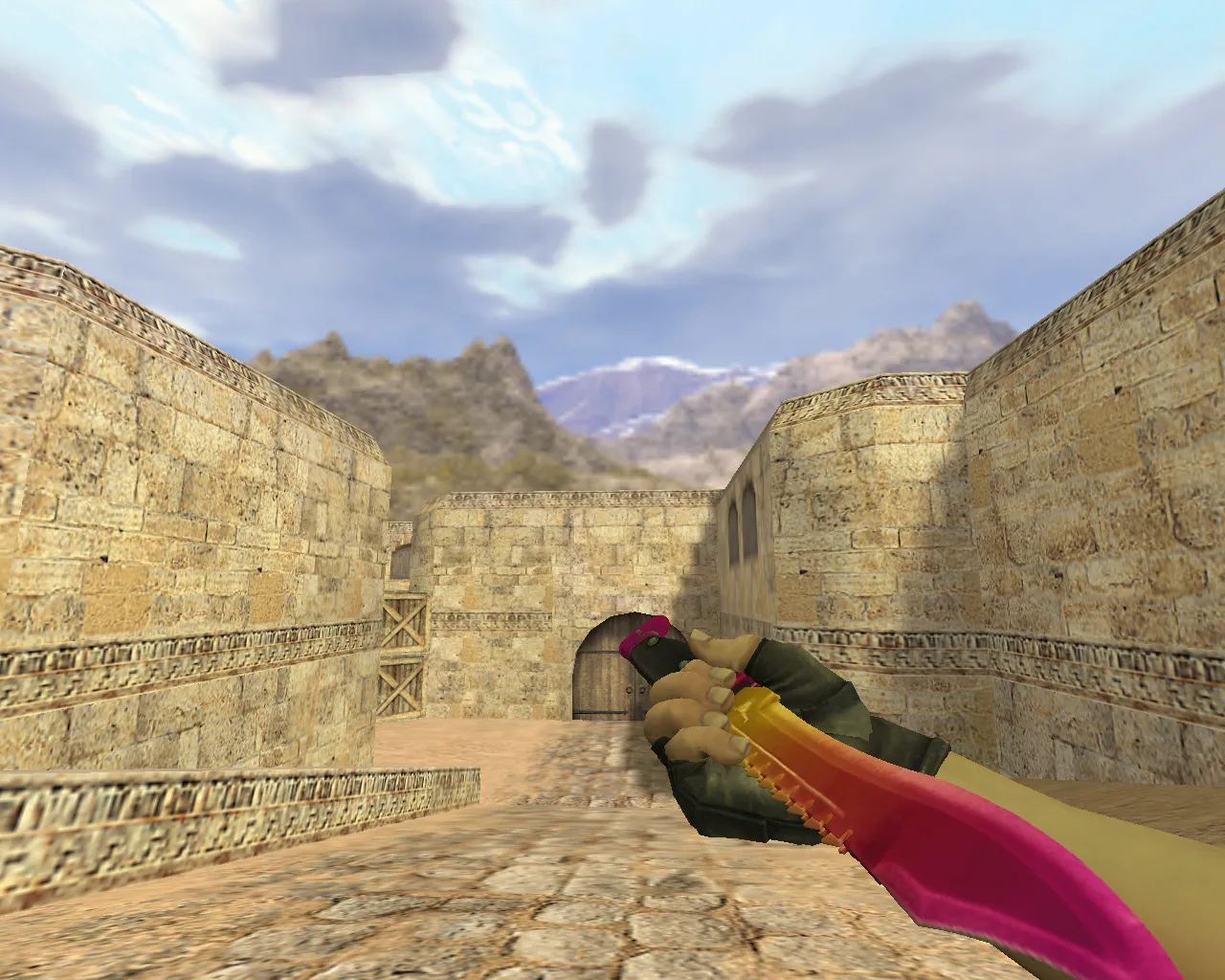
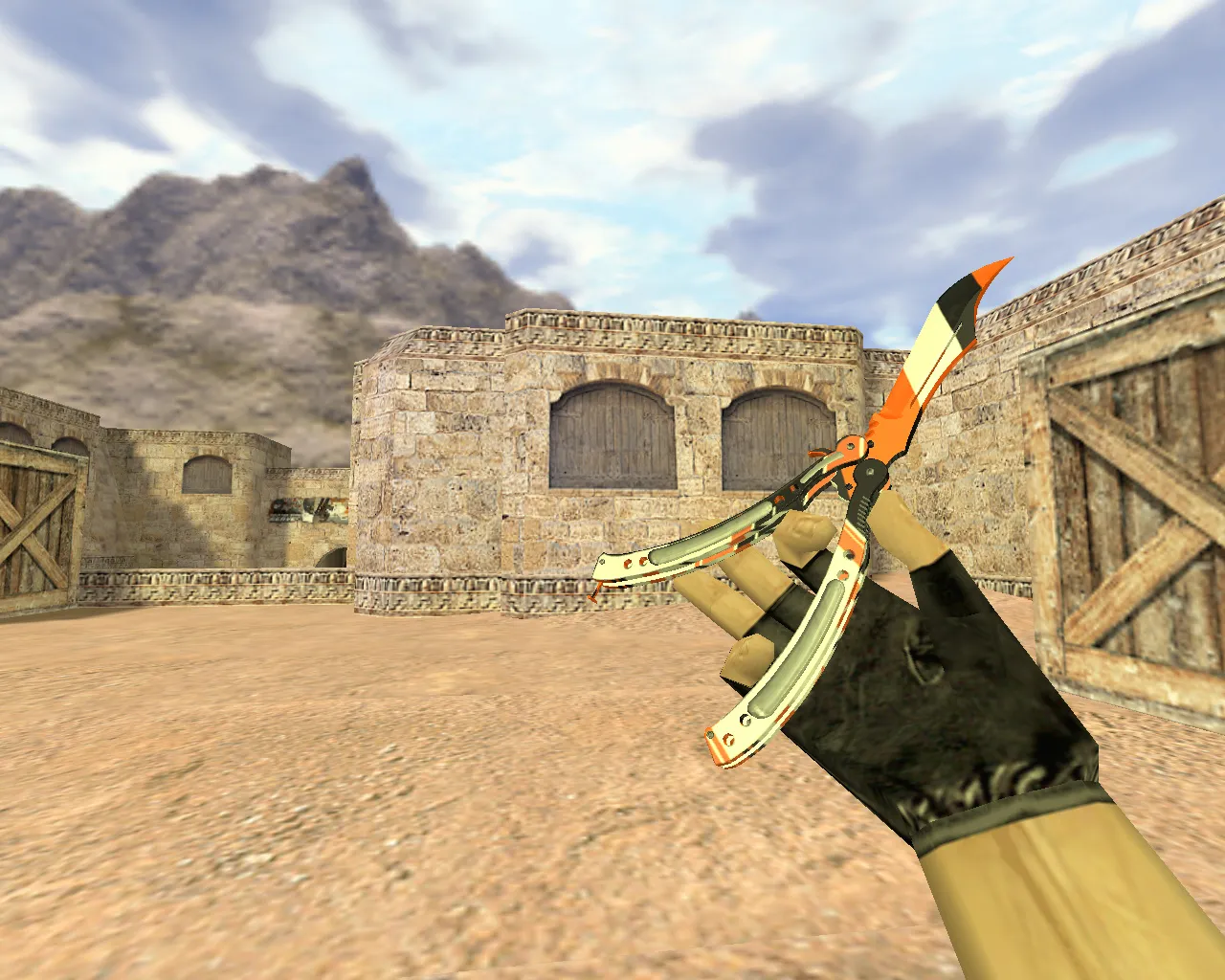
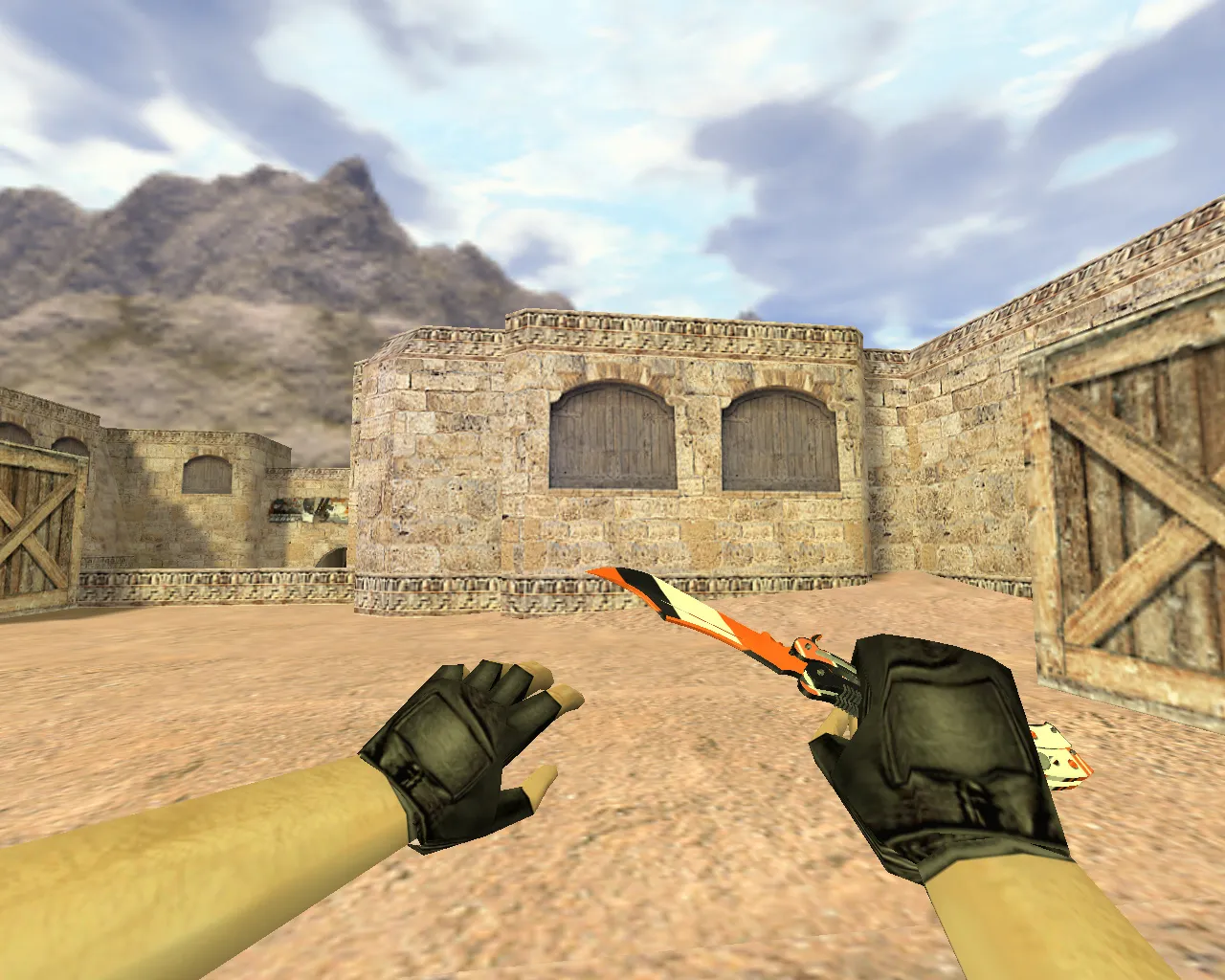
Reds Blues Knife Model for CS 1.6: v_ and p_ Models, Custom Sounds, Inspection Animation, Normal Textures


Description
Reds Blues Knife Model for CS 1.6: Contents Overview
In Counter-Strike 1.6, the knife dictates the tempo of any round. This Reds Blues Knife model functions on both public servers and offline bot matches. It adheres to GoldSrc engine standards by providing a v_ model for first-person perspective and a p_ model for third-person view. The package also includes the w_ model for world display, along with audio files for knife strikes and swings.
Inspection animation is crucial for fluid combat. This knife prevents glitches during turns or weapon swaps. The animation follows the default scheme to avoid stutters or delays mid-round. Textures are optimized for in-game rendering: details remain sharp at close range and do not blur into mud in shadowed areas.
Hitboxes and Visual Integration
In CS 1.6, models must align with their hitboxes for precise aiming. The Reds Blues Knife fits accurately without conflicting with the weapon geometry or gloves. It appears seamless from every angle. The model remains stable across various graphics settings, holding up during rapid movement.
What distinguishes this skin is its line clarity and contrast. Red and blue highlights stand out on standard maps featuring tight corners and corridors. The design keeps its shape on long sightlines or in changing light, ensuring visibility in dark areas typical of competitive play. The polygon count is kept low for high-FPS performance without losing detail.
Installing the Knife Model Correctly
Place the files into the appropriate directories for immediate compatibility. Knife models usually replace files in the weapon model folders. After setup, verify there are no broken materials and that the knife appears in your inventory.
- Copy v_ files to the first-person weapon models folder
- Copy p_ files to the third-person weapon models folder
- Copy w_ files to the world model folder for dropped knives
- Place knife sounds in the expected audio directories
- Restart CS 1.6 and test in a local match
For safety, use clean archives only. Installation involves only game file swaps-no viruses, slow-hacks, ads, or auto-connect scripts. Just the model, textures, and sounds for a pure setup.
Server Compatibility and Performance Tuning
On modified servers with file consistency checks, keep your client files clean to avoid bans. Do not mix incompatible versions. Before joining, confirm the knife switches smoothly and loads without map errors. Paths differ for Steam and Non-Steam installations, but the process is straightforward: files go into core directories like cstrike/models/v_knife.mdl.
After installation, run a quick check: open the buy menu, trigger the inspection animation, swing at empty air, and move around to confirm rendering. If everything tracks, head to public servers and play rounds at full speed.
This Reds Blues Knife suits players wanting a clean, confident look in CS 1.6. It performs across graphics configurations without dynamic hitches. Pair it with a no-recoil config for better control in close-quarters fights. On maps like de_dust2, the contrast helps spot enemies at A-long or in B-site tunnels. For bot play, the hitbox alignment ensures reliable slashes. Overall, it is built for Build 4554 or 8613 compatibility with MasterServer protection intact.
Expand your arsenal with this model-focus on v_ details for immersive first-person swings. The normal textures use 512x512 resolution for balanced clarity, avoiding overload on older rigs. Sound files include crisp metal clashes, timed perfectly with animations to feel responsive. In third-person, the p_ model scales correctly for team visibility without clipping issues.
Install in three steps
-
1
Download the archive. Use the button on the right, or the Yandex.Disk mirror if the main server is slow.
-
2
Extract it into the game folder. Use 7-Zip or WinRAR. A path without non-Latin characters works best.
-
3
Launch the game. If something doesn't work, mark it below - that is how we know the file needs an update.
Did it work for you?
No sign-up needed. You can pick more than one.