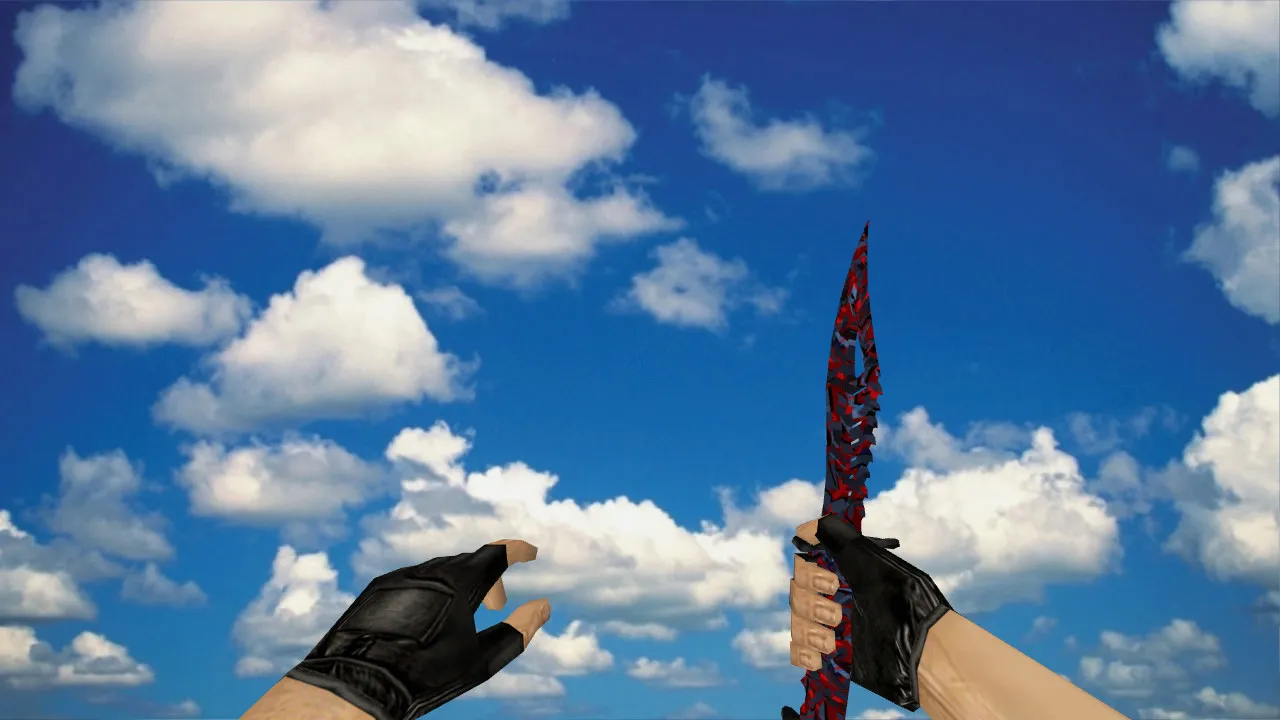
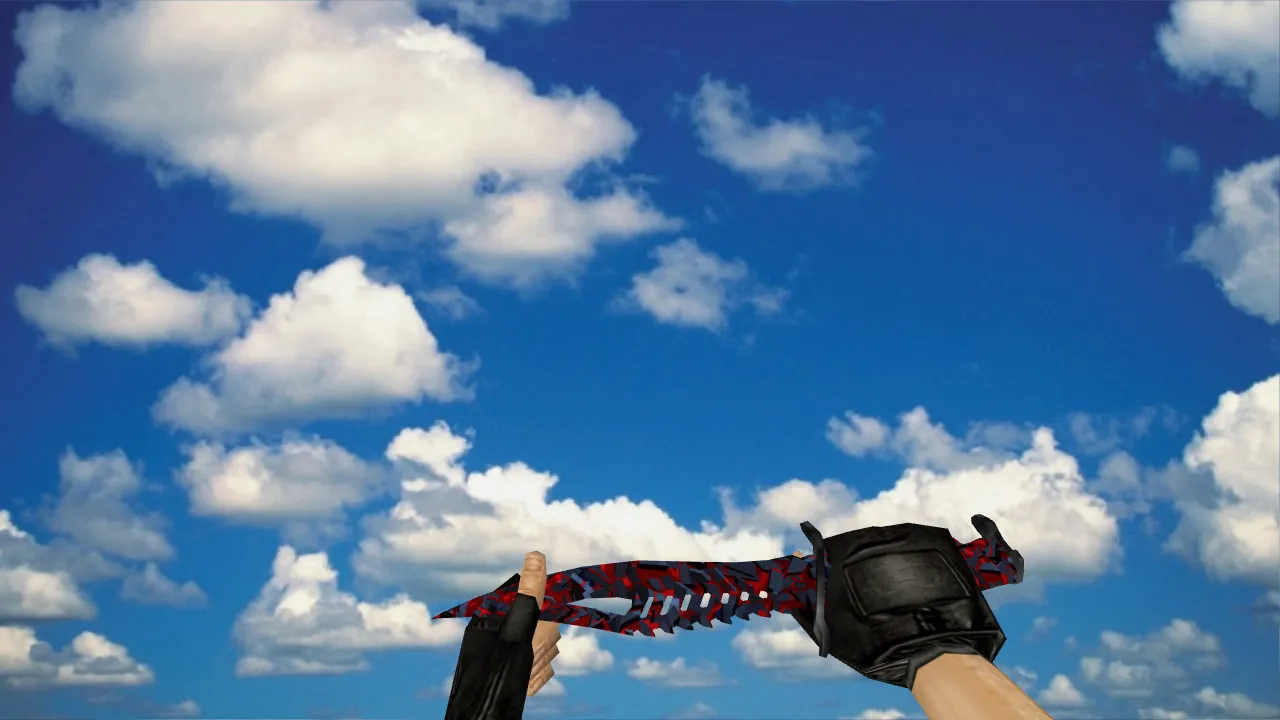
Red Lightsaber Knife Model for CS 1.6: v_knife Replacement with Sounds, Inspect Animation, HD Textures and Setup Guide
Description
Red Lightsaber Knife for CS 1.6: Contents and Usage
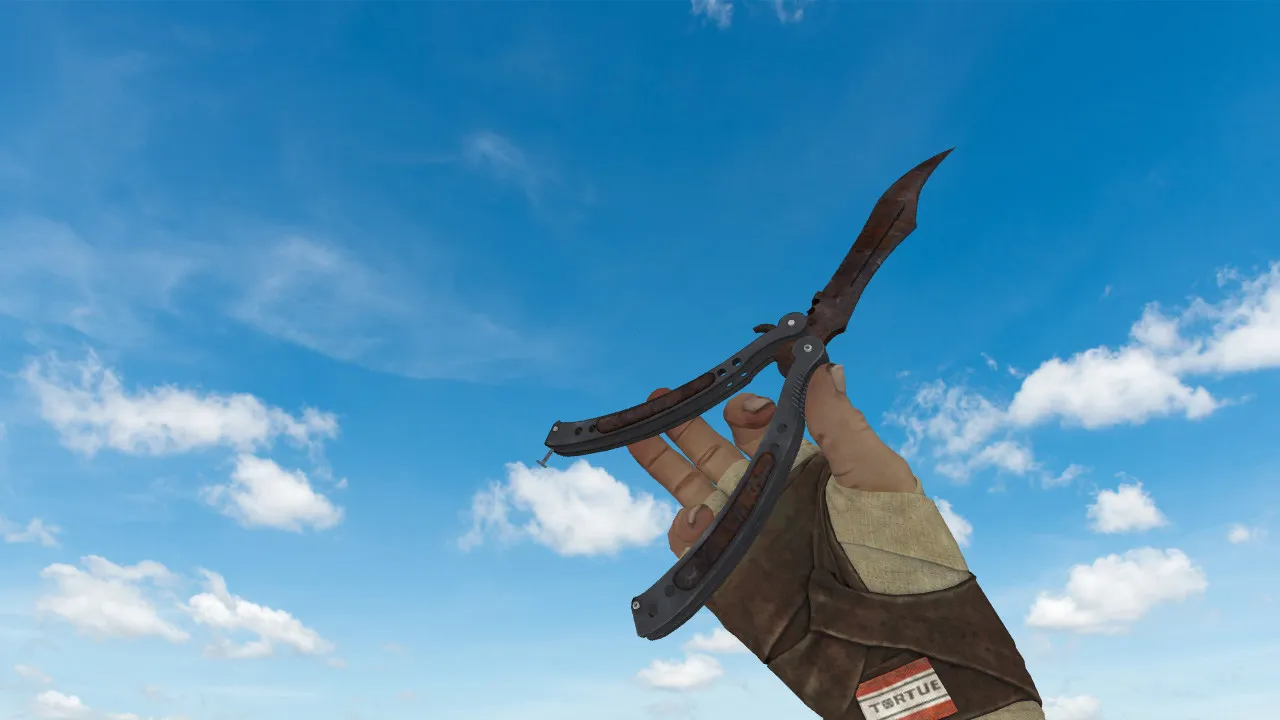
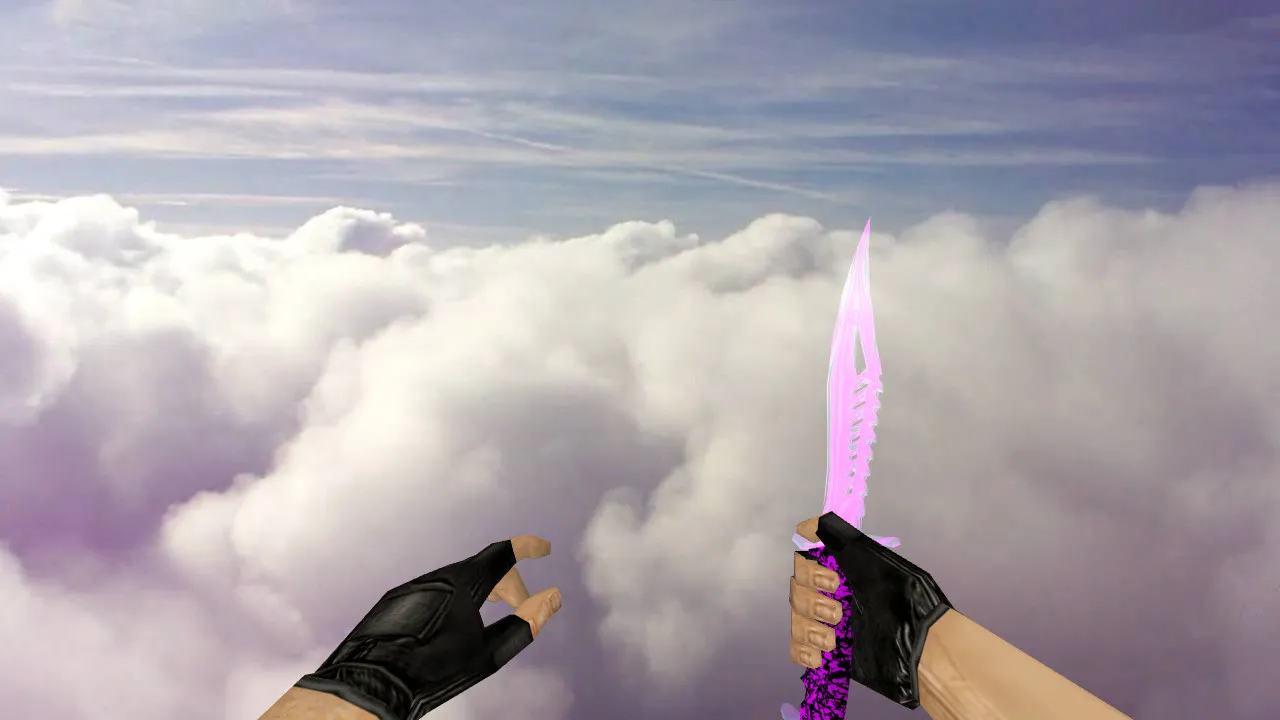
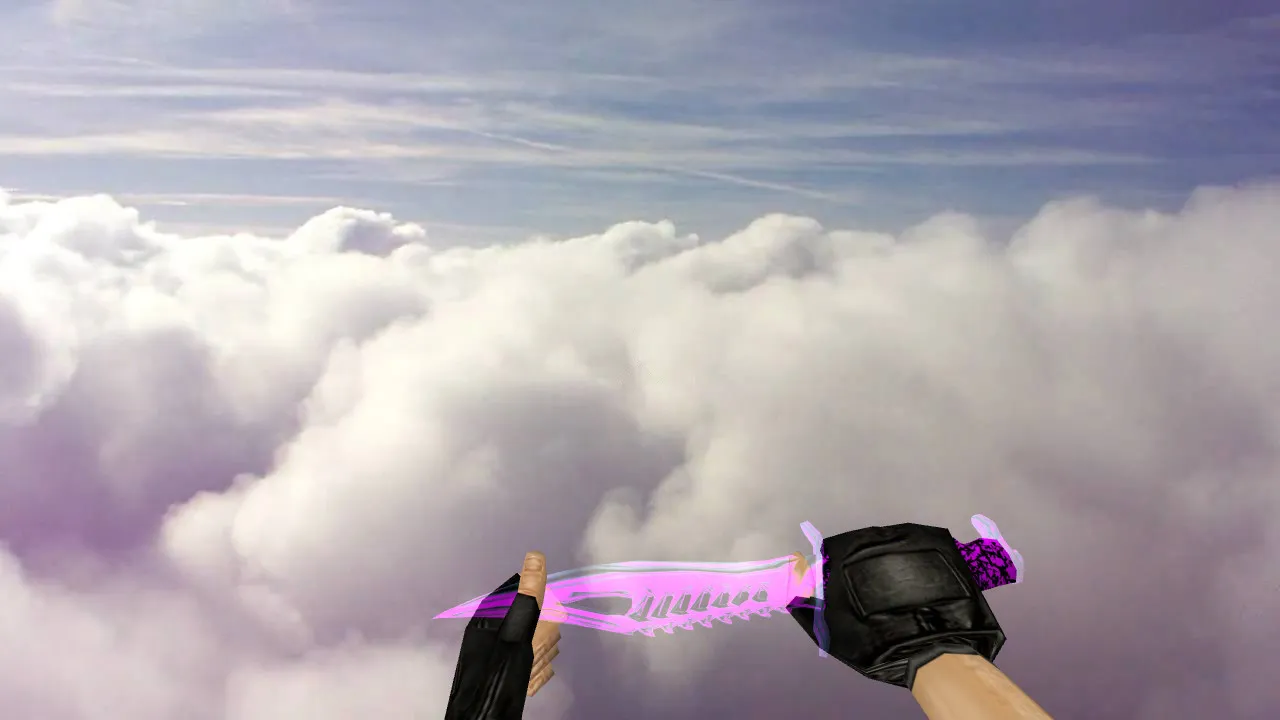
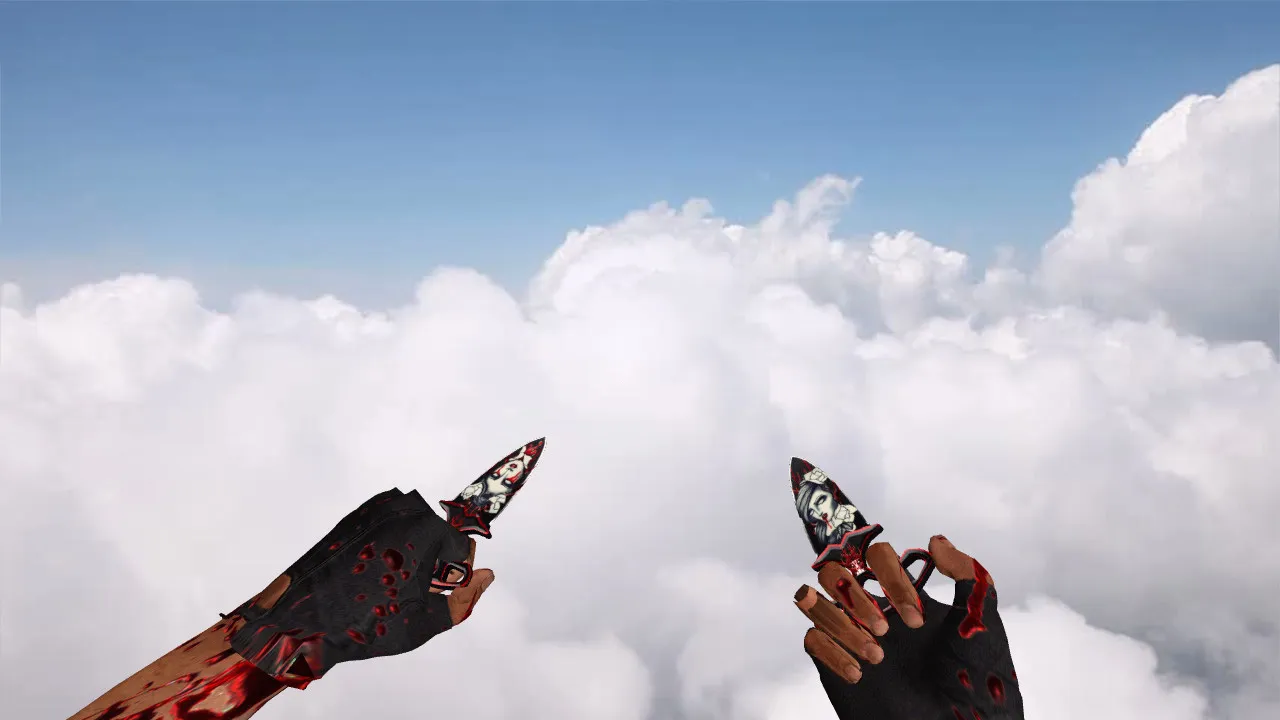
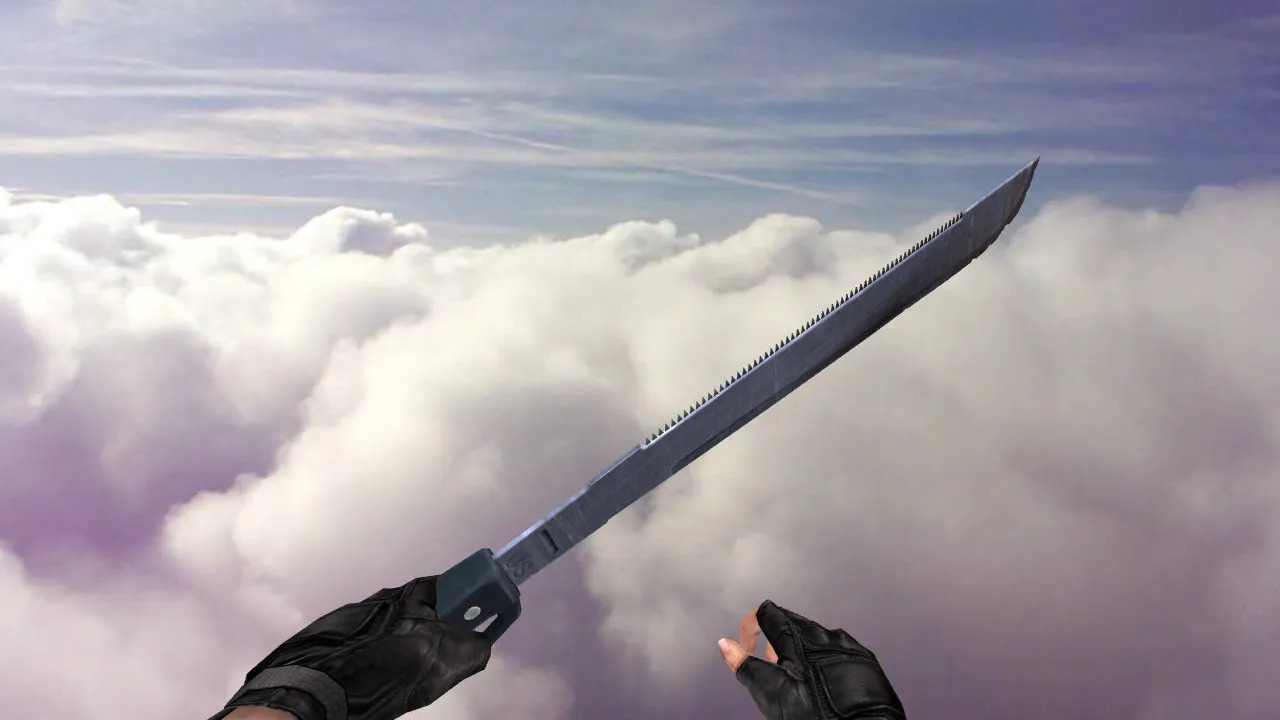
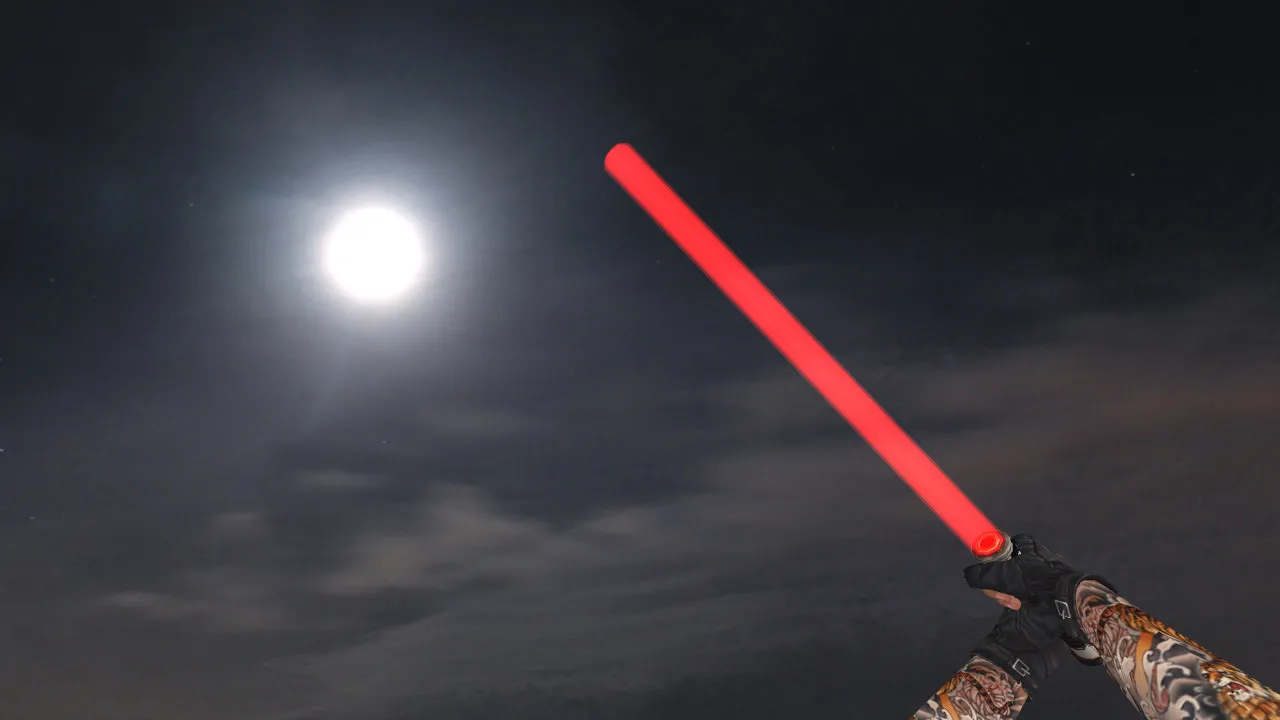
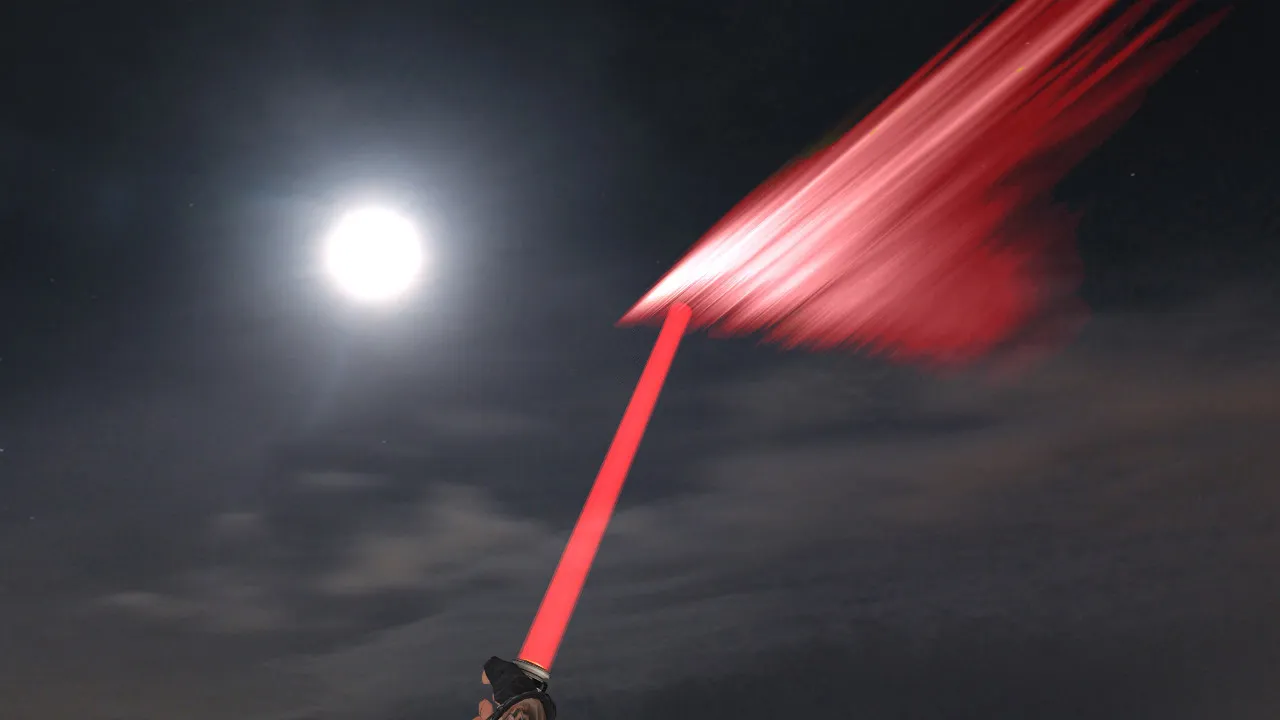
Built specifically for Counter-Strike 1.6, the Red Lightsaber model swaps out the default knife. The format works with the GoldSrc engine and keeps inspect animation cycles smooth. Visuals focus on the red glow and handle geometry so the knife stays visible during fast movement and shifting angles in firefights.
The model uses the standard prefixes: v_knife for first-person view, p_knife for third-person, and w_knife for the world model seen in hands or on the ground. Textures are optimized for clarity and structured to avoid conflicts with other mods. Highlights include high-definition 512x512 textures, sharp detail at various distances, and stable rendering during camera rotation. The polycount sits around 500 triangles to prevent FPS drops on older hardware.
Sounds and Animation: Online Functionality
In CS 1.6 the knife is more than visuals-strikes trigger audio cues and position changes activate hand animations. This model includes custom knife sounds that sync with server and client audio, plus full inspect animations for the v_knife. Timing feels precise: button presses line up with visible swings and audio feedback, improving rhythm in close-quarters combat.
The red glow renders evenly without artifacts during motion. Proper texture setup prevents shimmering in shadows or loss of visibility in dark map areas or smoke. Players value stability-this model maintains readability across lighting conditions, from bright bomb sites to dim tunnels. No-recoil configs pair well, but test for hitbox alignment in high-sensitivity setups.
Hitboxes and Skin Uniqueness
For knives, aligning the model with in-game hitboxes is essential. The Red Lightsaber matches the default dimensions, ensuring visual outlines sync with click registration during strikes. This base accuracy matters in quick peeks or corner checks, where precise hand positioning affects melee accuracy.
The skin's uniqueness comes from the contrasting red glow against the blade shape, standing out from stock knives. It excels in close-range exchanges, providing clear orientation of your hand amid rapid round action. Low polycount keeps it lightweight, and sprite-based glow effects enhance visibility in low-light scenarios like de_inferno's shadows.
Safe Installation: Step-by-Step for Clean Replacement
- Backup Defaults: Copy original knife files to revert changes quickly if needed.
- Verify Folder Structure: Place v_knife.mdl, p_knife.mdl, and w_knife.mdl in the correct client paths, typically under models/.
- Avoid Mixing Mods: Remove old knife replacements to prevent conflicts; one skin per folder.
- Clean config.cfg: Test with a fresh config before applying, avoiding random tweaks to cl_ commands.
- Local Testing: Launch single-player practice or join a synced server. Check first-person view and inspect animation immediately.
Safety first: this mod is virus-free, with no slow-hack scripts, ads, or auto-connect features. Install manually via file replacement, verify integrity, and run CS 1.6 through Steam or Non-Steam. Compatible with Build 4554 and later, including MasterServer protection setups.
Client Tweaks for Optimal Performance
After installation the model displays without frame drops. Keep standard video settings and monitor FPS during movement. For network tweaks, use ex_interp 0.01 and rates around 100000-adjust based on your connection without overhauling defaults. If artifacts appear or the model glitches, revert to stock files and compare paths.
Common issues stem from mismatched v_/p_/w_ files or texture wad conflicts. Ensure .mdl files load correctly and test in varied scenarios, like B-site rushes on de_dust2, where visibility aids tactical knife plays. HD textures boost detail without increasing load times, and inspect animations loop fluidly for immersive offline practice.
Final Notes
The Red Lightsaber knife for CS 1.6 replaces v_knife, p_knife, and w_knife with a focus on visible red styling, accurate inspect animations, and synced custom sounds. Install carefully, test thoroughly, and keep your client clean for reliable performance in matches. This mod enhances melee without compromising hitbox precision or engine stability, ideal for ESL-style visibility in competitive play.
Install in three steps
-
1
Download the archive. Use the button on the right, or the Yandex.Disk mirror if the main server is slow.
-
2
Extract it into the game folder. Use 7-Zip or WinRAR. A path without non-Latin characters works best.
-
3
Launch the game. If something doesn't work, mark it below - that is how we know the file needs an update.
Did it work for you?
No sign-up needed. You can pick more than one.