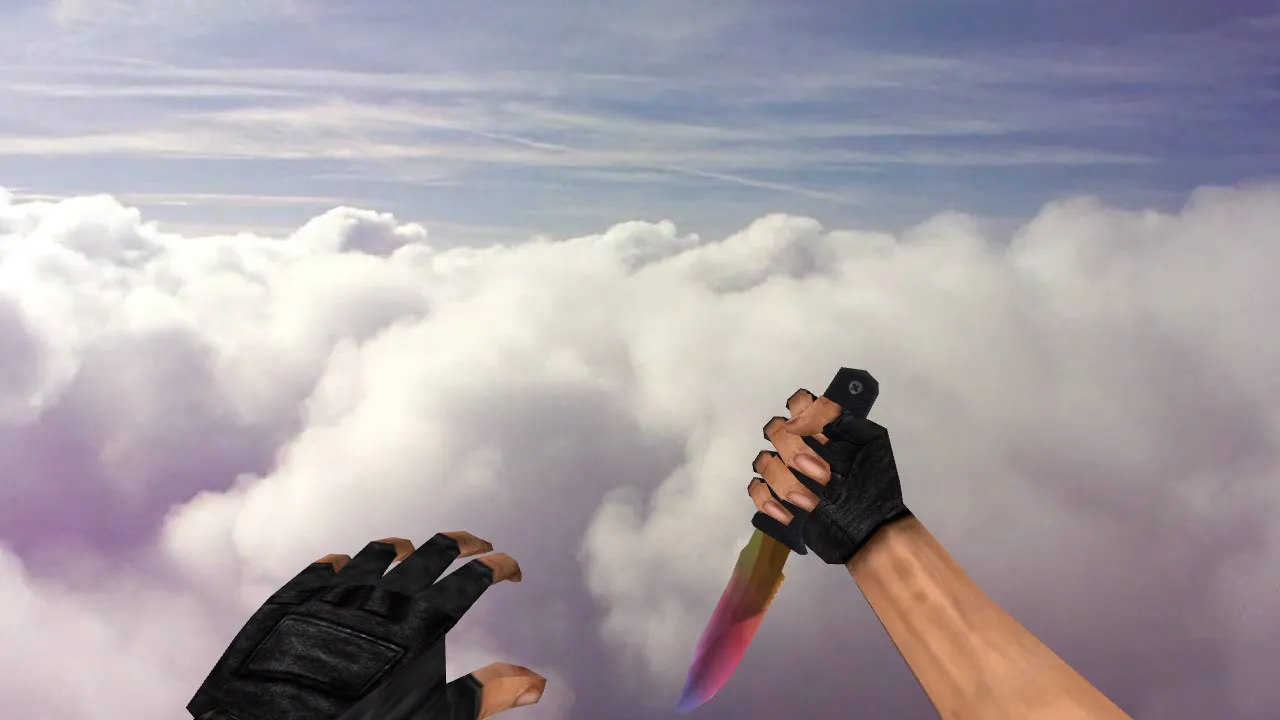
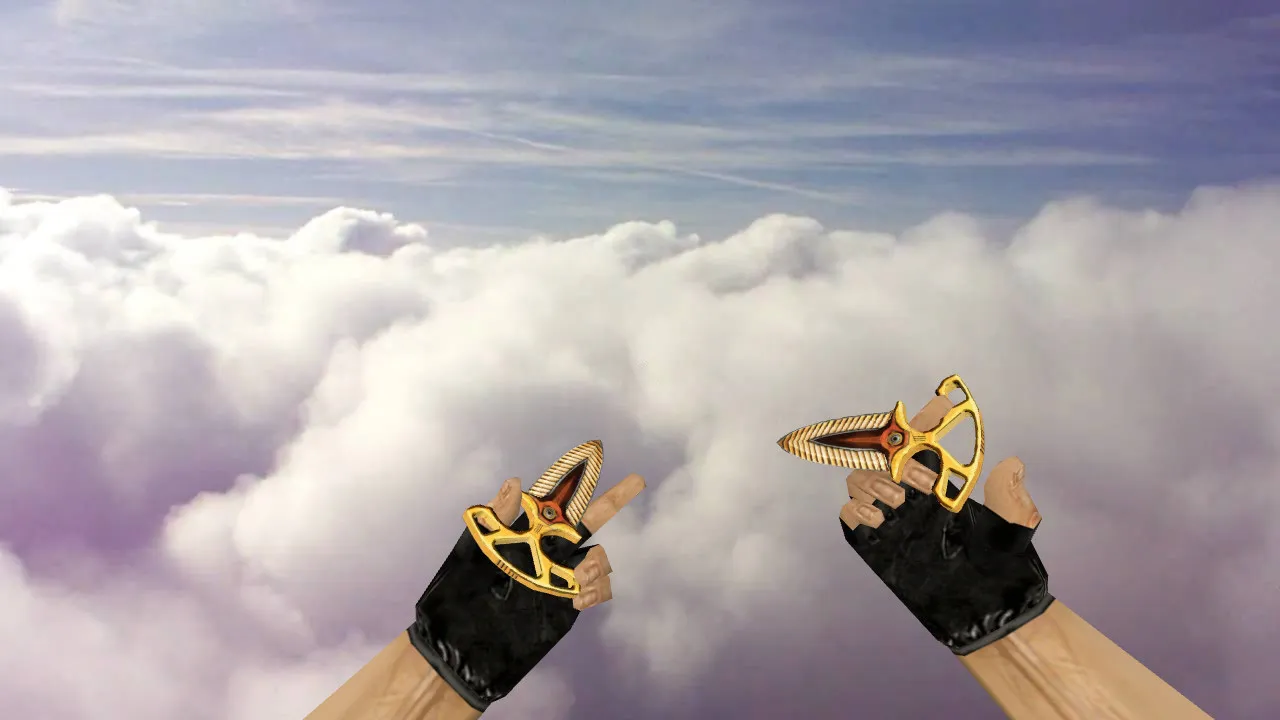
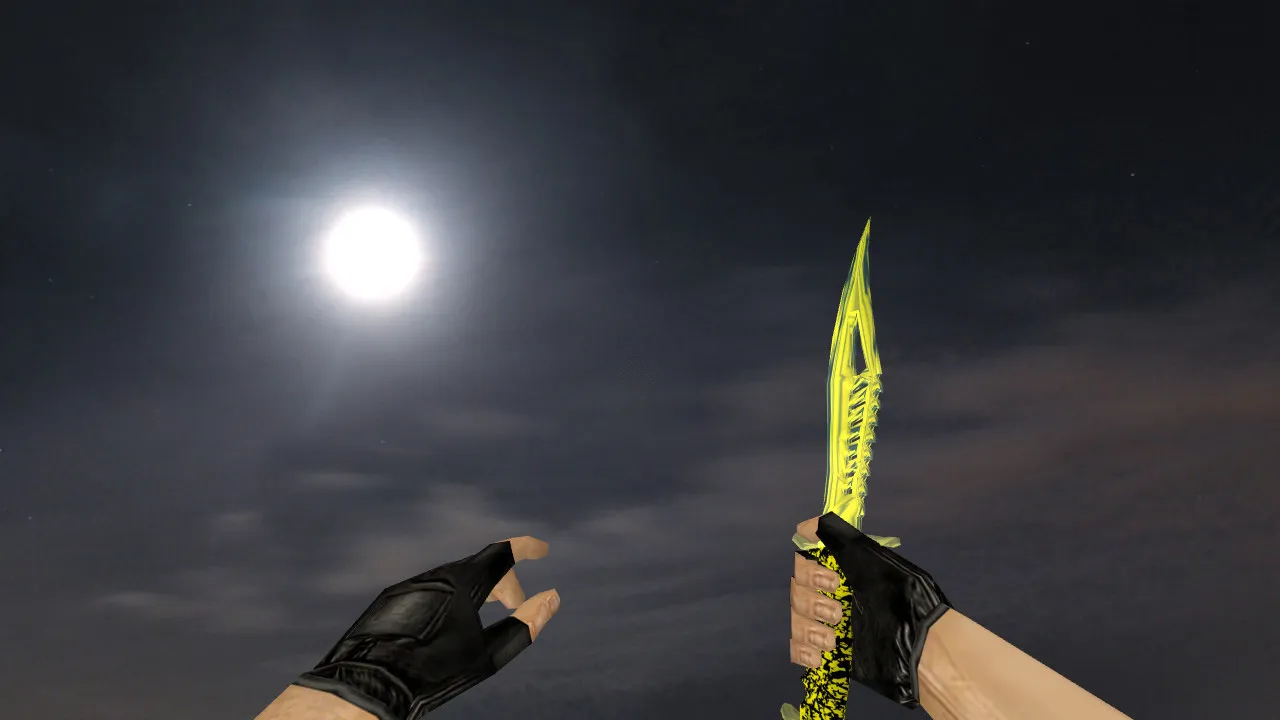
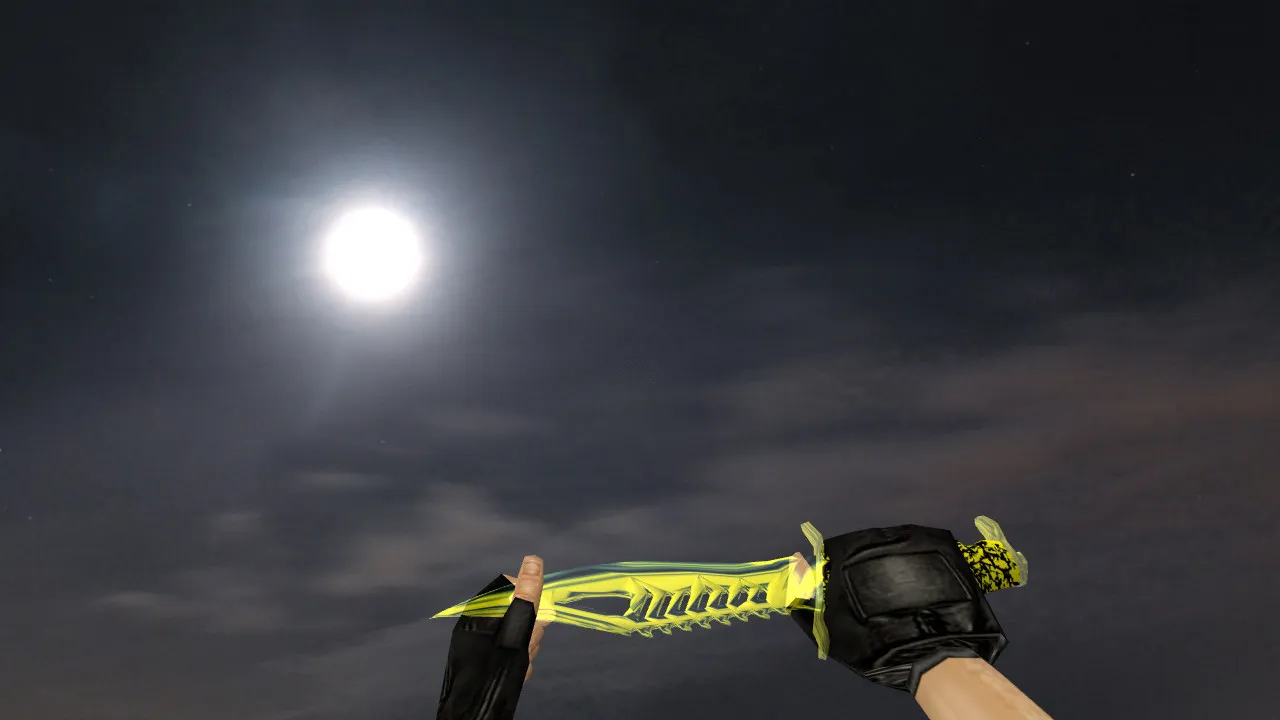
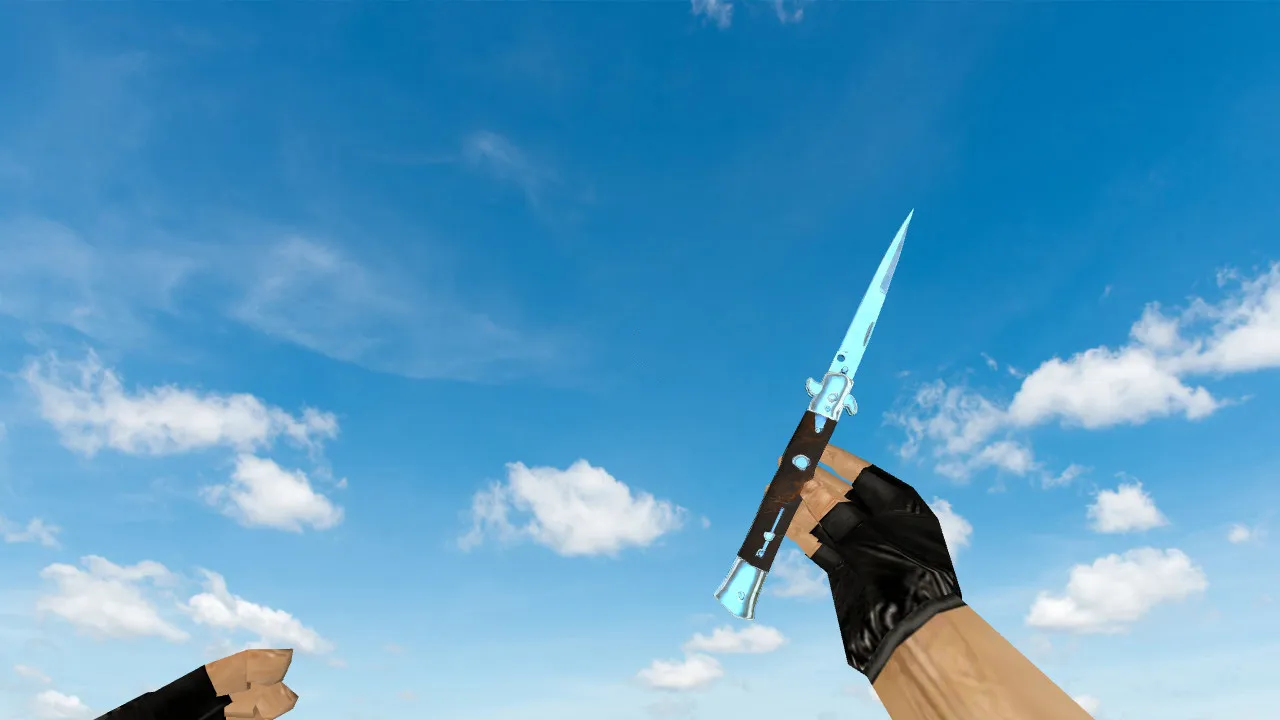
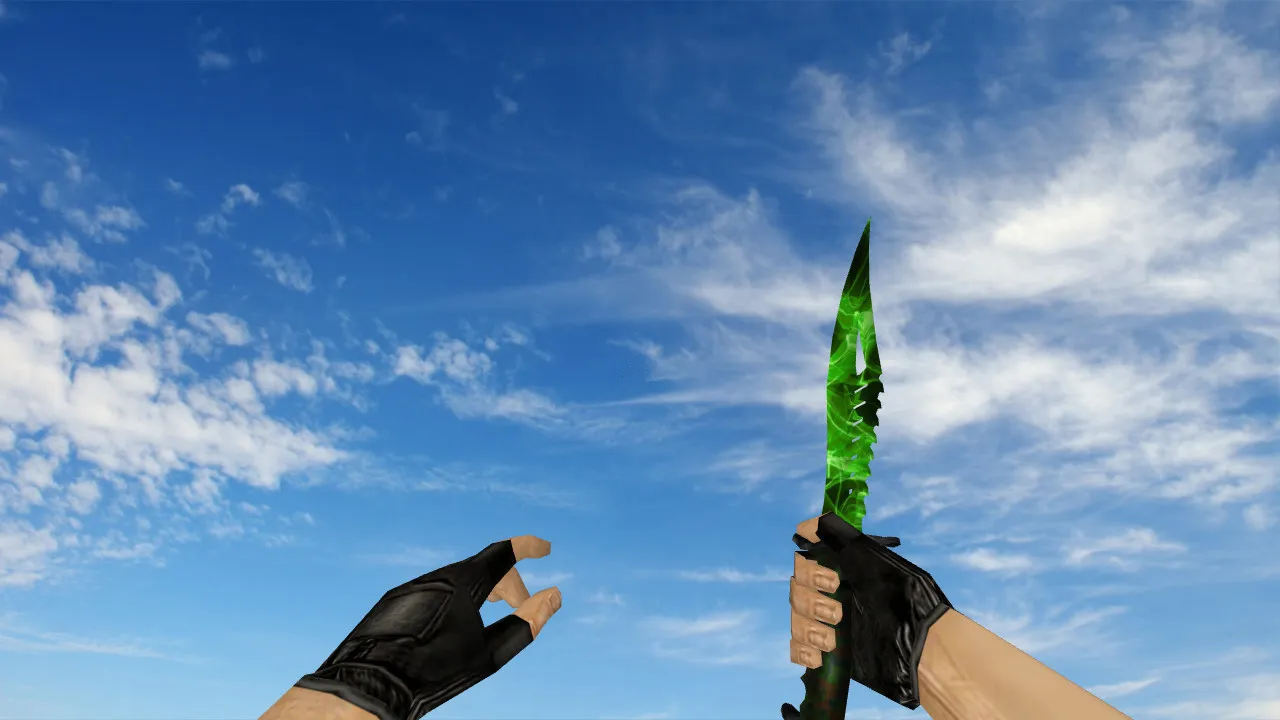
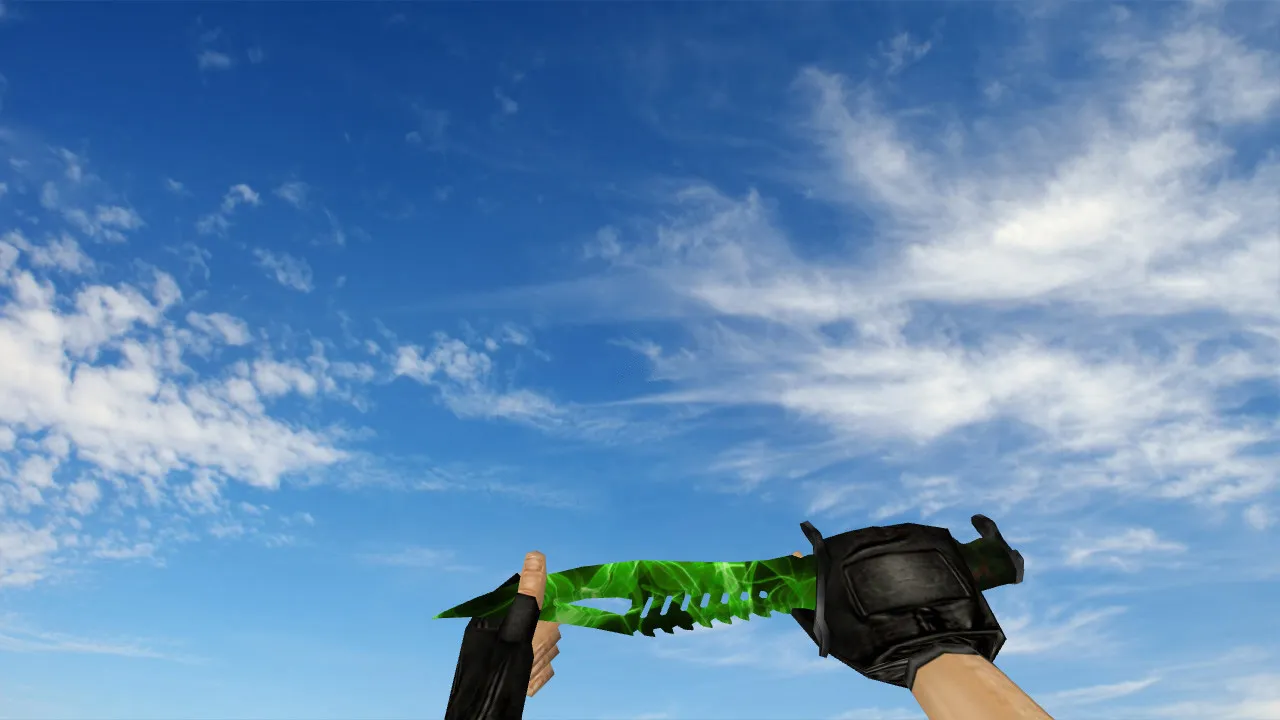
Nautilus Transparent Blue Knife Model for CS 1.6: v_knife, p_knife, w_knife with Inspect Animations, Sounds, and HD Textures

Description
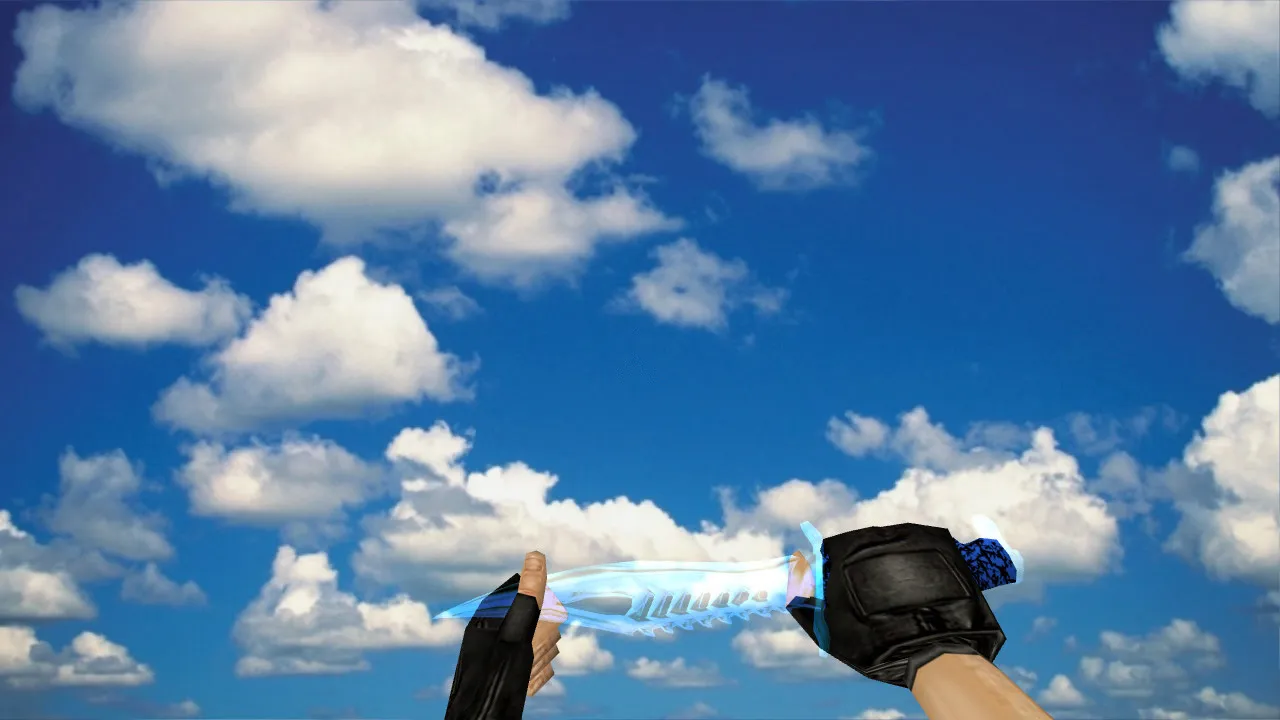
Nautilus Transparent Blue Knife for CS 1.6
The Nautilus Transparent Blue knife introduces a new close-quarters choice for CS 1.6. This model works with the classic client mechanics, featuring correct v_knife, p_knife, and w_knife components. In the game, these guarantee the knife renders properly across different viewpoints and lighting. On servers with varying illumination, the model remains visible in shadows or bright areas without losing detail.
The package contains functional textures and materials, plus inspect animations. Weapon switching and aiming display smooth transitions without glitches or clipping. Sound integration covers draw and strike actions using standard audio cues-no dead silence or distortions. This setup keeps the knife practical for regular matches, not just menu displays.
Model accuracy matters in combat. Knives excel in tight fights, rushes, or finishes after entry frags. It maintains stability: hits register predictably, and visuals align with the hand model. In CS 1.6, where timing is everything, this reliability counts in every engagement.
What's Included in the Model
- v_knife-first-person view rendering
- p_knife-player hand display
- w_knife-world model for dropped weapons
- Inspect and switch animations
- HD textures with precise detailing
- Custom sounds for knife actions
Installation and Testing Guide
Place files in your client's weapon model directory. For Steam or Non-Steam setups, back up your configs first. Avoid auto-updates or auto-connect during install. Boot into a local training map to verify: check v_knife in-hand, w_knife on the ground, and inspect behavior. On strict servers, confirm client-side models are allowed-stick to permissive ones to avoid kicks.
Maintain a clean config.cfg to prevent conflicts. Test polycount impact on FPS; this model optimizes for high-fps play without lag spikes. If mixing with other mods, ensure no overlapping files-revert to defaults if issues arise. Compatibility covers Build 4554 and later, with MasterServer protection intact.
Gameplay Feel: How the Knife Performs
Nautilus Transparent Blue suits players who value visual clarity and tempo control. Knife users often quick-peak corners, clear tight spaces, or hold short ranges. The blue transparency works with map lighting, keeping the model readable in crossfires or narrow halls. No distractions from floating geometry or misaligned hitboxes.
Test visibility in dark areas like de_dust2's tunnels or bright spots on de_inferno. Focus on functionality: quick reactions come from consistent rendering, not visual errors. The knife aids precision strikes, aligning with CS 1.6's hitbox system for reliable damage output. In rushes, the low polycount ensures smooth animations during swings.
For ESL-style servers, the model's clean lines prevent detection issues. Pair it with a no-recoil config for balanced close combat. Sounds match vanilla timings, so audio cues don't throw off your rhythm in heated moments.
Safety During Installation
- Avoid shady archives-download from trusted sources only
- Manually place files and scan for integrity
- Disable auto-connect on unknown servers
- Rollback changes via clean config.cfg if problems occur
- No viruses, slow-hacks, ads, or hidden scripts included
Once set up, the Nautilus Transparent Blue knife delivers full v_knife, p_knife, and w_knife support in CS 1.6. With solid inspect animations and sounds, it's ready for action. Jump into matches and maintain that edge.
Install in three steps
-
1
Download the archive. Use the button on the right, or the Yandex.Disk mirror if the main server is slow.
-
2
Extract it into the game folder. Use 7-Zip or WinRAR. A path without non-Latin characters works best.
-
3
Launch the game. If something doesn't work, mark it below - that is how we know the file needs an update.
Did it work for you?
No sign-up needed. You can pick more than one.