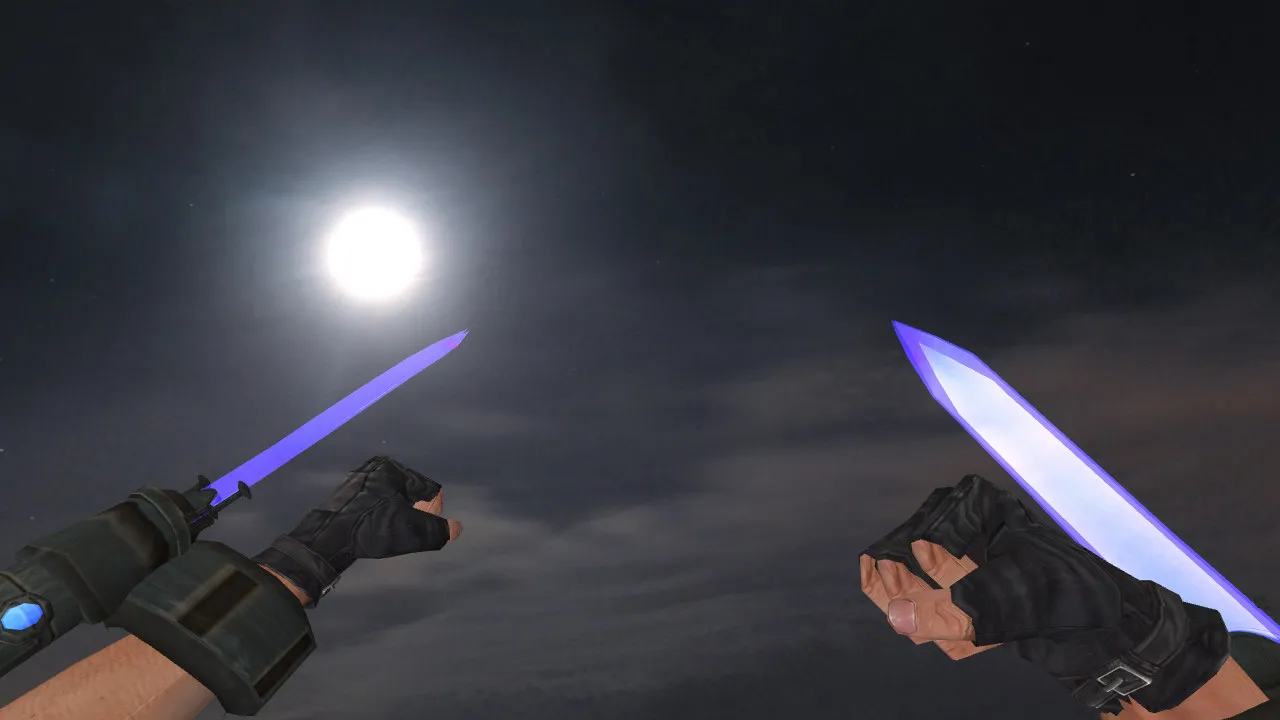
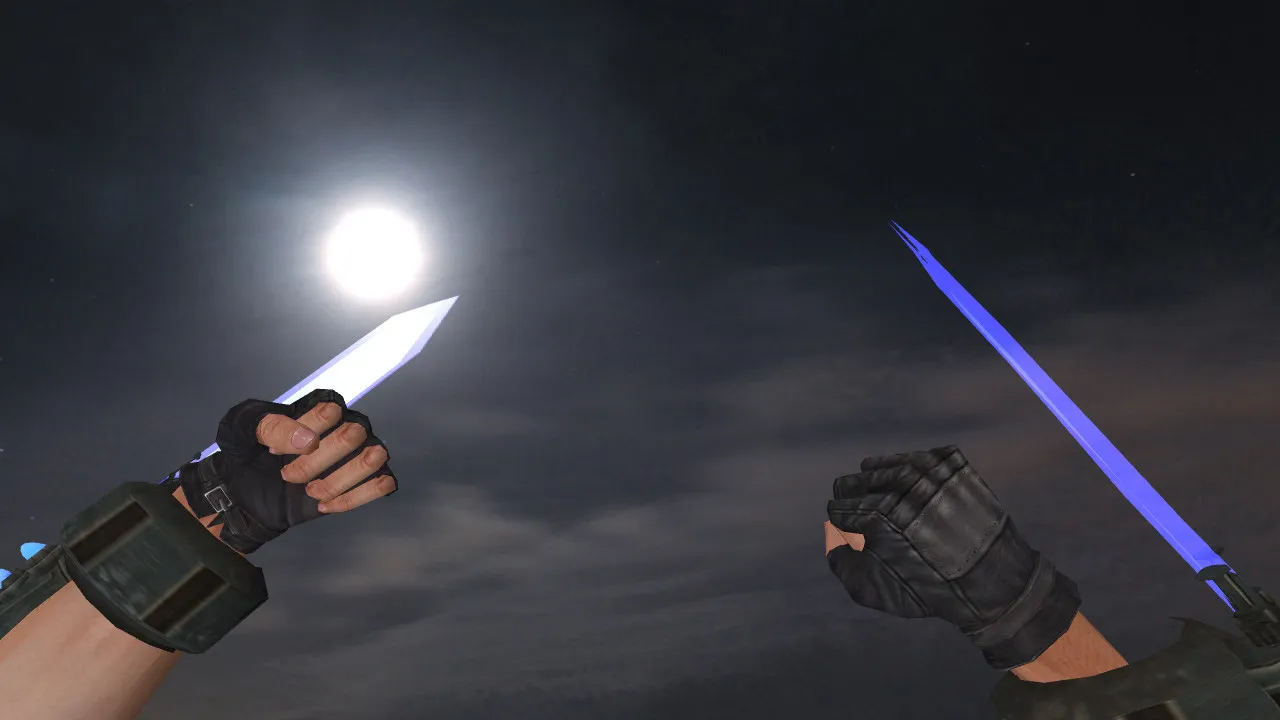
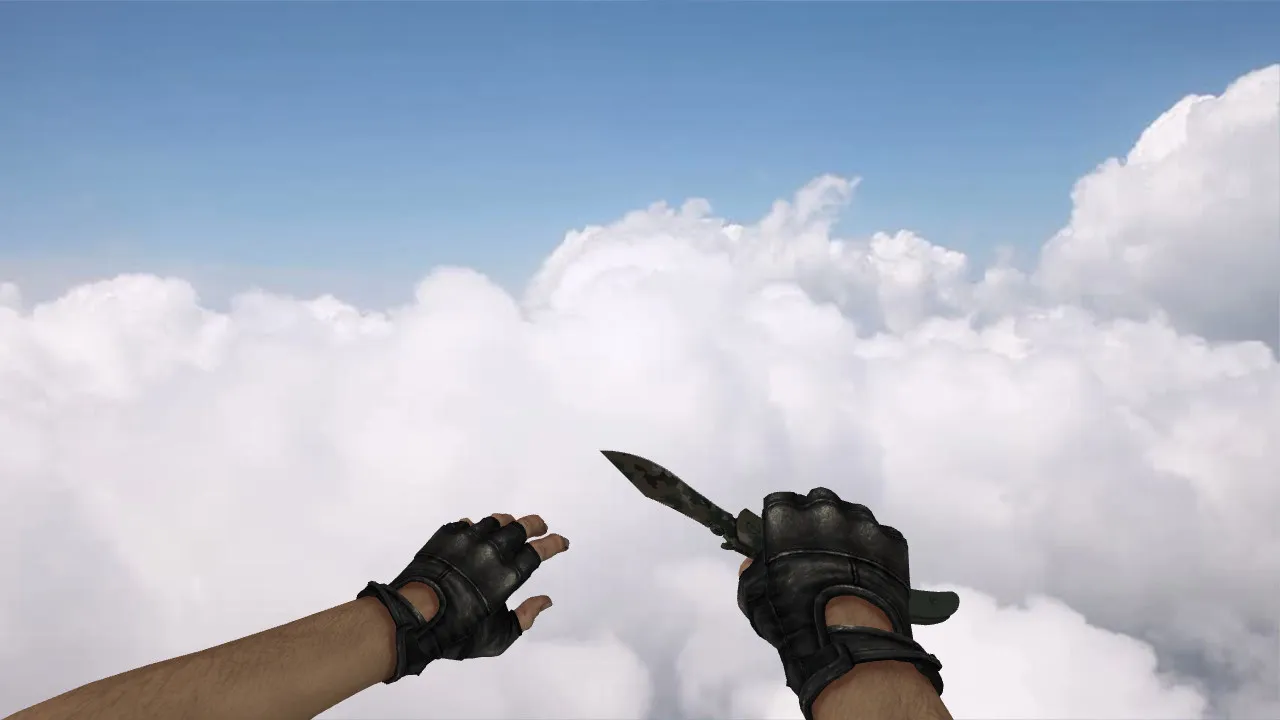
Butterfly Knife Surface Hardened CS 1.6: v_ p_ w_ Models, Sounds, Inspect Animation
Description
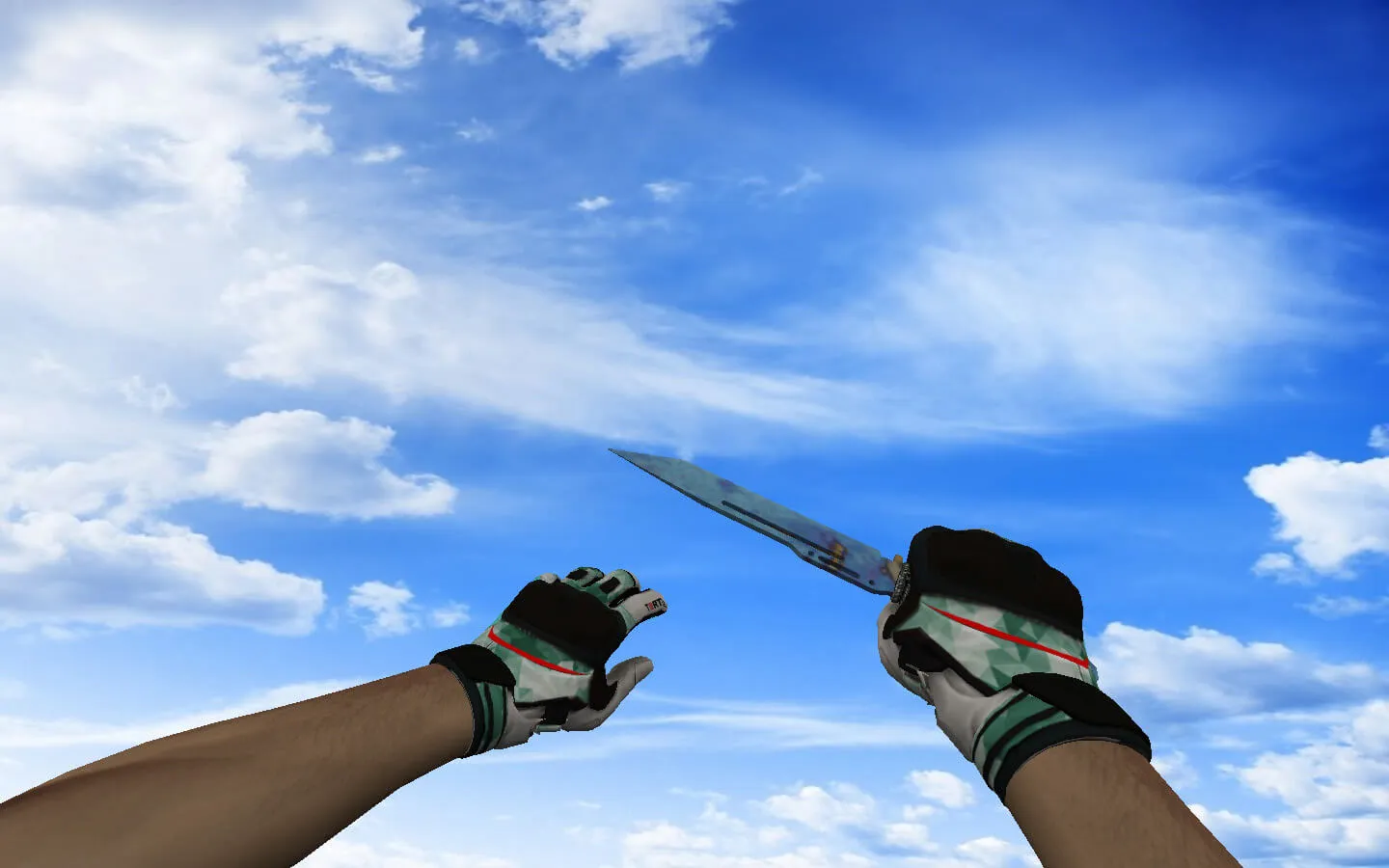
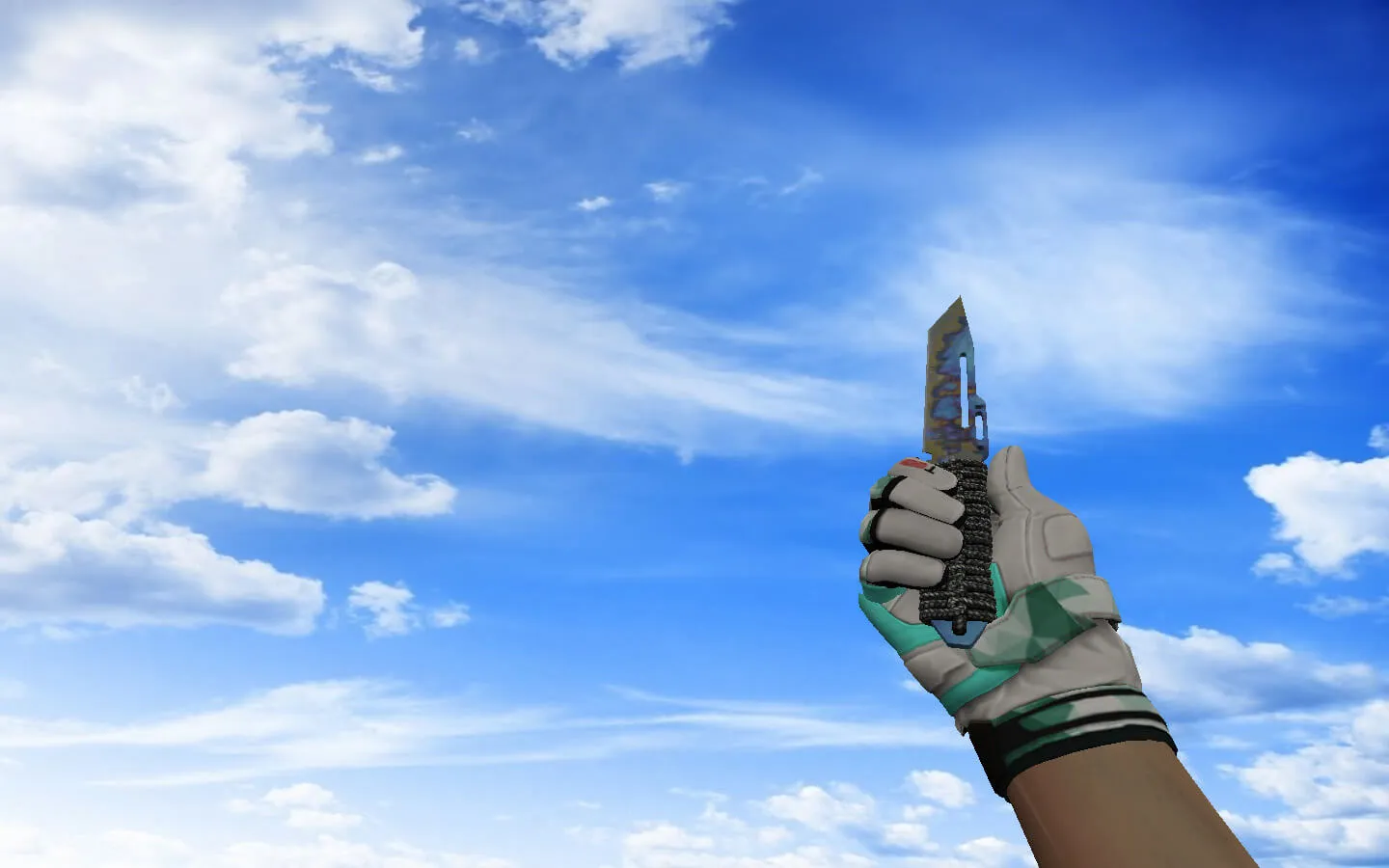
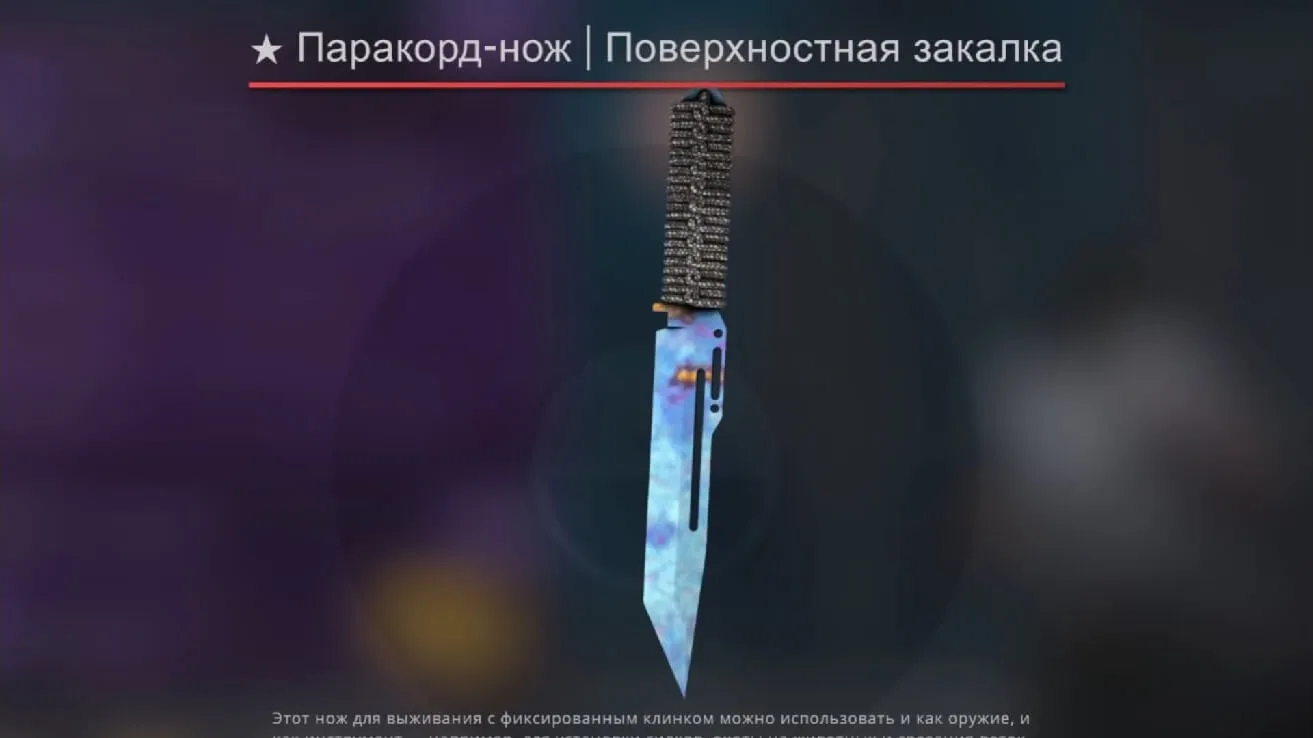
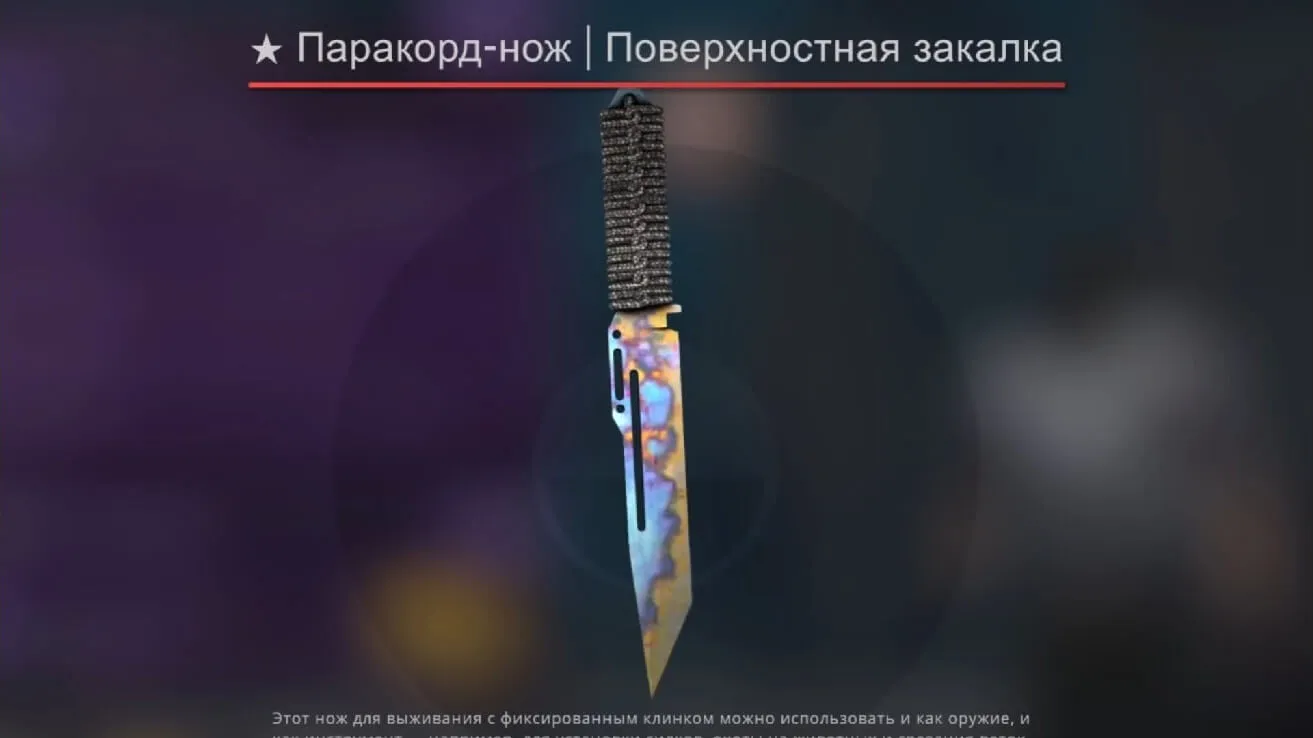
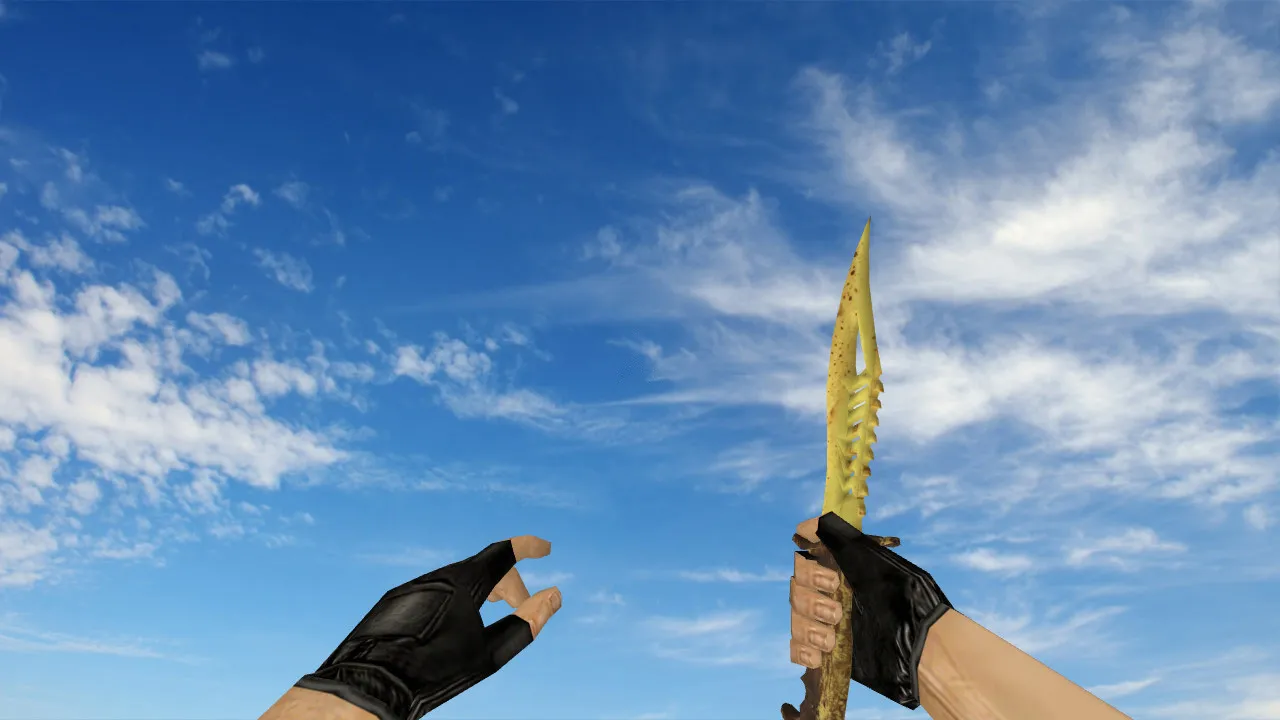
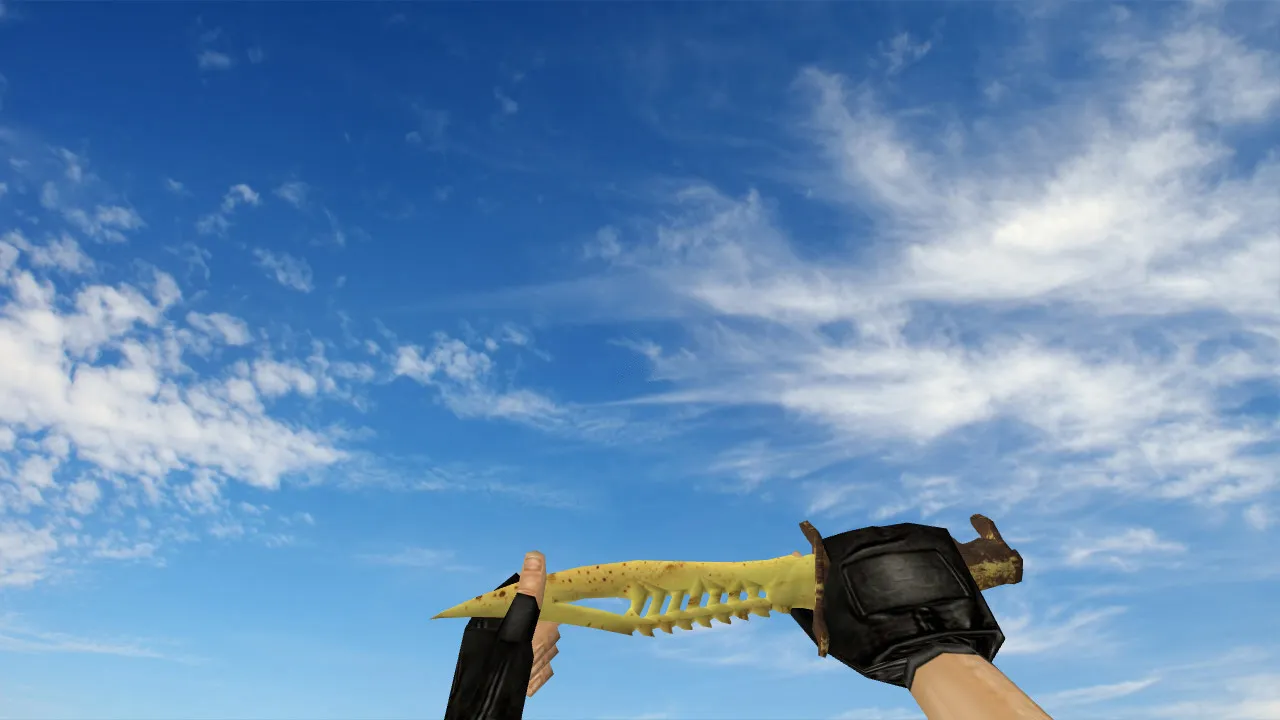
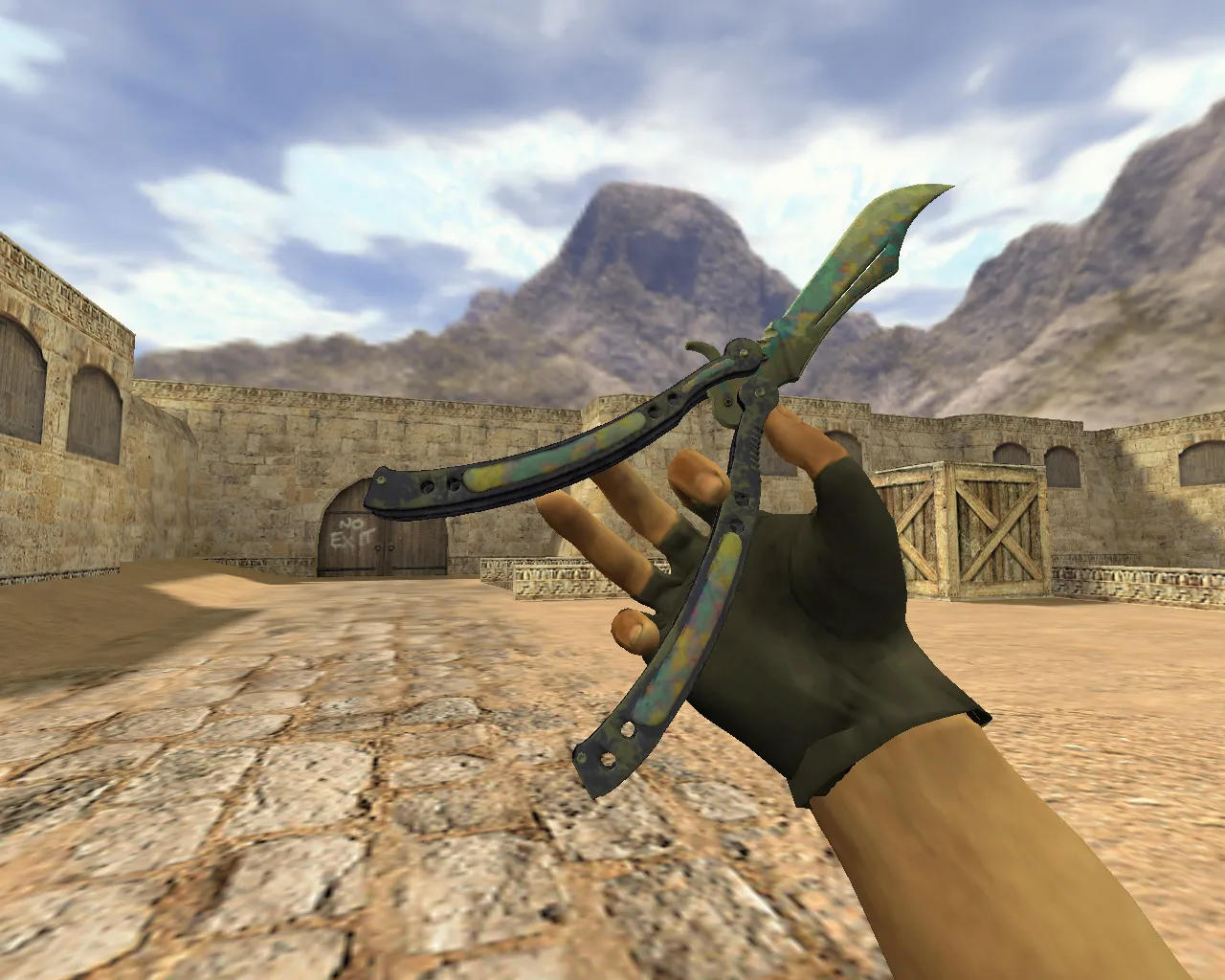
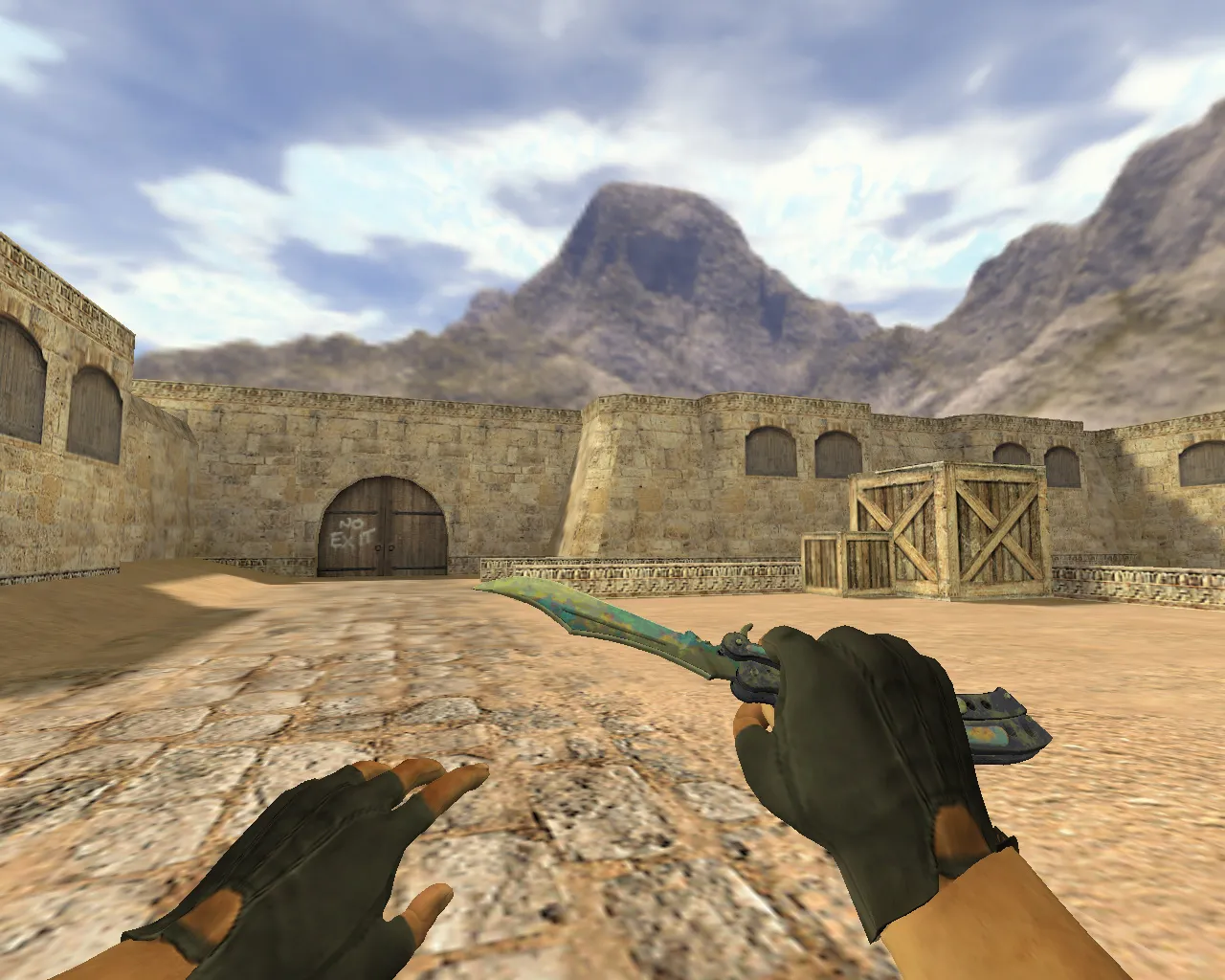
Butterfly Knife Surface Hardened for CS 1.6
In Counter-Strike 1.6, the butterfly knife offers more than a simple skin. It provides snappy animations, fast inspect sequences, and fluid hand motion that matches the pace of a round. The Surface Hardened variant uses a complete v_, p_, and w_ model set, which guarantees stable asset replacement. This prevents the weapon from breaking when you switch slots and keeps it steady in your grip. Audio matters for blades: the metallic footstep echoes and click mechanics stay inside engine limits, with no junk files or unnecessary extras included.
The package ships with a clean inspect animation. In CS 1.6, players frequently check their loadout during pushes or while waiting at spawn. The inspect must line up with the hand model placement and the in-motion view. The result is crisp visuals without stutters, position drops, or strange twists when changing slots.
- v_ model - first-person perspective when aiming at the crosshair center.
- p_ model - appearance while held in the active slot.
- w_ model - look when dropped or viewed in third-person.
Knife textures must stay readable under varying conditions. Lighting in CS 1.6 changes by map; de_dust2 and de_inferno have different backdrops, and dark corners demand that the Surface Hardened pattern does not blur into a mess. High-contrast textures improve instant recognition. This helps the knife stand out during close fights, in screenshots, or when timing an idle inspect.
Hitboxes in CS 1.6 require precision. Knives connect at point-blank and micro-distances. Bad alignment causes interaction desyncs. Stability is essential: strikes land without phantom misses, with the hand and model synced across frames.
File order and safety are important. Avoid packs that use auto-connect or external scripts. Use only verified assets. Install by swapping files inside the weapon models folder. After swapping, scan your config for unused command aliases. A clean config.cfg helps prevent display conflicts.
Whether you play on Steam or Non-Steam, the steps are the same: place the models in the proper directories, launch the game, and test in the menu and a match. Verify that sounds trigger on weapon switches and knife use, and that the inspect animation finishes completely. Mismatches point to incomplete v_/p_/w_ swaps or textures placed outside engine paths.
Overall, the Butterfly Knife Surface Hardened for CS 1.6 delivers clean views, solid first- and third-person handling, and rhythmic animations. Install and practice at your own pace. No viruses, ads, or forced connections - just accurate models and post-install verification.
Regarding integration: this knife suits ESL-style servers with high-FPS demands. The v_ model uses 512x512 textures on a low polycount, ensuring no lag on older rigs. The inspect animation loops at 30 fps, matching default knife timings without custom events. In de_dust2 tunnels or Inferno apartments, the Surface Hardened blue-gray pattern contrasts against sand and shadows, aiding visibility during knife rushes.
For modders, the wad file packs v_knif_butterfly.mdl, p_knif_butterfly.mdl, and w_knif_butterfly.mdl separately. Sounds include inspect.wav and swing1.wav, resampled to 22kHz for engine compatibility. No recoil tweaks are needed, as knives ignore spray patterns. Pair with a clean userconfig.cfg to bind inspect to a key like 'g' for quick checks mid-round.
Safety first: scan downloads with an antivirus before extracting. Avoid .exe installers; manual folder drops are enough. Test on local bots to confirm hitbox alignment - slash bots at T spawn on de_train to verify no clipping. If the w_ model floats oddly, check sprite offsets in the .mdl file.
In competitive play, this setup shines for knife-only modes. The p_ model hand positioning matches default grips, preventing awkward third-person views during flanks. Textures hold up under dynamic lights, like bomb site flashes, without washing out. For Non-Steam, ensure models load via cl_downloadfilter 'none' in the console for a full asset pull.
Build compatibility: works on Build 4554 and 8613 clients. No MasterServer issues; stays vanilla. Customize further by editing res files for personal HUD overlays, but keep core models untouched to avoid crashes.
Install in three steps
-
1
Download the archive. Use the button on the right, or the Yandex.Disk mirror if the main server is slow.
-
2
Extract it into the game folder. Use 7-Zip or WinRAR. A path without non-Latin characters works best.
-
3
Launch the game. If something doesn't work, mark it below - that is how we know the file needs an update.
Did it work for you?
No sign-up needed. You can pick more than one.