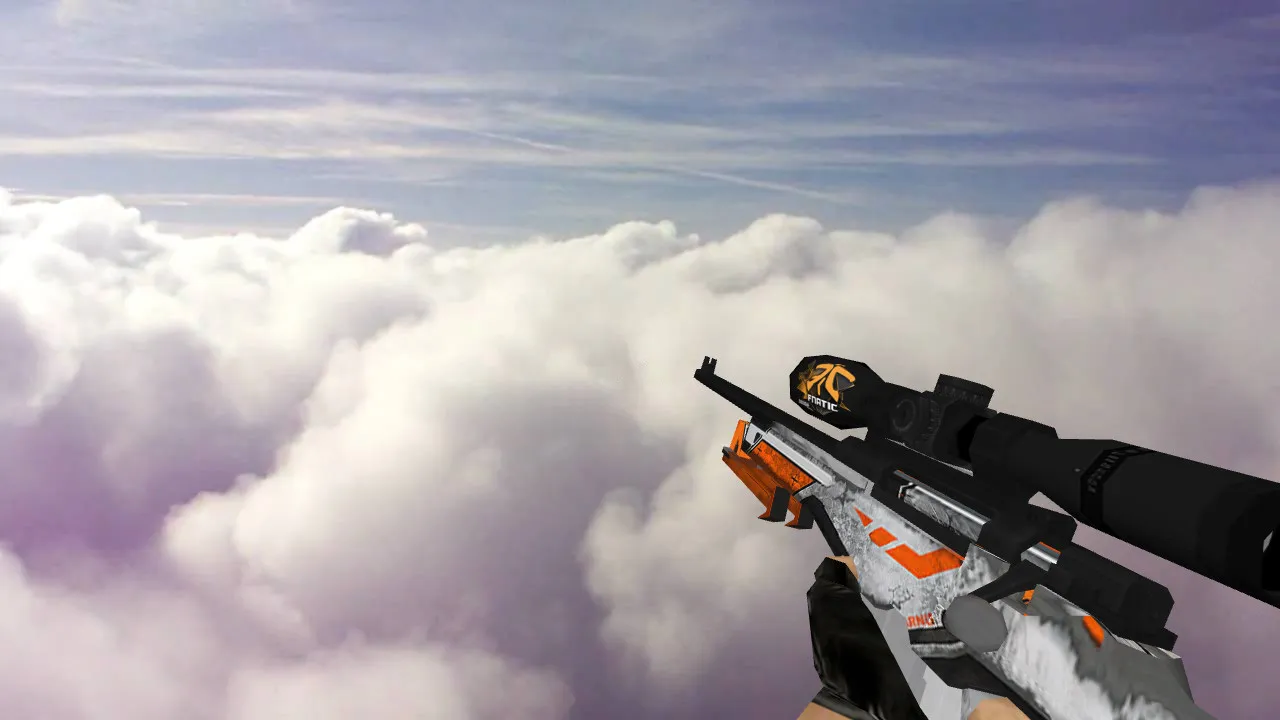
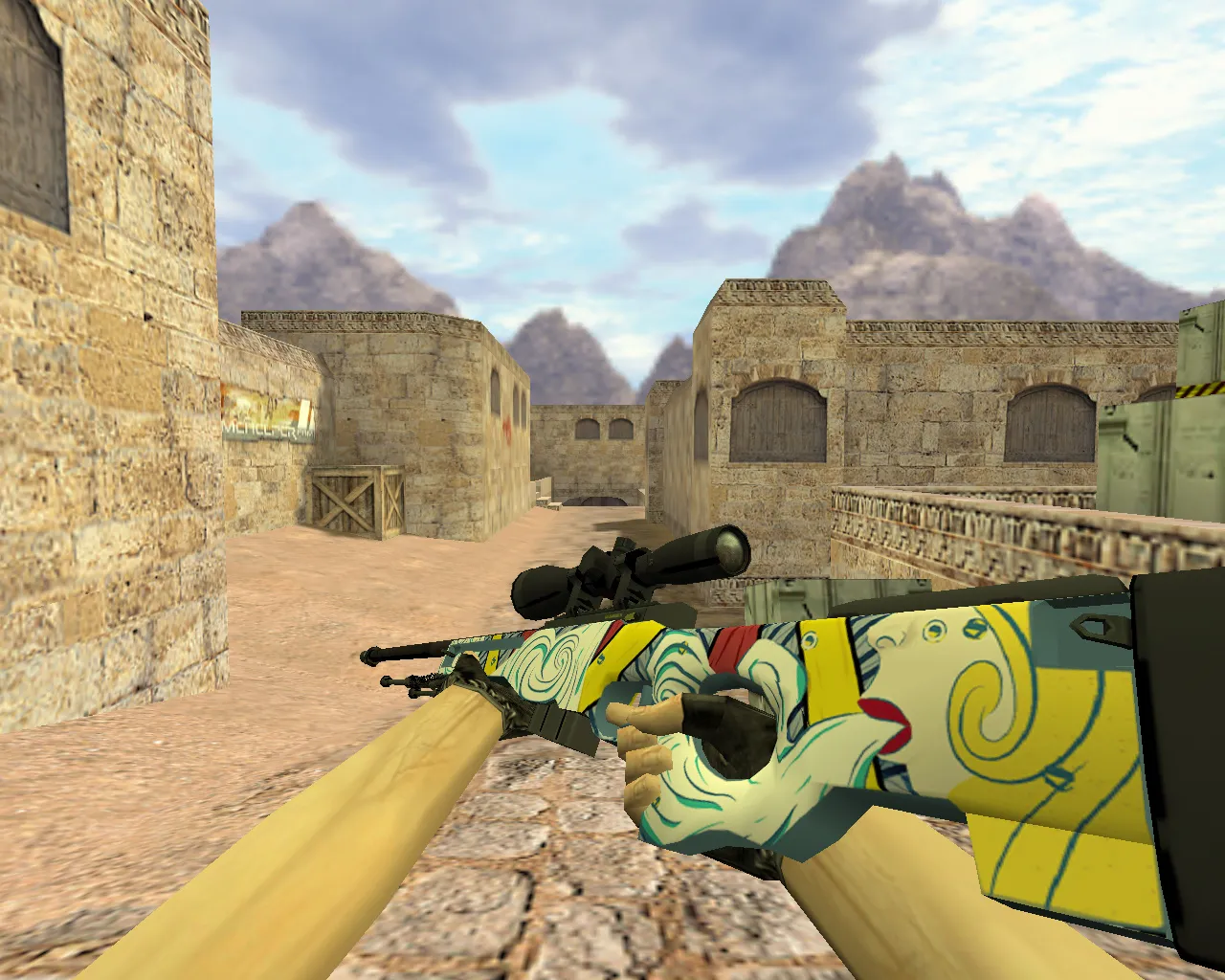
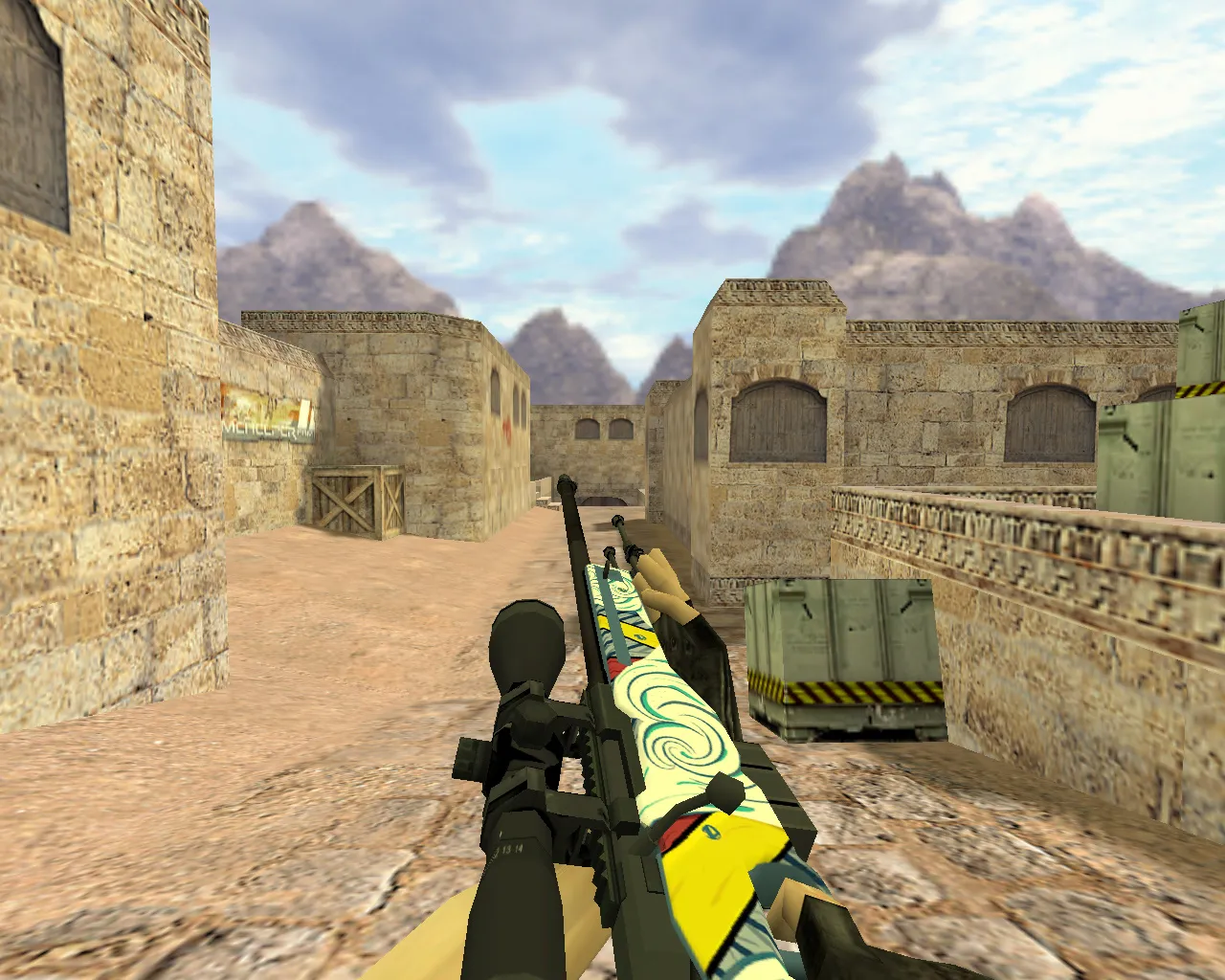
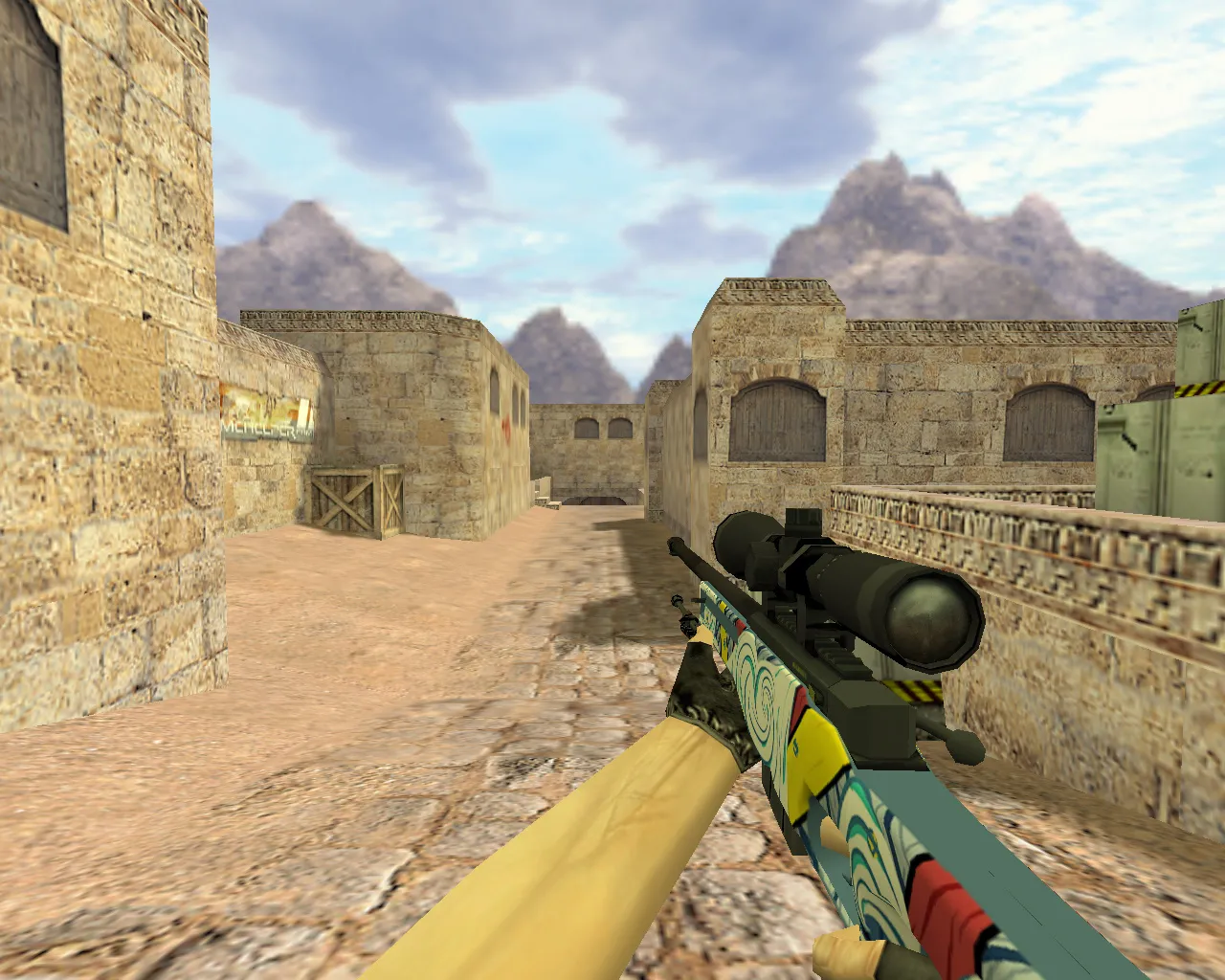
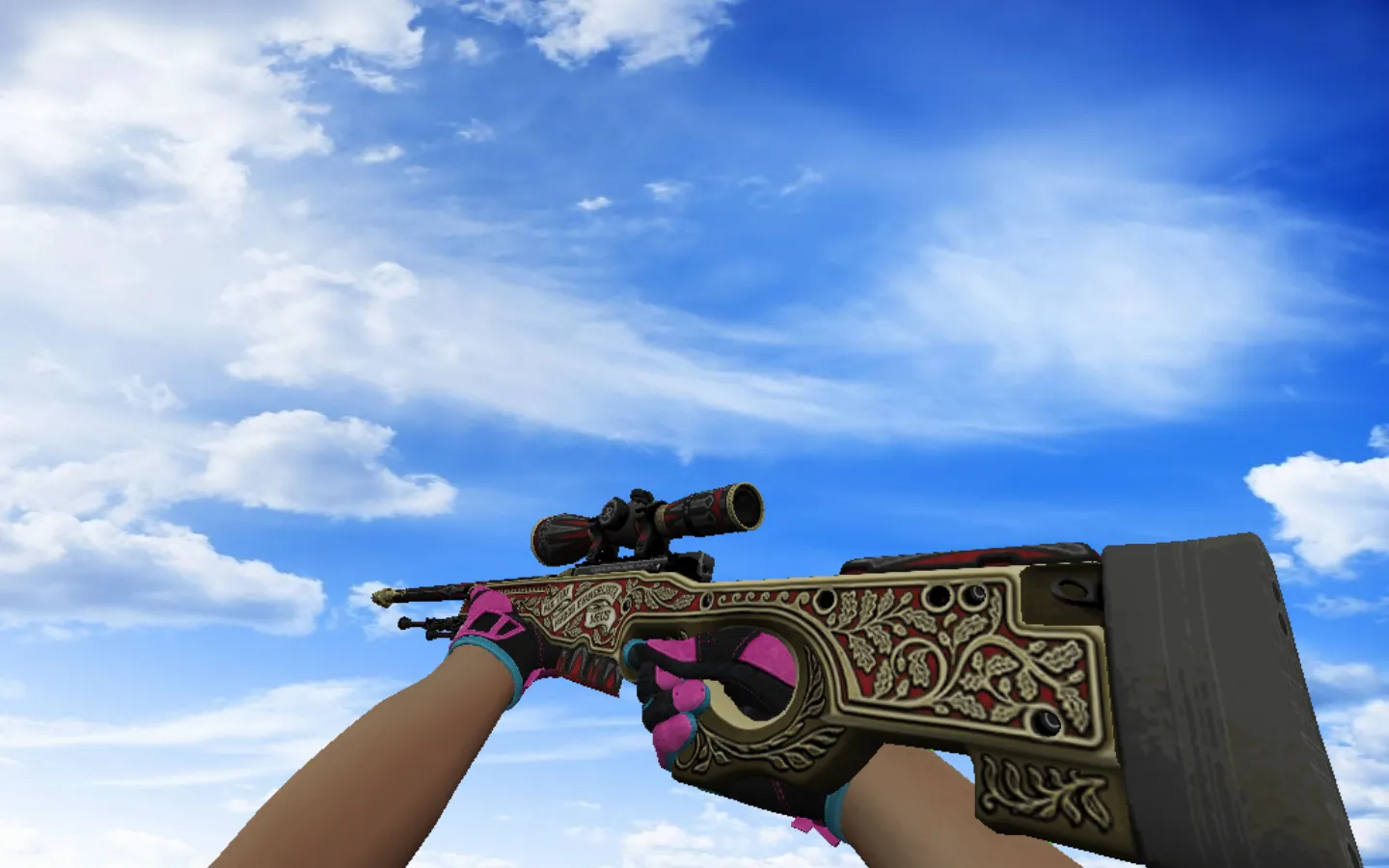
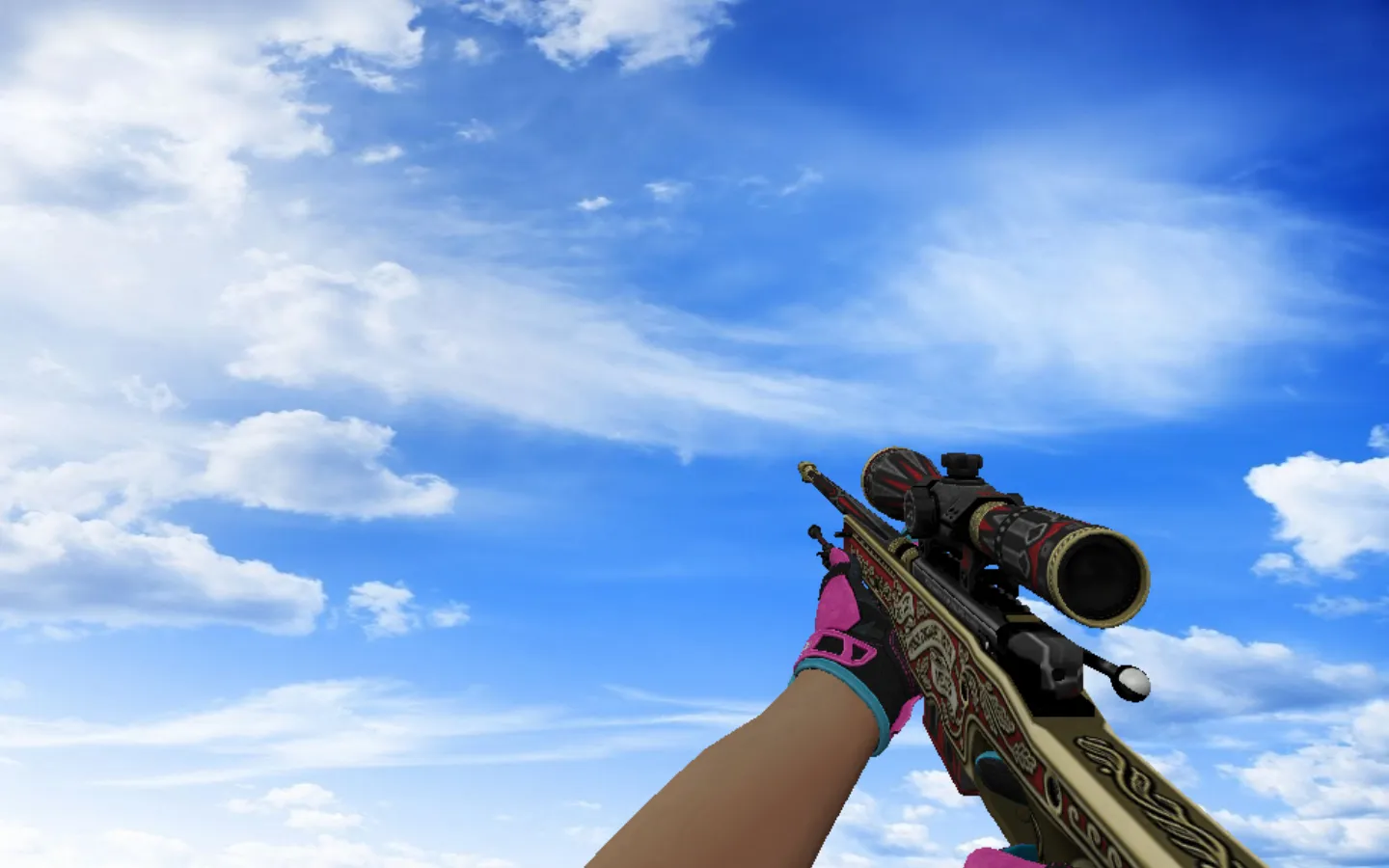
AWP White Phoenix Model for CS 1.6 - Precise Details and Optimized Textures
Description
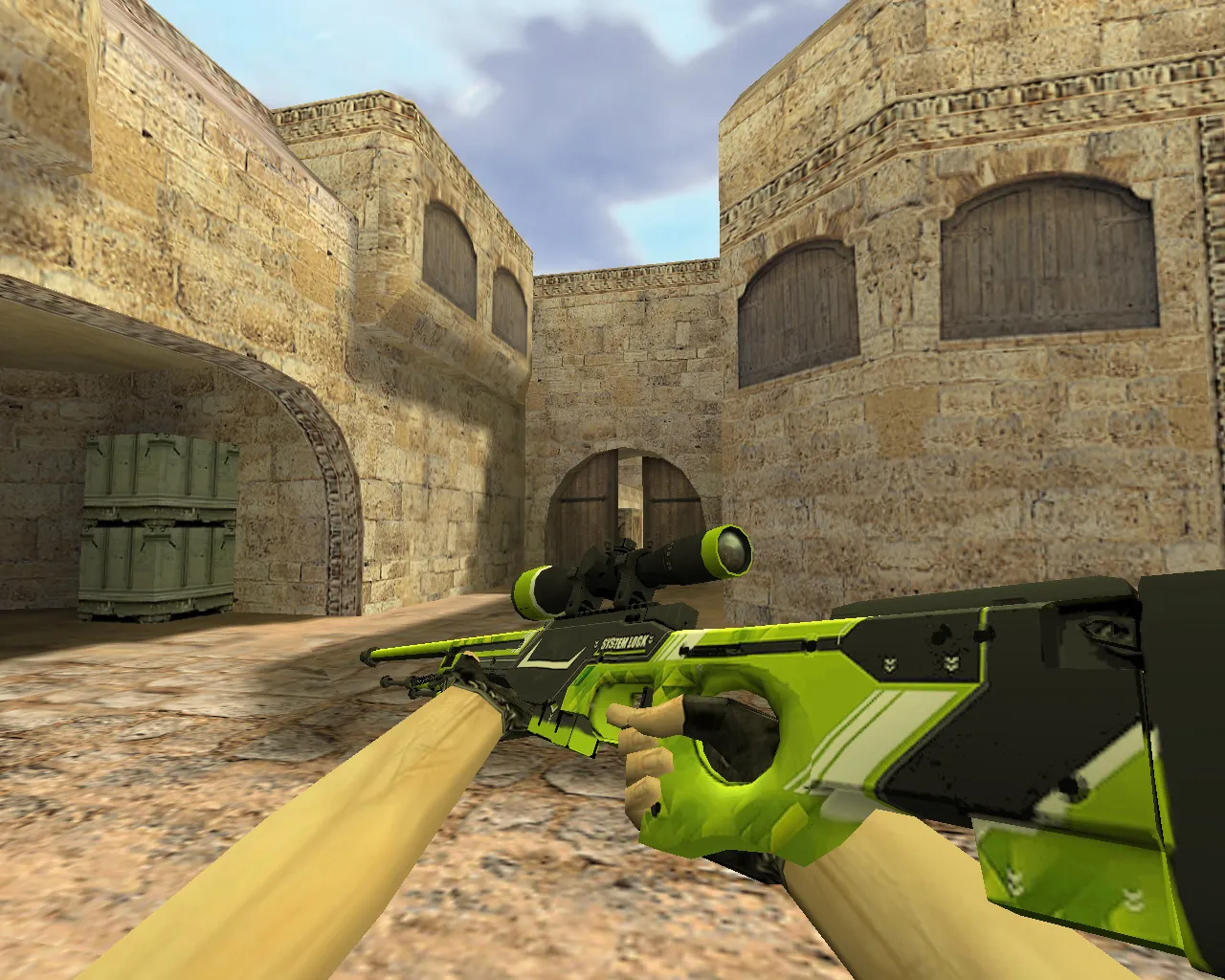
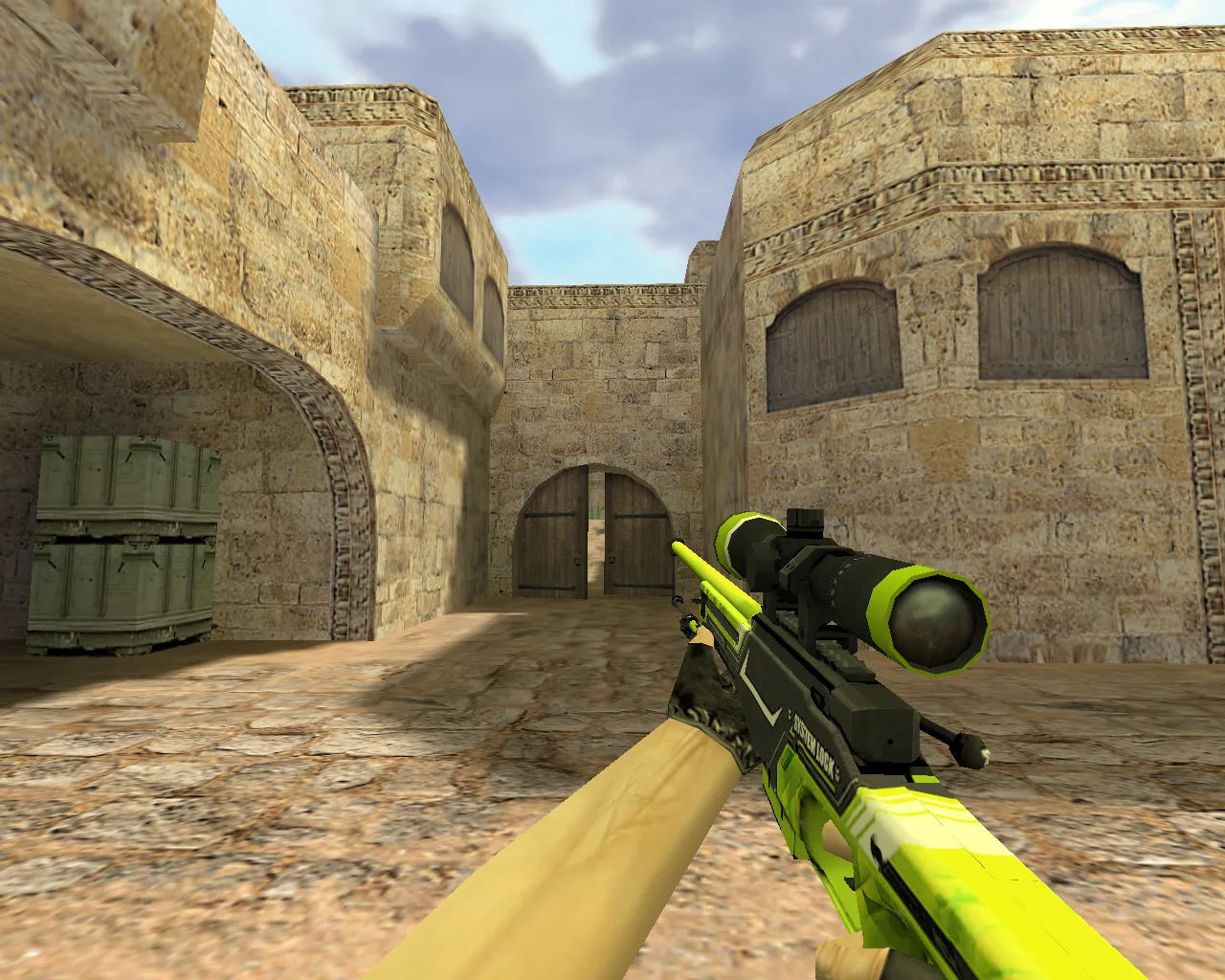
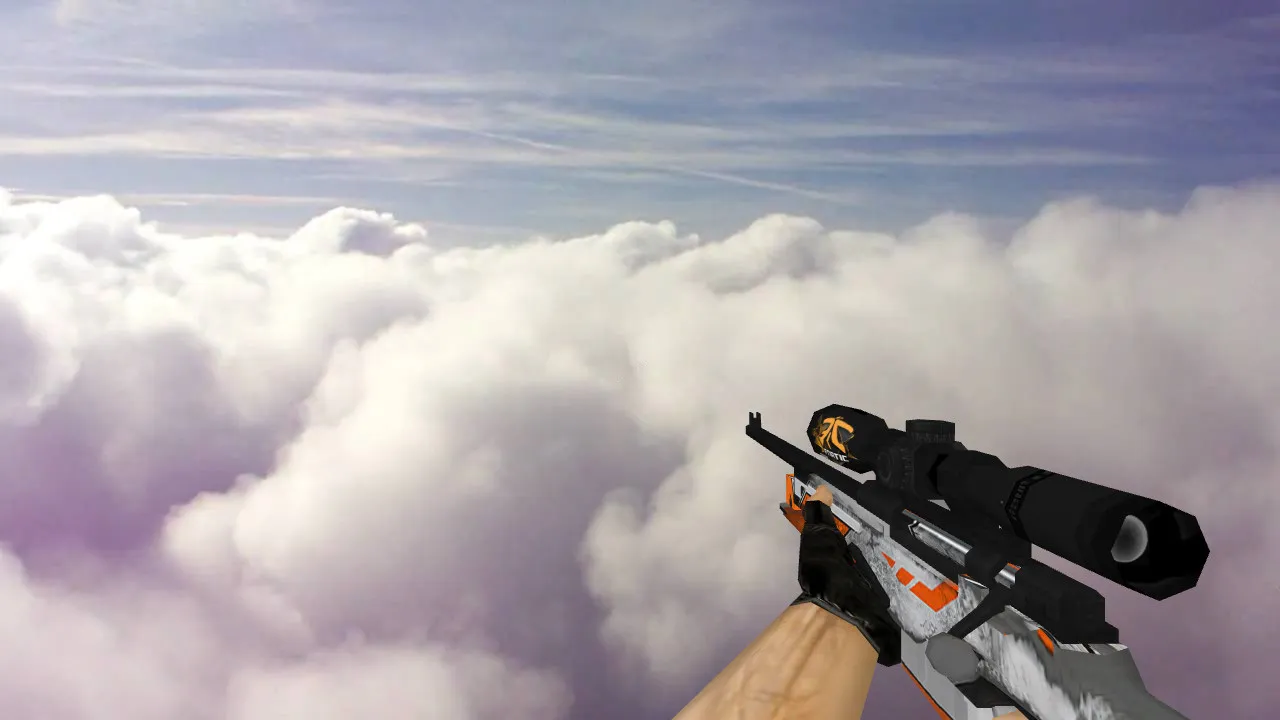
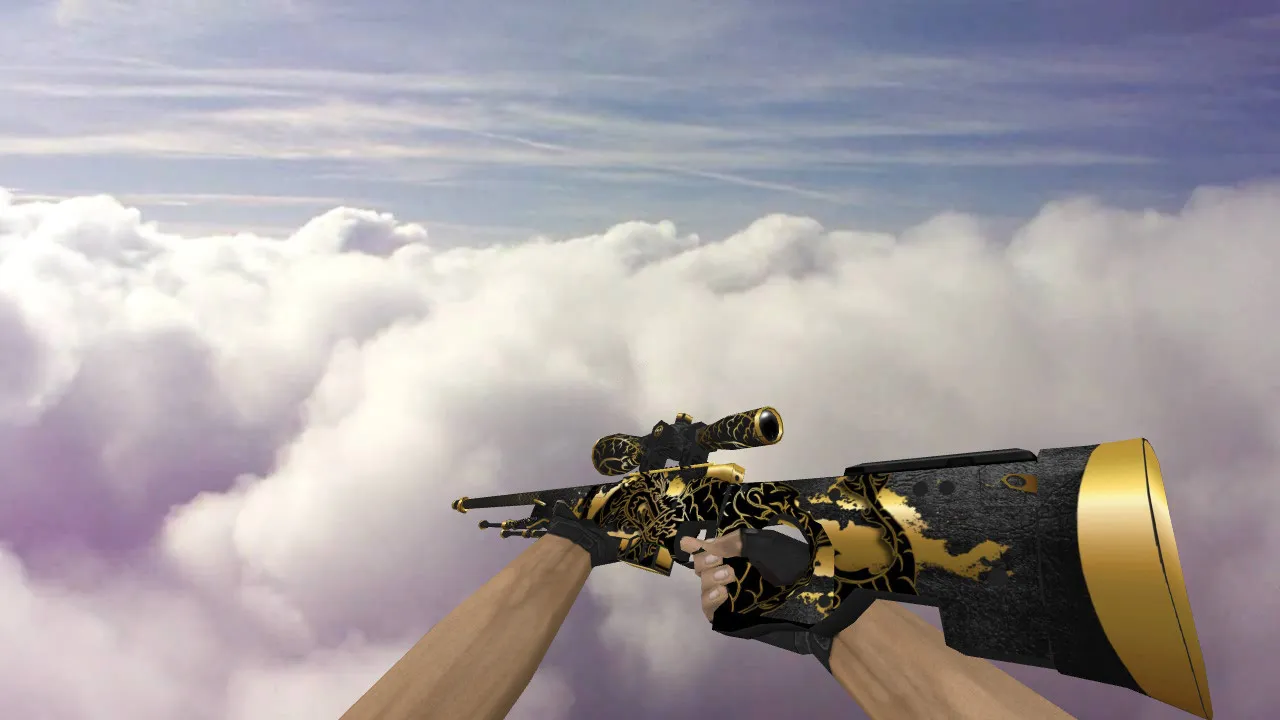
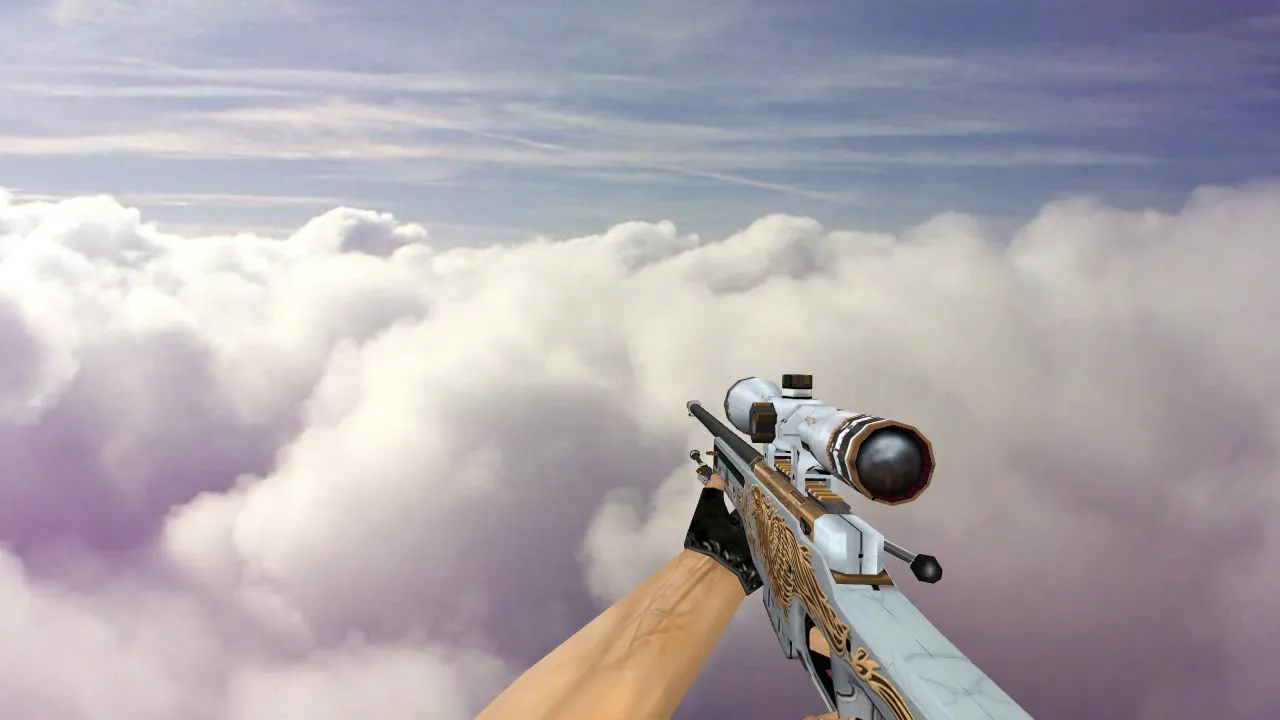
AWP White Phoenix Model for CS 1.6
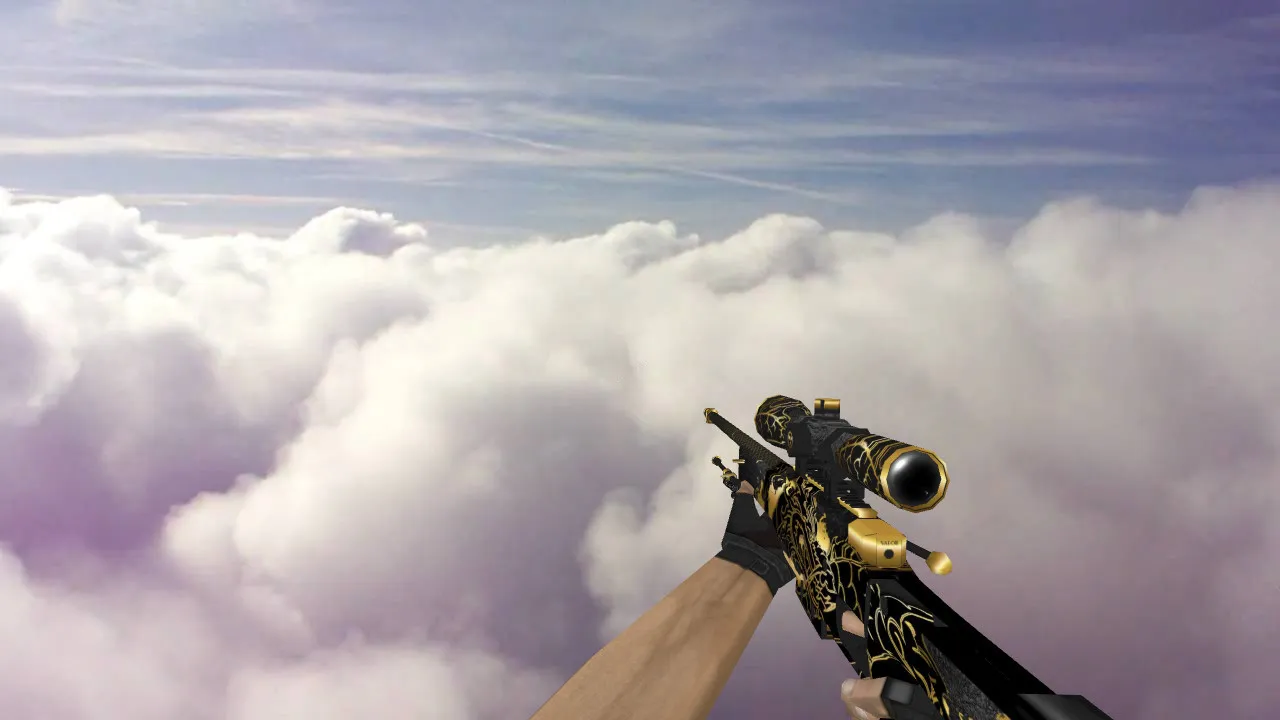
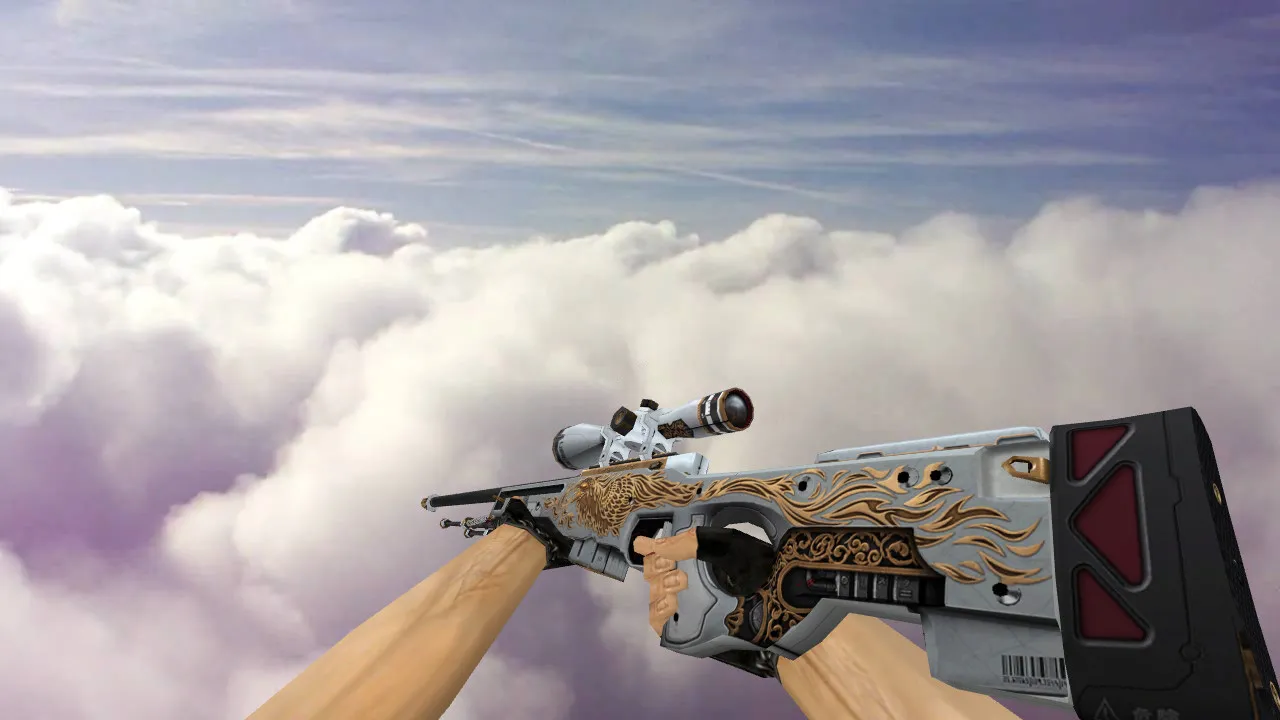
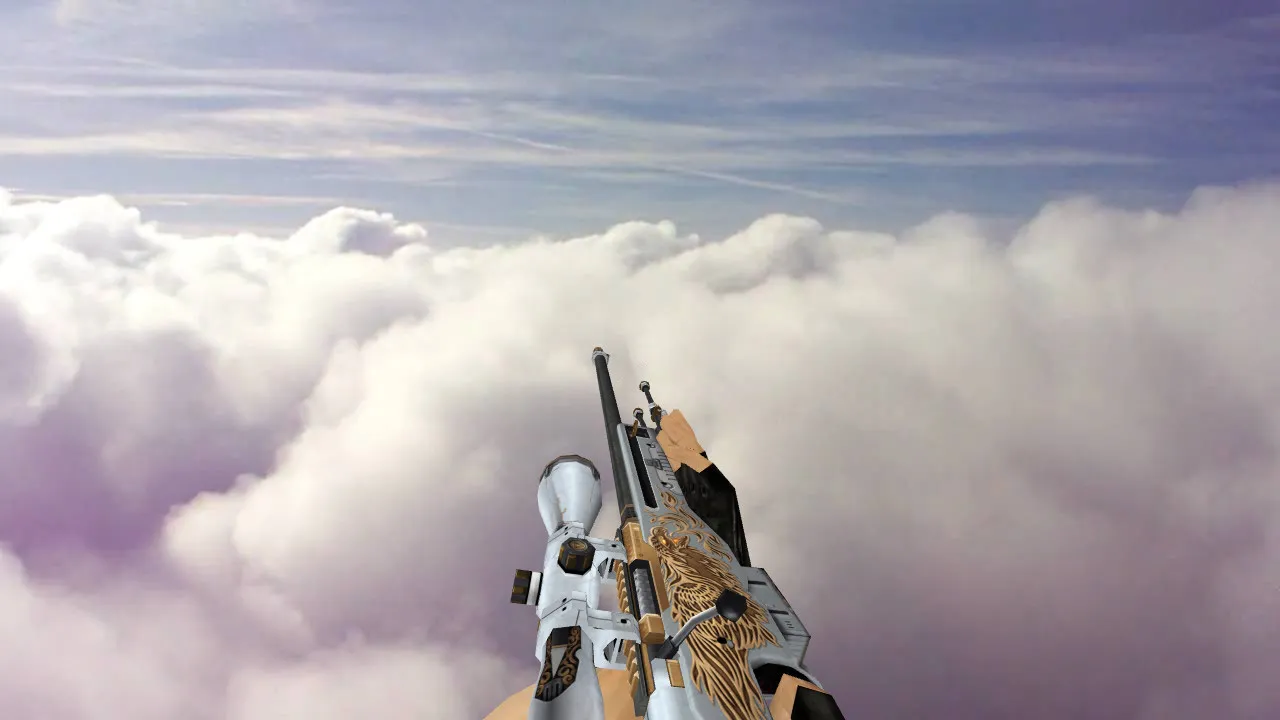
The AWP White Phoenix model gives your Counter-Strike 1.6 game a crisp, standout appearance thanks to its bright white foundation and phoenix-inspired details. This skin fully swaps out the standard AWP look, covering v_model for first-person perspective, w_model for world display, and p_model for how the weapon appears when held by a player. The v_model features 512x512 HD textures that load fast and don't hurt FPS, so performance stays smooth even on older systems running Build 4554 or 8610.
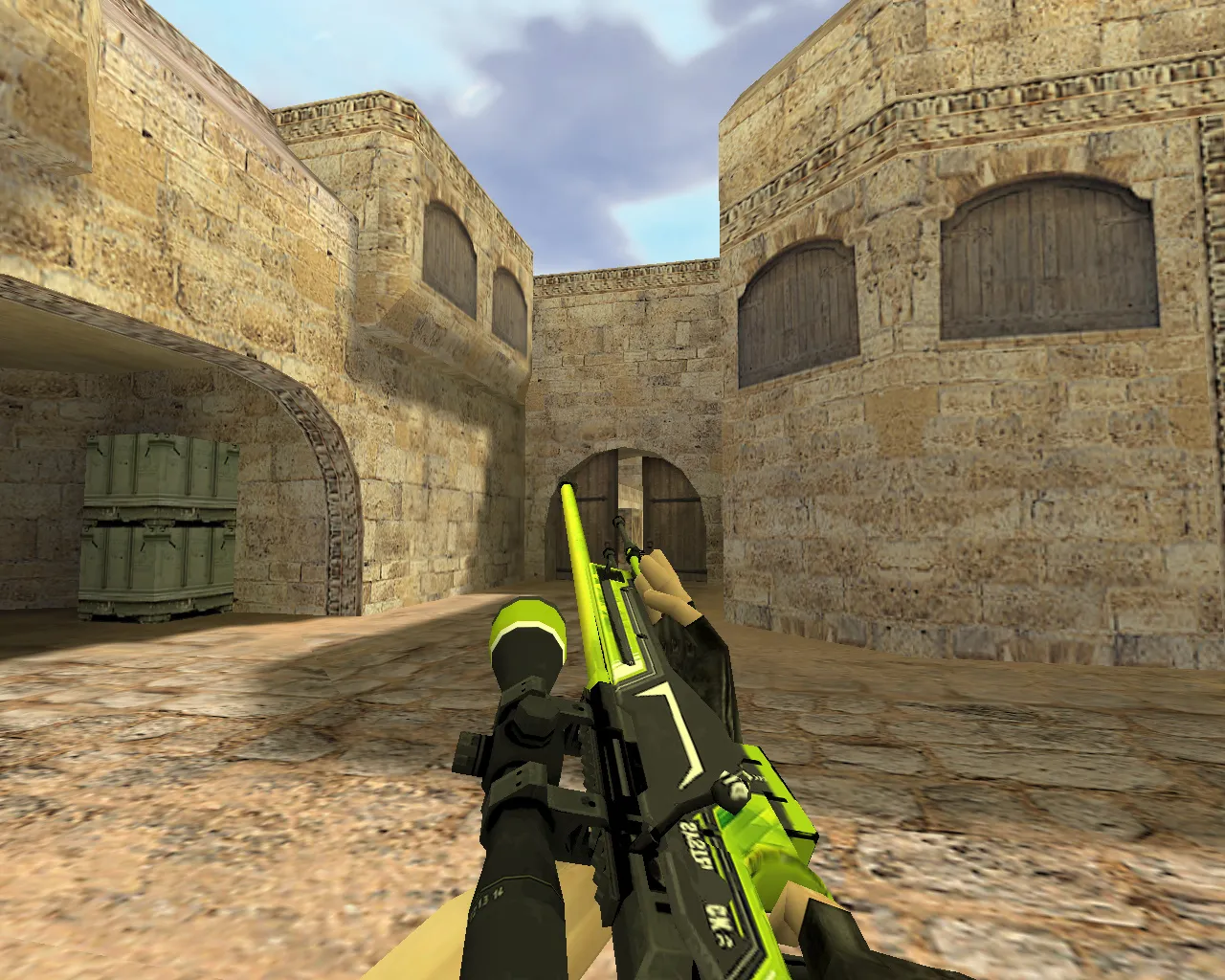
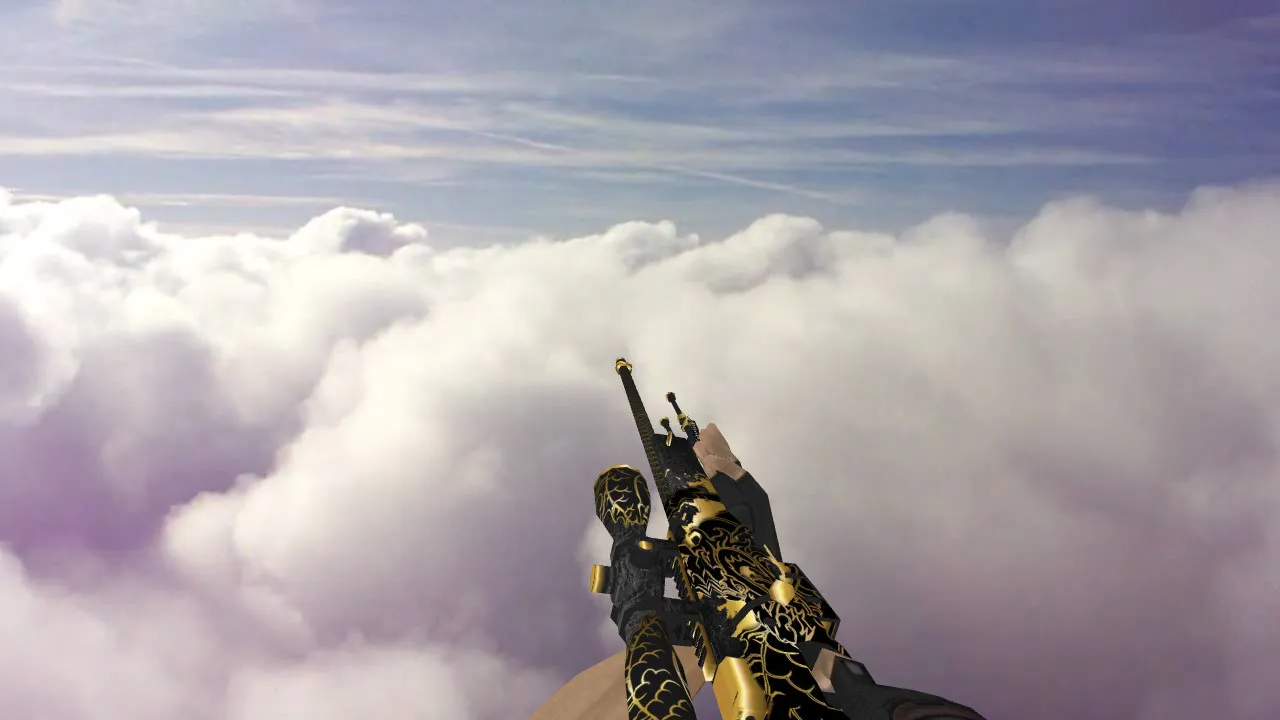
Visibility in-game is excellent on dark maps such as de_dust2 or de_inferno, where the white finish stands out against shadows for improved ESL-style awareness. Hitbox alignment remains identical to the original, so you don't need any adjustments for accurate shots-the polycount is around 1500 triangles, keeping it lightweight. Inspect animations play smoothly, allowing you to spin the model using the +lookatweapon bind to examine the phoenix engravings on the stock and barrel in detail.
Custom sounds are impactful: the reload sequence has sharp metallic clicks and a solid mag-insert sound, while the firing sound delivers the classic AWP boom with less echo for clearer audio during team communication. These replace the default .wav files in your cl_dlls folder without overwriting core game files. p_model integration makes your character stand out in third-person spectating or demos, handy for reviewing clutches on sites like A or B.
Installation is simple-unpack the .mdl files and .wad texture pack into your cstrike/models folder, then add a line to your config.cfg for alias activation. No external tools needed, and it works with both Non-Steam and Steam versions. For bots, make sure .nav files are intact; this mod doesn't affect AI paths. Tested on high-FPS configs with 100+ tick servers, it keeps the no-recoil feel and clean hit registration.
Safety first: this download is virus-scanned, ad-free, and contains no slow-hack scripts or auto-connect features. No backdoors in the .res files-just a pure model swap. If you use custom HUDs or crosshairs, check for conflicts, but it works well with most setups. For further optimization, set r_drawviewmodel 1 and gl_texturemode GL_LINEAR_MIPMAP_NEAREST in the console for maximum clarity.
Why choose White Phoenix? It turns the AWP from a plain sniper into a tactical standout. In long-range fights on de_nuke ramps or de_train tunnels, the high-contrast design helps you spot enemies faster without blinding your own view. Textures avoid over-saturation, maintaining accurate color transmission for that authentic CS 1.6 feel. Pair it with a no-spread config for uncompromising sniping.
- Exact v_, p_, and w_ model replacements with HD 512x512 textures.
- Custom inspect animations and reload sounds for immersive handling.
- Optimized polycount under 2000 for stable 60+ FPS on mid-range hardware.
- Precise hitbox matching to prevent aiming offsets.
- Easy drop-in install-no config edits beyond basic alias.
- Full compatibility with MasterServer protection and bot navigation.
- Bright white scheme enhances visibility in low-light areas like de_cbble underpasses.
- No malware, ads, or performance-draining elements included.
For modders, the .wad file is editable in Wally for personal tweaks, but the stock version shines out of the box. Download this AWP White Phoenix model to sharpen your edge in CS 1.6 lobbies-it's built for precision players who value detail without the bloat. Whether you're holding mid on de_mirage or quickscoping bombsites, this skin delivers reliability every round.
Expand your arsenal with more AWP variants; this one slots perfectly into any skin rotation. Remember to backup your models folder before installing, and test in a local server to confirm w_model rendering. If issues arise with sprite overlays, flush your cache via console commands like gl_flush.
Install in three steps
-
1
Download the archive. Use the button on the right, or the Yandex.Disk mirror if the main server is slow.
-
2
Extract it into the game folder. Use 7-Zip or WinRAR. A path without non-Latin characters works best.
-
3
Launch the game. If something doesn't work, mark it below - that is how we know the file needs an update.
Did it work for you?
No sign-up needed. You can pick more than one.